Chapter 1: Networking Fundamentals
1.6 Static vs dynamic IP
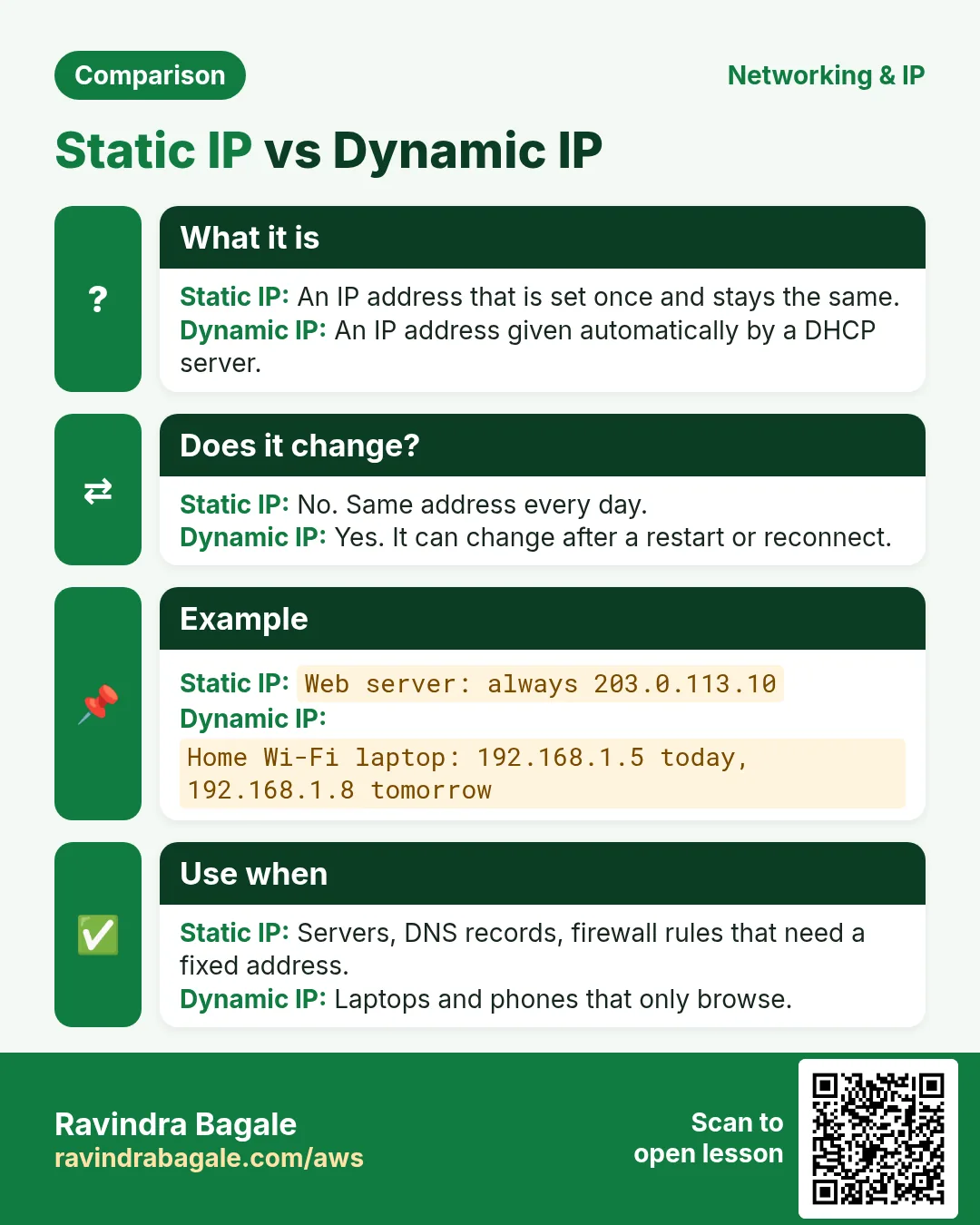
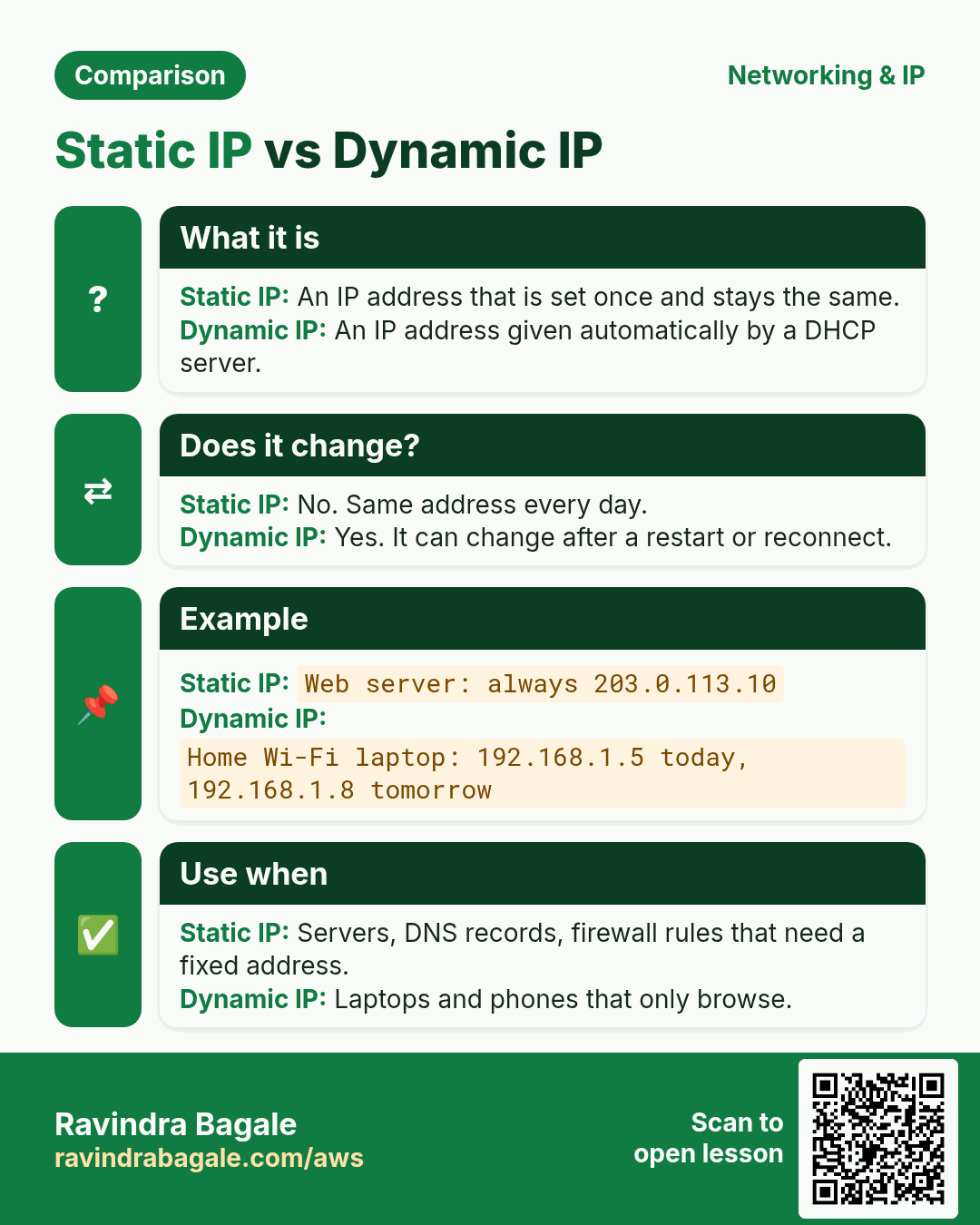
Now a question: who gives your home Wi-Fi device its IP? The DHCP in your router. But if a server's IP changed every day, how would customers find it? That is why servers need a static IP.
आता एक प्रश्न: तुमच्या घरी Wi-Fi ला IP कोण देतं? राउटरमधला DHCP. पण सर्व्हरचा IP रोज बदलला तर कस्टमर्स त्याला कसे शोधणार? म्हणून सर्व्हर्सना स्टॅटिक IP लागतो.
अब एक सवाल: आपके घर के Wi-Fi को IP कौन देता है? राउटर वाला DHCP. लेकिन सर्वर का IP रोज़ बदल गया तो कस्टमर्स उसे कैसे ढूँढेंगे? इसलिए सर्वर्स को स्टैटिक IP चाहिए.
| Feature | Static IP | Dynamic IP |
|---|---|---|
| Assigned by | Manually by an admin (or reserved) | Automatically by a DHCP server |
| Changes? | Never, unless changed manually | May change on reboot / lease expiry |
| Best for | Servers, DNS records, printers, VPN endpoints | Laptops, phones, home users |
| Cost | Often extra (ISPs charge) | Usually included |
| AWS equivalent | Elastic IP | Auto-assigned public IPv4 |
DHCP (Dynamic Host Configuration Protocol) hands out IP address, subnet mask, default gateway and DNS server in four steps: Discover → Offer → Request → Acknowledge (DORA).
The laptops and billing PC in the Mauli Dairy office get a dynamic IP from DHCP – that is fine. But their EC2 web server will later get an Elastic IP, because the domain (DNS) must always point to the same IP.
Mauli Dairy च्या ऑफिसमधले लॅपटॉप्स आणि बिलिंग PC ला DHCP ने डायनॅमिक IP मिळतो – ते चालेल. पण त्यांच्या EC2 वेब सर्व्हरला आपण पुढे Elastic IP देऊ, कारण डोमेन (DNS) नेहमी एकाच IP वर पॉइंट झालं पाहिजे.
Mauli Dairy के ऑफ़िस के लैपटॉप्स और बिलिंग PC को DHCP से डायनैमिक IP मिलता है – वो चलेगा. लेकिन उनके EC2 वेब सर्वर को हम आगे Elastic IP देंगे, क्योंकि डोमेन (DNS) हमेशा एक ही IP पर पॉइंट होना चाहिए.
Ravindra Bagale's Tip
Many students stop their instance at night and find the website down in the morning – because the auto-assigned public IP changed. The domain or the WordPress URL keeps pointing to the old IP. If you need a fixed address, use an Elastic IP (Chapter 5.5 and Chapter 14).
Ravindra Bagale's Tip – मराठी
बरेच students रात्री instance stop करतात आणि सकाळी website बंद दिसते – कारण auto-assigned public IP बदलला. Domain किंवा WordPress URL जुन्या IP वरच point करत राहतो. Fixed address पाहिजे असेल तर Elastic IP वापरा (Chapter 5.5 आणि Chapter 14).
Ravindra Bagale's Tip – हिंदी
बहुत से students रात को instance stop करते हैं और सुबह website बंद दिखती है – क्योंकि auto-assigned public IP बदल गया. Domain या WordPress URL पुराने IP पर ही point करता रहता है. Fixed address चाहिए तो Elastic IP इस्तेमाल करो (Chapter 5.5 और Chapter 14).
Practice task
DHCP che DORA che char steps (Discover → Offer → Request → Acknowledge) ek chhotya diagram madhe kadha. Mag lihun kadha: Mauli Dairy madhe kontya devices la static IP pahije (web server, printer) aani kontyana dynamic chalel (laptops, phones).
Quick revision cards
Revise this lesson in two minutes. Save the cards on your phone or download them as PNG files. The QR code on each card opens its lesson.
More cards: Ravi Sir's Cards.