AWS Organizations and Control Tower: Multi-Account Landing Zone Explained
One house key for the whole housing society is a bad idea. AWS Organizations gives each flat (account) its own key, while the society office (management account + SCPs) sets rules like "no public S3". Control Tower builds that society with paved roads.
What you'll learn in this chapter
- Why multi-account beats one fat account
- OUs, SCPs, management vs member
- What Control Tower landing zone adds
- Account Factory and guardrails
- Lab outline, errors, FAQ, interview
1. Everyday example first
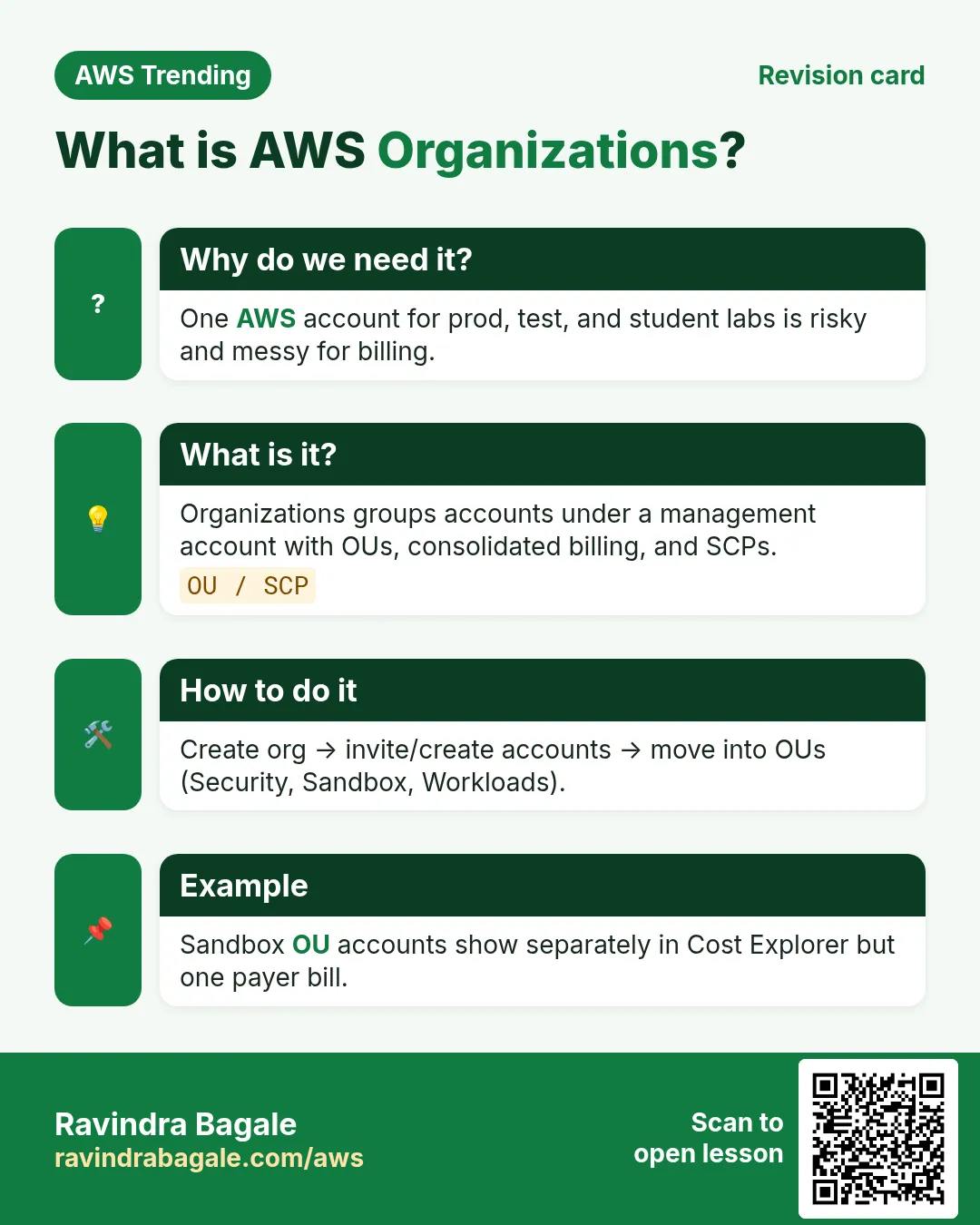
Why do we need this?
A single AWS account held prod, student labs and a contractor. Someone attached AdministratorAccess for a demo and left it. Blast radius = everything. Separate accounts limit the fire to one flat.
What is it?
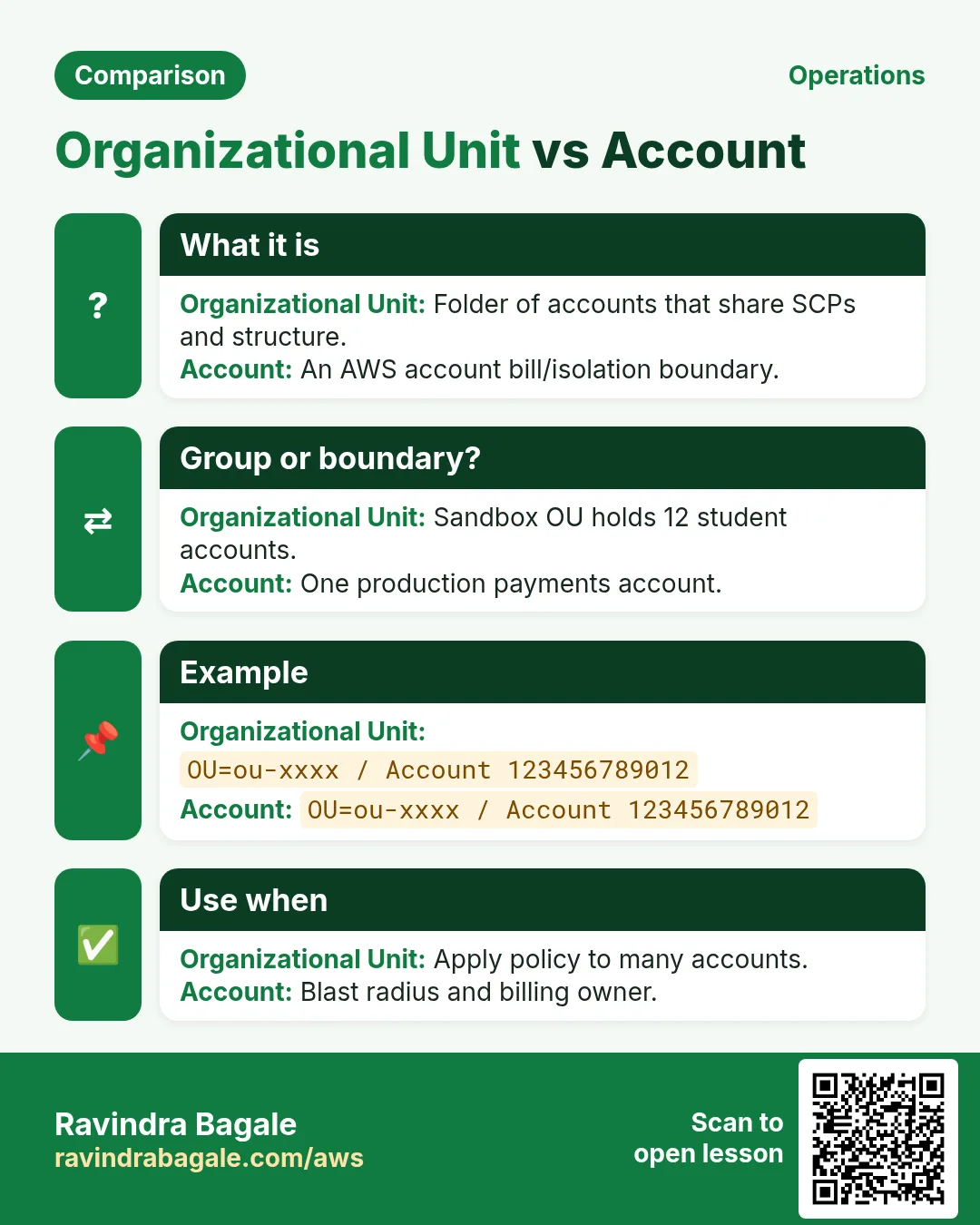
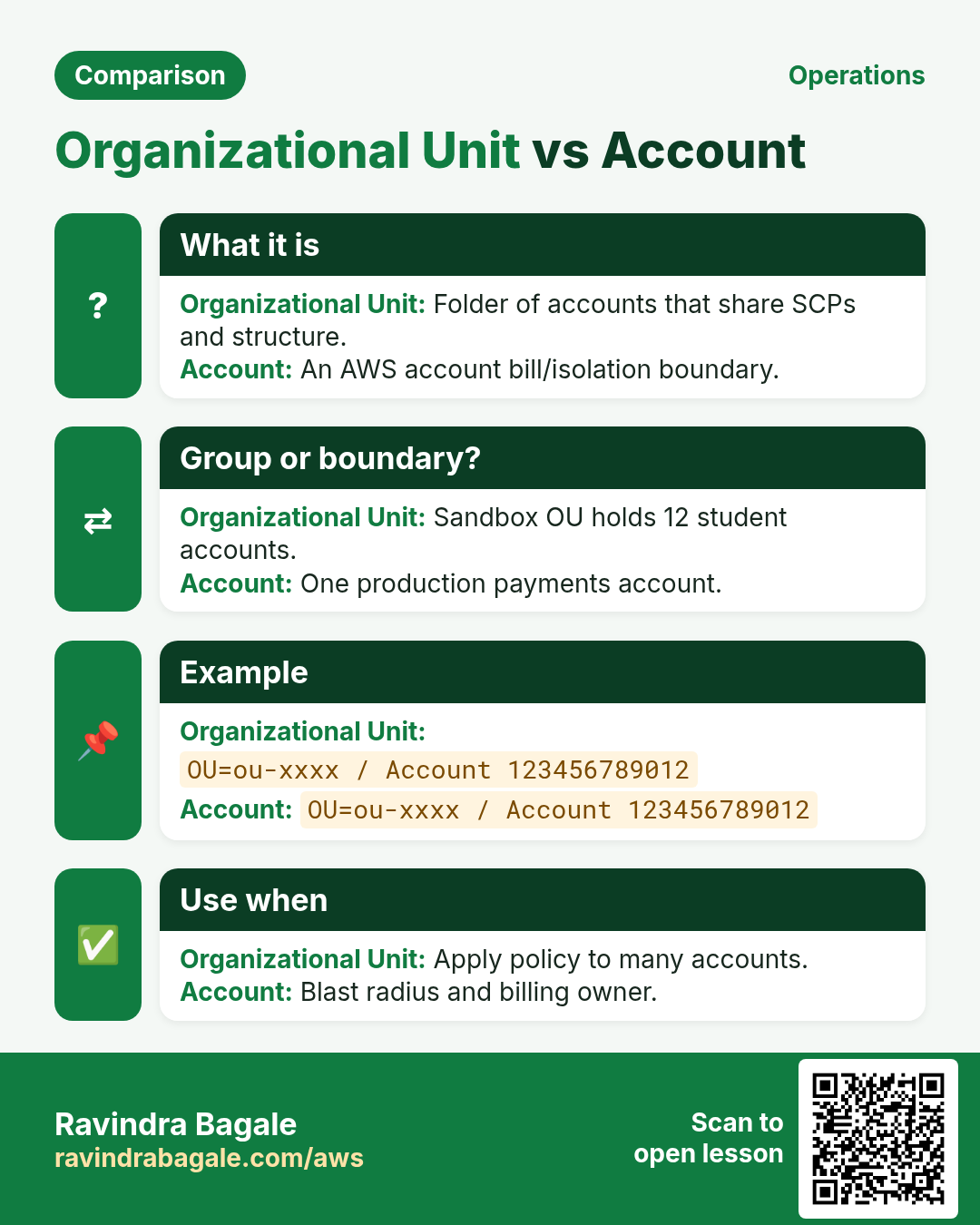
AWS Organizations groups accounts under a management account, arranged in Organizational Units (OUs). Service Control Policies (SCPs) set the maximum permissions an account can ever grant. AWS Control Tower builds a multi-account landing zone with baseline guardrails, logging, and Account Factory.
2. Core words
| Word | Meaning | Picture |
|---|---|---|
| Management account | Org root payer / governor | Society office |
| Member account | Workload account | One flat |
| OU | Folder of accounts | Building wing |
| SCP | Guardrail ceiling on IAM | Society bylaws |
| Control Tower | Opinionated landing zone setup | Township builder |
| Account Factory | Vending machine for new accounts | New flat keys |
3. SCP mental model
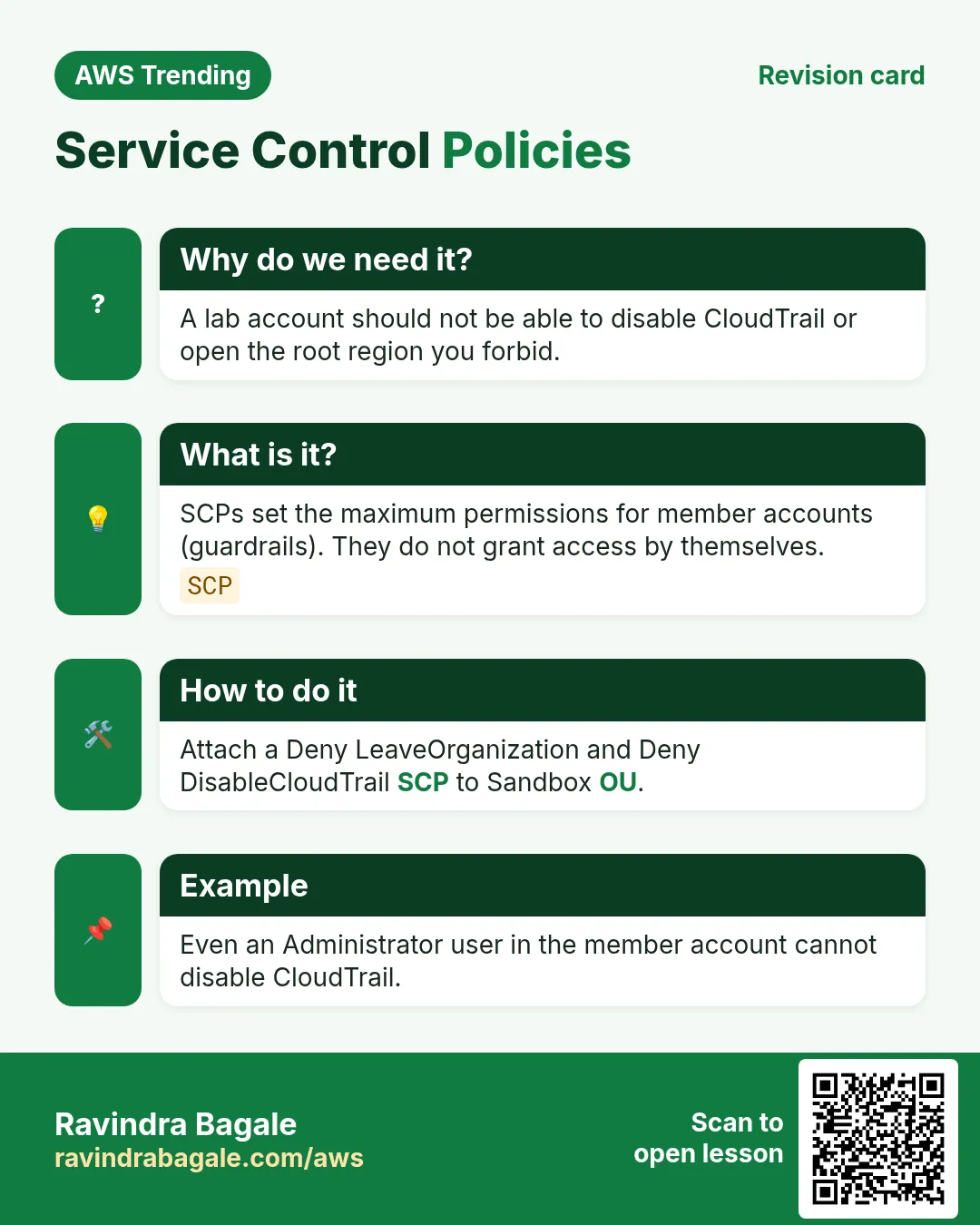
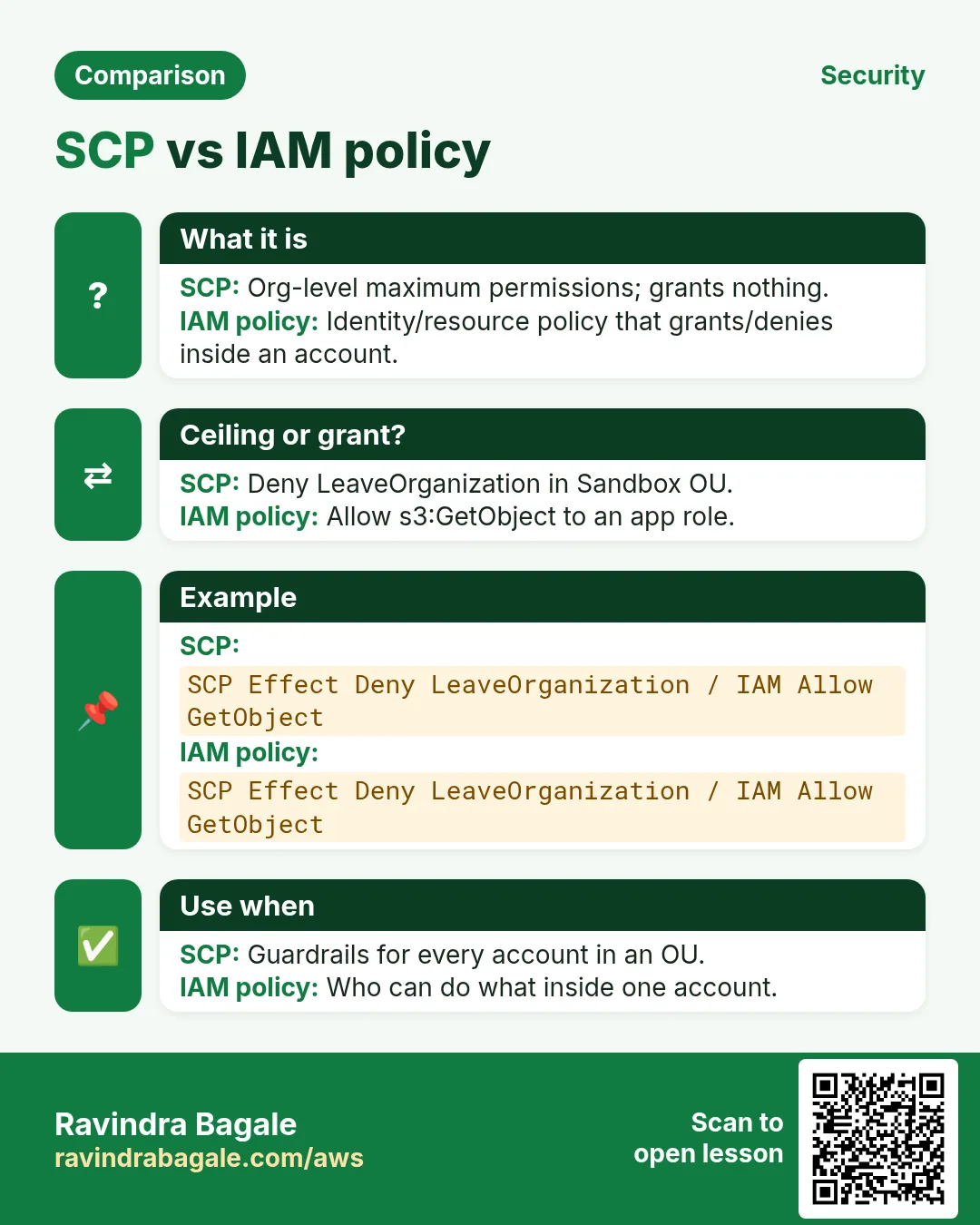
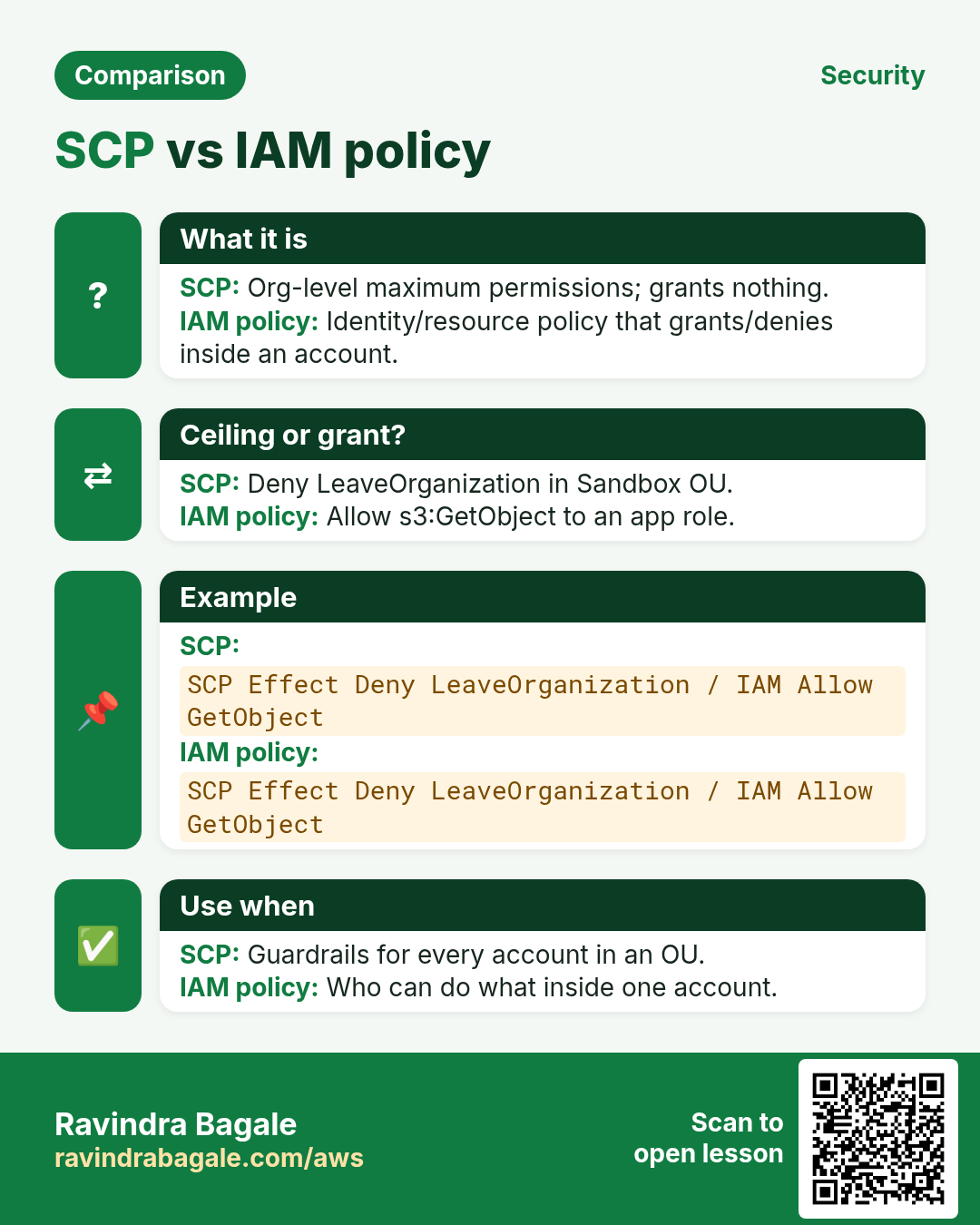
IAM says what a principal *can* do if allowed. SCP says what the account is *allowed to allow*. Even AdministratorAccess cannot outrun a Deny SCP. Test SCPs in sandbox OUs first.
{
  "Version": "2012-10-17",
  "Statement": [{
    "Sid": "DenyLeaveOrg",
    "Effect": "Deny",
    "Action": ["organizations:LeaveOrganization"],
    "Resource": "*"
  }]
}
Ravindra Bagale's Tip
Never invent your first SCP on the Prod OU. Clone a known-good policy into Sandbox and break things there.
4. Industries
- Enterprises: OU per business unit + regulated prod OU.
- SaaS: prod / staging / sandbox accounts per environment.
- Agencies: OU per client with spend SCPs.
- Edtech: student sandbox OU with region deny lists.
- Banks: Security Tooling + Log Archive accounts mandatory.
5. Mini lab outline (org-safe)
Do this in ap-south-1 (Mumbai) unless your org forbids it. Set a budget alert first.
How to do it (step by step)
- If you lack org admin, study the Control Tower dashboard screenshots in AWS docs — do not create an org on a work payer account without approval.
- In a personal training payer (only if allowed), create Organizations and one Sandbox OU.
- Attach a mild SCP (e.g. deny leave org) to Sandbox.
- Create a member account into Sandbox via invite or Factory.
- Enable CloudTrail org trail into a log-archive bucket pattern.
Cleanup (stop billing)
- Remove test SCPs that block learning accounts when done.
- Never delete the management account casually.
6. Common errors and fixes
Each row is a real mistake students and juniors hit. Read the fix before you panic.
| Error / symptom | Fix |
|---|---|
| SCP blocked everything including root fix | Keep an emergency break-glass path documented; test SCP with dry runs. |
| Using management account for workloads | Move apps to member accounts. |
| OU spaghetti | Design OU tree on paper first (Security, Infrastructure, Workloads, Sandbox). |
| Control Tower drift ignored | Review drifted resources; do not click-fix baselines blindly. |
| Account Factory email reuse | Each account needs a unique email. |
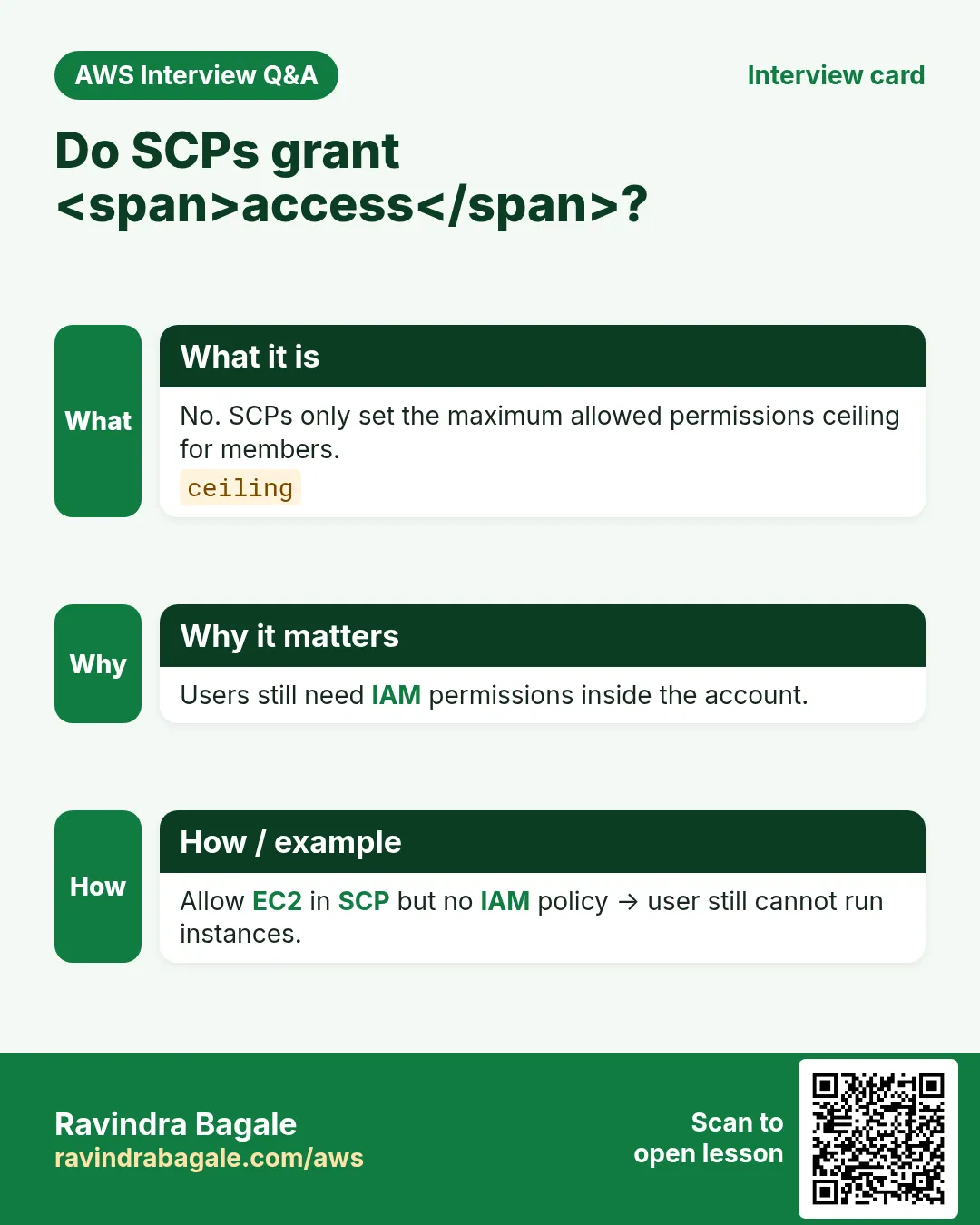
| SCP Allow alone does nothing useful | SCPs do not grant rights; they filter. IAM still needed. |
| No log archive | You will regret it during an incident. |
| Region restrict too tight | Breaks global services — allowlist carefully. |
| Invite pending forever | Check email + handshake; verify quota. |
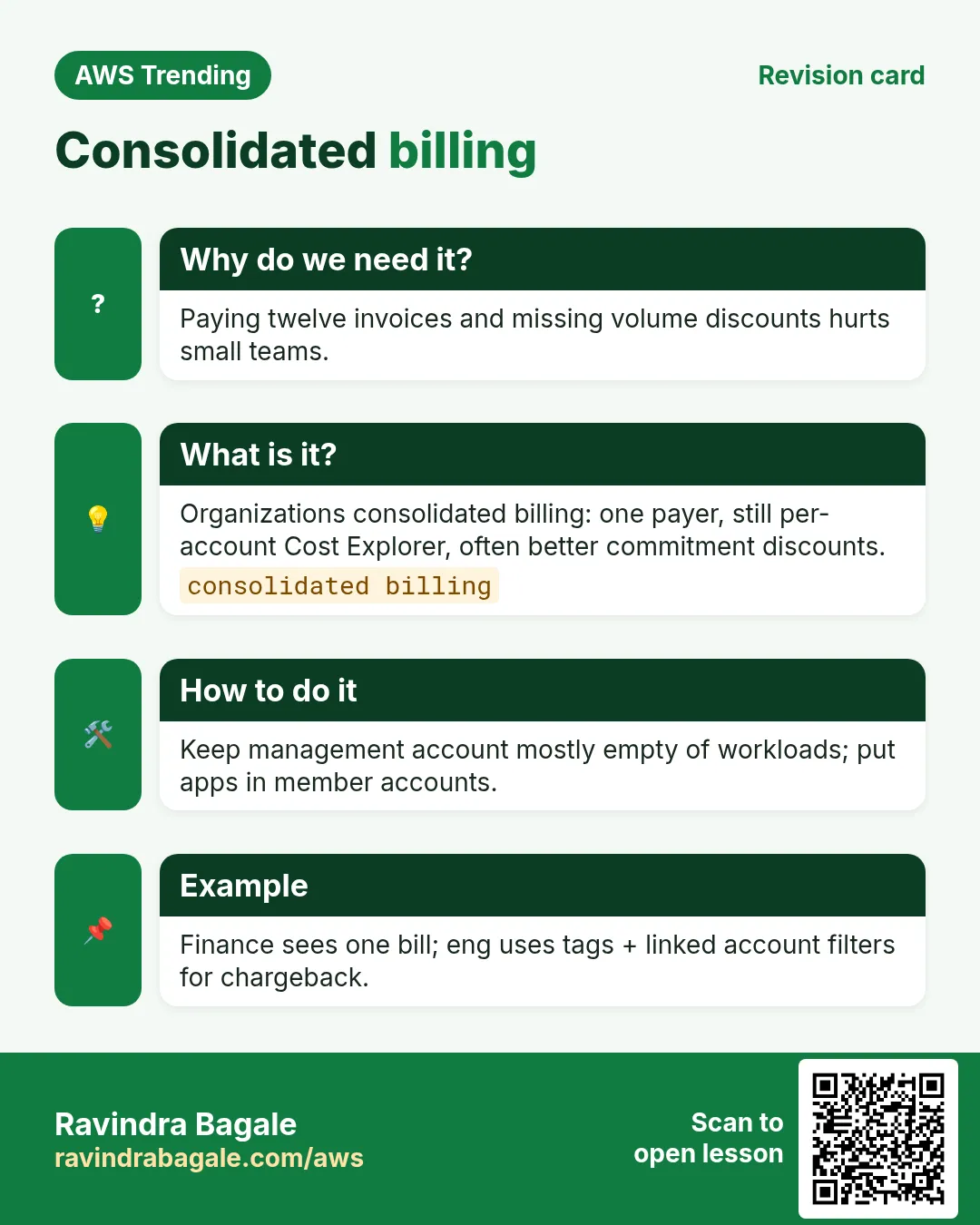
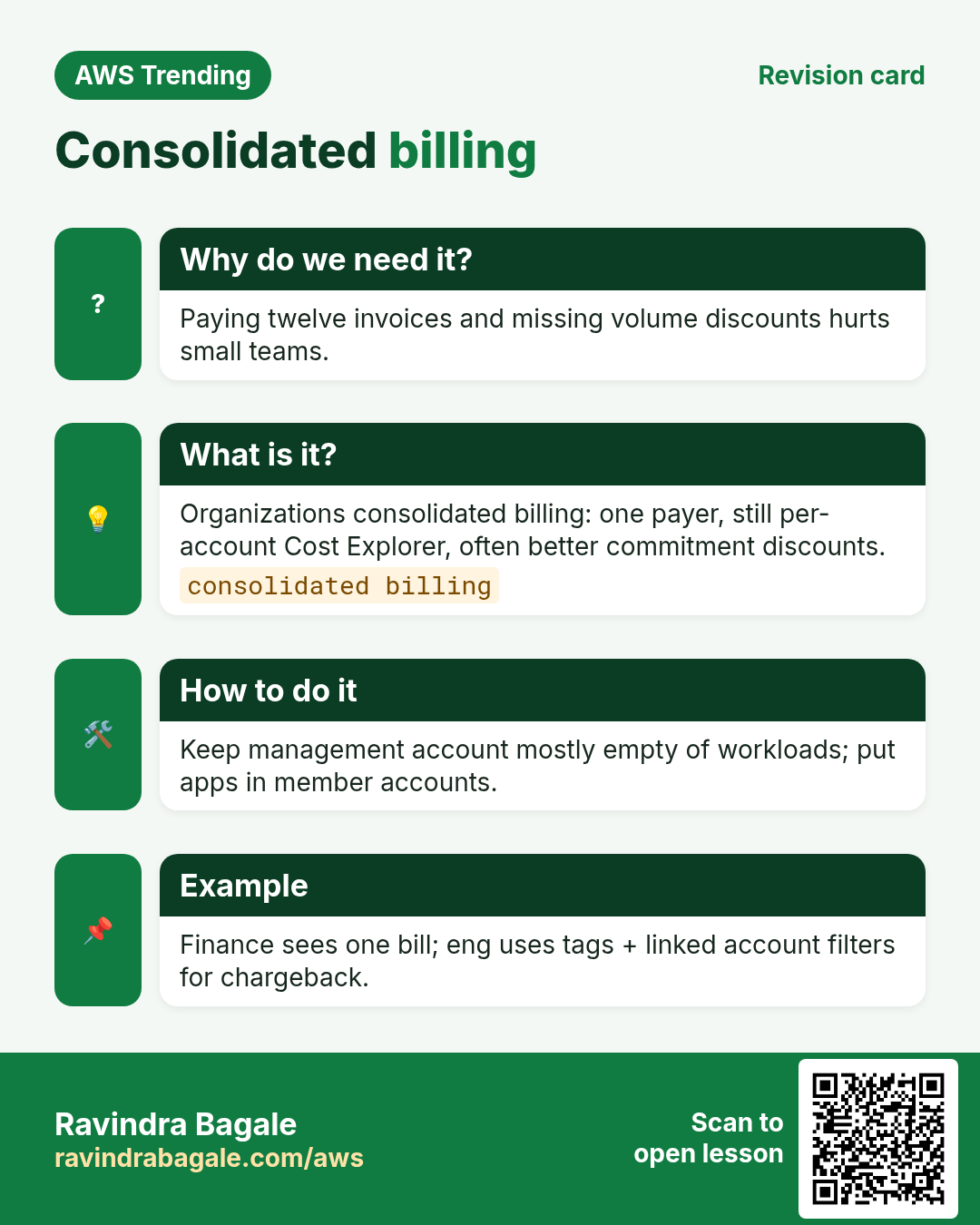
| Mixed billing surprise | Understand consolidated billing before creating 20 accounts. |
7. Troubleshooting checklist
- Confirm you are signed into the management account for org changes.
- organizations describe-organization CLI sanity check.
- SCP simulator / careful attach to one sandbox account first.
- Control Tower → Landing zone details for region list.
- Open support only after you capture Account IDs and OU paths.
8. FAQ
Q. Is Organizations free?
Organizations feature is free; resources you create still bill.
Q. Control Tower mandatory?
No — but it speeds a safe baseline.
Q. SCP vs IAM permission boundary?
SCP is account/OU wide; permission boundary is per-principal.
Q. Can I move accounts?
Yes between OUs; changing org is more careful.
Q. How many accounts?
Prefer many small over one fat — with automation.
9. Interview Q&A
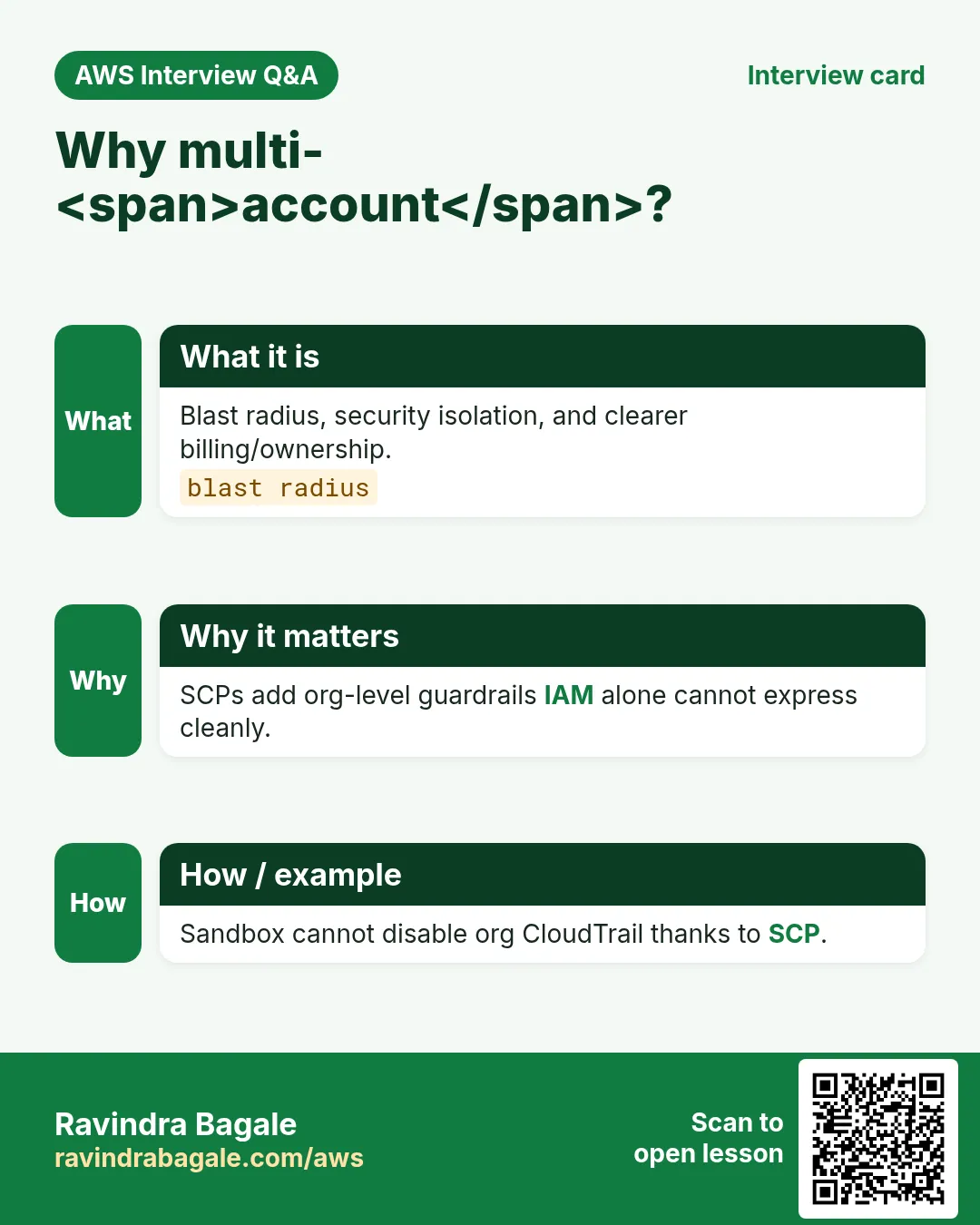
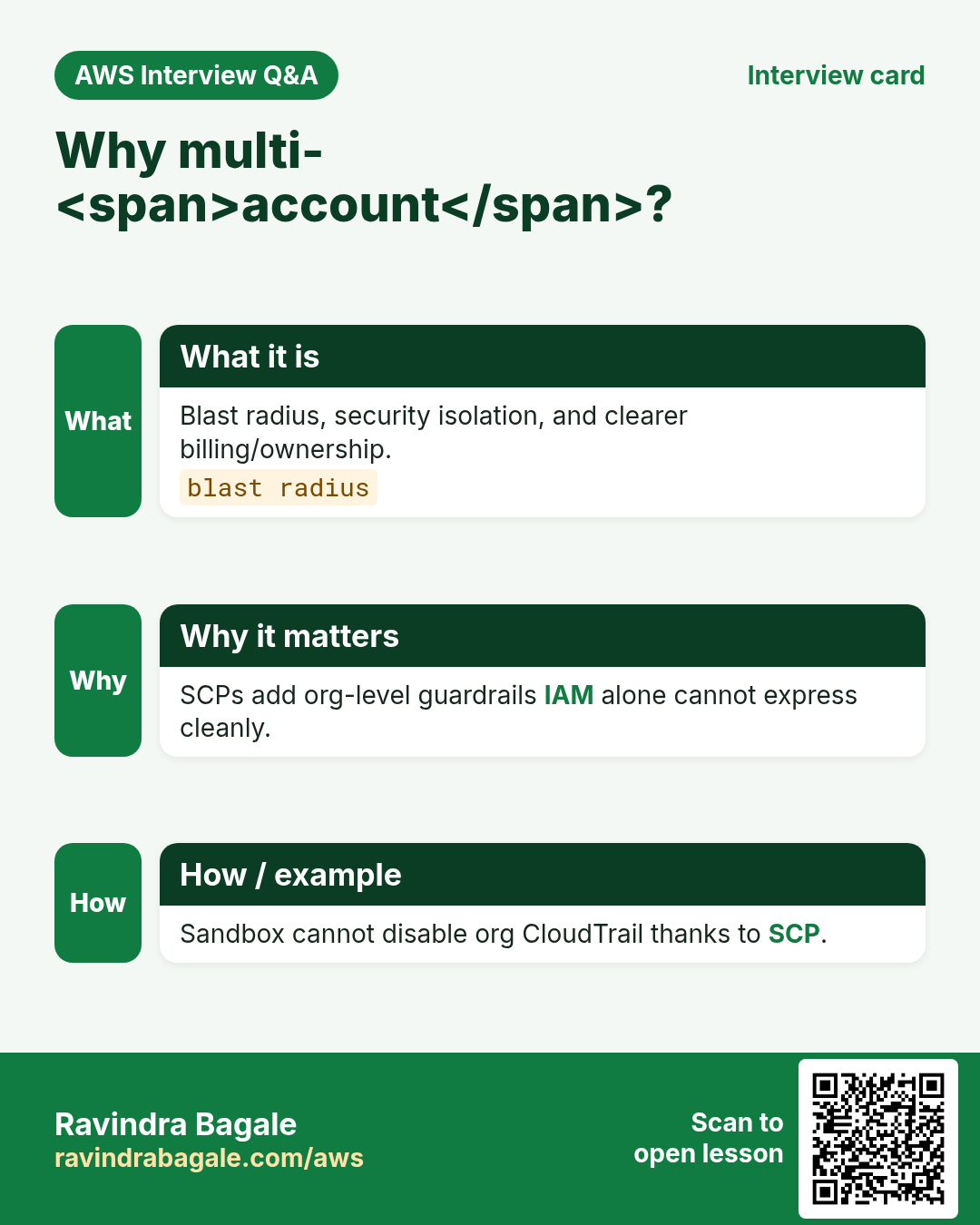
Q. Why multi-account?
Blast radius, billing separation, different security postures.
Q. What does an SCP do?
Sets the maximum permissions members can grant — does not grant by itself.
Q. Management account use?
Billing, org governance — not app workloads.
Q. Control Tower?
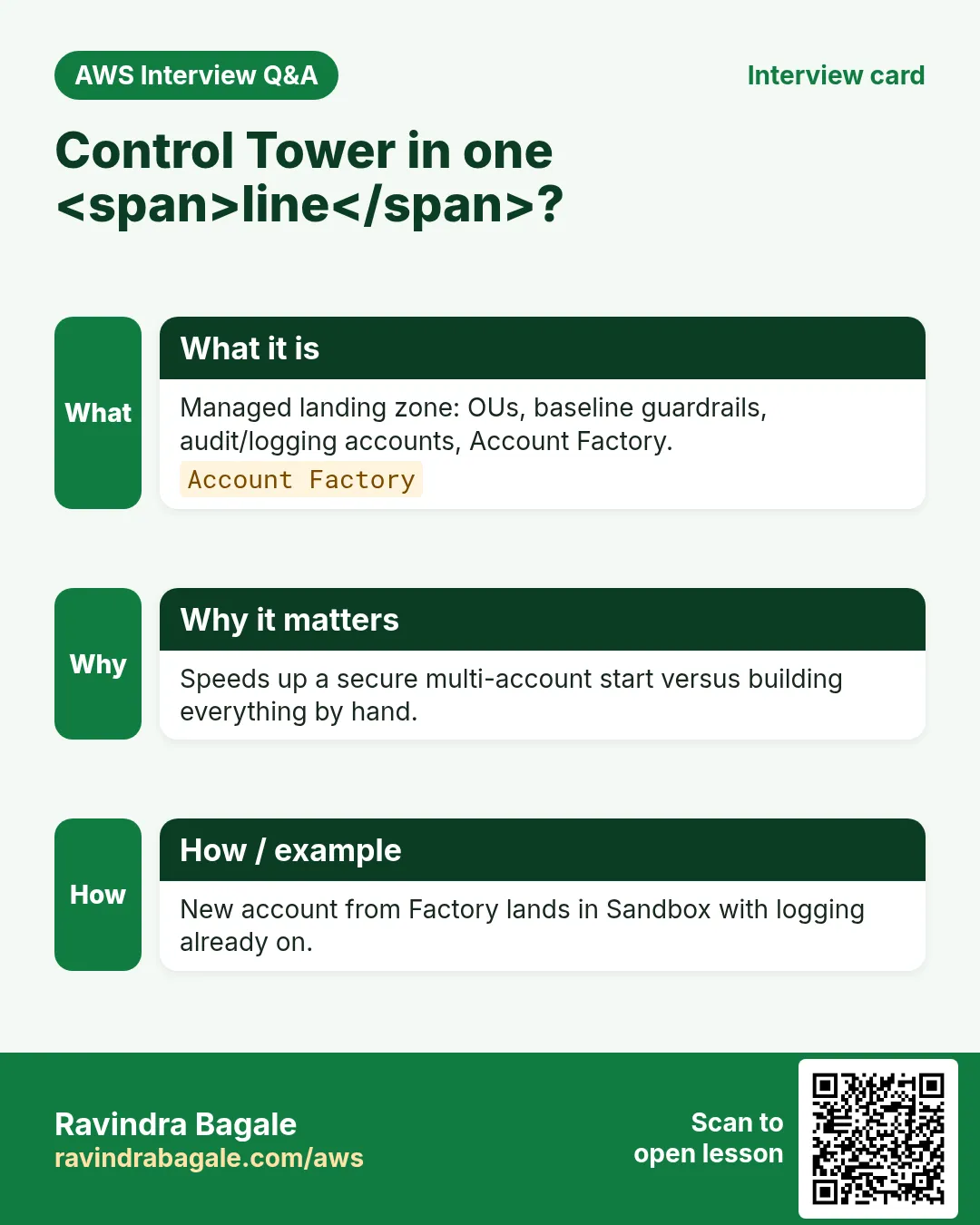
AWS managed landing zone with guardrails and Account Factory.
Q. Log Archive account?
Central immutable-ish logs from the org.
Q. Break-glass?
Emergency role/path when SCPs or IdP fail — monitored.
10. Tips in English, Marathi and Hindi
Ravindra Bagale's Tip (EN)
Draw the OU tree before you click Create Organization.
Ravindra Bagale's Tip (MR)
Create Organization आधी OU tree काढा.
Tip (HI)
Organization बनाते से पहले OU ट्री कागज़ पर बनाओ।
Try at home
- Sketch OUs for Security, Sandbox, Prod on paper.
- Write one SCP in English: deny unencrypted new S3 puts (conceptually).
- List who at your org would be delegated security admin.
In short
- Organizations = accounts + OUs + SCPs.
- Control Tower paves a landing zone quickly.
- Never run apps in the management account.
- Test SCPs in Sandbox first.
Revision, interview and comparison cards
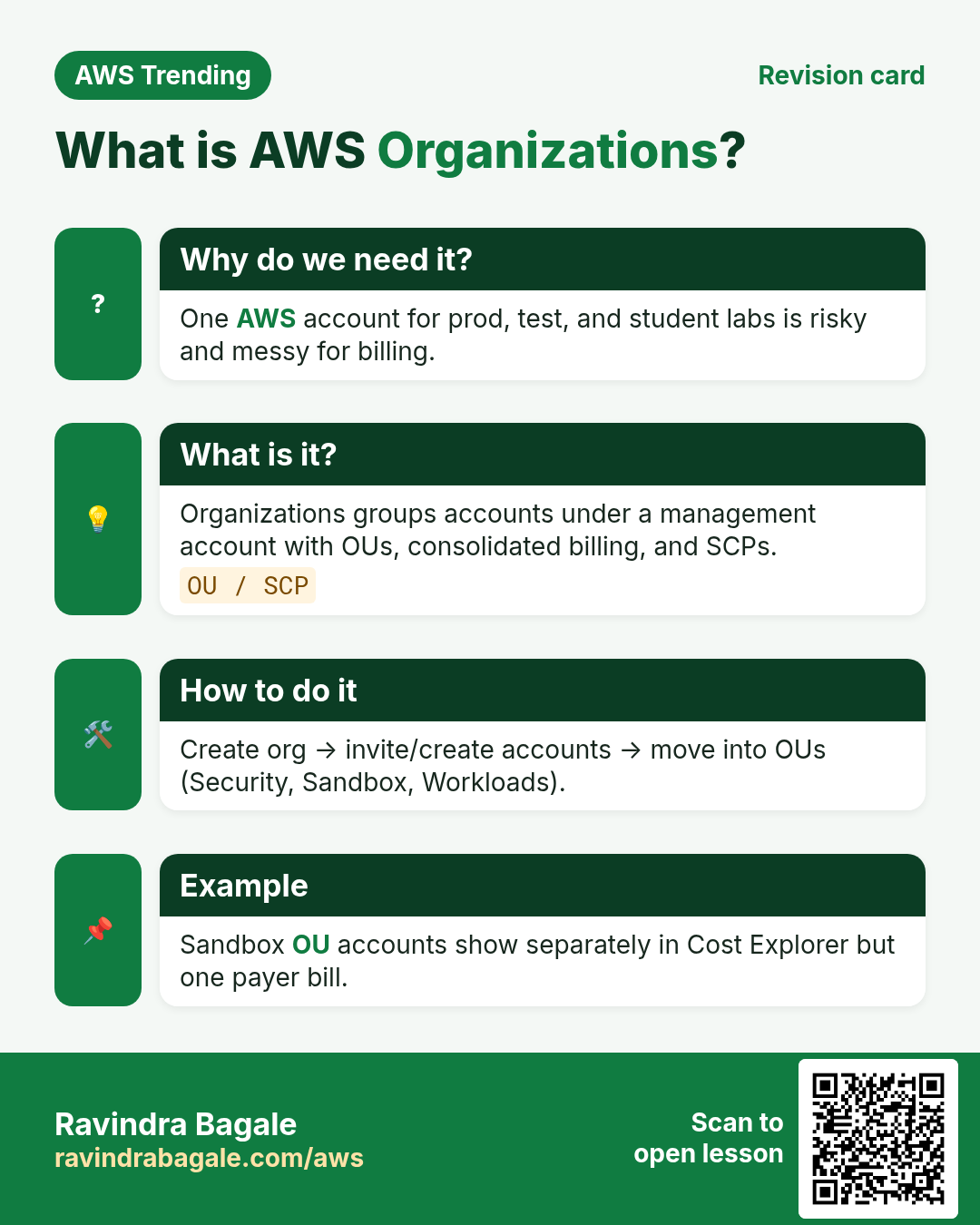
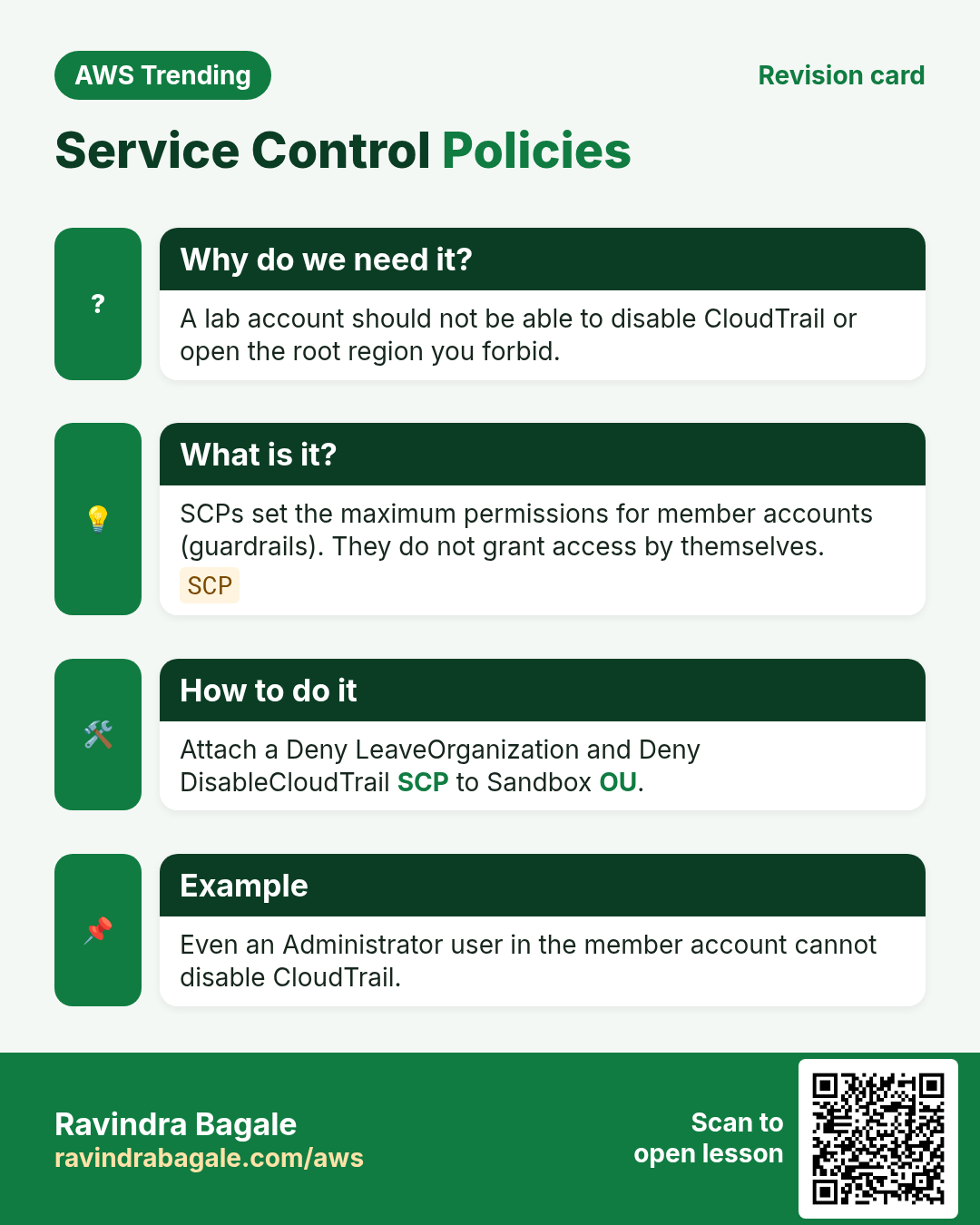
Revise this lesson in a few minutes. Save the cards on your phone or download them as PNG files. The QR code on each card opens this lesson.
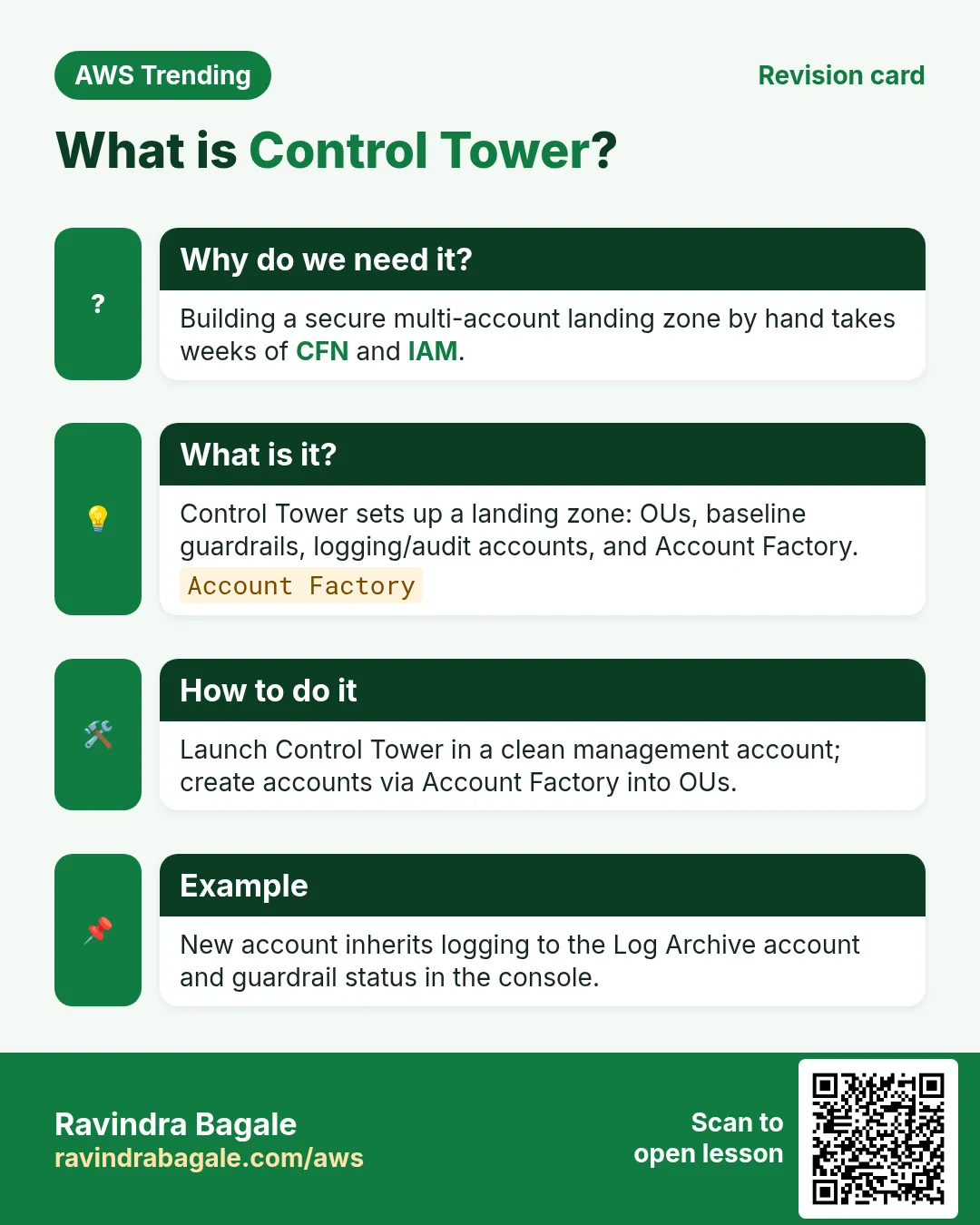
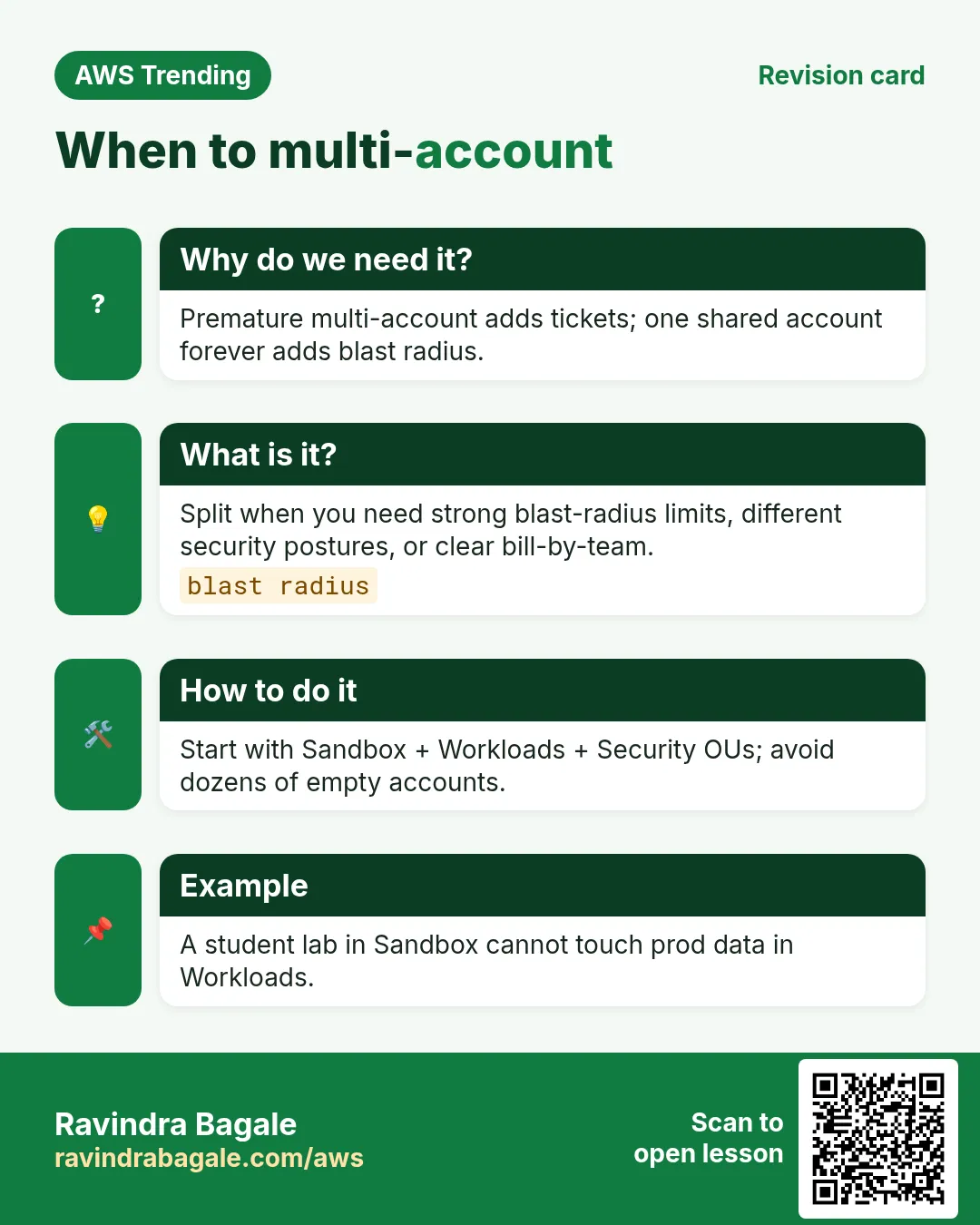
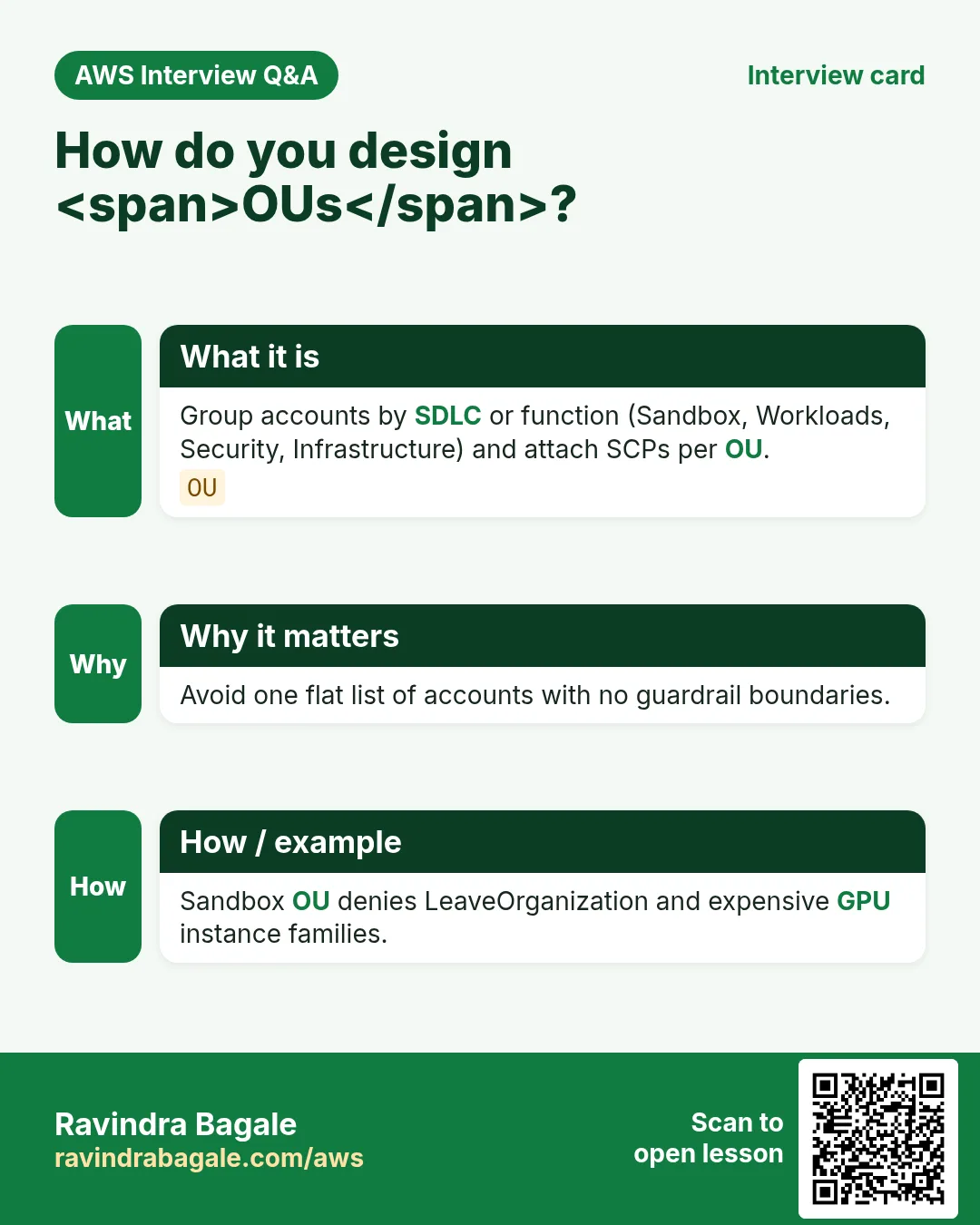
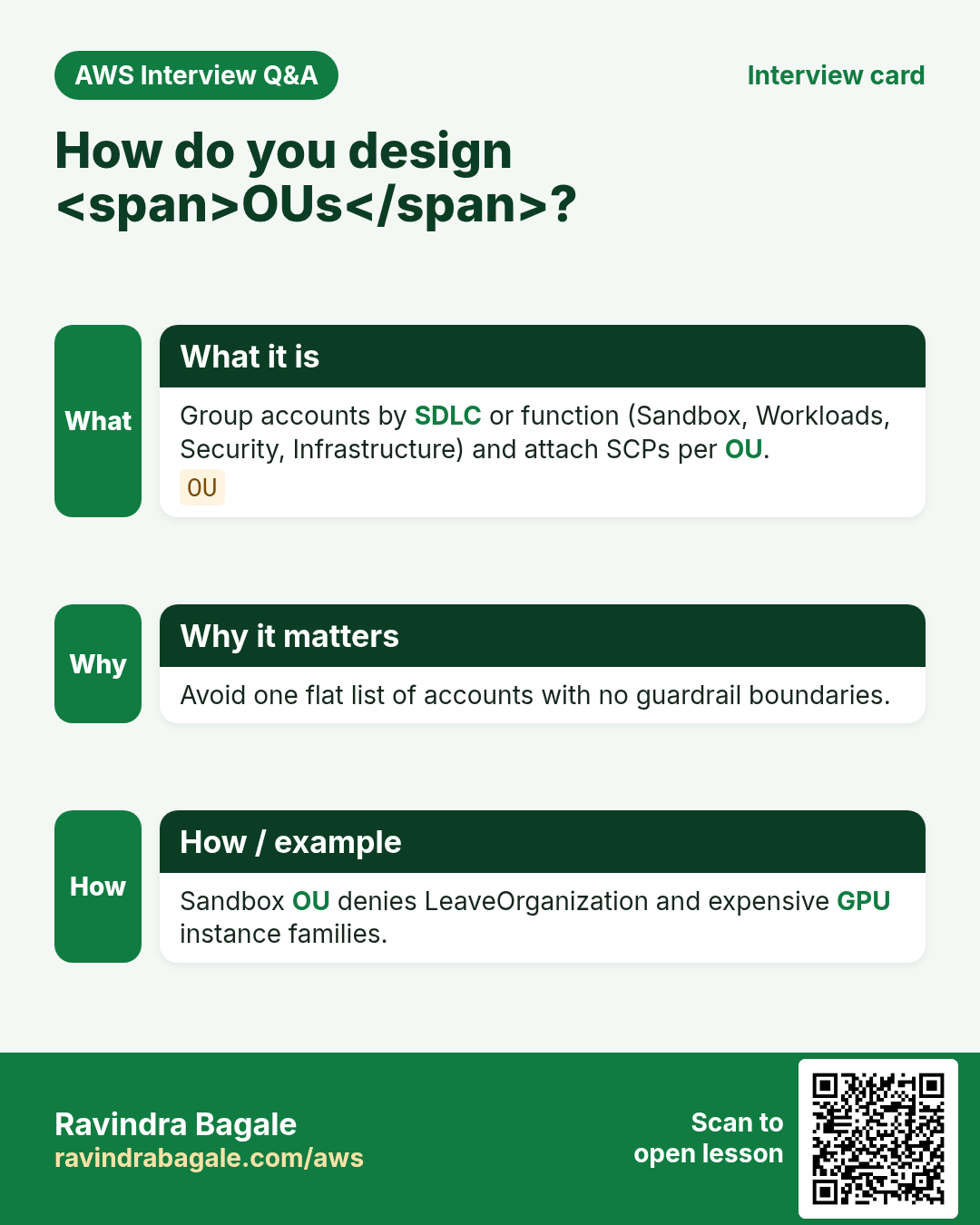
More cards: Ravi Sir's Cards.
Practice Tasks
Nairobi Ride is a transport business in Nairobi. Wanjiru Kamau looks after its IT and cloud work. They count money in KES and run their AWS resources in the af-south-1 Region. In the tasks below you do real jobs for them using what this lesson teaches. All names, account IDs, IP addresses and numbers are made up for practice.
0 / 16
Easy Describe organization
Why: See management account.
What to do: Describe the organization.
- Read the task and decide which AWS service it is about.
- Write aws, then the service name, then the operation (the action word).
- Add each needed flag (--name) followed by its value from the task.
- Flags can be in any order. Click Check answer.
Easy List accounts
Why: Inventory the org.
What to do: List accounts in the organization.
- Read the task and decide which AWS service it is about.
- Write aws, then the service name, then the operation (the action word).
- Add each needed flag (--name) followed by its value from the task.
- Flags can be in any order. Click Check answer.
Easy List roots
Why: Root is the top OU.
What to do: List organization roots.
- Read the task and decide which AWS service it is about.
- Write aws, then the service name, then the operation (the action word).
- Add each needed flag (--name) followed by its value from the task.
- Flags can be in any order. Click Check answer.
Easy List SCP policies
Why: Guardrails as code.
What to do: List SERVICE_CONTROL_POLICY policies.
- Read the task and decide which AWS service it is about.
- Write aws, then the service name, then the operation (the action word).
- Add each needed flag (--name) followed by its value from the task.
- Flags can be in any order. Click Check answer.
Easy Management accounts count
Why: One management account.
What to do: How many management accounts does an organization have?
- Write down the numbers the task gives you.
- Work it out step by step on paper.
- Type only the final answer in the box.
- Click Check answer.
Easy SCPs attached to one OU example quiz
Why: Know limits exist.
What to do: If a quiz says an OU has 3 SCPs attached for the lab, what number is that?
- Write down the numbers the task gives you.
- Work it out step by step on paper.
- Type only the final answer in the box.
- Click Check answer.
Easy List parents of an account
Why: See which OU holds it.
What to do: List parents for child 104591109902.
- Read the task and decide which AWS service it is about.
- Write aws, then the service name, then the operation (the action word).
- Add each needed flag (--name) followed by its value from the task.
- Flags can be in any order. Click Check answer.
Medium List OUs for parent
Why: Structure the landing zone.
What to do: List organizational units for parent nairobiride-root.
- Read the task and decide which AWS service it is about.
- Write aws, then the service name, then the operation (the action word).
- Add each needed flag (--name) followed by its value from the task.
- Flags can be in any order. Click Check answer.
Medium Create an OU
Why: Group workloads.
What to do: Create OU named Workloads under parent nairobiride-root.
- Read the task and decide which AWS service it is about.
- Write aws, then the service name, then the operation (the action word).
- Add each needed flag (--name) followed by its value from the task.
- Flags can be in any order. Click Check answer.
Medium Move account to OU
Why: Place new accounts.
What to do: Move account 104591109902 from nairobiride-root to ou-nairobiride.
- Read the task and decide which AWS service it is about.
- Write aws, then the service name, then the operation (the action word).
- Add each needed flag (--name) followed by its value from the task.
- Flags can be in any order. Click Check answer.
Medium Describe policy
Why: Read SCP content.
What to do: Describe policy p-nairobiride.
- Read the task and decide which AWS service it is about.
- Write aws, then the service name, then the operation (the action word).
- Add each needed flag (--name) followed by its value from the task.
- Flags can be in any order. Click Check answer.
Medium Control Tower core OUs example
Why: Security and Sandbox often taught.
What to do: If a landing zone has Security and Sandbox OUs, how many is that?
- Write down the numbers the task gives you.
- Work it out step by step on paper.
- Type only the final answer in the box.
- Click Check answer.
Hard Create account
Why: Account Factory path.
What to do: Create account Email nairobiride@example.com AccountName nairobiride-app.
- Read the task and decide which AWS service it is about.
- Write aws, then the service name, then the operation (the action word).
- Add each needed flag (--name) followed by its value from the task.
- Flags can be in any order. Click Check answer.
Hard Attach policy to OU
Why: Apply SCP.
What to do: Attach policy p-nairobiride to target ou-nairobiride.
- Read the task and decide which AWS service it is about.
- Write aws, then the service name, then the operation (the action word).
- Add each needed flag (--name) followed by its value from the task.
- Flags can be in any order. Click Check answer.
Hard SCP deny leaving org
Why: Stop account exit.
What to do: SCP Statement Effect Deny Action organizations:LeaveOrganization Resource *.
- Start with { "Version": "2012-10-17", "Statement": [ ... ] }.
- In each statement write Effect, Action and Resource.
- Give only what the task needs (least privilege).
- Use double quotes and commas correctly. Click Check answer.
Hard SCP allow only ap-south-1
Why: Region guardrail.
What to do: SCP: Deny * when aws:RequestedRegion not in ap-south-1 using Condition StringNotEquals.
- Start from the top-level keys the task names.
- Indent child keys with 2 spaces (no tabs).
- Fill in each property with the value from the task.
- Click Check answer. Key order does not matter.