AWS SDK EC2 Examples: Launch, List, Stop and Terminate Instances (Python, PHP, Node.js)
We control EC2 servers from code: find the latest Amazon Linux image, launch a tagged instance, list instances with filters, wait until running, then stop, start and terminate — in Python, PHP and Node.js. This is what auto-start scripts and internal "spin up a test box" tools do.
What you'll learn in this chapter
- Find the latest AMI from SSM
- Launch an instance with tags
- List instances with filters
- Use waiters for running and stopped
- Stop, start and terminate safely
1. The big picture: renting cars
Why do we need this?
Mei runs a car rental in Singapore. She picks a model (AMI), a size (instance type), puts a name sticker on it (tag), hands over the keys (key pair) and parks it in a lot (subnet). When the customer returns it she parks it (stop) or sells it (terminate). EC2 from code is the same list of choices.
What is it?
RunInstances launches; DescribeInstances lists; StopInstances, StartInstances and TerminateInstances change state. Tags are how scripts find "their" instances later.
How to do it (step by step)
2. Find the latest AMI
Why do we need this?
AMI IDs differ per region and change every month. Hard-coding one breaks next month.
What is it?
AWS publishes the latest Amazon Linux 2023 AMI as a public SSM parameter. Read it with GetParameter.
How to do it (step by step)
- Python.
import boto3
ssm = boto3.client("ssm", region_name="ap-southeast-1")
ami = ssm.get_parameter(Name="/aws/service/ami-amazon-linux-latest/al2023-ami-kernel-default-x86_64")["Parameter"]["Value"]
print(ami)
Expected output:
ami-0a1b2c3d4e5f67890- PHP.
<?php
require "vendor/autoload.php";
$ssm = new Aws\Ssm\SsmClient(["region" => "ap-southeast-1"]);
echo $ssm->getParameter(["Name" => "/aws/service/ami-amazon-linux-latest/al2023-ami-kernel-default-x86_64"])["Parameter"]["Value"], PHP_EOL;
Expected output:
ami-0a1b2c3d4e5f67890- Node.js.
import { SSMClient, GetParameterCommand } from "@aws-sdk/client-ssm";
const ssm = new SSMClient({ region: "ap-southeast-1" });
const r = await ssm.send(new GetParameterCommand({ Name: "/aws/service/ami-amazon-linux-latest/al2023-ami-kernel-default-x86_64" }));
console.log(r.Parameter.Value);
Expected output:
ami-0a1b2c3d4e5f678903. Launch a tagged instance and wait
Why do we need this?
Mei's booking app needs a test server for each new developer, named after them.
What is it?
Pass ImageId, InstanceType, MinCount/MaxCount and TagSpecifications. Then use the instance_running waiter and read the public IP.
How to do it (step by step)
- Python: run_instances and wait.
import boto3

ec2 = boto3.client("ec2", region_name="ap-southeast-1")
r = ec2.run_instances(
    ImageId="ami-0a1b2c3d4e5f67890", InstanceType="t3.micro", MinCount=1, MaxCount=1,
    TagSpecifications=[{"ResourceType": "instance", "Tags": [{"Key": "Name", "Value": "dev-mei"}, {"Key": "team", "Value": "booking"}]}],
)
iid = r["Instances"][0]["InstanceId"]
ec2.get_waiter("instance_running").wait(InstanceIds=[iid])
ip = ec2.describe_instances(InstanceIds=[iid])["Reservations"][0]["Instances"][0].get("PublicIpAddress")
print(iid, "running", ip)
Expected output:
i-0123456789abcdef0 running 13.250.10.20- PHP: runInstances and waitUntil.
<?php
require "vendor/autoload.php";
$ec2 = new Aws\Ec2\Ec2Client(["region" => "ap-southeast-1"]);
$r = $ec2->runInstances([
    "ImageId" => "ami-0a1b2c3d4e5f67890", "InstanceType" => "t3.micro", "MinCount" => 1, "MaxCount" => 1,
    "TagSpecifications" => [["ResourceType" => "instance", "Tags" => [["Key" => "Name", "Value" => "dev-kunal"], ["Key" => "team", "Value" => "booking"]]]],
]);
$id = $r["Instances"][0]["InstanceId"];
$ec2->waitUntil("InstanceRunning", ["InstanceIds" => [$id]]);
echo "$id running", PHP_EOL;
Expected output:
i-0fedcba9876543210 running- Node.js: RunInstancesCommand and waitUntilInstanceRunning.
import { EC2Client, RunInstancesCommand, waitUntilInstanceRunning } from "@aws-sdk/client-ec2";

const ec2 = new EC2Client({ region: "ap-southeast-1" });
const r = await ec2.send(new RunInstancesCommand({
  ImageId: "ami-0a1b2c3d4e5f67890", InstanceType: "t3.micro", MinCount: 1, MaxCount: 1,
  TagSpecifications: [{ ResourceType: "instance", Tags: [{ Key: "Name", Value: "dev-sophie" }, { Key: "team", Value: "booking" }] }],
}));
const id = r.Instances[0].InstanceId;
await waitUntilInstanceRunning({ client: ec2, maxWaitTime: 300 }, { InstanceIds: [id] });
console.log(id, "running");
Expected output:
i-0aa11bb22cc33dd44 running- Verify: three dev boxes are running.
aws ec2 describe-instances --region ap-southeast-1 --filters Name=tag:team,Values=booking Name=instance-state-name,Values=running --query "Reservations[].Instances[].Tags[?Key=='Name'].Value[]" --output textExpected output:
dev-mei dev-kunal dev-sophie4. List instances with filters
Why do we need this?
At 7 pm a script should find every instance tagged team=booking to stop them and save money.
What is it?
Filters run on the AWS side (tag:key, instance-state-name, instance-type). Results are grouped in Reservations, so flatten them.
How to do it (step by step)
- Python: paginator plus filters.
import boto3

ec2 = boto3.client("ec2", region_name="ap-southeast-1")
flt = [{"Name": "tag:team", "Values": ["booking"]}, {"Name": "instance-state-name", "Values": ["running"]}]
ids = []
for page in ec2.get_paginator("describe_instances").paginate(Filters=flt):
    for res in page["Reservations"]:
        ids += [i["InstanceId"] for i in res["Instances"]]
print(len(ids), ids)
Expected output:
3 ['i-0123456789abcdef0', 'i-0fedcba9876543210', 'i-0aa11bb22cc33dd44']- PHP: JMESPath search on the result.
<?php
require "vendor/autoload.php";
$ec2 = new Aws\Ec2\Ec2Client(["region" => "ap-southeast-1"]);
$r = $ec2->describeInstances(["Filters" => [["Name" => "tag:team", "Values" => ["booking"]], ["Name" => "instance-state-name", "Values" => ["running"]]]]);
print_r($r->search("Reservations[].Instances[].InstanceId"));
Expected output:
Array
(
    [0] => i-0123456789abcdef0
    [1] => i-0fedcba9876543210
    [2] => i-0aa11bb22cc33dd44
)- Node.js: paginateDescribeInstances.
import { EC2Client, paginateDescribeInstances } from "@aws-sdk/client-ec2";

const ec2 = new EC2Client({ region: "ap-southeast-1" });
const Filters = [{ Name: "tag:team", Values: ["booking"] }, { Name: "instance-state-name", Values: ["running"] }];
const ids = [];
for await (const p of paginateDescribeInstances({ client: ec2 }, { Filters })) {
  for (const r of p.Reservations) ids.push(...r.Instances.map(i => i.InstanceId));
}
console.log(ids.length, ids);
Expected output:
3 [ 'i-0123456789abcdef0', 'i-0fedcba9876543210', 'i-0aa11bb22cc33dd44' ]5. Stop, start and terminate
Why do we need this?
Stopping dev boxes 14 hours a day saves about 58% of their compute bill — for a team of 10 t3.medium boxes that is roughly $180 a month.
What is it?
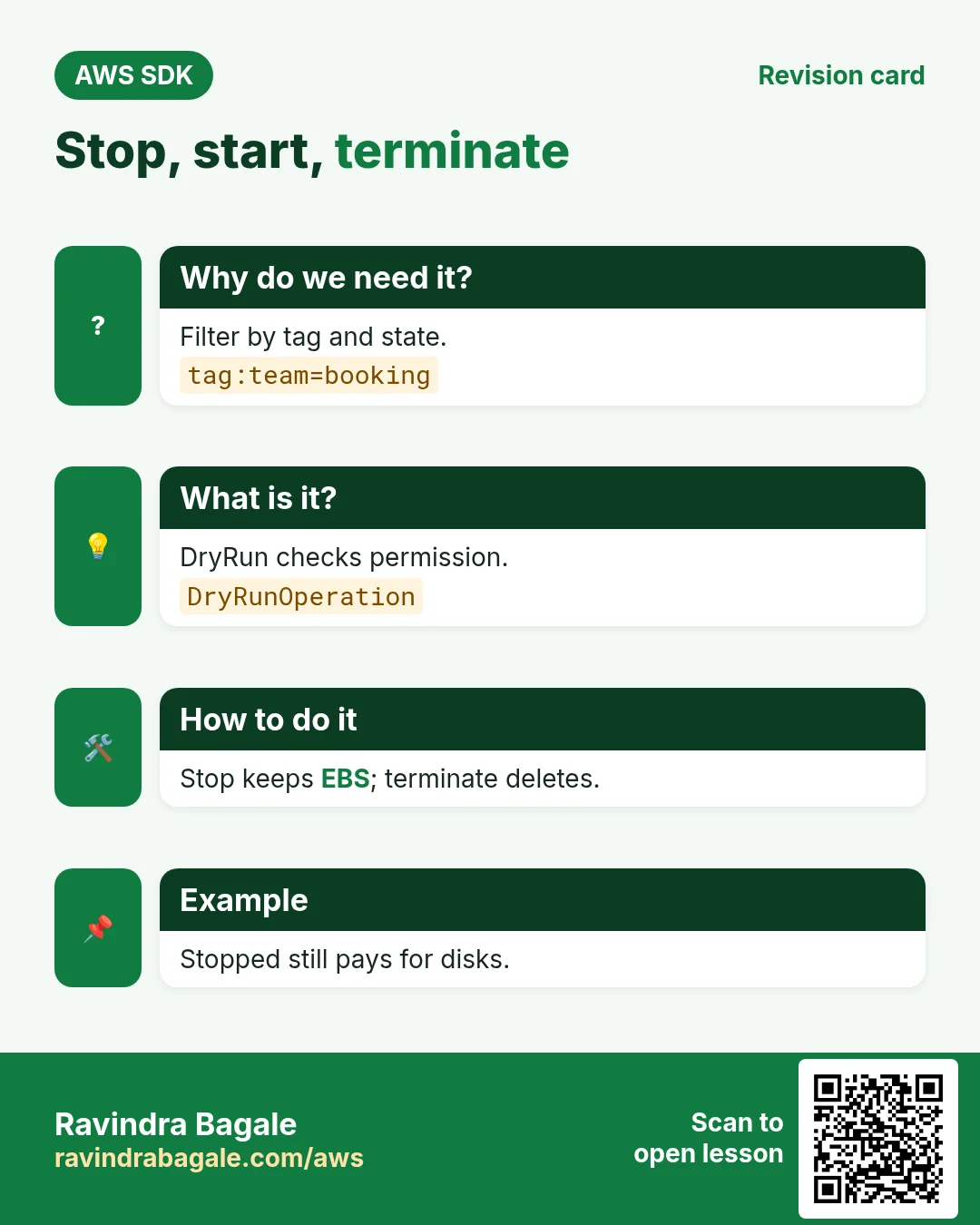
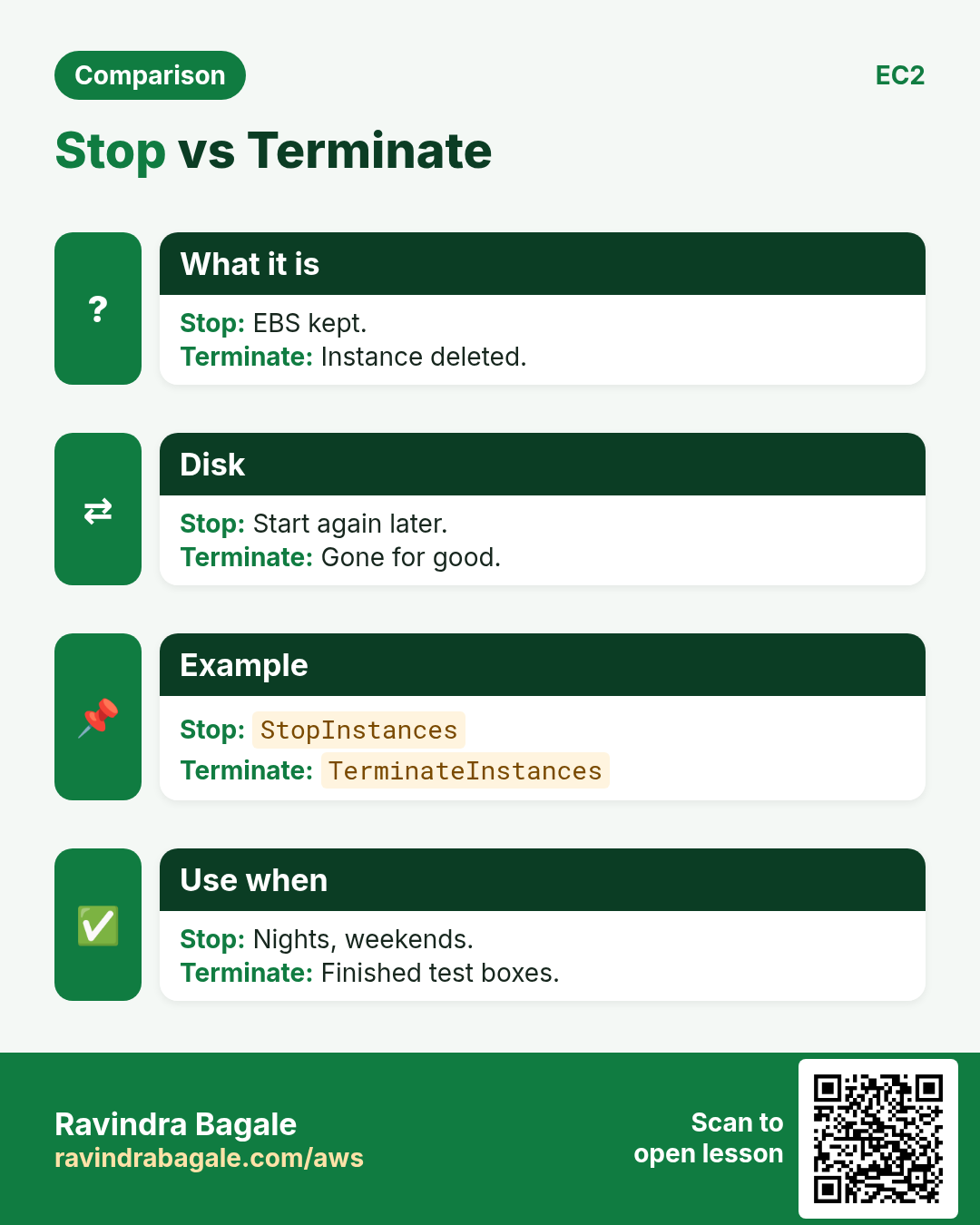
Stop keeps the disk; start brings it back (new public IP). Terminate deletes the instance. DryRun=True checks permissions without doing anything.
How to do it (step by step)
- Python: dry run, then stop and wait.
import boto3
from botocore.exceptions import ClientError

ec2 = boto3.client("ec2", region_name="ap-southeast-1")
ids = ["i-0123456789abcdef0"]
try:
    ec2.stop_instances(InstanceIds=ids, DryRun=True)
except ClientError as e:
    print("DryRun:", e.response["Error"]["Code"])
ec2.stop_instances(InstanceIds=ids)
ec2.get_waiter("instance_stopped").wait(InstanceIds=ids)
print("stopped")
Expected output:
DryRun: DryRunOperation
stopped- PHP: start again.
<?php
require "vendor/autoload.php";
$ec2 = new Aws\Ec2\Ec2Client(["region" => "ap-southeast-1"]);
$r = $ec2->startInstances(["InstanceIds" => ["i-0123456789abcdef0"]]);
echo $r["StartingInstances"][0]["PreviousState"]["Name"], " -> ", $r["StartingInstances"][0]["CurrentState"]["Name"], PHP_EOL;
Expected output:
stopped -> pending- Node.js: terminate all booking dev boxes.
import { EC2Client, TerminateInstancesCommand, waitUntilInstanceTerminated } from "@aws-sdk/client-ec2";

const ec2 = new EC2Client({ region: "ap-southeast-1" });
const InstanceIds = ["i-0123456789abcdef0", "i-0fedcba9876543210", "i-0aa11bb22cc33dd44"];
const r = await ec2.send(new TerminateInstancesCommand({ InstanceIds }));
console.log(r.TerminatingInstances.map(i => i.CurrentState.Name));
await waitUntilInstanceTerminated({ client: ec2, maxWaitTime: 600 }, { InstanceIds });
console.log("terminated");
Expected output:
[ 'shutting-down', 'shutting-down', 'shutting-down' ]
terminated- Verify: nothing tagged booking is running.
aws ec2 describe-instances --region ap-southeast-1 --filters Name=tag:team,Values=booking Name=instance-state-name,Values=running --query "length(Reservations)"Expected output:
06. The same call in Java, Go, .NET and the CLI
Why do we need this?
Teams often mix languages. Once you know the call in Python, PHP and Node.js, the other SDKs are the same API with different syntax.
What is it?
All of them call the RunInstances API. Use the CLI line to test it quickly from a terminal.
How to do it (step by step)
| Stack | Code |
|---|---|
| AWS CLI | aws ec2 run-instances --image-id ami-x --instance-type t3.micro --count 1 |
| Java v2 | ec2.runInstances(r -> r.imageId("ami-x").instanceType(InstanceType.T3_MICRO).minCount(1).maxCount(1)); |
| Go v2 | client.RunInstances(ctx, &ec2.RunInstancesInput{ImageId: aws.String("ami-x"), InstanceType: types.InstanceTypeT3Micro, MinCount: aws.Int32(1), MaxCount: aws.Int32(1)}) |
| .NET | await ec2.RunInstancesAsync(new RunInstancesRequest { ImageId = "ami-x", InstanceType = InstanceType.T3Micro, MinCount = 1, MaxCount = 1 }); |
7. Clean up so nothing keeps costing
Why do we need this?
Lab resources left running cost money and can be a security risk.
What is it?
Delete in reverse order: children first, then parents.
How to do it (step by step)
- Make sure no test instances are left.
aws ec2 describe-instances --region ap-southeast-1 --filters Name=tag:team,Values=booking Name=instance-state-name,Values=pending,running,stopped --query "length(Reservations)"Expected output:
0Ravindra Bagale's Tip
Tag everything at launch with TagSpecifications, not afterwards. Cost reports, stop-at-night scripts and IAM conditions all depend on tags.
8. Interview questions and answers
Q. How do you always get the newest Amazon Linux AMI in code?
Read the public SSM parameter /aws/service/ami-amazon-linux-latest/... with GetParameter.
Q. Why are instances inside Reservations?
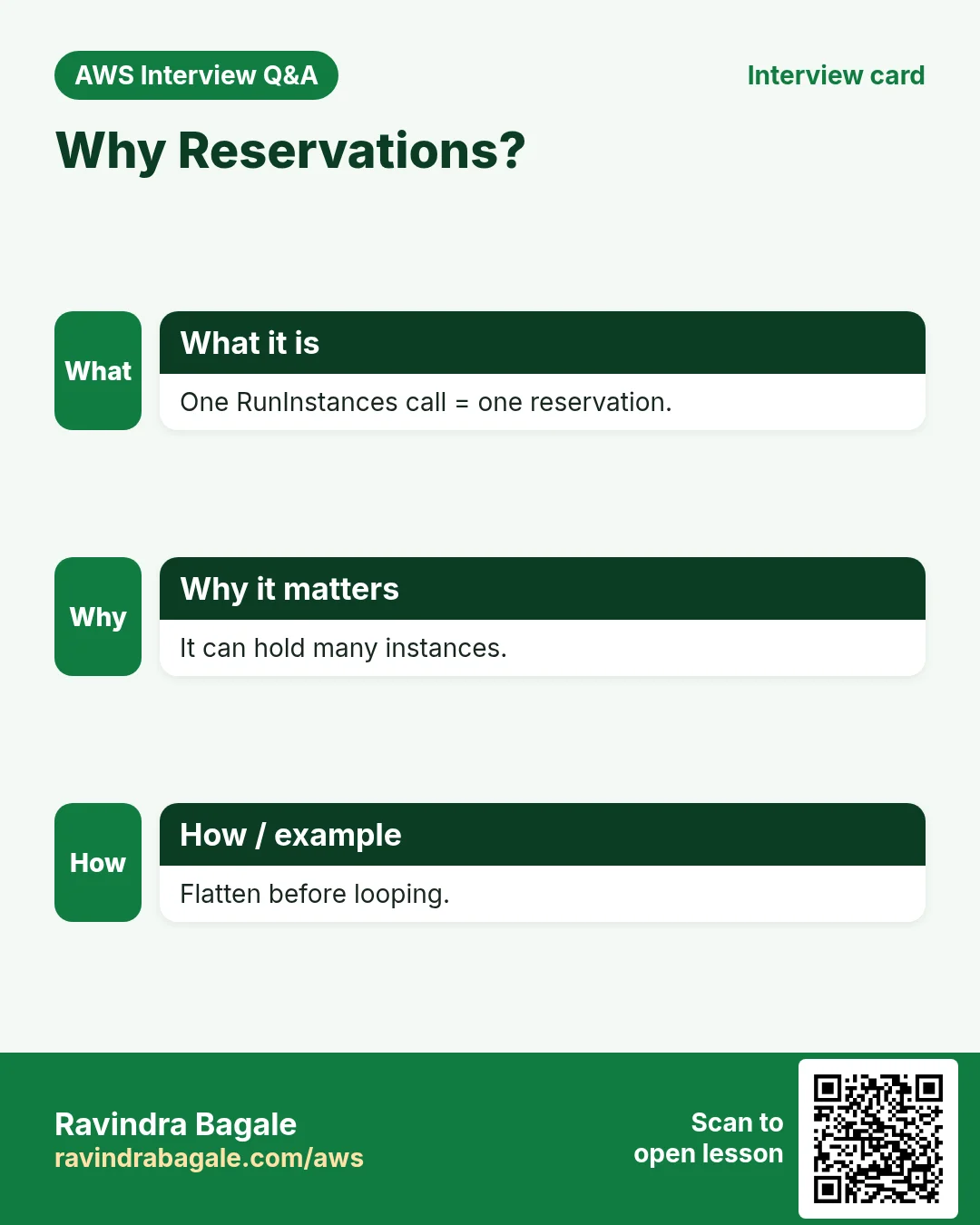
One RunInstances call is one reservation that can hold many instances, so you flatten Reservations[].Instances[].
Q. What does DryRun do?
Checks permissions and parameters; success raises DryRunOperation, no change is made.
Q. Stop vs terminate?
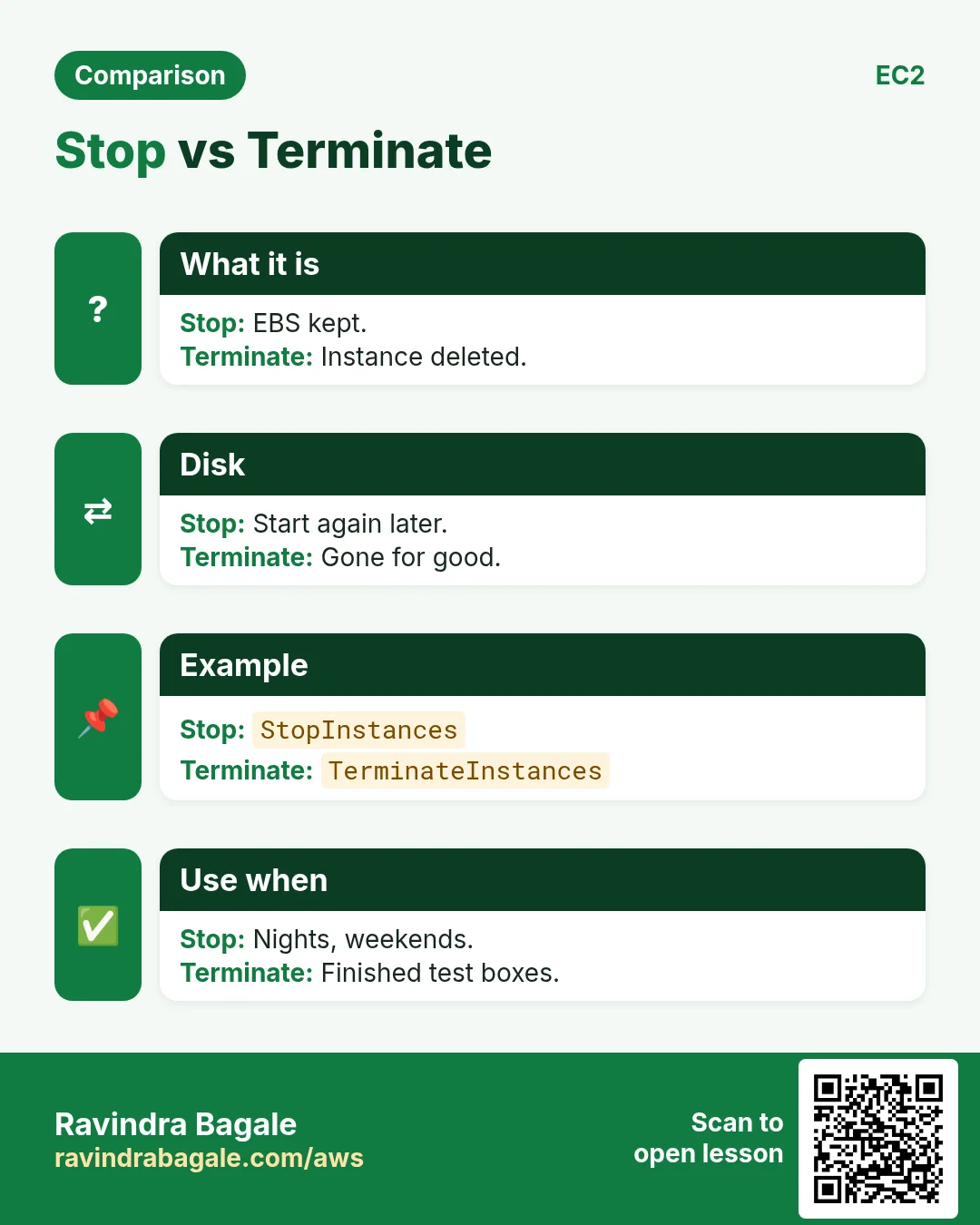
Stop keeps the EBS disk and can start again; terminate deletes the instance.
Q. How do you wait until an instance is running?
Waiters: boto3 instance_running, PHP waitUntil("InstanceRunning"), Node waitUntilInstanceRunning.
Try at home
- Write a stop-at-night script in your favourite language that stops every running instance with tag autostop=yes.
- Print instance ID, type, state and Name tag as a table in all three languages.
In short
- AMI from the public SSM parameter.
- RunInstances with TagSpecifications.
- Filters + paginators to list.
- Waiters for running, stopped, terminated.
- DryRun to test permissions.
Practice Tasks
Patil Dairy is a dairy business in Kolhapur. Sunita Patil looks after its IT and cloud work. They count money in INR and run their AWS resources in the ap-south-1 Region. In the tasks below you do real jobs for them using what this lesson teaches. All names, account IDs, IP addresses and numbers are made up for practice.
0 / 12
Easy List your EC2 instances
Why: Before changing anything, see what is running and in which state.
What to do: Show details of all EC2 instances of Patil Dairy in ap-south-1.
- Read the task and decide which AWS service it is about.
- Write aws, then the service name, then the operation (the action word).
- Add each needed flag (--name) followed by its value from the task.
- Flags can be in any order. Click Check answer.
Easy Reboot an instance
Why: A reboot keeps the same disks and IPs, unlike stop/start which may change the public IP.
What to do: Reboot the instance i-0b415a34440011a2b.
- Read the task and decide which AWS service it is about.
- Write aws, then the service name, then the operation (the action word).
- Add each needed flag (--name) followed by its value from the task.
- Flags can be in any order. Click Check answer.
Easy Connect to an EC2 server
Why: SSH with a key file is the standard way to log in to a Linux EC2 instance.
What to do: Log in to the server 13.10.20.5 as ec2-user using the key patildairy-key.pem.
- Find the Linux command that does this job.
- Add the options (like -r or -h) the task needs.
- Add the file names, folders or users in the right order.
- Use sudo if the job changes system files or users. Click Check answer.
Easy Stop an instance
Why: A stopped instance does not charge for compute, only for its disks.
What to do: Stop the instance i-0b415a34440011a2b.
- Read the task and decide which AWS service it is about.
- Write aws, then the service name, then the operation (the action word).
- Add each needed flag (--name) followed by its value from the task.
- Flags can be in any order. Click Check answer.
Easy Start an instance
Why: Start it again in the morning when the team needs it.
What to do: Start the instance i-0b415a34440011a2b.
- Read the task and decide which AWS service it is about.
- Write aws, then the service name, then the operation (the action word).
- Add each needed flag (--name) followed by its value from the task.
- Flags can be in any order. Click Check answer.
Medium Create an AMI from a server
Why: An AMI is a full server image. Launch identical copies from it any time.
What to do: Create an AMI named patildairy-web-v1 from instance i-0b415a34440011a2b.
- Read the task and decide which AWS service it is about.
- Write aws, then the service name, then the operation (the action word).
- Add each needed flag (--name) followed by its value from the task.
- Flags can be in any order. Click Check answer.
Medium Allocate an Elastic IP
Why: An Elastic IP stays the same after stop/start, so DNS keeps working.
What to do: Allocate a new Elastic IP address for use in a VPC.
- Read the task and decide which AWS service it is about.
- Write aws, then the service name, then the operation (the action word).
- Add each needed flag (--name) followed by its value from the task.
- Flags can be in any order. Click Check answer.
Medium Attach the Elastic IP to the server
Why: Associating gives the server the fixed public IP that your domain points to.
What to do: Associate allocation eipalloc-004443a514bdd44 with instance i-0b415a34440011a2b.
- Read the task and decide which AWS service it is about.
- Write aws, then the service name, then the operation (the action word).
- Add each needed flag (--name) followed by its value from the task.
- Flags can be in any order. Click Check answer.
Medium Create a key pair
Why: You need a key pair to SSH into new Linux instances.
What to do: Create a key pair named patildairy-key.
- Read the task and decide which AWS service it is about.
- Write aws, then the service name, then the operation (the action word).
- Add each needed flag (--name) followed by its value from the task.
- Flags can be in any order. Click Check answer.
Medium Launch one EC2 instance
Why: Launching from the CLI is repeatable and fast, and the same command works in scripts.
What to do: Launch 1 instance from AMI ami-0100cccbed1cfabcd, type t3.micro, key pair patildairy-key, security group sg-00044436514a4c3b2.
- Read the task and decide which AWS service it is about.
- Write aws, then the service name, then the operation (the action word).
- Add each needed flag (--name) followed by its value from the task.
- Flags can be in any order. Click Check answer.
Hard Show only running instances
Why: Filters ask AWS to send only what you need, which is faster than sorting by eye.
What to do: Describe only instances whose state is running.
- Read the task and decide which AWS service it is about.
- Write aws, then the service name, then the operation (the action word).
- Add each needed flag (--name) followed by its value from the task.
- Flags can be in any order. Click Check answer.
Hard Launch an instance with a Name tag
Why: Tags at launch make billing and search easy from day one.
What to do: Launch 1 t3.small instance from ami-0100cccbed1cfabcd into subnet subnet-0004443a514bbb1, and tag the instance with Name=patildairy-web.
- Read the task and decide which AWS service it is about.
- Write aws, then the service name, then the operation (the action word).
- Add each needed flag (--name) followed by its value from the task.
- Flags can be in any order. Click Check answer.
Revision, comparison and interview cards
Revise this lesson in a few minutes. Save the cards on your phone or download them as PNG files. The QR code on each card opens this lesson.
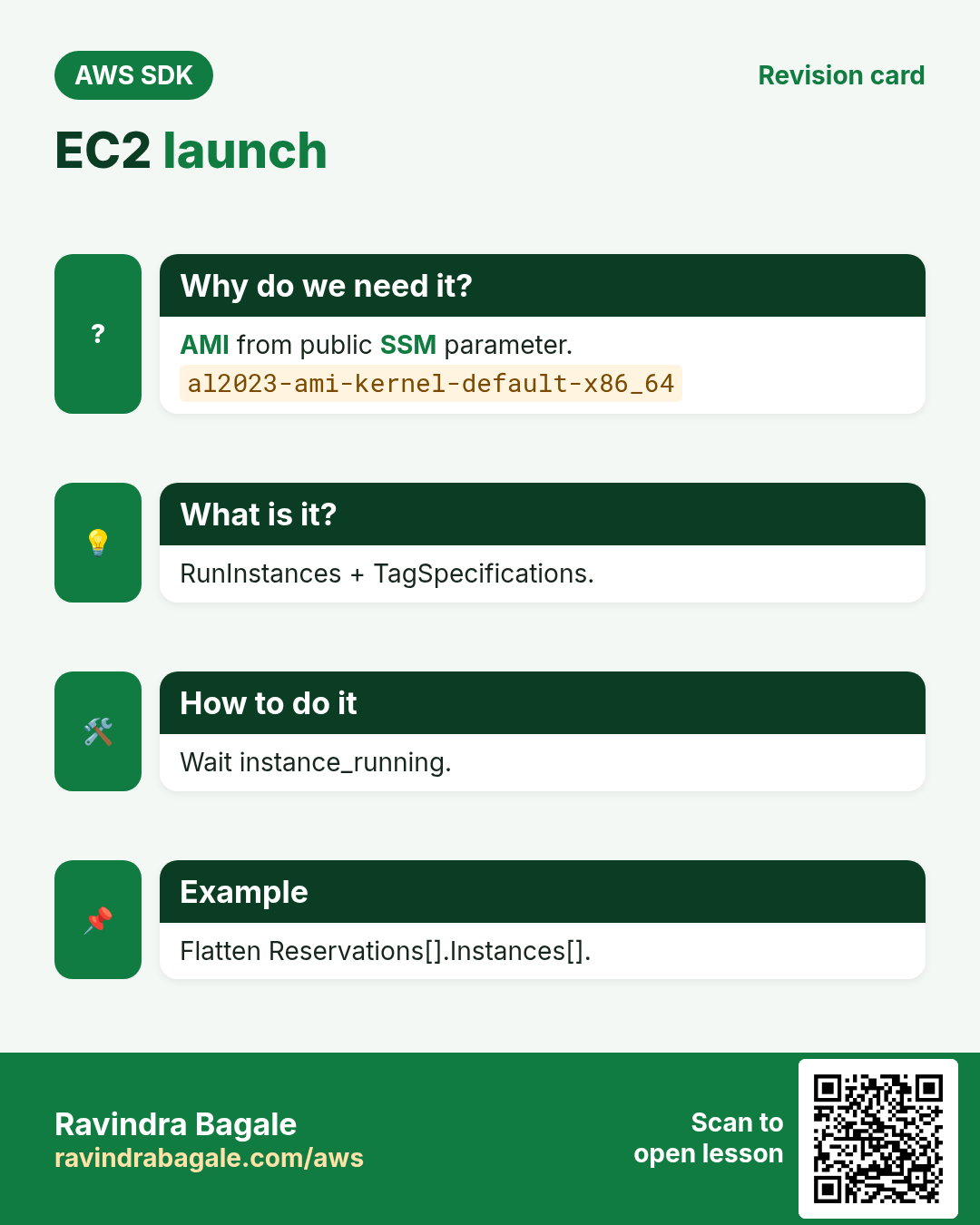
![EC2 launch. AMI from public SSM parameter. RunInstances + TagSpecifications. Wait instance_running. Flatten Reservations[].Instances[].](../ravi-sirs-cards/cards/en/rev-sdk-ec2-run.webp)
More cards: Ravi Sir's Cards.