AWS CLI Route 53 Commands: Hosted Zones and DNS Records
We control names on the internet: hosted zones, A, CNAME and alias records, health checks, DNS tests and cleanup.
What you'll learn in this chapter
- Create a hosted zone
- Add and change records
- Use alias records
- Health checks
- Test DNS and delete
1. The big picture: the phone contacts list
Why do we need this?
You save "Aai" in contacts and the phone finds the number. DNS saves "shop.example.com" and finds the server IP. Route 53 is the contacts list for your domain.
What is it?
Commands are in aws route53: create-hosted-zone, change-resource-record-sets, list-resource-record-sets, create-health-check, test-dns-answer.
How to do it (step by step)
2. Hosted zone
Why do we need this?
Your domain needs a place where its records live.
What is it?
A public hosted zone holds records and gives 4 name servers. caller-reference must be unique each time.
How to do it (step by step)
- Create the zone.
Z=$(aws route53 create-hosted-zone --name example.com --caller-reference cli-$(date +%s) --query HostedZone.Id --output text)
echo $Z
Expected output:
/hostedzone/Z0123456789ABCDEFGHIJ- See the name servers.
aws route53 get-hosted-zone --id $Z --query DelegationSet.NameServers --output textExpected output:
ns-123.awsdns-15.com ns-456.awsdns-57.net ns-789.awsdns-34.org ns-1011.awsdns-62.co.uk3. Add and change records
Why do we need this?
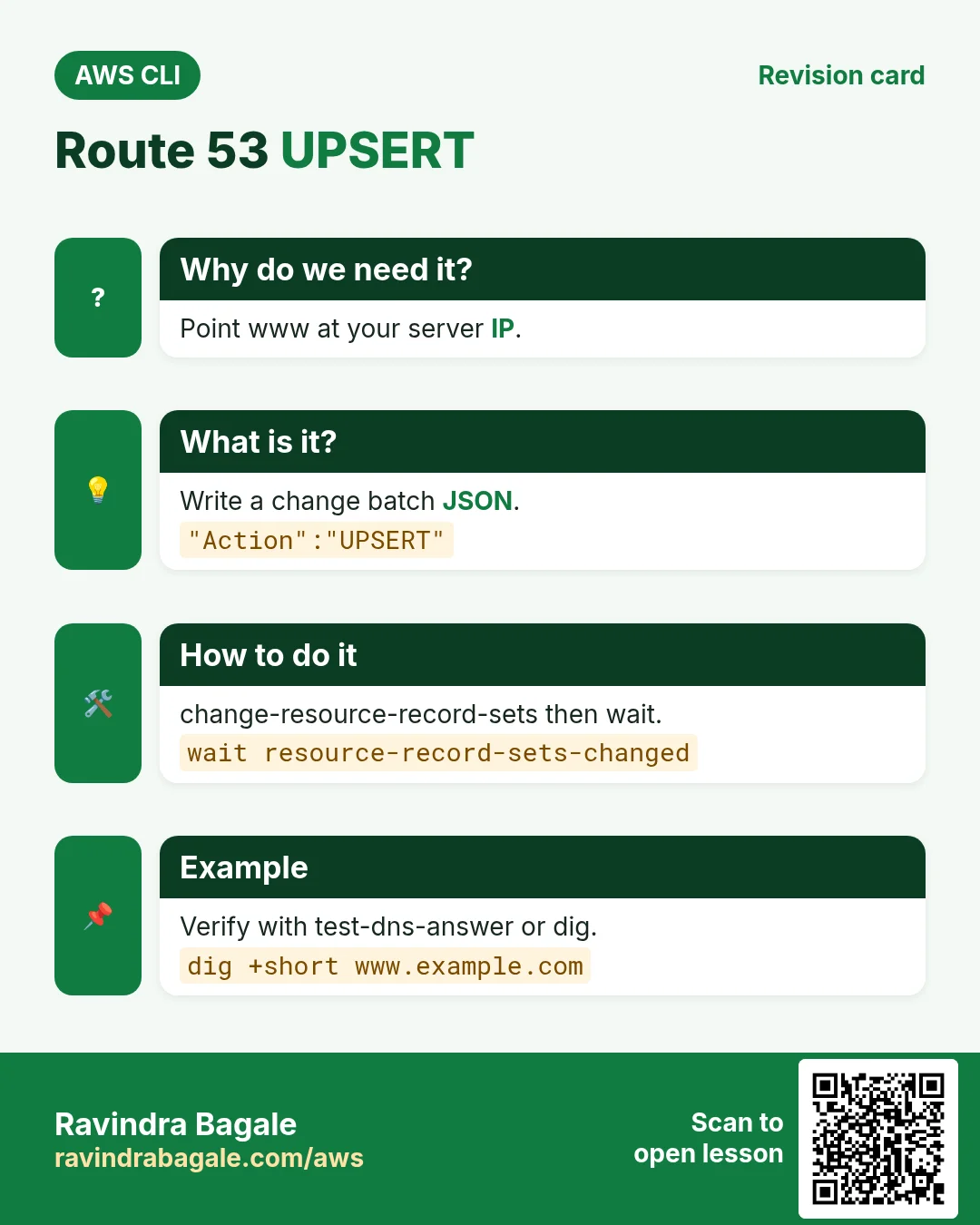
You bought a server and want www to point at it.
What is it?
change-resource-record-sets takes a change batch with CREATE, DELETE or UPSERT. UPSERT creates or updates.
How to do it (step by step)
- Write the change.
cat > a.json <<J
{"Changes":[{"Action":"UPSERT","ResourceRecordSet":{"Name":"www.example.com","Type":"A","TTL":300,"ResourceRecords":[{"Value":"15.252.55.24"}]}}]}
J
Expected output:
(no output means success)- Apply and wait.
C=$(aws route53 change-resource-record-sets --hosted-zone-id $Z --change-batch file://a.json --query ChangeInfo.Id --output text)
aws route53 wait resource-record-sets-changed --id $C
aws route53 get-change --id $C --query ChangeInfo.Status --output text
Expected output:
INSYNC- List records.
aws route53 list-resource-record-sets --hosted-zone-id $Z --query "ResourceRecordSets[].[Name,Type]" --output textExpected output:
example.com.  NS
example.com.  SOA
www.example.com.  A
4. Alias records
Why do we need this?
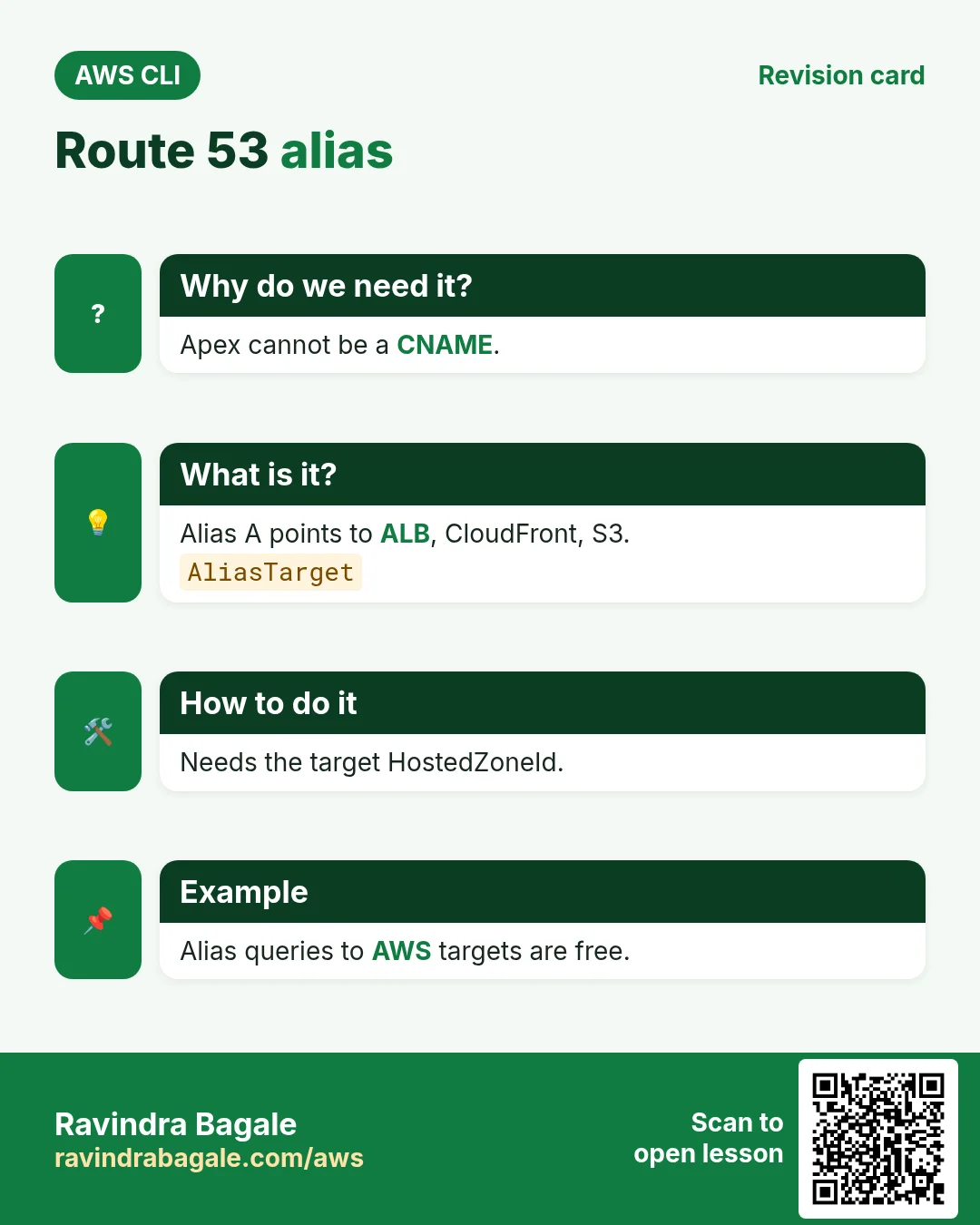
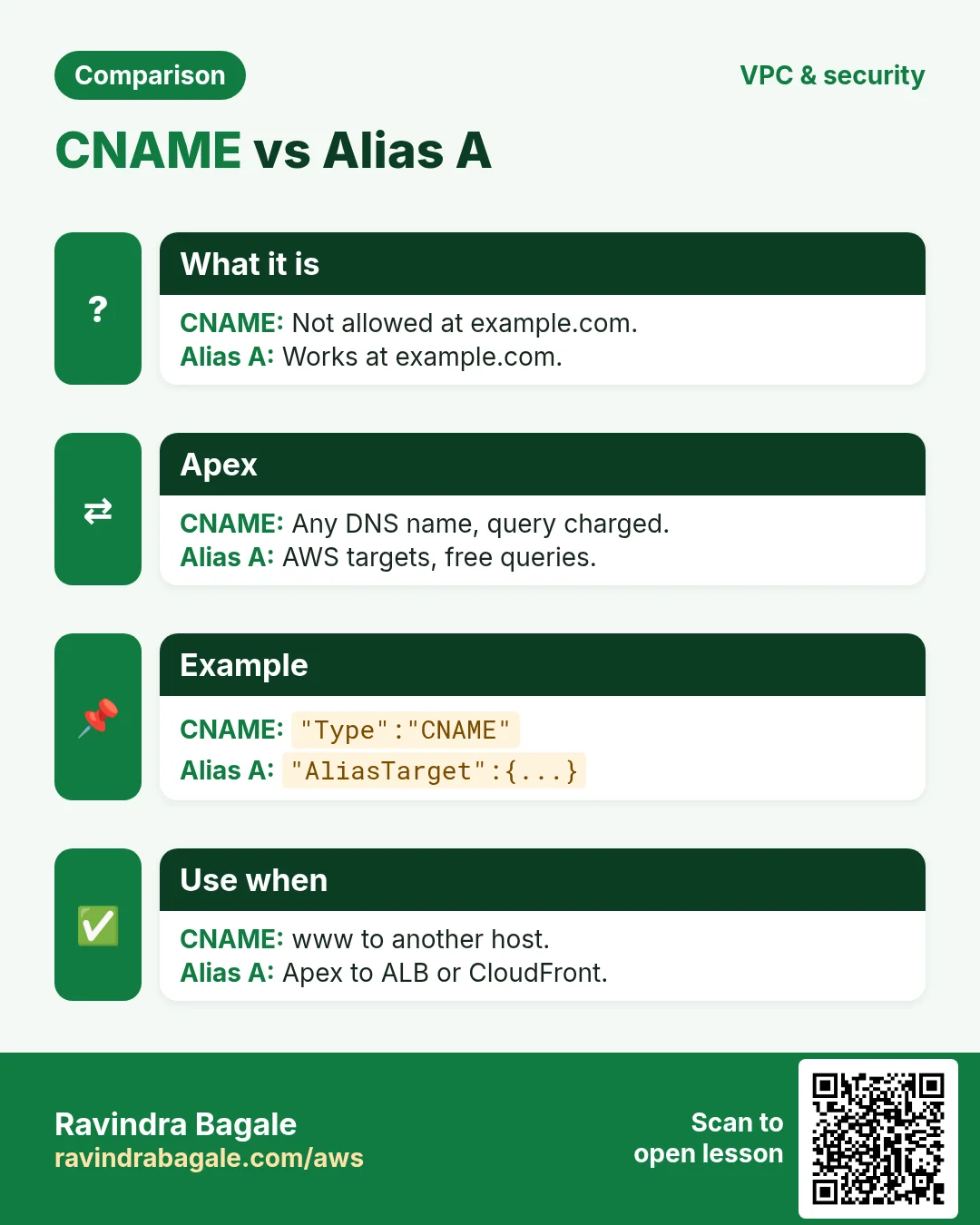
The root domain example.com cannot be a CNAME, but you want it on a load balancer.
What is it?
An alias A record points to AWS resources (ALB, CloudFront, S3 website) for free queries. It needs the target hosted zone id.
How to do it (step by step)
- Alias the apex to an ALB.
cat > al.json <<J
{"Changes":[{"Action":"UPSERT","ResourceRecordSet":{"Name":"example.com","Type":"A","AliasTarget":{"HostedZoneId":"ZP97RAFLXTNZK","DNSName":"cli-alb-123.ap-south-1.elb.amazonaws.com","EvaluateTargetHealth":true}}}]}
J
aws route53 change-resource-record-sets --hosted-zone-id $Z --change-batch file://al.json --query ChangeInfo.Status --output text
Expected output:
PENDING5. Health checks and testing
Why do we need this?
If a server dies, DNS should stop sending people to it.
What is it?
create-health-check probes a URL. Failover records use it. test-dns-answer asks Route 53 what it would reply.
How to do it (step by step)
- Create a health check.
H=$(aws route53 create-health-check --caller-reference hc-$(date +%s) --health-check-config Type=HTTPS,FullyQualifiedDomainName=www.example.com,Port=443,ResourcePath=/,RequestInterval=30,FailureThreshold=3 --query HealthCheck.Id --output text)
echo $H
Expected output:
a1b2c3d4-5678-90ab-cdef-111122223333- Test the answer.
aws route53 test-dns-answer --hosted-zone-id $Z --record-name www.example.com --record-type A --query "[RecordData,ResponseCode]" --output textExpected output:
15.252.55.24 NOERROR- Check from your machine.
dig +short www.example.com @ns-123.awsdns-15.comExpected output:
15.252.55.246. Same action in Python, Node.js, Java, Go, .NET and PHP
Why do we need this?
Scripts start in the CLI. Apps call the same API through an SDK. Knowing both helps you move a tested command into real code.
What is it?
Each CLI command maps to one API call. For example aws route53 change-resource-record-sets --hosted-zone-id $Z --change-batch file://a.json maps to the Upsert record API.
How to do it (step by step)
Same action (Upsert record) from code. Every SDK reads the same profile, region and credentials as the CLI.
| Stack | Code |
|---|---|
| Python (boto3) | boto3.client("route53").change_resource_record_sets(HostedZoneId=z,ChangeBatch=batch) |
| Node.js (v3) | await r53.send(new ChangeResourceRecordSetsCommand({HostedZoneId:z,ChangeBatch:batch})); |
| Java (v2) | r53.changeResourceRecordSets(r -> r.hostedZoneId(z).changeBatch(batch)); |
| Go (v2) | c.ChangeResourceRecordSets(ctx, &route53.ChangeResourceRecordSetsInput{HostedZoneId: aws.String(z), ChangeBatch: batch}) |
| .NET | await r53.ChangeResourceRecordSetsAsync(new ChangeResourceRecordSetsRequest{HostedZoneId=z,ChangeBatch=batch}); |
| PHP | $r53->changeResourceRecordSets(["HostedZoneId"=>$z,"ChangeBatch"=>$batch]); |
7. Clean up so nothing keeps costing
Why do we need this?
Lab resources left running cost money and can be a security risk.
What is it?
Delete in reverse order: children first, then parents.
How to do it (step by step)
- Delete records you added (zone must have only NS and SOA).
sed -i s/UPSERT/DELETE/ a.json al.json
aws route53 change-resource-record-sets --hosted-zone-id $Z --change-batch file://a.json
aws route53 change-resource-record-sets --hosted-zone-id $Z --change-batch file://al.json
Expected output:
(no output means success)- Delete the health check and zone.
aws route53 delete-health-check --health-check-id $H
aws route53 delete-hosted-zone --id $Z --query ChangeInfo.Status --output text
Expected output:
PENDING- Verify.
aws route53 list-hosted-zones-by-name --dns-name example.com --query "HostedZones[?Name=='example.com.']"Expected output:
[]Ravindra Bagale's Tip
A hosted zone costs about 0.50 USD per month even if unused. Delete test zones, and remember NS changes at the registrar can take up to 48 hours.
8. Interview questions and answers
Q. A vs CNAME vs alias?
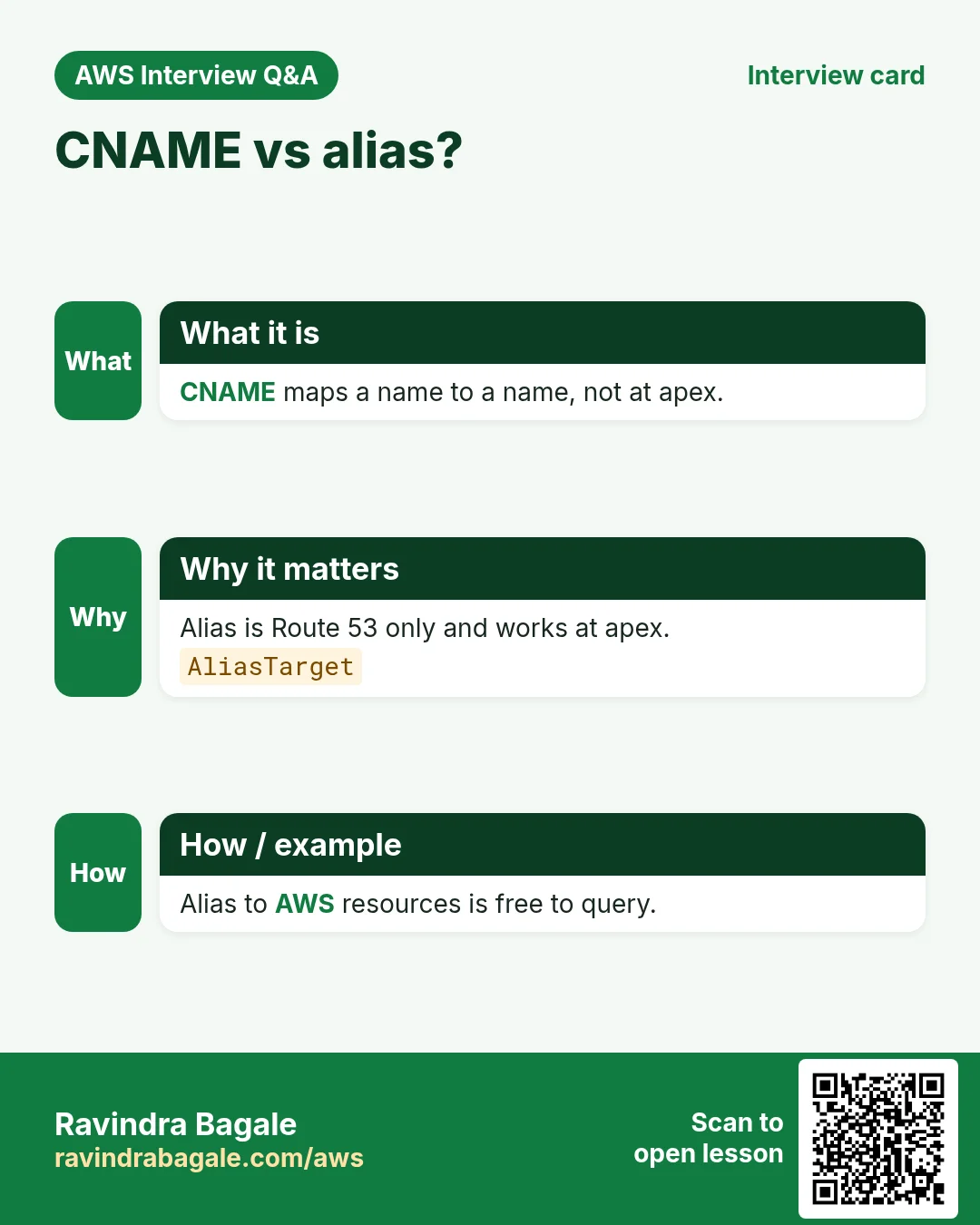
A maps to an IP. CNAME maps to another name (not at apex). Alias is Route 53 only, works at apex and points to AWS resources.
Q. What does UPSERT do?
Creates the record if missing, updates it if present.
Q. What is TTL?
Seconds resolvers cache the answer.
Q. Why caller-reference?
Idempotency: a unique string so a retry does not create two zones.
Q. Routing policies?
Simple, weighted, latency, failover, geolocation, multivalue.
Try at home
- Create a weighted pair of A records 70/30 and test with test-dns-answer.
- Add a TXT record for domain verification.
In short
- create-hosted-zone.
- Change batch JSON.
- UPSERT.
- Alias at apex.
- Delete records before zone.
Practice Tasks
Maple Leaf Books is a bookselling business in Toronto. Emily Tremblay looks after its IT and cloud work. They count money in CAD and run their AWS resources in the ca-central-1 Region. In the tasks below you do real jobs for them using what this lesson teaches. All names, account IDs, IP addresses and numbers are made up for practice.
0 / 12
Easy List hosted zones
Why: You need the zone ID to change records.
What to do: List all hosted zones in the account.
- Read the task and decide which AWS service it is about.
- Write aws, then the service name, then the operation (the action word).
- Add each needed flag (--name) followed by its value from the task.
- Flags can be in any order. Click Check answer.
Easy Find the database endpoint
Why: Your app connects using the endpoint name, not an IP.
What to do: Describe DB instance mapleleafbooks-db.
- Read the task and decide which AWS service it is about.
- Write aws, then the service name, then the operation (the action word).
- Add each needed flag (--name) followed by its value from the task.
- Flags can be in any order. Click Check answer.
Easy Biggest orders first
Why: Querying the database is daily work after you set up RDS.
What to do: Show order id and amount, biggest amount first.
Tables: customers(id, name, city) and orders(id, customer_id, amount, odate).
- Find the table the task is about (see the table list above the box).
- Write the SQL statement step by step: what, from where, which rows.
- End the statement with ;
- Click Check answer. Your query runs on a practice copy of the table.
Easy Filter customers by city
Why: Querying the database is daily work after you set up RDS.
What to do: List the names of customers in Pune.
Tables: customers(id, name, city) and orders(id, customer_id, amount, odate).
- Find the table the task is about (see the table list above the box).
- Write the SQL statement step by step: what, from where, which rows.
- End the statement with ;
- Click Check answer. Your query runs on a practice copy of the table.
Medium Create a hosted zone
Why: A hosted zone holds all DNS records for your domain.
What to do: Create a public hosted zone for mapleleafbooks.ca, with caller reference mapleleafbooks-2026-01.
- Read the task and decide which AWS service it is about.
- Write aws, then the service name, then the operation (the action word).
- Add each needed flag (--name) followed by its value from the task.
- Flags can be in any order. Click Check answer.
Medium List records in a zone
Why: Check what A, CNAME and MX records exist before you change them.
What to do: List the record sets in hosted zone Z0123456789ABCDEFGHIJ.
- Read the task and decide which AWS service it is about.
- Write aws, then the service name, then the operation (the action word).
- Add each needed flag (--name) followed by its value from the task.
- Flags can be in any order. Click Check answer.
Medium Remove small orders
Why: Querying the database is daily work after you set up RDS.
What to do: Delete orders with amount below 200.
Tables: customers(id, name, city) and orders(id, customer_id, amount, odate).
- Find the table the task is about (see the table list above the box).
- Write the SQL statement step by step: what, from where, which rows.
- End the statement with ;
- Click Check answer. Your query runs on a practice copy of the table.
Medium Orders with customer names
Why: Querying the database is daily work after you set up RDS.
What to do: Show each customer name with each order amount.
Tables: customers(id, name, city) and orders(id, customer_id, amount, odate).
- Find the table the task is about (see the table list above the box).
- Write the SQL statement step by step: what, from where, which rows.
- End the statement with ;
- Click Check answer. Your query runs on a practice copy of the table.
Medium Total sales
Why: Querying the database is daily work after you set up RDS.
What to do: Show the total of all order amounts as one number.
Tables: customers(id, name, city) and orders(id, customer_id, amount, odate).
- Find the table the task is about (see the table list above the box).
- Write the SQL statement step by step: what, from where, which rows.
- End the statement with ;
- Click Check answer. Your query runs on a practice copy of the table.
Hard Create or update a DNS record
Why: UPSERT creates the record or updates it if it already exists.
What to do: Apply the record changes in change.json to hosted zone Z0123456789ABCDEFGHIJ.
- Read the task and decide which AWS service it is about.
- Write aws, then the service name, then the operation (the action word).
- Add each needed flag (--name) followed by its value from the task.
- Flags can be in any order. Click Check answer.
Hard Sales per customer
Why: Querying the database is daily work after you set up RDS.
What to do: Show customer_id and total amount per customer, only where total is above 1000.
Tables: customers(id, name, city) and orders(id, customer_id, amount, odate).
- Find the table the task is about (see the table list above the box).
- Write the SQL statement step by step: what, from where, which rows.
- End the statement with ;
- Click Check answer. Your query runs on a practice copy of the table.
Hard Customers with no orders
Why: Querying the database is daily work after you set up RDS.
What to do: List names of customers who have never ordered.
Tables: customers(id, name, city) and orders(id, customer_id, amount, odate).
- Find the table the task is about (see the table list above the box).
- Write the SQL statement step by step: what, from where, which rows.
- End the statement with ;
- Click Check answer. Your query runs on a practice copy of the table.
Revision, comparison and interview cards
Revise this lesson in a few minutes. Save the cards on your phone or download them as PNG files. The QR code on each card opens this lesson.
More cards: Ravi Sir's Cards.