AWS SDK Setup for Python (boto3), PHP and Node.js: Credentials Chain Explained
We set up the three AWS SDKs side by side: boto3 for Python, AWS SDK for PHP v3 and AWS SDK for JavaScript v3 for Node.js. You will install each one, make a client, pick a region and profile, and see exactly where each SDK finds its credentials.
What you'll learn in this chapter
- Install boto3, aws/aws-sdk-php and @aws-sdk clients
- Create a client with a region
- Use named profiles and env vars
- Understand the credentials chain order
- Use IAM roles instead of keys
1. The big picture: a hotel key card
Why do we need this?
When Emma checks into a hotel in London, the front desk gives her a key card. She does not carry the master key. Her card opens only her room and expires at checkout. An SDK works the same way: it looks for a key card (credentials) in a fixed order of pockets, then uses it to sign every request.
What is it?
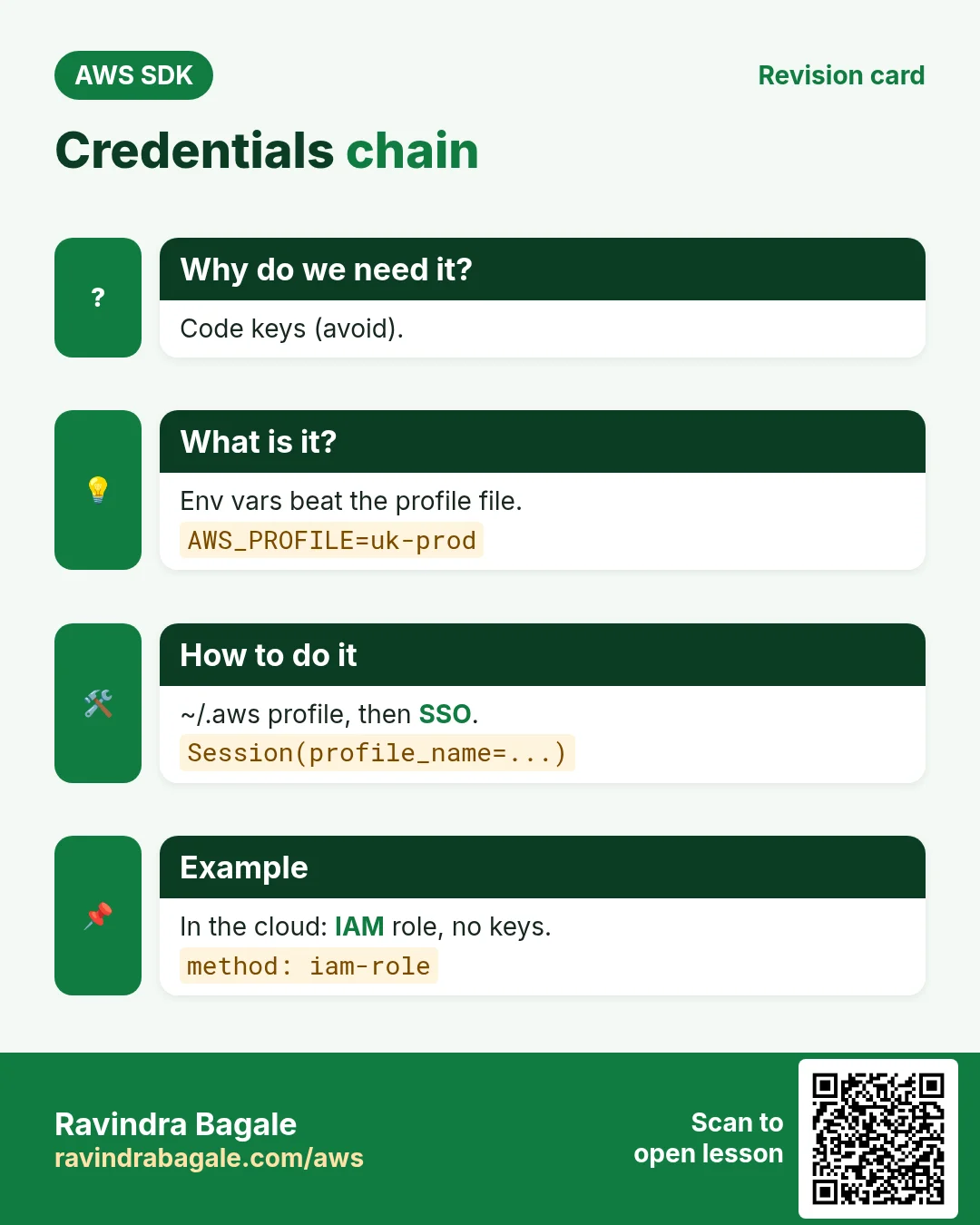
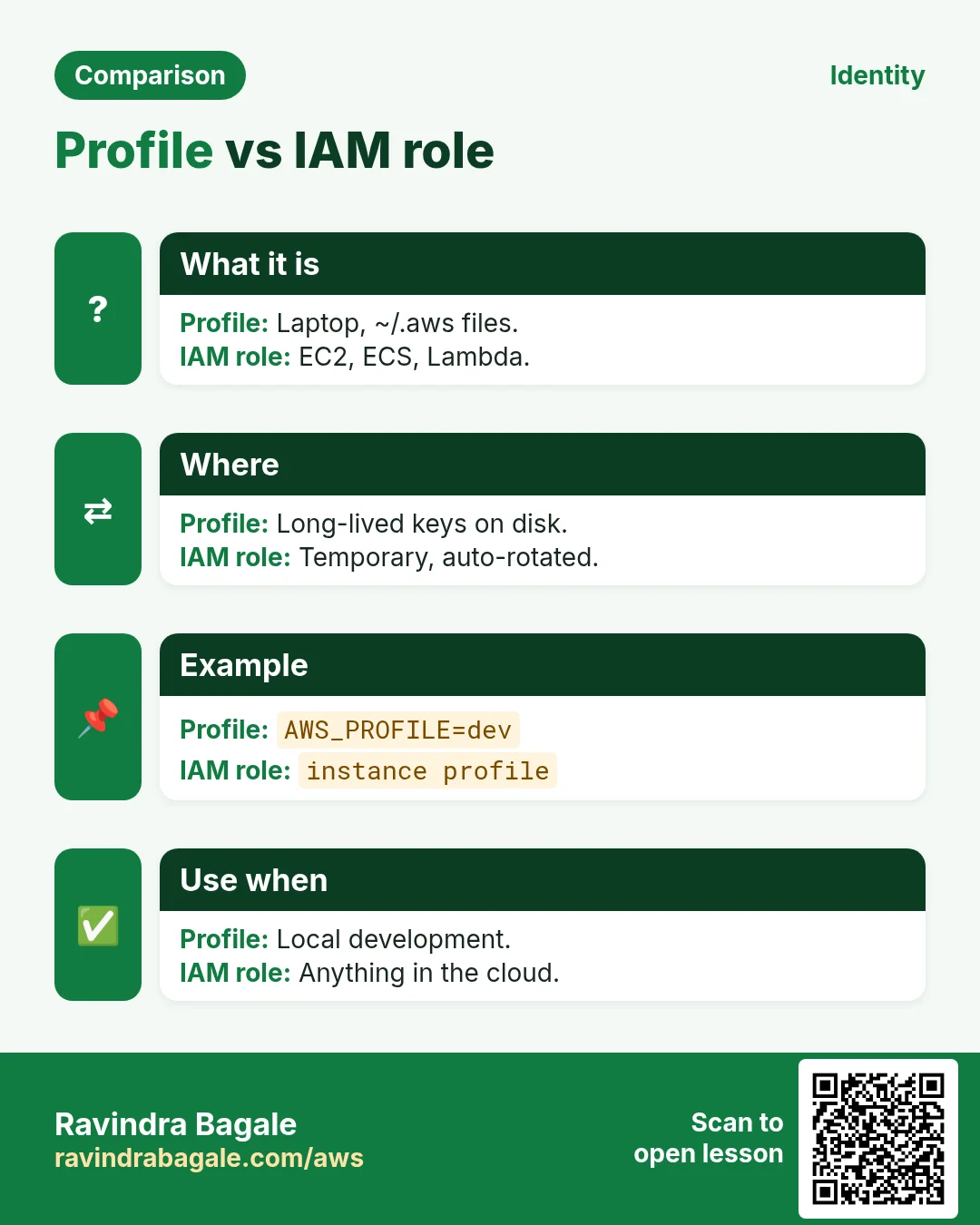
A client is an object for one service in one region, for example S3 in ap-south-1. The credentials chain is the list of places the SDK checks: code, environment variables, the shared ~/.aws files (profile), SSO, then the IAM role of the machine (EC2, ECS, Lambda).
How to do it (step by step)
2. Install the three SDKs
Why do we need this?
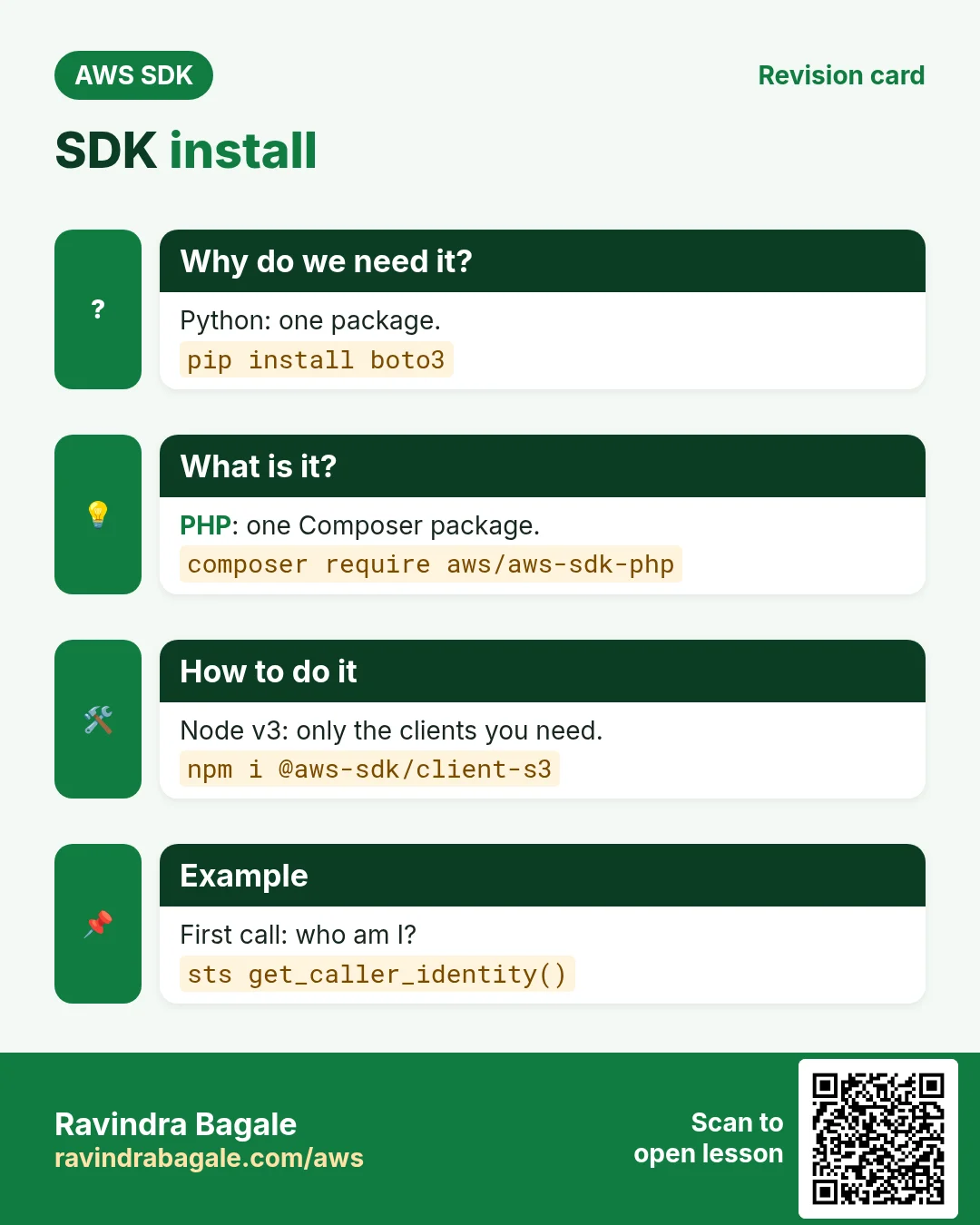
You need the library before you can write a single line of AWS code.
What is it?
Python uses one package (boto3). PHP uses one Composer package (aws/aws-sdk-php). JavaScript v3 is modular: you install only the clients you need, such as @aws-sdk/client-s3.
How to do it (step by step)
- Python: create a virtual env and install boto3.
python3 -m venv .venv
source .venv/bin/activate
pip install boto3
python -c "import boto3; print(boto3.__version__)"
Expected output:
1.35.40- PHP: install the SDK with Composer.
composer require aws/aws-sdk-php
php -r 'require "vendor/autoload.php"; echo Aws\Sdk::VERSION, PHP_EOL;'
Expected output:
3.325.2- Node.js: install only the clients you need.
npm init -y
npm install @aws-sdk/client-sts @aws-sdk/client-s3 @aws-sdk/credential-providers
npm ls @aws-sdk/client-sts
Expected output:
my-app@1.0.0
└── @aws-sdk/client-sts@3.679.0- Verify: all three are installed.
pip show boto3 | head -2
composer show aws/aws-sdk-php | head -3
node -e "console.log(require('@aws-sdk/client-sts/package.json').version)"
Expected output:
Name: boto3
Version: 1.35.40
name     : aws/aws-sdk-php
versions : * 3.325.2
3.679.0
3. Your first client: who am I?
Why do we need this?
sts get-caller-identity is the safest first call. It needs no permissions and tells you which account and identity the SDK is using.
What is it?
Each SDK builds a client, calls GetCallerIdentity and returns Account, UserId and Arn.
How to do it (step by step)
- Python: save as whoami.py and run it.
# whoami.py
import boto3

sts = boto3.client("sts", region_name="ap-south-1")
me = sts.get_caller_identity()
print("Account:", me["Account"])
print("Arn:", me["Arn"])

# run: python whoami.py
Expected output:
Account: 111122223333
Arn: arn:aws:iam::111122223333:user/priya-dev- PHP: save as whoami.php and run it.
<?php
// whoami.php
require "vendor/autoload.php";
use Aws\Sts\StsClient;

$sts = new StsClient(["region" => "ap-south-1"]);
$me = $sts->getCallerIdentity();
echo "Account: ", $me["Account"], PHP_EOL;
echo "Arn: ", $me["Arn"], PHP_EOL;

// run: php whoami.php
Expected output:
Account: 111122223333
Arn: arn:aws:iam::111122223333:user/priya-dev- Node.js: save as whoami.mjs and run it.
// whoami.mjs
import { STSClient, GetCallerIdentityCommand } from "@aws-sdk/client-sts";

const sts = new STSClient({ region: "ap-south-1" });
const me = await sts.send(new GetCallerIdentityCommand({}));
console.log("Account:", me.Account);
console.log("Arn:", me.Arn);

// run: node whoami.mjs
Expected output:
Account: 111122223333
Arn: arn:aws:iam::111122223333:user/priya-dev- Verify: the CLI shows the same identity.
aws sts get-caller-identity --query Arn --output textExpected output:
arn:aws:iam::111122223333:user/priya-dev4. Regions and named profiles
Why do we need this?
Oliver in Manchester works on a UK account in eu-west-2 and a test account in us-east-1. Profiles let one laptop switch accounts without editing code.
What is it?
A profile is a named section in ~/.aws/config and ~/.aws/credentials. boto3 uses Session(profile_name=...), PHP uses the profile option, Node uses fromIni({ profile }).
How to do it (step by step)
- Create a profile called uk-prod.
aws configure --profile uk-prod
# AWS Access Key ID: AKIA...
# Default region name: eu-west-2
cat ~/.aws/config
Expected output:
[default]
region = ap-south-1
[profile uk-prod]
region = eu-west-2- Python: use the profile through a Session.
import boto3

session = boto3.Session(profile_name="uk-prod")
print("Region:", session.region_name)
sts = session.client("sts")
print(sts.get_caller_identity()["Account"])
Expected output:
Region: eu-west-2
444455556666- PHP: pass profile and region to the client.
<?php
require "vendor/autoload.php";
use Aws\Sts\StsClient;

$sts = new StsClient([
    "profile" => "uk-prod",
    "region"  => "eu-west-2",
]);
echo $sts->getCallerIdentity()["Account"], PHP_EOL;
Expected output:
444455556666- Node.js: load the profile with fromIni.
import { STSClient, GetCallerIdentityCommand } from "@aws-sdk/client-sts";
import { fromIni } from "@aws-sdk/credential-providers";

const sts = new STSClient({
  region: "eu-west-2",
  credentials: fromIni({ profile: "uk-prod" }),
});
const me = await sts.send(new GetCallerIdentityCommand({}));
console.log(me.Account);
Expected output:
444455556666- Verify: switch profile with one env var, no code change.
AWS_PROFILE=uk-prod python whoami.py
AWS_PROFILE=uk-prod node whoami.mjs
Expected output:
Account: 444455556666
Arn: arn:aws:iam::444455556666:user/oliver
Account: 444455556666
Arn: arn:aws:iam::444455556666:user/oliver
5. Environment variables and the chain order
Why do we need this?
CI servers (GitHub Actions, Jenkins) and containers usually pass credentials as environment variables. You must know which source wins when two are set.
What is it?
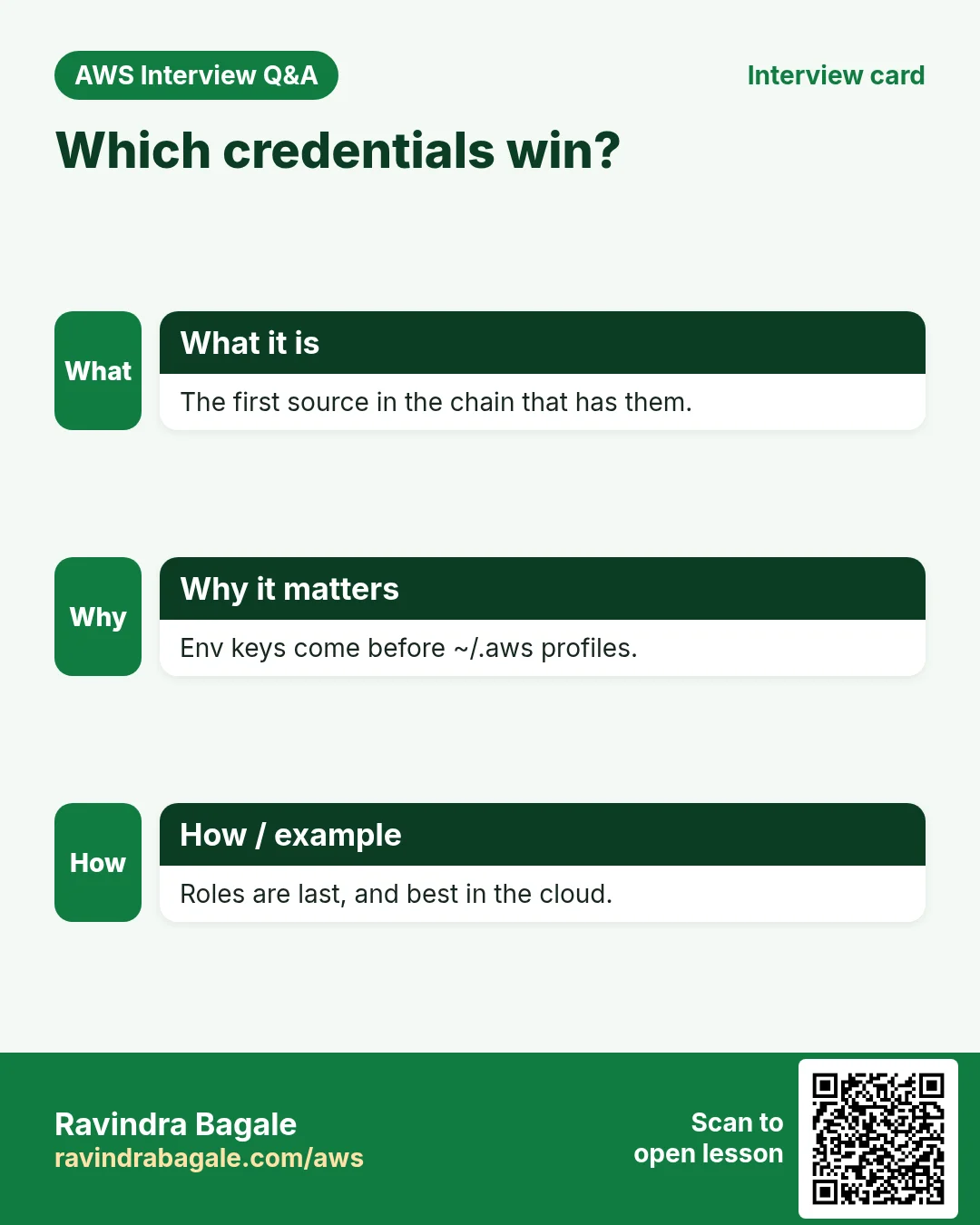
All three SDKs read AWS_ACCESS_KEY_ID, AWS_SECRET_ACCESS_KEY, AWS_SESSION_TOKEN, AWS_REGION and AWS_PROFILE. Env keys beat the profile file.
| Variable | Used for |
|---|---|
| AWS_ACCESS_KEY_ID / AWS_SECRET_ACCESS_KEY | Static or temporary keys |
| AWS_SESSION_TOKEN | Needed with temporary keys |
| AWS_REGION / AWS_DEFAULT_REGION | Default region |
| AWS_PROFILE | Which profile in ~/.aws |
| AWS_CONFIG_FILE | Custom config path |
How to do it (step by step)
- Python: print where boto3 found the credentials.
import boto3

creds = boto3.Session().get_credentials()
print("Method:", creds.method)
print("Key starts:", creds.access_key[:4])
Expected output:
Method: env
Key starts: AKIA- Test the order: env keys beat AWS_PROFILE.
export AWS_ACCESS_KEY_ID=AKIAEXAMPLE1
export AWS_SECRET_ACCESS_KEY=secretExample1
export AWS_PROFILE=uk-prod
python -c "import boto3;print(boto3.Session().get_credentials().method)"
unset AWS_ACCESS_KEY_ID AWS_SECRET_ACCESS_KEY
Expected output:
env- Node.js: the default chain handles env, ini, SSO and roles for you.
import { fromNodeProviderChain } from "@aws-sdk/credential-providers";

const creds = await fromNodeProviderChain()();
console.log("Key starts:", creds.accessKeyId.slice(0, 4));
console.log("Temporary:", Boolean(creds.sessionToken));
Expected output:
Key starts: ASIA
Temporary: true- PHP: build the default provider explicitly.
<?php
require "vendor/autoload.php";
use Aws\Credentials\CredentialProvider;

$provider = CredentialProvider::defaultProvider();
$creds = $provider()->wait();
echo "Key starts: ", substr($creds->getAccessKeyId(), 0, 4), PHP_EOL;
Expected output:
Key starts: AKIA6. IAM roles: no keys at all
Why do we need this?
Keys in code leak through Git. On EC2, ECS and Lambda the SDK can fetch short-lived role credentials automatically, and they rotate by themselves.
What is it?
Attach an instance profile to EC2 (or a task role to ECS, an execution role to Lambda). Your code stays exactly the same: just create the client with no keys.
How to do it (step by step)
- Attach a role to the EC2 instance.
aws ec2 associate-iam-instance-profile --instance-id i-0abc1234def567890 --iam-instance-profile Name=app-s3-reader
aws ec2 describe-iam-instance-profile-associations --query "IamInstanceProfileAssociations[0].State" --output text
Expected output:
associated- Python on that instance: same code, no keys.
import boto3

session = boto3.Session(region_name="ap-south-1")
print(session.get_credentials().method)
print(session.client("sts").get_caller_identity()["Arn"])
Expected output:
iam-role
arn:aws:sts::111122223333:assumed-role/app-s3-reader/i-0abc1234def567890- Node.js on that instance.
import { STSClient, GetCallerIdentityCommand } from "@aws-sdk/client-sts";
const sts = new STSClient({ region: "ap-south-1" });
console.log((await sts.send(new GetCallerIdentityCommand({}))).Arn);
Expected output:
arn:aws:sts::111122223333:assumed-role/app-s3-reader/i-0abc1234def567890- PHP on that instance.
<?php
require "vendor/autoload.php";
$sts = new Aws\Sts\StsClient(["region" => "ap-south-1"]);
echo $sts->getCallerIdentity()["Arn"], PHP_EOL;
Expected output:
arn:aws:sts::111122223333:assumed-role/app-s3-reader/i-0abc1234def567890- Verify: no credentials file exists on the server.
ls ~/.aws/credentials 2>&1
env | grep -c AWS_ACCESS_KEY_ID
Expected output:
ls: cannot access '/home/ec2-user/.aws/credentials': No such file or directory
0
7. The same call in Java, Go, .NET and the CLI
Why do we need this?
Teams often mix languages. Once you know the call in Python, PHP and Node.js, the other SDKs are the same API with different syntax.
What is it?
All of them call the GetCallerIdentity API. Use the CLI line to test it quickly from a terminal.
How to do it (step by step)
| Stack | Code |
|---|---|
| AWS CLI | aws sts get-caller-identity |
| Java v2 | StsClient sts = StsClient.create(); |
| Go v2 | cfg, _ := config.LoadDefaultConfig(ctx) |
| .NET | var sts = new AmazonSecurityTokenServiceClient(); |
8. Clean up so nothing keeps costing
Why do we need this?
Lab resources left running cost money and can be a security risk.
What is it?
Delete in reverse order: children first, then parents.
How to do it (step by step)
- Remove the test profile lines you no longer need.
aws configure list-profilesExpected output:
default
uk-prod- Deactivate the Python venv.
deactivateExpected output:
(no output means success)Ravindra Bagale's Tip
Never pass access keys in code. Let the chain find them: a profile on your laptop, a role in the cloud. Your code then runs unchanged in both places.
9. Interview questions and answers
Q. What is the AWS credentials provider chain?
An ordered list of places the SDK checks for credentials: code, env vars, shared config/credentials files, SSO or web identity, then the container or instance role. The first match wins.
Q. Why is JavaScript v3 modular?
You install and import only the clients you use, which makes Lambda bundles smaller and cold starts faster.
Q. How do you pick a profile in each SDK?
boto3.Session(profile_name=...), PHP client option "profile", Node fromIni({profile}) — or just set AWS_PROFILE.
Q. Which call checks who you are without any permissions?
STS GetCallerIdentity.
Q. Why prefer IAM roles over access keys?
Role credentials are temporary, rotate automatically and never sit in files or Git.
Try at home
- Create two profiles (dev in ap-south-1, test in eu-central-1) and run whoami in all three languages with AWS_PROFILE.
- Print the credential method in boto3 with env keys, then without them.
In short
- Install boto3, aws/aws-sdk-php, @aws-sdk/client-*.
- A client = one service + one region.
- Chain: code, env, profile, SSO, role.
- AWS_PROFILE switches accounts without code changes.
- Use roles in the cloud, never hard-coded keys.
Practice Tasks
Singapore Freight is a logistics business in Singapore. Wei Ling Tan looks after its IT and cloud work. They count money in SGD and run their AWS resources in the ap-southeast-1 Region. In the tasks below you do real jobs for them using what this lesson teaches. All names, account IDs, IP addresses and numbers are made up for practice.
0 / 12
Easy Restart a service after a change
Why: Config changes only apply after the service restarts or reloads.
What to do: Restart the nginx service.
- Find the Linux command that does this job.
- Add the options (like -r or -h) the task needs.
- Add the file names, folders or users in the right order.
- Use sudo if the job changes system files or users. Click Check answer.
Easy Check if a service is running
Why: When a site is down, first check whether the web server process is running.
What to do: Show the status of the httpd service.
- Find the Linux command that does this job.
- Add the options (like -r or -h) the task needs.
- Add the file names, folders or users in the right order.
- Use sudo if the job changes system files or users. Click Check answer.
Easy Check who you are logged in as
Why: Always confirm the account and identity before running changes.
What to do: Show the account ID and ARN of the identity your CLI is using.
- Read the task and decide which AWS service it is about.
- Write aws, then the service name, then the operation (the action word).
- Add each needed flag (--name) followed by its value from the task.
- Flags can be in any order. Click Check answer.
Easy Install a package on Ubuntu
Why: Ubuntu uses apt. Package names differ: on Ubuntu Apache is apache2.
What to do: Install the apache2 package on Ubuntu without being asked to confirm.
- Find the Linux command that does this job.
- Add the options (like -r or -h) the task needs.
- Add the file names, folders or users in the right order.
- Use sudo if the job changes system files or users. Click Check answer.
Easy Test a website from the server
Why: curl shows whether the web server answers, even before DNS is ready.
What to do: Request http://localhost and show only the response headers.
- Find the Linux command that does this job.
- Add the options (like -r or -h) the task needs.
- Add the file names, folders or users in the right order.
- Use sudo if the job changes system files or users. Click Check answer.
Easy Install a package on Amazon Linux
Why: dnf is the package manager on Amazon Linux 2023. -y answers yes for you.
What to do: Install the httpd package on Amazon Linux 2023 without being asked to confirm.
- Find the Linux command that does this job.
- Add the options (like -r or -h) the task needs.
- Add the file names, folders or users in the right order.
- Use sudo if the job changes system files or users. Click Check answer.
Easy Download code from GitHub
Why: git clone copies the whole repository to the server, ready to deploy.
What to do: Clone https://github.com/sgfreight/website.git into the current folder.
- Find the Linux command that does this job.
- Add the options (like -r or -h) the task needs.
- Add the file names, folders or users in the right order.
- Use sudo if the job changes system files or users. Click Check answer.
Easy Configure a named profile
Why: Profiles keep keys for different accounts apart.
What to do: Start the interactive setup for a profile named sgfreight-prod.
- Read the task and decide which AWS service it is about.
- Write aws, then the service name, then the operation (the action word).
- Add each needed flag (--name) followed by its value from the task.
- Flags can be in any order. Click Check answer.
Medium Start a service now and at boot
Why: enable makes it start after reboot; --now also starts it right away.
What to do: Enable the nginx service and start it immediately, in one command.
- Find the Linux command that does this job.
- Add the options (like -r or -h) the task needs.
- Add the file names, folders or users in the right order.
- Use sudo if the job changes system files or users. Click Check answer.
Medium Test the nginx config
Why: A test catches typos before a restart takes your site down.
What to do: Check the nginx configuration files for errors.
- Find the Linux command that does this job.
- Add the options (like -r or -h) the task needs.
- Add the file names, folders or users in the right order.
- Use sudo if the job changes system files or users. Click Check answer.
Medium Run a Node app with PM2
Why: PM2 keeps a Node.js app running and restarts it if it crashes.
What to do: Start app.js with PM2 under the name sgfreight-api.
- Find the Linux command that does this job.
- Add the options (like -r or -h) the task needs.
- Add the file names, folders or users in the right order.
- Use sudo if the job changes system files or users. Click Check answer.
Medium Open port 80 to the world
Why: Visitors can reach your website only if the security group allows HTTP.
What to do: Allow inbound TCP port 80 from 0.0.0.0/0 on security group sg-016201cc52164c3b2.
- Read the task and decide which AWS service it is about.
- Write aws, then the service name, then the operation (the action word).
- Add each needed flag (--name) followed by its value from the task.
- Flags can be in any order. Click Check answer.
Revision, comparison and interview cards
Revise this lesson in a few minutes. Save the cards on your phone or download them as PNG files. The QR code on each card opens this lesson.
More cards: Ravi Sir's Cards.