AWS SDK Lambda: Invoke Functions and Write Handlers in Python, PHP and Node.js
Lambda runs your code without servers. We do both sides: write handlers in Python, Node.js and PHP (with Bref), deploy one, and invoke functions from all three SDKs — waiting for the answer, firing and forgetting, and reading logs. The example is a currency converter for Hans in Zurich and Neha in Bengaluru.
What you'll learn in this chapter
- Write a handler in Python, Node.js and PHP
- Package and create a function
- Invoke synchronously and read the payload
- Invoke asynchronously
- Use env vars and read logs
1. The big picture: a vending machine
Why do we need this?
You press a button and the vending machine wakes up, makes a coffee and goes back to sleep. You pay per coffee, not for the machine standing there. A Lambda handler is the recipe; an invoke is pressing the button; the event is the button you pressed.
What is it?
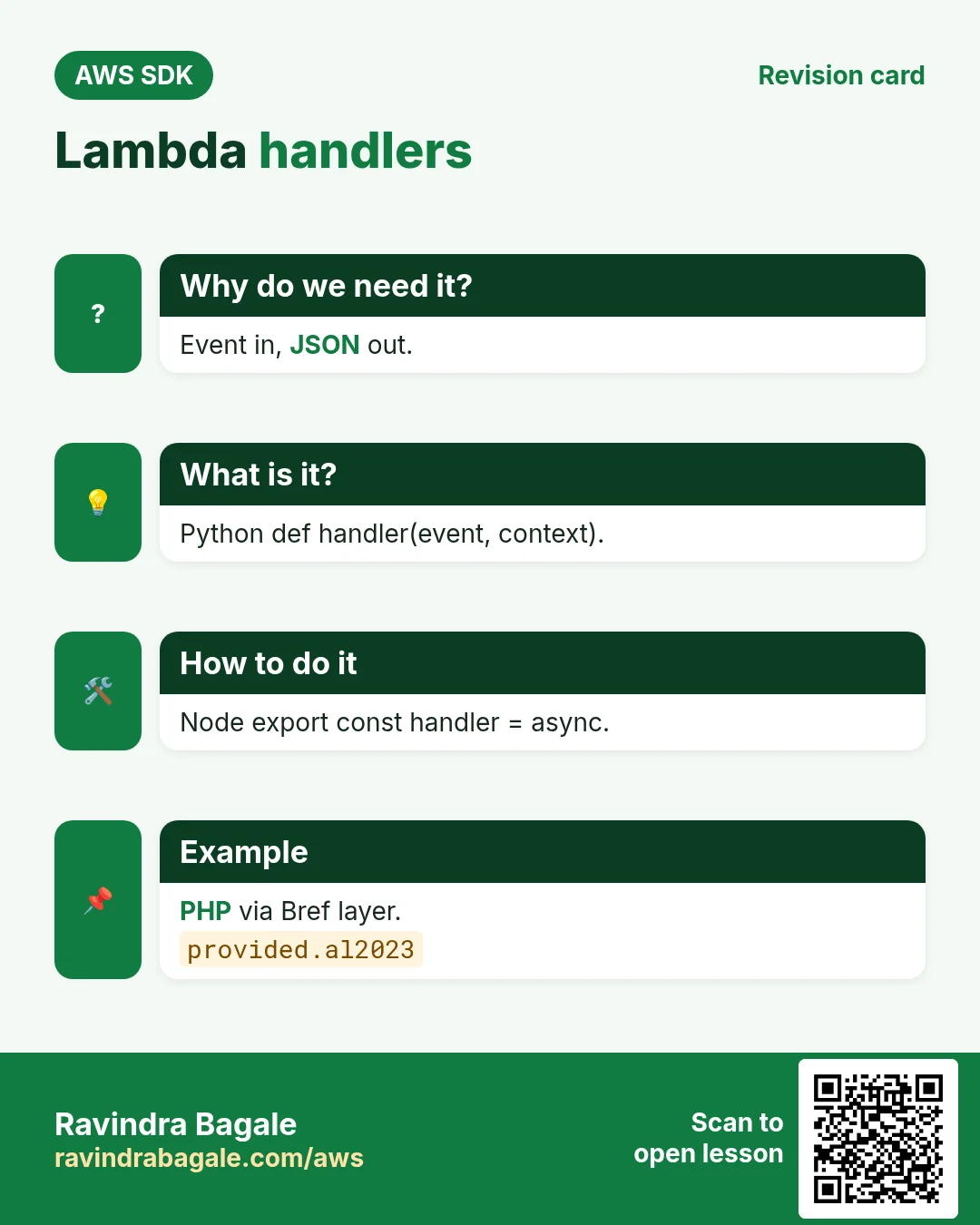
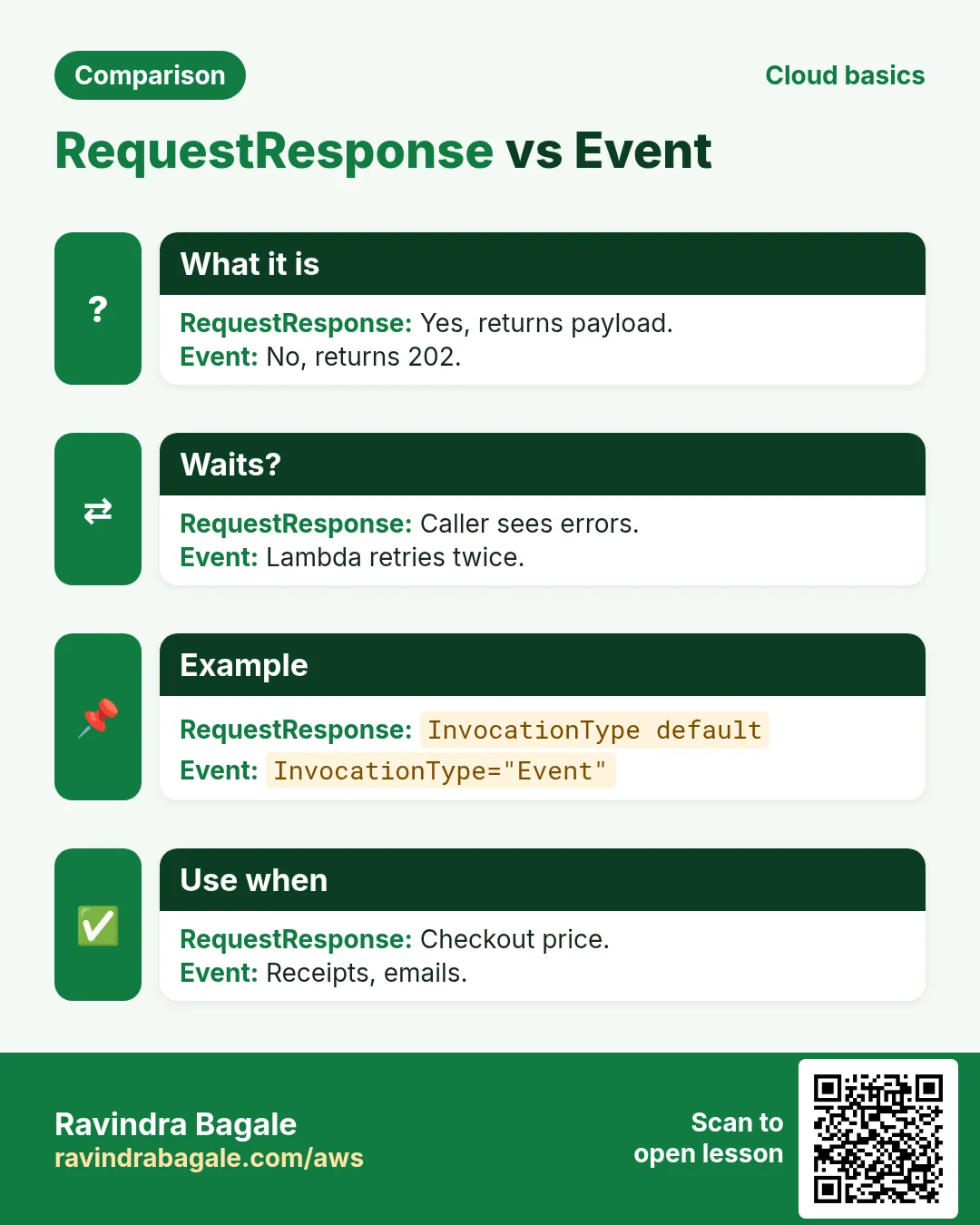
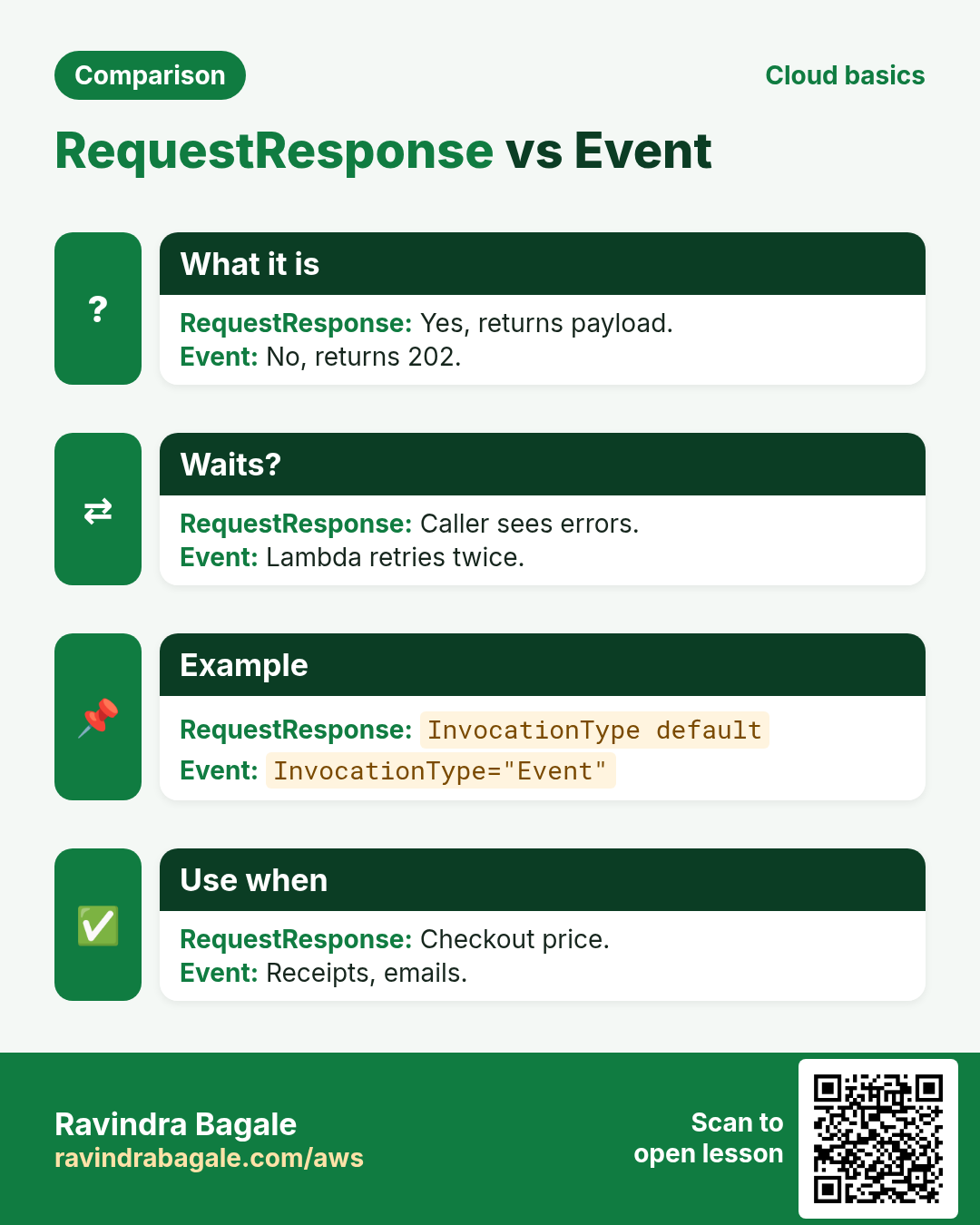
A handler receives an event (JSON) and a context (request ID, time left) and returns JSON. Invoke type RequestResponse waits for the result; Event queues it and returns 202 at once.
How to do it (step by step)
2. Write the handler in three languages
Why do we need this?
Hans sells watches in CHF; Neha shows prices in INR. One small function converts amounts for both shops.
What is it?
Python and Node.js are managed runtimes. PHP runs on Lambda with the Bref layer (provided.al2023 runtime). The input and output are the same JSON in all three.
How to do it (step by step)
- Python handler: app.py.
# app.py
import json, os

RATES = json.loads(os.environ.get("RATES", '{"CHF_INR": 95.2, "EUR_INR": 90.1, "USD_INR": 83.9}'))

def handler(event, context):
    pair = f'{event["from"]}_{event["to"]}'
    amount = round(event["amount"] * RATES[pair], 2)
    print(f"convert {event} -> {amount} req={context.aws_request_id}")
    return {"pair": pair, "amount": amount}
Expected output:
(saved app.py)- Node.js handler: index.mjs.
// index.mjs
const RATES = JSON.parse(process.env.RATES ?? '{"CHF_INR":95.2,"EUR_INR":90.1,"USD_INR":83.9}');

export const handler = async (event, context) => {
  const pair = `${event.from}_${event.to}`;
  const amount = Math.round(event.amount * RATES[pair] * 100) / 100;
  console.log("convert", event, "->", amount, "req", context.awsRequestId);
  return { pair, amount };
};
Expected output:
(saved index.mjs)- PHP handler with Bref: index.php.
<?php
// composer require bref/bref
// index.php
require __DIR__ . "/vendor/autoload.php";

return function (array $event, $context) {
    $rates = json_decode(getenv("RATES") ?: '{"CHF_INR":95.2,"EUR_INR":90.1,"USD_INR":83.9}', true);
    $pair = $event["from"] . "_" . $event["to"];
    $amount = round($event["amount"] * $rates[$pair], 2);
    error_log("convert $pair -> $amount");
    return ["pair" => $pair, "amount" => $amount];
};
Expected output:
(saved index.php)- Test the Python handler locally before deploying.
python -c "import app,types;print(app.handler({'from':'CHF','to':'INR','amount':250},types.SimpleNamespace(aws_request_id='local')))"Expected output:
convert {'from': 'CHF', 'to': 'INR', 'amount': 250} -> 23800.0 req=local
{'pair': 'CHF_INR', 'amount': 23800.0}
3. Create the function from code
Why do we need this?
Your deploy script or CI job should create or update the function, not a person clicking the console.
What is it?
CreateFunction needs a name, runtime, handler, execution role ARN and the zip bytes. UpdateFunctionCode replaces the code later. Wait for the function to be Active.
How to do it (step by step)
- Zip the Python handler.
zip fx.zip app.py
unzip -l fx.zip | tail -1
Expected output:
412 1 file- Python: create_function and wait.
import boto3

lam = boto3.client("lambda", region_name="eu-central-2")
with open("fx.zip", "rb") as f:
    lam.create_function(
        FunctionName="fx-convert", Runtime="python3.12", Handler="app.handler",
        Role="arn:aws:iam::111122223333:role/lambda-basic-exec", Code={"ZipFile": f.read()},
        Timeout=10, MemorySize=256, Environment={"Variables": {"RATES": '{"CHF_INR": 95.2, "EUR_INR": 90.1, "USD_INR": 83.9}'}},
    )
lam.get_waiter("function_active_v2").wait(FunctionName="fx-convert")
print(lam.get_function(FunctionName="fx-convert")["Configuration"]["State"])
Expected output:
Active- Node.js: update the code later.
import { LambdaClient, UpdateFunctionCodeCommand, waitUntilFunctionUpdatedV2 } from "@aws-sdk/client-lambda";
import { readFileSync } from "node:fs";

const lam = new LambdaClient({ region: "eu-central-2" });
const r = await lam.send(new UpdateFunctionCodeCommand({ FunctionName: "fx-convert", ZipFile: readFileSync("fx.zip") }));
await waitUntilFunctionUpdatedV2({ client: lam, maxWaitTime: 60 }, { FunctionName: "fx-convert" });
console.log("CodeSha256:", r.CodeSha256);
Expected output:
CodeSha256: q2b3c4d5e6f7g8h9i0j1k2l3m4n5o6p7q8r9s0t1u2v=- Verify.
aws lambda get-function-configuration --function-name fx-convert --region eu-central-2 --query "[Runtime,State,LastUpdateStatus]" --output textExpected output:
python3.12 Active Successful4. Invoke synchronously
Why do we need this?
Neha's checkout page needs the INR price right now, before it renders.
What is it?
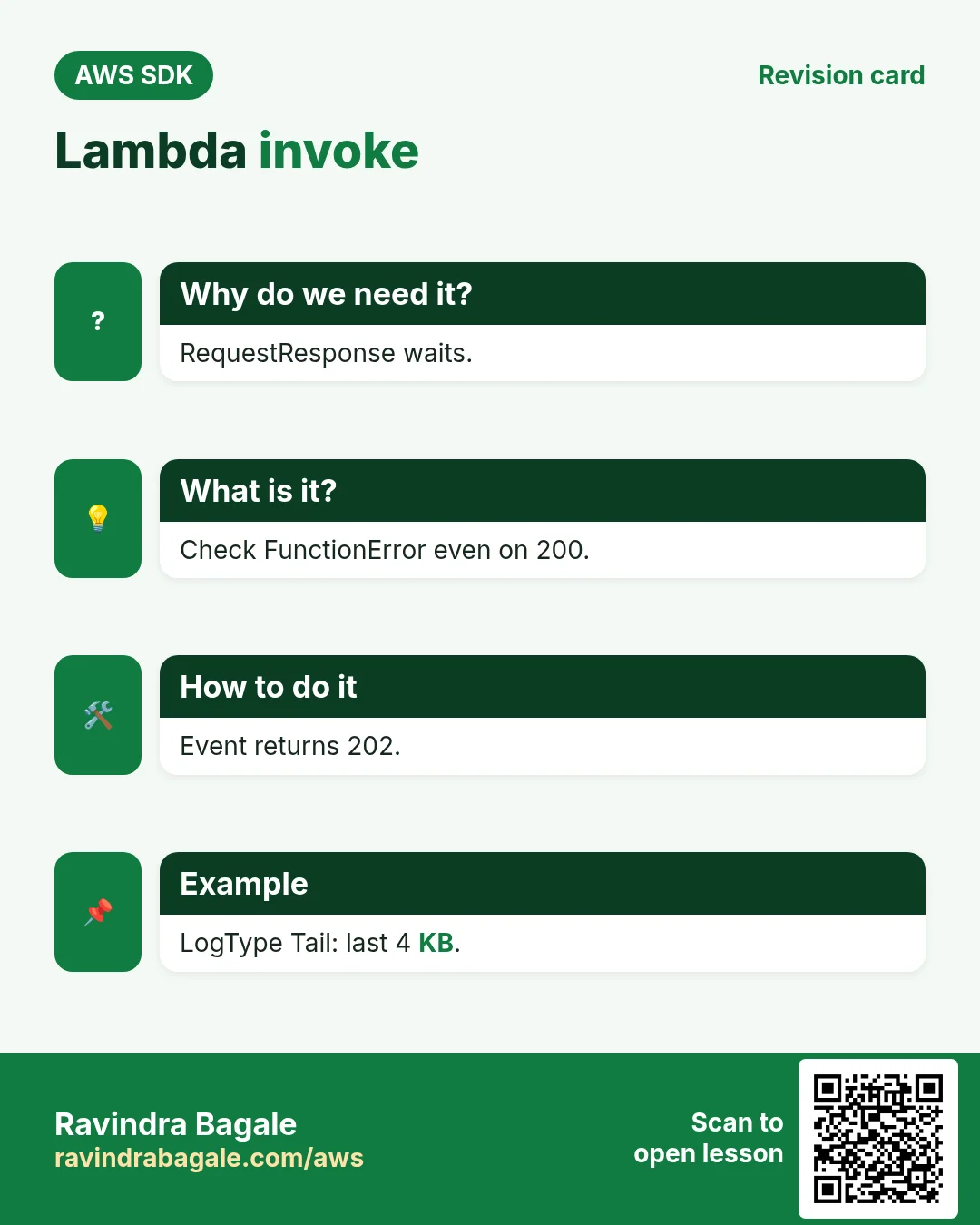
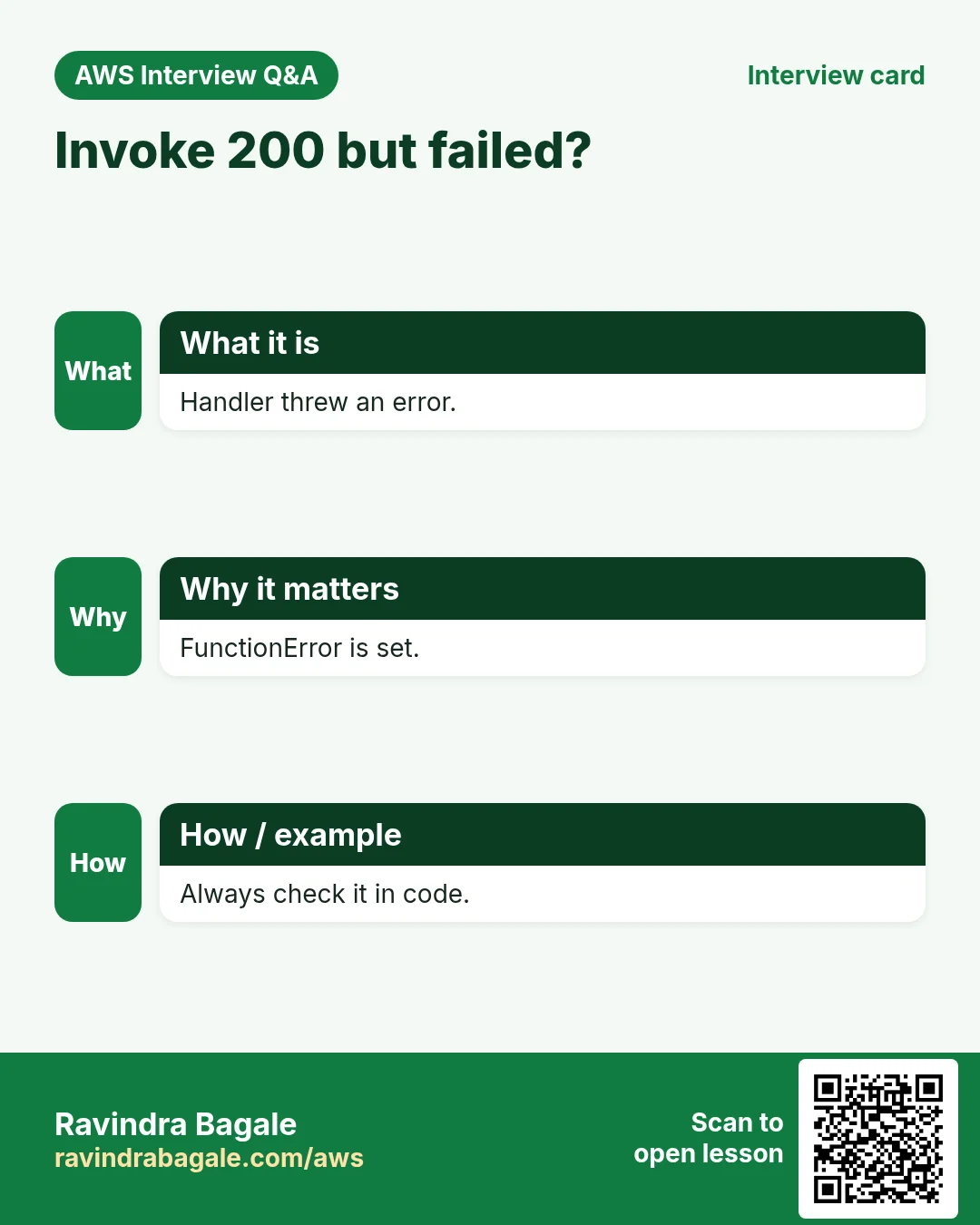
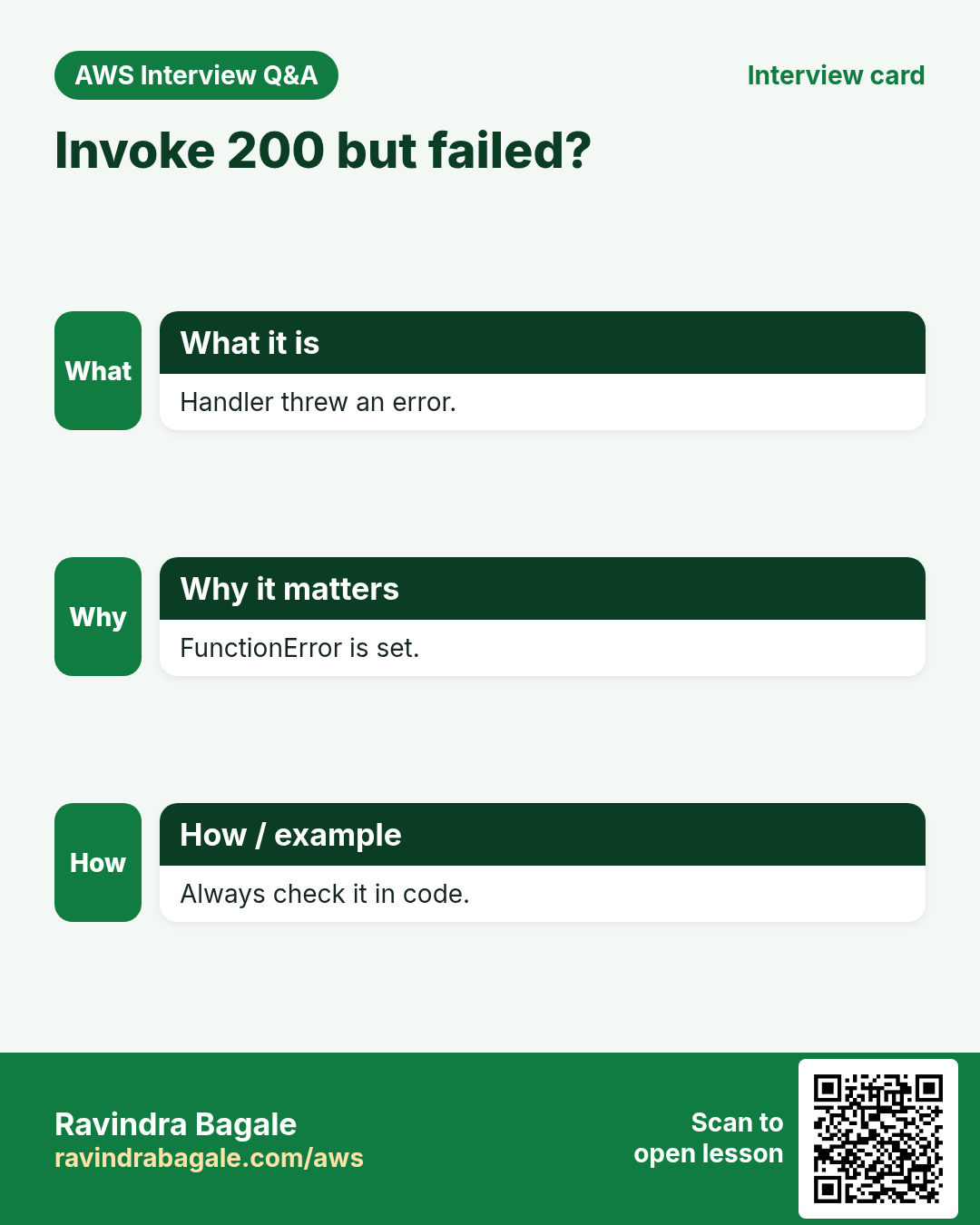
RequestResponse returns StatusCode 200 and a Payload. If the handler throws, StatusCode is still 200 but FunctionError is set — always check it.
How to do it (step by step)
- Python.
import boto3, json

lam = boto3.client("lambda", region_name="eu-central-2")
r = lam.invoke(FunctionName="fx-convert", Payload=json.dumps({"from": "CHF", "to": "INR", "amount": 250}))
if "FunctionError" in r:
    raise RuntimeError(r["Payload"].read())
print(r["StatusCode"], json.loads(r["Payload"].read()))
Expected output:
200 {'pair': 'CHF_INR', 'amount': 23800.0}- PHP.
<?php
require "vendor/autoload.php";
$lam = new Aws\Lambda\LambdaClient(["region" => "eu-central-2"]);
$r = $lam->invoke(["FunctionName" => "fx-convert", "Payload" => json_encode(["from" => "EUR", "to" => "INR", "amount" => 40])]);
if (!empty($r["FunctionError"])) { throw new RuntimeException((string) $r["Payload"]); }
echo $r["StatusCode"], " ", (string) $r["Payload"], PHP_EOL;
Expected output:
200 {"pair": "EUR_INR", "amount": 3604.0}- Node.js: decode the Uint8Array payload.
import { LambdaClient, InvokeCommand } from "@aws-sdk/client-lambda";

const lam = new LambdaClient({ region: "eu-central-2" });
const r = await lam.send(new InvokeCommand({ FunctionName: "fx-convert", Payload: JSON.stringify({ from: "USD", to: "INR", amount: 19.99 }) }));
if (r.FunctionError) throw new Error(new TextDecoder().decode(r.Payload));
console.log(r.StatusCode, JSON.parse(new TextDecoder().decode(r.Payload)));
Expected output:
200 { pair: 'USD_INR', amount: 1677.16 }- Verify: a bad pair shows FunctionError.
aws lambda invoke --function-name fx-convert --region eu-central-2 --cli-binary-format raw-in-base64-out --payload '{"from":"GBP","to":"JPY","amount":1}' out.json --query FunctionError --output text
cat out.json
Expected output:
Unhandled
{"errorMessage": "'GBP_JPY'", "errorType": "KeyError", ...}
5. Invoke asynchronously and read logs
Why do we need this?
After an order, sending a receipt can happen in the background. The customer should not wait for it.
What is it?
InvocationType Event returns 202 immediately; Lambda retries twice on errors. LogType Tail on a sync call returns the last 4 KB of logs, base64 encoded.
How to do it (step by step)
- Python: fire and forget.
import boto3, json
lam = boto3.client("lambda", region_name="eu-central-2")
r = lam.invoke(FunctionName="fx-convert", InvocationType="Event", Payload=json.dumps({"from": "CHF", "to": "INR", "amount": 99}))
print(r["StatusCode"])
Expected output:
202- Node.js: tail the logs of one call.
import { LambdaClient, InvokeCommand } from "@aws-sdk/client-lambda";
const lam = new LambdaClient({ region: "eu-central-2" });
const r = await lam.send(new InvokeCommand({ FunctionName: "fx-convert", LogType: "Tail", Payload: JSON.stringify({ from: "EUR", to: "INR", amount: 10 }) }));
console.log(Buffer.from(r.LogResult, "base64").toString().split("\n").filter(l => l.startsWith("convert")));
Expected output:
[ "convert {'from': 'EUR', 'to': 'INR', 'amount': 10} -> 901.0 req=3f1c..." ]- PHP: async invoke.
<?php
require "vendor/autoload.php";
$lam = new Aws\Lambda\LambdaClient(["region" => "eu-central-2"]);
$r = $lam->invoke(["FunctionName" => "fx-convert", "InvocationType" => "Event", "Payload" => json_encode(["from" => "USD", "to" => "INR", "amount" => 5])]);
echo $r["StatusCode"], PHP_EOL;
Expected output:
202- Verify: logs show all calls.
aws logs tail /aws/lambda/fx-convert --region eu-central-2 --since 10m | grep -c convertExpected output:
56. The same call in Java, Go, .NET and the CLI
Why do we need this?
Teams often mix languages. Once you know the call in Python, PHP and Node.js, the other SDKs are the same API with different syntax.
What is it?
All of them call the Invoke API. Use the CLI line to test it quickly from a terminal.
How to do it (step by step)
| Stack | Code |
|---|---|
| AWS CLI | aws lambda invoke --function-name fx-convert --cli-binary-format raw-in-base64-out --payload '{"from":"CHF","to":"INR","amount":1}' out.json |
| Java v2 | InvokeResponse r = lambda.invoke(b -> b.functionName("fx-convert").payload(SdkBytes.fromUtf8String(json))); |
| Go v2 | out, _ := client.Invoke(ctx, &lambda.InvokeInput{FunctionName: aws.String("fx-convert"), Payload: []byte(json)}) |
| .NET | var r = await lambda.InvokeAsync(new InvokeRequest { FunctionName = "fx-convert", Payload = json }); |
7. Clean up so nothing keeps costing
Why do we need this?
Lab resources left running cost money and can be a security risk.
What is it?
Delete in reverse order: children first, then parents.
How to do it (step by step)
- Delete the function and its log group.
aws lambda delete-function --function-name fx-convert --region eu-central-2
aws logs delete-log-group --log-group-name /aws/lambda/fx-convert --region eu-central-2
Expected output:
(no output means success)Ravindra Bagale's Tip
A sync invoke that returns 200 can still be a failure. Check FunctionError every time, in every language.
8. Interview questions and answers
Q. RequestResponse vs Event invocation?
RequestResponse waits and returns the payload; Event queues it, returns 202 and Lambda retries twice on error.
Q. How do you detect a handler error on invoke?
The FunctionError field is set (Handled/Unhandled) even though StatusCode is 200.
Q. How does PHP run on Lambda?
Through a custom runtime layer such as Bref on provided.al2023.
Q. Why create SDK clients outside the handler?
Warm invocations reuse the client and its connections, which cuts latency.
Q. How do you get logs for one invoke?
LogType Tail returns the last 4 KB base64-encoded; full logs are in CloudWatch /aws/lambda/name.
Try at home
- Deploy the Node.js handler as fx-convert-node and invoke it from Python.
- Add GBP_INR to RATES with UpdateFunctionConfiguration and test it.
In short
- Handler = event in, JSON out.
- CreateFunction + waiter; UpdateFunctionCode.
- Sync invoke: check FunctionError.
- Event invoke returns 202.
- Logs via Tail or CloudWatch.
Practice Tasks
Aurangabad Pharma is a pharmaceuticals business in Chhatrapati Sambhajinagar. Dr. Farhan Shaikh looks after its IT and cloud work. They count money in INR and run their AWS resources in the ap-south-1 Region. In the tasks below you do real jobs for them using what this lesson teaches. All names, account IDs, IP addresses and numbers are made up for practice.
0 / 12
Easy List functions
Why: See which functions exist in this Region.
What to do: List the Lambda functions in ap-south-1.
- Read the task and decide which AWS service it is about.
- Write aws, then the service name, then the operation (the action word).
- Add each needed flag (--name) followed by its value from the task.
- Flags can be in any order. Click Check answer.
Medium Invoke a function
Why: Invoke runs the function now and saves its answer in a file.
What to do: Invoke abadpharma-orders-fn and save the response to out.json.
- Read the task and decide which AWS service it is about.
- Write aws, then the service name, then the operation (the action word).
- Add each needed flag (--name) followed by its value from the task.
- Flags can be in any order. Click Check answer.
Medium Trust policy for a Lambda role
Why: The trust policy says WHO may take the role.
What to do: Write a trust policy that lets lambda.amazonaws.com assume the role.
- Start with { "Version": "2012-10-17", "Statement": [ ... ] }.
- In each statement write Effect, Action and Resource.
- Give only what the task needs (least privilege).
- Use double quotes and commas correctly. Click Check answer.
Medium Change timeout and memory
Why: More memory also gives more CPU; timeout stops runaway runs.
What to do: Set abadpharma-orders-fn to timeout 30 seconds and memory 512 MB.
- Read the task and decide which AWS service it is about.
- Write aws, then the service name, then the operation (the action word).
- Add each needed flag (--name) followed by its value from the task.
- Flags can be in any order. Click Check answer.
Medium Let a function write logs
Why: Without these actions, Lambda logs never appear in CloudWatch.
What to do: Allow logs:CreateLogGroup, logs:CreateLogStream, logs:PutLogEvents on arn:aws:logs:*:*:* only.
- Start with { "Version": "2012-10-17", "Statement": [ ... ] }.
- In each statement write Effect, Action and Resource.
- Give only what the task needs (least privilege).
- Use double quotes and commas correctly. Click Check answer.
Medium Follow logs live
Why: aws logs tail --follow is like tail -f for CloudWatch Logs.
What to do: Follow the log group /aws/lambda/abadpharma-orders-fn live.
- Read the task and decide which AWS service it is about.
- Write aws, then the service name, then the operation (the action word).
- Add each needed flag (--name) followed by its value from the task.
- Flags can be in any order. Click Check answer.
Hard Create a Lambda function
Why: Lambda needs the code zip, a runtime, a handler name and an execution role.
What to do: Create function abadpharma-orders-fn: runtime python3.12, handler app.handler, role arn:aws:iam::112055250461:role/lambda-basic, code in function.zip.
- Read the task and decide which AWS service it is about.
- Write aws, then the service name, then the operation (the action word).
- Add each needed flag (--name) followed by its value from the task.
- Flags can be in any order. Click Check answer.
Hard Set environment variables
Why: Keep settings like table names out of the code.
What to do: Set the environment variable TABLE=abadpharma-orders on abadpharma-orders-fn.
- Read the task and decide which AWS service it is about.
- Write aws, then the service name, then the operation (the action word).
- Add each needed flag (--name) followed by its value from the task.
- Flags can be in any order. Click Check answer.
Hard Invoke with a JSON payload
Why: In CLI v2, raw JSON needs --cli-binary-format raw-in-base64-out.
What to do: Invoke abadpharma-orders-fn with payload {"orderId":"o-101"} (raw JSON) and save the reply in out.json.
- Read the task and decide which AWS service it is about.
- Write aws, then the service name, then the operation (the action word).
- Add each needed flag (--name) followed by its value from the task.
- Flags can be in any order. Click Check answer.
Hard Lambda GB-seconds
Why: Lambda bills memory × time.
What to do: 1,000,000 invocations, 512 MB memory, 200 ms each. How many GB-seconds?
- Write down the numbers the task gives you.
- Work it out step by step on paper.
- Type only the final answer in the box.
- Click Check answer.
Hard Connect an SQS queue to Lambda
Why: An event source mapping makes Lambda poll the queue and process messages in batches.
What to do: Create an event source mapping from queue arn:aws:sqs:ap-south-1:112055250461:abadpharma-orders to abadpharma-orders-fn with batch size 10.
- Read the task and decide which AWS service it is about.
- Write aws, then the service name, then the operation (the action word).
- Add each needed flag (--name) followed by its value from the task.
- Flags can be in any order. Click Check answer.
Hard Let S3 call your function
Why: A resource-based permission is needed before S3 can invoke the function.
What to do: Add permission statement s3invoke to abadpharma-orders-fn so s3.amazonaws.com can call lambda:InvokeFunction from bucket arn:aws:s3:::abadpharma-uploads.
- Read the task and decide which AWS service it is about.
- Write aws, then the service name, then the operation (the action word).
- Add each needed flag (--name) followed by its value from the task.
- Flags can be in any order. Click Check answer.
Revision, comparison and interview cards
Revise this lesson in a few minutes. Save the cards on your phone or download them as PNG files. The QR code on each card opens this lesson.
More cards: Ravi Sir's Cards.