Mount Amazon EFS on EC2 Step by Step
Hands-on: create EFS in ap-south-1, open NFS from an EC2 security group, mount with the Amazon EFS mount helper, write a file, and clean up.
What you'll learn in this chapter
- Create EFS and mount targets
- Security group for port 2049
- Mount on Amazon Linux 2023
- fstab note and full cleanup
Cost
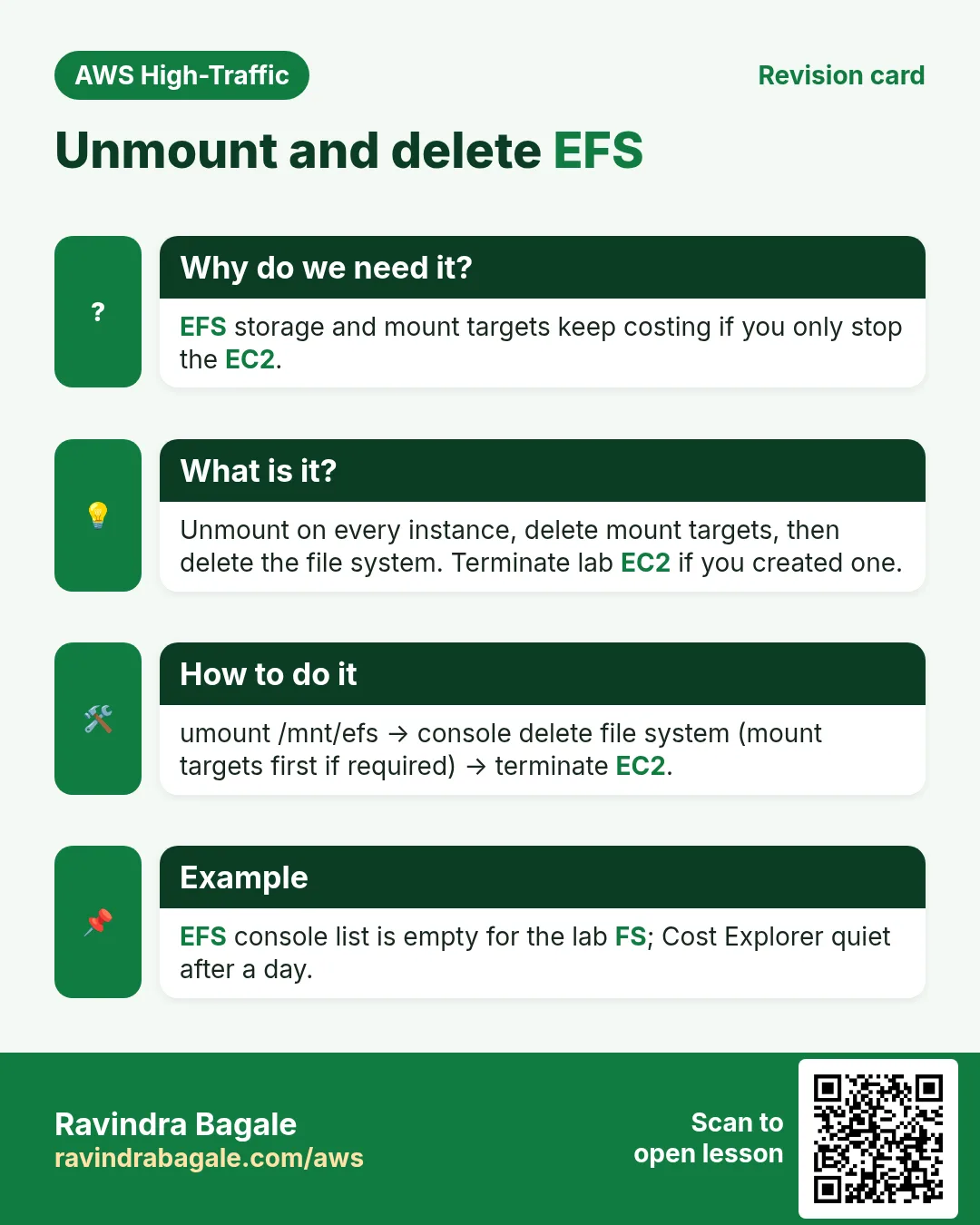
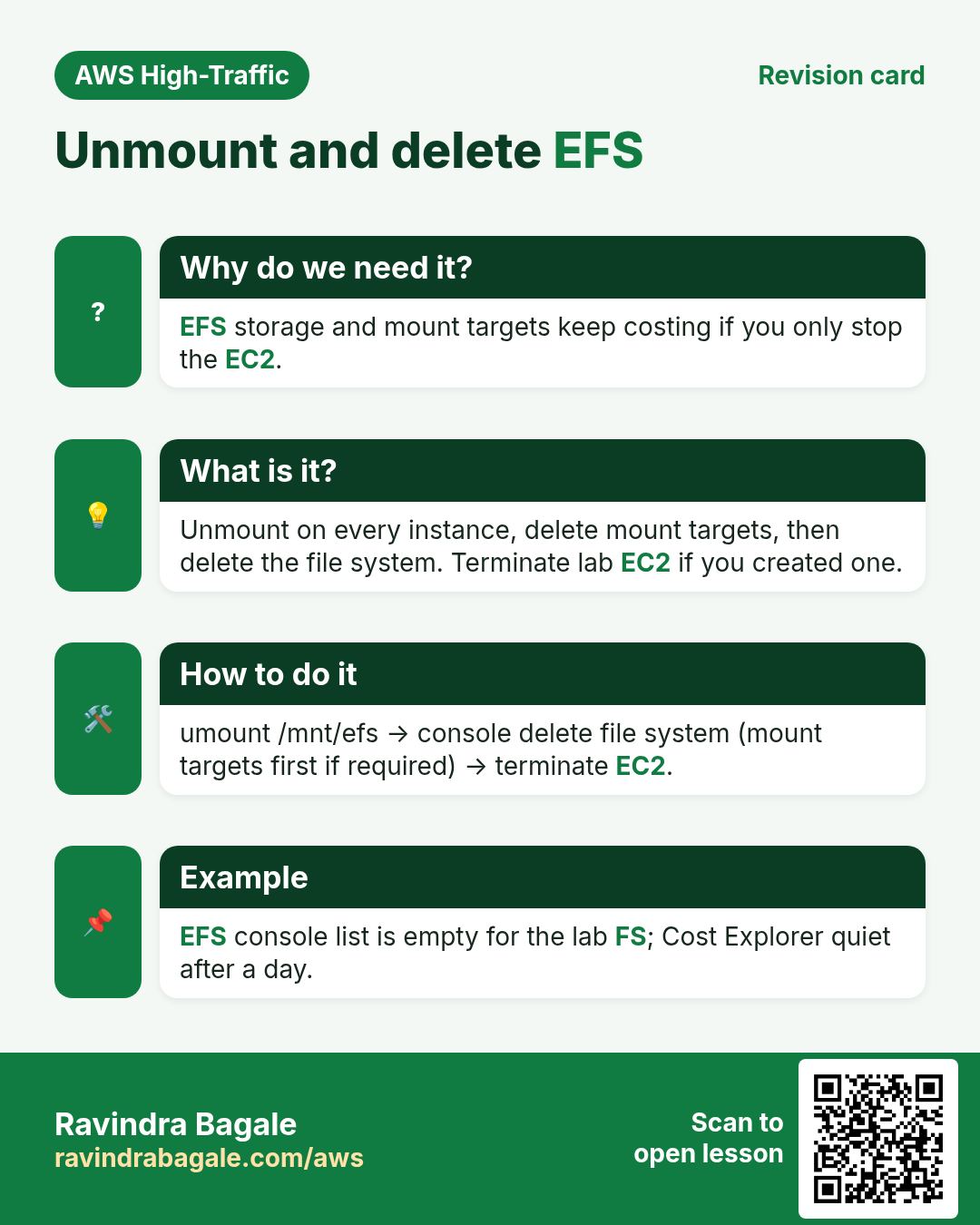
EFS storage is billed while the file system exists. Delete it after the lab. Stop or terminate the EC2 if you created one only for this lab.
1. Lab: click by click
How to do it (step by step)
Region ap-south-1. You need an Amazon Linux 2023 EC2 in a VPC with DNS hostnames enabled (default VPC is fine).
A. Security groups
- Create SG
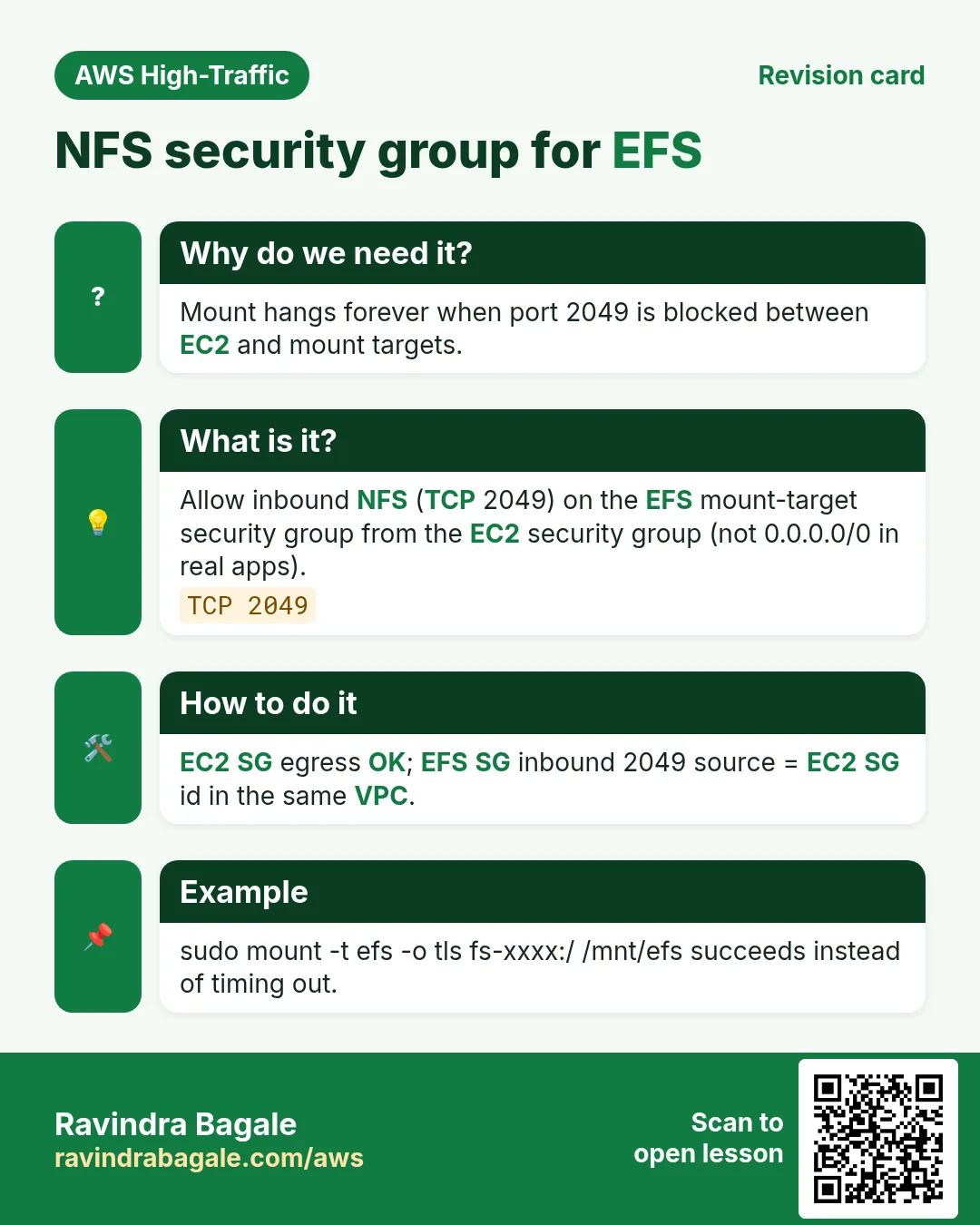
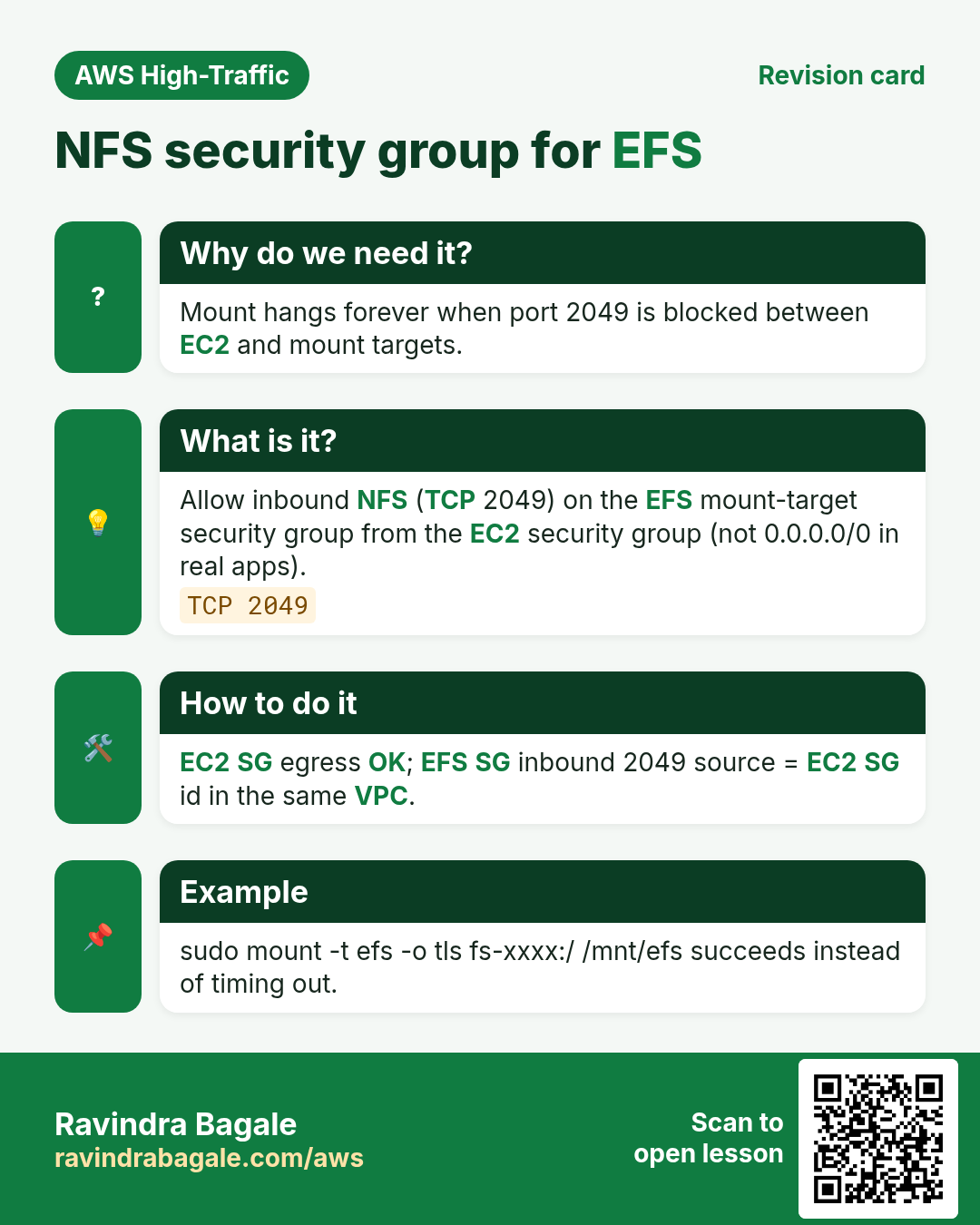
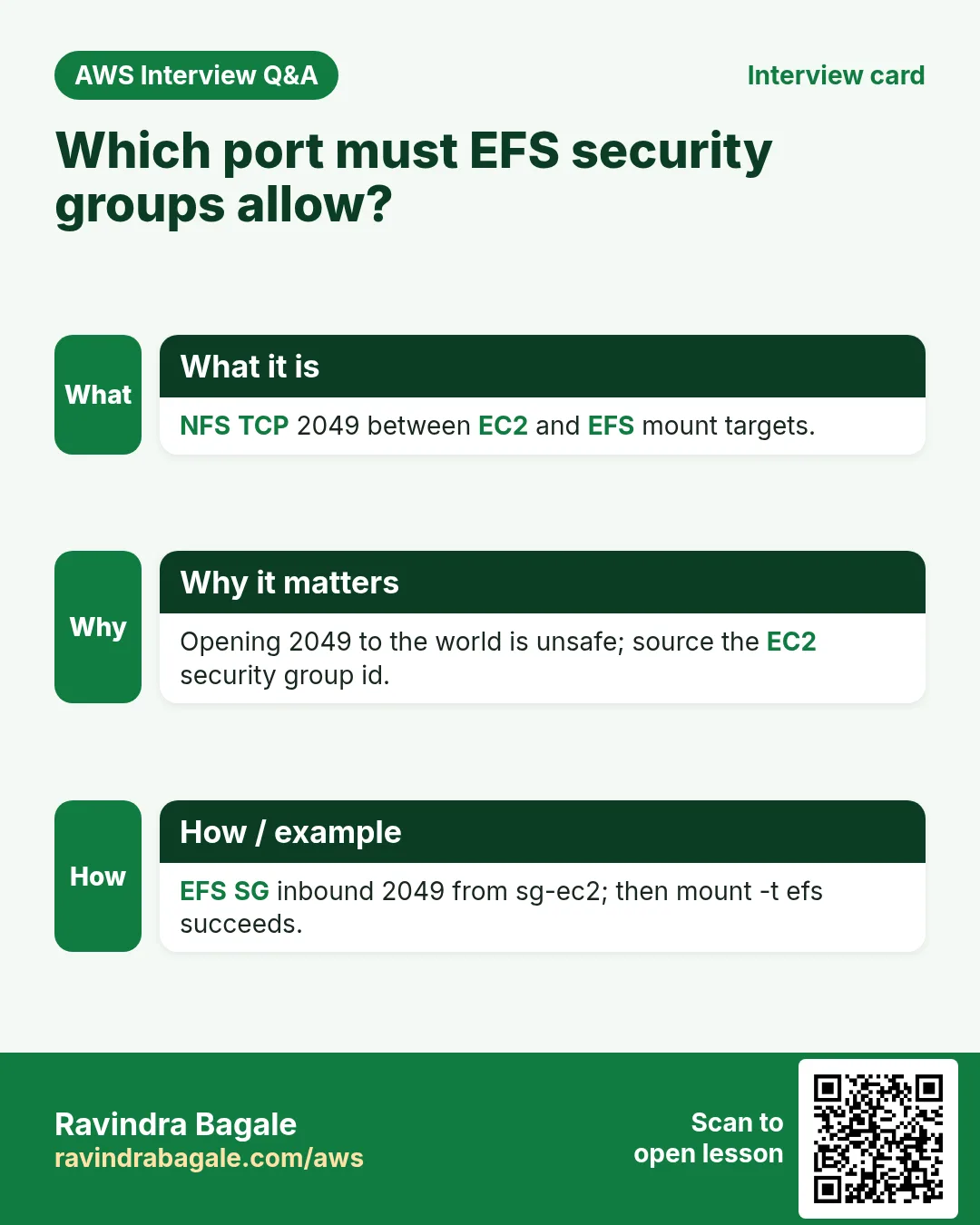
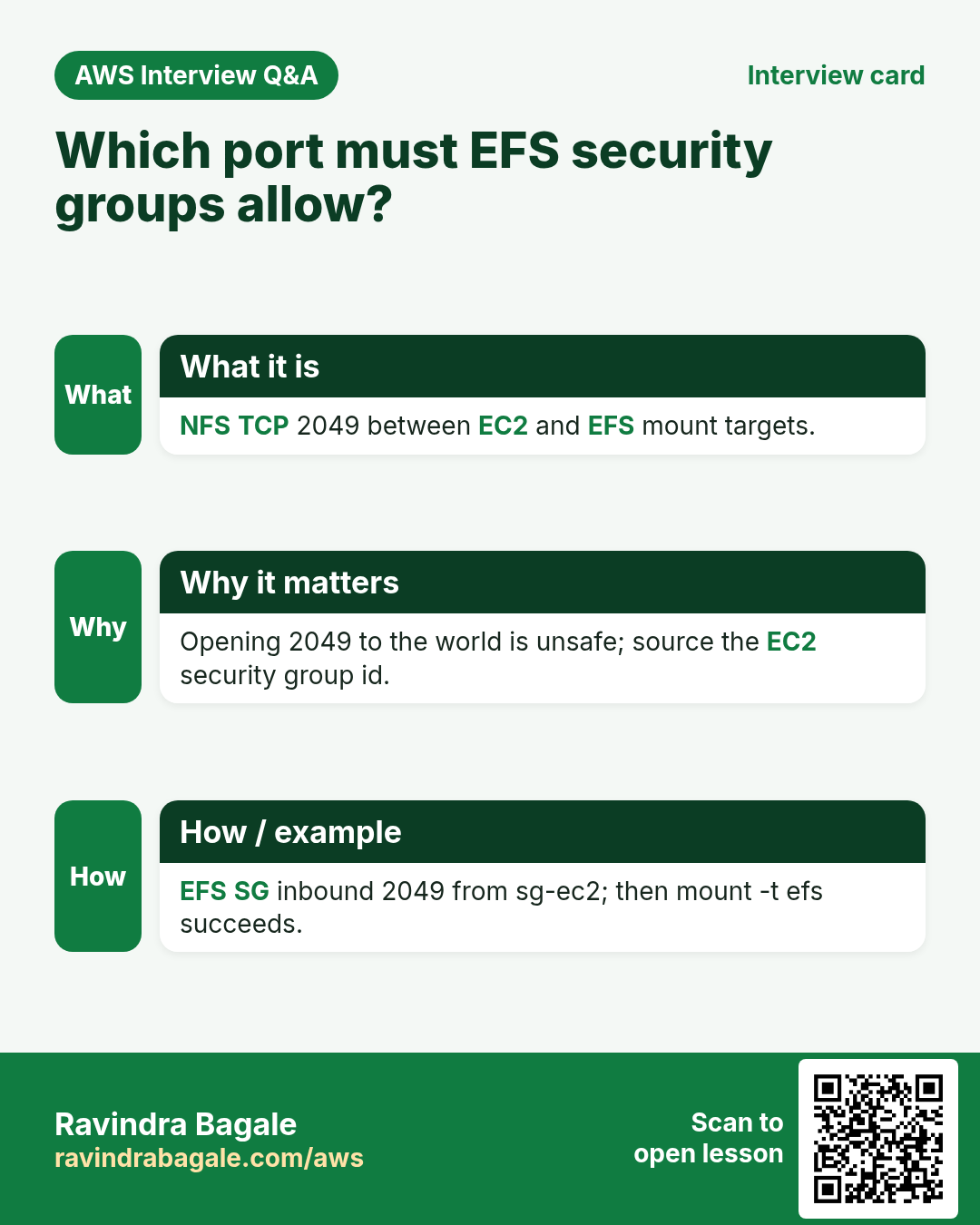
efs-lab-sgfor EFS. Inbound: NFS TCP 2049 from the EC2 security group (source = EC2 SG id). Outbound: all. - On the EC2 SG: allow SSH from My IP (if you use SSH). Outbound all is enough for mount.
B. Create EFS
- Console → EFS → Create file system.
- Name:
lab-efs. VPC: same as EC2. Customize if needed — one mount target per AZ used by your subnet. - Attach security group
efs-lab-sgto mount targets (replace default if it is too open). - Create. Wait until Available. Copy File system ID
fs-.........
C. Install mount helper on EC2
- SSH to EC2 (or EC2 Instance Connect).
- Install:
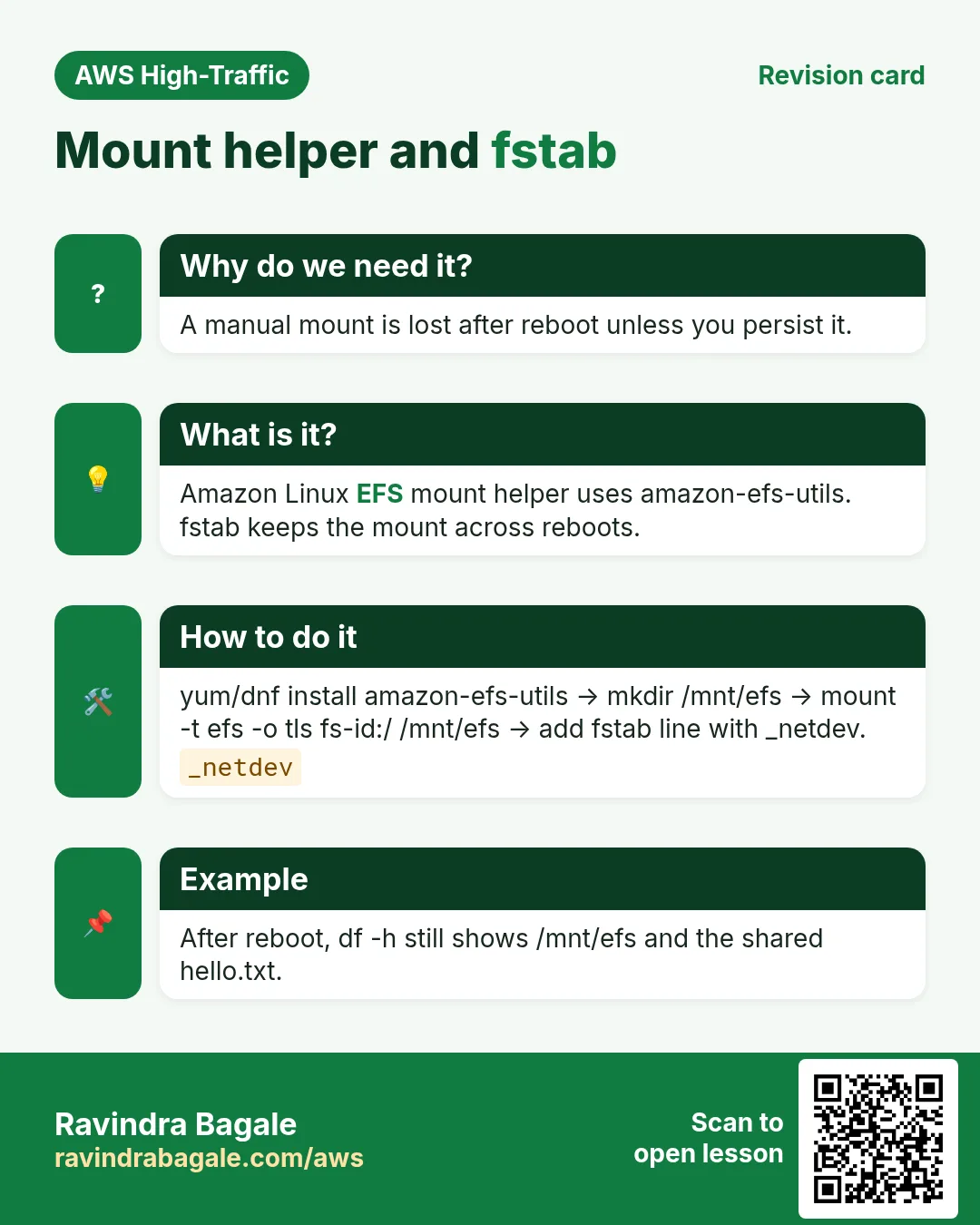
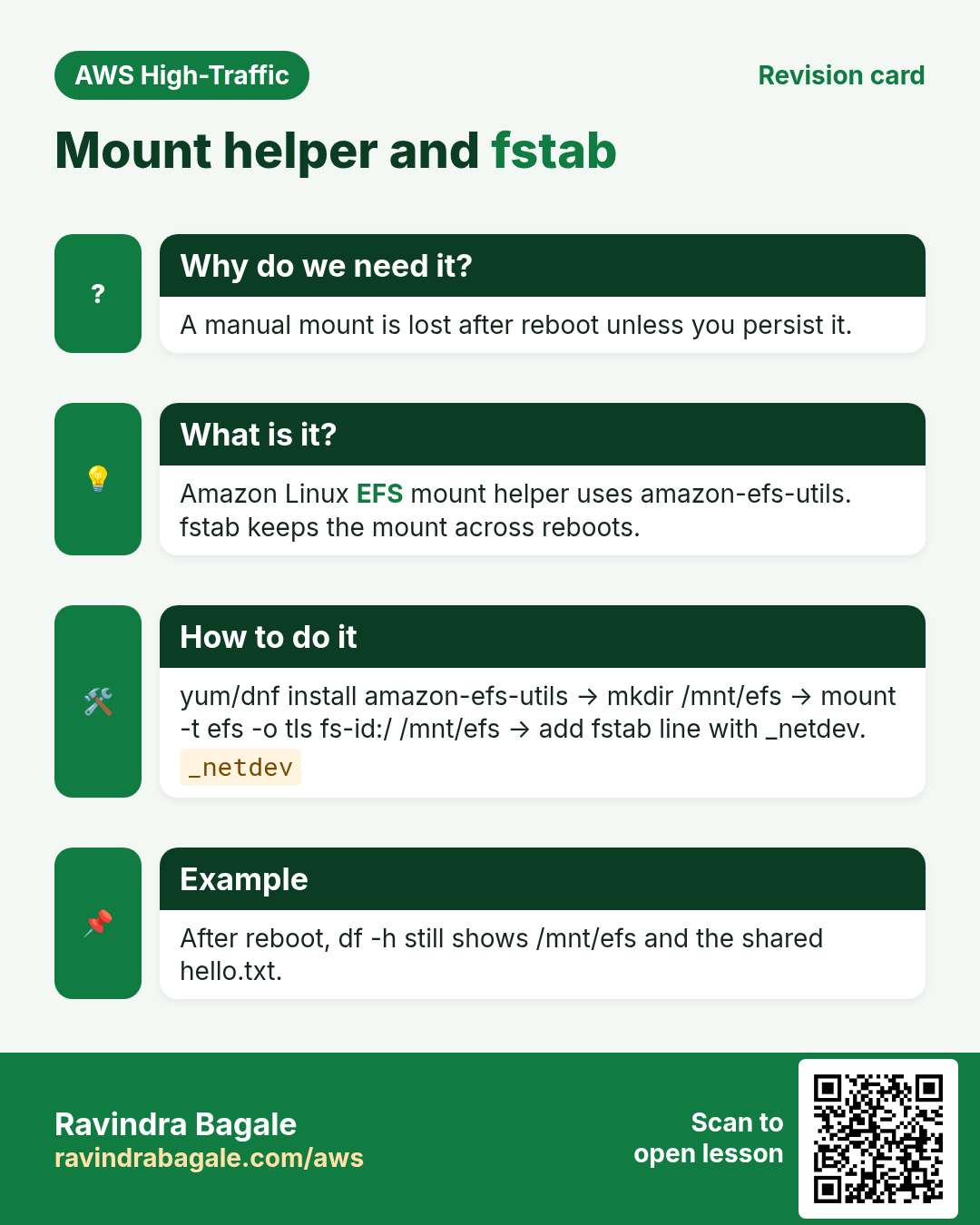
sudo dnf install -y amazon-efs-utils
# Amazon Linux 2: sudo yum install -y amazon-efs-utils
D. Mount
- Make mount point and mount (replace FILE_SYSTEM_ID):
sudo mkdir -p /mnt/efs
sudo mount -t efs -o tls FILE_SYSTEM_ID:/ /mnt/efs
echo "hello from $(hostname)" | sudo tee /mnt/efs/hello.txt
cat /mnt/efs/hello.txt
df -hT | grep efs
Expected: file content prints; df shows type nfs4 or efs.
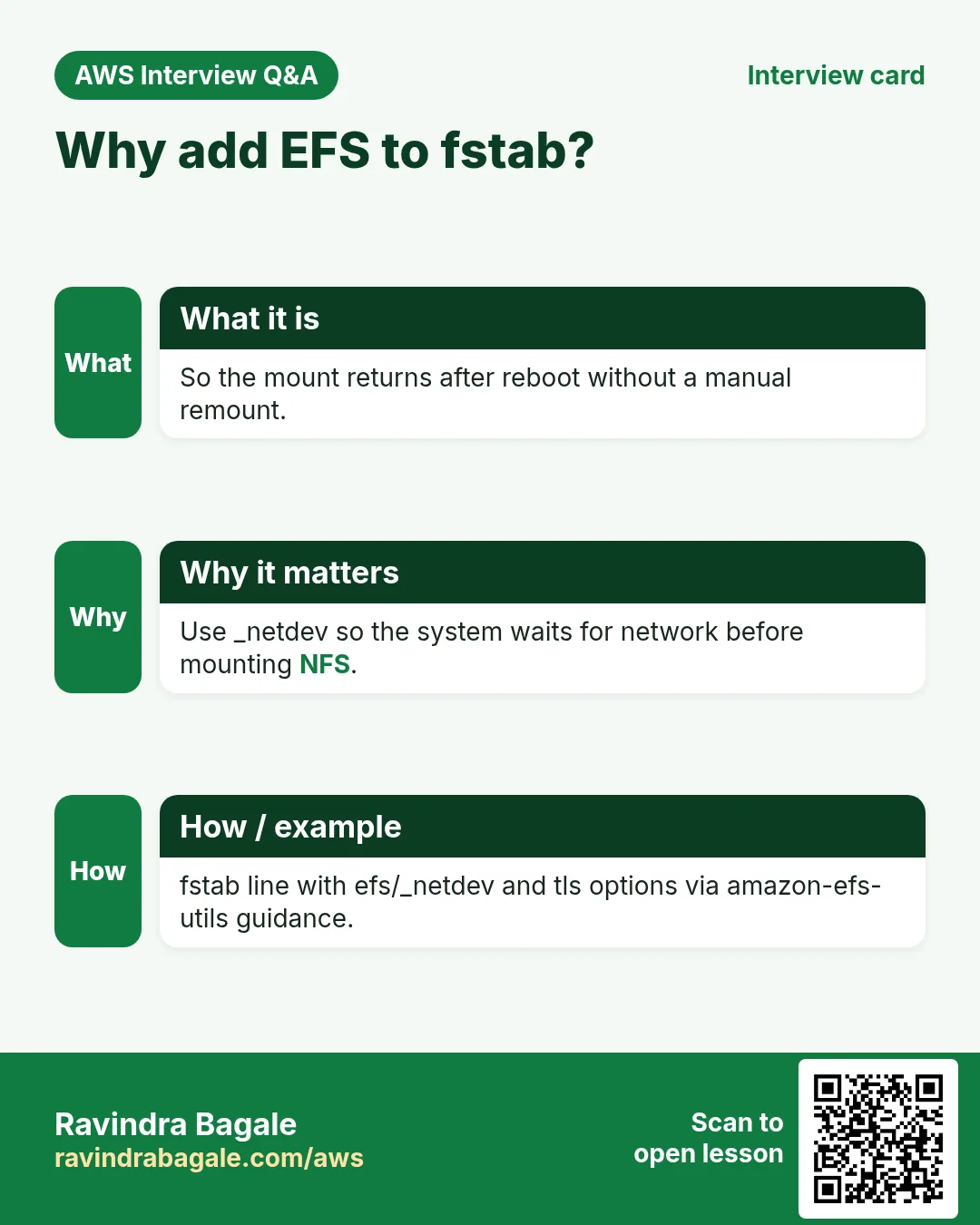
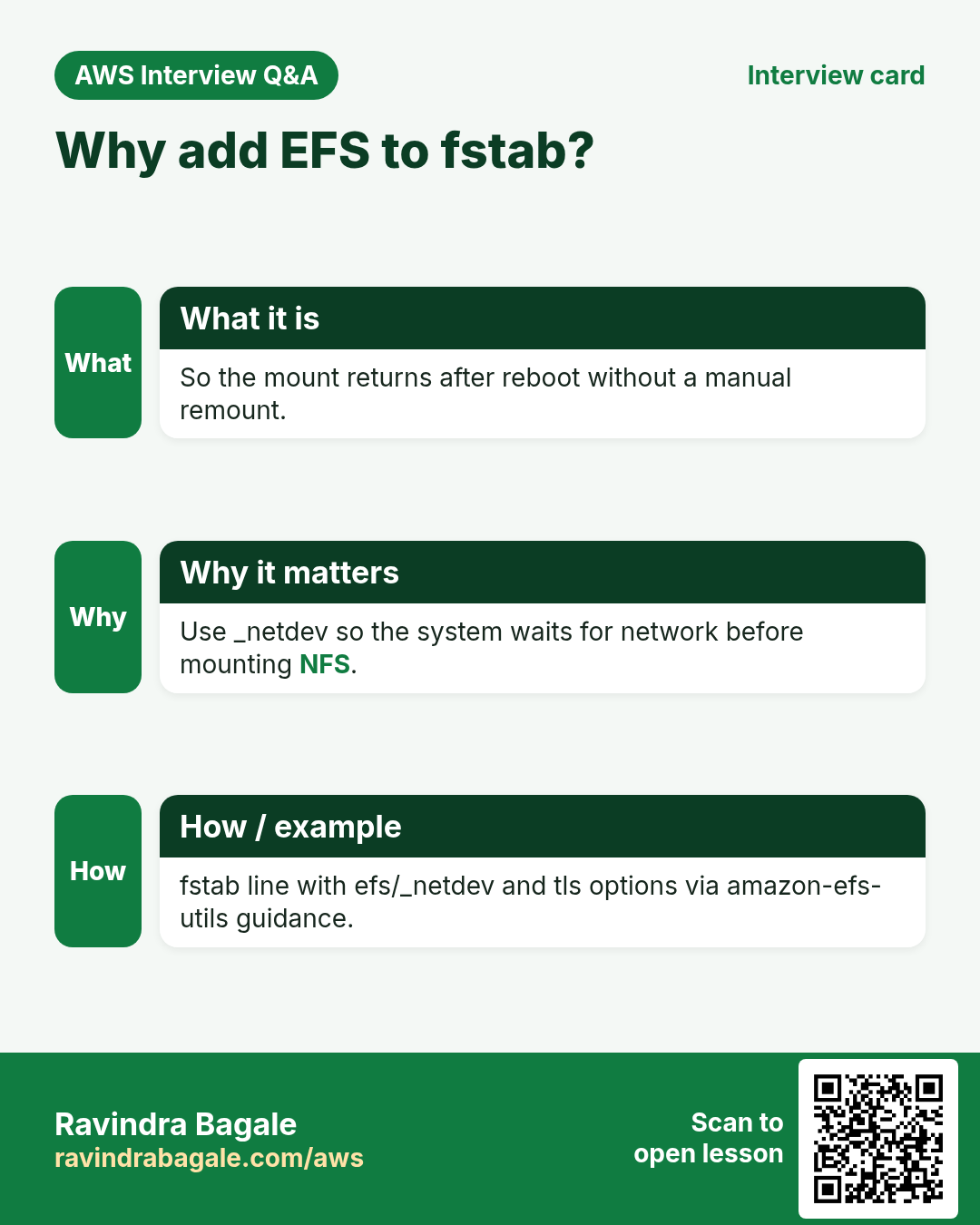
E. Optional fstab
- For reboot persistence (lab optional):
echo "FILE_SYSTEM_ID:/ /mnt/efs efs _netdev,tls 0 0" | sudo tee -a /etc/fstab
sudo umount /mnt/efs && sudo mount -a
df -hT | grep efs
Cleanup
- sudo umount /mnt/efs — remove fstab line if added.
- EFS console → Delete file system
lab-efs(confirm). - Delete
efs-lab-sgif unused. Stop/terminate lab EC2.
2. Interview angles
Q. Which port?
TCP 2049 (NFS).
Q. Why source SG not 0.0.0.0/0?
Least privilege — only EC2 SG can mount.
Q. tls mount option?
Encrypts NFS in transit.
Q. Mount helper package?
amazon-efs-utils.
Try at home
- Mount the same EFS from a second EC2 and read hello.txt.
- Enable EFS Infrequent Access lifecycle (read only — then disable/delete).
In short
- EFS + SG 2049 + amazon-efs-utils.
- mount -t efs -o tls …
- Unmount and delete the file system after labs.
Practice Tasks
Singapore Freight is a logistics business in Singapore. Wei Ling Tan looks after its IT and cloud work. They count money in SGD and run their AWS resources in the ap-southeast-1 Region. In the tasks below you do real jobs for them using what this lesson teaches. All names, account IDs, IP addresses and numbers are made up for practice.
0 / 10
Easy How many addresses in a /16?
Why: Picking a VPC size needs this count.
What to do: Singapore Freight plans the VPC 10.123.0.0/16. How many IP addresses does it hold in total?
- Write down the numbers the task gives you.
- Work it out step by step on paper.
- Type only the final answer in the box.
- Click Check answer.
Easy Port for SSH
Why: Security group rules need the right port.
What to do: Which TCP port must the security group open for SSH?
- Write down the numbers the task gives you.
- Work it out step by step on paper.
- Type only the final answer in the box.
- Click Check answer.
Easy Show where you are
Why: Before you copy or delete anything, you must know which folder you are in.
What to do: Wei Ling Tan logged in to the Singapore Freight server and is not sure which folder the terminal is in. Print the current folder path.
- Find the Linux command that does this job.
- Add the options (like -r or -h) the task needs.
- Add the file names, folders or users in the right order.
- Use sudo if the job changes system files or users. Click Check answer.
Easy Read-only access to one bucket
Why: Least privilege: give only the actions and the bucket the job needs.
What to do: Write an identity policy that lets the user read objects (s3:GetObject) only in bucket sgfreight-data.
- Start with { "Version": "2012-10-17", "Statement": [ ... ] }.
- In each statement write Effect, Action and Resource.
- Give only what the task needs (least privilege).
- Use double quotes and commas correctly. Click Check answer.
Easy List all files with details
Why: Hidden files (like .env) and file sizes or owners only show with the right options.
What to do: Show a long listing of every file, including hidden ones, in /var/www/sgfreight.
- Find the Linux command that does this job.
- Add the options (like -r or -h) the task needs.
- Add the file names, folders or users in the right order.
- Use sudo if the job changes system files or users. Click Check answer.
Medium Create an EFS file system
Why: EFS is shared storage that many servers can mount at once.
What to do: Create an encrypted EFS file system with creation token sgfreight-shared.
- Read the task and decide which AWS service it is about.
- Write aws, then the service name, then the operation (the action word).
- Add each needed flag (--name) followed by its value from the task.
- Flags can be in any order. Click Check answer.
Medium Storage cost
Why: Storage is billed per GB-month.
What to do: 500 GB in S3 Standard at USD 0.023 per GB-month. Monthly cost in USD?
- Write down the numbers the task gives you.
- Work it out step by step on paper.
- Type only the final answer in the box.
- Click Check answer.
Medium Usable IPs in an AWS /24 subnet
Why: AWS keeps 5 addresses in every subnet.
What to do: How many addresses can Singapore Freight use for servers in subnet 10.123.1.0/24 on AWS?
- Write down the numbers the task gives you.
- Work it out step by step on paper.
- Type only the final answer in the box.
- Click Check answer.
Hard Create a mount target
Why: Servers in a subnet reach EFS through a mount target in that AZ.
What to do: Create a mount target for fs-0abc1234 in subnet subnet-01a201dd521abb1 with security group sg-016201cc52164c3b2.
- Read the task and decide which AWS service it is about.
- Write aws, then the service name, then the operation (the action word).
- Add each needed flag (--name) followed by its value from the task.
- Flags can be in any order. Click Check answer.
Hard S3 lifecycle rule (JSON)
Why: Old files move to cheaper storage automatically.
What to do: Write lifecycle JSON: one Enabled rule, prefix logs/, transition to GLACIER after 90 days.
- Start from the top-level keys the task names.
- Indent child keys with 2 spaces (no tabs).
- Fill in each property with the value from the task.
- Click Check answer. Key order does not matter.
Revision, comparison and interview cards
Revise this lesson in a few minutes. Save the cards on your phone or download them as PNG files. The QR code on each card opens this lesson.
More cards: Ravi Sir's Cards.