Linux RAID with mdadm plus df and du: Disk Space Troubleshooting Explained Simply
Disks fail. RAID keeps your server running when one does, by spreading or copying data over several disks. This chapter teaches software RAID with mdadm (create, check, replace a failed disk, save the config) and then the most common disk ticket of all: 'disk full'. You will learn df and du step by step, how to find big files, why deleted files can still use space, and what to do when inodes run out.
What you'll learn in this chapter
- Know RAID 0, 1, 5, 6 and 10
- Create and check arrays with mdadm
- Replace a failed disk and watch the rebuild
- Read df -h, df -i and du correctly
- Find what fills a disk
- Free space safely, including deleted-but-open files
1. An everyday example: photocopies of your documents
Why do we need this?
You keep two photocopies of your Aadhaar and property papers in different bags. If one bag is lost, you still have the other copy, and you make a new copy right away. Separately, your cupboard is full: you check which shelf is biggest, then which box inside it, until you find the old newspapers.
What is it?
Two copies in two bags = RAID 1. Making a new copy = rebuild after replacing a disk. Checking the shelf = df. Checking each box = du. Old newspapers = big old logs.
How to do it (step by step)
2. RAID levels in simple words
Why do we need this?
Choosing the wrong level means either lost data or wasted disks.
What is it?
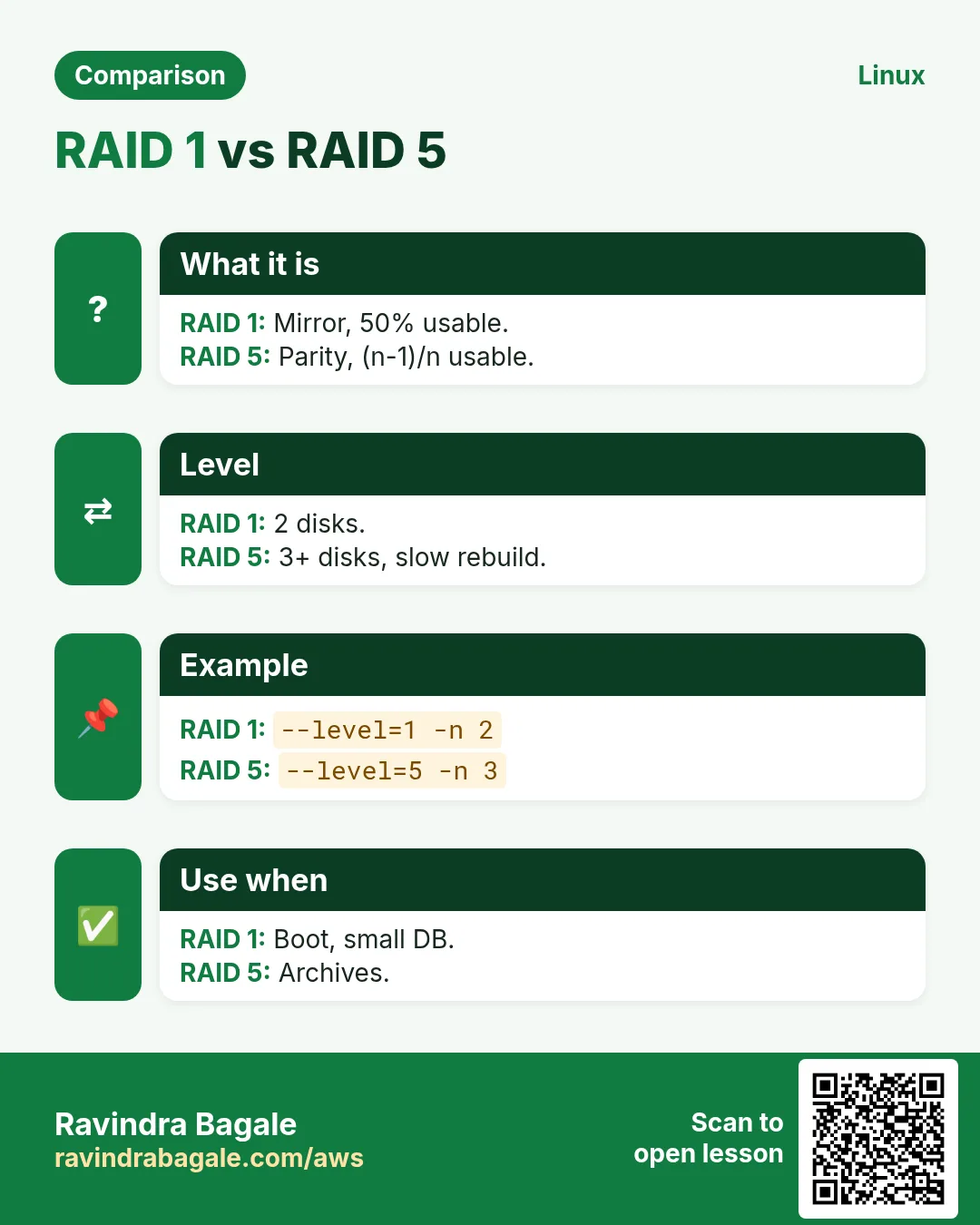
RAID 0: stripe, fast, no safety. RAID 1: mirror, half the space, survives one failure. RAID 5: parity, needs 3+ disks, survives one. RAID 6: double parity, 4+ disks, survives two. RAID 10: mirrors striped, 4+ disks, fast and safe. RAID is not a backup: deletes and ransomware are copied too.
| Level | Min disks | Survives | Usable |
|---|---|---|---|
| 0 | 2 | 0 | 100% |
| 1 | 2 | 1 | 50% |
| 5 | 3 | 1 | (n-1)/n |
| 6 | 4 | 2 | (n-2)/n |
| 10 | 4 | 1 per mirror | 50% |
How to do it (step by step)
- Check support.
cat /proc/mdstatOutput:
Personalities : [raid1] [raid6] [raid5] [raid4] [raid10]
unused devices: <none>
What it means: Kernel ready.
- Install mdadm.
sudo dnf install -y mdadm && mdadm --versionOutput:
mdadm - v4.2What it means: Tool ready.
3. mdadm --create: build an array
Why do we need this?
You want two disks to act as one safe disk for a database.
What is it?
sudo mdadm --create /dev/md0 --level=1 --raid-devices=2 DEV1 DEV2. For RAID 5 use --level=5 --raid-devices=3. Add --spare-devices=1 DEV for a hot spare. The initial resync runs in the background; you can mkfs and use it at once.
How to do it (step by step)
- Mirror.
sudo mdadm --create /dev/md0 --level=1 --raid-devices=2 /dev/nvme1n1 /dev/nvme2n1Output:
mdadm: array /dev/md0 started.What it means: RAID 1 ready.
- RAID 5 with spare.
sudo mdadm --create /dev/md1 --level=5 --raid-devices=3 --spare-devices=1 /dev/sd[b-e]Output:
mdadm: array /dev/md1 started.What it means: 3 data + 1 spare.
- Use it.
sudo mkfs.xfs /dev/md0 && sudo mkdir -p /data && sudo mount /dev/md0 /dataOutput:
meta-data=/dev/md0 ...What it means: Like any disk.
4. /proc/mdstat and mdadm --detail: check health
Why do we need this?
A RAID that silently runs degraded gives a false sense of safety.
What is it?
cat /proc/mdstat shows each array, members, [UU] (all up) or [U_] (one missing), and resync progress. mdadm --detail /dev/md0 shows State (clean, degraded, recovering), each device's role and the UUID. watch -n2 cat /proc/mdstat follows a rebuild.
How to do it (step by step)
- Healthy.
cat /proc/mdstatOutput:
md0 : active raid1 nvme2n1[1] nvme1n1[0]
      104791040 blocks super 1.2 [2/2] [UU]
What it means: Both up.
- Degraded.
cat /proc/mdstatOutput:
md0 : active raid1 nvme2n1[1](F) nvme1n1[0]
      [2/1] [U_]
What it means: Disk 2 failed.
- Detail.
sudo mdadm --detail /dev/md0 | grep -E 'State|Active|Failed'Output:
State : clean, degraded
Active Devices : 1
Failed Devices : 1
What it means: Act now.
5. Replace a failed disk: --fail, --remove, --add
Why do we need this?
This is the most common RAID task in real life.
What is it?
1 mdadm /dev/md0 --fail DEV (if not already F). 2 mdadm /dev/md0 --remove DEV. 3 Replace the disk. 4 mdadm /dev/md0 --add NEWDEV. 5 Watch /proc/mdstat until [UU]. With a hot spare, rebuild starts by itself.
How to do it (step by step)
- Fail and remove.
sudo mdadm /dev/md0 --fail /dev/nvme2n1 --remove /dev/nvme2n1Output:
mdadm: set /dev/nvme2n1 faulty in /dev/md0
mdadm: hot removed /dev/nvme2n1 from /dev/md0
What it means: Out of the array.
- Add new.
sudo mdadm /dev/md0 --add /dev/nvme3n1Output:
mdadm: added /dev/nvme3n1What it means: Rebuild starts.
- Watch.
cat /proc/mdstatOutput:
md0 : active raid1 nvme3n1[2] nvme1n1[0]
      [2/1] [U_]
      [=====>.......]  recovery = 41.2% finish=6.1min
What it means: Wait for [UU].
6. Save the config: mdadm.conf and initramfs
Why do we need this?
Without saved config the array may come back as /dev/md127 or not assemble at boot.
What is it?
mdadm --detail --scan prints ARRAY lines. Append them to /etc/mdadm.conf (RHEL) or /etc/mdadm/mdadm.conf (Ubuntu). Then rebuild initramfs: dracut -f (RHEL) or update-initramfs -u (Ubuntu). Use the md device or filesystem UUID in fstab with nofail.
How to do it (step by step)
- Scan and save.
sudo mdadm --detail --scan | sudo tee -a /etc/mdadm.confOutput:
ARRAY /dev/md0 metadata=1.2 name=db1:0 UUID=5d2c...e1What it means: Saved.
- Initramfs.
sudo dracut -fOutput:
(no output)What it means: Boot knows the array.
- Assemble manually.
sudo mdadm --assemble --scanOutput:
mdadm: /dev/md0 has been started with 2 drives.What it means: After moving disks to a new server.
7. Monitoring RAID: mdadm --monitor
Why do we need this?
A failed disk at 2 AM should send an alert, not be found weeks later.
What is it?
Set MAILADDR you@example.com in mdadm.conf and enable mdmonitor.service. mdadm --monitor --scan --oneshot --test sends a test alert. Many teams also scrape /proc/mdstat with node_exporter.
How to do it (step by step)
- Enable.
echo 'MAILADDR ops@example.com' | sudo tee -a /etc/mdadm.conf && sudo systemctl enable --now mdmonitorOutput:
Created symlink ... mdmonitor.serviceWhat it means: Alerts on.
- Test.
sudo mdadm --monitor --scan --oneshot --testOutput:
(test mail sent)What it means: Check the mailbox.
8. df -h: which filesystem is full
Why do we need this?
'Disk full' alerts come from df. First find which mount is full before searching files.
What is it?
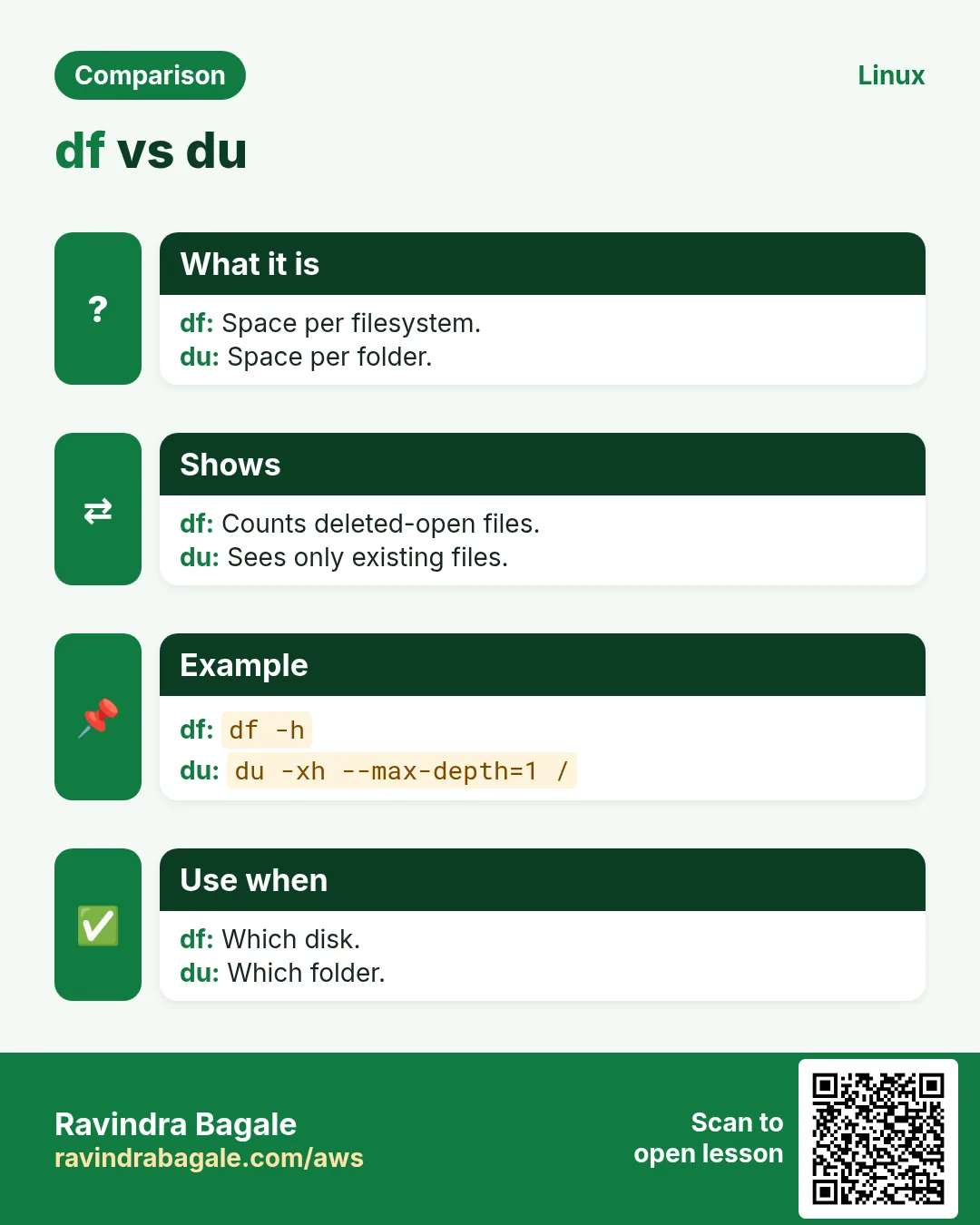
df -h shows size, used, available and Use% per mounted filesystem. df -h /var for one path. df -hT adds type. -x tmpfs -x devtmpfs hides memory filesystems. Above 85% plan cleanup; at 100% apps fail to write.
How to do it (step by step)
- All.
df -hT -x tmpfs -x devtmpfsOutput:
Filesystem     Type Size Used Avail Use% Mounted on
/dev/nvme0n1p1 xfs   20G  19G  1.0G  95% /
/dev/md0       xfs  100G  41G   59G  41% /data
What it means: Root is the problem.
- Which filesystem holds a path?
df -h /var/logOutput:
/dev/nvme0n1p1 20G 19G 1.0G 95% /What it means: /var/log is on root.
9. du: which folder is big
Why do we need this?
df says which filesystem; du says which folder and file use the space.
What is it?
du -sh DIR total of one folder. du -h --max-depth=1 DIR | sort -h lists sub-folders by size. -x stays on one filesystem (important on /). find / -xdev -type f -size +500M -exec ls -lh {} + finds big files. ncdu is a friendly interactive version.
How to do it (step by step)
- Top level of root.
sudo du -xh --max-depth=1 / 2>/dev/null | sort -h | tail -4Output:
1.2G /usr
2.1G /opt
14G  /var
19G  /
What it means: /var is big.
- Drill down.
sudo du -xh --max-depth=1 /var/log | sort -h | tail -3Output:
180M /var/log/journal
11G  /var/log/app
12G  /var/log
What it means: App logs.
- Biggest files.
sudo find /var/log/app -type f -size +1G -exec ls -lh {} +Output:
-rw-r--r-- 1 app app 9.8G Oct 25 debug.logWhat it means: One debug log.
- Interactive.
sudo ncdu -x /Output:
(browse with arrows)What it means: Fast to explore.
10. Freeing space safely
Why do we need this?
Deleting the wrong file or a log the app holds open can make things worse.
What is it?
Truncate an active log instead of deleting: truncate -s 0 FILE (or : > FILE). Clean the journal: journalctl --vacuum-size=200M. Package caches: dnf clean all / apt clean. Old container images: docker system prune. Then fix the cause with logrotate (chapter 21).
How to do it (step by step)
- Empty an active log.
sudo truncate -s 0 /var/log/app/debug.log && df -h /Output:
/dev/nvme0n1p1 20G 9.2G 11G 46% /What it means: Space back at once.
- Journal.
sudo journalctl --vacuum-size=200MOutput:
Vacuuming done, freed 1.4G of archived journalsWhat it means: Freed.
- Caches.
sudo dnf clean allOutput:
42 files removedWhat it means: Small win.
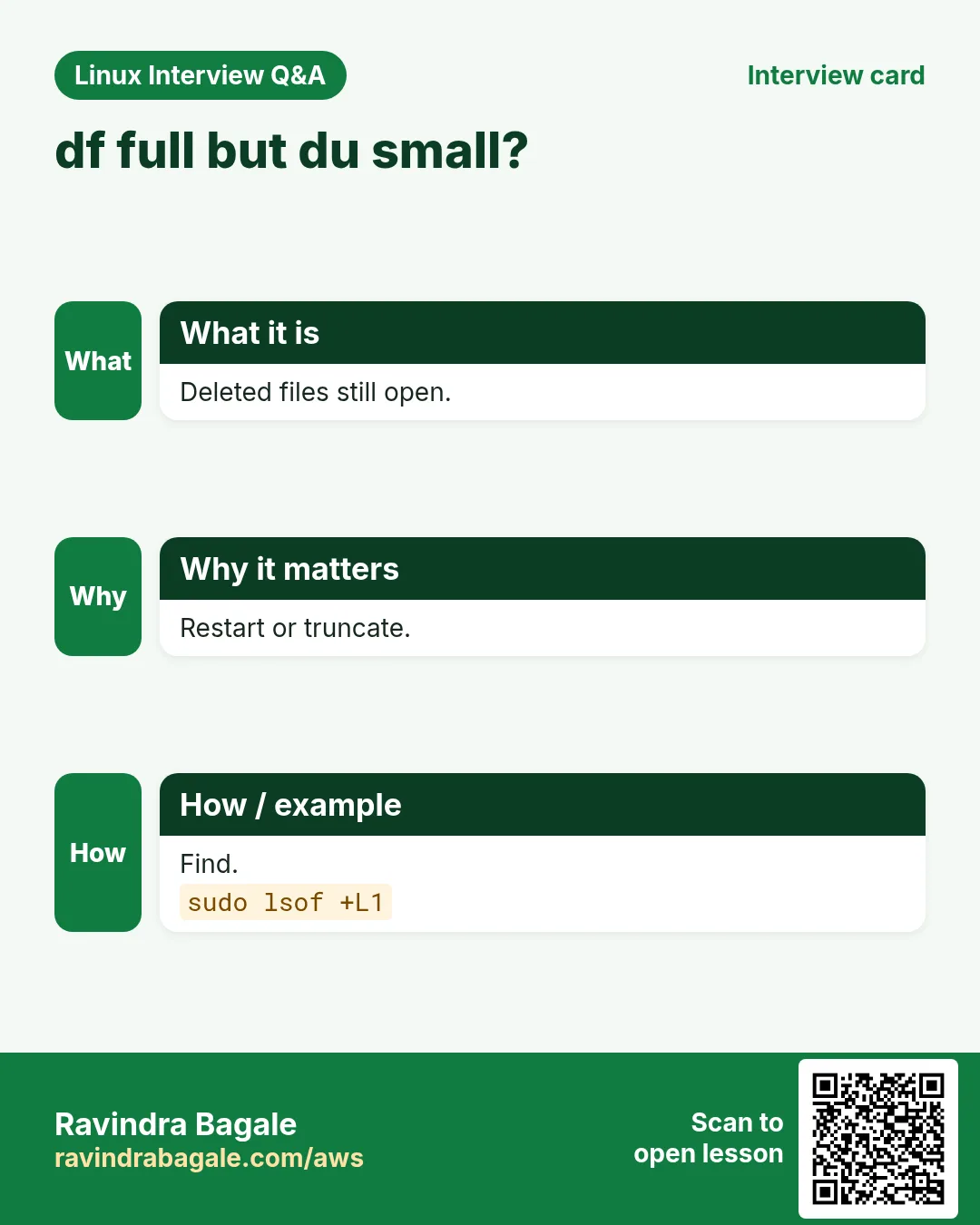
11. Deleted but still open: lsof +L1
Why do we need this?
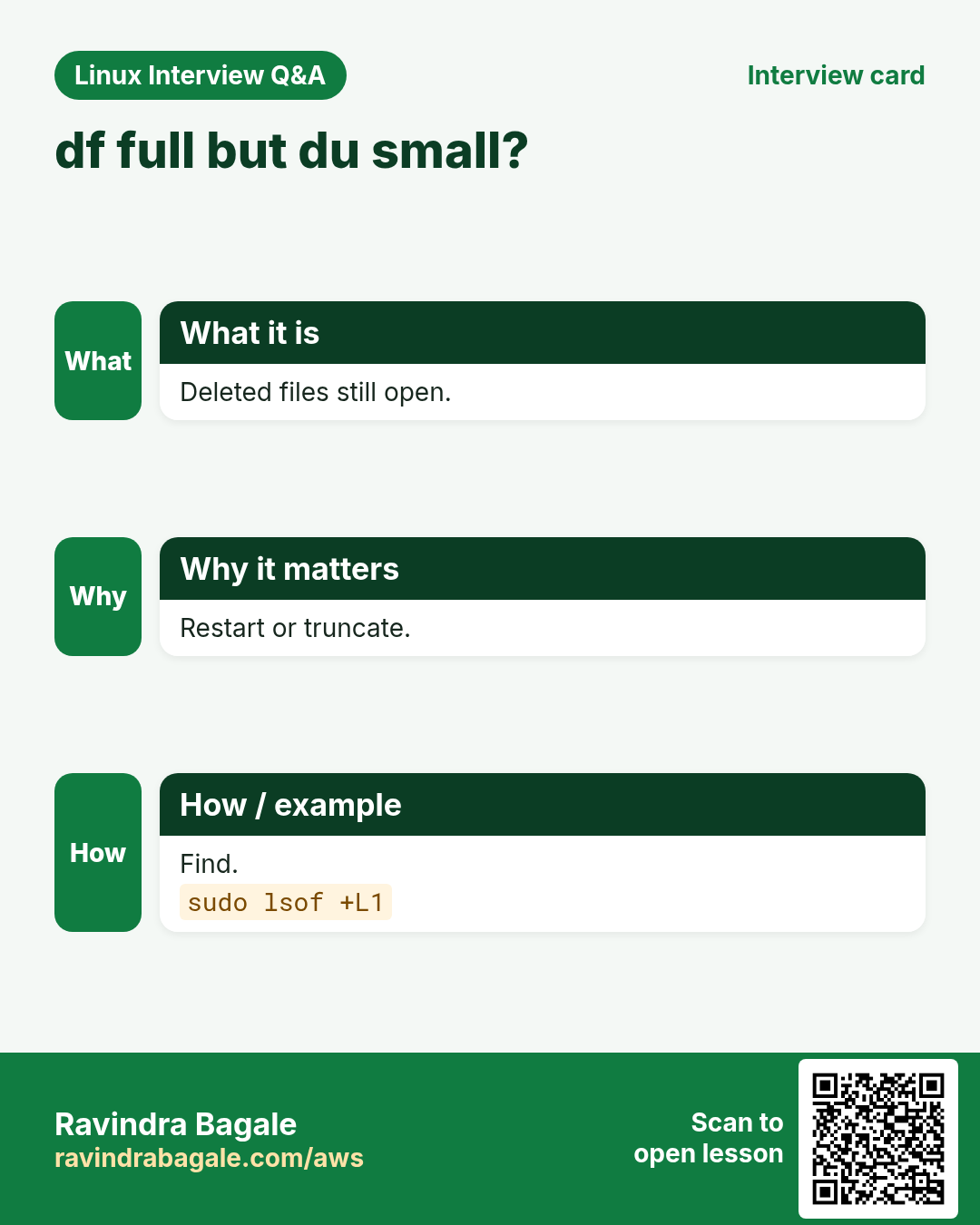
You deleted a 10G log but df still shows the disk full. The file is gone from the folder but a process still holds it open.
What is it?
sudo lsof +L1 lists open files with link count 0 (deleted). Fix: restart or reload the process, or truncate via /proc/PID/fd/N. du and df disagree when this happens.
How to do it (step by step)
- Find them.
sudo lsof +L1Output:
COMMAND PID  USER FD SIZE/OFF   NLINK NAME
java    2201 app  5w 10737418240 0    /var/log/app/debug.log (deleted)
What it means: Java still writes it.
- Free without restart.
sudo truncate -s 0 /proc/2201/fd/5 && df -h /Output:
/dev/nvme0n1p1 20G 9.1G 11G 45% /What it means: Space released.
- Or restart.
sudo systemctl restart myappOutput:
(no output)What it means: Process closes the file.
12. Inodes: df -i
Why do we need this?
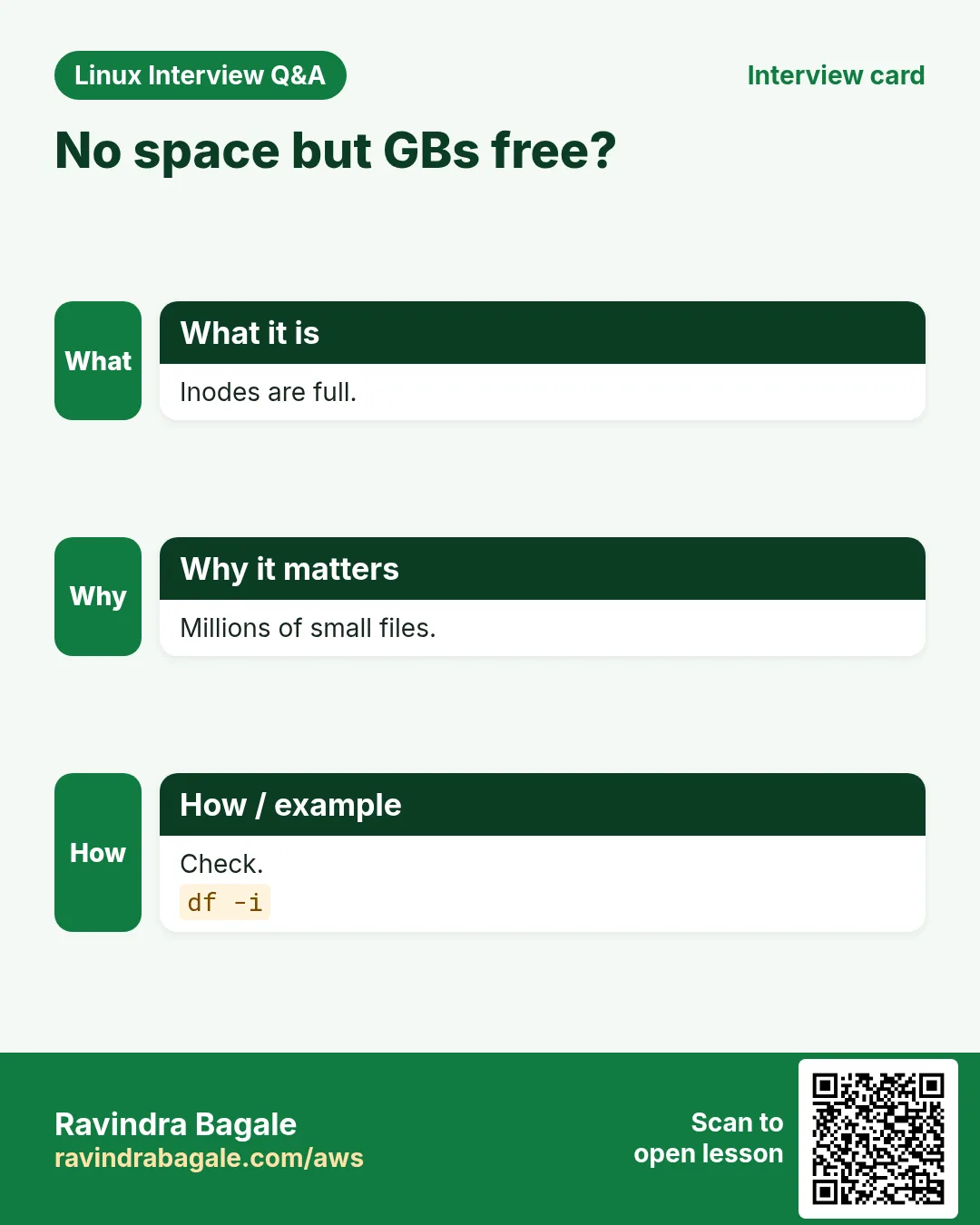
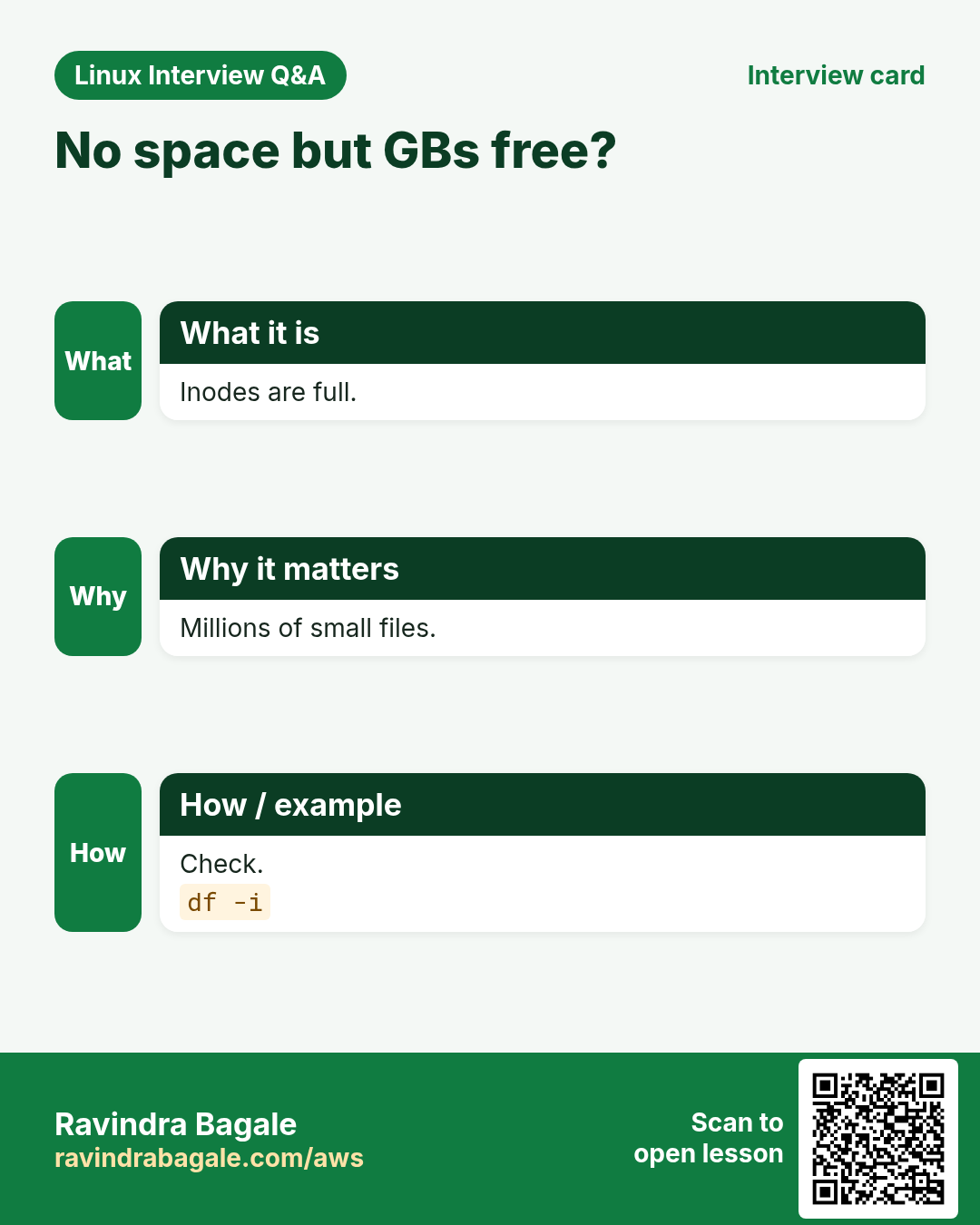
A disk can show free GBs but still say 'No space left' because it ran out of inodes (file entries), often from millions of tiny files.
What is it?
df -i shows inode use per filesystem. Find folders with many files: sudo find /var -xdev -type f | cut -d/ -f2-4 | sort | uniq -c | sort -n | tail. Common causes: session files, mail queues, cache folders. Delete old ones with find -mtime +7 -delete.
How to do it (step by step)
- Inodes full.
df -i /Output:
Filesystem     Inodes IUsed IFree IUse% Mounted on
/dev/sdc1      1.3M  1.3M  0     100% /
What it means: Out of inodes.
- Where?
sudo find / -xdev -type f | cut -d/ -f2-4 | sort | uniq -c | sort -n | tail -2Output:
  48120 var/lib/php
1201188 var/lib/php/sessions
What it means: PHP sessions.
- Clean old ones.
sudo find /var/lib/php/sessions -type f -mmin +1440 -delete && df -i /Output:
IUse% 9%What it means: Fixed.
13. Real examples from many industries
Why do we need this?
The same Linux skill shows up in every kind of company. Seeing it in many places helps you remember it.
What is it?
Each row is a made-up team. It shows who uses this and how.
How to do it (step by step)
| Team and city | How they use it | Command |
|---|---|---|
| Anil, stock broker, Pune | RAID 1 for trading DB | mdadm --create /dev/md0 --level=1 |
| Helen, cloud hosting, Amsterdam | RAID 10 for busy MySQL | mdadm --level=10 --raid-devices=4 |
| Takeshi, video, Kyoto | RAID 6 for big media archives | mdadm --level=6 |
| Zara, e-commerce, Karachi | Finds deleted open logs | lsof +L1 |
| Paulo, hosting, Lisbon | Fixes inode-full PHP servers | df -i |
| Meera, school portal, Nashik | Weekly du report to the team | du -xh --max-depth=1 / | sort -h |
14. Common errors and how to fix them
Why do we need this?
Everyone hits these errors. Knowing the cause saves hours.
What is it?
Read the exact message first. Then match it to a row below.
How to do it (step by step)
| Error you see | Why it happens | How to fix |
|---|---|---|
No space left on device | Filesystem or inodes full | Check df -h and df -i.df -h; df -i |
df full but du shows less | Deleted files still open | Find and release them.sudo lsof +L1 |
md0 [U_] degraded | One disk failed | Replace it now.sudo mdadm --detail /dev/md0 |
mdadm: cannot open /dev/sdb: Device or resource busy | Disk in use or old md metadata | Check and zero superblock if free.sudo mdadm --zero-superblock /dev/sdb |
Array appears as /dev/md127 after reboot | Config not saved | Save mdadm.conf, rebuild initramfs.sudo mdadm --detail --scan |
du: cannot read directory: Permission denied | Not root | Run with sudo.sudo du -sh /var |
du takes forever on / | Crossing into other mounts (NFS) | Use -x.sudo du -xsh / |
rm deleted log but space not freed | App holds the file | Truncate or restart instead.sudo systemctl restart myapp |
mdadm: add new device failed: Invalid argument | New disk smaller than members | Use same or larger size.lsblk -b |
journal is using 4G | No size limit set | Vacuum and set SystemMaxUse.sudo journalctl --vacuum-size=200M |
15. Troubleshooting step by step
Why do we need this?
For 'disk full', go from filesystem to folder to file to process.
What is it?
Go top to bottom. Stop at the first step that shows the problem.
How to do it (step by step)
- Which filesystem?
df -hT -x tmpfs- Inodes?
df -i- Which folder?
sudo du -xh --max-depth=1 / | sort -h- Which file?
sudo find / -xdev -type f -size +1G- Deleted but open?
sudo lsof +L1- RAID healthy?
cat /proc/mdstat16. Lab 1: RAID 1 on loop devices and a failure
Why do we need this?
Build a mirror, fail a disk, add a new one and watch rebuild.
What is it?
A full hands-on lab. Run every step on a test Linux machine (an EC2 instance, a VM, or WSL).
How to do it (step by step)
- Three fake disks.
for i in 1 2 3; do truncate -s 300M /tmp/r$i.img; sudo losetup -f --show /tmp/r$i.img; doneOutput:
/dev/loop1
/dev/loop2
/dev/loop3- Create mirror.
sudo mdadm --create /dev/md9 --level=1 --raid-devices=2 /dev/loop1 /dev/loop2 --runOutput:
mdadm: array /dev/md9 started.- Fail one.
sudo mdadm /dev/md9 --fail /dev/loop2 --remove /dev/loop2Output:
hot removed /dev/loop2- Add the new.
sudo mdadm /dev/md9 --add /dev/loop3 && cat /proc/mdstatOutput:
recovery = ...- Stop.
sudo mdadm --stop /dev/md9Output:
mdadm: stopped /dev/md917. Lab 2: Fill, find and free
Why do we need this?
Create a big file held open by a process, delete it, and recover the space.
What is it?
A full hands-on lab. Run every step on a test Linux machine (an EC2 instance, a VM, or WSL).
How to do it (step by step)
- Big file.
fallocate -l 1G /tmp/big.log && df -h /tmpOutput:
Used +1G- Hold it open.
tail -f /tmp/big.log &Output:
[1] 4321- Delete.
rm /tmp/big.log && df -h /tmpOutput:
Still used- Find.
lsof +L1 | grep big.logOutput:
tail 4321 ... /tmp/big.log (deleted)- Release.
kill %1 && df -h /tmpOutput:
Space backRavindra Bagale's Tip
When df and du disagree, run sudo lsof +L1 before anything else. A deleted log still held by a running app is the most common reason, and truncating it through /proc/PID/fd or restarting the app frees the space at once.
Ravindra Bagale's Tip – मराठी
df आणि du जुळत नसतील तर इतर काहीही आधी sudo lsof +L1 चालवा. चालू app ने धरलेला deleted log हे सगळ्यात सामान्य कारण, आणि /proc/PID/fd ने truncate किंवा app restart केल्यावर जागा लगेच मोकळी.
Ravindra Bagale's Tip – हिंदी
df और du मेल न खाएं तो सबसे पहले sudo lsof +L1 चलाइए. चलते app द्वारा पकड़ा deleted log सबसे आम कारण है, और /proc/PID/fd से truncate या app restart करते ही जगह तुरंत खाली हो जाती है.
18. Frequently asked questions
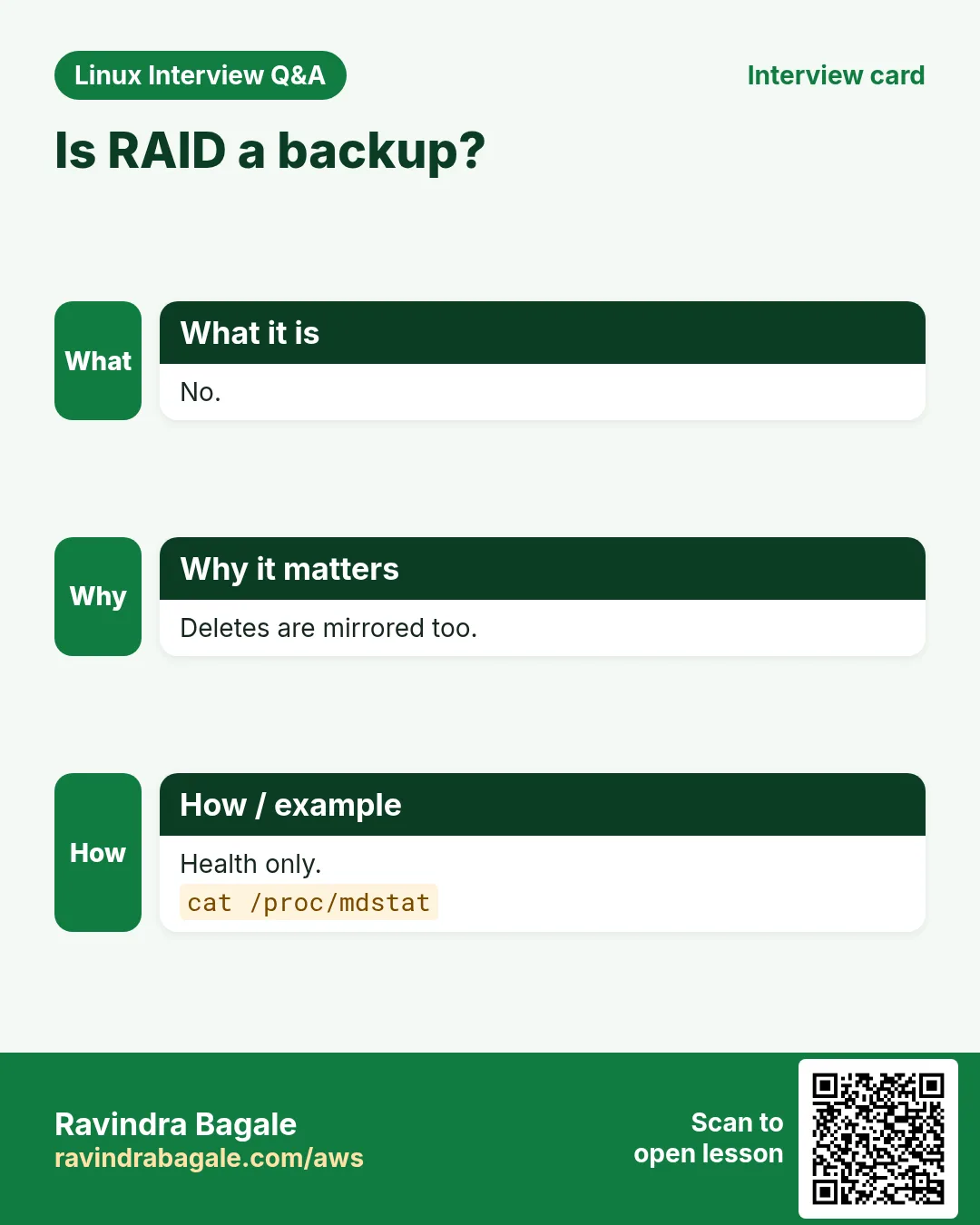
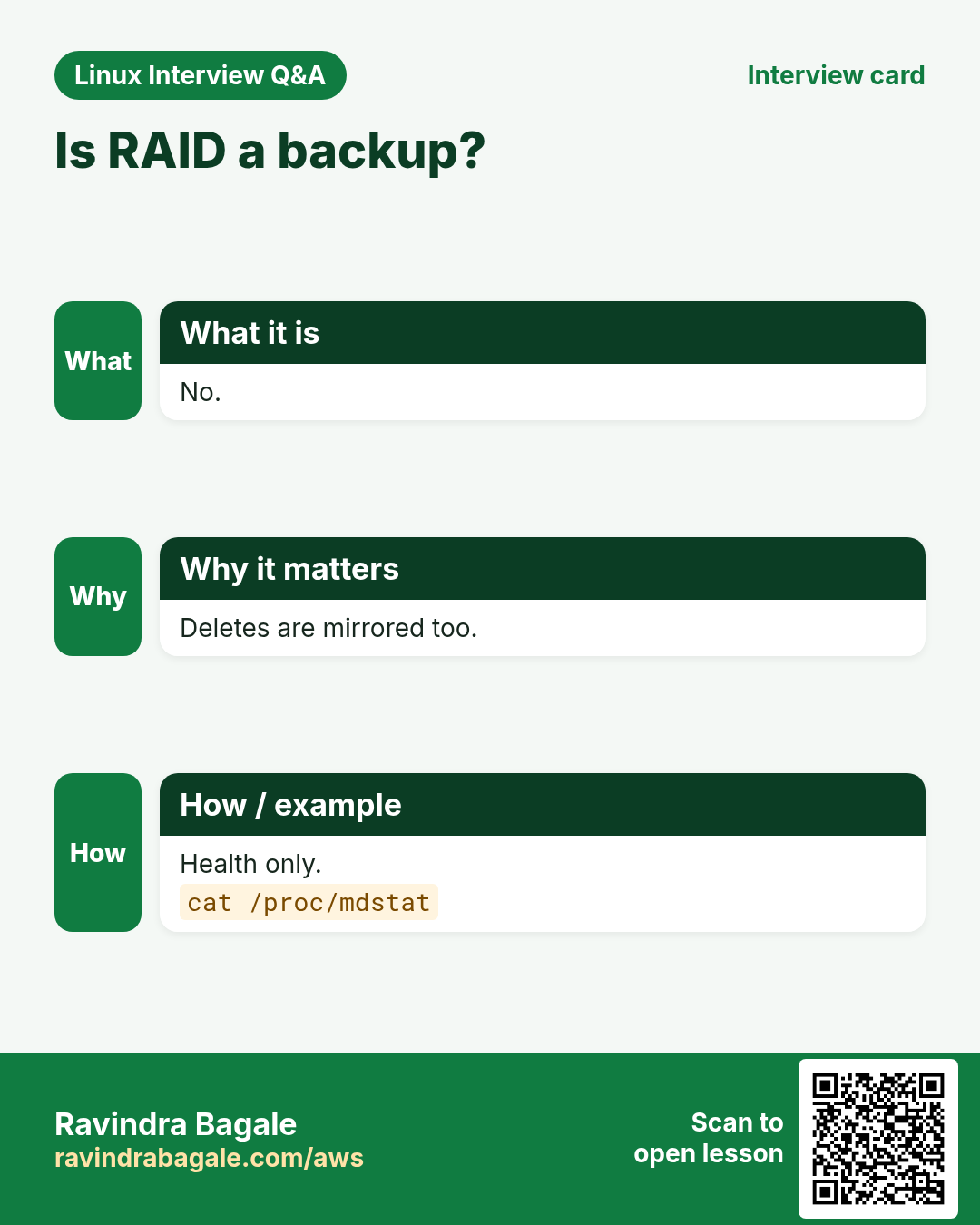
Q. Is RAID a backup?
No. It protects from disk failure, not from deletes or corruption.
Q. Software or hardware RAID?
mdadm is reliable and portable; hardware RAID needs vendor tools.
Q. RAID in the cloud?
EBS is already replicated; RAID 0 for speed is sometimes used.
Q. RAID 5 with big disks?
Rebuild takes long; RAID 6 or 10 is safer.
Q. Why df and du differ?
Deleted open files, reserved blocks, or mounts hiding files.
Q. What is -x in du?
Stay on one filesystem.
Q. Delete or truncate logs?
Truncate active logs; delete only closed old files.
Q. What uses inodes?
Every file and folder uses one.
19. Interview questions and answers
Beginner level
Q. Show disk usage per filesystem?
df -h.
Q. Size of a folder?
du -sh DIR.
Q. RAID 1 means?
Mirror of two disks.
Q. Check RAID status?
cat /proc/mdstat.
Mid level level
Q. Replace failed RAID disk?
--fail, --remove, then --add new, watch mdstat.
Q. df full, du not?
lsof +L1 for deleted open files.
Q. No space but GBs free?
Inodes full: df -i.
Q. Keep array name after reboot?
Save --detail --scan to mdadm.conf, rebuild initramfs.
Senior level
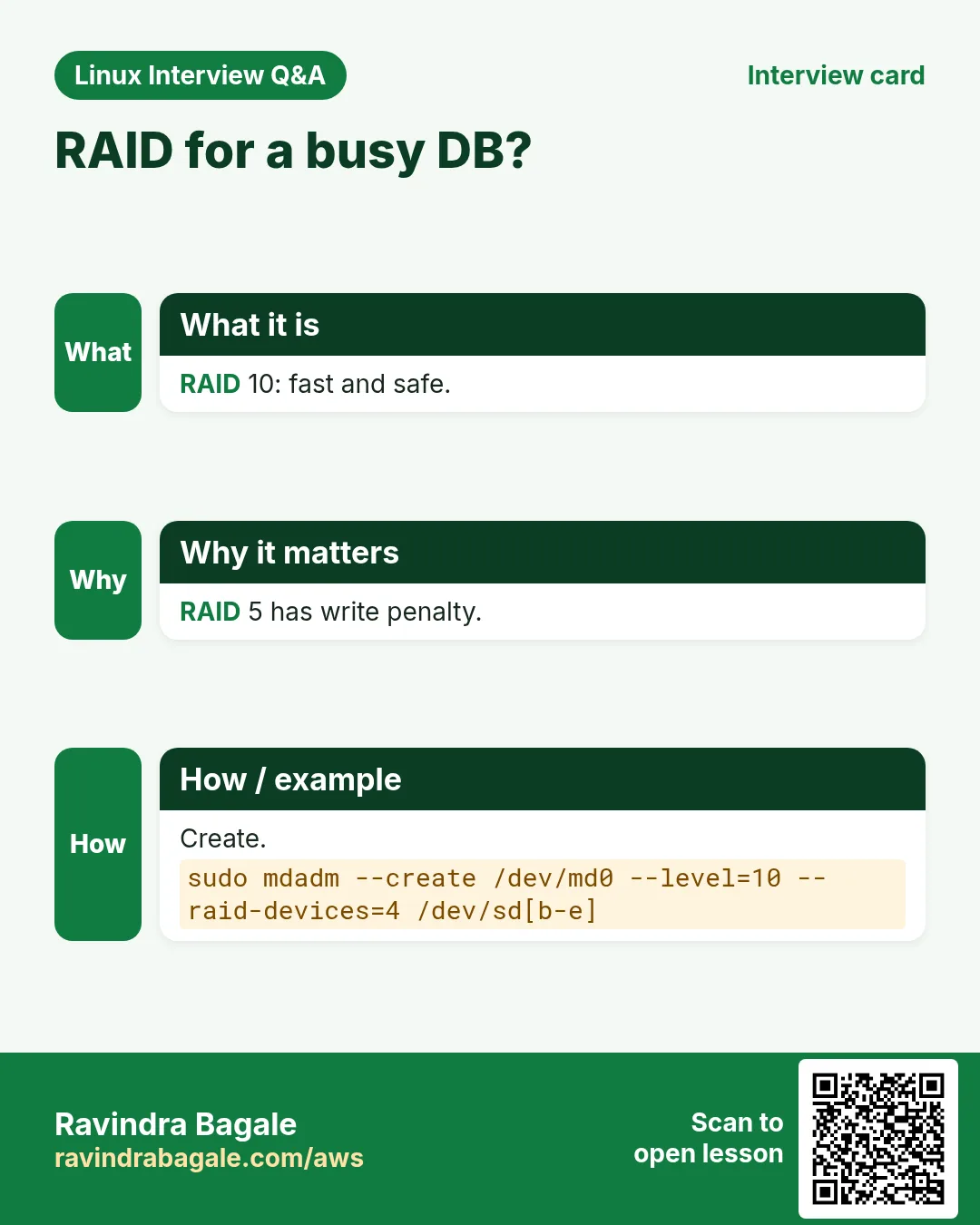
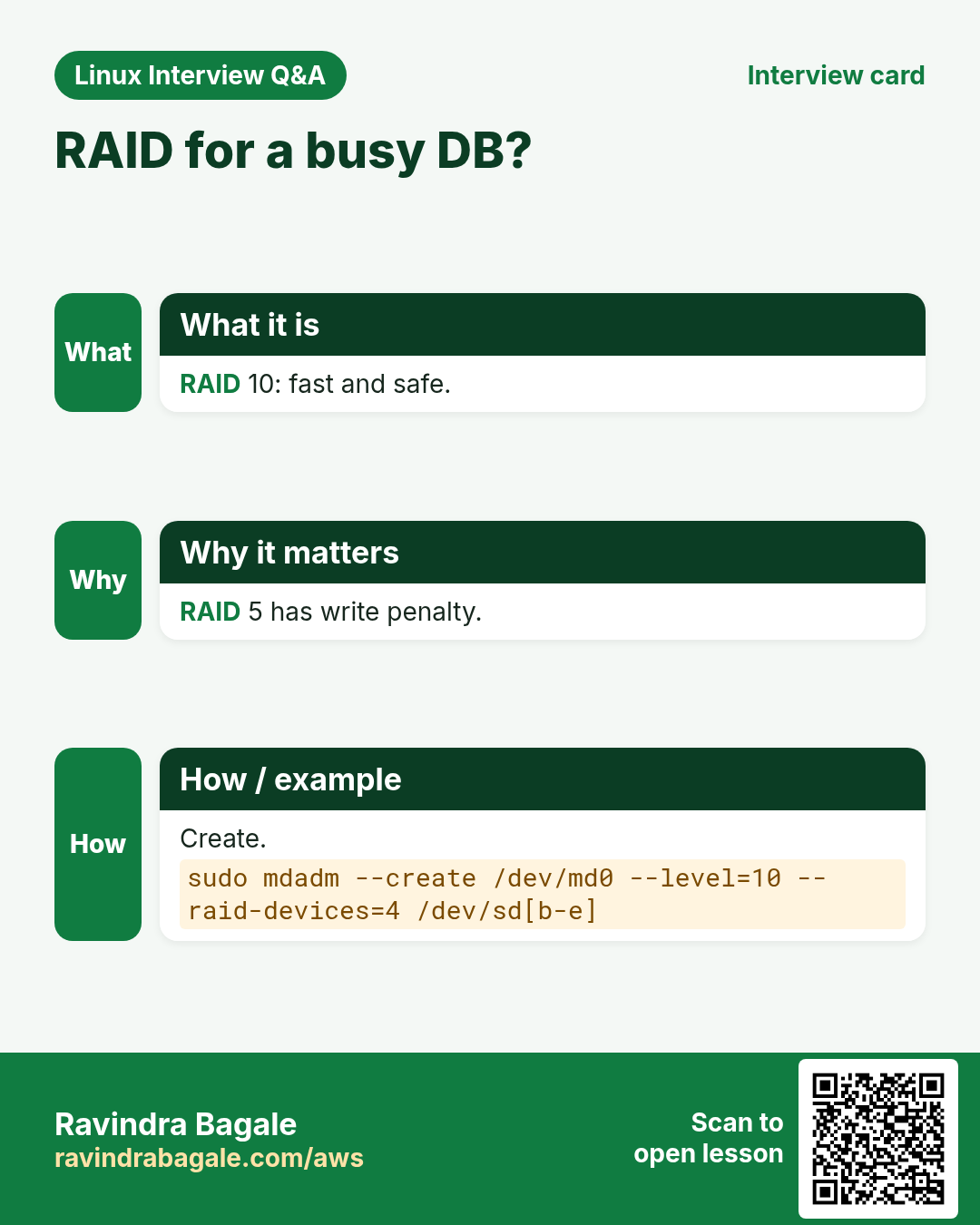
Q. Pick RAID for a write-heavy DB?
RAID 10: fast writes and safe; avoid RAID 5 write penalty.
Q. Disk full on prod at 3 AM: steps?
df, du -x drill-down, lsof +L1, truncate/vacuum, then root cause and alert threshold.
Q. Prevent disk full incidents?
logrotate, journald limits, separate LVs, alerts at 80%, cleanup jobs.
Q. Two disks fail in RAID 5?
Array is lost; restore from backup. That is why RAID 6/backups matter.
Try at home
- Run df -hT and sudo du -xh --max-depth=1 / | sort -h on your machine and write the top three space users.
- Do Lab 1 with RAID 5 using four loop devices (three plus one spare).
Practice Tasks
Nairobi Ride is a transport business in Nairobi. Wanjiru Kamau looks after its IT and cloud work. They count money in KES and run their AWS resources in the af-south-1 Region. In the tasks below you do real jobs for them using what this lesson teaches. All names, account IDs, IP addresses and numbers are made up for practice.
0 / 18
Easy RAID status
Why: Disk failures and full disks stop apps.
What to do: Refresh the kernel RAID status every 5 seconds.
- Find the Linux command that does this job.
- Add the options (like -r or -h) the task needs.
- Add the file names, folders or users in the right order.
- Use sudo if the job changes system files or users. Click Check answer.
Easy Array detail
Why: Disk failures and full disks stop apps.
What to do: Show full details of /dev/md2.
- Find the Linux command that does this job.
- Add the options (like -r or -h) the task needs.
- Add the file names, folders or users in the right order.
- Use sudo if the job changes system files or users. Click Check answer.
Easy Disk free
Why: Disk failures and full disks stop apps.
What to do: Show disk usage of xfs filesystems only, human sizes.
- Find the Linux command that does this job.
- Add the options (like -r or -h) the task needs.
- Add the file names, folders or users in the right order.
- Use sudo if the job changes system files or users. Click Check answer.
Easy Free on a path
Why: Disk failures and full disks stop apps.
What to do: Show which filesystem holds /srv and how full it is.
- Find the Linux command that does this job.
- Add the options (like -r or -h) the task needs.
- Add the file names, folders or users in the right order.
- Use sudo if the job changes system files or users. Click Check answer.
Easy Inodes
Why: Disk failures and full disks stop apps.
What to do: Show inode usage of the filesystem holding /srv.
- Find the Linux command that does this job.
- Add the options (like -r or -h) the task needs.
- Add the file names, folders or users in the right order.
- Use sudo if the job changes system files or users. Click Check answer.
Easy Folder size
Why: Disk failures and full disks stop apps.
What to do: Show the total size of /srv/uploads.
- Find the Linux command that does this job.
- Add the options (like -r or -h) the task needs.
- Add the file names, folders or users in the right order.
- Use sudo if the job changes system files or users. Click Check answer.
Medium RAID 1
Why: Disk failures and full disks stop apps.
What to do: Create /dev/md2 as RAID 1 from /dev/xvdm and /dev/xvdn.
- Find the Linux command that does this job.
- Add the options (like -r or -h) the task needs.
- Add the file names, folders or users in the right order.
- Use sudo if the job changes system files or users. Click Check answer.
Medium Mark failed
Why: Disk failures and full disks stop apps.
What to do: Mark /dev/xvdn as failed in /dev/md2.
- Find the Linux command that does this job.
- Add the options (like -r or -h) the task needs.
- Add the file names, folders or users in the right order.
- Use sudo if the job changes system files or users. Click Check answer.
Medium Remove from array
Why: Disk failures and full disks stop apps.
What to do: Remove /dev/xvdn from /dev/md2.
- Find the Linux command that does this job.
- Add the options (like -r or -h) the task needs.
- Add the file names, folders or users in the right order.
- Use sudo if the job changes system files or users. Click Check answer.
Medium Add new disk
Why: Disk failures and full disks stop apps.
What to do: Add /dev/xvdo to /dev/md2.
- Find the Linux command that does this job.
- Add the options (like -r or -h) the task needs.
- Add the file names, folders or users in the right order.
- Use sudo if the job changes system files or users. Click Check answer.
Medium Sub-folder sizes
Why: Disk failures and full disks stop apps.
What to do: Show sizes one level deep under /srv, sorted smallest to largest.
- Find the Linux command that does this job.
- Add the options (like -r or -h) the task needs.
- Add the file names, folders or users in the right order.
- Use sudo if the job changes system files or users. Click Check answer.
Medium Stay on one fs
Why: Disk failures and full disks stop apps.
What to do: Show the total size of /home without crossing into other filesystems.
- Find the Linux command that does this job.
- Add the options (like -r or -h) the task needs.
- Add the file names, folders or users in the right order.
- Use sudo if the job changes system files or users. Click Check answer.
Medium Empty a log
Why: Disk failures and full disks stop apps.
What to do: Empty /srv/app/trace.log without deleting it.
- Find the Linux command that does this job.
- Add the options (like -r or -h) the task needs.
- Add the file names, folders or users in the right order.
- Use sudo if the job changes system files or users. Click Check answer.
Medium Journal by time
Why: Disk failures and full disks stop apps.
What to do: Delete journal files older than 7 days.
- Find the Linux command that does this job.
- Add the options (like -r or -h) the task needs.
- Add the file names, folders or users in the right order.
- Use sudo if the job changes system files or users. Click Check answer.
Hard Print ARRAY lines
Why: Disk failures and full disks stop apps.
What to do: Print ARRAY lines for all arrays (for mdadm.conf).
- Find the Linux command that does this job.
- Add the options (like -r or -h) the task needs.
- Add the file names, folders or users in the right order.
- Use sudo if the job changes system files or users. Click Check answer.
Hard Stop array
Why: Disk failures and full disks stop apps.
What to do: Stop array /dev/md2.
- Find the Linux command that does this job.
- Add the options (like -r or -h) the task needs.
- Add the file names, folders or users in the right order.
- Use sudo if the job changes system files or users. Click Check answer.
Hard Big files
Why: Disk failures and full disks stop apps.
What to do: Find files over 2G under /srv on that filesystem only.
- Find the Linux command that does this job.
- Add the options (like -r or -h) the task needs.
- Add the file names, folders or users in the right order.
- Use sudo if the job changes system files or users. Click Check answer.
Hard Deleted but open
Why: Disk failures and full disks stop apps.
What to do: List deleted-but-open files on the /srv filesystem.
- Find the Linux command that does this job.
- Add the options (like -r or -h) the task needs.
- Add the file names, folders or users in the right order.
- Use sudo if the job changes system files or users. Click Check answer.
20. Related chapters
- Linux Ops Refresh for DevOps
- Bash Scripting for Automation
- Linux grep and find Commands with Examples
- How to Set Up Passwordless SSH Between Linux Servers
In short
- RAID 0/1/5/6/10 trade speed, space and safety.
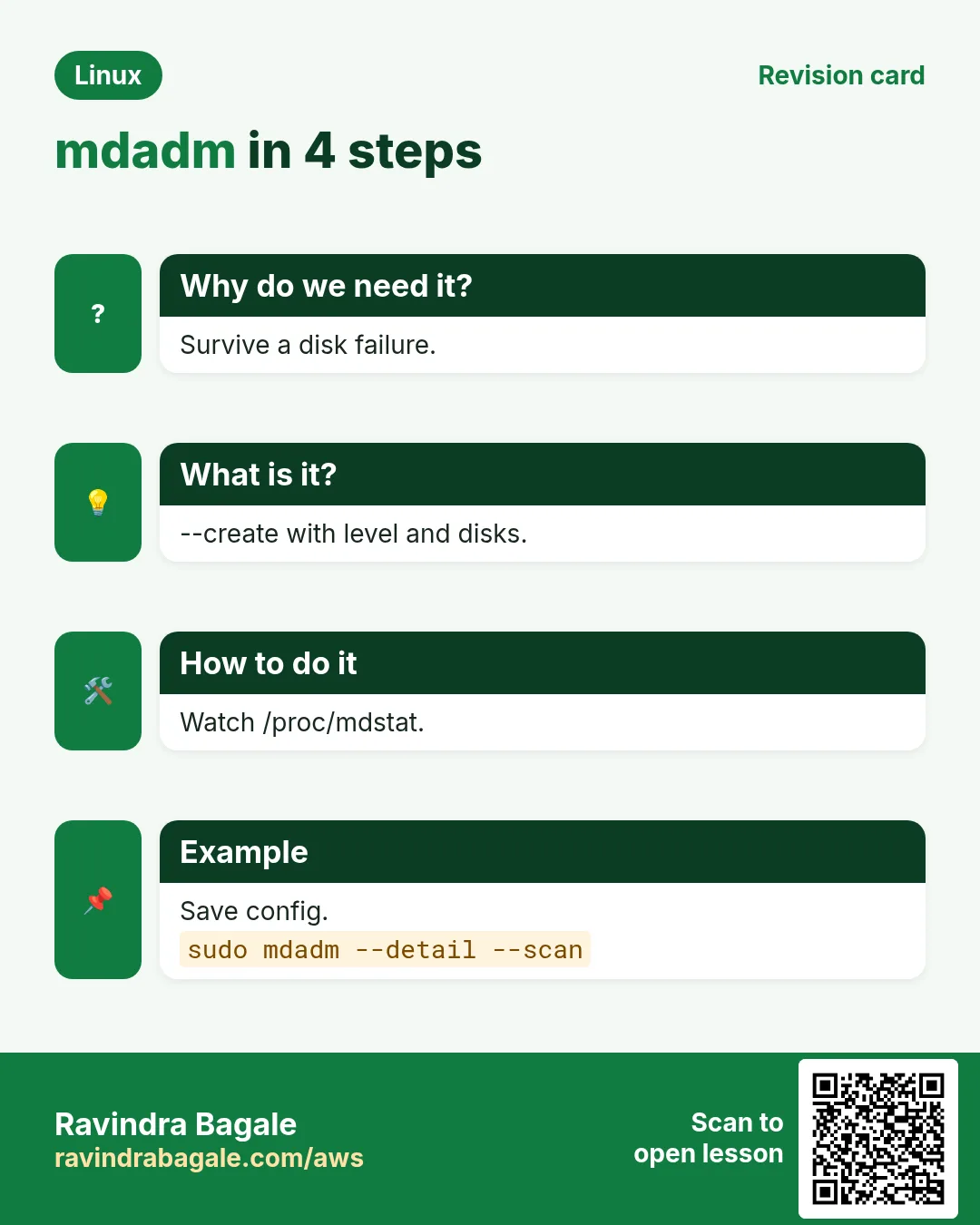
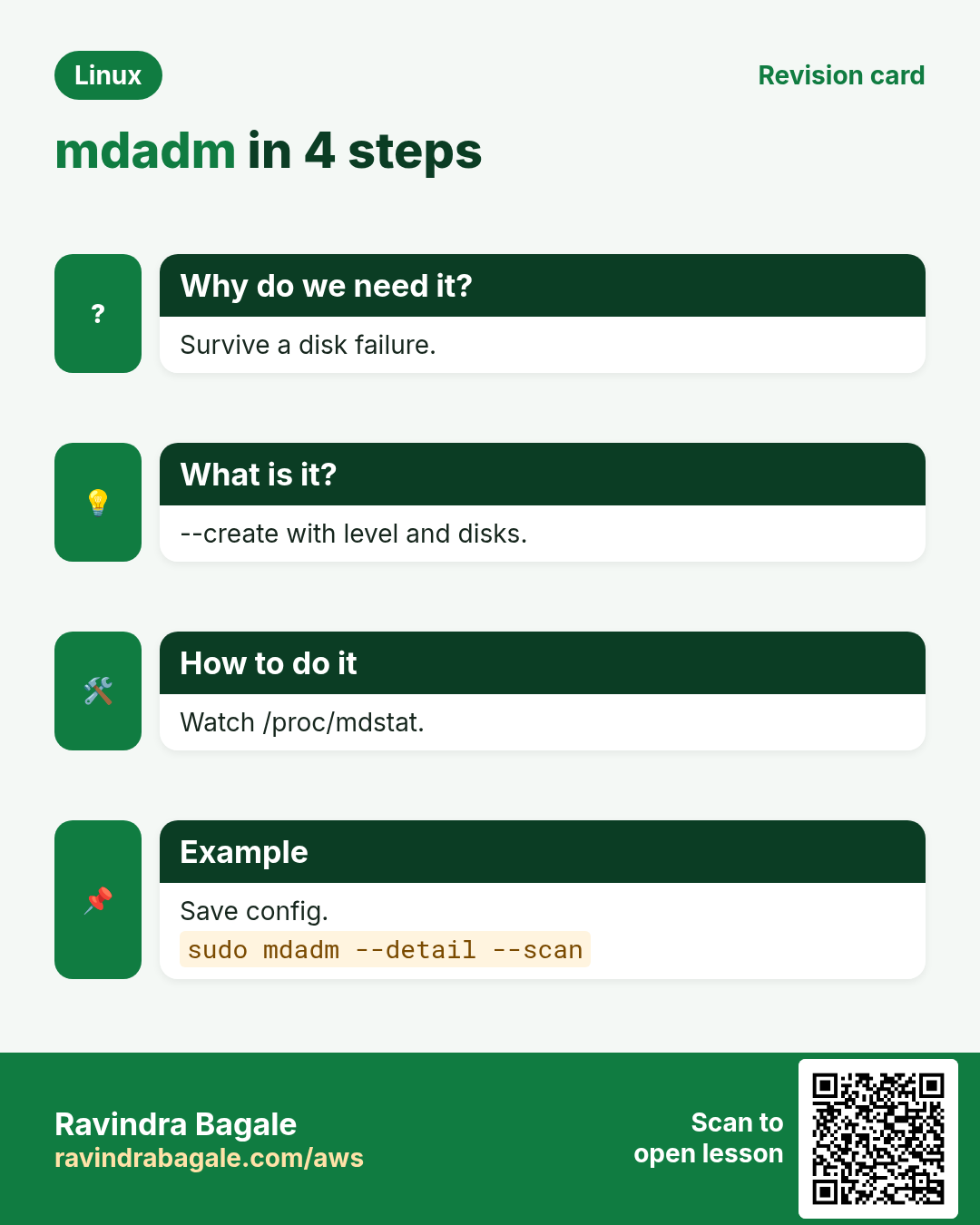
- mdadm --create, --detail, /proc/mdstat.
- Replace: --fail, --remove, --add, watch rebuild.
- Save mdadm.conf and rebuild initramfs.
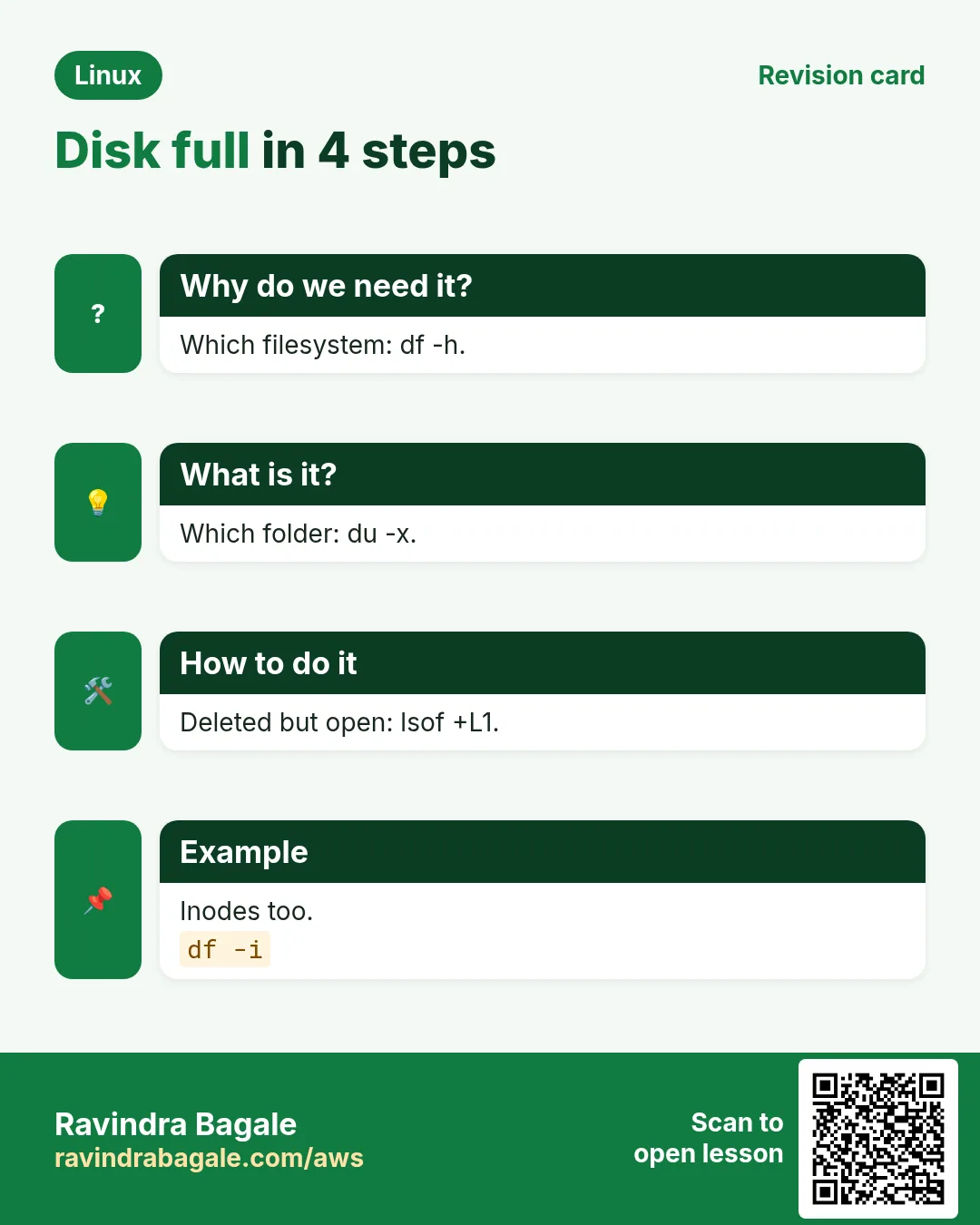
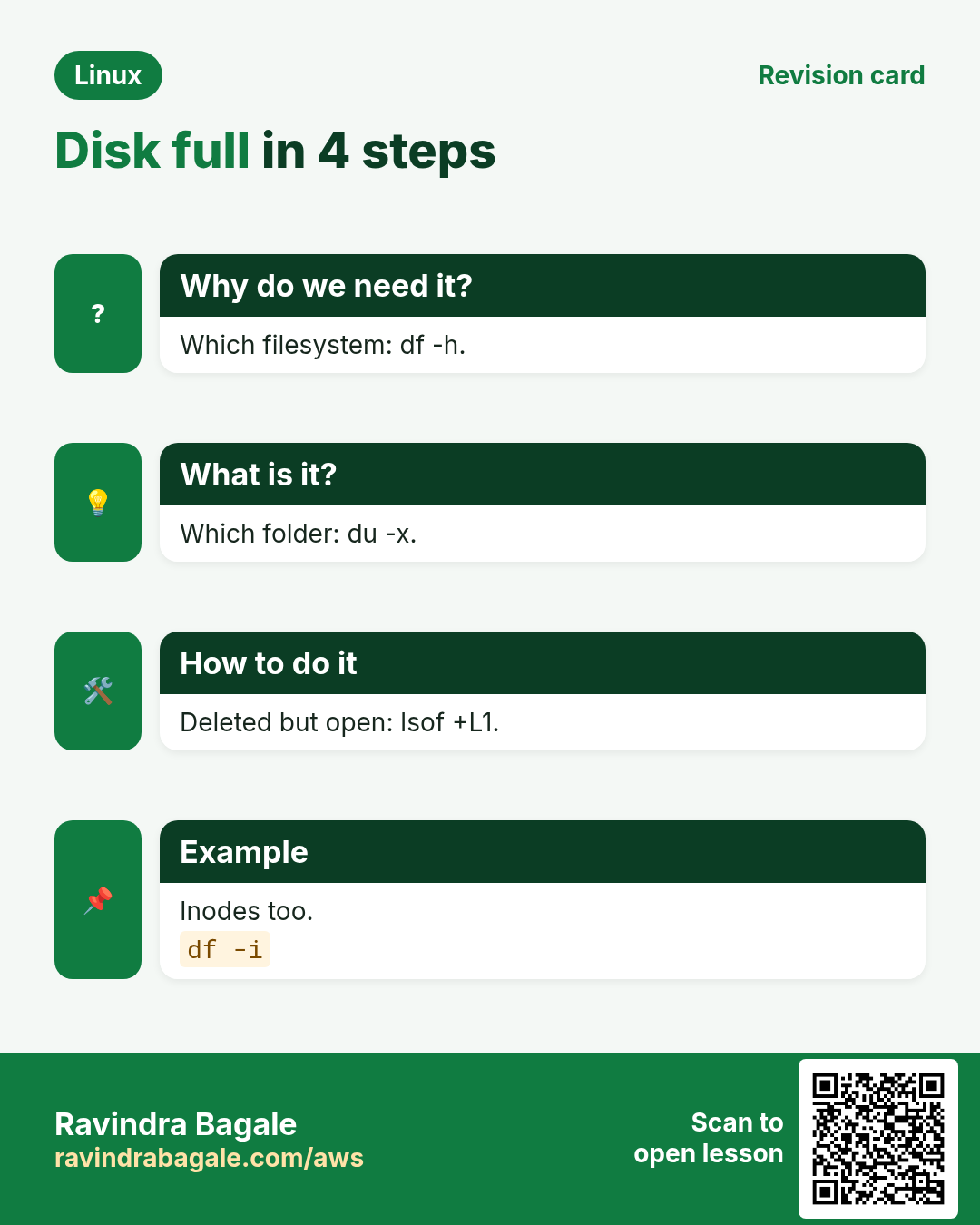
- df finds the filesystem, du -x the folder, find the file.
- lsof +L1 for deleted-open files; df -i for inodes.
Revision, comparison and interview cards
Revise this lesson in a few minutes. Save the cards on your phone or download them as PNG files. The QR code on each card opens this lesson.
More cards: Ravi Sir's Cards.