Linux File Permissions: chmod, chown, chgrp, umask, SUID, SGID and Sticky Bit Explained
Every file and folder in Linux has an owner, a group and three sets of rights: read, write and execute for the owner, the group and everyone else. In this chapter you learn to read ls -l, change rights with chmod (numbers and letters), change owners with chown and chgrp, set defaults with umask, and use the special bits SUID, SGID and sticky.
What you'll learn in this chapter
- Read permissions in ls -l and stat
- Know what r, w, x mean for files and for folders
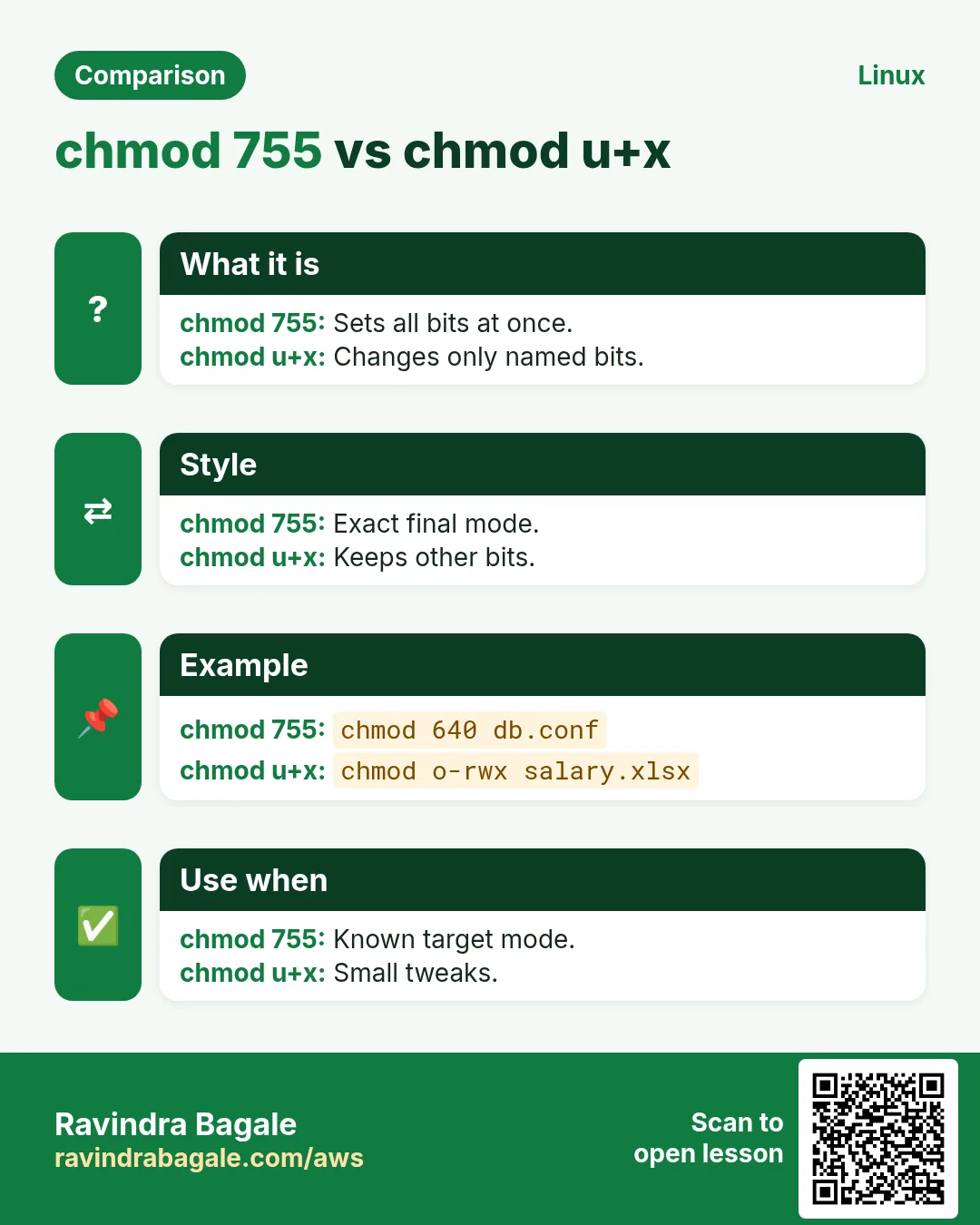
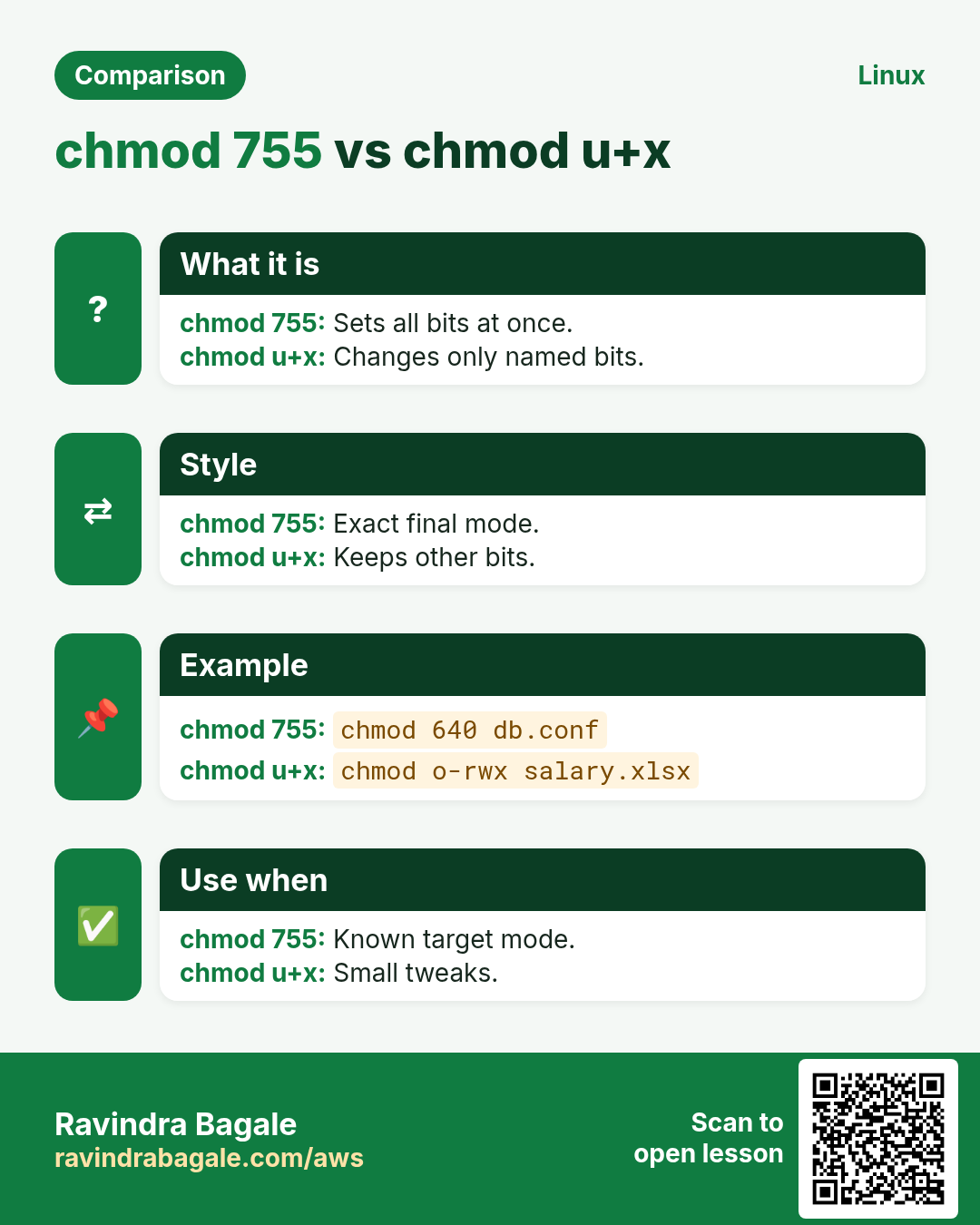
- Use chmod with numbers (755) and letters (u+x)
- Change ownership with chown and chgrp
- Control default rights with umask
- Use SUID, SGID and the sticky bit safely
1. An everyday example: a family photo album
Why do we need this?
Aai keeps the family album. She can look at it, add photos and remove them. The family (Baba, kids) can look at it and add photos, but not remove them. Guests can only look. The album on the living room table is shared, but each person may take out only the photos they put in.
What is it?
Aai = owner (user). Family = group. Guests = others. Look = read (r). Add or remove = write (w). Opening the album = execute (x) on a folder. Shared table rule = sticky bit, like /tmp.
How to do it (step by step)
2. ls -l: read the permission string
Why do we need this?
Every 'Permission denied' starts by reading these 10 characters.
What is it?
-rwxr-x--- means: type (- file, d folder, l link), then owner rwx, group r-x, others ---. Then the link count, owner, group, size, date and name. ls -ld FOLDER shows the folder itself, not its contents. ls -n shows numbers instead of names.
| Position | Example | Meaning |
|---|---|---|
| 1 | d | Type: folder |
| 2-4 | rwx | Owner can read, write, execute |
| 5-7 | r-x | Group can read and execute |
| 8-10 | --- | Others have nothing |
How to do it (step by step)
- A script.
ls -l deploy.shOutput:
-rwxr-x--- 1 ravi devs 812 Oct 25 10:10 deploy.shWhat it means: ravi full, devs read and run, others nothing.
- A folder itself.
ls -ld /srv/sharedOutput:
drwxrwsr-x 2 root devs 4096 Oct 25 10:12 /srv/sharedWhat it means: s in group x place = SGID (covered below).
- Numbers, not names.
ls -ln deploy.shOutput:
-rwxr-x--- 1 1001 3001 812 Oct 25 10:10 deploy.shWhat it means: Useful when a user was deleted.
3. r, w, x on files vs folders
Why do we need this?
People give r on a folder and wonder why cd fails. The meaning changes for folders.
What is it?
File: r read content, w change content, x run it as a program. Folder: r list names (ls), w create, delete or rename entries inside, x enter it and reach files inside (cd, open by path). To delete a file you need w on the FOLDER, not on the file.
| Bit | On a file | On a folder |
|---|---|---|
| r | Read content | List names |
| w | Change content | Add, delete, rename inside |
| x | Run it | Enter and pass through |
How to do it (step by step)
- Folder with r but no x.
chmod 744 box && sudo -u priya ls box; sudo -u priya cat box/a.txtOutput:
ls: cannot access 'box/a.txt': Permission denied
a.txt
cat: box/a.txt: Permission denied
What it means: She sees names but cannot open them.
- Folder with x but no r.
chmod 711 box && sudo -u priya ls box; sudo -u priya cat box/a.txtOutput:
ls: cannot open directory 'box': Permission denied
hello
What it means: She cannot list, but can open a known name.
- Deleting needs w on the folder.
ls -ld /etc && rm /etc/passwd-testOutput:
dr-xr-xr-x. ... root root /etc
rm: cannot remove '/etc/passwd-test': Permission denied
What it means: The file's own bits do not matter here.
4. chmod with numbers (octal)
Why do we need this?
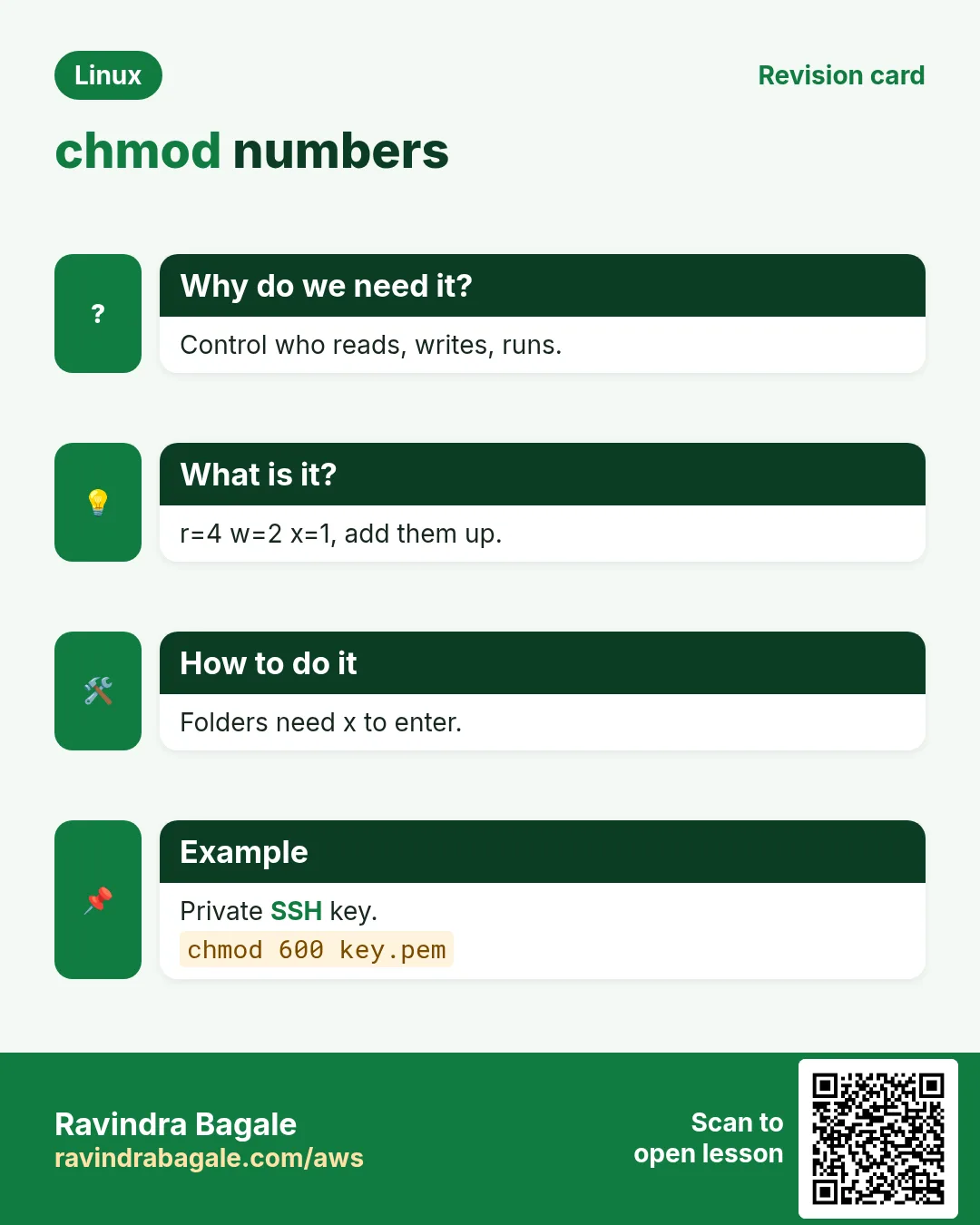
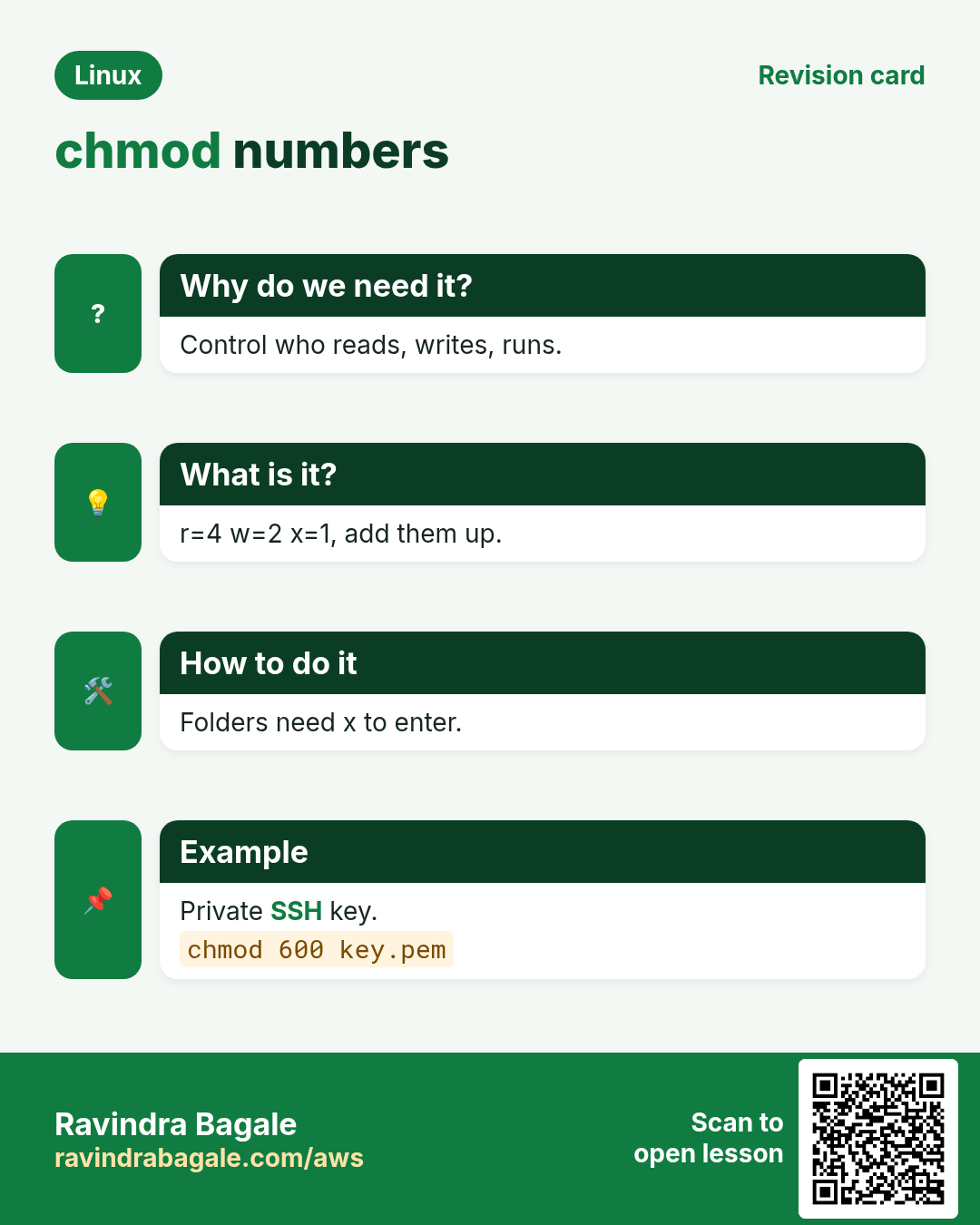
Numbers set all three groups at once and are what docs and tickets use: 644, 755, 600.
What is it?
r=4, w=2, x=1. Add them per set: 7=rwx, 6=rw-, 5=r-x, 4=r--, 0=---. Three digits are owner, group, others. A fourth digit in front sets special bits (4 SUID, 2 SGID, 1 sticky). -R changes a whole tree (careful).
| Number | Letters | Typical use |
|---|---|---|
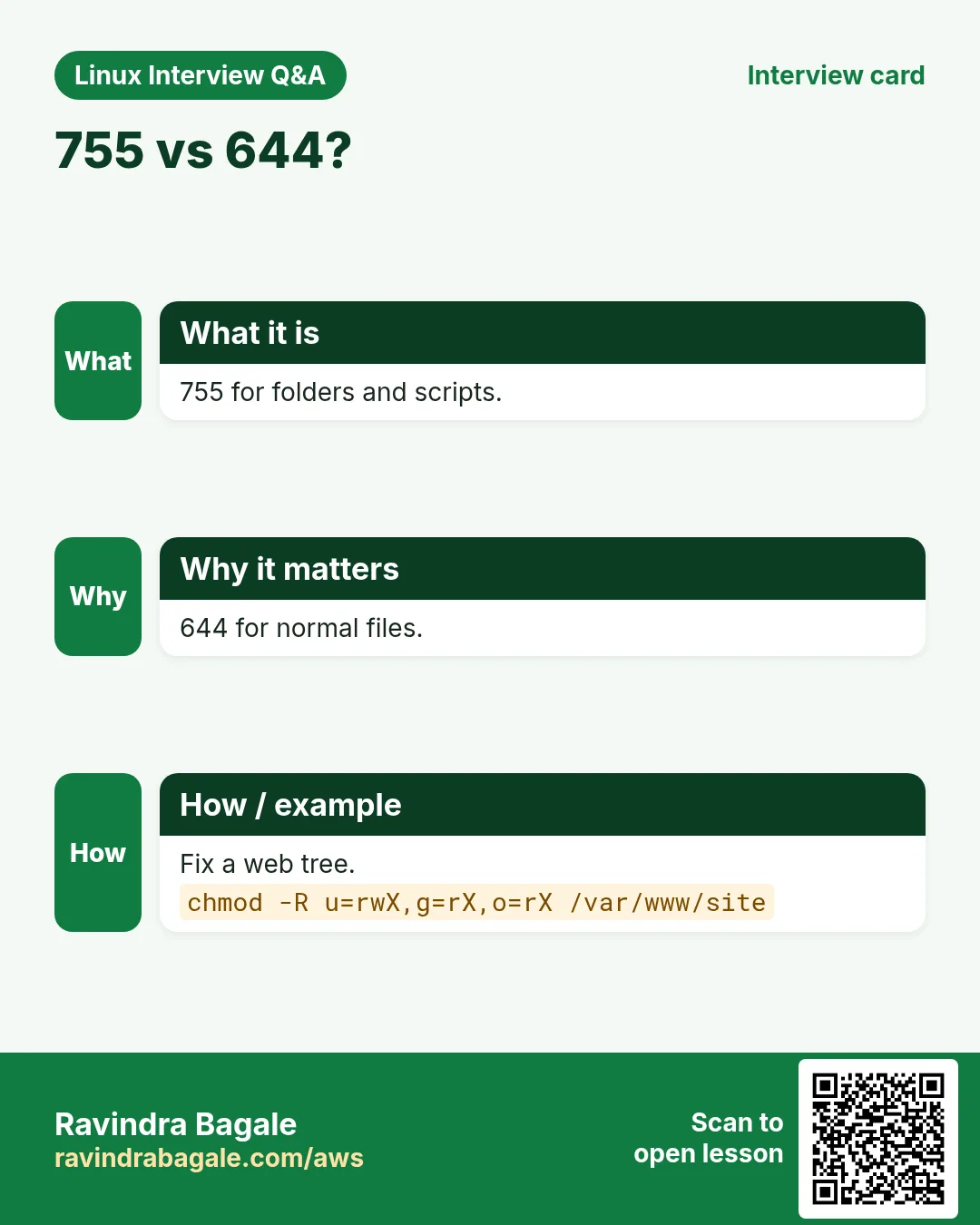
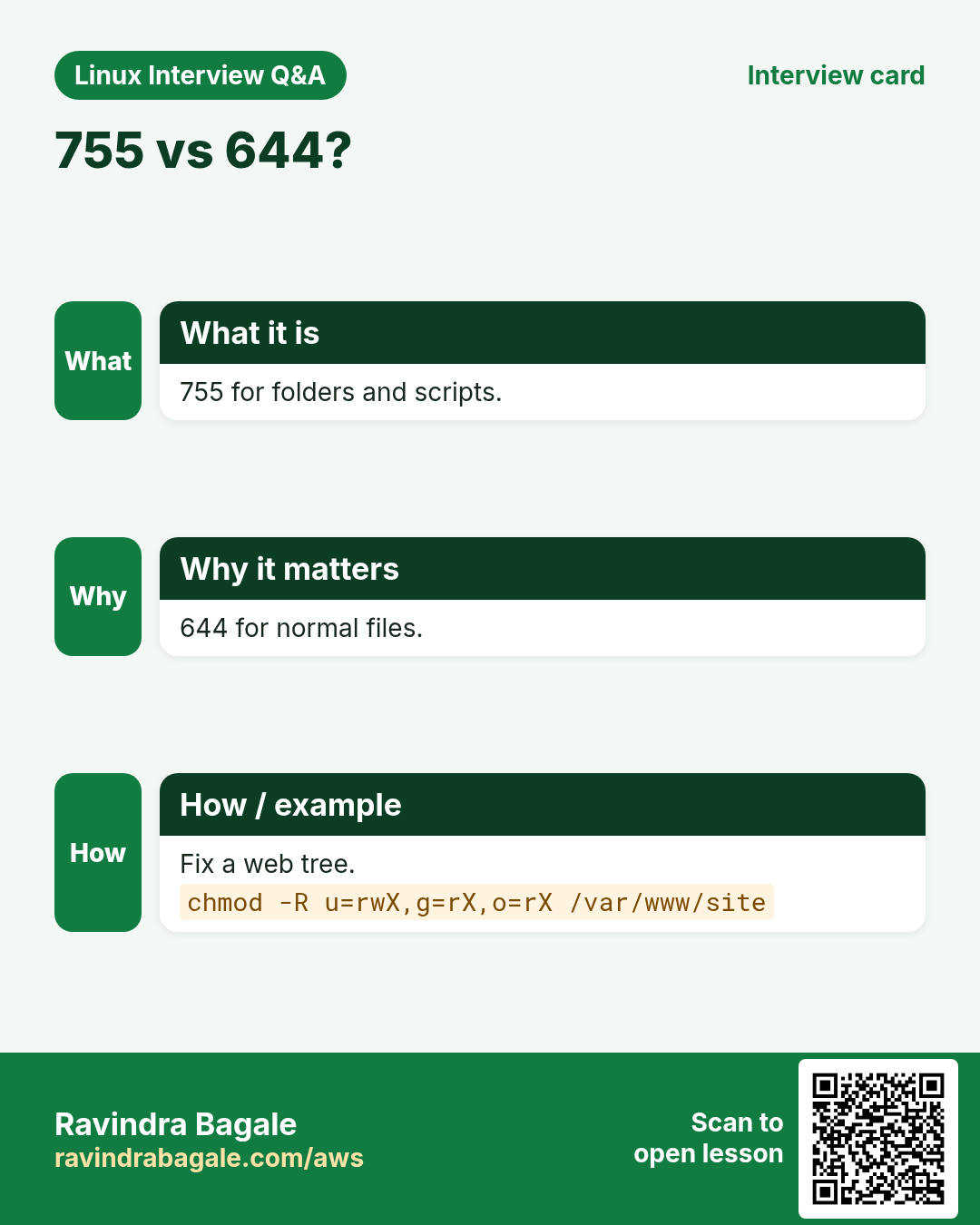
| 644 | rw-r--r-- | Normal files, web pages |
| 600 | rw------- | Private keys, secrets |
| 755 | rwxr-xr-x | Scripts, folders |
| 700 | rwx------ | Private folders, ~/.ssh |
| 640 | rw-r----- | Config read by a group |
| 775 | rwxrwxr-x | Team folder |
How to do it (step by step)
- Make a key private.
chmod 600 ~/.ssh/id_ed25519 && ls -l ~/.ssh/id_ed25519Output:
-rw------- 1 ravi ravi 411 Oct 25 id_ed25519What it means: SSH refuses keys that others can read.
- A script everyone can run.
chmod 755 backup.sh && ls -l backup.shOutput:
-rwxr-xr-x 1 ravi ravi 540 Oct 25 backup.shWhat it means: 7 owner, 5 group, 5 others.
- Config readable by the app group.
sudo chmod 640 /etc/billing/db.conf && ls -l /etc/billing/db.confOutput:
-rw-r----- 1 root billing 210 Oct 25 db.confWhat it means: Others cannot see the DB password.
- Never do this.
chmod -R 777 /var/wwwOutput:
(no output)What it means: Anyone can change your site. Use 755 folders and 644 files.
5. chmod with letters (symbolic)
Why do we need this?
Often you want to add or remove one right without touching the rest, like making a script runnable.
What is it?
Who: u owner, g group, o others, a all. Action: + add, - remove, = set exactly. What: r w x, X (x only on folders or files already executable), s, t. You can combine: chmod u=rwx,g=rx,o= file.
How to do it (step by step)
- Make a script runnable.
chmod u+x run.sh && ls -l run.shOutput:
-rwxr--r-- 1 ravi ravi 120 Oct 25 run.shWhat it means: Only the owner gets x.
- Remove rights for others.
chmod o-rwx salary.xlsx && ls -l salary.xlsxOutput:
-rw-r----- 1 hr hr 88K Oct 25 salary.xlsxWhat it means: Others lose everything.
- Set exactly.
chmod u=rw,g=r,o= report.pdf && stat -c '%A %a' report.pdfOutput:
-rw-r----- 640What it means: = replaces old bits for that set.
- Fix a web tree in one command.
chmod -R u=rwX,g=rX,o=rX /var/www/siteOutput:
(no output)What it means: Capital X gives x to folders only, so files stay 644 and folders 755.
chmod in depth: numeric vs symbolic side by side
Why do we need this?
You will meet both forms in docs and scripts. You must be able to read one and write the other.
What is it?
Numeric sets all bits at once (r=4, w=2, x=1). Symbolic changes only what you name (u g o a, + - =). Both can use -R for a folder tree.
Common options
| Option | What it does |
|---|---|
644 = u=rw,g=r,o=r | Normal file. |
755 = u=rwx,g=rx,o=rx | Script or folder others can enter. |
600 = u=rw,go= | Secret file. |
700 = u=rwx,go= | Private folder. |
g+w | Add write for group only; keep the rest. |
-R | Apply to everything inside a folder. |
How to do it (step by step)
- Check the start.
ls -l plan.txtOutput:
-rw-r--r-- 1 arjun team 900 Oct 25 plan.txtWhat it means: Now it is 644.
- Add group write with symbolic.
chmod g+w plan.txt && stat -c %a plan.txtOutput:
664What it means: Only the group part changed.
- Set exact rights with numbers.
chmod 640 plan.txt && ls -l plan.txtOutput:
-rw-r----- 1 arjun team 900 Oct 25 plan.txtWhat it means: Owner rw, group r, others nothing.
- Same result in symbolic form.
chmod u=rw,g=r,o= plan.txt && stat -c %a plan.txtOutput:
640What it means: Two ways, one result.
Practise this in the tasks below: Practice tasks
6. stat: exact permissions and times
Why do we need this?
ls hides the number and some details. stat shows the octal mode, owner IDs and all three times.
What is it?
stat FILE prints size, inode, mode, UID/GID and access/modify/change times. stat -c '%a %U %G %n' prints a custom line: %a octal, %A letters, %U owner, %G group.
How to do it (step by step)
- Full details.
stat /etc/passwd | sed -n '1p;4p'Output:
  File: /etc/passwd
Access: (0644/-rw-r--r--)  Uid: (    0/    root)   Gid: (    0/    root)
What it means: 0644 in numbers.
- Short form for many files.
stat -c '%a %U:%G %n' /etc/shadow /etc/sudoersOutput:
0 root:root /etc/shadow
440 root:root /etc/sudoers
What it means: Great for audits.
7. chown: change owner and group
Why do we need this?
Files copied as root, uploads by the web server, or restored backups end up with the wrong owner and the app cannot write.
What is it?
sudo chown USER FILE changes owner. chown USER:GROUP FILE changes both. chown :GROUP FILE only group. -R for a tree. --reference=OTHER copies owner from another file. Only root can give files away.
How to do it (step by step)
- Give the app folder to the app user.
sudo chown -R deploy:deploy /srv/app && ls -ld /srv/appOutput:
drwxr-xr-x 5 deploy deploy 4096 Oct 25 /srv/appWhat it means: Everything inside now belongs to deploy.
- Owner and group for uploads.
sudo chown nginx:www /srv/app/uploadsOutput:
(no output)What it means: The web server can write uploads.
- Normal user cannot give away.
chown priya notes.txtOutput:
chown: changing ownership of 'notes.txt': Operation not permittedWhat it means: Only root can change the owner.
- Copy ownership from another file.
sudo chown --reference=/etc/nginx/nginx.conf /etc/nginx/conf.d/shop.confOutput:
(no output)What it means: Same owner and group as nginx.conf.
chown in depth: user:group and -R
Why do we need this?
Web servers, apps and teams need the right owner. A wrong owner gives "Permission denied" even with good chmod bits.
What is it?
chown USER file sets the owner. USER:GROUP sets both. :GROUP sets only the group. -R does the whole tree. Changing owner needs sudo.
Common options
| Option | What it does |
|---|---|
chown user f | Owner only. |
chown user:group f | Owner and group. |
chown :group f | Group only (like chgrp). |
chown user: f | Owner, and group = that user's main group. |
-R | Whole folder tree. |
-v / -c | Print every change / only real changes. |
How to do it (step by step)
- See who owns it.
ls -l /srv/blog/index.htmlOutput:
-rw-r--r-- 1 root root 2.1K Oct 25 /srv/blog/index.htmlWhat it means: root owns it, so the app user cannot edit.
- Set owner and group together.
sudo chown -v www-data:www-data /srv/blog/index.htmlOutput:
changed ownership of '/srv/blog/index.html' from root:root to www-data:www-dataWhat it means: Both parts changed in one command.
- Only the group.
sudo chown :editors /srv/blog/drafts && ls -ld /srv/blog/draftsOutput:
drwxrwxr-x 2 www-data editors 4096 Oct 25 /srv/blog/draftsWhat it means: Owner stayed, group is editors.
- Whole tree with -R, show only real changes.
sudo chown -Rc www-data:www-data /srv/blogOutput:
changed ownership of '/srv/blog/drafts' from www-data:editors to www-data:www-dataWhat it means: -c printed only the item that really changed.
Practise this in the tasks below: Practice tasks
8. chgrp: change only the group
Why do we need this?
A team folder must belong to the team group so all members get group rights.
What is it?
chgrp GROUP FILE changes the group. A normal user can do it if they own the file and are a member of the new group. -R for a tree.
How to do it (step by step)
- Hand a report to finance.
chgrp finance q3.xlsx && ls -l q3.xlsxOutput:
-rw-r----- 1 ravi finance 40K Oct 25 q3.xlsxWhat it means: Finance members can now read it.
- Not a member.
chgrp hr q3.xlsxOutput:
chgrp: changing group of 'q3.xlsx': Operation not permittedWhat it means: You must be in hr, or use sudo.
9. umask: default rights for new files
Why do we need this?
Files created by an app or a user get rights from umask. A wrong umask makes secrets world-readable, or team files unreadable.
What is it?
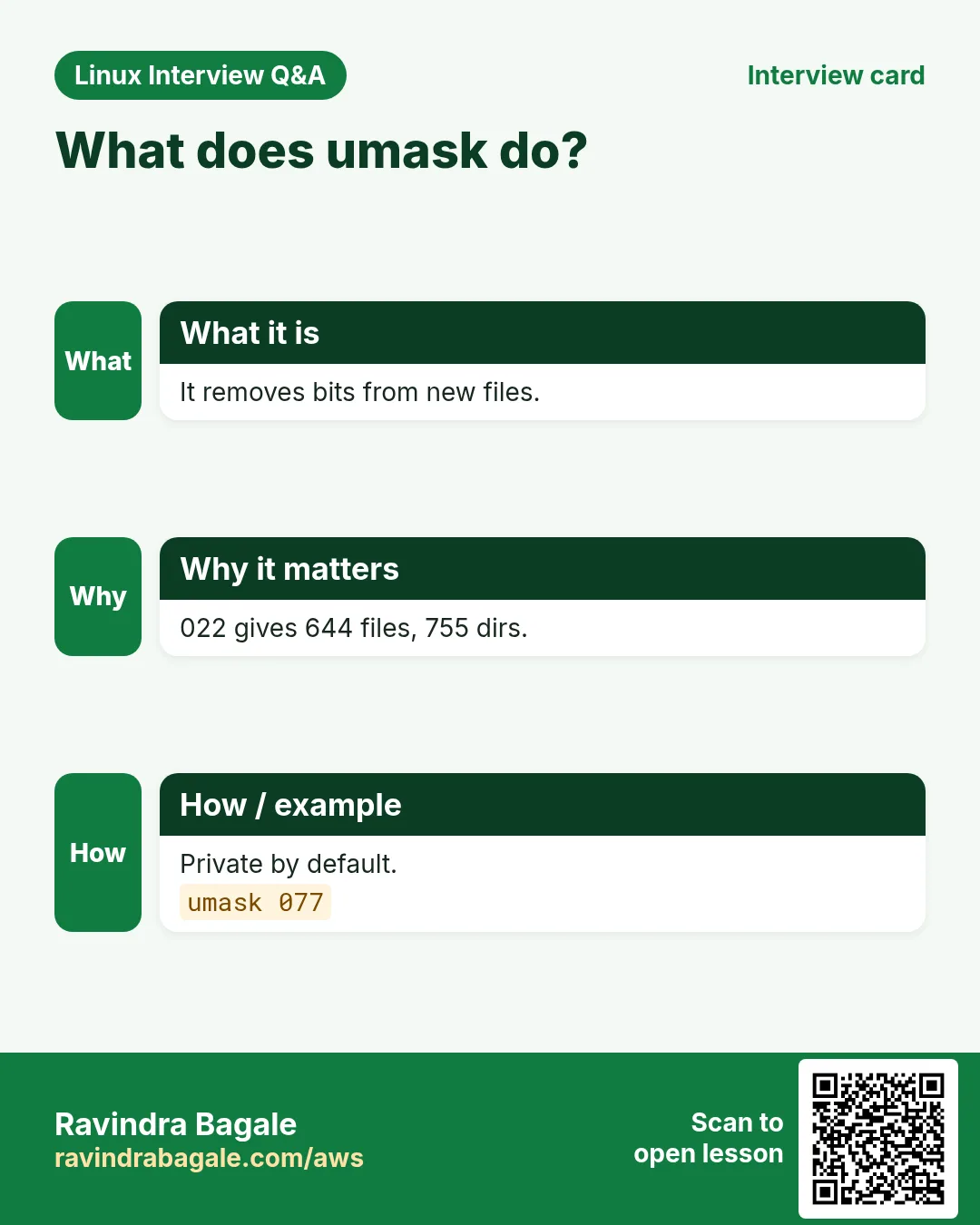
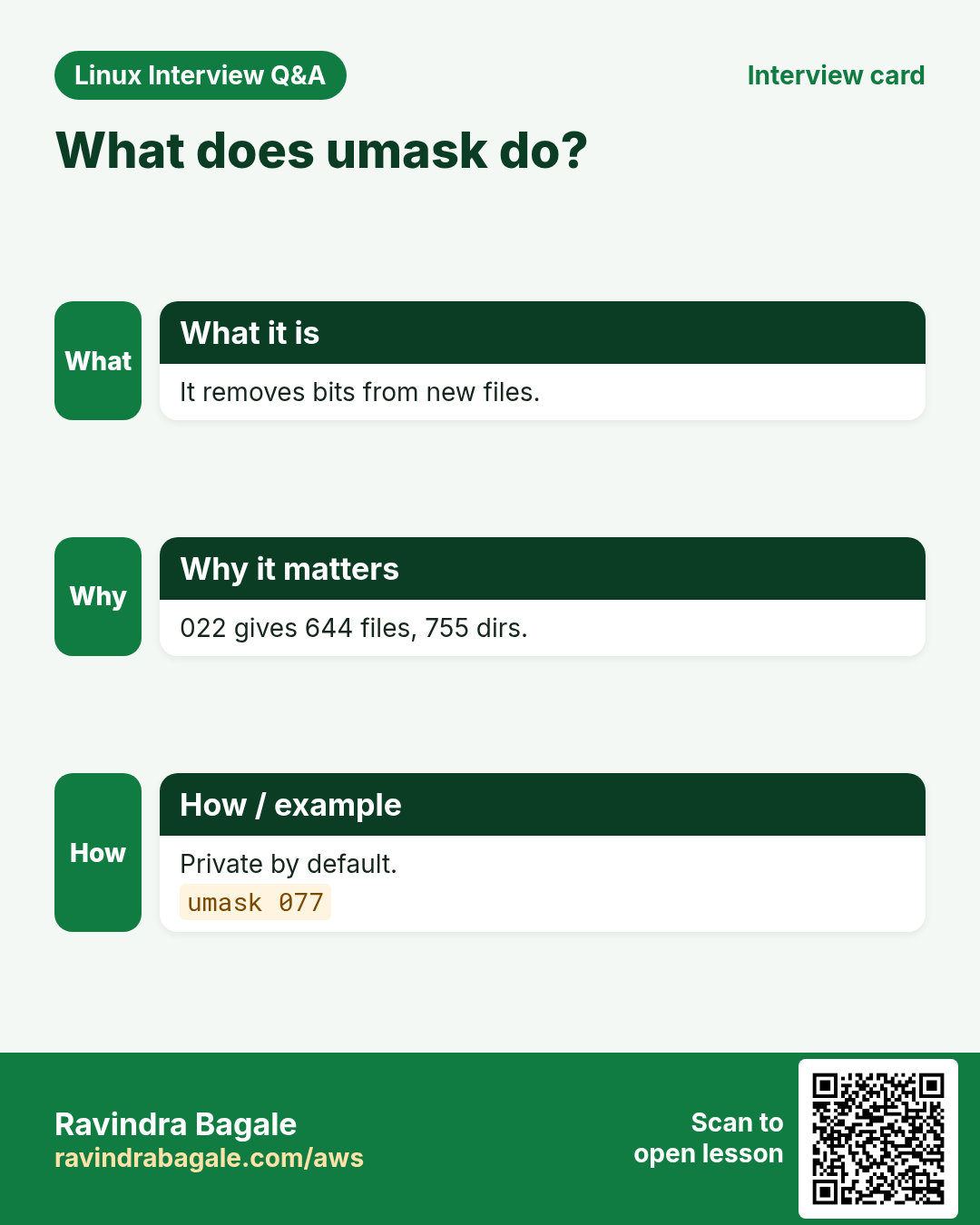
New files start from 666, folders from 777, and the umask bits are removed. umask 022 gives 644 files and 755 folders. umask 027 gives 640 and 750. umask 077 gives 600 and 700. umask -S shows letters. Set it in ~/.bashrc, /etc/login.defs or a systemd unit (UMask=).
| umask | New file | New folder |
|---|---|---|
| 022 | 644 | 755 |
| 002 | 664 | 775 |
| 027 | 640 | 750 |
| 077 | 600 | 700 |
How to do it (step by step)
- Check your umask.
umask; umask -SOutput:
0022
u=rwx,g=rx,o=rx
What it means: The usual default.
- See it in action.
umask 077; touch secret.txt; mkdir private; ls -ld secret.txt privateOutput:
-rw------- 1 ravi ravi 0 secret.txt
drwx------ 2 ravi ravi 4096 private
What it means: Only you can touch them.
- Team-friendly umask.
umask 002; touch shared.txt; ls -l shared.txtOutput:
-rw-rw-r-- 1 ravi devs 0 shared.txtWhat it means: Group can write too.
- Set it for a service.
sudo systemctl edit billing # add: [Service] UMask=0027Output:
(editor opens)What it means: Files the service writes get 640.
10. SUID (4000): run as the file owner
Why do we need this?
passwd must write /etc/shadow, which only root can. SUID lets a normal user run it with root's power, only for that program.
What is it?
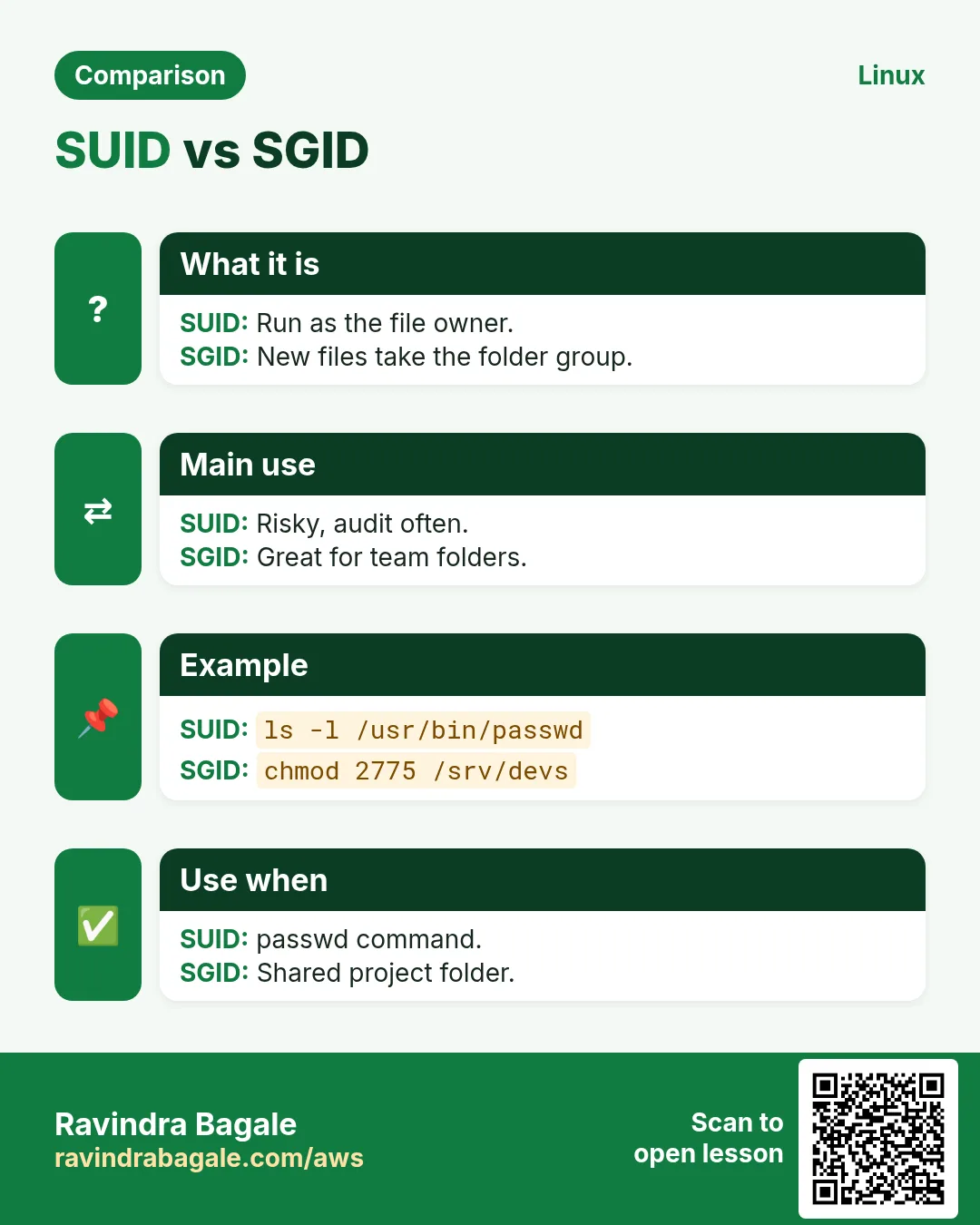
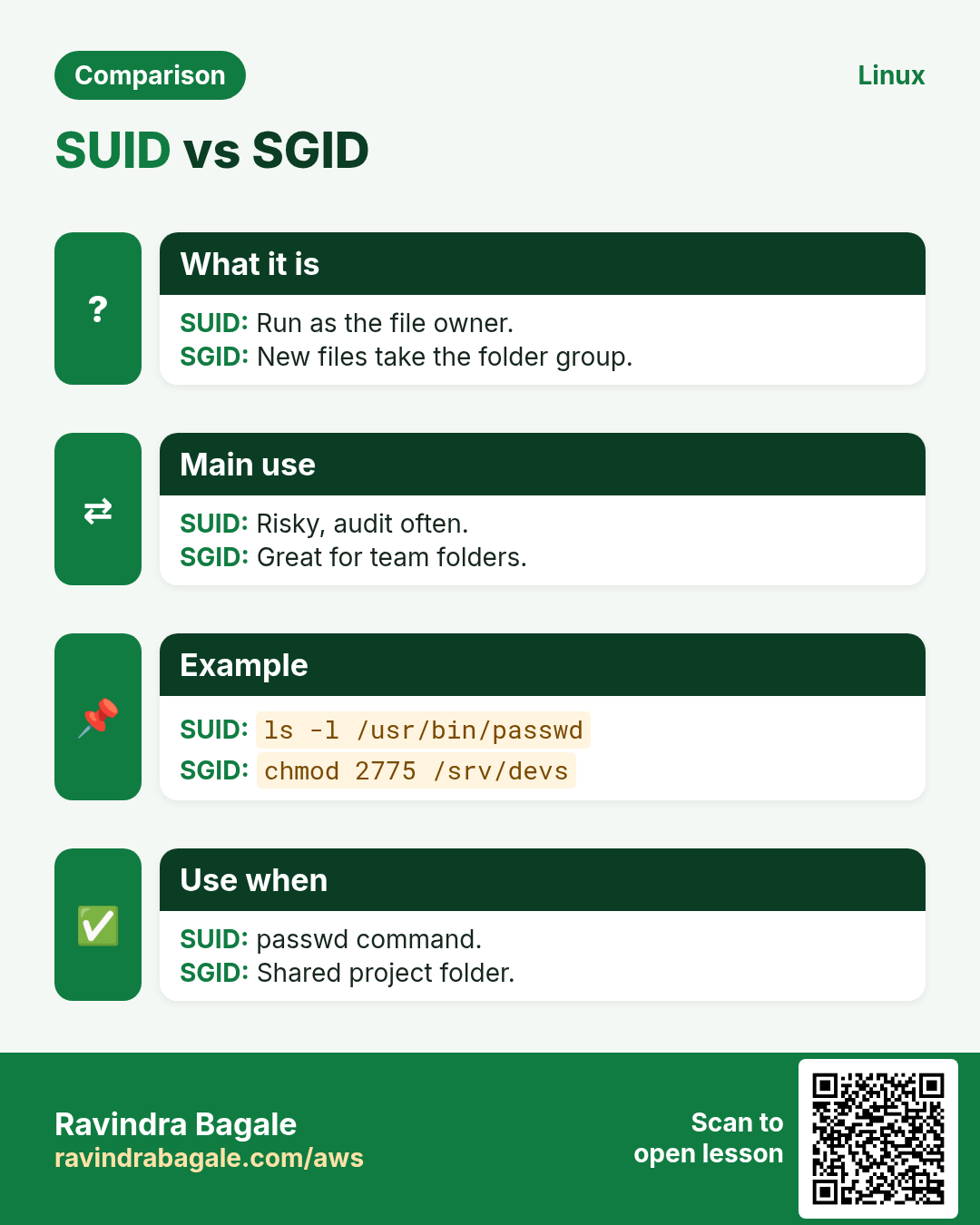
SUID on an executable makes it run with the owner's UID. It shows as s in the owner x place (S if x is missing). Set with chmod u+s or chmod 4755. It is ignored on scripts and on file systems mounted nosuid. Every extra SUID binary is an attack target: audit them.
How to do it (step by step)
- The classic example.
ls -l /usr/bin/passwdOutput:
-rwsr-xr-x. 1 root root 32648 /usr/bin/passwdWhat it means: s: it runs as root for every user.
- Find all SUID files.
sudo find / -xdev -perm -4000 -type f 2>/dev/null | head -4Output:
/usr/bin/passwd
/usr/bin/sudo
/usr/bin/su
/usr/bin/mount
What it means: Compare with a known-good list.
- Remove SUID from a risky copy.
sudo chmod u-s /opt/tools/oldping && ls -l /opt/tools/oldpingOutput:
-rwxr-xr-x 1 root root 7k oldpingWhat it means: No longer runs as root.
11. SGID (2000): group inheritance
Why do we need this?
In a team folder, files made by each person get their own group, and teammates cannot edit them. SGID on the folder fixes this.
What is it?
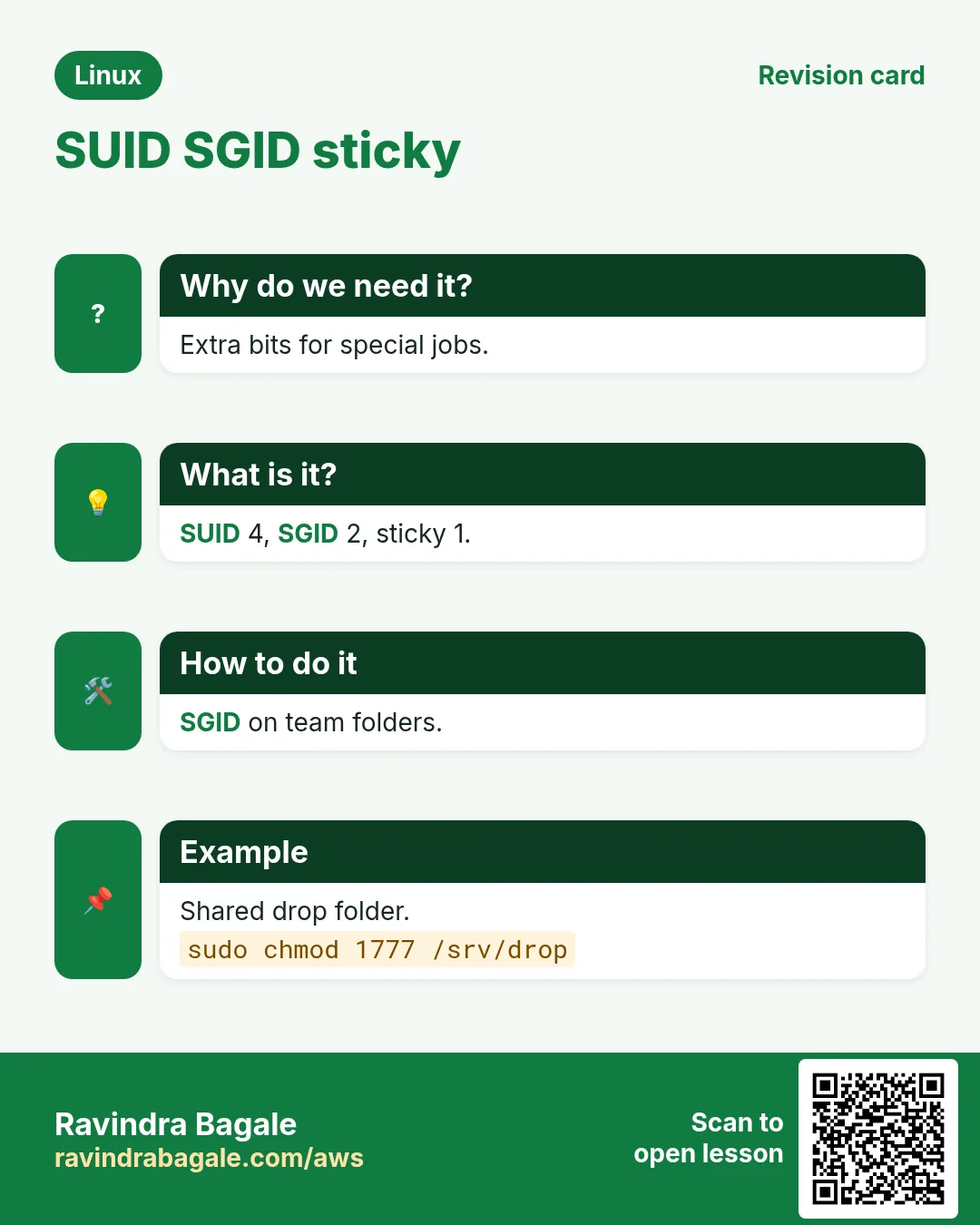
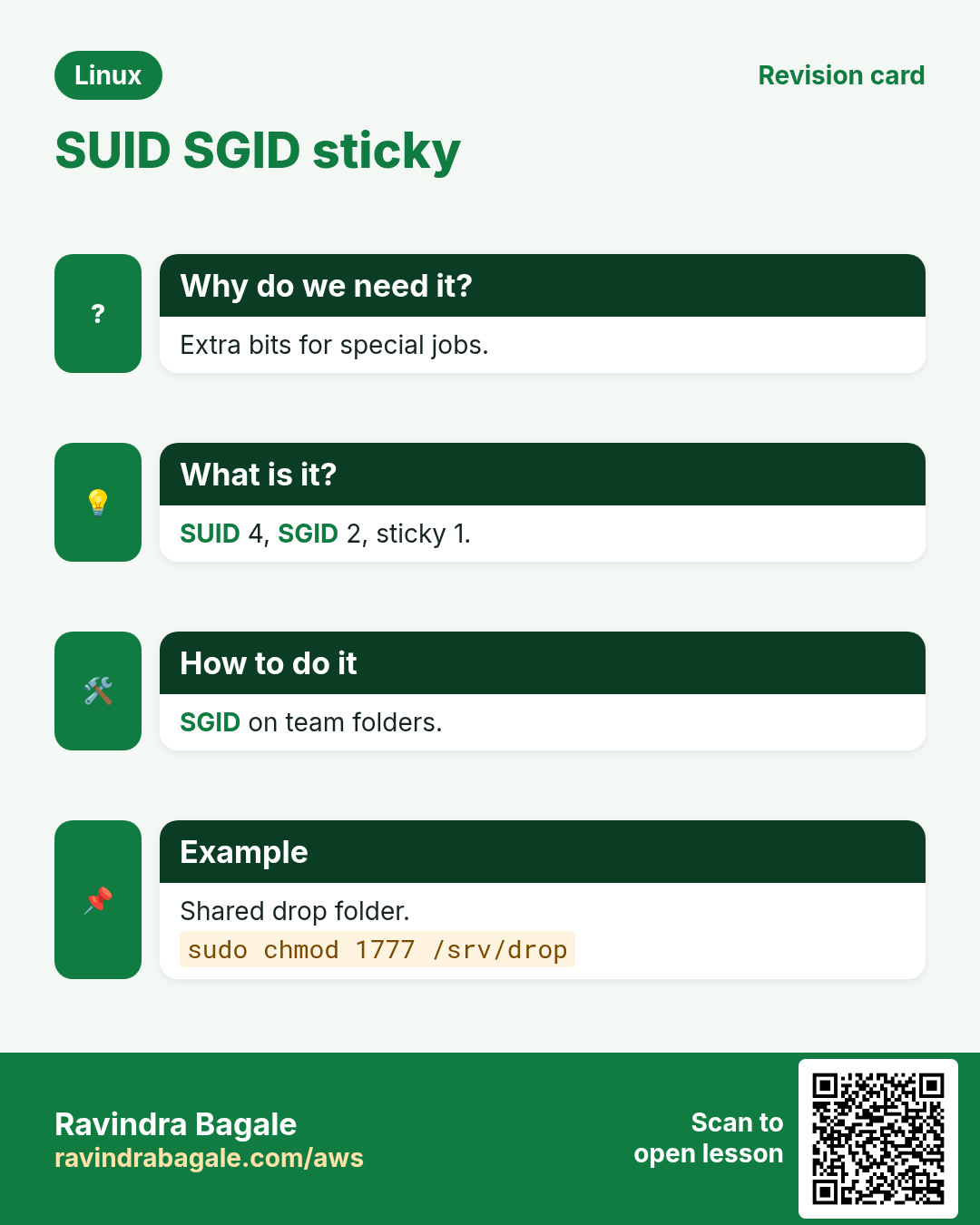
On a folder, SGID makes new files and folders inside take the folder's group (new sub-folders get SGID too). On a program, it runs with the file's group. Shows as s in the group x place. Set with chmod g+s or chmod 2775.
How to do it (step by step)
- Create a team folder.
sudo mkdir /srv/devs && sudo chgrp devs /srv/devs && sudo chmod 2775 /srv/devs && ls -ld /srv/devsOutput:
drwxrwsr-x 2 root devs 4096 Oct 25 /srv/devsWhat it means: s in the group part.
- New files get the team group.
touch /srv/devs/plan.md && ls -l /srv/devs/plan.mdOutput:
-rw-rw-r-- 1 ravi devs 0 Oct 25 plan.mdWhat it means: Group is devs, not ravi.
- Pair with umask 002.
umask 002; echo hi > /srv/devs/notes.txt; ls -l /srv/devs/notes.txtOutput:
-rw-rw-r-- 1 ravi devs 3 notes.txtWhat it means: Teammates can edit.
12. Sticky bit (1000): only owners delete
Why do we need this?
In a folder everyone can write, like /tmp, anyone could delete anyone's files. The sticky bit stops that.
What is it?
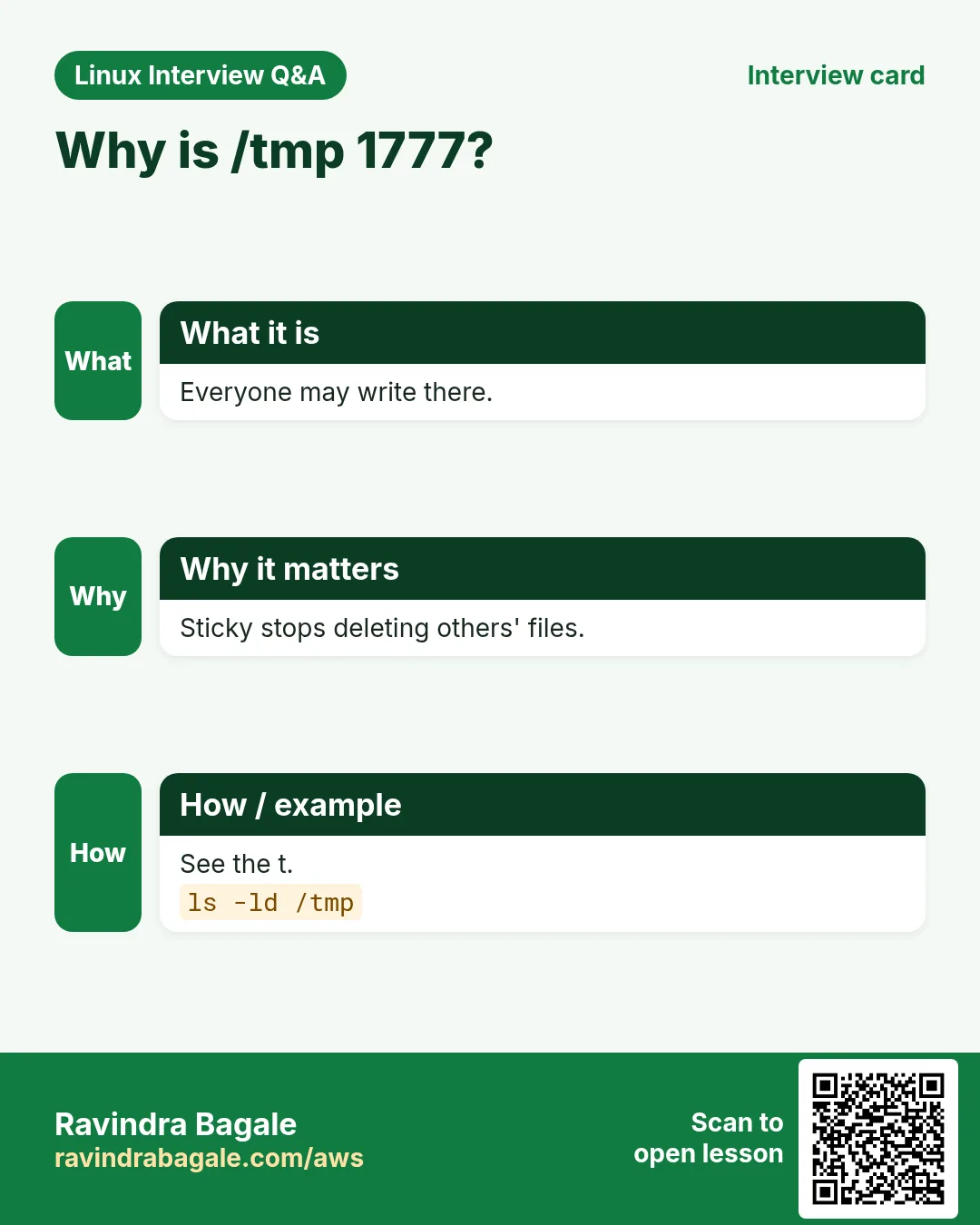
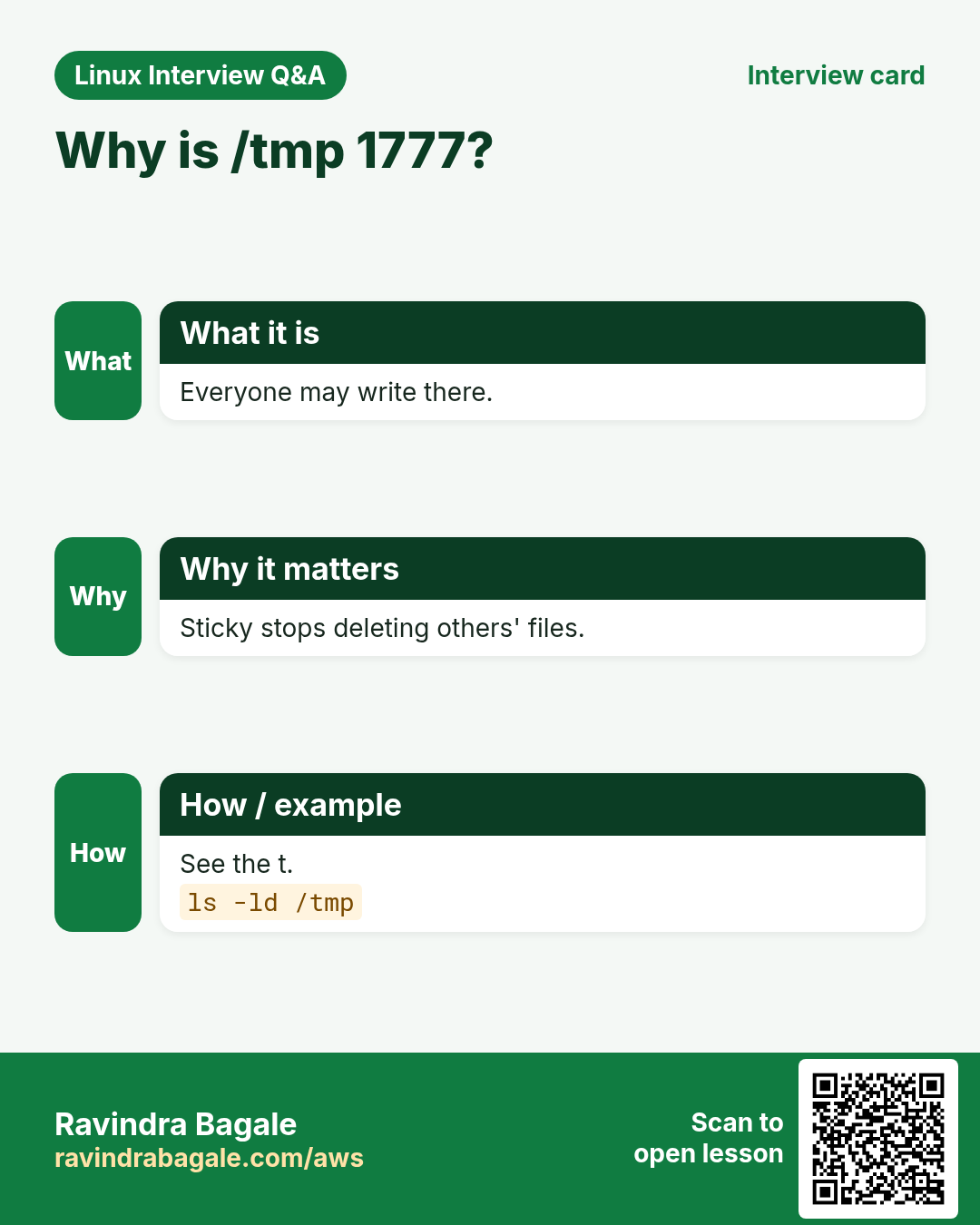
On a folder, sticky means only the file owner, the folder owner or root can delete or rename a file. Shows as t in the others x place. Set with chmod +t or chmod 1777.
How to do it (step by step)
- See it on /tmp.
ls -ld /tmpOutput:
drwxrwxrwt. 18 root root 4096 Oct 25 /tmpWhat it means: t at the end.
- A shared upload folder.
sudo mkdir /srv/drop && sudo chmod 1777 /srv/dropOutput:
(no output)What it means: Everyone can add, only owners can remove.
- Try deleting someone else's file.
sudo -u priya rm /srv/drop/ravi.txtOutput:
rm: cannot remove '/srv/drop/ravi.txt': Operation not permittedWhat it means: The sticky bit protected it.
13. Putting it together: safe permission recipes
Why do we need this?
Most real tasks are the same few patterns. Learn them once.
What is it?
Web root: owner deploy, group nginx, folders 2750, files 640. SSH: ~/.ssh 700, keys 600, authorized_keys 600. Secrets: 600 or 640 with an app group. Team share: SGID 2775 plus umask 002. Shared drop: 1777.
How to do it (step by step)
- Fix SSH folder rights.
chmod 700 ~/.ssh && chmod 600 ~/.ssh/authorized_keys && stat -c '%a %n' ~/.ssh ~/.ssh/authorized_keysOutput:
700 /home/ravi/.ssh
600 /home/ravi/.ssh/authorized_keys
What it means: sshd ignores keys if these are too open.
- Web root recipe.
sudo chown -R deploy:nginx /srv/www && sudo find /srv/www -type d -exec chmod 2750 {} + && sudo find /srv/www -type f -exec chmod 640 {} +Output:
(no output)What it means: nginx can read, only deploy can write.
- Find world-writable files to fix.
sudo find /srv -xdev -type f -perm -o+wOutput:
/srv/www/config.phpWhat it means: Fix with chmod o-w.
14. Real examples from many industries
Why do we need this?
The same Linux skill shows up in every kind of company. Seeing it in many places helps you remember it.
What is it?
Each row is a made-up team. It shows who uses this and how.
How to do it (step by step)
| Team and city | How they use it | Command |
|---|---|---|
| Kiran, web agency, Nashik | Resets a WordPress tree to 755/644 | find wp -type d -exec chmod 755 {} + |
| Ahmed, bank, Riyadh | Keeps DB configs readable only by the app group | chmod 640 /etc/app/db.conf |
| Sofia, design studio, Lisbon | Team share where everyone can edit | chmod 2775 /srv/design |
| Tom, university, Boston | Shared drop folder for students | chmod 1777 /srv/drop |
| Neha, security audit, Gurugram | Lists SUID binaries every week | find / -xdev -perm -4000 -type f |
| Chen, SaaS, Shenzhen | Sets UMask=0027 for services | UMask=0027 in the systemd unit |
15. Common errors and how to fix them
Why do we need this?
Everyone hits these errors. Knowing the cause saves hours.
What is it?
Read the exact message first. Then match it to a row below.
How to do it (step by step)
| Error you see | Why it happens | How to fix |
|---|---|---|
bash: ./deploy.sh: Permission denied | No x bit on the script | Add execute.chmod u+x deploy.sh |
cat: /etc/shadow: Permission denied | Normal user lacks r | Use sudo if you really need it.sudo cat /etc/shadow |
chown: changing ownership of 'x': Operation not permitted | Only root can change owners | Use sudo.sudo chown deploy x |
WARNING: UNPROTECTED PRIVATE KEY FILE! Permissions 0644 for 'key.pem' are too open. | SSH key readable by others | chmod 600 the key.chmod 600 key.pem |
Authentication refused: bad ownership or modes for directory /home/ravi | Home or ~/.ssh is group/other writable | Remove g/o write.chmod go-w ~ && chmod 700 ~/.ssh |
rm: cannot remove 'x': Operation not permitted (in /tmp) | Sticky bit: not your file | Ask the owner or use sudo.ls -l /tmp/x |
cd: /srv/data: Permission denied | No x on the folder (or a parent) | Check each folder with namei -l.namei -l /srv/data/file |
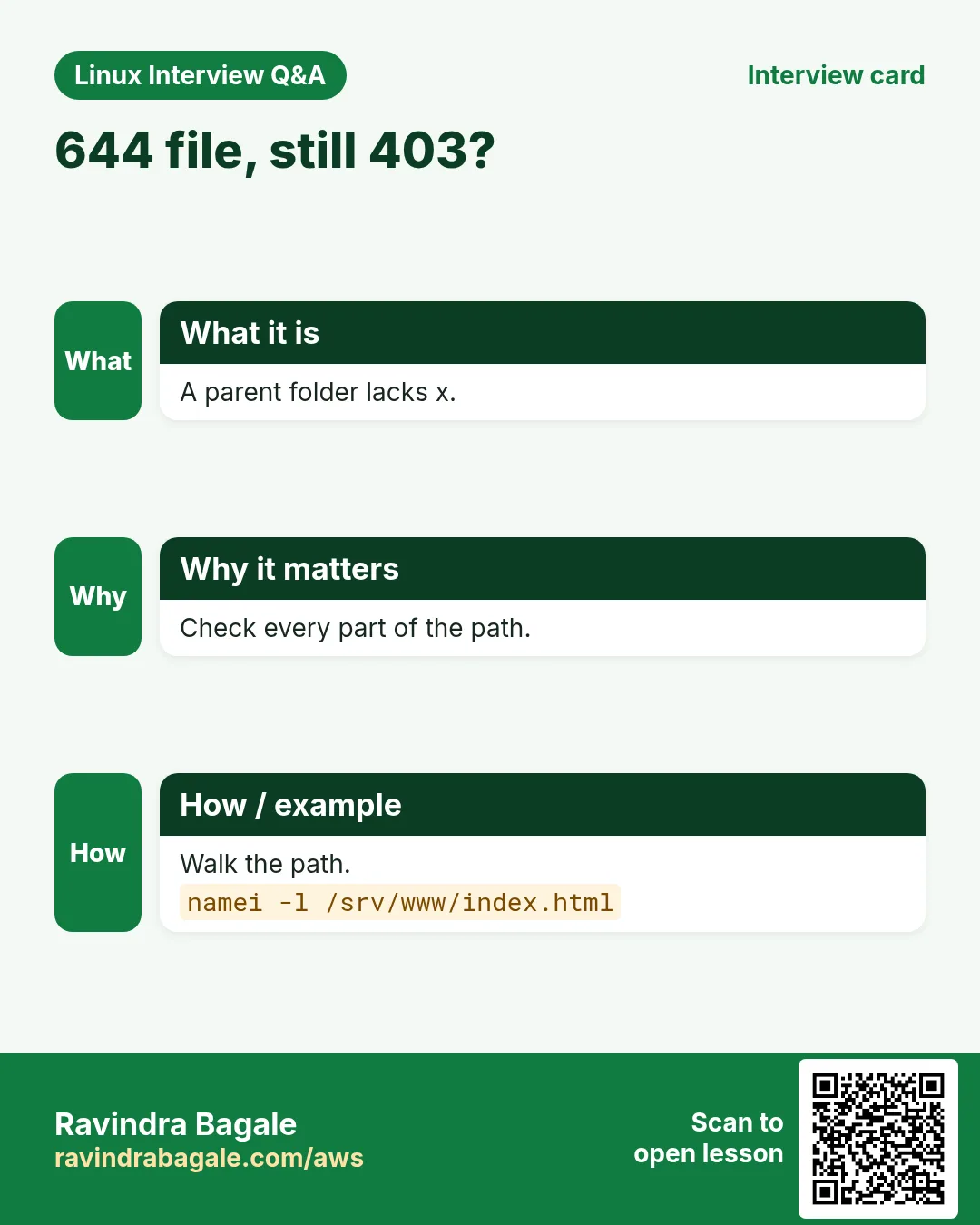
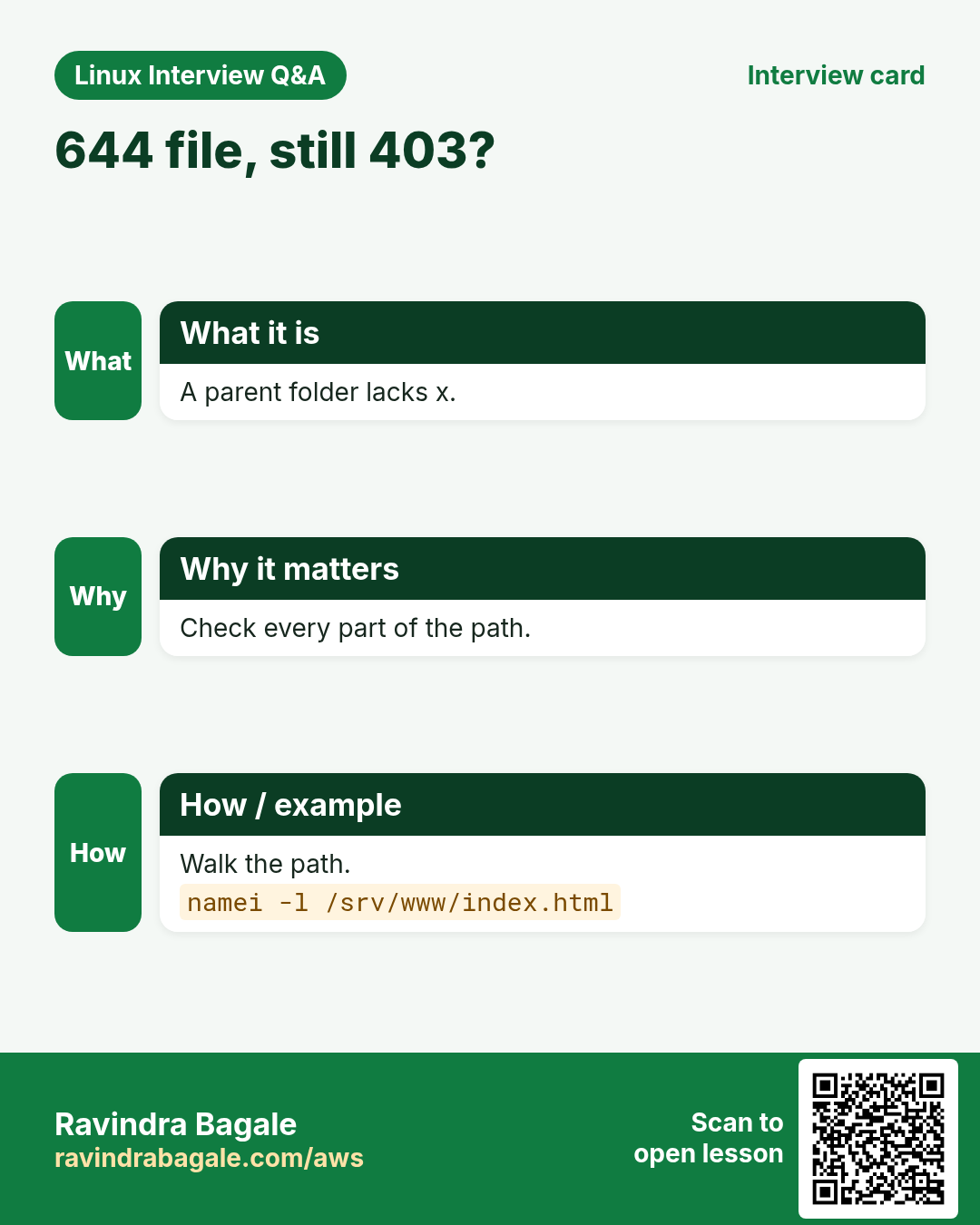
nginx: 403 Forbidden | nginx user cannot read files or pass a parent folder | Give r on files and x on every parent.namei -l /srv/www/index.html |
chmod: changing permissions of 'x': Read-only file system | Disk mounted read-only | Check mount and dmesg.mount | grep ' / ' |
Team member cannot edit a shared file | File has the creator's group or umask 022 | Use SGID folder and umask 002.chmod 2775 /srv/devs |
16. Troubleshooting step by step
Why do we need this?
For 'Permission denied', walk the path from / to the file and check the user, the group and each bit.
What is it?
Go top to bottom. Stop at the first step that shows the problem.
How to do it (step by step)
- Who is the process running as?
ps -o user,group,comm -C nginx- Check every folder on the path.
namei -l /srv/www/site/index.html- Exact mode and owner of the file.
stat -c '%A %a %U:%G' /srv/www/site/index.html- Is it a group problem?
id nginx- Test as that user.
sudo -u nginx cat /srv/www/site/index.html- Still denied? Check ACLs and SELinux.
getfacl /srv/www/site/index.html; ls -Z /srv/www/site/index.html17. Lab 1: Build a team share
Why do we need this?
Create a folder where every devs member can create and edit files, but others cannot see it.
What is it?
A full hands-on lab. Run every step on a test Linux machine (an EC2 instance, a VM, or WSL).
How to do it (step by step)
- Create users and group.
sudo groupadd -f devs && sudo useradd -m -G devs dev1 && sudo useradd -m -G devs dev2Output:
(no output)- Create the folder with SGID.
sudo mkdir -p /srv/team && sudo chgrp devs /srv/team && sudo chmod 2770 /srv/team && ls -ld /srv/teamOutput:
drwxrws--- 2 root devs 4096 Oct 25 /srv/team- dev1 creates a file.
sudo -u dev1 bash -c 'umask 002; echo v1 > /srv/team/plan.txt' && ls -l /srv/teamOutput:
-rw-rw-r-- 1 dev1 devs 3 plan.txt- dev2 edits it.
sudo -u dev2 bash -c 'echo v2 >> /srv/team/plan.txt' && cat /srv/team/plan.txtOutput:
v1
v2- An outsider is blocked.
sudo -u nobody ls /srv/teamOutput:
ls: cannot open directory '/srv/team': Permission denied18. Lab 2: Numbers, letters, umask and special bits
Why do we need this?
Practise chmod both ways, see umask results, and find SUID and sticky bits.
What is it?
A full hands-on lab. Run every step on a test Linux machine (an EC2 instance, a VM, or WSL).
How to do it (step by step)
- Numbers.
mkdir -p ~/lab15 && cd ~/lab15 && touch a && chmod 640 a && stat -c '%A %a' aOutput:
-rw-r----- 640- Letters.
chmod u+x,g-r a && stat -c '%A %a' aOutput:
-rwx------ 700- umask 027.
(umask 027; touch b; mkdir c) && stat -c '%a %n' b cOutput:
640 b
750 c- Sticky folder.
mkdir d && chmod 1777 d && ls -ld dOutput:
drwxrwxrwt 2 ravi ravi 4096 d- SUID count.
sudo find /usr/bin -perm -4000 | wc -lOutput:
14Ravindra Bagale's Tip
Never fix 'Permission denied' with chmod 777. Find WHO is denied (ps, id), WHERE (namei -l), and give only the missing bit to the right owner or group.
Ravindra Bagale's Tip – मराठी
'Permission denied' कधीच chmod 777 ने fix करू नका. कोणाला denied (ps, id), कुठे (namei -l) ते शोधा, आणि योग्य owner किंवा group ला फक्त missing bit द्या.
Ravindra Bagale's Tip – हिंदी
'Permission denied' को कभी chmod 777 से ठीक न करें. किसे denied है (ps, id), कहाँ (namei -l) पता करें, और सही owner या group को सिर्फ गायब bit दें.
19. Frequently asked questions
Q. What does 755 mean?
Owner rwx (7), group r-x (5), others r-x (5).
Q. Why does my script say Permission denied?
It needs x: chmod u+x script.sh, or run it with bash script.sh.
Q. Can root ignore permissions?
Mostly yes for read and write, but root still needs at least one x bit to run a file, and immutable files or SELinux can still block root.
Q. What is the difference between s and S?
s means the special bit and x are both set. S means the special bit is set but x is missing (usually a mistake).
Q. Does SUID work on shell scripts?
No, Linux ignores SUID on scripts for safety. Use sudo rules instead.
Q. How do I see permissions as numbers?
stat -c '%a %n' FILE.
Q. Why can I delete a file I cannot read?
Delete depends on w and x of the folder, not the file.
Q. Where do I set umask for everyone?
/etc/login.defs (UMASK), /etc/profile or a file in /etc/profile.d; for services use UMask= in the unit.
20. Interview questions and answers
Beginner level
Q. What do r, w and x mean?
Read, write and execute.
Q. What is chmod 644?
Owner read and write; group and others read only.
Q. How do you make a script executable?
chmod +x script.sh.
Q. How do you change a file's owner?
sudo chown user:group file.
Mid level level
Q. What does x mean on a folder?
Permission to enter it and reach files inside.
Q. With umask 027, what are new file and folder rights?
Files 640, folders 750.
Q. What is SGID on a folder used for?
New files inherit the folder's group, for team shares.
Q. Why is /tmp 1777?
Everyone can write, but the sticky bit lets only owners delete their files.
Senior level
Q. nginx returns 403 for a file with 644. Why?
A parent folder lacks x for nginx, the file is outside the allowed root, an ACL denies it, or SELinux context is wrong. Check namei -l, getfacl and ls -Z.
Q. Why is an unexpected SUID root binary dangerous?
Any user who runs it gets root rights in that program; bugs or shell escapes give full root.
Q. How do you prevent SUID abuse on data disks?
Mount them with nosuid,nodev (and noexec where possible), and audit find -perm -4000 regularly.
Q. A deploy breaks because files are owned by root after a CI copy. How do you fix it for good?
Run the copy as the deploy user, or chown in the pipeline, set UMask in the service, and use SGID group folders.
Try at home
- Create a folder 'family' that only you and a group 'home' can open, where new files keep the 'home' group. Prove it with ls -ld and a test file.
- Write down the umask that gives new files 600, and test it.
Practice Tasks
London Legal LLP is a law business in London. Oliver Hughes looks after its IT and cloud work. They count money in GBP and run their AWS resources in the eu-west-2 Region. In the tasks below you do real jobs for them using what this lesson teaches. All names, account IDs, IP addresses and numbers are made up for practice.
0 / 21
Easy See permissions
Why: Start every access check here.
What to do: Show the permissions of release.sh in long format.
- Find the Linux command that does this job.
- Add the options (like -r or -h) the task needs.
- Add the file names, folders or users in the right order.
- Use sudo if the job changes system files or users. Click Check answer.
Easy Folder itself
Why: ls -l shows contents otherwise.
What to do: Show the permissions of the /srv/projects folder itself, not its contents.
- Find the Linux command that does this job.
- Add the options (like -r or -h) the task needs.
- Add the file names, folders or users in the right order.
- Use sudo if the job changes system files or users. Click Check answer.
Easy Make a script runnable
Why: Permission denied on ./start.sh.
What to do: Add execute for the owner on start.sh, using letters.
- Find the Linux command that does this job.
- Add the options (like -r or -h) the task needs.
- Add the file names, folders or users in the right order.
- Use sudo if the job changes system files or users. Click Check answer.
Easy Private key
Why: SSH rejects open keys.
What to do: Make prod.pem readable and writable only by the owner, using numbers.
- Find the Linux command that does this job.
- Add the options (like -r or -h) the task needs.
- Add the file names, folders or users in the right order.
- Use sudo if the job changes system files or users. Click Check answer.
Easy Script for everyone
Why: Shared tools at BIZ.
What to do: Give sync.sh rwxr-xr-x using numbers.
- Find the Linux command that does this job.
- Add the options (like -r or -h) the task needs.
- Add the file names, folders or users in the right order.
- Use sudo if the job changes system files or users. Click Check answer.
Easy Change group only
Why: Finance needs the report.
What to do: Change the group of payroll.xlsx to hr.
- Find the Linux command that does this job.
- Add the options (like -r or -h) the task needs.
- Add the file names, folders or users in the right order.
- Use sudo if the job changes system files or users. Click Check answer.
Easy Set umask symbolically
Why: New files get odd rights.
What to do: Set the umask in symbolic form so the owner gets rwx, the group rx and others nothing.
- Find the Linux command that does this job.
- Add the options (like -r or -h) the task needs.
- Add the file names, folders or users in the right order.
- Use sudo if the job changes system files or users. Click Check answer.
Easy Change only the group
Why: Finance team must share it.
What to do: Change only the group of budget.xlsx to finance using chown.
- Find the Linux command that does this job.
- Add the options (like -r or -h) the task needs.
- Add the file names, folders or users in the right order.
- Use sudo if the job changes system files or users. Click Check answer.
Easy Owner and group
Why: App user must own its log.
What to do: Make user ravi and group devs the owner and group of app.log.
- Find the Linux command that does this job.
- Add the options (like -r or -h) the task needs.
- Add the file names, folders or users in the right order.
- Use sudo if the job changes system files or users. Click Check answer.
Easy Add group write
Why: Team edits one file.
What to do: Give the group write permission on shared.txt without changing anything else.
- Find the Linux command that does this job.
- Add the options (like -r or -h) the task needs.
- Add the file names, folders or users in the right order.
- Use sudo if the job changes system files or users. Click Check answer.
Easy Private folder
Why: Keys and backups stay private.
What to do: Make the folder private so only the owner can read, write and enter it, using numbers.
- Find the Linux command that does this job.
- Add the options (like -r or -h) the task needs.
- Add the file names, folders or users in the right order.
- Use sudo if the job changes system files or users. Click Check answer.
Medium Group-readable config
Why: App group reads the DB config.
What to do: Set db.conf to rw for owner, r for group, nothing for others, with numbers.
- Find the Linux command that does this job.
- Add the options (like -r or -h) the task needs.
- Add the file names, folders or users in the right order.
- Use sudo if the job changes system files or users. Click Check answer.
Medium Remove all rights for others
Why: Salary data.
What to do: Remove read, write and execute for others on bonus.xlsx.
- Find the Linux command that does this job.
- Add the options (like -r or -h) the task needs.
- Add the file names, folders or users in the right order.
- Use sudo if the job changes system files or users. Click Check answer.
Medium Mode as a number
Why: Tickets use numbers.
What to do: Print only the octal mode of /etc/passwd with stat.
- Find the Linux command that does this job.
- Add the options (like -r or -h) the task needs.
- Add the file names, folders or users in the right order.
- Use sudo if the job changes system files or users. Click Check answer.
Medium Give the app folder to www
Why: Root-owned files break wwws.
What to do: Recursively set owner and group of /srv/web to www.
- Find the Linux command that does this job.
- Add the options (like -r or -h) the task needs.
- Add the file names, folders or users in the right order.
- Use sudo if the job changes system files or users. Click Check answer.
Medium Private by default
Why: Secrets in this shell.
What to do: Set the umask so new files become 660 and folders 770.
- Find the Linux command that does this job.
- Add the options (like -r or -h) the task needs.
- Add the file names, folders or users in the right order.
- Use sudo if the job changes system files or users. Click Check answer.
Medium Team folder group inheritance
Why: Teammates must edit each other's files.
What to do: Set /srv/qa to 2775.
- Find the Linux command that does this job.
- Add the options (like -r or -h) the task needs.
- Add the file names, folders or users in the right order.
- Use sudo if the job changes system files or users. Click Check answer.
Medium Shared drop folder
Why: Users must not delete each other's files.
What to do: Give /srv/uploads the mode 1777.
- Find the Linux command that does this job.
- Add the options (like -r or -h) the task needs.
- Add the file names, folders or users in the right order.
- Use sudo if the job changes system files or users. Click Check answer.
Hard Fix a web tree
Why: Folders need x, files do not.
What to do: Recursively give /var/www/blog u=rwX,g=rX,o=rX.
- Find the Linux command that does this job.
- Add the options (like -r or -h) the task needs.
- Add the file names, folders or users in the right order.
- Use sudo if the job changes system files or users. Click Check answer.
Hard Audit SGID files
Why: Each SGID root file is a target.
What to do: Find regular files with the SGID bit under / on this file system only.
- Find the Linux command that does this job.
- Add the options (like -r or -h) the task needs.
- Add the file names, folders or users in the right order.
- Use sudo if the job changes system files or users. Click Check answer.
Hard Check every folder on a path
Why: nginx 403 on a 644 file.
What to do: Show owner and mode of every part of /var/www/blog/app.js.
- Find the Linux command that does this job.
- Add the options (like -r or -h) the task needs.
- Add the file names, folders or users in the right order.
- Use sudo if the job changes system files or users. Click Check answer.
21. Related chapters
- Linux Ops Refresh for DevOps
- Bash Scripting for Automation
- Linux grep and find Commands with Examples
- How to Set Up Passwordless SSH Between Linux Servers
In short
- ls -l: type, owner, group, others; stat for numbers.
- Folder x = enter; delete needs folder w.
- chmod 644/755/600 or u+x, g-w, o=.
- chown user:group, chgrp group, -R with care.
- umask 022 → 644/755; 027 → 640/750.
- SUID 4, SGID 2, sticky 1; never chmod 777.
Revision, comparison and interview cards
Revise this lesson in a few minutes. Save the cards on your phone or download them as PNG files. The QR code on each card opens this lesson.
More cards: Ravi Sir's Cards.