CloudFront Origins Explained: S3, ALB, EC2 and Custom Origins
In What Is Amazon CloudFront we saw that CloudFront fetches from an origin on a cache miss. Now we look at every origin type: S3 bucket, S3 website endpoint, Application Load Balancer, EC2 and any custom HTTP server. We also cover origin groups for failover, protocol policy, timeouts and custom headers, then build one distribution with two origins.
What you'll learn in this chapter
- What an origin is and why one distribution can have many
- S3 bucket vs S3 website endpoint as an origin
- ALB, EC2 and custom origins, and how to lock them down
- Origin groups, protocol policy, timeouts, custom headers
- Lab: /static/* from S3 and the app from an ALB
1. A story: one shop, two kitchens
A restaurant has one counter. Cold drinks come from the fridge in the back. Hot food comes from the kitchen. Customers only see the counter. CloudFront is the counter. S3 is the fridge for files that never change. Your app server is the kitchen that cooks each order.
2. What is an origin?
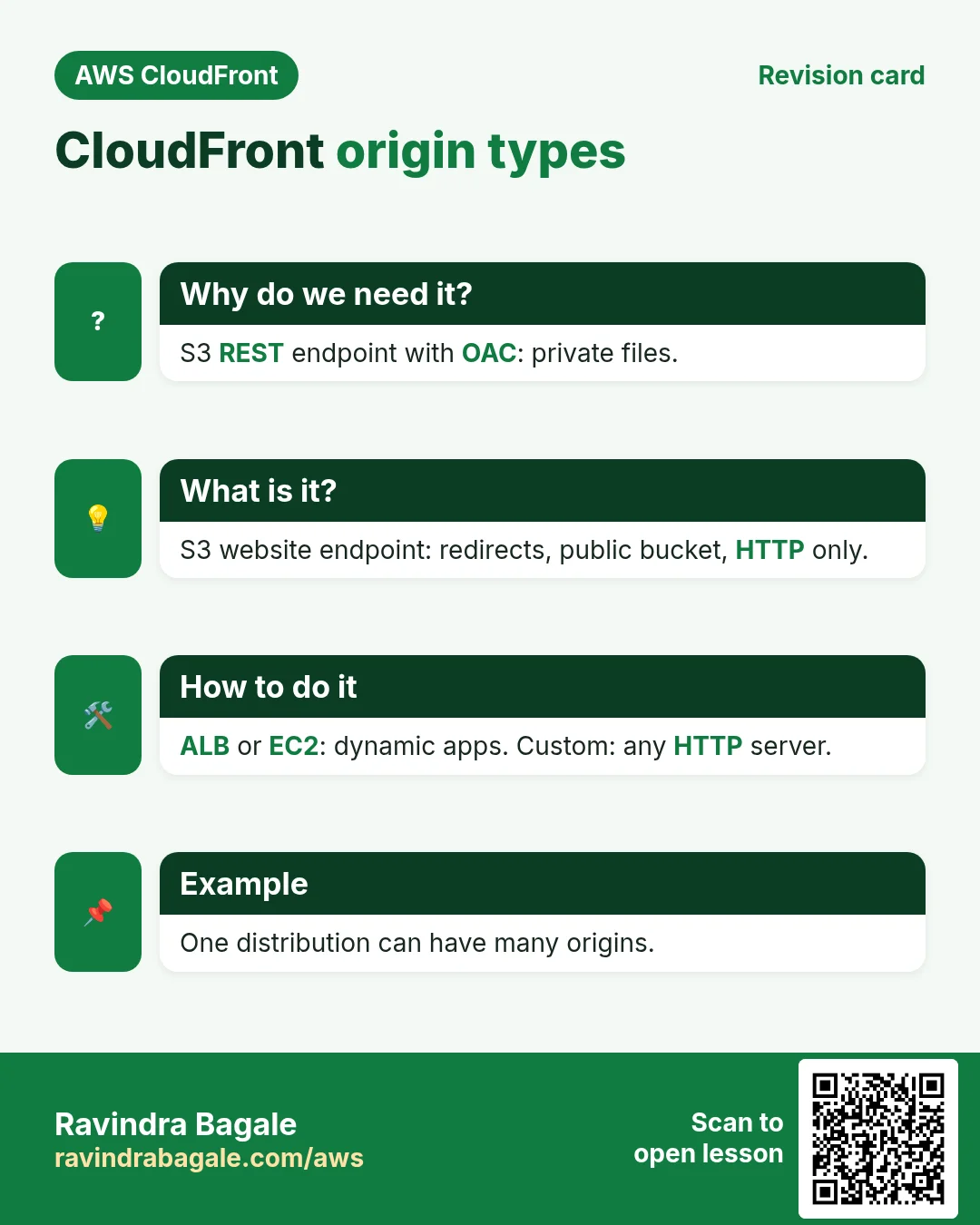
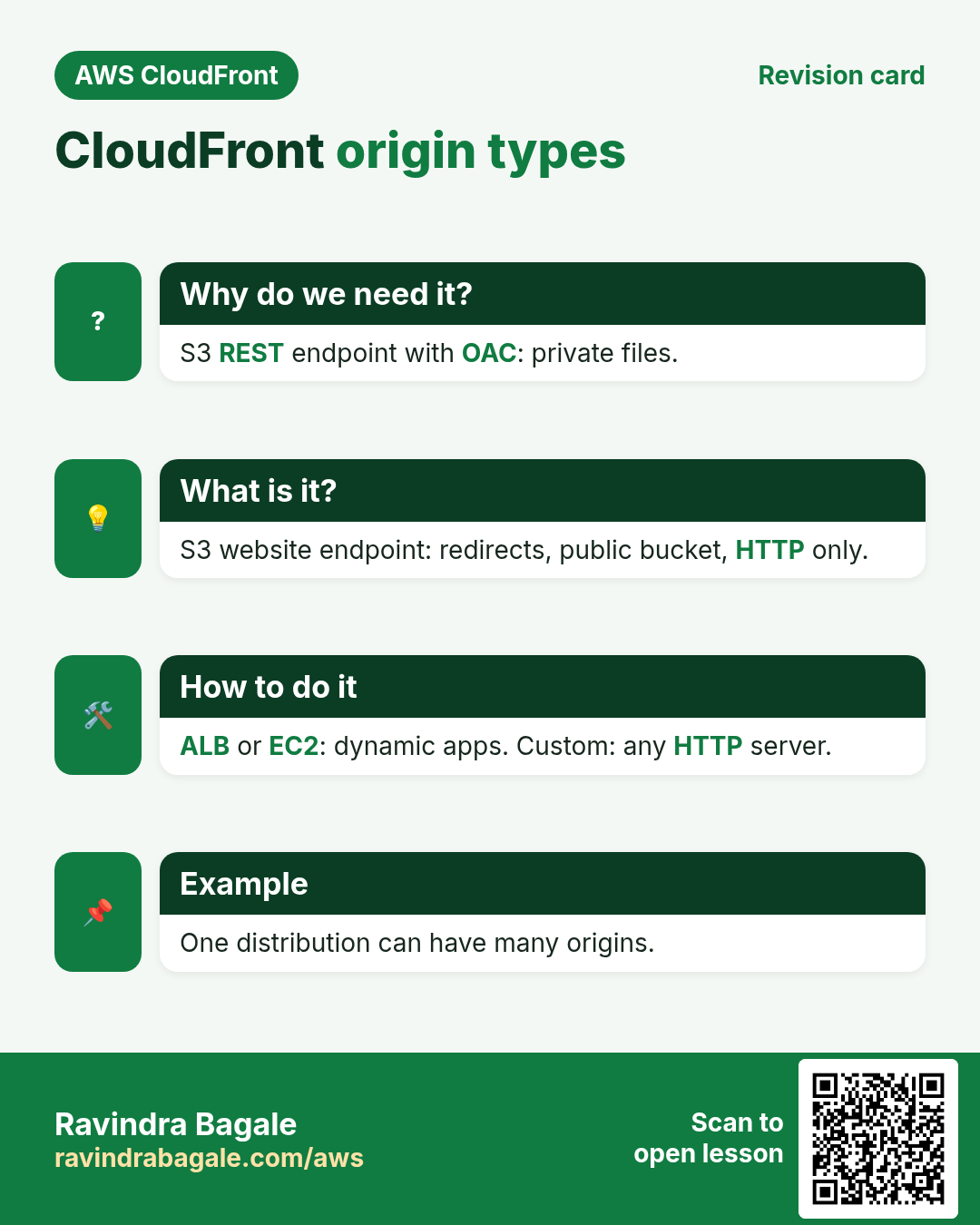
Why do we need this?
CloudFront stores nothing by itself. On a miss it must know where the real file or answer lives.
What is it?
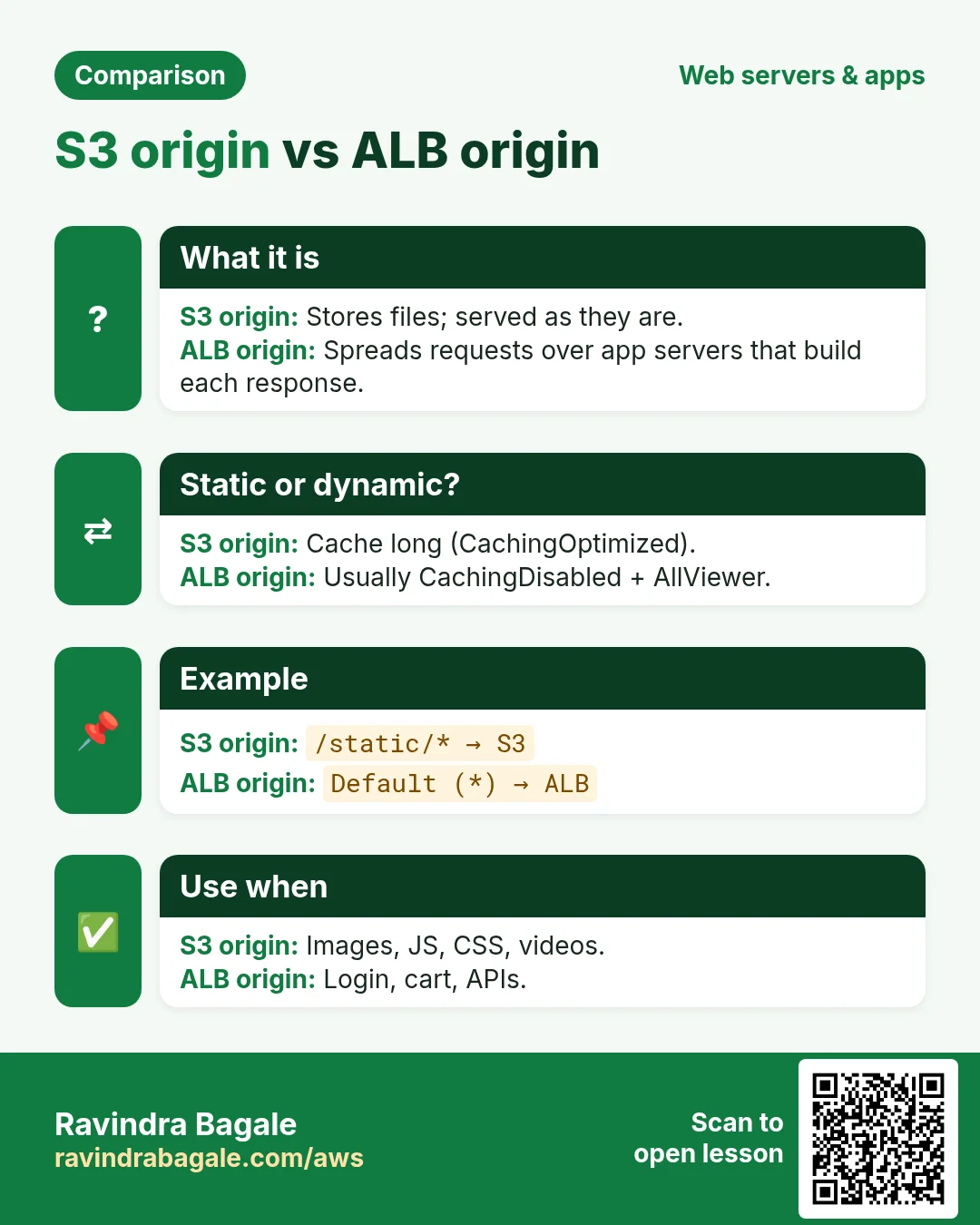
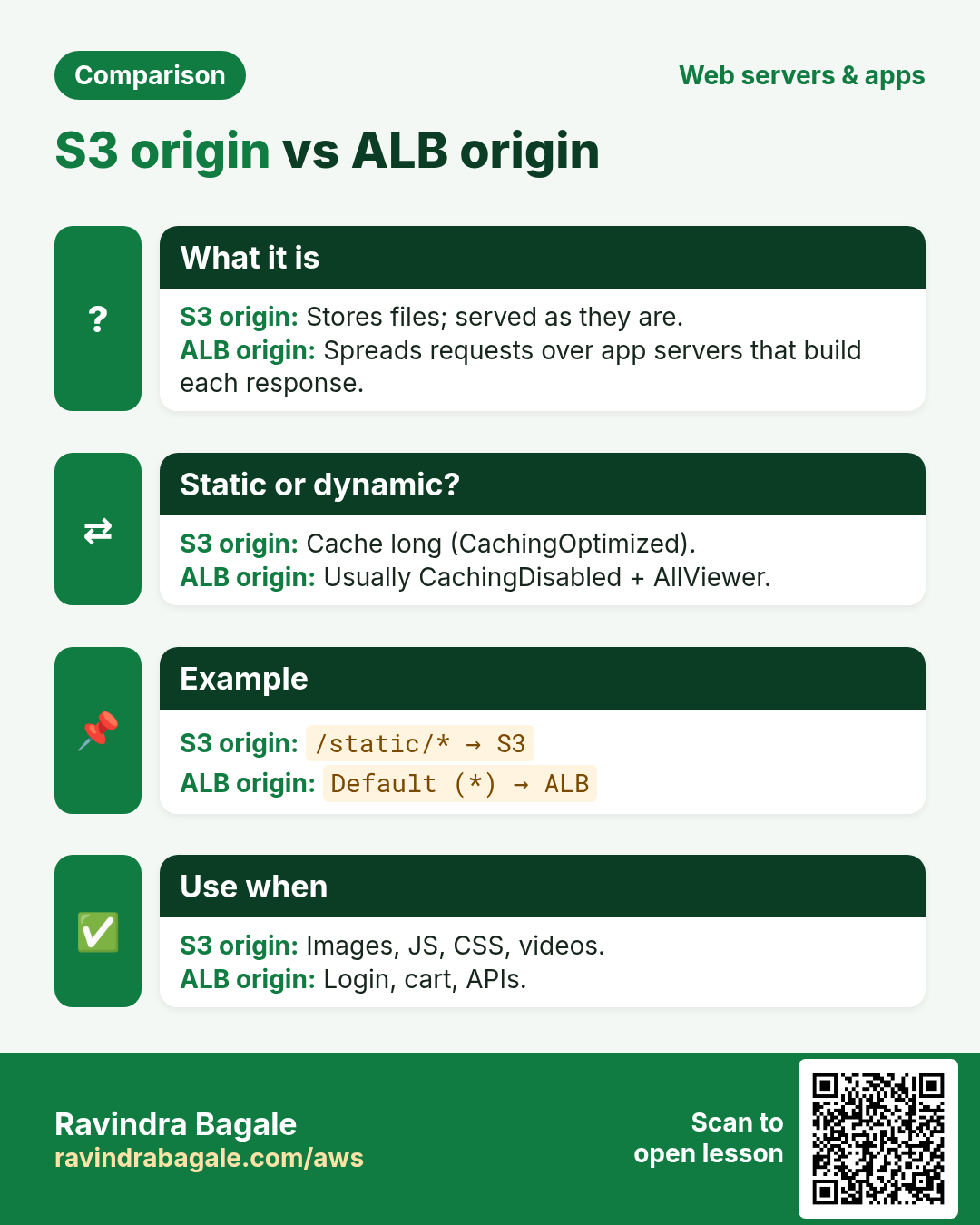
An origin is the address CloudFront fetches from. A distribution can have many origins and uses cache behaviors (path patterns) to pick one per request.
| Origin type | Domain example | Best for |
|---|---|---|
| S3 bucket (REST) | mybucket.s3.ap-south-1.amazonaws.com | Private files with OAC: images, JS, videos |
| S3 website endpoint | mybucket.s3-website.ap-south-1.amazonaws.com | Redirect rules and folder index pages; bucket must be public; HTTP only to origin |
| Application Load Balancer | app-alb-123.ap-south-1.elb.amazonaws.com | Dynamic apps on many EC2/containers |
| EC2 | ec2-13-2-1-9.ap-south-1.compute.amazonaws.com | One small server |
| Custom HTTP | api.example.com | Servers outside AWS, other clouds, on-premises |
| Others | API Gateway, Lambda function URL, MediaPackage, Elemental MediaStore | Serverless APIs, live video |
Distribution types
Today there is one kind: a web distribution that serves HTTP and HTTPS (including video streaming over HLS/DASH). The old RTMP distribution type was discontinued on 31 December 2020.
3. S3 bucket vs S3 website endpoint
Why do we need this?
Both serve files from S3, but they behave very differently and the wrong pick breaks security or URLs.
What is it?
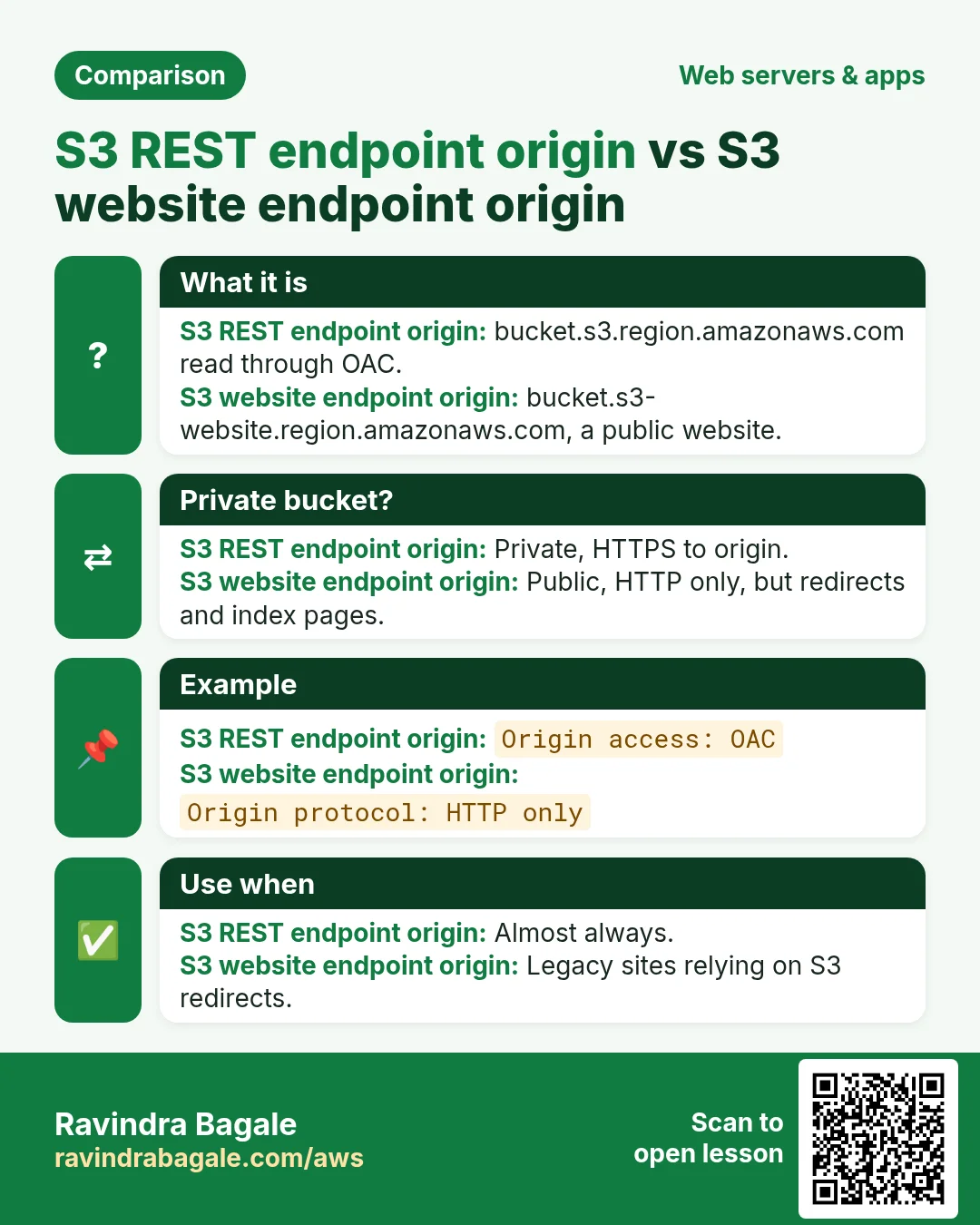
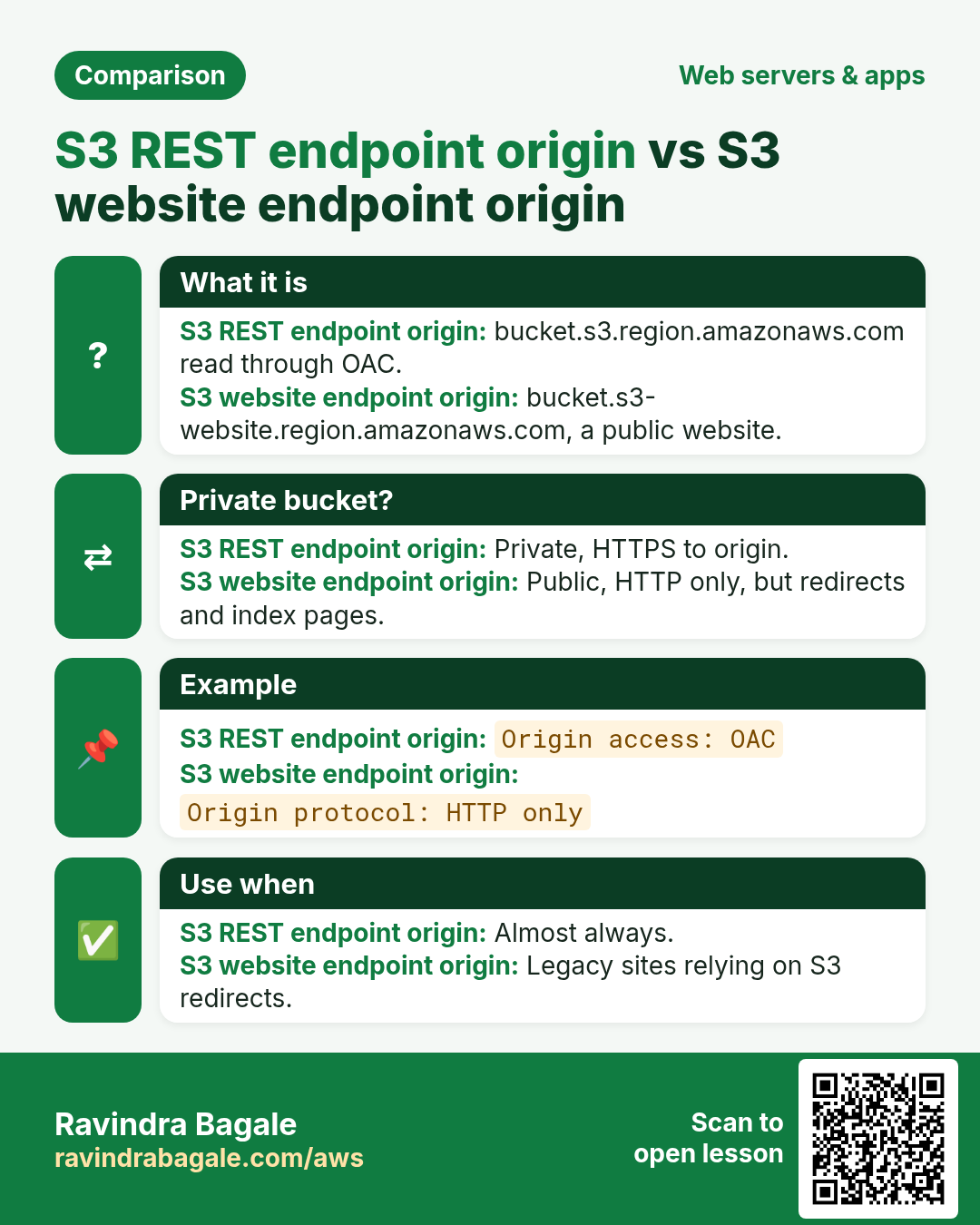
| Point | S3 bucket (REST) origin | S3 website endpoint origin |
|---|---|---|
| Bucket public? | No, private with OAC | Yes, needs public read |
| CloudFront to origin | HTTPS | HTTP only |
| /blog/ → /blog/index.html | No (needs a CloudFront Function) | Yes |
| S3 redirect rules | No | Yes |
| Choose when | Almost always | Legacy sites that rely on S3 redirects |
4. ALB, EC2 and custom origins
Why do we need this?
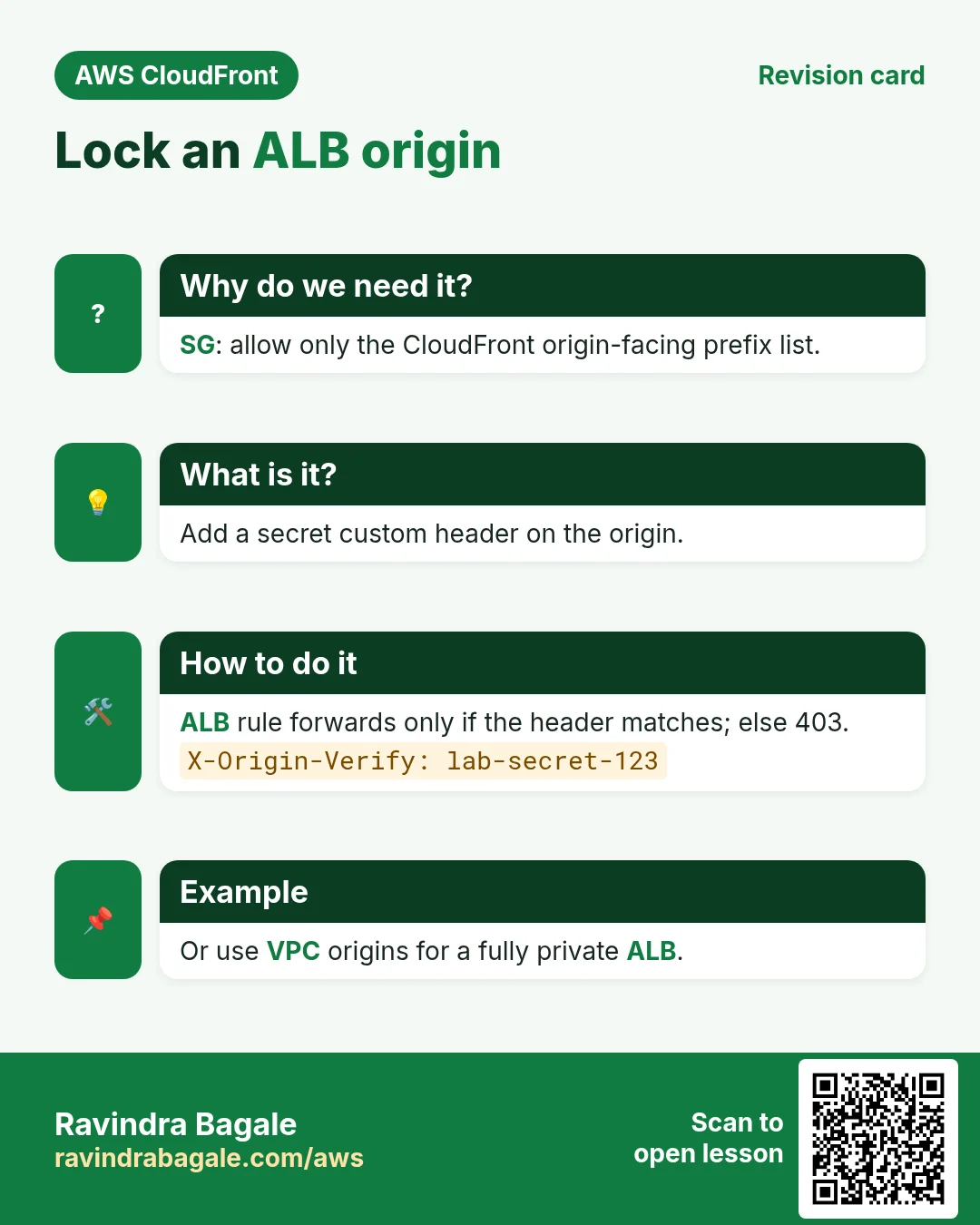
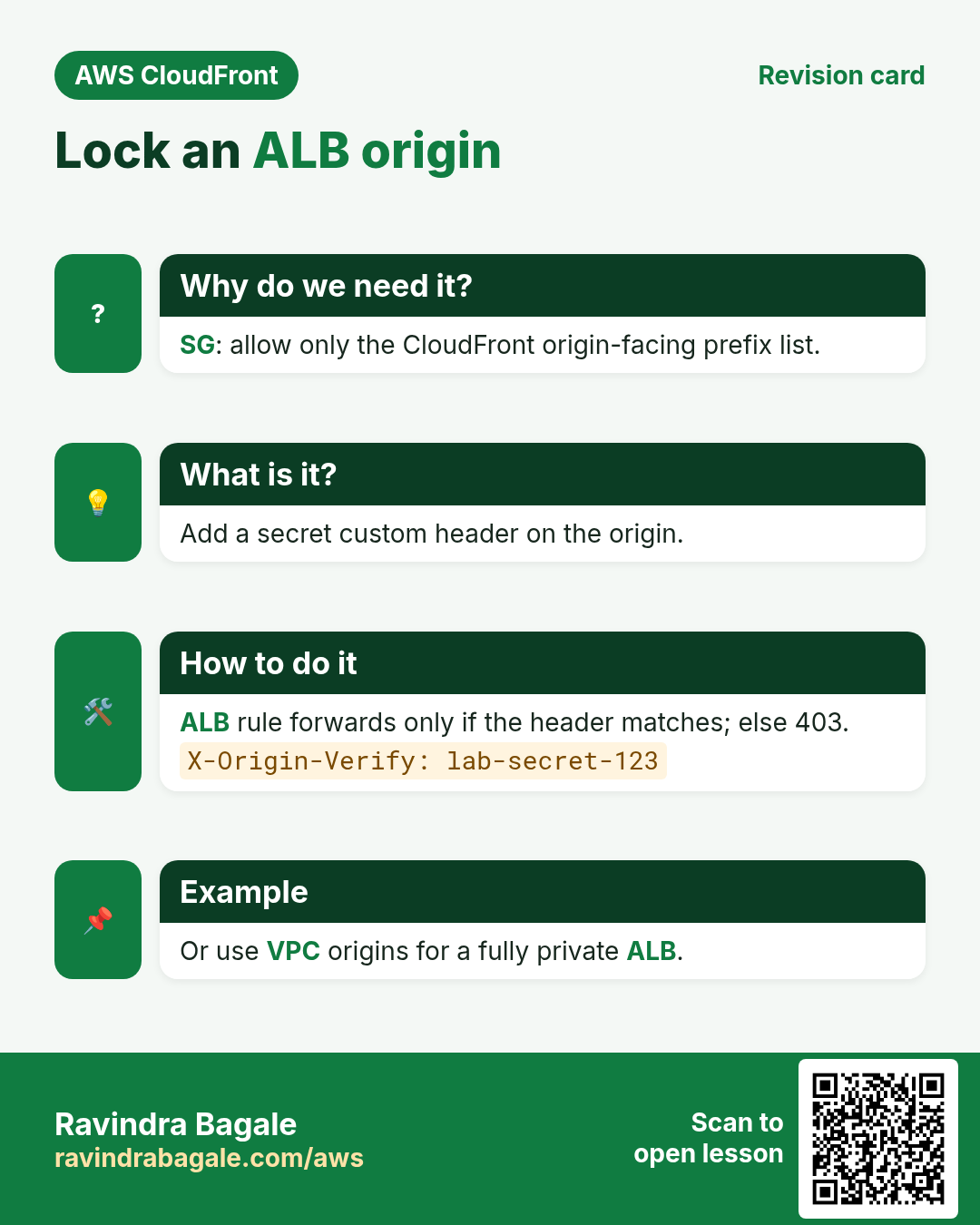
If people can reach your ALB directly, they skip CloudFront, its cache and its WAF rules.
What is it?
- Security group: on the ALB, allow 443/80 only from the AWS managed prefix list
com.amazonaws.global.cloudfront.origin-facing. Why: only CloudFront IPs get in. - Custom header: add an origin custom header such as
X-Origin-Verify: 7f3k...secret. On the ALB listener, forward only when that header matches; otherwise return 403. Why: the prefix list allows every CloudFront distribution, including someone else's. - VPC origins: CloudFront can also reach a private ALB or EC2 in private subnets with no public IP (VPC origin feature, since late 2024). It is the strongest option when available.
- EC2 directly: use its public DNS name, not an IP address (CloudFront origins must be domain names).
5. Origin settings that matter
| Setting | Values | Why |
|---|---|---|
| Protocol (custom origins) | HTTP only, HTTPS only, Match viewer | HTTPS only keeps the edge-to-origin leg encrypted |
| Origin path | /prod | Adds a folder in front of every request path |
| Connection attempts | 1 to 3, default 3 | How many tries before failing or failing over |
| Connection timeout | 1 to 10 s, default 10 | Lower it when you use an origin group, so failover is quick |
| Response timeout | Default 30 s (1 to 60; more by quota request) | Slow reports or uploads may need more |
| Keep-alive timeout | Default 5 s | Reuses origin connections |
| Custom headers | X-Origin-Verify: secret | Prove the request came via your distribution |
| Origin Shield | Off / a Region near origin | One extra cache layer; fewer origin hits; small extra cost |
6. Origin groups for failover
Why do we need this?
If your main bucket or Region has trouble, viewers should still get files.
What is it?
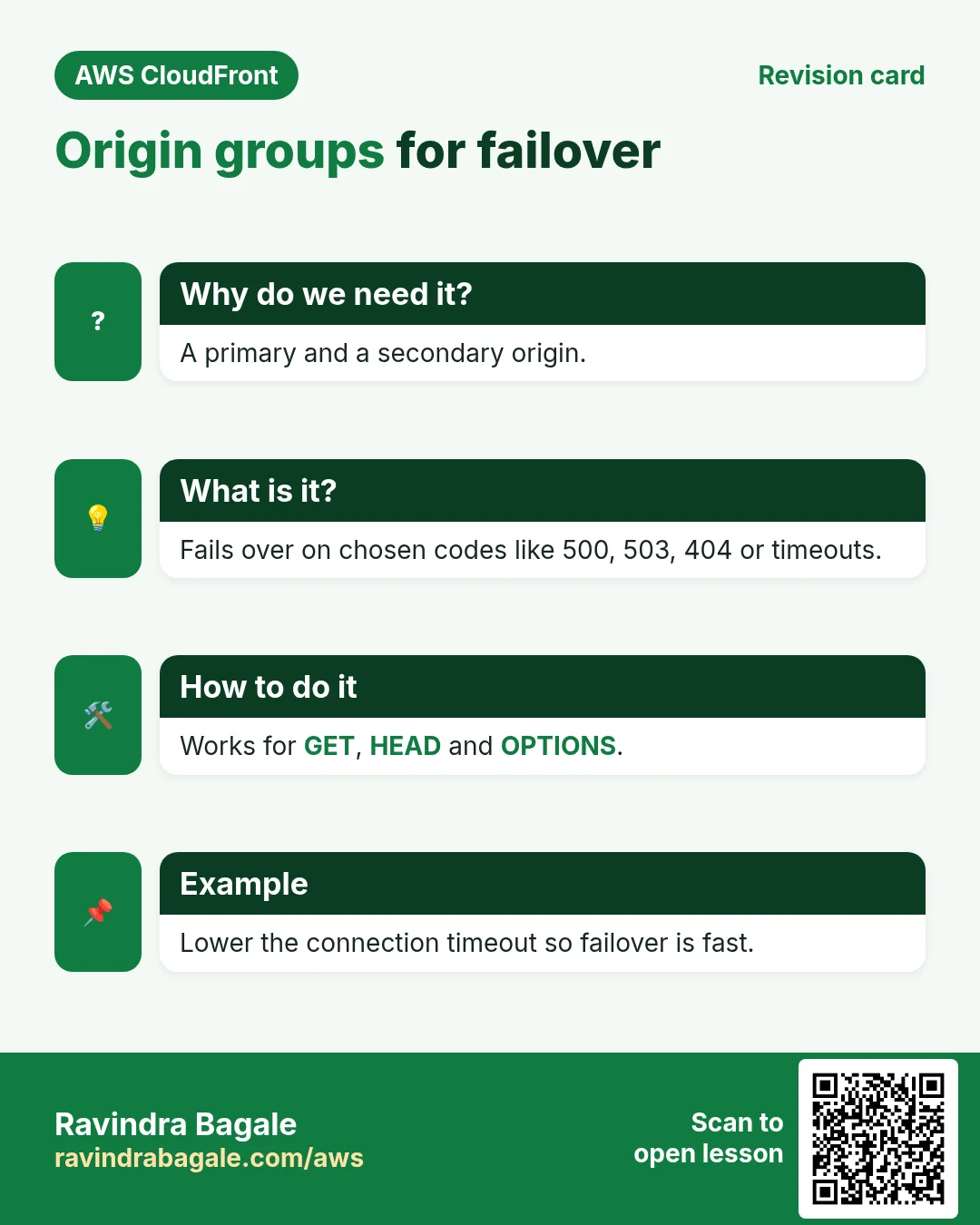
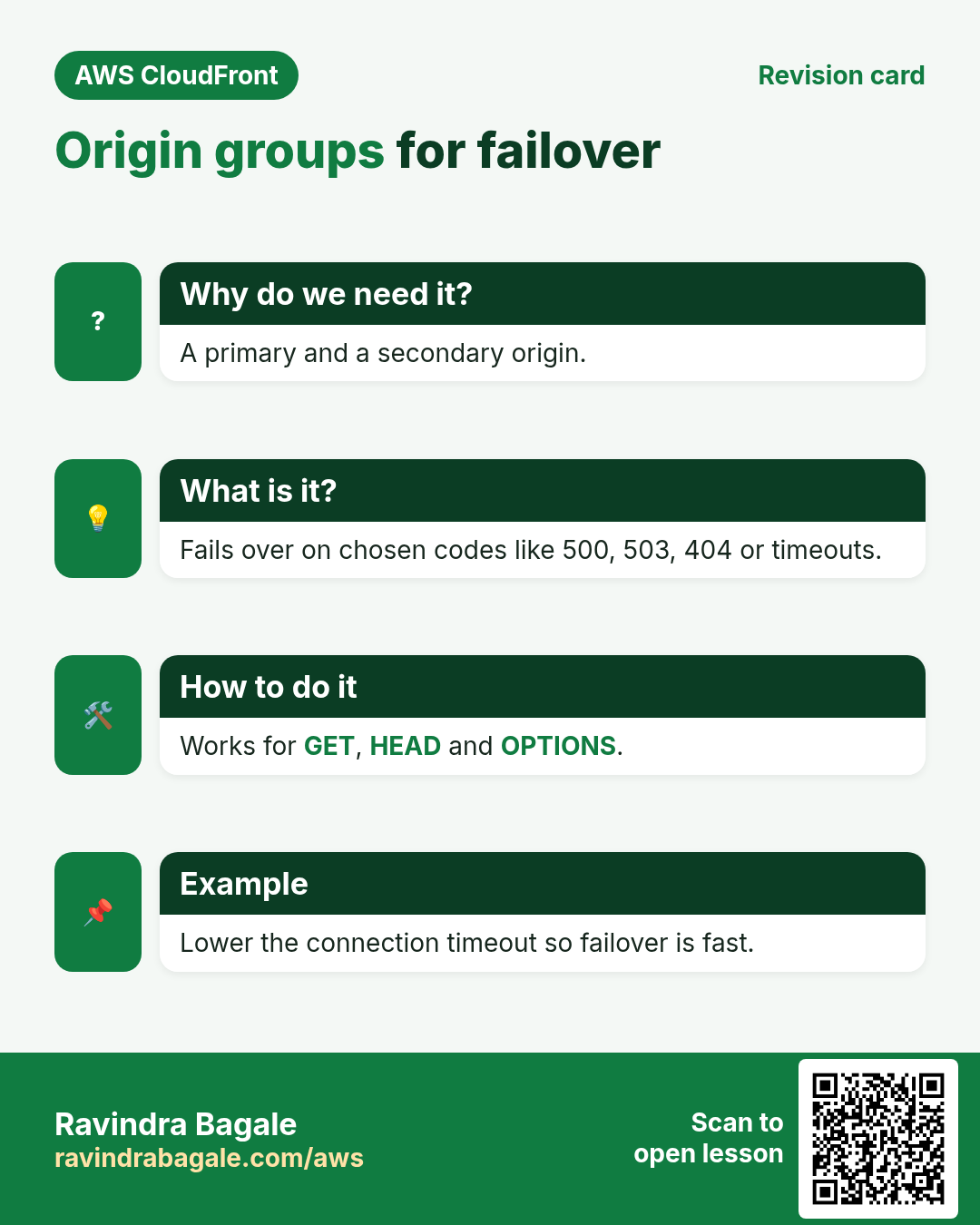
An origin group has a primary and a secondary origin. If the primary returns a status code you chose (for example 500, 502, 503, 504, 403, 404) or times out, CloudFront retries the same request on the secondary. It works for GET, HEAD and OPTIONS requests.
7. How each stack sits behind CloudFront
| Stack | Origin | Tip |
|---|---|---|
| Node.js / Express | ALB → EC2:3000 | app.set("trust proxy", true) to read the real IP from X-Forwarded-For |
| Python Django/Flask | ALB → gunicorn | Use CloudFront-Viewer-Country header (via origin request policy) for geo logic |
| Java Spring Boot | ALB → :8080 | server.forward-headers-strategy=framework |
| PHP / WordPress | ALB or EC2 → Apache/nginx | Cache /wp-content/*, do not cache /wp-admin/* |
| .NET | ALB → Kestrel | UseForwardedHeaders() middleware |
| nginx / Apache | EC2 | Use the realip / remoteip module with the CloudFront ranges |
8. Lab: S3 for /static/*, ALB for the app
How to do it (step by step)
You need a working ALB in front of an EC2 web server (for example from the earlier ALB chapter) in ap-south-1.
- Check the ALB:
curl -s http://APP-ALB-DNS/. Expected: your app HTML. - Create bucket
yourname-cf-static(private). Upload:echo "body{color:teal}" > site.css; aws s3 cp site.css s3://yourname-cf-static/static/site.css. Why the static/ prefix: the path CloudFront sends must match the key. - CloudFront › Create distribution › Origin domain = your ALB DNS name. Protocol = HTTP only (lab; use HTTPS only with an ALB certificate in real life).
- Add custom header: Name
X-Origin-Verify, Valuelab-secret-123. - Default behavior: Viewer protocol = Redirect HTTP to HTTPS, Allowed methods = GET, HEAD, OPTIONS, PUT, POST, PATCH, DELETE, Cache policy = CachingDisabled, Origin request policy = AllViewer. Why: the app is dynamic and needs cookies and headers.
- WAF off for the lab. Create distribution.
- Origins tab › Create origin ›
yourname-cf-static.s3.ap-south-1.amazonaws.com, Origin access control = create new OAC › Create. Copy and apply the bucket policy it shows. - Behaviors tab › Create behavior › Path pattern
/static/*, Origin = the S3 origin, Redirect HTTP to HTTPS, Cache policy CachingOptimized. Save. - EC2 › Load Balancers › your ALB › Listeners › HTTP:80 › Manage rules: add a rule HTTP header X-Origin-Verify is lab-secret-123 → forward to your target group. Change the default action to Return fixed response 403.
- ALB security group: replace 0.0.0.0/0 on port 80 with the prefix list
com.amazonaws.global.cloudfront.origin-facing. - Test the app:
curl -sI https://dXXXX.cloudfront.net/ | grep -i x-cache. Expected: 200 andMiss from cloudfrontevery time (not cached). - Test static twice:
curl -sI https://dXXXX.cloudfront.net/static/site.css | grep -i x-cache. Expected: Miss, then Hit. - Test bypass:
curl -s -m 5 http://APP-ALB-DNS/. Expected: timeout (security group). Why: only CloudFront can reach the ALB, and only with the secret header.
Cleanup
- Disable, then delete the distribution. Delete the OAC.
- Restore the ALB rule and security group, or delete the ALB lab.
aws s3 rb s3://yourname-cf-static --force.
9. Interview questions
Q. S3 REST endpoint or website endpoint as origin?
REST endpoint with OAC, so the bucket stays private and traffic is HTTPS. Website endpoint only when you need S3 redirects or index pages, and then the bucket is public.
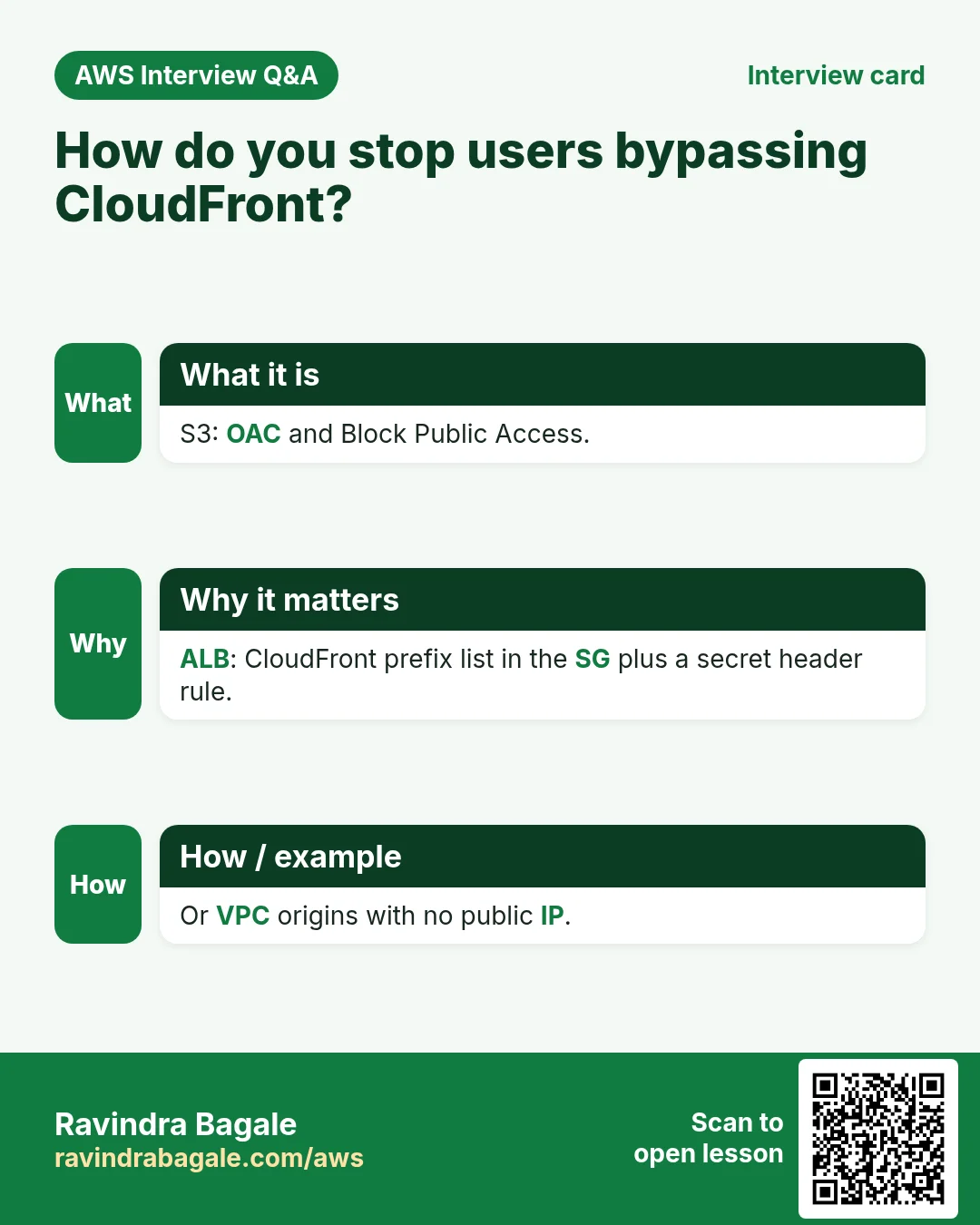
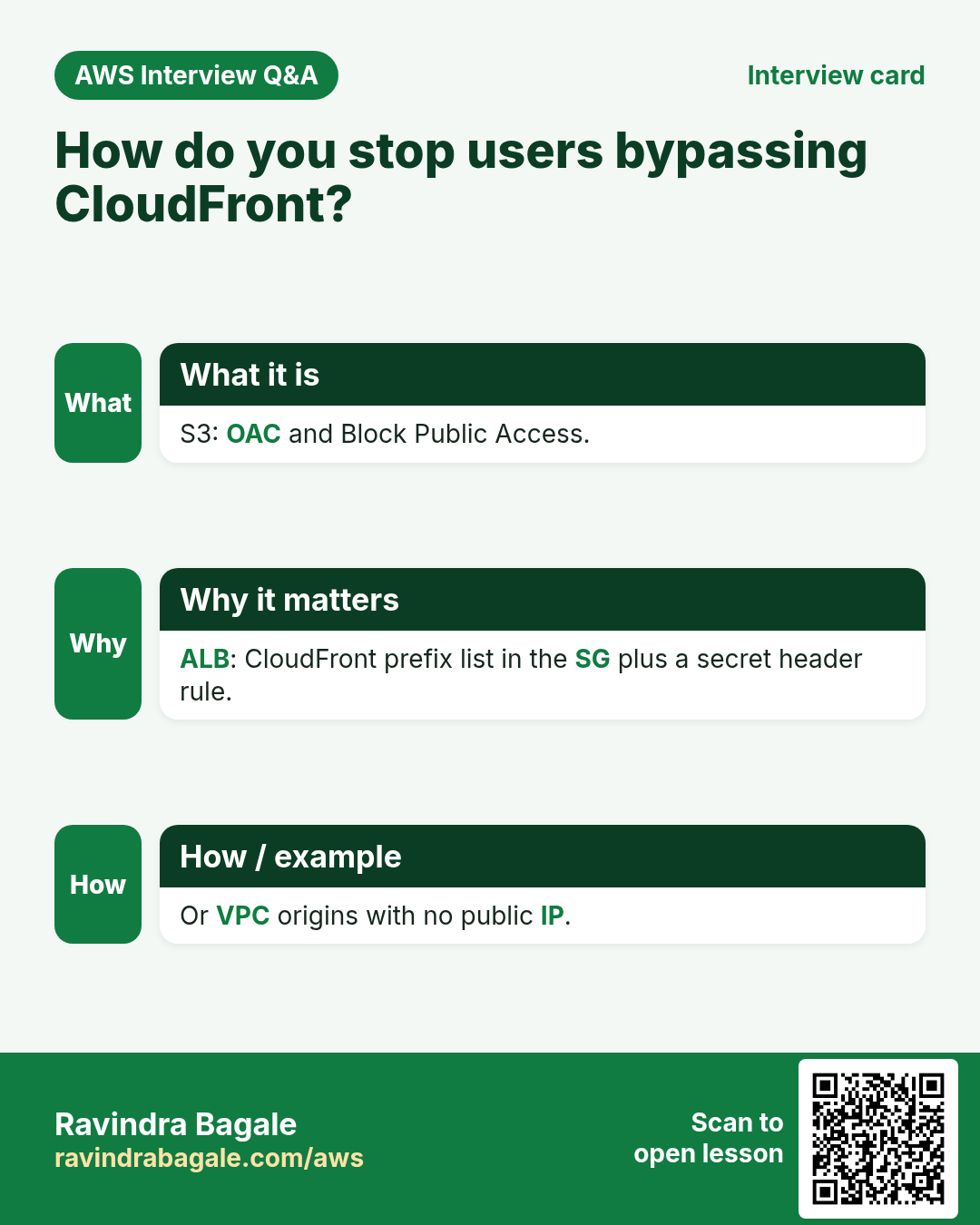
Q. How do you stop users bypassing CloudFront to hit your ALB?
Allow only the CloudFront origin-facing prefix list in the security group and check a secret custom header in an ALB listener rule. Or use VPC origins.
Q. What is an origin group?
A primary and secondary origin; CloudFront fails over on chosen status codes or timeouts for GET, HEAD and OPTIONS.
Q. Can you still create an RTMP distribution?
No, RTMP distributions were discontinued at the end of 2020. Use HLS or DASH over HTTP.
Q. Why lower the connection timeout with an origin group?
Failover waits for the attempts and timeouts; with defaults (3 × 10 s) viewers can wait 30 s.
Try at home
- Add an origin group with two buckets in different Regions and test failover by renaming the file in the primary.
- Set an origin path /v2 and see which S3 key is requested.
In short
- An origin is where CloudFront fetches on a miss; behaviors pick the origin by path.
- Prefer the S3 REST endpoint with OAC over the website endpoint.
- Lock ALB/EC2 origins with the prefix list plus a secret header, or VPC origins.
- Origin groups give failover; tune timeouts so it is fast.
- RTMP is gone; there is one web distribution type.
Practice Tasks
Bengaluru HealthTech is a health technology business in Bengaluru. Arjun Rao looks after its IT and cloud work. They count money in INR and run their AWS resources in the ap-south-1 Region. In the tasks below you do real jobs for them using what this lesson teaches. All names, account IDs, IP addresses and numbers are made up for practice.
0 / 11
Easy List distributions
Why: Find the distribution ID and domain name.
What to do: List all CloudFront distributions.
- Read the task and decide which AWS service it is about.
- Write aws, then the service name, then the operation (the action word).
- Add each needed flag (--name) followed by its value from the task.
- Flags can be in any order. Click Check answer.
Medium Check target health
Why: If targets are unhealthy the site shows 502/503 errors.
What to do: Show the health of the targets in arn:aws:elasticloadbalancing:ap-south-1:125324833677:targetgroup/blrhealthtech-tg/6d0ecf831eec9f09.
- Read the task and decide which AWS service it is about.
- Write aws, then the service name, then the operation (the action word).
- Add each needed flag (--name) followed by its value from the task.
- Flags can be in any order. Click Check answer.
Medium Register servers in the target group
Why: Only registered and healthy targets receive traffic.
What to do: Register instance i-0bba33c4235211a2b in target group arn:aws:elasticloadbalancing:ap-south-1:125324833677:targetgroup/blrhealthtech-tg/6d0ecf831eec9f09.
- Read the task and decide which AWS service it is about.
- Write aws, then the service name, then the operation (the action word).
- Add each needed flag (--name) followed by its value from the task.
- Flags can be in any order. Click Check answer.
Medium Create a target group
Why: A target group is the list of servers the load balancer sends traffic to.
What to do: Create target group blrhealthtech-tg for HTTP on port 80 in vpc-0324f33caadeadbee.
- Read the task and decide which AWS service it is about.
- Write aws, then the service name, then the operation (the action word).
- Add each needed flag (--name) followed by its value from the task.
- Flags can be in any order. Click Check answer.
Medium Clear the CloudFront cache
Why: After a deploy, invalidate so visitors get the new files now, not after the TTL.
What to do: Invalidate all paths (/*) on distribution E2QWRUHAPOMQZL.
- Read the task and decide which AWS service it is about.
- Write aws, then the service name, then the operation (the action word).
- Add each needed flag (--name) followed by its value from the task.
- Flags can be in any order. Click Check answer.
Medium Kubernetes LoadBalancer Service
Why: A Service of type LoadBalancer gets an AWS load balancer.
What to do: Write a Service of type LoadBalancer selecting app: web, port 80 to targetPort 8080.
- Start from the top-level keys the task names.
- Indent child keys with 2 spaces (no tabs).
- Fill in each property with the value from the task.
- Click Check answer. Key order does not matter.
Hard Create an Application Load Balancer
Why: An ALB needs at least two subnets in different AZs for high availability.
What to do: Create an ALB named blrhealthtech-alb in subnets subnet-025324c33abbbb1 and subnet-05324c33abbbb2 with security group sg-025324b336aa4c3b2.
- Read the task and decide which AWS service it is about.
- Write aws, then the service name, then the operation (the action word).
- Add each needed flag (--name) followed by its value from the task.
- Flags can be in any order. Click Check answer.
Hard Add an HTTP listener
Why: The listener is what accepts traffic on a port and forwards it to a target group.
What to do: On load balancer arn:aws:elasticloadbalancing:ap-south-1:125324833677:loadbalancer/app/blrhealthtech-alb/50dc6c495c0c9188, create an HTTP listener on port 80 that forwards to arn:aws:elasticloadbalancing:ap-south-1:125324833677:targetgroup/blrhealthtech-tg/6d0ecf831eec9f09.
- Read the task and decide which AWS service it is about.
- Write aws, then the service name, then the operation (the action word).
- Add each needed flag (--name) followed by its value from the task.
- Flags can be in any order. Click Check answer.
Hard Create a Network Load Balancer
Why: An NLB works at layer 4 (TCP/UDP) and handles huge traffic with a static IP per AZ.
What to do: Create a network load balancer named blrhealthtech-nlb in subnets subnet-025324c33abbbb1 and subnet-05324c33abbbb2.
- Read the task and decide which AWS service it is about.
- Write aws, then the service name, then the operation (the action word).
- Add each needed flag (--name) followed by its value from the task.
- Flags can be in any order. Click Check answer.
Hard Create a distribution from a config file
Why: The full config (origins, behaviors, certificate) is easiest to keep in JSON.
What to do: Create a CloudFront distribution from dist.json.
- Read the task and decide which AWS service it is about.
- Write aws, then the service name, then the operation (the action word).
- Add each needed flag (--name) followed by its value from the task.
- Flags can be in any order. Click Check answer.
Hard Bucket policy for CloudFront OAC
Why: With OAC, only your CloudFront distribution may read the private bucket.
What to do: Allow the service cloudfront.amazonaws.com to s3:GetObject on blrhealthtech-site/*, only when aws:SourceArn equals arn:aws:cloudfront::125324833677:distribution/E2QWRUHAPOMQZL.
- Start with { "Version": "2012-10-17", "Statement": [ ... ] }.
- In each statement write Effect, Action and Resource.
- Give only what the task needs (least privilege).
- Use double quotes and commas correctly. Click Check answer.
Revision, comparison and interview cards
Revise this lesson in a few minutes. Save the cards on your phone or download them as PNG files. The QR code on each card opens this lesson.
More cards: Ravi Sir's Cards.