AWS CLI IAM Commands: Users, Groups, Roles and Policies
IAM from the CLI: create users, groups, roles and policies, attach them, and test what is allowed. These are the commands admins use every day.
What you'll learn in this chapter
- Create users and groups
- Create and attach policies
- Create a role with a trust policy
- Simulate permissions
- Audit and clean up
1. The big picture: IAM by command
Why do we need this?
In an office, HR makes an ID card (user), adds you to a team (group) and the team gets door access (policy). Visitors get a day pass (role).
What is it?
All commands are under aws iam. IAM is global, so --region does not matter.
How to do it (step by step)
2. Users and groups
Why do we need this?
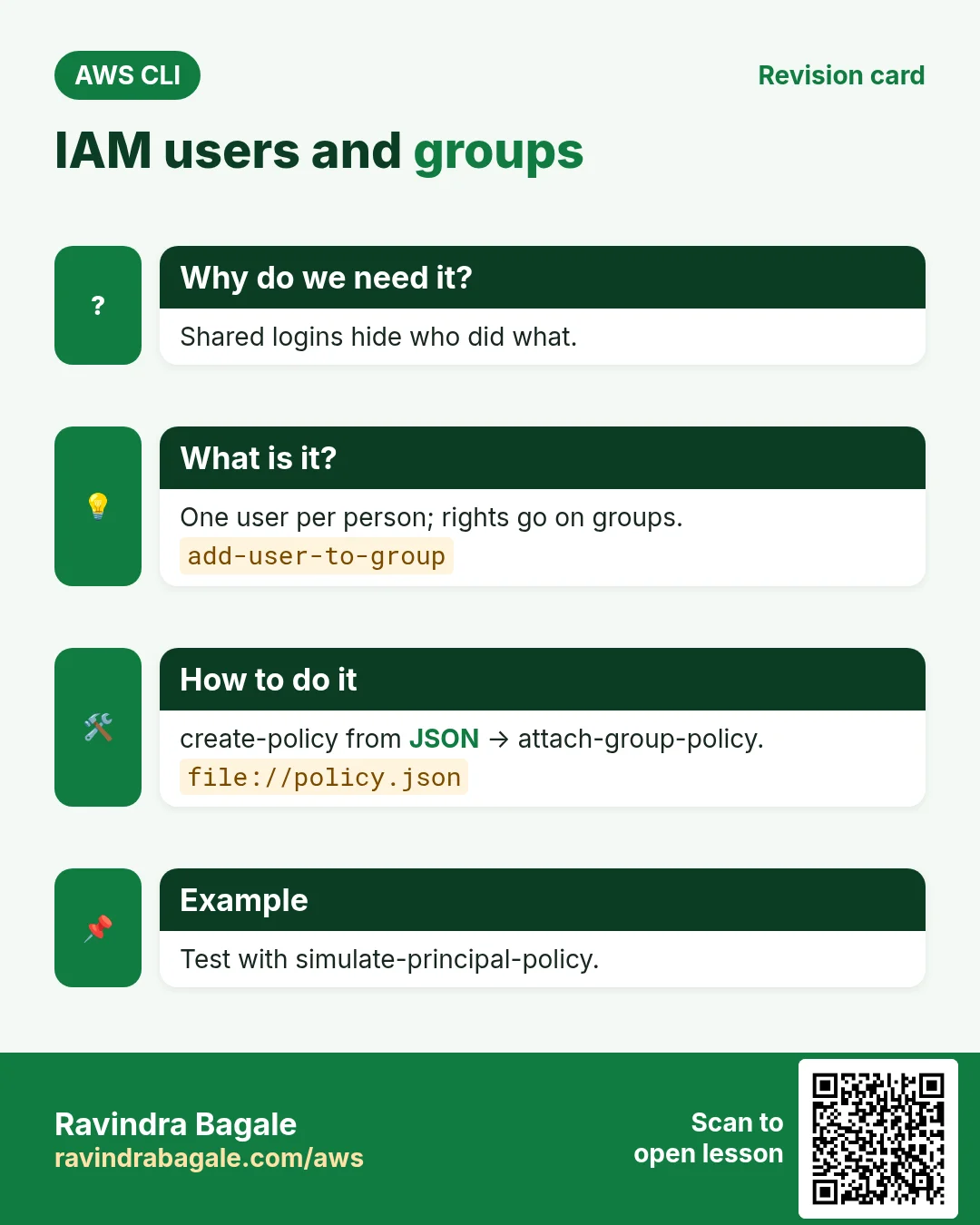
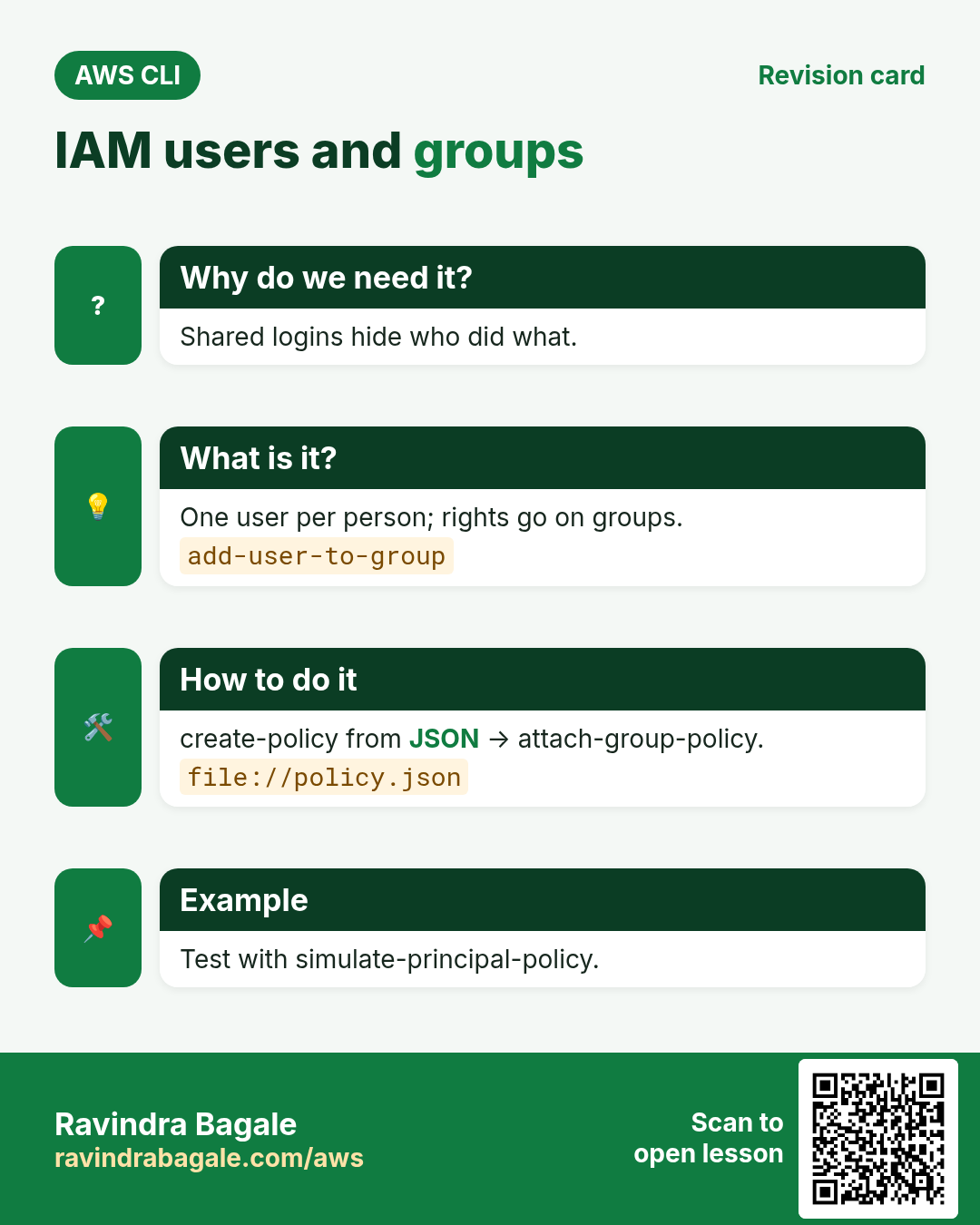
Each human needs their own identity so actions can be traced.
What is it?
create-user, create-group, add-user-to-group, create-login-profile (console password).
How to do it (step by step)
- Create a group.
aws iam create-group --group-name cli-readersExpected output:
{ "Group": { "GroupName": "cli-readers", "Arn": "arn:aws:iam::111122223333:group/cli-readers" } }- Create a user.
aws iam create-user --user-name asha --tags Key=Team,Value=dataExpected output:
{ "User": { "UserName": "asha", "Arn": "arn:aws:iam::111122223333:user/asha" } }- Add the user to the group.
aws iam add-user-to-group --user-name asha --group-name cli-readersExpected output:
(no output means success)- Give a console password that must be reset.
aws iam create-login-profile --user-name asha --password 'Temp#2026pass' --password-reset-requiredExpected output:
{ "LoginProfile": { "UserName": "asha", "PasswordResetRequired": true } }- Verify group members.
aws iam get-group --group-name cli-readers --query "Users[].UserName" --output textExpected output:
asha3. Policies: create and attach
Why do we need this?
A user with no policy can do nothing. A policy decides what is allowed.
What is it?
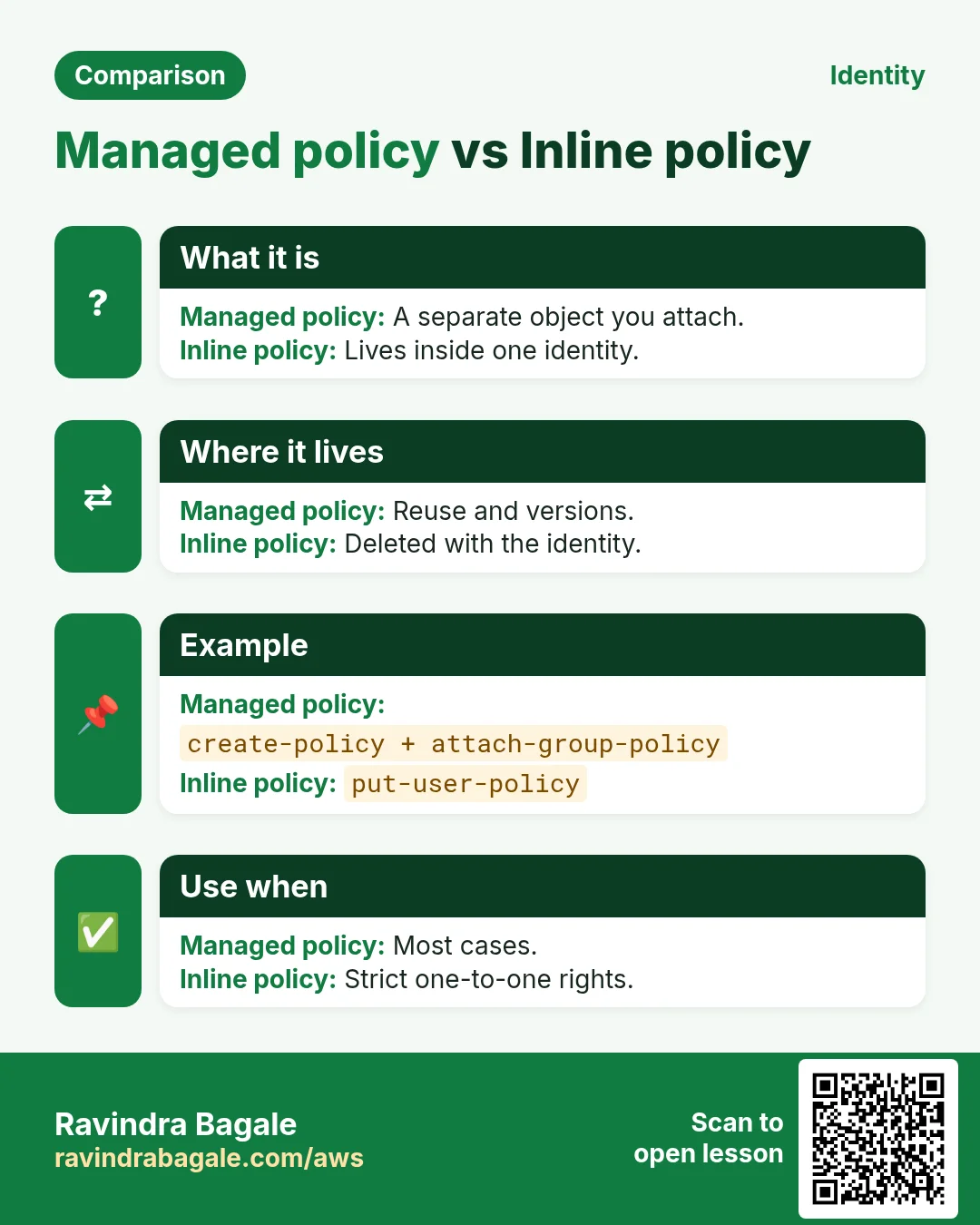
create-policy makes a customer managed policy from JSON. attach-group-policy, attach-user-policy and attach-role-policy attach it. put-user-policy adds an inline policy.
How to do it (step by step)
- Write the JSON.
cat > s3read.json <<'J'
{"Version":"2012-10-17","Statement":[{"Effect":"Allow","Action":["s3:ListBucket","s3:GetObject"],"Resource":["arn:aws:s3:::ravi-cli-lab","arn:aws:s3:::ravi-cli-lab/*"]}]}
J
Expected output:
(no output means success)- Create the policy.
POL=$(aws iam create-policy --policy-name cli-s3read --policy-document file://s3read.json --query Policy.Arn --output text)
echo $POL
Expected output:
arn:aws:iam::111122223333:policy/cli-s3read- Attach to the group.
aws iam attach-group-policy --group-name cli-readers --policy-arn $POLExpected output:
(no output means success)- Verify.
aws iam list-attached-group-policies --group-name cli-readers --query "AttachedPolicies[].PolicyName" --output textExpected output:
cli-s3read- Find an AWS managed policy ARN.
aws iam list-policies --scope AWS --query "Policies[?PolicyName=='ReadOnlyAccess'].Arn" --output textExpected output:
arn:aws:iam::aws:policy/ReadOnlyAccess- Make a new policy version (edit).
aws iam create-policy-version --policy-arn $POL --policy-document file://s3read.json --set-as-defaultExpected output:
{ "PolicyVersion": { "VersionId": "v2", "IsDefaultVersion": true } }4. Roles with trust policies
Why do we need this?
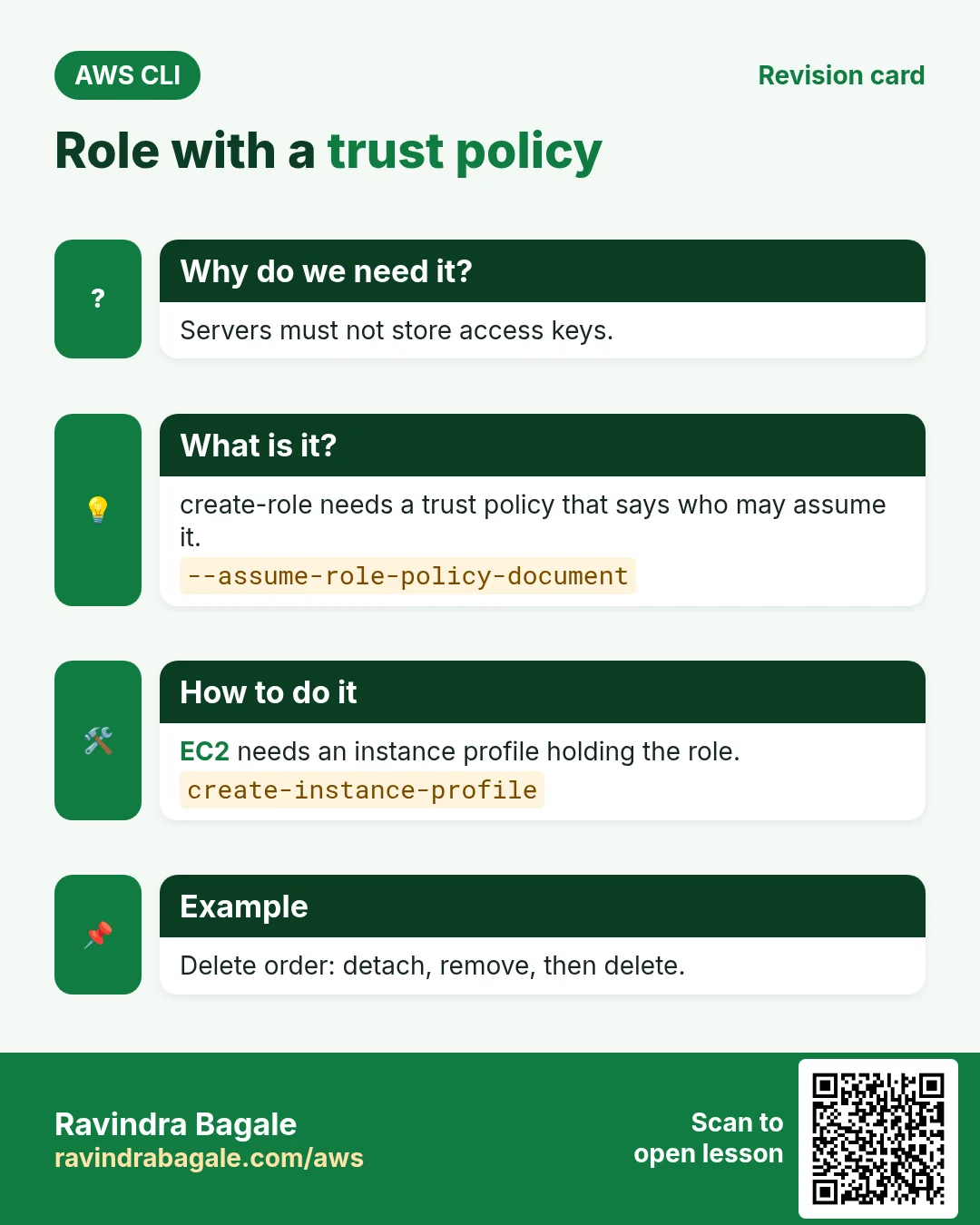
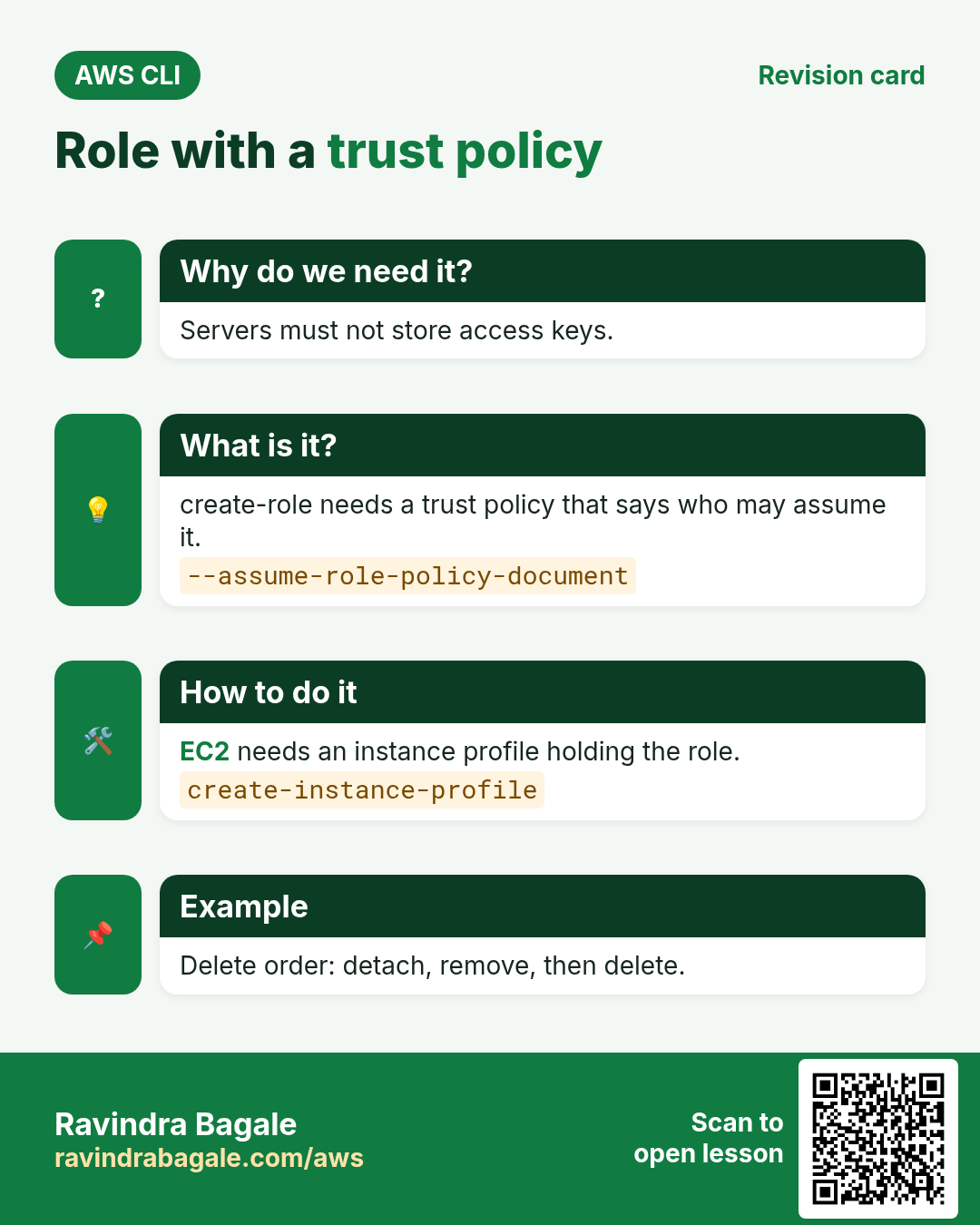
Servers and Lambda must not hold keys. They assume a role.
What is it?
create-role needs a trust policy (who may assume). EC2 also needs an instance profile.
How to do it (step by step)
- Write the EC2 trust.
cat > trust.json <<'J'
{"Version":"2012-10-17","Statement":[{"Effect":"Allow","Principal":{"Service":"ec2.amazonaws.com"},"Action":"sts:AssumeRole"}]}
J
Expected output:
(no output means success)- Create the role and attach.
aws iam create-role --role-name cli-ec2-s3 --assume-role-policy-document file://trust.json --query Role.Arn --output text
aws iam attach-role-policy --role-name cli-ec2-s3 --policy-arn $POL
Expected output:
arn:aws:iam::111122223333:role/cli-ec2-s3- Make the instance profile.
aws iam create-instance-profile --instance-profile-name cli-ec2-s3
aws iam add-role-to-instance-profile --instance-profile-name cli-ec2-s3 --role-name cli-ec2-s3
Expected output:
(no output means success)- Attach to a running instance.
aws ec2 associate-iam-instance-profile --instance-id i-0abc1234def567890 --iam-instance-profile Name=cli-ec2-s3Expected output:
{ "IamInstanceProfileAssociation": { "State": "associating" } }5. Test and audit permissions
Why do we need this?
Guessing permissions leads to outages or leaks. Test before you hand it over.
What is it?
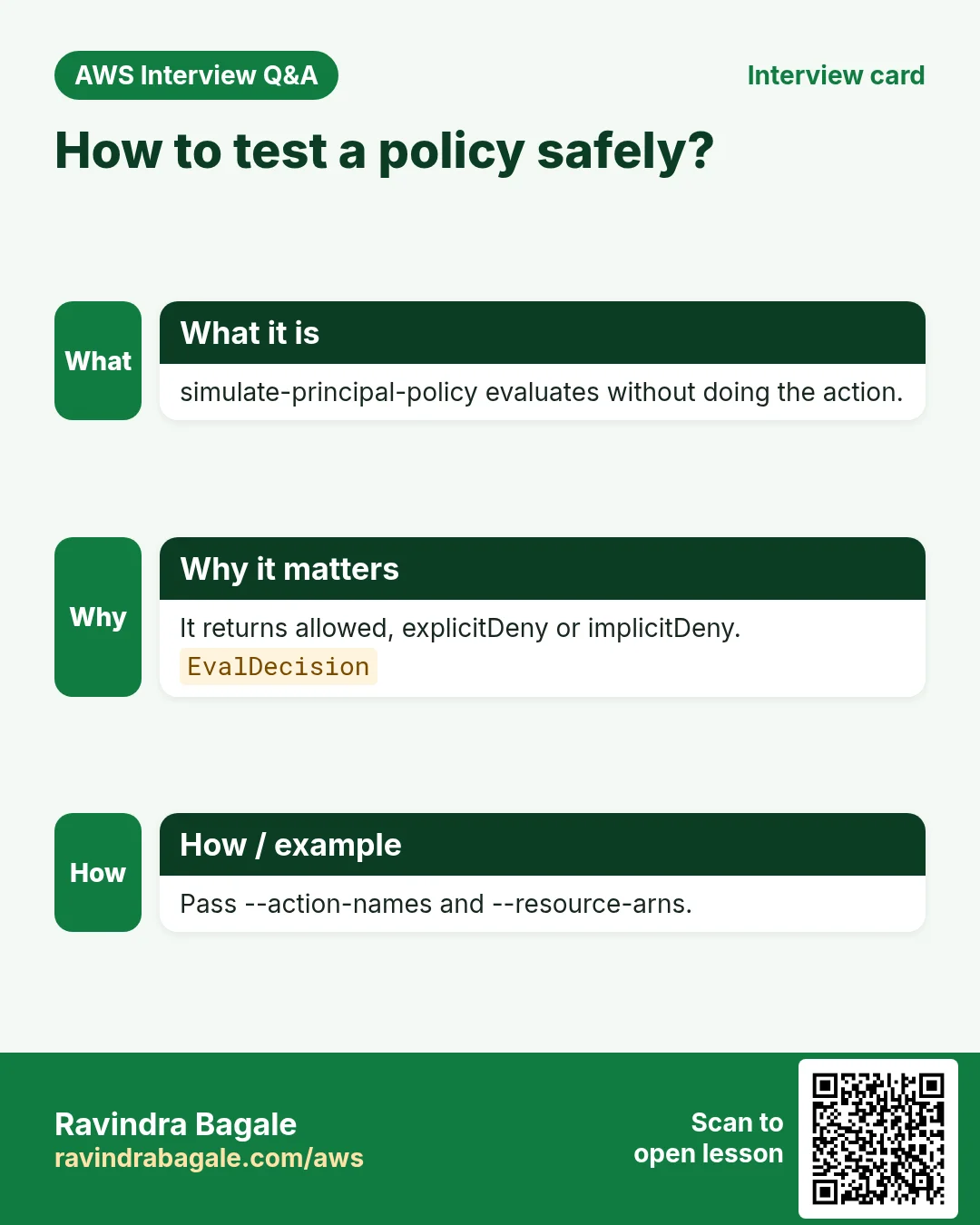
simulate-principal-policy says allowed or denied. Credential report and access key age show old keys.
How to do it (step by step)
- Simulate.
aws iam simulate-principal-policy --policy-source-arn arn:aws:iam::111122223333:user/asha --action-names s3:GetObject s3:DeleteObject --resource-arns "arn:aws:s3:::ravi-cli-lab/*" --query "EvaluationResults[].[EvalActionName,EvalDecision]" --output textExpected output:
s3:GetObject     allowed
s3:DeleteObject implicitDeny- Generate the credential report.
aws iam generate-credential-report
aws iam get-credential-report --query Content --output text | base64 -d | cut -d, -f1,4,9 | head -3
Expected output:
user,password_enabled,access_key_1_active
<root_account>,not_supported,false
asha,true,false- Account summary.
aws iam get-account-summary --query "SummaryMap.[Users,Roles,Policies]"Expected output:
[ 5, 18, 7 ]6. Same action in Python, Node.js, Java, Go, .NET and PHP
Why do we need this?
Scripts start in the CLI. Apps call the same API through an SDK. Knowing both helps you move a tested command into real code.
What is it?
Each CLI command maps to one API call. For example aws iam create-user --user-name asha maps to the CreateUser API.
How to do it (step by step)
Same action (CreateUser) from code. Every SDK reads the same profile, region and credentials as the CLI.
| Stack | Code |
|---|---|
| Python (boto3) | boto3.client("iam").create_user(UserName="asha") |
| Node.js (v3) | await iam.send(new CreateUserCommand({UserName:"asha"})); |
| Java (v2) | iam.createUser(r -> r.userName("asha")); |
| Go (v2) | c.CreateUser(ctx, &iam.CreateUserInput{UserName: aws.String("asha")}) |
| .NET | await iam.CreateUserAsync(new CreateUserRequest{UserName="asha"}); |
| PHP | $iam->createUser(["UserName"=>"asha"]); |
7. Clean up so nothing keeps costing
Why do we need this?
Lab resources left running cost money and can be a security risk.
What is it?
Delete in reverse order: children first, then parents.
How to do it (step by step)
- Detach and remove from instance profile.
aws iam remove-role-from-instance-profile --instance-profile-name cli-ec2-s3 --role-name cli-ec2-s3
aws iam delete-instance-profile --instance-profile-name cli-ec2-s3
aws iam detach-role-policy --role-name cli-ec2-s3 --policy-arn $POL
aws iam delete-role --role-name cli-ec2-s3
Expected output:
(no output means success)- Remove the user.
aws iam delete-login-profile --user-name asha
aws iam remove-user-from-group --user-name asha --group-name cli-readers
aws iam delete-user --user-name asha
Expected output:
(no output means success)- Remove group and policy (delete old versions first).
aws iam detach-group-policy --group-name cli-readers --policy-arn $POL
aws iam delete-group --group-name cli-readers
aws iam delete-policy-version --policy-arn $POL --version-id v1
aws iam delete-policy --policy-arn $POL
Expected output:
(no output means success)- Verify.
aws iam get-user --user-name ashaExpected output:
An error occurred (NoSuchEntity) ... The user with name asha cannot be found.Ravindra Bagale's Tip
IAM deletes fail if anything is still attached. Detach first, then delete. The error message names what is still attached.
8. Interview questions and answers
Q. Why is IAM region-free?
IAM is a global service. Users, roles and policies work in every region.
Q. Managed vs inline policy?
Managed is a separate object you attach to many. Inline lives inside one user, group or role.
Q. What does EC2 need besides a role?
An instance profile that contains the role.
Q. How do you test a policy safely?
aws iam simulate-principal-policy with action names and resource ARNs.
Q. Why does delete-policy fail?
It is still attached or has non-default versions. Detach and delete versions first.
Try at home
- Create a group with ReadOnlyAccess, add a user, and simulate ec2:TerminateInstances for them.
- List all access keys older than 90 days using the credential report.
In short
- create-user, create-group, add-user-to-group.
- create-policy then attach-*-policy.
- create-role needs a trust policy.
- simulate before you share.
- Detach before delete.
Practice Tasks
Sangli Turmeric Traders is a spice trading business in Sangli. Dattatray Chavan looks after its IT and cloud work. They count money in INR and run their AWS resources in the ap-south-1 Region. In the tasks below you do real jobs for them using what this lesson teaches. All names, account IDs, IP addresses and numbers are made up for practice.
0 / 12
Easy Add a user to a group
Why: The user gets all the group's permissions at once.
What to do: Add dattatray to the Developers group.
- Read the task and decide which AWS service it is about.
- Write aws, then the service name, then the operation (the action word).
- Add each needed flag (--name) followed by its value from the task.
- Flags can be in any order. Click Check answer.
Easy Create a group
Why: Give permissions to groups, then add people to groups.
What to do: Create an IAM group named Developers.
- Read the task and decide which AWS service it is about.
- Write aws, then the service name, then the operation (the action word).
- Add each needed flag (--name) followed by its value from the task.
- Flags can be in any order. Click Check answer.
Medium Attach a managed policy to a group
Why: AWS managed policies are ready-made and kept up to date by AWS.
What to do: Attach the AWS managed policy arn:aws:iam::aws:policy/ReadOnlyAccess to the group Auditors.
- Read the task and decide which AWS service it is about.
- Write aws, then the service name, then the operation (the action word).
- Add each needed flag (--name) followed by its value from the task.
- Flags can be in any order. Click Check answer.
Medium Attach a policy to a role
Why: The role needs permissions: attach a policy to say what it may do.
What to do: Attach arn:aws:iam::aws:policy/AmazonS3ReadOnlyAccess to role sanglihaldi-ec2-role.
- Read the task and decide which AWS service it is about.
- Write aws, then the service name, then the operation (the action word).
- Add each needed flag (--name) followed by its value from the task.
- Flags can be in any order. Click Check answer.
Medium Create a customer managed policy
Why: Your own managed policy can be reused on many users, groups and roles.
What to do: Create a policy named sanglihaldi-s3-read from the document in policy.json.
- Read the task and decide which AWS service it is about.
- Write aws, then the service name, then the operation (the action word).
- Add each needed flag (--name) followed by its value from the task.
- Flags can be in any order. Click Check answer.
Medium Create access keys for a user
Why: Access keys let a user run the AWS CLI. Store them safely and rotate them.
What to do: Create an access key for user dattatray.
- Read the task and decide which AWS service it is about.
- Write aws, then the service name, then the operation (the action word).
- Add each needed flag (--name) followed by its value from the task.
- Flags can be in any order. Click Check answer.
Medium Allow one Bedrock model
Why: Limit apps to the approved model so costs stay predictable.
What to do: Allow bedrock:InvokeModel on arn:aws:bedrock:ap-south-1::foundation-model/amazon.nova-lite-v1:0 only.
- Start with { "Version": "2012-10-17", "Statement": [ ... ] }.
- In each statement write Effect, Action and Resource.
- Give only what the task needs (least privilege).
- Use double quotes and commas correctly. Click Check answer.
Medium Lambda access to one table
Why: The function only needs to read and write items in its own table.
What to do: Allow dynamodb:GetItem, dynamodb:PutItem, dynamodb:Query on arn:aws:dynamodb:ap-south-1:126983531579:table/sanglihaldi-orders only.
- Start with { "Version": "2012-10-17", "Statement": [ ... ] }.
- In each statement write Effect, Action and Resource.
- Give only what the task needs (least privilege).
- Use double quotes and commas correctly. Click Check answer.
Medium Start and stop servers only
Why: The night operator may start and stop servers but not terminate them.
What to do: Allow ec2:StartInstances and ec2:StopInstances on all instances in account 126983531579, Region ap-south-1. Also allow ec2:DescribeInstances on *.
- Start with { "Version": "2012-10-17", "Statement": [ ... ] }.
- In each statement write Effect, Action and Resource.
- Give only what the task needs (least privilege).
- Use double quotes and commas correctly. Click Check answer.
Hard Put the role in the instance profile
Why: The profile is empty until you add the role to it.
What to do: Add role sanglihaldi-ec2-role to instance profile sanglihaldi-ec2-profile.
- Read the task and decide which AWS service it is about.
- Write aws, then the service name, then the operation (the action word).
- Add each needed flag (--name) followed by its value from the task.
- Flags can be in any order. Click Check answer.
Hard Add an inline policy to a user
Why: An inline policy lives inside one identity and is deleted with it.
What to do: Put an inline policy named billing-view on user dattatray, from billing.json.
- Read the task and decide which AWS service it is about.
- Write aws, then the service name, then the operation (the action word).
- Add each needed flag (--name) followed by its value from the task.
- Flags can be in any order. Click Check answer.
Hard Create an instance profile
Why: EC2 uses a role through an instance profile, a small wrapper around the role.
What to do: Create an instance profile named sanglihaldi-ec2-profile.
- Read the task and decide which AWS service it is about.
- Write aws, then the service name, then the operation (the action word).
- Add each needed flag (--name) followed by its value from the task.
- Flags can be in any order. Click Check answer.
Revision, comparison and interview cards
Revise this lesson in a few minutes. Save the cards on your phone or download them as PNG files. The QR code on each card opens this lesson.
More cards: Ravi Sir's Cards.