Deploy a Docker Container on ECS Fargate Step by Step
Theory is done. Now put a real nginx container on Fargate in ap-south-1. You will use ECR, a cluster, a task definition and a service with a public IP. Delete everything at the end.
What you'll learn in this chapter
- Push or pull an image via ECR
- Create cluster, task definition, Fargate service
- Open port 80 and hit the public IP
- Clean up so billing stops
1. Before you start
Why do we need this?
Fargate + public IP + NAT can surprise a bill if you forget the service overnight.
What is it?
- Region: ap-south-1 (Mumbai).
- IAM user/role that can use ECS, ECR, IAM pass-role, VPC.
- Optional: Docker on your laptop. Or use the public nginx image from Docker Hub via ECS (no local Docker).
- This lab uses the public
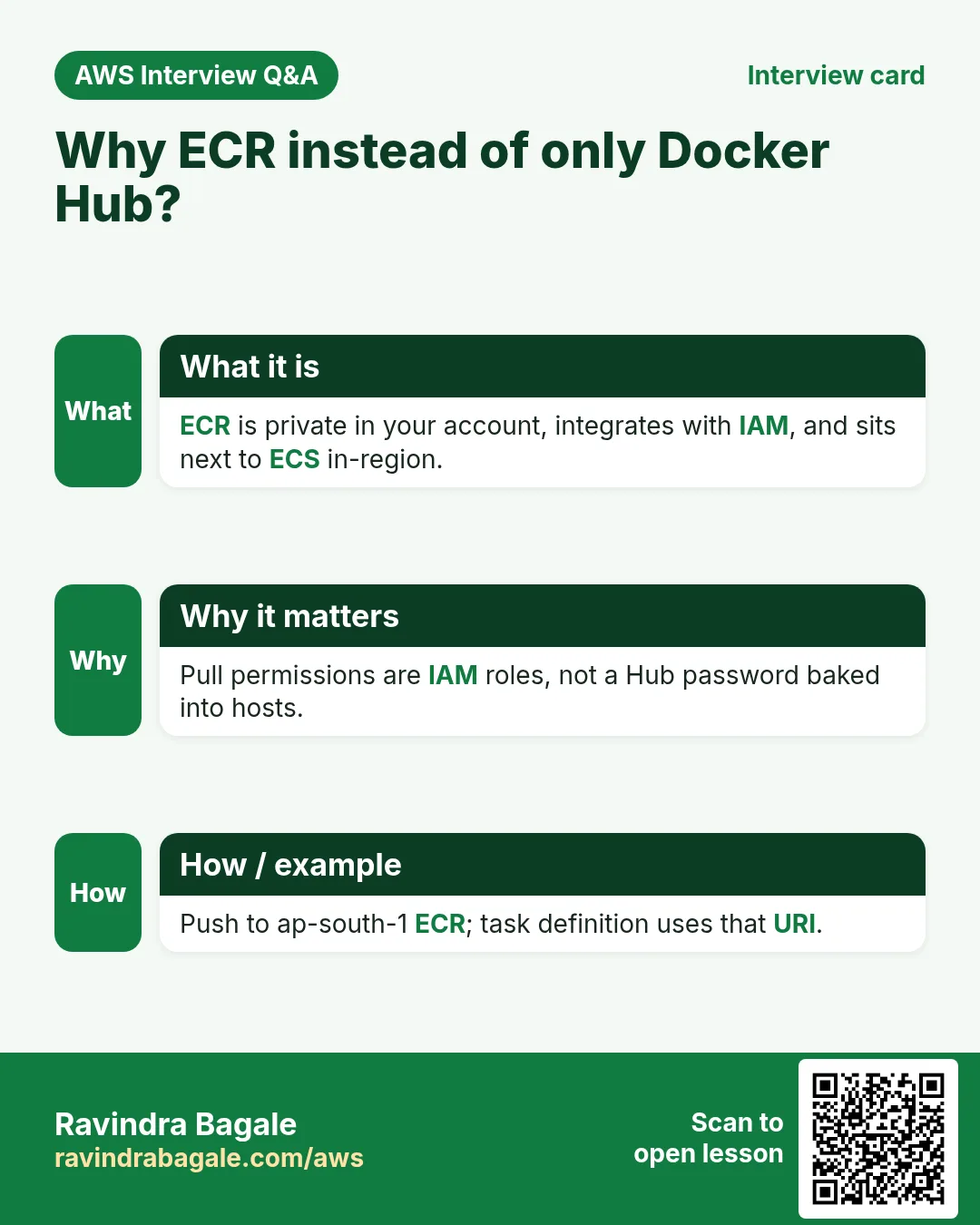
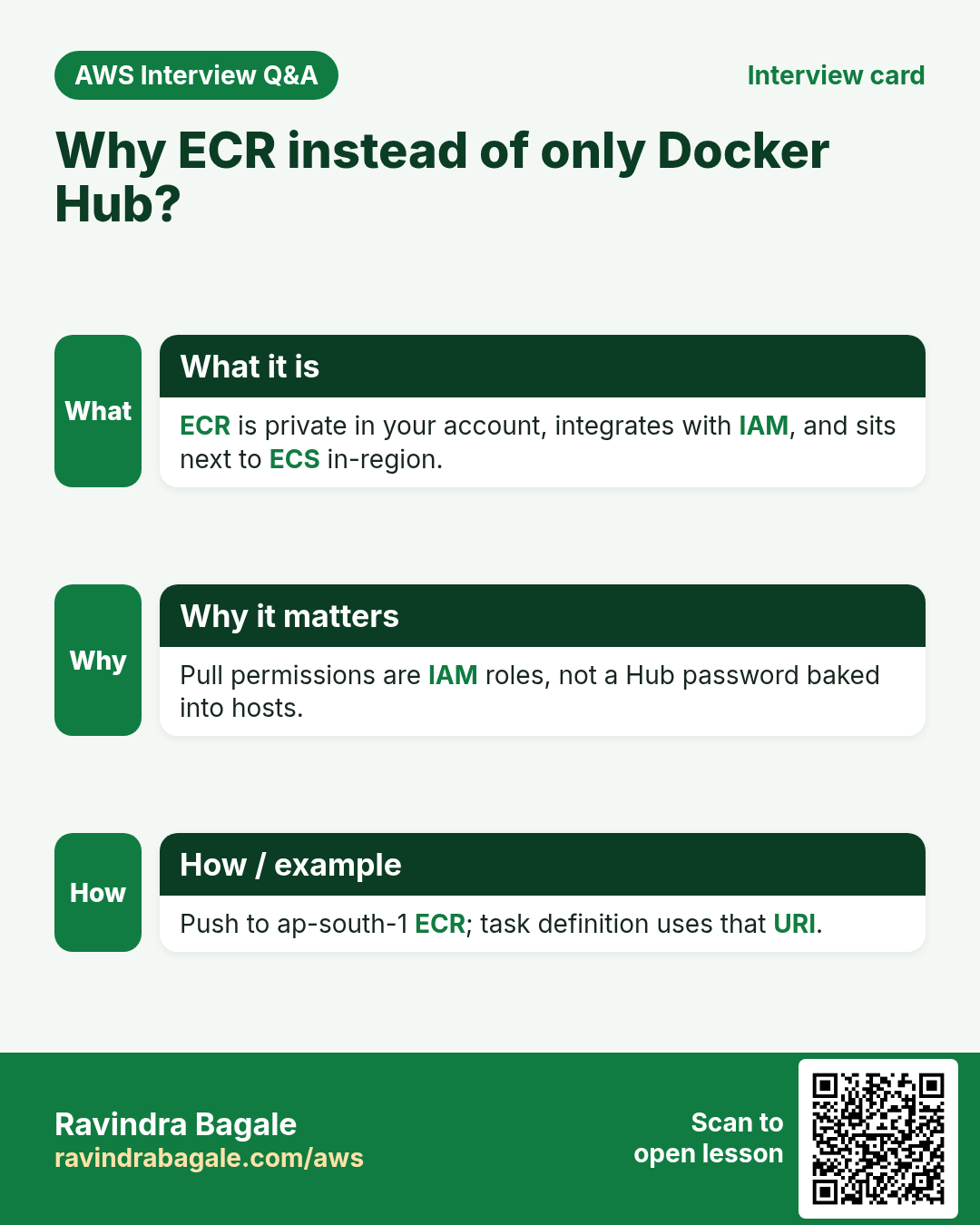
nginx:stableimage for speed. Production should use ECR.
Cost warning
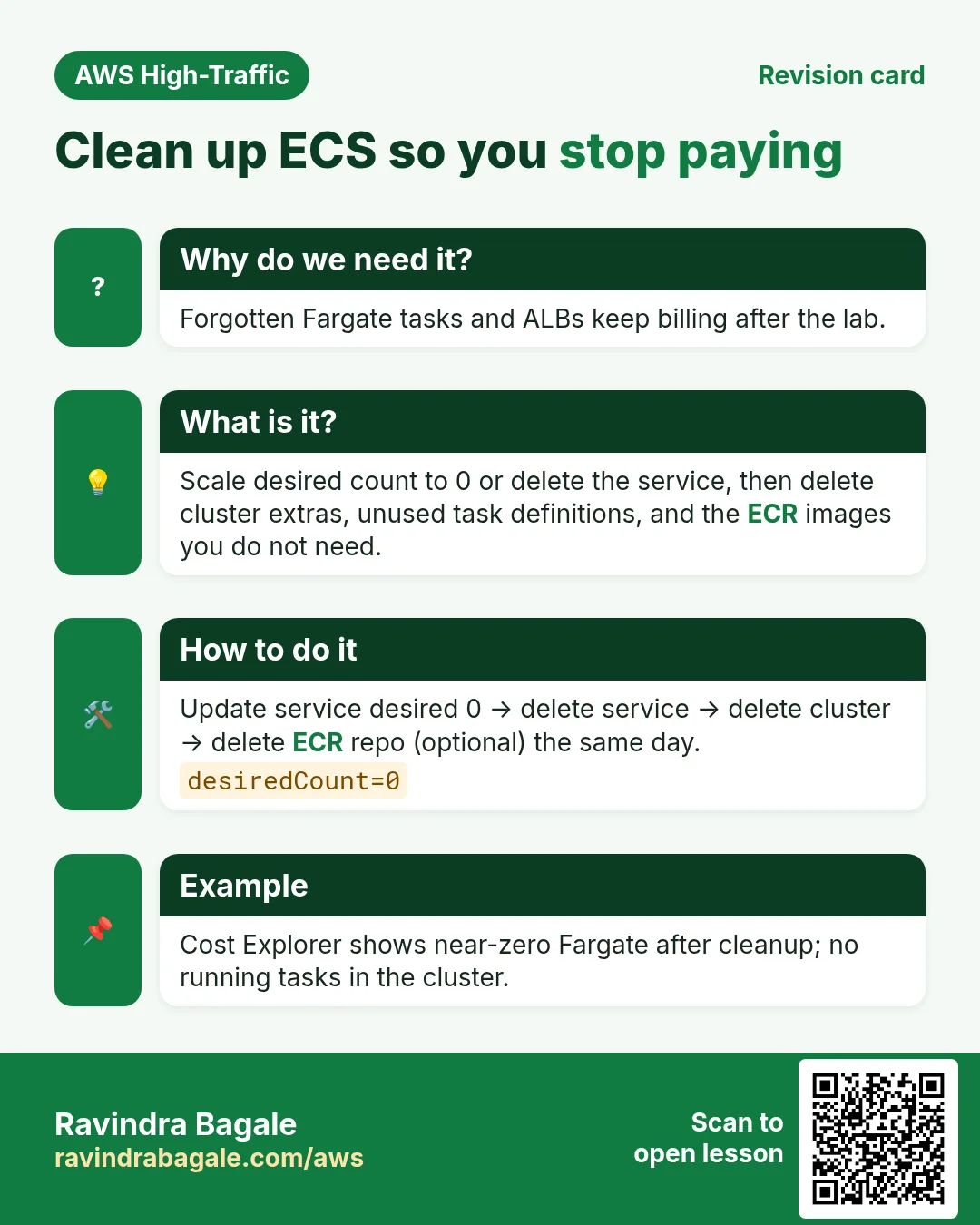
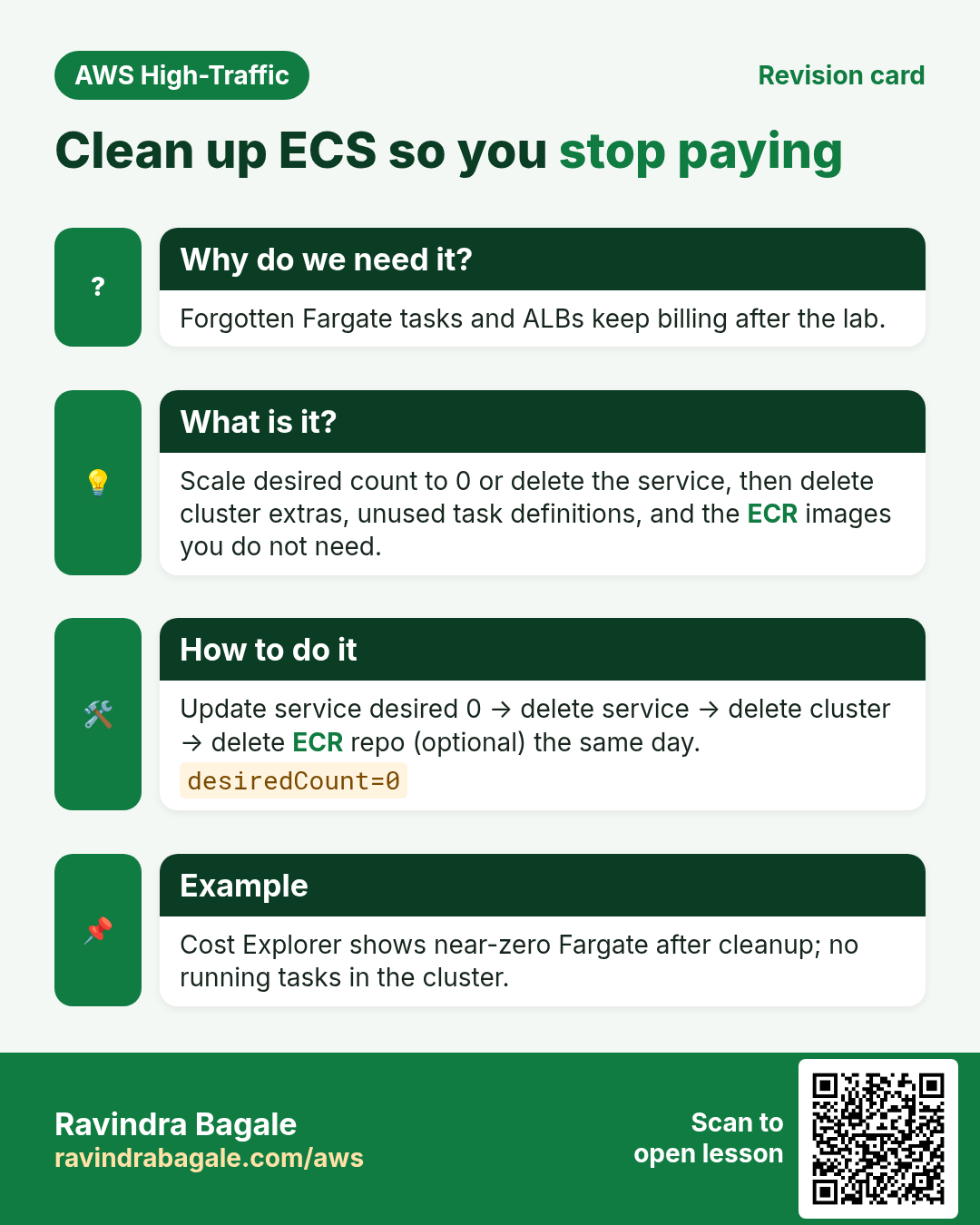
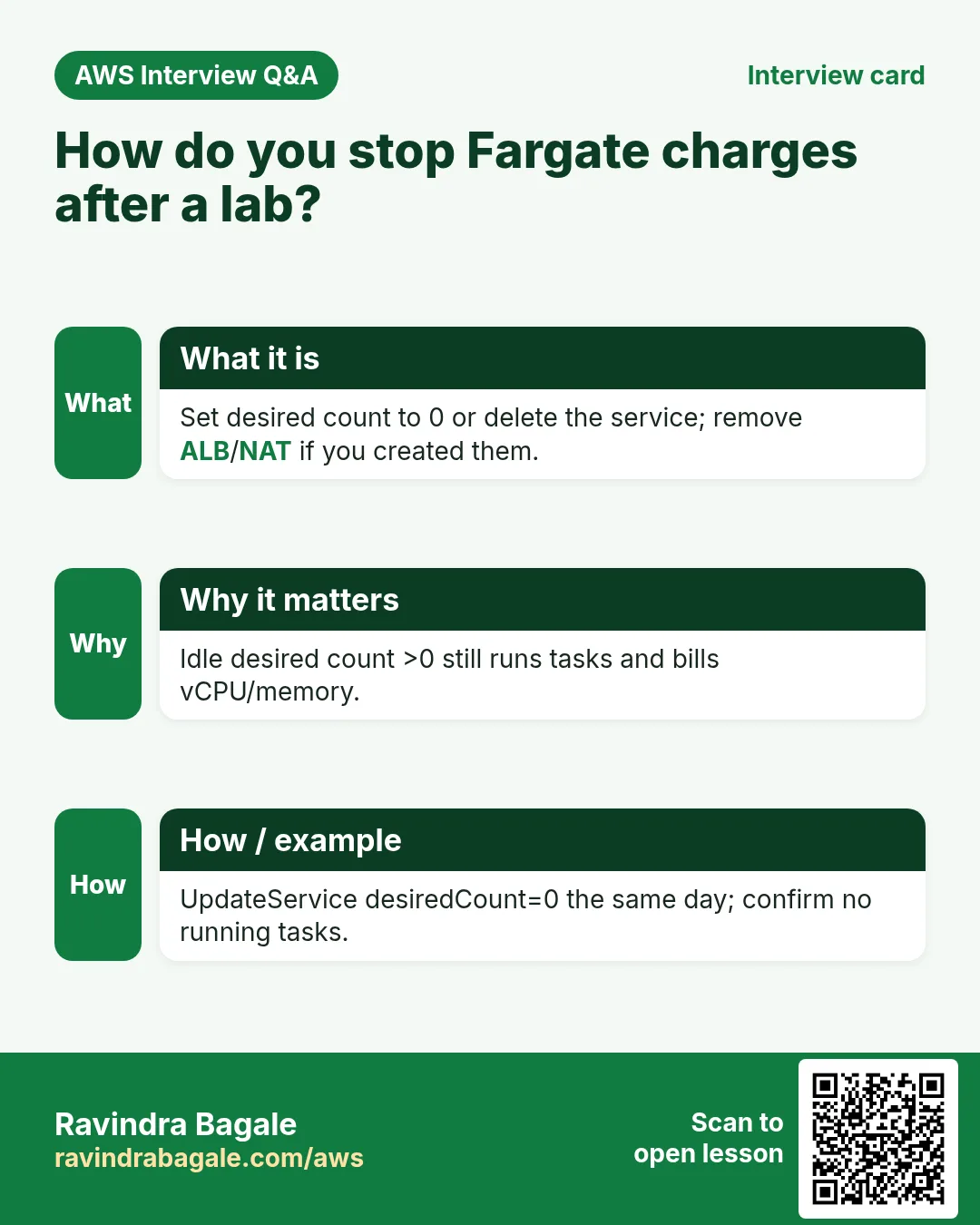
Fargate bills per second while the task runs. Delete the service and cluster when done. Do not leave desired count at 1 overnight.
2. Lab: click by click
How to do it (step by step)
A. Networking check
- Console → VPC → note your default VPC and a public subnet (has route to Internet Gateway).
- Security group: create
ecs-nginx-sg. Inbound: TCP 80 from My IP (or 0.0.0.0/0 for a 10-minute lab only). Outbound: all.
B. ECS cluster
- Console → Elastic Container Service → Clusters → Create cluster.
- Name:
lab-fargate-cluster. Infrastructure: AWS Fargate (serverless). Create.
C. Task definition
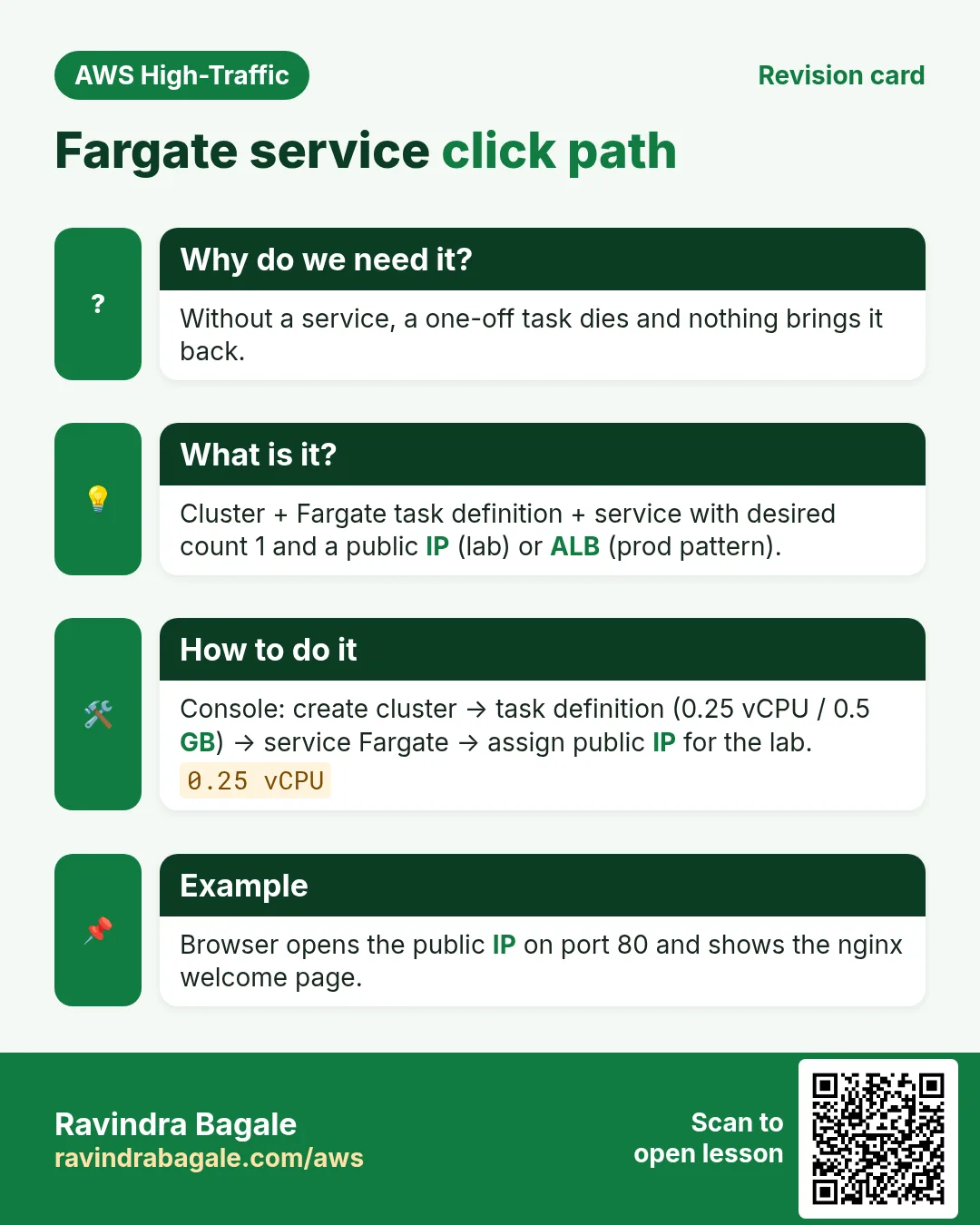
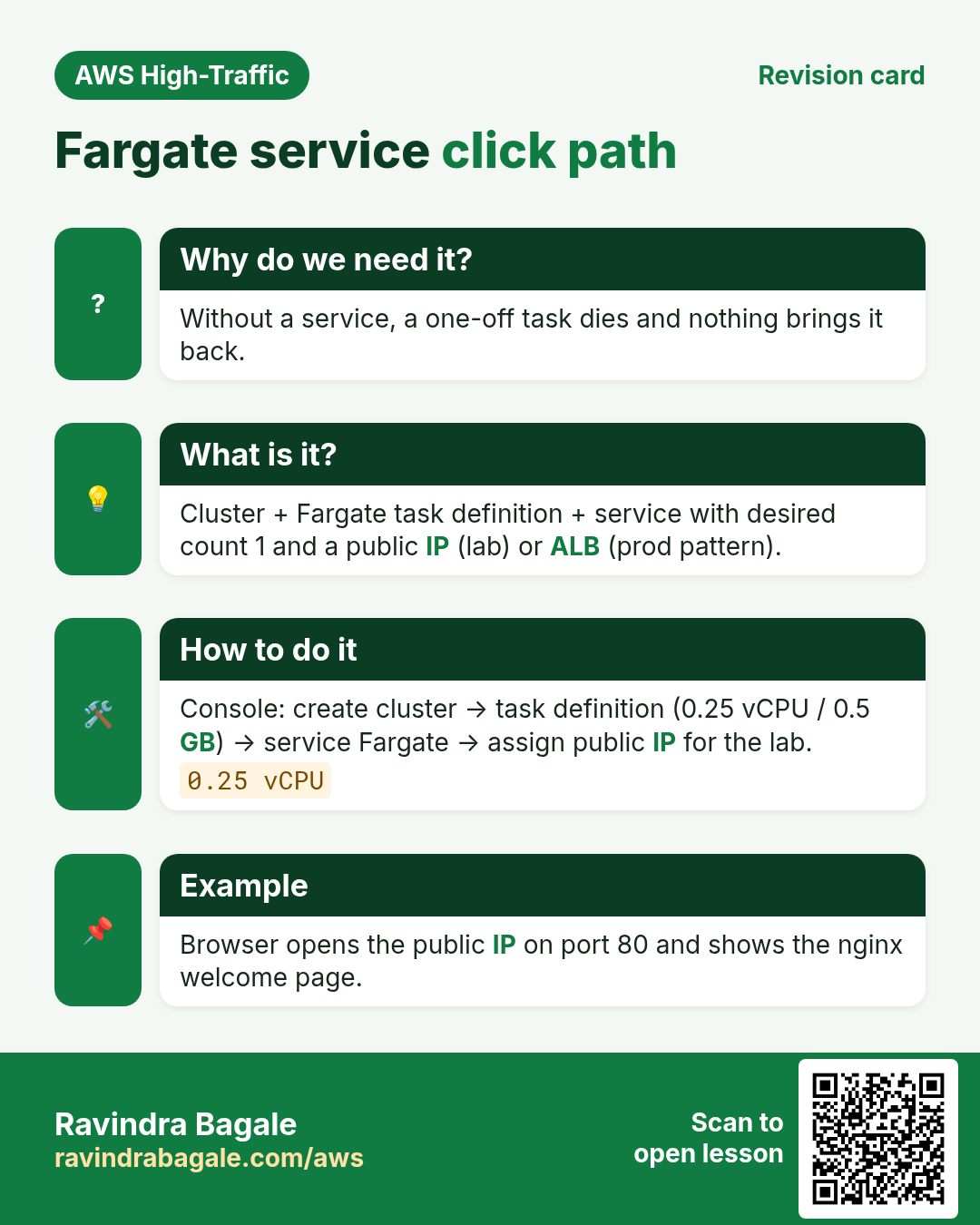
- Task definitions → Create new task definition.
- Family:
lab-nginx. Launch type: AWS Fargate. OS: Linux. CPU: 0.25 vCPU. Memory: 0.5 GB. - Task role: none for this lab. Task execution role: create new / use default
ecsTaskExecutionRole(pulls images + logs). - Container — Add container. Name:
web. Image URI:public.ecr.aws/nginx/nginx:stable(ornginx:stable). - Port mappings: container port 80, protocol TCP, app protocol HTTP.
- Create.
D. Service
- Open cluster → Services → Create.
- Compute: Fargate. Task definition:
lab-nginxlatest. Service name:lab-nginx-svc. Desired tasks: 1. - Networking: default VPC, one public subnet, security group
ecs-nginx-sg. Public IP: Turn on. - Load balancer: none (lab). Create. Wait until running count = 1.
E. Verify
- Tasks tab → open the task → Configuration → Public IP.
- Browser:
http://PUBLIC_IP/— expect nginx welcome page. - Or:
curl -sI http://PUBLIC_IP/ | head -5— expect HTTP/1.1 200.
Cleanup (required)
- Service → Update → desired tasks 0 → Update. Wait running 0. Then Delete service.
- Delete cluster
lab-fargate-cluster. - Optional: deregister task definition revisions. Delete security group if unused.
- Billing → confirm no ongoing Fargate charges after ~1 hour.
3. Production notes
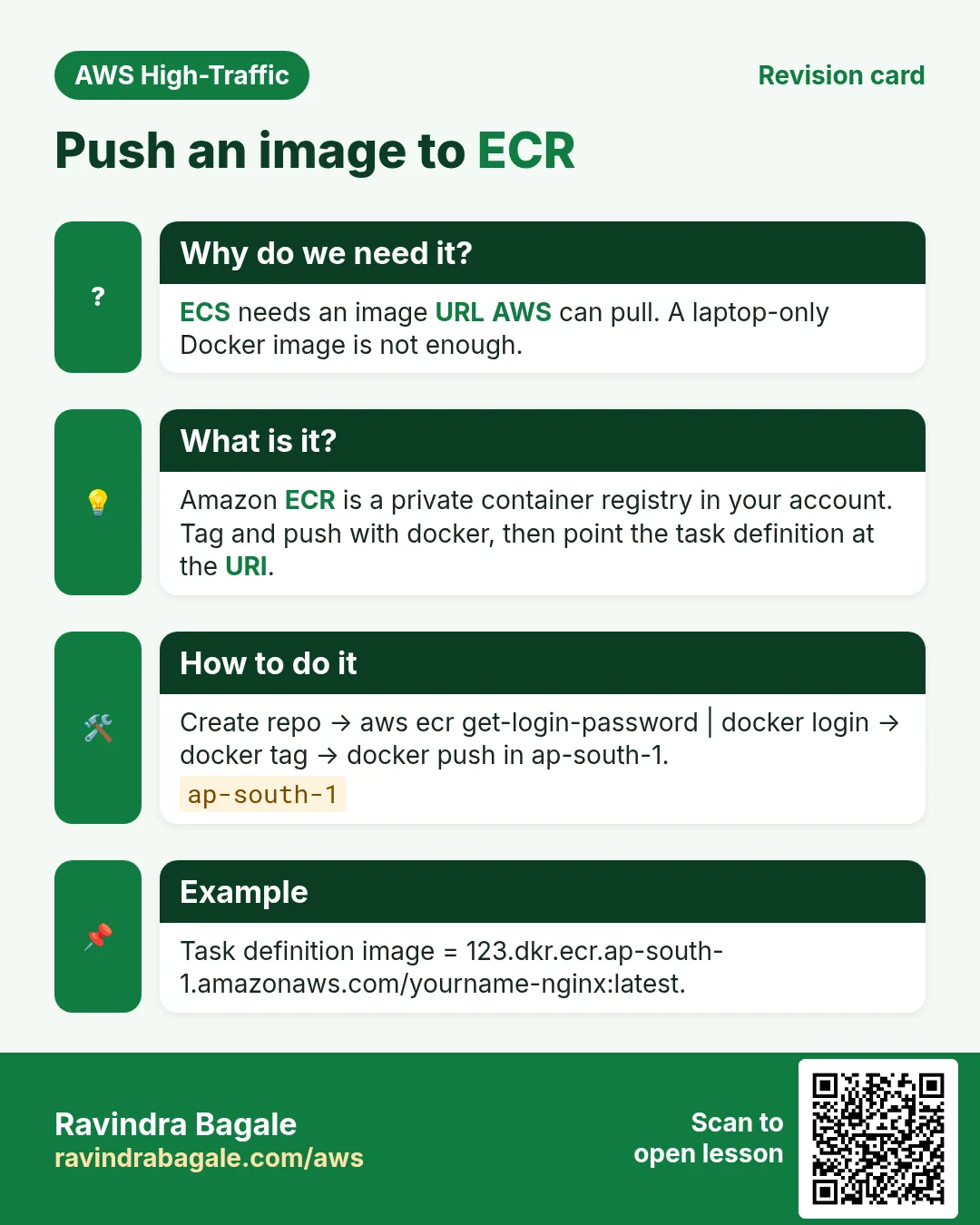
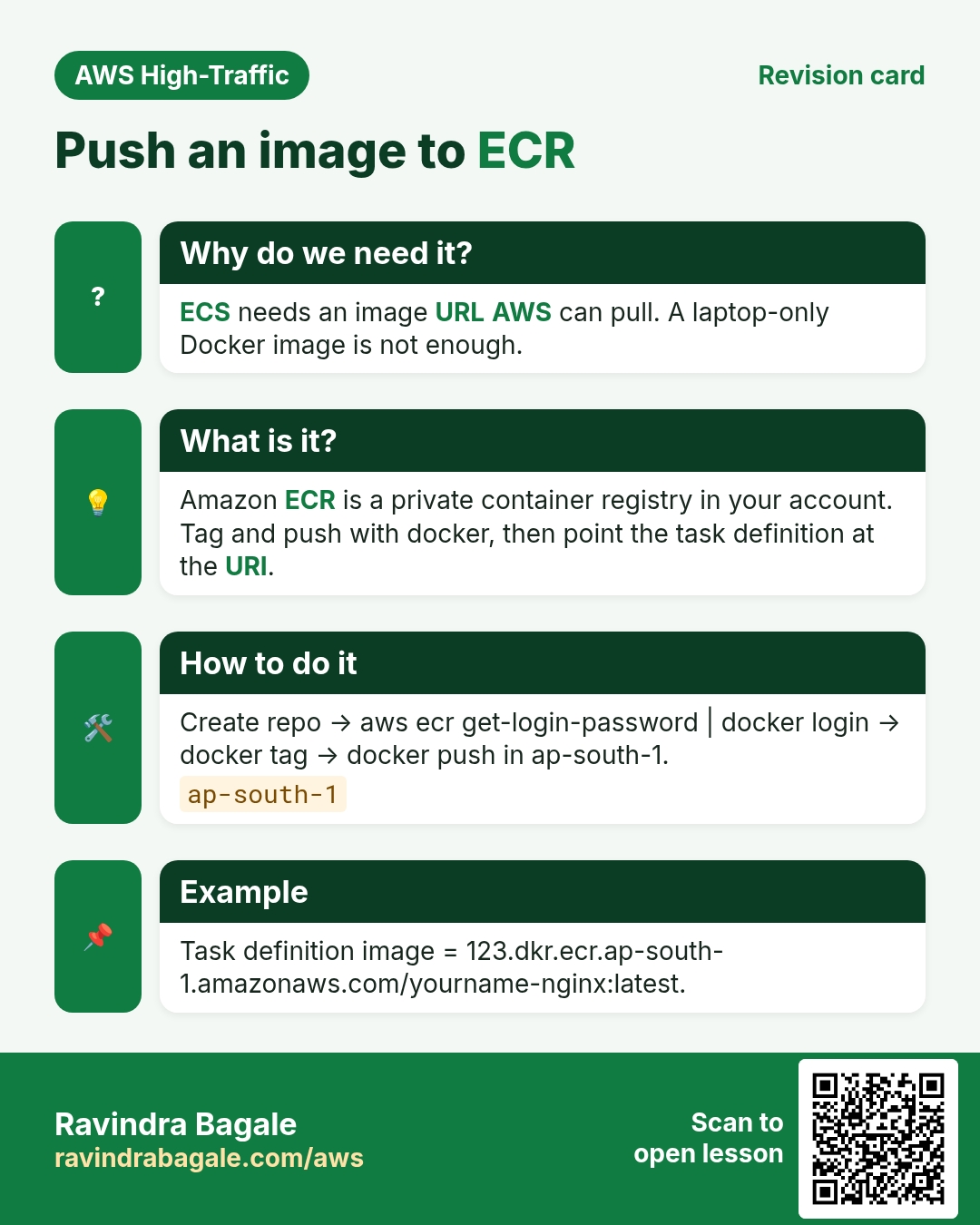
- Push your own image to ECR; never rely on Docker Hub rate limits.
- Put an ALB in front; do not expose task public IPs.
- Send logs to CloudWatch Logs from the task definition.
- Use least-privilege task role for S3/DynamoDB calls.
4. Interview angles
Q. Why public IP on for this lab?
Without ALB, you need a public IP to reach the task.
Q. What does the execution role do?
Pull image from registry and write logs.
Q. Desired count 0?
Stops tasks; billing for those tasks stops.
Q. CPU 0.25 / 0.5 GB valid?
Yes — Fargate has allowed CPU/memory pairs.
Try at home
- Push a custom HTML image to ECR and swap the image URI.
- Add an ALB and remove the public IP.
In short
- ECR/image → task definition → Fargate service.
- Public IP or ALB to reach the app.
- Always scale to 0 and delete after labs.
Practice Tasks
Ahmednagar Sugar Co-op is a sugar co-operative business in Ahilyanagar. Balasaheb Pawar looks after its IT and cloud work. They count money in INR and run their AWS resources in the ap-south-1 Region. In the tasks below you do real jobs for them using what this lesson teaches. All names, account IDs, IP addresses and numbers are made up for practice.
0 / 10
Easy Create an ECS cluster
Why: A cluster is the logical home for your services and tasks.
What to do: Create an ECS cluster named nagarsugar-cluster.
- Read the task and decide which AWS service it is about.
- Write aws, then the service name, then the operation (the action word).
- Add each needed flag (--name) followed by its value from the task.
- Flags can be in any order. Click Check answer.
Easy Create an ECR repository
Why: ECR stores your Docker images privately inside AWS.
What to do: Create an ECR repository named nagarsugar/web.
- Read the task and decide which AWS service it is about.
- Write aws, then the service name, then the operation (the action word).
- Add each needed flag (--name) followed by its value from the task.
- Flags can be in any order. Click Check answer.
Easy List running tasks
Why: See which tasks are running in a cluster.
What to do: List the tasks in cluster nagarsugar-cluster.
- Read the task and decide which AWS service it is about.
- Write aws, then the service name, then the operation (the action word).
- Add each needed flag (--name) followed by its value from the task.
- Flags can be in any order. Click Check answer.
Medium Register a task definition
Why: The task definition says which image, CPU, memory and ports a container uses.
What to do: Register the task definition in taskdef.json.
- Read the task and decide which AWS service it is about.
- Write aws, then the service name, then the operation (the action word).
- Add each needed flag (--name) followed by its value from the task.
- Flags can be in any order. Click Check answer.
Medium Pull images from one repository
Why: CI or servers should pull only the images they run.
What to do: Allow ecr:BatchGetImage and ecr:GetDownloadUrlForLayer on arn:aws:ecr:ap-south-1:131959625285:repository/nagarsugar/web, plus ecr:GetAuthorizationToken on *.
- Start with { "Version": "2012-10-17", "Statement": [ ... ] }.
- In each statement write Effect, Action and Resource.
- Give only what the task needs (least privilege).
- Use double quotes and commas correctly. Click Check answer.
Medium Scale a service
Why: Change desired count to run more copies of the container.
What to do: Set service web in cluster nagarsugar-cluster to 4 tasks.
- Read the task and decide which AWS service it is about.
- Write aws, then the service name, then the operation (the action word).
- Add each needed flag (--name) followed by its value from the task.
- Flags can be in any order. Click Check answer.
Medium Trust policy for an ECS task role
Why: The trust policy says WHO may take the role.
What to do: Write a trust policy that lets ecs-tasks.amazonaws.com assume the role.
- Start with { "Version": "2012-10-17", "Statement": [ ... ] }.
- In each statement write Effect, Action and Resource.
- Give only what the task needs (least privilege).
- Use double quotes and commas correctly. Click Check answer.
Medium Redeploy a service
Why: force-new-deployment restarts tasks so they pull the latest image.
What to do: Force a new deployment of service web in cluster nagarsugar-cluster.
- Read the task and decide which AWS service it is about.
- Write aws, then the service name, then the operation (the action word).
- Add each needed flag (--name) followed by its value from the task.
- Flags can be in any order. Click Check answer.
Medium Get the ECR login password
Why: Docker needs a short-lived password before it can push to ECR.
What to do: Get the ECR login password for ap-south-1.
- Read the task and decide which AWS service it is about.
- Write aws, then the service name, then the operation (the action word).
- Add each needed flag (--name) followed by its value from the task.
- Flags can be in any order. Click Check answer.
Hard Create a Fargate service
Why: A service keeps the desired number of tasks running and replaces failed ones.
What to do: In cluster nagarsugar-cluster, create service web using task definition nagarsugar-web:1, 2 tasks, launch type FARGATE, network config from net.json.
- Read the task and decide which AWS service it is about.
- Write aws, then the service name, then the operation (the action word).
- Add each needed flag (--name) followed by its value from the task.
- Flags can be in any order. Click Check answer.
Revision, comparison and interview cards
Revise this lesson in a few minutes. Save the cards on your phone or download them as PNG files. The QR code on each card opens this lesson.
More cards: Ravi Sir's Cards.