Write an IAM Policy with Conditions Step by Step
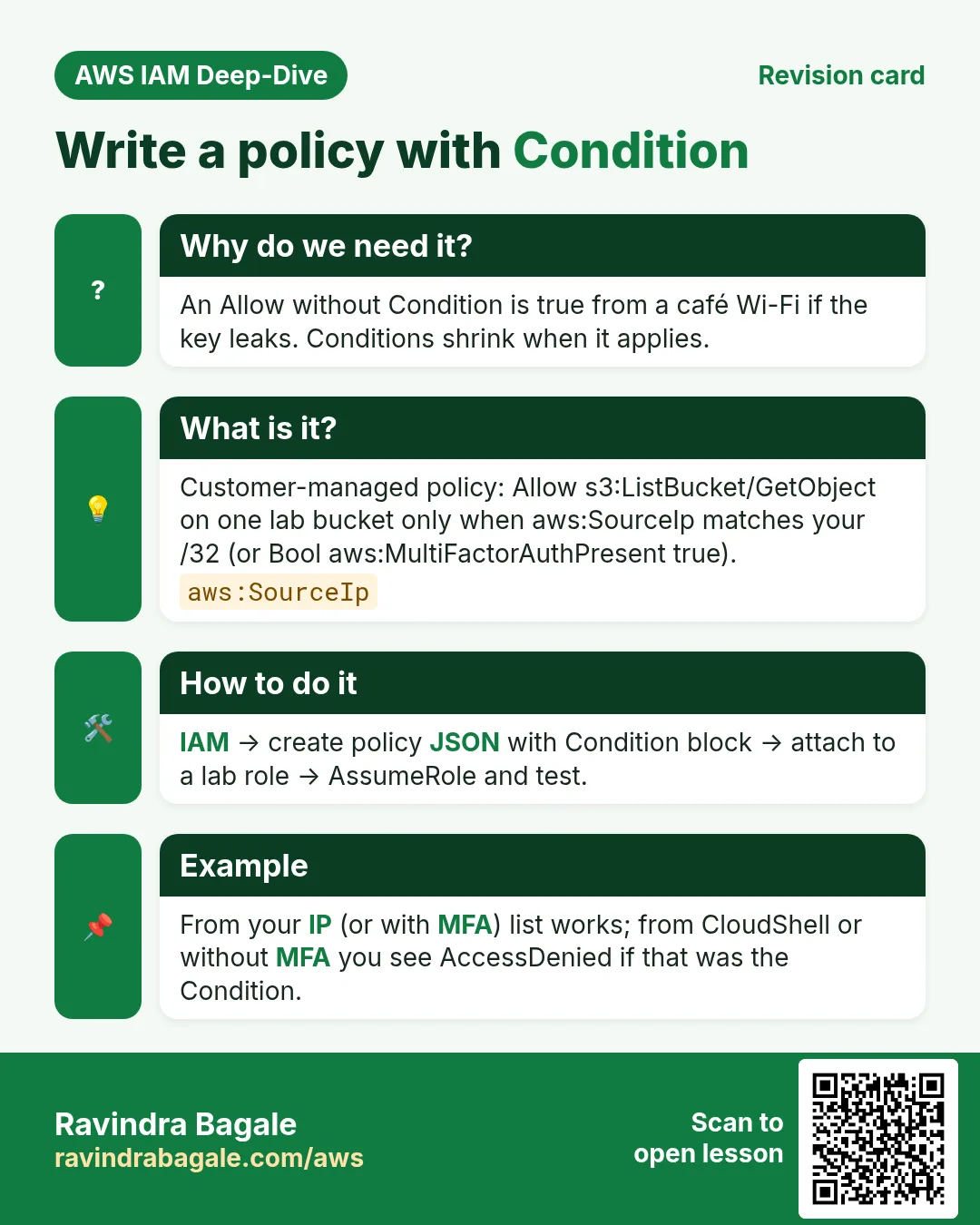
Write a customer-managed policy that allows S3 read only when the caller comes from your IP (or has MFA). Attach it to a role, prove allow and deny, then clean up.
What you'll learn in this chapter
- Write Condition with SourceIp or MFA
- Attach to a lab role
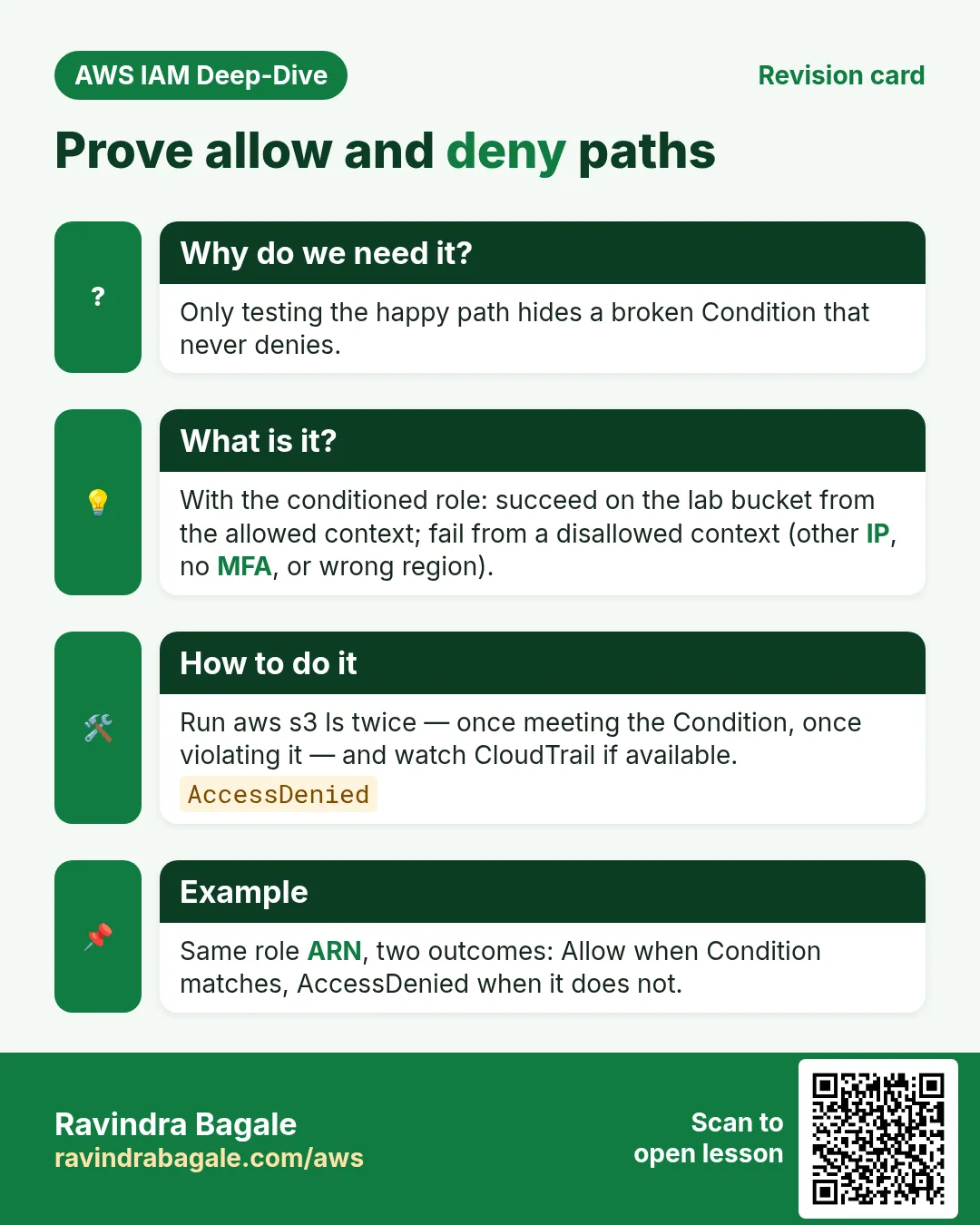
- Prove from allowed path
- Prove deny from elsewhere
- Cleanup
1. Lab: click by click
How to do it (step by step)
Region ap-south-1. Know your public IP (search “what is my ip”) — home IPs can change; for a stable lab prefer MFA condition instead of IP. Both patterns are shown.
A. Bucket
- Create bucket
yourname-cond-lab, uploadhello.txt=ok, Block Public Access ON.
B. Policy with Condition
- IAM → Policies → Create → JSON. Pick one variant.
- Variant 1 — IP lock (replace BUCKET and IP):
{
  "Version": "2012-10-17",
  "Statement": [
    {
      "Sid": "ListIfFromMyIp",
      "Effect": "Allow",
      "Action": "s3:ListBucket",
      "Resource": "arn:aws:s3:::BUCKET",
      "Condition": {
        "IpAddress": { "aws:SourceIp": "YOUR.IP.ADDR.ESS/32" }
      }
    },
    {
      "Sid": "GetIfFromMyIp",
      "Effect": "Allow",
      "Action": "s3:GetObject",
      "Resource": "arn:aws:s3:::BUCKET/*",
      "Condition": {
        "IpAddress": { "aws:SourceIp": "YOUR.IP.ADDR.ESS/32" }
      }
    }
  ]
}- Variant 2 — MFA required (good when IP changes):
{
  "Version": "2012-10-17",
  "Statement": [{
    "Sid": "ReadOnlyWithMfa",
    "Effect": "Allow",
    "Action": ["s3:ListBucket", "s3:GetObject"],
    "Resource": [
      "arn:aws:s3:::BUCKET",
      "arn:aws:s3:::BUCKET/*"
    ],
    "Condition": {
      "Bool": { "aws:MultiFactorAuthPresent": "true" }
    }
  }]
}- Name:
lab-s3-read-conditioned. Create.
C. Role and prove
- Create role
lab-cond-readertrusted by your user (same pattern as the STS lab) or attach the policy to an Identity Center permission set used only by you. - From the allowed path (your IP, or MFA session):
aws s3 cp s3://BUCKET/hello.txt -
# expect: ok- Deny test — IP variant: use phone hotspot (different IP) or a friend’s network; expect AccessDenied. MFA variant: call without MFA session; expect AccessDenied.
- Optional: add an explicit Deny for
s3:*whenaws:RequestedRegionis notap-south-1as a second statement — see how Deny overrides.
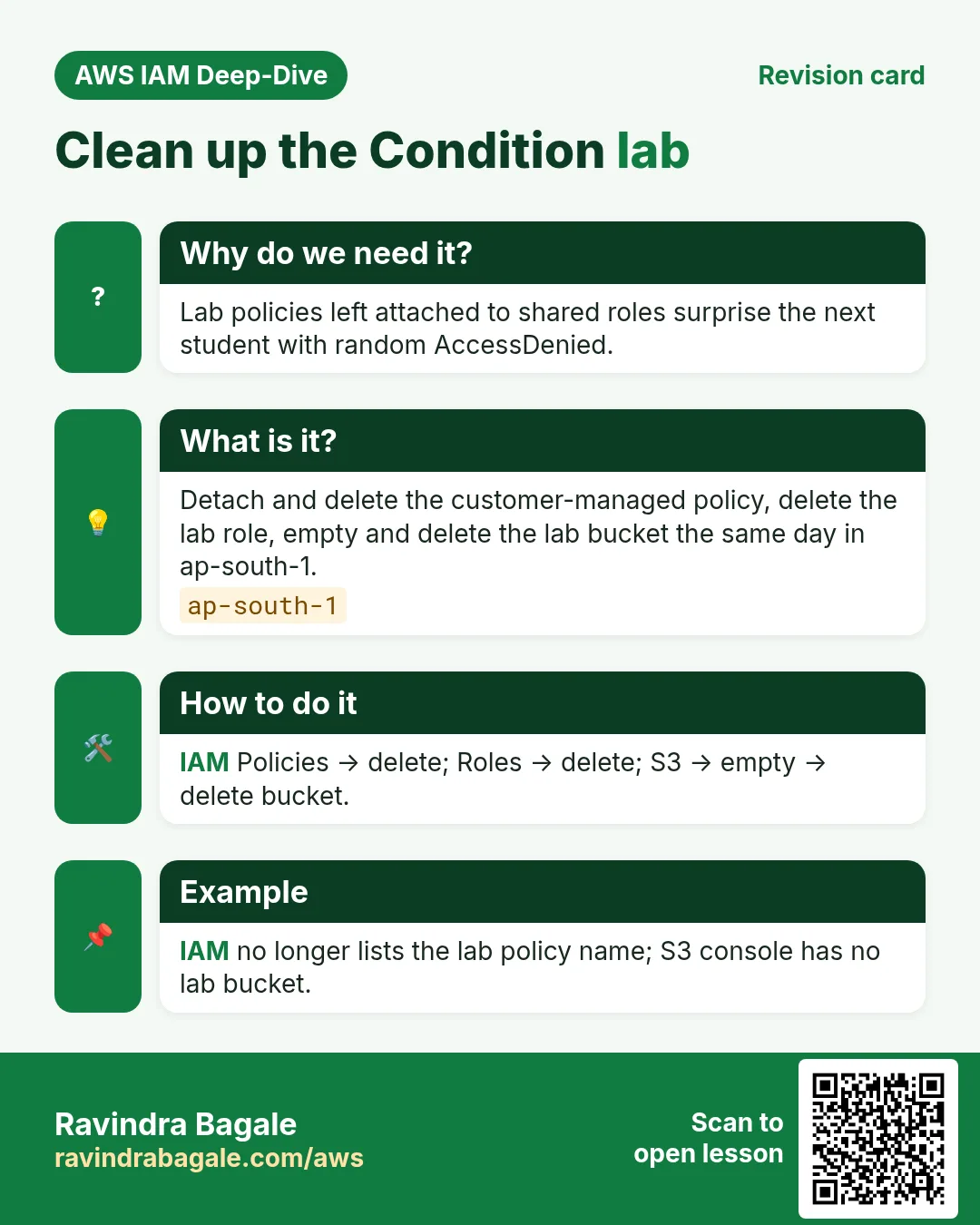
Cleanup
- Detach/delete role or remove permission-set assignment.
- Delete policy
lab-s3-read-conditioned. - Empty and delete the lab bucket.
Ravindra Bagale's Tip
CloudShell has AWS IPs — SourceIp conditions often deny CloudShell. Test IP policies from your laptop CLI, or use the MFA variant in CloudShell.
2. Interview angles
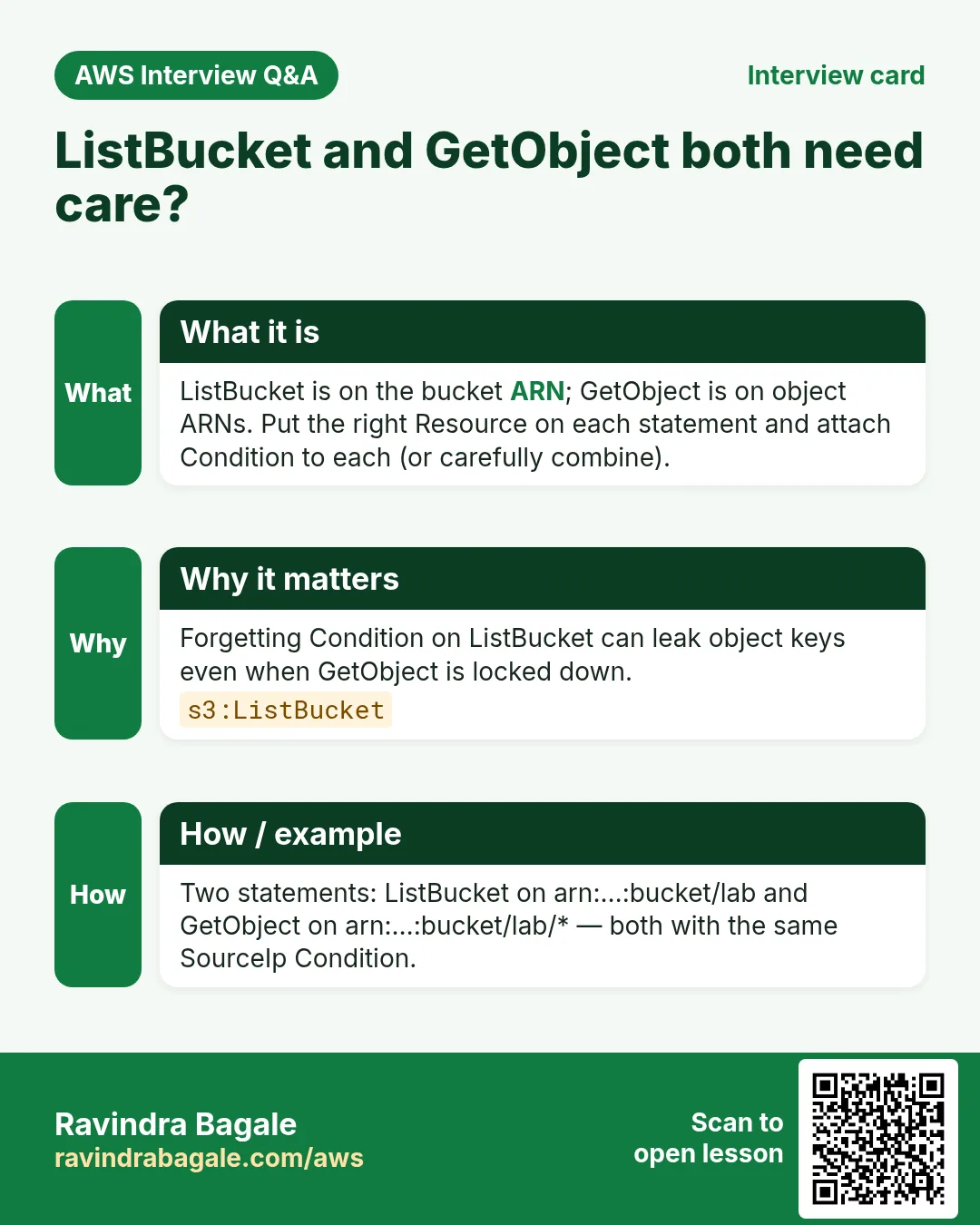
Q. Why Condition on both List and Get?
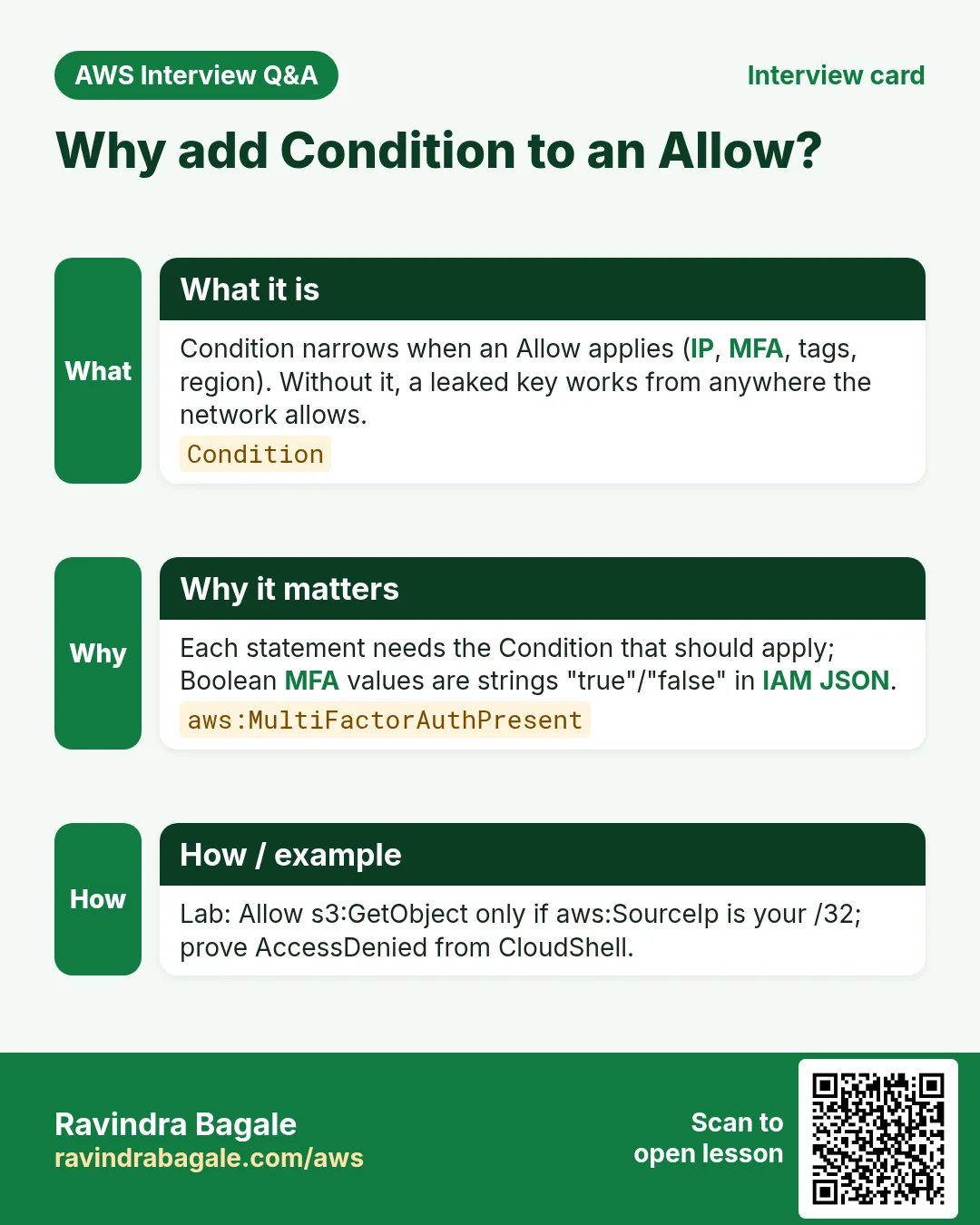
Each statement needs its own Condition (or one statement covering both actions carefully).
Q. Bool MFA true as string?
In IAM JSON, Boolean condition values are strings "true"/"false".
Q. IP /32?
Single address; use /24 etc. for office ranges carefully.
Q. Deny vs missing Allow?
Missing Allow is enough; explicit Deny documents intent and beats future broad Allows.
Try at home
- Add aws:RequestedRegion = ap-south-1 as an extra StringEquals condition.
- Re-read the IAM overview chapters and explain trust vs permissions vs Condition to a friend.
In short
- Condition narrows when an Allow applies.
- Test both allow and deny paths.
- Watch CloudShell vs SourceIp.
- Delete lab policy, role and bucket.
Practice Tasks
Zurich Insurance Partners is a insurance business in Zurich. Anna Müller looks after its IT and cloud work. They count money in CHF and run their AWS resources in the eu-central-2 Region. In the tasks below you do real jobs for them using what this lesson teaches. All names, account IDs, IP addresses and numbers are made up for practice.
0 / 12
Easy Read-only access to one bucket
Why: Least privilege: give only the actions and the bucket the job needs.
What to do: Write an identity policy that lets the user read objects (s3:GetObject) only in bucket zurichinsure-data.
- Start with { "Version": "2012-10-17", "Statement": [ ... ] }.
- In each statement write Effect, Action and Resource.
- Give only what the task needs (least privilege).
- Use double quotes and commas correctly. Click Check answer.
Medium Lambda access to one table
Why: The function only needs to read and write items in its own table.
What to do: Allow dynamodb:GetItem, dynamodb:PutItem, dynamodb:Query on arn:aws:dynamodb:eu-central-2:131130276334:table/zurichinsure-orders only.
- Start with { "Version": "2012-10-17", "Statement": [ ... ] }.
- In each statement write Effect, Action and Resource.
- Give only what the task needs (least privilege).
- Use double quotes and commas correctly. Click Check answer.
Medium Start and stop servers only
Why: The night operator may start and stop servers but not terminate them.
What to do: Allow ec2:StartInstances and ec2:StopInstances on all instances in account 131130276334, Region eu-central-2. Also allow ec2:DescribeInstances on *.
- Start with { "Version": "2012-10-17", "Statement": [ ... ] }.
- In each statement write Effect, Action and Resource.
- Give only what the task needs (least privilege).
- Use double quotes and commas correctly. Click Check answer.
Medium List and read one bucket
Why: ListBucket works on the bucket ARN; GetObject works on object ARNs.
What to do: Allow s3:ListBucket on bucket zurichinsure-data and s3:GetObject on all its objects. Nothing else.
- Start with { "Version": "2012-10-17", "Statement": [ ... ] }.
- In each statement write Effect, Action and Resource.
- Give only what the task needs (least privilege).
- Use double quotes and commas correctly. Click Check answer.
Medium Upload-only to one folder
Why: Field staff can drop files but cannot read or delete anything.
What to do: Allow s3:PutObject only under the prefix uploads/ in bucket zurichinsure-data.
- Start with { "Version": "2012-10-17", "Statement": [ ... ] }.
- In each statement write Effect, Action and Resource.
- Give only what the task needs (least privilege).
- Use double quotes and commas correctly. Click Check answer.
Medium Attach a managed policy to a group
Why: AWS managed policies are ready-made and kept up to date by AWS.
What to do: Attach the AWS managed policy arn:aws:iam::aws:policy/ReadOnlyAccess to the group Auditors.
- Read the task and decide which AWS service it is about.
- Write aws, then the service name, then the operation (the action word).
- Add each needed flag (--name) followed by its value from the task.
- Flags can be in any order. Click Check answer.
Medium Create a customer managed policy
Why: Your own managed policy can be reused on many users, groups and roles.
What to do: Create a policy named zurichinsure-s3-read from the document in policy.json.
- Read the task and decide which AWS service it is about.
- Write aws, then the service name, then the operation (the action word).
- Add each needed flag (--name) followed by its value from the task.
- Flags can be in any order. Click Check answer.
Hard Deny access from outside the office
Why: An explicit Deny with aws:SourceIp blocks keys used from anywhere else.
What to do: Write one Deny statement: deny all actions (*) on all resources (*) when the source IP is NOT in 203.0.113.0/24.
- Start with { "Version": "2012-10-17", "Statement": [ ... ] }.
- In each statement write Effect, Action and Resource.
- Give only what the task needs (least privilege).
- Use double quotes and commas correctly. Click Check answer.
Hard Allow only on tagged servers
Why: Tag conditions let one team control only its own servers.
What to do: Allow ec2:StopInstances on any instance (*) only when the instance tag Team equals zurichinsure.
- Start with { "Version": "2012-10-17", "Statement": [ ... ] }.
- In each statement write Effect, Action and Resource.
- Give only what the task needs (least privilege).
- Use double quotes and commas correctly. Click Check answer.
Hard Test a policy before using it
Why: The policy simulator tells you if an action would be allowed, without doing it.
What to do: Check whether user arn:aws:iam::131130276334:user/anna may call s3:GetObject.
- Read the task and decide which AWS service it is about.
- Write aws, then the service name, then the operation (the action word).
- Add each needed flag (--name) followed by its value from the task.
- Flags can be in any order. Click Check answer.
Hard Require MFA to delete
Why: Risky actions should need MFA, so a stolen password is not enough.
What to do: Deny s3:DeleteObject on arn:aws:s3:::zurichinsure-data/* when MFA is not present (aws:MultiFactorAuthPresent is false).
- Start with { "Version": "2012-10-17", "Statement": [ ... ] }.
- In each statement write Effect, Action and Resource.
- Give only what the task needs (least privilege).
- Use double quotes and commas correctly. Click Check answer.
Hard Block other Regions (SCP style)
Why: Data rules (like keeping data in one country) are enforced with aws:RequestedRegion.
What to do: Deny ec2:* on * when aws:RequestedRegion is not eu-central-2.
- Start with { "Version": "2012-10-17", "Statement": [ ... ] }.
- In each statement write Effect, Action and Resource.
- Give only what the task needs (least privilege).
- Use double quotes and commas correctly. Click Check answer.
Revision, comparison and interview cards
Revise this lesson in a few minutes. Save the cards on your phone or download them as PNG files. The QR code on each card opens this lesson.
More cards: Ravi Sir's Cards.