Linux Performance Tuning: vmstat, iostat, sar, free, lsof, strace and sysctl Explained Simply
When users say 'the server is slow', you need facts, not guesses. Slowness comes from four places: CPU, memory, disk and network. This chapter teaches the tools that show each one: uptime and top for load, vmstat for the whole picture, free for memory, iostat for disks, sar for history, lsof for open files, strace to see what a process is doing, and sysctl to tune the kernel. You will learn to read every column step by step.
What you'll learn in this chapter
- Read load average and CPU states
- Use vmstat, free and iostat correctly
- Find history with sar
- See open files and ports with lsof
- Trace a stuck process with strace
- Tune and persist kernel settings with sysctl
1. An everyday example: a crowded railway station
Why do we need this?
Pune station at 9 AM is slow. Is it because there are too few ticket windows (CPU), too few benches so people stand in the corridor (memory), the luggage belt is jammed (disk), or the trains outside are late (network)? A good station master checks each one before shouting at the staff.
What is it?
Ticket windows = CPU cores. Queue length = load average. Benches = RAM; corridor = swap. Luggage belt = disk I/O wait. Trains = network. Station master's notebook = sar history.
How to do it (step by step)
2. uptime and load average
Why do we need this?
Load average is the first number everyone quotes, and it is often misread.
What is it?
uptime shows load for 1, 5 and 15 minutes. Load is the number of tasks running or waiting (for CPU or disk). Compare it with nproc: load 4 on 4 cores is full; load 12 on 4 cores means a queue. Rising 1-minute vs 15-minute means it is getting worse.
How to do it (step by step)
- Check load.
uptimeOutput:
21:40:12 up 12 days, 3 users, load average: 7.92, 4.10, 2.05What it means: Rising fast.
- How many cores?
nprocOutput:
4What it means: Load 7.9 on 4 cores = queue.
- Same from /proc.
cat /proc/loadavgOutput:
7.92 4.10 2.05 9/412 22811What it means: 9 running of 412 tasks.
3. top and htop: who uses the CPU
Why do we need this?
After load, you need the process name.
What is it?
top header: us (user), sy (kernel), wa (waiting on disk), st (stolen by the hypervisor), id (idle). Press P to sort by CPU, M by memory, 1 for per-core, k to kill. top -b -n 1 gives a snapshot for scripts. htop is friendlier.
How to do it (step by step)
- Snapshot.
top -b -n 1 | head -12Output:
%Cpu(s): 92.1 us, 3.0 sy, 0.0 wa, 0.0 st, 4.9 id
  PID USER  %CPU %MEM COMMAND
 3011 app   381  12.0 java
What it means: Java uses ~4 cores.
- Top memory users.
ps aux --sort=-%mem | head -5Output:
USER PID %CPU %MEM ... COMMAND
mysql 1200 20 48.1 ... mysqld
What it means: MySQL half of RAM.
- Per process over time.
pidstat -u 2 3Output:
Average: UID PID %usr %system %CPU Command
Average: 1001 3011 370 8 378 java
What it means: From sysstat.
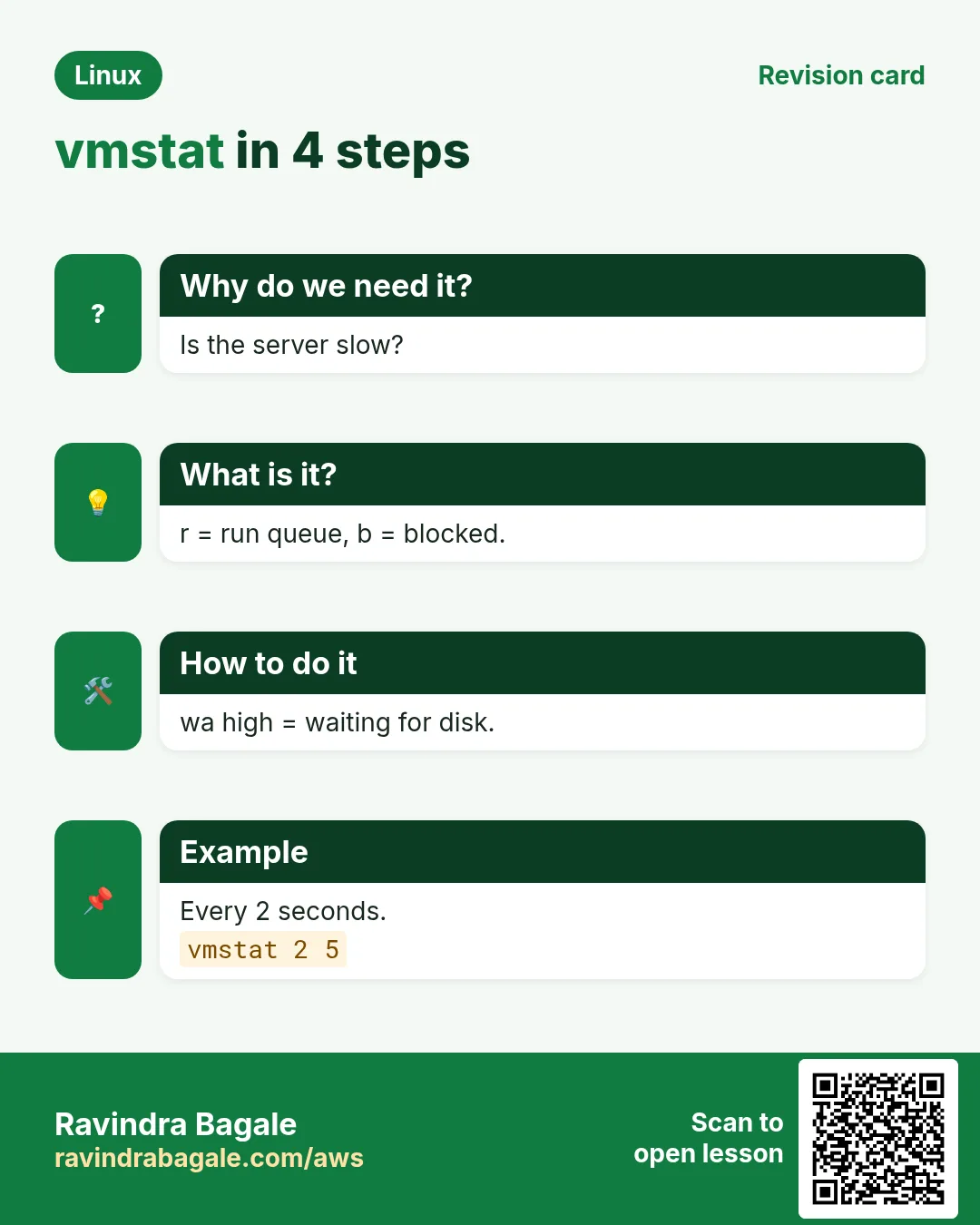
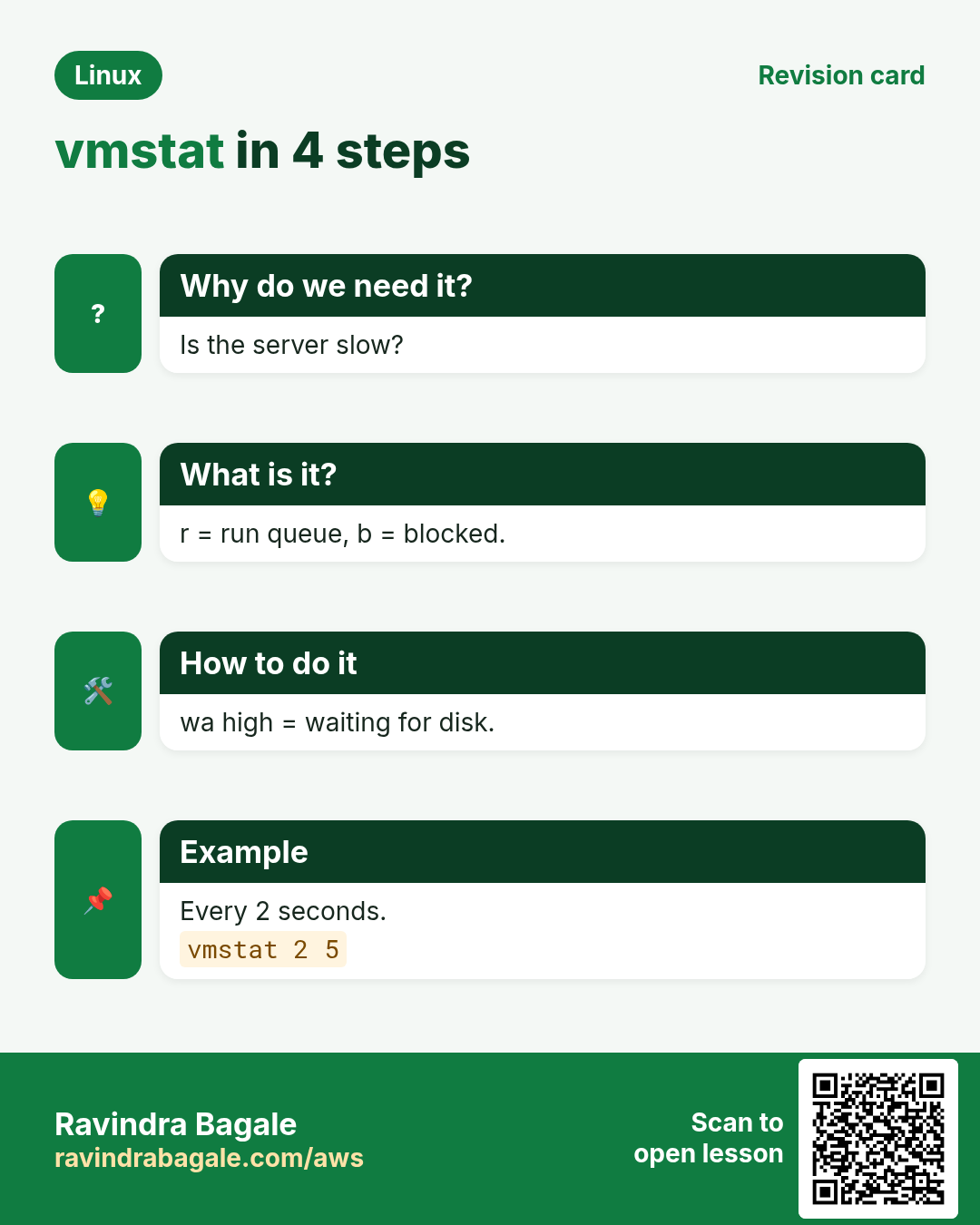
4. vmstat: the whole picture
Why do we need this?
One command shows CPU queue, memory, swap and disk wait together.
What is it?
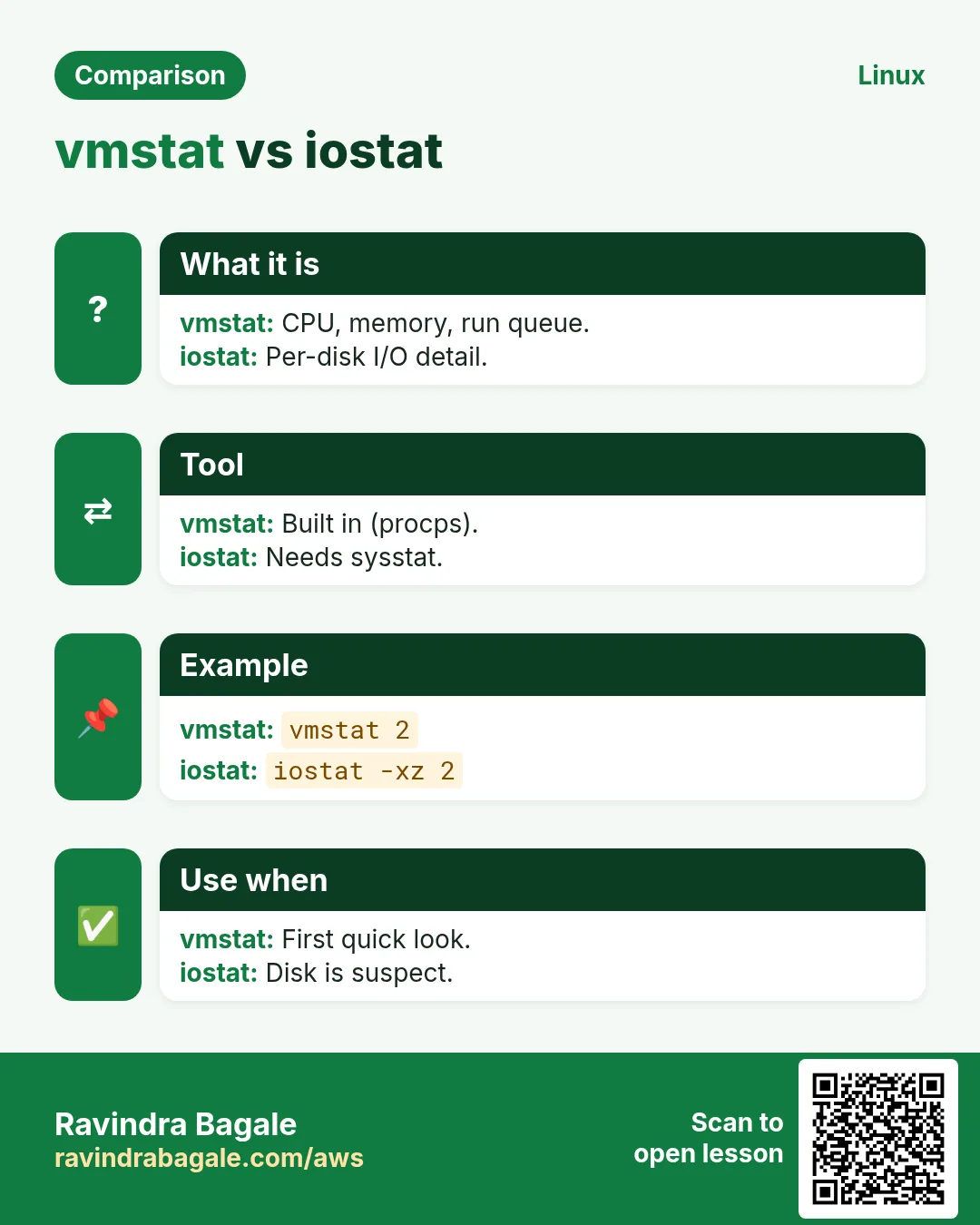
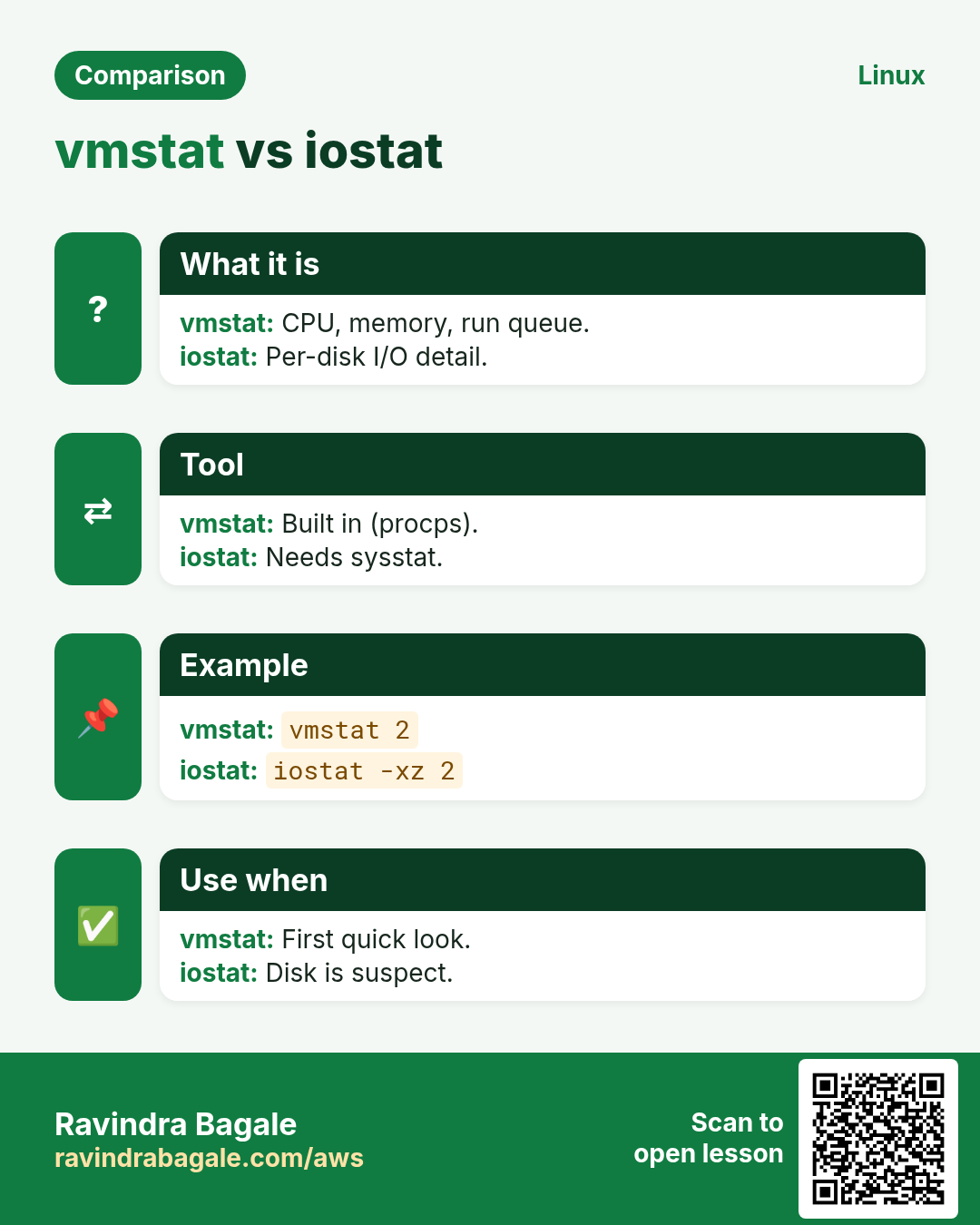
vmstat 1 5 prints a line every second, 5 times; ignore the first line (since boot). r = runnable (more than cores = CPU busy). b = blocked on I/O. si/so = swap in/out (should be 0). wa = I/O wait. us/sy/id/st = CPU split. cs = context switches.
| Column | Means | Worry when |
|---|---|---|
| r | Waiting for CPU | > cores |
| b | Waiting for disk | > 0 often |
| si/so | Swapping | > 0 |
| wa | I/O wait % | > 20 |
| st | Stolen CPU | > 10 on cloud |
How to do it (step by step)
- CPU bound.
vmstat 1 5Output:
r b swpd free  si so  bi  bo  us sy id wa st
9 0 0    812M  0  0   2   40  93  4  3  0  0
What it means: r=9 on 4 cores.
- Disk bound.
vmstat 2 3Output:
r b  si so   bi    bo  us sy id wa
1 6  0  0  52000  800  5  3 40 52
What it means: b=6, wa=52: disk.
- Memory pressure.
vmstat -S M 1 3Output:
r b swpd free si  so
2 1 1800 60   950 1200
What it means: Heavy swapping.
5. free: memory in plain words
Why do we need this?
People panic when 'free' is low, but Linux uses spare RAM as cache on purpose.
What is it?
free -h shows total, used, free, buff/cache and available. Look at available: what apps can still get. Swap used plus si/so in vmstat means real pressure. OOM killer messages appear in dmesg or journalctl -k.
How to do it (step by step)
- Healthy.
free -hOutput:
       total used free shared buff/cache available
Mem:    15Gi 4.1Gi 310Mi 12Mi 11Gi  10Gi
Swap:   2.0Gi  0B  2.0Gi
What it means: Low free but 10G available: fine.
- Under pressure.
free -mOutput:
Mem: 7821 7600 90 ... available 140
Swap: 2047 1980 67
What it means: Out of memory soon.
- Who was killed?
journalctl -k | grep -i 'out of memory'Output:
Out of memory: Killed process 3011 (java)What it means: OOM killer.
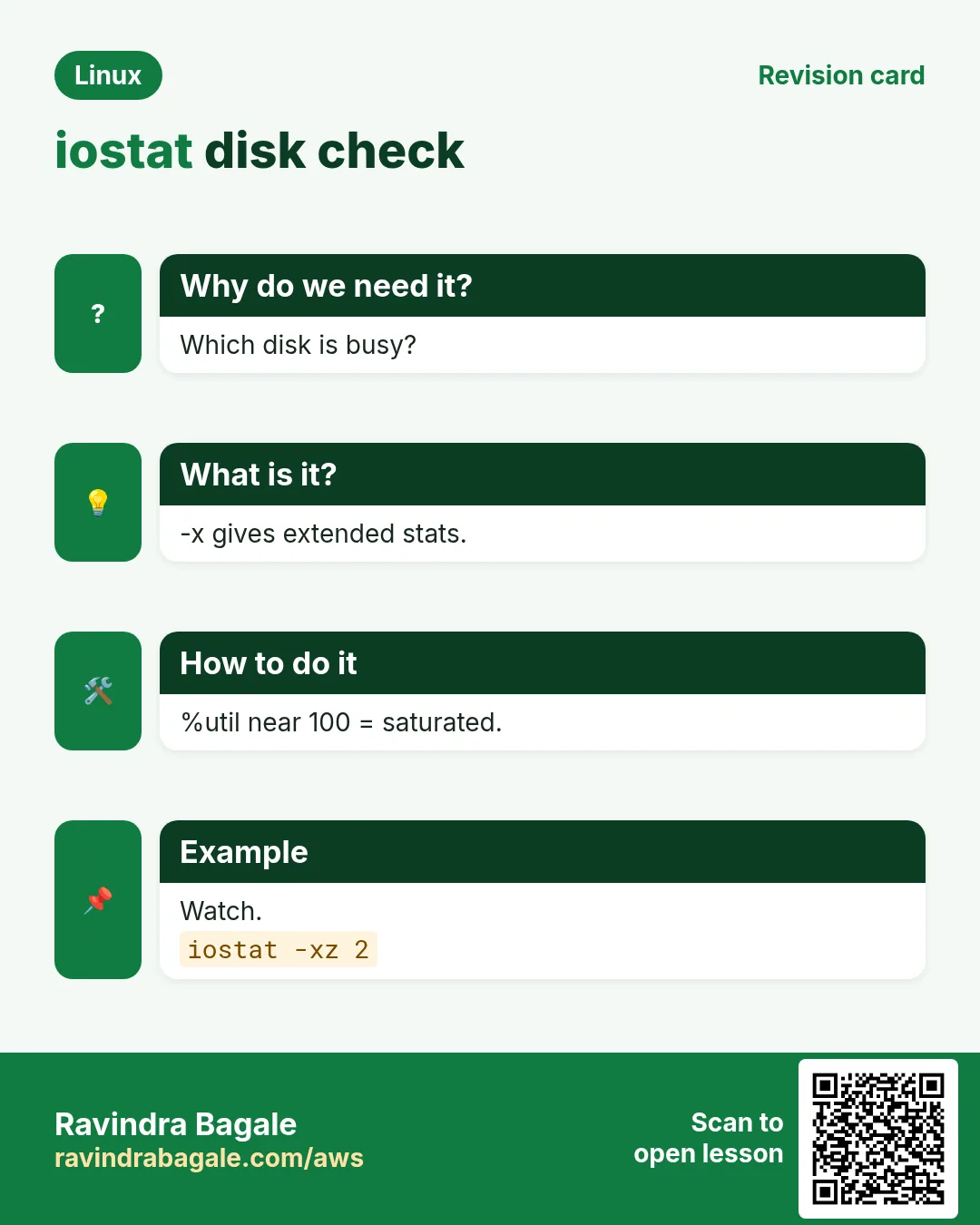
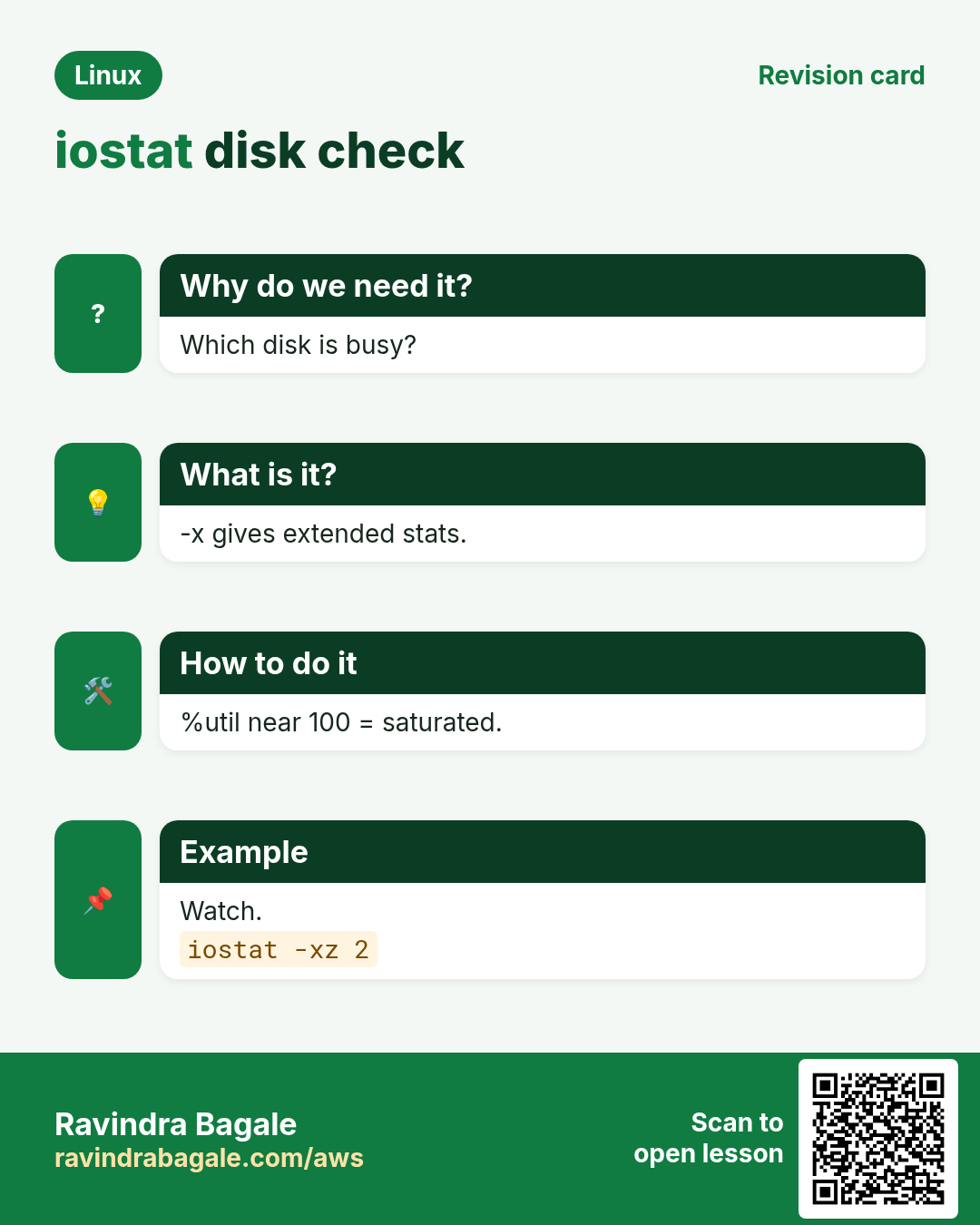
6. iostat: is the disk the problem?
Why do we need this?
High wa or b in vmstat points to disk; iostat tells you which disk and how bad.
What is it?
Install sysstat. iostat -xz 1 3: -x extended, -z hide idle disks. r/s w/s = operations, rkB/s wkB/s = throughput, r_await w_await = ms per request, aqu-sz = queue, %util = busy time. On SSD/EBS, high await matters more than %util. iotop shows which process does I/O.
How to do it (step by step)
- Extended.
iostat -xz 1 3Output:
Device r/s  w/s  rkB/s wkB/s r_await w_await aqu-sz %util
nvme1n1 20 2900  80   46000  0.4    38.0    110   99.8
What it means: Writes wait 38 ms.
- Which process?
sudo iotop -oPaOutput:
PID  USER  DISK WRITE COMMAND
1200 mysql 1.9 G     mysqld
What it means: MySQL writes.
- Per process.
pidstat -d 2 2Output:
Average: PID kB_rd/s kB_wr/s Command
Average: 1200 0 45000 mysqld
What it means: Confirms.
7. sar: what happened last night
Why do we need this?
The problem was at 3 AM; by morning everything looks fine. sar keeps history.
What is it?
Enable sysstat (systemctl enable --now sysstat); it saves every 10 minutes in /var/log/sa (RHEL) or /var/log/sysstat (Ubuntu). sar -u CPU, -r memory, -b I/O, -d disks, -n DEV network, -q load. -f FILE reads another day, -s/-e set a time window.
How to do it (step by step)
- Turn it on.
sudo systemctl enable --now sysstatOutput:
Created symlink ... sysstat.serviceWhat it means: History starts.
- CPU last night.
sar -u -s 02:00:00 -e 04:00:00Output:
02:50:01 all  12.1 3.0 41.2 ...
03:00:01 all  10.0 2.9 55.8 ...
What it means: High iowait at 3 AM.
- Another day.
sar -q -f /var/log/sa/sa24Output:
runq-sz plist-sz ldavg-1 ldavg-5
   14      420      12.4    9.8
What it means: Load on the 24th.
- Network.
sar -n DEV 1 3Output:
IFACE rxkB/s txkB/s
ens5  9200   88000
What it means: Big uploads.
8. lsof: who has which file open
Why do we need this?
'Too many open files', a busy mount or a port in use all need lsof.
What is it?
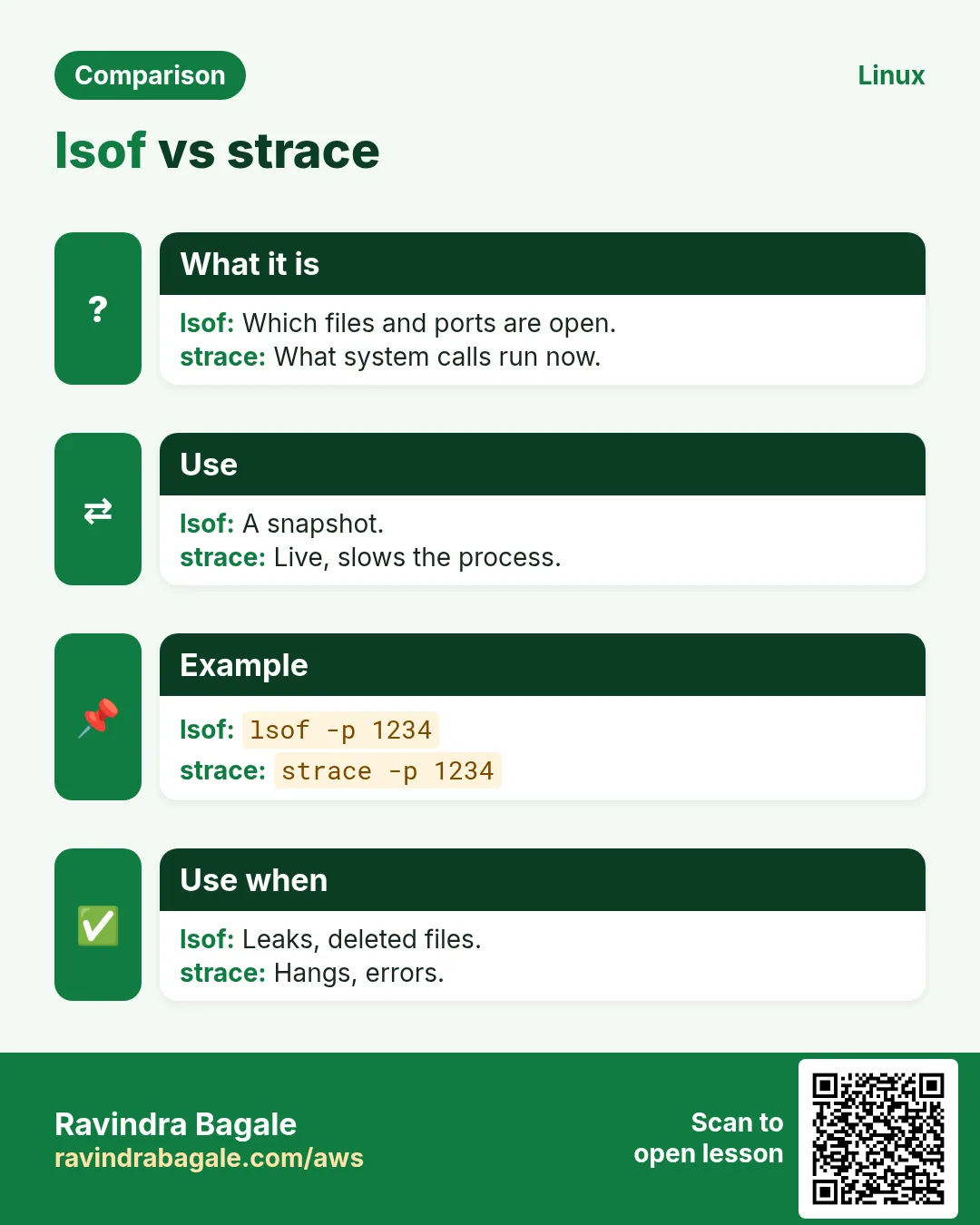
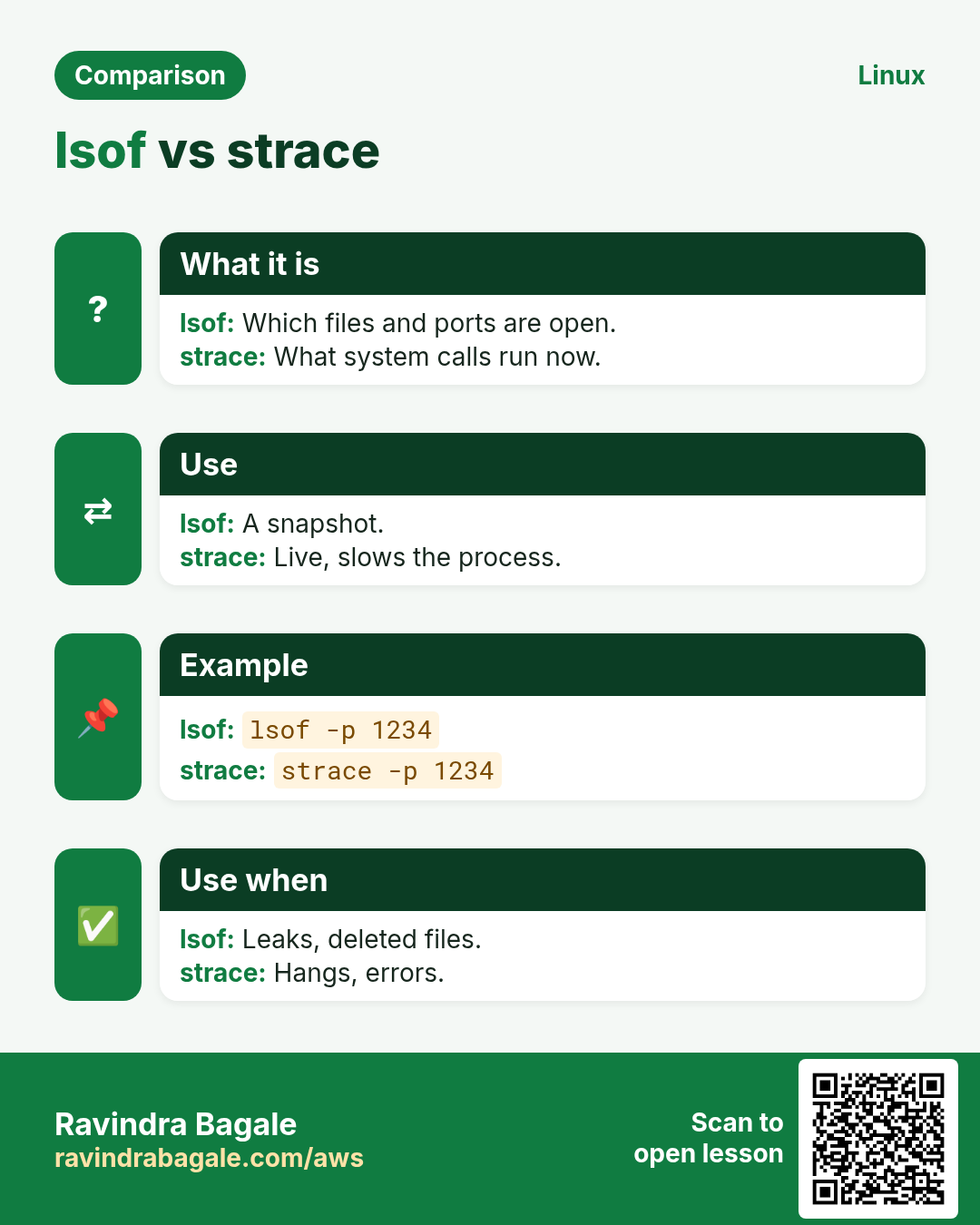
lsof -p PID lists files of a process. lsof -u USER per user. lsof -i :PORT who uses a port. lsof FILE who has a file open. Count with lsof -p PID | wc -l and compare with ulimit -n or /proc/PID/limits.
How to do it (step by step)
- Port owner.
sudo lsof -i :8080Output:
COMMAND PID USER FD TYPE NODE NAME
java   3011 app 112u IPv6 TCP *:8080 (LISTEN)
What it means: Java listens.
- Count files.
sudo lsof -p 3011 | wc -lOutput:
65480What it means: Near the limit?
- Check limit.
grep 'open files' /proc/3011/limitsOutput:
Max open files 65536 65536 filesWhat it means: Almost full: raise LimitNOFILE.
9. strace: what is the process doing?
Why do we need this?
A process is 'stuck' with no logs. strace shows the system calls it makes right now.
What is it?
strace -p PID attaches to a running process. -f follows threads/children. -e trace=network,file limits the calls. -c gives a summary count. -T shows time per call. It slows the process, so use briefly in production.
How to do it (step by step)
- Stuck on network.
sudo strace -p 4410Output:
connect(7, {sa_family=AF_INET, sin_port=htons(5432), sin_addr=inet_addr("10.0.3.9")}, 16What it means: Waiting for the DB.
- Missing file.
strace -e trace=openat ./report.sh 2>&1 | grep ENOENTOutput:
openat(AT_FDCWD, "/etc/report.conf", O_RDONLY) = -1 ENOENTWhat it means: Config missing.
- Summary.
sudo strace -c -f -p 3011Output:
% time  calls syscall
 71.2   9021 futex
 20.1   4410 epoll_wait
What it means: Mostly waiting on locks.
10. sysctl: tune the kernel
Why do we need this?
Some limits (connections, swappiness, file handles) live in the kernel and can be changed live.
What is it?
sysctl KEY reads, sysctl -w KEY=VAL sets until reboot. Persist in /etc/sysctl.d/99-app.conf and load with sysctl --system. Common: vm.swappiness, fs.file-max, net.core.somaxconn, net.ipv4.ip_local_port_range, net.ipv4.tcp_tw_reuse. Each key is a file under /proc/sys.
How to do it (step by step)
- Read.
sysctl vm.swappinessOutput:
vm.swappiness = 60What it means: Default.
- Set live.
sudo sysctl -w net.core.somaxconn=4096Output:
net.core.somaxconn = 4096What it means: Until reboot.
- Persist.
echo 'vm.swappiness=10' | sudo tee /etc/sysctl.d/99-db.conf && sudo sysctl --systemOutput:
* Applying /etc/sysctl.d/99-db.conf ...
vm.swappiness = 10
What it means: Survives reboot.
- Same as /proc.
cat /proc/sys/vm/swappinessOutput:
10What it means: Key = file.
11. ulimit and service limits
Why do we need this?
'Too many open files' is usually a per-process limit, not a kernel one.
What is it?
ulimit -n shows the open-file limit of your shell; ulimit -a shows all. For users, set in /etc/security/limits.conf. For systemd services, set LimitNOFILE= in a drop-in (systemctl edit), then restart. Check the live value in /proc/PID/limits.
How to do it (step by step)
- Shell limit.
ulimit -nOutput:
1024What it means: Low default.
- Service drop-in.
sudo systemctl edit shop-apiOutput:
[Service]
LimitNOFILE=200000
What it means: Then restart.
- Verify.
grep 'open files' /proc/$(pgrep -f shop-api | head -1)/limitsOutput:
Max open files 200000 200000 filesWhat it means: Applied.
12. A step-by-step slowness method (USE)
Why do we need this?
Without a method you jump between tools and miss the cause.
What is it?
USE = for each resource check Utilisation, Saturation, Errors. CPU: top us/sy, vmstat r. Memory: free available, si/so, OOM. Disk: iostat %util/await, aqu-sz. Network: sar -n DEV, ss -s, drops in ip -s link. Write down the time and numbers before changing anything.
How to do it (step by step)
- Errors in kernel log.
dmesg -T | tail -5Output:
[Sun Oct 25 21:41] nvme1n1: I/O error ...What it means: Hardware error.
- Network drops.
ip -s link show ens5 | grep -A1 RXOutput:
RX: bytes packets errors dropped
 9.1G 8120330 0 15422
What it means: Drops seen.
- Steal time.
mpstat 1 3 | tail -1Output:
Average: all 40.0 0 3.0 0 0 0 31.0 ...What it means: %steal 31: noisy host.
13. Real examples from many industries
Why do we need this?
The same Linux skill shows up in every kind of company. Seeing it in many places helps you remember it.
What is it?
Each row is a made-up team. It shows who uses this and how.
How to do it (step by step)
| Team and city | How they use it | Command |
|---|---|---|
| Rohit, food delivery, Pune | Finds CPU hog at lunch rush | top -b -n 1 |
| Grace, bank, London | sar history for audits | sar -u -f /var/log/sa/sa24 |
| Kenji, gaming, Osaka | Tunes somaxconn for game servers | sysctl -w net.core.somaxconn=4096 |
| Ayesha, hospital, Dubai | Fixes DB disk waits | iostat -xz 1 3 |
| Lucas, SaaS, São Paulo | Raises open-file limits | LimitNOFILE=200000 |
| Priya, ed-tech, Nagpur | strace a hung worker | strace -p PID |
14. Common errors and how to fix them
Why do we need this?
Everyone hits these errors. Knowing the cause saves hours.
What is it?
Read the exact message first. Then match it to a row below.
How to do it (step by step)
| Error you see | Why it happens | How to fix |
|---|---|---|
Too many open files | Process hit its nofile limit | Raise LimitNOFILE or ulimit.grep 'open files' /proc/PID/limits |
Out of memory: Killed process | RAM and swap exhausted | Find the memory user; add RAM or limits.journalctl -k | grep -i oom |
iostat: command not found | sysstat not installed | Install sysstat.sudo dnf install -y sysstat |
Cannot open /var/log/sa/sa25 | sysstat not collecting | Enable the service.sudo systemctl enable --now sysstat |
strace: attach: ptrace(PTRACE_SEIZE): Operation not permitted | Not root or ptrace blocked | Use sudo; check yama ptrace_scope.sysctl kernel.yama.ptrace_scope |
sysctl: cannot stat /proc/sys/net/...: No such file | Wrong key or module not loaded | Check spelling, load module.sysctl -a | grep somax |
Setting lost after reboot | Set with -w only | Put it in /etc/sysctl.d.sudo sysctl --system |
High load but low CPU | Tasks blocked on disk (D state) | Check iostat and D processes.ps -eo state,pid,cmd | grep '^D' |
%st high on cloud VM | Noisy neighbour or burst credits gone | Move to a bigger or non-burst type.mpstat 1 3 |
Connection drops under load: SYN backlog full | somaxconn/backlog too low | Raise somaxconn and app backlog.sysctl net.core.somaxconn |
15. Troubleshooting step by step
Why do we need this?
Go resource by resource; note numbers and the time.
What is it?
Go top to bottom. Stop at the first step that shows the problem.
How to do it (step by step)
- Load vs cores
uptime; nproc- CPU, memory, disk at once
vmstat 1 5- Memory
free -h- Disk
iostat -xz 1 3- Process
top -b -n 1 | head -15- History
sar -q- Kernel errors
dmesg -T | tail16. Lab 1: Create load and catch it
Why do we need this?
Make CPU and disk load, then find them with vmstat, top and iostat.
What is it?
A full hands-on lab. Run every step on a test Linux machine (an EC2 instance, a VM, or WSL).
How to do it (step by step)
- Install tools.
sudo dnf install -y sysstat stress-ngOutput:
Complete!- CPU load.
stress-ng --cpu 4 --timeout 60s &Output:
stress-ng: info: dispatching hogs: 4 cpu- Watch.
vmstat 1 5Output:
r 4-5, us ~100- Disk load.
stress-ng --hdd 2 --timeout 60s &Output:
dispatching hogs: 2 hdd- Find the disk.
iostat -xz 1 3Output:
%util high, w_await up17. Lab 2: strace and sysctl
Why do we need this?
Trace a waiting command and persist a kernel setting.
What is it?
A full hands-on lab. Run every step on a test Linux machine (an EC2 instance, a VM, or WSL).
How to do it (step by step)
- A command that waits.
sleep 300 &Output:
[1] 5120- Trace it.
sudo strace -p 5120Output:
clock_nanosleep(...)- Stop.
kill %1Output:
Terminated- Change swappiness live.
sudo sysctl -w vm.swappiness=20Output:
vm.swappiness = 20- Persist.
echo 'vm.swappiness=20' | sudo tee /etc/sysctl.d/90-lab.conf && sudo sysctl --systemOutput:
vm.swappiness = 20Ravindra Bagale's Tip
Always start with vmstat 1 5. In one screen it tells you whether the problem is CPU (r high), memory (si/so not zero), or disk (b and wa high), so you pick the right next tool instead of guessing.
Ravindra Bagale's Tip – मराठी
नेहमी vmstat 1 5 ने सुरुवात करा. एका screen मधे problem CPU (r जास्त), memory (si/so शून्य नाही), की disk (b आणि wa जास्त) ते सांगतो, म्हणून अंदाज न करता योग्य पुढचं tool निवडता.
Ravindra Bagale's Tip – हिंदी
हमेशा vmstat 1 5 से शुरू कीजिए. एक screen में बता देता है कि problem CPU (r ज़्यादा), memory (si/so शून्य नहीं), या disk (b और wa ज़्यादा) है, ताकि अंदाज़ा लगाए बिना सही अगला tool चुनें.
18. Frequently asked questions
Q. Is low free memory bad?
No. Look at available.
Q. What is a good load?
At or below the number of cores.
Q. What is iowait?
CPU idle while waiting for disk.
Q. Is strace safe in prod?
Briefly; it slows the process.
Q. Where is sar data?
/var/log/sa or /var/log/sysstat.
Q. sysctl vs ulimit?
sysctl is kernel-wide; ulimit is per process.
Q. Should I set swappiness 0?
Usually 10 for DBs; 0 can trigger OOM sooner.
Q. What is steal time?
CPU the hypervisor gave to others.
19. Interview questions and answers
Beginner level
Q. Show load average?
uptime.
Q. Show memory?
free -h.
Q. Live process view?
top.
Q. Install iostat?
sysstat package.
Mid level level
Q. Read vmstat r and b?
r waiting for CPU, b blocked on I/O.
Q. Find who uses port 8080?
lsof -i :8080 or ss -ltnp.
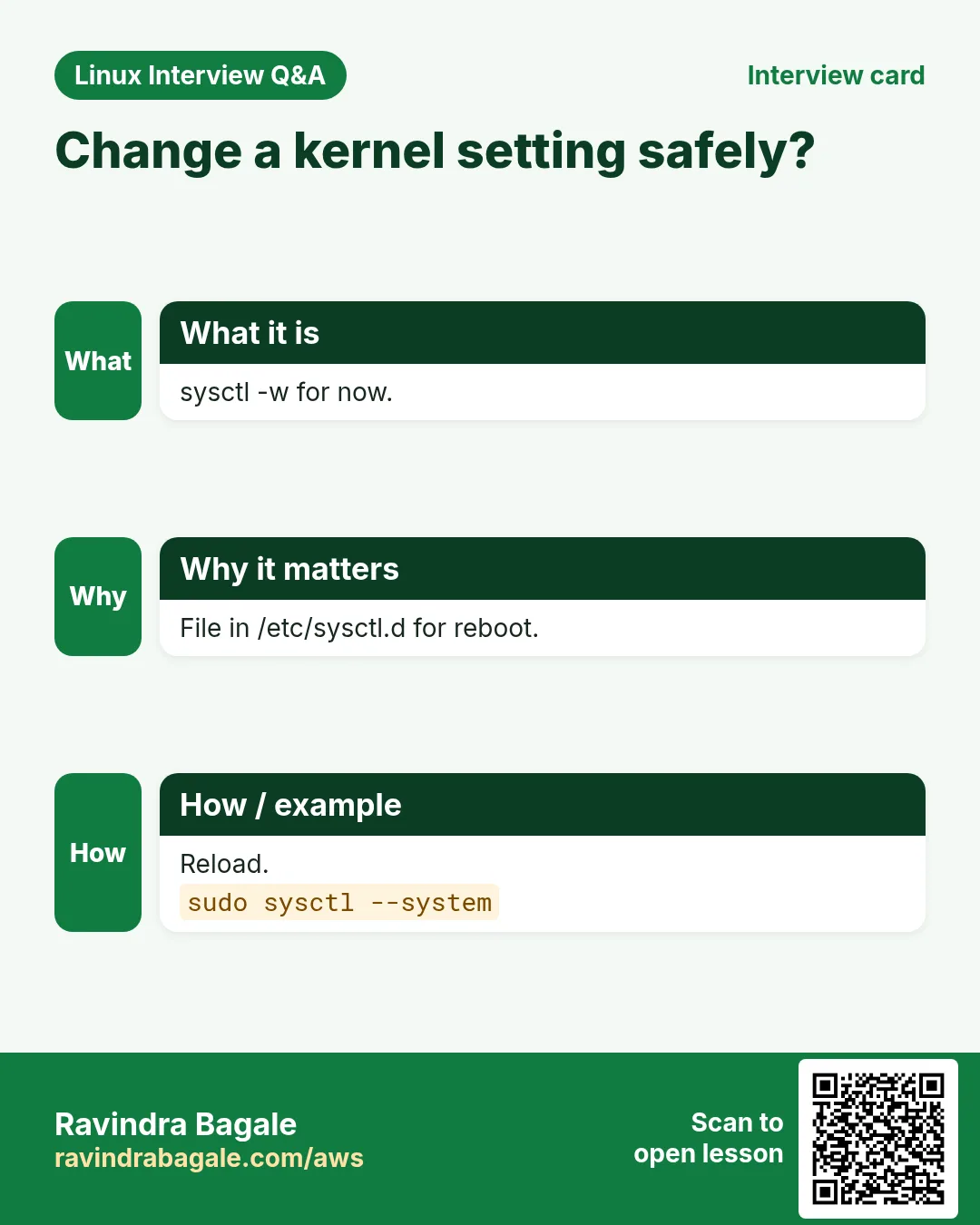
Q. Persist a sysctl?
File in /etc/sysctl.d then sysctl --system.
Q. Slow at 3 AM, how to check?
sar with -s and -e.
Senior level
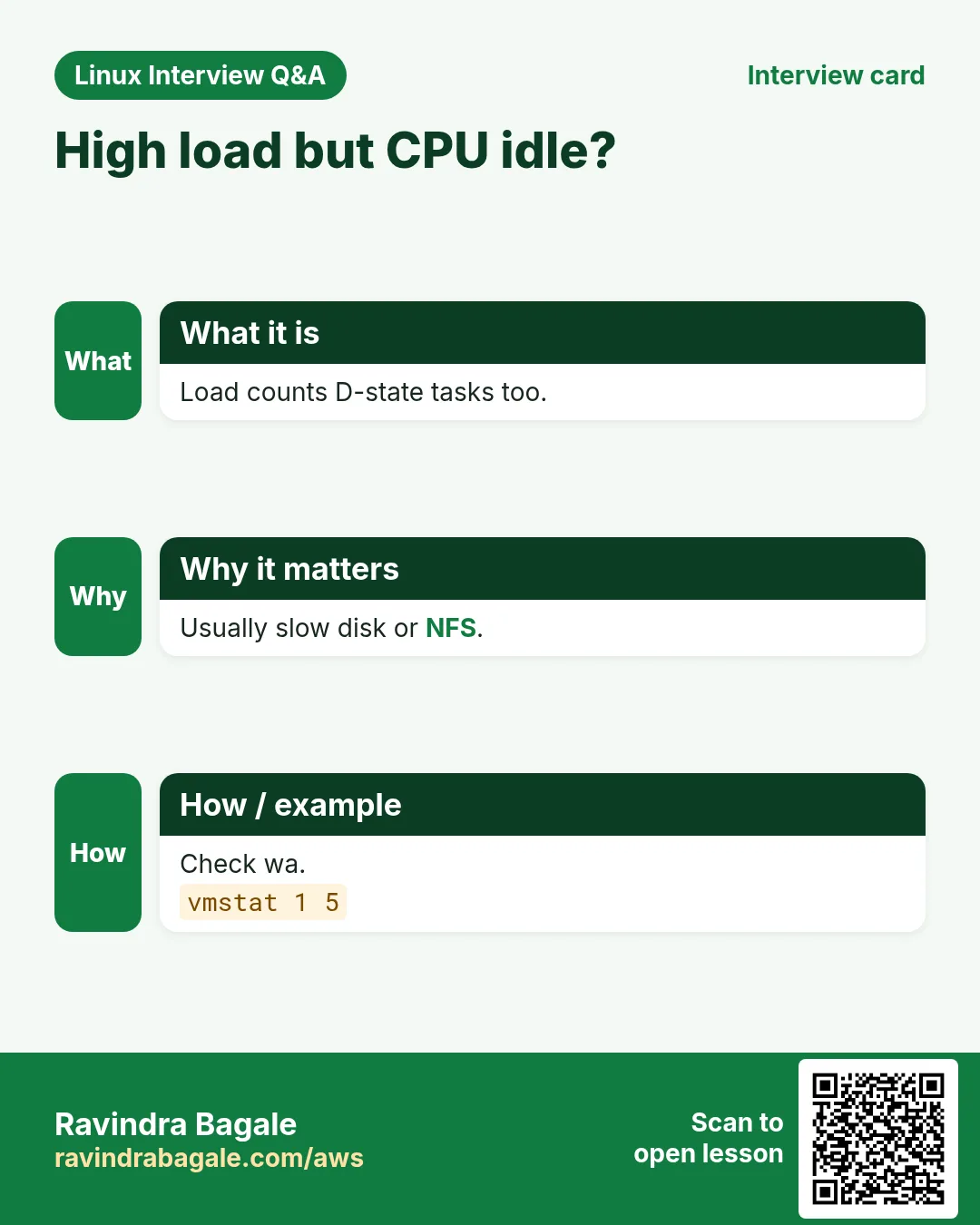
Q. High load, CPU idle: why?
D-state tasks on disk or NFS; check iostat and ps state.
Q. Explain the USE method.
Utilisation, Saturation, Errors per resource.
Q. App hangs, no logs: steps?
strace -p, lsof -p, /proc/PID/stack, check DB/network.
Q. Tune a busy web server kernel?
somaxconn, port range, tcp_tw_reuse, file-max; measure before and after.
Try at home
- Run uptime, vmstat 1 5, free -h and iostat -xz 1 3 on your machine and write one line about each.
- Enable sysstat today and tomorrow read yesterday's CPU with sar.
Practice Tasks
Maple Leaf Books is a bookselling business in Toronto. Emily Tremblay looks after its IT and cloud work. They count money in CAD and run their AWS resources in the ca-central-1 Region. In the tasks below you do real jobs for them using what this lesson teaches. All names, account IDs, IP addresses and numbers are made up for practice.
0 / 17
Easy Count cores
Why: Slow servers lose customers at BIZ.
What to do: Emily Tremblay at Maple Leaf Books wants to compare load with the number of CPUs.
- Find the Linux command that does this job.
- Add the options (like -r or -h) the task needs.
- Add the file names, folders or users in the right order.
- Use sudo if the job changes system files or users. Click Check answer.
Easy vmstat 2x4
Why: Slow servers lose customers at BIZ.
What to do: Run vmstat every 2 seconds, 4 times.
- Find the Linux command that does this job.
- Add the options (like -r or -h) the task needs.
- Add the file names, folders or users in the right order.
- Use sudo if the job changes system files or users. Click Check answer.
Easy Memory in GB
Why: Slow servers lose customers at BIZ.
What to do: Show memory in gigabytes.
- Find the Linux command that does this job.
- Add the options (like -r or -h) the task needs.
- Add the file names, folders or users in the right order.
- Use sudo if the job changes system files or users. Click Check answer.
Easy Memory history
Why: Slow servers lose customers at BIZ.
What to do: Show memory usage history with sar.
- Find the Linux command that does this job.
- Add the options (like -r or -h) the task needs.
- Add the file names, folders or users in the right order.
- Use sudo if the job changes system files or users. Click Check answer.
Easy Files of a user
Why: Slow servers lose customers at BIZ.
What to do: List open files of user postgres.
- Find the Linux command that does this job.
- Add the options (like -r or -h) the task needs.
- Add the file names, folders or users in the right order.
- Use sudo if the job changes system files or users. Click Check answer.
Easy Read file-max
Why: Slow servers lose customers at BIZ.
What to do: Read the kernel setting fs.file-max.
- Find the Linux command that does this job.
- Add the options (like -r or -h) the task needs.
- Add the file names, folders or users in the right order.
- Use sudo if the job changes system files or users. Click Check answer.
Easy All limits
Why: Slow servers lose customers at BIZ.
What to do: Show all hard shell resource limits.
- Find the Linux command that does this job.
- Add the options (like -r or -h) the task needs.
- Add the file names, folders or users in the right order.
- Use sudo if the job changes system files or users. Click Check answer.
Medium vmstat wide in MB
Why: Slow servers lose customers at BIZ.
What to do: Run vmstat in megabytes, every 3 seconds, 2 times.
- Find the Linux command that does this job.
- Add the options (like -r or -h) the task needs.
- Add the file names, folders or users in the right order.
- Use sudo if the job changes system files or users. Click Check answer.
Medium Memory with totals
Why: Slow servers lose customers at BIZ.
What to do: Show memory human-readable with a total line.
- Find the Linux command that does this job.
- Add the options (like -r or -h) the task needs.
- Add the file names, folders or users in the right order.
- Use sudo if the job changes system files or users. Click Check answer.
Medium One disk
Why: Slow servers lose customers at BIZ.
What to do: Show extended iostat for nvme1n1 only, every 2 seconds, 5 times.
- Find the Linux command that does this job.
- Add the options (like -r or -h) the task needs.
- Add the file names, folders or users in the right order.
- Use sudo if the job changes system files or users. Click Check answer.
Medium Disk history
Why: Slow servers lose customers at BIZ.
What to do: Show block device history with sar, 1 second, 2 times.
- Find the Linux command that does this job.
- Add the options (like -r or -h) the task needs.
- Add the file names, folders or users in the right order.
- Use sudo if the job changes system files or users. Click Check answer.
Medium Port 443 owner
Why: Slow servers lose customers at BIZ.
What to do: Find which process uses port 443.
- Find the Linux command that does this job.
- Add the options (like -r or -h) the task needs.
- Add the file names, folders or users in the right order.
- Use sudo if the job changes system files or users. Click Check answer.
Medium Trace file opens
Why: Slow servers lose customers at BIZ.
What to do: Trace only file-related calls of PID 2210.
- Find the Linux command that does this job.
- Add the options (like -r or -h) the task needs.
- Add the file names, folders or users in the right order.
- Use sudo if the job changes system files or users. Click Check answer.
Medium Set port range
Why: Slow servers lose customers at BIZ.
What to do: Set net.ipv4.tcp_tw_reuse to 1 live.
- Find the Linux command that does this job.
- Add the options (like -r or -h) the task needs.
- Add the file names, folders or users in the right order.
- Use sudo if the job changes system files or users. Click Check answer.
Hard Load from file
Why: Slow servers lose customers at BIZ.
What to do: Read queue/load history from /var/log/sa/sa20.
- Find the Linux command that does this job.
- Add the options (like -r or -h) the task needs.
- Add the file names, folders or users in the right order.
- Use sudo if the job changes system files or users. Click Check answer.
Hard Syscall summary
Why: Slow servers lose customers at BIZ.
What to do: Count syscalls of PID 2210 including threads.
- Find the Linux command that does this job.
- Add the options (like -r or -h) the task needs.
- Add the file names, folders or users in the right order.
- Use sudo if the job changes system files or users. Click Check answer.
Hard Load one file
Why: Slow servers lose customers at BIZ.
What to do: Load settings from /etc/sysctl.d/80-web.conf only.
- Find the Linux command that does this job.
- Add the options (like -r or -h) the task needs.
- Add the file names, folders or users in the right order.
- Use sudo if the job changes system files or users. Click Check answer.
20. Related chapters
- Linux Ops Refresh for DevOps
- Bash Scripting for Automation
- Linux grep and find Commands with Examples
- How to Set Up Passwordless SSH Between Linux Servers
In short
- Load vs cores tells if there is a queue.
- vmstat: r, b, si/so, wa in one view.
- free: watch available, not free.
- iostat -xz: await and %util per disk.
- sar keeps history; lsof and strace look inside a process.
- sysctl -w live, /etc/sysctl.d to persist.
Revision, comparison and interview cards
Revise this lesson in a few minutes. Save the cards on your phone or download them as PNG files. The QR code on each card opens this lesson.




More cards: Ravi Sir's Cards.