What Is Linux? History, Kernel and Basic File Commands
Two questions come up in almost every cloud interview: "What exactly is Linux?" and "Why do companies move to the cloud?" This chapter answers both properly. On the Linux side you place UNIX, GNU and the Linux kernel on one timeline, see why "Linux is a kernel" is the precise answer, compare the Linux and Windows layers, and then go deeper into files: the three timestamps that stat shows, what touch really changes, and the uses of cat and its mirror tac. On the cloud side you learn what cloud means, the difference between Capex and Opex, and work through the server math of a three-day sale. The chapter ends with the AWS and DevOps topics interviews ask about most.
What you'll learn in this class
- What an operating system does, in one picture
- The UNIX to Linux timeline, with the facts that are often told wrong
- Kernel vs operating system: GNU tools + Linux kernel = a distribution
- Why companies run Linux, and where Linux security really comes from
- Linux server and Windows desktop layers: kernel, shell and GUI
- Windows words and their Linux words
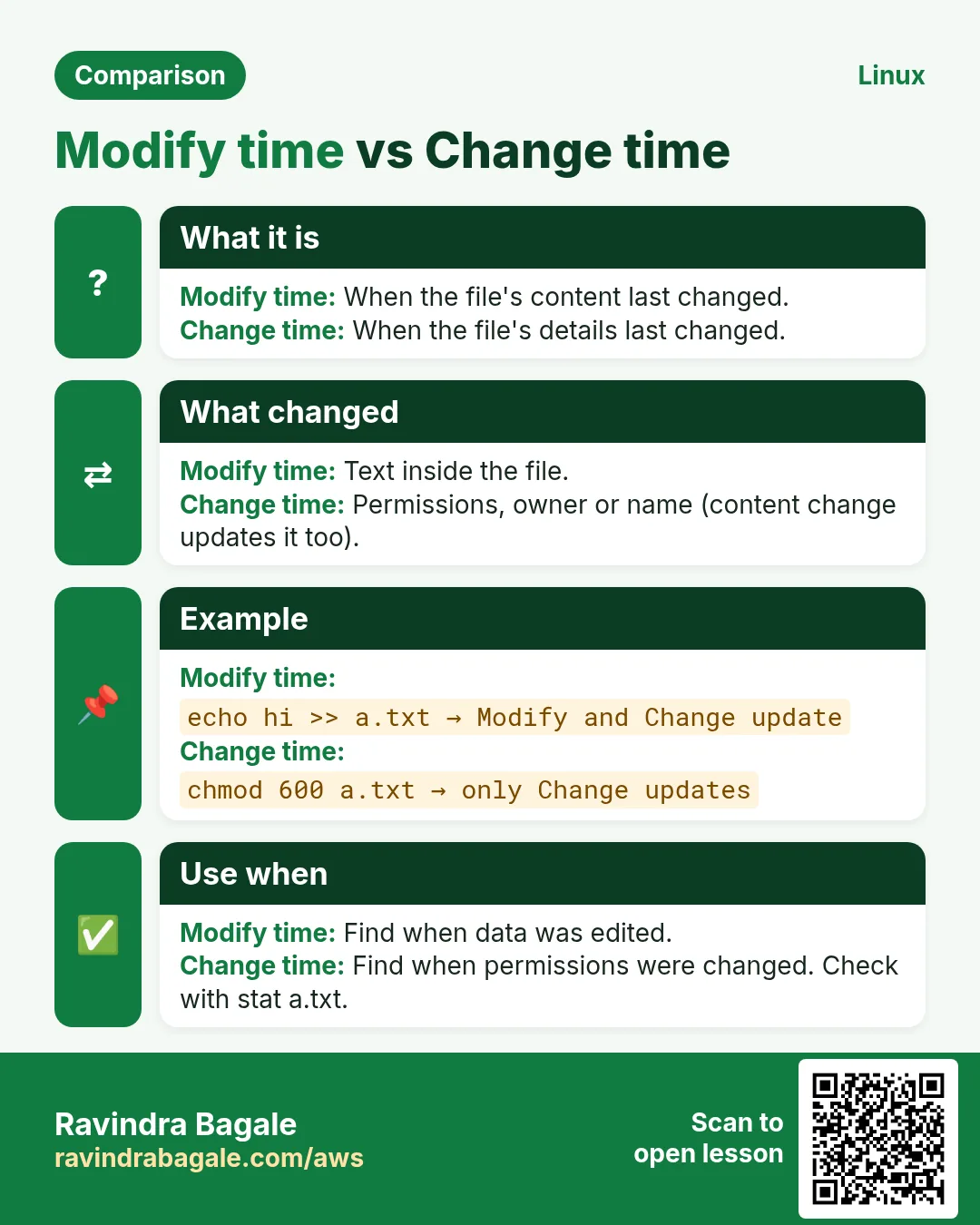
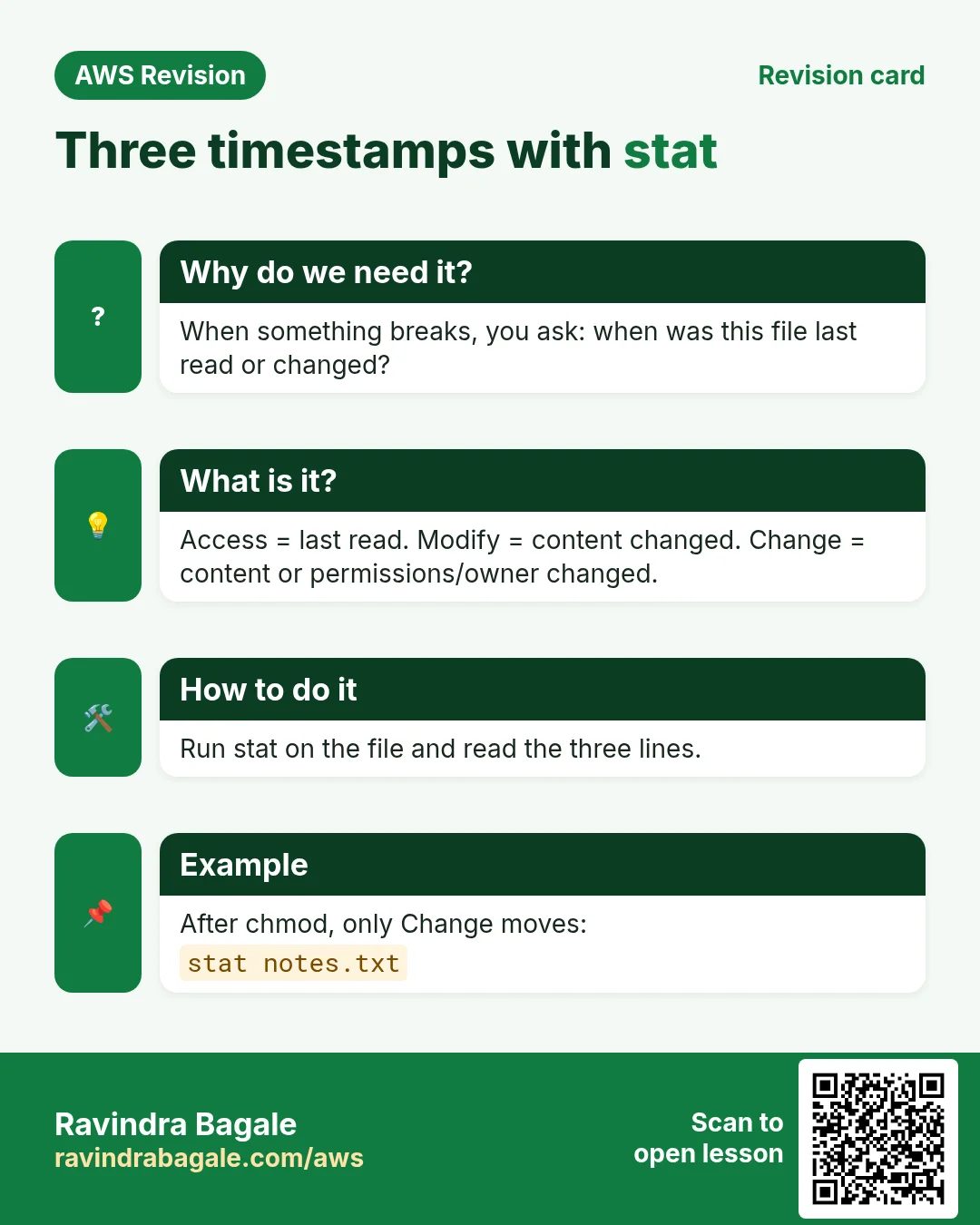
- The three timestamps (Access, Modify, Change) and reading them with
stat - What
touchchanges on an existing file, and why Change cannot be set catfor reading, creating, appending, joining and numbering, andtac- What cloud is, and Capex vs Opex
- The server math of a three-day sale, on-premises vs cloud
- Cloud providers, and which AWS and DevOps topics interviews ask about most
1. What an operating system does
Why: Every command you type asks the OS to do something on the hardware for you. Knowing that layer explains why Linux matters for every server job.
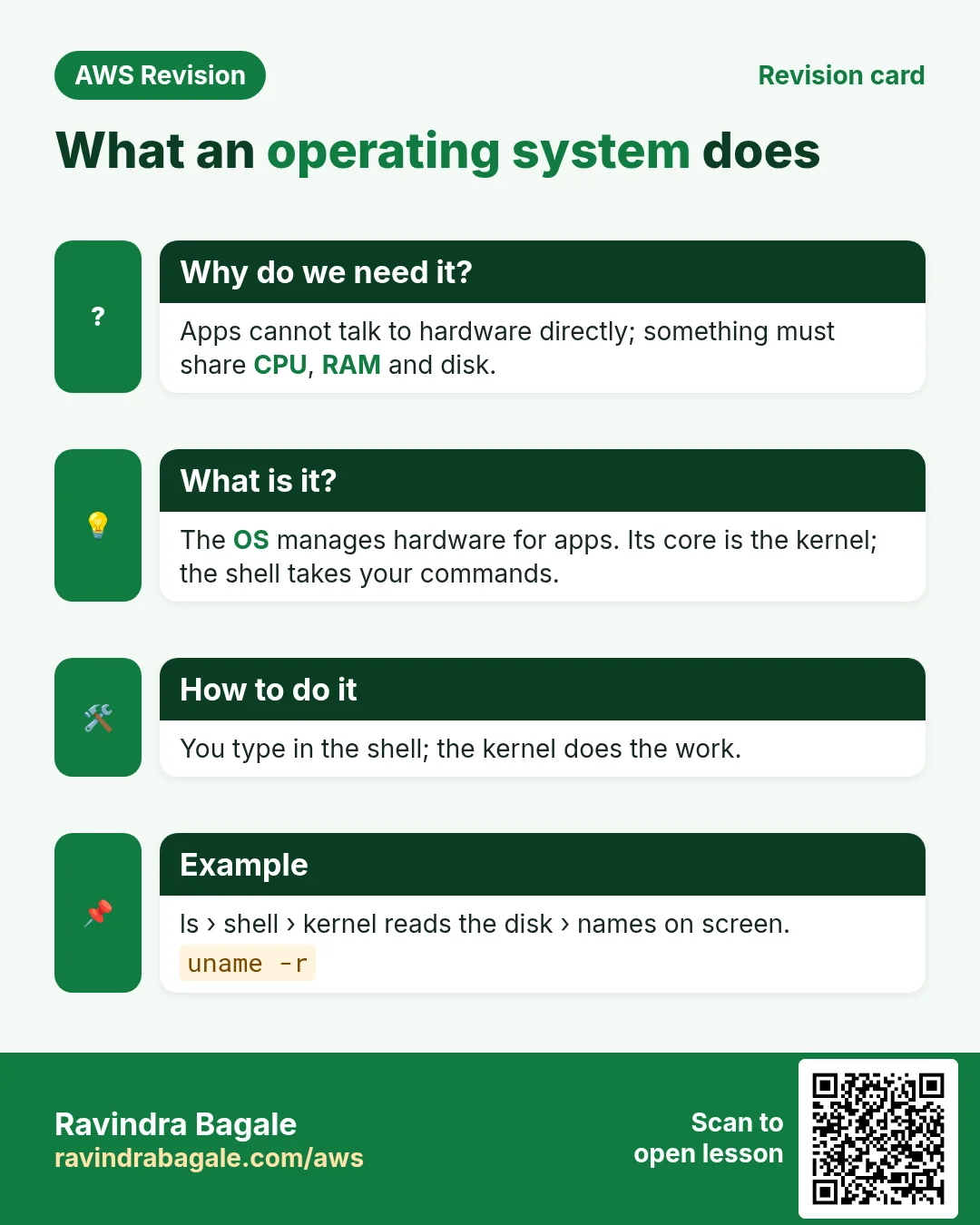
What: an operating system (OS) is the system software between you, your apps and the hardware (CPU, RAM, disk, network).
- You open an app, for example a word processor.
- The OS finds the program on the disk, gives it RAM and CPU time, and starts it.
- When the app saves a file, it asks the OS, and the OS writes to the disk.
- Common operating systems: Windows, Linux, macOS, Android and iOS.
Classroom line
Don't copy a ChatGPT definition; Linux is an OS.
Class मधलं वाक्य
Linux काय आहे विचारलं तर ChatGPT ची definition नाही मारायची, ती operating system आहे.
Classroom line – हिंदी
"Linux kya hai bolta ja ke ChatGPT me definition nahi marna hai, operating system hai."
The everyday file and folder work an OS does, and its Linux commands, is in What Is Amazon EC2 and How Does It Work: what Linux is.
2. From UNIX to Linux: the timeline
Why: interviewers like history questions, and several popular versions of the story are wrong. Learn the order once, with the right facts.
Classroom line
How was Linux born?
Class मधलं वाक्य
Linux कसा जन्माला आला?
Classroom line – हिंदी
"Linux kaisa paida hua? Matlab kaisa born hua."
Figure 1. 1969 UNIX at Bell Labs, 1970s university licences and commercial UNIX, 1983 GNU, 1987 MINIX, 1991 the Linux kernel, 1992 the GPL and the first distributions, 2001 Mac OS X on Darwin, and today's distributions.
The facts that matter:
- 1969: Ken Thompson and Dennis Ritchie built UNIX at AT&T Bell Labs. Ritchie also created the C language, and UNIX was rewritten in C, which made it easy to move to new machines.
- 1970s: UNIX was licensed, cheaply to universities, not given away as open source. Companies built their own commercial versions: IBM AIX, Sun Solaris and HP-UX.
- 1983: Richard Stallman started the GNU project for a free UNIX-like system. By 1991 it had a shell, a compiler and the basic tools, but no finished kernel.
- 1987: Andrew Tanenbaum, a professor in Amsterdam, published MINIX, a small teaching OS that came with his textbook. Linus Torvalds studied it from the book; Tanenbaum was not his teacher.
- 1991: Torvalds, a student at the University of Helsinki, wrote a new kernel from scratch. Linux is UNIX-like: it behaves like UNIX but contains no UNIX code.
- 2001: Mac OS X arrived, built on Darwin (BSD and NeXTSTEP). Today's macOS is certified UNIX; it did not grow out of Linux.
Classroom line
Dennis Ritchie, the father of C.
Class मधलं वाक्य
Dennis Ritchie, ज्याच्याबद्दल C programming मध्ये ऐकलंय, त्याचा जनक.
Classroom line – हिंदी
"Dennis Ritchie, jo C programming sune ho, uska pitamaha."
The story of the name "Linux", the GPL licence and who makes each distribution is in What Is Amazon EC2 and How Does It Work: distributions and how Linux was born. One update to remember: CentOS Linux has ended; CentOS Stream, Rocky Linux and AlmaLinux continue.
3. Kernel vs operating system: GNU + Linux
Why: "Linux is an operating system" is fine in daily talk. The precise interview answer is: Linux is a kernel.
What:
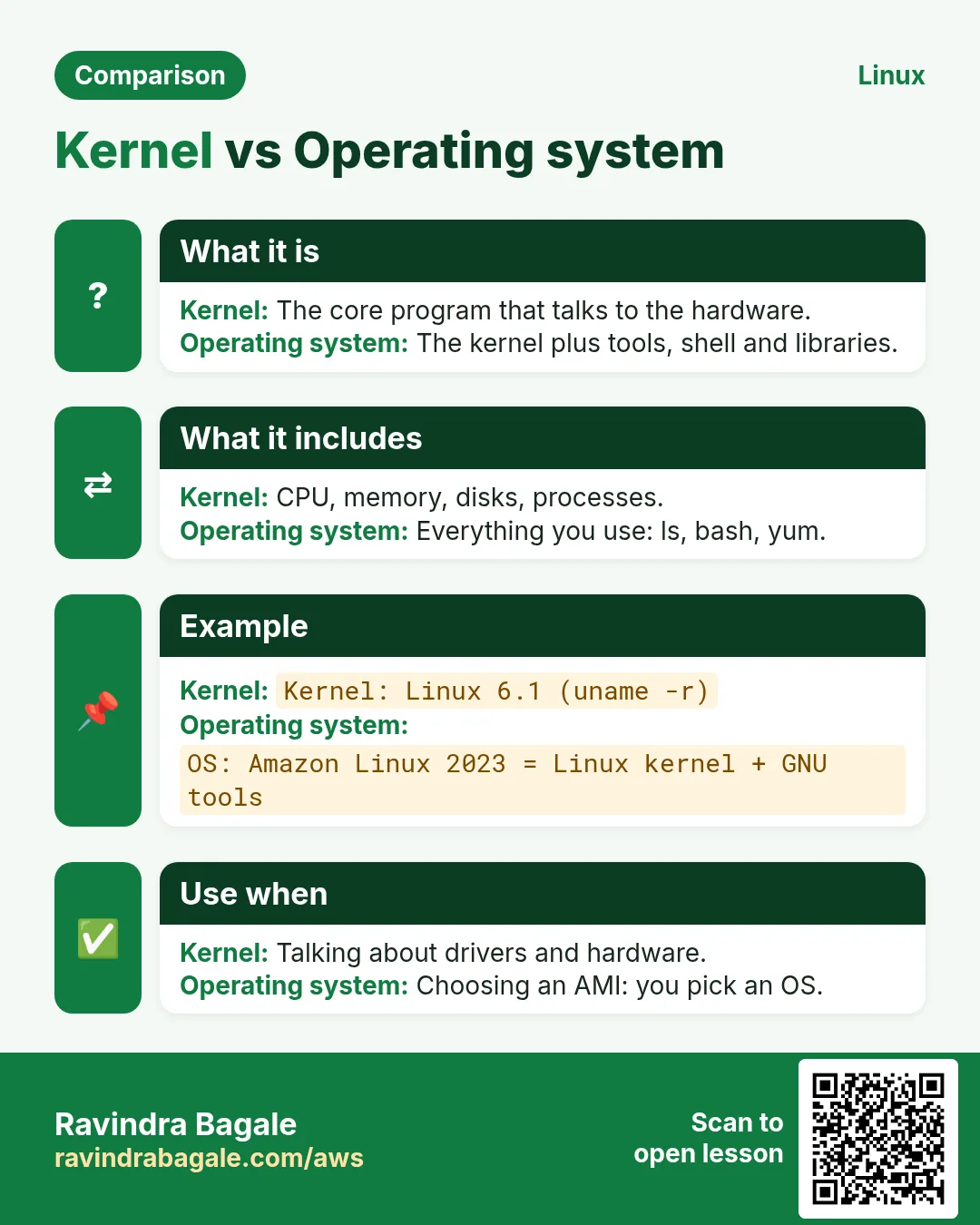
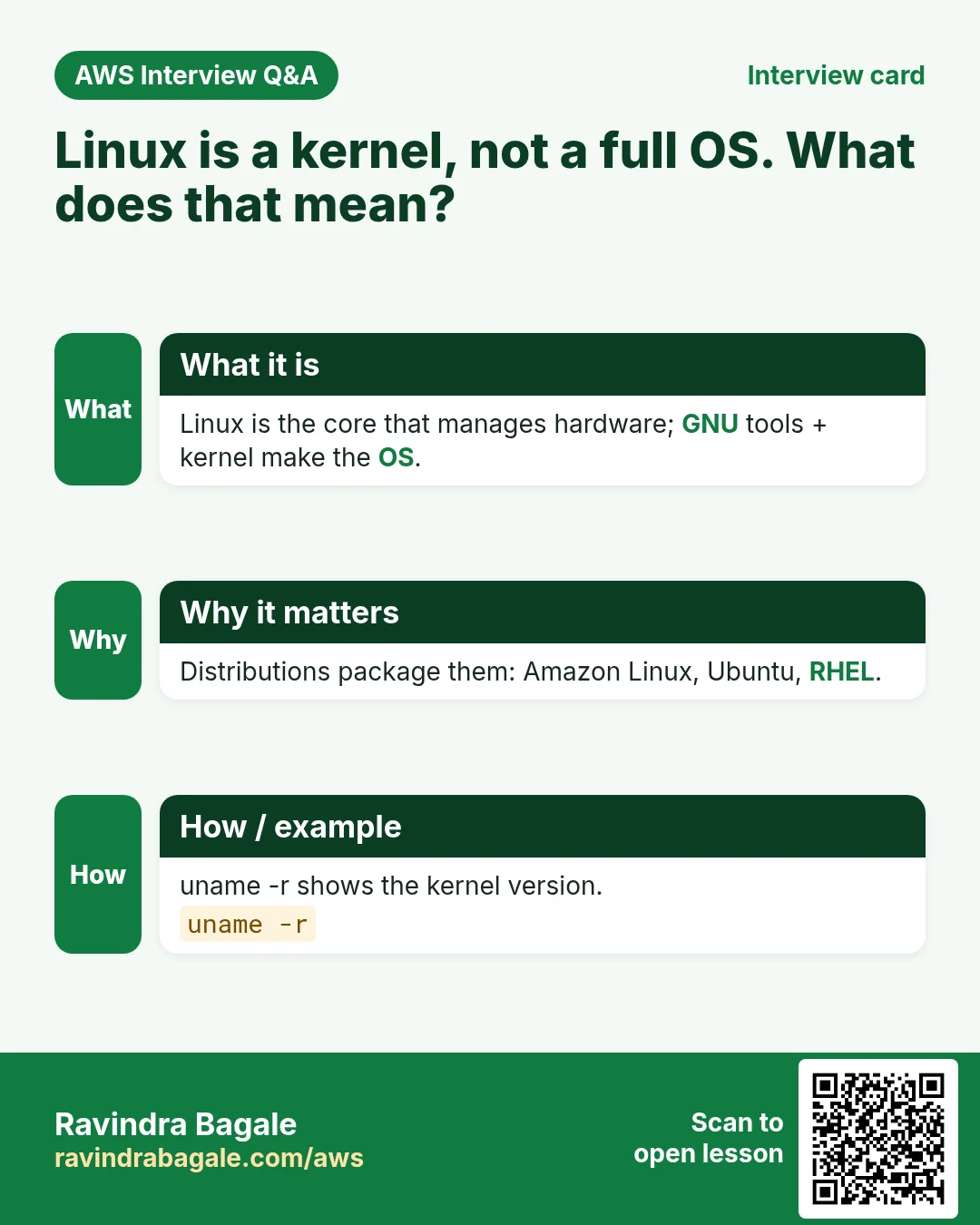
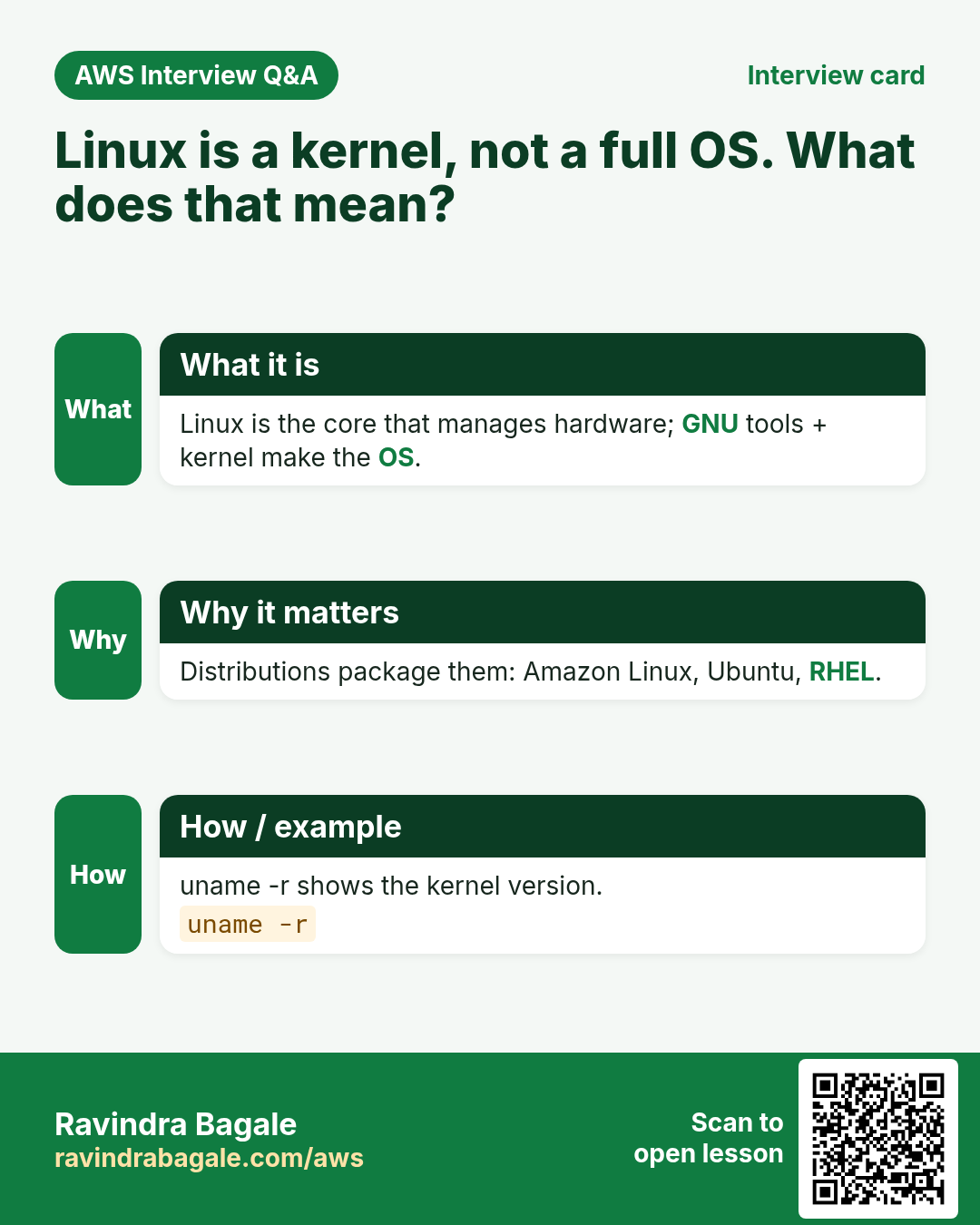
- The kernel is one part of the OS: the core that manages memory, processes, files, drivers and the network, and talks to the hardware.
- The commands you type every day, such as
ls,cp,cat,touch,statandtac, and thebashshell, come mostly from GNU. - GNU tools + the Linux kernel + an installer and a package manager = a distribution: Ubuntu, Debian, RHEL, Fedora, Amazon Linux, Kali.
- That is why the full system is sometimes called GNU/Linux.
- Business model: the code is free. Companies such as Red Hat earn from subscriptions: support, updates and certification. Canonical does the same for Ubuntu.
Classroom line
The kernel is one part of the OS.
Class मधलं वाक्य
Kernel म्हणजे काय? तो Operating System चा फक्त एक भाग आहे.
Classroom line – हिंदी
"Kernel kya hai? It is just a component of Operating System."
Figure 2. GNU tools (bash, gcc, coreutils) + the Linux kernel + extras (installer, package manager, defaults) = a distribution such as Ubuntu, RHEL or Amazon Linux.
What the kernel does step by step when you type a command is shown in What Is Amazon EC2 and How Does It Work: the kernel.
4. Why companies run Linux
Why: Choosing an OS for servers is a business decision. These reasons are why almost every cloud server you will touch runs Linux.
What: most servers in the cloud run Linux, for these reasons:
- Free: no licence fee per server. With hundreds of servers, that saves a lot, and there is no risk of using unlicensed copies.
- Open source: anyone can read and change the code, so bugs are found and fixed by many people, and companies can tune it.
- Secure by design: every file has an owner and permissions, normal users cannot change system files, and admin work needs
sudo. A harmful program run by a normal user can damage that user's files, but not the system. Linux still needs updates and care; it is not immune. - Lightweight: servers run without a desktop, so they need less RAM and CPU. On EC2, Amazon Linux and Ubuntu start with an 8 GiB root volume by default, Windows Server with 30 GiB.
- Multi-user and multitasking: many users can log in, and many programs run at the same time.
- Choice: many distributions for different needs, from Amazon Linux on EC2 to Kali for security testing.
- Automation: everything can be done with commands, so it can be scripted and repeated on a thousand servers.
Classroom line
When you pick an AMI, how much disk do Ubuntu/Linux get by default?
Class मधलं वाक्य
तुम्ही AMI select करता तेव्हा, by default Ubuntu आणि Linux ला volume किती देतात?
Classroom line – हिंदी
"Aap jab AMI select karte hain, by default Ubuntu aur Linux mein aapko volume kitna dete hai?"
5. Linux server and Windows desktop: the layers
Why: Seeing the layers side by side shows what a server leaves out (no desktop) and why it needs fewer resources than your laptop.
What:
- Linux server: hardware, then the kernel, then the shell, then you. You type a command in the terminal; the shell reads it and asks the kernel; the kernel drives the hardware.
- Windows desktop: hardware, then the Windows NT kernel, then system services and the shell, then a built-in GUI, then you. Your clicks pass through the GUI first.
- Both have a kernel. The difference is that Windows has its GUI built in, while a Linux server usually has no GUI at all. Windows also has command lines (Command Prompt and PowerShell).
- A shell is the program that takes your commands, usually
bashon Linux. Shell scripting means saving commands in a file and running them together.
Classroom line
Shell scripting is a way to talk to the terminal.
Class मधलं वाक्य
Shell scripting, आपल्या terminal शी बोलण्याचा एक मार्ग.
Classroom line – हिंदी
"Shell scripting, hamare terminal ke sath baat karne ka ek tarika."
Figure 3. A Linux server has hardware, kernel, shell and user; a Windows desktop adds a built-in GUI between the shell and the user. Both have a kernel.
6. Windows words and Linux words
Why: Interviewers and teammates use the Linux words. Saying "directory" and "root" correctly marks you as someone who has worked on servers.
Use the Linux words at work and in interviews:
| On Windows | On Linux |
|---|---|
| Folder | Directory |
C:\ |
/ (the root directory) |
| Administrator | root (or a user with sudo) |
| Software, program | Package |
| Installing from a setup file | sudo yum install name (a package manager) |
| Command Prompt, PowerShell | Terminal, shell (bash) |
| Task Manager | top, ps |
Classroom line
To sound technical, use technical words.
Class मधलं वाक्य
Technical वाटायचं असेल तर technical शब्द वापरा.
Classroom line – हिंदी
"Technical sound karna hai toh technical word use karo."
7. Five ways to create a file
Why: Each way suits a different job: an empty placeholder, a quick note, a long edit. Picking the right one saves time every day.
touch notes.txt
cat > notes.txt
echo "first line" > notes.txt
nano notes.txt
vi notes.txt
touchmakes an empty file, or several at once:touch a.txt b.txt c.txt.cat >takes what you type until Ctrl+D on an empty line.echo "text" > filewrites one line;>>adds it at the end instead.nanoandviare editors for writing and changing text.
The basics of each, and the > trap, are in Linux files: touch, cat, nano and vi. The rest of this chapter covers what that chapter does not: timestamps, touch on an existing file, and more uses of cat.
8. The three timestamps, and stat
Why: when something breaks on a server, the first questions are "which file changed, and when?" The timestamps answer them.
What: every file has metadata, data about the file: size, owner, permissions and times. stat shows all of it.
- Access (atime): when the content was last read.
- Modify (mtime): when the content was last changed.
- Change (ctime): when the content or the metadata was last changed: permissions, owner, name, size.
- Birth: when the file was created, if the filesystem records it. Some systems show
-here.
Classroom line
Metadata means data about data.
Class मधलं वाक्य
Metadata म्हणजे काय? Data बद्दलचा data.
Classroom line – हिंदी
"Metadata matlab kya? Data of data."
Figure 4. Access changes on a read, Modify when the content changes, Change when the content or metadata changes, Birth when the file is created. stat shows them all.
How:
touch notes.txt
stat notes.txt
The top lines show the size, inode, permissions and owner. The last four lines are the times:
Access: 2025-03-01 10:00:00.000000000 +0000
Modify: 2025-03-01 10:00:00.000000000 +0000
Change: 2025-03-01 10:00:00.000000000 +0000
 Birth: 2025-03-01 10:00:00.000000000 +0000
A new empty file has all four equal. ls -l shows only Modify; ls -lu shows Access and ls -lc shows Change.
One detail: Linux normally mounts disks with relatime. A read then updates Access only if Access is older than Modify or Change, or more than a day old. So reading a file twice in a row moves Access only once.
9. What touch does to an existing file
Why: touch on an existing file is used on purpose, for example to mark a file as just changed so a backup or build tool picks it up.
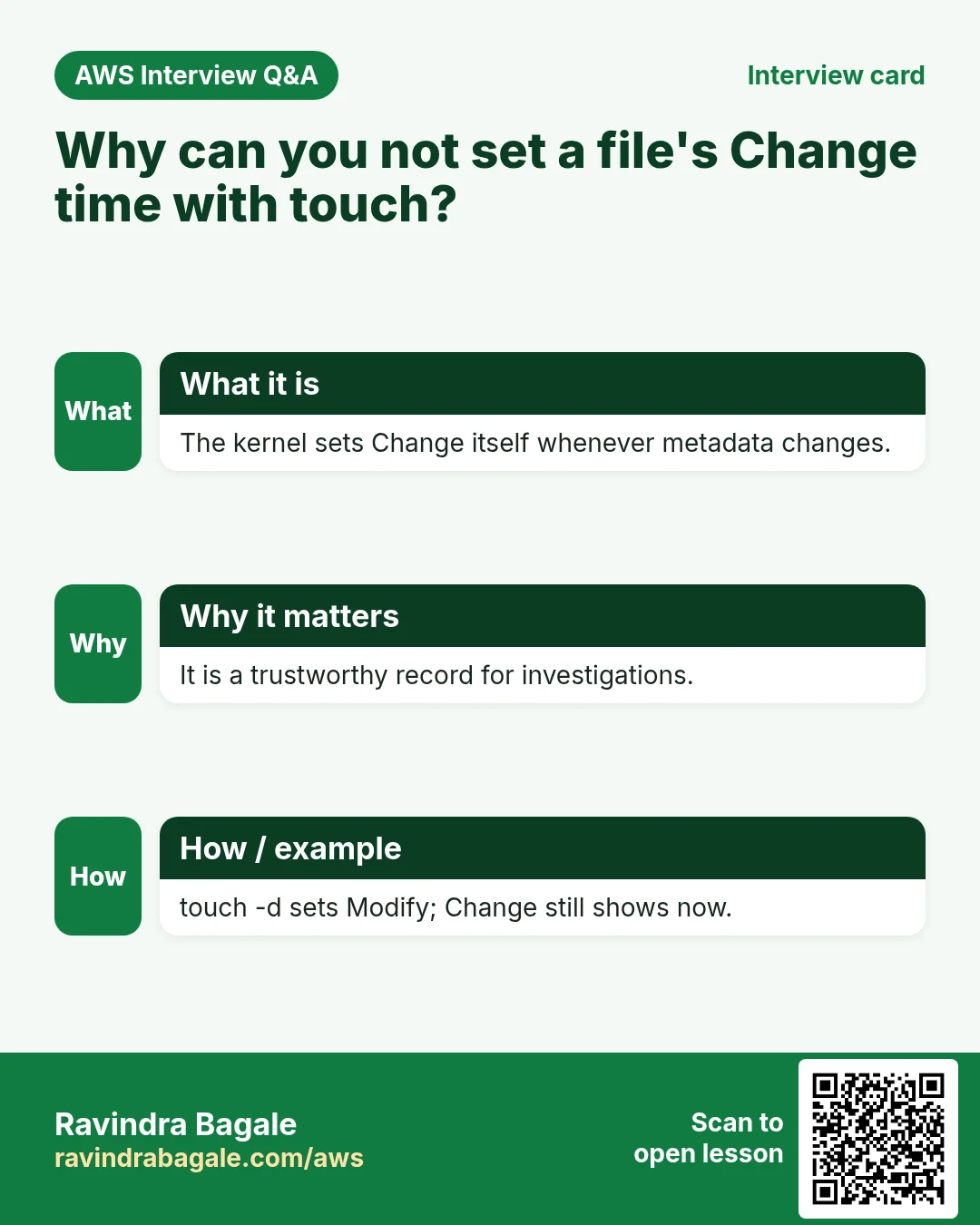
What: on a file that already exists, touch changes no content. It sets Access and Modify to now. You cannot set Change: the kernel updates it by itself whenever the file's metadata changes, and setting the other two times is such a change.
Worked example: each line runs a few minutes after the one before:
touch a.txt
echo hi > a.txt
cat a.txt
chmod 600 a.txt
touch a.txt
touch -d '2025-01-01 09:00' a.txt
touch a.txtat 10:00: a new empty file; Access, Modify and Change are all 10:00.echo hi > a.txtat 10:05: new content, so Modify and Change become 10:05; Access stays 10:00.cat a.txtat 10:10: a read, so only Access becomes 10:10.chmod 600 a.txtat 10:15: metadata only, so only Change becomes 10:15.touch a.txtat 10:20: Access and Modify become 10:20, and Change follows to 10:20.touch -d '2025-01-01 09:00' a.txtat 10:25: Access and Modify now show that old date, but Change shows the real time, 10:25.
Figure 5. Animation: touch, echo, cat, chmod, touch again and touch -d, and which of Access, Modify and Change each one moves. Only Change always shows the real time.
Run stat a.txt after each step to see it yourself. touch -a changes only Access, touch -m only Modify, and Change follows both. This is also why Change is useful in an investigation: someone can fake Access and Modify with touch -d, but not Change.
10. cat and tac
Why: cat joins and reads files in one step, and tac reads a log from the newest line first, which is where the latest error is.
What: cat (short for concatenate) has more uses than reading:
- Read:
cat n.txtprints the file. - Create:
cat > n.txt, type lines, then Ctrl+D on an empty line. - Append:
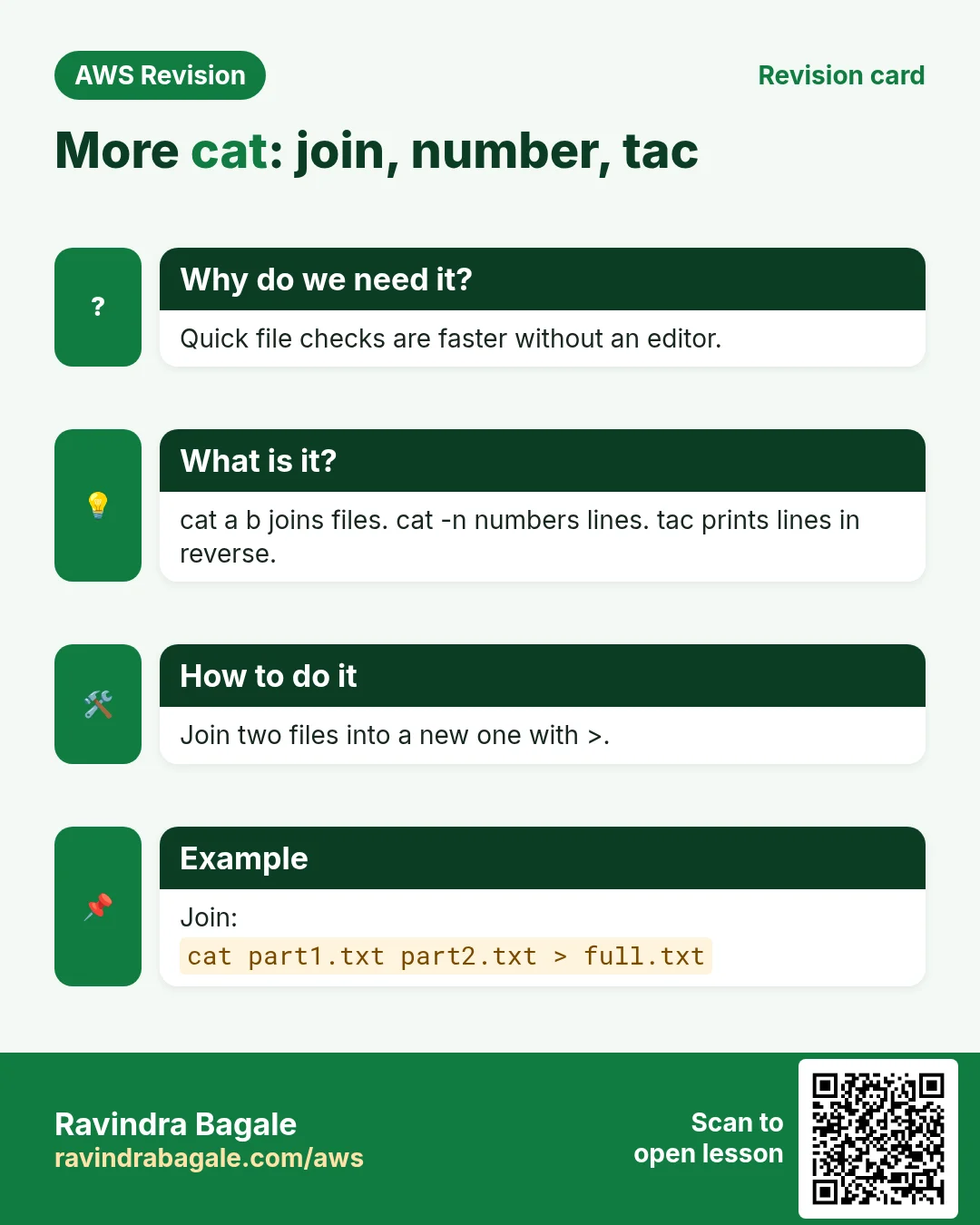
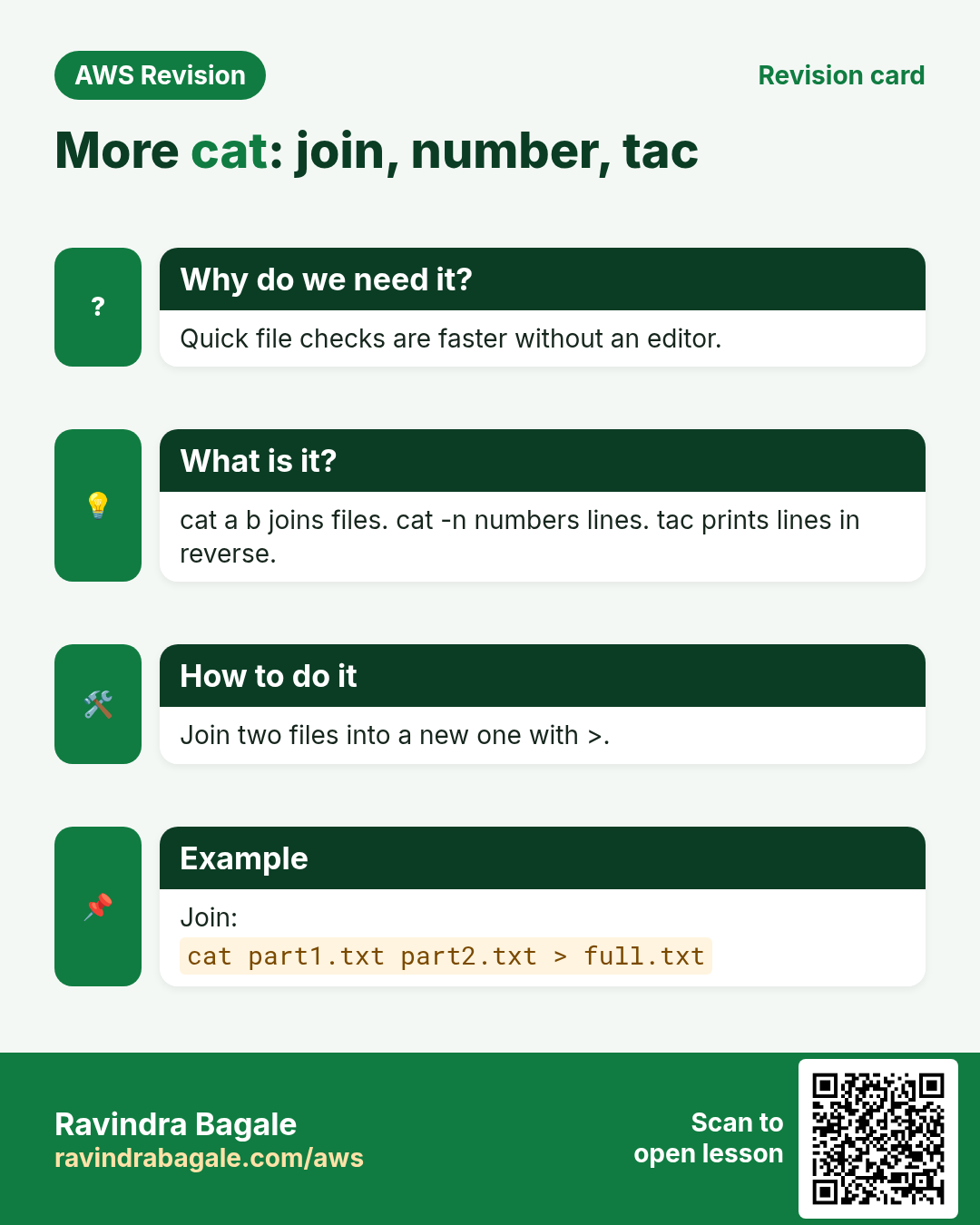
cat >> n.txtadds lines at the end. - Concatenate (join):
cat a.txt n.txt > all.txtwrites the lines ofa.txt, then those ofn.txt, intoall.txt. This is where the name comes from. - Number the lines:
cat -n n.txt. - Reverse:
tac n.txtprints the lines from the last to the first. The name iscatspelled backwards.
Worked example:
printf 'one\ntwo\nthree\n' > n.txt
cat n.txt
tac n.txt
echo four >> n.txt
tac n.txt
cat n.txtprintsone,two,three.tac n.txtprintsthree,two,one.- After
echo four >> n.txt,tacstarts withfour. tacis handy for logs, where the newest lines are at the bottom.
Classroom line
Interviewers ask how to view content in reverse order.
Class मधलं वाक्य
Interview वाले विचारतात, content reverse order मध्ये कसा check करू शकतो?
Classroom line – हिंदी
"Interview wale puchte hai, content reverse order me kaise check kar sakte hai?"
Figure 6. cat reads, creates with Ctrl+D, appends with >>, joins files into one and numbers lines with -n; tac prints the lines in reverse. To change a line in the middle, use nano or vi.
cat cannot change a line in the middle of a file; use nano or vi for that.
11. What cloud is
Why: Everything in this course runs on someone else's servers. Knowing what "cloud" means is the base for every AWS service that follows.
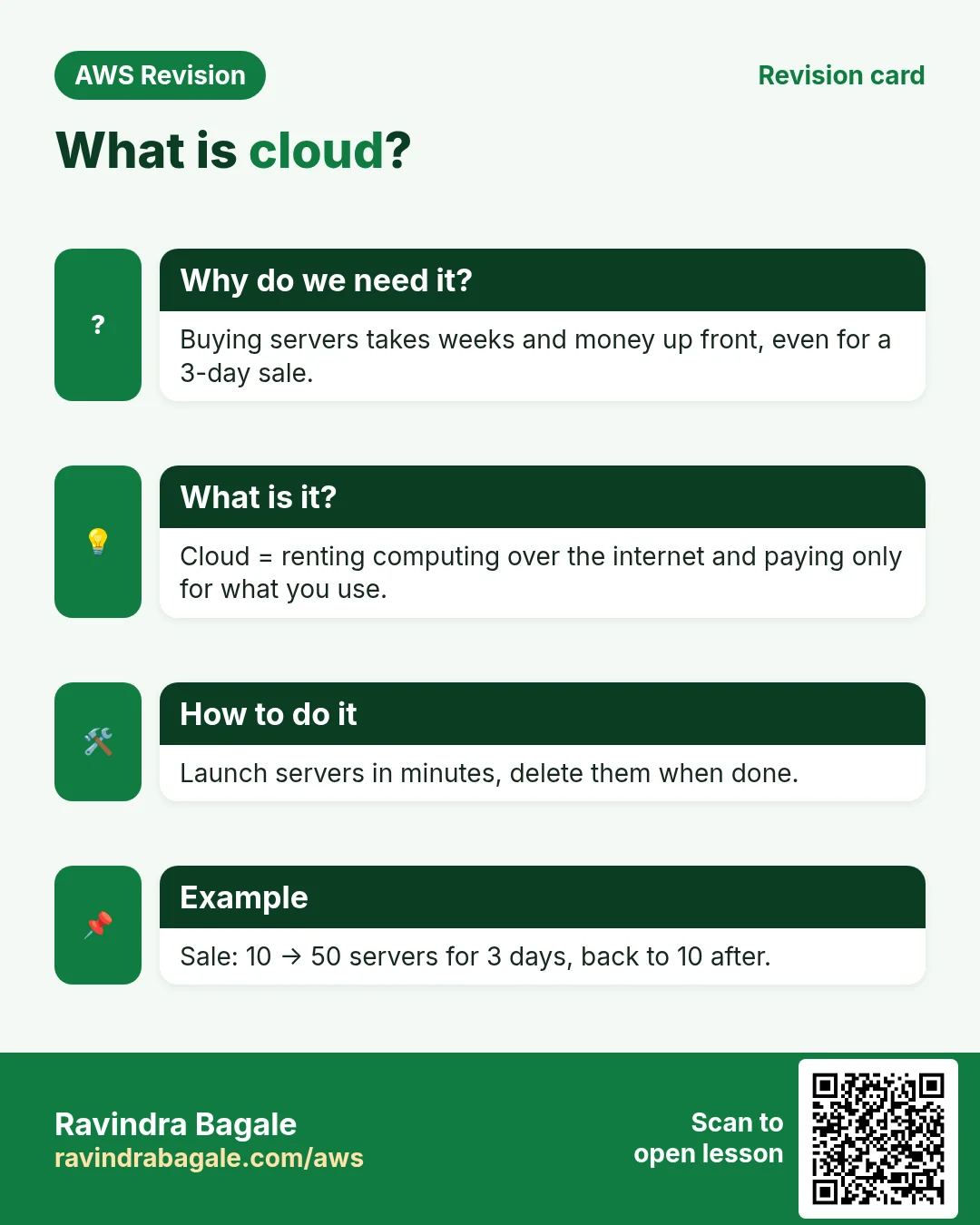
What: cloud computing means using servers, storage, databases and networks in someone else's data centre, over the internet, on demand, and paying for what you use.
What a company needs to run its own servers on-premises:
- Servers and storage.
- A firewall, a gateway, switches and routers.
- Internet links, electricity, backup power and air conditioning.
- A server room, and staff to run it day and night.
The comparison table of on-premises and cloud, and the IaaS, PaaS and SaaS models, are in 5.1 Why EC2? Cloud vs on-premises.
12. Capex vs Opex
Why: The money model is why companies move to the cloud. Engineers who can explain it talk the same language as managers.
What:
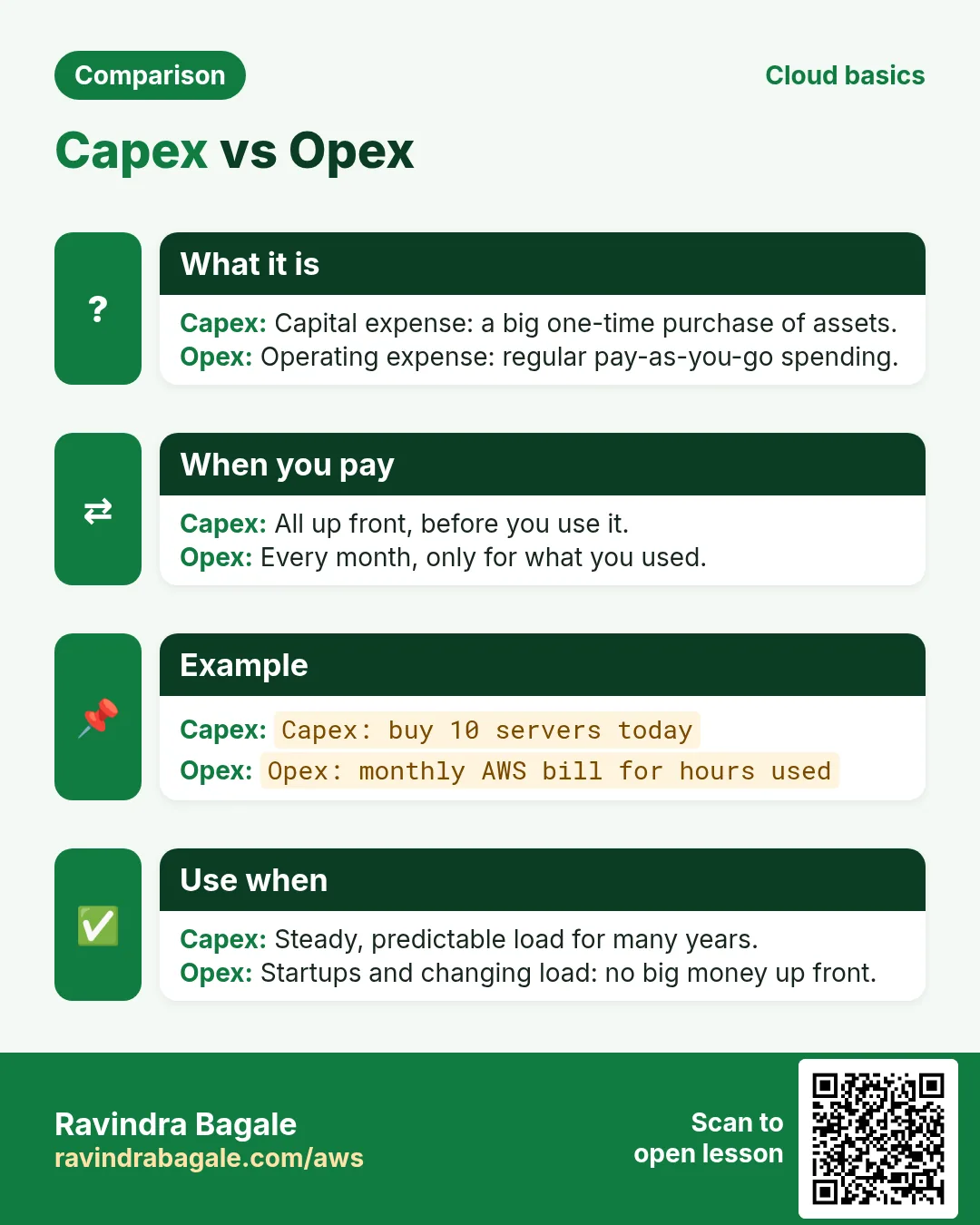
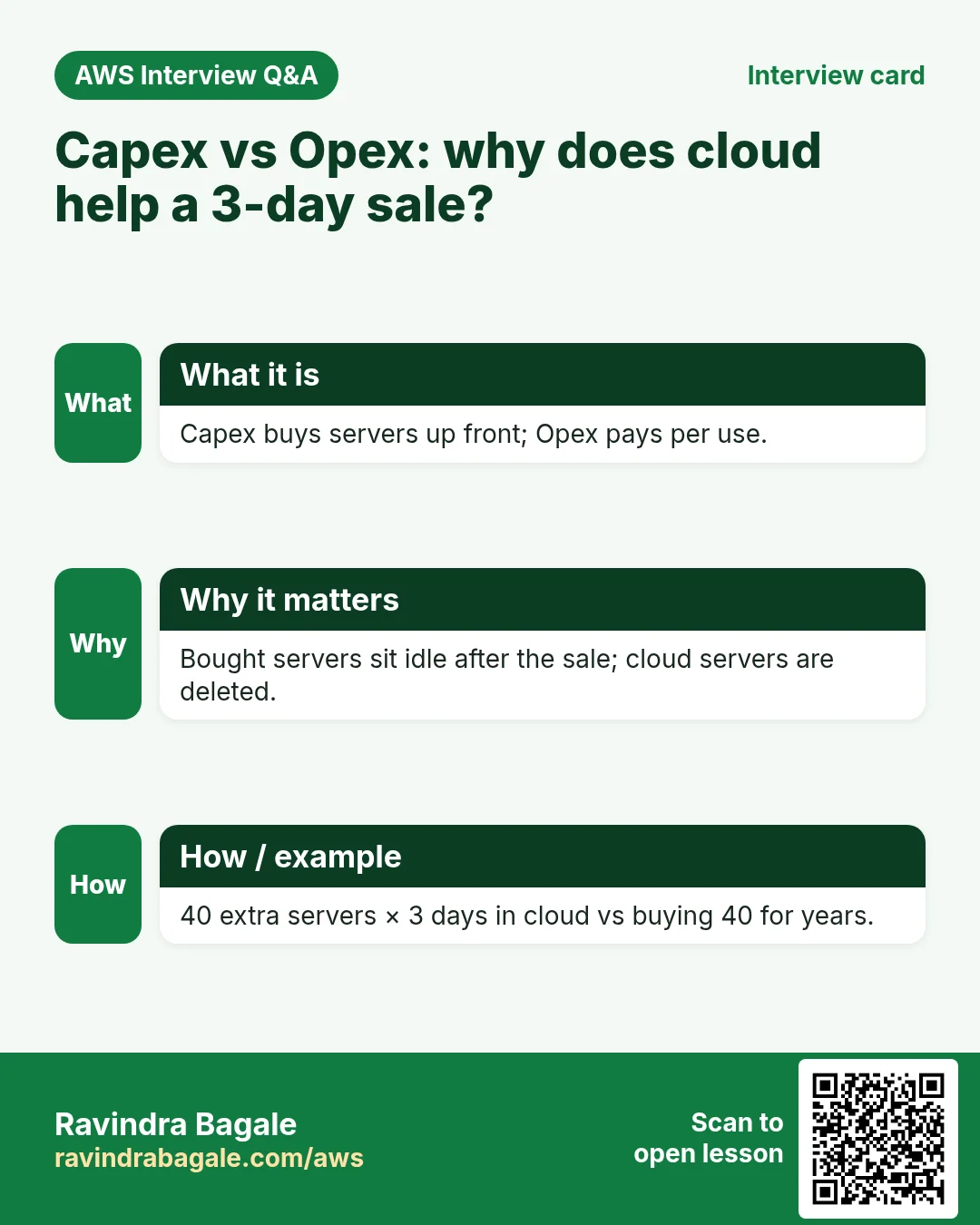
- Capex (capital expenditure): money paid up front for things the company buys and owns for years: servers, storage, firewall, switches, routers, racks, UPS, AC units, the server room.
- Opex (operating expenditure): running costs paid every month: electricity, cooling, internet, staff salaries, maintenance. A cloud bill is also Opex.
- On-premises needs a big Capex before the first visitor arrives, plus Opex every month.
- Cloud needs almost no Capex: you rent capacity and pay as you go, so most of the cost becomes Opex that goes up and down with use.
Figure 7. Capex is the up-front purchase of hardware you own; Opex is the monthly running cost. On-premises means a big Capex plus Opex; cloud means almost no Capex and mostly Opex.
13. Worked example: the server math of a three-day sale
Why: this one example explains why online shops love the cloud. Think of a big online store, such as Flipkart during its Big Billion Days sale. The numbers below are illustrative.
The situation:
- On a normal day, 1 crore visitors use the site, and 50 servers handle them.
- During a three-day sale, 10 crore visitors come every day. That needs about 500 servers, ten times more.
On-premises:
- The site must survive the peak, so the company buys 500 servers. That is a large Capex.
- It owns them all year: 500 × 365 = 182,500 server-days.
- It needs only 50 × 362 + 500 × 3 = 19,600 server-days. About 11% of what it paid for is used; 450 servers sit idle for 362 days, still using power, cooling and space.
Cloud:
- Run 50 servers all year.
- Before the sale, add 450 more; after three days, release them.
- Pay for 50 × 365 + 450 × 3 = 19,600 server-days, about 9 times fewer than owning 500.
Figure 8. On-premises, 500 servers are owned all year for a 3-day peak and about 11% of the capacity is used; in the cloud, 450 extra servers are rented for 3 days and released, so you pay for 19,600 server-days instead of 182,500.
The cloud features this example uses:
- On-demand self-service: you start servers yourself in minutes, with no order to a vendor.
- Elasticity: capacity grows for the peak and shrinks after it. On AWS, Auto Scaling does this for you.
- Resource pooling: the provider shares a huge pool of hardware among many customers, so 450 servers are always available to rent.
- Pay-as-you-go: you pay only for the hours you run.
14. Cloud providers
Why: Job posts name specific clouds. Knowing who the main providers are helps you read those posts and choose what to learn next.
- AWS (Amazon Web Services) opened to the public in 2006 with S3 and then EC2. Being first helped it become the largest provider, and it is the most profitable part of Amazon.
- Microsoft Azure and Google Cloud (GCP) are the next two big ones.
- Others: Oracle Cloud, IBM Cloud and Alibaba Cloud.
- The ideas are the same everywhere: servers, storage, networks, users and permissions. Learn AWS well first, and the others become easy to pick up.
15. What AWS and DevOps interviews ask most
Why: Knowing which topics come up most lets you spend practice time where it counts.
This is a rough guide from interview experience, not a rule. Every company is different.
AWS:
- IAM: users, groups, roles and policies.
- S3: buckets, storage classes and access.
- EC2 and security groups: inbound and outbound rules.
- VPC: the difference between a NACL and a security group is asked almost everywhere.
- Load Balancer + Auto Scaling: scenario questions, such as "traffic doubles at 9 pm; what do you set up?"
DevOps, in a typical set of 10 questions:
- About 3-4 on Docker and Kubernetes.
- About 1-2 on Terraform and Jenkins.
- About 1-2 on Git, GitHub Actions and Ansible.
- The rest on Linux, networking and real scenarios.
Classroom line
Everyone asks NACL vs SG in interviews.
Class मधलं वाक्य
NACL आणि security group मधला difference, सगळे interview मध्ये हेच विचारतात.
Classroom line – हिंदी
"Difference between NACL and security group, sab log interview me yahi poochte hai."
Figure 9. A rough guide: AWS interviews favour IAM, S3, EC2, VPC (NACL vs security group) and Load Balancer + Auto Scaling scenarios; DevOps interviews put the most weight on Docker and Kubernetes, then Terraform, Jenkins, Git and Ansible.
How to prepare:
- Do not spend most of your time on the easy tools and skip the hard ones. Kubernetes takes longer to learn, and it is asked more.
- Learn each tool on its own first.
- Then build one or two end-to-end projects that join them: code in Git, a Jenkins or GitHub Actions pipeline, a Docker image, deployment to Kubernetes, infrastructure from Terraform. In an interview, a project you built yourself answers many questions at once.
- Know the differences between similar things, such as NACL and security group, or Docker and Kubernetes. Mixing them up is like putting salt in tea instead of sugar.
Classroom line
People over-study easy Git and skip tough Kubernetes.
Class मधलं वाक्य
Git सोपा वाटतो म्हणून त्याच्यावर जास्त वाचतात, आणि Kubernetes अवघड म्हणून सोडून देतात.
Classroom line – हिंदी
"Git easy lagta hai toh uske upar zyada padhte hai, aur Kubernetes tough hai bolke chhod dete hai."
Classroom line
After all tools, do one or two end-to-end projects.
Class मधलं वाक्य
सगळे tools वाचल्यानंतर एक-दोन project end-to-end करायचे.
Classroom line – हिंदी
"Sab tools padhne ke baad ek do project end-to-end karna hai."
Classroom line
Not knowing salt from sugar, you put salt in tea.
Class मधलं वाक्य
Sugar आणि salt मधला difference माहीत नसेल तर चहात sugar ऐवजी salt टाकता.
Classroom line – हिंदी
"Sugar aur salt ka difference pata nahi toh chai me sugar ki jagah salt dal dete ho."
16. When something looks wrong
Why: The timestamps don't always move the way you expect. These notes stop you from thinking stat is broken.
- Access did not change after
cat:relatimeis at work; Access moves only if it is older than Modify or Change, or more than a day old. touch -ddid not change the Change time: Change cannot be set; it always shows when the metadata really changed.statshowsBirth: -: this filesystem or kernel does not record creation time. Use the other three.cat > fileemptied a file: a single>replaces the content; use>>to add.ls -lshows a different time thanstat's Access:ls -lshows Modify. Usels -lufor Access andls -lcfor Change.catfloods the screen on a big file: useless file,tail file, ortac file | head.
Ravindra Bagale's Tip
When a server misbehaves, ask "what changed, and when?" before anything else. stat on the suspect config file gives you Modify and Change in one line, and Change cannot be faked with touch. Combine it with ls -lt in the folder, newest first, and you often find the cause in a minute.
17. The whole class on one page
- An OS sits between apps and hardware. Linux, Windows, macOS, Android and iOS are operating systems.
- UNIX was born at Bell Labs in 1969 and licensed; GNU started in 1983; Torvalds wrote the Linux kernel in 1991 from scratch. MINIX was Tanenbaum's teaching OS, and macOS is built on Darwin (BSD).
- Linux is a kernel; GNU tools + the kernel + extras make a distribution. Companies pay for support, not for the code.
- Linux is free, open source, lightweight (8 GiB default root volume vs 30 GiB for Windows Server on EC2) and secure through users, permissions and
sudo. - Linux server: hardware, kernel, shell, user. Windows desktop adds a built-in GUI; it also has a kernel.
- Directory, root, package, terminal: use the Linux words.
- Files can be created with
touch,cat >,echo >,nanoandvi. statshows Access (read), Modify (content), Change (content or metadata) and Birth.touchon an existing file sets Access and Modify to now; Change follows by itself and can never be set.catreads, creates, appends, joins and numbers;tacprints the lines in reverse.- Cloud = someone else's data centre, over the internet, on demand, pay-as-you-go.
- Capex = buying hardware up front; Opex = running costs. Cloud turns most cost into Opex.
- For a three-day peak, owning 500 servers costs 182,500 server-days; renting the extra 450 costs 19,600.
- AWS, Azure and GCP lead. A rough interview guide: NACL vs security group, Load Balancer + Auto Scaling, Docker and Kubernetes; then build end-to-end projects.
18. Hands-on lab: create files and read their timestamps
Why this lab. When something breaks on a server, the first question is "what changed, and when?". This lab creates files in different ways and watches the three timestamps move.
- Create files three ways
- Command:
mkdir -p ~/ts && cd ~/ts && touch a.txt && echo "first line" > n.txt && cat > c.txt - You should see: The cursor waits; type
hello, Enter, then Ctrl+D. - Check:
ls -lshowsa.txt(size 0),c.txtandn.txt. - Why:
touchfor an empty file,echo >for one line,cat >for a few lines without opening an editor.
- Command:
- Read the timestamps
- Command:
stat n.txt - You should see:
Access:,Modify:,Change:andBirth:lines, all with nearly the same time. - Check:
Birth:may show-on some filesystems; that is normal. - Why: A new file has all its times equal. Every later step changes some of them, and
statshows which.
- Command:
- Change the content
- Command:
sleep 2 && echo "second line" >> n.txt && stat n.txt - You should see:
Modify:andChange:are newer thanAccess:. - Check:
cat n.txtshows two lines. - Why: Writing changes the content (Modify) and the file's size, which is metadata (Change). The 2-second wait makes the difference visible.
- Command:
- Change only the permissions
- Command:
sleep 2 && chmod 600 n.txt && stat n.txt - You should see: Only
Change:moved forward;Modify:stayed. - Check:
statalso showsAccess: (0600/-rw-------). - Why:
chmodchanges metadata, not content. That is the difference between Modify and Change.
- Command:
- touch an existing file
- Command:
sleep 2 && touch n.txt && stat n.txt - You should see:
Access:,Modify:andChange:all show the new time. - Check:
cat n.txtstill shows the same two lines. - Why:
touchsets Access and Modify to now without touching content; setting them is itself a metadata change, so Change moves too.
- Command:
- Join files with cat
- Command:
cat n.txt c.txt > all.txt && cat all.txt - You should see:
first line,second line,hello. - Check:
wc -l all.txt→3 all.txt - Why: "cat" is short for concatenate: several files in, one stream out.
- Command:
- Read backwards with tac
- Command:
tac all.txt - You should see:
hello,second line,first line. - Check: The last line comes first.
- Why: In a log the newest lines are at the bottom.
tacshows them first.
- Command:
- Clean up
- Command:
cd && rm -r ~/ts - You should see: Nothing.
- Check:
ls ~no longer showsts. Stop the instance. - Why: Keep the home folder tidy for the next chapter.
- Command:
19. Try at home
Try at home
Task 1: timestamps
- On your EC2 instance, run
touch a.txtandstat a.txt. Write down the four times. - Run
echo hi > a.txt,cat a.txtandchmod 600 a.txt, waiting a minute between them, and runstat a.txtafter each. Which time moved each time? - Run
touch -d '2025-01-01 09:00' a.txtand check that Change still shows the real time.
Task 2: cat and tac
- Create a file with five lines, print it with
cat -nand withtac. - Create a second file and join both into
all.txtwithcat.
Task 3: cloud math
- A shop needs 20 servers normally and 200 for a 5-day festival sale. Work out the server-days on-premises (buying 200) and in the cloud.
- List three Capex items and three Opex items for a small on-premises server room.
Recap
In short
- Linux is a UNIX-like kernel from 1991; with GNU tools and extras it becomes a distribution such as Amazon Linux or Ubuntu.
- Companies use Linux because it is free, open source, light and secured by users and permissions.
statshows Access, Modify, Change and Birth;touchsets Access and Modify, and Change always follows by itself.catreads, creates, appends and joins files;tacshows them in reverse.- Cloud replaces a big Capex with pay-as-you-go Opex, and elasticity means you pay for a sale peak only for the days it lasts.
- Interviews often ask NACL vs security group, Load Balancer + Auto Scaling, and Docker and Kubernetes; projects prove you can join the tools.
Practice Tasks
Pandharpur Yatra Tours is a travel business in Pandharpur. Vitthal More looks after its IT and cloud work. They count money in INR and run their AWS resources in the ap-south-1 Region. In the tasks below you do real jobs for them using what this lesson teaches. All names, account IDs, IP addresses and numbers are made up for practice.
0 / 12
Easy Read a config file
Why: Reading a file on the screen is the quickest way to check its settings.
What to do: Print the whole file /etc/pandharpuryatra/app.conf on the screen.
- Find the Linux command that does this job.
- Add the options (like -r or -h) the task needs.
- Add the file names, folders or users in the right order.
- Use sudo if the job changes system files or users. Click Check answer.
Easy List all files with details
Why: Hidden files (like .env) and file sizes or owners only show with the right options.
What to do: Show a long listing of every file, including hidden ones, in /var/www/pandharpuryatra.
- Find the Linux command that does this job.
- Add the options (like -r or -h) the task needs.
- Add the file names, folders or users in the right order.
- Use sudo if the job changes system files or users. Click Check answer.
Easy Create an empty file
Why: Some apps need a file to exist before they can write to it.
What to do: Create an empty file named orders-inr.csv in the current folder.
- Find the Linux command that does this job.
- Add the options (like -r or -h) the task needs.
- Add the file names, folders or users in the right order.
- Use sudo if the job changes system files or users. Click Check answer.
Easy Show the kernel version
Why: Some drivers and tools need a specific kernel version.
What to do: Print the running kernel release.
- Find the Linux command that does this job.
- Add the options (like -r or -h) the task needs.
- Add the file names, folders or users in the right order.
- Use sudo if the job changes system files or users. Click Check answer.
Easy Copy a folder with everything inside
Why: A plain copy skips folders. You need the recursive option to copy a whole tree.
What to do: Copy the folder site to a new folder named site-backup (both in the current folder).
- Find the Linux command that does this job.
- Add the options (like -r or -h) the task needs.
- Add the file names, folders or users in the right order.
- Use sudo if the job changes system files or users. Click Check answer.
Easy Rename a file
Why: In Linux, renaming is the same as moving a file to a new name.
What to do: Rename the file report.txt to report-pandharpur.txt.
- Find the Linux command that does this job.
- Add the options (like -r or -h) the task needs.
- Add the file names, folders or users in the right order.
- Use sudo if the job changes system files or users. Click Check answer.
Medium See a file's timestamps
Why: stat shows access, modify and change times, useful to see who changed what and when.
What to do: Show all details and timestamps of the file /etc/pandharpuryatra/app.conf.
- Find the Linux command that does this job.
- Add the options (like -r or -h) the task needs.
- Add the file names, folders or users in the right order.
- Use sudo if the job changes system files or users. Click Check answer.
Medium Permission number
Why: Key files must be private.
What to do: What chmod number gives the owner read+write and nobody else anything?
- Write down the numbers the task gives you.
- Work it out step by step on paper.
- Type only the final answer in the box.
- Click Check answer.
Medium Delete an old folder
Why: Old build folders waste disk. rm needs the recursive option for folders, and force skips the questions.
What to do: Delete the folder old-build and everything inside it without being asked to confirm each file.
- Find the Linux command that does this job.
- Add the options (like -r or -h) the task needs.
- Add the file names, folders or users in the right order.
- Use sudo if the job changes system files or users. Click Check answer.
Medium Monthly server cost
Why: Estimate before you launch.
What to do: An instance costs USD 0.0416 per hour and runs 24×7 for 30 days. What is the bill in USD? (two decimals)
- Write down the numbers the task gives you.
- Work it out step by step on paper.
- Type only the final answer in the box.
- Click Check answer.
Medium Storage cost
Why: Storage is billed per GB-month.
What to do: 500 GB in S3 Standard at USD 0.023 per GB-month. Monthly cost in USD?
- Write down the numbers the task gives you.
- Work it out step by step on paper.
- Type only the final answer in the box.
- Click Check answer.
Hard Enable an nginx site on Ubuntu
Why: On Ubuntu, a site is enabled by a symbolic link from sites-available to sites-enabled.
What to do: Create a symbolic link to /etc/nginx/sites-available/pandharpuryatra inside /etc/nginx/sites-enabled/.
- Find the Linux command that does this job.
- Add the options (like -r or -h) the task needs.
- Add the file names, folders or users in the right order.
- Use sudo if the job changes system files or users. Click Check answer.
Quick revision cards
Revise this lesson in two minutes. Save the cards on your phone or download them as PNG files. The QR code on each card opens its lesson.
More cards: Ravi Sir's Cards.