AWS CLI DynamoDB Commands: Tables, Put, Get, Query and Scan
We use DynamoDB from the terminal: create a table, put, get, update and delete items, query by key, scan, batch writes, TTL and backups.
What you'll learn in this chapter
- Create an on-demand table
- Put, get, update and delete items
- Query vs scan
- Batch writes and TTL
- Backups and delete
1. The big picture: a key-value register
Why do we need this?
A school register: find a student fast by roll number (partition key), then by date (sort key). Searching every page (scan) is slow.
What is it?
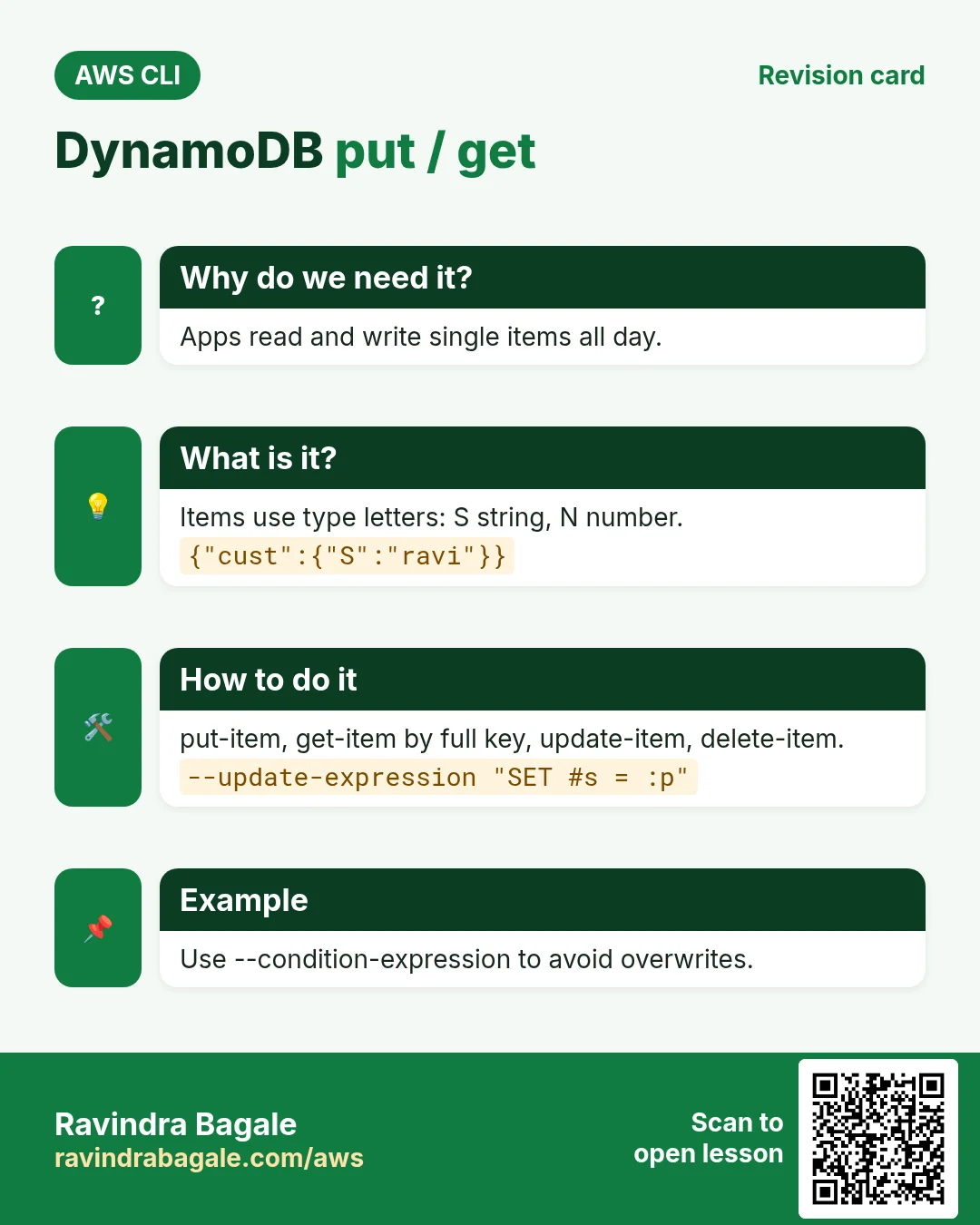
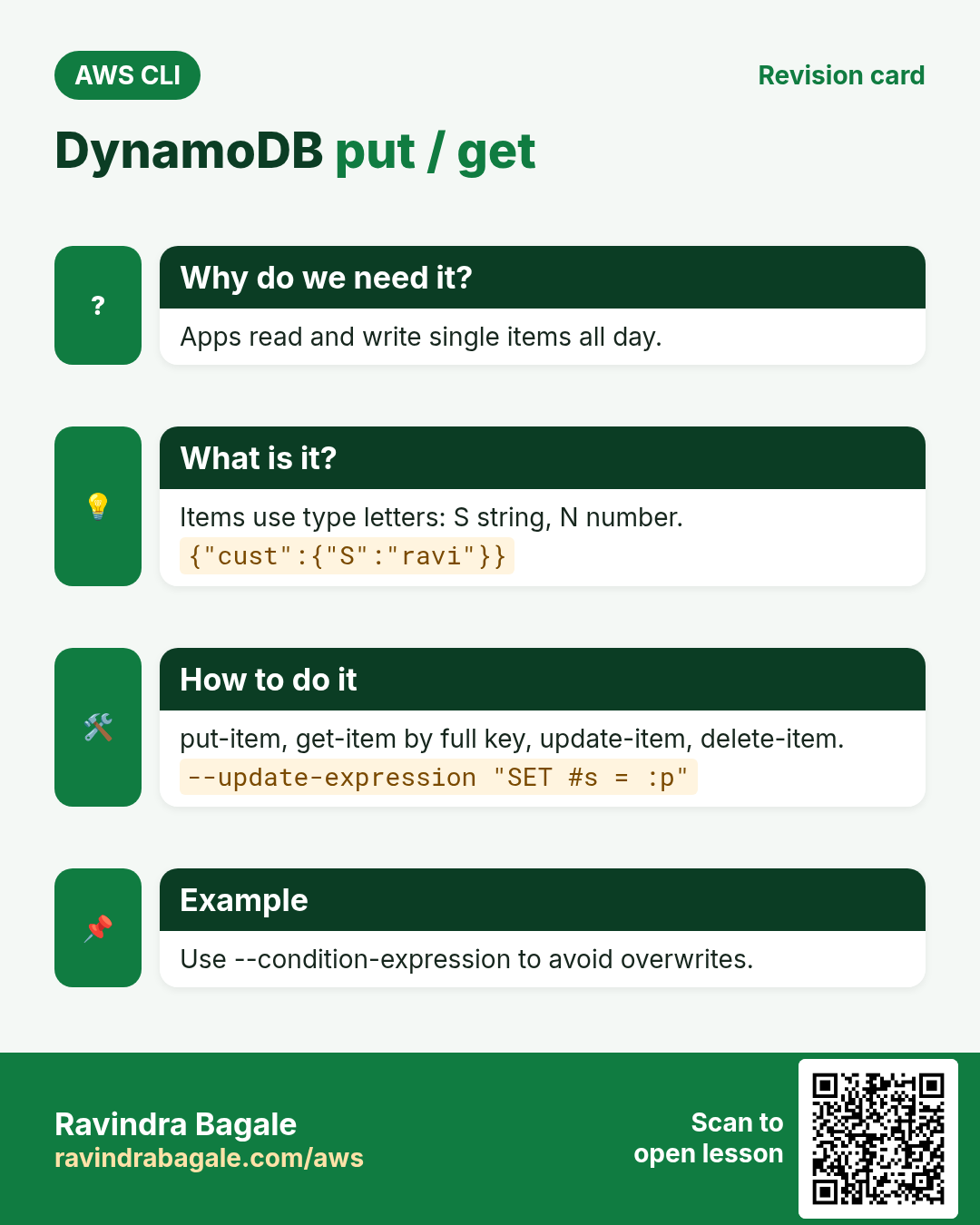
Commands are in aws dynamodb. Values use type letters: S string, N number, BOOL, L list, M map.
How to do it (step by step)
2. Create a table
Why do we need this?
You need a fast database that scales without servers.
What is it?
A table needs a partition key and an optional sort key. PAY_PER_REQUEST means you pay per request, no capacity planning.
How to do it (step by step)
- Create Orders with customer and date keys.
aws dynamodb create-table --table-name Orders --attribute-definitions AttributeName=cust,AttributeType=S AttributeName=odate,AttributeType=S --key-schema AttributeName=cust,KeyType=HASH AttributeName=odate,KeyType=RANGE --billing-mode PAY_PER_REQUEST --query TableDescription.TableStatus --output textExpected output:
CREATING- Wait and verify.
aws dynamodb wait table-exists --table-name Orders
aws dynamodb describe-table --table-name Orders --query "Table.[TableStatus,BillingModeSummary.BillingMode]" --output text
Expected output:
ACTIVE PAY_PER_REQUEST3. Put, get, update and delete
Why do we need this?
These four are what every app does all day.
What is it?
put-item writes a whole item. get-item reads by full key. update-item changes some attributes. delete-item removes one item.
How to do it (step by step)
- Put an item.
aws dynamodb put-item --table-name Orders --item '{"cust":{"S":"ravi"},"odate":{"S":"2026-10-24"},"total":{"N":"499"},"status":{"S":"NEW"}}'Expected output:
(no output means success)- Get it.
aws dynamodb get-item --table-name Orders --key '{"cust":{"S":"ravi"},"odate":{"S":"2026-10-24"}}' --query "Item.total.N" --output textExpected output:
499- Update with a condition.
aws dynamodb update-item --table-name Orders --key '{"cust":{"S":"ravi"},"odate":{"S":"2026-10-24"}}' --update-expression "SET #s = :p" --condition-expression "#s = :n" --expression-attribute-names '{"#s":"status"}' --expression-attribute-values '{":p":{"S":"PAID"},":n":{"S":"NEW"}}' --return-values UPDATED_NEWExpected output:
{ "Attributes": { "status": { "S": "PAID" } } }- Delete it.
aws dynamodb delete-item --table-name Orders --key '{"cust":{"S":"ravi"},"odate":{"S":"2026-10-24"}}'Expected output:
(no output means success)4. Query vs scan
Why do we need this?
Reading the wrong way can be slow and costly.
What is it?
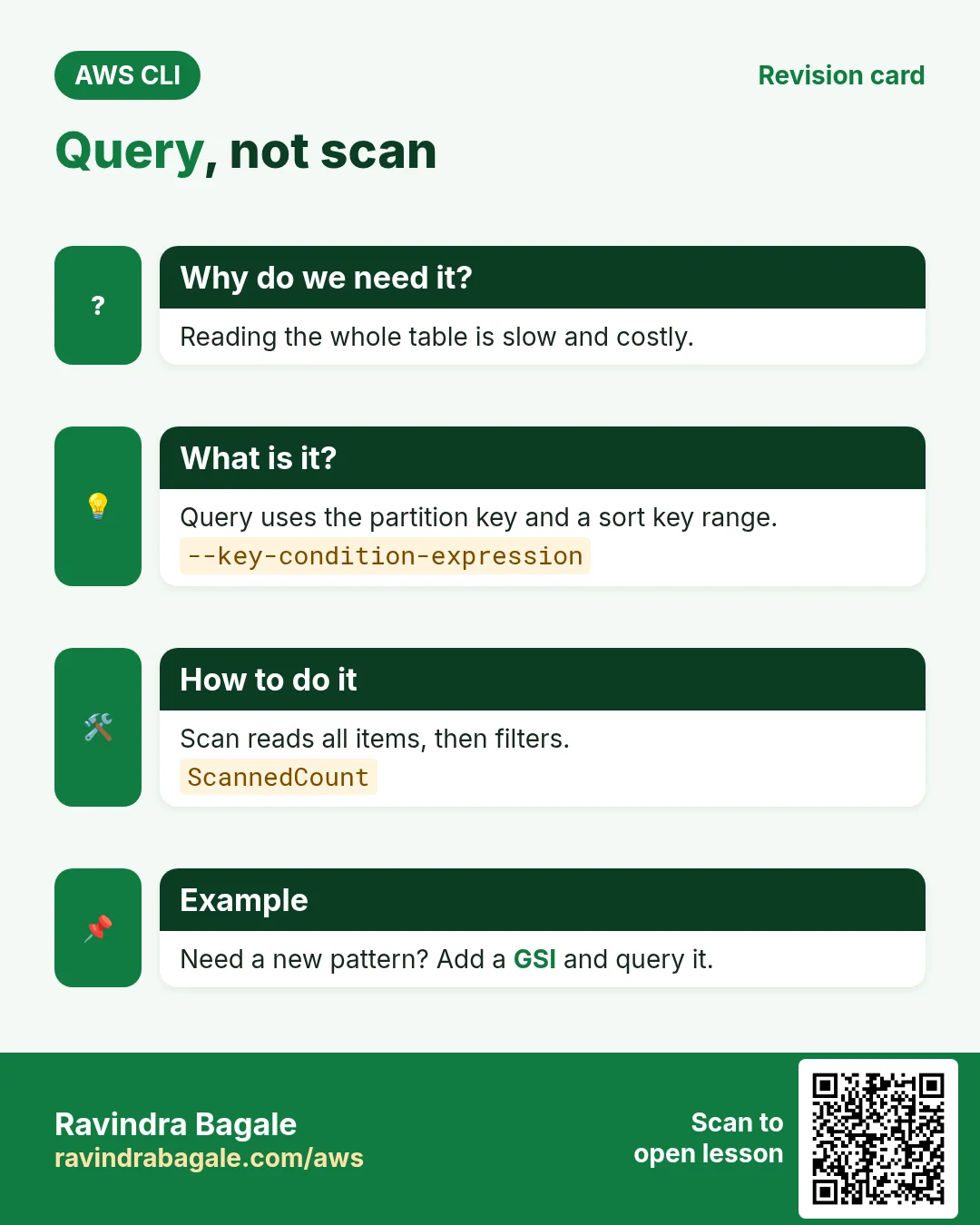
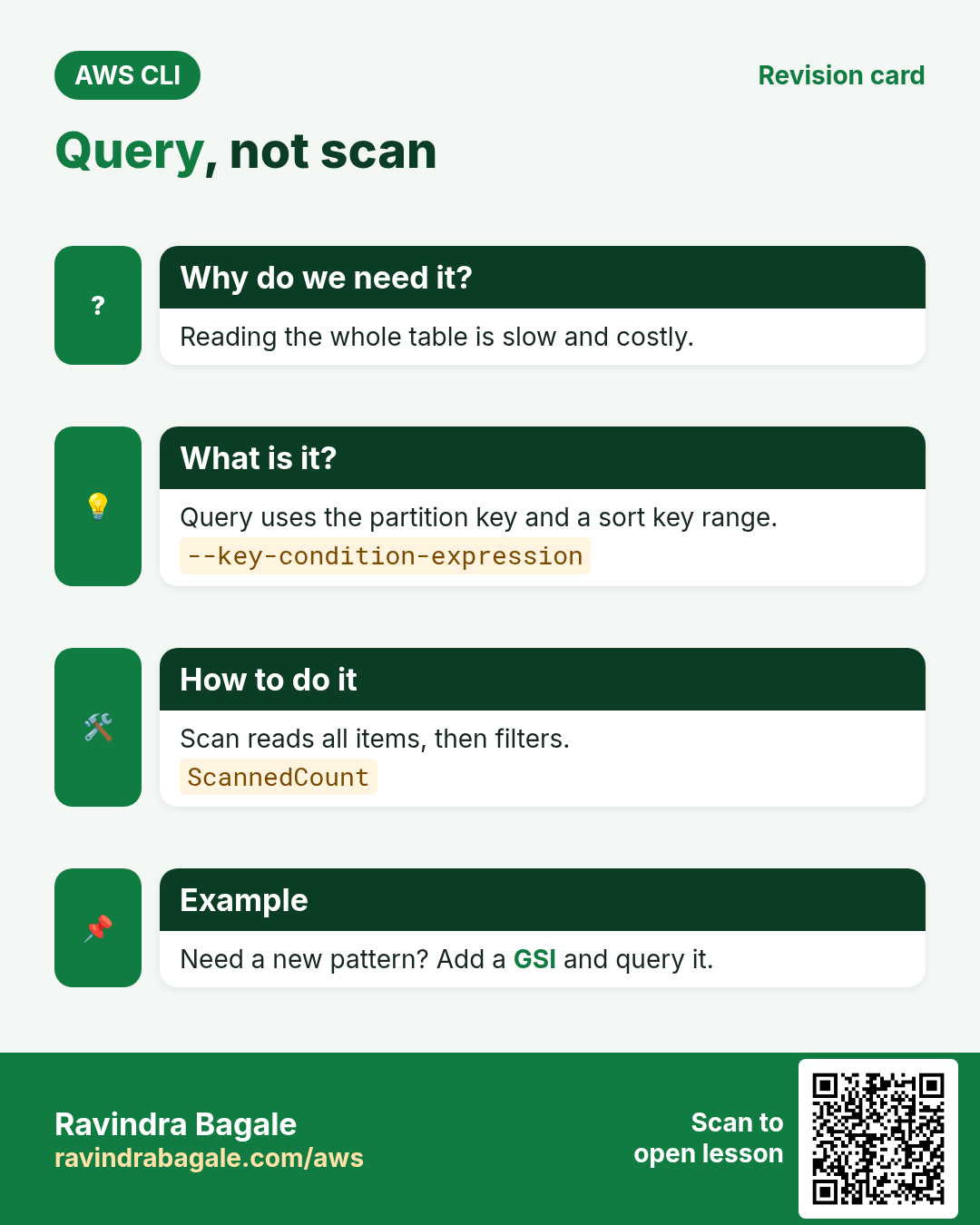
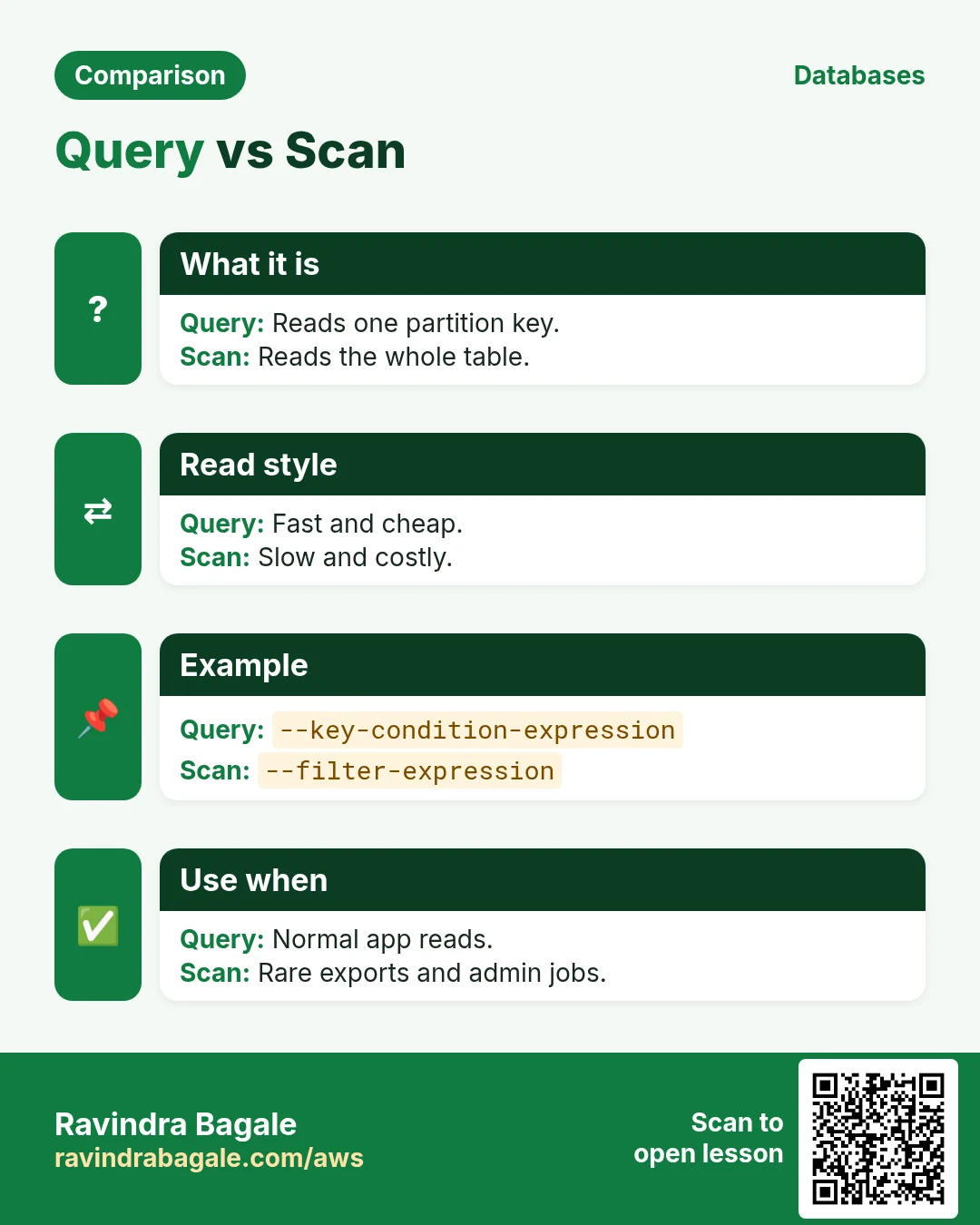
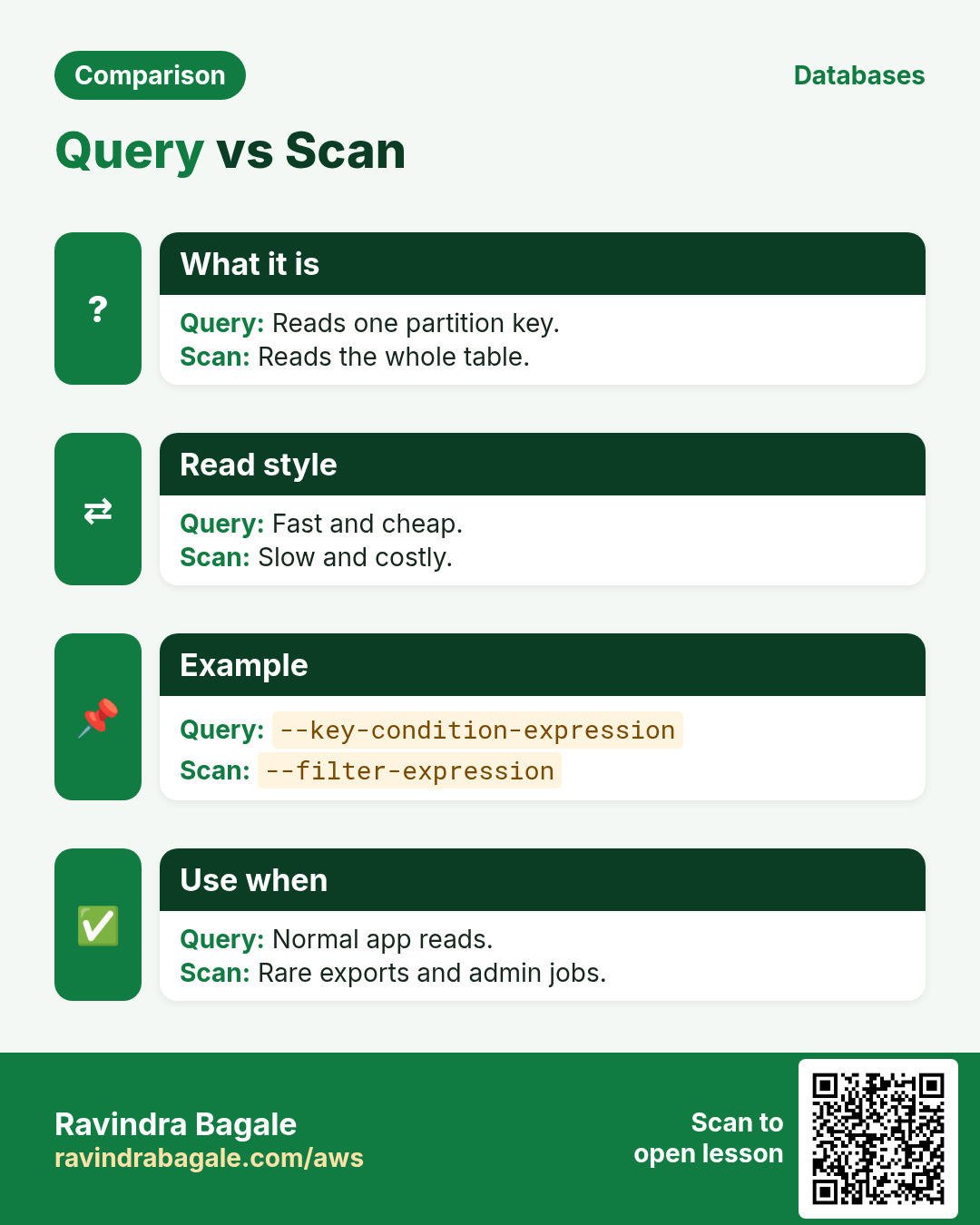
Query reads one partition key, optionally a sort key range. Scan reads the whole table and then filters.
How to do it (step by step)
- Query October orders for ravi.
aws dynamodb query --table-name Orders --key-condition-expression "cust = :c AND begins_with(odate, :m)" --expression-attribute-values '{":c":{"S":"ravi"},":m":{"S":"2026-10"}}' --query "Count"Expected output:
3- Scan with a filter (reads everything).
aws dynamodb scan --table-name Orders --filter-expression "total > :t" --expression-attribute-values '{":t":{"N":"1000"}}' --query "[Count,ScannedCount]" --output textExpected output:
2 2505. Batch writes and TTL
Why do we need this?
Loading many items one by one is slow. Old data should delete itself.
What is it?
batch-write-item writes up to 25 items per call. TTL deletes items after an epoch time stored in an attribute.
How to do it (step by step)
- Batch load from a file.
aws dynamodb batch-write-item --request-items file://orders.json --query "length(UnprocessedItems)"Expected output:
0- Enable TTL on expires.
aws dynamodb update-time-to-live --table-name Orders --time-to-live-specification Enabled=true,AttributeName=expires --query "TimeToLiveSpecification.Enabled"Expected output:
true- Take an on-demand backup.
aws dynamodb create-backup --table-name Orders --backup-name orders-1 --query "BackupDetails.BackupStatus" --output textExpected output:
CREATING6. Same action in Python, Node.js, Java, Go, .NET and PHP
Why do we need this?
Scripts start in the CLI. Apps call the same API through an SDK. Knowing both helps you move a tested command into real code.
What is it?
Each CLI command maps to one API call. For example aws dynamodb put-item --table-name Orders --item ... maps to the PutItem API.
How to do it (step by step)
Same action (PutItem) from code. Every SDK reads the same profile, region and credentials as the CLI.
| Stack | Code |
|---|---|
| Python (boto3) | boto3.resource("dynamodb").Table("Orders").put_item(Item={"cust":"ravi","odate":"2026-10-24"}) |
| Node.js (v3) | await doc.send(new PutCommand({TableName:"Orders",Item:{cust:"ravi",odate:"2026-10-24"}})); |
| Java (v2) | ddb.putItem(r -> r.tableName("Orders").item(Map.of("cust",AttributeValue.fromS("ravi"),"odate",AttributeValue.fromS("2026-10-24")))); |
| Go (v2) | c.PutItem(ctx, &dynamodb.PutItemInput{TableName: aws.String("Orders"), Item: item}) |
| .NET | await ddb.PutItemAsync("Orders", new(){{"cust",new AttributeValue("ravi")},{"odate",new AttributeValue("2026-10-24")}}); |
| PHP | $ddb->putItem(["TableName"=>"Orders","Item"=>["cust"=>["S"=>"ravi"],"odate"=>["S"=>"2026-10-24"]]]); |
7. Clean up so nothing keeps costing
Why do we need this?
Lab resources left running cost money and can be a security risk.
What is it?
Delete in reverse order: children first, then parents.
How to do it (step by step)
- Delete the backup.
ARN=$(aws dynamodb list-backups --table-name Orders --query "BackupSummaries[0].BackupArn" --output text)
aws dynamodb delete-backup --backup-arn $ARN
Expected output:
(no output means success)- Delete the table.
aws dynamodb delete-table --table-name Orders
aws dynamodb wait table-not-exists --table-name Orders && echo gone
Expected output:
goneRavindra Bagale's Tip
If scan is in your app code, it is often a sign of a missing key or GSI. Add a Global Secondary Index for that access pattern and query it.
8. Interview questions and answers
Q. Partition key vs sort key?
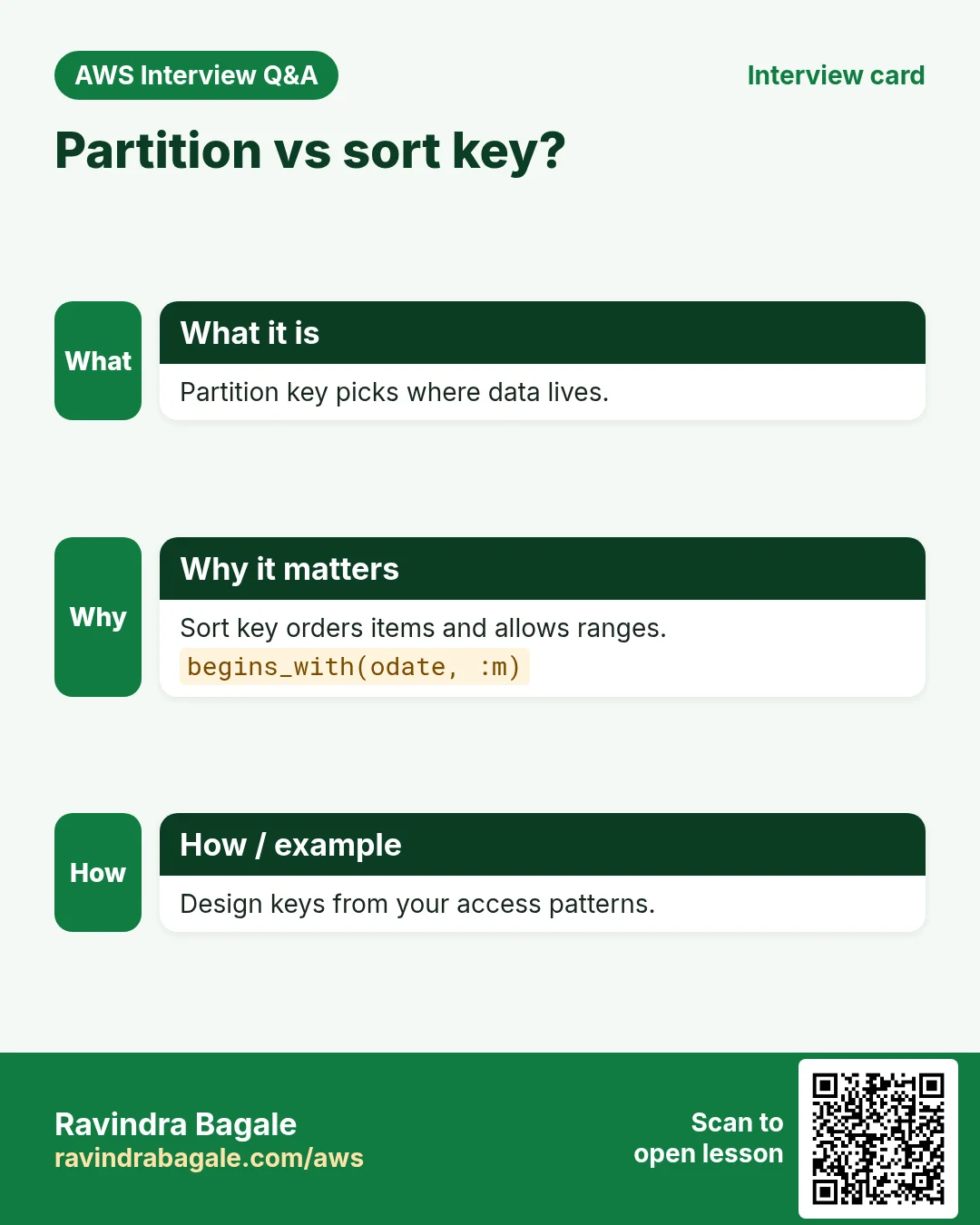
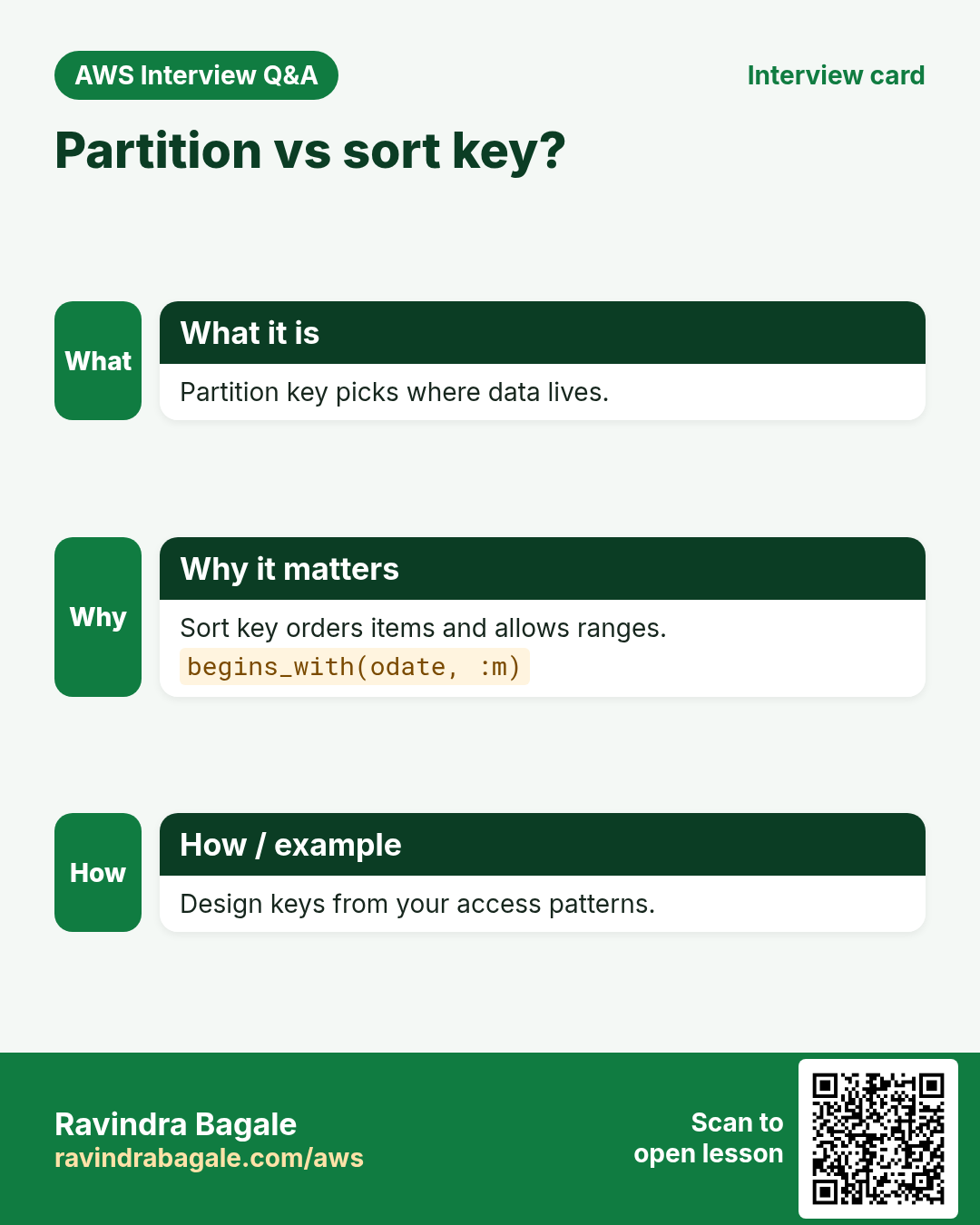
Partition key picks the storage partition. Sort key orders items inside it and allows range queries.
Q. Query vs scan?
Query uses keys and reads only matching items. Scan reads the whole table.
Q. What does a condition expression do?
It makes a write succeed only if a condition is true, preventing overwrites.
Q. On-demand vs provisioned?
On-demand pays per request. Provisioned sets read/write capacity units.
Q. How does TTL work?
Items with an epoch time in the TTL attribute in the past are deleted in the background.
Try at home
- Create a Notes table with user and created keys, add 5 notes and query one user.
- Compare Count and ScannedCount for a scan with a filter.
In short
- Keys are designed for queries.
- Type letters S, N, BOOL.
- Query, not scan.
- batch-write-item 25 at a time.
- TTL auto-deletes.
Practice Tasks
Lisboa Tiles is a ceramic tiles business in Lisbon. João Silva looks after its IT and cloud work. They count money in EUR and run their AWS resources in the eu-west-1 Region. In the tasks below you do real jobs for them using what this lesson teaches. All names, account IDs, IP addresses and numbers are made up for practice.
0 / 11
Easy Describe a table
Why: See the keys, indexes, item count and status of a table.
What to do: Describe table lisboatiles-orders.
- Read the task and decide which AWS service it is about.
- Write aws, then the service name, then the operation (the action word).
- Add each needed flag (--name) followed by its value from the task.
- Flags can be in any order. Click Check answer.
Easy Scan a small table
Why: Scan is fine for tiny tables or one-off checks; avoid it on big ones.
What to do: Scan the table lisboatiles-settings.
- Read the task and decide which AWS service it is about.
- Write aws, then the service name, then the operation (the action word).
- Add each needed flag (--name) followed by its value from the task.
- Flags can be in any order. Click Check answer.
Medium Get one item by key
Why: GetItem is the fastest read: one item by its full key.
What to do: Get the item with orderId "o-101" from lisboatiles-orders.
- Read the task and decide which AWS service it is about.
- Write aws, then the service name, then the operation (the action word).
- Add each needed flag (--name) followed by its value from the task.
- Flags can be in any order. Click Check answer.
Medium Put an item
Why: DynamoDB JSON shows the type of each value: S for string, N for number.
What to do: Put an item into lisboatiles-orders with orderId "o-101" (string) and amount 2500 (number).
- Read the task and decide which AWS service it is about.
- Write aws, then the service name, then the operation (the action word).
- Add each needed flag (--name) followed by its value from the task.
- Flags can be in any order. Click Check answer.
Medium CloudFormation: on-demand table
Why: On-demand tables need no capacity planning.
What to do: Template with a DynamoDB table lisboatiles-orders, partition key orderId (String), billing mode PAY_PER_REQUEST.
- Start from the top-level keys the task names.
- Indent child keys with 2 spaces (no tabs).
- Fill in each property with the value from the task.
- Click Check answer. Key order does not matter.
Medium Lambda access to one table
Why: The function only needs to read and write items in its own table.
What to do: Allow dynamodb:GetItem, dynamodb:PutItem, dynamodb:Query on arn:aws:dynamodb:eu-west-1:101273714098:table/lisboatiles-orders only.
- Start with { "Version": "2012-10-17", "Statement": [ ... ] }.
- In each statement write Effect, Action and Resource.
- Give only what the task needs (least privilege).
- Use double quotes and commas correctly. Click Check answer.
Medium Delete one item
Why: Delete by the full primary key.
What to do: Delete the item with orderId "o-099" from lisboatiles-orders.
- Read the task and decide which AWS service it is about.
- Write aws, then the service name, then the operation (the action word).
- Add each needed flag (--name) followed by its value from the task.
- Flags can be in any order. Click Check answer.
Hard Read capacity units
Why: Provisioned tables need the right RCU.
What to do: Strongly consistent reads of 6 KB items, 10 reads per second. How many RCUs?
- Write down the numbers the task gives you.
- Work it out step by step on paper.
- Type only the final answer in the box.
- Click Check answer.
Hard Create a DynamoDB table
Why: On-demand billing means you pay per request, with no capacity to plan.
What to do: Create table lisboatiles-orders with partition key orderId (string), on-demand billing.
- Read the task and decide which AWS service it is about.
- Write aws, then the service name, then the operation (the action word).
- Add each needed flag (--name) followed by its value from the task.
- Flags can be in any order. Click Check answer.
Hard Query by partition key
Why: Query reads only matching items, unlike Scan which reads the whole table.
What to do: Query table lisboatiles-payments for customerId = "c-77" using the expression customerId = :c.
- Read the task and decide which AWS service it is about.
- Write aws, then the service name, then the operation (the action word).
- Add each needed flag (--name) followed by its value from the task.
- Flags can be in any order. Click Check answer.
Hard Turn on TTL
Why: TTL deletes expired items for free, e.g. OTPs or sessions.
What to do: Enable TTL on table lisboatiles-otp using the attribute expiresAt.
- Read the task and decide which AWS service it is about.
- Write aws, then the service name, then the operation (the action word).
- Add each needed flag (--name) followed by its value from the task.
- Flags can be in any order. Click Check answer.
Revision, comparison and interview cards
Revise this lesson in a few minutes. Save the cards on your phone or download them as PNG files. The QR code on each card opens this lesson.
More cards: Ravi Sir's Cards.