Shell Scripting Complete 6: Bash Functions, local, return and Reusable Script Libraries
Functions give a name to a block of commands so you can reuse it, test it and read the script like a story: check_disk, backup_db, send_alert. This chapter covers defining and calling functions, arguments inside functions, return codes versus output, local variables, returning values with echo and nameref, and building a shared library file that many scripts source. You will also learn a main function, traps for cleanup, and a simple logging library.
What you'll learn in this chapter
- Define and call functions
- Use $1, $@ inside functions
- Know return vs echo
- Keep variables local
- Build and source a library
- Use main and trap for clean scripts
1. An everyday example: a pressure cooker recipe card
Why do we need this?
Every Pune home has a few fixed steps: 'make tadka' is the same for dal, sabzi and poha. Mother does not explain it each time; she just says 'tadka kar'. A function is that named step. A recipe file shared by the whole family is a library, and each recipe card can just say 'use the tadka step'.
What is it?
Named step = function. Ingredients you pass = arguments $1 $2. 'Done well' or 'burnt' = return code. The cooked dish = output from echo. Your own bowl = local variable. Family recipe file = library you source.
How to do it (step by step)
2. Define and call a function
Why do we need this?
Repeated blocks make scripts long and bugs repeat too. One function means one place to fix.
What is it?
Write name() { commands; } and call it like a command: name. The keyword form function name { } also works in bash. Names use letters, digits and _. The function must be defined before the line that calls it runs. declare -f name shows its code; type name tells you it is a function.
How to do it (step by step)
- Define and call.
greet() { echo "Namaskar from $(hostname)"; }; greetOutput:
Namaskar from web01What it means: Called like any command.
- See it.
type greetOutput:
greet is a function
greet ()
{
    echo "Namaskar from $(hostname)"
}
What it means: Bash stored the code.
- Called too early.
bash -c 'early; early(){ echo hi; }'Output:
bash: line 1: early: command not foundWhat it means: Define first.
- One-line body needs ;
bad(){ echo x }Output:
bash: syntax error near unexpected token `}'What it means: Put ; before }.
3. Arguments inside functions
Why do we need this?
A function that can take a server name or a path works for every server and path.
What is it?
Inside a function $1, $2, $#, $@ are the function's own arguments, not the script's. To use the script's arguments, pass them in: main "$@". $0 is still the script name; FUNCNAME[0] is the function name. Check required arguments with ${1:?usage} or $#.
How to do it (step by step)
- Two arguments.
add_user(){ echo "adding $1 to group $2"; }; add_user meera devsOutput:
adding meera to group devsWhat it means: $1 and $2 belong to the call.
- All arguments.
each(){ for x in "$@"; do echo "- $x"; done; }; each 'Pune Camp' KothrudOutput:
- Pune Camp
- Kothrud
What it means: "$@" keeps spaces.
- Required.
need(){ local f=${1:?need a file}; echo "using $f"; }; needOutput:
bash: 1: need a fileWhat it means: Stops with a message.
- Its own name.
whoami_fn(){ echo "in ${FUNCNAME[0]} with $# args"; }; whoami_fn a bOutput:
in whoami_fn with 2 argsWhat it means: Useful in log lines.
4. return codes vs output
Why do we need this?
Beginners try to return text with return. return only gives a number 0-255 meaning success or failure.
What is it?
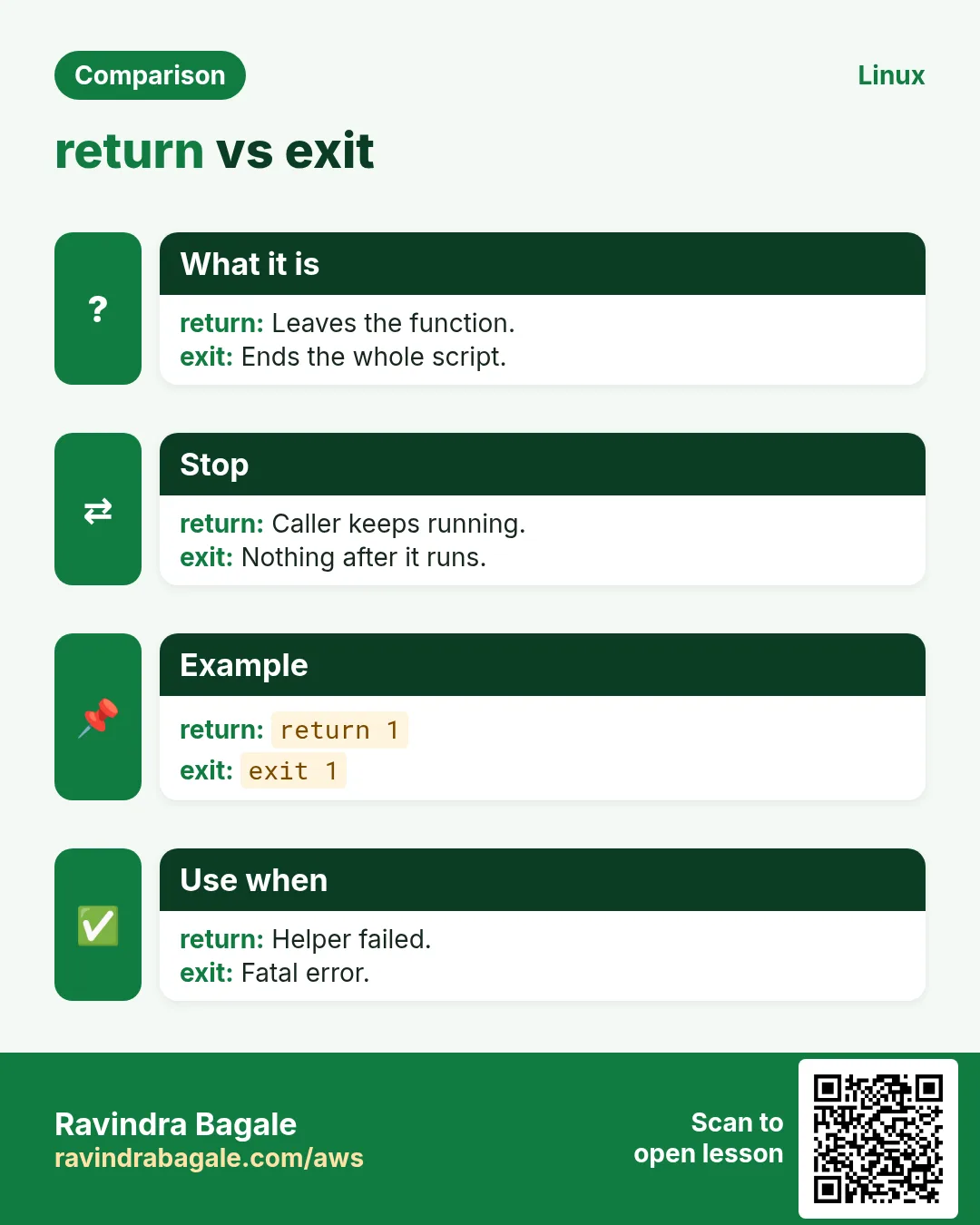
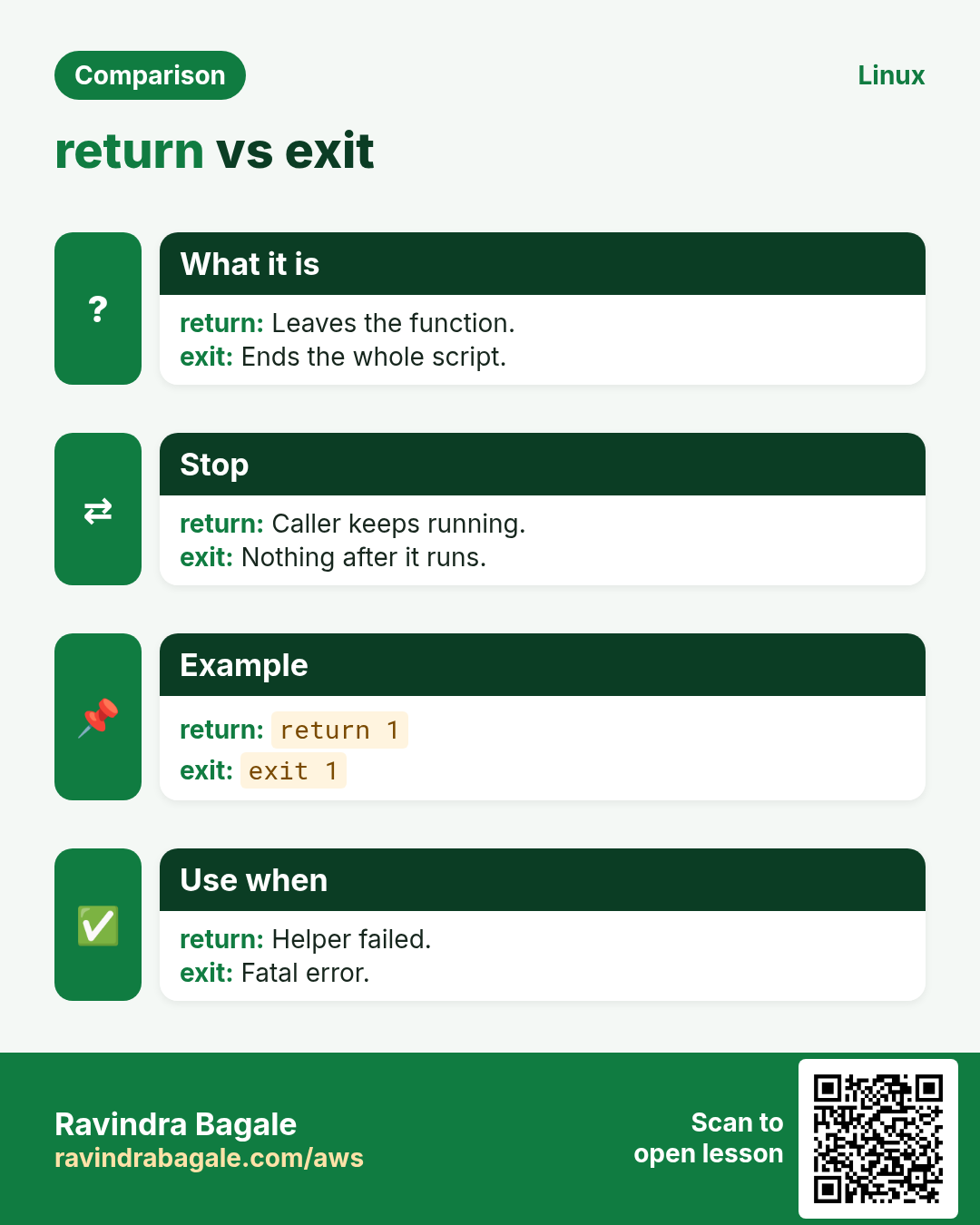
return N ends the function with exit code N (0 success). Without return, the code is that of the last command. To give back data, print it with echo or printf and capture it: x=$(fn). Use the code for yes/no and the output for values, so a function can be used both in if and in $( ).
| Need | Use |
|---|---|
| yes/no | return 0 or 1 |
| a value | echo it, x=$(fn) |
| many values | array via nameref |
| an error message | echo ... >&2 |
How to do it (step by step)
- Yes/no.
is_root(){ [[ $EUID -eq 0 ]]; }; if is_root; then echo root; else echo 'not root'; fiOutput:
not rootWhat it means: The last test is the return code.
- Return a value by echo.
disk_pct(){ df --output=pcent "${1:-/}" | tail -1 | tr -dc 0-9; }; p=$(disk_pct /); echo "root at $p%"Output:
root at 41%What it means: Captured with $( ).
- return with text fails.
bad(){ return hello; }; badOutput:
bash: return: hello: numeric argument requiredWhat it means: return takes numbers only.
- Over 255 wraps.
f(){ return 300; }; f; echo $?Output:
44What it means: 300 mod 256 = 44.
5. local variables and scope
Why do we need this?
A function that changes a global variable called i or file can break the caller in strange ways.
What is it?
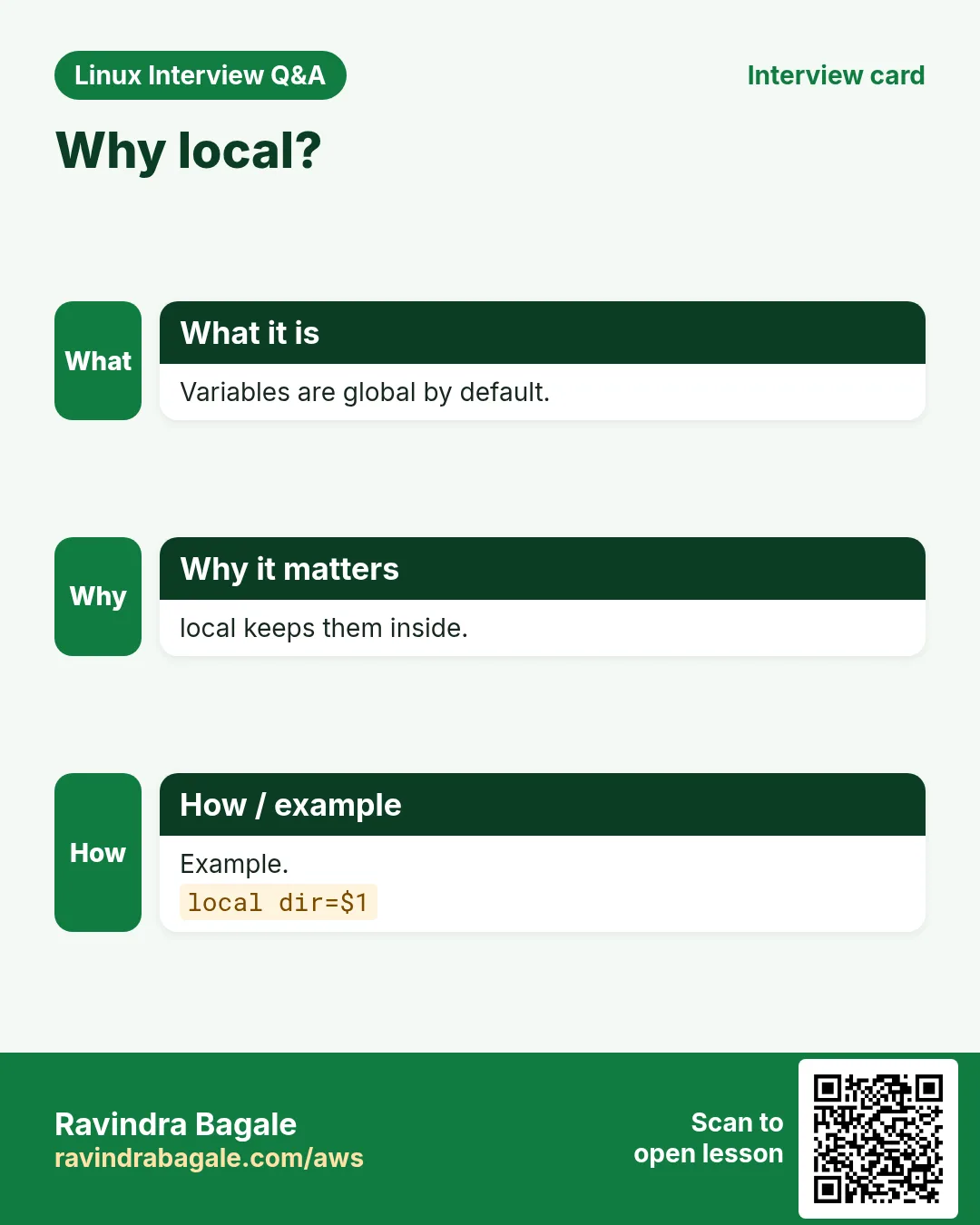
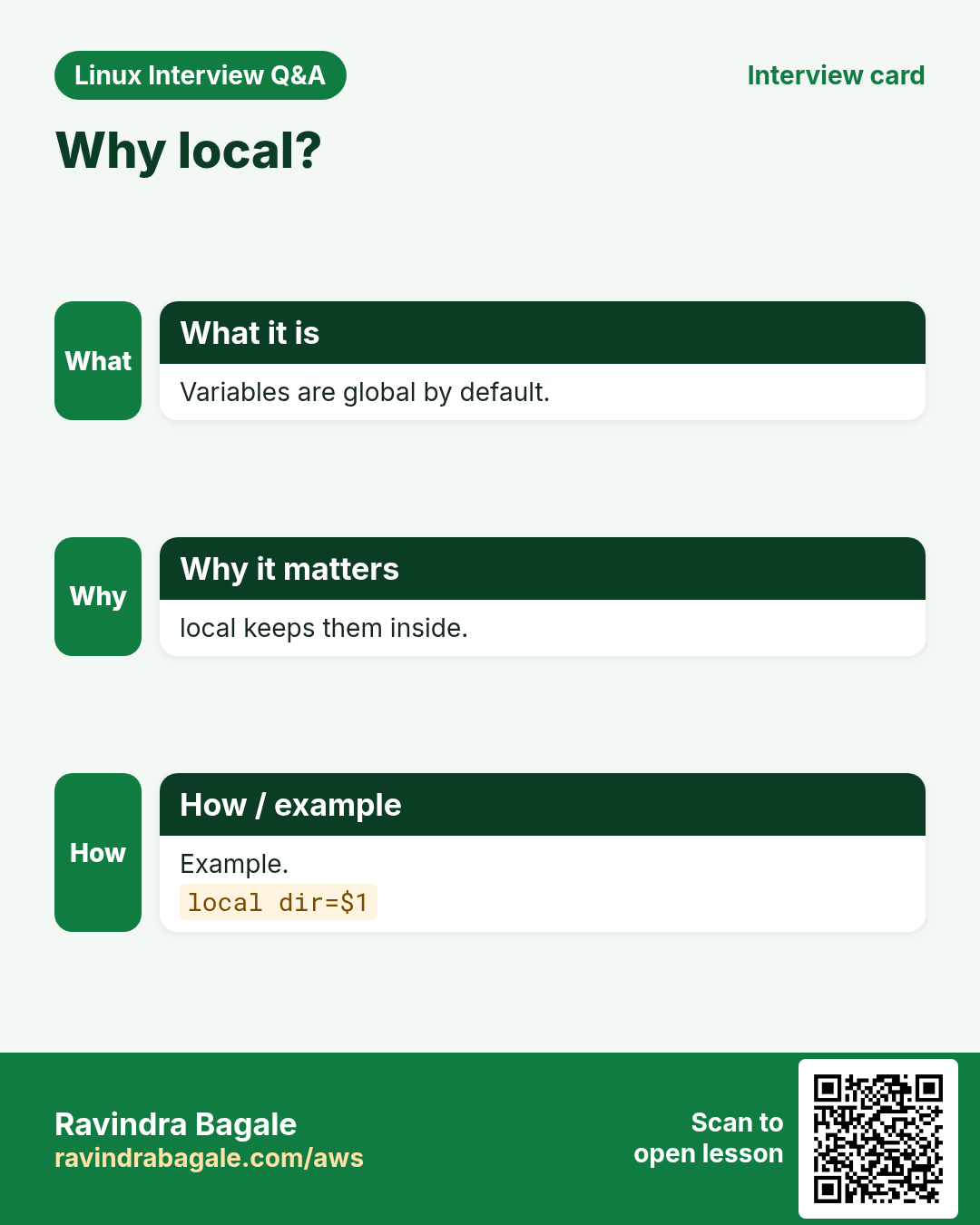
By default all variables in bash are global, even those set inside functions. local name=value makes a variable live only inside the function and the functions it calls. Make every helper variable local. Note: local x=$(cmd) hides cmd's exit code; write local x; x=$(cmd) when you need it.
How to do it (step by step)
- Global leak.
count=10; f(){ count=0; }; f; echo $countOutput:
0What it means: The caller's value changed.
- local.
count=10; g(){ local count=0; }; g; echo $countOutput:
10What it means: Caller is safe.
- Hidden exit code.
h(){ local out=$(false); echo "code $?"; }; hOutput:
code 0What it means: local itself succeeded.
- Correct form.
k(){ local out; out=$(false); echo "code $?"; }; kOutput:
code 1What it means: Now you see the real code.
6. Return several values: nameref and globals
Why do we need this?
Sometimes a function must fill an array or set two values, and echo is clumsy for that.
What is it?
local -n ref=$1 (bash 4.3+) makes ref another name for the caller's variable whose name you pass. Assigning to ref changes the caller's variable. Use a clear name (not the same as the caller's) to avoid loops. Older style: set a documented global like RESULT.
How to do it (step by step)
- Fill a variable.
get_os(){ local -n _out=$1; _out=$(. /etc/os-release; echo $ID); }; get_os os; echo $osOutput:
rhelWhat it means: The caller's os was set.
- Fill an array.
list_users(){ local -n _arr=$1; mapfile -t _arr < <(cut -d: -f1 /etc/passwd | head -3); }; list_users u; echo "${#u[@]}: ${u[*]}"Output:
3: root bin daemonWhat it means: Arrays are covered in chapter 7.
- Two values by echo and read.
mem(){ free -m | awk '/Mem/{print $2, $3}'; }; read -r total used < <(mem); echo "$used of $total MB"Output:
3100 of 7820 MBWhat it means: read splits the output.
7. A main function and script structure
Why do we need this?
Big scripts are easier to read when the top is settings, the middle is functions and the bottom is one call to main.
What is it?
Order: shebang, set -euo pipefail, constants, functions, then main "$@" as the last line. Because bash reads the whole file before main runs, functions can be in any order. The guard [[ ${BASH_SOURCE[0]} == $0 ]] && main "$@" runs main only when the file is executed, not when it is sourced (useful for testing).
How to do it (step by step)
- Skeleton.
cat deploy.shOutput:
#!/usr/bin/env bash
set -euo pipefail
APP=shop
log(){ echo "[$(date +%T)] $*"; }
build(){ log "building $APP"; }
ship(){ log "shipping to $1"; }
main(){ build; ship "${1:-stage}"; }
main "$@"
What it means: Settings, functions, main.
- Run it.
./deploy.sh prodOutput:
[10:15:02] building shop
[10:15:02] shipping to prod
What it means: main got the script's arguments.
- Source guard.
printf 'hi(){ echo hi; }\n[[ ${BASH_SOURCE[0]} == $0 ]] && hi\n' | tee g.sh; source g.sh; bash g.shOutput:
hiWhat it means: Sourcing did not run it; executing did.
8. Libraries: source a shared file
Why do we need this?
Logging, alerts and checks are needed by many scripts. Keep them in one file and load it everywhere.
What is it?
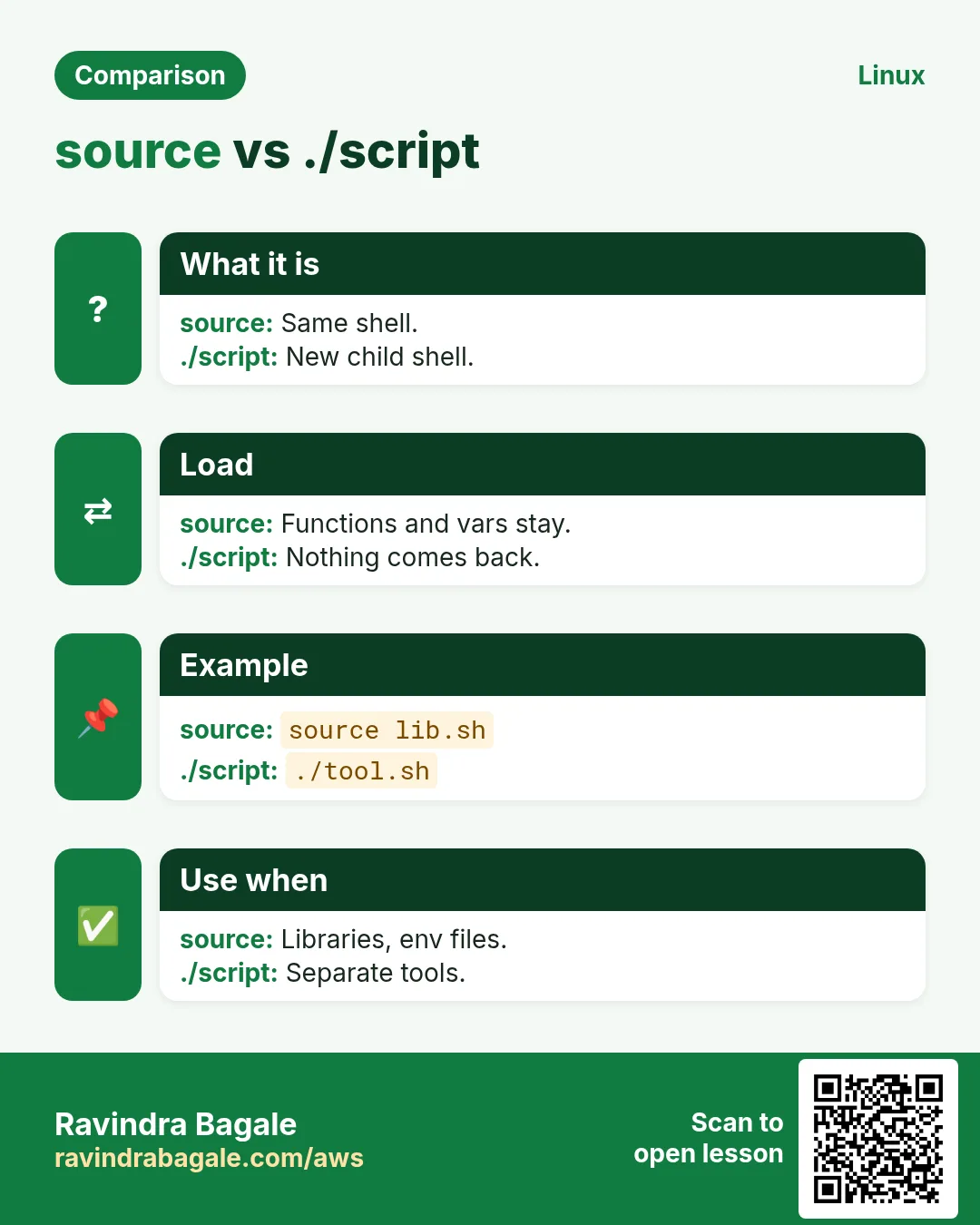
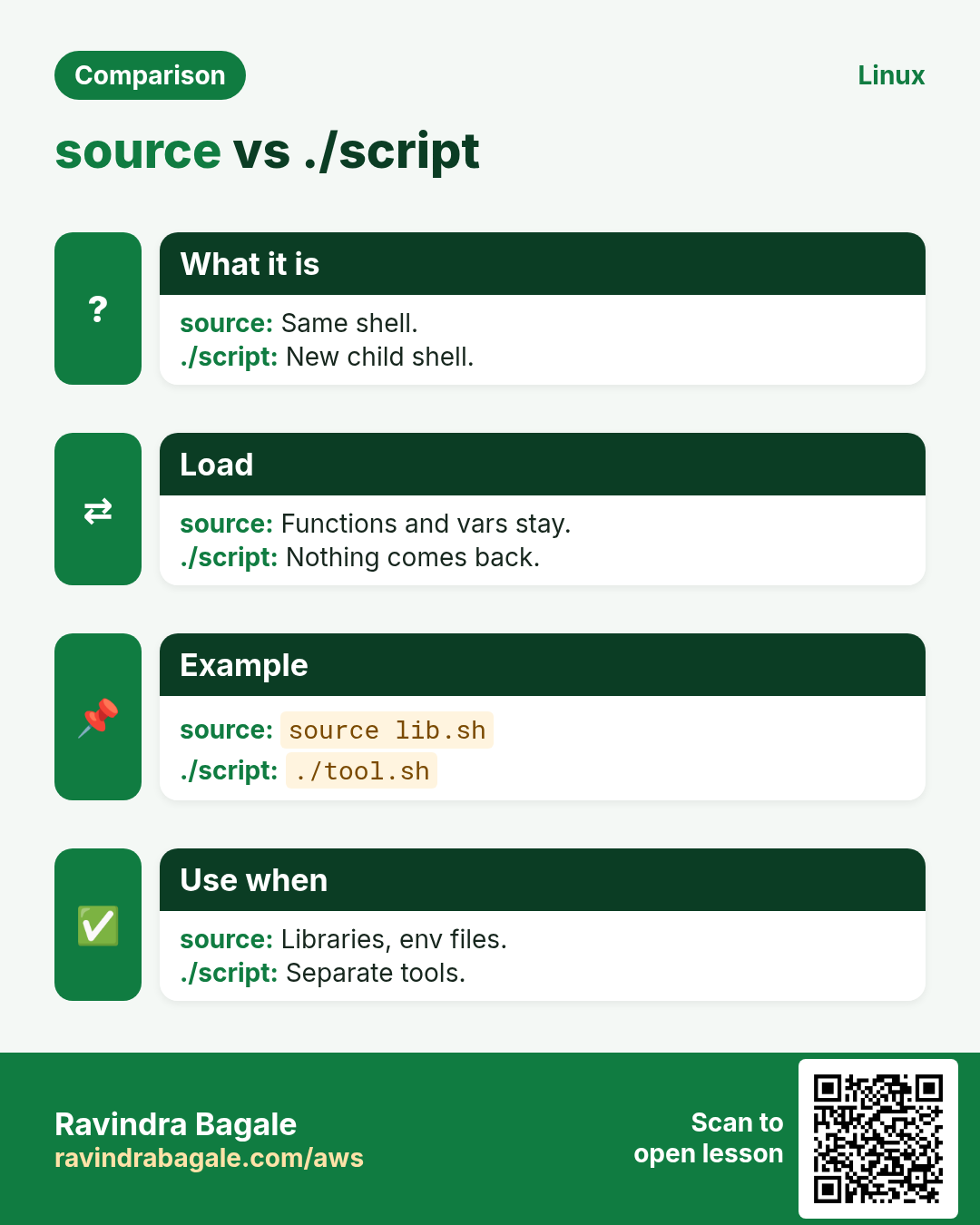
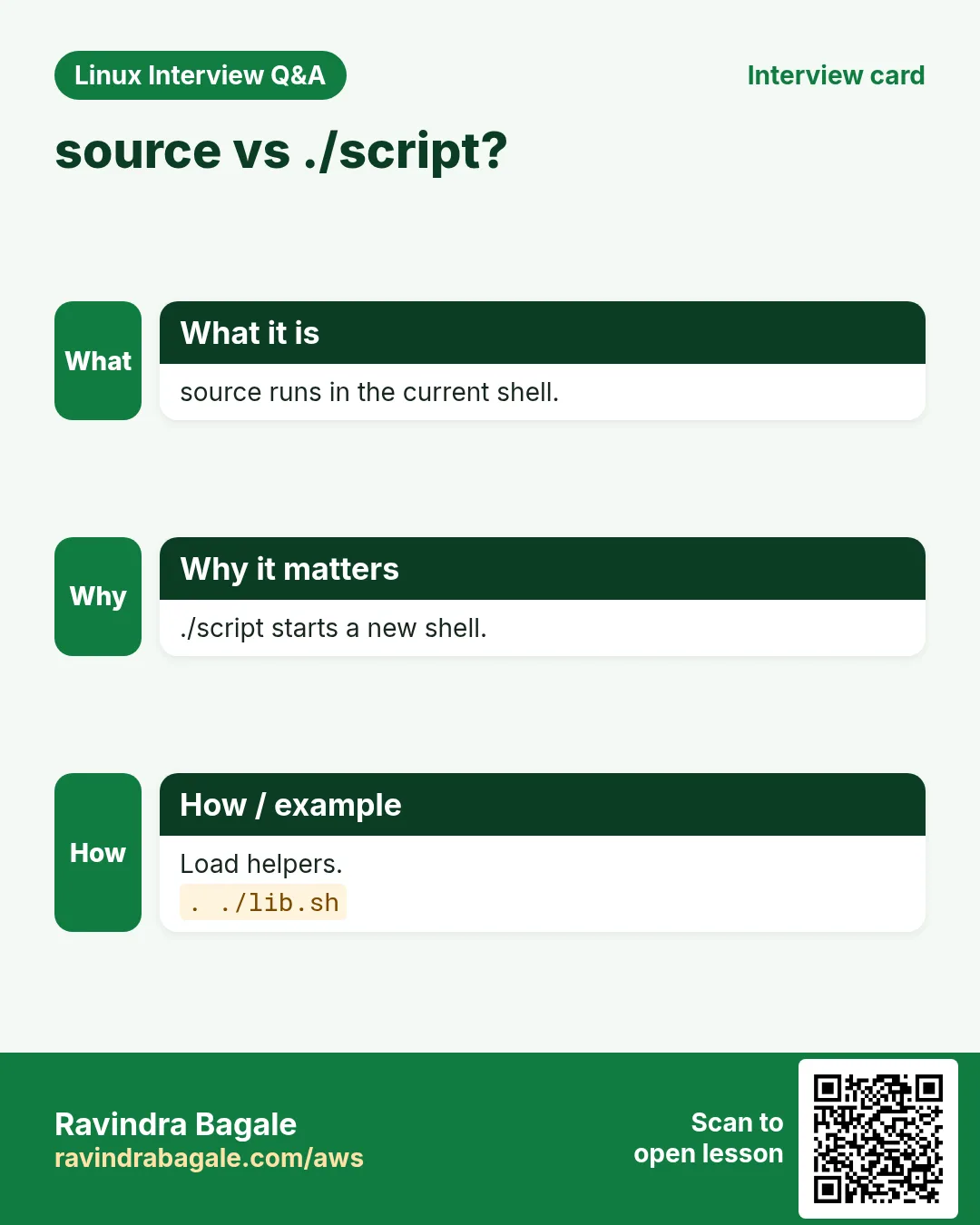
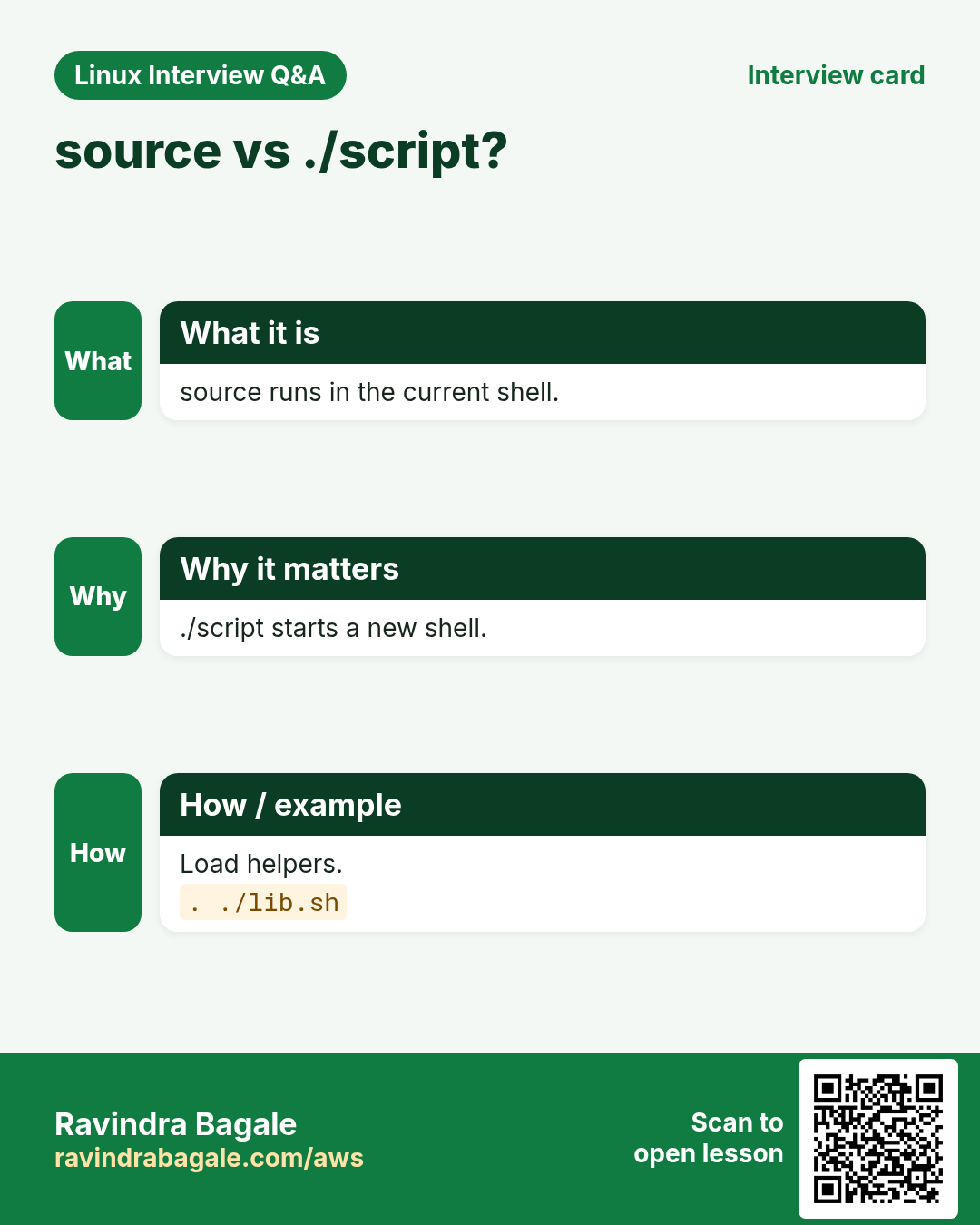
source file (or . file) runs the file in the current shell, so its functions and variables become available. A library contains only functions and constants, no actions at the top level. Find it relative to the script: source "$(dirname "${BASH_SOURCE[0]}")/lib/common.sh". Prefix function names (log_info, net_check) to avoid clashes. Keep it in git and in /usr/local/lib for servers.
How to do it (step by step)
- Write a library.
mkdir -p lib; printf 'log_info(){ printf "%%s INFO %%s\\n" "$(date +%%F_%%T)" "$*"; }\nlog_err(){ printf "%%s ERROR %%s\\n" "$(date +%%F_%%T)" "$*" >&2; }\n' | tee lib/common.shWhat it means: Only functions, no actions at the top.
- Use it.
source lib/common.sh; log_info 'backup started'; log_err 'disk full'Output:
2026-10-25_10:20:01 INFO backup started
2026-10-25_10:20:01 ERROR disk full
What it means: Both functions loaded.
- Relative path.
here=$(dirname "${BASH_SOURCE[0]}"); echo "$here/lib/common.sh"Output:
./lib/common.shWhat it means: Works from any folder.
- List loaded functions.
declare -F | grep log_Output:
declare -f log_err
declare -f log_info
What it means: declare -F lists names only.
9. trap: cleanup and error handlers
Why do we need this?
Temp files and lock files must be removed even when the script fails or the user presses Ctrl+C.
What is it?
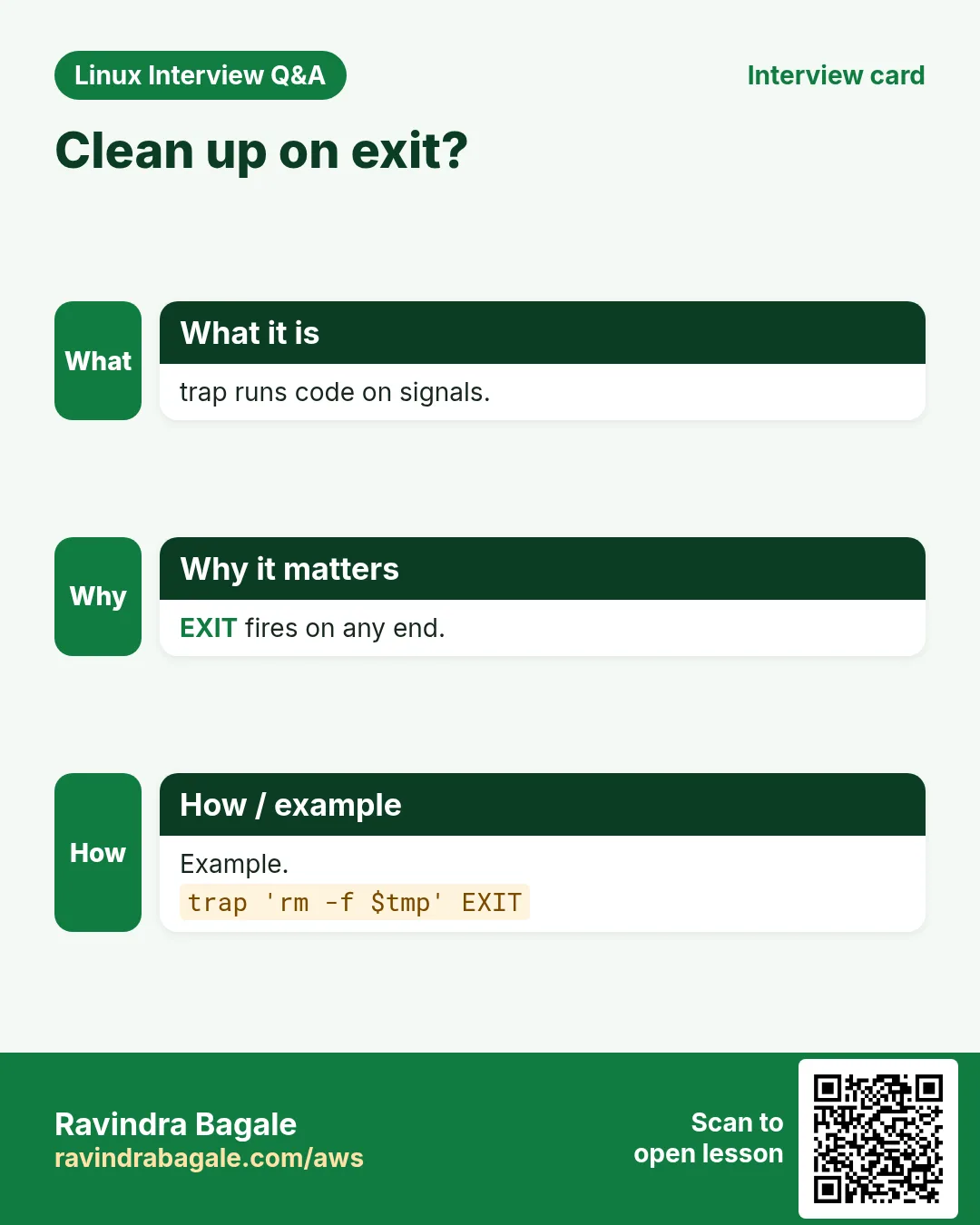
trap 'commands' SIGNALS runs commands when the signal arrives. EXIT runs at every end (normal or error). ERR runs when a command fails (with set -E it works inside functions too). INT is Ctrl+C, TERM is kill. Put cleanup in a function: trap cleanup EXIT. $LINENO and $BASH_COMMAND help in error messages.
How to do it (step by step)
- Cleanup.
bash -c 't=$(mktemp); cleanup(){ rm -f "$t"; echo "removed $t"; }; trap cleanup EXIT; echo work; false; echo never' Output:
work
removed /tmp/tmp.Q8x1
What it means: Cleanup ran even though false ended nothing here; it runs at every exit.
- Error line.
bash -c 'set -eE; trap "echo failed at line \$LINENO: \$BASH_COMMAND" ERR; ls /nope'Output:
ls: cannot access '/nope': No such file or directory
failed at line 1: ls /nope
What it means: Shows which command failed.
- Ctrl+C.
trap 'echo " stopping nicely"; exit 130' INT; sleep 100Output:
^C stopping nicelyWhat it means: Exit 130 = 128 + signal 2.
10. Real examples from many industries
Why do we need this?
The same Linux skill shows up in every kind of company. Seeing it in many places helps you remember it.
What is it?
Each row is a made-up team. It shows who uses this and how.
How to do it (step by step)
| Team and city | How they use it | Command |
|---|---|---|
| Rutuja, bank ops, Pune | Shared log library for 40 scripts | source /usr/local/lib/rb/log.sh |
| James, SaaS, Austin | main "$@" structure | main "$@" |
| Sakura, retail, Osaka | trap cleanup for temp files | trap cleanup EXIT |
| Karim, oil and gas, Abu Dhabi | is_up function used in if | if is_up db1; then |
| Elena, healthcare, Milan | local everywhere in helpers | local f=$1 |
| Ganesh, telecom, Hyderabad | Nameref to return arrays | local -n out=$1 |
11. Common errors and how to fix them
Why do we need this?
Everyone hits these errors. Knowing the cause saves hours.
What is it?
Read the exact message first. Then match it to a row below.
How to do it (step by step)
| Error you see | Why it happens | How to fix |
|---|---|---|
command not found for my function | Called before defined | Define first or use main at the end.main "$@" |
syntax error near unexpected token `}' | Missing ; before } on one line | Add ;.f(){ echo x; } |
numeric argument required | return with text | echo the value instead.echo "$val" |
Caller's variable changed | Not local | Use local.local i |
$1 is empty in the function | Script args not passed | Call with "$@".main "$@" |
No such file when sourcing library | Path relative to current folder | Use BASH_SOURCE.source "$(dirname "${BASH_SOURCE[0]}")/lib.sh" |
Error code lost | local x=$(cmd) | Split declare and assign.local x; x=$(cmd) |
circular name reference | nameref same name as caller var | Use a unique ref name.local -n _ref=$1 |
Temp files left after Ctrl+C | No trap | Add trap cleanup EXIT.trap cleanup EXIT |
12. Troubleshooting step by step
Why do we need this?
See which functions exist, trace calls and check return codes.
What is it?
Go top to bottom. Stop at the first step that shows the problem.
How to do it (step by step)
- List functions.
declare -F- Show one.
declare -f log_info- Trace with function names.
PS4='+${FUNCNAME[0]:-main}:$LINENO: ' bash -x s.sh- Call stack.
echo "${FUNCNAME[*]}"- Return code.
myfn; echo $?- Lint.
shellcheck s.sh lib/*.sh13. Lab 1: Build a small library
Why do we need this?
Create lib/ops.sh with log, die and need_cmd functions, then use it from two scripts.
What is it?
A full hands-on lab. Run every step on a test Linux machine (an EC2 instance, a VM, or WSL).
How to do it (step by step)
- Folder.
mkdir -p ~/lab42/lib && cd ~/lab42- Library.
printf 'log(){ echo "[$(date +%%T)] $*"; }\ndie(){ echo "FATAL: $*" >&2; exit 1; }\nneed_cmd(){ command -v "$1" &>/dev/null || die "$1 not installed"; }\n' | tee lib/ops.sh- Script A.
printf '#!/bin/bash\nsource "$(dirname "$0")/lib/ops.sh"\nneed_cmd tar\nlog "tar is ready"\n' | tee a.sh && chmod +x a.sh && ./a.shOutput:
[10:30:11] tar is ready- Script B fails nicely.
printf '#!/bin/bash\nsource "$(dirname "$0")/lib/ops.sh"\nneed_cmd nosuchtool\n' | tee b.sh && chmod +x b.sh && ./b.sh; echo $?Output:
FATAL: nosuchtool not installed
1- Run from elsewhere.
cd /tmp && ~/lab42/a.shOutput:
[10:30:20] tar is ready- List functions.
bash -c 'source ~/lab42/lib/ops.sh; declare -F'Output:
declare -f die
declare -f log
declare -f need_cmd
14. Lab 2: main, local and trap together
Why do we need this?
Write report.sh with a main function, local variables, a value-returning function and a trap that removes the temp file.
What is it?
A full hands-on lab. Run every step on a test Linux machine (an EC2 instance, a VM, or WSL).
How to do it (step by step)
- Write.
cd ~/lab42 && printf '#!/usr/bin/env bash\nset -euo pipefail\ntmp=$(mktemp)\ncleanup(){ rm -f "$tmp"; echo "cleaned"; }\ntrap cleanup EXIT\ncount_files(){ local d=$1; find "$d" -maxdepth 1 -type f | wc -l; }\nmain(){ local dir=${1:-/etc}; local n; n=$(count_files "$dir"); echo "$dir has $n files" | tee "$tmp"; }\nmain "$@"\n' | tee report.sh && chmod +x report.sh- Run.
./report.sh /etcOutput:
/etc has 94 files
cleaned- Default.
./report.shOutput:
/etc has 94 files
cleaned- Failure still cleans.
./report.sh /nope; echo $?Output:
find: '/nope': No such file or directory
cleaned
1- Temp gone.
ls /tmp/tmp.* 2>/dev/null | wc -lOutput:
0- dir stayed local.
bash -c 'source <(sed "\$d" report.sh); main /tmp; echo "[${dir:-}]"'Output:
/tmp has 3 files
[]
cleanedRavindra Bagale's Tip
Make every variable inside a function local, use return only for success or failure, and echo the data you want to give back. Put shared functions in a library and source it with a path built from BASH_SOURCE.
Ravindra Bagale's Tip – मराठी
Function मधला प्रत्येक variable local करा, return फक्त success किंवा failure साठी, आणि परत द्यायचा data echo करा. Shared functions library मधे ठेवा आणि BASH_SOURCE वरून बनवलेल्या path ने source करा.
Ravindra Bagale's Tip – हिंदी
Function के अंदर हर variable local कीजिए, return सिर्फ success या failure के लिए, और लौटाना हो वह data echo कीजिए. Shared functions library में रखिए और BASH_SOURCE से बने path से source कीजिए.
15. Frequently asked questions
Q. name() or function name?
Both in bash; name() is portable.
Q. Can functions call each other?
Yes, and themselves (recursion).
Q. How to return a string?
echo it and use $( ).
Q. Does $( ) slow things down?
It forks a subshell; fine for most scripts.
Q. source vs running a script?
source runs in the current shell.
Q. Export a function to child scripts?
export -f name.
Q. Unset a function?
unset -f name.
Q. Where to keep libraries?
Repo lib/ or /usr/local/lib.
16. Interview questions and answers
Beginner level
Q. Define a function?
name() { ...; }.
Q. First argument in a function?
$1.
Q. Load a library?
source file.
Q. Function exit code?
return N or last command.
Mid level level
Q. return vs echo?
Code vs data.
Q. Why local?
Avoid changing globals.
Q. What does trap EXIT do?
Runs cleanup on any exit.
Q. Pass script args to main?
main "$@".
Senior level
Q. Design a shared bash library?
Prefixed functions, no top-level actions, source guard, versioned, shellcheck in CI.
Q. local x=$(cmd) issue?
Masks exit code; split it.
Q. Return arrays?
nameref local -n or print lines with mapfile.
Q. Make scripts testable?
Functions + source guard; test with bats.
Try at home
- Write a function is_port_open HOST PORT that returns 0 or 1 and use it in an if.
- Move it into lib/net.sh and source it from two different scripts.
Practice Tasks
Ahmednagar Sugar Co-op is a sugar co-operative business in Ahilyanagar. Balasaheb Pawar looks after its IT and cloud work. They count money in INR and run their AWS resources in the ap-south-1 Region. In the tasks below you do real jobs for them using what this lesson teaches. All names, account IDs, IP addresses and numbers are made up for practice.
0 / 21
Easy Define
Why: Shared functions keep BIZ scripts short and consistent.
What to do: Define a function hello that prints Namaste on one line.
- Find the Linux command that does this job.
- Add the options (like -r or -h) the task needs.
- Add the file names, folders or users in the right order.
- Use sudo if the job changes system files or users. Click Check answer.
Easy Is it a function
Why: Shared functions keep BIZ scripts short and consistent.
What to do: Show what kind of command backup_now is.
- Find the Linux command that does this job.
- Add the options (like -r or -h) the task needs.
- Add the file names, folders or users in the right order.
- Use sudo if the job changes system files or users. Click Check answer.
Easy List functions
Why: Shared functions keep BIZ scripts short and consistent.
What to do: List the names of all defined functions with compgen.
- Find the Linux command that does this job.
- Add the options (like -r or -h) the task needs.
- Add the file names, folders or users in the right order.
- Use sudo if the job changes system files or users. Click Check answer.
Easy Local variable
Why: Shared functions keep BIZ scripts short and consistent.
What to do: Inside a function, make a local variable dir set to the first argument.
- Find the Linux command that does this job.
- Add the options (like -r or -h) the task needs.
- Add the file names, folders or users in the right order.
- Use sudo if the job changes system files or users. Click Check answer.
Easy Return failure
Why: Shared functions keep BIZ scripts short and consistent.
What to do: Return failure with code 1 from a function.
- Find the Linux command that does this job.
- Add the options (like -r or -h) the task needs.
- Add the file names, folders or users in the right order.
- Use sudo if the job changes system files or users. Click Check answer.
Easy Call run_all
Why: Shared functions keep BIZ scripts short and consistent.
What to do: Call run_all passing all script arguments.
- Find the Linux command that does this job.
- Add the options (like -r or -h) the task needs.
- Add the file names, folders or users in the right order.
- Use sudo if the job changes system files or users. Click Check answer.
Easy Load a library
Why: Shared functions keep BIZ scripts short and consistent.
What to do: Load lib/alerts.sh into the current shell.
- Find the Linux command that does this job.
- Add the options (like -r or -h) the task needs.
- Add the file names, folders or users in the right order.
- Use sudo if the job changes system files or users. Click Check answer.
Easy List traps
Why: Shared functions keep BIZ scripts short and consistent.
What to do: Show the traps that are currently set.
- Find the Linux command that does this job.
- Add the options (like -r or -h) the task needs.
- Add the file names, folders or users in the right order.
- Use sudo if the job changes system files or users. Click Check answer.
Medium Show code
Why: Shared functions keep BIZ scripts short and consistent.
What to do: Show the code of the function send_sms.
- Find the Linux command that does this job.
- Add the options (like -r or -h) the task needs.
- Add the file names, folders or users in the right order.
- Use sudo if the job changes system files or users. Click Check answer.
Medium Capture output
Why: Shared functions keep BIZ scripts short and consistent.
What to do: Store the output of the function get_ip into addr.
- Find the Linux command that does this job.
- Add the options (like -r or -h) the task needs.
- Add the file names, folders or users in the right order.
- Use sudo if the job changes system files or users. Click Check answer.
Medium Function in if
Why: Shared functions keep BIZ scripts short and consistent.
What to do: Run is_weekend in an if and print rest when it returns success.
- Find the Linux command that does this job.
- Add the options (like -r or -h) the task needs.
- Add the file names, folders or users in the right order.
- Use sudo if the job changes system files or users. Click Check answer.
Medium Required arg
Why: Shared functions keep BIZ scripts short and consistent.
What to do: Inside a function, set local f to $1 or stop with "need path".
- Find the Linux command that does this job.
- Add the options (like -r or -h) the task needs.
- Add the file names, folders or users in the right order.
- Use sudo if the job changes system files or users. Click Check answer.
Medium Export a function
Why: Shared functions keep BIZ scripts short and consistent.
What to do: Export the function notify to child shells.
- Find the Linux command that does this job.
- Add the options (like -r or -h) the task needs.
- Add the file names, folders or users in the right order.
- Use sudo if the job changes system files or users. Click Check answer.
Medium Remove a function
Why: Shared functions keep BIZ scripts short and consistent.
What to do: Delete the function old_sync.
- Find the Linux command that does this job.
- Add the options (like -r or -h) the task needs.
- Add the file names, folders or users in the right order.
- Use sudo if the job changes system files or users. Click Check answer.
Medium Function name
Why: Shared functions keep BIZ scripts short and consistent.
What to do: Inside a function, print its own name.
- Find the Linux command that does this job.
- Add the options (like -r or -h) the task needs.
- Add the file names, folders or users in the right order.
- Use sudo if the job changes system files or users. Click Check answer.
Medium Cleanup trap
Why: Shared functions keep BIZ scripts short and consistent.
What to do: Run the function tidy whenever the script exits.
- Find the Linux command that does this job.
- Add the options (like -r or -h) the task needs.
- Add the file names, folders or users in the right order.
- Use sudo if the job changes system files or users. Click Check answer.
Medium Ctrl+C trap
Why: Shared functions keep BIZ scripts short and consistent.
What to do: On Ctrl+C print bye and exit 130.
- Find the Linux command that does this job.
- Add the options (like -r or -h) the task needs.
- Add the file names, folders or users in the right order.
- Use sudo if the job changes system files or users. Click Check answer.
Hard Keep the code
Why: Shared functions keep BIZ scripts short and consistent.
What to do: Declare local out first, as a separate statement, before assigning command output to it.
- Find the Linux command that does this job.
- Add the options (like -r or -h) the task needs.
- Add the file names, folders or users in the right order.
- Use sudo if the job changes system files or users. Click Check answer.
Hard Relative library
Why: Shared functions keep BIZ scripts short and consistent.
What to do: Source helpers.sh from the same folder as the running script, using BASH_SOURCE.
- Find the Linux command that does this job.
- Add the options (like -r or -h) the task needs.
- Add the file names, folders or users in the right order.
- Use sudo if the job changes system files or users. Click Check answer.
Hard Nameref
Why: Shared functions keep BIZ scripts short and consistent.
What to do: Inside a function, make _dst a name reference to the variable named in $1.
- Find the Linux command that does this job.
- Add the options (like -r or -h) the task needs.
- Add the file names, folders or users in the right order.
- Use sudo if the job changes system files or users. Click Check answer.
Hard Error trap
Why: Shared functions keep BIZ scripts short and consistent.
What to do: Make the ERR trap work inside functions too, together with exit-on-error.
- Find the Linux command that does this job.
- Add the options (like -r or -h) the task needs.
- Add the file names, folders or users in the right order.
- Use sudo if the job changes system files or users. Click Check answer.
17. Related chapters
- Linux Ops Refresh for DevOps
- Bash Scripting for Automation
- Linux grep and find Commands with Examples
- How to Set Up Passwordless SSH Between Linux Servers
In short
- name(){ ...; } defines; call it by name.
- $1, $@ inside are the function's arguments.
- return gives a code; echo gives data.
- local keeps variables private.
- source loads a library into the current shell.
- main "$@" last, trap cleanup EXIT for safety.
Revision, comparison and interview cards
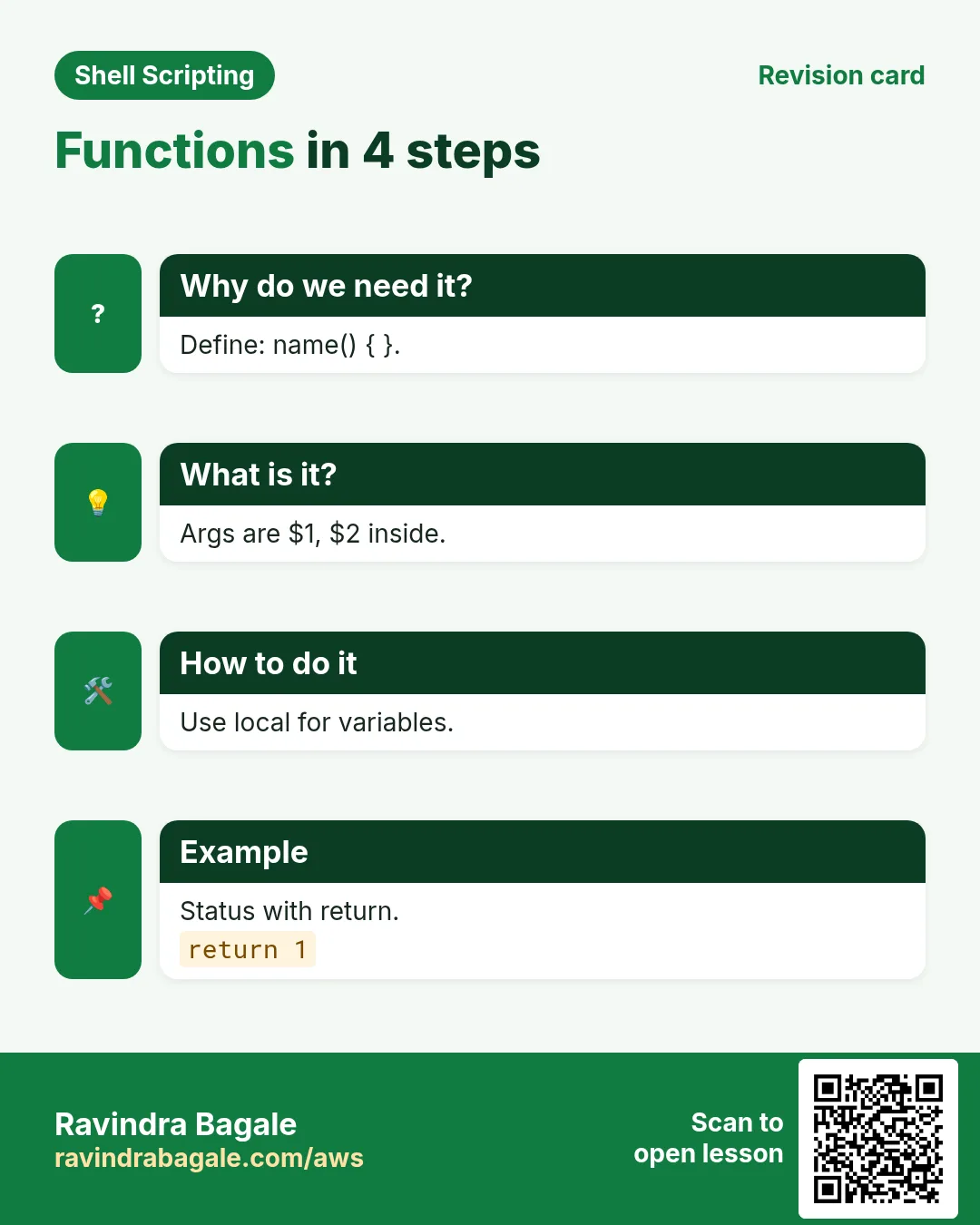
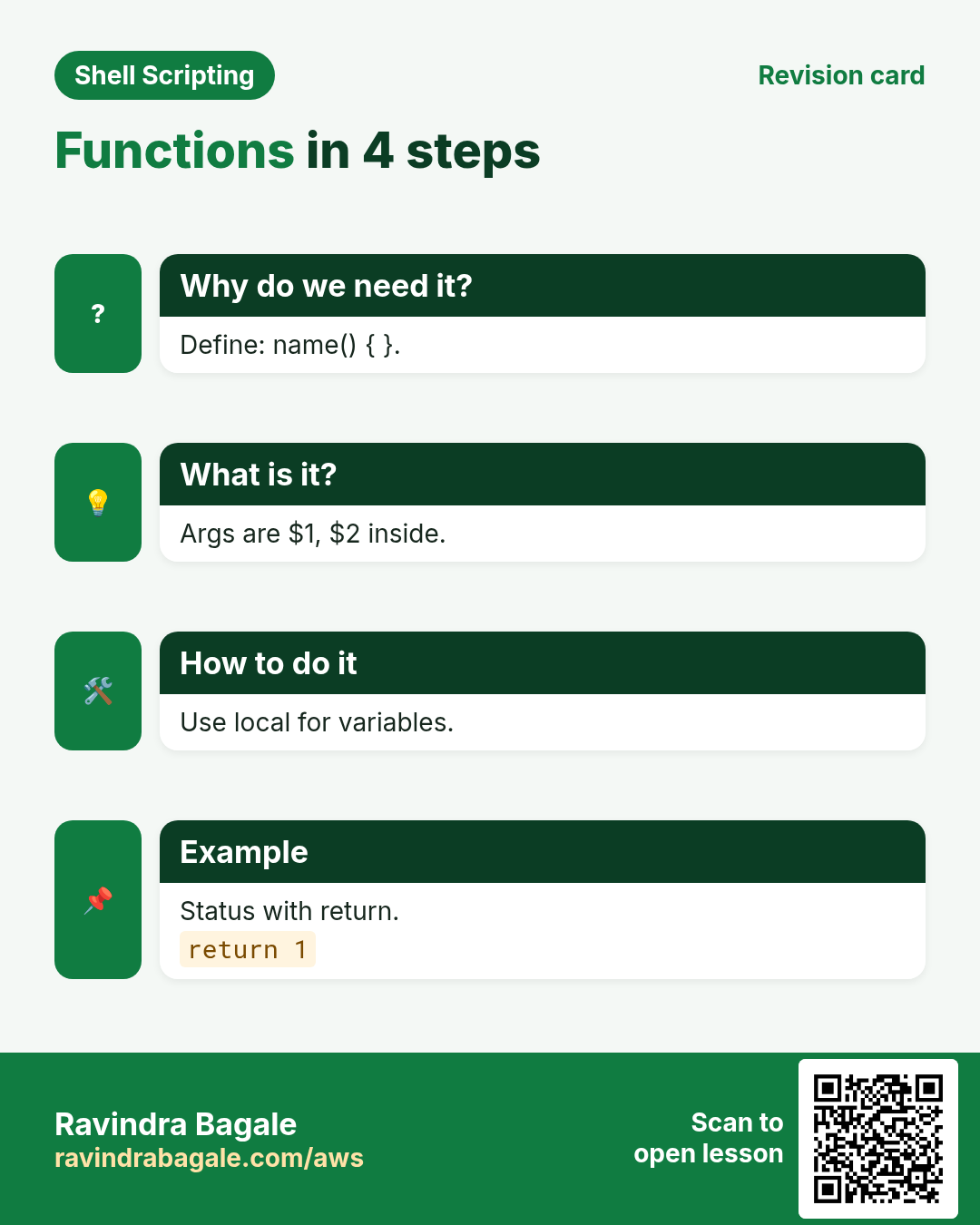
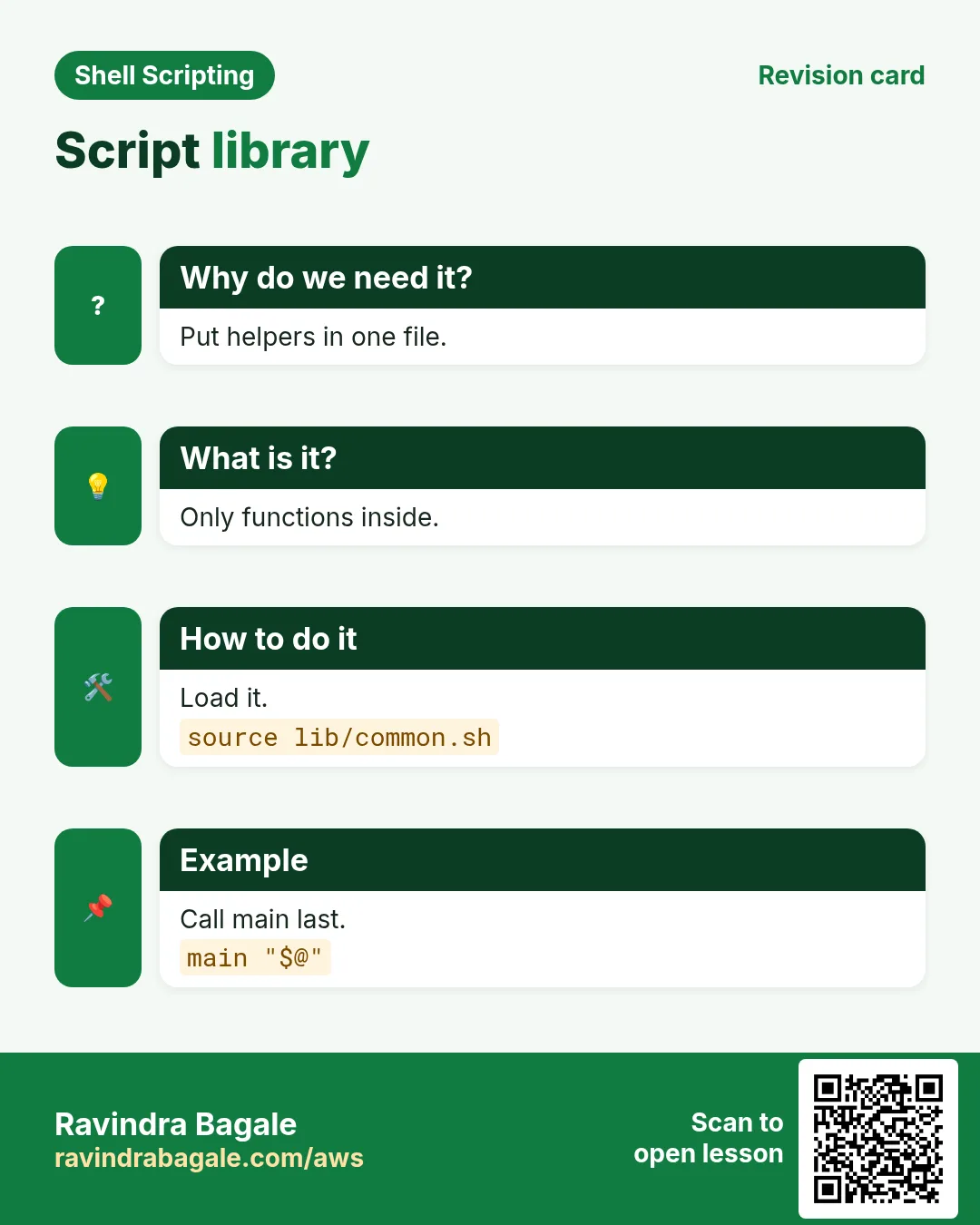
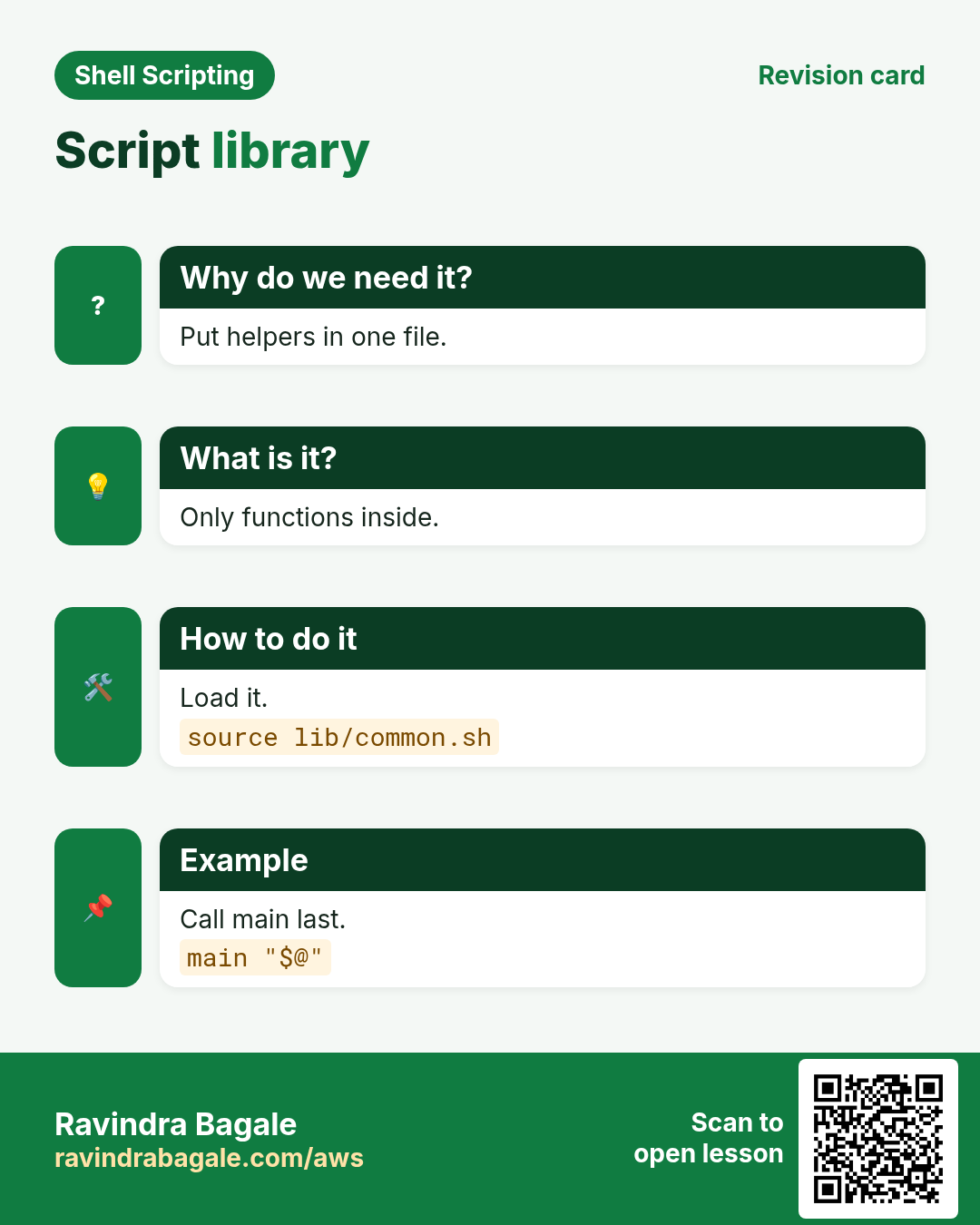
Revise this lesson in a few minutes. Save the cards on your phone or download them as PNG files. The QR code on each card opens this lesson.


More cards: Ravi Sir's Cards.