Shell Scripting Complete 6: Bash Functions, local, return आणि Reusable Script Libraries
Functions commands च्या block ला नाव देतात म्हणजे तो reuse, test करता येतो आणि script गोष्टीसारखा वाचता येतो: check_disk, backup_db, send_alert. हा chapter functions define आणि call करणं, functions मधले arguments, return codes vs output, local variables, echo आणि nameref ने values परत देणं, आणि अनेक scripts source करतात अशी shared library file बनवणं शिकवतो. main function, cleanup साठी traps आणि सोपी logging library पण शिकाल.
या chapter मध्ये तुम्ही काय शिकाल
- Functions define आणि call करा
- Functions मधे $1, $@ वापरा
- return vs echo समजा
- Variables local ठेवा
- Library बनवा आणि source करा
- स्वच्छ scripts साठी main आणि trap
1. रोजचं उदाहरण: pressure cooker recipe card
हे का लागतं?
पुण्याच्या प्रत्येक घरात काही ठरलेल्या steps असतात: 'फोडणी देणं' वरण, भाजी आणि पोह्यासाठी सारखंच. आई दर वेळी समजावत नाही; फक्त 'फोडणी कर' म्हणते. Function म्हणजे ती नावाची step. सगळ्या कुटुंबाने share केलेली recipe file म्हणजे library, आणि प्रत्येक recipe card फक्त 'फोडणी step वापर' म्हणू शकतं.
हे काय आहे?
नावाची step = function. देता ते साहित्य = arguments $1 $2. 'छान झालं' की 'करपलं' = return code. शिजलेला पदार्थ = echo चा output. तुमची स्वतःची वाटी = local variable. कुटुंबाची recipe file = source करायची library.
कसं करायचं (step by step)
2. Function define आणि call करा
हे का लागतं?
Repeated blocks मुळे scripts लांब आणि bugs पण repeat. एक function म्हणजे fix करायची एक जागा.
हे काय आहे?
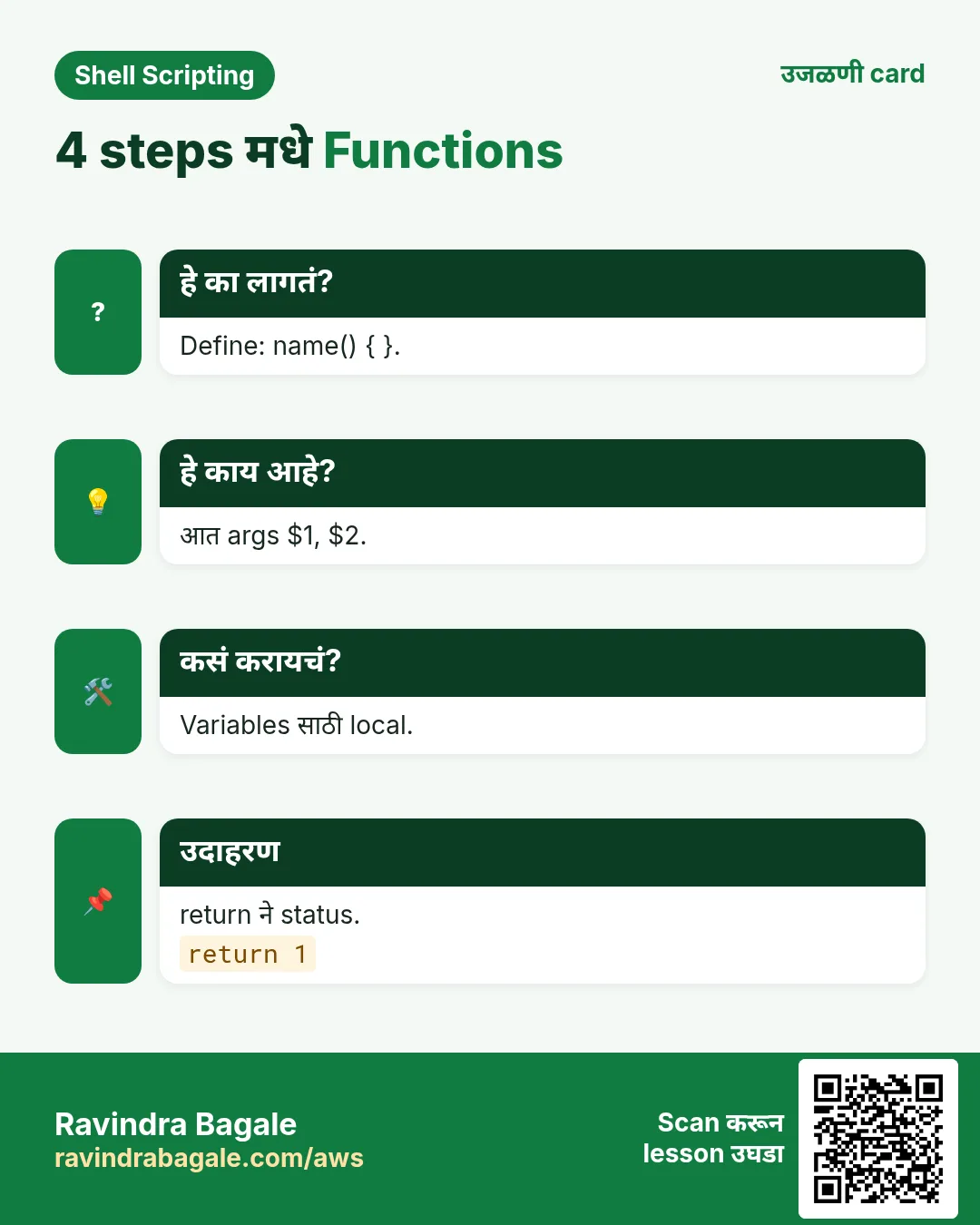
name() { commands; } लिहा आणि command सारखं call करा: name. function name { } प्रकारही bash मधे चालतो. नावात letters, digits आणि _. Call करणारी line चालण्याआधी function define हवा. declare -f name code दाखवतो; type name function आहे हे सांगतो.
कसं करायचं (step by step)
- Define आणि call.
greet() { echo "Namaskar from $(hostname)"; }; greetOutput:
Namaskar from web01याचा अर्थ: कोणत्याही command सारखं call.
- बघा.
type greetOutput:
greet is a function
greet ()
{
    echo "Namaskar from $(hostname)"
}
याचा अर्थ: Bash ने code साठवला.
- खूप लवकर call.
bash -c 'early; early(){ echo hi; }'Output:
bash: line 1: early: command not foundयाचा अर्थ: आधी define.
- One-line body ला ;
bad(){ echo x }Output:
bash: syntax error near unexpected token `}'याचा अर्थ: } आधी ;.
3. Functions मधे arguments
हे का लागतं?
Server नाव किंवा path घेऊ शकणारा function प्रत्येक server आणि path साठी चालतो.
हे काय आहे?
Function मधे $1, $2, $#, $@ function चे स्वतःचे arguments, script चे नाहीत. Script चे arguments वापरायचे तर द्या: main "$@". $0 अजूनही script नाव; FUNCNAME[0] function नाव. Required arguments ${1:?usage} किंवा $# ने तपासा.
कसं करायचं (step by step)
- दोन arguments.
add_user(){ echo "adding $1 to group $2"; }; add_user meera devsOutput:
adding meera to group devsयाचा अर्थ: $1 आणि $2 call चे.
- सगळे arguments.
each(){ for x in "$@"; do echo "- $x"; done; }; each 'Pune Camp' KothrudOutput:
- Pune Camp
- Kothrud
याचा अर्थ: "$@" spaces ठेवतो.
- Required.
need(){ local f=${1:?need a file}; echo "using $f"; }; needOutput:
bash: 1: need a fileयाचा अर्थ: Message सह थांबतो.
- स्वतःचं नाव.
whoami_fn(){ echo "in ${FUNCNAME[0]} with $# args"; }; whoami_fn a bOutput:
in whoami_fn with 2 argsयाचा अर्थ: Log lines मधे उपयोगी.
4. return codes vs output
हे का लागतं?
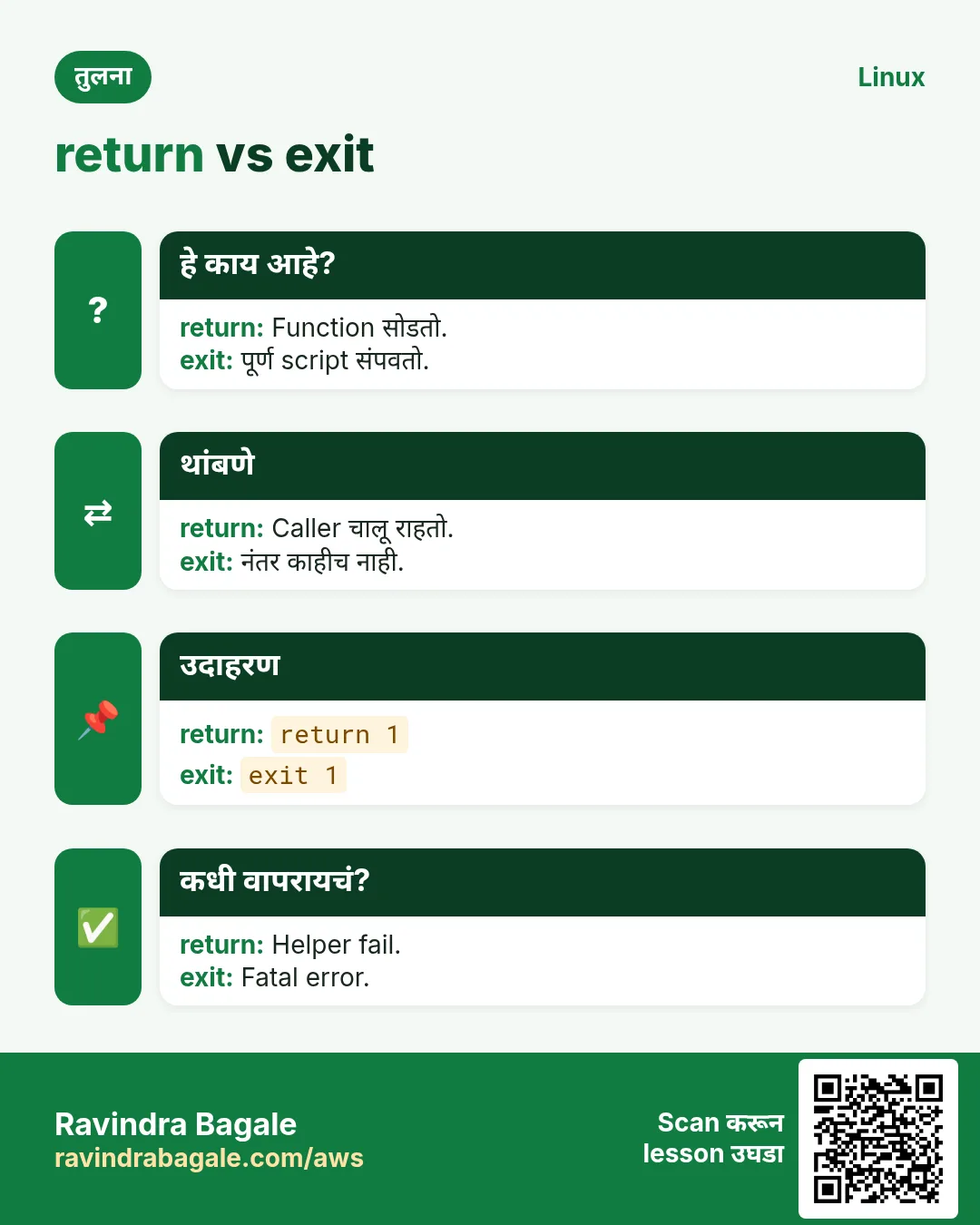
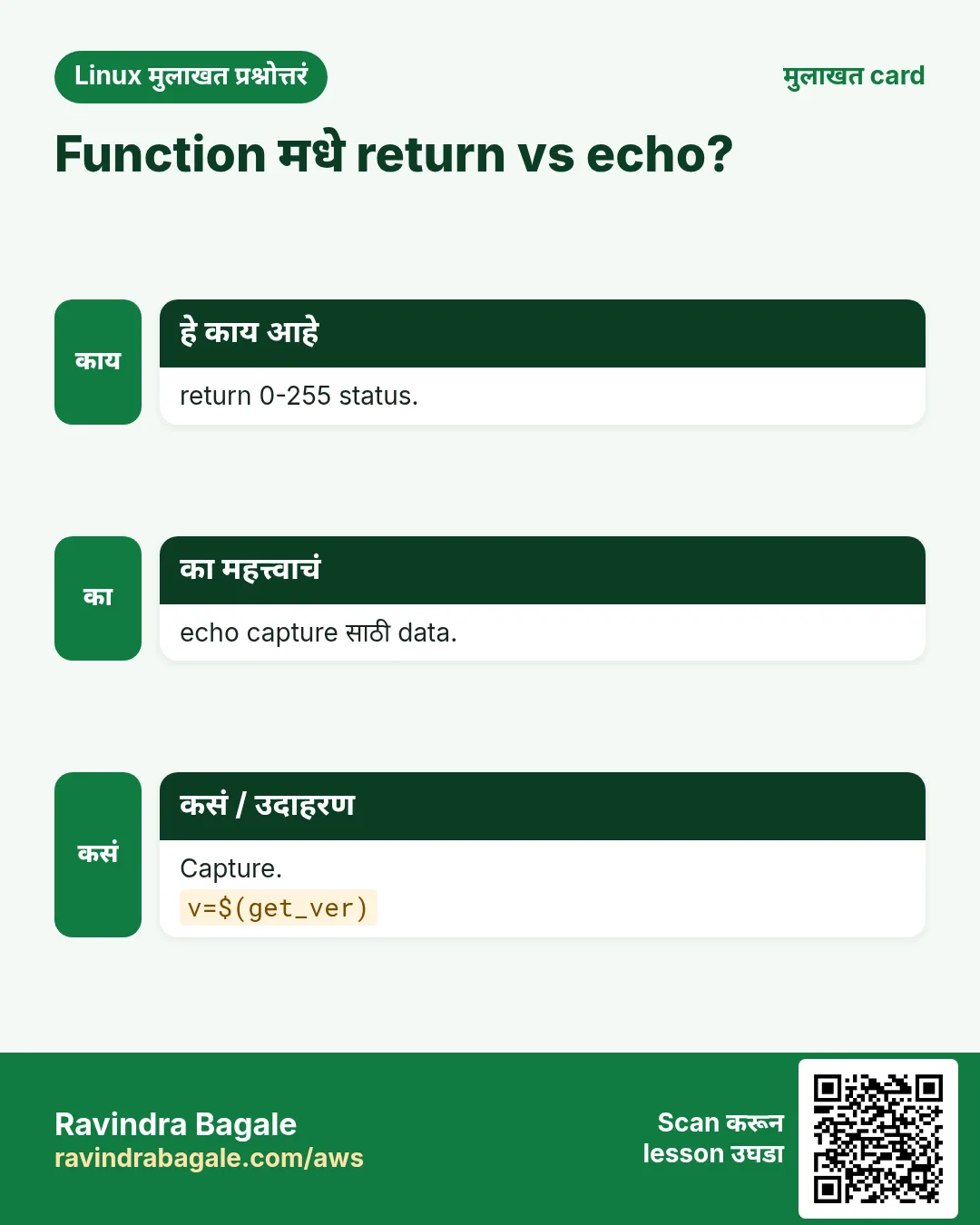
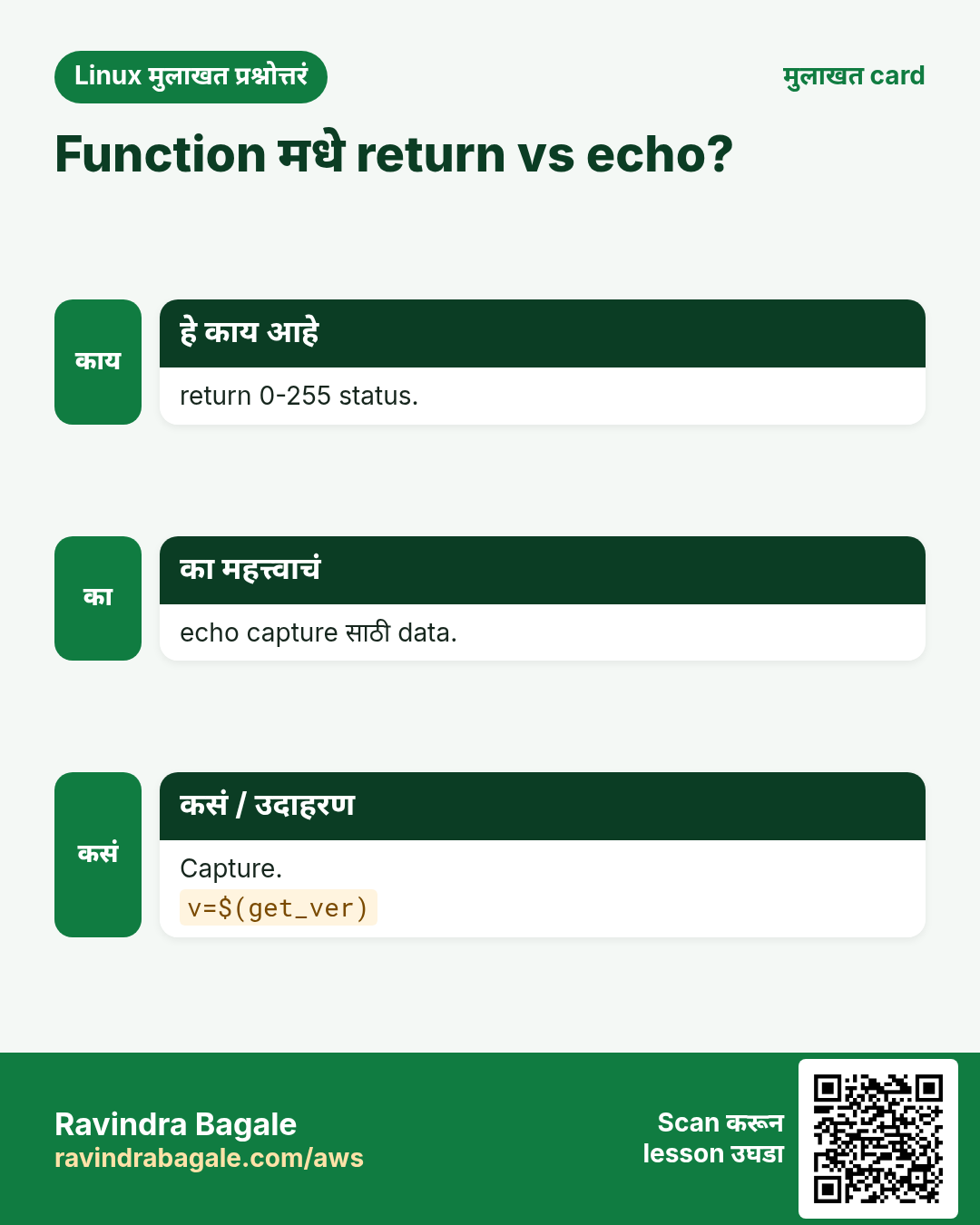
Beginners return ने text परत द्यायचा प्रयत्न करतात. return फक्त 0-255 number देतो, success किंवा failure.
हे काय आहे?
return N function exit code N ने संपवतो (0 success). return नसेल तर शेवटच्या command चा code. Data परत द्यायचा तर echo किंवा printf ने print करा आणि पकडा: x=$(fn). Yes/no साठी code आणि values साठी output, म्हणजे function if मधे आणि $( ) मधे दोन्हीकडे वापरता येतो.
| गरज | वापरा |
|---|---|
| yes/no | return 0 किंवा 1 |
| a value | echo, x=$(fn) |
| many values | nameref ने array |
| an error message | echo ... >&2 |
कसं करायचं (step by step)
- Yes/no.
is_root(){ [[ $EUID -eq 0 ]]; }; if is_root; then echo root; else echo 'not root'; fiOutput:
not rootयाचा अर्थ: शेवटचा test हाच return code.
- echo ने value.
disk_pct(){ df --output=pcent "${1:-/}" | tail -1 | tr -dc 0-9; }; p=$(disk_pct /); echo "root at $p%"Output:
root at 41%याचा अर्थ: $( ) ने पकडलं.
- return text सह fail.
bad(){ return hello; }; badOutput:
bash: return: hello: numeric argument requiredयाचा अर्थ: return फक्त numbers.
- 255 पेक्षा जास्त wrap.
f(){ return 300; }; f; echo $?Output:
44याचा अर्थ: 300 mod 256 = 44.
5. local variables आणि scope
हे का लागतं?
i किंवा file नावाचा global variable बदलणारा function caller ला विचित्र प्रकारे बिघडवू शकतो.
हे काय आहे?
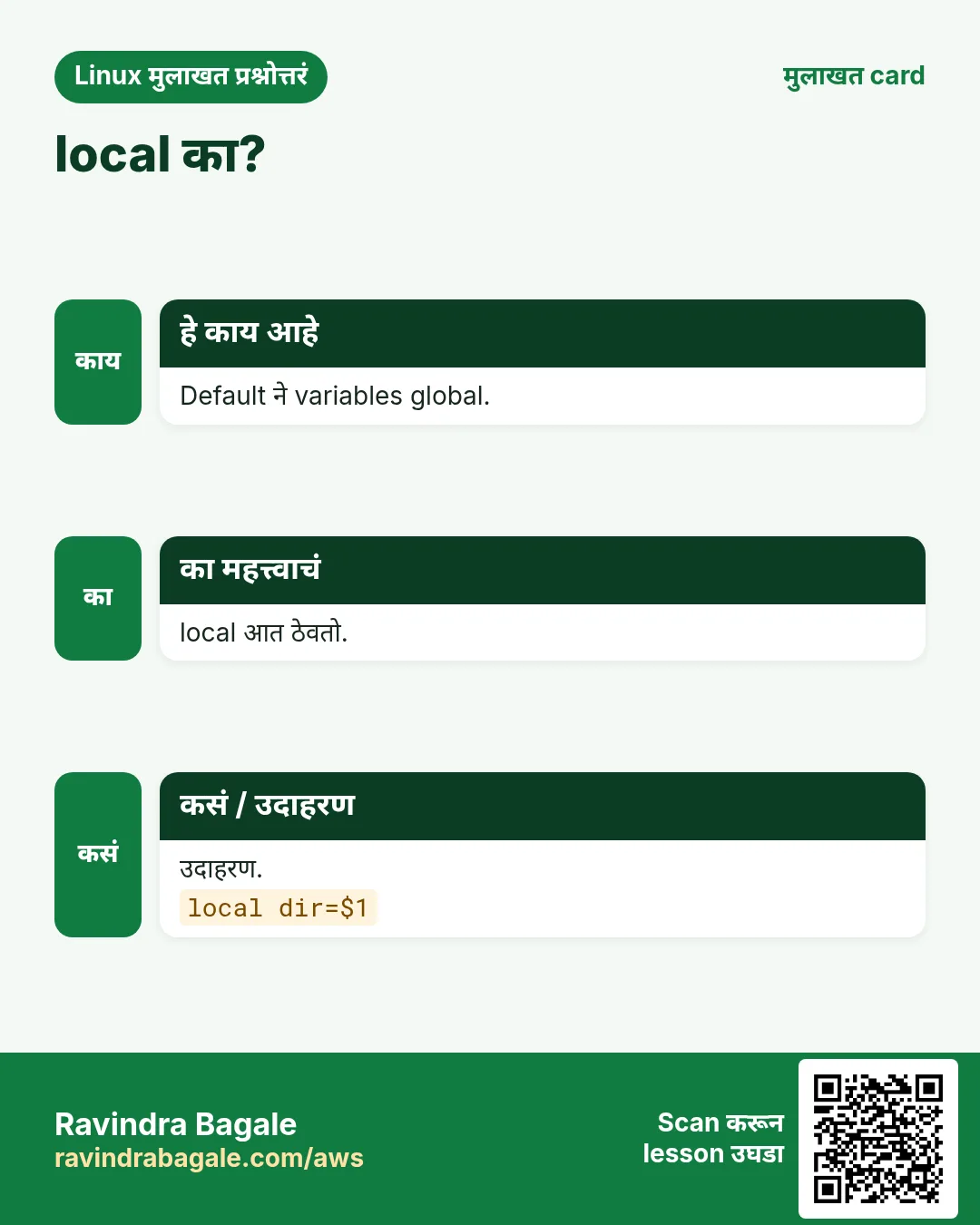
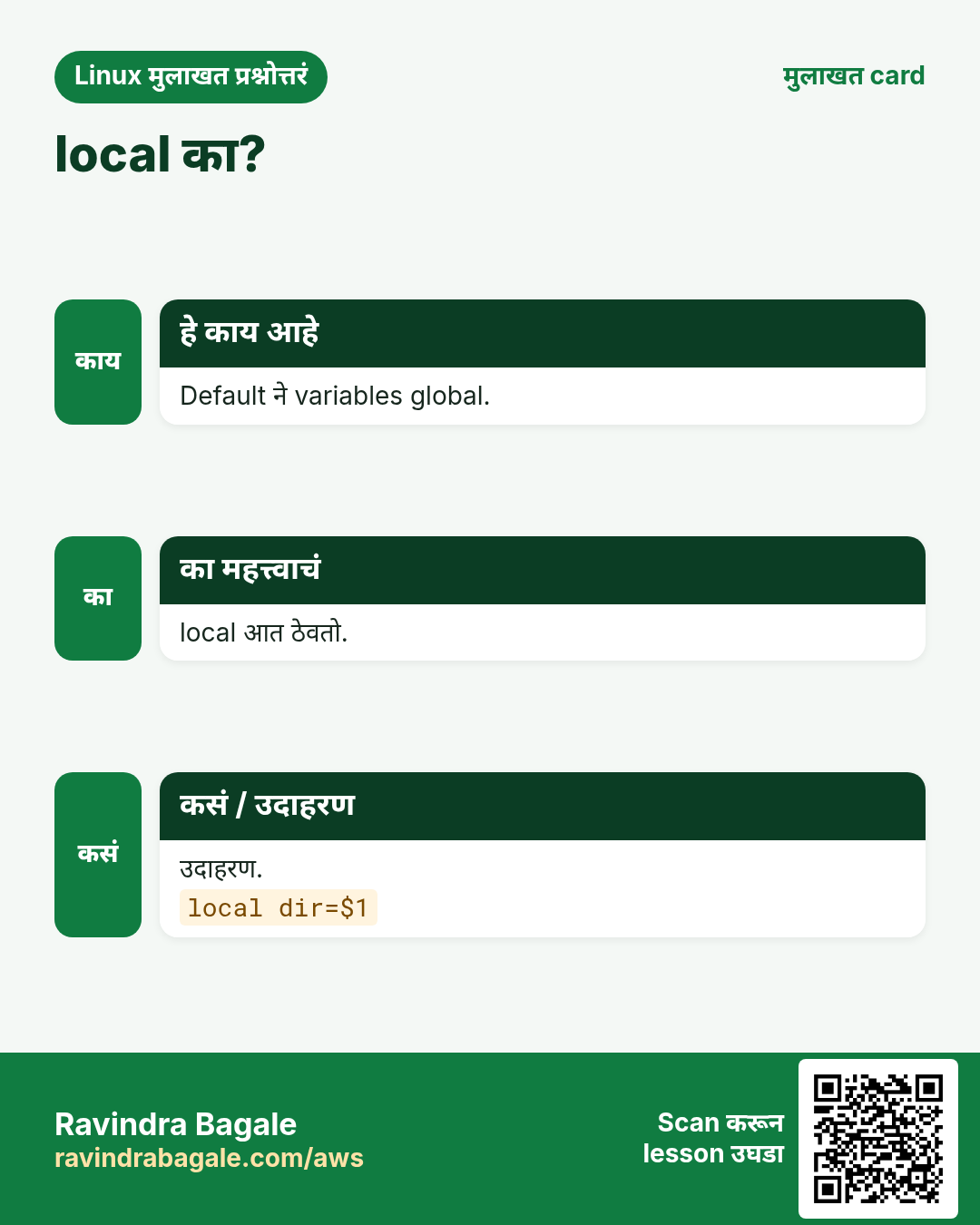
Default ने bash मधले सगळे variables global, functions मधे set केलेलेसुद्धा. local name=value variable फक्त function आणि तो call करतो त्या functions मधे ठेवतो. प्रत्येक helper variable local करा. लक्षात ठेवा: local x=$(cmd) cmd चा exit code लपवतो; तो लागत असेल तर local x; x=$(cmd).
कसं करायचं (step by step)
- Global leak.
count=10; f(){ count=0; }; f; echo $countOutput:
0याचा अर्थ: Caller ची value बदलली.
- local.
count=10; g(){ local count=0; }; g; echo $countOutput:
10याचा अर्थ: Caller safe.
- लपलेला exit code.
h(){ local out=$(false); echo "code $?"; }; hOutput:
code 0याचा अर्थ: local स्वतः यशस्वी.
- बरोबर प्रकार.
k(){ local out; out=$(false); echo "code $?"; }; kOutput:
code 1याचा अर्थ: आता खरा code दिसतो.
6. अनेक values परत: nameref आणि globals
हे का लागतं?
कधी function ला array भरायचा किंवा दोन values set करायच्या असतात, आणि echo साठी अवघड.
हे काय आहे?
local -n ref=$1 (bash 4.3+) ref ला caller च्या variable चं दुसरं नाव बनवतो ज्याचं नाव तुम्ही देता. ref ला assign केलं की caller चा variable बदलतो. Loops टाळायला स्पष्ट नाव (caller सारखं नको). जुना प्रकार: RESULT सारखा documented global.
कसं करायचं (step by step)
- Variable भरा.
get_os(){ local -n _out=$1; _out=$(. /etc/os-release; echo $ID); }; get_os os; echo $osOutput:
rhelयाचा अर्थ: Caller चा os set.
- Array भरा.
list_users(){ local -n _arr=$1; mapfile -t _arr < <(cut -d: -f1 /etc/passwd | head -3); }; list_users u; echo "${#u[@]}: ${u[*]}"Output:
3: root bin daemonयाचा अर्थ: Arrays chapter 7 मधे.
- echo आणि read ने दोन values.
mem(){ free -m | awk '/Mem/{print $2, $3}'; }; read -r total used < <(mem); echo "$used of $total MB"Output:
3100 of 7820 MBयाचा अर्थ: read output तोडतो.
7. main function आणि script structure
हे का लागतं?
वर settings, मधे functions आणि खाली main ला एक call असेल तर मोठे scripts वाचायला सोपे.
हे काय आहे?
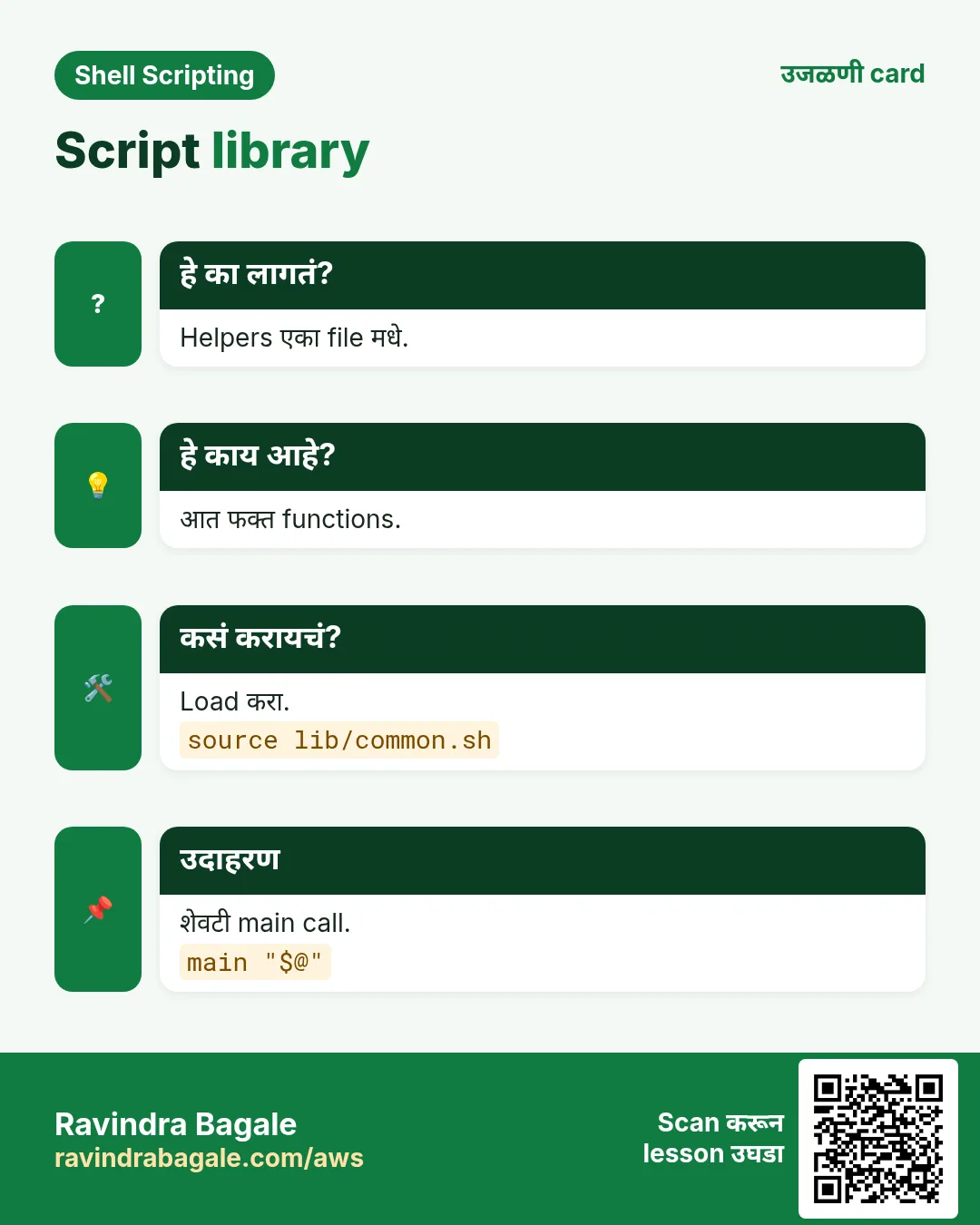
क्रम: shebang, set -euo pipefail, constants, functions, मग शेवटची line main "$@". main चालण्याआधी bash पूर्ण file वाचतो म्हणून functions कोणत्याही क्रमात. Guard [[ ${BASH_SOURCE[0]} == $0 ]] && main "$@" file execute केली तरच main चालवतो, source केली तर नाही (testing साठी उपयोगी).
कसं करायचं (step by step)
- Skeleton.
cat deploy.shOutput:
#!/usr/bin/env bash
set -euo pipefail
APP=shop
log(){ echo "[$(date +%T)] $*"; }
build(){ log "building $APP"; }
ship(){ log "shipping to $1"; }
main(){ build; ship "${1:-stage}"; }
main "$@"
याचा अर्थ: Settings, functions, main.
- चालवा.
./deploy.sh prodOutput:
[10:15:02] building shop
[10:15:02] shipping to prod
याचा अर्थ: main ला script चे arguments.
- Source guard.
printf 'hi(){ echo hi; }\n[[ ${BASH_SOURCE[0]} == $0 ]] && hi\n' | tee g.sh; source g.sh; bash g.shOutput:
hiयाचा अर्थ: Source ने चाललं नाही; execute ने चाललं.
8. Libraries: shared file source करा
हे का लागतं?
Logging, alerts आणि checks अनेक scripts ना लागतात. एका file मधे ठेवा आणि सगळीकडे load करा.
हे काय आहे?
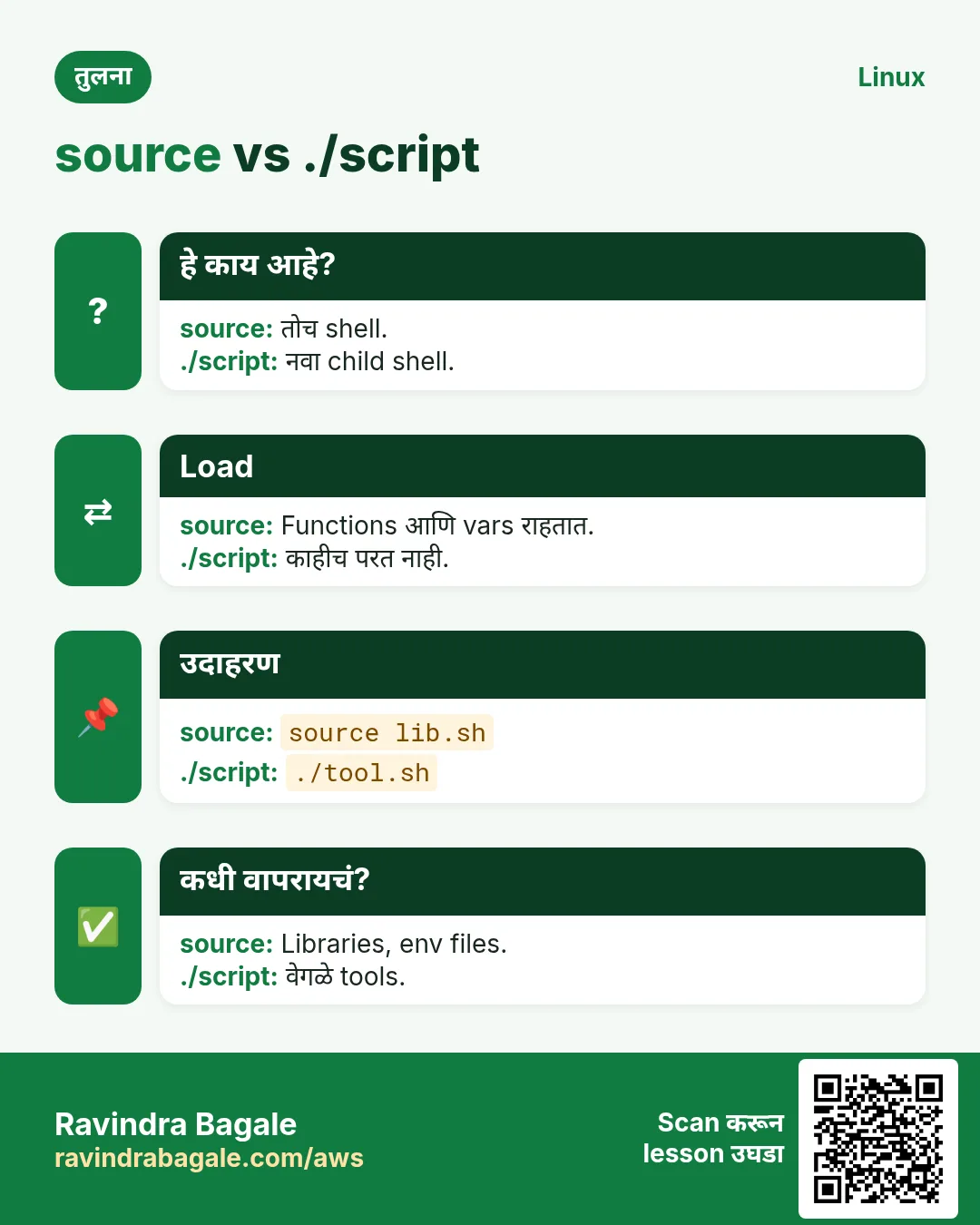
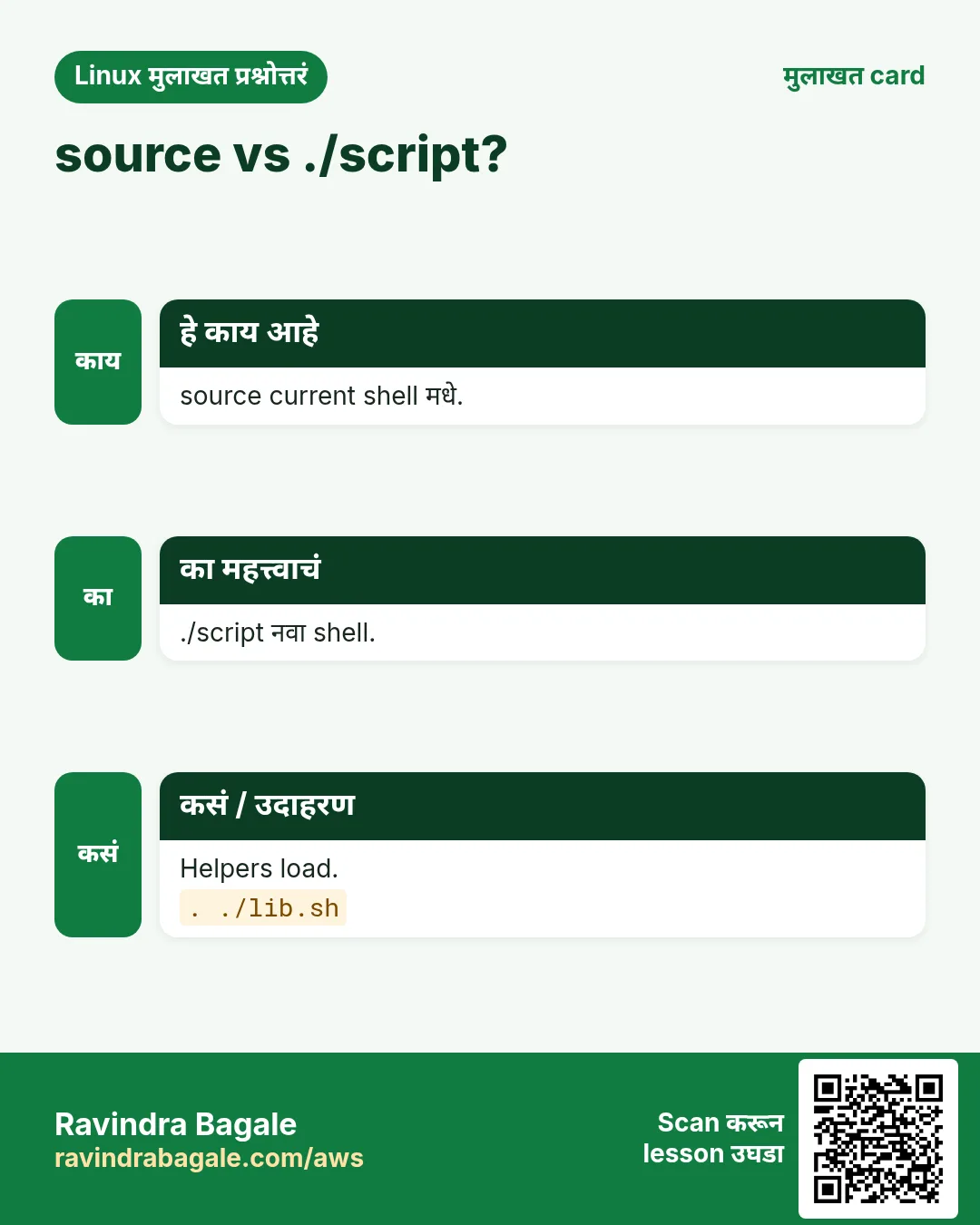
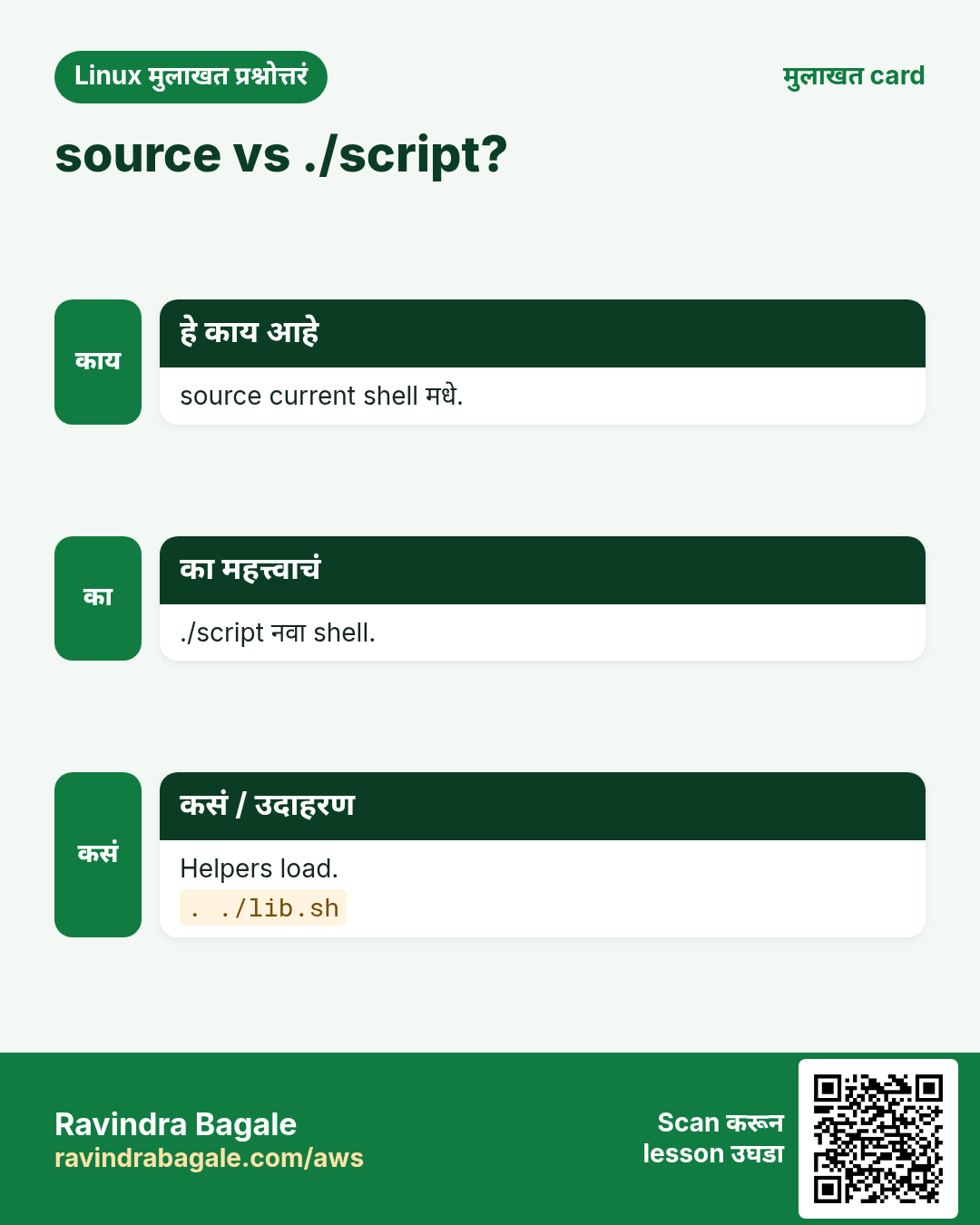
source file (किंवा . file) file current shell मधे चालवतो, म्हणून त्याचे functions आणि variables मिळतात. Library मधे फक्त functions आणि constants, top level वर actions नाहीत. Script च्या relative शोधा: source "$(dirname "${BASH_SOURCE[0]}")/lib/common.sh". Clashes टाळायला function नावांना prefix (log_info, net_check). git मधे आणि servers साठी /usr/local/lib मधे ठेवा.
कसं करायचं (step by step)
- Library लिहा.
mkdir -p lib; printf 'log_info(){ printf "%%s INFO %%s\\n" "$(date +%%F_%%T)" "$*"; }\nlog_err(){ printf "%%s ERROR %%s\\n" "$(date +%%F_%%T)" "$*" >&2; }\n' | tee lib/common.shयाचा अर्थ: फक्त functions, top वर actions नाहीत.
- वापरा.
source lib/common.sh; log_info 'backup started'; log_err 'disk full'Output:
2026-10-25_10:20:01 INFO backup started
2026-10-25_10:20:01 ERROR disk full
याचा अर्थ: दोन्ही functions load.
- Relative path.
here=$(dirname "${BASH_SOURCE[0]}"); echo "$here/lib/common.sh"Output:
./lib/common.shयाचा अर्थ: कोणत्याही folder मधून चालतं.
- Load झालेले functions.
declare -F | grep log_Output:
declare -f log_err
declare -f log_info
याचा अर्थ: declare -F फक्त नावं.
9. trap: cleanup आणि error handlers
हे का लागतं?
Script fail झाला किंवा user ने Ctrl+C दाबलं तरी temp files आणि lock files काढायला हव्यात.
हे काय आहे?
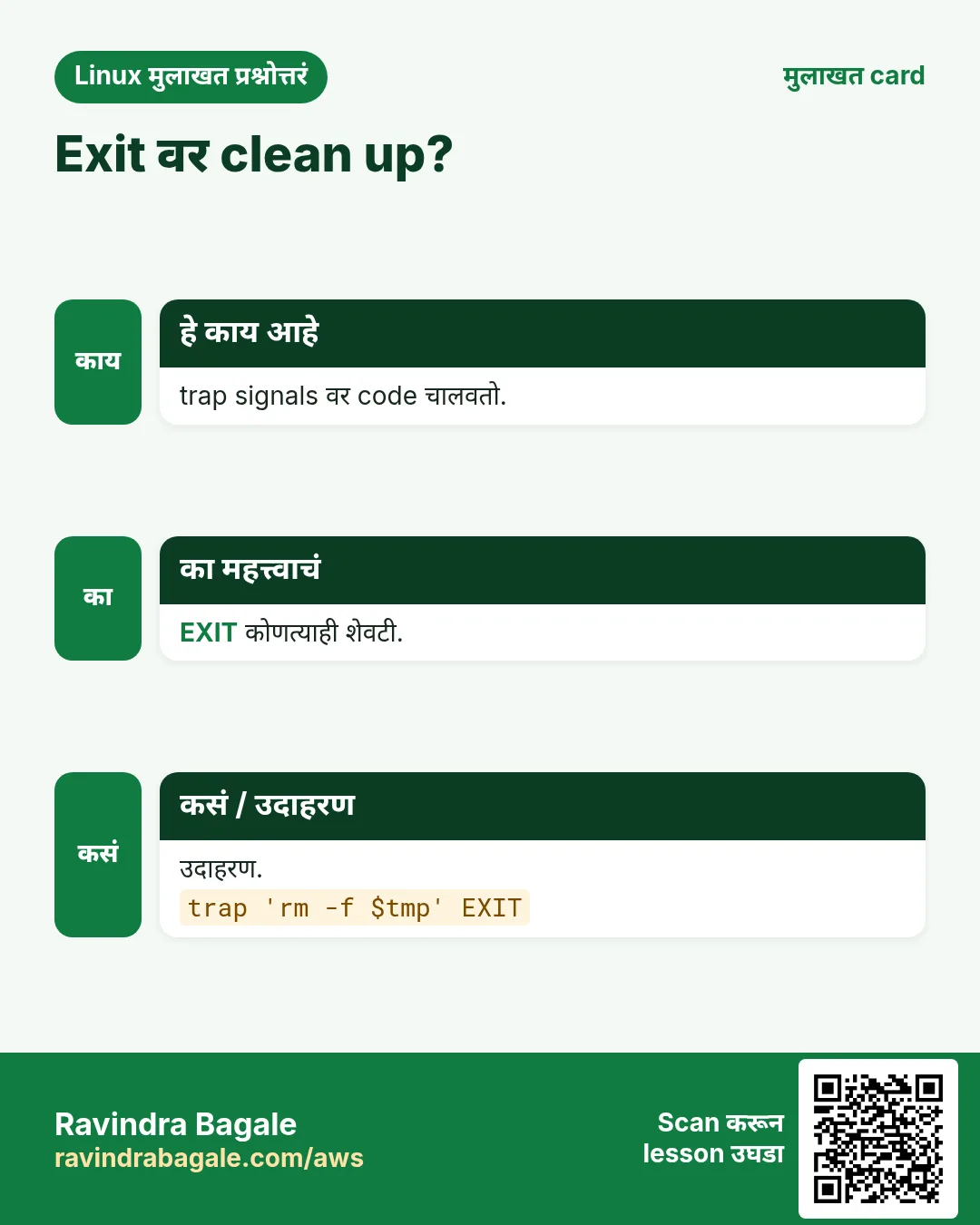
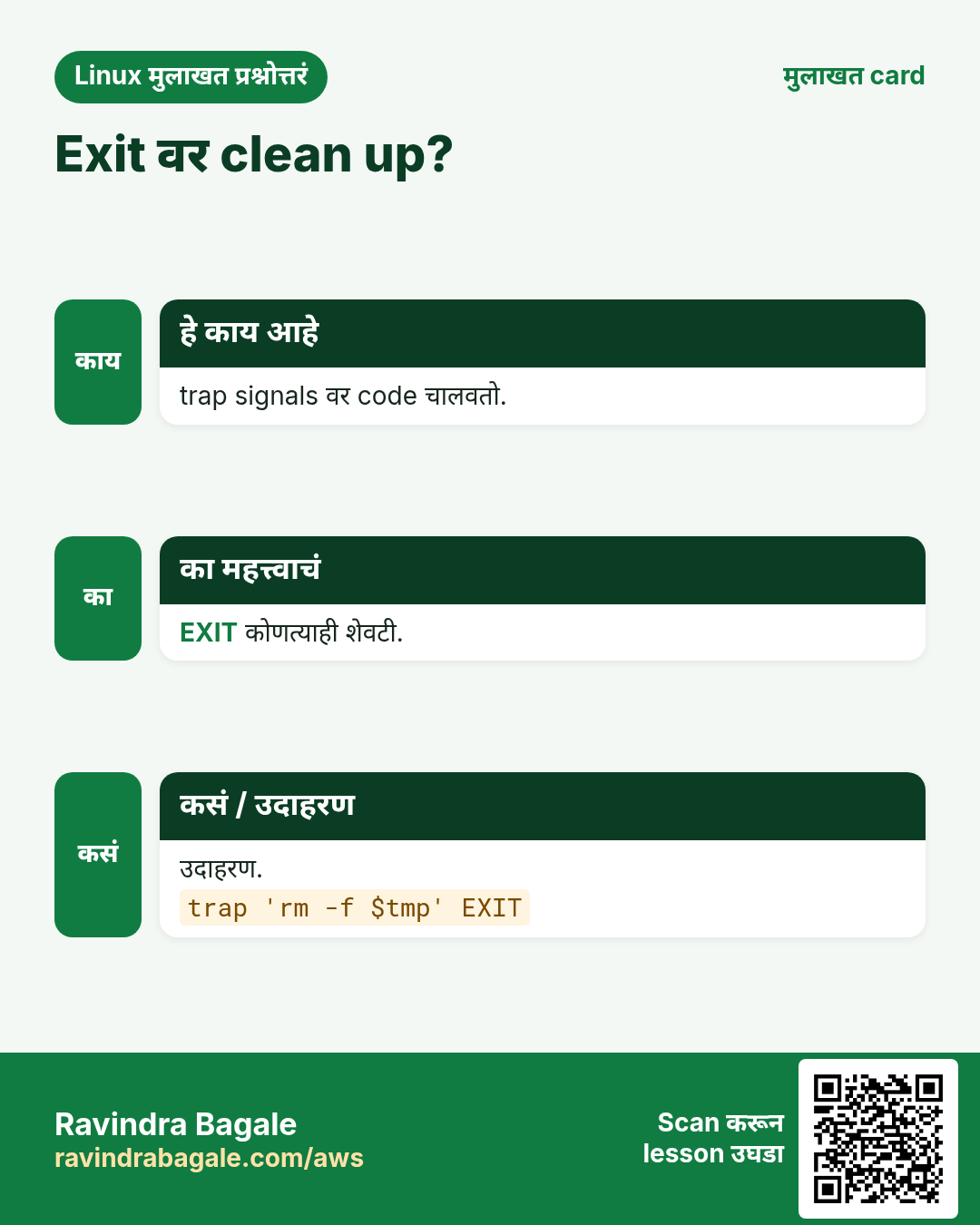
trap 'commands' SIGNALS signal आला की commands चालवतो. EXIT प्रत्येक शेवटी (normal किंवा error). ERR command fail झाल्यावर (set -E सह functions मधेही). INT म्हणजे Ctrl+C, TERM म्हणजे kill. Cleanup function मधे: trap cleanup EXIT. $LINENO आणि $BASH_COMMAND error messages ला मदत.
कसं करायचं (step by step)
- Cleanup.
bash -c 't=$(mktemp); cleanup(){ rm -f "$t"; echo "removed $t"; }; trap cleanup EXIT; echo work; false; echo never' Output:
work
removed /tmp/tmp.Q8x1
याचा अर्थ: इथे false ने काही थांबलं नाही तरी cleanup प्रत्येक exit ला चालतो.
- Error line.
bash -c 'set -eE; trap "echo failed at line \$LINENO: \$BASH_COMMAND" ERR; ls /nope'Output:
ls: cannot access '/nope': No such file or directory
failed at line 1: ls /nope
याचा अर्थ: कोणती command fail झाली ते दाखवतो.
- Ctrl+C.
trap 'echo " stopping nicely"; exit 130' INT; sleep 100Output:
^C stopping nicelyयाचा अर्थ: Exit 130 = 128 + signal 2.
10. अनेक industries मधली खरी उदाहरणं
हे का लागतं?
तेच Linux skill प्रत्येक प्रकारच्या company मध्ये लागतं. वेगवेगळ्या ठिकाणी पाहिलं की लक्षात राहतं.
हे काय आहे?
प्रत्येक row म्हणजे एक काल्पनिक team. कोण हे वापरतं आणि कसं ते दाखवते.
कसं करायचं (step by step)
| Team आणि शहर | ते कसं वापरतात | Command |
|---|---|---|
| Rutuja, bank ops, Pune | 40 scripts साठी shared log library | source /usr/local/lib/rb/log.sh |
| James, SaaS, Austin | main "$@" structure | main "$@" |
| Sakura, retail, Osaka | Temp files साठी trap cleanup | trap cleanup EXIT |
| Karim, oil and gas, Abu Dhabi | if मधे वापरलेला is_up function | if is_up db1; then |
| Elena, healthcare, Milan | Helpers मधे सगळीकडे local | local f=$1 |
| Ganesh, telecom, Hyderabad | Arrays परत द्यायला nameref | local -n out=$1 |
11. नेहमीच्या errors आणि त्यांचे fixes
हे का लागतं?
हे errors सगळ्यांना येतात. कारण माहीत असलं की तास वाचतात.
हे काय आहे?
आधी नेमका message वाचा. मग खालच्या row शी जुळवा.
कसं करायचं (step by step)
| दिसणारा error | का होतं | Fix कसा करायचा |
|---|---|---|
command not found for my function | Define आधी call | आधी define किंवा शेवटी main.main "$@" |
syntax error near unexpected token `}' | One line वर } आधी ; नाही | ; जोडा.f(){ echo x; } |
numeric argument required | return text सह | त्याऐवजी value echo.echo "$val" |
Caller's variable changed | local नाही | local वापरा.local i |
$1 is empty in the function | Script args दिले नाहीत | "$@" सह call.main "$@" |
No such file when sourcing library | Path current folder relative | BASH_SOURCE वापरा.source "$(dirname "${BASH_SOURCE[0]}")/lib.sh" |
Error code lost | local x=$(cmd) | Declare आणि assign वेगळे.local x; x=$(cmd) |
circular name reference | nameref caller var सारखं नाव | Unique ref नाव.local -n _ref=$1 |
Temp files left after Ctrl+C | trap नाही | trap cleanup EXIT.trap cleanup EXIT |
12. Troubleshooting step by step
हे का लागतं?
कोणते functions आहेत ते बघा, calls trace करा आणि return codes तपासा.
हे काय आहे?
वरून खाली जा. ज्या step ला problem दिसतो तिथे थांबा.
कसं करायचं (step by step)
- Functions list.
declare -F- एक दाखवा.
declare -f log_info- Function नावांसह trace.
PS4='+${FUNCNAME[0]:-main}:$LINENO: ' bash -x s.sh- Call stack.
echo "${FUNCNAME[*]}"- Return code.
myfn; echo $?- Lint.
shellcheck s.sh lib/*.sh13. Lab 1: छोटी library बनवा
हे का लागतं?
log, die आणि need_cmd functions सह lib/ops.sh बनवा, मग दोन scripts मधून वापरा.
हे काय आहे?
पूर्ण hands-on lab. प्रत्येक step test Linux machine वर करा (EC2 instance, VM किंवा WSL).
कसं करायचं (step by step)
- Folder.
mkdir -p ~/lab42/lib && cd ~/lab42- Library.
printf 'log(){ echo "[$(date +%%T)] $*"; }\ndie(){ echo "FATAL: $*" >&2; exit 1; }\nneed_cmd(){ command -v "$1" &>/dev/null || die "$1 not installed"; }\n' | tee lib/ops.sh- Script A.
printf '#!/bin/bash\nsource "$(dirname "$0")/lib/ops.sh"\nneed_cmd tar\nlog "tar is ready"\n' | tee a.sh && chmod +x a.sh && ./a.shOutput:
[10:30:11] tar is ready- Script B नीट fail.
printf '#!/bin/bash\nsource "$(dirname "$0")/lib/ops.sh"\nneed_cmd nosuchtool\n' | tee b.sh && chmod +x b.sh && ./b.sh; echo $?Output:
FATAL: nosuchtool not installed
1- दुसरीकडून चालवा.
cd /tmp && ~/lab42/a.shOutput:
[10:30:20] tar is ready- Functions list.
bash -c 'source ~/lab42/lib/ops.sh; declare -F'Output:
declare -f die
declare -f log
declare -f need_cmd
14. Lab 2: main, local आणि trap एकत्र
हे का लागतं?
main function, local variables, value परत देणारा function आणि temp file काढणारा trap सह report.sh लिहा.
हे काय आहे?
पूर्ण hands-on lab. प्रत्येक step test Linux machine वर करा (EC2 instance, VM किंवा WSL).
कसं करायचं (step by step)
- लिहा.
cd ~/lab42 && printf '#!/usr/bin/env bash\nset -euo pipefail\ntmp=$(mktemp)\ncleanup(){ rm -f "$tmp"; echo "cleaned"; }\ntrap cleanup EXIT\ncount_files(){ local d=$1; find "$d" -maxdepth 1 -type f | wc -l; }\nmain(){ local dir=${1:-/etc}; local n; n=$(count_files "$dir"); echo "$dir has $n files" | tee "$tmp"; }\nmain "$@"\n' | tee report.sh && chmod +x report.sh- चालवा.
./report.sh /etcOutput:
/etc has 94 files
cleaned- Default.
./report.shOutput:
/etc has 94 files
cleaned- Failure तरी clean.
./report.sh /nope; echo $?Output:
find: '/nope': No such file or directory
cleaned
1- Temp गेली.
ls /tmp/tmp.* 2>/dev/null | wc -lOutput:
0- dir local राहिला.
bash -c 'source <(sed "\$d" report.sh); main /tmp; echo "[${dir:-}]"'Output:
/tmp has 3 files
[]
cleanedRavindra Bagale's Tip
Make every variable inside a function local, use return only for success or failure, and echo the data you want to give back. Put shared functions in a library and source it with a path built from BASH_SOURCE.
Ravindra Bagale's Tip – मराठी
Function मधला प्रत्येक variable local करा, return फक्त success किंवा failure साठी, आणि परत द्यायचा data echo करा. Shared functions library मधे ठेवा आणि BASH_SOURCE वरून बनवलेल्या path ने source करा.
Ravindra Bagale's Tip – हिंदी
Function के अंदर हर variable local कीजिए, return सिर्फ success या failure के लिए, और लौटाना हो वह data echo कीजिए. Shared functions library में रखिए और BASH_SOURCE से बने path से source कीजिए.
15. नेहमी विचारले जाणारे प्रश्न
प्र. name() की function name?
bash मधे दोन्ही; name() portable.
प्र. Functions एकमेकांना call?
हो, आणि स्वतःला (recursion).
प्र. String कसा परत?
echo करा आणि $( ).
प्र. $( ) slow करतो?
Subshell fork; बहुतेक scripts साठी ठीक.
प्र. source vs script चालवणं?
source current shell मधे.
प्र. Function child scripts ला?
export -f name.
प्र. Function unset?
unset -f name.
प्र. Libraries कुठे?
Repo lib/ किंवा /usr/local/lib.
16. मुलाखत प्रश्न आणि उत्तरं
Beginner level
प्र. Function define?
name() { ...; }.
प्र. Function मधला पहिला argument?
$1.
प्र. Library load?
source file.
प्र. Function exit code?
return N किंवा शेवटची command.
Mid level level
प्र. return vs echo?
Code vs data.
प्र. local का?
Globals बदलणं टाळायला.
प्र. trap EXIT काय करतो?
कोणत्याही exit ला cleanup.
प्र. Script args main ला?
main "$@".
Senior level
प्र. Shared bash library design?
Prefixed functions, top-level actions नाहीत, source guard, versioned, CI मधे shellcheck.
प्र. local x=$(cmd) problem?
Exit code लपतो; वेगळं करा.
प्र. Arrays परत?
nameref local -n किंवा mapfile ने lines.
प्र. Scripts testable?
Functions + source guard; bats ने test.
घरी करून बघा
- 0 किंवा 1 देणारा is_port_open HOST PORT function लिहा आणि if मधे वापरा.
- तो lib/net.sh मधे हलवा आणि दोन वेगळ्या scripts मधून source करा.
सराव Tasks
Ahmednagar Sugar Co-op हा अहिल्यानगर मधला साखर सहकारी व्यवसाय आहे. Balasaheb Pawar त्यांचं IT व cloud काम पाहतात. त्यांचे पैसे INR मध्ये मोजले जातात आणि AWS resources ap-south-1 Region मध्ये चालतात. खालच्या tasks मध्ये तुम्ही या lesson मध्ये शिकलेलं वापरून त्यांची खरी कामं करता. सगळी नावं, account IDs, IP addresses व numbers सरावासाठी काल्पनिक आहेत.
0 / 21
सोपं Define
का: Shared functions BIZ चे scripts छोटे आणि एकसारखे ठेवतात.
काय करायचं: Namaste print करणारा hello function एका line वर.
- हे काम करणारा Linux command शोधा.
- Task ला लागणारे options (उदा. -r, -h) जोडा.
- File नावं, folders किंवा users योग्य क्रमाने लिहा.
- System files/users बदलत असाल तर sudo वापरा. Check answer दाबा.
सोपं Function आहे का
का: Shared functions BIZ चे scripts छोटे आणि एकसारखे ठेवतात.
काय करायचं: backup_now कोणत्या प्रकारची command आहे.
- हे काम करणारा Linux command शोधा.
- Task ला लागणारे options (उदा. -r, -h) जोडा.
- File नावं, folders किंवा users योग्य क्रमाने लिहा.
- System files/users बदलत असाल तर sudo वापरा. Check answer दाबा.
सोपं Functions list
का: Shared functions BIZ चे scripts छोटे आणि एकसारखे ठेवतात.
काय करायचं: compgen ने सगळ्या defined functions ची नावं.
- हे काम करणारा Linux command शोधा.
- Task ला लागणारे options (उदा. -r, -h) जोडा.
- File नावं, folders किंवा users योग्य क्रमाने लिहा.
- System files/users बदलत असाल तर sudo वापरा. Check answer दाबा.
सोपं Local variable
का: Shared functions BIZ चे scripts छोटे आणि एकसारखे ठेवतात.
काय करायचं: Function मधे पहिल्या argument ने set local dir variable.
- हे काम करणारा Linux command शोधा.
- Task ला लागणारे options (उदा. -r, -h) जोडा.
- File नावं, folders किंवा users योग्य क्रमाने लिहा.
- System files/users बदलत असाल तर sudo वापरा. Check answer दाबा.
सोपं Failure return
का: Shared functions BIZ चे scripts छोटे आणि एकसारखे ठेवतात.
काय करायचं: Function मधून code 1 सह failure.
- हे काम करणारा Linux command शोधा.
- Task ला लागणारे options (उदा. -r, -h) जोडा.
- File नावं, folders किंवा users योग्य क्रमाने लिहा.
- System files/users बदलत असाल तर sudo वापरा. Check answer दाबा.
सोपं run_all call
का: Shared functions BIZ चे scripts छोटे आणि एकसारखे ठेवतात.
काय करायचं: सगळे script arguments देऊन run_all call.
- हे काम करणारा Linux command शोधा.
- Task ला लागणारे options (उदा. -r, -h) जोडा.
- File नावं, folders किंवा users योग्य क्रमाने लिहा.
- System files/users बदलत असाल तर sudo वापरा. Check answer दाबा.
सोपं Library load
का: Shared functions BIZ चे scripts छोटे आणि एकसारखे ठेवतात.
काय करायचं: lib/alerts.sh current shell मधे load.
- हे काम करणारा Linux command शोधा.
- Task ला लागणारे options (उदा. -r, -h) जोडा.
- File नावं, folders किंवा users योग्य क्रमाने लिहा.
- System files/users बदलत असाल तर sudo वापरा. Check answer दाबा.
सोपं Traps list
का: Shared functions BIZ चे scripts छोटे आणि एकसारखे ठेवतात.
काय करायचं: सध्या set असलेले traps दाखवा.
- हे काम करणारा Linux command शोधा.
- Task ला लागणारे options (उदा. -r, -h) जोडा.
- File नावं, folders किंवा users योग्य क्रमाने लिहा.
- System files/users बदलत असाल तर sudo वापरा. Check answer दाबा.
मध्यम Code दाखवा
का: Shared functions BIZ चे scripts छोटे आणि एकसारखे ठेवतात.
काय करायचं: send_sms function चा code दाखवा.
- हे काम करणारा Linux command शोधा.
- Task ला लागणारे options (उदा. -r, -h) जोडा.
- File नावं, folders किंवा users योग्य क्रमाने लिहा.
- System files/users बदलत असाल तर sudo वापरा. Check answer दाबा.
मध्यम Output पकडा
का: Shared functions BIZ चे scripts छोटे आणि एकसारखे ठेवतात.
काय करायचं: get_ip function चा output addr मधे.
- हे काम करणारा Linux command शोधा.
- Task ला लागणारे options (उदा. -r, -h) जोडा.
- File नावं, folders किंवा users योग्य क्रमाने लिहा.
- System files/users बदलत असाल तर sudo वापरा. Check answer दाबा.
मध्यम if मधे function
का: Shared functions BIZ चे scripts छोटे आणि एकसारखे ठेवतात.
काय करायचं: is_weekend if मधे चालवा आणि success वर rest print.
- हे काम करणारा Linux command शोधा.
- Task ला लागणारे options (उदा. -r, -h) जोडा.
- File नावं, folders किंवा users योग्य क्रमाने लिहा.
- System files/users बदलत असाल तर sudo वापरा. Check answer दाबा.
मध्यम Required arg
का: Shared functions BIZ चे scripts छोटे आणि एकसारखे ठेवतात.
काय करायचं: Function मधे local f $1, नाहीतर "need path" सह थांबा.
- हे काम करणारा Linux command शोधा.
- Task ला लागणारे options (उदा. -r, -h) जोडा.
- File नावं, folders किंवा users योग्य क्रमाने लिहा.
- System files/users बदलत असाल तर sudo वापरा. Check answer दाबा.
मध्यम Function export
का: Shared functions BIZ चे scripts छोटे आणि एकसारखे ठेवतात.
काय करायचं: notify function child shells ना export.
- हे काम करणारा Linux command शोधा.
- Task ला लागणारे options (उदा. -r, -h) जोडा.
- File नावं, folders किंवा users योग्य क्रमाने लिहा.
- System files/users बदलत असाल तर sudo वापरा. Check answer दाबा.
मध्यम Function काढा
का: Shared functions BIZ चे scripts छोटे आणि एकसारखे ठेवतात.
काय करायचं: old_sync function delete.
- हे काम करणारा Linux command शोधा.
- Task ला लागणारे options (उदा. -r, -h) जोडा.
- File नावं, folders किंवा users योग्य क्रमाने लिहा.
- System files/users बदलत असाल तर sudo वापरा. Check answer दाबा.
मध्यम Function नाव
का: Shared functions BIZ चे scripts छोटे आणि एकसारखे ठेवतात.
काय करायचं: Function मधे त्याचं स्वतःचं नाव print.
- हे काम करणारा Linux command शोधा.
- Task ला लागणारे options (उदा. -r, -h) जोडा.
- File नावं, folders किंवा users योग्य क्रमाने लिहा.
- System files/users बदलत असाल तर sudo वापरा. Check answer दाबा.
मध्यम Cleanup trap
का: Shared functions BIZ चे scripts छोटे आणि एकसारखे ठेवतात.
काय करायचं: Script exit होईल तेव्हा tidy function चालवा.
- हे काम करणारा Linux command शोधा.
- Task ला लागणारे options (उदा. -r, -h) जोडा.
- File नावं, folders किंवा users योग्य क्रमाने लिहा.
- System files/users बदलत असाल तर sudo वापरा. Check answer दाबा.
मध्यम Ctrl+C trap
का: Shared functions BIZ चे scripts छोटे आणि एकसारखे ठेवतात.
काय करायचं: Ctrl+C वर bye print करून exit 130.
- हे काम करणारा Linux command शोधा.
- Task ला लागणारे options (उदा. -r, -h) जोडा.
- File नावं, folders किंवा users योग्य क्रमाने लिहा.
- System files/users बदलत असाल तर sudo वापरा. Check answer दाबा.
अवघड Code ठेवा
का: Shared functions BIZ चे scripts छोटे आणि एकसारखे ठेवतात.
काय करायचं: Command output assign करण्याआधी local out वेगळ्या statement ने declare.
- हे काम करणारा Linux command शोधा.
- Task ला लागणारे options (उदा. -r, -h) जोडा.
- File नावं, folders किंवा users योग्य क्रमाने लिहा.
- System files/users बदलत असाल तर sudo वापरा. Check answer दाबा.
अवघड Relative library
का: Shared functions BIZ चे scripts छोटे आणि एकसारखे ठेवतात.
काय करायचं: चालू script च्याच folder मधून helpers.sh source, BASH_SOURCE वापरून.
- हे काम करणारा Linux command शोधा.
- Task ला लागणारे options (उदा. -r, -h) जोडा.
- File नावं, folders किंवा users योग्य क्रमाने लिहा.
- System files/users बदलत असाल तर sudo वापरा. Check answer दाबा.
अवघड Nameref
का: Shared functions BIZ चे scripts छोटे आणि एकसारखे ठेवतात.
काय करायचं: Function मधे _dst ला $1 मधे दिलेल्या variable चा name reference.
- हे काम करणारा Linux command शोधा.
- Task ला लागणारे options (उदा. -r, -h) जोडा.
- File नावं, folders किंवा users योग्य क्रमाने लिहा.
- System files/users बदलत असाल तर sudo वापरा. Check answer दाबा.
अवघड Error trap
का: Shared functions BIZ चे scripts छोटे आणि एकसारखे ठेवतात.
काय करायचं: ERR trap functions मधेही चालेल असं, exit-on-error सोबत.
- हे काम करणारा Linux command शोधा.
- Task ला लागणारे options (उदा. -r, -h) जोडा.
- File नावं, folders किंवा users योग्य क्रमाने लिहा.
- System files/users बदलत असाल तर sudo वापरा. Check answer दाबा.
17. संबंधित chapters
- DevOps साठी Linux Ops Refresh
- Automation साठी Bash Scripting
- Linux grep आणि find Commands Examples सह
- Linux Servers मध्ये Passwordless SSH
थोडक्यात सांगायचं तर
- name(){ ...; } define; नावाने call.
- आतले $1, $@ function चे arguments.
- return code; echo data.
- local variables private.
- source library current shell मधे load.
- शेवटी main "$@", safety साठी trap cleanup EXIT.
उजळणी, तुलना आणि मुलाखत cards
हा lesson काही मिनिटांत revise करा. Cards phone वर save करा किंवा PNG download करा. प्रत्येक card वरचा QR हा lesson उघडतो.
अजून cards: Ravi Sir's Cards.