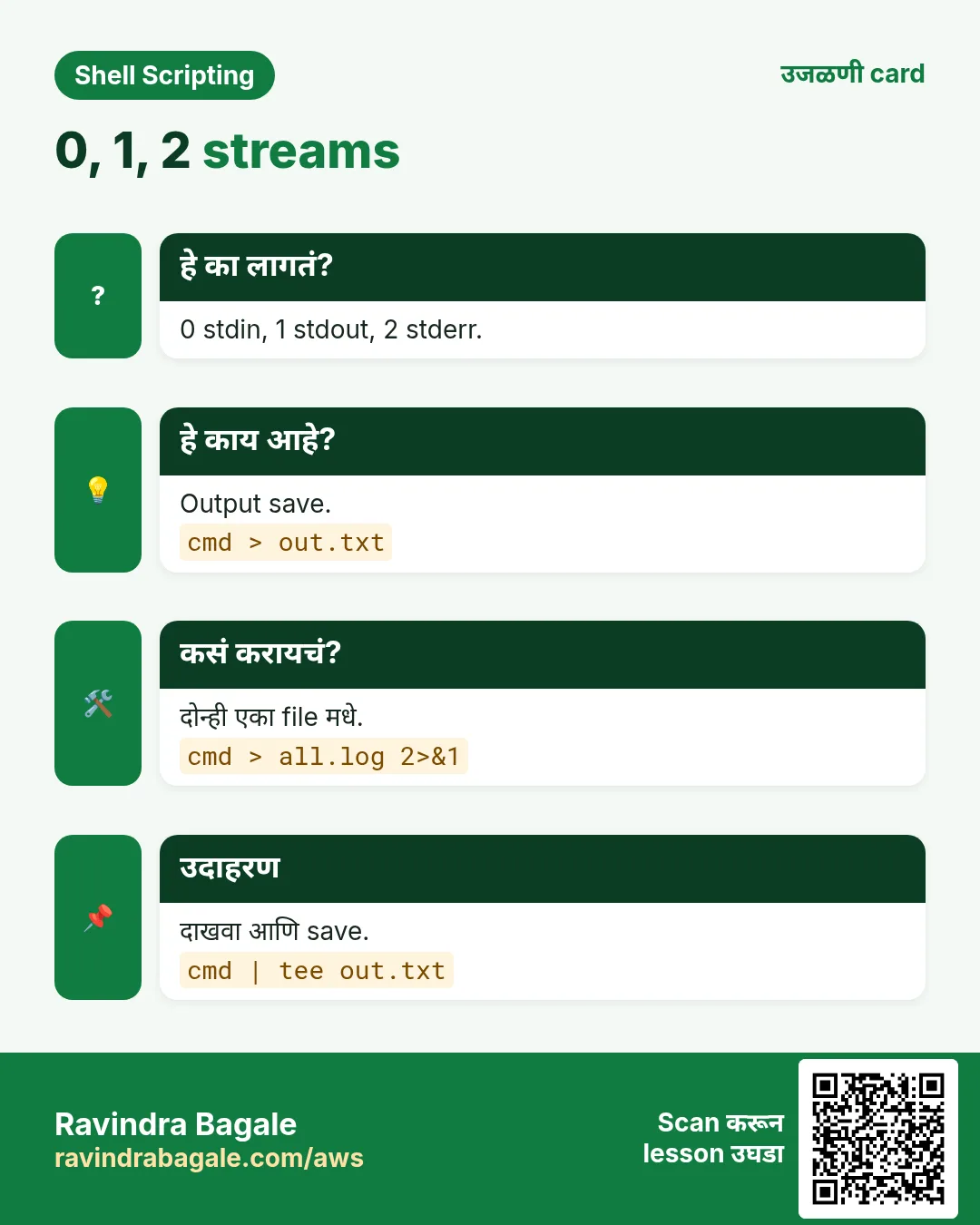
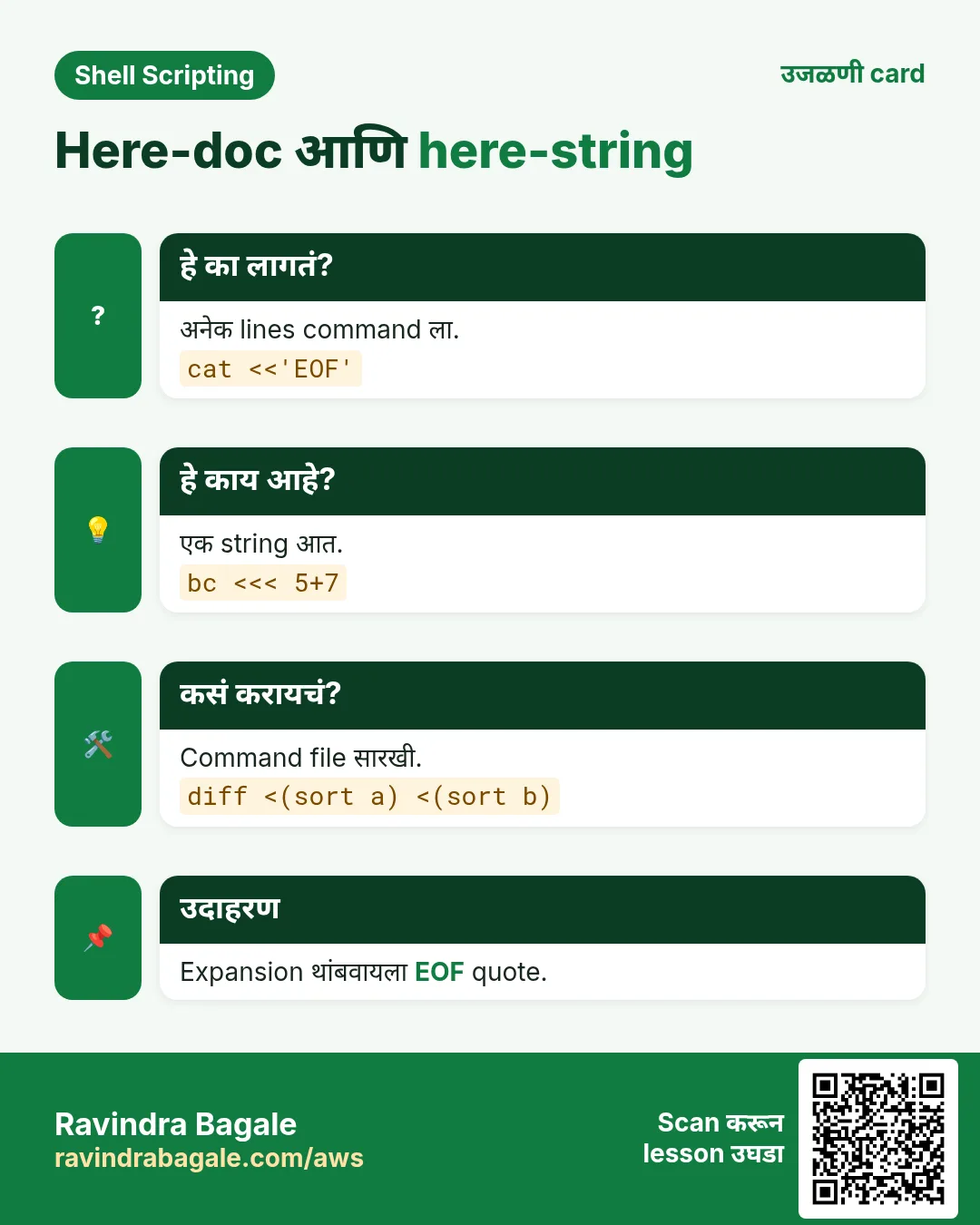
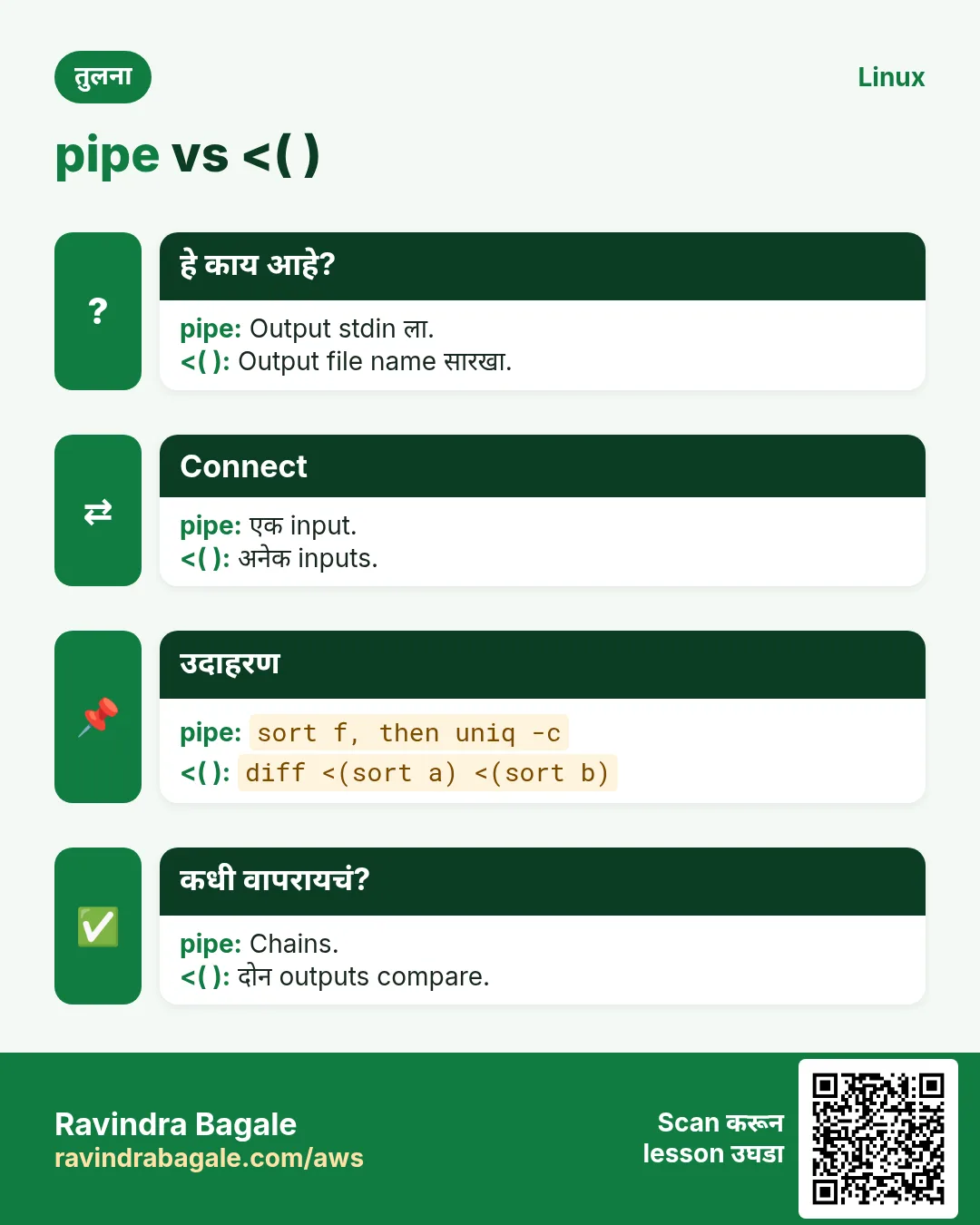
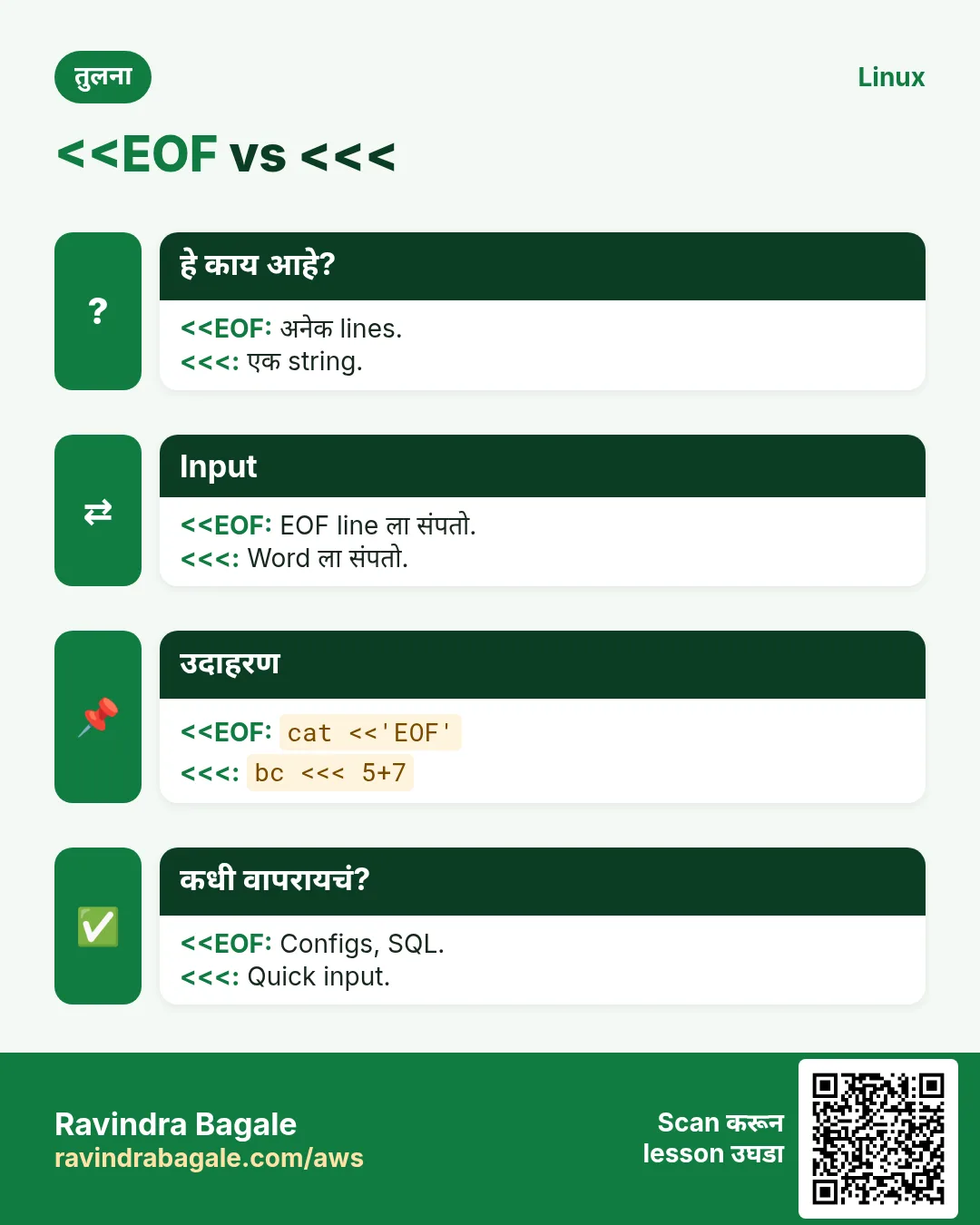
प्रत्येक Linux command ला तीन दारं असतात: input (stdin), normal output (stdout) आणि error output (stderr). Redirection प्रत्येक दार कुठे उघडतं ते ठरवतो. या chapter मधे files लिहायला > आणि >>, errors साठी 2> आणि &>, वाचायला <, commands जोडायला pipes |, save आणि show साठी tee, पूर्ण files लिहायला किंवा अनेक lines पाठवायला here-docs <
या chapter मध्ये तुम्ही काय शिकाल
stdin, stdout आणि stderr (0, 1, 2) समजा
> आणि >> ने लिहा आणि जोडा
2> आणि 2>&1 ने errors वेगळे किंवा एकत्र
Pipes बनवा आणि tee वापरा
Here-docs ने files लिहा
<( ) ने outputs compare
1. रोजचं उदाहरण: building मधले पाण्याचे pipes
हे का लागतं?
कोथरूडच्या society मधे पाणी tank मधून येतं (input), kitchen tap ला जातं (normal output), आणि सांडपाणी वेगळ्या drain मधे जातं (errors). Plumber tap चं पाणी bucket मधे वळवू शकतो, दोन pipes जोडू शकतो, किंवा T-joint लावून पाणी एकाच वेळी दोन ठिकाणी पाठवू शकतो. Redirection आणि pipes म्हणजे data साठी plumbing.
हे काय आहे?
Tank = stdin (0). Tap = stdout (1). Drain = stderr (2). Bucket = > ने file. Pipes जोडणं = |. T-joint = tee. एकदम अनेक litres आणणारा tanker = here-doc.
कसं करायचं (step by step)
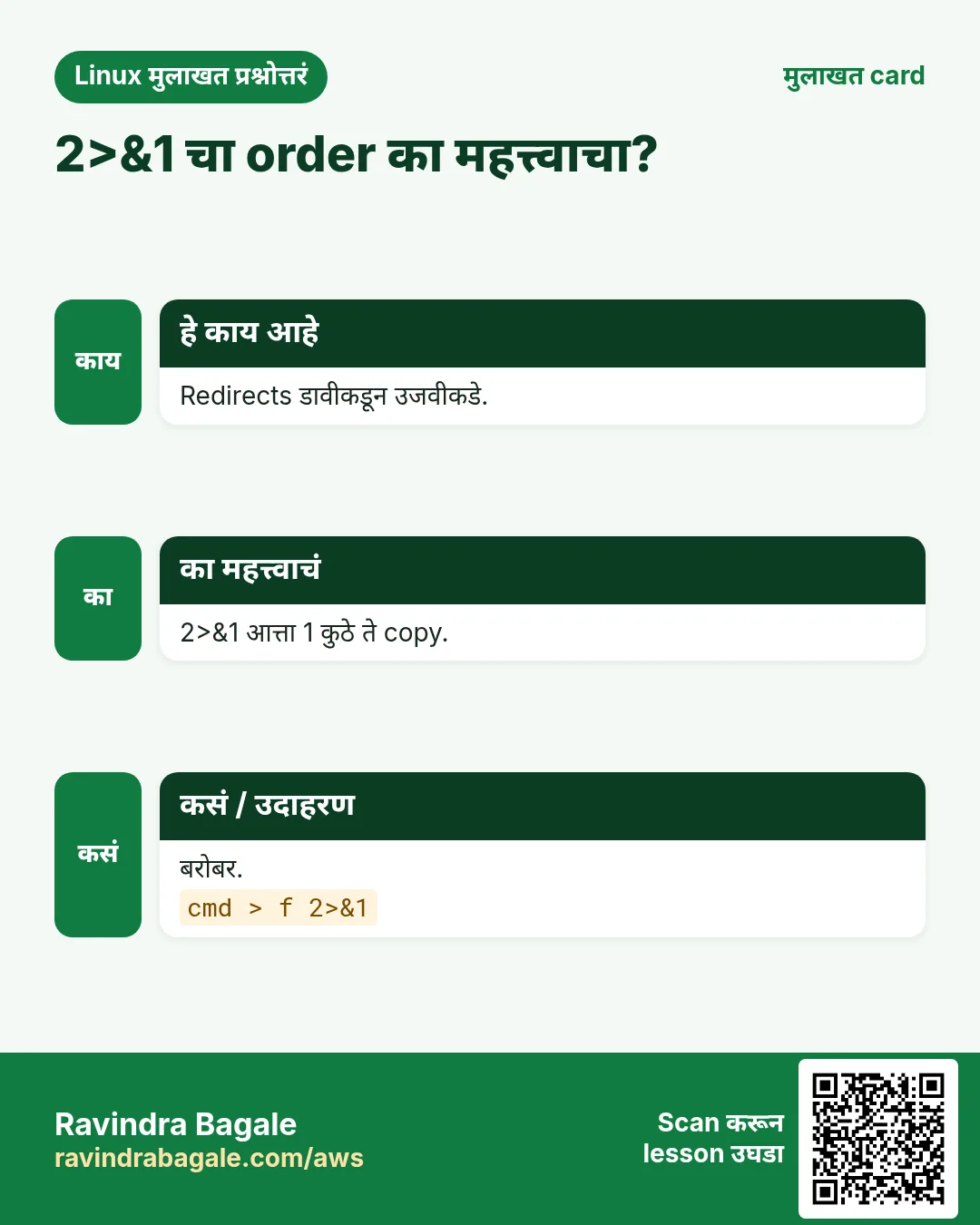
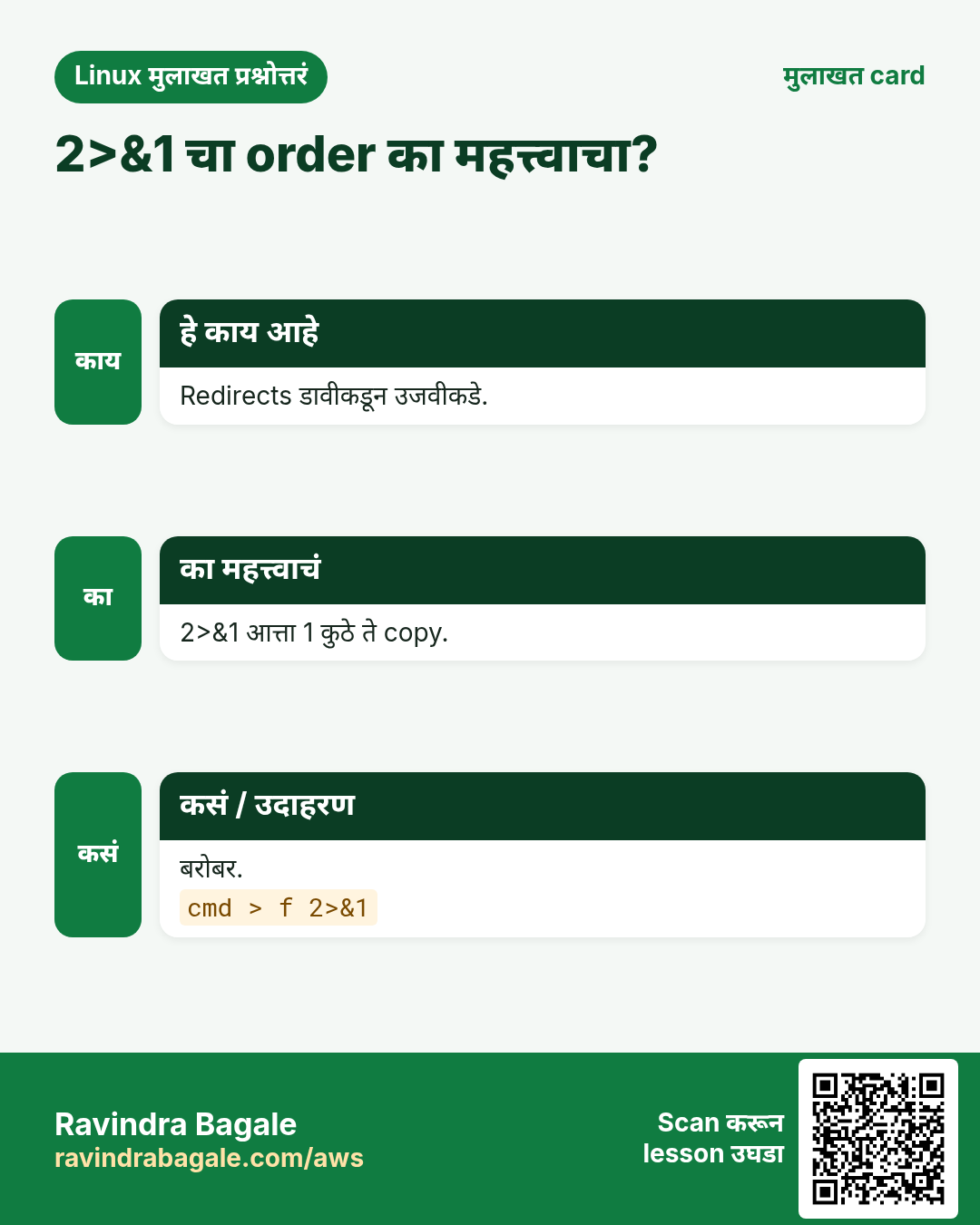
क्रम महत्त्वाचा: > file 2>&1, 2>&1 > file नाही.
2. लिहा आणि जोडा: > आणि >>
हे का लागतं?
Reports, logs आणि generated configs screen वर नाही, files मधे हवेत.
हे काय आहे?
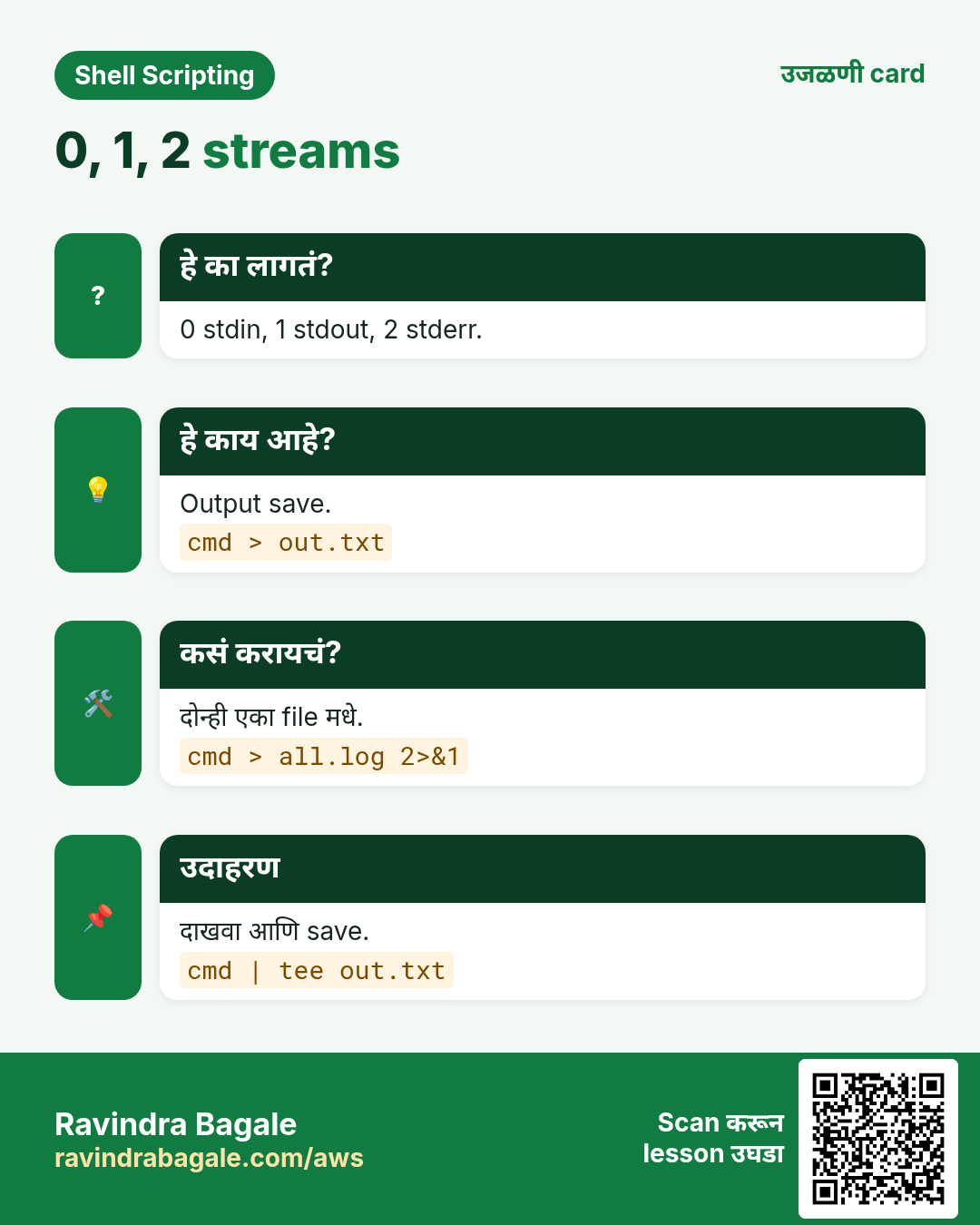
cmd > file stdout file मधे लिहितो आणि जुना content बदलतो. cmd >> file शेवटी जोडतो. एकटं > file (किंवा : > file) file delete न करता रिकामी करतो, program ने उघडलेल्या log files साठी छान. set -o noclobber चुकून > overwrite थांबवतो; >| force करतो.
प्रकार
काय करतो
> f
overwrite
>> f
append
: > f
file रिकामी
< f
f मधून input
>| f
noclobber असूनही overwrite
कसं करायचं (step by step)
List save.
ls /etc > etc-list.txt; wc -l etc-list.txt
Output:
212 etc-list.txt
याचा अर्थ: Screen वर काही नाही.
Line जोडा.
date >> run.log; date >> run.log; wc -l run.log
Output:
2 run.log
याचा अर्थ: दोन lines.
Log रिकामा.
: > /var/log/app/app.log; ls -l /var/log/app/app.log
Output:
-rw-r--r-- 1 app app 0 Oct 25 10:12 /var/log/app/app.log
Cron jobs मधे errors log मधे हवेत, आणि noisy warnings report पासून दूर.
हे काय आहे?
2> file फक्त errors file मधे. 2>/dev/null errors फेकतो. cmd > out.log 2>&1 दोन्ही एकाच file मधे: आधी 1 हलवा, मग 2 ला 1 कडे. &> file दोन्हीसाठी bash short form. |& दोन्ही पुढच्या command ला pipe. लागणारे errors लपवू नका; फक्त माहित noise लपवा.
जोडलेली छोटी tools मोठे प्रश्न सोडवतात: सगळ्यात जास्त कोणता IP आला, कोणता product सगळ्यात जास्त विकला.
हे काय आहे?
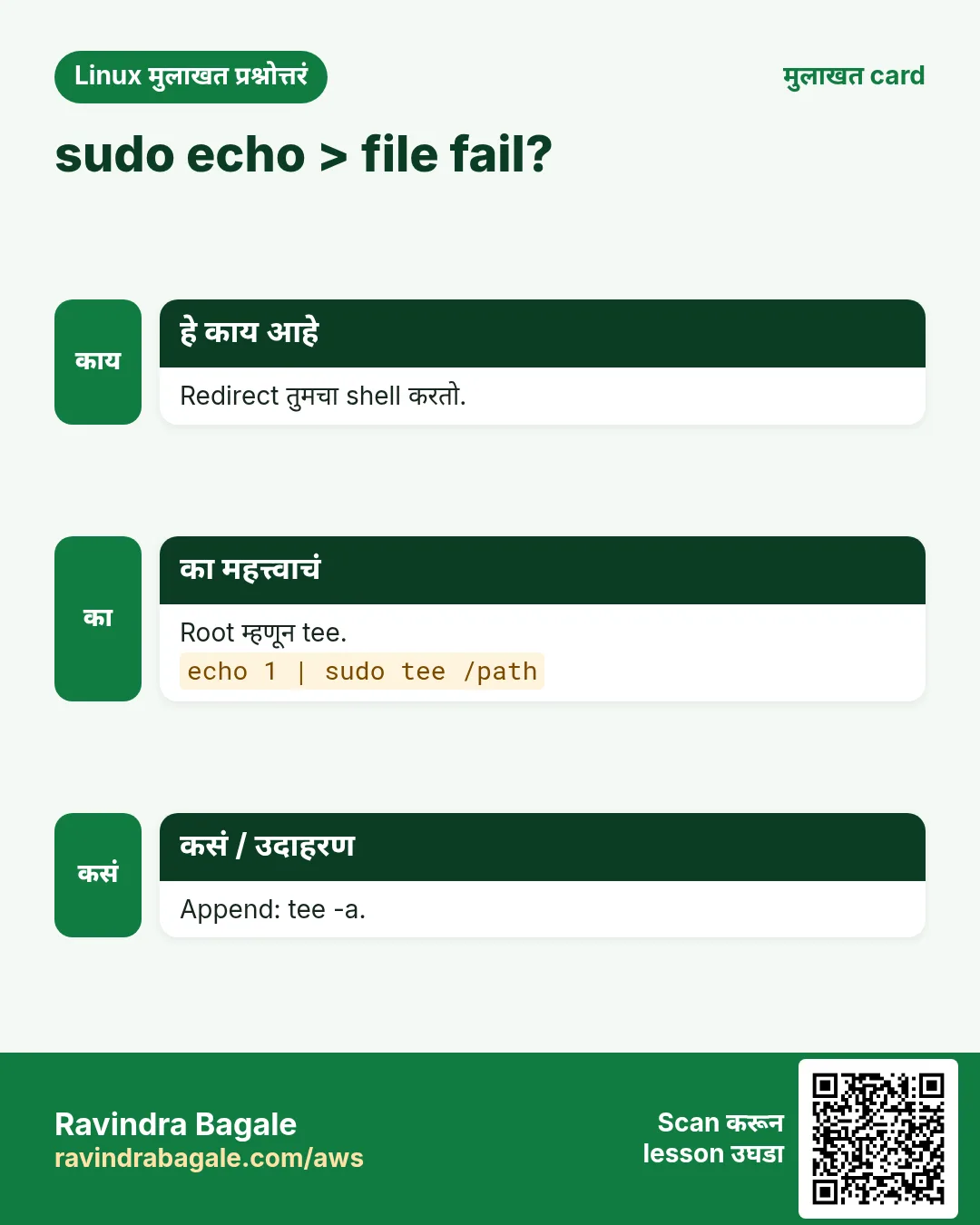
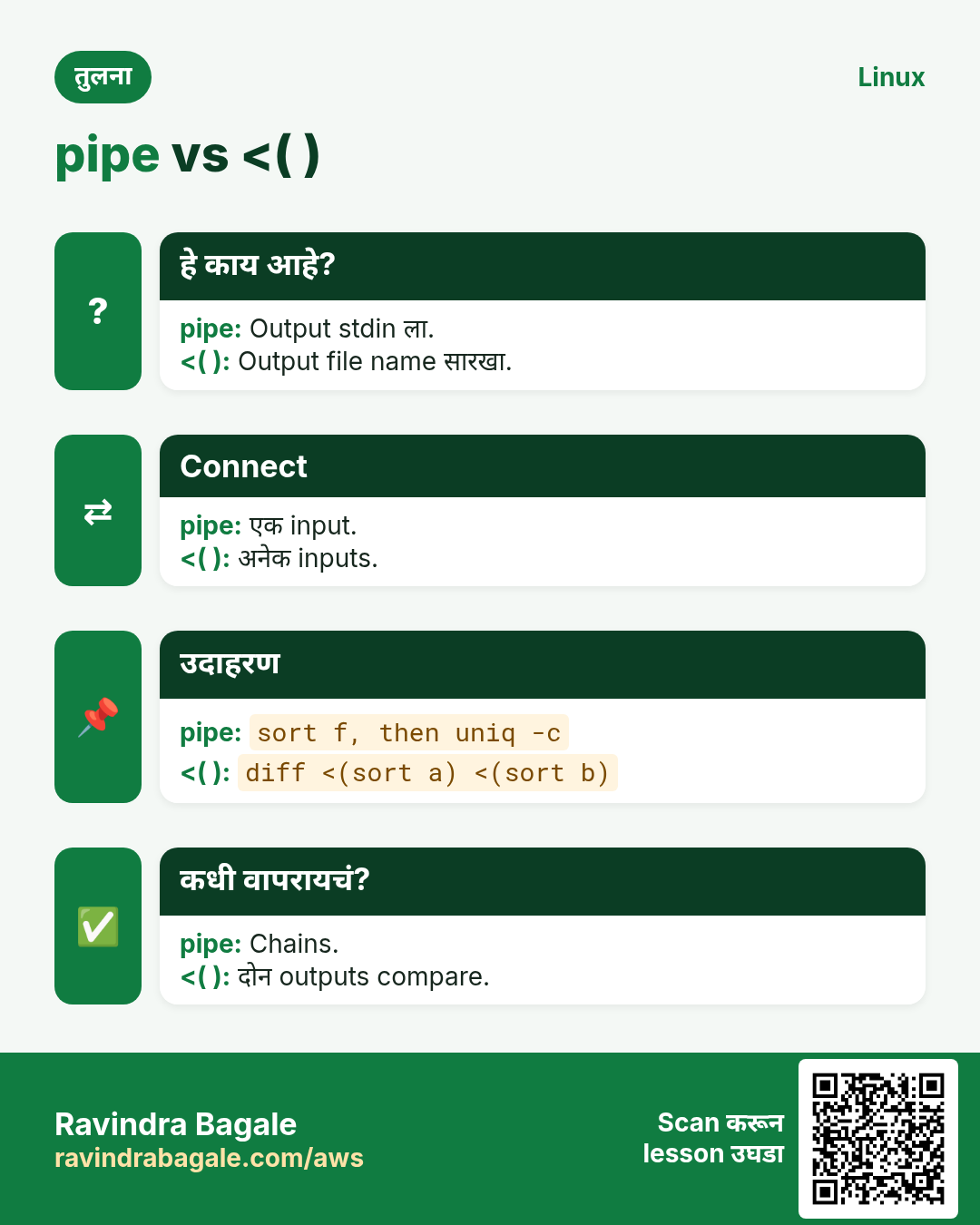
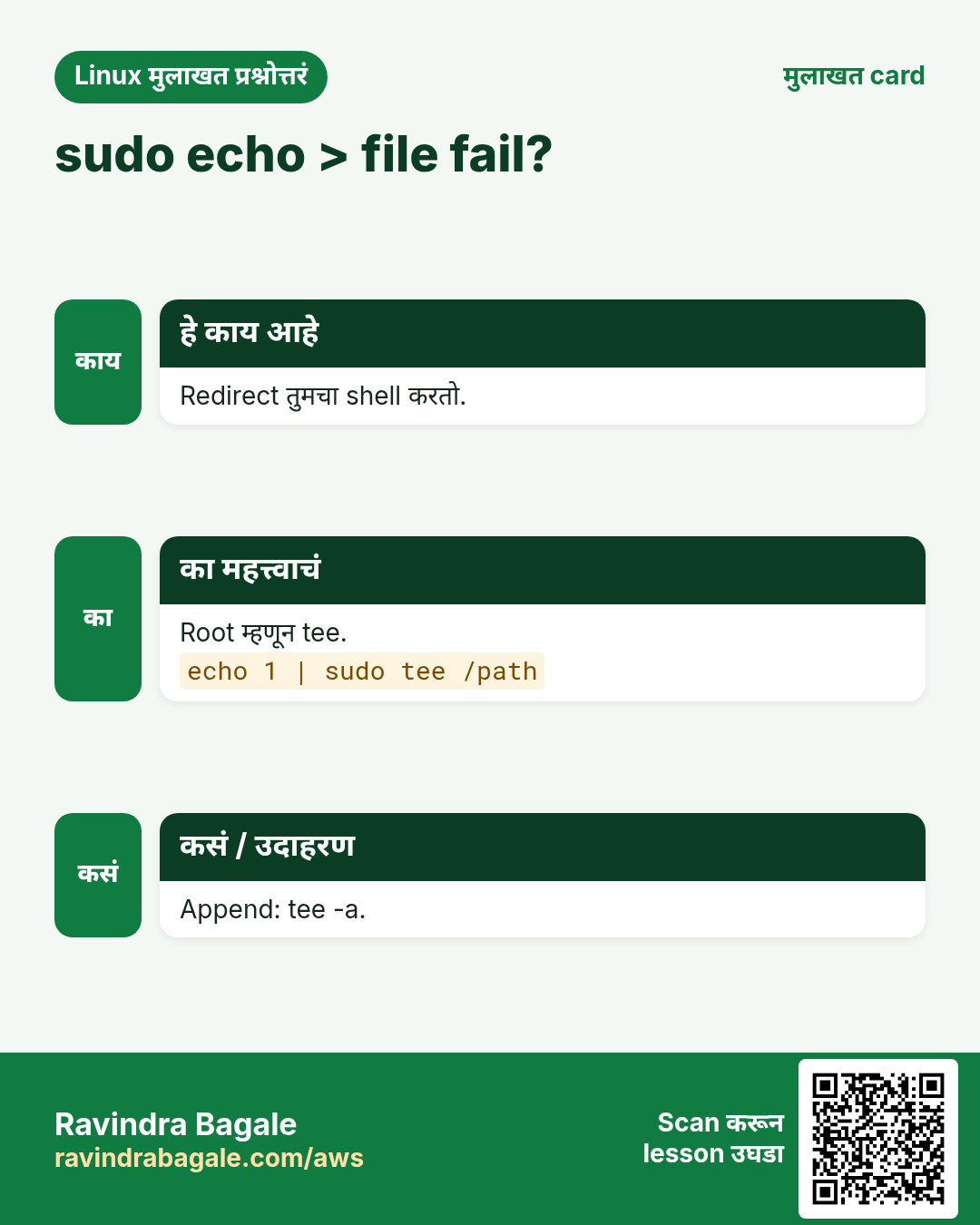
a | b, a चा stdout b च्या stdin मधे. हवे तितके जोडा. tee file, file मधे लिहितो आणि data पुढे पाठवतो, म्हणून मधली step save करून पण बघू शकता. tee -a append. Root-owned file लिहायला sudo tee, कारण sudo echo x > file मधे > ला root rights मिळत नाहीत.
psql -h db1 -U app shop <<'SQL'
SELECT city, count(*) FROM orders GROUP BY city;
SQL
Output:
  city  | count
 Pune   |  1200
याचा अर्थ: psql ला अनेक lines.
Here-doc ने root file.
sudo tee /etc/motd > /dev/null <<'EOF'
Authorized users only. Managed by ops team.
EOF
याचा अर्थ: tee root म्हणून लिहितो.
6. Here-strings <<<
हे का लागतं?
कधी variable मधे एक value असते आणि command ला ती stdin वर हवी.
हे काय आहे?
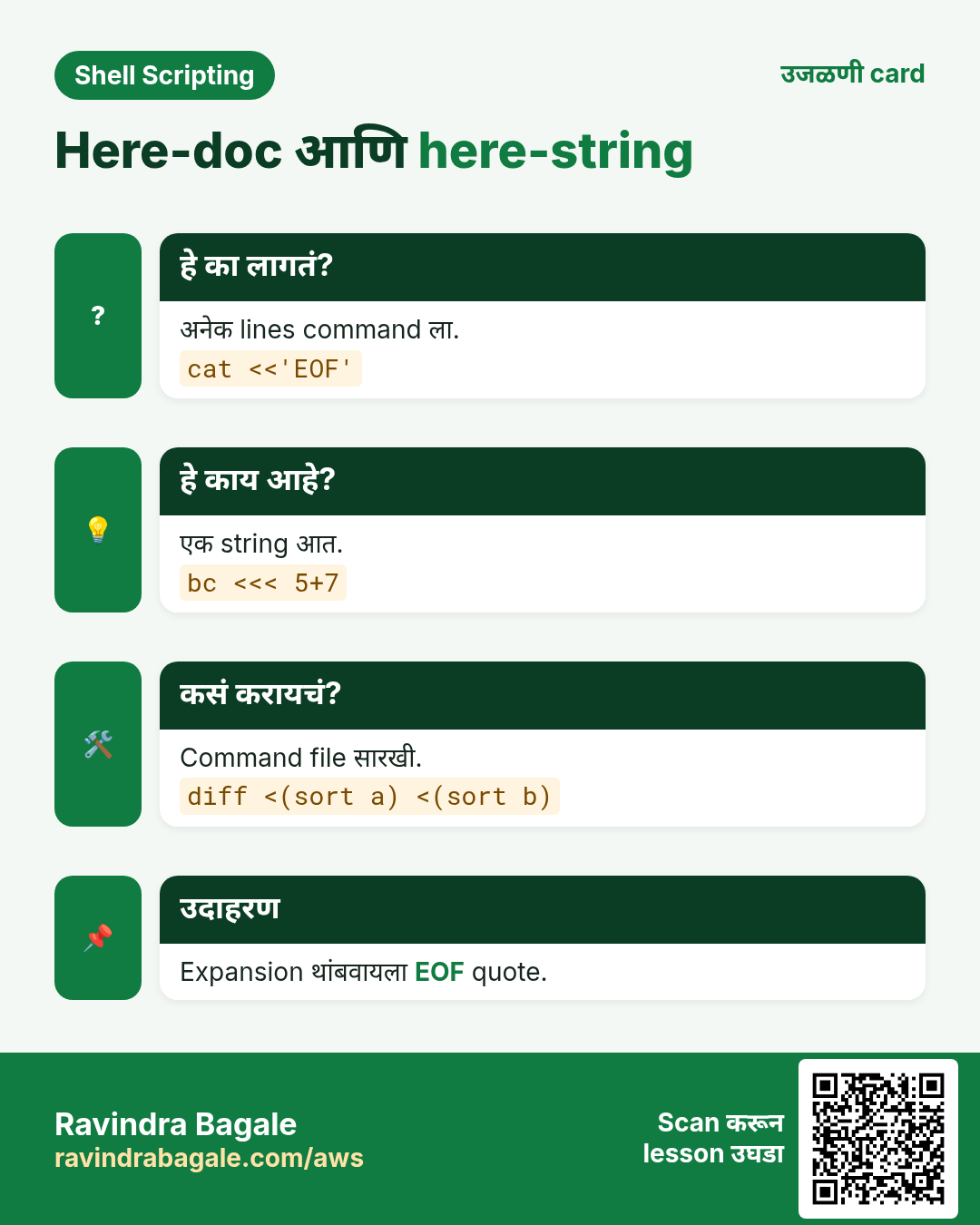
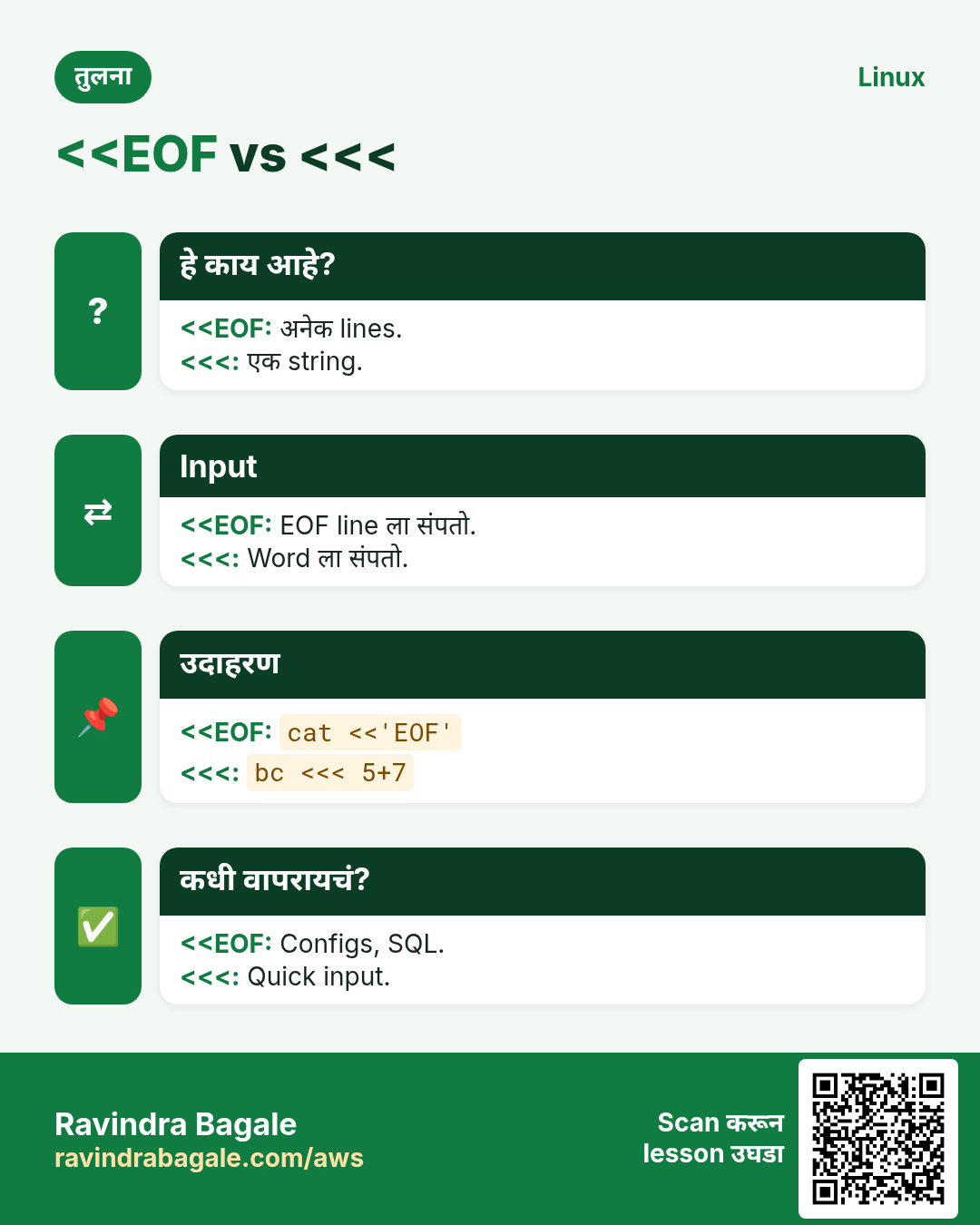
cmd <<< "$v" string आणि newline cmd ला देतो. echo "$v" | cmd टाळतो आणि pipe च्या उलट read current shell मधे चालतो, म्हणून त्याने set केलेले variables नंतर राहतात.
कसं करायचं (step by step)
CSV line split.
IFS=, read -r id city amt <<< '101,Pune,499'; echo "$city $amt"
Output:
Pune 499
याचा अर्थ: Variables set राहतात.
Words मोजा.
wc -w <<< 'build test deploy'
Output:
3
याचा अर्थ: echo नको.
bc input.
bc <<< 'scale=2; 22/7'
Output:
3.14
याचा अर्थ: छोटं maths.
7. Process substitution <( ) आणि >( )
हे का लागतं?
diff आणि comm ला दोन files हव्यात, पण तुमच्याकडे दोन command outputs आहेत, उदा. दोन servers वरचे packages.
हे काय आहे?
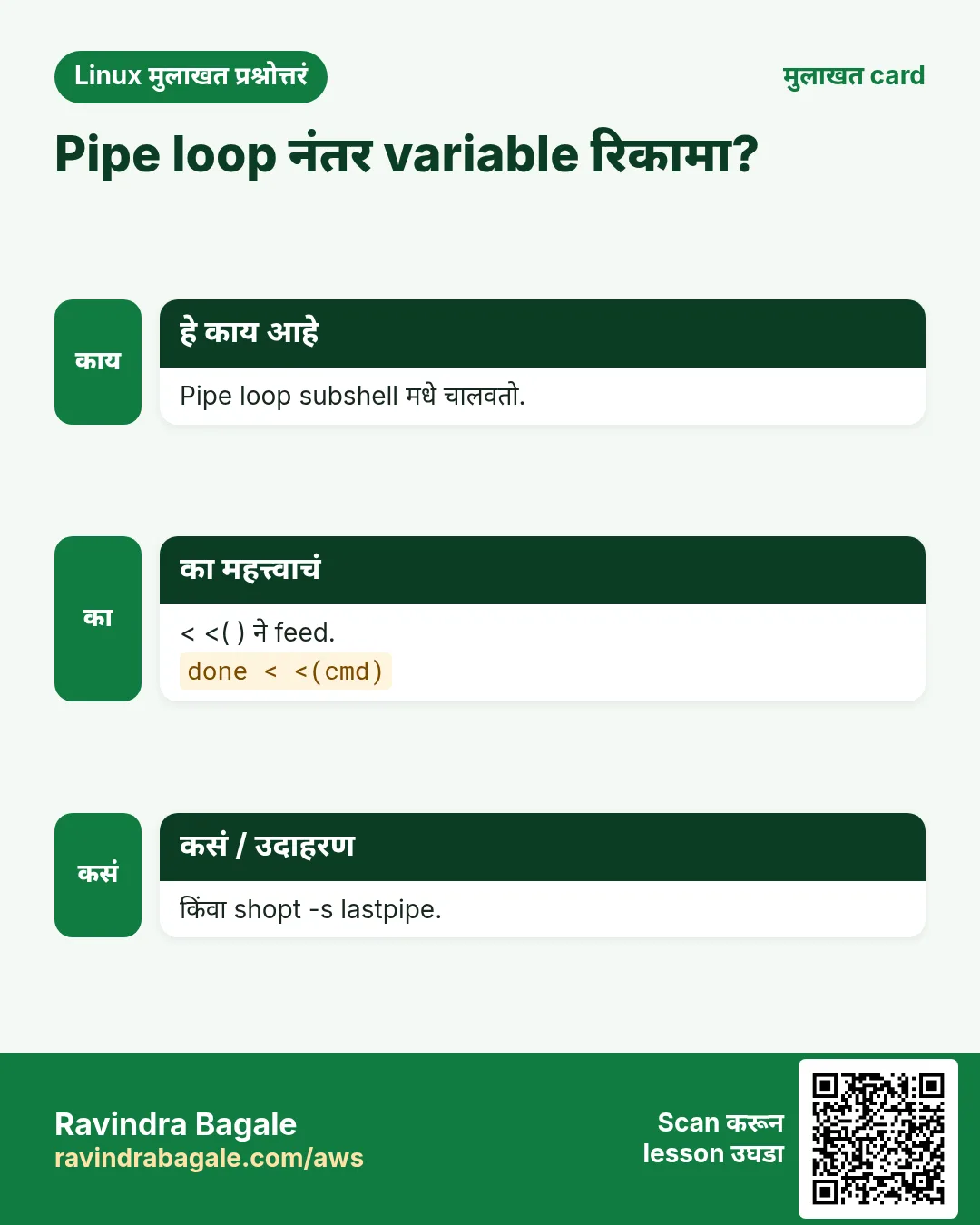
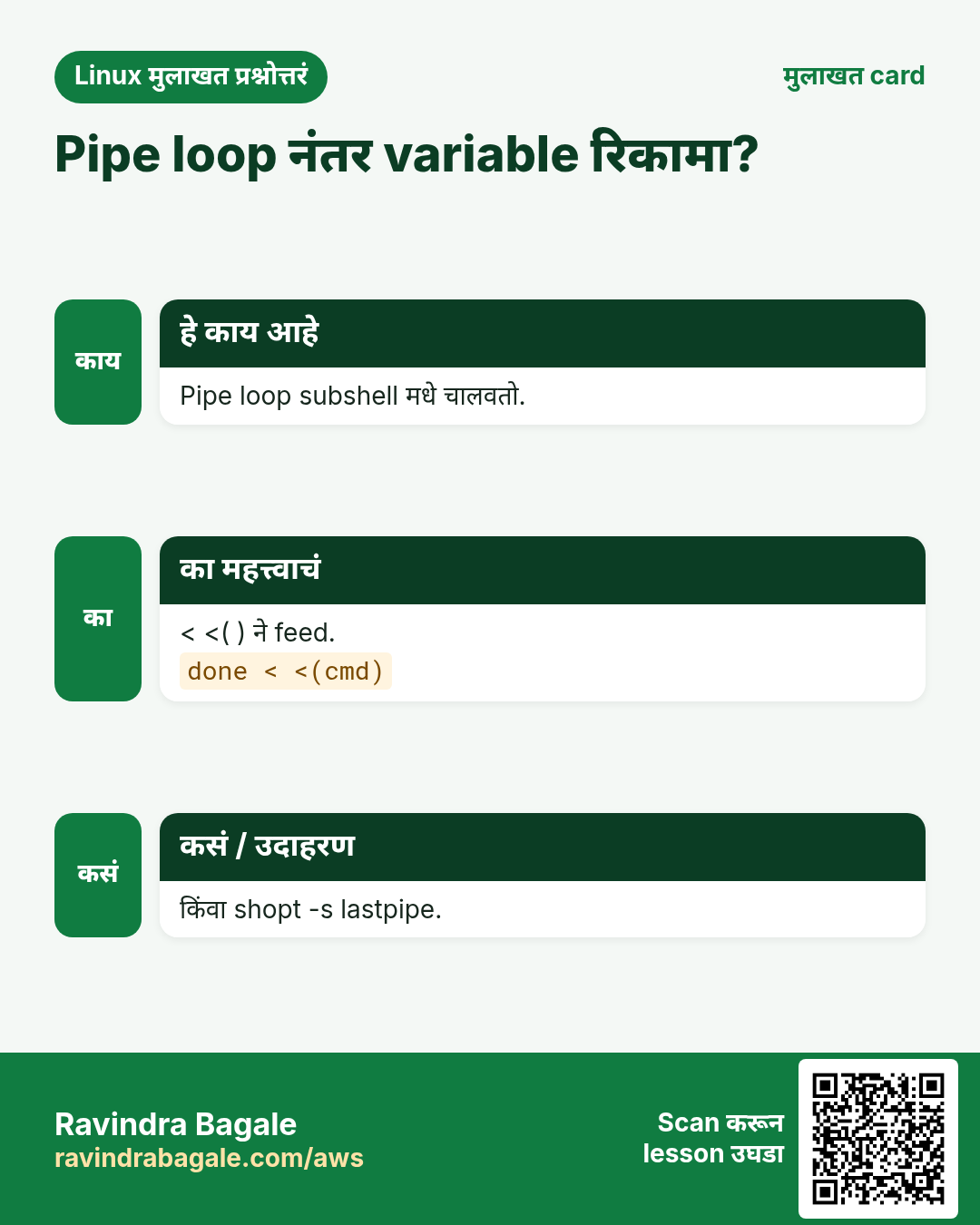
<(cmd) cmd चालवतो आणि त्याचं output वाचणारं /dev/fd/63 सारखं file name देतो. File हवी असलेल्या कोणत्याही command ला देता येतं. >(cmd) उलटं: तुम्ही लिहिलेलं cmd मधे जातं. while read ... done < <(cmd) pipe च्या subshell problem शिवाय output वर loop करतो, म्हणून counters टिकतात.
n=0; while read -r u; do ((n++)); done < <(cut -d: -f1 /etc/passwd); echo $n
Output:
34
याचा अर्थ: Pipe ने n 0 राहिला असता.
दोन ठिकाणी लिहा.
./export.sh | tee >(gzip > export.gz) | wc -l
Output:
5000
याचा अर्थ: एकदम count आणि compress.
8. File descriptors आणि exec
हे का लागतं?
Long scripts ना प्रत्येक line ला > log न जोडता सगळं output log करायचं असतं.
हे काय आहे?
exec > file script च्या उरलेल्या stdout ला redirect करतो. exec > >(tee -a run.log) 2>&1 सगळं log करतो आणि दाखवतो पण. exec 3> file नवा descriptor 3 उघडतो; >&3 ने लिहा आणि exec 3>&- ने बंद. /dev/null black hole; /dev/stderr म्हणजे fd 2 चं नाव.
कसं करायचं (step by step)
पूर्ण script log.
exec > >(tee -a /var/log/nightly.log) 2>&1
echo 'nightly start'
Remember the three doors 0, 1 and 2. Write > file 2>&1 in that order, use tee when you need to save and see, use <<'EOF' when writing scripts or configs into files, and use < <(cmd) when a loop must keep its variables.
Ravindra Bagale's Tip – मराठी
तीन दारं 0, 1 आणि 2 लक्षात ठेवा. > file 2>&1 याच क्रमाने लिहा, save आणि बघायचं असेल तर tee, files मधे scripts किंवा configs लिहिताना <<'EOF', आणि loop ला variables टिकवायचे असतील तर < <(cmd).
Ravindra Bagale's Tip – हिंदी
तीन दरवाज़े 0, 1 और 2 याद रखिए. > file 2>&1 इसी क्रम में लिखिए, save और देखना हो तो tee, files में scripts या configs लिखते समय <<'EOF', और loop को variables रखने हों तो < <(cmd).
14. नेहमी विचारले जाणारे प्रश्न
प्र. /dev/null काय?
Data फेकणारी file.
प्र. > vs >>?
बदलणं vs जोडणं.
प्र. sh मधे &>?
नाही, > f 2>&1.
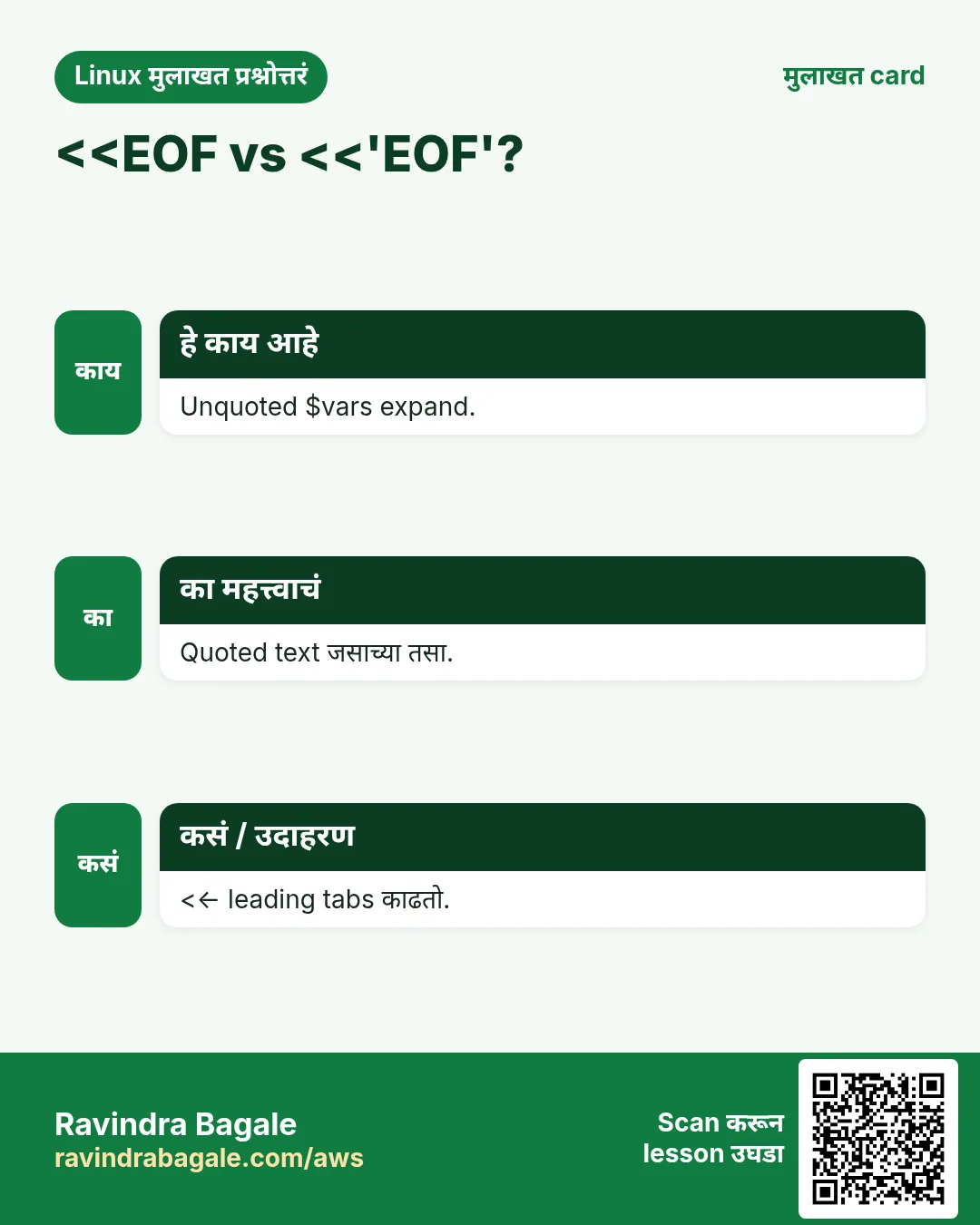
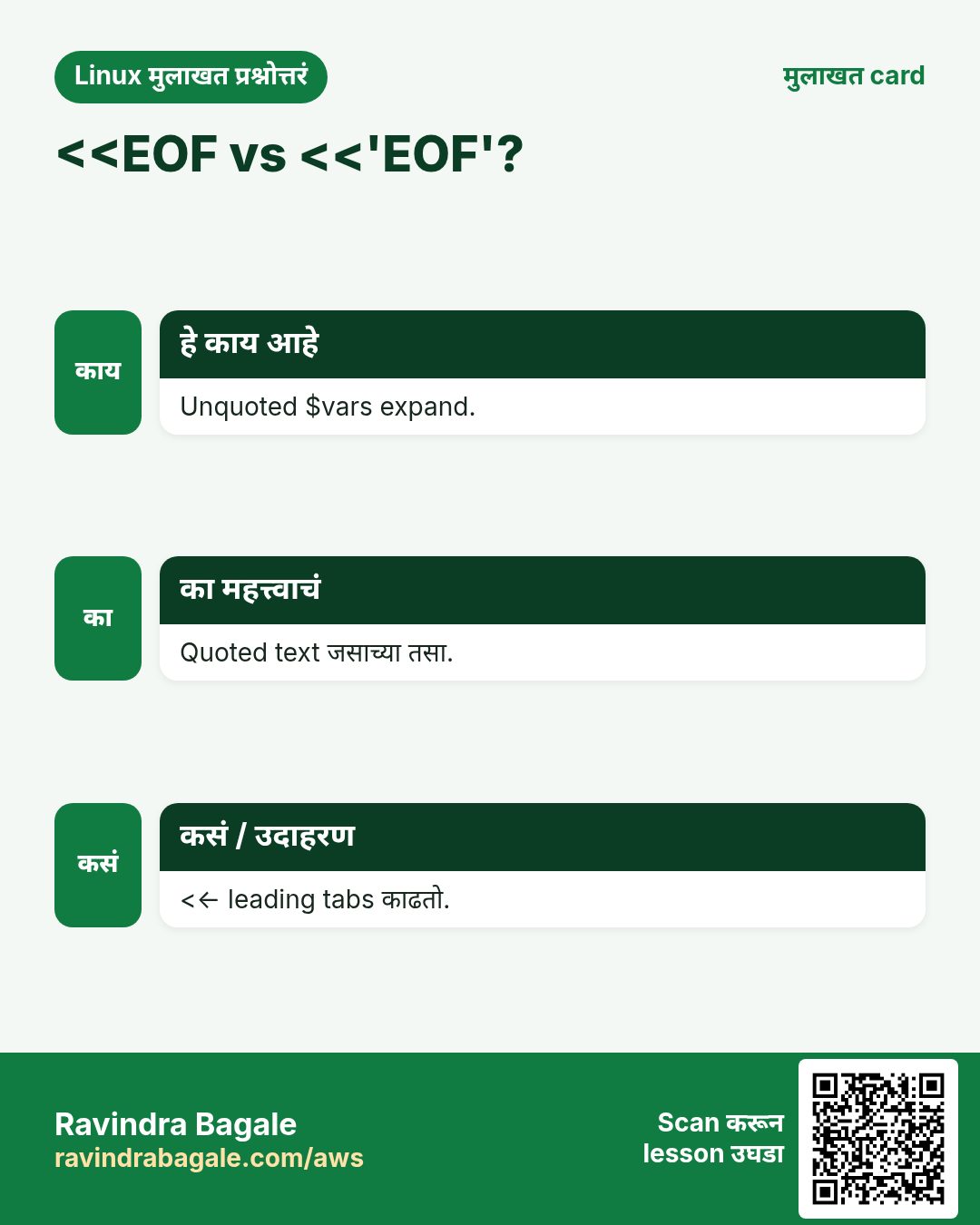
प्र. Here-doc indent?
Tabs सह <<-.
प्र. sudo सह tee का?
Redirect तुमच्या नावाने.
प्र. <( ) खरी file?
/dev/fd/N म्हणून दिसणारा pipe.
प्र. दोन्ही streams pipe?
|& वापरा.
प्र. > ने file in place edit?
नाही; temp file मग mv.
15. मुलाखत प्रश्न आणि उत्तरं
Beginner level
प्र. fd 2 काय?
stderr.
प्र. File मधे append?
>>.
प्र. Errors लपवा?
2>/dev/null.
प्र. Commands जोडा?
Pipe |.
Mid level level
प्र. दोन्ही streams एका file मधे?
> f 2>&1.
प्र. Save आणि show?
tee.
प्र. Here-doc मधे $ expand थांबवा?
शब्द quote करा.
प्र. दोन command outputs diff?
diff <(a) <(b).
Senior level
प्र. 2>&1 > f का fail?
2 ला 1 चा जुना target मिळतो.
प्र. Pipe आणि subshell?
प्रत्येक भाग subshell मधे; vars हरवतात.
प्र. पूर्ण script log?
exec > >(tee -a log) 2>&1.
प्र. Safe in-place edit?
Temp file आणि atomic mv.
घरी करून बघा
Here-doc ने shopping list file बनवा, मग sort आणि tee मधून sorted copy.
दोन folders मधल्या files ची list diff <( ) <( ) ने compare करा.
सराव Tasks
या scenario बद्दल
London Legal LLP हा लंडन मधला कायदा सेवा व्यवसाय आहे. Oliver Hughes त्यांचं IT व cloud काम पाहतात. त्यांचे पैसे GBP मध्ये मोजले जातात आणि AWS resources eu-west-2 Region मध्ये चालतात. खालच्या tasks मध्ये तुम्ही या lesson मध्ये शिकलेलं वापरून त्यांची खरी कामं करता. सगळी नावं, account IDs, IP addresses व numbers सरावासाठी काल्पनिक आहेत.
0 / 21
सोपं Save आणि दाखवा
का: BIZ pipelines अनेक commands मधे output फिरवतात.
काय करायचं: Oliver Hughes London Legal LLP मधे df -h चालवतो. Output दाखवा आणि disk.txt मधे save करा.
कसं करायचं:
हे काम करणारा Linux command शोधा.
Task ला लागणारे options (उदा. -r, -h) जोडा.
File नावं, folders किंवा users योग्य क्रमाने लिहा.
System files/users बदलत असाल तर sudo वापरा. Check answer दाबा.
सोपं tee ने append
का: BIZ pipelines अनेक commands मधे output फिरवतात.
काय करायचं: uptime output दाखवा आणि health.log ला append करा.
कसं करायचं:
हे काम करणारा Linux command शोधा.
Task ला लागणारे options (उदा. -r, -h) जोडा.
File नावं, folders किंवा users योग्य क्रमाने लिहा.
System files/users बदलत असाल तर sudo वापरा. Check answer दाबा.
सोपं Errors टाका
का: BIZ pipelines अनेक commands मधे output फिरवतात.
काय करायचं: /etc खाली hosts नावाच्या files दुसऱ्या filesystems मधे न जाता शोधा.
कसं करायचं:
हे काम करणारा Linux command शोधा.
Task ला लागणारे options (उदा. -r, -h) जोडा.
File नावं, folders किंवा users योग्य क्रमाने लिहा.
System files/users बदलत असाल तर sudo वापरा. Check answer दाबा.
सोपं Lines मोजा
का: BIZ pipelines अनेक commands मधे output फिरवतात.
काय करायचं: app.log मधे ERROR असलेल्या lines मोजा.
कसं करायचं:
हे काम करणारा Linux command शोधा.
Task ला लागणारे options (उदा. -r, -h) जोडा.
File नावं, folders किंवा users योग्य क्रमाने लिहा.
System files/users बदलत असाल तर sudo वापरा. Check answer दाबा.
सोपं Numbers sort
का: BIZ pipelines अनेक commands मधे output फिरवतात.
काय करायचं: sizes.txt numerically sort करा, मोठे आधी.
कसं करायचं:
हे काम करणारा Linux command शोधा.
Task ला लागणारे options (उदा. -r, -h) जोडा.
File नावं, folders किंवा users योग्य क्रमाने लिहा.
System files/users बदलत असाल तर sudo वापरा. Check answer दाबा.
सोपं Users मोजा
का: BIZ pipelines अनेक commands मधे output फिरवतात.
काय करायचं: /etc/passwd च्या lines मोजा.
कसं करायचं:
हे काम करणारा Linux command शोधा.
Task ला लागणारे options (उदा. -r, -h) जोडा.
File नावं, folders किंवा users योग्य क्रमाने लिहा.
System files/users बदलत असाल तर sudo वापरा. Check answer दाबा.
सोपं Case बदला
का: BIZ pipelines अनेक commands मधे output फिरवतात.
काय करायचं: tr ने names.txt upper case करून print करा.
कसं करायचं:
हे काम करणारा Linux command शोधा.
Task ला लागणारे options (उदा. -r, -h) जोडा.
File नावं, folders किंवा users योग्य क्रमाने लिहा.
System files/users बदलत असाल तर sudo वापरा. Check answer दाबा.
सोपं Unique lines
का: BIZ pipelines अनेक commands मधे output फिरवतात.
काय करायचं: एका sort option ने list.txt च्या unique lines sorted print करा.
कसं करायचं:
हे काम करणारा Linux command शोधा.
Task ला लागणारे options (उदा. -r, -h) जोडा.
File नावं, folders किंवा users योग्य क्रमाने लिहा.
System files/users बदलत असाल तर sudo वापरा. Check answer दाबा.
सोपं पहिल्या 10
का: BIZ pipelines अनेक commands मधे output फिरवतात.
काय करायचं: access.log च्या पहिल्या 10 lines दाखवा.
कसं करायचं:
हे काम करणारा Linux command शोधा.
Task ला लागणारे options (उदा. -r, -h) जोडा.
File नावं, folders किंवा users योग्य क्रमाने लिहा.
System files/users बदलत असाल तर sudo वापरा. Check answer दाबा.
मध्यम Top values
का: BIZ pipelines अनेक commands मधे output फिरवतात.
काय करायचं: ips.txt मधून counts सह 3 सगळ्यात repeated lines print करा.
कसं करायचं:
हे काम करणारा Linux command शोधा.
Task ला लागणारे options (उदा. -r, -h) जोडा.
File नावं, folders किंवा users योग्य क्रमाने लिहा.
System files/users बदलत असाल तर sudo वापरा. Check answer दाबा.
मध्यम Here-string
का: BIZ pipelines अनेक commands मधे output फिरवतात.
काय करायचं: Here-string ने 5+7 text bc ला पाठवा.
कसं करायचं:
हे काम करणारा Linux command शोधा.
Task ला लागणारे options (उदा. -r, -h) जोडा.
File नावं, folders किंवा users योग्य क्रमाने लिहा.
System files/users बदलत असाल तर sudo वापरा. Check answer दाबा.
मध्यम Lines वाचा
का: BIZ pipelines अनेक commands मधे output फिरवतात.
काय करायचं: servers.txt line by line h मधे वाचा आणि प्रत्येक echo करा.
कसं करायचं:
हे काम करणारा Linux command शोधा.
Task ला लागणारे options (उदा. -r, -h) जोडा.
File नावं, folders किंवा users योग्य क्रमाने लिहा.
System files/users बदलत असाल तर sudo वापरा. Check answer दाबा.
मध्यम xargs
का: BIZ pipelines अनेक commands मधे output फिरवतात.
काय करायचं: xargs ने old.txt मधल्या files delete करा, list रिकामी असेल तर काही नाही.
कसं करायचं:
हे काम करणारा Linux command शोधा.
Task ला लागणारे options (उदा. -r, -h) जोडा.
File नावं, folders किंवा users योग्य क्रमाने लिहा.
System files/users बदलत असाल तर sudo वापरा. Check answer दाबा.
मध्यम Column total
का: BIZ pipelines अनेक commands मधे output फिरवतात.
काय करायचं: awk ने bills.txt च्या second column ची बेरीज print करा.
कसं करायचं:
हे काम करणारा Linux command शोधा.
Task ला लागणारे options (उदा. -r, -h) जोडा.
File नावं, folders किंवा users योग्य क्रमाने लिहा.
System files/users बदलत असाल तर sudo वापरा. Check answer दाबा.
मध्यम ps च्या पहिल्या lines
का: BIZ pipelines अनेक commands मधे output फिरवतात.
काय करायचं: ps sorted ने सगळ्यात जास्त memory वापरणारे 5 processes दाखवा.
कसं करायचं:
हे काम करणारा Linux command शोधा.
Task ला लागणारे options (उदा. -r, -h) जोडा.
File नावं, folders किंवा users योग्य क्रमाने लिहा.
System files/users बदलत असाल तर sudo वापरा. Check answer दाबा.
मध्यम Compressed वाचा
का: BIZ pipelines अनेक commands मधे output फिरवतात.
काय करायचं: Disk वर unzip न करता app.log.gz मधल्या ERROR lines मोजा.
कसं करायचं:
हे काम करणारा Linux command शोधा.
Task ला लागणारे options (उदा. -r, -h) जोडा.
File नावं, folders किंवा users योग्य क्रमाने लिहा.
System files/users बदलत असाल तर sudo वापरा. Check answer दाबा.
मध्यम दुसरा field
का: BIZ pipelines अनेक commands मधे output फिरवतात.
काय करायचं: awk ने data.txt च्या प्रत्येक line चा second column print करा.
कसं करायचं:
हे काम करणारा Linux command शोधा.
Task ला लागणारे options (उदा. -r, -h) जोडा.
File नावं, folders किंवा users योग्य क्रमाने लिहा.
System files/users बदलत असाल तर sudo वापरा. Check answer दाबा.
अवघड Process substitution
का: BIZ pipelines अनेक commands मधे output फिरवतात.
काय करायचं: Temp files शिवाय a.txt आणि b.txt चे sorted contents diff ने compare करा.
कसं करायचं:
हे काम करणारा Linux command शोधा.
Task ला लागणारे options (उदा. -r, -h) जोडा.
File नावं, folders किंवा users योग्य क्रमाने लिहा.
System files/users बदलत असाल तर sudo वापरा. Check answer दाबा.
अवघड फक्त पहिल्यात
का: BIZ pipelines अनेक commands मधे output फिरवतात.
काय करायचं: comm आणि sorted inputs ने फक्त old.txt मधल्या lines print करा.
कसं करायचं:
हे काम करणारा Linux command शोधा.
Task ला लागणारे options (उदा. -r, -h) जोडा.
File नावं, folders किंवा users योग्य क्रमाने लिहा.
System files/users बदलत असाल तर sudo वापरा. Check answer दाबा.
अवघड Root म्हणून लिहा
का: BIZ pipelines अनेक commands मधे output फिरवतात.
काय करायचं: tee वापरून root म्हणून /proc/sys/net/ipv4/ip_forward मधे 1 लिहा.
कसं करायचं:
हे काम करणारा Linux command शोधा.
Task ला लागणारे options (उदा. -r, -h) जोडा.
File नावं, folders किंवा users योग्य क्रमाने लिहा.
System files/users बदलत असाल तर sudo वापरा. Check answer दाबा.
अवघड Command वर loop
का: BIZ pipelines अनेक commands मधे output फिरवतात.
काय करायचं: Pipe subshell शिवाय ls output च्या lines वर f ने loop करा आणि echo.
कसं करायचं:
हे काम करणारा Linux command शोधा.
Task ला लागणारे options (उदा. -r, -h) जोडा.
File नावं, folders किंवा users योग्य क्रमाने लिहा.
System files/users बदलत असाल तर sudo वापरा. Check answer दाबा.