Linux Complete Capstone: Production Server Build, Secure, Monitor आणि Fix करण्याचे Linux Admin Labs
हा capstone पूर्ण Linux Complete series एकत्र आणतो. तुम्ही एक fresh Rocky Linux 9 server घ्याल आणि छोट्या company साठी production web server बनवाल: build करा (users, storage, packages, web app), secure करा (SSH, firewall, SELinux, updates, auditing), monitor करा (metrics, logs, alerts, health checks), backup आणि restore करा, आणि मग on-call admin करतो तसे सहा तुटलेले scenarios fix करा. प्रत्येक lab मधे नेमक्या commands आणि expected outputs आहेत, म्हणजे step by step स्वतः तपासता येतं.
या chapter मध्ये तुम्ही काय शिकाल
- Written plan सह fresh install मधून production server build करा
- SSH, firewall, SELinux, sudo आणि updates harden करा
- Metrics, logs, alerts आणि health checks set up करा
- Backups automate करा आणि restore prove करा
- सहा खरे break-and-fix scenarios fix करा
- Runbook आणि handover note लिहा
1. रोजचं उदाहरण: नवीन clinic उघडणे
हे का लागतं?
डॉ. कुलकर्णी कोथरूडमधे छोटं clinic उघडतात. आधी जागा तयार होते: rooms, वीज, furniture, reception computer. मग ती secure होते: कुलपं, CCTV camera, औषधांसाठी किल्लीचं कपाट. मग monitor होते: reception वर register, vaccines साठी fridge thermometer, रोजचा check. रुग्णांच्या files रोज संध्याकाळी photocopy करून घरी ठेवतात. आणि काही बिघडलं, fuse, गळणारा नळ, तर staff ला माहीत असतं कोणाला call करायचं आणि आधी काय तपासायचं.
हे काय आहे?
Clinic build = install, users, storage, packages आणि app. कुलपं आणि CCTV = SSH keys, firewall, SELinux आणि auditd. Register आणि thermometer = metrics, logs आणि alerts. संध्याकाळच्या photocopies = backups. कोणाला call करायचं हे माहीत असणे = runbooks आणि break-fix skills.
कसं करायचं (step by step)
2. Capstone brief आणि build plan
हे का लागतं?
खरे admins लगेच commands type करायला सुरुवात करत नाहीत. एका page चा plan rework टाळतो आणि server repeatable बनवतो.
हे काय आहे?
Brief: Shree Traders या पुण्याच्या distributor ला internal orders web app हवं आहे. Requirements: 2 vCPU, 4 GB RAM, 20 GB OS disk आणि 10 GB data disk असलेली Rocky Linux 9 VM; port 8000 वरच्या छोट्या Python app समोर nginx; data LVM वर /srv/app मधे; फक्त SSH key logins; firewall 22 (फक्त office subnet), 80 आणि 443 साठी open; 14 दिवस ठेवलेले daily backups; disk 80 टक्के पार गेला किंवा app health check fail झाला की alerts. हा plan आधी लिहा आणि /root/PLAN.md मधे ठेवा.
| Item | निवड | का |
|---|---|---|
| OS | Rocky Linux 9 minimal | Stable RHEL clone, 10-year support |
| Storage | LVM vg_data/lv_app XFS at /srv/app | Grow later without downtime |
| Web | nginx reverse proxy to 127.0.0.1:8000 | App never exposed directly |
| App runtime | systemd service as user app | Restart on failure, logs in journal |
| Access | SSH keys, no root, admins group with sudo | Least privilege and audit trail |
| Backup | restic to backup host, 14 daily | Encrypted, deduplicated, tested |
| Monitoring | node_exporter plus health check timer | Metrics and simple alerts |
कसं करायचं (step by step)
- सुरुवातीला server facts नोंदवा.
hostnamectl | egrep 'Static|Operating|Kernel'; nproc; free -h | awk '/Mem/{print $2}'; lsblk -dno NAME,SIZEOutput:
   Static hostname: localhost
  Operating System: Rocky Linux 9.4 (Blue Onyx)
            Kernel: Linux 5.14.0-427.el9.x86_64
2
3.6Gi
vda 20G
vdb 10G
याचा अर्थ: Plan शी जुळतं: 2 CPUs, सुमारे 4 GB, आणि extra 10 GB disk vdb.
- Hostname, time zone आणि time sync set करा.
sudo hostnamectl set-hostname orders01.shree.local; sudo timedatectl set-timezone Asia/Kolkata; sudo systemctl enable --now chronyd; chronyc tracking | grep -E 'Reference|System time'Output:
Reference ID    : A29FC801 (time.cloudflare.com)
System time     : 0.000012 seconds fast of NTP time
याचा अर्थ: Logs, TLS आणि backups साठी बरोबर वेळ महत्त्वाची.
- इतर काहीही आधी पूर्ण patch करा आणि नव्या kernel मधे reboot करा.
sudo dnf -y upgrade >/dev/null; sudo needs-restarting -r; echo rc=$?Output:
Core libraries or services have been updated since boot-up:
  * kernel
Reboot is required to fully utilize these updates.
rc=1
याचा अर्थ: rc=1 म्हणजे reboot हवा; server अजून live नसताना आत्ताच reboot करा.
3. Build: users, sudo आणि storage
हे का लागतं?
Shared root logins आणि OS disk वरचा data ही messy, unsafe servers ची दोन सर्वात common कारणं.
हे काय आहे?
Sudo सह admins group मधे नाव असलेले admin accounts बनवा, application चा owner असणारा locked service account app बनवा, आणि application data स्वतःच्या LVM volume वर ठेवा म्हणजे तो वाढू शकेल आणि वेगळा backup होईल. XFS वापरा, UUID ने mount करा आणि reboot आधी mount -a ने verify करा.
कसं करायचं (step by step)
- Admins आणि service account बनवा.
sudo groupadd admins; sudo useradd -m -G admins ravi; sudo useradd -m -G admins asha; sudo useradd -r -m -d /srv/app -s /sbin/nologin app; echo '%admins ALL=(ALL) ALL' | sudo tee /etc/sudoers.d/admins; sudo visudo -cf /etc/sudoers.d/adminsOutput:
%admins ALL=(ALL) ALL
/etc/sudoers.d/admins: parsed OK
याचा अर्थ: नाव असलेली माणसं, group rule, आणि login न करू शकणारा service user.
- Data disk वर LVM बनवा.
sudo pvcreate /dev/vdb; sudo vgcreate vg_data /dev/vdb; sudo lvcreate -n lv_app -L 6G vg_data; sudo mkfs.xfs -q /dev/vg_data/lv_app; sudo lvs vg_dataOutput:
  Physical volume "/dev/vdb" successfully created.
  Volume group "vg_data" successfully created
  Logical volume "lv_app" created.
  LV     VG      Attr       LSize
  lv_app vg_data -wi-a----- 6.00g
याचा अर्थ: नंतर वाढवायला VG मधे 4 GB free ठेवले.
- Persistently mount करा आणि ownership आणि SELinux label fix करा.
u=$(sudo blkid -s UUID -o value /dev/vg_data/lv_app); echo "UUID=$u /srv/app xfs defaults,nodev,nosuid 0 0" | sudo tee -a /etc/fstab; sudo mount -a; sudo chown app:app /srv/app; sudo restorecon -Rv /srv/app; findmnt /srv/appOutput:
UUID=8c2e... /srv/app xfs defaults,nodev,nosuid 0 0
TARGET   SOURCE                       FSTYPE OPTIONS
/srv/app /dev/mapper/vg_data-lv_app xfs    rw,nosuid,nodev,relatime
याचा अर्थ: nodev आणि nosuid data mount वर safety वाढवतात.
4. Build: systemd आणि nginx सह app deploy करा
हे का लागतं?
Terminal मधे हाताने चालवलेलं app logout केल्यावर मरतं आणि crash किंवा reboot नंतर restart होत नाही.
हे काय आहे?
Python आणि nginx install करा, app /srv/app मधे ठेवा, app user खाली 127.0.0.1:8000 वर Restart=on-failure आणि basic hardening सह systemd service म्हणून चालवा, आणि समोर port 80 वर nginx ठेवा. nginx proxy करू शकावा म्हणून SELinux ला httpd_can_network_connect boolean लागतो.
कसं करायचं (step by step)
- Packages आणि छोटं app install करा.
sudo dnf -y install nginx python3 >/dev/null; sudo -u app tee /srv/app/app.py >/dev/null <<'PY'
from http.server import BaseHTTPRequestHandler, HTTPServer
class H(BaseHTTPRequestHandler):
    def do_GET(self):
        body = b'ok' if self.path == '/health' else b'Shree Traders orders'
        self.send_response(200); self.end_headers(); self.wfile.write(body)
HTTPServer(('127.0.0.1', 8000), H).serve_forever()
PY
ls -l /srv/app/app.py
Output:
-rw-r--r--. 1 app app 297 Oct 26 11:20 /srv/app/app.pyयाचा अर्थ: Monitoring साठी /health endpoint असलेलं stand-in app.
- Hardening सह systemd unit बनवा.
sudo tee /etc/systemd/system/orders.service >/dev/null <<'U'
[Unit]
Description=Shree orders app
After=network-online.target
[Service]
User=app
WorkingDirectory=/srv/app
ExecStart=/usr/bin/python3 /srv/app/app.py
Restart=on-failure
RestartSec=3
NoNewPrivileges=yes
ProtectSystem=strict
ReadWritePaths=/srv/app
PrivateTmp=yes
[Install]
WantedBy=multi-user.target
U
sudo systemctl daemon-reload; sudo systemctl enable --now orders; curl -s 127.0.0.1:8000/health
Output:
okयाचा अर्थ: App आता boot वर सुरू होतं, crash वर restart होतं आणि /srv/app बाहेर लिहू शकत नाही.
- समोर nginx ठेवा.
sudo tee /etc/nginx/conf.d/orders.conf >/dev/null <<'N'
server { listen 80; server_name orders01.shree.local;
  location / { proxy_pass http://127.0.0.1:8000; proxy_set_header Host $host; } }
N
sudo setsebool -P httpd_can_network_connect on; sudo nginx -t && sudo systemctl enable --now nginx; curl -s localhost/
Output:
nginx: the configuration file /etc/nginx/nginx.conf syntax is ok
nginx: configuration file /etc/nginx/nginx.conf test is successful
Shree Traders orders
याचा अर्थ: Reload आधी nginx -t, आणि -P मुळे boolean persistent.
5. Secure: SSH, firewall आणि SELinux
हे का लागतं?
Public server online आल्यावर काही minutes मधे SSH password-guessing attempts येतात.
हे काय आहे?
फक्त SSH keys वापरा, root login आणि passwords बंद करा, फक्त admins group allow करा, आणि पहिलं session बंद करण्याआधी दुसऱ्या session मधून test करा. firewalld rich rules ने फक्त office subnet साठी 22 आणि सगळ्यांसाठी 80/443 उघडा. SELinux enforcing ठेवा आणि denials तपासा.
| Control | Setting | Check |
|---|---|---|
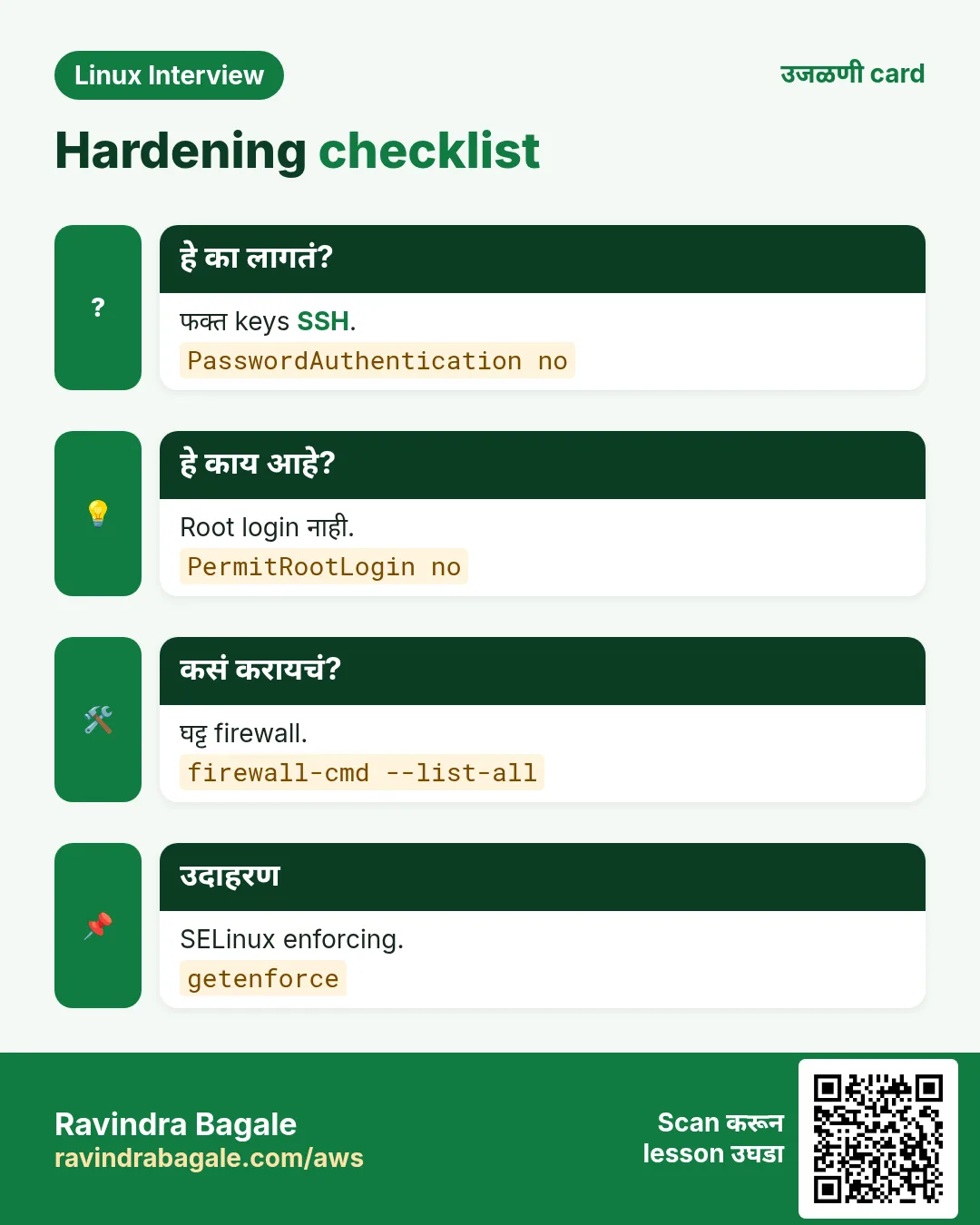
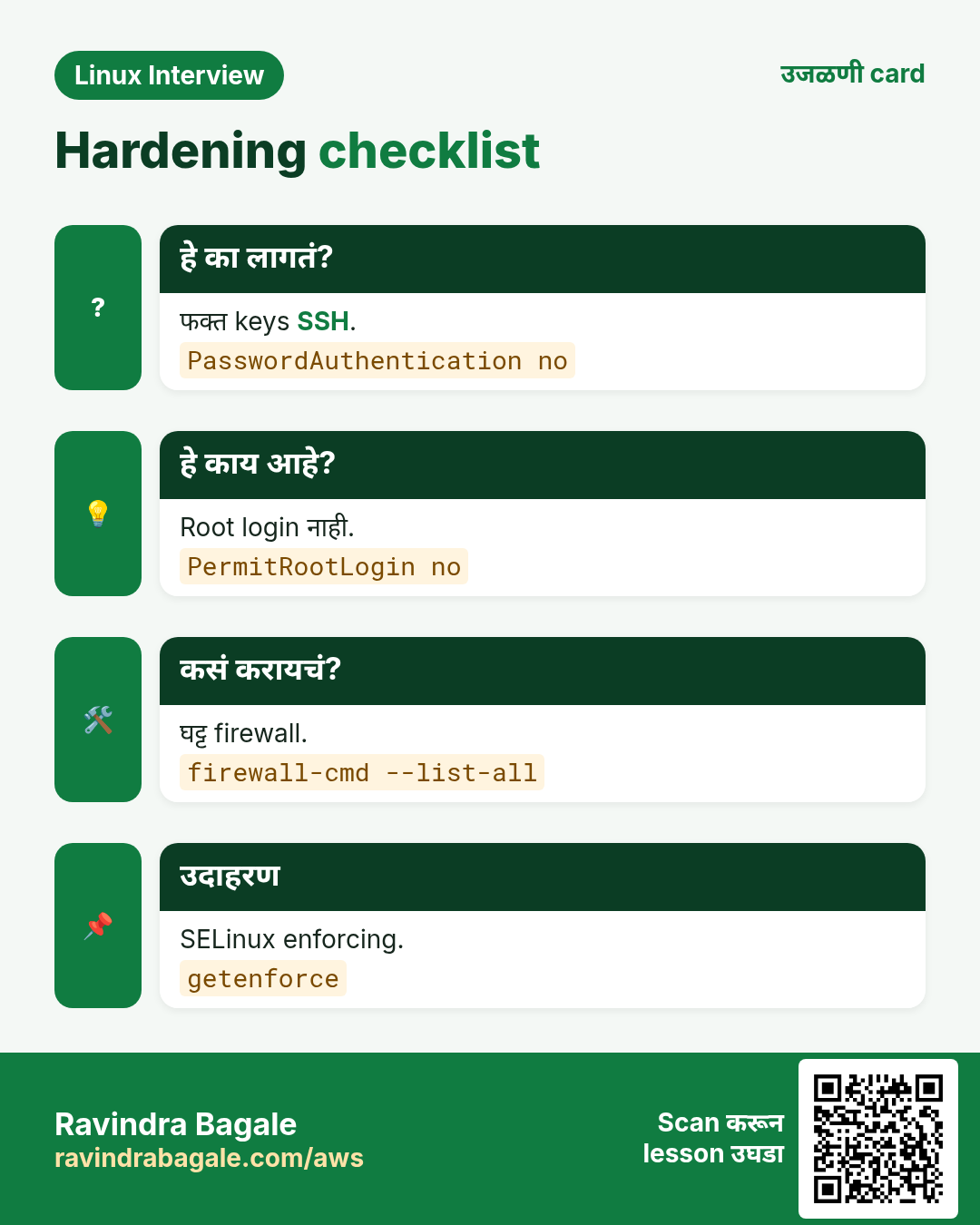
| Root login | PermitRootLogin no | sshd -T | grep permitrootlogin |
| Passwords | PasswordAuthentication no | sshd -T | grep passwordauth |
| Who | AllowGroups admins | sshd -T | grep allowgroups |
| Firewall | 22 from 10.20.0.0/24 only | firewall-cmd --list-all |
| SELinux | Enforcing | getenforce |
| Brute force | fail2ban sshd jail | fail2ban-client status sshd |
कसं करायचं (step by step)
- Drop-in file ने sshd harden करा.
sudo tee /etc/ssh/sshd_config.d/10-hardening.conf >/dev/null <<'S'
PermitRootLogin no
PasswordAuthentication no
KbdInteractiveAuthentication no
AllowGroups admins
MaxAuthTries 3
S
sudo sshd -t && sudo systemctl reload sshd; sudo sshd -T | egrep 'permitrootlogin|passwordauthentication|allowgroups'
Output:
permitrootlogin no
passwordauthentication no
allowgroups admins
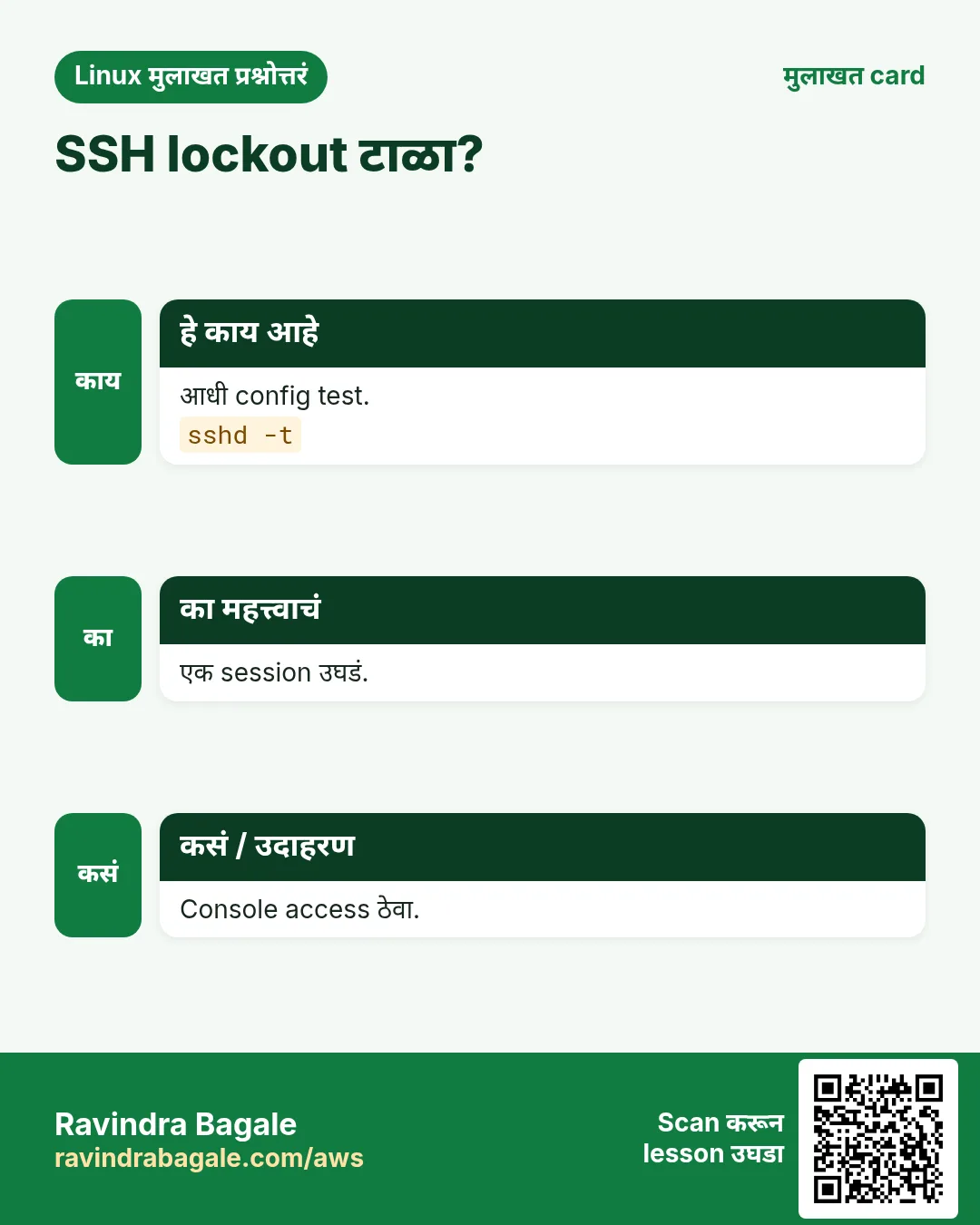
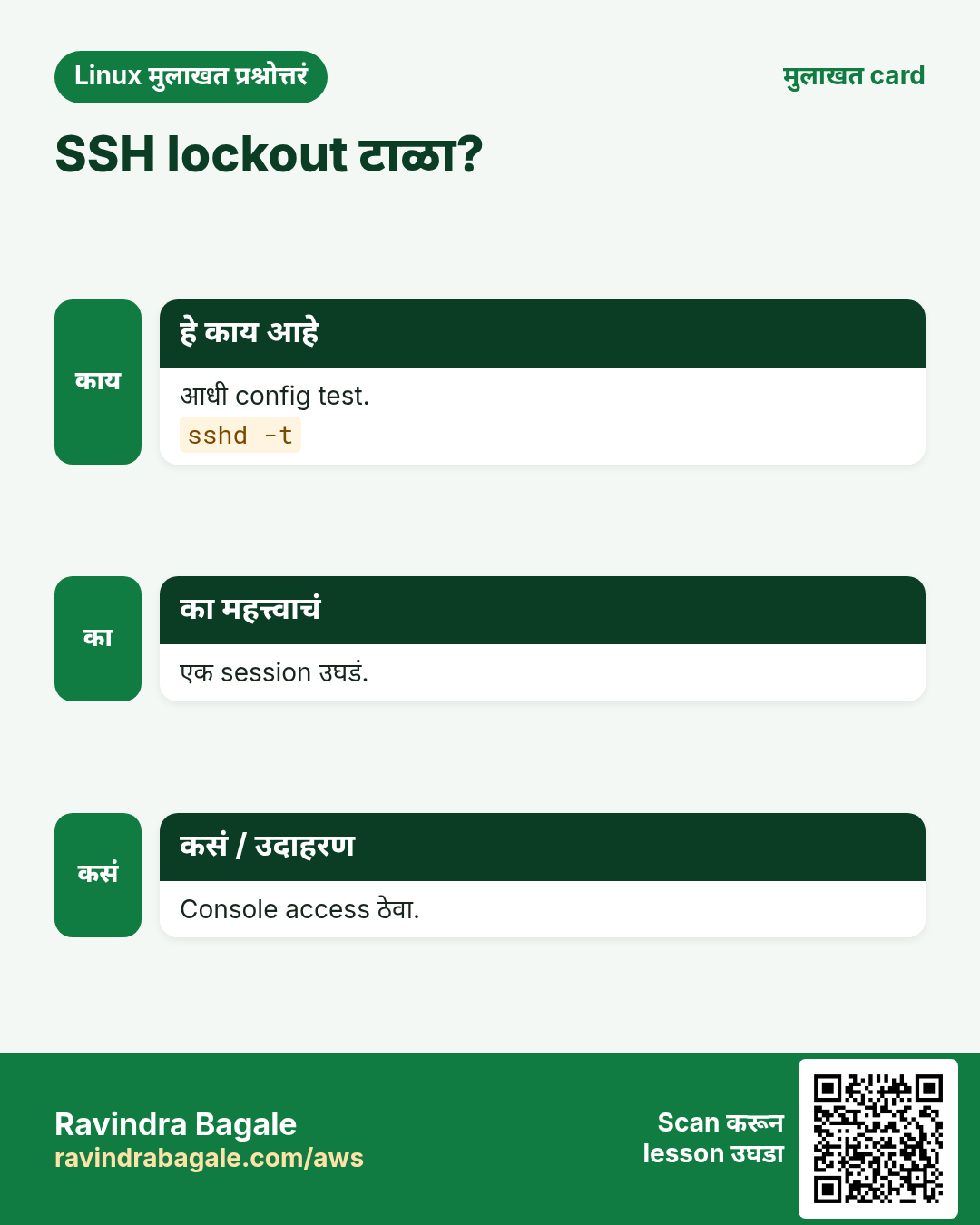
याचा अर्थ: आधी sshd -t; नवं session test करताना सध्याचं session उघडं ठेवा.
- SSH office subnet पुरतं मर्यादित करा आणि web ports उघडा.
sudo firewall-cmd --permanent --remove-service=ssh; sudo firewall-cmd --permanent --add-rich-rule='rule family=ipv4 source address=10.20.0.0/24 service name=ssh accept'; sudo firewall-cmd --permanent --add-service={http,https}; sudo firewall-cmd --reload; sudo firewall-cmd --list-all | egrep 'services|rule'Output:
  services: cockpit dhcpv6-client http https
	rule family="ipv4" source address="10.20.0.0/24" service name="ssh" accept
याचा अर्थ: खऱ्या आयुष्यात ssh काढण्याआधी rich rule जोडा म्हणजे स्वतःला lock out करणार नाही.
- SELinux confirm करा आणि denials शोधा.
getenforce; sudo ausearch -m AVC -ts today 2>&1 | tail -1; sudo dnf -y remove cockpit-ws >/dev/null; sudo firewall-cmd --permanent --remove-service=cockpit; sudo firewall-cmd --reloadOutput:
Enforcing
<no matches>
success
success
याचा अर्थ: Denials नाहीत, आणि attack surface कमी करायला न वापरलेली cockpit service काढली.
6. Secure: updates, fail2ban, auditing आणि TLS
हे का लागतं?
बहुतेक खरे breaches माहीत असलेले, आधीच patch झालेले bugs वापरतात, आणि audit trail शिवाय काय झालं ते सांगताही येत नाही.
हे काय आहे?
dnf-automatic ने automatic security updates चालू करा, SSH साठी fail2ban जोडा, sudoers आणि SSH config बदलांसाठी auditd rules जोडा, आणि HTTPS enable करा. Internal name साठी company CA किंवा lab साठी self-signed certificate वापरा; public name साठी certbot सह Let's Encrypt वापरा.
कसं करायचं (step by step)
- Automatic security updates.
sudo dnf -y install dnf-automatic >/dev/null; sudo sed -i 's/^upgrade_type.*/upgrade_type = security/; s/^apply_updates.*/apply_updates = yes/' /etc/dnf/automatic.conf; sudo systemctl enable --now dnf-automatic.timer; systemctl list-timers dnf-automatic.timer --no-pager | sed -n 2pOutput:
Tue 2026-10-27 06:12:41 IST 18h left - - dnf-automatic.timer dnf-automatic.serviceयाचा अर्थ: Security patches रोज लागतात; kernels ला अजूनही planned reboot लागतो.
- fail2ban आणि audit rules.
sudo dnf -y install epel-release >/dev/null && sudo dnf -y install fail2ban >/dev/null; printf '[sshd]\nenabled = true\nmaxretry = 4\nbantime = 1h\n' | sudo tee /etc/fail2ban/jail.d/sshd.local >/dev/null; sudo systemctl enable --now fail2ban; printf -- '-w /etc/sudoers -p wa -k priv\n-w /etc/sudoers.d/ -p wa -k priv\n-w /etc/ssh/sshd_config.d/ -p wa -k sshcfg\n' | sudo tee /etc/audit/rules.d/50-admin.rules >/dev/null; sudo augenrules --load >/dev/null; sudo auditctl -l | wc -lOutput:
3याचा अर्थ: तीन watches loaded; sudo किंवा SSH config मधला प्रत्येक बदल आता user च्या login id सह record होतो.
- Lab certificate सह HTTPS enable करा.
sudo openssl req -x509 -newkey rsa:2048 -nodes -days 365 -subj '/CN=orders01.shree.local' -keyout /etc/pki/tls/private/orders.key -out /etc/pki/tls/certs/orders.crt 2>/dev/null; sudo tee -a /etc/nginx/conf.d/orders.conf >/dev/null <<'N'
server { listen 443 ssl; server_name orders01.shree.local;
  ssl_certificate /etc/pki/tls/certs/orders.crt; ssl_certificate_key /etc/pki/tls/private/orders.key;
  location / { proxy_pass http://127.0.0.1:8000; } }
N
sudo nginx -t 2>&1 | tail -1; sudo systemctl reload nginx; curl -sk https://localhost/health
Output:
nginx: configuration file /etc/nginx/nginx.conf test is successful
ok
याचा अर्थ: Production साठी खरा CA वापरा; nginx मधल्या steps त्याच राहतात.
7. Monitor: metrics, logs, health checks आणि alerts
हे का लागतं?
Site down आहे किंवा disk full आहे हे तुम्हाला सांगणारे users पहिले कधीच नसावेत.
हे काय आहे?
Prometheus साठी node_exporter ने metrics expose करा, journal persistent आणि size-limited ठेवा, app logs rotate करा, आणि दर minute ला health URL आणि disk usage तपासणारा आणि threshold पार झाला की alert (इथे webhook ला) पाठवणारा छोटा systemd timer जोडा. खरंच काहीतरी बिघडवून alert test करा.
कसं करायचं (step by step)
- Persistent, size-limited journal.
sudo mkdir -p /etc/systemd/journald.conf.d; printf '[Journal]\nStorage=persistent\nSystemMaxUse=500M\n' | sudo tee /etc/systemd/journald.conf.d/size.conf >/dev/null; sudo systemctl restart systemd-journald; journalctl --disk-usageOutput:
Archived and active journals take up 24.0M in the file system.याचा अर्थ: Logs reboot नंतर टिकतात आणि disk भरू शकत नाहीत.
- Health check script आणि timer.
sudo tee /usr/local/bin/healthcheck >/dev/null <<'H'
#!/usr/bin/env bash
set -uo pipefail
msg=''
curl -fsS -m 5 http://127.0.0.1/health >/dev/null || msg+='app health failed; '
use=$(df --output=pcent /srv/app | tail -1 | tr -dc 0-9)
(( use >= 80 )) && msg+="disk /srv/app ${use}%; "
if [[ -n $msg ]]; then logger -t healthcheck "ALERT $msg"; curl -fsS -m 5 -d "text=orders01: $msg" "${ALERT_URL:-http://10.20.0.5/hook}" >/dev/null || true; fi
H
sudo chmod 755 /usr/local/bin/healthcheck
printf '[Unit]\nDescription=health\n[Service]\nType=oneshot\nExecStart=/usr/local/bin/healthcheck\n' | sudo tee /etc/systemd/system/healthcheck.service >/dev/null
printf '[Unit]\nDescription=health every minute\n[Timer]\nOnCalendar=minutely\n[Install]\nWantedBy=timers.target\n' | sudo tee /etc/systemd/system/healthcheck.timer >/dev/null
sudo systemctl daemon-reload; sudo systemctl enable --now healthcheck.timer; systemctl is-active healthcheck.timer
Output:
activeयाचा अर्थ: दर minute ला app आणि disk तपासतो आणि फक्त problems वर alert करतो.
- App बंद करून alert test करा.
sudo systemctl stop orders; sleep 65; journalctl -t healthcheck -n 1 --no-pager -o cat; sudo systemctl start ordersOutput:
ALERT app health failed;याचा अर्थ: Alert fire झाला. कधीच fire होताना न पाहिलेल्या alert वर विश्वास ठेवता येत नाही.
8. Backup आणि restore
हे का लागतं?
कधीच restore न केलेला backup ही फक्त आशा. Disks fail होतात, लोक गोष्टी delete करतात, आणि ransomware data encrypt करतो.
हे काय आहे?
/srv/app, /etc आणि installed packages ची list restic ने वेगळ्या backup host वर SFTP ने, encrypted, backup करा. Systemd timer ने रोज रात्री चालवा, 14 daily आणि 4 weekly snapshots ठेवा, आणि ते चालतं हे सिद्ध करायला दर महिन्याला temporary folder मधे restore करा. 3-2-1 follow करा: तीन copies, दोन प्रकारचे media, एक off site.
कसं करायचं (step by step)
- Repository initialise करा.
sudo dnf -y install restic >/dev/null; export RESTIC_REPOSITORY=sftp:backup@10.20.0.9:/backups/orders01 RESTIC_PASSWORD_FILE=/root/.restic-pass; sudo -E restic init | tail -1Output:
created restic repository 3f9a1c22be at sftp:backup@10.20.0.9:/backups/orders01याचा अर्थ: Password file सुरक्षित ठेवा आणि एक copy offline; त्याशिवाय backup निरुपयोगी.
- Backup चालवा आणि retention लावा.
rpm -qa | sort | sudo tee /root/pkglist.txt >/dev/null; sudo -E restic backup /srv/app /etc /root/pkglist.txt --tag nightly -q; sudo -E restic forget --keep-daily 14 --keep-weekly 4 --prune -q; sudo -E restic snapshots --compact | tail -2Output:
3c1d7e2a  2026-10-26 11:48:03  orders01  nightly  /etc, /root/pkglist.txt, /srv/app
1 snapshots
याचा अर्थ: मग या lines nightly systemd timer सह script मधे गुंडाळा.
- Restore सिद्ध करा.
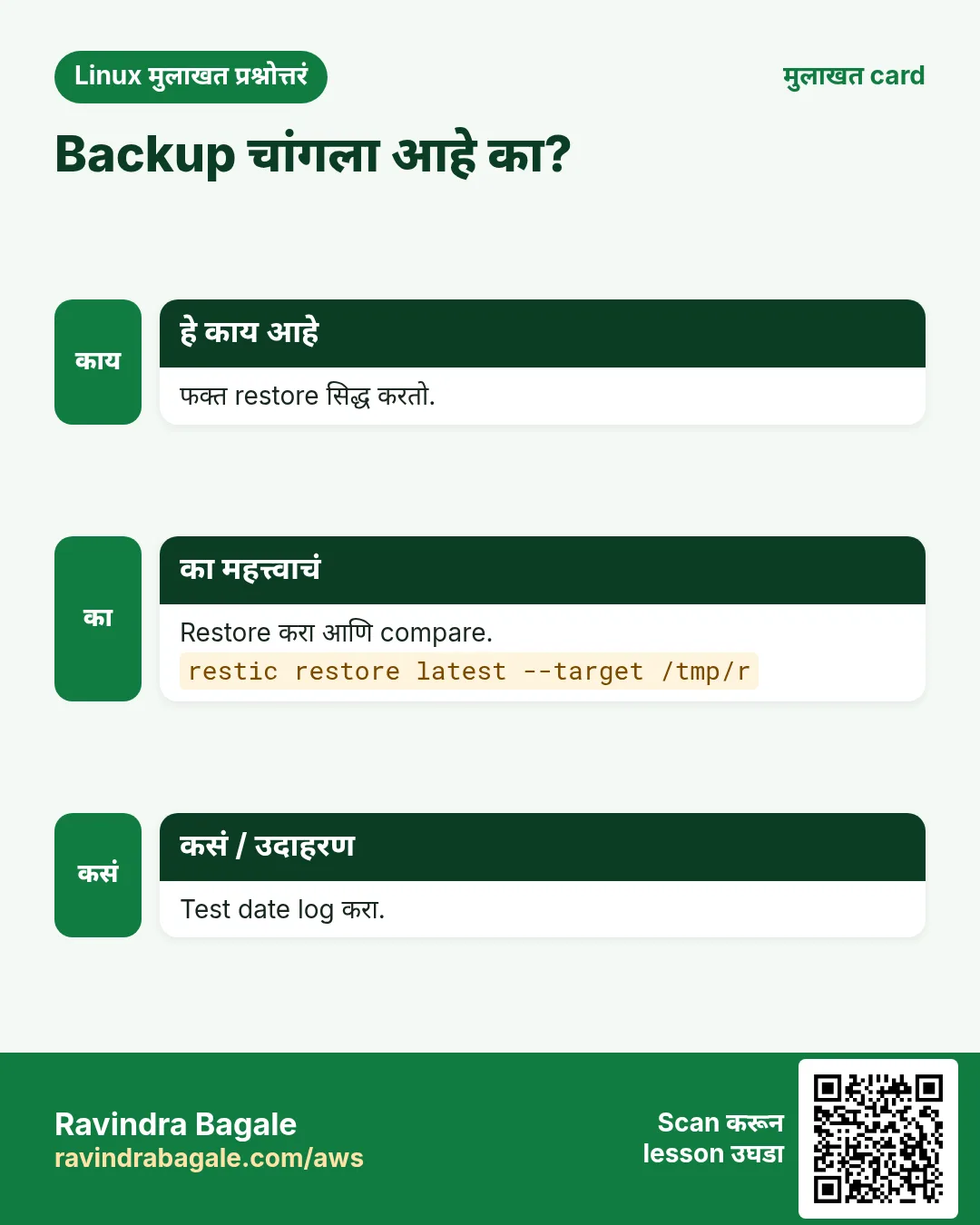
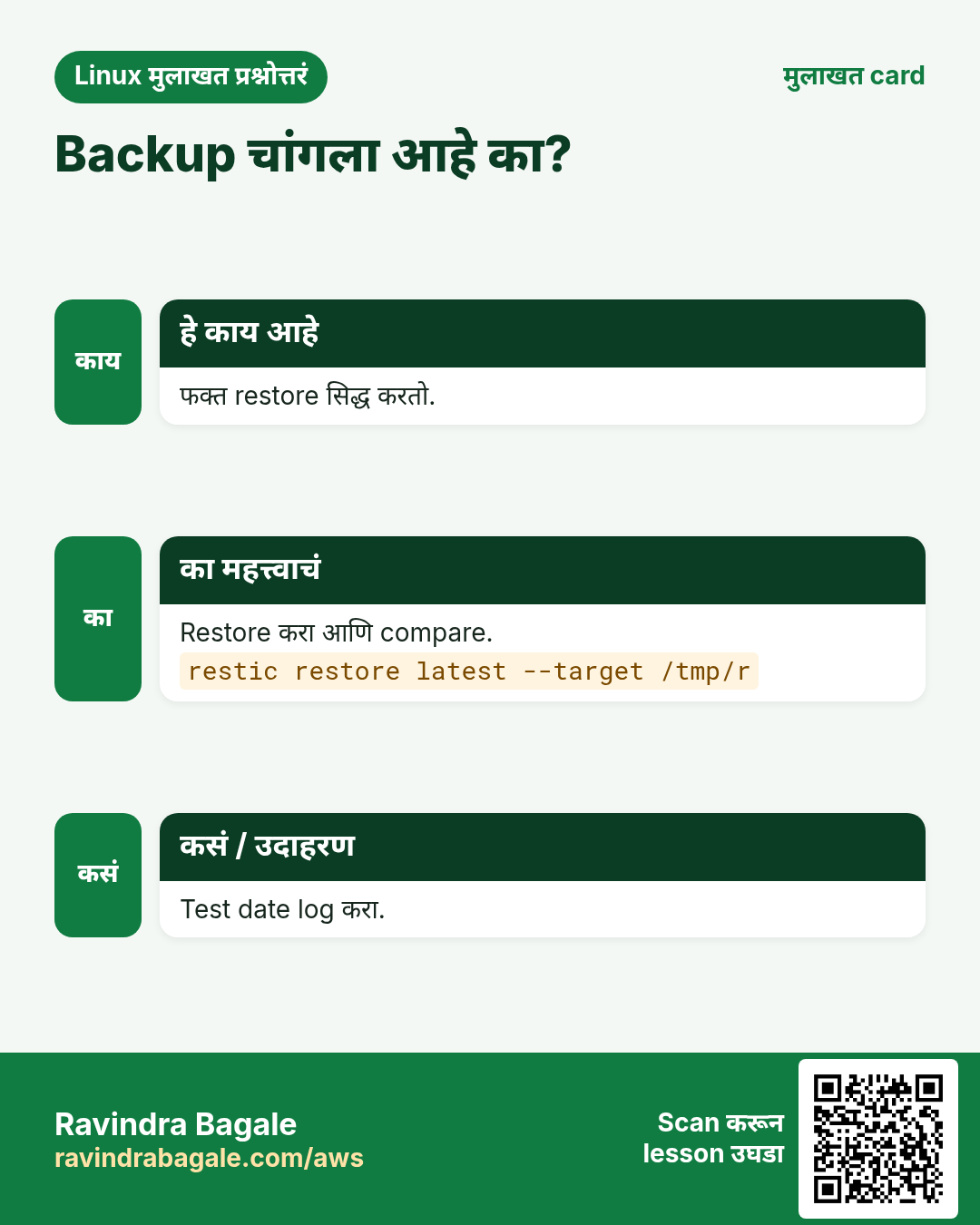
sudo -E restic restore latest --target /tmp/restore --include /srv/app/app.py -q; diff /srv/app/app.py /tmp/restore/srv/app/app.py && echo restore-okOutput:
restore-okयाचा अर्थ: सारखीच file restore झाली. प्रत्येक test ची तारीख runbook मधे लिहा.
9. Fix: सहा production break-and-fix scenarios
हे का लागतं?
Interviewers आणि on-call shifts दोन्ही तुम्ही cause लवकर आणि safely शोधू शकता का ते तपासतात, प्रत्येक flag आठवतो का ते नाही.
हे काय आहे?
तुम्ही दुसरीकडे बघत असताना partner ला खालच्या commands ने तुमचा server बिघडवायला सांगा, मग method वापरून fix करा: symptom, scope, recent changes, logs, resources, fix, verify, लिहून ठेवा. प्रत्येक scenario break, clue आणि fix दाखवतो.
| Scenario | Symptom | Root cause |
|---|---|---|
| 1 | 502 Bad Gateway | App service stopped or crashed |
| 2 | 502 with app running | SELinux boolean turned off |
| 3 | Writes fail, disk full | Huge log file in /srv/app |
| 4 | Cannot SSH from office | Firewall rich rule removed |
| 5 | Server boots to emergency mode | Bad fstab line |
| 6 | Site slow, load high | Runaway CPU process |
कसं करायचं (step by step)
- Scenario 1 आणि 2: 502 Bad Gateway.
curl -sI localhost | head -1; systemctl is-active orders; getsebool httpd_can_network_connect; sudo tail -1 /var/log/nginx/error.logOutput:
HTTP/1.1 502 Bad Gateway
active
httpd_can_network_connect --> off
... connect() to 127.0.0.1:8000 failed (13: Permission denied) while connecting to upstream
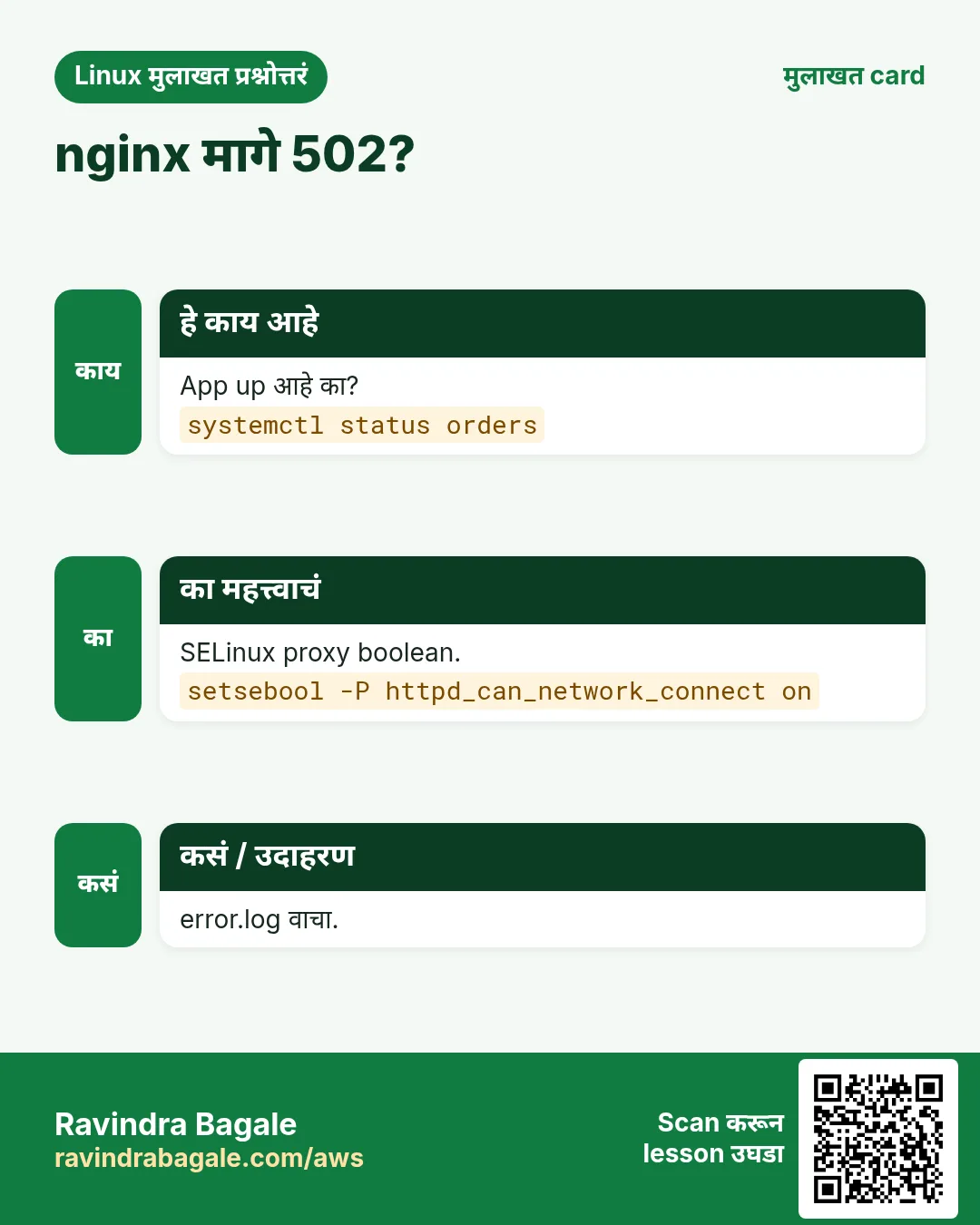
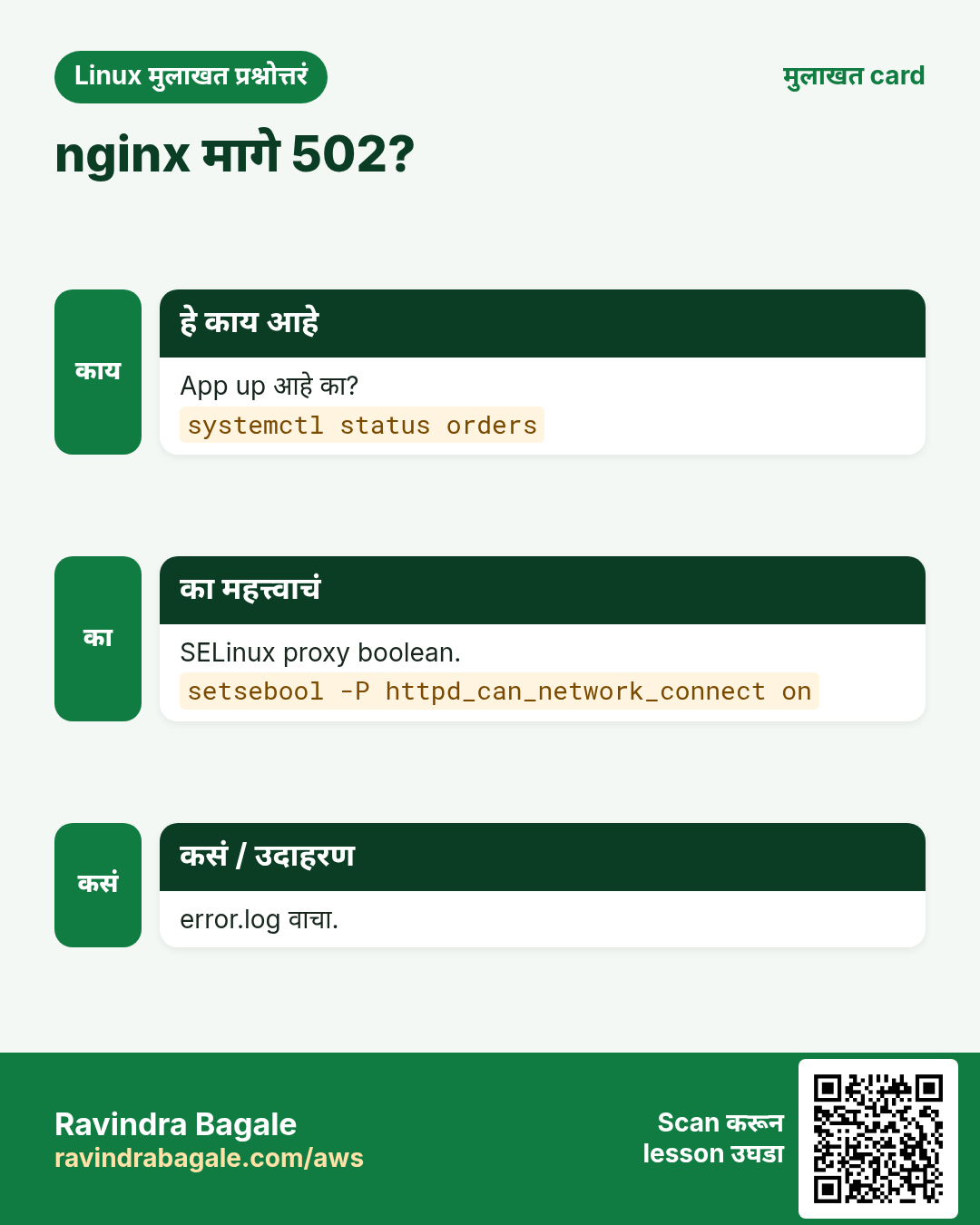
याचा अर्थ: App चालू आहे, पण permission denied आणि boolean off SELinux कडे बोट दाखवतात. Fix: setsebool -P httpd_can_network_connect on. App inactive असतं तर journalctl -u orders तपासा आणि start करा.
- Scenario 3: disk full.
df -h /srv/app | tail -1; sudo du -xah /srv/app | sort -h | tail -2; sudo lsof +L1 | tail -1Output:
/dev/mapper/vg_data-lv_app  6.0G  6.0G   20K 100% /srv/app
5.7G	/srv/app/debug.log
6.0G	/srv/app
याचा अर्थ: Process धरून असेल तर delete करण्याऐवजी truncate करा: sudo truncate -s 0 /srv/app/debug.log. मग logrotate जोडा, किंवा वाढवा: lvextend -r -L +2G /dev/vg_data/lv_app.
- Scenarios 4, 5 आणि 6: SSH, emergency mode आणि high load.
sudo firewall-cmd --list-rich-rules | wc -l; findmnt --verify 2>&1 | tail -1; ps -eo pid,user,%cpu,cmd --sort=-%cpu | head -2Output:
0
   1 parse errors, 0 errors, 0 warnings
    PID USER  %CPU CMD
   4121 app   99.3 python3 -c while True: pass
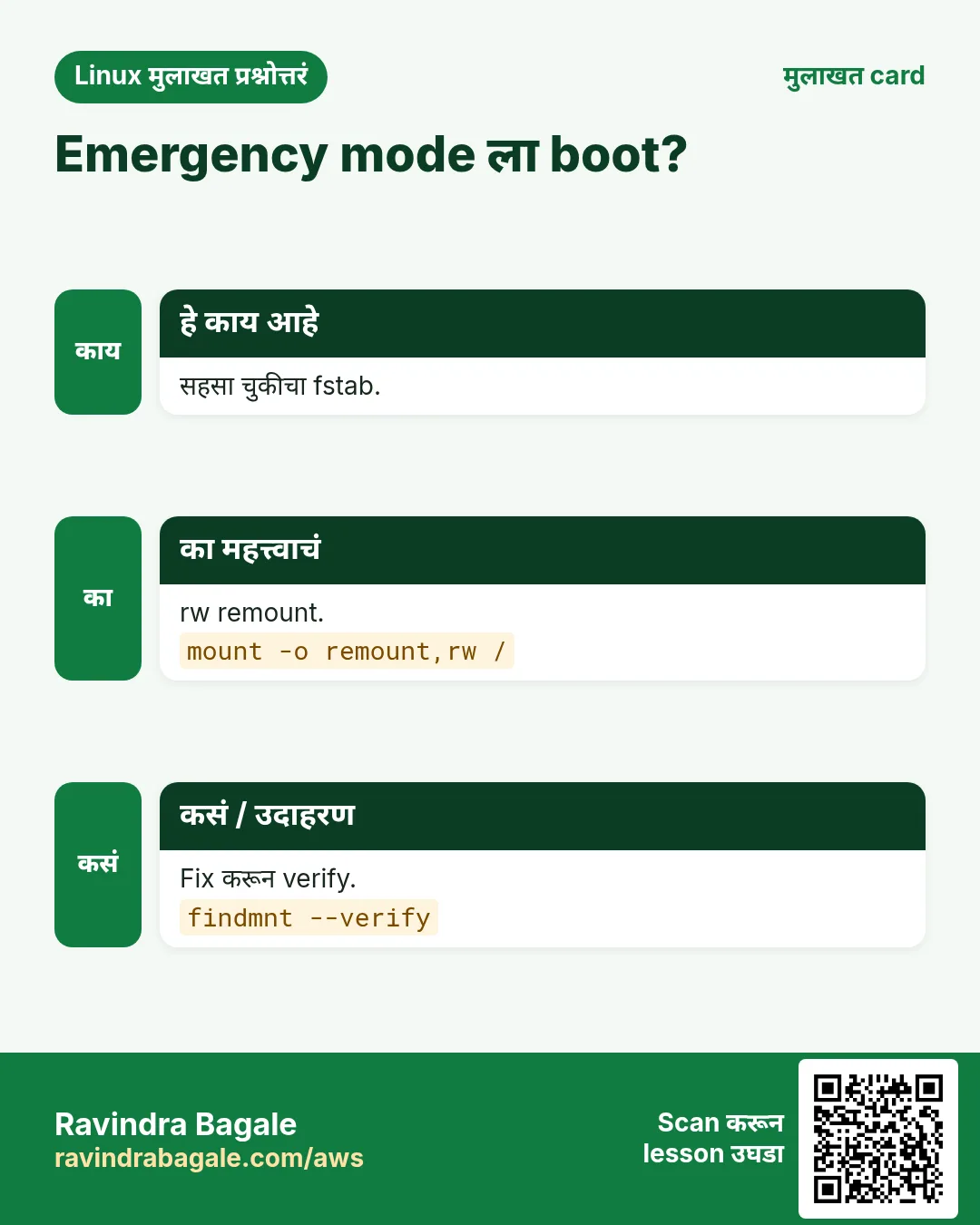
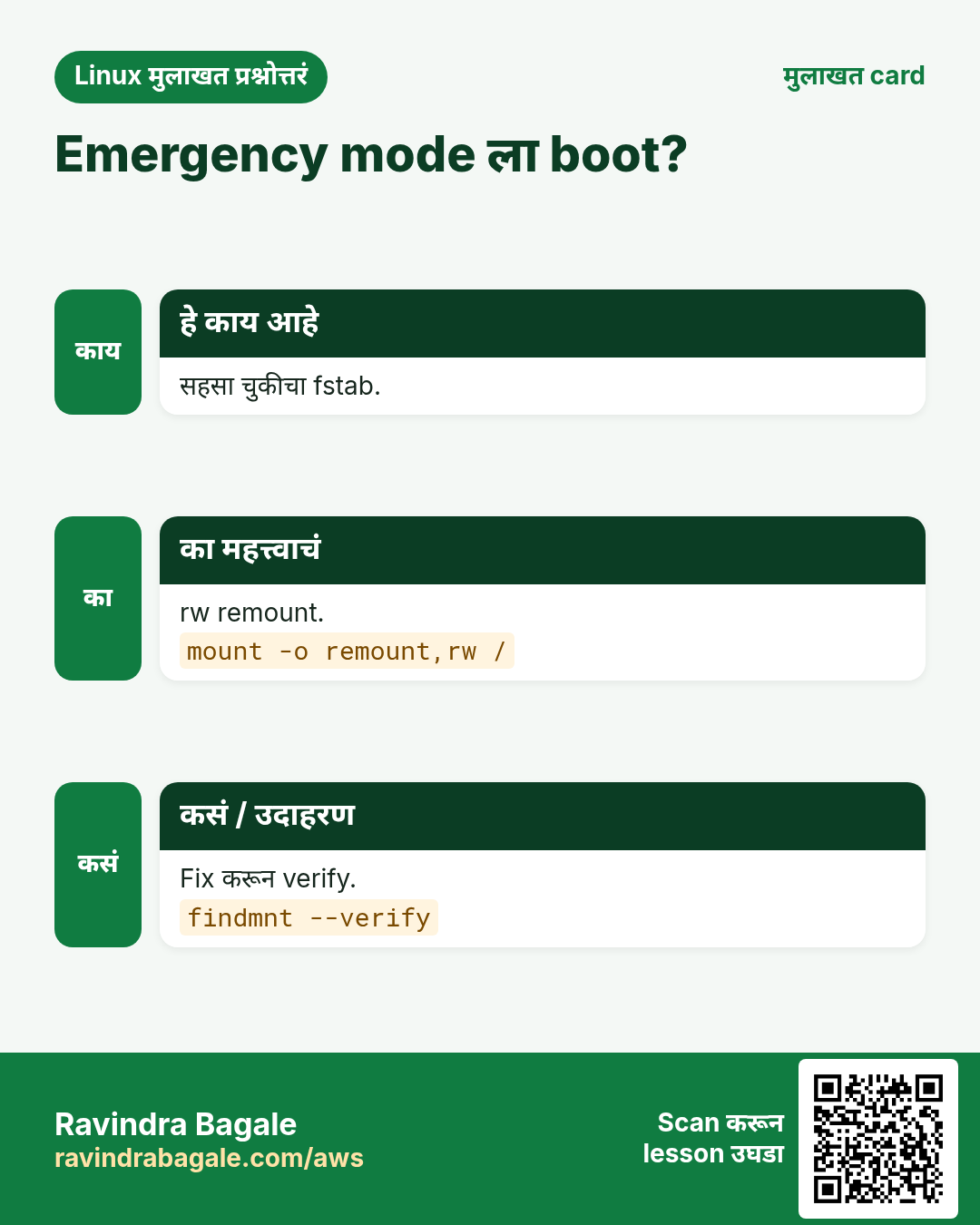
याचा अर्थ: Rich rule नाही: console मधून परत जोडा. fstab parse error: mount -o remount,rw / नंतर emergency shell मधून line fix करा. Runaway process: owner शी confirm करा, मग kill 4121 आणि तो का सुरू झाला ते शोधा.
10. Runbook, handover आणि final checklist
हे का लागतं?
फक्त एकाच माणसाला समजणारा server हा risk आहे. Runbook मुळे team मधला कोणीही रात्री 2 वाजता तो handle करू शकतो.
हे काय आहे?
/root/RUNBOOK.md लिहा: server काय करतो, तिथे कसं पोहोचायचं, services आणि ports, data आणि logs कुठे आहेत, deploy कसं करायचं, restore कसं करायचं, सहा scenarios आणि त्यांचे fixes, आणि कोणाला call करायचं. मग plan मधली प्रत्येक requirement तपासणारी आणि PASS किंवा FAIL print करणारी final checklist script चालवा.
कसं करायचं (step by step)
- Final checklist script.
cat > check.sh <<'C'
#!/usr/bin/env bash
ok(){ printf '%-28s %s\n' "$1" "$( eval "$2" >/dev/null 2>&1 && echo PASS || echo FAIL)"; }
ok 'SELinux enforcing' '[[ $(getenforce) == Enforcing ]]'
ok 'root ssh disabled' 'sshd -T | grep -q "permitrootlogin no"'
ok 'password ssh disabled' 'sshd -T | grep -q "passwordauthentication no"'
ok 'app healthy' 'curl -fs localhost/health'
ok 'https healthy' 'curl -fsk https://localhost/health'
ok 'data mounted' 'findmnt /srv/app'
ok 'backup timer' 'systemctl is-active restic-backup.timer'
ok 'health timer' 'systemctl is-active healthcheck.timer'
ok 'auto updates' 'systemctl is-active dnf-automatic.timer'
ok 'no failed units' '[[ -z $(systemctl --failed --no-legend) ]]'
C
sudo bash check.sh
Output:
SELinux enforcing            PASS
root ssh disabled            PASS
password ssh disabled        PASS
app healthy                  PASS
https healthy                PASS
data mounted                 PASS
backup timer                 PASS
health timer                 PASS
auto updates                 PASS
no failed units              PASS
याचा अर्थ: प्रत्येक line PLAN.md मधल्या requirement शी जुळते.
- Reboot करा आणि परत चालवा.
sudo systemctl reboot
# after login
sudo bash check.sh | grep -c PASS
Output:
10याचा अर्थ: खरा पुरावा: reboot नंतर सगळं आपोआप परत येतं.
- Handover note लिहा.
cat /root/HANDOVER.txtOutput:
orders01.shree.local (10.20.0.21), Rocky 9.4. nginx :80/:443 -> orders.service :8000 (user app). Data /srv/app on vg_data/lv_app (6G, 4G free). SSH keys only, admins group, office subnet. Backups restic nightly 01:30 to 10.20.0.9, last restore test 2026-10-26 OK. Alerts via healthcheck.timer. Runbook /root/RUNBOOK.md.याचा अर्थ: नव्या teammate ला लगेच वापरता येतील अशा पाच lines.
11. अनेक industries मधली खरी उदाहरणं
हे का लागतं?
तेच Linux skill प्रत्येक प्रकारच्या company मध्ये लागतं. वेगवेगळ्या ठिकाणी पाहिलं की लक्षात राहतं.
हे काय आहे?
प्रत्येक row म्हणजे एक काल्पनिक team. कोण हे वापरतं आणि कसं ते दाखवते.
कसं करायचं (step by step)
| Team आणि शहर | ते कसं वापरतात | Command |
|---|---|---|
| Ravi, distributor IT, Pune | Shree Traders साठी orders server build करतो | systemctl enable --now orders |
| Asha, hospital, Nashik | Lab reports server साठी तोच plan वापरते | restic snapshots |
| Liam, SaaS startup, Melbourne | Checklist चं Ansible role बनवतो | ansible-playbook site.yml --check |
| Aiko, school board, Kyoto | Results portal साठी SSH आणि firewall harden करते | sshd -T | grep allowgroups |
| Carlos, retail chain, Mexico City | Monthly restore drills चालवतो | restic restore latest --target /tmp/r |
| Snehal, sugar factory, Baramati | Full-disk outage नंतर disk alerts जोडते | df --output=pcent /srv/app |
12. नेहमीच्या errors आणि त्यांचे fixes
हे का लागतं?
हे errors सगळ्यांना येतात. कारण माहीत असलं की तास वाचतात.
हे काय आहे?
आधी नेमका message वाचा. मग खालच्या row शी जुळवा.
कसं करायचं (step by step)
| दिसणारा error | का होतं | Fix कसा करायचा |
|---|---|---|
502 Bad Gateway | App down किंवा SELinux nginx proxy block करतो | Service तपासा, मग boolean.setsebool -P httpd_can_network_connect on |
Permission denied (publickey) | Key authorized_keys मधे नाही किंवा चुकीच्या perms | .ssh permissions आणि context fix करा.chmod 700 ~/.ssh; chmod 600 ~/.ssh/authorized_keys; restorecon -Rv ~/.ssh |
orders.service: Failed with result 'exit-code' | App crash झालं किंवा path चुकीचा | Journal वाचा.journalctl -u orders -n 30 --no-pager |
Read-only file system on /srv/app | ReadWritePaths शिवाय ProtectSystem=strict | ReadWritePaths जोडा.systemctl edit orders |
No space left on device | Logs ने data volume भरला | Truncate, rotate किंवा extend करा.lvextend -r -L +2G /dev/vg_data/lv_app |
Fatal: unable to open config file (restic) | Repository किंवा password env नाही | दोन्ही variables export करा.export RESTIC_REPOSITORY=... RESTIC_PASSWORD_FILE=/root/.restic-pass |
nginx: [emerg] cannot load certificate | Cert चा चुकीचा path किंवा SELinux label | Path तपासा आणि restorecon.restorecon -Rv /etc/pki/tls |
You are in emergency mode | चुकीची /etc/fstab line | rw remount करून fstab fix करा.mount -o remount,rw /; vi /etc/fstab |
Connection timed out on SSH | Firewall rich rule नाही | Console मधून परत जोडा.firewall-cmd --permanent --add-rich-rule='rule family=ipv4 source address=10.20.0.0/24 service name=ssh accept' |
13. Troubleshooting step by step
हे का लागतं?
Production server बिघडला की प्रत्येक वेळी तोच क्रम follow करा आणि जे सापडेल ते लिहून ठेवा.
हे काय आहे?
वरून खाली जा. ज्या step ला problem दिसतो तिथे थांबा.
कसं करायचं (step by step)
- Up आणि reachable आहे का?
curl -sI https://orders01.shree.local -k | head -1- कोणती service नाराज आहे?
systemctl --failed; systemctl status orders nginx --no-pager | grep Active- Logs काय म्हणतात?
journalctl -p err -b --no-pager | tail -20- Resources: CPU, memory, disk.
uptime; free -h; df -h- Security layers: SELinux आणि firewall.
ausearch -m AVC -ts recent; firewall-cmd --list-all- अलीकडे काय बदललं?
dnf history | head -5; ausearch -k priv -ts today | tail -314. Lab 1: orders01 end to end build आणि secure करा
हे का लागतं?
Fresh Rocky 9 VM वर sections 1 ते 5 follow करा आणि सगळे security checks pass होऊन संपवा.
हे काय आहे?
पूर्ण hands-on lab. प्रत्येक step test Linux machine वर करा (EC2 instance, VM किंवा WSL).
कसं करायचं (step by step)
- PLAN.md लिहा आणि facts नोंदवा.
wc -l /root/PLAN.md; hostnameOutput:
24 /root/PLAN.md
orders01.shree.local- Users, sudo आणि LVM.
getent group admins; findmnt -no SOURCE /srv/appOutput:
admins:x:1001:ravi,asha
/dev/mapper/vg_data-lv_app- App आणि nginx.
curl -s localhost/; systemctl is-enabled orders nginxOutput:
Shree Traders orders
enabled
enabled- SSH आणि firewall hardening.
sshd -T | grep -c -E 'permitrootlogin no|passwordauthentication no'; firewall-cmd --list-servicesOutput:
2
dhcpv6-client http https- Updates, fail2ban, audit, TLS.
systemctl is-active dnf-automatic.timer fail2ban auditd; curl -sk https://localhost/healthOutput:
active
active
active
ok
15. Lab 2: Monitor, backup, break आणि fix
हे का लागतं?
Monitoring आणि backups जोडा, मग partner ला सगळे सहा break scenarios चालवायला सांगा; प्रत्येक 10 minutes मधे fix करा आणि log करा.
हे काय आहे?
पूर्ण hands-on lab. प्रत्येक step test Linux machine वर करा (EC2 instance, VM किंवा WSL).
कसं करायचं (step by step)
- Health timer आणि alert test.
systemctl stop orders; sleep 65; journalctl -t healthcheck -n1 -o cat; systemctl start ordersOutput:
ALERT app health failed;- Backup आणि restore test.
restic snapshots --compact | tail -1; restic restore latest --target /tmp/r -q && ls /tmp/r/srv/appOutput:
1 snapshots
app.py- Partner बिघडवतो: SELinux boolean off.
curl -sI localhost | head -1; getsebool httpd_can_network_connectOutput:
HTTP/1.1 502 Bad Gateway
httpd_can_network_connect --> off- Fix करा आणि verify करा.
setsebool -P httpd_can_network_connect on; curl -sI localhost | head -1Output:
HTTP/1.1 200 OK- Partner बिघडवतो: disk भरतो. Fix करा आणि log करा.
truncate -s 0 /srv/app/debug.log; df --output=pcent /srv/app | tail -1; echo '2026-10-26 12:30 disk full, truncated debug.log, added logrotate' >> /root/INCIDENTS.logOutput:
2%- Reboot नंतर final checklist.
bash check.sh | grep -c PASSOutput:
10Ravindra Bagale's Tip
Do this capstone twice. The first time, follow every step. The second time, build the server from your own PLAN.md and RUNBOOK.md without looking at this page. If you can do that, you can confidently say in an interview that you have built, secured, monitored and fixed a production Linux server, and explain every choice.
Ravindra Bagale's Tip – मराठी
हा capstone दोनदा करा. पहिल्यांदा प्रत्येक step follow करा. दुसऱ्यांदा हे page न बघता स्वतःच्या PLAN.md आणि RUNBOOK.md वरून server build करा. ते जमलं तर interview मधे आत्मविश्वासाने सांगू शकता की तुम्ही production Linux server build, secure, monitor आणि fix केला आहे, आणि प्रत्येक निवड समजावू शकता.
Ravindra Bagale's Tip – हिंदी
यह capstone दो बार कीजिए. पहली बार हर step follow कीजिए. दूसरी बार यह page देखे बिना अपने PLAN.md और RUNBOOK.md से server build कीजिए. अगर ऐसा कर पाए, तो interview में भरोसे से कह सकते हैं कि आपने production Linux server build, secure, monitor और fix किया है, और हर फैसला समझा सकते हैं.
16. नेहमी विचारले जाणारे प्रश्न
प्र. Rocky ऐवजी Ubuntu वापरू शकतो का?
हो. dnf ऐवजी apt, firewalld ऐवजी ufw आणि SELinux ऐवजी AppArmor; plan तसाच राहतो.
प्र. Cloud account लागतं का?
नाही. VirtualBox, KVM किंवा UTM मधली local VM पुरेशी. दुसरी छोटी VM backup host म्हणून काम करते.
प्र. Self-signed certificate का?
फक्त lab साठी. Production मधे Let's Encrypt किंवा company CA वापरा.
प्र. Prometheus आणि Grafana वापरू का?
हो, खऱ्या fleets साठी. इथला health timer एका server वर चालणारा किमान उपाय.
प्र. Capstone ला किती वेळ लागतो?
पहिल्यांदा सुमारे 4 ते 6 तास, दुसऱ्यांदा 2 तासांपेक्षा कमी.
प्र. हे CV वर टाकू शकतो का?
हो, project म्हणून. PLAN.md, RUNBOOK.md आणि scripts secrets शिवाय Git repo मधे push करा.
प्र. SSH मधून स्वतःला lock out केलं तर?
VM console वापरा, firewall किंवा sshd file fix करा, आणि test करताना नेहमी एक session उघडं ठेवा.
प्र. हे Ansible ने automate करू का?
हो, पुढची step म्हणून. प्रत्येक section चं role बनवा आणि एका command ने server पुन्हा build करा.
17. मुलाखत प्रश्न आणि उत्तरं
Beginner level
प्र. App data वेगळ्या volume वर का?
वेगळा वाढवता आणि backup करता यावा, आणि OS disk भरू नये म्हणून.
प्र. App service user म्हणून का चालवायचं?
Least privilege: compromised app root म्हणून वागू शकत नाही.
प्र. nginx -t काय करतो?
Reload आधी config test करतो.
प्र. Restore test का?
फक्त restore च backup चालतो हे सिद्ध करतो.
Mid level level
प्र. SSH harden करताना स्वतःला lock out कसं टाळायचं?
sshd -t, एक session उघडं ठेवा, नवा login test करा, console access ठेवा.
प्र. SELinux enforcing असताना nginx ला 502 का?
httpd_can_network_connect off आहे.
प्र. पूर्ण monitoring stack शिवाय alert कसा?
Check script चालवणारा systemd timer जो log करतो आणि webhook call करतो.
प्र. ProtectSystem=strict काय करतो?
ReadWritePaths सोडून service साठी filesystem read-only करतो.
Senior level
प्र. याचा 50 servers चा fleet कसा कराल?
Ansible roles किंवा images, Git मधे config, central metrics आणि logs, staged patching.
प्र. High availability साठी काय बदलाल?
Load balancer मागे दोन app servers, shared किंवा replicated data, health-based failover.
प्र. Compliance कसं सिद्ध करता?
OpenSCAP scans, audit logs, CI मधे checklist script आणि साठवलेले reports.
प्र. RPO आणि RTO कसे ठरवता?
Business सोबत: किती data loss आणि downtime चालेल, मग त्यानुसार backups design करा.
घरी करून बघा
- Home VM वर orders01 सुरुवातीपासून शेवटपर्यंत build करा, मग reboot नंतर check.sh चालवा.
- मित्राला कोणत्याही दोन scenarios ने बिघडवायला सांगा आणि fixes ला वेळ लावा.
- तुमचे PLAN.md, RUNBOOK.md आणि scripts secrets शिवाय Git repo मधे publish करा.
सराव Tasks
Amravati Agro Market हा अमरावती मधला शेती व्यवसाय आहे. Anjali Thakre त्यांचं IT व cloud काम पाहतात. त्यांचे पैसे INR मध्ये मोजले जातात आणि AWS resources ap-south-1 Region मध्ये चालतात. खालच्या tasks मध्ये तुम्ही या lesson मध्ये शिकलेलं वापरून त्यांची खरी कामं करता. सगळी नावं, account IDs, IP addresses व numbers सरावासाठी काल्पनिक आहेत.
0 / 22
सोपं Hostname
का: BIZ नवा production server live करतो.
काय करायचं: Anjali Thakre Amravati Agro Market server live करतो आहे. त्याचं hostname web02.shree.local set करा.
- हे काम करणारा Linux command शोधा.
- Task ला लागणारे options (उदा. -r, -h) जोडा.
- File नावं, folders किंवा users योग्य क्रमाने लिहा.
- System files/users बदलत असाल तर sudo वापरा. Check answer दाबा.
सोपं Time zone
का: BIZ नवा production server live करतो.
काय करायचं: UK branch server साठी time zone Europe/London set करा.
- हे काम करणारा Linux command शोधा.
- Task ला लागणारे options (उदा. -r, -h) जोडा.
- File नावं, folders किंवा users योग्य क्रमाने लिहा.
- System files/users बदलत असाल तर sudo वापरा. Check answer दाबा.
सोपं Physical volume
का: BIZ नवा production server live करतो.
काय करायचं: /dev/vdc LVM physical volume म्हणून initialise करा.
- हे काम करणारा Linux command शोधा.
- Task ला लागणारे options (उदा. -r, -h) जोडा.
- File नावं, folders किंवा users योग्य क्रमाने लिहा.
- System files/users बदलत असाल तर sudo वापरा. Check answer दाबा.
सोपं XFS बनवा
का: BIZ नवा production server live करतो.
काय करायचं: /dev/vg_data/lv_app वर XFS filesystem बनवा.
- हे काम करणारा Linux command शोधा.
- Task ला लागणारे options (उदा. -r, -h) जोडा.
- File नावं, folders किंवा users योग्य क्रमाने लिहा.
- System files/users बदलत असाल तर sudo वापरा. Check answer दाबा.
सोपं nginx test
का: BIZ नवा production server live करतो.
काय करायचं: nginx test करा आणि पूर्ण merged configuration dump करा.
- हे काम करणारा Linux command शोधा.
- Task ला लागणारे options (उदा. -r, -h) जोडा.
- File नावं, folders किंवा users योग्य क्रमाने लिहा.
- System files/users बदलत असाल तर sudo वापरा. Check answer दाबा.
सोपं sshd test
का: BIZ नवा production server live करतो.
काय करायचं: Main config file explicitly सांगून sshd config errors साठी test करा.
- हे काम करणारा Linux command शोधा.
- Task ला लागणारे options (उदा. -r, -h) जोडा.
- File नावं, folders किंवा users योग्य क्रमाने लिहा.
- System files/users बदलत असाल तर sudo वापरा. Check answer दाबा.
सोपं Ban status
का: BIZ नवा production server live करतो.
काय करायचं: fail2ban मधे sshd jail मधून IP 10.0.0.9 unban करा.
- हे काम करणारा Linux command शोधा.
- Task ला लागणारे options (उदा. -r, -h) जोडा.
- File नावं, folders किंवा users योग्य क्रमाने लिहा.
- System files/users बदलत असाल तर sudo वापरा. Check answer दाबा.
सोपं Journal size
का: BIZ नवा production server live करतो.
काय करायचं: Journal जास्तीत जास्त 200M पर्यंत कमी करा.
- हे काम करणारा Linux command शोधा.
- Task ला लागणारे options (उदा. -r, -h) जोडा.
- File नावं, folders किंवा users योग्य क्रमाने लिहा.
- System files/users बदलत असाल तर sudo वापरा. Check answer दाबा.
सोपं Checklist चालवा
का: BIZ नवा production server live करतो.
काय करायचं: Final checklist script check.sh trace सह root म्हणून चालवा.
- हे काम करणारा Linux command शोधा.
- Task ला लागणारे options (उदा. -r, -h) जोडा.
- File नावं, folders किंवा users योग्य क्रमाने लिहा.
- System files/users बदलत असाल तर sudo वापरा. Check answer दाबा.
मध्यम Reboot लागेल का?
का: BIZ नवा production server live करतो.
काय करायचं: Patching नंतर restart लागणाऱ्या services list करा.
- हे काम करणारा Linux command शोधा.
- Task ला लागणारे options (उदा. -r, -h) जोडा.
- File नावं, folders किंवा users योग्य क्रमाने लिहा.
- System files/users बदलत असाल तर sudo वापरा. Check answer दाबा.
मध्यम Service user
का: BIZ नवा production server live करतो.
काय करायचं: Home /srv/shop आणि login shell नसलेला system user shop बनवा.
- हे काम करणारा Linux command शोधा.
- Task ला लागणारे options (उदा. -r, -h) जोडा.
- File नावं, folders किंवा users योग्य क्रमाने लिहा.
- System files/users बदलत असाल तर sudo वापरा. Check answer दाबा.
मध्यम Sudoers तपासा
का: BIZ नवा production server live करतो.
काय करायचं: Main sudoers file आणि सगळ्या included files मधले syntax errors तपासा.
- हे काम करणारा Linux command शोधा.
- Task ला लागणारे options (उदा. -r, -h) जोडा.
- File नावं, folders किंवा users योग्य क्रमाने लिहा.
- System files/users बदलत असाल तर sudo वापरा. Check answer दाबा.
मध्यम Units reload
का: BIZ नवा production server live करतो.
काय करायचं: orders.service edit केल्यावर systemd ला units पुन्हा वाचायला लावा आणि मग orders restart करा.
- हे काम करणारा Linux command शोधा.
- Task ला लागणारे options (उदा. -r, -h) जोडा.
- File नावं, folders किंवा users योग्य क्रमाने लिहा.
- System files/users बदलत असाल तर sudo वापरा. Check answer दाबा.
मध्यम Effective sshd
का: BIZ नवा production server live करतो.
काय करायचं: Effective sshd configuration print करा आणि फक्त permitrootlogin line ठेवा.
- हे काम करणारा Linux command शोधा.
- Task ला लागणारे options (उदा. -r, -h) जोडा.
- File नावं, folders किंवा users योग्य क्रमाने लिहा.
- System files/users बदलत असाल तर sudo वापरा. Check answer दाबा.
मध्यम Web services
का: BIZ नवा production server live करतो.
काय करायचं: firewalld मधे फक्त https service permanently allow करा.
- हे काम करणारा Linux command शोधा.
- Task ला लागणारे options (उदा. -r, -h) जोडा.
- File नावं, folders किंवा users योग्य क्रमाने लिहा.
- System files/users बदलत असाल तर sudo वापरा. Check answer दाबा.
मध्यम Audit rules load
का: BIZ नवा production server live करतो.
काय करायचं: Key sshcfg असलेल्या events साठी audit log search करा.
- हे काम करणारा Linux command शोधा.
- Task ला लागणारे options (उदा. -r, -h) जोडा.
- File नावं, folders किंवा users योग्य क्रमाने लिहा.
- System files/users बदलत असाल तर sudo वापरा. Check answer दाबा.
मध्यम Timers list
का: BIZ नवा production server live करतो.
काय करायचं: Inactive सह सगळे systemd timers list करा.
- हे काम करणारा Linux command शोधा.
- Task ला लागणारे options (उदा. -r, -h) जोडा.
- File नावं, folders किंवा users योग्य क्रमाने लिहा.
- System files/users बदलत असाल तर sudo वापरा. Check answer दाबा.
मध्यम Snapshots
का: BIZ नवा production server live करतो.
काय करायचं: फक्त nightly tag असलेले restic snapshots list करा.
- हे काम करणारा Linux command शोधा.
- Task ला लागणारे options (उदा. -r, -h) जोडा.
- File नावं, folders किंवा users योग्य क्रमाने लिहा.
- System files/users बदलत असाल तर sudo वापरा. Check answer दाबा.
अवघड Proxy boolean
का: BIZ नवा production server live करतो.
काय करायचं: SELinux मधे nginx ला database port शी persistently connect करू द्या.
- हे काम करणारा Linux command शोधा.
- Task ला लागणारे options (उदा. -r, -h) जोडा.
- File नावं, folders किंवा users योग्य क्रमाने लिहा.
- System files/users बदलत असाल तर sudo वापरा. Check answer दाबा.
अवघड Latest restore
का: BIZ नवा production server live करतो.
काय करायचं: Latest restic snapshot /tmp/restore-test मधे restore करा.
- हे काम करणारा Linux command शोधा.
- Task ला लागणारे options (उदा. -r, -h) जोडा.
- File नावं, folders किंवा users योग्य क्रमाने लिहा.
- System files/users बदलत असाल तर sudo वापरा. Check answer दाबा.
अवघड आत्ता space free
का: BIZ नवा production server live करतो.
काय करायचं: /srv/app/access.log delete न करता in place रिकामी करा.
- हे काम करणारा Linux command शोधा.
- Task ला लागणारे options (उदा. -r, -h) जोडा.
- File नावं, folders किंवा users योग्य क्रमाने लिहा.
- System files/users बदलत असाल तर sudo वापरा. Check answer दाबा.
अवघड Emergency remount
का: BIZ नवा production server live करतो.
काय करायचं: rd.break नंतर /sysroot read-write remount करा.
- हे काम करणारा Linux command शोधा.
- Task ला लागणारे options (उदा. -r, -h) जोडा.
- File नावं, folders किंवा users योग्य क्रमाने लिहा.
- System files/users बदलत असाल तर sudo वापरा. Check answer दाबा.
18. संबंधित chapters
- DevOps साठी Linux Ops Refresh
- Automation साठी Bash Scripting
- Linux grep आणि find Commands Examples सह
- Linux Servers मध्ये Passwordless SSH
थोडक्यात सांगायचं तर
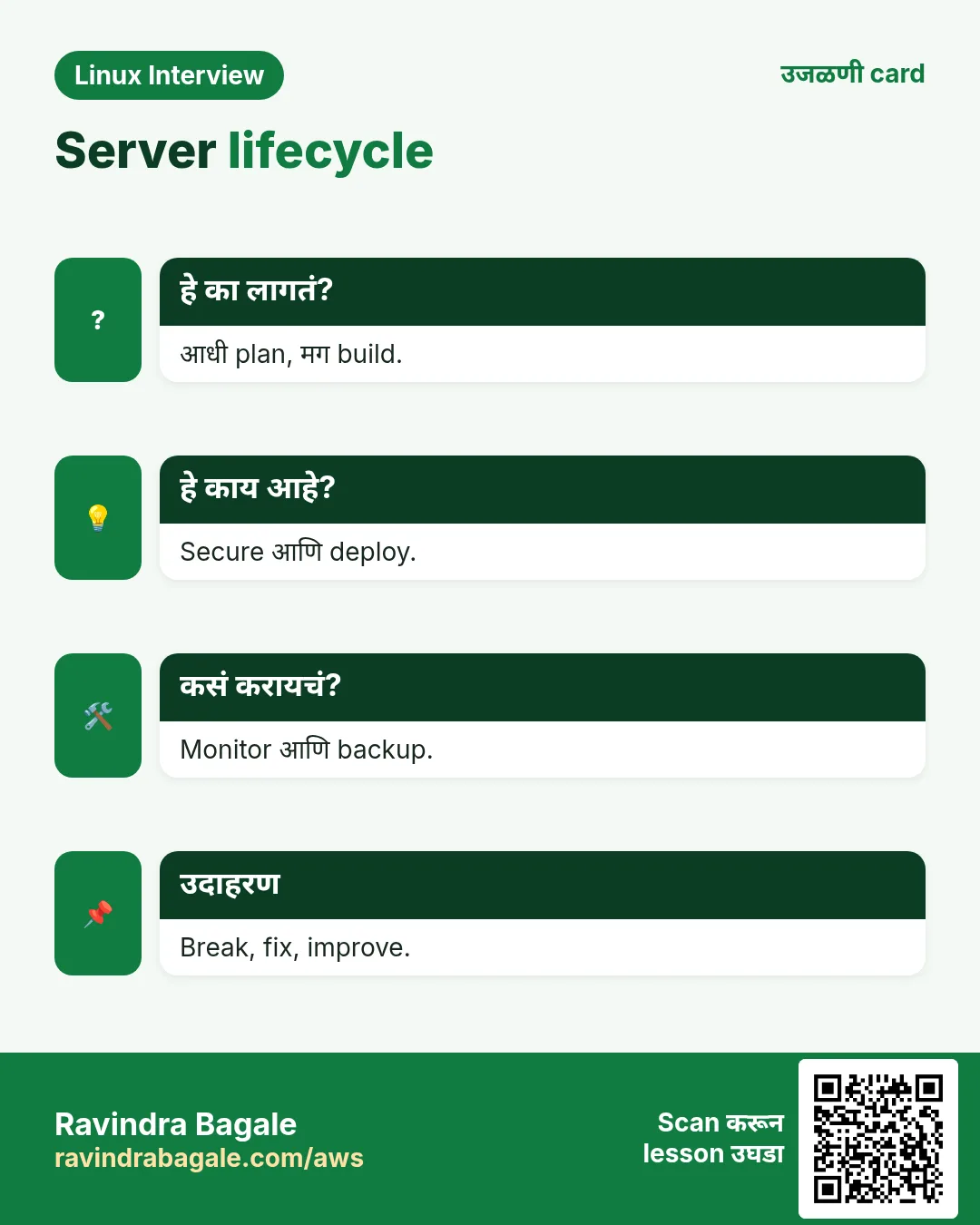
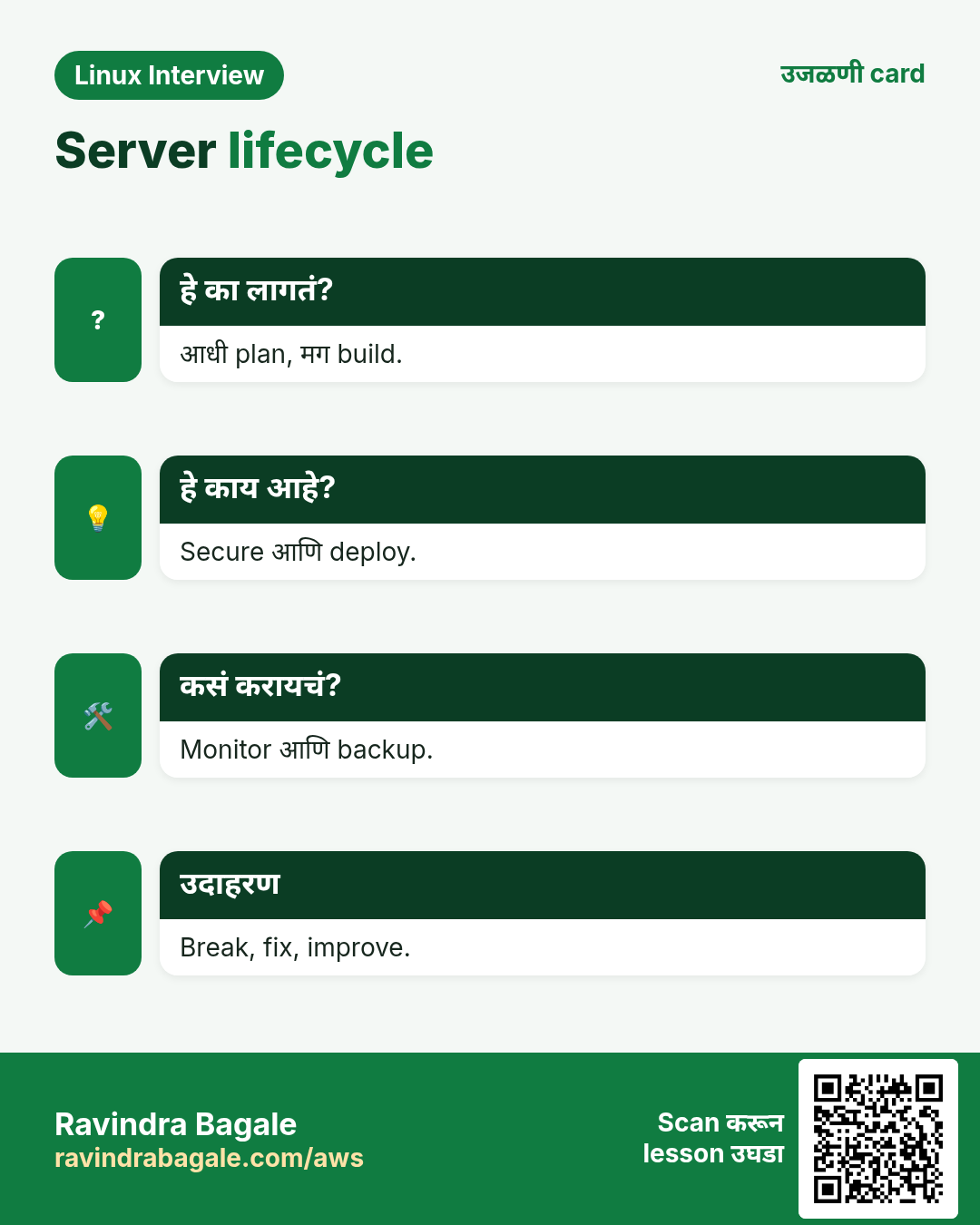
- आधी plan, मग build.
- नाव असलेले users, sudo, LVM वर data.
- App साठी systemd, समोर nginx.
- फक्त keys SSH, घट्ट firewall, SELinux enforcing.
- गोष्टी बिघडवून alerts test केले.
- Restore ने सिद्ध केलेले backups, आणि सगळ्यांसाठी runbook.
उजळणी, तुलना आणि मुलाखत cards
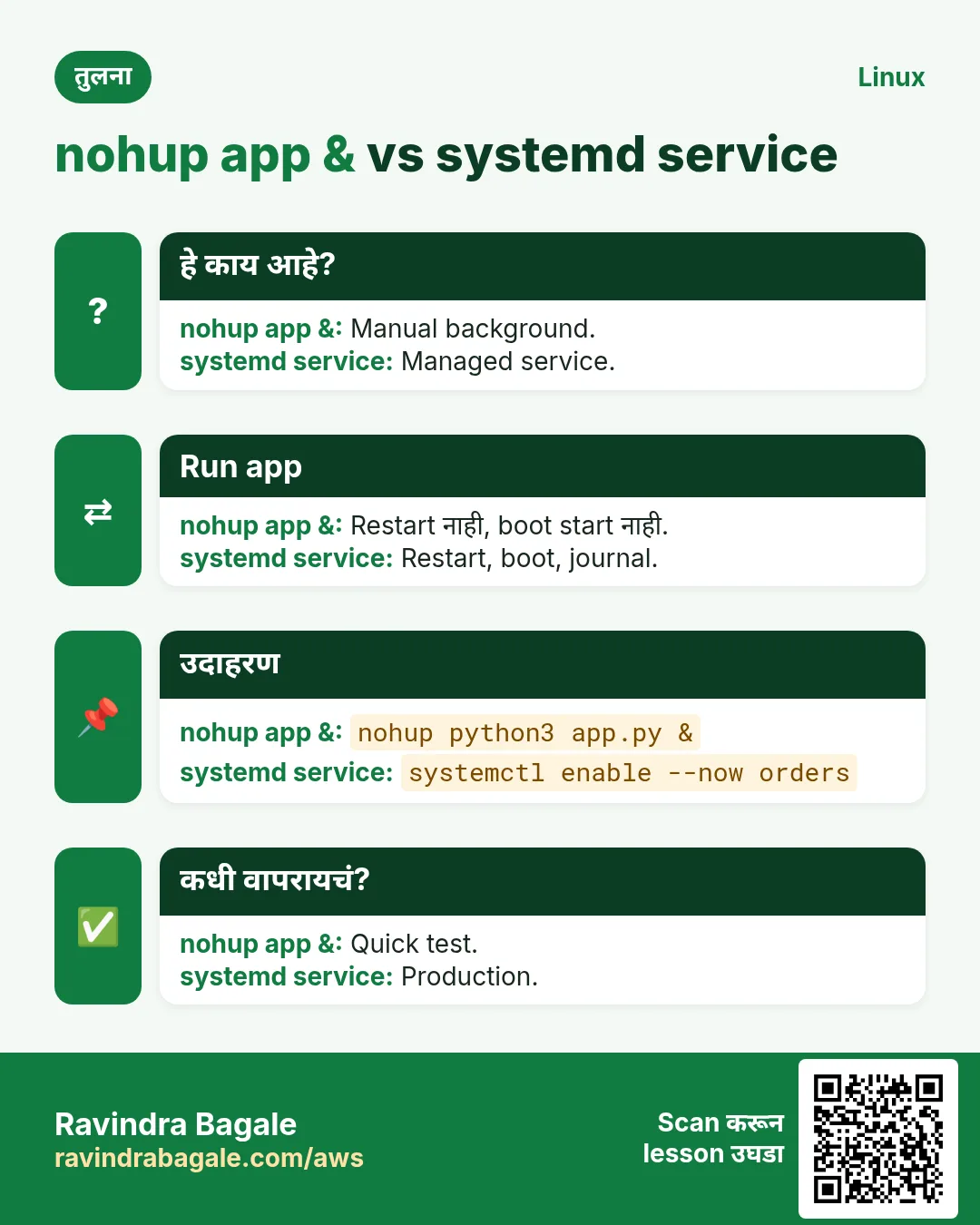
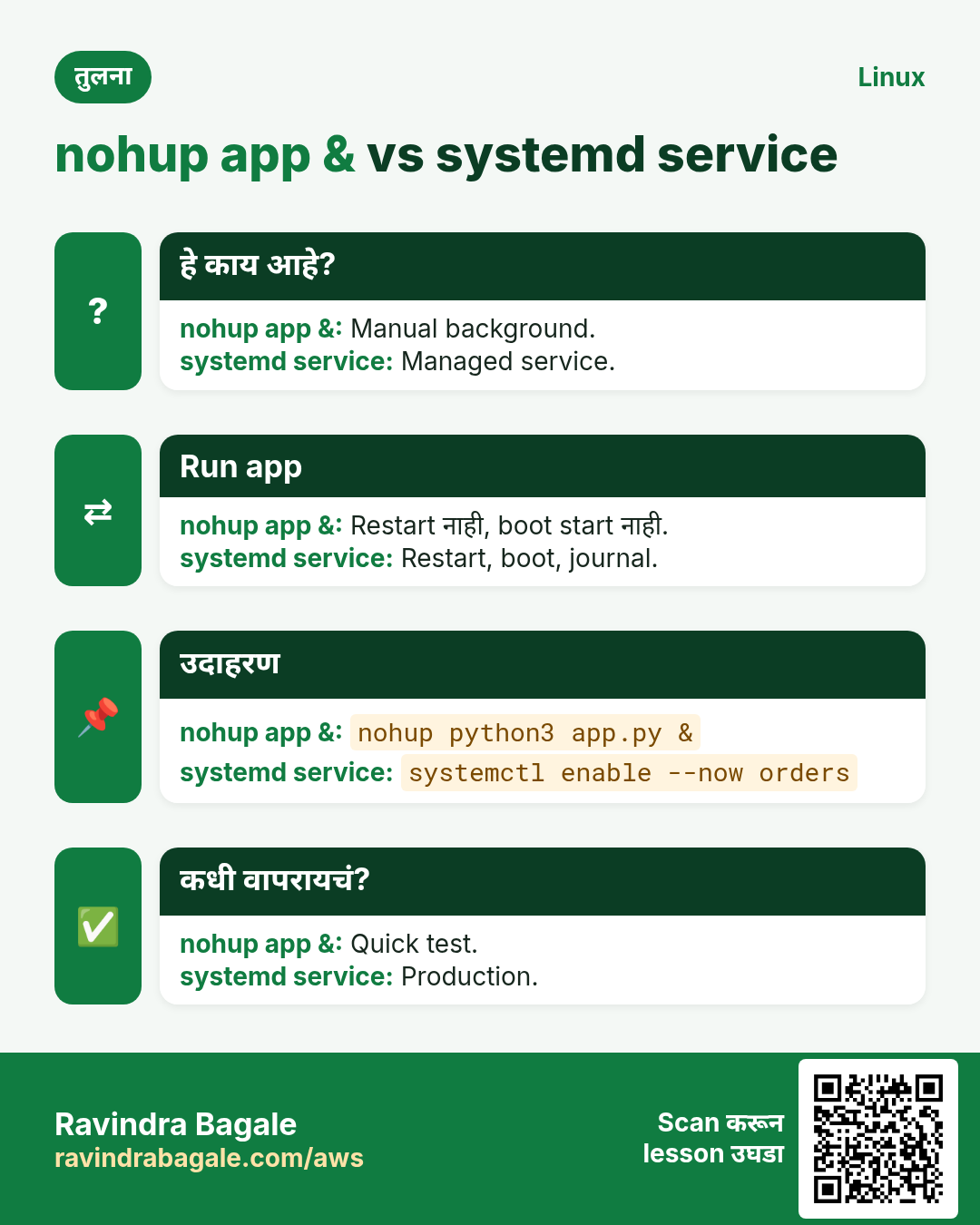
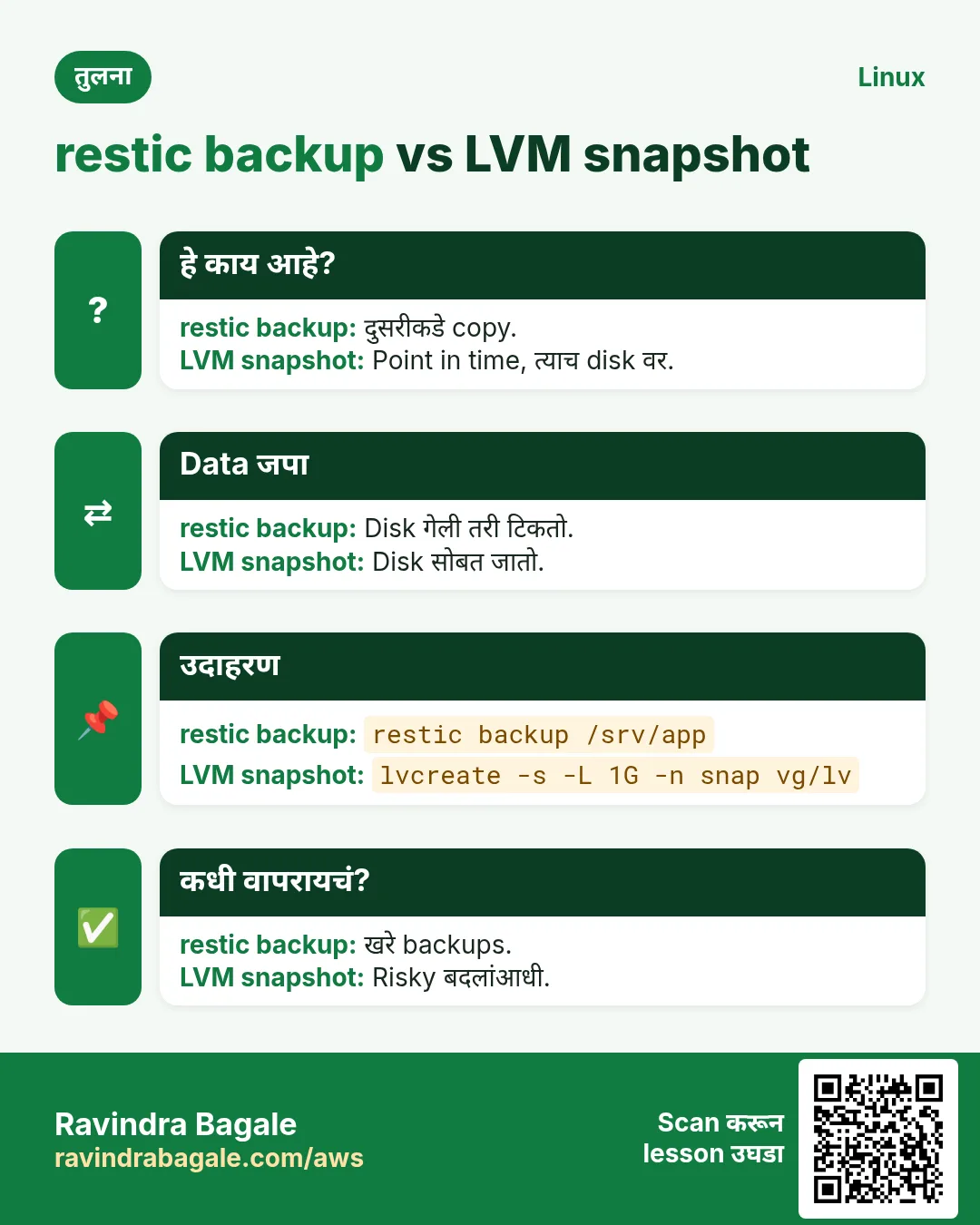
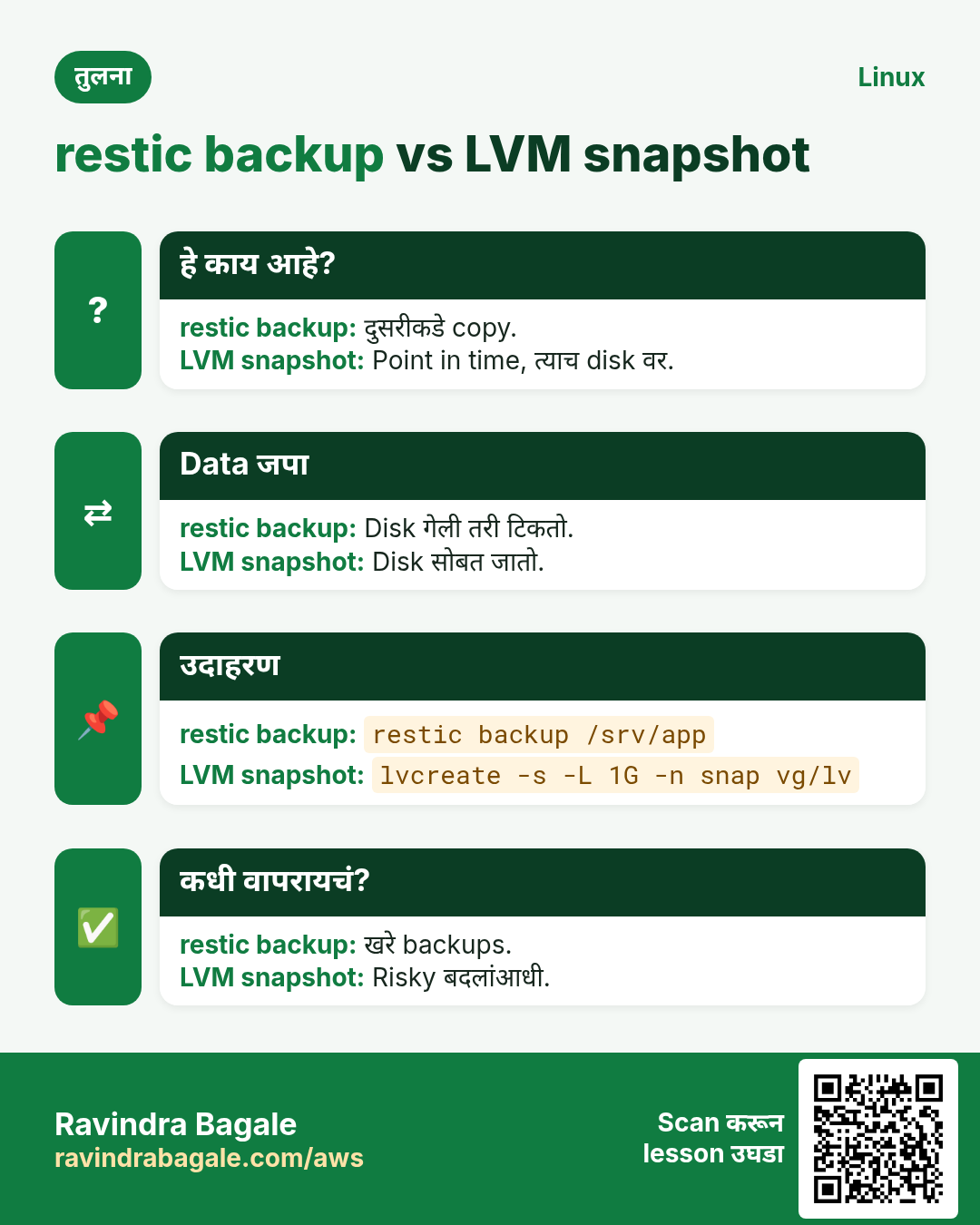
हा lesson काही मिनिटांत revise करा. Cards phone वर save करा किंवा PNG download करा. प्रत्येक card वरचा QR हा lesson उघडतो.
अजून cards: Ravi Sir's Cards.