AWS SDK DynamoDB Examples: CRUD, Query, Batch आणि Conditional Writes (Python, PHP, Node.js)
DynamoDB हा fast key-value database आहे जो फक्त API ने वापरता येतो, म्हणून SDK हाच मार्ग. Hyderabad मधल्या Fatima च्या मसाला दुकान आणि Bristol मधल्या Tom च्या coffee bar साठी orders table बनवू: table, items put, get, update, delete, customer नुसार query, batch-write आणि double booking थांबवायला conditional writes.
या chapter मध्ये तुम्ही काय शिकाल
- Partition आणि sort key सह table
- Items put, get, update, delete
- Partition key ने query
- अनेक items batch write
- Conditional writes आणि atomic counters
1. मोठं चित्र: tabs असलेली वही
हे का लागतं?
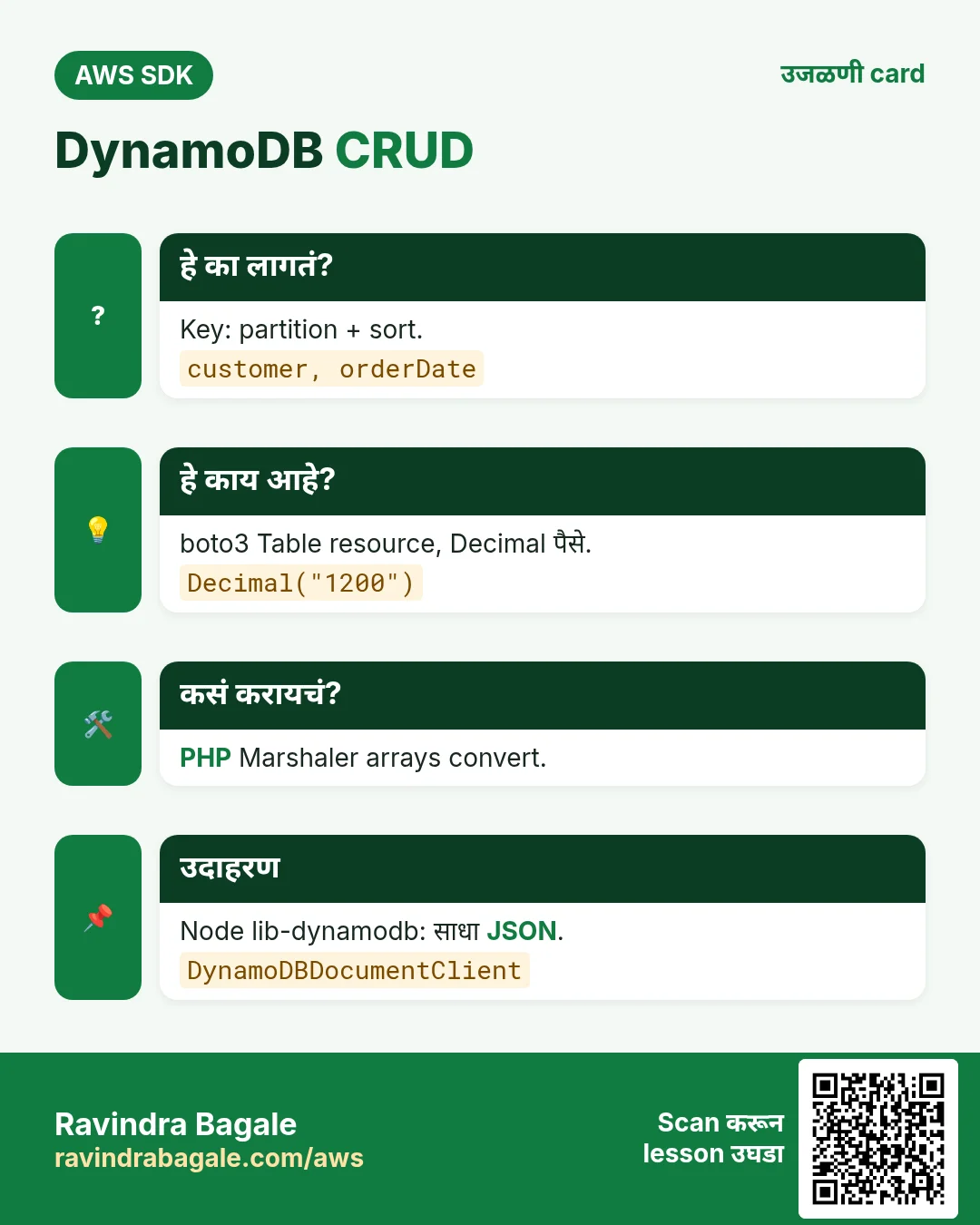
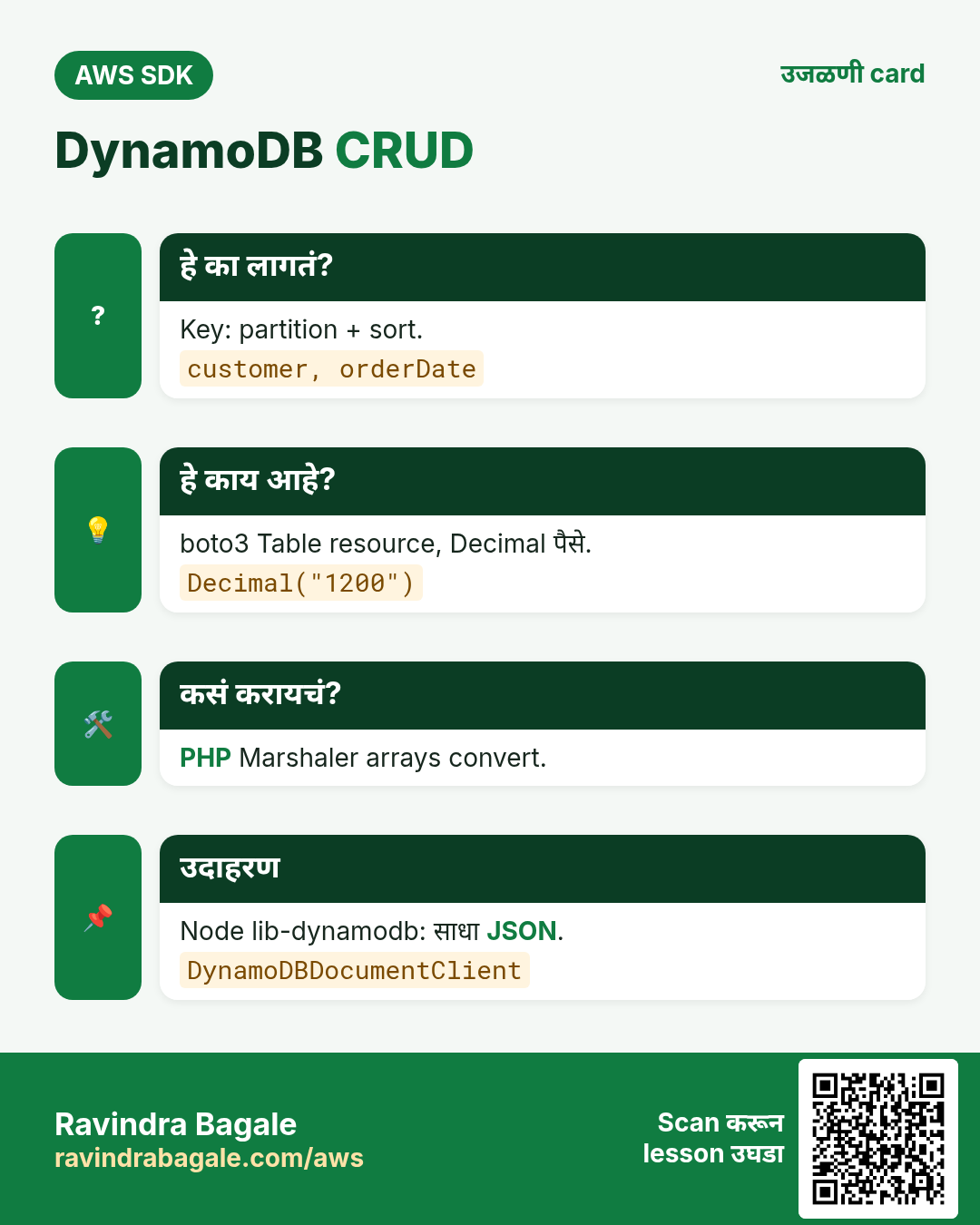
दुकानदार वहीत प्रत्येक customer साठी एक tab (partition key) ठेवतो आणि आत तारखेनुसार ओळी (sort key). "Tom च्या October मधल्या सगळ्या orders" लगेच मिळतात कारण एकच tab उघडून तारखांची range वाचायची.
हे काय आहे?
boto3 चा Table resource साधे Python types वापरतो. PHP मध्ये arrays convert करायला Marshaler. Node मध्ये @aws-sdk/lib-dynamodb (DynamoDBDocumentClient) मुळे {"S": "..."} ऐवजी साधा JSON.
कसं करायचं (step by step)
2. Table बनवा
हे का लागतं?
प्रत्येक order ला जागा हवी, आणि on-demand billing मुळे छोट्या दुकानाला capacity planning नको.
हे काय आहे?
फक्त key attributes द्या (customer HASH, orderDate RANGE). बाकी attributes schemaless.
कसं करायचं (step by step)
- Python: create आणि wait.
import boto3

ddb = boto3.resource("dynamodb", region_name="ap-south-1")
t = ddb.create_table(
    TableName="ShopOrders",
    KeySchema=[{"AttributeName": "customer", "KeyType": "HASH"}, {"AttributeName": "orderDate", "KeyType": "RANGE"}],
    AttributeDefinitions=[{"AttributeName": "customer", "AttributeType": "S"}, {"AttributeName": "orderDate", "AttributeType": "S"}],
    BillingMode="PAY_PER_REQUEST",
)
t.wait_until_exists()
print(t.table_status)
अपेक्षित output:
ACTIVE- Verify.
aws dynamodb describe-table --table-name ShopOrders --query "Table.[TableStatus,BillingModeSummary.BillingMode]" --output textअपेक्षित output:
ACTIVE PAY_PER_REQUEST3. Put, get, update, delete
हे का लागतं?
Fatima ला 2 kg biryani masala ची ₹1,200 ची order; Tom £3.40 चा flat white विकतो. मग quantity बदलते, काही orders cancel होतात.
हे काय आहे?
PutItem पूर्ण item लिहितो; GetItem पूर्ण key ने वाचतो; UpdateItem UpdateExpression ने काही attributes बदलतो; DeleteItem काढतो. Python मध्ये numbers साठी Decimal.
कसं करायचं (step by step)
- Python: Table resource ने CRUD.
import boto3
from decimal import Decimal

t = boto3.resource("dynamodb", region_name="ap-south-1").Table("ShopOrders")
t.put_item(Item={"customer": "fatima-hyd", "orderDate": "2026-10-24#001", "item": "biryani masala", "kg": 2, "amount": Decimal("1200"), "currency": "INR"})
print(t.get_item(Key={"customer": "fatima-hyd", "orderDate": "2026-10-24#001"})["Item"]["item"])
r = t.update_item(Key={"customer": "fatima-hyd", "orderDate": "2026-10-24#001"},
    UpdateExpression="SET kg = :k, amount = :a", ExpressionAttributeValues={":k": 3, ":a": Decimal("1800")}, ReturnValues="UPDATED_NEW")
print(r["Attributes"])
अपेक्षित output:
biryani masala
{'kg': Decimal('3'), 'amount': Decimal('1800')}- PHP: Marshaler arrays DynamoDB types मध्ये बदलतो.
<?php
require "vendor/autoload.php";
use Aws\DynamoDb\DynamoDbClient;
use Aws\DynamoDb\Marshaler;

$ddb = new DynamoDbClient(["region" => "ap-south-1"]);
$m = new Marshaler();
$key = $m->marshalItem(["customer" => "tom-bristol", "orderDate" => "2026-10-24#014"]);
$ddb->putItem(["TableName" => "ShopOrders", "Item" => $m->marshalItem(["customer" => "tom-bristol", "orderDate" => "2026-10-24#014", "item" => "flat white", "amount" => 3.40, "currency" => "GBP"])]);
$it = $m->unmarshalItem($ddb->getItem(["TableName" => "ShopOrders", "Key" => $key])["Item"]);
echo $it["item"], " £", $it["amount"], PHP_EOL;
$ddb->deleteItem(["TableName" => "ShopOrders", "Key" => $key]);
echo "deleted", PHP_EOL;
अपेक्षित output:
flat white £3.4
deleted- Node.js: साध्या JSON सह DynamoDBDocumentClient.
// npm install @aws-sdk/client-dynamodb @aws-sdk/lib-dynamodb
import { DynamoDBClient } from "@aws-sdk/client-dynamodb";
import { DynamoDBDocumentClient, PutCommand, GetCommand, UpdateCommand } from "@aws-sdk/lib-dynamodb";

const doc = DynamoDBDocumentClient.from(new DynamoDBClient({ region: "ap-south-1" }));
const Key = { customer: "lucas-paris", orderDate: "2026-10-24#007" };
await doc.send(new PutCommand({ TableName: "ShopOrders", Item: { ...Key, item: "croissant box", amount: 18.5, currency: "EUR" } }));
const { Item } = await doc.send(new GetCommand({ TableName: "ShopOrders", Key }));
console.log(Item.item, Item.amount);
const u = await doc.send(new UpdateCommand({ TableName: "ShopOrders", Key, UpdateExpression: "SET #s = :s", ExpressionAttributeNames: { "#s": "status" }, ExpressionAttributeValues: { ":s": "PAID" }, ReturnValues: "ALL_NEW" }));
console.log(u.Attributes.status);
अपेक्षित output:
croissant box 18.5
PAID- Verify: CLI ने item वाचा.
aws dynamodb get-item --table-name ShopOrders --key '{"customer":{"S":"fatima-hyd"},"orderDate":{"S":"2026-10-24#001"}}' --query Item.kg.N --output textअपेक्षित output:
34. Query आणि batch write
हे का लागतं?
Month end ला Fatima ला तिच्या October च्या सगळ्या orders हव्या, आणि 500 जुन्या orders एक-एक load करणं slow.
हे काय आहे?
Query ला partition key लागतो, sort key वर begins_with किंवा BETWEEN. BatchWriteItem एका वेळी 25 items; boto3 batch_writer आणि Node मध्ये UnprocessedItems retry बाकी सांभाळतात.
कसं करायचं (step by step)
- Python: batch_writer मग query.
import boto3
from boto3.dynamodb.conditions import Key
from decimal import Decimal

t = boto3.resource("dynamodb", region_name="ap-south-1").Table("ShopOrders")
with t.batch_writer() as bw:
    for n in range(1, 101):
        bw.put_item(Item={"customer": "fatima-hyd", "orderDate": f"2026-10-{(n % 28) + 1:02d}#{n:03d}", "amount": Decimal(n * 50)})
r = t.query(KeyConditionExpression=Key("customer").eq("fatima-hyd") & Key("orderDate").begins_with("2026-10"))
print("October orders:", r["Count"])
अपेक्षित output:
October orders: 101- PHP: ExpressionAttributeValues सह query.
<?php
require "vendor/autoload.php";
$ddb = new Aws\DynamoDb\DynamoDbClient(["region" => "ap-south-1"]);
$r = $ddb->query([
    "TableName" => "ShopOrders",
    "KeyConditionExpression" => "customer = :c AND begins_with(orderDate, :m)",
    "ExpressionAttributeValues" => [":c" => ["S" => "fatima-hyd"], ":m" => ["S" => "2026-10"]],
    "Select" => "COUNT",
]);
echo "October orders: ", $r["Count"], PHP_EOL;
अपेक्षित output:
October orders: 101- Node.js: 25 च्या chunks मध्ये BatchWriteCommand.
import { DynamoDBClient } from "@aws-sdk/client-dynamodb";
import { DynamoDBDocumentClient, BatchWriteCommand, QueryCommand } from "@aws-sdk/lib-dynamodb";

const doc = DynamoDBDocumentClient.from(new DynamoDBClient({ region: "ap-south-1" }));
const items = Array.from({ length: 60 }, (_, i) => ({ customer: "tom-bristol", orderDate: `2026-10-${String(i % 28 + 1).padStart(2, "0")}#${i}`, amount: 3.4 }));
for (let i = 0; i < items.length; i += 25) {
  let req = { ShopOrders: items.slice(i, i + 25).map(Item => ({ PutRequest: { Item } })) };
  while (req && Object.keys(req).length) {
    const r = await doc.send(new BatchWriteCommand({ RequestItems: req }));
    req = r.UnprocessedItems;
  }
}
const q = await doc.send(new QueryCommand({ TableName: "ShopOrders", KeyConditionExpression: "customer = :c", ExpressionAttributeValues: { ":c": "tom-bristol" }, Select: "COUNT" }));
console.log("Tom orders:", q.Count);
अपेक्षित output:
Tom orders: 60- Verify: CLI ने count.
aws dynamodb query --table-name ShopOrders --key-condition-expression "customer = :c" --expression-attribute-values '{":c":{"S":"tom-bristol"}}' --select COUNT --query Countअपेक्षित output:
605. Conditional writes आणि counters
हे का लागतं?
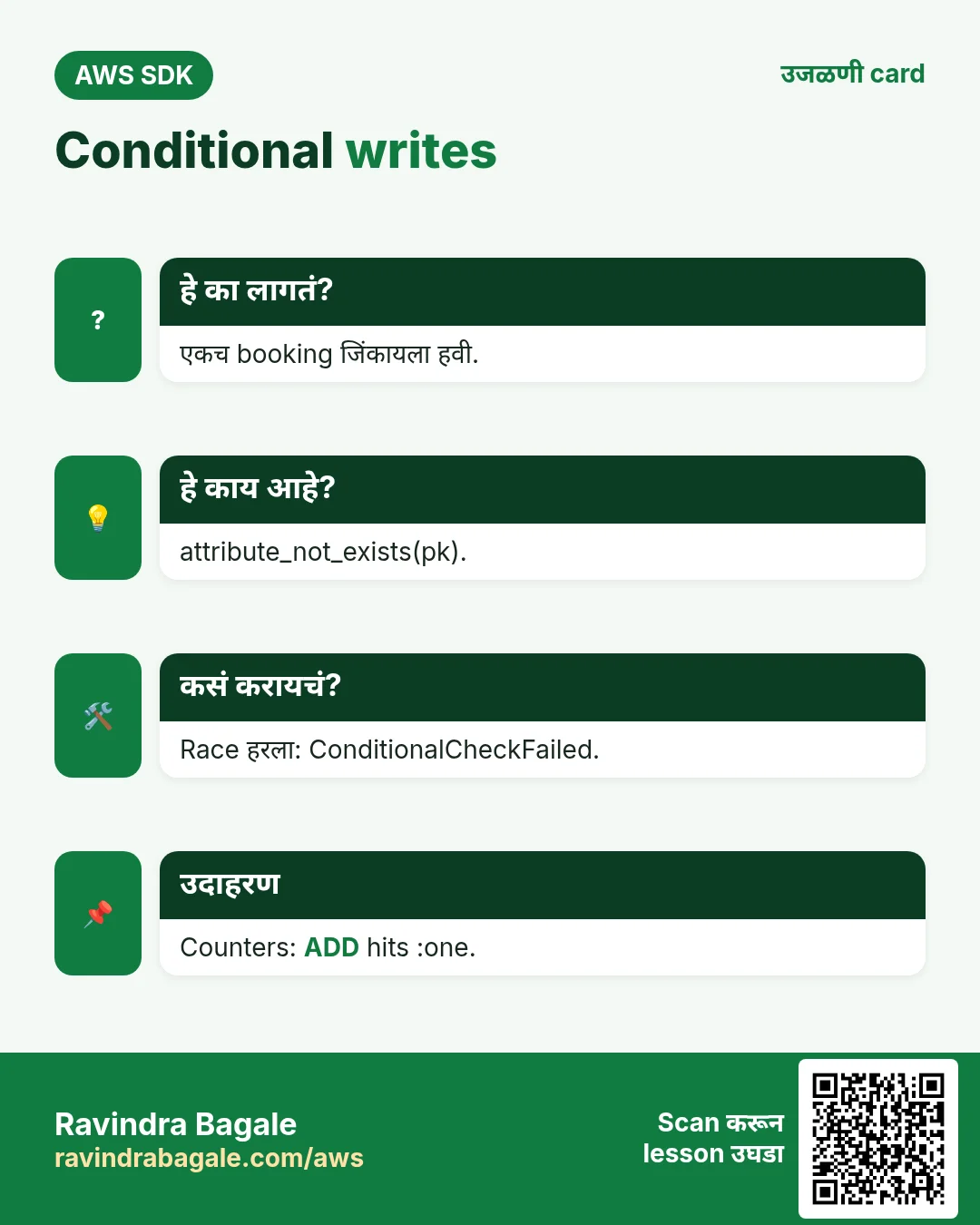
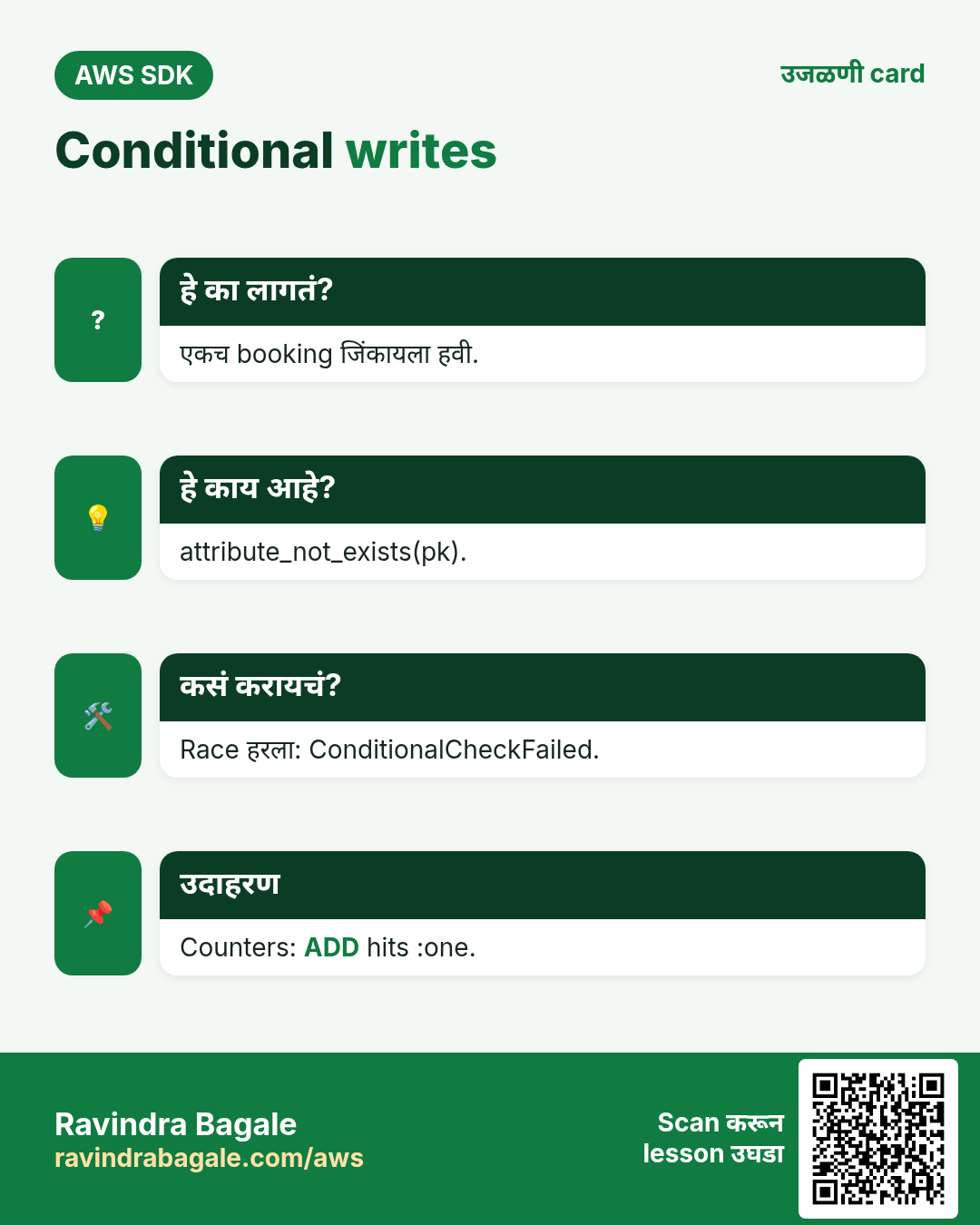
Rome मधल्या Sofia च्या restaurant मध्ये शेवटचं table दोघे एकाच सेकंदाला book करतात. एकच जिंकायला हवा. आणि page-view counter चा एकही update हरवू नये.
हे काय आहे?
ConditionExpression मुळे नियम खरा असेल तरच write होतो, उदा. attribute_not_exists(customer). Fail झाला तर ConditionalCheckFailedException. ADD number atomically वाढवतो.
कसं करायचं (step by step)
- Python: आधी book नसेल तरच book.
import boto3
from botocore.exceptions import ClientError

t = boto3.resource("dynamodb", region_name="ap-south-1").Table("ShopOrders")
for who in ["giulia", "marco"]:
    try:
        t.put_item(Item={"customer": "sofia-rome-table7", "orderDate": "2026-10-31T20:00", "bookedBy": who},
                   ConditionExpression="attribute_not_exists(customer)")
        print(who, "booked")
    except ClientError as e:
        if e.response["Error"]["Code"] == "ConditionalCheckFailedException":
            print(who, "too late")
अपेक्षित output:
giulia booked
marco too late- PHP: ADD ने atomic counter.
<?php
require "vendor/autoload.php";
$ddb = new Aws\DynamoDb\DynamoDbClient(["region" => "ap-south-1"]);
for ($i = 0; $i < 3; $i++) {
    $r = $ddb->updateItem([
        "TableName" => "ShopOrders",
        "Key" => ["customer" => ["S" => "stats"], "orderDate" => ["S" => "views"]],
        "UpdateExpression" => "ADD hits :one",
        "ExpressionAttributeValues" => [":one" => ["N" => "1"]],
        "ReturnValues" => "UPDATED_NEW",
    ]);
}
echo "hits: ", $r["Attributes"]["hits"]["N"], PHP_EOL;
अपेक्षित output:
hits: 3- Node.js: version number ने optimistic locking.
import { DynamoDBClient } from "@aws-sdk/client-dynamodb";
import { DynamoDBDocumentClient, UpdateCommand } from "@aws-sdk/lib-dynamodb";

const doc = DynamoDBDocumentClient.from(new DynamoDBClient({ region: "ap-south-1" }));
try {
  await doc.send(new UpdateCommand({
    TableName: "ShopOrders", Key: { customer: "lucas-paris", orderDate: "2026-10-24#007" },
    UpdateExpression: "SET amount = :a, ver = :new", ConditionExpression: "attribute_not_exists(ver) OR ver = :old",
    ExpressionAttributeValues: { ":a": 20, ":new": 2, ":old": 1 },
  }));
  console.log("updated");
} catch (e) {
  console.log(e.name);
}
अपेक्षित output:
updated- Verify: table 7 फक्त Giulia कडे.
aws dynamodb get-item --table-name ShopOrders --key '{"customer":{"S":"sofia-rome-table7"},"orderDate":{"S":"2026-10-31T20:00"}}' --query Item.bookedBy.S --output textअपेक्षित output:
giulia6. हाच call Java, Go, .NET आणि CLI मध्ये
हे का लागतं?
Teams अनेकदा भाषा मिसळतात. Python, PHP आणि Node.js मध्ये call समजला की बाकीचे SDKs म्हणजे तोच API, फक्त syntax वेगळा.
हे काय आहे?
सगळे PutItem API call करतात. Terminal मधून पटकन test करायला CLI ओळ वापरा.
कसं करायचं (step by step)
| Stack | Code |
|---|---|
| AWS CLI | aws dynamodb put-item --table-name ShopOrders --item '{"customer":{"S":"a"},"orderDate":{"S":"b"}}' |
| Java v2 | DynamoDbTable<Order> t = enhanced.table("ShopOrders", TableSchema.fromBean(Order.class)); |
| Go v2 | item, _ := attributevalue.MarshalMap(order) |
| .NET | var ctx = new DynamoDBContext(client); |
7. काहीही खर्च चालू राहू नये म्हणून cleanup
हे का लागतं?
चालू ठेवलेले lab resources पैसे खातात आणि security risk बनतात.
हे काय आहे?
उलट्या क्रमाने delete करा: आधी children, मग parents.
कसं करायचं (step by step)
- Table delete करा.
aws dynamodb delete-table --table-name ShopOrders --query TableDescription.TableStatus --output text
aws dynamodb wait table-not-exists --table-name ShopOrders
अपेक्षित output:
DELETINGRavindra Bagale's Tip
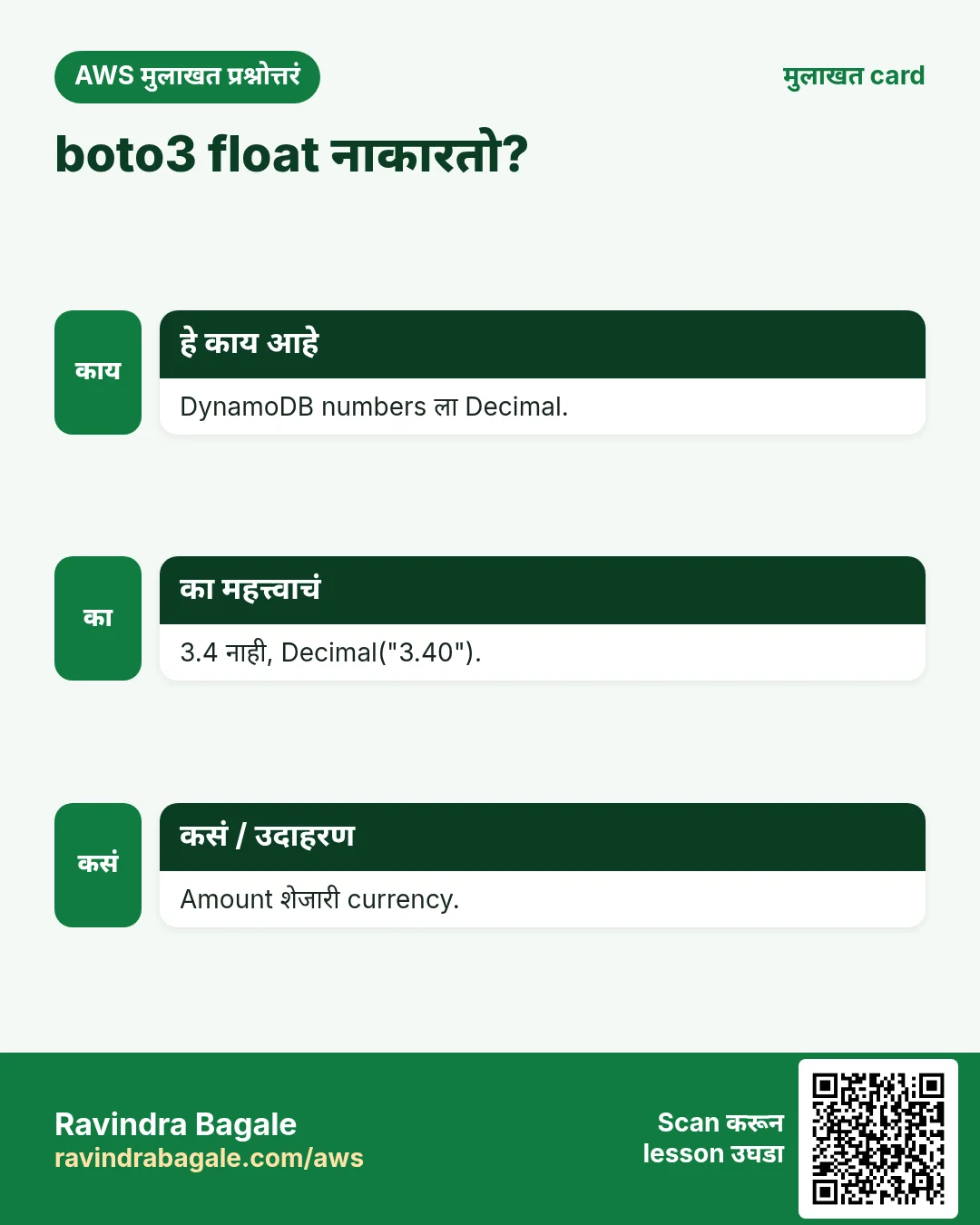
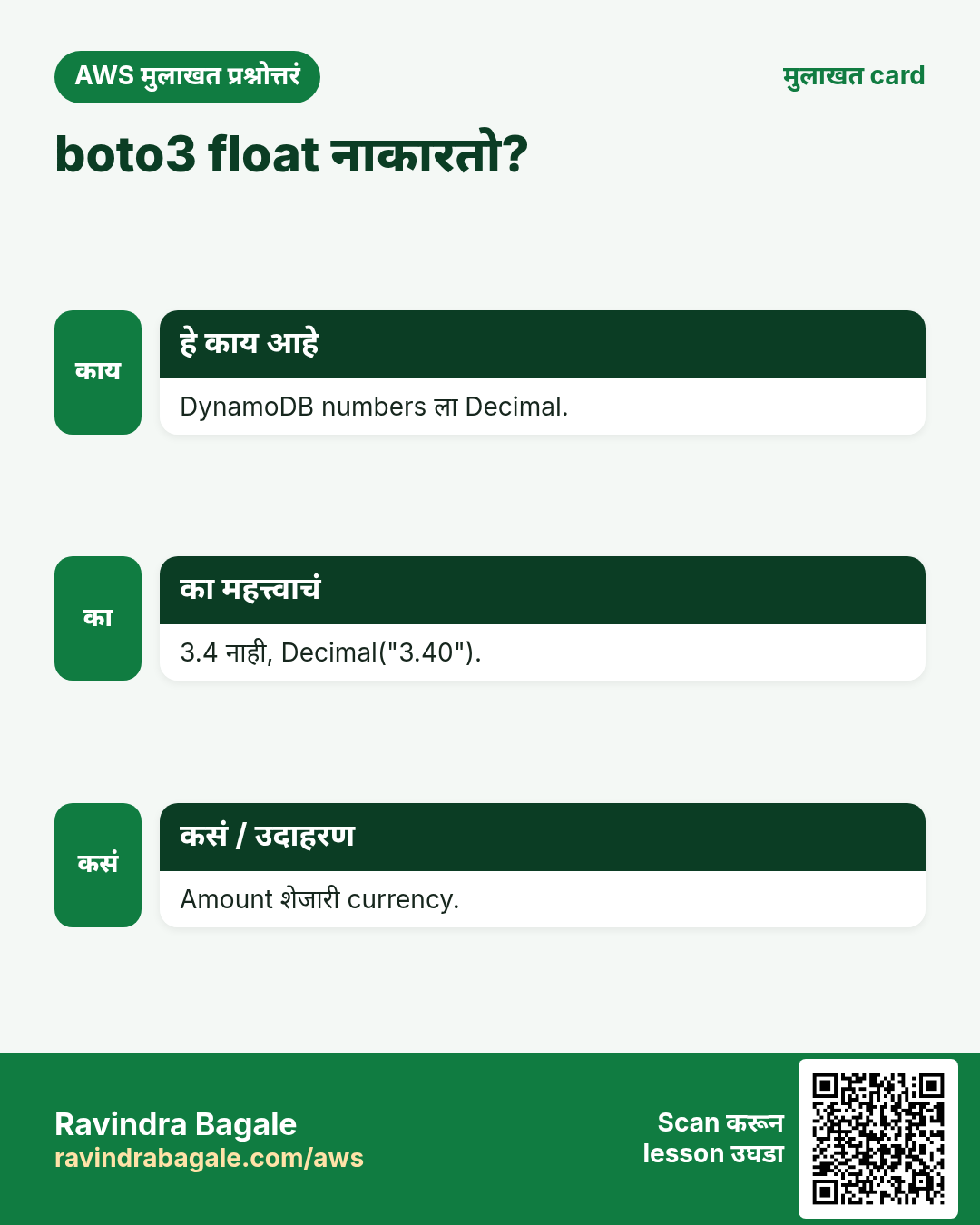
boto3 DynamoDB साठी Python floats स्वीकारत नाही. पैशांसाठी नेहमी Decimal("12.50") — आणि amount शेजारी currency ठेवा.
8. मुलाखत प्रश्न आणि उत्तरं
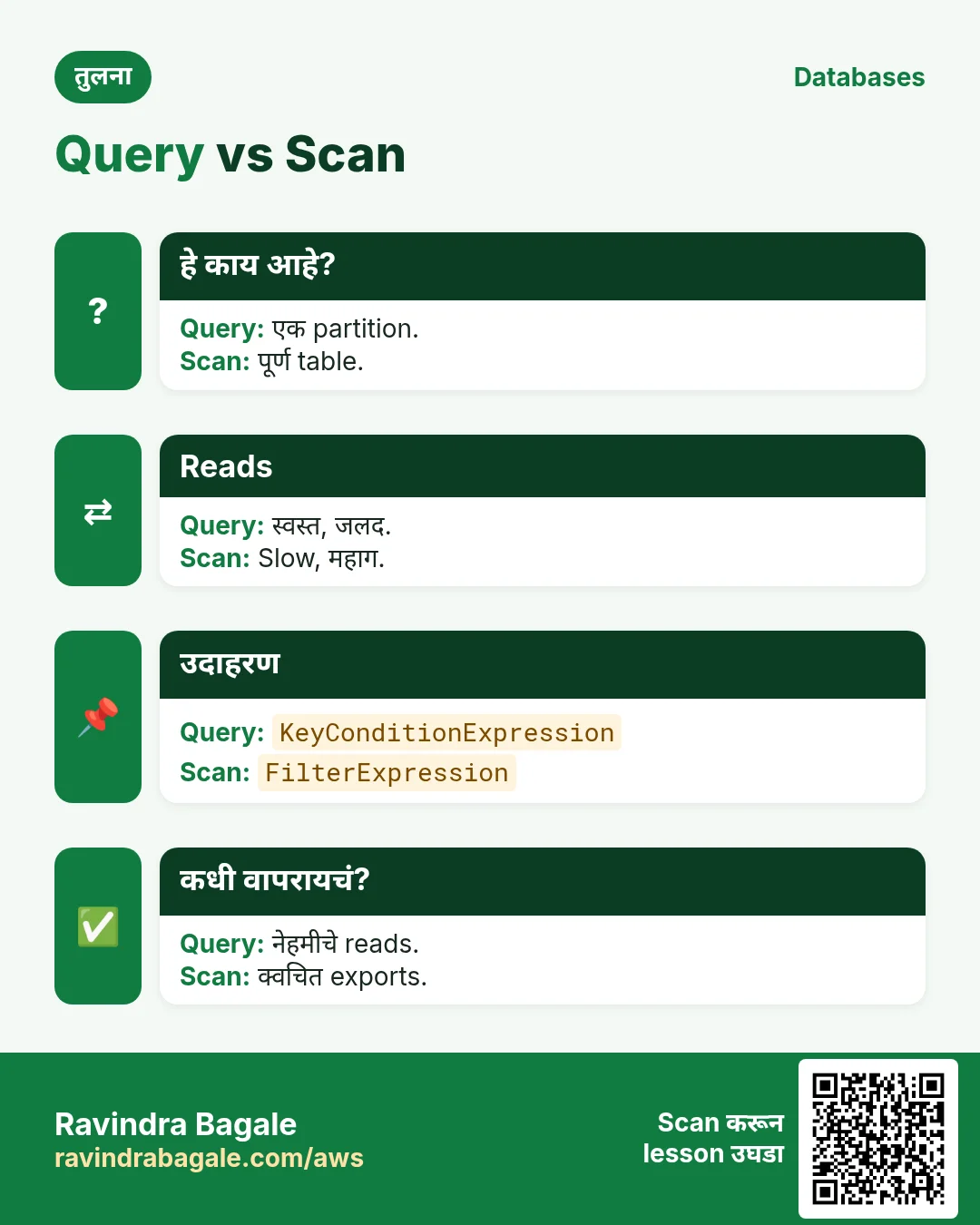
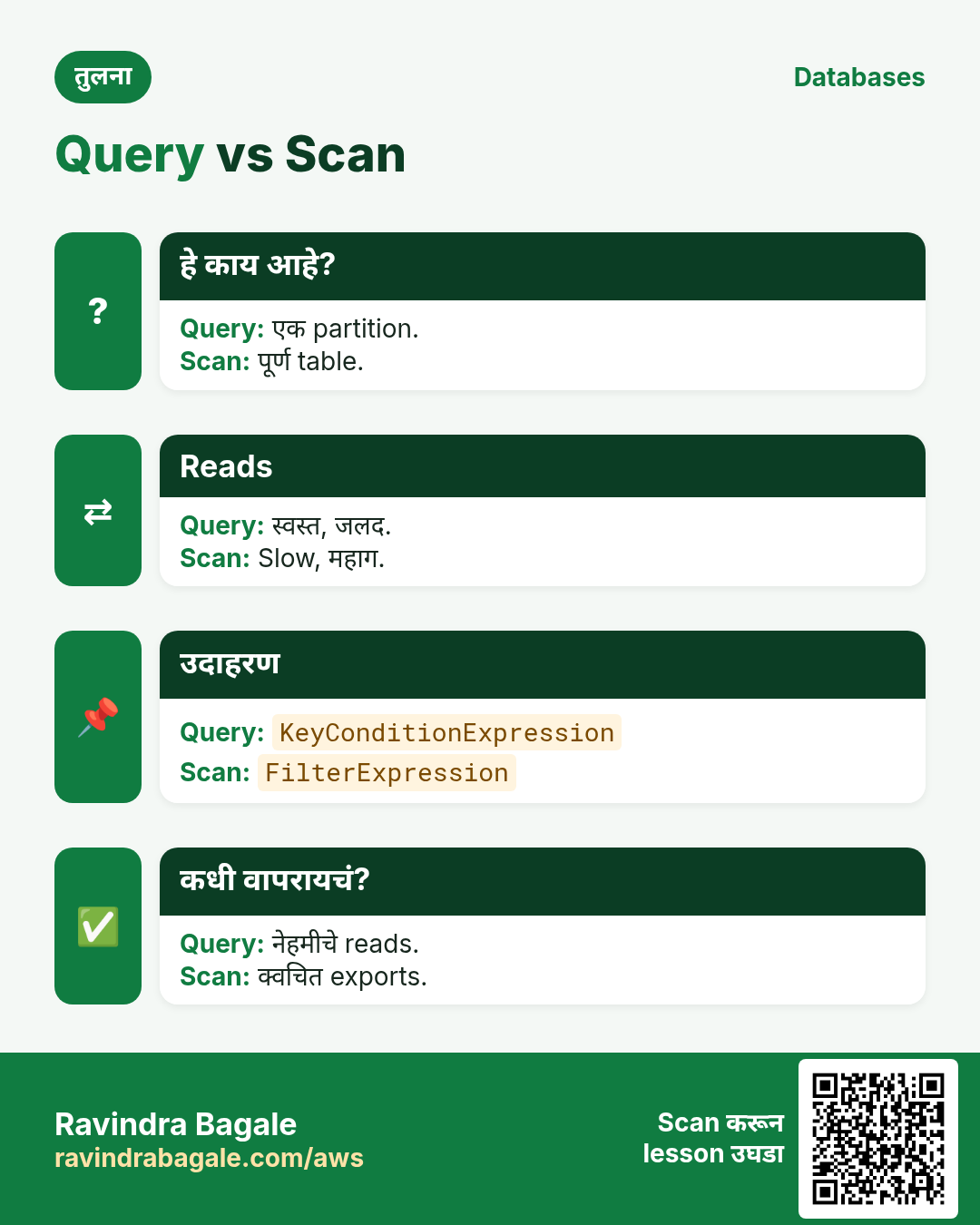
प्र. Query vs Scan?
Query एक partition; Scan पूर्ण table.
प्र. Node मध्ये lib-dynamodb काय देतो?
साधे JS objects आपोआप marshal.
प्र. Existing item overwrite कसा टाळायचा?
attribute_not_exists condition.
प्र. एका BatchWriteItem मध्ये किती items?
25, UnprocessedItems retry.
प्र. Atomic counter म्हणजे?
Server-side ADD, update हरवत नाही.
घरी करून बघा
- status वर GSI बनवून प्रत्येक भाषेत सगळ्या PAID orders query करा.
- दोन terminals एकाच वेळी चालवतील असा "last seat" booking demo लिहा.
थोडक्यात सांगायचं तर
- Keys: partition + sort.
- पूर्ण key ने Put/Get/Update/Delete.
- Scan नाही, Query.
- 25 चा batch, unprocessed retry.
- Conditions double writes थांबवतात.
सराव Tasks
Bavaria Motors हा म्युनिक मधला ऑटोमोबाईल व्यवसाय आहे. Lukas Becker त्यांचं IT व cloud काम पाहतात. त्यांचे पैसे EUR मध्ये मोजले जातात आणि AWS resources eu-central-1 Region मध्ये चालतात. खालच्या tasks मध्ये तुम्ही या lesson मध्ये शिकलेलं वापरून त्यांची खरी कामं करता. सगळी नावं, account IDs, IP addresses व numbers सरावासाठी काल्पनिक आहेत.
0 / 11
सोपं Table describe करा
का: Table चे keys, indexes, item count व status पाहा.
काय करायचं: bavariamotors-orders table describe करा.
- Task वाचा आणि ते कोणत्या AWS service बद्दल आहे ते ठरवा.
- aws लिहा, मग service चं नाव, मग operation (action शब्द).
- प्रत्येक आवश्यक flag (--name) व त्यापुढे task मधली value लिहा.
- Flags कोणत्याही क्रमाने चालतात. Check answer दाबा.
सोपं लहान table scan करा
का: Scan लहान tables साठी ठीक; मोठ्यांवर टाळा.
काय करायचं: bavariamotors-settings table scan करा.
- Task वाचा आणि ते कोणत्या AWS service बद्दल आहे ते ठरवा.
- aws लिहा, मग service चं नाव, मग operation (action शब्द).
- प्रत्येक आवश्यक flag (--name) व त्यापुढे task मधली value लिहा.
- Flags कोणत्याही क्रमाने चालतात. Check answer दाबा.
मध्यम Key ने एक item घ्या
का: GetItem सर्वात जलद read: पूर्ण key ने एक item.
काय करायचं: bavariamotors-orders मधून orderId "o-101" असलेला item घ्या.
- Task वाचा आणि ते कोणत्या AWS service बद्दल आहे ते ठरवा.
- aws लिहा, मग service चं नाव, मग operation (action शब्द).
- प्रत्येक आवश्यक flag (--name) व त्यापुढे task मधली value लिहा.
- Flags कोणत्याही क्रमाने चालतात. Check answer दाबा.
मध्यम Item टाका
का: DynamoDB JSON प्रत्येक value चा type दाखवतो: S string, N number.
काय करायचं: bavariamotors-orders मध्ये orderId "o-101" (string) व amount 2500 (number) असलेला item टाका.
- Task वाचा आणि ते कोणत्या AWS service बद्दल आहे ते ठरवा.
- aws लिहा, मग service चं नाव, मग operation (action शब्द).
- प्रत्येक आवश्यक flag (--name) व त्यापुढे task मधली value लिहा.
- Flags कोणत्याही क्रमाने चालतात. Check answer दाबा.
मध्यम CloudFormation: on-demand table
का: On-demand tables ला capacity planning नको.
काय करायचं: DynamoDB table bavariamotors-orders, partition key orderId (String), PAY_PER_REQUEST.
- Task मधल्या top-level keys पासून सुरू करा.
- Child keys 2 spaces ने indent करा (tabs नकोत).
- प्रत्येक property मध्ये task मधली value भरा.
- Check answer दाबा. Keys चा क्रम महत्त्वाचा नाही.
मध्यम एका table ला Lambda access
का: Function ला फक्त स्वतःच्या table मध्ये वाचणं/लिहिणं लागतं.
काय करायचं: फक्त arn:aws:dynamodb:eu-central-1:106249807804:table/bavariamotors-orders वर dynamodb:GetItem, dynamodb:PutItem, dynamodb:Query allow करा.
- { "Version": "2012-10-17", "Statement": [ ... ] } ने सुरू करा.
- प्रत्येक statement मध्ये Effect, Action व Resource लिहा.
- Task ला लागेल तेवढंच द्या (least privilege).
- Double quotes व commas नीट वापरा. Check answer दाबा.
मध्यम एक item delete करा
का: पूर्ण primary key ने delete करा.
काय करायचं: bavariamotors-orders मधून orderId "o-099" item delete करा.
- Task वाचा आणि ते कोणत्या AWS service बद्दल आहे ते ठरवा.
- aws लिहा, मग service चं नाव, मग operation (action शब्द).
- प्रत्येक आवश्यक flag (--name) व त्यापुढे task मधली value लिहा.
- Flags कोणत्याही क्रमाने चालतात. Check answer दाबा.
अवघड Read capacity units
का: Provisioned tables ला योग्य RCU लागतो.
काय करायचं: 6 KB items चे strongly consistent reads, 10/sec. किती RCU?
- Task मधले numbers लिहून घ्या.
- कागदावर step by step काढा.
- Box मध्ये फक्त final उत्तर लिहा.
- Check answer दाबा.
अवघड DynamoDB table बनवा
का: On-demand billing म्हणजे per request पैसे, capacity planning नाही.
काय करायचं: bavariamotors-orders table बनवा, partition key orderId (string), on-demand billing.
- Task वाचा आणि ते कोणत्या AWS service बद्दल आहे ते ठरवा.
- aws लिहा, मग service चं नाव, मग operation (action शब्द).
- प्रत्येक आवश्यक flag (--name) व त्यापुढे task मधली value लिहा.
- Flags कोणत्याही क्रमाने चालतात. Check answer दाबा.
अवघड Partition key ने query करा
का: Query फक्त जुळणारे items वाचतो, Scan पूर्ण table वाचतो.
काय करायचं: bavariamotors-payments table मध्ये customerId = "c-77" ची query, expression customerId = :c वापरून.
- Task वाचा आणि ते कोणत्या AWS service बद्दल आहे ते ठरवा.
- aws लिहा, मग service चं नाव, मग operation (action शब्द).
- प्रत्येक आवश्यक flag (--name) व त्यापुढे task मधली value लिहा.
- Flags कोणत्याही क्रमाने चालतात. Check answer दाबा.
अवघड TTL सुरू करा
का: TTL expired items free मध्ये delete करतो, उदा. OTPs किंवा sessions.
काय करायचं: bavariamotors-otp table वर expiresAt attribute वापरून TTL enable करा.
- Task वाचा आणि ते कोणत्या AWS service बद्दल आहे ते ठरवा.
- aws लिहा, मग service चं नाव, मग operation (action शब्द).
- प्रत्येक आवश्यक flag (--name) व त्यापुढे task मधली value लिहा.
- Flags कोणत्याही क्रमाने चालतात. Check answer दाबा.
उजळणी, तुलना आणि मुलाखत cards
हा lesson काही मिनिटांत revise करा. Cards phone वर save करा किंवा PNG download करा. प्रत्येक card वरचा QR हा lesson उघडतो.
अजून cards: Ravi Sir's Cards.