AWS CLI Output Formats, --query (JMESPath), Filters, Pagination आणि Waiters
AWS चे replies खूप मोठे असतात. इथे --output, --query, filters, pagination, waiters आणि --dry-run ने हवी तेवढीच line मिळवायला शिकू.
या chapter मध्ये तुम्ही काय शिकाल
- json, yaml, text, table output
- --query (JMESPath) ने fields
- --filters ने server वरच filter
- Pagination control
- Waiters आणि --dry-run
1. मोठं चित्र: फक्त हवं तेवढं
हे का लागतं?
रेल्वे enquiry counter आठवा. पूर्ण timetable पुस्तक मागत नाही. "पुणे ते मुंबई, संध्याकाळी 6 नंतर" विचारता. एकच line मिळते.
हे काय आहे?
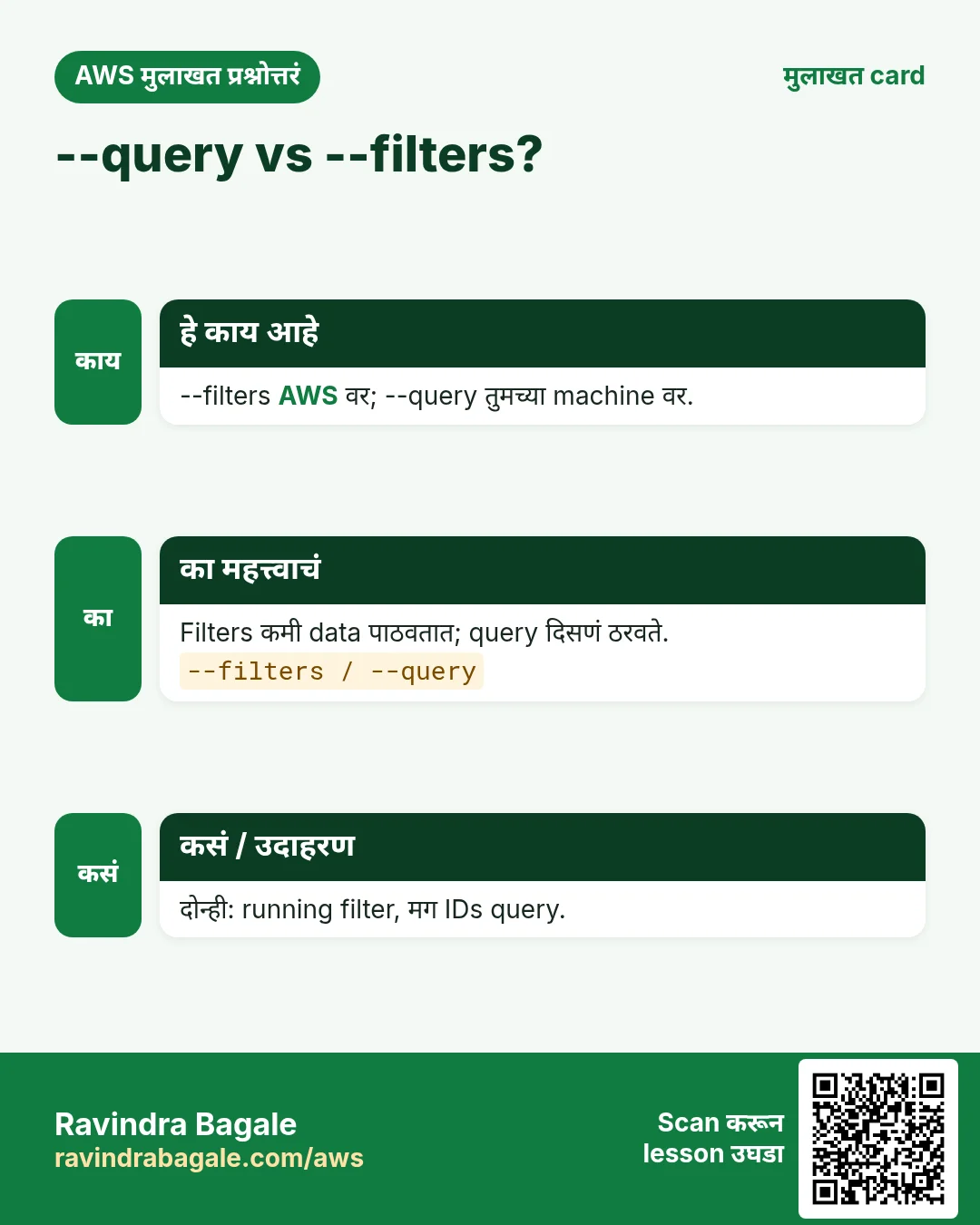
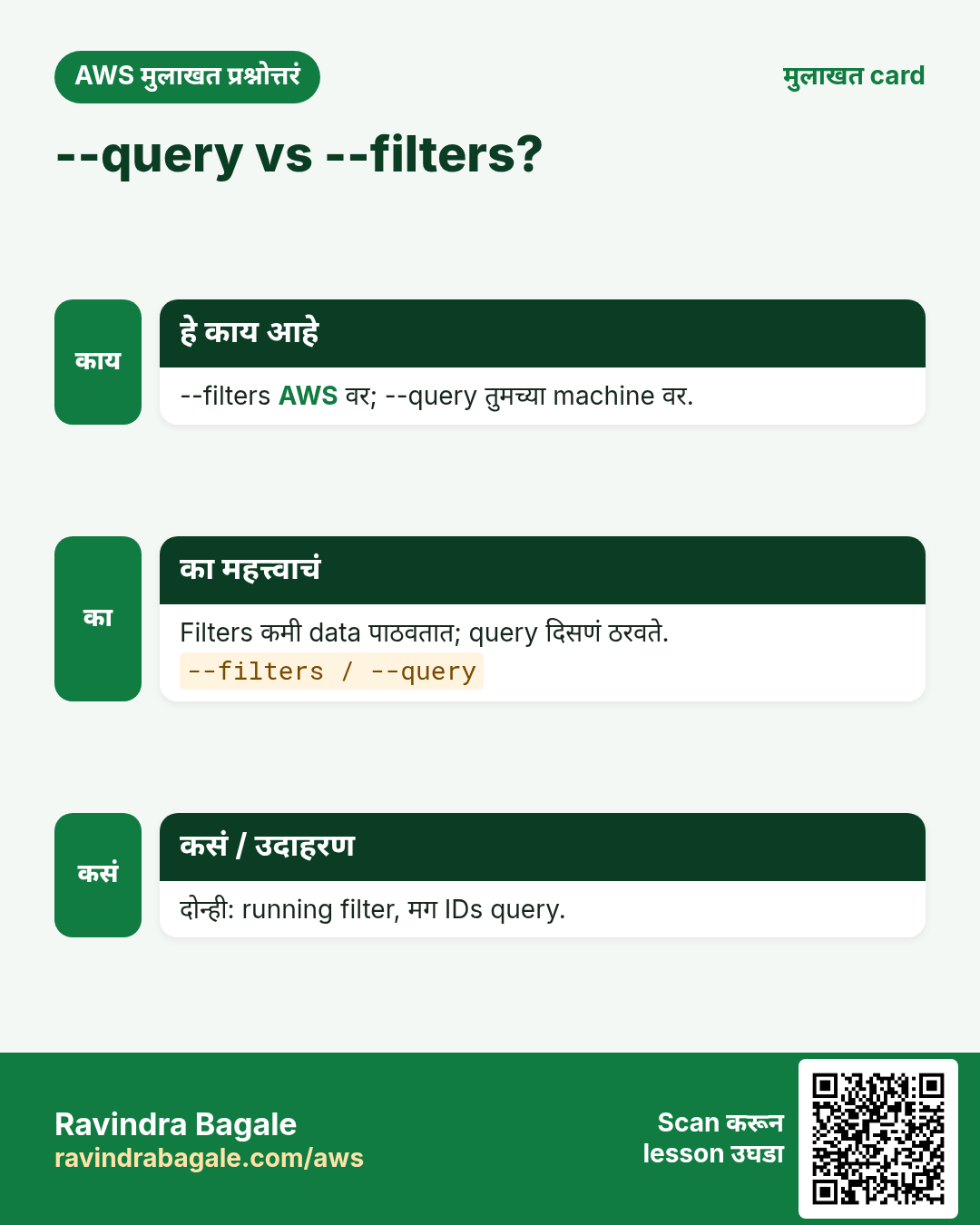
--filters AWS ला कमी पाठवायला सांगतो. --query तुमच्या machine वर reply कापतो. --output आकार ठरवतो.
कसं करायचं (step by step)
2. Output formats: json, yaml, text, table
हे का लागतं?
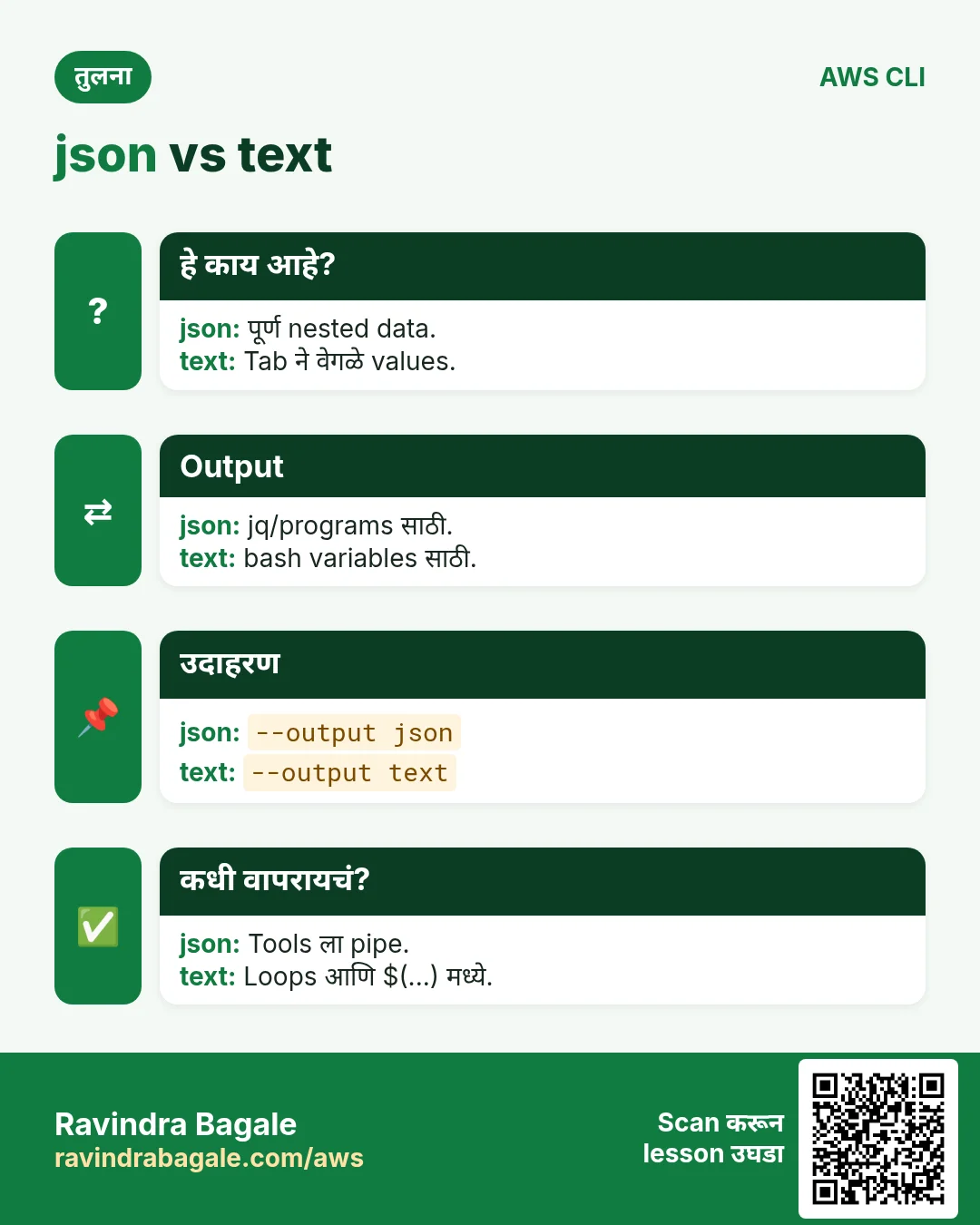
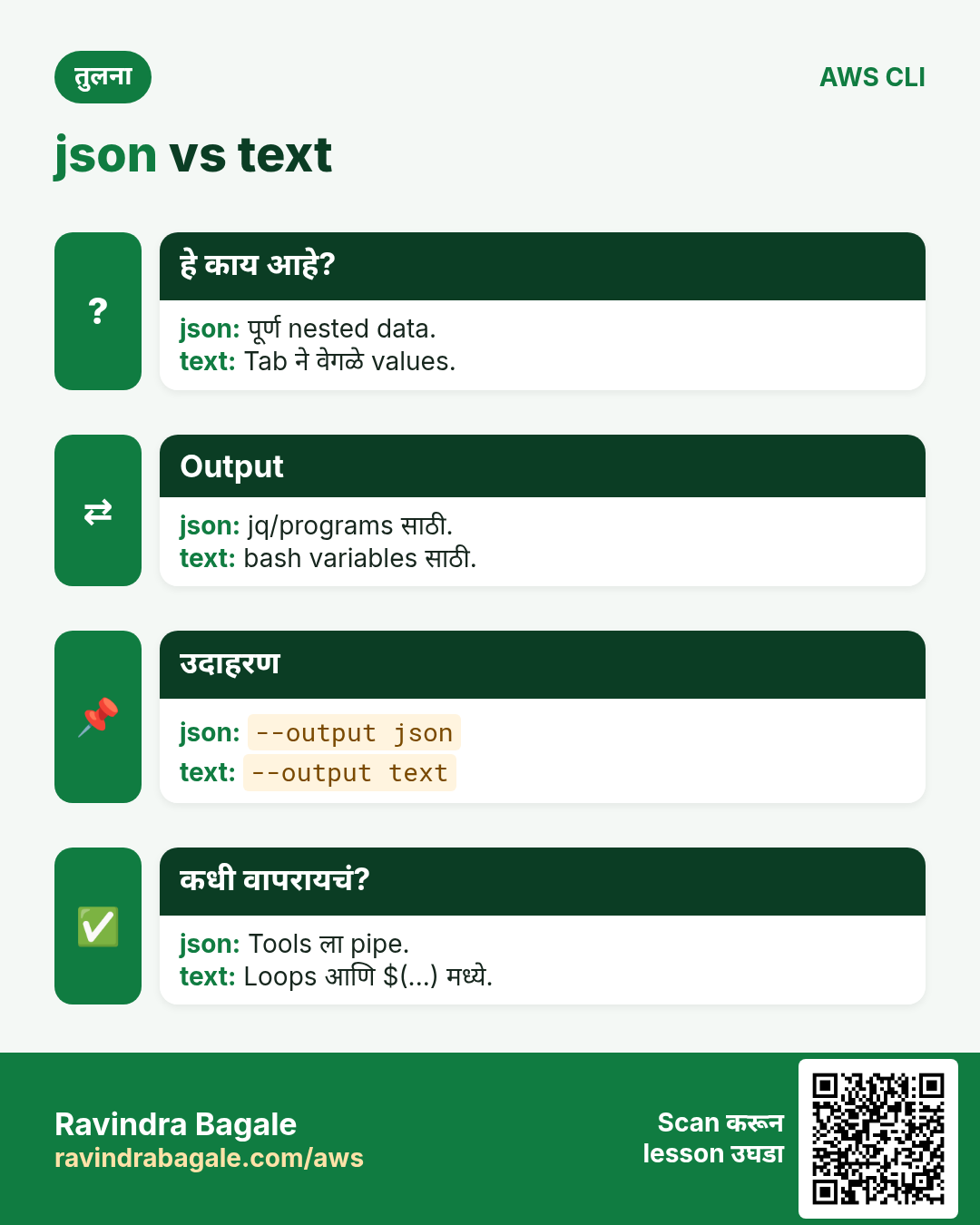
माणसांना table, scripts ना text, tools ना JSON आवडतं. एक flag ने बदलता येतं.
हे काय आहे?
--output: json (default), yaml, yaml-stream, text, table.
कसं करायचं (step by step)
- JSON (default).
aws ec2 describe-regions --region ap-south-1 --max-items 1अपेक्षित output:
{
  "Regions": [ { "Endpoint": "ec2.ap-south-1.amazonaws.com", "RegionName": "ap-south-1", ... } ]
}- माणसांसाठी table.
aws ec2 describe-regions --query "Regions[0:2].[RegionName]" --output tableअपेक्षित output:
---------------------
|  DescribeRegions  |
+-------------------+
|  ap-south-1       |
|  eu-north-1       |
+-------------------+- Scripts साठी text.
aws ec2 describe-regions --query "Regions[].RegionName" --output textअपेक्षित output:
ap-south-1 eu-north-1 ...- Output less मध्ये उघडू नये म्हणून pager बंद.
export AWS_PAGER=""अपेक्षित output:
(no output means success)3. --query आणि JMESPath
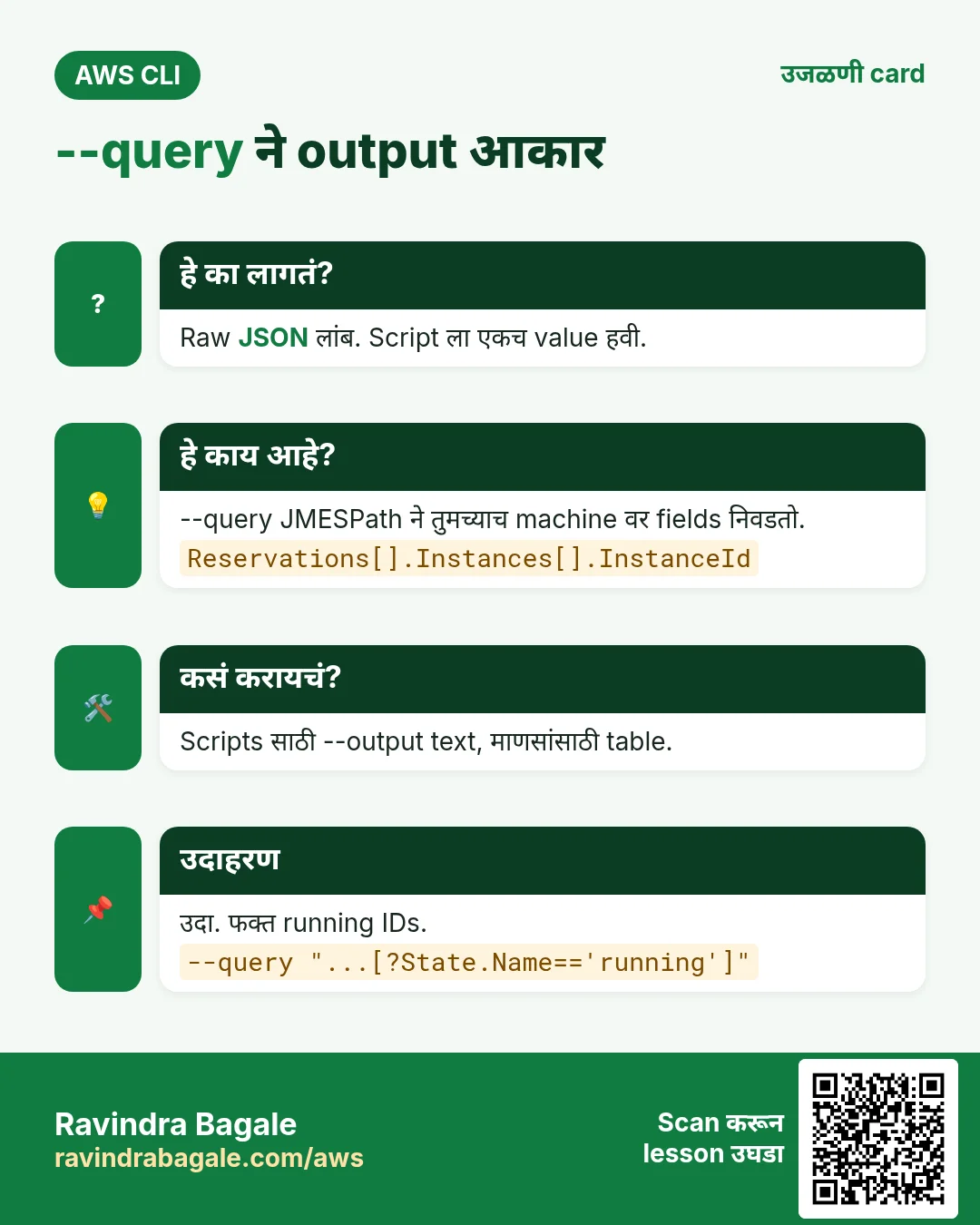
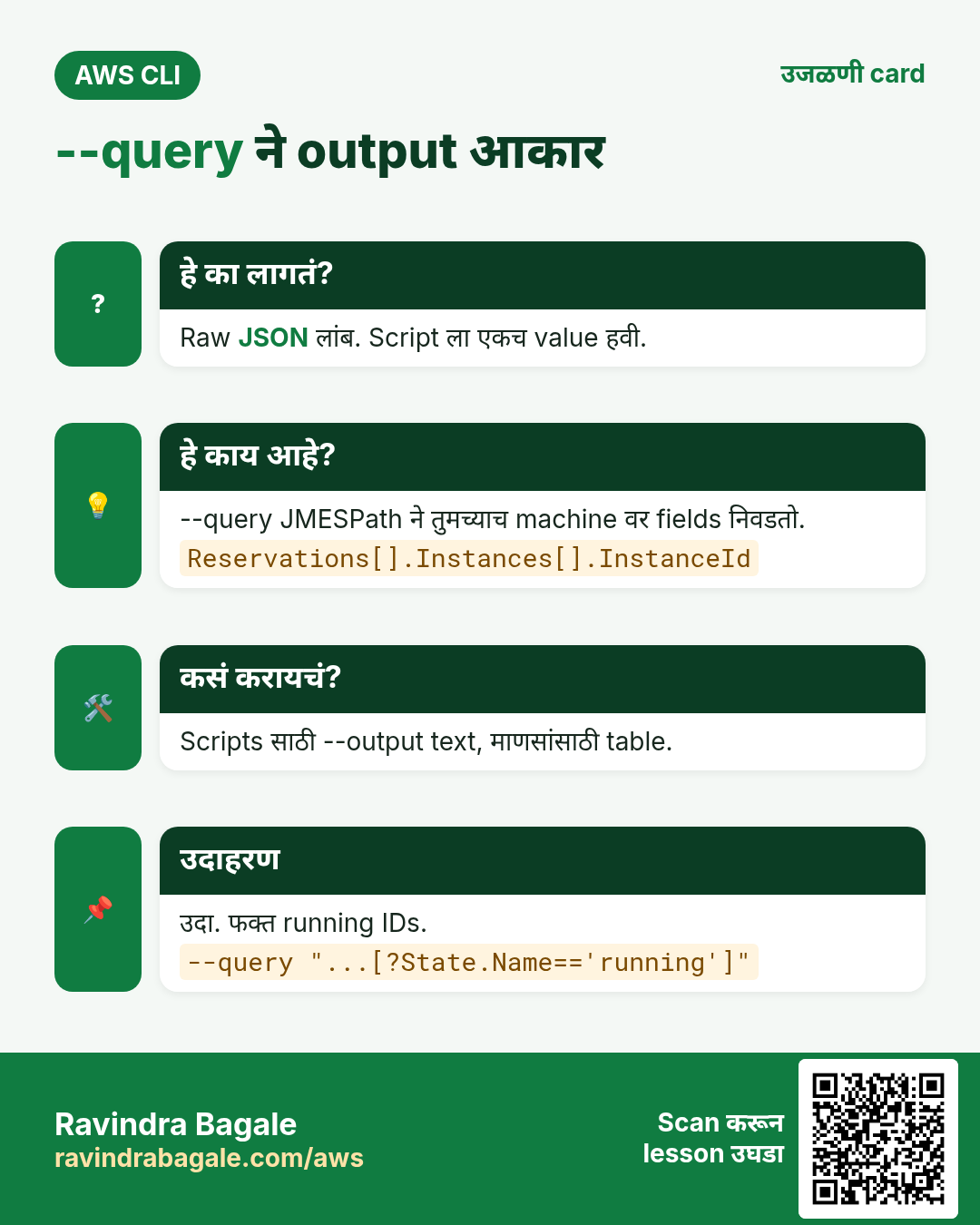
हे का लागतं?
300 lines JSON नको, एकच instance ID हवा.
हे काय आहे?
JMESPath म्हणजे JSON चे भाग निवडायची छोटी भाषा. [] list flatten, .Name key, [?...] filter, {id:InstanceId} rename.
| Pattern | अर्थ |
|---|---|
| Reservations[].Instances[].InstanceId | All instance IDs |
| [?State.Name=='running'] | Keep only running |
| [0] | First item |
| length(@) | Count items |
| sort_by(@,&LaunchTime) | Sort by a key |
| {id:InstanceId,ip:PublicIpAddress} | Pick and rename |
कसं करायचं (step by step)
- सगळे instance IDs.
aws ec2 describe-instances --query "Reservations[].Instances[].InstanceId" --output textअपेक्षित output:
i-0abc1234def567890 i-0fed9876cba543210- फक्त running, IP सोबत.
aws ec2 describe-instances --query "Reservations[].Instances[?State.Name=='running'][].{id:InstanceId,ip:PublicIpAddress}" --output tableअपेक्षित output:
|  id                   |  ip            |
| i-0abc1234def567890 | 13.233.10.20 |- Buckets मोजा.
aws s3api list-buckets --query "length(Buckets)"अपेक्षित output:
4- Tag value वाचा.
aws ec2 describe-instances --query "Reservations[].Instances[].Tags[?Key=='Name'].Value[]" --output textअपेक्षित output:
web-1 web-24. --filters: server वरच filter
हे का लागतं?
--query आधी सगळं download करतो. --filters ने AWS कमीच पाठवतो, मोठ्या accounts वर fast.
हे काय आहे?
बऱ्याच describe commands ला --filters Name=...,Values=.... Tag साठी Name=tag:Env.
कसं करायचं (step by step)
- फक्त running.
aws ec2 describe-instances --filters Name=instance-state-name,Values=running --query "Reservations[].Instances[].InstanceId" --output textअपेक्षित output:
i-0abc1234def567890- Env=dev tag.
aws ec2 describe-instances --filters "Name=tag:Env,Values=dev" --query "length(Reservations[].Instances[])"अपेक्षित output:
2- दोन filters (AND).
aws ec2 describe-instances --filters Name=instance-type,Values=t3.micro Name=tag:Env,Values=dev --output text --query "Reservations[].Instances[].InstanceId"अपेक्षित output:
i-0abc1234def5678905. Pagination
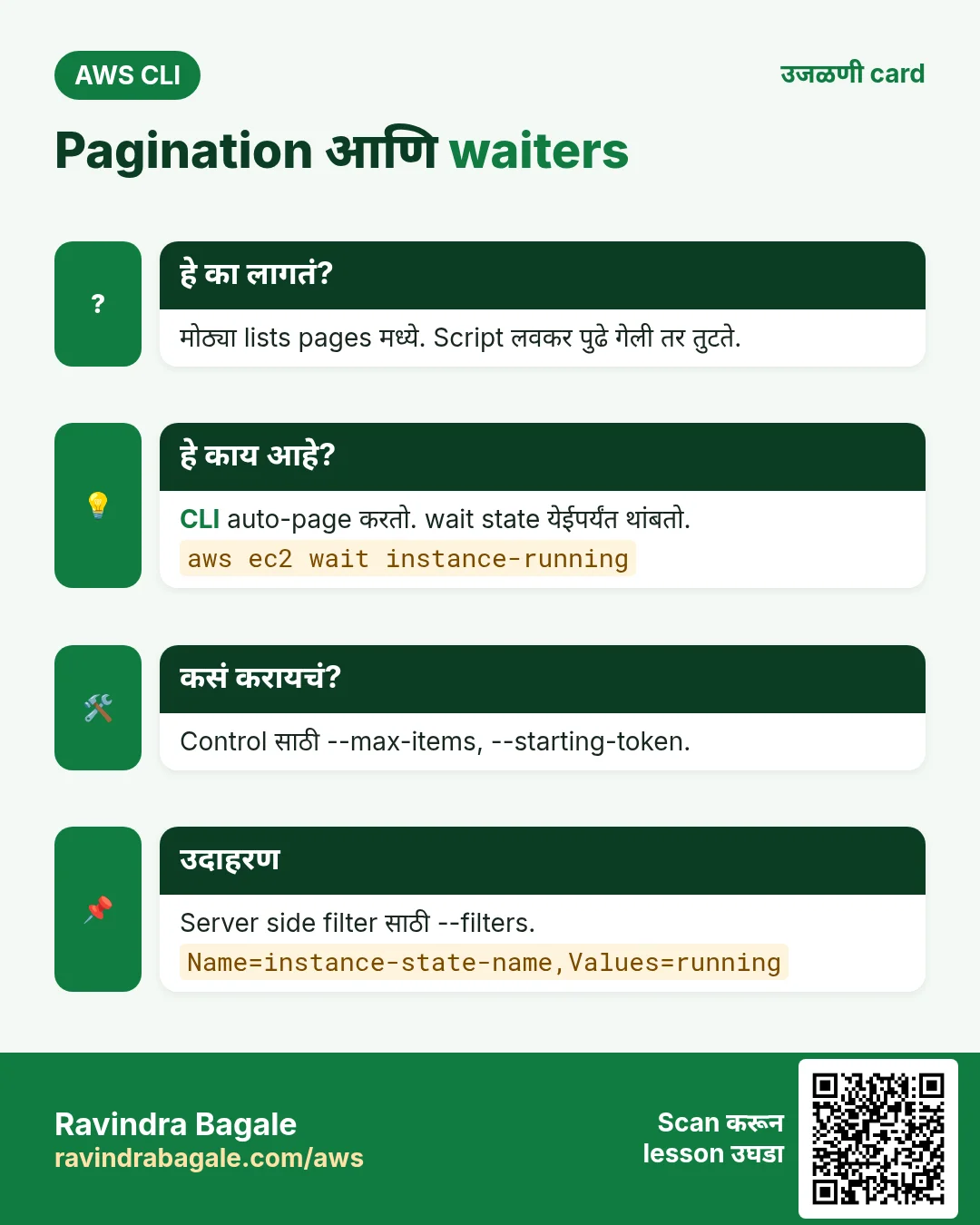
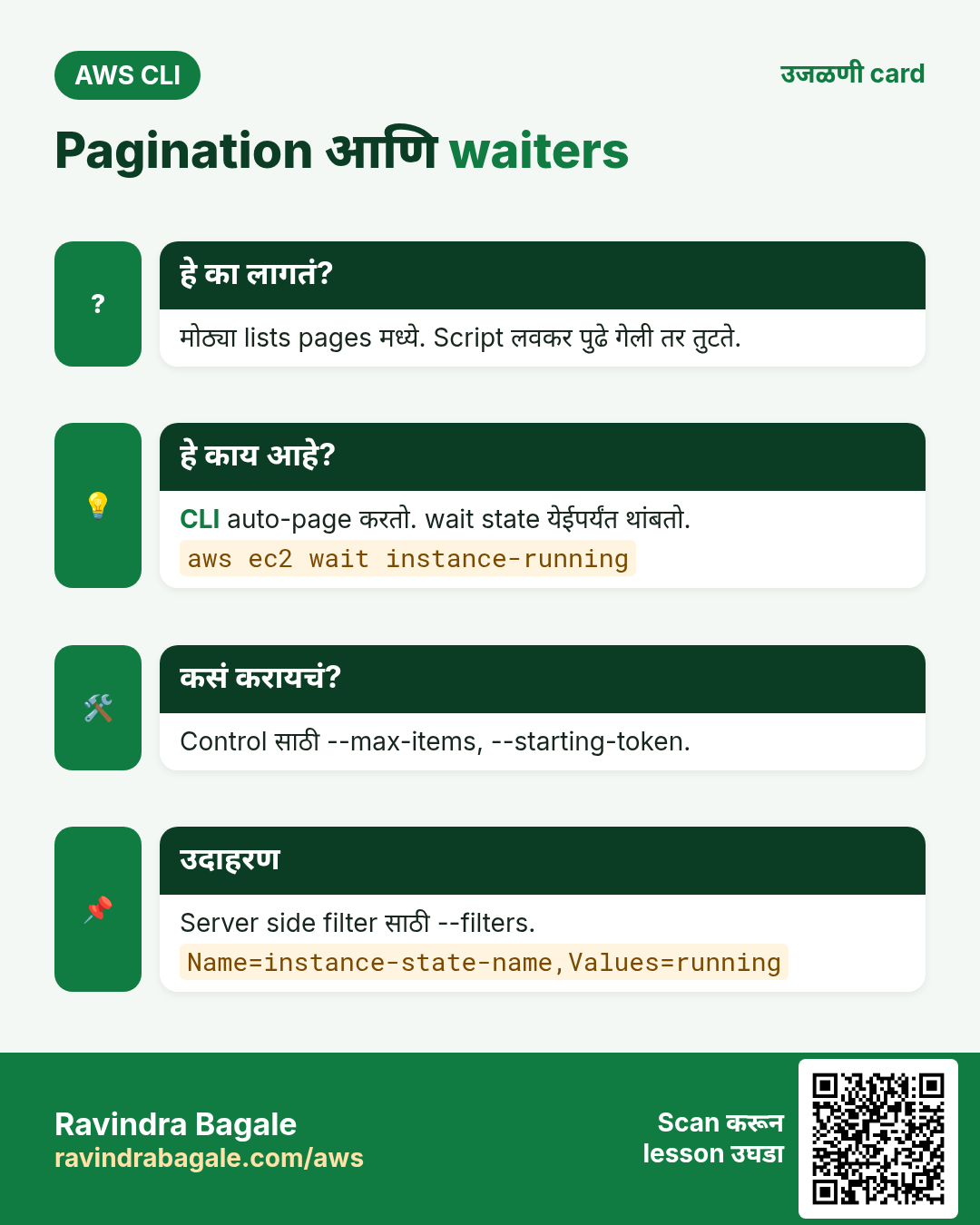
हे का लागतं?
काही lists मध्ये हजारो items असतात. AWS ते pages मध्ये देतं.
हे काय आहे?
CLI सगळे pages स्वतः आणतो. --max-items दिसणारे items कमी करतो आणि NextToken देतो. --starting-token पुढे चालू. --page-size छोटे calls. --no-paginate फक्त पहिलं page.
कसं करायचं (step by step)
- पहिले 2 objects.
aws s3api list-objects-v2 --bucket my-bucket --max-items 2अपेक्षित output:
{ "Contents": [ ... 2 items ... ],
"NextToken": "eyJDb250aW51YXRpb25Ub2tlbiI6..." }- Token पासून पुढे.
aws s3api list-objects-v2 --bucket my-bucket --max-items 2 --starting-token eyJDb250aW51YXRpb25Ub2tlbiI6...अपेक्षित output:
{ "Contents": [ ... next 2 ... ] }- Throttling टाळायला छोटे pages.
aws s3api list-objects-v2 --bucket my-bucket --page-size 100 --query "length(Contents)"अपेक्षित output:
23506. Waiters
हे का लागतं?
"start instance" नंतर server लगेच ready नसतो. Script ने अंदाजाने sleep नाही, wait करायचं.
हे काय आहे?
aws <service> wait <condition> state येईपर्यंत poll करतो, मग exit 0. Timeout ला exit 255.
कसं करायचं (step by step)
- Instance running होईपर्यंत wait.
aws ec2 wait instance-running --instance-ids i-0abc1234def567890 && echo readyअपेक्षित output:
ready- Bucket तयार होईपर्यंत.
aws s3api wait bucket-exists --bucket my-bucket && echo okअपेक्षित output:
ok- Service चे सगळे waiters.
aws ec2 wait help | grep -E "^ +o " | head -3अपेक्षित output:
o bundle-task-complete
o conversion-task-cancelled
o conversion-task-completed
7. --dry-run आणि --cli-input-json
हे का लागतं?
Launch/delete आधी IAM परवानगी देतो का ते, प्रत्यक्ष न करता, कळायला हवं.
हे काय आहे?
EC2 commands --dry-run घेतात. यश म्हणजे DryRunOperation error. --generate-cli-skeleton JSON template देतो, भरून --cli-input-json ने द्या.
कसं करायचं (step by step)
- Launch dry-run.
aws ec2 run-instances --image-id ami-0abcdef1234567890 --instance-type t3.micro --dry-runअपेक्षित output:
An error occurred (DryRunOperation) when calling the RunInstances operation: Request would have succeeded, but DryRun flag is set.- Permission नसेल तर हे.
अपेक्षित output:
An error occurred (UnauthorizedOperation) ...- JSON skeleton.
aws ec2 run-instances --generate-cli-skeleton > run.jsonअपेक्षित output:
(run.json file created)- भरलेली file वापरा.
aws ec2 run-instances --cli-input-json file://run.json --dry-runअपेक्षित output:
... DryRunOperation ...- कोणतीही command debug.
aws s3 ls --debug 2>&1 | grep -m1 "Making request"अपेक्षित output:
... Making request for OperationModel(name=ListBuckets) ...8. हीच action Python, Node.js, Java, Go, .NET आणि PHP मध्ये
हे का लागतं?
Scripts CLI मध्ये सुरू होतात. Apps तोच API SDK मधून call करतात. दोन्ही माहीत असले की test केलेली command थेट code मध्ये नेता येते.
हे काय आहे?
प्रत्येक CLI command म्हणजे एक API call. उदा. aws ec2 describe-instances --filters ... म्हणजे DescribeInstances API.
कसं करायचं (step by step)
हीच action (DescribeInstances + paginator) code मधून. प्रत्येक SDK CLI सारखेच profile, region आणि credentials वाचतो.
| Stack | Code |
|---|---|
| Python (boto3) | p = boto3.client("ec2").get_paginator("describe_instances") |
| Node.js (v3) | for await (const pg of paginateDescribeInstances({client}, {Filters:[{Name:"instance-state-name",Values:["running"]}]})) {} |
| Java (v2) | ec2.describeInstancesPaginator(r -> r.filters(Filter.builder().name("instance-state-name").values("running").build())).reservations(); |
| Go (v2) | p := ec2.NewDescribeInstancesPaginator(c, &ec2.DescribeInstancesInput{Filters: f}) |
| .NET | await foreach (var r in ec2.Paginators.DescribeInstances(req).Reservations) { } |
| PHP | foreach ($ec2->getPaginator("DescribeInstances", ["Filters"=>$f]) as $pg) { } |
Ravindra Bagale's Tip
आधी --filters ने server वर, मग --query ने trim, आणि scripts मध्ये --output text. हा सगळ्यात fast आणि clean pattern.
9. मुलाखत प्रश्न आणि उत्तरं
प्र. --filters vs --query?
--filters AWS वर चालतो, कमी data. --query तुमच्या machine वर reply वर.
प्र. --max-items नंतर पुढे कसं?
NextToken ची value --starting-token ला द्या.
प्र. यशस्वी --dry-run काय दाखवतो?
DryRunOperation error, request यशस्वी झाली असती.
प्र. sleep ऐवजी waiters का?
Waiters खरी state poll करतात आणि लगेच exit.
प्र. bash loops साठी output?
--output text, tab separated values.
घरी करून बघा
- सगळ्या instances चा Name tag आणि state table मध्ये.
- --max-items आणि --starting-token ने bucket चे objects 5-5.
थोडक्यात सांगायचं तर
- --output आकार.
- --query JMESPath ने fields.
- --filters server वर.
- --max-items + --starting-token pages.
- wait आणि --dry-run safe scripts.
सराव Tasks
Tokyo Ramen House हा टोकियो मधला रेस्टॉरंट व्यवसाय आहे. Yuki Tanaka त्यांचं IT व cloud काम पाहतात. त्यांचे पैसे JPY मध्ये मोजले जातात आणि AWS resources ap-northeast-1 Region मध्ये चालतात. खालच्या tasks मध्ये तुम्ही या lesson मध्ये शिकलेलं वापरून त्यांची खरी कामं करता. सगळी नावं, account IDs, IP addresses व numbers सरावासाठी काल्पनिक आहेत.
0 / 12
सोपं Route table बनवा
का: Route table subnet मधलं traffic कुठे जाईल ते ठरवतं.
काय करायचं: vpc-05ca203c0fdeadbee मध्ये route table बनवा.
- Task वाचा आणि ते कोणत्या AWS service बद्दल आहे ते ठरवा.
- aws लिहा, मग service चं नाव, मग operation (action शब्द).
- प्रत्येक आवश्यक flag (--name) व त्यापुढे task मधली value लिहा.
- Flags कोणत्याही क्रमाने चालतात. Check answer दाबा.
सोपं SSH key file सुरक्षित करा
का: इतर users वाचू शकणारी key file SSH वापरत नाही.
काय करायचं: tokyoramen-key.pem फक्त owner ला वाचता येईल असं करा (write नाही, इतरांना काहीच नाही).
- हे काम करणारा Linux command शोधा.
- Task ला लागणारे options (उदा. -r, -h) जोडा.
- File नावं, folders किंवा users योग्य क्रमाने लिहा.
- System files/users बदलत असाल तर sudo वापरा. Check answer दाबा.
मध्यम Subnet route table शी जोडा
का: Associate करेपर्यंत subnet main route table वापरतो.
काय करायचं: Subnet subnet-00d5ab203a0cbb1 ला route table rtb-00d5ab203a0cbb22 शी associate करा.
- Task वाचा आणि ते कोणत्या AWS service बद्दल आहे ते ठरवा.
- aws लिहा, मग service चं नाव, मग operation (action शब्द).
- प्रत्येक आवश्यक flag (--name) व त्यापुढे task मधली value लिहा.
- Flags कोणत्याही क्रमाने चालतात. Check answer दाबा.
मध्यम Internet route जोडा
का: Route table 0.0.0.0/0 internet gateway ला पाठवत असेल तरच subnet "public".
काय करायचं: Route table rtb-00d5ab203a0cbb22 मध्ये सगळं internet traffic (0.0.0.0/0) igw-0d5ab203a0caa11 कडे पाठवा.
- Task वाचा आणि ते कोणत्या AWS service बद्दल आहे ते ठरवा.
- aws लिहा, मग service चं नाव, मग operation (action शब्द).
- प्रत्येक आवश्यक flag (--name) व त्यापुढे task मधली value लिहा.
- Flags कोणत्याही क्रमाने चालतात. Check answer दाबा.
मध्यम Security group बनवा
का: Security group म्हणजे instance भोवतीचा firewall.
काय करायचं: vpc-05ca203c0fdeadbee मध्ये tokyoramen-web-sg नावाचा security group "Web servers" description सह बनवा.
- Task वाचा आणि ते कोणत्या AWS service बद्दल आहे ते ठरवा.
- aws लिहा, मग service चं नाव, मग operation (action शब्द).
- प्रत्येक आवश्यक flag (--name) व त्यापुढे task मधली value लिहा.
- Flags कोणत्याही क्रमाने चालतात. Check answer दाबा.
मध्यम Port 80 सगळ्यांसाठी उघडा
का: Security group HTTP allow करत असेल तरच visitors website पाहू शकतात.
काय करायचं: Security group sg-00c56a20360b4c3b2 वर 0.0.0.0/0 कडून inbound TCP port 80 allow करा.
- Task वाचा आणि ते कोणत्या AWS service बद्दल आहे ते ठरवा.
- aws लिहा, मग service चं नाव, मग operation (action शब्द).
- प्रत्येक आवश्यक flag (--name) व त्यापुढे task मधली value लिहा.
- Flags कोणत्याही क्रमाने चालतात. Check answer दाबा.
मध्यम Public key दुसऱ्या server वर copy करा
का: यानंतर त्या server ला password शिवाय SSH करता येतं.
काय करायचं: तुमची public key 10.0.6.25 वरच्या ec2-user ला copy करा.
- हे काम करणारा Linux command शोधा.
- Task ला लागणारे options (उदा. -r, -h) जोडा.
- File नावं, folders किंवा users योग्य क्रमाने लिहा.
- System files/users बदलत असाल तर sudo वापरा. Check answer दाबा.
मध्यम SSH key pair बनवा
का: Servers मध्ये passwordless SSH साठी पहिल्या server वर key pair लागते.
काय करायचं: ed25519 प्रकारची नवी SSH key pair बनवा.
- हे काम करणारा Linux command शोधा.
- Task ला लागणारे options (उदा. -r, -h) जोडा.
- File नावं, folders किंवा users योग्य क्रमाने लिहा.
- System files/users बदलत असाल तर sudo वापरा. Check answer दाबा.
अवघड NAT gateway बनवा
का: Private servers updates download करायला NAT gateway (public subnet मधला) वापरतात.
काय करायचं: Public subnet subnet-00d5ab203a0cbb1 मध्ये Elastic IP allocation eipalloc-0d5ab203a0cdd44 वापरून NAT gateway बनवा.
- Task वाचा आणि ते कोणत्या AWS service बद्दल आहे ते ठरवा.
- aws लिहा, मग service चं नाव, मग operation (action शब्द).
- प्रत्येक आवश्यक flag (--name) व त्यापुढे task मधली value लिहा.
- Flags कोणत्याही क्रमाने चालतात. Check answer दाबा.
अवघड Private traffic NAT मधून पाठवा
का: Private route table ने 0.0.0.0/0 NAT gateway ला पाठवावं, internet gateway ला नाही.
काय करायचं: Private route table rtb-00d5ab203a0cbb22 मध्ये 0.0.0.0/0 NAT gateway nat-05ab203a0ccc33 कडे पाठवा.
- Task वाचा आणि ते कोणत्या AWS service बद्दल आहे ते ठरवा.
- aws लिहा, मग service चं नाव, मग operation (action शब्द).
- प्रत्येक आवश्यक flag (--name) व त्यापुढे task मधली value लिहा.
- Flags कोणत्याही क्रमाने चालतात. Check answer दाबा.
अवघड फक्त office मधून SSH allow करा
का: सगळ्यांना SSH उघडणं धोक्याचं. फक्त office IP (/32) allow करा.
काय करायचं: sg-00c56a20360b4c3b2 वर inbound TCP port 22 फक्त office IP 49.36.6.10 कडून allow करा.
- Task वाचा आणि ते कोणत्या AWS service बद्दल आहे ते ठरवा.
- aws लिहा, मग service चं नाव, मग operation (action शब्द).
- प्रत्येक आवश्यक flag (--name) व त्यापुढे task मधली value लिहा.
- Flags कोणत्याही क्रमाने चालतात. Check answer दाबा.
अवघड फक्त running instances दाखवा
का: Filters मुळे AWS फक्त हवं तेच पाठवतं.
काय करायचं: फक्त state running असलेल्या instances describe करा.
- Task वाचा आणि ते कोणत्या AWS service बद्दल आहे ते ठरवा.
- aws लिहा, मग service चं नाव, मग operation (action शब्द).
- प्रत्येक आवश्यक flag (--name) व त्यापुढे task मधली value लिहा.
- Flags कोणत्याही क्रमाने चालतात. Check answer दाबा.
उजळणी, तुलना आणि मुलाखत cards
हा lesson काही मिनिटांत revise करा. Cards phone वर save करा किंवा PNG download करा. प्रत्येक card वरचा QR हा lesson उघडतो.
अजून cards: Ravi Sir's Cards.