AWS IAM Policies: JSON, Managed, Inline आणि Conditions सोप्या भाषेत
IAM policy = JSON नियम: कोणते actions, कोणत्या resources, कधी Condition. Managed = reusable; inline = एका identity ला चिकटलेली.
या chapter मध्ये तुम्ही काय शिकाल
- JSON skeleton
- Effect, Action, Resource
- Condition keys
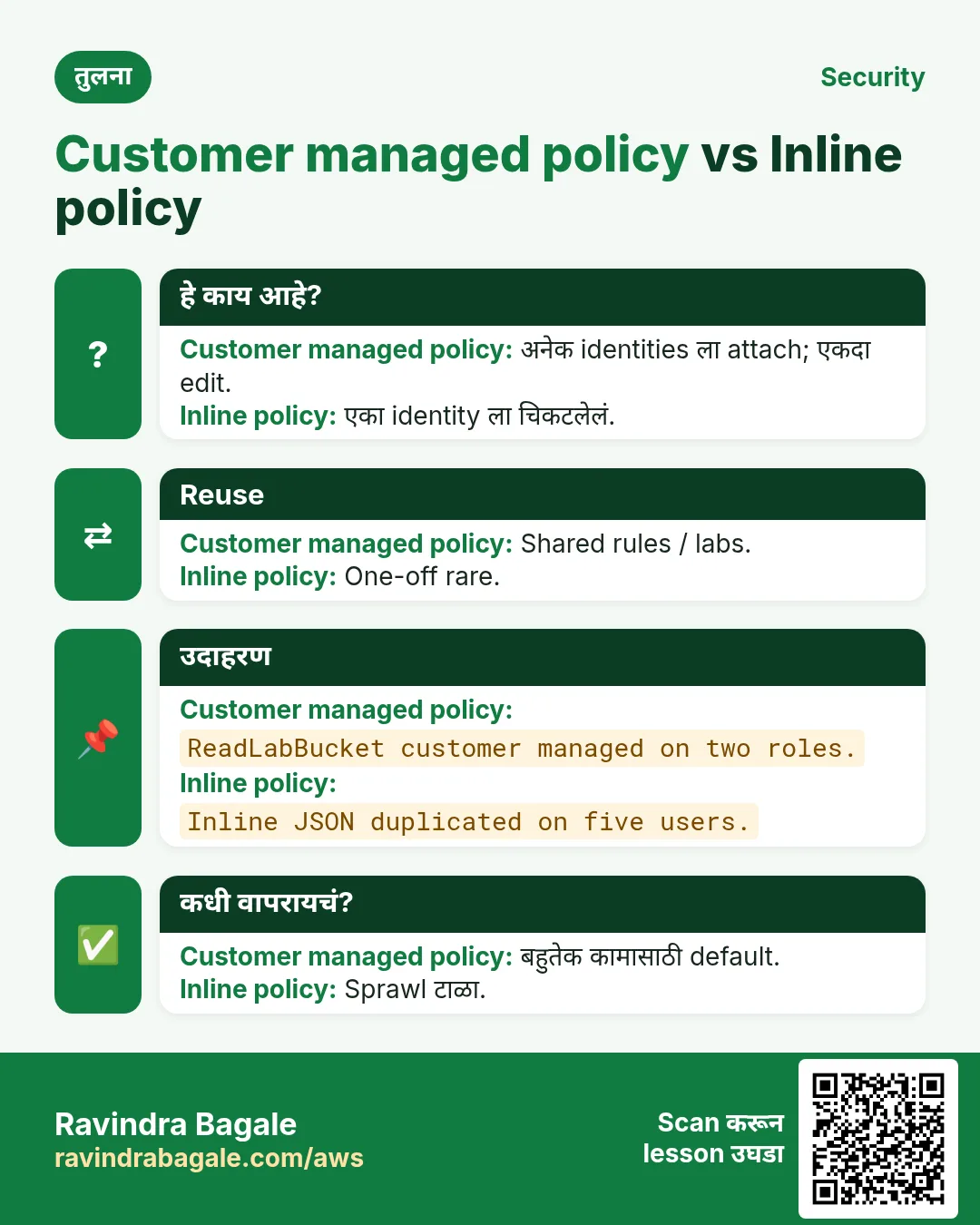
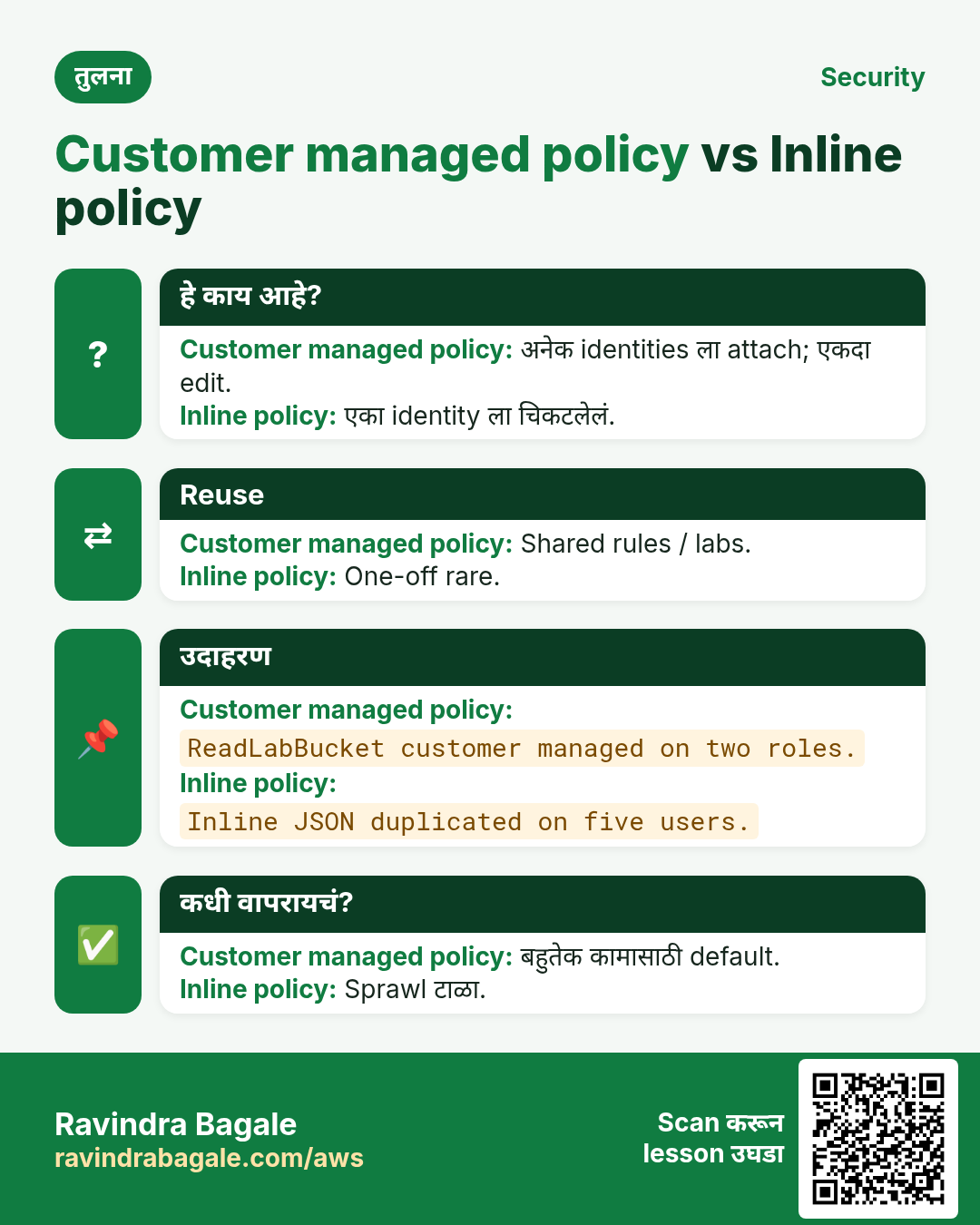
- Managed vs customer vs inline
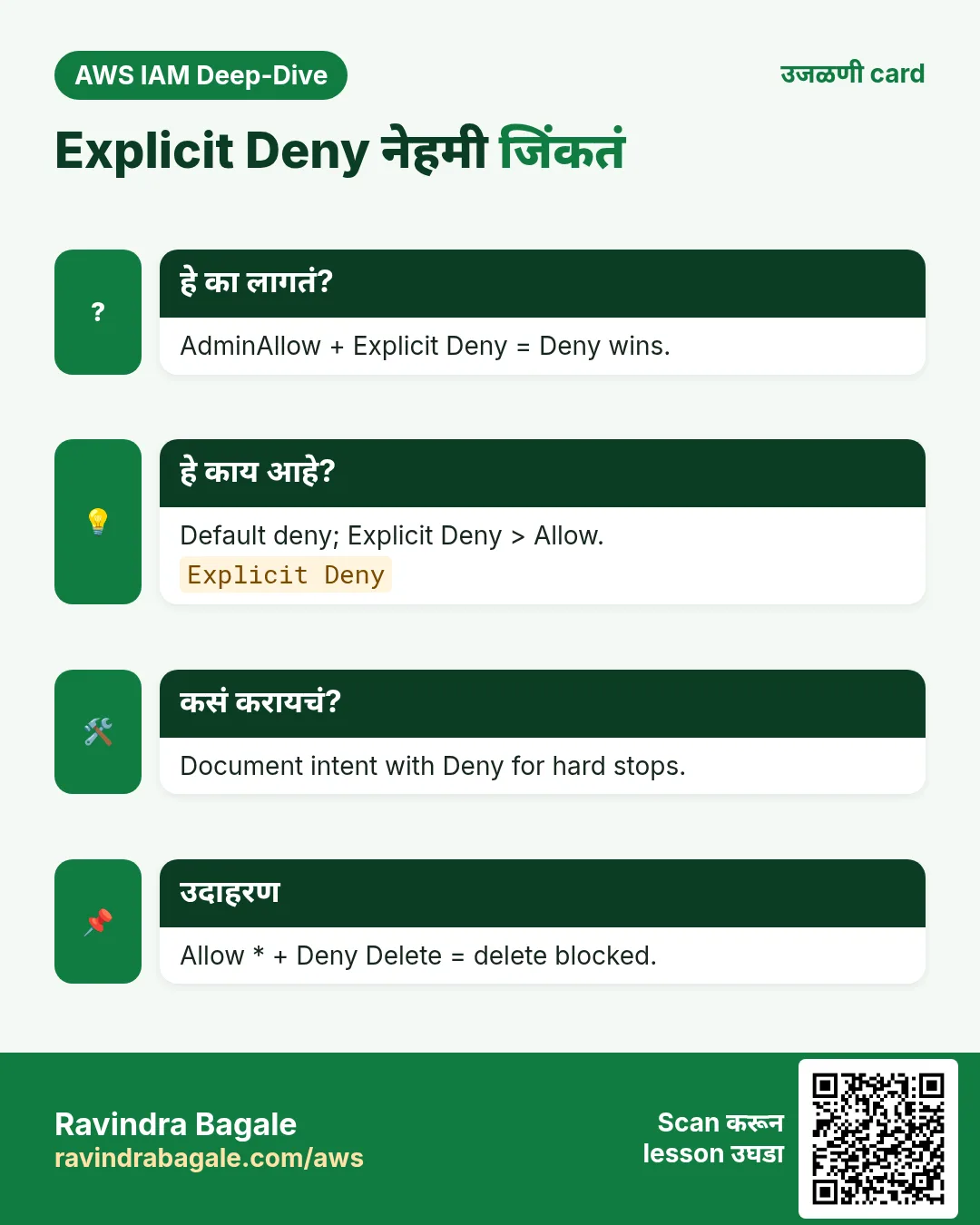
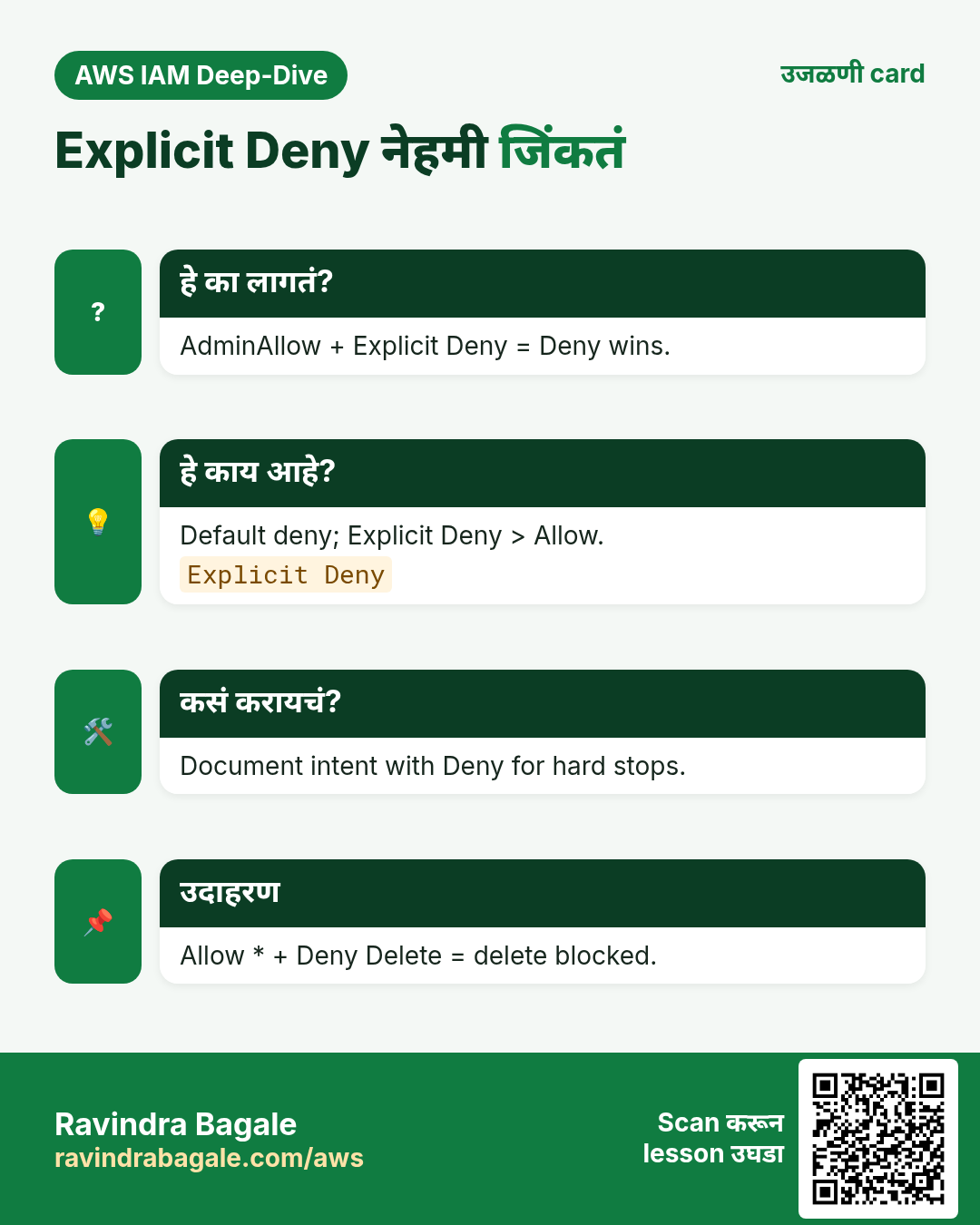
- Explicit Deny
1. आधी रोजचं उदाहरण
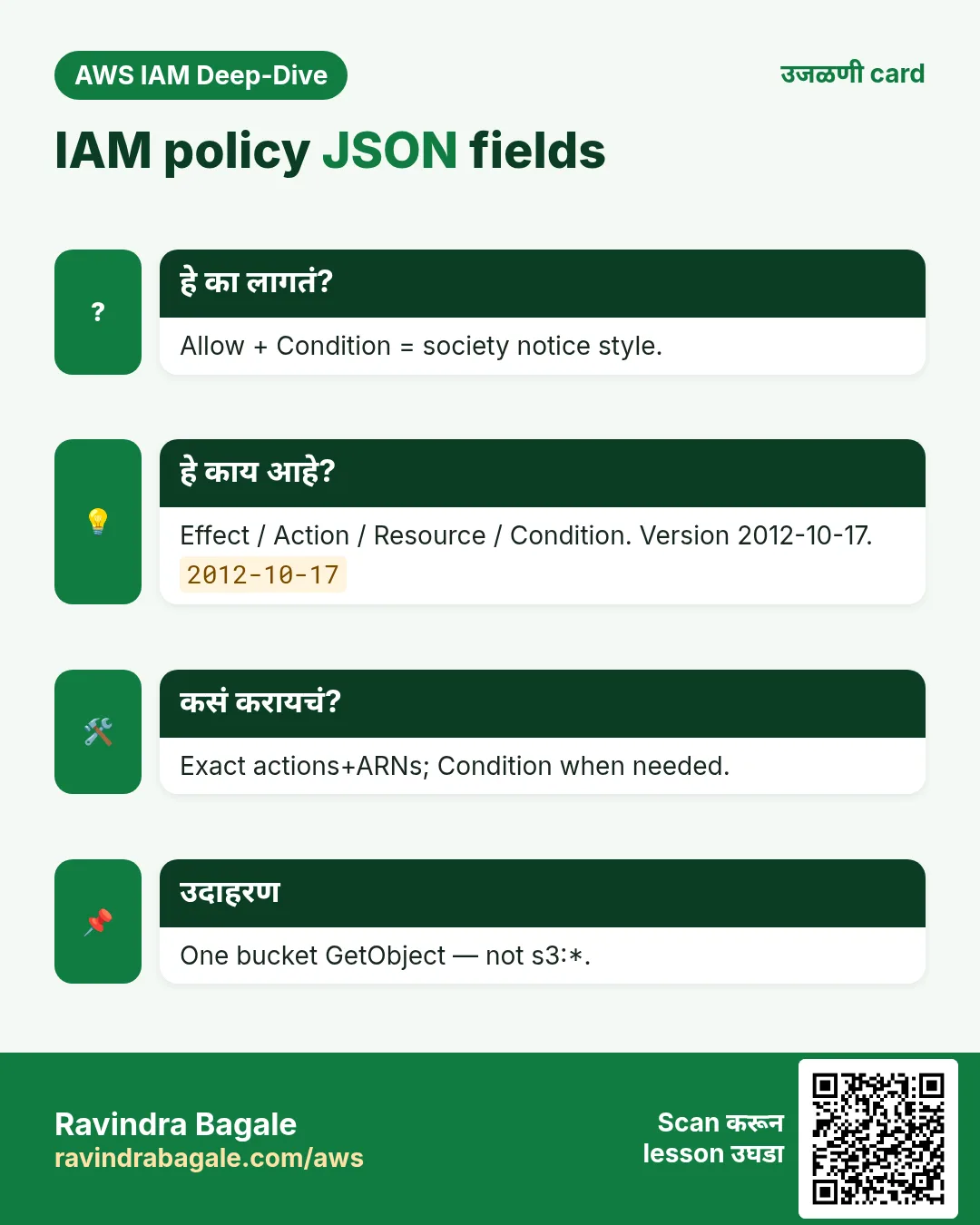
हे का लागतं?
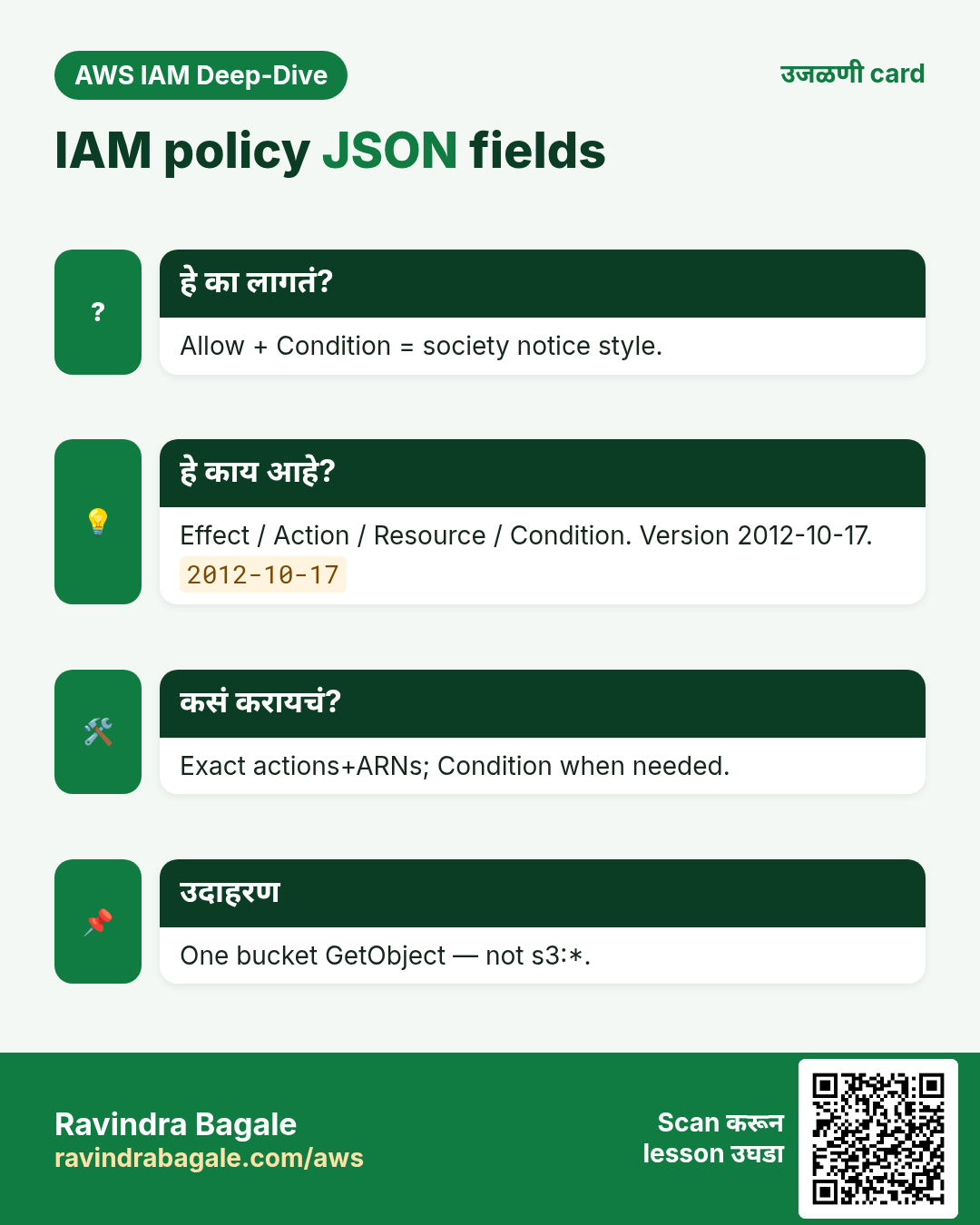
Society notice: clubhouse Allow 6–10, नंतर Deny. IAM policy तशीच.
हे काय आहे?
Identity-based = user/group/role. Resource-based = bucket/trust. JSON सारखंच.
{
  "Version": "2012-10-17",
  "Statement": [{
    "Sid": "ReadOneBucket",
    "Effect": "Allow",
    "Action": ["s3:GetObject", "s3:ListBucket"],
    "Resource": [
      "arn:aws:s3:::lab-bucket",
      "arn:aws:s3:::lab-bucket/*"
    ],
    "Condition": {
      "IpAddress": { "aws:SourceIp": "203.0.113.10/32" }
    }
  }]
}
2. प्रत्येक field
| Field | अर्थ |
|---|---|
| Version | "2012-10-17" वापरा |
| Statement | नियमांची यादी |
| Sid | Optional नाव |
| Effect | Allow किंवा Deny |
| Action | API नावे |
| Resource | ARNs |
| Condition | IP/MFA/tags/time |
3. Managed vs inline
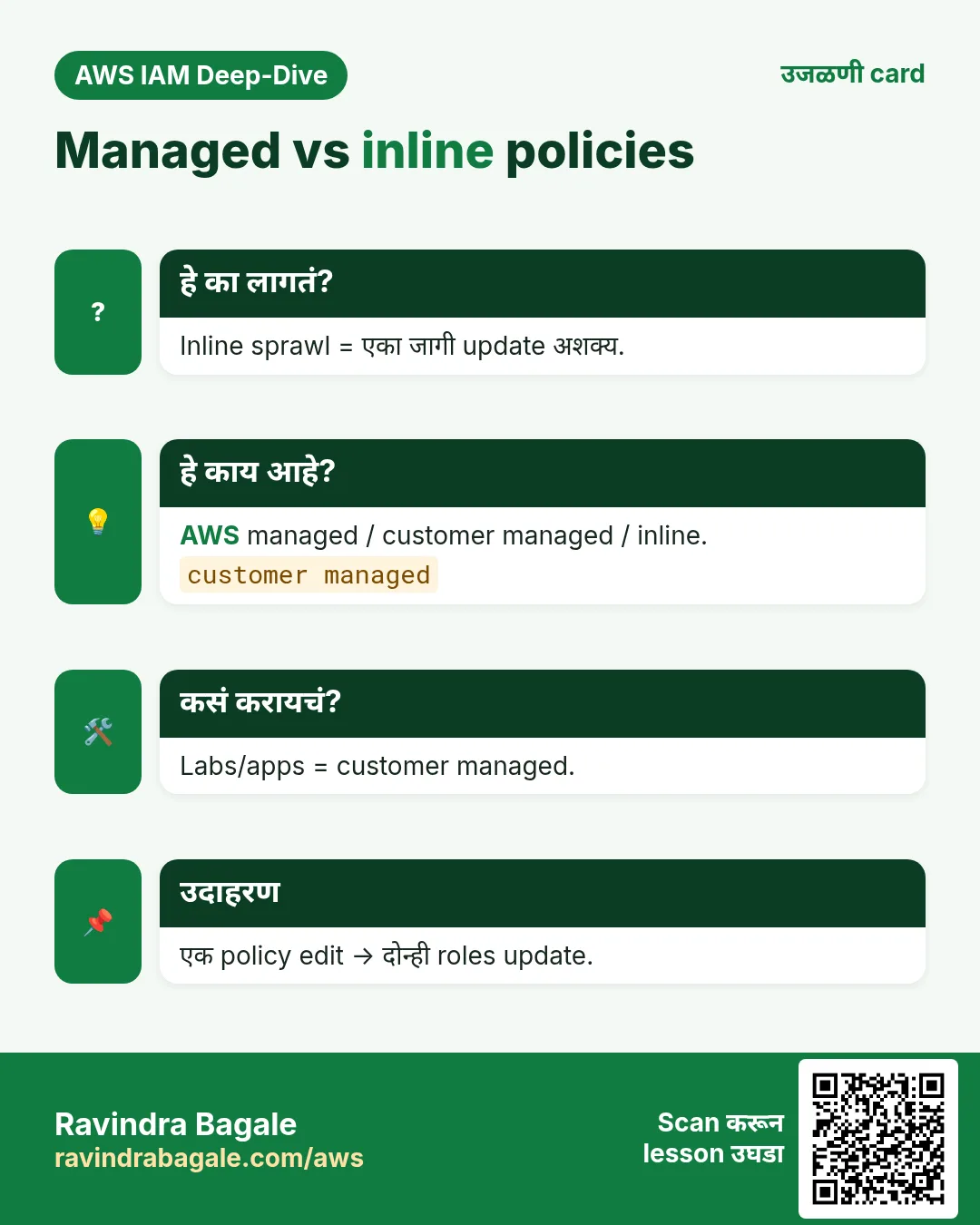
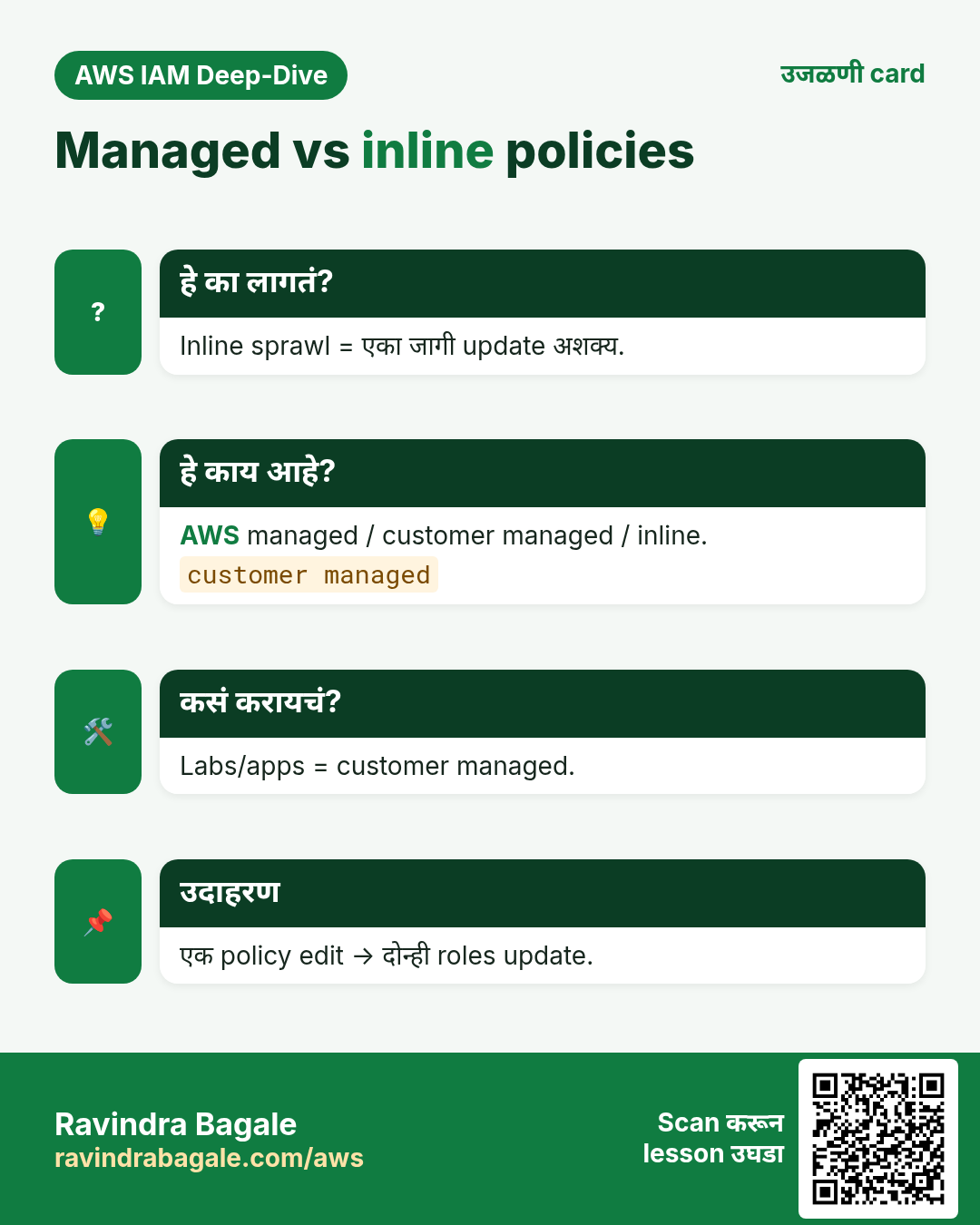
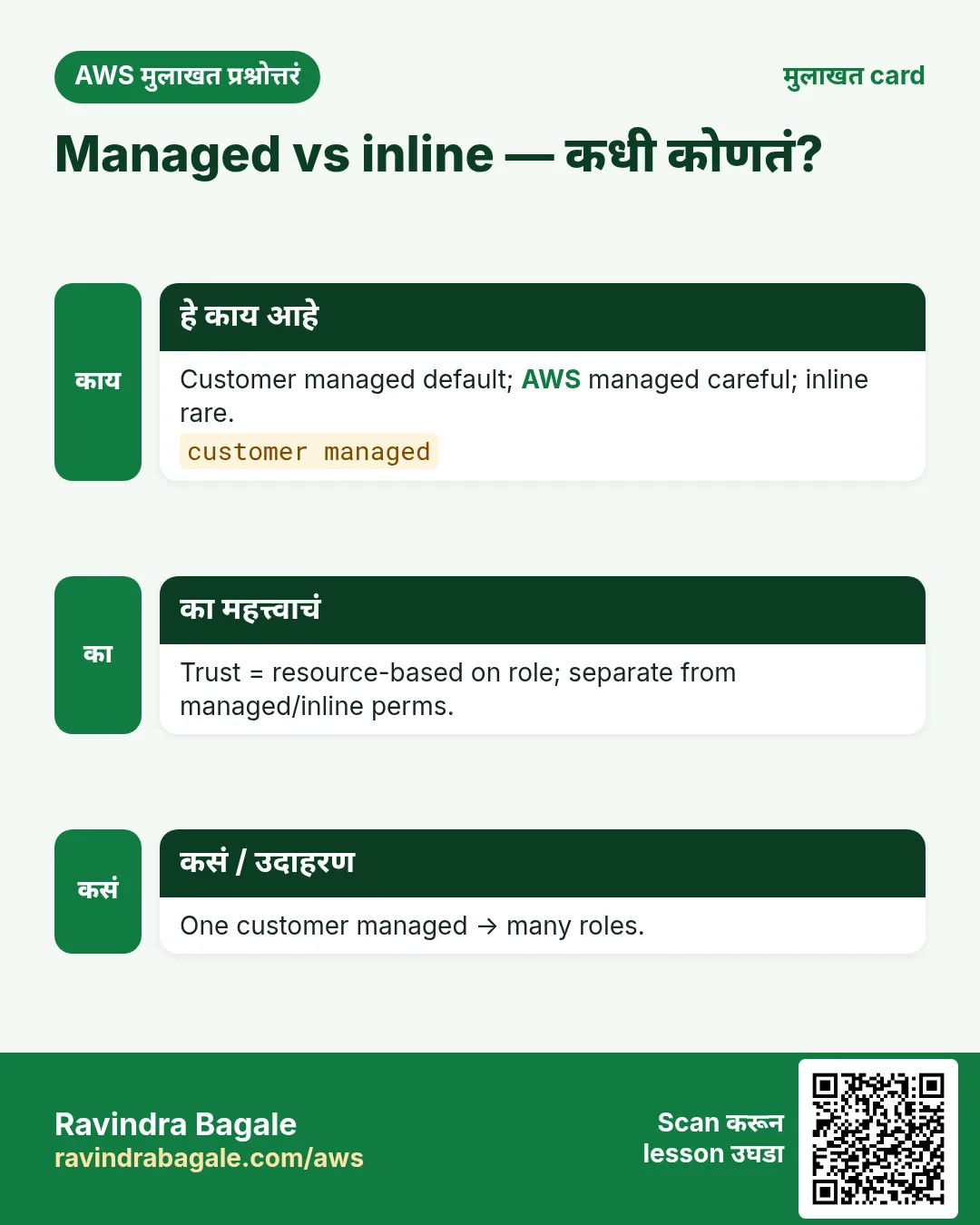
- AWS managed — सोयीस्कर, अनेकदा broad.
- Customer managed — least privilege साठी उत्तम.
- Inline — एकाच identity; क्वचित.
4. Evaluation
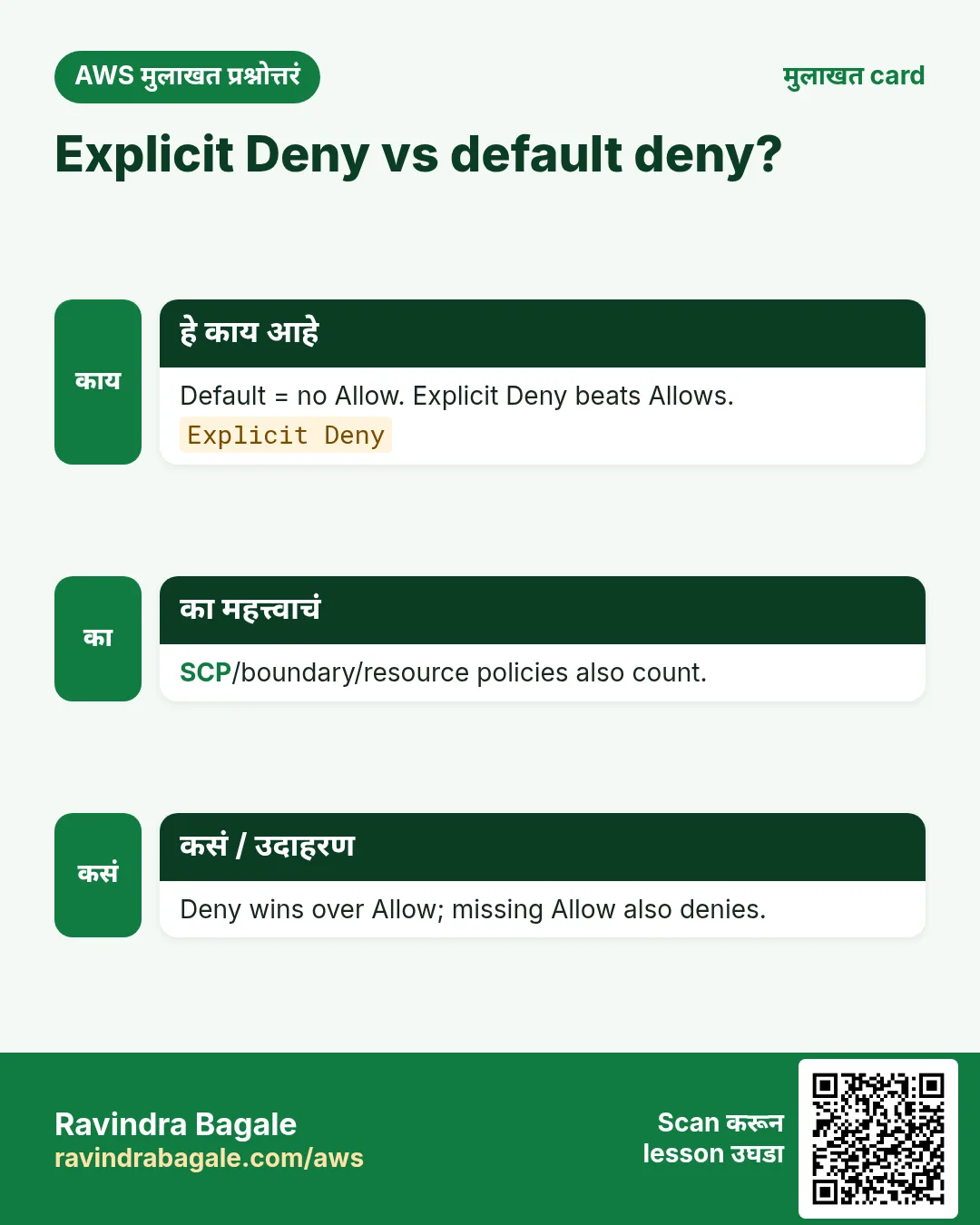
- Default deny.
- Allow = दार उघडं.
- Explicit Deny जिंकतो.
- SCP/boundary/session पण restrict.
Ravindra Bagale's Tip
ListBucket = bucket ARN; GetObject = …/* — क्लासिक चूक.
5. उपयुक्त Condition keys
- फक्त office/VPN IP.
- Sensitive ला MFA.
- Lab = ap-south-1.
- Tags ने ABAC.
6. Interview
प्र. Explicit vs default deny?
Default = Allow नाही; Explicit Allow लाही मात करते.
प्र. Version का?
आधुनिक features.
प्र. Managed vs inline?
Reusable vs एक.
प्र. Trust कोणत्या प्रकारची?
Role वरील resource-based.
प्र. Condition optional?
हो — least privilege साठी शक्तिशाली.
घरी करून बघा
- Sample policy मोठ्याने Allow/Action/Resource/Condition.
- पुढे: console मध्ये Condition policy lab.
थोडक्यात सांगायचं तर
- Effect/Action/Resource/Condition.
- Labs साठी customer managed.
- Explicit Deny जिंकतो.
- योग्य ARN आकार.
सराव Tasks
Bengaluru HealthTech हा बेंगळुरू मधला हेल्थ टेक व्यवसाय आहे. Arjun Rao त्यांचं IT व cloud काम पाहतात. त्यांचे पैसे INR मध्ये मोजले जातात आणि AWS resources ap-south-1 Region मध्ये चालतात. खालच्या tasks मध्ये तुम्ही या lesson मध्ये शिकलेलं वापरून त्यांची खरी कामं करता. सगळी नावं, account IDs, IP addresses व numbers सरावासाठी काल्पनिक आहेत.
0 / 12
सोपं एका bucket ला read-only access
का: Least privilege: कामाला लागणारे actions व bucket च द्या.
काय करायचं: User ला फक्त blrhealthtech-data bucket मधले objects वाचू (s3:GetObject) देणारी identity policy लिहा.
- { "Version": "2012-10-17", "Statement": [ ... ] } ने सुरू करा.
- प्रत्येक statement मध्ये Effect, Action व Resource लिहा.
- Task ला लागेल तेवढंच द्या (least privilege).
- Double quotes व commas नीट वापरा. Check answer दाबा.
मध्यम एका table ला Lambda access
का: Function ला फक्त स्वतःच्या table मध्ये वाचणं/लिहिणं लागतं.
काय करायचं: फक्त arn:aws:dynamodb:ap-south-1:125324833677:table/blrhealthtech-orders वर dynamodb:GetItem, dynamodb:PutItem, dynamodb:Query allow करा.
- { "Version": "2012-10-17", "Statement": [ ... ] } ने सुरू करा.
- प्रत्येक statement मध्ये Effect, Action व Resource लिहा.
- Task ला लागेल तेवढंच द्या (least privilege).
- Double quotes व commas नीट वापरा. Check answer दाबा.
मध्यम फक्त servers start/stop
का: Night operator servers start/stop करू शकतो पण terminate नाही.
काय करायचं: Account 125324833677, Region ap-south-1 मधल्या सगळ्या instances वर ec2:StartInstances व ec2:StopInstances, व * वर ec2:DescribeInstances allow करा.
- { "Version": "2012-10-17", "Statement": [ ... ] } ने सुरू करा.
- प्रत्येक statement मध्ये Effect, Action व Resource लिहा.
- Task ला लागेल तेवढंच द्या (least privilege).
- Double quotes व commas नीट वापरा. Check answer दाबा.
मध्यम एक bucket list व read
का: ListBucket bucket ARN वर; GetObject object ARNs वर चालतो.
काय करायचं: blrhealthtech-data bucket वर s3:ListBucket व सगळ्या objects वर s3:GetObject allow करा. बाकी काही नाही.
- { "Version": "2012-10-17", "Statement": [ ... ] } ने सुरू करा.
- प्रत्येक statement मध्ये Effect, Action व Resource लिहा.
- Task ला लागेल तेवढंच द्या (least privilege).
- Double quotes व commas नीट वापरा. Check answer दाबा.
मध्यम एका folder मध्ये फक्त upload
का: Field staff files टाकू शकतात पण वाचू/delete करू शकत नाहीत.
काय करायचं: blrhealthtech-data मध्ये फक्त uploads/ prefix खाली s3:PutObject allow करा.
- { "Version": "2012-10-17", "Statement": [ ... ] } ने सुरू करा.
- प्रत्येक statement मध्ये Effect, Action व Resource लिहा.
- Task ला लागेल तेवढंच द्या (least privilege).
- Double quotes व commas नीट वापरा. Check answer दाबा.
मध्यम Group ला managed policy लावा
का: AWS managed policies तयार असतात व AWS त्या update ठेवतो.
काय करायचं: AWS managed policy arn:aws:iam::aws:policy/ReadOnlyAccess ला Auditors group ला attach करा.
- Task वाचा आणि ते कोणत्या AWS service बद्दल आहे ते ठरवा.
- aws लिहा, मग service चं नाव, मग operation (action शब्द).
- प्रत्येक आवश्यक flag (--name) व त्यापुढे task मधली value लिहा.
- Flags कोणत्याही क्रमाने चालतात. Check answer दाबा.
मध्यम Customer managed policy बनवा
का: स्वतःची managed policy अनेक users, groups व roles वर वापरता येते.
काय करायचं: policy.json मधल्या document पासून blrhealthtech-s3-read नावाची policy बनवा.
- Task वाचा आणि ते कोणत्या AWS service बद्दल आहे ते ठरवा.
- aws लिहा, मग service चं नाव, मग operation (action शब्द).
- प्रत्येक आवश्यक flag (--name) व त्यापुढे task मधली value लिहा.
- Flags कोणत्याही क्रमाने चालतात. Check answer दाबा.
अवघड Office बाहेरून access deny
का: aws:SourceIp सह explicit Deny इतर ठिकाणांहून keys वापर रोखतो.
काय करायचं: एक Deny statement: source IP 203.0.113.0/24 मध्ये नसेल तेव्हा * resources वर * actions deny.
- { "Version": "2012-10-17", "Statement": [ ... ] } ने सुरू करा.
- प्रत्येक statement मध्ये Effect, Action व Resource लिहा.
- Task ला लागेल तेवढंच द्या (least privilege).
- Double quotes व commas नीट वापरा. Check answer दाबा.
अवघड फक्त tagged servers वर allow
का: Tag conditions मुळे team फक्त स्वतःचे servers हाताळते.
काय करायचं: Instance tag Team = blrhealthtech असेल तेव्हाच * वर ec2:StopInstances allow करा.
- { "Version": "2012-10-17", "Statement": [ ... ] } ने सुरू करा.
- प्रत्येक statement मध्ये Effect, Action व Resource लिहा.
- Task ला लागेल तेवढंच द्या (least privilege).
- Double quotes व commas नीट वापरा. Check answer दाबा.
अवघड वापरण्याआधी policy test करा
का: Policy simulator action न करता ते allow होईल का ते सांगतो.
काय करायचं: User arn:aws:iam::125324833677:user/arjun s3:GetObject call करू शकतो का ते तपासा.
- Task वाचा आणि ते कोणत्या AWS service बद्दल आहे ते ठरवा.
- aws लिहा, मग service चं नाव, मग operation (action शब्द).
- प्रत्येक आवश्यक flag (--name) व त्यापुढे task मधली value लिहा.
- Flags कोणत्याही क्रमाने चालतात. Check answer दाबा.
अवघड Delete साठी MFA आवश्यक
का: धोकादायक actions ला MFA हवा.
काय करायचं: MFA नसताना (aws:MultiFactorAuthPresent false) arn:aws:s3:::blrhealthtech-data/* वर s3:DeleteObject deny करा.
- { "Version": "2012-10-17", "Statement": [ ... ] } ने सुरू करा.
- प्रत्येक statement मध्ये Effect, Action व Resource लिहा.
- Task ला लागेल तेवढंच द्या (least privilege).
- Double quotes व commas नीट वापरा. Check answer दाबा.
अवघड इतर Regions block करा (SCP)
का: Data rules aws:RequestedRegion ने लागू करतात.
काय करायचं: aws:RequestedRegion ap-south-1 नसेल तेव्हा * वर ec2:* deny करा.
- { "Version": "2012-10-17", "Statement": [ ... ] } ने सुरू करा.
- प्रत्येक statement मध्ये Effect, Action व Resource लिहा.
- Task ला लागेल तेवढंच द्या (least privilege).
- Double quotes व commas नीट वापरा. Check answer दाबा.
उजळणी, तुलना आणि मुलाखत cards
हा lesson काही मिनिटांत revise करा. Cards phone वर save करा किंवा PNG download करा. प्रत्येक card वरचा QR हा lesson उघडतो.
अजून cards: Ravi Sir's Cards.