CloudFront Origins सोप्या भाषेत: S3, ALB, EC2 आणि Custom Origins
Amazon CloudFront म्हणजे काय मध्ये पाहिलं की cache miss वर CloudFront origin कडून आणतो. आता प्रत्येक origin type बघू: S3 bucket, S3 website endpoint, Application Load Balancer, EC2 आणि कोणताही custom HTTP server. Failover साठी origin groups, protocol policy, timeouts आणि custom headers पण, मग दोन origins असलेलं एक distribution बनवू.
या chapter मध्ये तुम्ही काय शिकाल
- Origin म्हणजे काय आणि एका distribution ला अनेक का
- Origin म्हणून S3 bucket vs S3 website endpoint
- ALB, EC2 आणि custom origins, आणि ते lock कसे करायचे
- Origin groups, protocol policy, timeouts, custom headers
- Lab: /static/* S3 मधून आणि app ALB मधून
1. गोष्ट: एक दुकान, दोन kitchens
एका restaurant ला एकच counter. Cold drinks मागच्या fridge मधून. Hot food kitchen मधून. Customers ना फक्त counter दिसतो. CloudFront हा counter. S3 म्हणजे कधी न बदलणाऱ्या files चा fridge. App server म्हणजे प्रत्येक order शिजवणारं kitchen.
2. Origin म्हणजे काय?
हे का लागतं?
CloudFront स्वतः काही ठेवत नाही. Miss वर खरी file किंवा उत्तर कुठे आहे ते त्याला माहीत असायला हवं.
हे काय आहे?
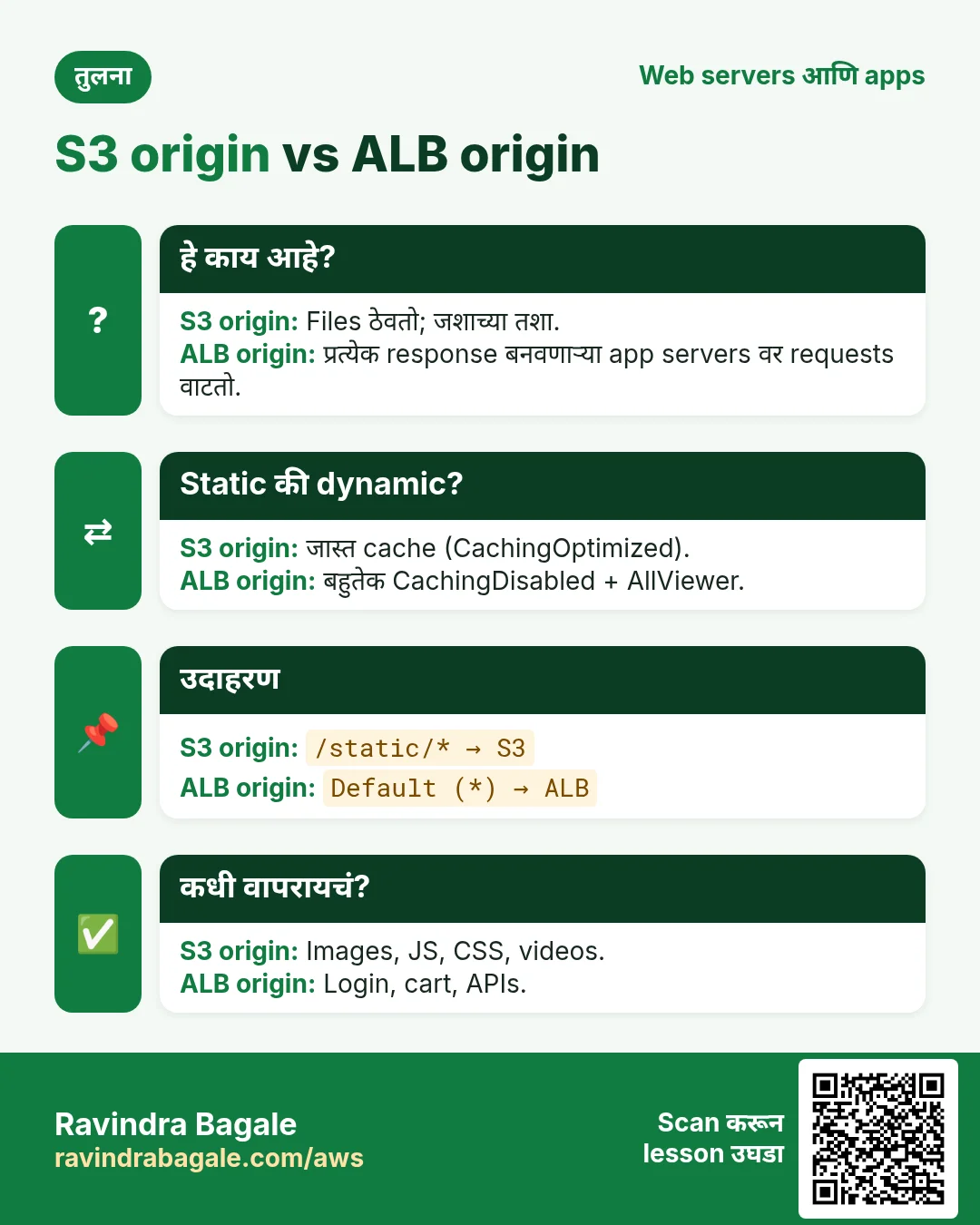
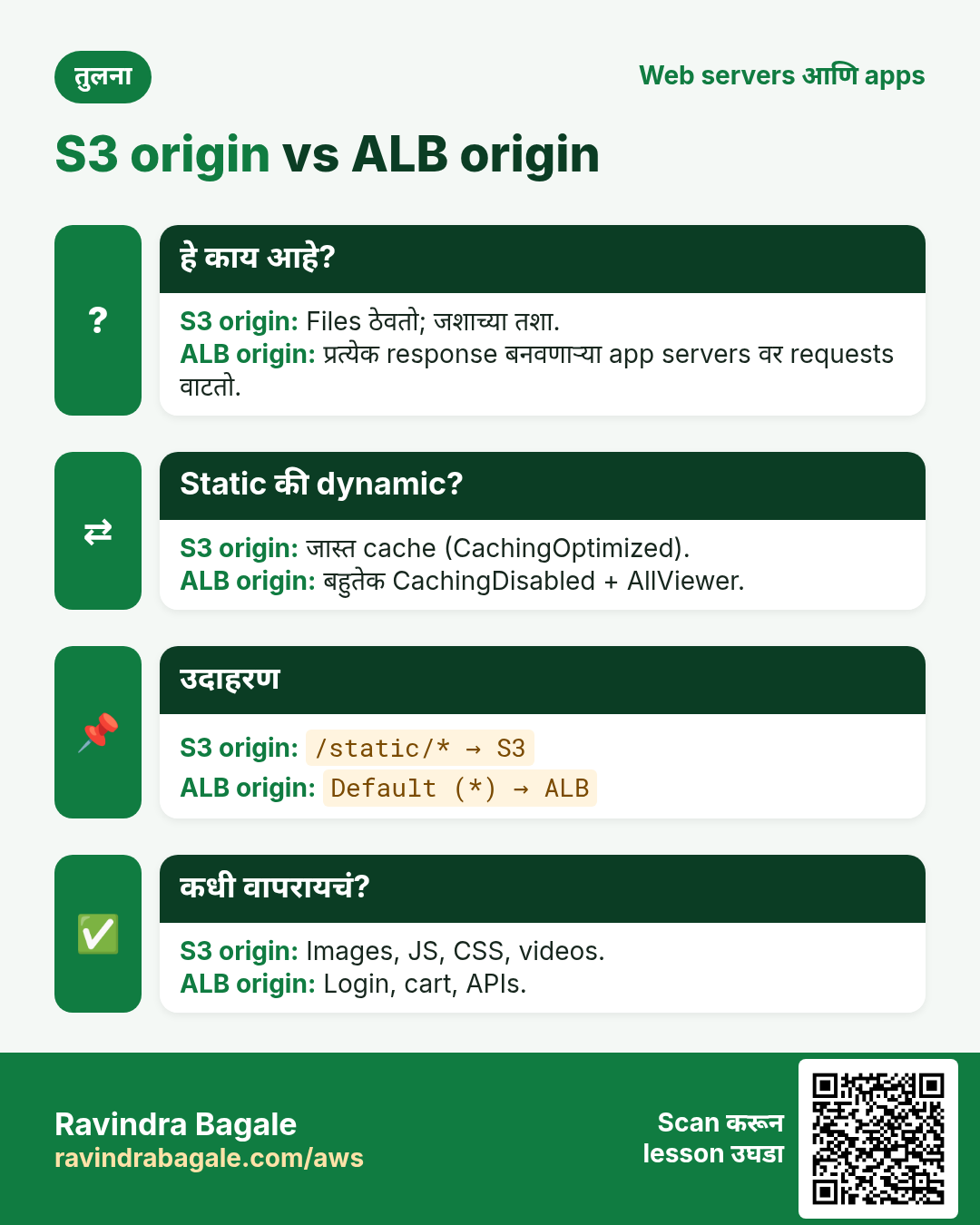
Origin म्हणजे CloudFront ज्या address वरून आणतो तो. एका distribution ला अनेक origins असू शकतात आणि cache behaviors (path patterns) प्रत्येक request साठी एक निवडतात.
| Origin type | Domain उदाहरण | कशासाठी |
|---|---|---|
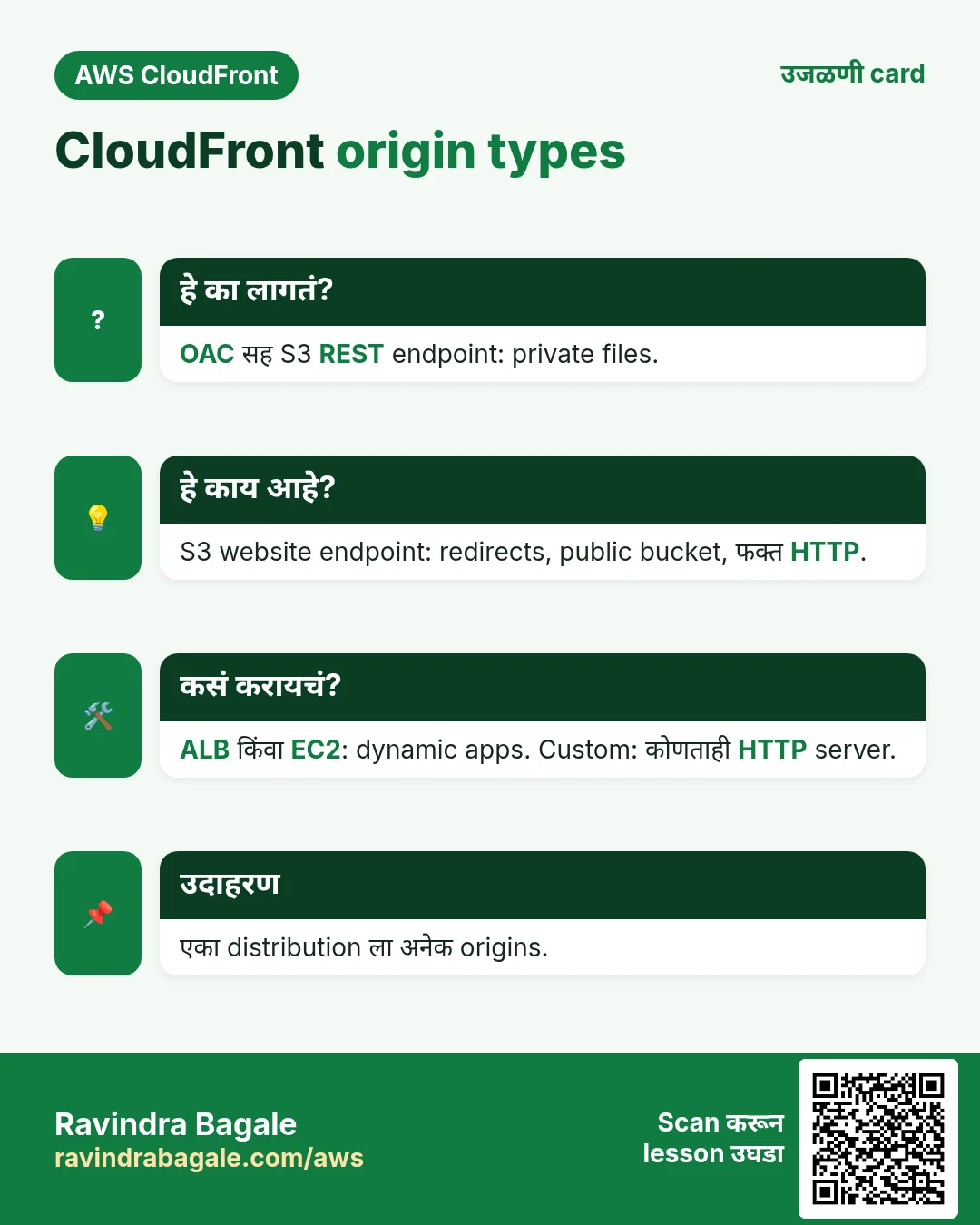
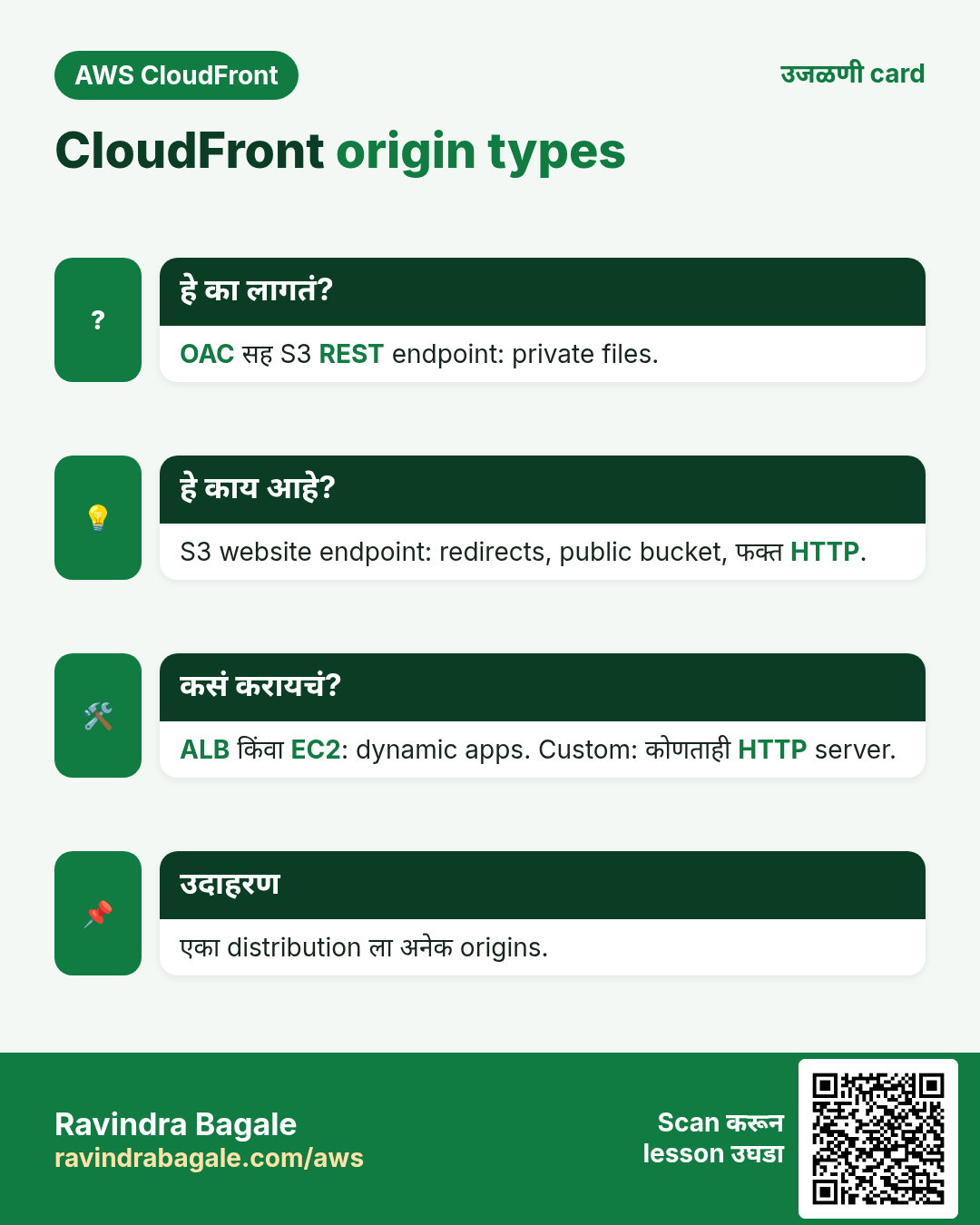
| S3 bucket (REST) | mybucket.s3.ap-south-1.amazonaws.com | OAC सह private files: images, JS, videos |
| S3 website endpoint | mybucket.s3-website.ap-south-1.amazonaws.com | Redirect rules आणि folder index pages; bucket public हवा; origin ला फक्त HTTP |
| Application Load Balancer | app-alb-123.ap-south-1.elb.amazonaws.com | अनेक EC2/containers वरचे dynamic apps |
| EC2 | ec2-13-2-1-9.ap-south-1.compute.amazonaws.com | एक छोटा server |
| Custom HTTP | api.example.com | AWS बाहेरचे servers, दुसरे clouds, on-premises |
| इतर | API Gateway, Lambda function URL, MediaPackage, Elemental MediaStore | Serverless APIs, live video |
Distribution types
आज एकच प्रकार: HTTP आणि HTTPS देणारं web distribution (HLS/DASH video streaming सह). जुना RTMP distribution type 31 December 2020 ला बंद झाला.
3. S3 bucket vs S3 website endpoint
हे का लागतं?
दोन्ही S3 मधून files देतात, पण वागणं खूप वेगळं आणि चुकीची निवड security किंवा URLs बिघडवते.
हे काय आहे?
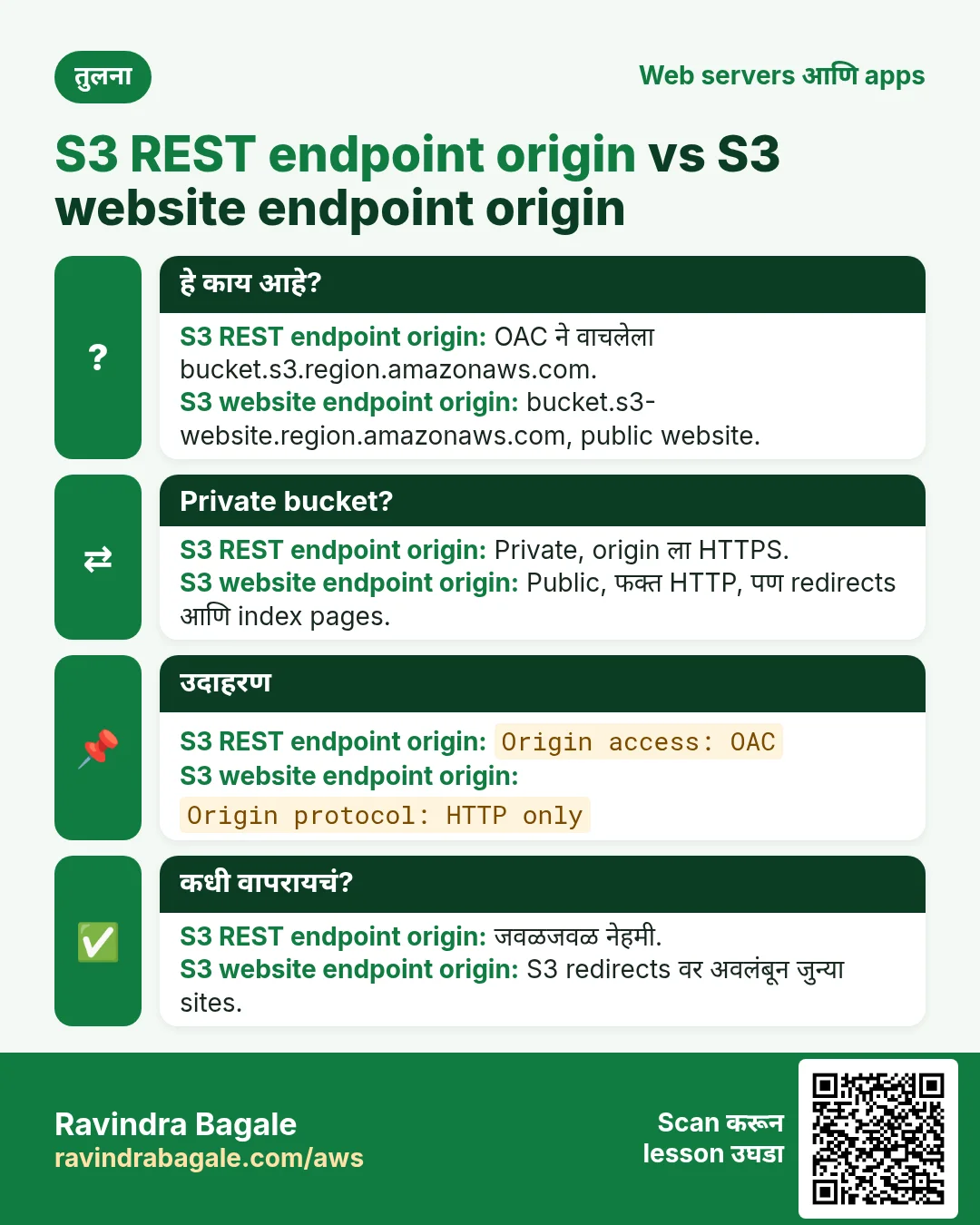
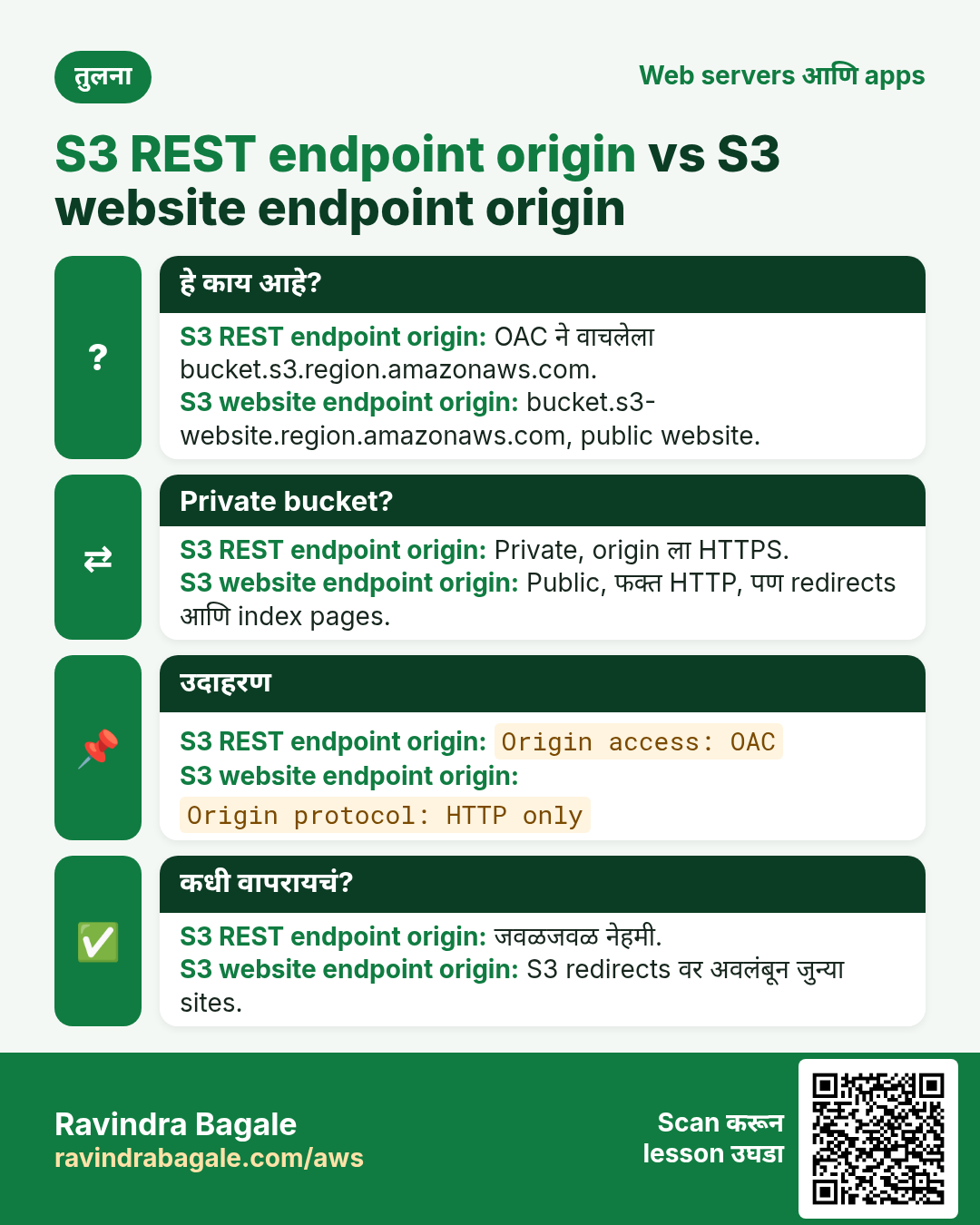
| मुद्दा | S3 bucket (REST) origin | S3 website endpoint origin |
|---|---|---|
| Bucket public? | नाही, OAC सह private | हो, public read लागतो |
| CloudFront ते origin | HTTPS | फक्त HTTP |
| /blog/ → /blog/index.html | नाही (CloudFront Function लागतो) | हो |
| S3 redirect rules | नाही | हो |
| कधी | जवळजवळ नेहमी | S3 redirects वर अवलंबून जुन्या sites |
4. ALB, EC2 आणि custom origins
हे का लागतं?
लोक ALB ला थेट पोचू शकले तर CloudFront, त्याचा cache आणि WAF rules टाळतात.
हे काय आहे?
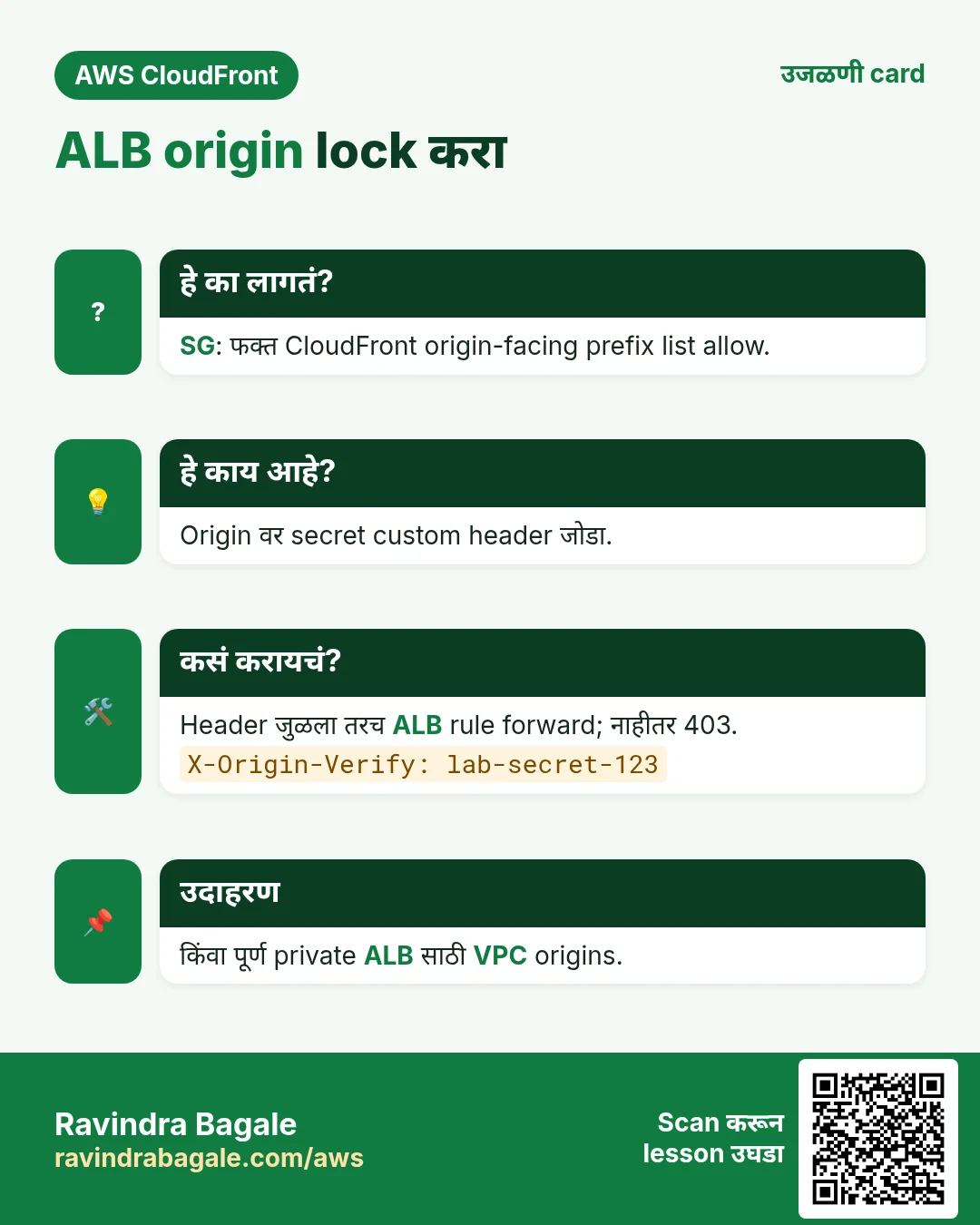
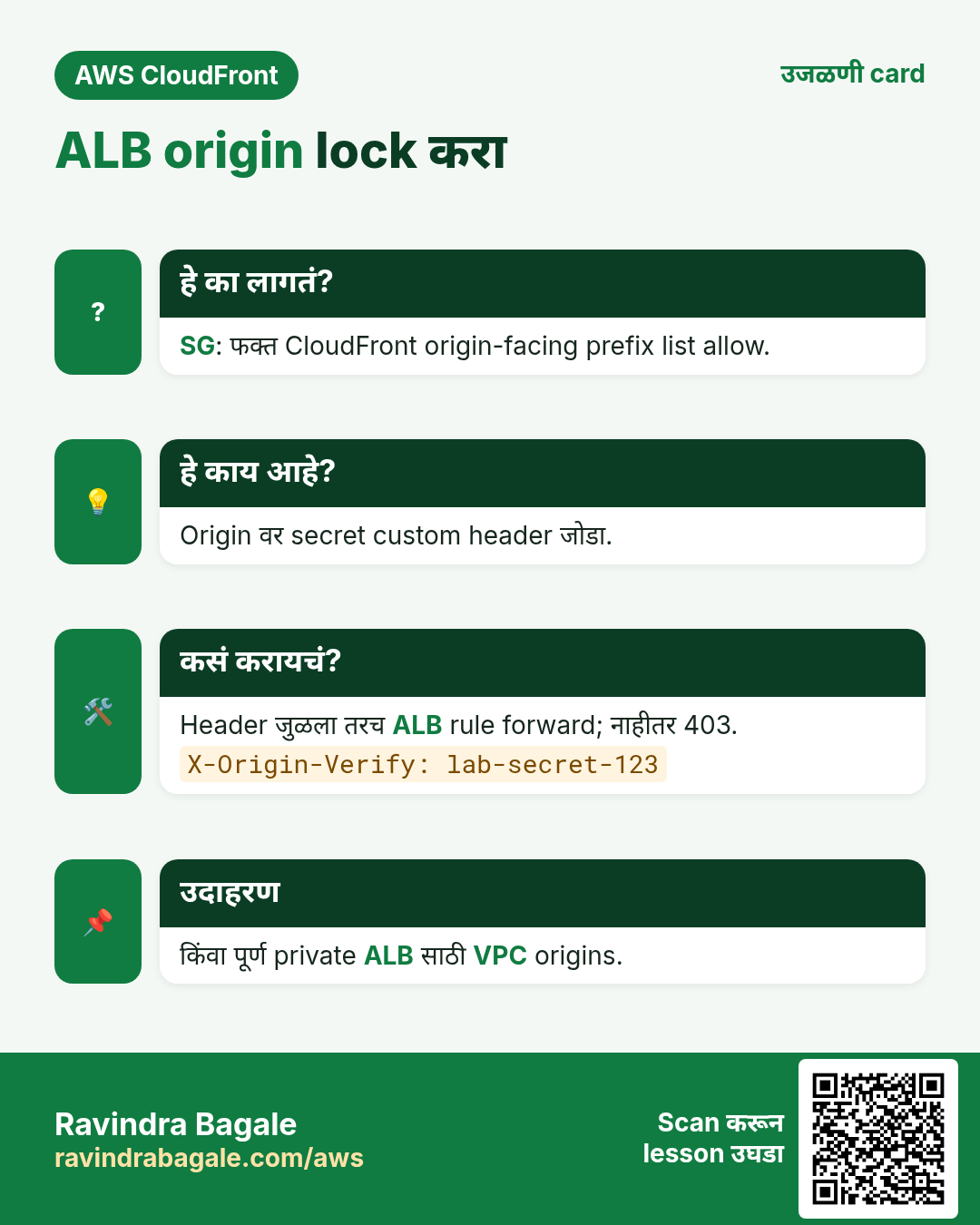
- Security group: ALB वर 443/80 फक्त AWS managed prefix list
com.amazonaws.global.cloudfront.origin-facingकडून allow. का: फक्त CloudFront IPs आत. - Custom header:
X-Origin-Verify: 7f3k...secretसारखा origin custom header जोडा. ALB listener वर तो header जुळला तरच forward; नाहीतर 403. का: prefix list प्रत्येक CloudFront distribution ला allow करते, दुसऱ्याच्याही. - VPC origins: CloudFront private subnets मधल्या public IP नसलेल्या private ALB किंवा EC2 पर्यंत पोचू शकतो (VPC origin feature, 2024 अखेरपासून). उपलब्ध असेल तर सर्वात मजबूत पर्याय.
- EC2 थेट: त्याचा public DNS name वापरा, IP address नाही (CloudFront origins domain names च असावे लागतात).
5. महत्वाचे origin settings
| Setting | Values | का |
|---|---|---|
| Protocol (custom origins) | HTTP only, HTTPS only, Match viewer | HTTPS only edge-to-origin भाग encrypted ठेवतो |
| Origin path | /prod | प्रत्येक request path पुढे folder जोडतो |
| Connection attempts | 1 ते 3, default 3 | Fail किंवा failover आधी किती प्रयत्न |
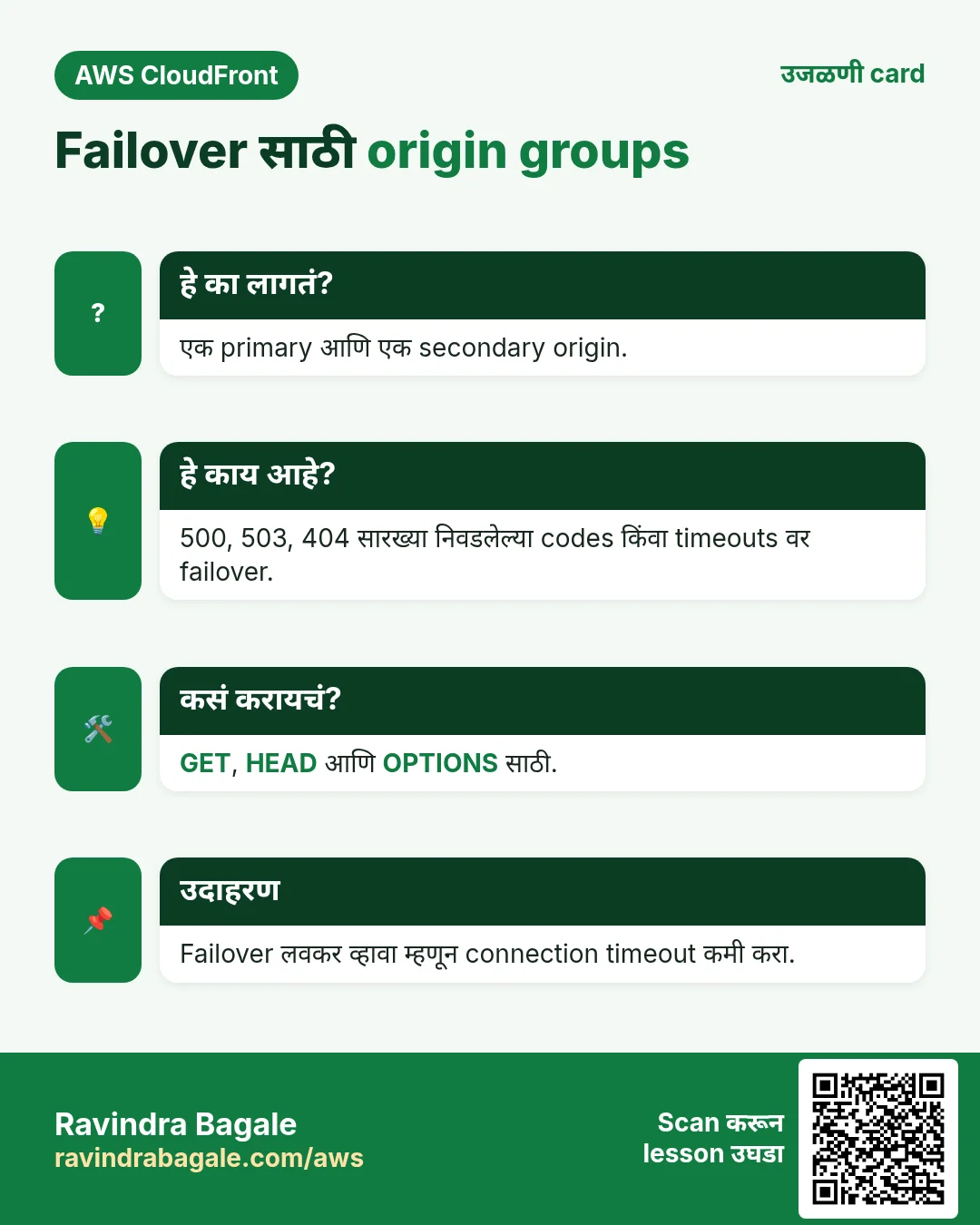
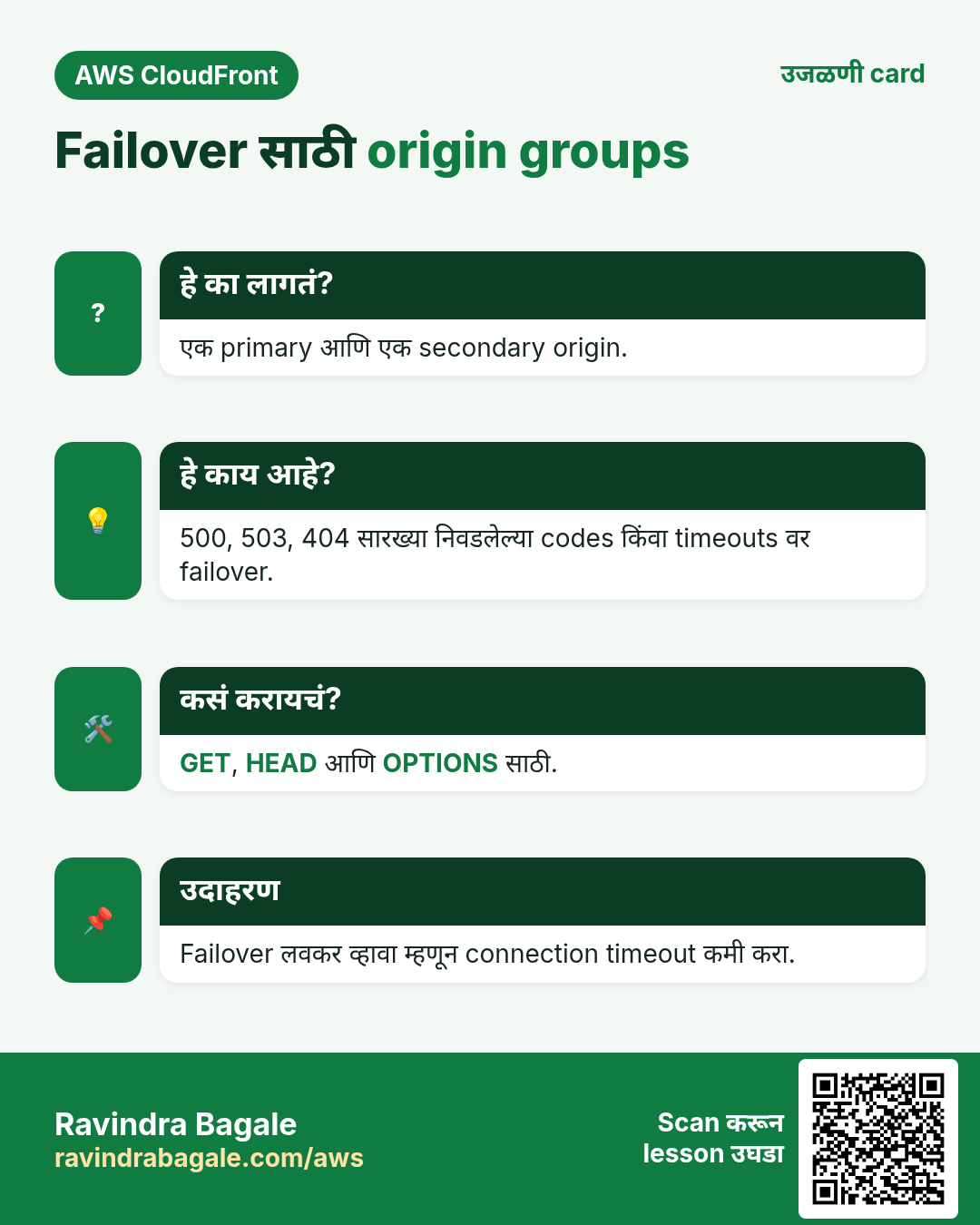
| Connection timeout | 1 ते 10 s, default 10 | Origin group असेल तर कमी करा, म्हणजे failover लवकर |
| Response timeout | Default 30 s (1 ते 60; quota request ने जास्त) | Slow reports किंवा uploads ला जास्त लागू शकतो |
| Keep-alive timeout | Default 5 s | Origin connections परत वापरतो |
| Custom headers | X-Origin-Verify: secret | Request तुमच्या distribution मधून आली हे सिद्ध करा |
| Origin Shield | Off / origin जवळचा Region | एक जास्त cache layer; origin hits कमी; थोडा extra खर्च |
6. Failover साठी origin groups
हे का लागतं?
मुख्य bucket किंवा Region ला त्रास झाला तरी viewers ना files मिळायला हव्यात.
हे काय आहे?
Origin group मध्ये primary आणि secondary origin. Primary ने तुम्ही निवडलेला status code (उदा. 500, 502, 503, 504, 403, 404) दिला किंवा timeout झाला तर CloudFront तीच request secondary वर पाठवतो. GET, HEAD आणि OPTIONS requests साठी चालतं.
7. प्रत्येक stack CloudFront मागे कसा
| Stack | Origin | Tip |
|---|---|---|
| Node.js / Express | ALB → EC2:3000 | खरा IP X-Forwarded-For मधून वाचायला app.set("trust proxy", true) |
| Python Django/Flask | ALB → gunicorn | Geo logic साठी CloudFront-Viewer-Country header (origin request policy ने) |
| Java Spring Boot | ALB → :8080 | server.forward-headers-strategy=framework |
| PHP / WordPress | ALB or EC2 → Apache/nginx | /wp-content/* cache, /wp-admin/* नको |
| .NET | ALB → Kestrel | UseForwardedHeaders() middleware |
| nginx / Apache | EC2 | CloudFront ranges सह realip / remoteip module |
8. Lab: /static/* साठी S3, app साठी ALB
कसं करायचं (step by step)
ap-south-1 मध्ये EC2 web server पुढे चालणारा ALB लागतो (उदा. आधीच्या ALB chapter मधला).
- ALB तपासा:
curl -s http://APP-ALB-DNS/. अपेक्षित: तुमचं app HTML. - Bucket
yourname-cf-static(private) बनवा. Upload:echo "body{color:teal}" > site.css; aws s3 cp site.css s3://yourname-cf-static/static/site.css. static/ prefix का: CloudFront पाठवतो तो path key शी जुळायला हवा. - CloudFront › Create distribution › Origin domain = ALB DNS name. Protocol = HTTP only (lab; खऱ्या setup मध्ये ALB certificate सह HTTPS only).
- Custom header जोडा: Name
X-Origin-Verify, Valuelab-secret-123. - Default behavior: Viewer protocol = Redirect HTTP to HTTPS, Allowed methods = GET, HEAD, OPTIONS, PUT, POST, PATCH, DELETE, Cache policy = CachingDisabled, Origin request policy = AllViewer. का: app dynamic, cookies आणि headers लागतात.
- Lab साठी WAF off. Create distribution.
- Origins tab › Create origin ›
yourname-cf-static.s3.ap-south-1.amazonaws.com, Origin access control = नवीन OAC › Create. दाखवलेली bucket policy copy करून लावा. - Behaviors tab › Create behavior › Path pattern
/static/*, Origin = S3 origin, Redirect HTTP to HTTPS, Cache policy CachingOptimized. Save. - EC2 › Load Balancers › ALB › Listeners › HTTP:80 › Manage rules: rule HTTP header X-Origin-Verify is lab-secret-123 → target group ला forward. Default action Return fixed response 403 करा.
- ALB security group: port 80 वरचा 0.0.0.0/0 काढून prefix list
com.amazonaws.global.cloudfront.origin-facingटाका. - App test:
curl -sI https://dXXXX.cloudfront.net/ | grep -i x-cache. अपेक्षित: 200 आणि प्रत्येक वेळीMiss from cloudfront(cache नाही). - Static दोनदा test:
curl -sI https://dXXXX.cloudfront.net/static/site.css | grep -i x-cache. अपेक्षित: Miss, मग Hit. - Bypass test:
curl -s -m 5 http://APP-ALB-DNS/. अपेक्षित: timeout (security group). का: फक्त CloudFront ALB पर्यंत, आणि secret header सहच.
Cleanup
- Distribution disable, मग delete. OAC delete.
- ALB rule आणि security group परत करा, किंवा ALB lab delete.
aws s3 rb s3://yourname-cf-static --force.
9. Interview questions
प्र. Origin म्हणून S3 REST endpoint की website endpoint?
OAC सह REST endpoint, म्हणजे bucket private आणि traffic HTTPS. S3 redirects किंवा index pages हवे असतील तेव्हाच website endpoint, आणि मग bucket public.
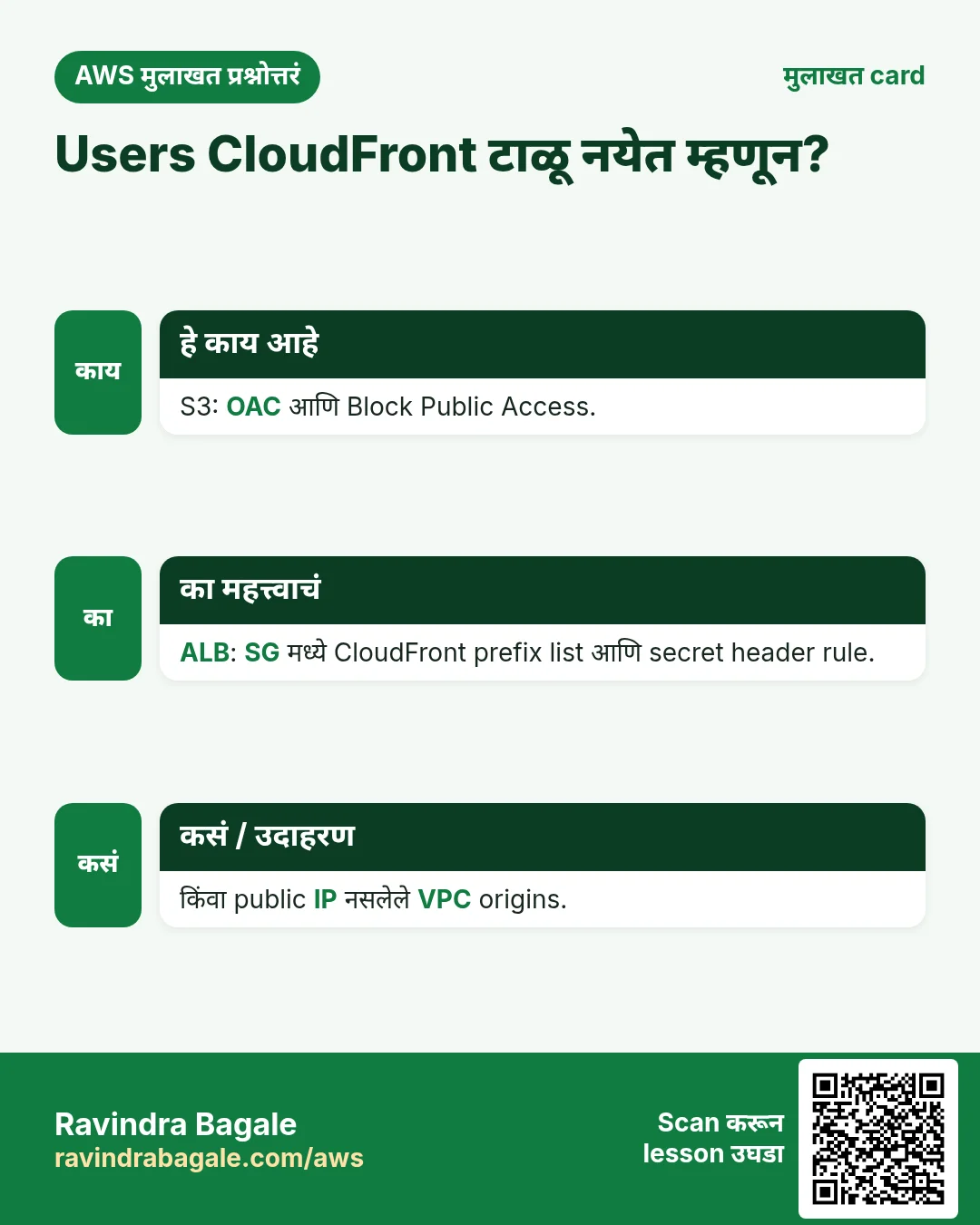
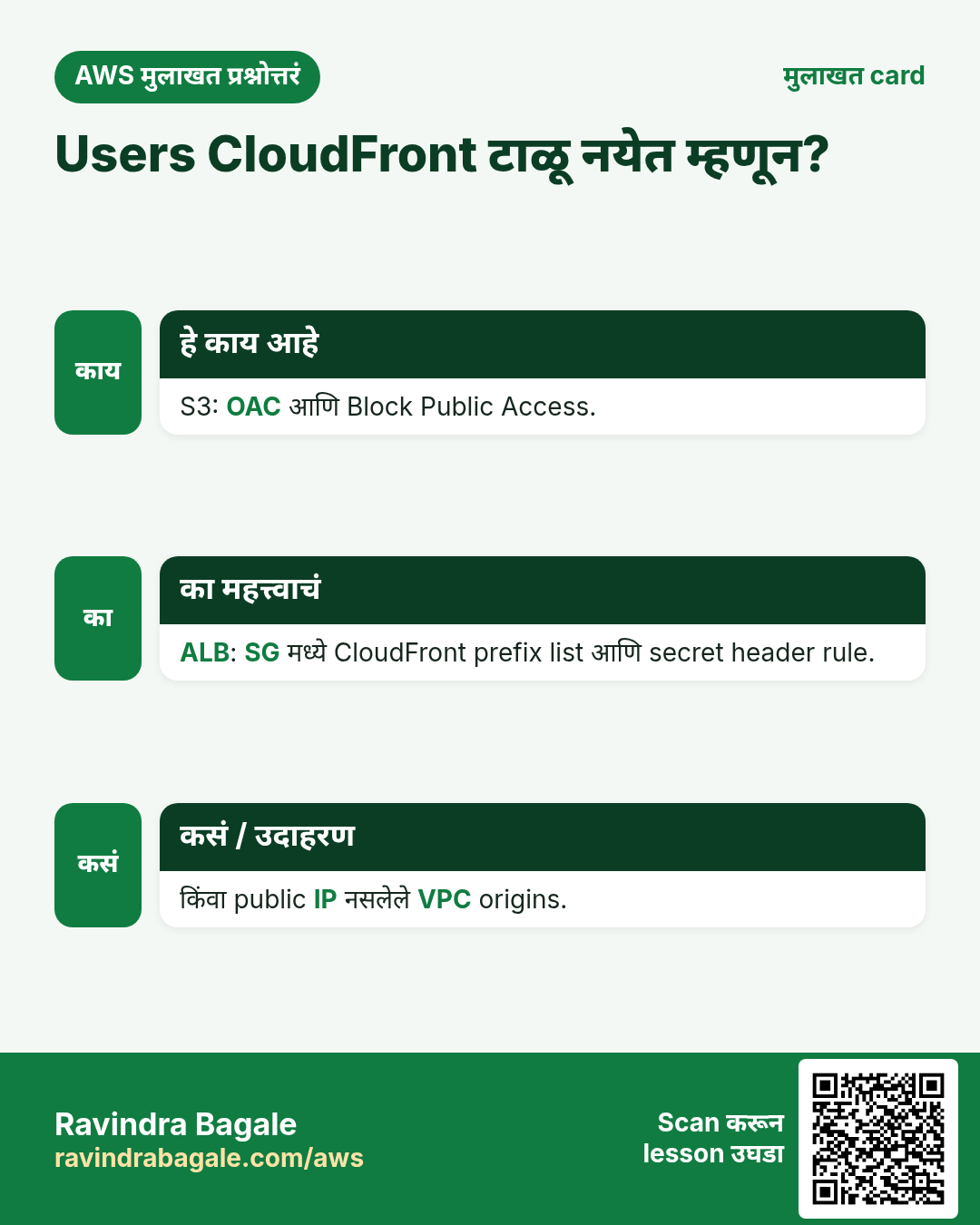
प्र. Users CloudFront टाळून ALB ला पोचू नयेत म्हणून?
Security group मध्ये फक्त CloudFront origin-facing prefix list आणि ALB listener rule मध्ये secret custom header तपासा. किंवा VPC origins.
प्र. Origin group म्हणजे काय?
Primary आणि secondary origin; निवडलेल्या status codes किंवा timeouts वर GET, HEAD आणि OPTIONS साठी failover.
प्र. अजून RTMP distribution बनवता येतं का?
नाही, RTMP distributions 2020 अखेरीस बंद. HTTP वर HLS किंवा DASH वापरा.
प्र. Origin group सोबत connection timeout कमी का?
Failover attempts आणि timeouts ची वाट बघतो; defaults (3 × 10 s) सोबत viewers 30 s थांबू शकतात.
घरी करून बघा
- वेगळ्या Regions मधल्या दोन buckets चा origin group बनवा आणि primary मधली file rename करून failover test करा.
- Origin path /v2 ठेवा आणि कोणती S3 key मागितली जाते ते बघा.
थोडक्यात सांगायचं तर
- Origin म्हणजे miss वर CloudFront जिथून आणतो; behaviors path नुसार origin निवडतात.
- Website endpoint पेक्षा OAC सह S3 REST endpoint.
- ALB/EC2 origins prefix list + secret header ने, किंवा VPC origins ने lock करा.
- Origin groups failover देतात; timeouts tune करा म्हणजे जलद.
- RTMP गेला; एकच web distribution type.
सराव Tasks
Bengaluru HealthTech हा बेंगळुरू मधला हेल्थ टेक व्यवसाय आहे. Arjun Rao त्यांचं IT व cloud काम पाहतात. त्यांचे पैसे INR मध्ये मोजले जातात आणि AWS resources ap-south-1 Region मध्ये चालतात. खालच्या tasks मध्ये तुम्ही या lesson मध्ये शिकलेलं वापरून त्यांची खरी कामं करता. सगळी नावं, account IDs, IP addresses व numbers सरावासाठी काल्पनिक आहेत.
0 / 11
सोपं Distributions दाखवा
का: Distribution ID व domain नाव शोधा.
काय करायचं: सगळे CloudFront distributions दाखवा.
- Task वाचा आणि ते कोणत्या AWS service बद्दल आहे ते ठरवा.
- aws लिहा, मग service चं नाव, मग operation (action शब्द).
- प्रत्येक आवश्यक flag (--name) व त्यापुढे task मधली value लिहा.
- Flags कोणत्याही क्रमाने चालतात. Check answer दाबा.
मध्यम Target health तपासा
का: Targets unhealthy असल्यास site 502/503 errors दाखवते.
काय करायचं: arn:aws:elasticloadbalancing:ap-south-1:125324833677:targetgroup/blrhealthtech-tg/6d0ecf831eec9f09 मधल्या targets चं health दाखवा.
- Task वाचा आणि ते कोणत्या AWS service बद्दल आहे ते ठरवा.
- aws लिहा, मग service चं नाव, मग operation (action शब्द).
- प्रत्येक आवश्यक flag (--name) व त्यापुढे task मधली value लिहा.
- Flags कोणत्याही क्रमाने चालतात. Check answer दाबा.
मध्यम Target group मध्ये servers register करा
का: फक्त registered व healthy targets ना traffic मिळतं.
काय करायचं: Instance i-0bba33c4235211a2b ला target group arn:aws:elasticloadbalancing:ap-south-1:125324833677:targetgroup/blrhealthtech-tg/6d0ecf831eec9f09 मध्ये register करा.
- Task वाचा आणि ते कोणत्या AWS service बद्दल आहे ते ठरवा.
- aws लिहा, मग service चं नाव, मग operation (action शब्द).
- प्रत्येक आवश्यक flag (--name) व त्यापुढे task मधली value लिहा.
- Flags कोणत्याही क्रमाने चालतात. Check answer दाबा.
मध्यम Target group बनवा
का: Target group म्हणजे load balancer ज्यांना traffic पाठवतो त्या servers ची list.
काय करायचं: vpc-0324f33caadeadbee मध्ये HTTP port 80 साठी blrhealthtech-tg target group बनवा.
- Task वाचा आणि ते कोणत्या AWS service बद्दल आहे ते ठरवा.
- aws लिहा, मग service चं नाव, मग operation (action शब्द).
- प्रत्येक आवश्यक flag (--name) व त्यापुढे task मधली value लिहा.
- Flags कोणत्याही क्रमाने चालतात. Check answer दाबा.
मध्यम CloudFront cache साफ करा
का: Deploy नंतर invalidate करा म्हणजे visitors ना नव्या files लगेच मिळतात.
काय करायचं: Distribution E2QWRUHAPOMQZL वर सगळे paths (/*) invalidate करा.
- Task वाचा आणि ते कोणत्या AWS service बद्दल आहे ते ठरवा.
- aws लिहा, मग service चं नाव, मग operation (action शब्द).
- प्रत्येक आवश्यक flag (--name) व त्यापुढे task मधली value लिहा.
- Flags कोणत्याही क्रमाने चालतात. Check answer दाबा.
मध्यम Kubernetes LoadBalancer Service
का: LoadBalancer Service ला AWS load balancer मिळतो.
काय करायचं: app: web select करणारी LoadBalancer Service, port 80 → targetPort 8080.
- Task मधल्या top-level keys पासून सुरू करा.
- Child keys 2 spaces ने indent करा (tabs नकोत).
- प्रत्येक property मध्ये task मधली value भरा.
- Check answer दाबा. Keys चा क्रम महत्त्वाचा नाही.
अवघड Application Load Balancer बनवा
का: High availability साठी ALB ला वेगवेगळ्या AZs मधले किमान दोन subnets लागतात.
काय करायचं: blrhealthtech-alb नावाचा ALB subnets subnet-025324c33abbbb1 व subnet-05324c33abbbb2 मध्ये security group sg-025324b336aa4c3b2 सह बनवा.
- Task वाचा आणि ते कोणत्या AWS service बद्दल आहे ते ठरवा.
- aws लिहा, मग service चं नाव, मग operation (action शब्द).
- प्रत्येक आवश्यक flag (--name) व त्यापुढे task मधली value लिहा.
- Flags कोणत्याही क्रमाने चालतात. Check answer दाबा.
अवघड HTTP listener जोडा
का: Listener port वर traffic स्वीकारतो व target group कडे पाठवतो.
काय करायचं: Load balancer arn:aws:elasticloadbalancing:ap-south-1:125324833677:loadbalancer/app/blrhealthtech-alb/50dc6c495c0c9188 वर port 80 चा HTTP listener बनवा जो arn:aws:elasticloadbalancing:ap-south-1:125324833677:targetgroup/blrhealthtech-tg/6d0ecf831eec9f09 कडे forward करेल.
- Task वाचा आणि ते कोणत्या AWS service बद्दल आहे ते ठरवा.
- aws लिहा, मग service चं नाव, मग operation (action शब्द).
- प्रत्येक आवश्यक flag (--name) व त्यापुढे task मधली value लिहा.
- Flags कोणत्याही क्रमाने चालतात. Check answer दाबा.
अवघड Network Load Balancer बनवा
का: NLB layer 4 (TCP/UDP) वर चालतो.
काय करायचं: blrhealthtech-nlb नावाचा network load balancer subnets subnet-025324c33abbbb1 व subnet-05324c33abbbb2 मध्ये बनवा.
- Task वाचा आणि ते कोणत्या AWS service बद्दल आहे ते ठरवा.
- aws लिहा, मग service चं नाव, मग operation (action शब्द).
- प्रत्येक आवश्यक flag (--name) व त्यापुढे task मधली value लिहा.
- Flags कोणत्याही क्रमाने चालतात. Check answer दाबा.
अवघड Config file पासून distribution बनवा
का: पूर्ण config JSON मध्ये ठेवणं सोपं.
काय करायचं: dist.json पासून CloudFront distribution बनवा.
- Task वाचा आणि ते कोणत्या AWS service बद्दल आहे ते ठरवा.
- aws लिहा, मग service चं नाव, मग operation (action शब्द).
- प्रत्येक आवश्यक flag (--name) व त्यापुढे task मधली value लिहा.
- Flags कोणत्याही क्रमाने चालतात. Check answer दाबा.
अवघड CloudFront OAC साठी bucket policy
का: OAC मुळे फक्त तुमचा CloudFront distribution private bucket वाचतो.
काय करायचं: cloudfront.amazonaws.com ला blrhealthtech-site/* वर s3:GetObject allow, फक्त aws:SourceArn = arn:aws:cloudfront::125324833677:distribution/E2QWRUHAPOMQZL असेल तेव्हा.
- { "Version": "2012-10-17", "Statement": [ ... ] } ने सुरू करा.
- प्रत्येक statement मध्ये Effect, Action व Resource लिहा.
- Task ला लागेल तेवढंच द्या (least privilege).
- Double quotes व commas नीट वापरा. Check answer दाबा.
उजळणी, तुलना आणि मुलाखत cards
हा lesson काही मिनिटांत revise करा. Cards phone वर save करा किंवा PNG download करा. प्रत्येक card वरचा QR हा lesson उघडतो.
अजून cards: Ravi Sir's Cards.