Project: CloudFront आणि S3 वापरून Course Video Platform बनवा (Source Code)
हा CloudFront project. Amazon CloudFront म्हणजे काय पासून CloudFront HTTPS आणि Custom Domains पर्यंत सगळं वापरून Udemy सारखी छोटी course site बनवू: login केलेला कोणीही बघू शकेल असे free preview videos, फक्त छोट्या signed URL ने चालणारे paid lessons, वर्षभर cached thumbnails, आणि थेट S3 ला upload करणारं admin page. पूर्ण Node.js source खाली, Flask आणि PHP signing versions सह. पूर्ण source code download करा (zip).
या chapter मध्ये तुम्ही काय शिकाल
- Design: private S3 + OAC + signed URLs + free previews
- /thumbs/*, /free/* आणि /videos/* साठी cache behaviors
- पूर्ण Node.js app: login, course list, signed playback, admin upload
- Flask आणि PHP signing variants
- Build, test (free, locked, expired) आणि cleanup
1. गोष्ट: एक teacher course विकतो
Ravi AWS course record करतो: 40 videos. लोकांनी try करावं म्हणून पहिला video free. बाकी फक्त ₹499 भरलेल्या students साठी. Students India आणि परदेशात. MP4 links public bucket वर ठेवल्या तर एक student Telegram वर link share करतो आणि course सगळ्यांसाठी free.
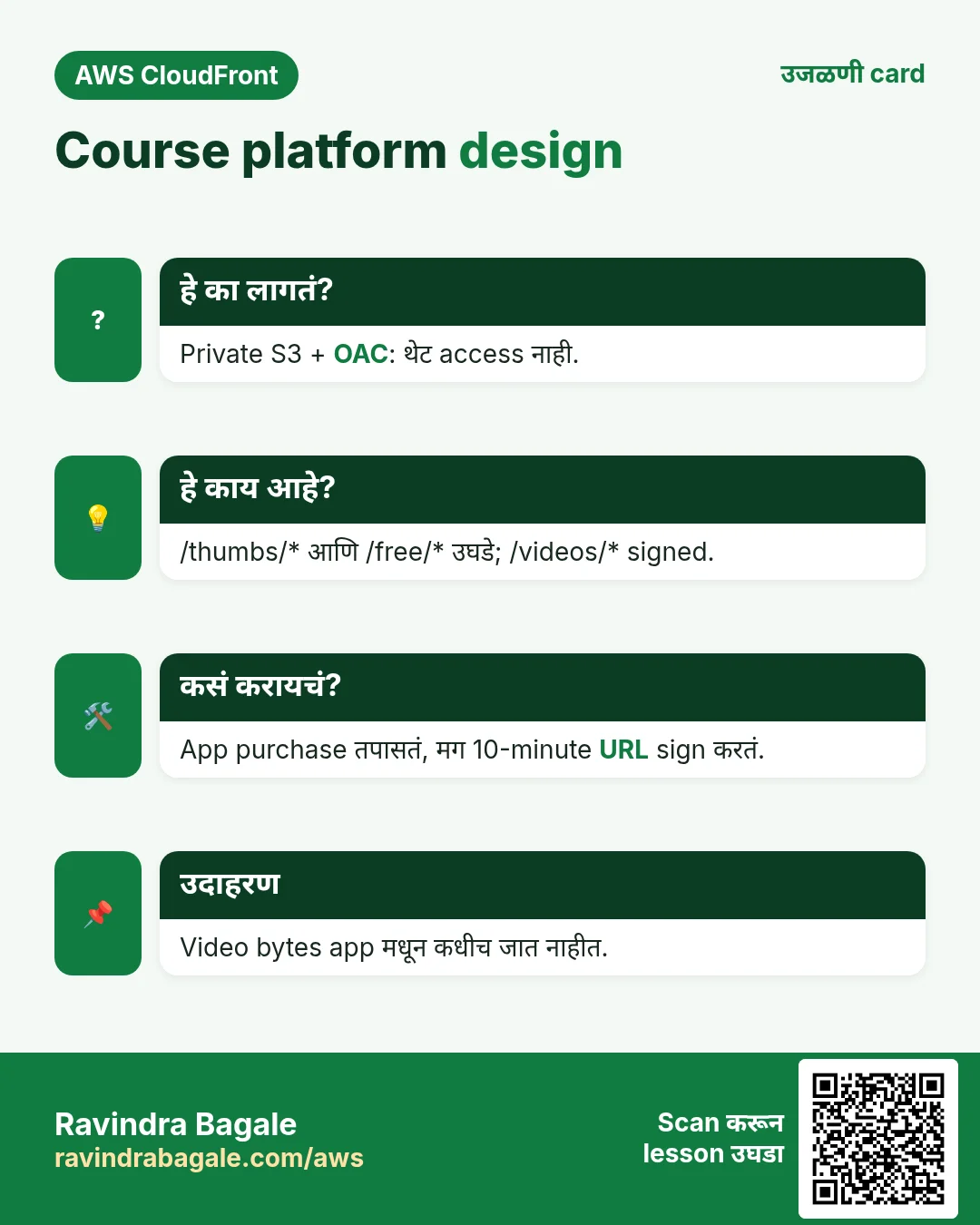
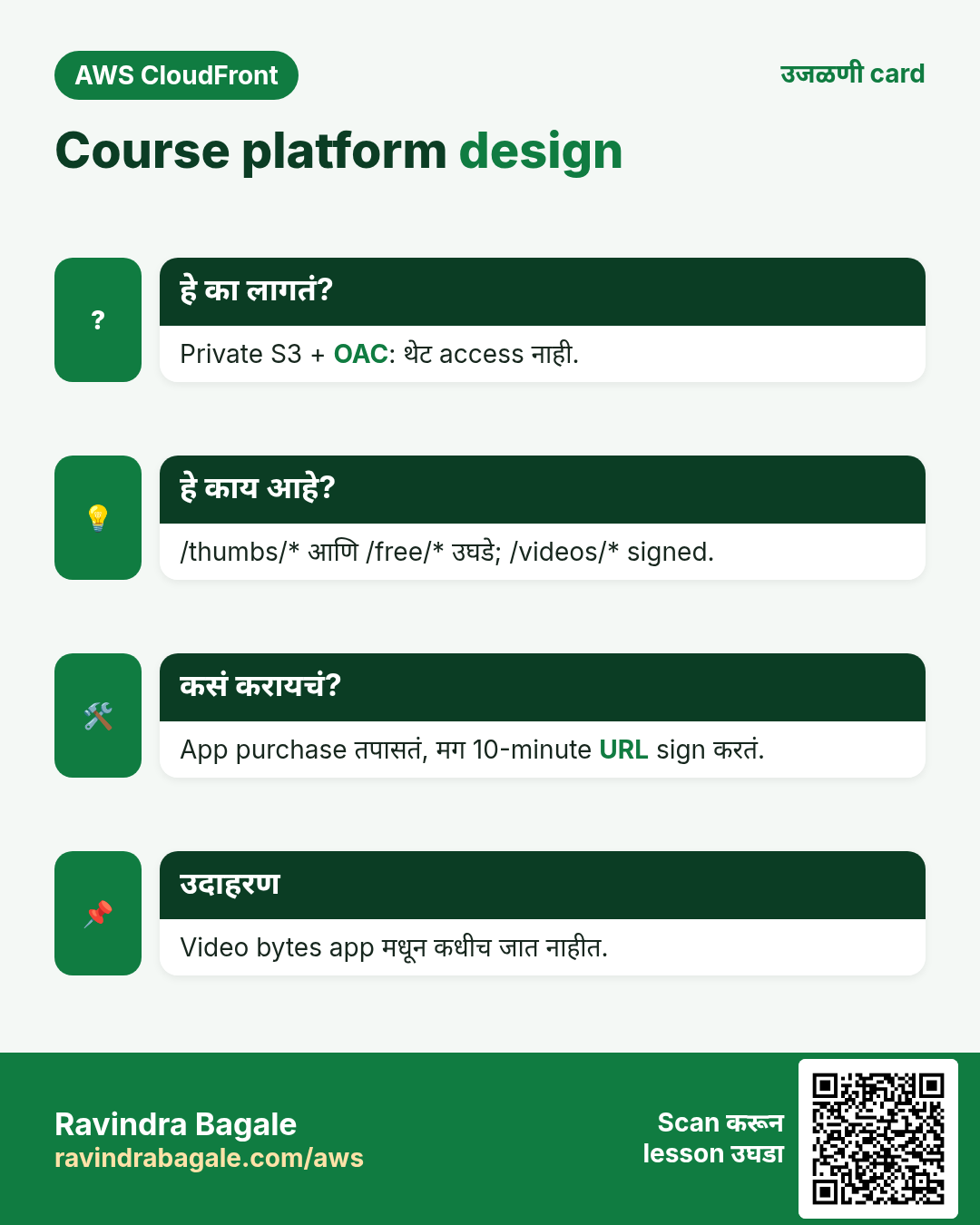
म्हणून: bucket private (OAC), paid videos ला 10 minutes मध्ये मरणारी signed link, आणि CloudFront सगळं जवळच्या edge वरून देतो.
2. Architecture
हे का लागतं?
कोण बघू शकतो ते app server ने ठरवावं, पण gigabytes video स्वतः stream करू नये.
हे काय आहे?
| भाग | Setting | का |
|---|---|---|
| S3 bucket | yourname-course-media, Block Public Access on, prefixes free/, videos/, thumbs/ | काहीच public नाही; prefixes behaviors शी जुळतात |
| CloudFront | OAC origin, alternate domain videos.yourdomain.com, ACM cert (us-east-1), Price Class 200 | India आणि परदेशात fast, HTTPS |
| Behavior /thumbs/* | CachingOptimized, unrestricted | Thumbnails public; max-age 1 वर्षासह upload |
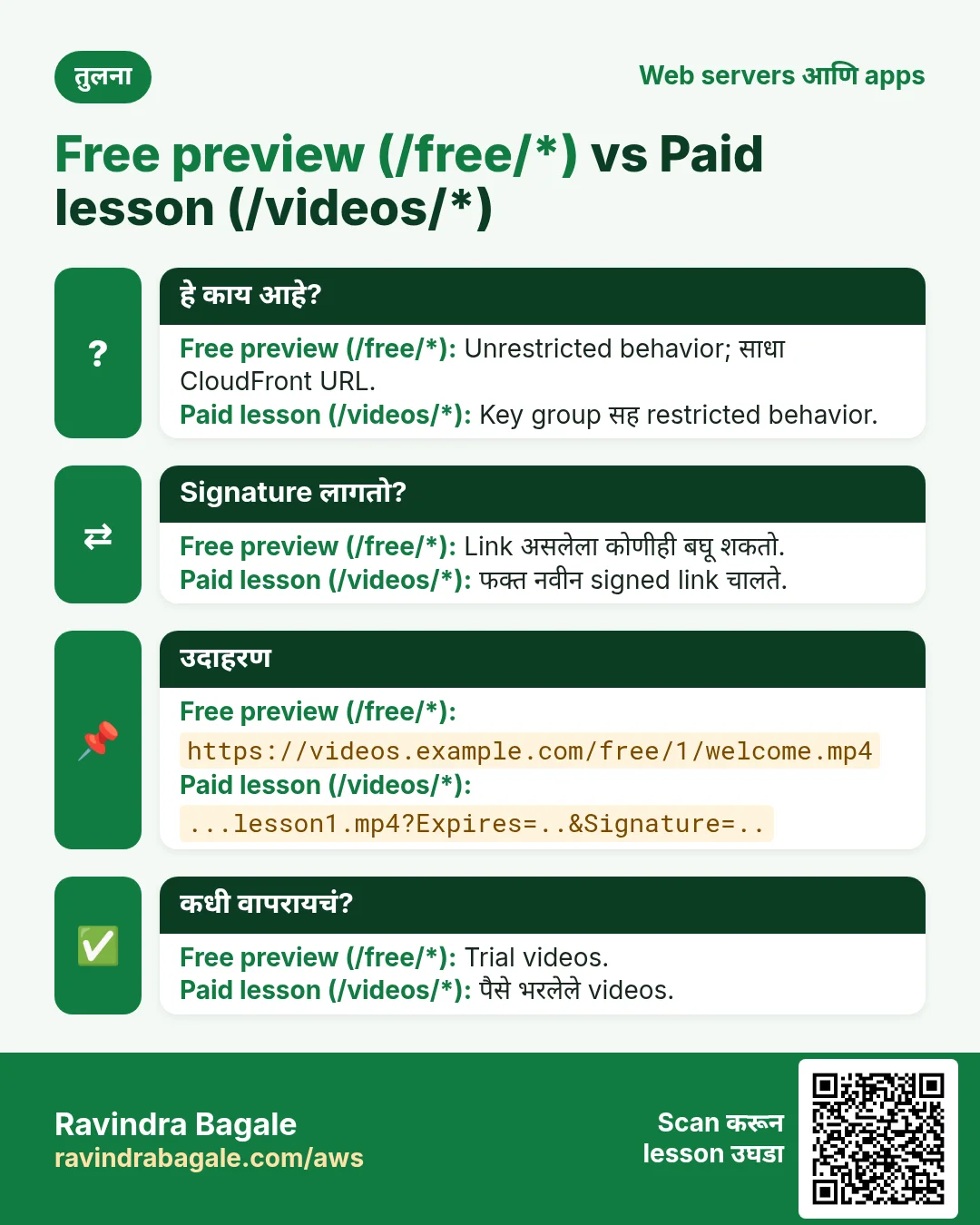
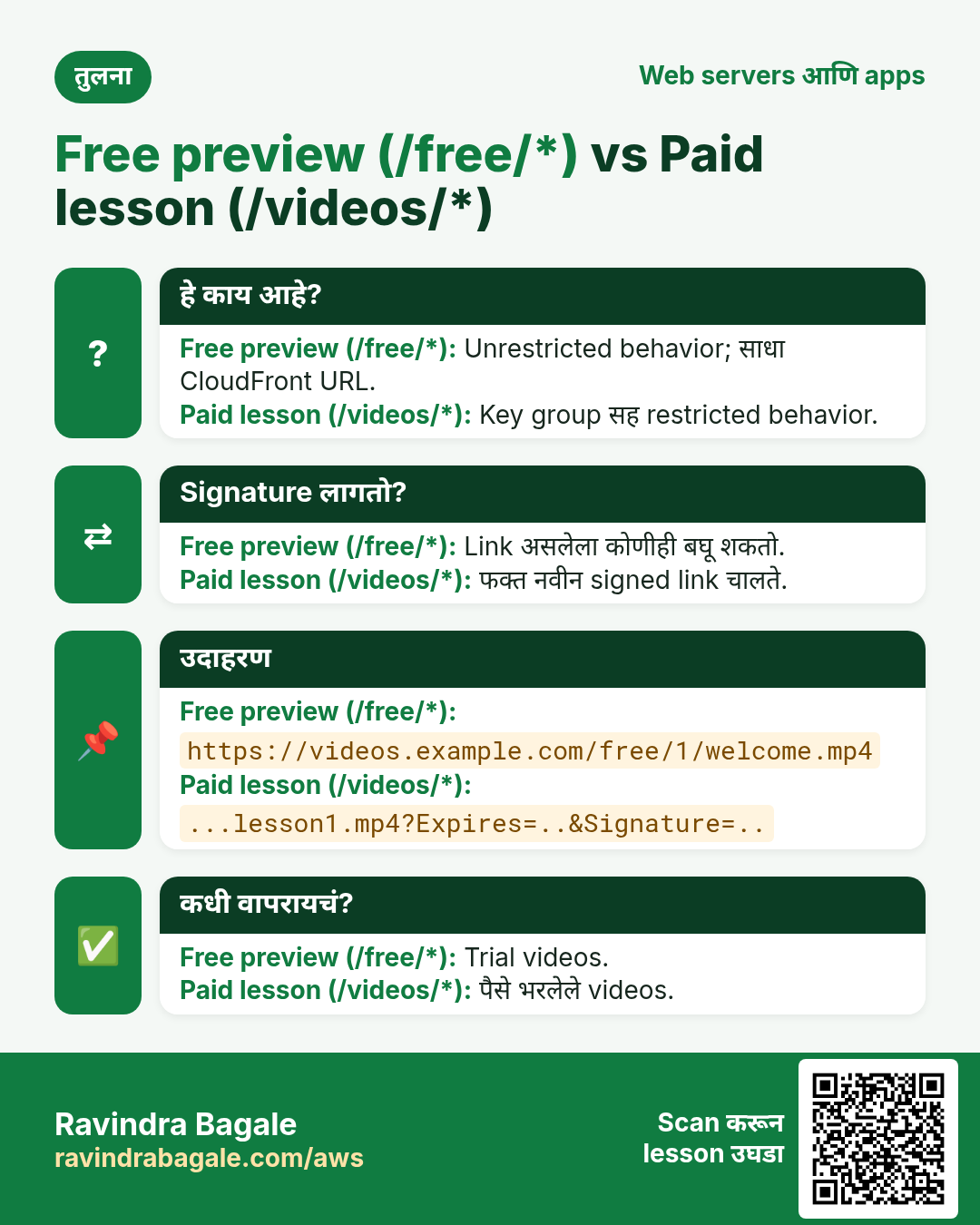
| Behavior /free/* | CachingOptimized, unrestricted | Free previews |
| Behavior /videos/* | CachingOptimized, key group सह Restrict viewer access | Paid lessons ला valid signature लागतो |
| Default (*) | Restrict viewer access | बाकी सगळं locked |
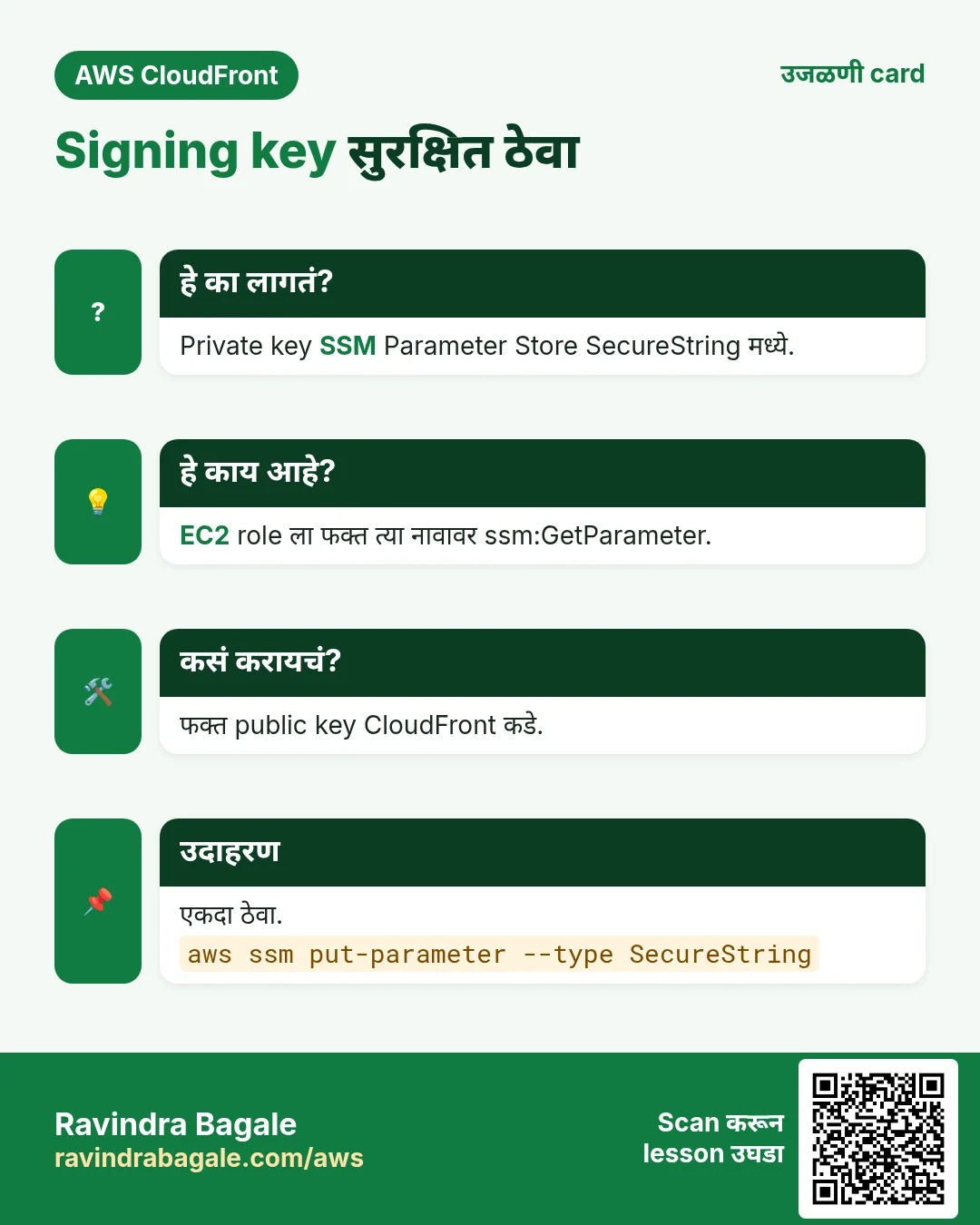
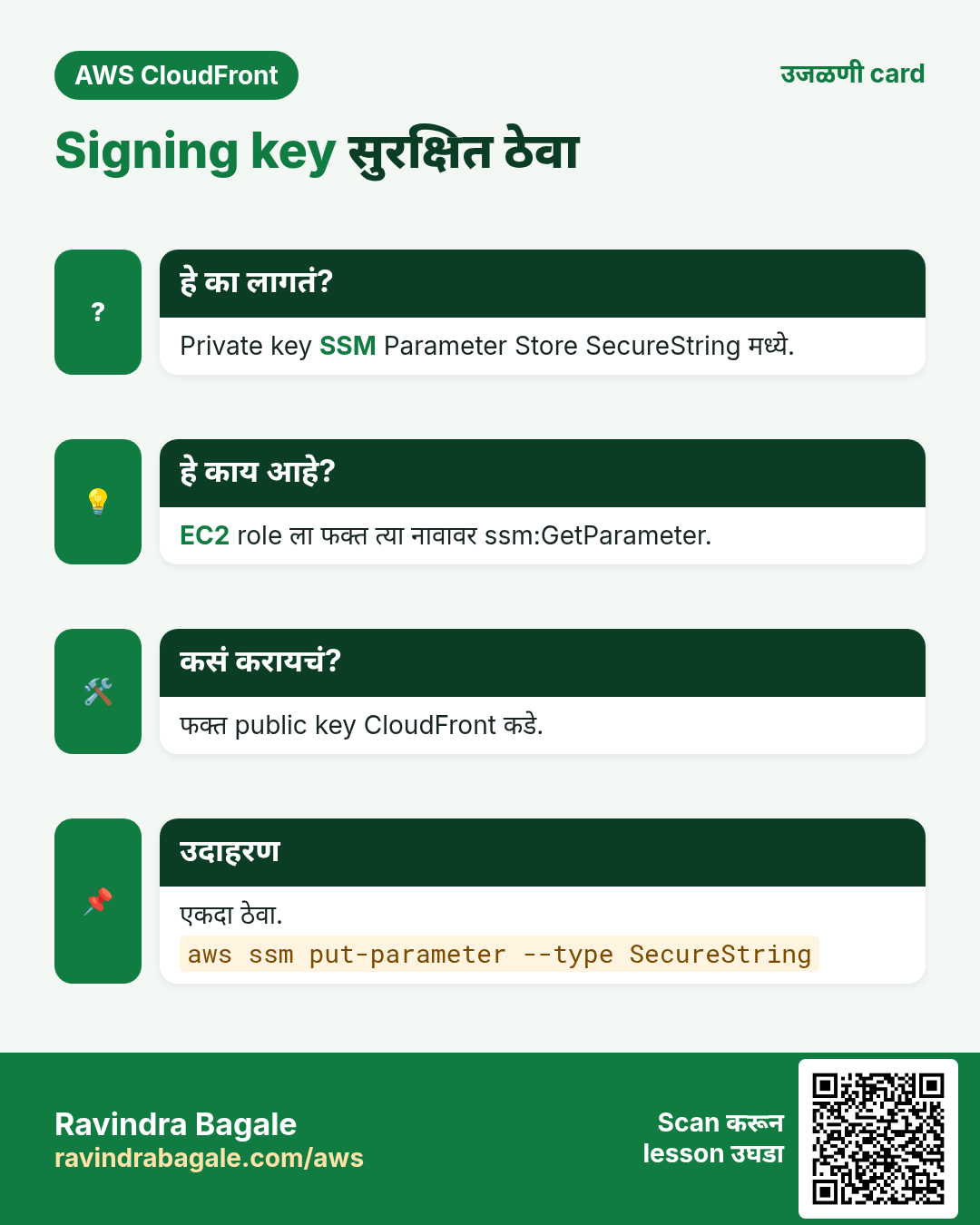
| EC2 app | Node.js 22, IAM role, private key SSM SecureString मध्ये | Code किंवा Git मध्ये keys नाहीत |
Ravindra Bagale's Tip
Signed URLs इतर requests सारखेच cache होतात: CloudFront signature parameters cache key मधून काढतो, म्हणून सगळे buyers lesson1.mp4 ची एकच cached copy share करतात.
3. Source code
Folder layout: server.js (routes), aws.js (S3, CloudFront, SSM), data.js (demo store; RDS MySQL ने बदला), public/admin.js (browser upload), JSON policies. सगळ्या files zip मध्ये download करा.
package.json
{
  "name": "course-video-platform",
  "version": "1.0.0",
  "description": "Udemy-style course videos with S3, CloudFront OAC and signed URLs - By Ravindra Bagale",
  "main": "server.js",
  "scripts": { "start": "node server.js" },
  "dependencies": {
    "@aws-sdk/client-cloudfront": "^3.600.0",
    "@aws-sdk/client-s3": "^3.600.0",
    "@aws-sdk/client-ssm": "^3.600.0",
    "@aws-sdk/cloudfront-signer": "^3.600.0",
    "@aws-sdk/s3-request-presigner": "^3.600.0",
    "bcryptjs": "^2.4.3",
    "express": "^4.19.2",
    "express-session": "^1.18.0"
  }
}
.env.example
AWS_REGION=ap-south-1
BUCKET=yourname-course-media
CDN_DOMAIN=videos.yourdomain.com
DIST_ID=E1ABCDEF2GHIJ
CF_KEY_PAIR_ID=K2JCJMDEHXQW5F
CF_PRIVATE_KEY_PARAM=/course/cf-private-key
SESSION_SECRET=change-me-to-a-long-random-string
SIGNED_MINUTES=10
server.js
// Course video platform - By Ravindra Bagale
// Login -> course list -> free preview plays from CloudFront; paid video gets a short signed URL.
const express = require('express');
const session = require('express-session');
const bcrypt = require('bcryptjs');
const crypto = require('crypto');
const db = require('./data');
const aws = require('./aws');
const app = express();
app.use(express.urlencoded({ extended: false }));
app.use(express.json());
app.use(express.static(__dirname + '/public'));
app.use(session({ secret: process.env.SESSION_SECRET || 'dev', resave: false, saveUninitialized: false,
cookie: { httpOnly: true, sameSite: 'lax' } }));
const esc = s => String(s).replace(/[&<>"]/g, c => ({ '&': '&', '<': '<', '>': '>', '"': '"' }[c]));
const page = (title, body) => `<!doctype html><meta charset="utf-8"><meta name="viewport" content="width=device-width">
<title>${esc(title)}</title><link rel="stylesheet" href="/style.css"><header><a href="/">Courses</a> <span id="who"></span></header><main>${body}</main>`;
const me = req => req.session.uid && db.getUser(req.session.uid);
const needLogin = (req, res, next) => me(req) ? next() : res.redirect('/login');
const needAdmin = (req, res, next) => me(req) && me(req).admin ? next() : res.status(403).send(page('Forbidden', '<p>Admins only.</p>'));
app.get('/login', (req, res) => res.send(page('Login', `<h1>Login</h1><form method="post">
<input name="email" placeholder="email" required><input name="password" type="password" placeholder="password" required>
<button>Login</button></form><p>Demo: student@example.com / student123, buyer@example.com / buyer123</p>`)));
app.post('/login', (req, res) => {
const u = db.findUser(req.body.email);
if (!u || !bcrypt.compareSync(req.body.password, u.hash)) return res.status(401).send(page('Login', '<p>Wrong email or password. <a href="/login">Try again</a></p>'));
req.session.regenerate(() => { req.session.uid = u.id; res.redirect('/'); });
});
app.post('/logout', (req, res) => req.session.destroy(() => res.redirect('/login')));
app.get('/', needLogin, (req, res) => {
const u = me(req);
const html = db.courses().map(c => {
const owned = u.paid.includes(c.id);
const rows = db.videos(c.id).map(v => `<li><img src="https://${process.env.CDN_DOMAIN}/${v.thumb}" width="120" alt="">
<a href="/watch/${v.id}">${esc(v.title)}</a> ${v.free ? '<b>FREE</b>' : owned ? '' : '🔒'}</li>`).join('');
return `<h2>${esc(c.title)} ${owned ? '(purchased)' : `- ₹${c.price}`}</h2><ul class="videos">${rows}</ul>`;
}).join('');
res.send(page('Courses', `<p>Hi ${esc(u.email)} <form method="post" action="/logout" style="display:inline"><button>Logout</button></form>
${u.admin ? '<a href="/admin">Admin</a>' : ''}</p>${html}`));
});
app.get('/watch/:id', needLogin, async (req, res, next) => {
try {
const v = db.video(Number(req.params.id)); if (!v) return res.sendStatus(404);
const u = me(req);
if (!v.free && !u.paid.includes(v.courseId)) return res.status(403).send(page('Locked', '<p>Buy this course to watch this lesson.</p>'));
const src = await aws.playUrl(v.key, !v.free); // signed only for paid
res.send(page(v.title, `<h1>${esc(v.title)}</h1><video controls autoplay width="720" src="${esc(src)}"></video>
<p class="muted">${v.free ? 'Free preview.' : `Signed link valid for ${process.env.SIGNED_MINUTES || 10} minutes.`}</p>`));
} catch (e) { next(e); }
});
// ---- admin: upload or replace a video ----
app.get('/admin', needAdmin, (req, res) => res.send(page('Admin', `<h1>Upload video</h1>
<form id="up"><select name="courseId">${db.courses().map(c => `<option value="${c.id}">${esc(c.title)}</option>`).join('')}</select>
<input name="title" placeholder="title" required><label><input type="checkbox" name="free"> free preview</label>
<input name="replaceId" placeholder="replace video id (optional)">
<p>Video <input type="file" name="video" accept="video/mp4" required> Thumbnail <input type="file" name="thumb" accept="image/jpeg" required></p>
<button>Upload</button></form><pre id="log"></pre><script src="/admin.js"></script>`)));
app.post('/admin/upload-url', needAdmin, async (req, res) => {
const { courseId, free, kind, replaceKey } = req.body; // kind: video | thumb
const id = crypto.randomUUID();
const key = replaceKey || (kind === 'thumb' ? `thumbs/${courseId}/${id}.jpg` : `${free ? 'free' : 'videos'}/${courseId}/${id}.mp4`);
res.json({ key, url: await aws.uploadUrl(key, kind === 'thumb' ? 'image/jpeg' : 'video/mp4') });
});
app.post('/admin/videos', needAdmin, async (req, res) => {
const { replaceId, courseId, title, free, key, thumb } = req.body;
const v = db.upsertVideo({ id: replaceId ? Number(replaceId) : undefined, courseId: Number(courseId), title, free: !!free, key, thumb });
if (replaceId) await aws.invalidate([`/${key}`, `/${thumb}`]); // same key replaced -> clear edge copies
res.json(v);
});
app.use((err, req, res, next) => { console.error(err); res.status(500).send(page('Error', '<p>Something went wrong.</p>')); });
app.listen(process.env.PORT || 3000, () => console.log('course platform on :' + (process.env.PORT || 3000)));aws.js
// All AWS calls in one place. Credentials come from the EC2 IAM role - no access keys.
const { S3Client, PutObjectCommand } = require('@aws-sdk/client-s3');
const { getSignedUrl: s3Presign } = require('@aws-sdk/s3-request-presigner');
const { CloudFrontClient, CreateInvalidationCommand } = require('@aws-sdk/client-cloudfront');
const { SSMClient, GetParameterCommand } = require('@aws-sdk/client-ssm');
const { getSignedUrl: cfSign } = require('@aws-sdk/cloudfront-signer');

const REGION = process.env.AWS_REGION || 'ap-south-1';
const s3 = new S3Client({ region: REGION });
const cf = new CloudFrontClient({ region: 'us-east-1' });
const ssm = new SSMClient({ region: REGION });
let privateKey; // cached after first read

async function loadKey() {
  if (!privateKey) {
    const r = await ssm.send(new GetParameterCommand({ Name: process.env.CF_PRIVATE_KEY_PARAM, WithDecryption: true }));
    privateKey = r.Parameter.Value;
  }
  return privateKey;
}

// Free files: plain CloudFront URL. Paid files: signed URL that expires.
async function playUrl(key, signed) {
  const url = `https://${process.env.CDN_DOMAIN}/${key}`;
  if (!signed) return url;
  const minutes = Number(process.env.SIGNED_MINUTES || 10);
  return cfSign({
    url,
    keyPairId: process.env.CF_KEY_PAIR_ID,
    privateKey: await loadKey(),
    dateLessThan: new Date(Date.now() + minutes * 60 * 1000).toISOString()
  });
}

// Admin upload: browser PUTs the file straight to S3 with this short-lived URL.
function uploadUrl(key, contentType) {
  return s3Presign(s3, new PutObjectCommand({ Bucket: process.env.BUCKET, Key: key, ContentType: contentType }), { expiresIn: 600 });
}

// When a file is replaced under the same key, drop the old copy from every edge.
function invalidate(paths) {
  return cf.send(new CreateInvalidationCommand({
    DistributionId: process.env.DIST_ID,
    InvalidationBatch: { CallerReference: String(Date.now()), Paths: { Quantity: paths.length, Items: paths } }
  }));
}

module.exports = { playUrl, uploadUrl, invalidate };
data.js
// Demo data store. Swap this file for MySQL/RDS in production.
const fs = require('fs');
const bcrypt = require('bcryptjs');
const FILE = __dirname + '/db.json';

const seed = {
  users: [
    { id: 1, email: 'admin@example.com', hash: bcrypt.hashSync('admin123', 10), admin: true,  paid: [1] },
    { id: 2, email: 'student@example.com', hash: bcrypt.hashSync('student123', 10), admin: false, paid: [] },
    { id: 3, email: 'buyer@example.com', hash: bcrypt.hashSync('buyer123', 10), admin: false, paid: [1] }
  ],
  courses: [ { id: 1, title: 'AWS for Beginners', price: 499 } ],
  videos: [
    // free preview: key under free/, paid lessons: key under videos/
    { id: 1, courseId: 1, title: 'Welcome (free preview)', free: true,  key: 'free/1/welcome.mp4', thumb: 'thumbs/1/welcome.jpg' },
    { id: 2, courseId: 1, title: 'Lesson 1: Regions and AZs', free: false, key: 'videos/1/lesson1.mp4', thumb: 'thumbs/1/lesson1.jpg' }
  ]
};

let db = fs.existsSync(FILE) ? JSON.parse(fs.readFileSync(FILE)) : seed;
const save = () => fs.writeFileSync(FILE, JSON.stringify(db, null, 2));
if (!fs.existsSync(FILE)) save();

module.exports = {
  findUser: (email) => db.users.find(u => u.email === email),
  getUser: (id) => db.users.find(u => u.id === id),
  courses: () => db.courses,
  videos: (courseId) => db.videos.filter(v => v.courseId === courseId),
  video: (id) => db.videos.find(v => v.id === id),
  upsertVideo(v) {
    const old = db.videos.find(x => x.id === v.id);
    if (old) Object.assign(old, v); else { v.id = Math.max(0, ...db.videos.map(x => x.id)) + 1; db.videos.push(v); }
    save(); return v;
  }
};
public/admin.js
// Browser side of admin upload: get pre-signed PUT URLs, send files straight to S3, then save metadata.
const f = document.getElementById('up'), log = document.getElementById('log');
const post = (u, b) => fetch(u, { method: 'POST', headers: { 'Content-Type': 'application/json' }, body: JSON.stringify(b) }).then(r => r.json());
f.onsubmit = async (e) => {
  e.preventDefault();
  const d = new FormData(f), free = d.get('free') === 'on', courseId = d.get('courseId'), replaceId = d.get('replaceId');
  const put = async (file, kind) => {
    const r = await post('/admin/upload-url', { courseId, free, kind });
    log.textContent += `uploading ${kind} -> ${r.key}\n`;
    const s = await fetch(r.url, { method: 'PUT', headers: { 'Content-Type': file.type }, body: file });
    if (!s.ok) throw new Error(kind + ' upload failed ' + s.status);
    return r.key;
  };
  try {
    const key = await put(d.get('video'), 'video'), thumb = await put(d.get('thumb'), 'thumb');
    const v = await post('/admin/videos', { replaceId, courseId, title: d.get('title'), free, key, thumb });
    log.textContent += 'saved video id ' + v.id + '\n';
  } catch (err) { log.textContent += err.message + '\n'; }
};
Flask variant (sign_flask.py)
# Flask variant of the signing endpoint - pip install flask botocore cryptography
import datetime, os
from flask import Flask, abort, session, jsonify
from botocore.signers import CloudFrontSigner
from cryptography.hazmat.primitives import hashes, serialization
from cryptography.hazmat.primitives.asymmetric import padding

app = Flask(__name__); app.secret_key = os.environ["SESSION_SECRET"]
KEY = serialization.load_pem_private_key(open(os.environ["CF_PRIVATE_KEY_PATH"], "rb").read(), password=None)
signer = CloudFrontSigner(os.environ["CF_KEY_PAIR_ID"], lambda m: KEY.sign(m, padding.PKCS1v15(), hashes.SHA1()))
VIDEOS = {1: {"key": "free/1/welcome.mp4", "free": True, "course": 1}, 2: {"key": "videos/1/lesson1.mp4", "free": False, "course": 1}}

@app.get("/api/play/<int:vid>")
def play(vid):
    v = VIDEOS.get(vid) or abort(404)
    url = f"https://{os.environ['CDN_DOMAIN']}/{v['key']}"
    if v["free"]: return jsonify(url=url)
    if v["course"] not in session.get("paid", []): abort(403)
    exp = datetime.datetime.now(datetime.timezone.utc) + datetime.timedelta(minutes=10)
    return jsonify(url=signer.generate_presigned_url(url, date_less_than=exp))
PHP variant (sign.php)
<?php // PHP variant of the signing endpoint - composer require aws/aws-sdk-php
require 'vendor/autoload.php';
session_start();
$videos = [1 => ['key' => 'free/1/welcome.mp4', 'free' => true, 'course' => 1],
           2 => ['key' => 'videos/1/lesson1.mp4', 'free' => false, 'course' => 1]];
$v = $videos[(int)($_GET['id'] ?? 0)] ?? null;
if (!$v) { http_response_code(404); exit; }
$url = 'https://' . getenv('CDN_DOMAIN') . '/' . $v['key'];
if (!$v['free']) {
    if (!in_array($v['course'], $_SESSION['paid'] ?? [])) { http_response_code(403); exit('Buy the course'); }
    $cf = new Aws\CloudFront\CloudFrontClient(['region' => 'us-east-1', 'version' => '2020-05-31']);
    $url = $cf->getSignedUrl(['url' => $url, 'expires' => time() + 600,
        'private_key' => getenv('CF_PRIVATE_KEY_PATH'), 'key_pair_id' => getenv('CF_KEY_PAIR_ID')]);
}
header('Content-Type: application/json');
echo json_encode(['url' => $url]);
bucket-policy.json (OAC)
{
  "Version": "2012-10-17",
  "Statement": [{
    "Sid": "AllowCloudFrontOACRead",
    "Effect": "Allow",
    "Principal": { "Service": "cloudfront.amazonaws.com" },
    "Action": "s3:GetObject",
    "Resource": "arn:aws:s3:::yourname-course-media/*",
    "Condition": { "StringEquals": { "AWS:SourceArn": "arn:aws:cloudfront::111122223333:distribution/E1ABCDEF2GHIJ" } }
  }]
}
cors.json
[{ "AllowedOrigins": ["http://YOUR-EC2-PUBLIC-DNS:3000"], "AllowedMethods": ["PUT"], "AllowedHeaders": ["*"], "MaxAgeSeconds": 3000 }]app-role-policy.json (EC2 role)
{
  "Version": "2012-10-17",
  "Statement": [
    { "Effect": "Allow", "Action": "s3:PutObject",
      "Resource": ["arn:aws:s3:::yourname-course-media/videos/*", "arn:aws:s3:::yourname-course-media/free/*", "arn:aws:s3:::yourname-course-media/thumbs/*"] },
    { "Effect": "Allow", "Action": "cloudfront:CreateInvalidation", "Resource": "arn:aws:cloudfront::111122223333:distribution/E1ABCDEF2GHIJ" },
    { "Effect": "Allow", "Action": "ssm:GetParameter", "Resource": "arn:aws:ssm:ap-south-1:111122223333:parameter/course/cf-private-key" }
  ]
}
प्रत्येक permission का: फक्त तीन prefixes वर PutObject (admin uploads), फक्त या distribution वर CreateInvalidation (file replace), फक्त key parameter वर GetParameter. Role videos वाचू शकत नाही; त्याची गरज नाही.
4. Step by step बनवा
कसं करायचं (step by step)
Part A: bucket, keys, distribution
- S3 (ap-south-1) › Create bucket
yourname-course-media, Block all public access on, ACLs disabled, SSE-S3. - Seed files upload:
aws s3 cp welcome.mp4 s3://yourname-course-media/free/1/welcome.mp4;aws s3 cp lesson1.mp4 s3://yourname-course-media/videos/1/lesson1.mp4. - 1-year cache सह thumbnails:
aws s3 cp welcome.jpg s3://yourname-course-media/thumbs/1/welcome.jpg --cache-control "public,max-age=31536000"(lesson1.jpg साठी पण). - Bucket › Permissions › CORS › app address सह cors.json paste. का: admin browser S3 ला PUT करतो.
- Keys:
openssl genrsa -out private_key.pem 2048 && openssl rsa -pubout -in private_key.pem -out public_key.pem. - Private key ठेवा:
aws ssm put-parameter --region ap-south-1 --name /course/cf-private-key --type SecureString --value file://private_key.pem. - CloudFront › Public keys › Create
course-key(public_key.pem paste). Key groups › Createcourse-kg. Key ID लिहा. - us-east-1 मध्ये ACM ›
videos.yourdomain.comrequest, DNS validation, Route 53 record, Issued ची वाट. - Distribution बनवा: origin = bucket REST endpoint + नवीन OAC; default behavior: Redirect HTTP to HTTPS, CachingOptimized, Restrict viewer access: Yes, key group course-kg; alternate domain videos.yourdomain.com; ACM cert; TLSv1.2_2021; Price Class 200; WAF optional.
- bucket-policy.json लावा (CloudFront तुमच्या ARN सह दाखवतं).
- Behaviors ›
/thumbs/*आणि/free/*: same origin, CachingOptimized, Restrict viewer access No./videos/*: Restrict viewer access Yes, course-kg. - Route 53 › A आणि AAAA alias records
videos→ distribution.
Part B: EC2 वर app
- IAM › app-role-policy.json (तुमचं account, bucket, distribution) पासून policy. EC2 साठी role
course-app-role. - EC2 launch: Amazon Linux 2023, t3.micro, role course-app-role, security group 22 My IP कडून आणि 3000 सगळीकडून (lab).
sudo dnf install -y nodejs22 unzip. 22 का: 2027 सुरुवातीपासूनच्या AWS SDK v3 releases ना Node 22+ लागतो.- Zip copy करा,
unzip course-video-platform.zip && cd course-video-platform && npm install. cp .env.example .env; nano .env; set -a; . ./.env; set +a(bucket, domain, DIST_ID, key ID भरा).npm start. अपेक्षित:course platform on :3000.
Part C: tests
http://EC2-PUBLIC-DNS:3000उघडा, student@example.com / student123 ने login. अपेक्षित: videos.yourdomain.com वरच्या thumbnails सह course list.- FREE video click करा. अपेक्षित: चालतो. DevTools › Network: MP4 URL ला Signature नाही आणि 200 (किंवा range requests साठी 206).
- 🔒 lesson click करा. अपेक्षित: "Buy this course to watch this lesson." (app कडून 403).
- Link शिवाय file:
curl -sI https://videos.yourdomain.com/videos/1/lesson1.mp4 | head -1. अपेक्षित:HTTP/2 403. - Logout, buyer@example.com / buyer123 ने login, lesson उघडा. अपेक्षित: चालतो; URL मध्ये Expires, Signature आणि Key-Pair-Id.
- तो video URL copy करा.
curl -sI "URL" | grep -iE "^HTTP|x-cache"दोनदा. अपेक्षित: 200, Miss मग Hit. - 11 minutes थांबा, परत चालवा. अपेक्षित:
HTTP/2 403. का: Expires संपला; Telegram वर share केलेली link निरुपयोगी. - Bypass:
curl -sI https://yourname-course-media.s3.ap-south-1.amazonaws.com/free/1/welcome.mp4 | head -1. अपेक्षित: 403. - Admin: admin@example.com / admin123 ने login › Admin › नवीन MP4 आणि JPG upload. अपेक्षित log: दोन "uploading" lines आणि "saved video id 3". नवीन video list मध्ये.
- Replace test: replace id 3 सह परत upload. मग
aws cloudfront list-invalidations --distribution-id EXXXX. अपेक्षित: नवीन invalidation. का: app edges वरच्या जुन्या copies काढतं.
5. Production-ready करणं
| भाग | बदल |
|---|---|
| Data | data.js RDS MySQL वर (users, courses, videos, purchases tables) |
| Payments | Razorpay किंवा Stripe webhook user.paid मध्ये course जोडतो |
| HLS | MediaConvert ने MP4 ते HLS आणि /videos/42/* साठी signed cookies |
| App front door | App ALB + HTTPS मागे; sessions ElastiCache मध्ये |
| Security | /login वर AWS WAF rate limit; demo passwords बदला; key दरवर्षी rotate |
6. Cleanup
- EC2 terminate; role course-app-role आणि policy delete.
- Route 53: videos A/AAAA records delete. CloudFront: disable, मग distribution delete.
- Key group course-kg, public key course-key, OAC, आणि ACM certificate (us-east-1) delete.
aws ssm delete-parameter --name /course/cf-private-key;aws s3 rb s3://yourname-course-media --force;shred -u private_key.pem.
7. Interview questions
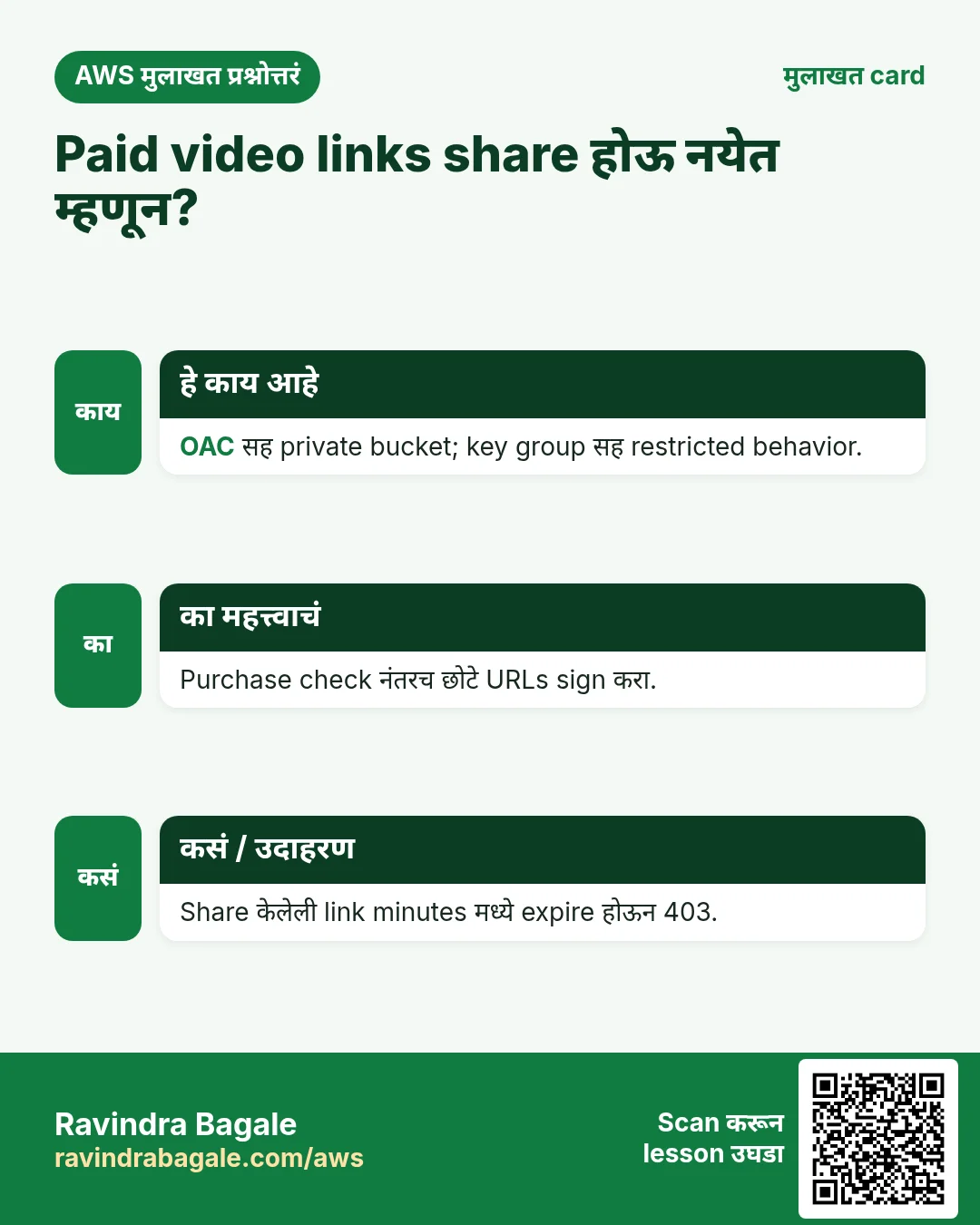
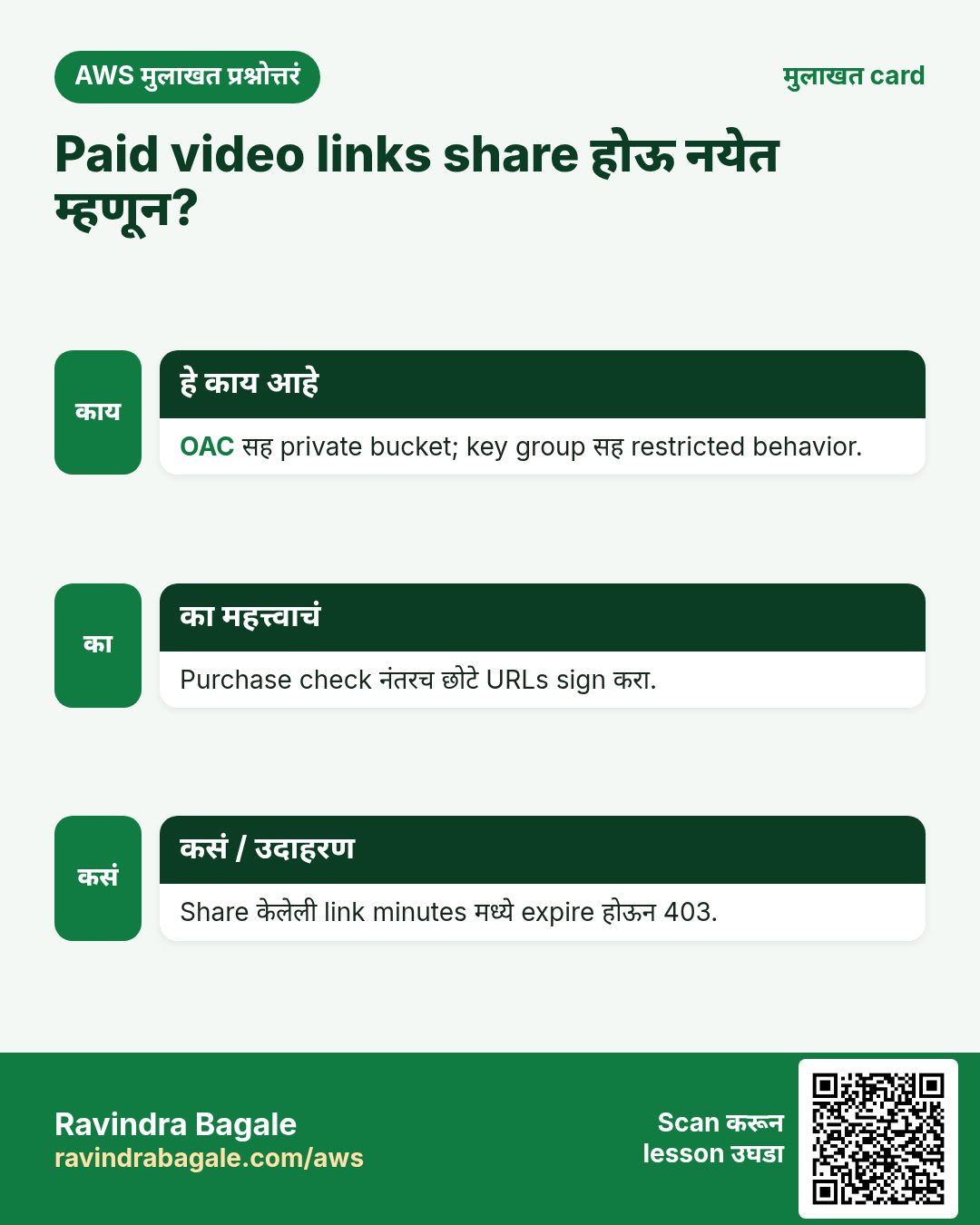
प्र. Paid video links share होऊ नयेत म्हणून?
OAC सह private bucket, key group सह restricted behavior, आणि purchase check नंतरच दिले जाणारे कमी-expiry signed URLs (किंवा cookies).
प्र. Videos Node app मधून stream का नाही?
प्रत्येक byte वाहावा लागेल आणि खूप bandwidth. CloudFront edge caches मधून देतो; app फक्त links sign करतं.
प्र. CloudFront private key कुठे ठेवली?
SSM Parameter Store मध्ये SecureString म्हणून (किंवा Secrets Manager), EC2 role ने वाचली जाते. Code मध्ये कधीच नाही.
प्र. Signed URLs caching बिघडवतात का?
नाही. CloudFront signature parameters cache key मधून काढतो, म्हणून सगळे buyers cached object share करतात.
प्र. Server वर load न आणता admin 2 GB video कसा upload करतो?
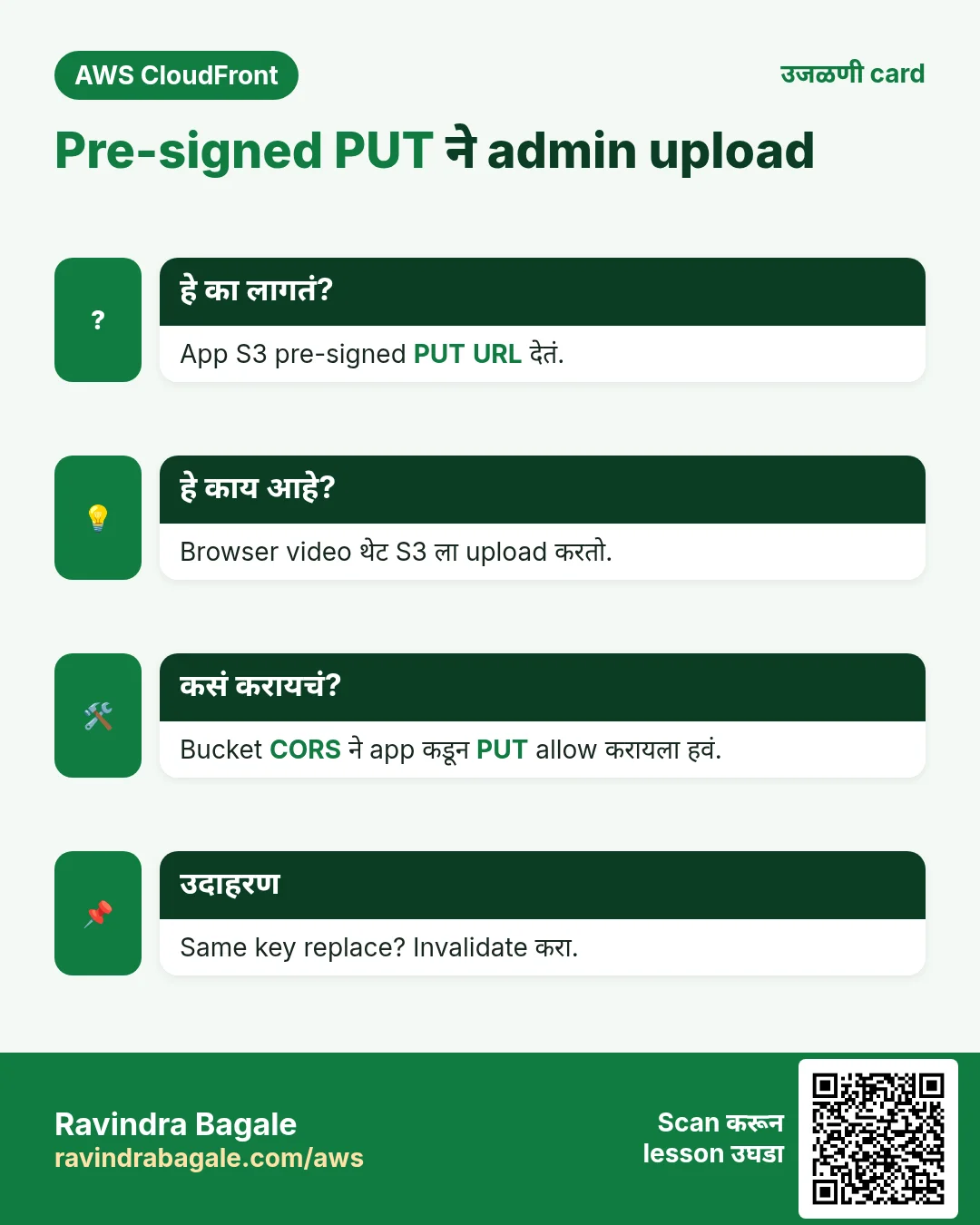
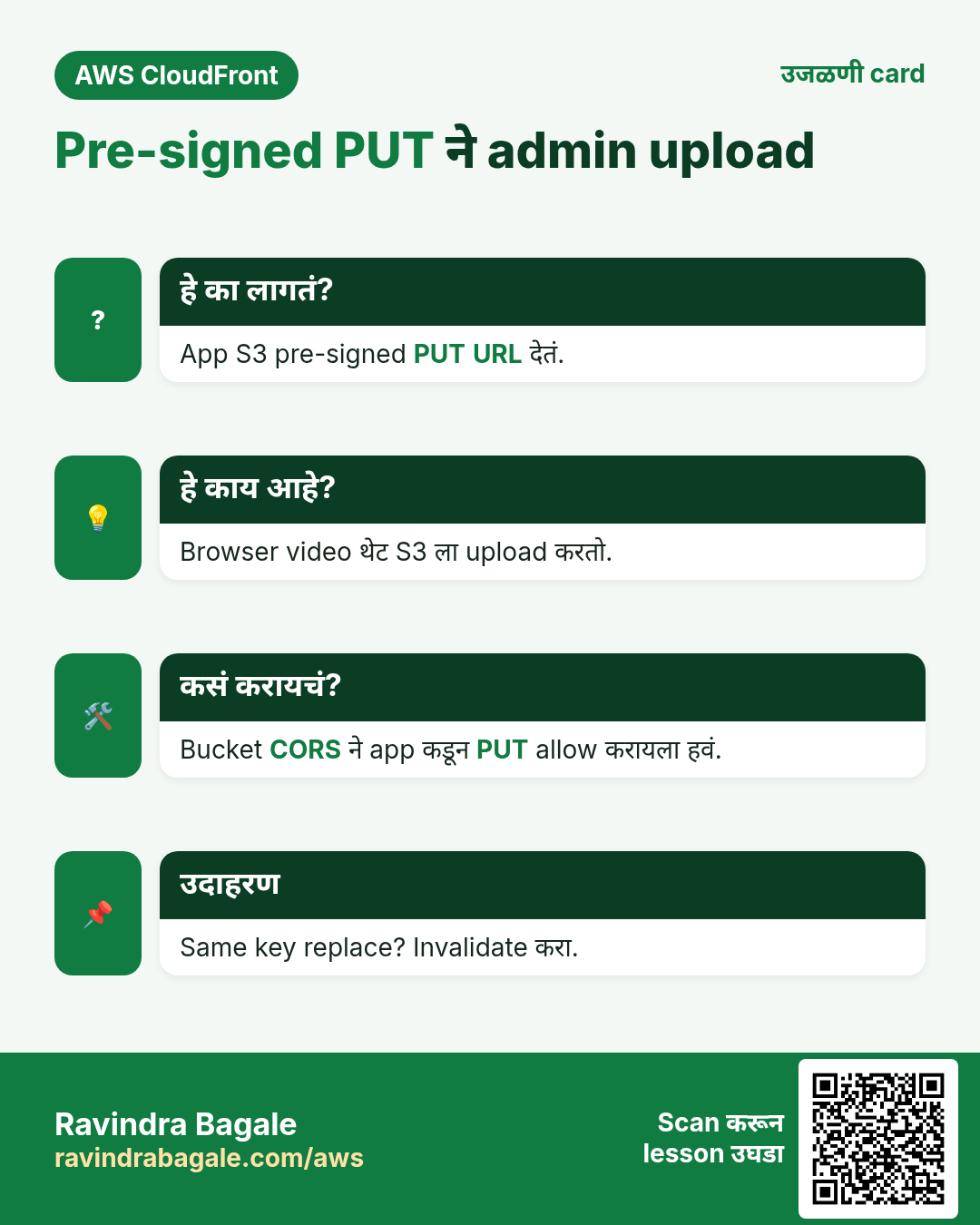
App S3 pre-signed PUT URL देतं; browser थेट S3 ला upload करतो (खूप मोठ्या files साठी multipart).
घरी करून बघा
- MySQL मध्ये purchases table आणि logged-in user साठी course जोडणारा fake "Buy" button.
- Paid playback /videos/1/* साठी signed cookies वर बदला आणि नवीन links शिवाय दोन lessons चालवा.
- Flask variant चालवा आणि त्याचा signed URL Node च्या URL शी compare करा.
थोडक्यात सांगायचं तर
- Private S3 + OAC: files पर्यंत थेट कोणी नाही.
- Behaviors: /thumbs/* आणि /free/* उघडे, /videos/* आणि default signed.
- App payment तपासतं, मग 10-minute URL sign करतं.
- Admin uploads थेट S3 ला; key overwrite झाली तर invalidate.
- Tests: free चालतो, locked 403, expired link 403, S3 direct 403.
सराव Tasks
Solapur Chaddar House हा सोलापूर मधला गृह वस्त्र व्यवसाय आहे. Vikas Kamble त्यांचं IT व cloud काम पाहतात. त्यांचे पैसे INR मध्ये मोजले जातात आणि AWS resources ap-south-1 Region मध्ये चालतात. खालच्या tasks मध्ये तुम्ही या lesson मध्ये शिकलेलं वापरून त्यांची खरी कामं करता. सगळी नावं, account IDs, IP addresses व numbers सरावासाठी काल्पनिक आहेत.
0 / 10
सोपं Distributions दाखवा
का: Distribution ID व domain नाव शोधा.
काय करायचं: सगळे CloudFront distributions दाखवा.
- Task वाचा आणि ते कोणत्या AWS service बद्दल आहे ते ठरवा.
- aws लिहा, मग service चं नाव, मग operation (action शब्द).
- प्रत्येक आवश्यक flag (--name) व त्यापुढे task मधली value लिहा.
- Flags कोणत्याही क्रमाने चालतात. Check answer दाबा.
सोपं /16 मध्ये किती addresses?
का: VPC size ठरवायला ही संख्या लागते.
काय करायचं: Solapur Chaddar House चा VPC 10.86.0.0/16. एकूण किती IP addresses?
- Task मधले numbers लिहून घ्या.
- कागदावर step by step काढा.
- Box मध्ये फक्त final उत्तर लिहा.
- Check answer दाबा.
सोपं SSH चा port
का: Security group rules ला योग्य port हवा.
काय करायचं: SSH साठी security group ने कोणता TCP port उघडावा?
- Task मधले numbers लिहून घ्या.
- कागदावर step by step काढा.
- Box मध्ये फक्त final उत्तर लिहा.
- Check answer दाबा.
मध्यम CloudFront cache साफ करा
का: Deploy नंतर invalidate करा म्हणजे visitors ना नव्या files लगेच मिळतात.
काय करायचं: Distribution E2QWRUHAPOMQZL वर सगळे paths (/*) invalidate करा.
- Task वाचा आणि ते कोणत्या AWS service बद्दल आहे ते ठरवा.
- aws लिहा, मग service चं नाव, मग operation (action शब्द).
- प्रत्येक आवश्यक flag (--name) व त्यापुढे task मधली value लिहा.
- Flags कोणत्याही क्रमाने चालतात. Check answer दाबा.
अवघड Config file पासून distribution बनवा
का: पूर्ण config JSON मध्ये ठेवणं सोपं.
काय करायचं: dist.json पासून CloudFront distribution बनवा.
- Task वाचा आणि ते कोणत्या AWS service बद्दल आहे ते ठरवा.
- aws लिहा, मग service चं नाव, मग operation (action शब्द).
- प्रत्येक आवश्यक flag (--name) व त्यापुढे task मधली value लिहा.
- Flags कोणत्याही क्रमाने चालतात. Check answer दाबा.
अवघड दोन paths invalidate करा
का: फक्त बदललेलं invalidate करणं स्वस्त व जलद.
काय करायचं: E2QWRUHAPOMQZL वर /index.html व /css/site.css invalidate करा.
- Task वाचा आणि ते कोणत्या AWS service बद्दल आहे ते ठरवा.
- aws लिहा, मग service चं नाव, मग operation (action शब्द).
- प्रत्येक आवश्यक flag (--name) व त्यापुढे task मधली value लिहा.
- Flags कोणत्याही क्रमाने चालतात. Check answer दाबा.
अवघड CloudFront OAC साठी bucket policy
का: OAC मुळे फक्त तुमचा CloudFront distribution private bucket वाचतो.
काय करायचं: cloudfront.amazonaws.com ला solapurchaddar-site/* वर s3:GetObject allow, फक्त aws:SourceArn = arn:aws:cloudfront::115372646265:distribution/E2QWRUHAPOMQZL असेल तेव्हा.
- { "Version": "2012-10-17", "Statement": [ ... ] } ने सुरू करा.
- प्रत्येक statement मध्ये Effect, Action व Resource लिहा.
- Task ला लागेल तेवढंच द्या (least privilege).
- Double quotes व commas नीट वापरा. Check answer दाबा.
अवघड Origin Access Control बनवा
का: OAC मुळे फक्त CloudFront तुमचा private S3 bucket वाचू शकतो.
काय करायचं: oac.json पासून origin access control बनवा.
- Task वाचा आणि ते कोणत्या AWS service बद्दल आहे ते ठरवा.
- aws लिहा, मग service चं नाव, मग operation (action शब्द).
- प्रत्येक आवश्यक flag (--name) व त्यापुढे task मधली value लिहा.
- Flags कोणत्याही क्रमाने चालतात. Check answer दाबा.
अवघड CloudFront साठी free certificate मागा
का: CloudFront फक्त us-east-1 मधले ACM certificates वापरतो.
काय करायचं: solapurchaddar.in व www.solapurchaddar.in साठी DNS validation ने us-east-1 मध्ये certificate मागा.
- Task वाचा आणि ते कोणत्या AWS service बद्दल आहे ते ठरवा.
- aws लिहा, मग service चं नाव, मग operation (action शब्द).
- प्रत्येक आवश्यक flag (--name) व त्यापुढे task मधली value लिहा.
- Flags कोणत्याही क्रमाने चालतात. Check answer दाबा.
अवघड CloudFront signed URL बनवा
का: Signed URLs मुळे फक्त पैसे भरलेले users ठराविक वेळ video पाहू शकतात.
काय करायचं: https://d111.cloudfront.net/course/intro.mp4 ला key pair ID K2JCJMDEHXQW5F, private key private_key.pem ने sign करा, 2026-12-31 ला expire.
- Task वाचा आणि ते कोणत्या AWS service बद्दल आहे ते ठरवा.
- aws लिहा, मग service चं नाव, मग operation (action शब्द).
- प्रत्येक आवश्यक flag (--name) व त्यापुढे task मधली value लिहा.
- Flags कोणत्याही क्रमाने चालतात. Check answer दाबा.
उजळणी, तुलना आणि मुलाखत cards
हा lesson काही मिनिटांत revise करा. Cards phone वर save करा किंवा PNG download करा. प्रत्येक card वरचा QR हा lesson उघडतो.
अजून cards: Ravi Sir's Cards.