Linux cut, sort, uniq, tr, paste आणि diff Commands उदाहरणांसह
Raw text गोंधळलेला असतो. एक column निवडायचा, sort करायचा, duplicates काढायचे, मोजायचे, characters बदलायचे, files शेजारी ठेवायच्या आणि काय बदललं ते बघायचं. cut, sort, uniq, tr, paste आणि diff ही कामं करतात. मिळून 'माझ्या server ला मारणारे top 10 IPs' सारख्या प्रश्नांना एका line मधे उत्तर देतात.
या chapter मध्ये तुम्ही काय शिकाल
- cut ने columns आणि characters निवडा
- Text, numbers, sizes आणि column ने sort
- uniq ने duplicates काढा आणि मोजा
- tr ने characters बदला किंवा delete
- paste, join, comm ने files शेजारी जोडा
- diff ने files compare आणि patches
1. रोजचं उदाहरण: वर्गाचा result sheet
हे का लागतं?
कुलकर्णी सरांकडे result list आहे: roll number, नाव, शहर आणि marks. त्यांना फक्त नावं हवीत (column निवडा), toppers आधी (marks ने sort), प्रत्येक शहरातून किती विद्यार्थी (duplicates मोजा), certificate साठी नावं capitals मधे (characters बदला), जुनी list नव्या शेजारी, आणि re-checking नंतर काय बदललं (compare).
हे काय आहे?
Column निवडणं = cut. Toppers आधी = sort -k4 -nr. शहरानुसार count = sort | uniq -c. Capitals = tr a-z A-Z. शेजारी = paste. काय बदललं = diff.
कसं करायचं (step by step)
2. cut: columns किंवा characters निवडा
हे का लागतं?
CSV files, /etc/passwd आणि अनेक logs मधे fields एका character ने वेगळे असतात. अनेकदा एकच field हवा असतो.
हे काय आहे?
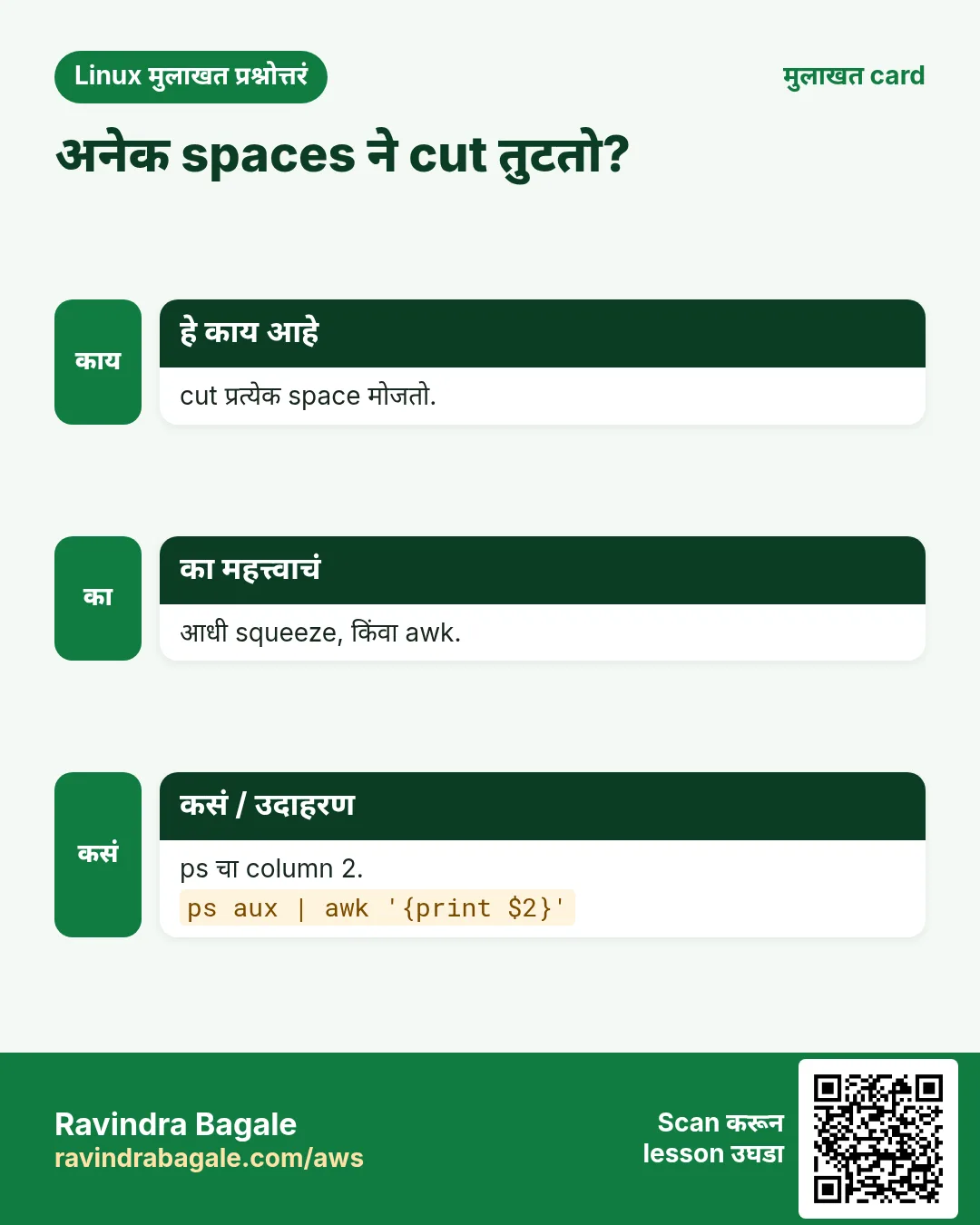
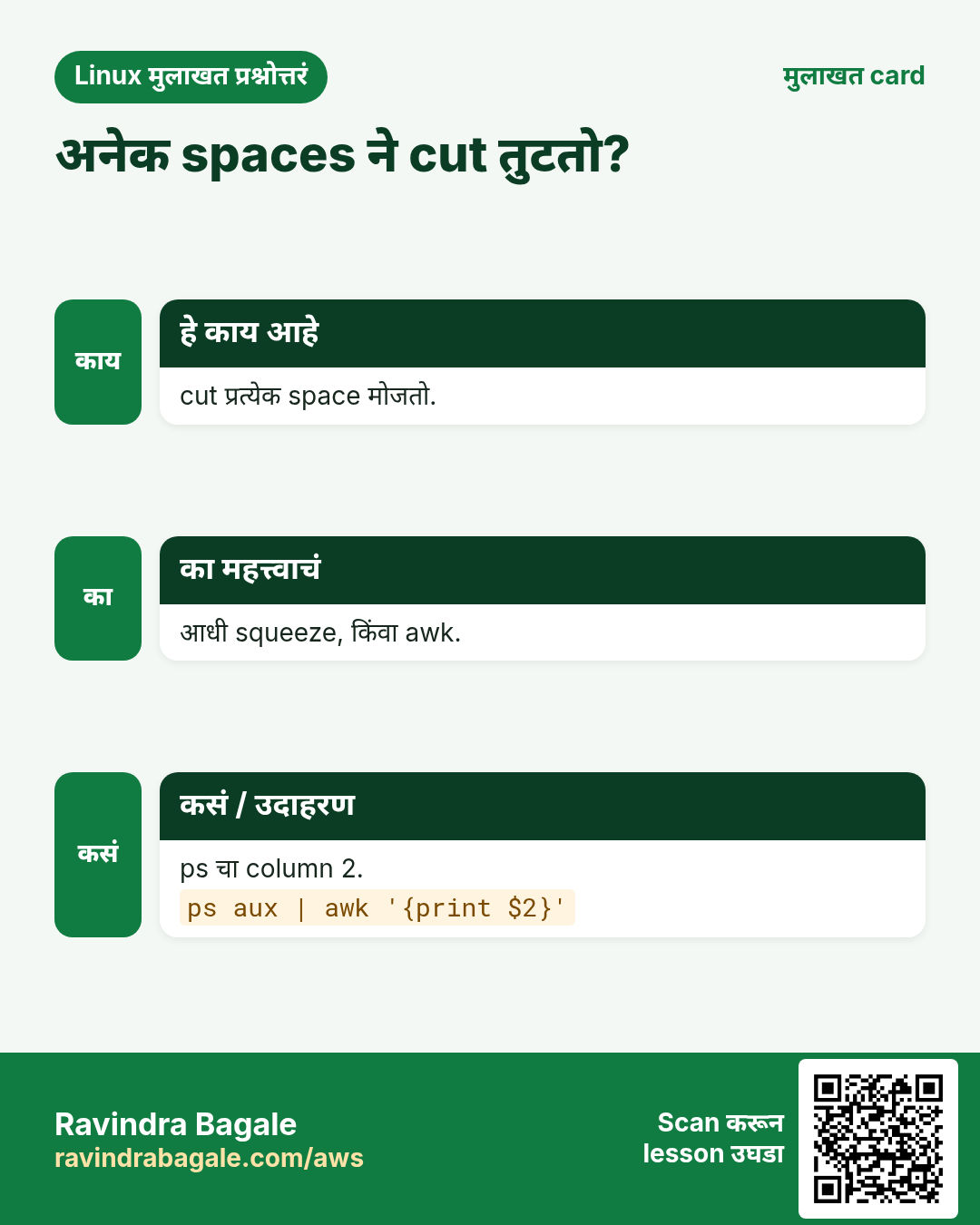
cut -d',' -f2 comma ने वेगळा field 2. -f1,3 fields 1 आणि 3, -f2- 2 पासून शेवटपर्यंत. -c1-5 characters 1 ते 5. --complement निवडलेले सोडून बाकी. Default delimiter TAB. cut अनेक spaces एक मानत नाही; space-aligned output साठी awk किंवा आधी tr -s ' '.
कसं करायचं (step by step)
- /etc/passwd मधून usernames.
cut -d: -f1 /etc/passwd | head -3Output:
root
bin
daemon
याचा अर्थ: Fields colons ने वेगळे.
- User आणि shell.
cut -d: -f1,7 /etc/passwd | tail -2Output:
ravi:/bin/bash
nginx:/sbin/nologin
याचा अर्थ: Output मधे तोच delimiter.
- CSV मधून city column.
cut -d, -f2 sales.csv | tail -n +2 | head -3Output:
Pune
Nashik
Pune
याचा अर्थ: tail -n +2 header काढतो.
- प्रत्येक log line चे पहिले 10 characters (date).
cut -c1-10 app.log | head -2Output:
2026-10-25
2026-10-25
याचा अर्थ: -c character position ने.
- Password column सोडून सगळं.
cut -d, -f3 --complement users.csv | head -2Output:
id,name,city
1,Aditi,Pune
याचा अर्थ: --complement उलटी निवड (GNU cut).
- Space-aligned output: आधी squeeze.
ps aux | tr -s ' ' | cut -d' ' -f2,11 | head -2Output:
PID COMMAND
1 /sbin/init
याचा अर्थ: tr -s अनेक spaces एक करतो, मग cut split करू शकतो.
3. sort: lines क्रमाने लावा
हे का लागतं?
Sorted data वाचायला सोपा, आणि uniq, comm, join सारख्या tools ना sorted input लागतो.
हे काय आहे?
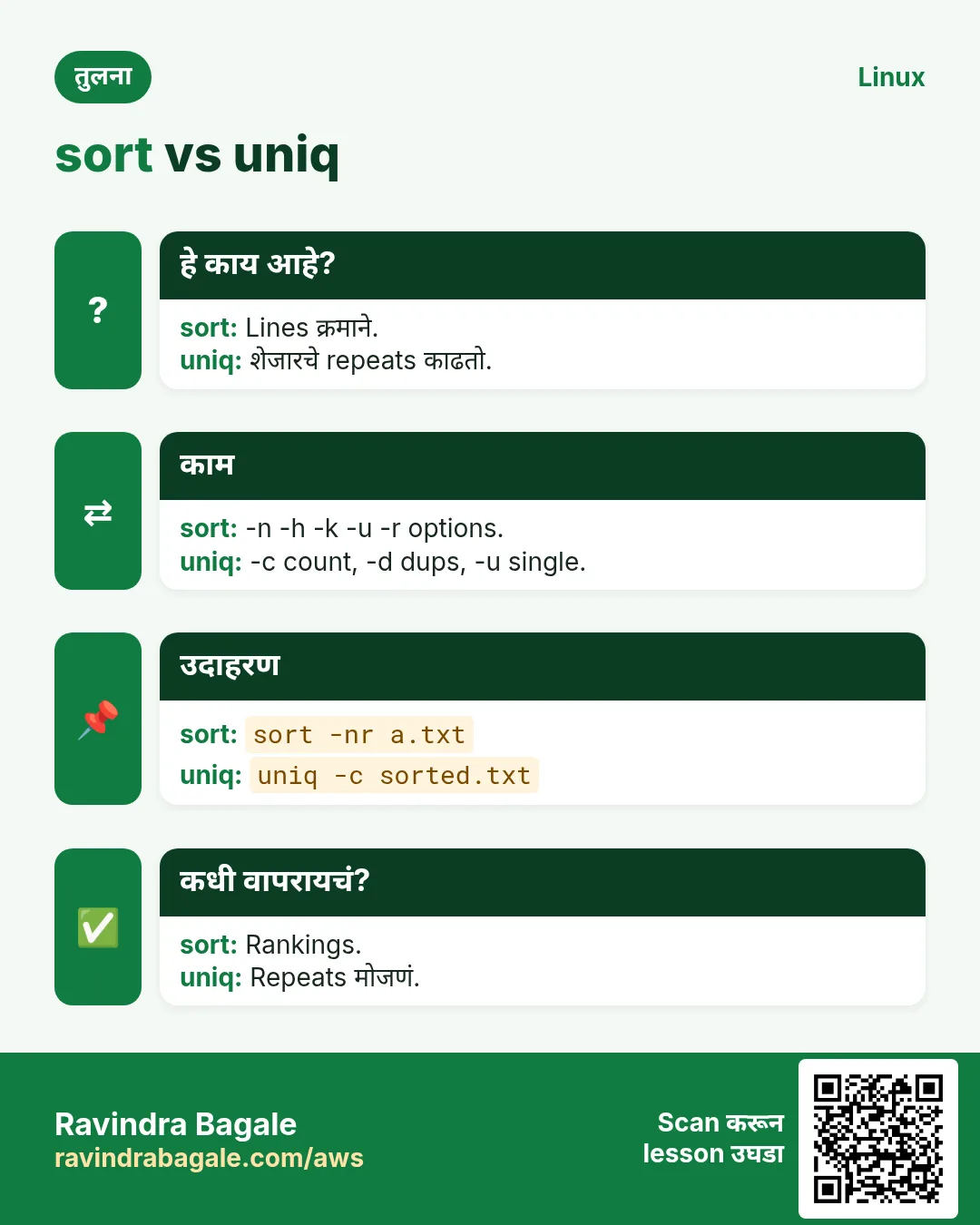
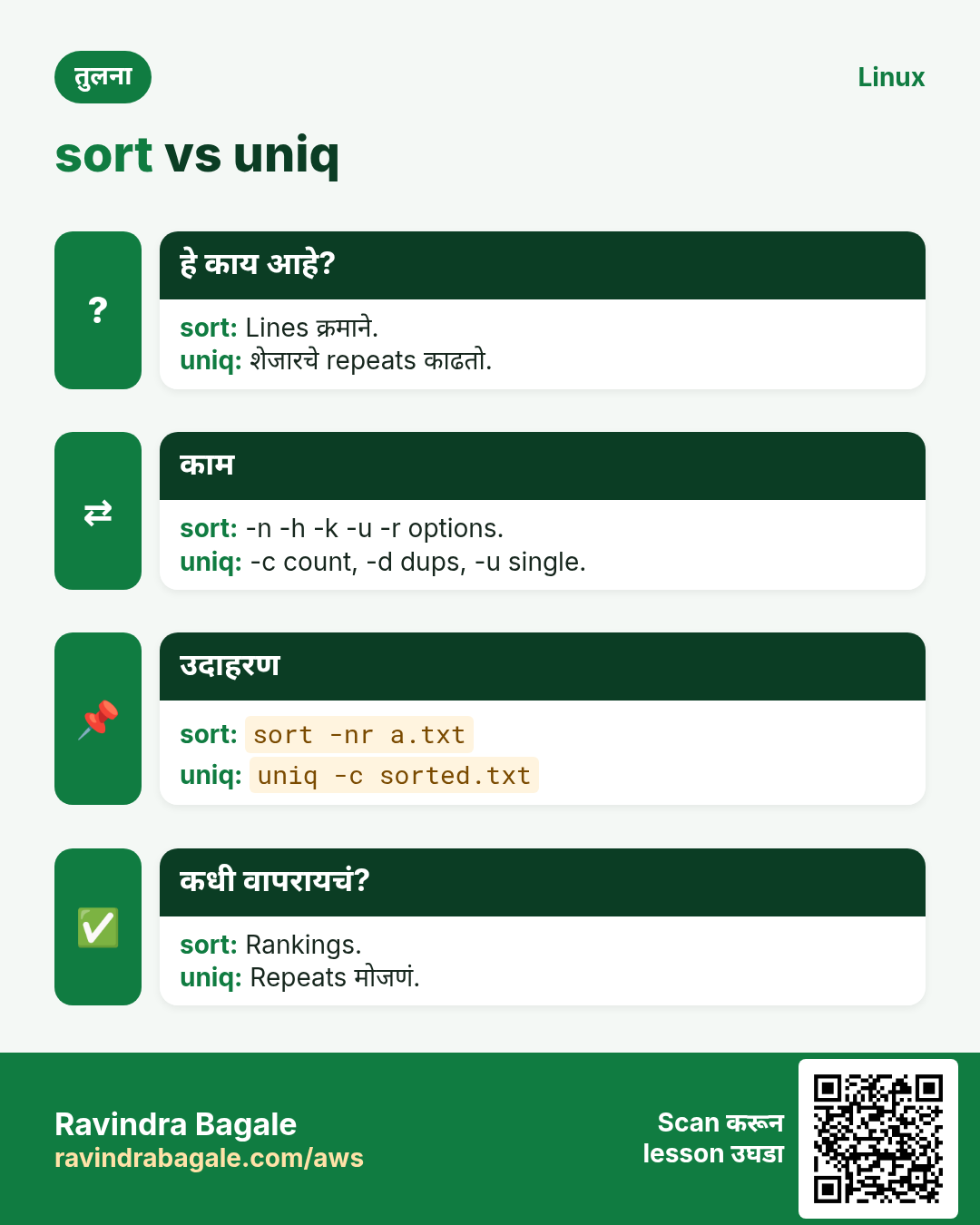
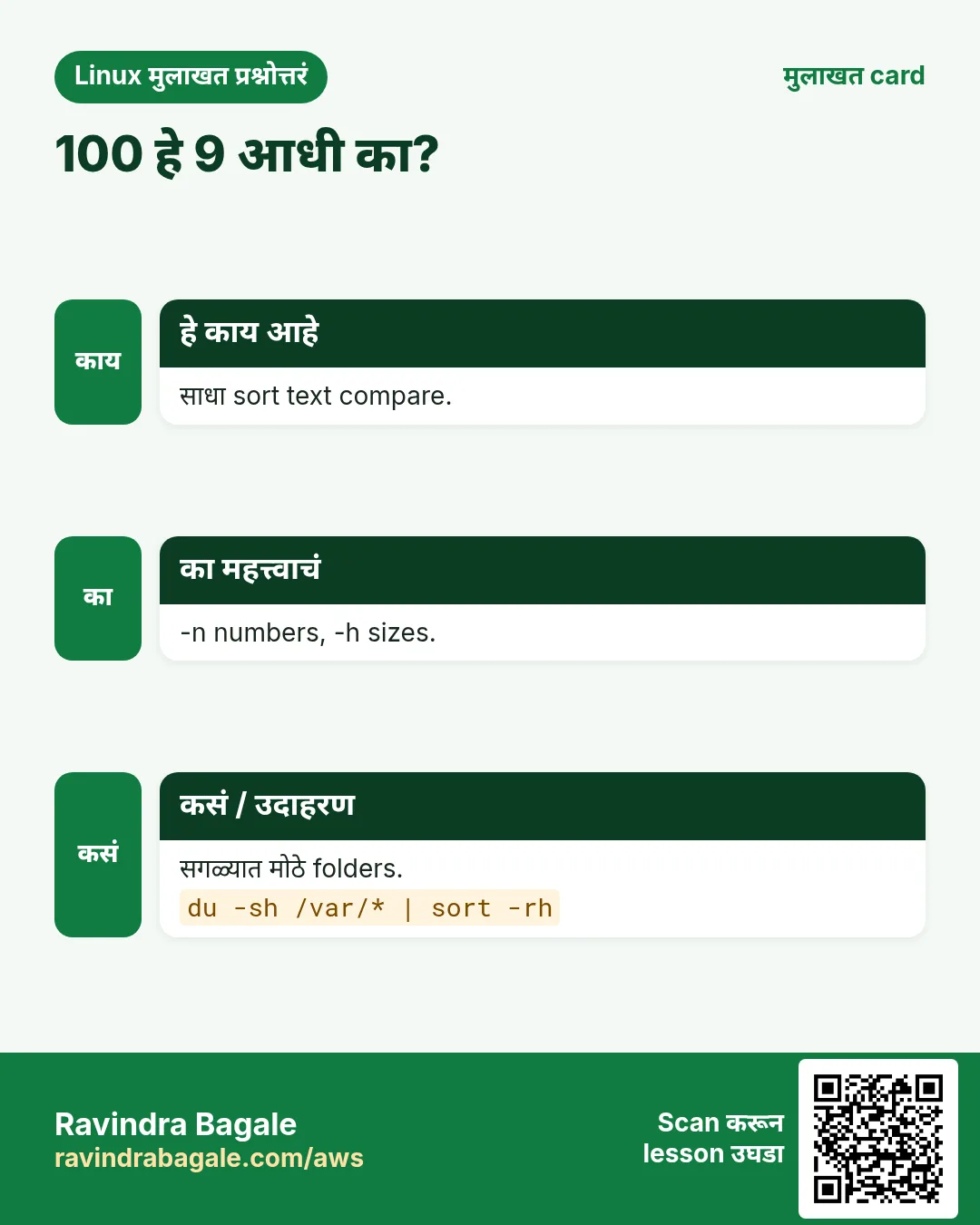
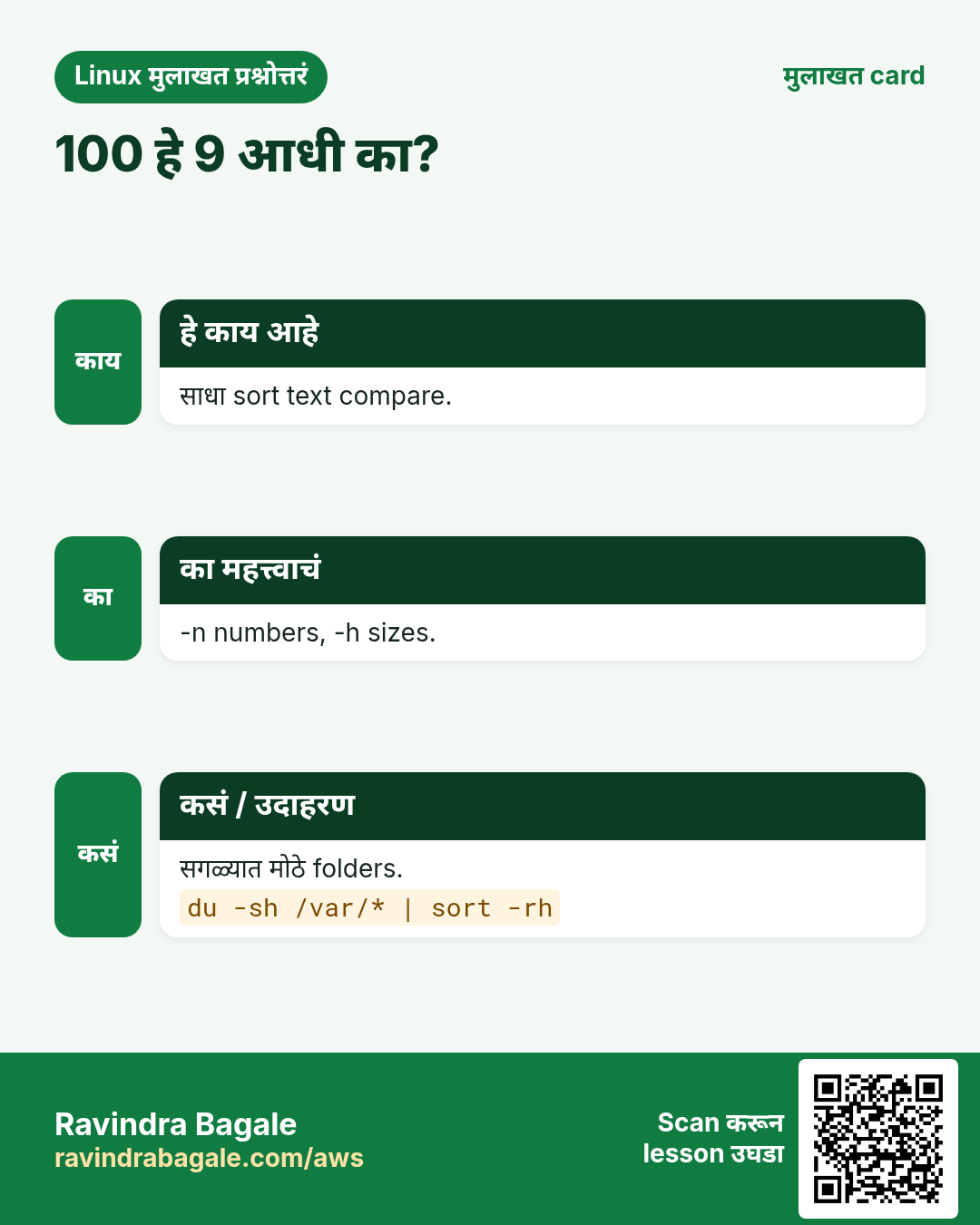
sort default text म्हणून क्रम लावतो. -n numeric, -r उलटा, -h human sizes (2K, 5M, 1G), -k2 field 2 ने, -t, field separator, -u unique, -f case ignore, -V version क्रम (v1.2 < v1.10), -o file output लिहितो (त्याच file वर पण safe), -c sorted आहे का तपासतो. -k2,2 म्हणजे फक्त field 2; -k2 म्हणजे field 2 पासून line शेवटपर्यंत.
| Option | उपयोग |
|---|---|
| -n | Numbers: 10 आधी 9 |
| -h | 512K 2G सारखे sizes |
| -r | उलटा |
| -t, -k3,3 | CSV च्या field 3 ने |
| -u | Duplicates काढा |
| -V | Versions |
| -o f | File f मधे लिहा |
कसं करायचं (step by step)
- Text sort vs number sort.
printf '10\n9\n100\n' | sort; printf '10\n9\n100\n' | sort -nOutput:
10
100
9
9
10
100
याचा अर्थ: -n शिवाय '1' < '9' म्हणून 100 आधी.
- Marks नुसार, सगळ्यात जास्त आधी.
sort -t, -k4,4nr marks.csv | head -3Output:
7,Sneha,Pune,98
3,Imran,Mumbai,95
9,Anna,Goa,91
याचा अर्थ: Field 4, numeric, उलटा.
- सगळ्यात मोठे folders.
du -sh /var/log/* | sort -rh | head -3Output:
1.2G /var/log/journal
300M /var/log/nginx
12M /var/log/dnf.log
याचा अर्थ: -h K, M, G समजतो.
- Version क्रम.
printf 'v1.10\nv1.2\nv1.9\n' | sort -VOutput:
v1.2
v1.9
v1.10
याचा अर्थ: -V माणसं versions वाचतात तसं sort.
- Unique sorted cities.
cut -d, -f3 marks.csv | tail -n +2 | sort -uOutput:
Goa
Mumbai
Pune
याचा अर्थ: sort | uniq सारखंच.
- File in place safely sort.
sort -o names.txt names.txtOutput:
(no output)याचा अर्थ: sort names.txt > names.txt file रिकामी करेल; -o safe.
4. uniq: duplicates काढा आणि मोजा
हे का लागतं?
सगळ्यात जास्त login कोणी? कोणता error परत परत? Repeats मोजणं हे log analysis चं हृदय.
हे काय आहे?
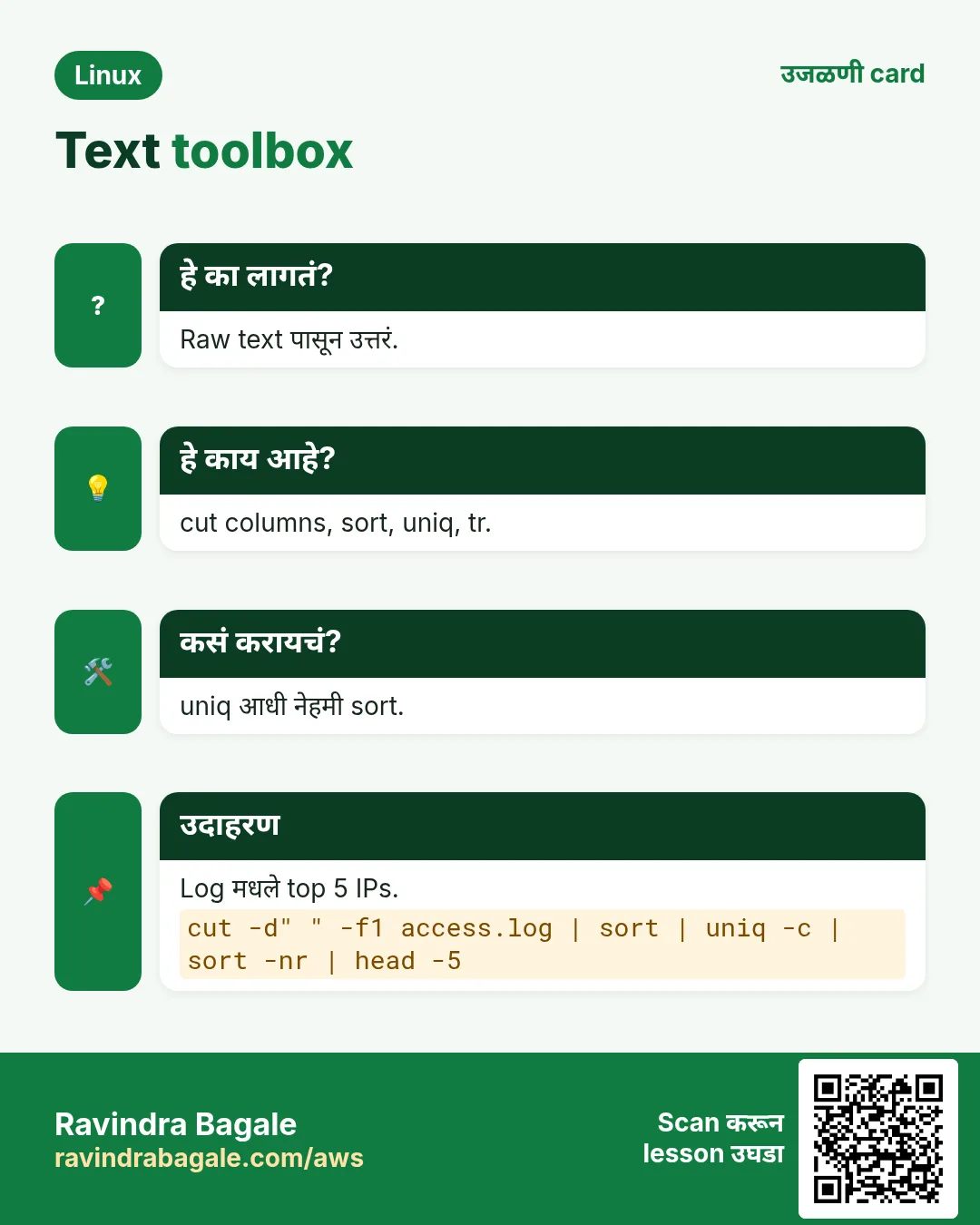
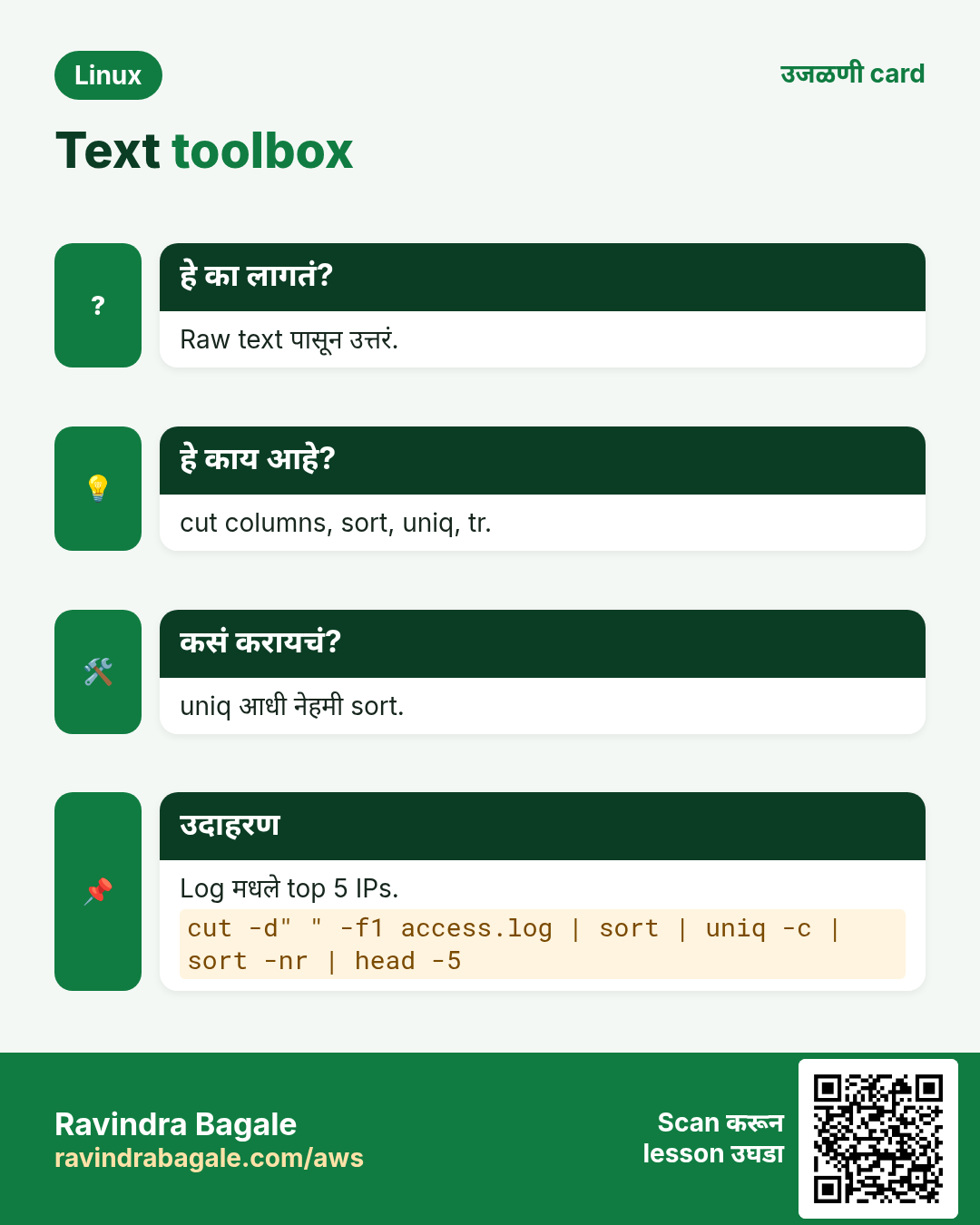
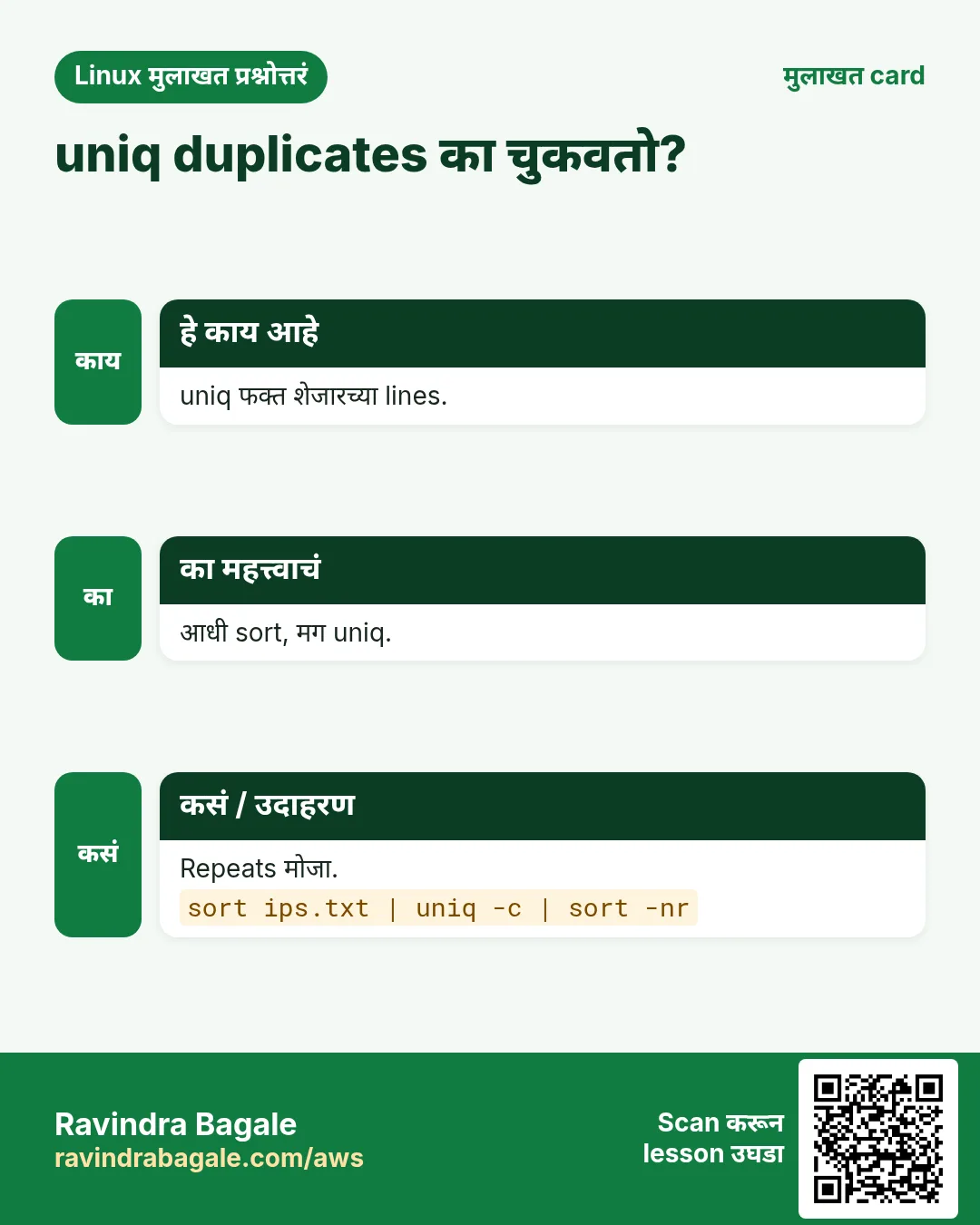
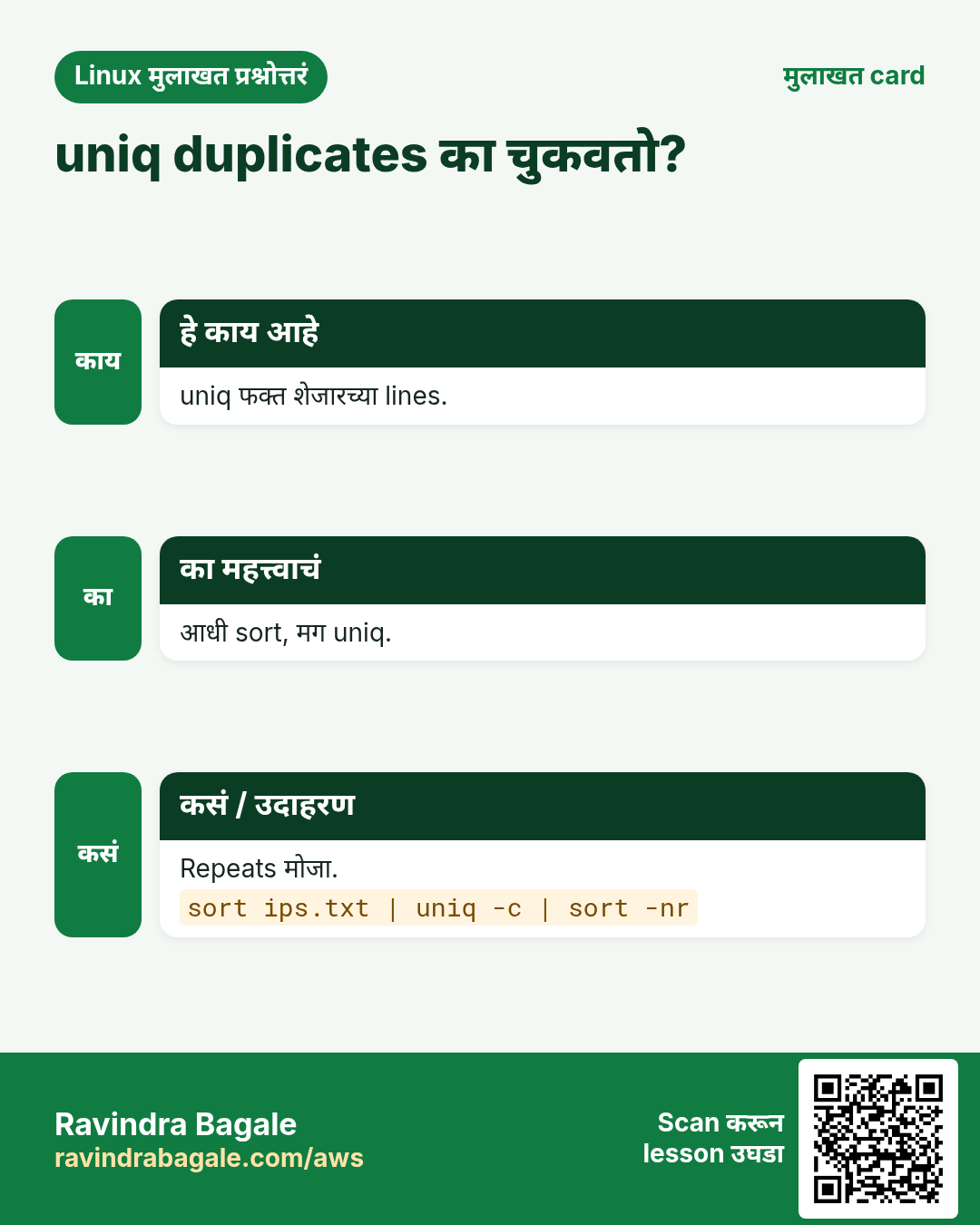
uniq शेजारच्या सारख्या lines जोडतो. म्हणून जवळजवळ नेहमी आधी sort. -c count जोडतो, -d फक्त repeated lines, -u फक्त एकदा आलेल्या, -i case ignore, -f1 पहिला field skip. Famous pipeline sort | uniq -c | sort -nr | head.
कसं करायचं (step by step)
- आधी sort का.
printf 'a\nb\na\n' | uniq; printf 'a\nb\na\n' | sort | uniqOutput:
a
b
a
a
b
याचा अर्थ: Sort शिवाय दोन a शेजारी नाहीत.
- शहरानुसार विद्यार्थी.
cut -d, -f3 marks.csv | tail -n +2 | sort | uniq -cOutput:
      2 Goa
      4 Mumbai
      6 Pune
याचा अर्थ: Number म्हणजे count.
- Access log मधले top 3 IPs.
cut -d' ' -f1 access.log | sort | uniq -c | sort -nr | head -3Output:
    812 10.0.0.7
    430 10.0.0.2
     95 49.36.12.4
याचा अर्थ: 10.0.0.7 ने 812 requests.
- फक्त duplicate emails.
sort emails.txt | uniq -dOutput:
aditi@example.comयाचा अर्थ: हे एकापेक्षा जास्त वेळा.
- फक्त एकदा आलेल्या.
sort emails.txt | uniq -u | wc -lOutput:
148याचा अर्थ: 148 emails फक्त एकदा.
- Error प्रकार मोजा.
grep -o 'ERROR [A-Za-z]*' app.log | sort | uniq -c | sort -nrOutput:
     41 ERROR timeout
      9 ERROR auth
याचा अर्थ: grep -o फक्त match print करतो (पुढचा chapter).
5. tr: characters बदला, squeeze आणि delete करा
हे का लागतं?
नावं uppercase हवीत, Windows line ends काढायचे, commas चं new lines करायचं किंवा अनेक spaces squeeze करायचे.
हे काय आहे?
tr फक्त stdin वाचतो (file नाव argument नाही) आणि एकेका character वर काम करतो. tr 'a-z' 'A-Z' case बदलतो, tr -d '\r' characters delete, tr -s ' ' repeats एक करतो, tr ',' '\n' commas चे new lines, tr -cd '[:digit:]' फक्त digits ठेवतो (-c = complement). Classes: [:upper:] [:lower:] [:digit:] [:space:] [:alnum:] [:punct:].
कसं करायचं (step by step)
- Uppercase.
echo 'pune city' | tr 'a-z' 'A-Z'Output:
PUNE CITYयाचा अर्थ: प्रत्येक अक्षर capital मधे.
- Windows line ends काढा.
tr -d '\r' < win.sh > unix.sh && cat -A unix.sh | head -1Output:
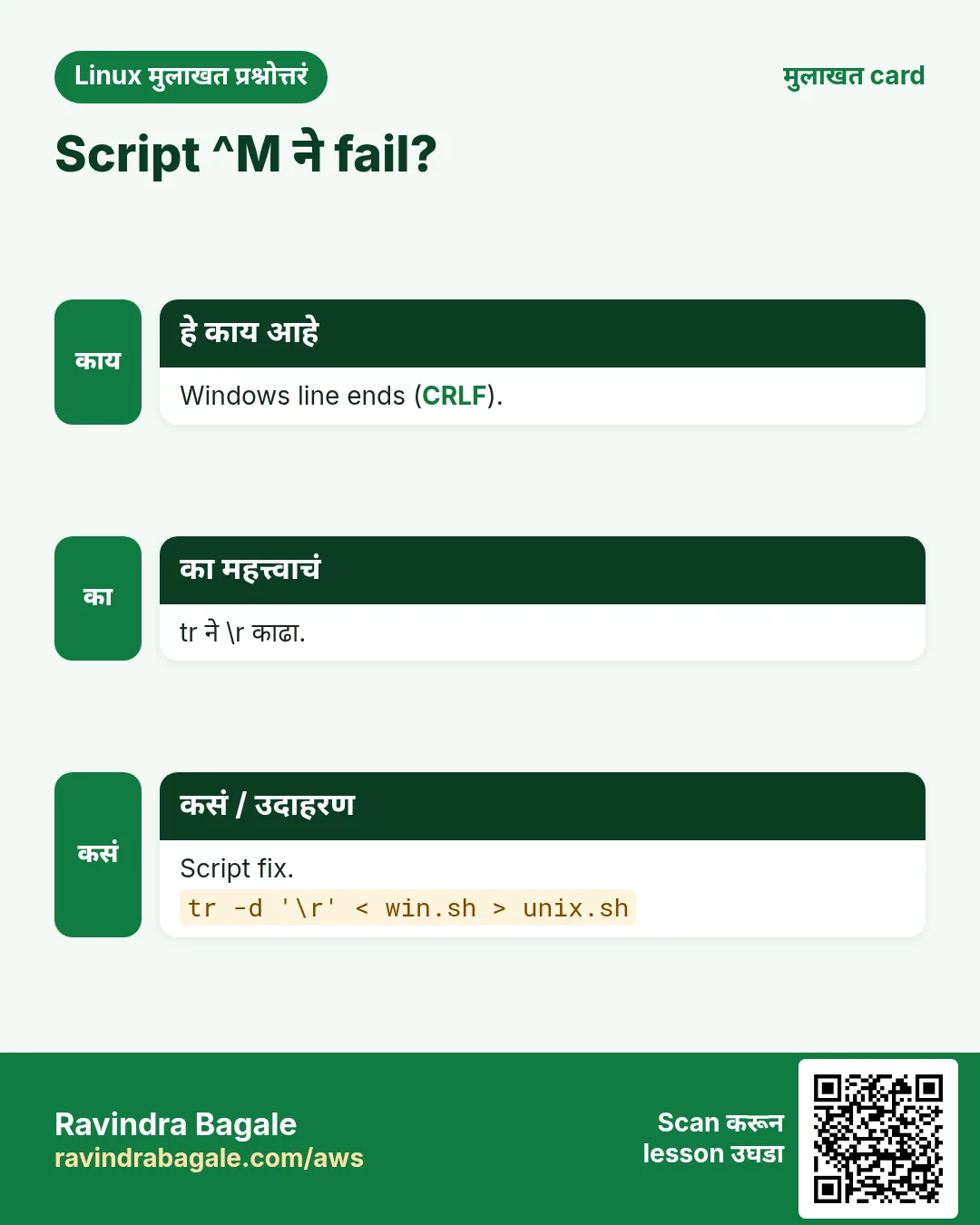
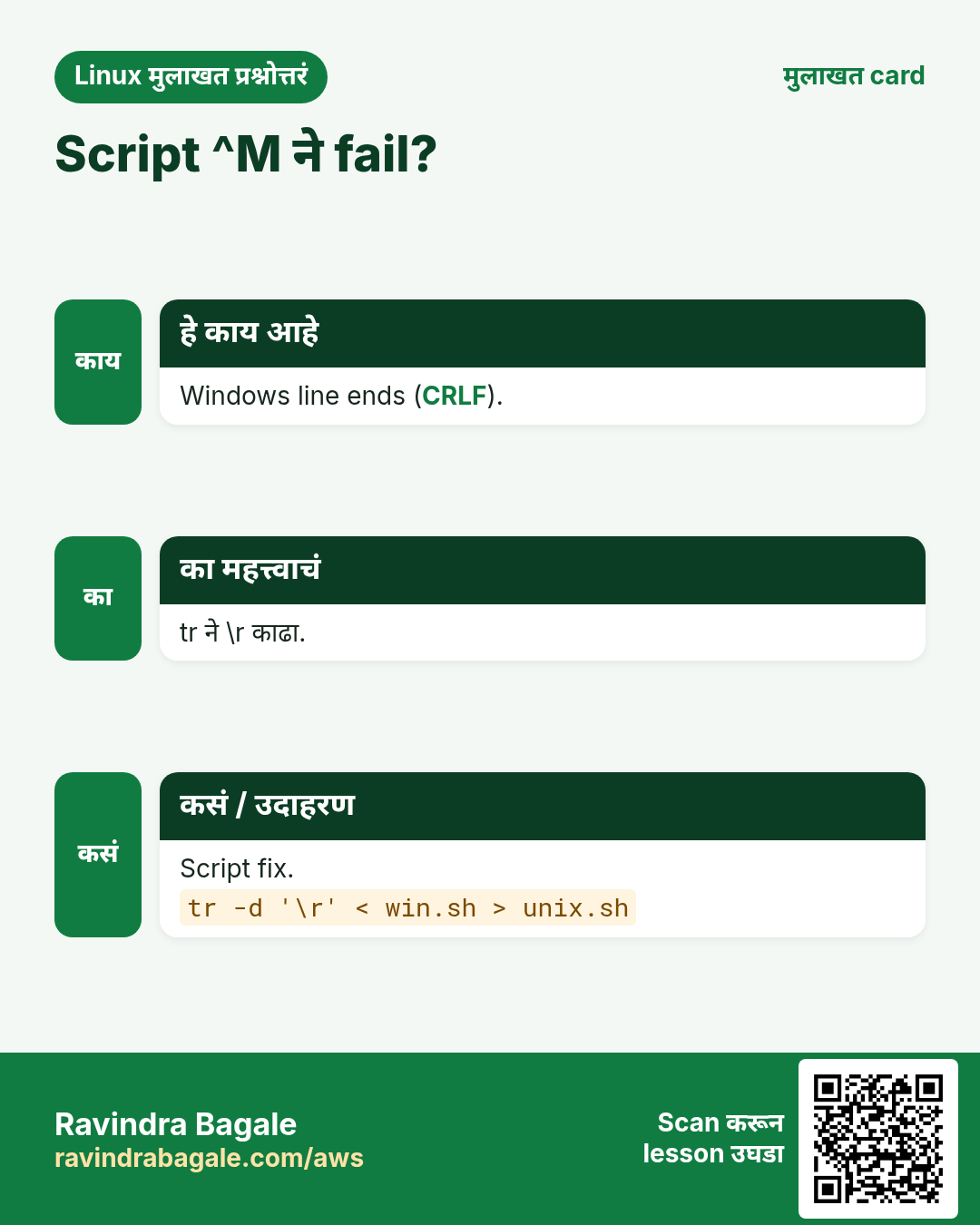
#!/bin/bash$याचा अर्थ: ^M गेलं. dos2unix सारखं काम.
- Spaces squeeze.
echo 'a b c' | tr -s ' 'Output:
a b cयाचा अर्थ: अनेक spaces एक.
- Comma list lines मधे.
echo 'web1,web2,db1' | tr ',' '\n'Output:
web1
web2
db1
याचा अर्थ: आता sort किंवा loop करता येतं.
- Phone number मधून फक्त digits.
echo '+91 (98220) 12-345' | tr -cd '[:digit:]'Output:
919822012345याचा अर्थ: -c म्हणजे 'हे सोडून', -d delete.
- PATH एक प्रति line.
echo "$PATH" | tr ':' '\n'Output:
/usr/local/bin
/usr/bin
/bin
याचा अर्थ: वाचायला आणि तपासायला सोपं.
6. paste: files शेजारी जोडा
हे का लागतं?
नावं एका file मधे, emails दुसऱ्यात; एक list हवी.
हे काय आहे?
paste line 1 सोबत line 1, line 2 सोबत 2, TAB ने जोडतो. -d, comma. -s एका file च्या सगळ्या lines एका line मधे. paste -sd+ bc साठी बेरीज बनवतो.
कसं करायचं (step by step)
- नावं आणि emails शेजारी.
paste -d, names.txt emails.txtOutput:
Aditi,aditi@ex.com
John,john@ex.com
याचा अर्थ: Line 1 सोबत line 1, line 2 सोबत 2.
- सगळ्या lines एका comma list मधे.
paste -sd, servers.txtOutput:
web1,web2,db1याचा अर्थ: Arguments बनवायला उपयोगी.
- paste आणि bc ने बेरीज.
paste -sd+ amounts.txt | bcOutput:
12750याचा अर्थ: 4500+3200+5050 बनवतो, bc बेरीज करतो.
7. join: दोन files key वर merge
हे का लागतं?
एका file मधे ids आणि नावं, दुसऱ्यात ids आणि शहरं; database join सारखी एक table हवी.
हे काय आहे?
join FILE1 FILE2 default field 1 वर join. -t, separator, -1 2 -2 3 key fields, -a1 file 1 मधल्या न जुळणाऱ्या lines ठेवतो (left join). दोन्ही files key वर sorted हव्यात.
कसं करायचं (step by step)
- id वर दोन files join.
join -t, <(sort ids_names.csv) <(sort ids_city.csv)Output:
1,Aditi,Pune
2,John,London
याचा अर्थ: दोन्ही files key वर sorted हव्यात.
- Left join: न जुळलेल्या ठेवा.
join -t, -a1 <(sort ids_names.csv) <(sort ids_city.csv)Output:
1,Aditi,Pune
2,John,London
3,Mei
याचा अर्थ: Mei ला शहर नाही, तरी ठेवली.
8. comm: दोन sorted lists compare
हे का लागतं?
जुनी server list vs नवी: काय जोडलं, काढलं, राहिलं?
हे काय आहे?
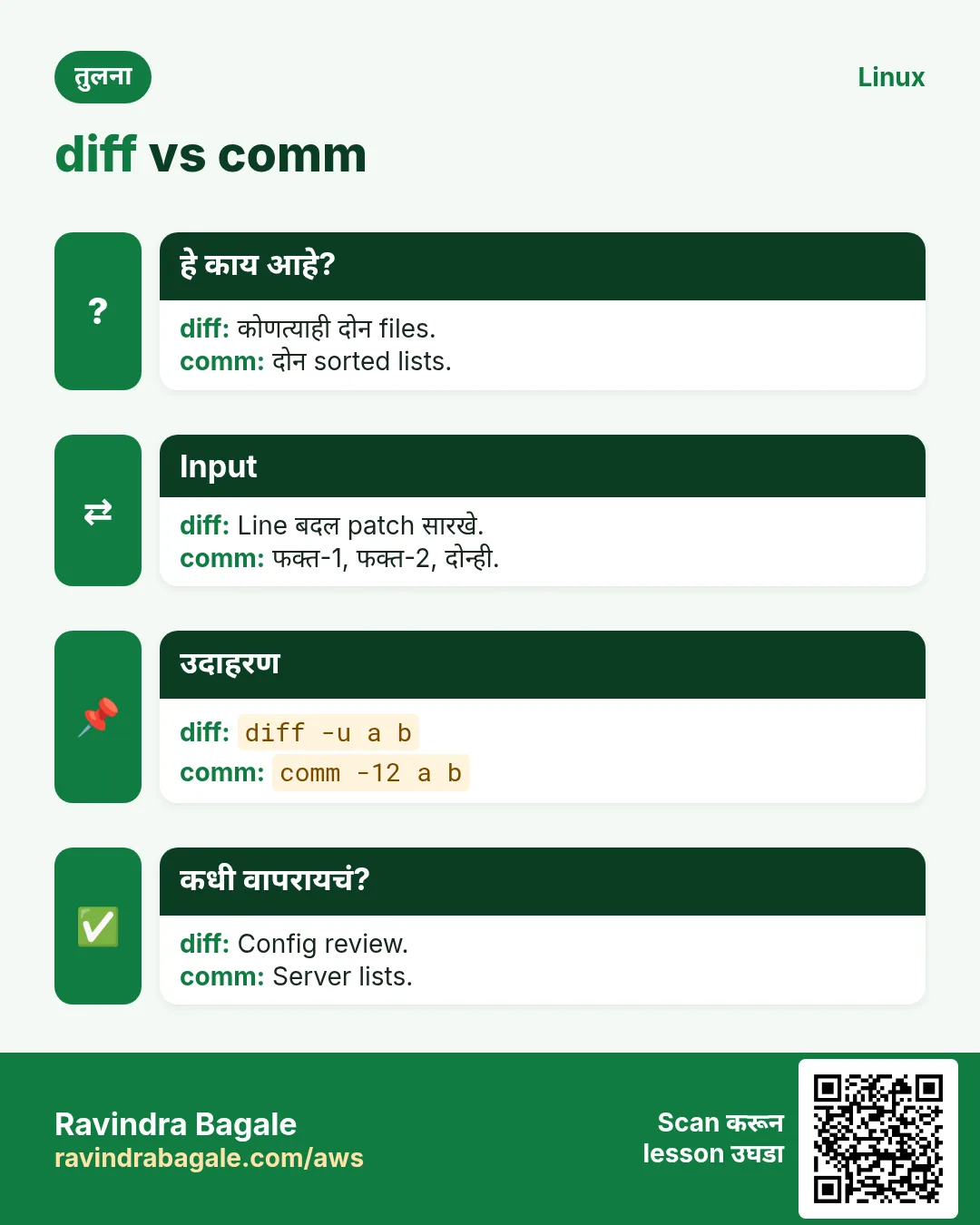
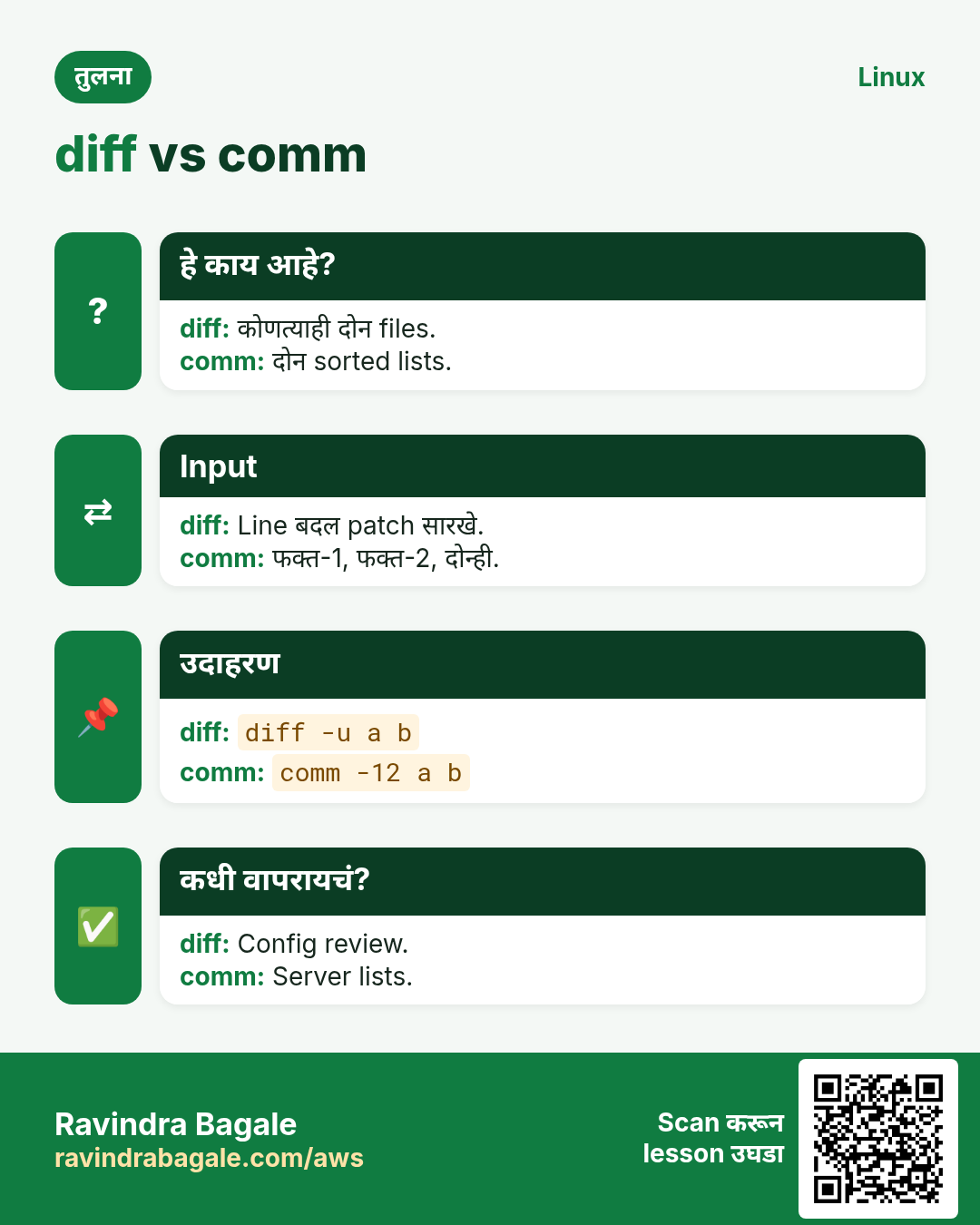
comm तीन columns print करतो: फक्त file 1, फक्त file 2, दोन्हीत. -1 -2 -3 columns लपवतात: -12 common, -23 फक्त file 1, -13 फक्त file 2. Inputs sorted हवेत.
कसं करायचं (step by step)
- दोन्ही lists मधले servers.
comm -12 <(sort old.txt) <(sort new.txt)Output:
web1
web2
याचा अर्थ: दोन्हीत common.
- काढलेले servers.
comm -23 <(sort old.txt) <(sort new.txt)Output:
db-oldयाचा अर्थ: फक्त जुन्या list मधे.
- जोडलेले servers.
comm -13 <(sort old.txt) <(sort new.txt)Output:
web3याचा अर्थ: फक्त नव्या list मधे.
9. diff: नेमकं काय बदललं ते बघा
हे का लागतं?
Config बदलाने site तुटली. Backup आणि live file मधे कोणती line बदलली ते शोधायचं.
हे काय आहे?
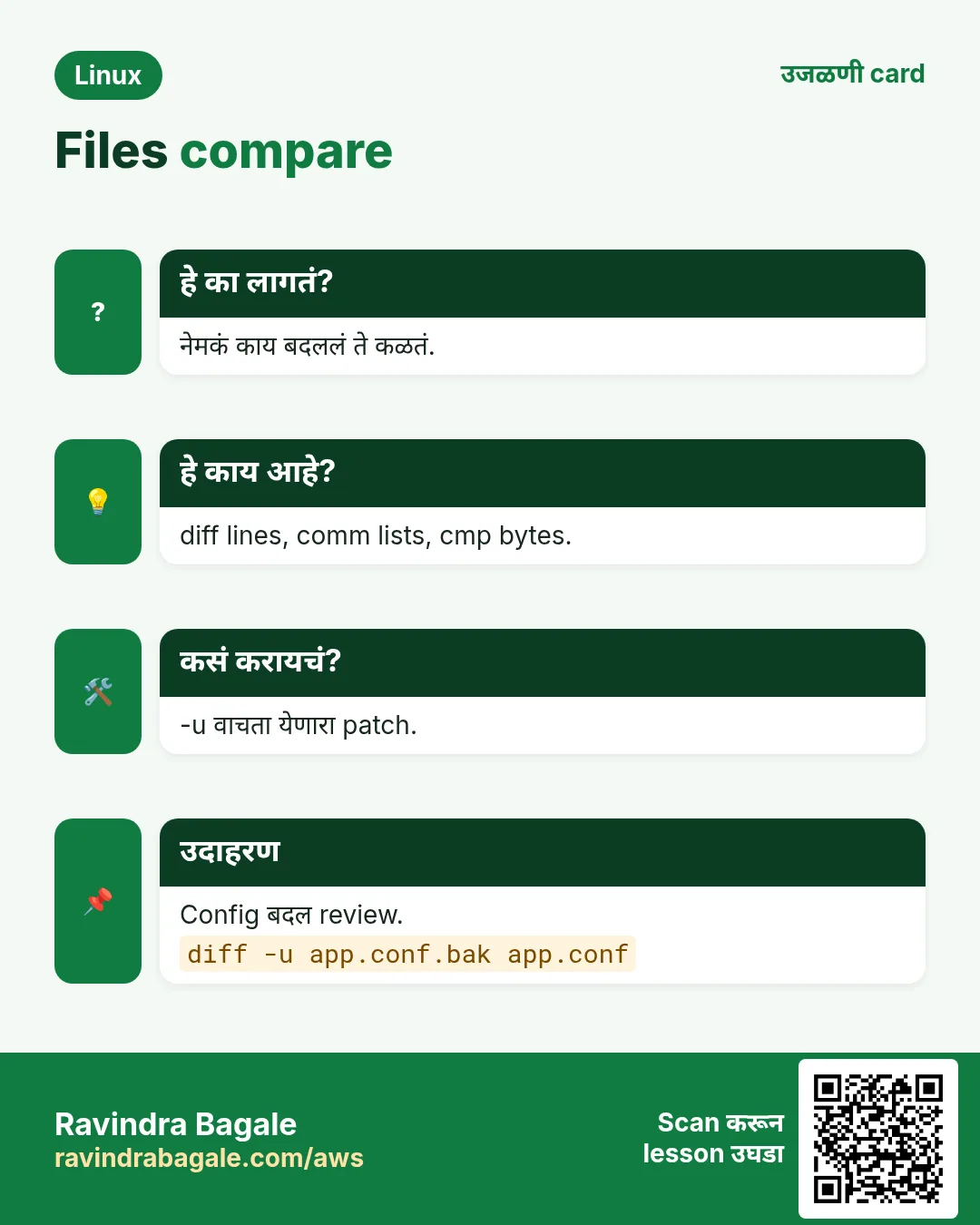
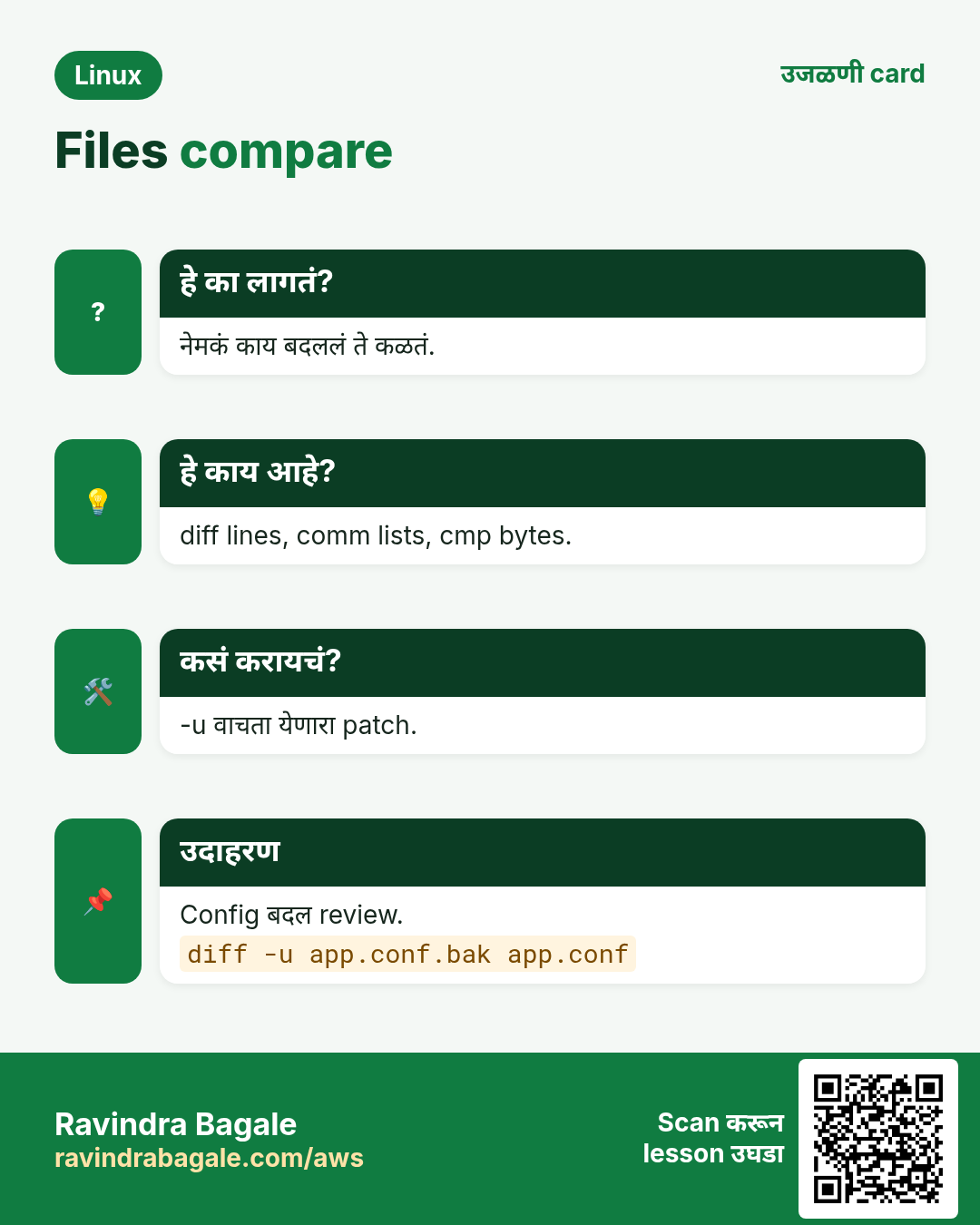
diff a b सांगतो a चं b करायला कोणत्या lines बदलायच्या. -u unified format (Git वापरतो तो): - म्हणजे काढलेली, + जोडलेली, @@ line numbers. -y शेजारी, -q फक्त वेगळ्या आहेत का, -r folders compare, -i case ignore, -w spaces ignore. Exit code: 0 same, 1 वेगळ्या, 2 problem. patch diff -u file लागू करतो. cmp binary files byte by byte; vimdiff colours दाखवतो.
कसं करायचं (step by step)
- दोन configs चा unified diff.
diff -u nginx.conf.bak nginx.confOutput:
--- nginx.conf.bak
+++ nginx.conf
@@ -12,3 +12,3 @@
     listen 80;
-    root /var/www/shop;
+    root /var/www/shopp;
     index index.html;
याचा अर्थ: कोणीतरी shopp लिहिलं. त्यामुळे site तुटली.
- फक्त विचारा: वेगळ्या आहेत का?
diff -q a.txt b.txt; echo $?Output:
Files a.txt and b.txt differ
1
याचा अर्थ: Exit code 1 म्हणजे वेगळ्या. Scripts मधे उपयोगी.
- शेजारी.
diff -y --width=50 old.txt new.txtOutput:
web1          web1
web2        | web3
db1           db1
याचा अर्थ: | बदललेली line.
- दोन folders compare.
diff -rq /etc/nginx /backup/nginxOutput:
Files /etc/nginx/nginx.conf and /backup/nginx/nginx.conf differ
Only in /etc/nginx/conf.d: new.conf
याचा अर्थ: बदललेल्या आणि जास्तीच्या files.
- Patch बनवा आणि लावा.
diff -u app.conf.orig app.conf > fix.patch && patch app.conf.orig < fix.patchOutput:
patching file app.conf.origयाचा अर्थ: आता orig file मधे तोच बदल.
- दोन servers चं output compare.
diff <(ssh web1 rpm -qa | sort) <(ssh web2 rpm -qa | sort)Output:
< openssl-3.0.7-1
> openssl-3.0.8-1
याचा अर्थ: <( ) मुळे diff commands compare करू शकतो.
10. cmp: files byte by byte compare
हे का लागतं?
Binaries, images किंवा archives साठी line diff चा अर्थ नाही. एकसारख्या आहेत का आणि कुठे वेगळ्या ते हवं.
हे काय आहे?
cmp a b पहिला वेगळा byte आणि line print करतो. -s शांत (फक्त exit code: 0 same, 1 वेगळ्या). -l प्रत्येक वेगळा byte. Downloads तपासायला अनेकदा sha256sum चांगला.
कसं करायचं (step by step)
- दोन binaries compare.
cmp app-v1.bin app-v2.binOutput:
app-v1.bin app-v2.bin differ: byte 1025, line 3याचा अर्थ: पहिला फरक byte 1025 ला.
- Script मधे शांत check.
cmp -s backup.tar live.tar && echo identical || echo changedOutput:
identicalयाचा अर्थ: फक्त exit code.
11. अनेक industries मधली खरी उदाहरणं
हे का लागतं?
तेच Linux skill प्रत्येक प्रकारच्या company मध्ये लागतं. वेगवेगळ्या ठिकाणी पाहिलं की लक्षात राहतं.
हे काय आहे?
प्रत्येक row म्हणजे एक काल्पनिक team. कोण हे वापरतं आणि कसं ते दाखवते.
कसं करायचं (step by step)
| Team आणि शहर | ते कसं वापरतात | Command |
|---|---|---|
| Rohit, security, Hyderabad | Access logs मधून top attacking IPs | cut -d' ' -f1 access.log | sort | uniq -c | sort -nr | head |
| Emma, retail BI, Paris | CSV column मधून daily sales बेरीज | cut -d, -f4 sales.csv | tail -n +2 | paste -sd+ | bc |
| Kenji, infra, Tokyo | दोन servers मधल्या package lists compare | diff <(rpm -qa|sort) <(ssh b rpm -qa|sort) |
| Pooja, HR tech, Chennai | Duplicate employee emails | sort emails.txt | uniq -d |
| Diego, logistics, Madrid | Import आधी Windows CSV exports साफ | tr -d '\r' < export.csv > clean.csv |
| Zainab, cloud FinOps, Lagos | Billing मधे आहेत पण inventory मधे नाहीत अशी instances | comm -23 billing.txt inventory.txt |
12. नेहमीच्या errors आणि त्यांचे fixes
हे का लागतं?
हे errors सगळ्यांना येतात. कारण माहीत असलं की तास वाचतात.
हे काय आहे?
आधी नेमका message वाचा. मग खालच्या row शी जुळवा.
कसं करायचं (step by step)
| दिसणारा error | का होतं | Fix कसा करायचा |
|---|---|---|
uniq shows duplicates still there | Input sorted नव्हता | uniq आधी sort.sort file | uniq -c |
sort puts 100 before 9 | Text sort, numeric नाही | -n जोडा (sizes साठी -h).sort -n nums.txt |
File became empty after sort file > file | sort वाचायच्या आधी > file रिकामी करतो | sort -o वापरा.sort -o file file |
cut: the delimiter must be a single character | -d ला दोन characters दिले | एक character किंवा awk -F.awk -F'::' '{print $2}' f |
cut prints the whole line | त्या line मधे delimiter नाही (default TAB) | -d नीट द्या; अशा lines skip करायला -s.cut -d, -f2 -s data.csv |
tr: extra operand 'file.txt' | tr file नावं घेत नाही | File tr मधे redirect करा.tr a-z A-Z < file.txt |
join: file 1 is not in sorted order | join ला दोन्ही inputs key वर sorted | दोन्ही त्याच field वर sort.join <(sort a) <(sort b) |
comm shows wrong results | Inputs sorted नाहीत, किंवा वेगळ्या locale ने | दोन्ही त्याच LC_ALL ने sort.LC_ALL=C sort a > a.s |
diff shows every line changed | एका file मधे Windows line ends (\r) | --strip-trailing-cr किंवा tr -d '\r'.diff --strip-trailing-cr a b |
sort -k2 sorts wrongly | -k2 म्हणजे field 2 ते शेवट; separator set नाही | -t आणि -k2,2 वापरा.sort -t, -k2,2 f.csv |
13. Troubleshooting step by step
हे का लागतं?
Text pipeline चुकीचं उत्तर देत असेल तर एक एक step चालवा आणि प्रत्येक output बघा.
हे काय आहे?
वरून खाली जा. ज्या step ला problem दिसतो तिथे थांबा.
कसं करायचं (step by step)
- Raw input आणि hidden characters बघा.
head -3 data.csv | cat -A- Delimiter आणि field तपासा.
head -3 data.csv | cut -d, -f2- गरज असेल तिथे numeric sort आहे का.
cut -d, -f4 data.csv | sort -n | tail -3- uniq ला sorted input मिळाला का.
cut -d, -f3 data.csv | sort | uniq -c- Locale surprises fix.
LC_ALL=C sort file | head- diff फक्त line ends मुळे नाही ना.
diff --strip-trailing-cr -q a b14. Lab 1: Web log मधून top visitors report
हे का लागतं?
Classic count pipeline step by step बनवा.
हे काय आहे?
पूर्ण hands-on lab. प्रत्येक step test Linux machine वर करा (EC2 instance, VM किंवा WSL).
कसं करायचं (step by step)
- Sample log बनवा.
mkdir -p ~/lab8 && cd ~/lab8 && for i in $(seq 1 300); do echo "10.0.0.$((i%4)) - GET /p$((i%5)) $((i%7==0?500:200))"; done > access.log; head -2 access.logOutput:
10.0.0.1 - GET /p1 200
10.0.0.2 - GET /p2 200- IP field निवडा.
cut -d' ' -f1 access.log | head -2Output:
10.0.0.1
10.0.0.2- प्रत्येक IP मोजा.
cut -d' ' -f1 access.log | sort | uniq -cOutput:
     75 10.0.0.0
     75 10.0.0.1
     75 10.0.0.2
75 10.0.0.3- 500 errors असलेली top pages.
grep ' 500$' access.log | cut -d' ' -f4 | sort | uniq -c | sort -nr | head -3Output:
     9 /p0
     9 /p1
8 /p4- Report save.
cut -d' ' -f1 access.log | sort | uniq -c | sort -nr > top-ips.txt && wc -l top-ips.txtOutput:
4 top-ips.txt15. Lab 2: diff ने बिघडलेला config बदल शोधा
हे का लागतं?
Backup बनवा, line बदला, शोधा आणि patch ने undo करा.
हे काय आहे?
पूर्ण hands-on lab. प्रत्येक step test Linux machine वर करा (EC2 instance, VM किंवा WSL).
कसं करायचं (step by step)
- Config आणि backup.
cd ~/lab8 && printf 'port=8080\nroot=/srv/shop\nmode=prod\n' > app.conf && cp app.conf app.conf.bakOutput:
(no output)- चूक करा.
sed -i 's#/srv/shop#/srv/shopp#' app.confOutput:
(no output)- शोधा.
diff -u app.conf.bak app.confOutput:
-root=/srv/shop
+root=/srv/shopp- Reverse patch बनवा आणि लावा.
diff -u app.conf app.conf.bak > undo.patch; patch app.conf < undo.patchOutput:
patching file app.conf- जुळतात का.
diff -q app.conf app.conf.bak && echo sameOutput:
sameRavindra Bagale's Tip
Remember the golden pipeline: cut | sort | uniq -c | sort -nr | head. It answers 'what is the most common X?' for IPs, URLs, users, errors and status codes in seconds.
Ravindra Bagale's Tip – मराठी
Golden pipeline लक्षात ठेवा: cut | sort | uniq -c | sort -nr | head. IPs, URLs, users, errors आणि status codes साठी 'सगळ्यात जास्त कोणतं X?' याचं उत्तर काही seconds मधे.
Ravindra Bagale's Tip – हिंदी
Golden pipeline याद रखें: cut | sort | uniq -c | sort -nr | head. IPs, URLs, users, errors और status codes के लिए 'सबसे ज़्यादा कौन सा X?' का जवाब कुछ seconds में.
16. नेहमी विचारले जाणारे प्रश्न
प्र. uniq आधी sort का?
uniq फक्त आधीच्या line शी compare करतो. Sort सारख्या lines एकत्र आणतो.
प्र. cut की awk?
एका fixed delimiter साठी cut सोपा आणि fast. अनेक spaces, conditions, maths साठी awk.
प्र. sort मधे -k2,2 म्हणजे?
Key field 2 ला सुरू आणि संपतो. ,2 शिवाय key line शेवटपर्यंत.
प्र. दोन servers वर sort क्रम वेगळा का?
Locale. en_US.UTF-8 आणि C वेगळं sort करतात. Byte क्रमासाठी LC_ALL=C.
प्र. tr words बदलू शकतो का?
नाही, फक्त एकेक character. Words साठी sed.
प्र. diff चा exit code?
0 same, 1 वेगळ्या, 2 error. Scripts त्याने ठरवतात.
प्र. comm vs diff?
comm ला sorted input लागतो आणि set सारखे columns (फक्त A, फक्त B, दोन्ही). diff क्रमाने edits.
प्र. Unique values कशा मोजायच्या?
sort -u file | wc -l.
17. मुलाखत प्रश्न आणि उत्तरं
Beginner level
प्र. /etc/passwd चा पहिला field कसा print कराल?
cut -d: -f1 /etc/passwd.
प्र. Numbers नीट कसे sort कराल?
sort -n (जास्त आधी साठी -r).
प्र. Lowercase चं uppercase कसं?
tr 'a-z' 'A-Z' किंवा tr '[:lower:]' '[:upper:]'.
प्र. दोन files मधले फरक कसे बघाल?
diff -u old new.
Mid level level
प्र. Access log मधले top 5 IPs.
cut -d' ' -f1 access.log | sort | uniq -c | sort -nr | head -5 (किंवा awk '{print $1}').
प्र. CSV 3rd column ने numeric sort.
sort -t, -k3,3n file.csv.
प्र. A मधे आहेत पण B मधे नाहीत अशा lines.
comm -23 <(sort A) <(sort B), किंवा grep -Fxv -f B A.
प्र. Script मधून Windows CRLF काढा.
tr -d '\r' < in > out, sed -i 's/\r$//' किंवा dos2unix.
Senior level
प्र. 50 GB file sort करताना No space left. Fix?
sort /tmp मधे temp files वापरतो. -T /bigdisk, --buffer-size, --parallel, आणि speed साठी LC_ALL=C; किंवा split करून sort -m ने merge.
प्र. UTF-8 locale server वर sort नंतर uniq -c counts चुकीचे का येऊ शकतात?
Locale collation काही characters सारखे मानतो किंवा विचित्र क्रम लावतो. Exact byte comparison साठी sort आणि uniq दोन्हीला LC_ALL=C.
प्र. 50 servers वर config drift कसा शोधाल?
प्रत्येकातून checksum किंवा file घ्या (ssh/ansible), मग golden copy शी diff किंवा md5sum lists sort | uniq -c ने compare.
प्र. CI मधे diff प्रत्येक line बदलली दाखवतो पण content सारखा. कारण?
Line endings (CRLF vs LF), trailing spaces किंवा encoding/BOM. cat -A किंवा file ने तपासा; --strip-trailing-cr, -w, किंवा .gitattributes rule.
घरी करून बघा
- 10 मित्रांची नावं आणि शहर 'name,city' अशी file मधे लिहा. cut, sort, uniq -c ने प्रत्येक शहरात किती मित्र ते शोधा.
- एक config file copy करा, एक line बदला, आणि diff -u ने बदल बघा.
सराव Tasks
Vidarbha Cotton Mills हा नागपूर मधला वस्त्रोद्योग व्यवसाय आहे. Ganesh Wankhede त्यांचं IT व cloud काम पाहतात. त्यांचे पैसे INR मध्ये मोजले जातात आणि AWS resources ap-south-1 Region मध्ये चालतात. खालच्या tasks मध्ये तुम्ही या lesson मध्ये शिकलेलं वापरून त्यांची खरी कामं करता. सगळी नावं, account IDs, IP addresses व numbers सरावासाठी काल्पनिक आहेत.
0 / 16
सोपं passwd मधून usernames
का: Audits ला user list.
काय करायचं: /etc/passwd चा फक्त सातवा field (login shell) (colon ने वेगळे).
- हे काम करणारा Linux command शोधा.
- Task ला लागणारे options (उदा. -r, -h) जोडा.
- File नावं, folders किंवा users योग्य क्रमाने लिहा.
- System files/users बदलत असाल तर sudo वापरा. Check answer दाबा.
सोपं Numbers sort
का: साधा sort 100 ला 9 आधी ठेवतो.
काय करायचं: amounts.txt numerically sort.
- हे काम करणारा Linux command शोधा.
- Task ला लागणारे options (उदा. -r, -h) जोडा.
- File नावं, folders किंवा users योग्य क्रमाने लिहा.
- System files/users बदलत असाल तर sudo वापरा. Check answer दाबा.
सोपं Sort करून duplicates काढा
का: Email list साफ.
काय करायचं: emails.txt sort करा आणि प्रत्येक line एकदाच, एका command मधे.
- हे काम करणारा Linux command शोधा.
- Task ला लागणारे options (उदा. -r, -h) जोडा.
- File नावं, folders किंवा users योग्य क्रमाने लिहा.
- System files/users बदलत असाल तर sudo वापरा. Check answer दाबा.
सोपं Uppercase text
का: Codes uppercase हवेत.
काय करायचं: codes.txt uppercase करून print, file input redirection ने वाचा.
- हे काम करणारा Linux command शोधा.
- Task ला लागणारे options (उदा. -r, -h) जोडा.
- File नावं, folders किंवा users योग्य क्रमाने लिहा.
- System files/users बदलत असाल तर sudo वापरा. Check answer दाबा.
सोपं Spaces दाबा
का: अनेक spaces cut तोडतात.
काय करायचं: report.txt मधले repeated spaces एकात, < ने वाचून.
- हे काम करणारा Linux command शोधा.
- Task ला लागणारे options (उदा. -r, -h) जोडा.
- File नावं, folders किंवा users योग्य क्रमाने लिहा.
- System files/users बदलत असाल तर sudo वापरा. Check answer दाबा.
सोपं Unified diff
का: Config बदल review.
काय करायचं: nginx.conf.orig आणि nginx.conf मधले फरक unified format मधे.
- हे काम करणारा Linux command शोधा.
- Task ला लागणारे options (उदा. -r, -h) जोडा.
- File नावं, folders किंवा users योग्य क्रमाने लिहा.
- System files/users बदलत असाल तर sudo वापरा. Check answer दाबा.
मध्यम दोन CSV columns
का: फक्त नावं आणि शहरं पाठवा.
काय करायचं: customers.csv चे columns 2 आणि 3 (comma ने वेगळे).
- हे काम करणारा Linux command शोधा.
- Task ला लागणारे options (उदा. -r, -h) जोडा.
- File नावं, folders किंवा users योग्य क्रमाने लिहा.
- System files/users बदलत असाल तर sudo वापरा. Check answer दाबा.
मध्यम Column ने CSV sort
का: Top scorers आधी.
काय करायचं: scores.csv (comma) column 3 ने, numbers, सगळ्यात मोठा आधी sort.
- हे काम करणारा Linux command शोधा.
- Task ला लागणारे options (उदा. -r, -h) जोडा.
- File नावं, folders किंवा users योग्य क्रमाने लिहा.
- System files/users बदलत असाल तर sudo वापरा. Check answer दाबा.
मध्यम Human sizes sort
का: सगळ्यात मोठे folders.
काय करायचं: du -sh /var/* चा output human-number sort ने मोठा आधी.
- हे काम करणारा Linux command शोधा.
- Task ला लागणारे options (उदा. -r, -h) जोडा.
- File नावं, folders किंवा users योग्य क्रमाने लिहा.
- System files/users बदलत असाल तर sudo वापरा. Check answer दाबा.
मध्यम Repeats मोजा
का: कोणता IP सगळ्यात जास्त?
काय करायचं: ips.txt मधे प्रत्येक line किती वेळा (आधी sort, मग uniq).
- हे काम करणारा Linux command शोधा.
- Task ला लागणारे options (उदा. -r, -h) जोडा.
- File नावं, folders किंवा users योग्य क्रमाने लिहा.
- System files/users बदलत असाल तर sudo वापरा. Check answer दाबा.
मध्यम फक्त duplicates
का: दुहेरी registrations.
काय करायचं: sorted.txt (आधीच sorted) मधे एकापेक्षा जास्त वेळा येणाऱ्या lines.
- हे काम करणारा Linux command शोधा.
- Task ला लागणारे options (उदा. -r, -h) जोडा.
- File नावं, folders किंवा users योग्य क्रमाने लिहा.
- System files/users बदलत असाल तर sudo वापरा. Check answer दाबा.
मध्यम Windows CR काढा
का: ^M bash scripts तोडतो.
काय करायचं: setup-crlf.sh मधले सगळे \r काढून setup-lf.sh मधे save.
- हे काम करणारा Linux command शोधा.
- Task ला लागणारे options (उदा. -r, -h) जोडा.
- File नावं, folders किंवा users योग्य क्रमाने लिहा.
- System files/users बदलत असाल तर sudo वापरा. Check answer दाबा.
मध्यम Files शेजारी जोडा
का: नावं आणि emails दोन files मधे.
काय करायचं: ids.txt आणि phones.txt comma ने शेजारी जोडा.
- हे काम करणारा Linux command शोधा.
- Task ला लागणारे options (उदा. -r, -h) जोडा.
- File नावं, folders किंवा users योग्य क्रमाने लिहा.
- System files/users बदलत असाल तर sudo वापरा. Check answer दाबा.
मध्यम दोन folders compare
का: Backup जुळला का?
काय करायचं: /etc/haproxy आणि /backup/haproxy मधे कोणत्या files वेगळ्या ते थोडक्यात, recursively.
- हे काम करणारा Linux command शोधा.
- Task ला लागणारे options (उदा. -r, -h) जोडा.
- File नावं, folders किंवा users योग्य क्रमाने लिहा.
- System files/users बदलत असाल तर sudo वापरा. Check answer दाबा.
अवघड दोन lists मधल्या common lines
का: जुन्या आणि नव्या दोन्हीत असलेले servers.
काय करायचं: old.txt आणि new.txt sorted. फक्त दोन्हीत असलेल्या lines.
- हे काम करणारा Linux command शोधा.
- Task ला लागणारे options (उदा. -r, -h) जोडा.
- File नावं, folders किंवा users योग्य क्रमाने लिहा.
- System files/users बदलत असाल तर sudo वापरा. Check answer दाबा.
अवघड शांत binary compare
का: Scripts ना फक्त हो/नाही.
काय करायचं: a.bin आणि b.bin byte by byte शांतपणे compare (फक्त exit code).
- हे काम करणारा Linux command शोधा.
- Task ला लागणारे options (उदा. -r, -h) जोडा.
- File नावं, folders किंवा users योग्य क्रमाने लिहा.
- System files/users बदलत असाल तर sudo वापरा. Check answer दाबा.
18. संबंधित chapters
- DevOps साठी Linux Ops Refresh
- Automation साठी Bash Scripting
- Linux grep आणि find Commands Examples सह
- Linux Servers मध्ये Passwordless SSH
थोडक्यात सांगायचं तर
- cut -d -f fields; -c characters.
- sort -n -h -r -k -t -u -V -o.
- uniq आधी नेहमी sort; uniq -c मोजतो.
- tr stdin मधले characters बदलतो, squeeze (-s) किंवा delete (-d).
- paste शेजारी; join key वर; comm sorted sets compare.
- diff -u बदल दाखवतो; exit 0 same, 1 वेगळ्या.
उजळणी, तुलना आणि मुलाखत cards
हा lesson काही मिनिटांत revise करा. Cards phone वर save करा किंवा PNG download करा. प्रत्येक card वरचा QR हा lesson उघडतो.
अजून cards: Ravi Sir's Cards.