AWS CLI EKS Commands: Cluster बनवा आणि kubectl connect करा
Managed Kubernetes cluster बनवू: roles, create-cluster, kubectl connect, worker nodes, add-ons, access आणि upgrade.
या chapter मध्ये तुम्ही काय शिकाल
- Cluster role बनवा
- EKS cluster बनवा
- kubectl connect
- Managed node group
- Access, add-ons, upgrades
1. मोठं चित्र: society office
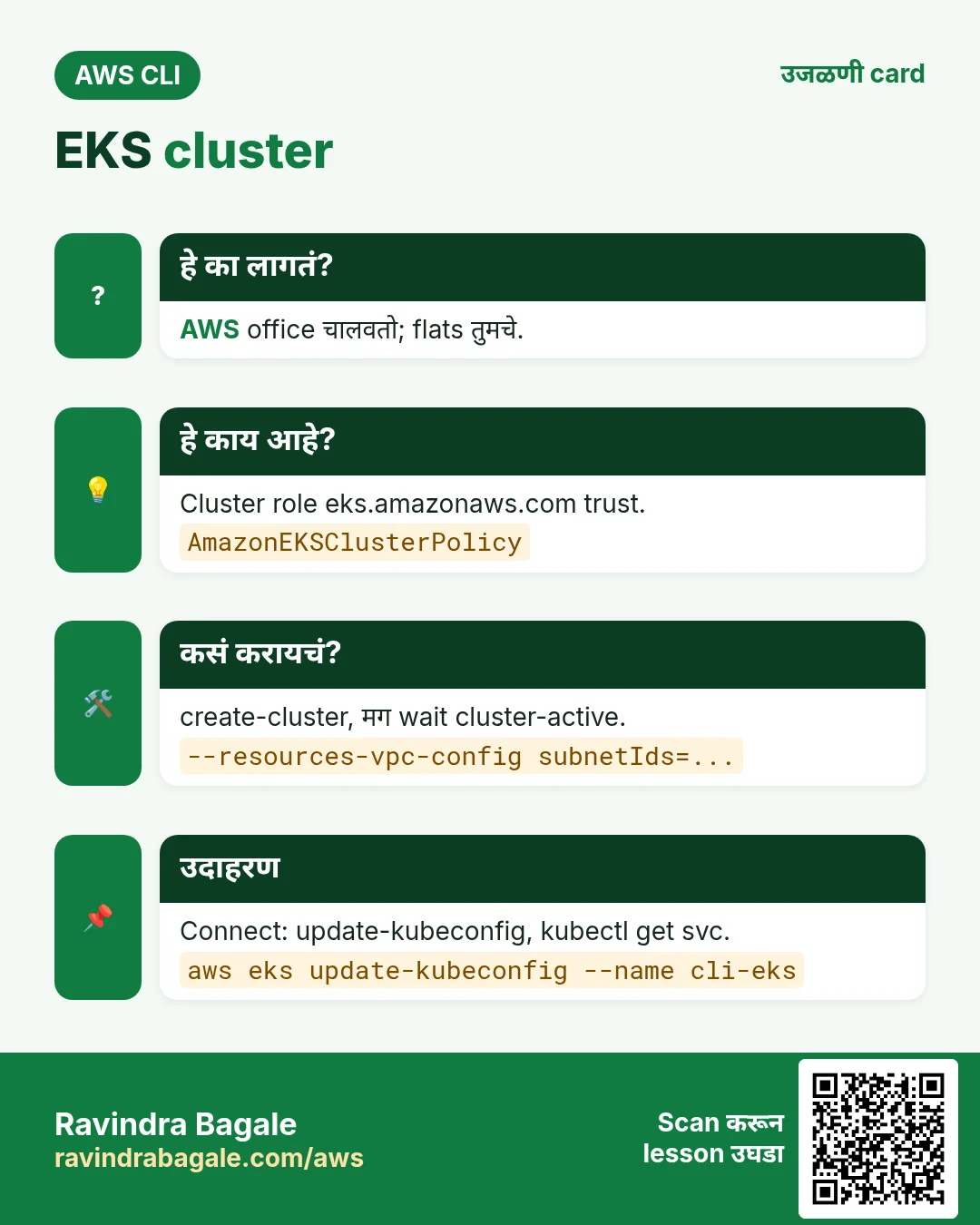
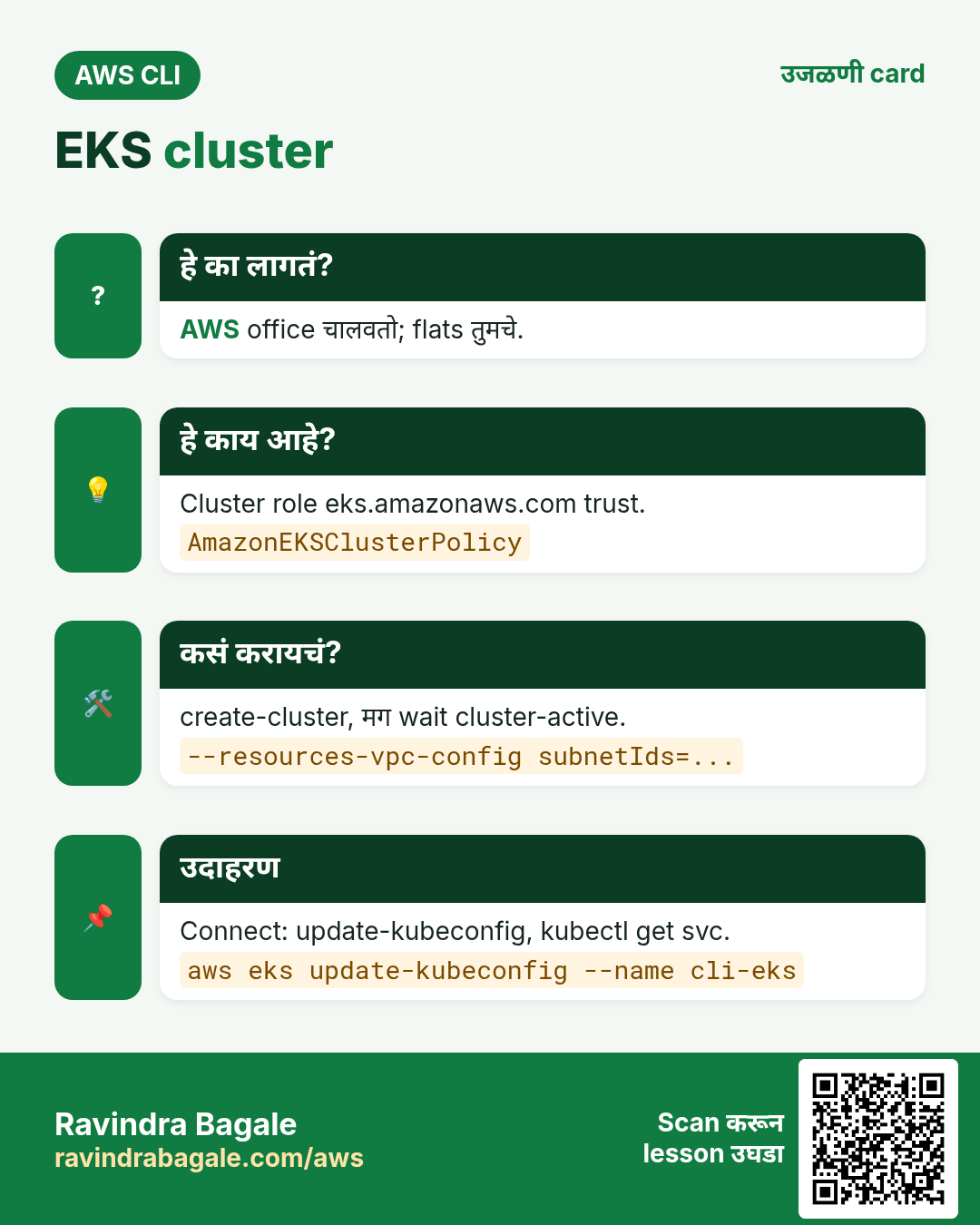
हे का लागतं?
Society office कोण कुठे राहणार ते ठरवते, problems सोडवते; flats मध्ये लोक राहतात. EKS control plane = office (AWS चालवतो); nodes = flats जिथे pods राहतात.
हे काय आहे?
aws eks cluster बनवतो आणि manage करतो. आत kubectl. update-kubeconfig दोघांना जोडतो.
कसं करायचं (step by step)
2. Roles
हे का लागतं?
EKS आणि nodes ना तुमच्यासाठी AWS call करायचे: ENIs, load balancers, image pulls.
हे काय आहे?
Cluster role eks.amazonaws.com trust, AmazonEKSClusterPolicy. Node role ec2.amazonaws.com trust, worker, CNI, ECR read policies.
कसं करायचं (step by step)
- Cluster role.
aws iam create-role --role-name cli-eks-cluster --assume-role-policy-document '{"Version":"2012-10-17","Statement":[{"Effect":"Allow","Principal":{"Service":"eks.amazonaws.com"},"Action":"sts:AssumeRole"}]}' --query Role.Arn --output text
aws iam attach-role-policy --role-name cli-eks-cluster --policy-arn arn:aws:iam::aws:policy/AmazonEKSClusterPolicy
अपेक्षित output:
arn:aws:iam::111122223333:role/cli-eks-cluster- Node role.
aws iam create-role --role-name cli-eks-node --assume-role-policy-document '{"Version":"2012-10-17","Statement":[{"Effect":"Allow","Principal":{"Service":"ec2.amazonaws.com"},"Action":"sts:AssumeRole"}]}' --query Role.Arn --output text
for p in AmazonEKSWorkerNodePolicy AmazonEKS_CNI_Policy AmazonEC2ContainerRegistryReadOnly; do aws iam attach-role-policy --role-name cli-eks-node --policy-arn arn:aws:iam::aws:policy/$p; done
अपेक्षित output:
arn:aws:iam::111122223333:role/cli-eks-node3. Cluster बनवा आणि connect
हे का लागतं?
Masters स्वतः न चालवता Kubernetes हवं.
हे काय आहे?
create-cluster ला version, role आणि वेगळ्या AZs मधले किमान दोन subnets. update-kubeconfig ~/.kube/config लिहितो.
कसं करायचं (step by step)
- बनवा आणि wait.
aws eks create-cluster --name cli-eks --kubernetes-version 1.31 --role-arn arn:aws:iam::111122223333:role/cli-eks-cluster --resources-vpc-config subnetIds=subnet-0aaa111,subnet-0bbb222 --access-config authenticationMode=API --query cluster.status --output text
aws eks wait cluster-active --name cli-eks
अपेक्षित output:
CREATING- kubectl connect.
aws eks update-kubeconfig --name cli-eks --region ap-south-1
kubectl get svc
अपेक्षित output:
Added new context arn:aws:eks:ap-south-1:111122223333:cluster/cli-eks to /home/you/.kube/config
NAME         TYPE        CLUSTER-IP   PORT(S)
kubernetes   ClusterIP   10.100.0.1   443/TCP
4. Managed node group
हे का लागतं?
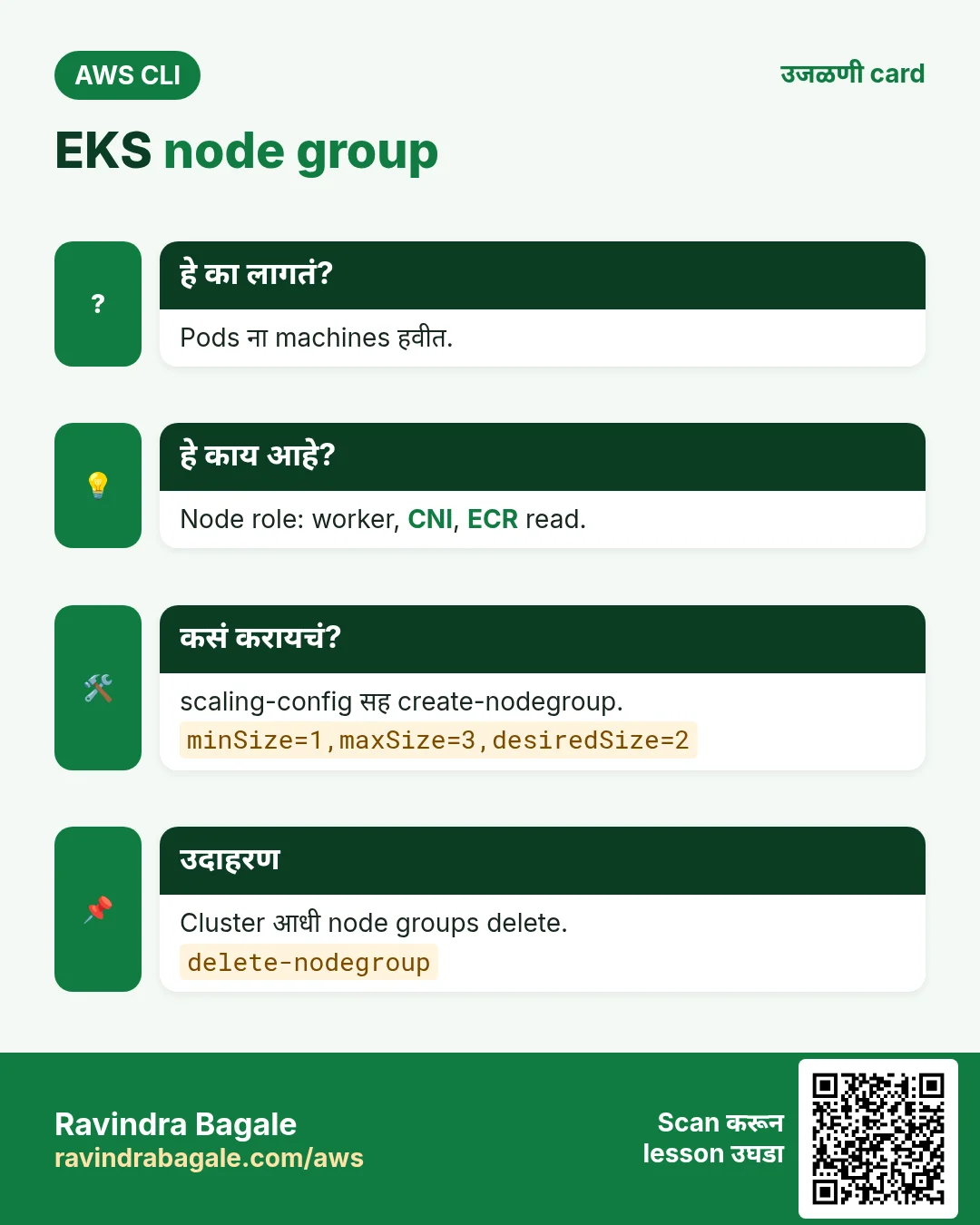
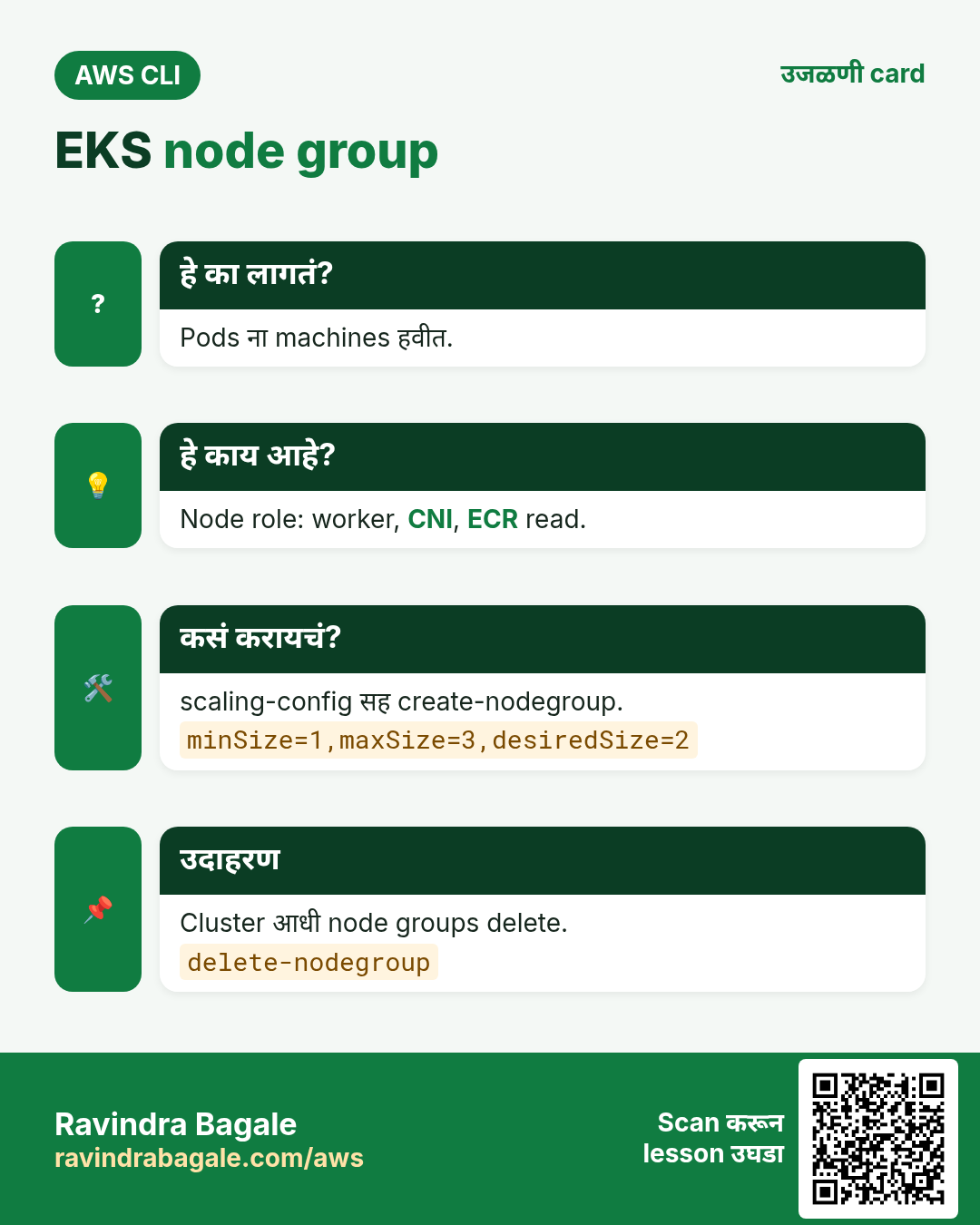
Pods ना चालायला machines हवीत.
हे काय आहे?
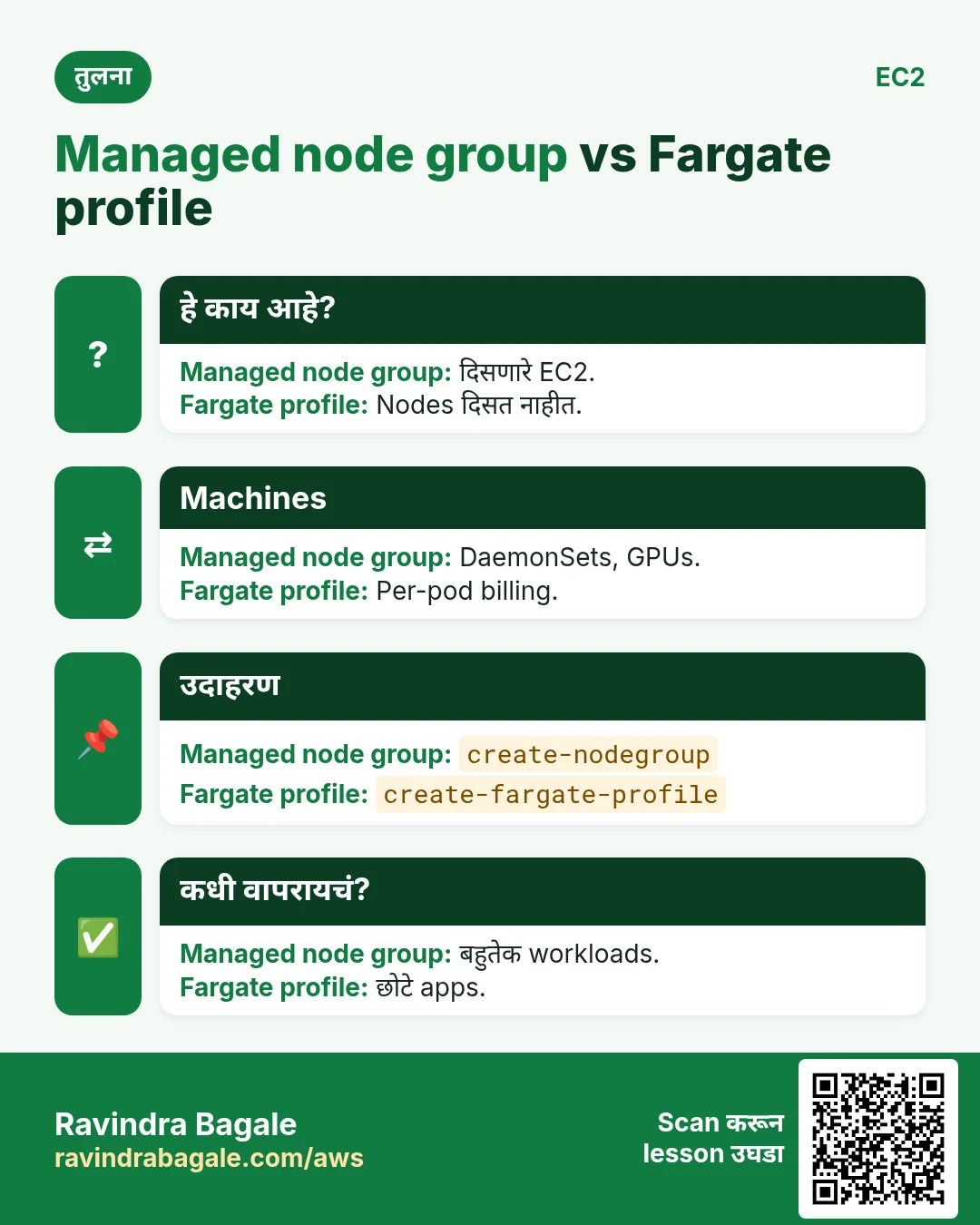
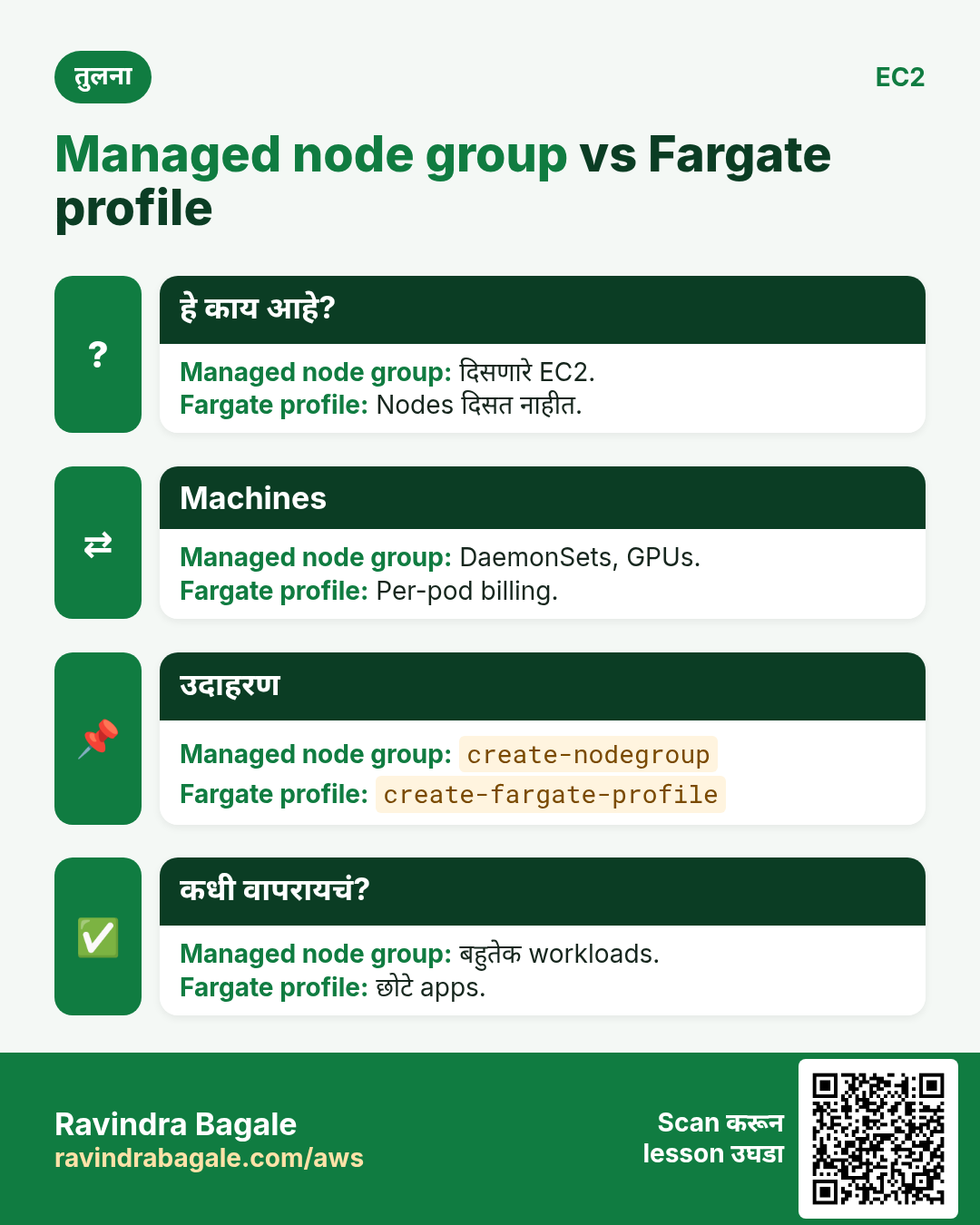
create-nodegroup Auto Scaling group मध्ये EC2 सुरू करतो, AWS patch आणि replace करतो. scaling-config min, max, desired.
कसं करायचं (step by step)
- Node group बनवा.
aws eks create-nodegroup --cluster-name cli-eks --nodegroup-name ng1 --node-role arn:aws:iam::111122223333:role/cli-eks-node --subnets subnet-0aaa111 subnet-0bbb222 --instance-types t3.medium --scaling-config minSize=1,maxSize=3,desiredSize=2 --query nodegroup.status --output text
aws eks wait nodegroup-active --cluster-name cli-eks --nodegroup-name ng1
अपेक्षित output:
CREATING- Nodes बघा.
kubectl get nodesअपेक्षित output:
NAME                                        STATUS   VERSION
ip-10-0-1-23.ap-south-1.compute.internal   Ready    v1.31.0-eks
ip-10-0-2-45.ap-south-1.compute.internal Ready v1.31.0-eks- Scale.
aws eks update-nodegroup-config --cluster-name cli-eks --nodegroup-name ng1 --scaling-config desiredSize=3 --query update.status --output textअपेक्षित output:
InProgress5. Access, add-ons आणि upgrades
हे का लागतं?
Teammate ला kubectl access, cluster ला core add-ons, आणि versions support बाहेर जातात.
हे काय आहे?
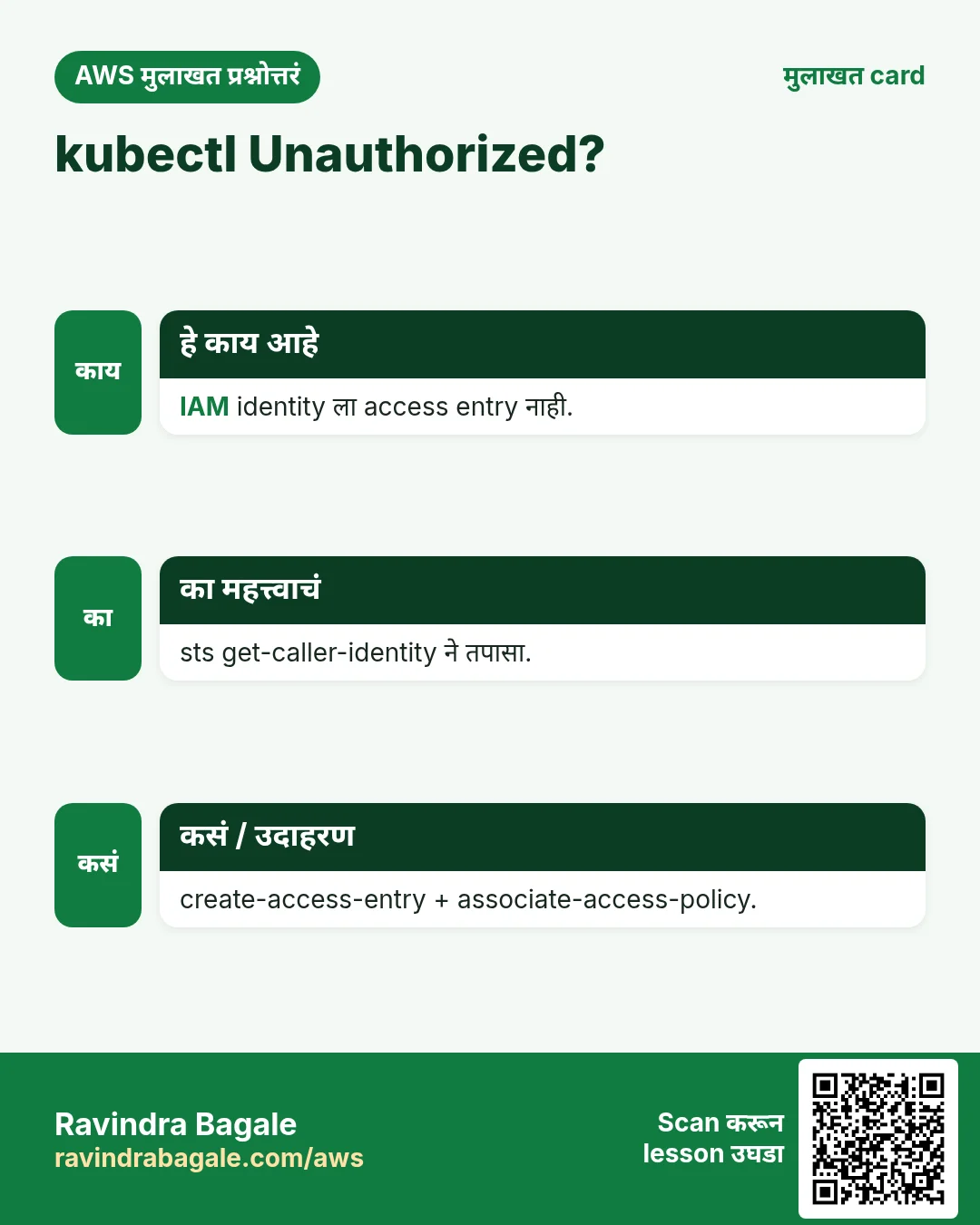
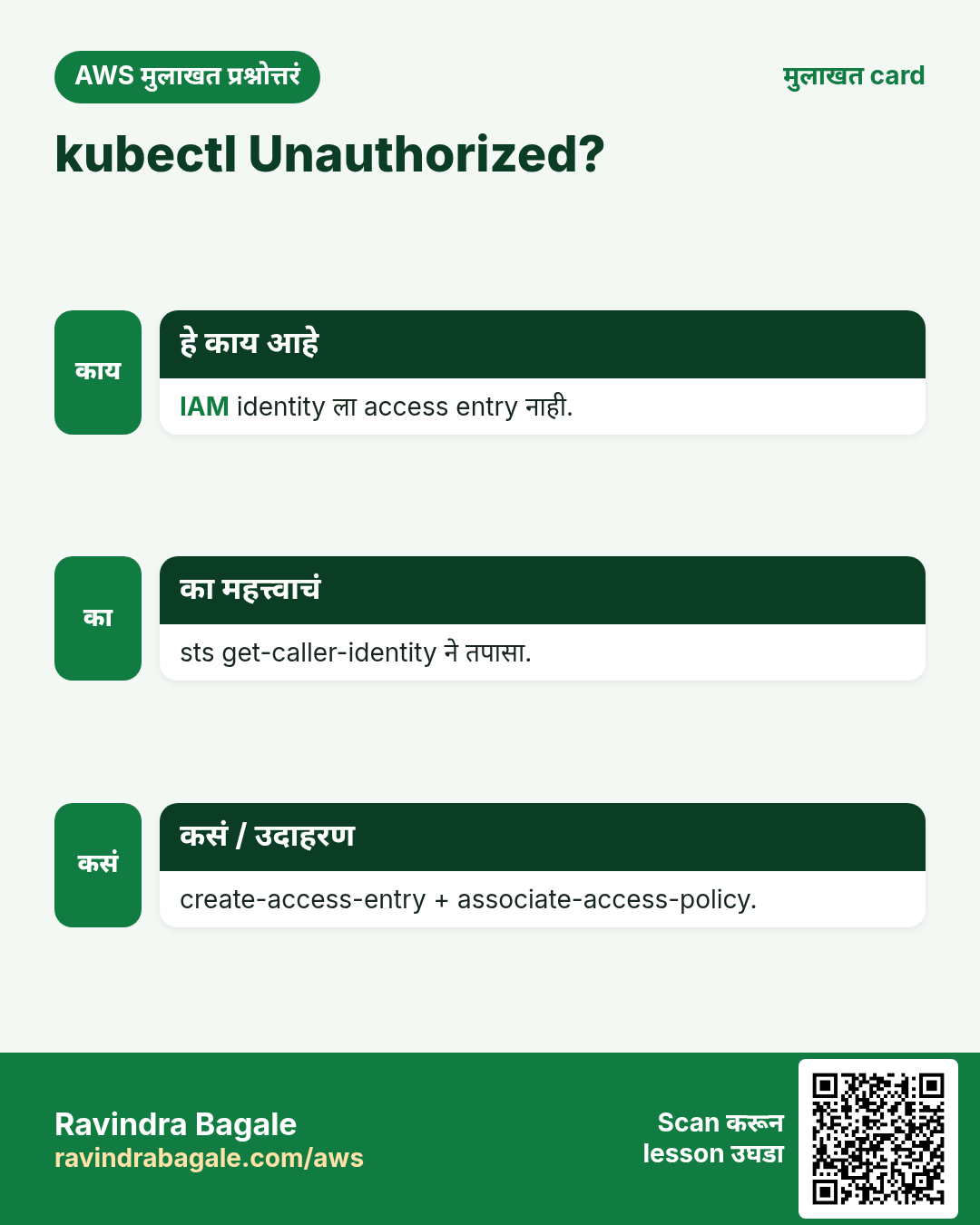
Access entries IAM role ला cluster permissions देतात. vpc-cni, coredns सारखे add-ons AWS manage करतो. update-cluster-version एका वेळी एक minor version.
कसं करायचं (step by step)
- Role ला admin access.
aws eks create-access-entry --cluster-name cli-eks --principal-arn arn:aws:iam::111122223333:role/DevOps
aws eks associate-access-policy --cluster-name cli-eks --principal-arn arn:aws:iam::111122223333:role/DevOps --policy-arn arn:aws:eks::aws:cluster-access-policy/AmazonEKSClusterAdminPolicy --access-scope type=cluster --query associatedAccessPolicy.policyArn --output text
अपेक्षित output:
arn:aws:eks::aws:cluster-access-policy/AmazonEKSClusterAdminPolicy- Add-ons list.
aws eks list-addons --cluster-name cli-eks --output textअपेक्षित output:
ADDONS  coredns
ADDONS  kube-proxy
ADDONS vpc-cni- Control plane upgrade.
aws eks update-cluster-version --name cli-eks --kubernetes-version 1.32 --query update.status --output textअपेक्षित output:
InProgress6. हीच action Python, Node.js, Java, Go, .NET आणि PHP मध्ये
हे का लागतं?
Scripts CLI मध्ये सुरू होतात. Apps तोच API SDK मधून call करतात. दोन्ही माहीत असले की test केलेली command थेट code मध्ये नेता येते.
हे काय आहे?
प्रत्येक CLI command म्हणजे एक API call. उदा. aws eks describe-cluster --name cli-eks म्हणजे Describe cluster API.
कसं करायचं (step by step)
हीच action (Cluster describe) code मधून. प्रत्येक SDK CLI सारखेच profile, region आणि credentials वाचतो.
| Stack | Code |
|---|---|
| Python (boto3) | boto3.client("eks").describe_cluster(name="cli-eks")["cluster"]["status"] |
| Node.js (v3) | await eks.send(new DescribeClusterCommand({name:"cli-eks"})); |
| Java (v2) | eks.describeCluster(r -> r.name("cli-eks")).cluster().status(); |
| Go (v2) | c.DescribeCluster(ctx, &eks.DescribeClusterInput{Name: aws.String("cli-eks")}) |
| .NET | await eks.DescribeClusterAsync(new DescribeClusterRequest{Name="cli-eks"}); |
| PHP | $eks->describeCluster(["name"=>"cli-eks"]); |
7. काहीही खर्च चालू राहू नये म्हणून cleanup
हे का लागतं?
चालू ठेवलेले lab resources पैसे खातात आणि security risk बनतात.
हे काय आहे?
उलट्या क्रमाने delete करा: आधी children, मग parents.
कसं करायचं (step by step)
- आधी node group delete.
aws eks delete-nodegroup --cluster-name cli-eks --nodegroup-name ng1
aws eks wait nodegroup-deleted --cluster-name cli-eks --nodegroup-name ng1
अपेक्षित output:
(no output means success)- Cluster delete.
aws eks delete-cluster --name cli-eks --query cluster.status --output text
aws eks wait cluster-deleted --name cli-eks
अपेक्षित output:
DELETING- Roles delete (आधी policies detach).
for r in cli-eks-cluster cli-eks-node; do for p in $(aws iam list-attached-role-policies --role-name $r --query "AttachedPolicies[].PolicyArn" --output text); do aws iam detach-role-policy --role-name $r --policy-arn $p; done; aws iam delete-role --role-name $r; doneअपेक्षित output:
(no output means success)- Verify.
aws eks list-clusters --query clusters --output textअपेक्षित output:
(no output means success)Ravindra Bagale's Tip
"You must be logged in to the server (Unauthorized)" म्हणजे तुमच्या IAM identity ला access entry नाही. aws sts get-caller-identity चालवून त्या ARN ला access entry द्या.
8. मुलाखत प्रश्न आणि उत्तरं
प्र. EKS मध्ये AWS काय manage करतो?
Control plane: API servers, etcd.
प्र. update-kubeconfig काय करतो?
~/.kube/config मध्ये context.
प्र. Node group vs Fargate?
EC2 vs serverless pods.
प्र. Access कसा द्यायचा?
Access entries + policies.
प्र. Upgrade order?
Control plane, add-ons, nodes.
घरी करून बघा
- kubectl ने nginx deploy करून LoadBalancer service ने expose करा.
- Node group 3 आणि परत 1 ला scale करा.
थोडक्यात सांगायचं तर
- दोन roles.
- create-cluster + wait.
- update-kubeconfig.
- create-nodegroup.
- Cluster आधी nodegroup delete.
सराव Tasks
London Legal LLP हा लंडन मधला कायदा सेवा व्यवसाय आहे. Oliver Hughes त्यांचं IT व cloud काम पाहतात. त्यांचे पैसे GBP मध्ये मोजले जातात आणि AWS resources eu-west-2 Region मध्ये चालतात. खालच्या tasks मध्ये तुम्ही या lesson मध्ये शिकलेलं वापरून त्यांची खरी कामं करता. सगळी नावं, account IDs, IP addresses व numbers सरावासाठी काल्पनिक आहेत.
0 / 10
सोपं EKS cluster describe करा
का: Cluster चा version, status व endpoint तपासा.
काय करायचं: londonlegal-eks cluster describe करा.
- Task वाचा आणि ते कोणत्या AWS service बद्दल आहे ते ठरवा.
- aws लिहा, मग service चं नाव, मग operation (action शब्द).
- प्रत्येक आवश्यक flag (--name) व त्यापुढे task मधली value लिहा.
- Flags कोणत्याही क्रमाने चालतात. Check answer दाबा.
सोपं /16 मध्ये किती addresses?
का: VPC size ठरवायला ही संख्या लागते.
काय करायचं: London Legal LLP चा VPC 10.49.0.0/16. एकूण किती IP addresses?
- Task मधले numbers लिहून घ्या.
- कागदावर step by step काढा.
- Box मध्ये फक्त final उत्तर लिहा.
- Check answer दाबा.
सोपं SSH चा port
का: Security group rules ला योग्य port हवा.
काय करायचं: SSH साठी security group ने कोणता TCP port उघडावा?
- Task मधले numbers लिहून घ्या.
- कागदावर step by step काढा.
- Box मध्ये फक्त final उत्तर लिहा.
- Check answer दाबा.
सोपं तुम्ही कुठे आहात ते पाहा
का: काही copy किंवा delete करण्याआधी तुम्ही कोणत्या folder मध्ये आहात हे माहीत हवं.
काय करायचं: Oliver Hughes London Legal LLP च्या server वर login झाले आहेत, पण terminal कोणत्या folder मध्ये आहे ते माहीत नाही. सध्याच्या folder चा path दाखवा.
- हे काम करणारा Linux command शोधा.
- Task ला लागणारे options (उदा. -r, -h) जोडा.
- File नावं, folders किंवा users योग्य क्रमाने लिहा.
- System files/users बदलत असाल तर sudo वापरा. Check answer दाबा.
मध्यम Kubernetes Deployment
का: Deployment योग्य संख्येने pods चालू ठेवतो.
काय करायचं: londonlegal-web Deployment, 3 replicas, image nginx:1.27.
- Task मधल्या top-level keys पासून सुरू करा.
- Child keys 2 spaces ने indent करा (tabs नकोत).
- प्रत्येक property मध्ये task मधली value भरा.
- Check answer दाबा. Keys चा क्रम महत्त्वाचा नाही.
मध्यम kubectl EKS ला जोडा
का: update-kubeconfig cluster details लिहितो म्हणजे kubectl बोलू शकतो.
काय करायचं: eu-west-2 मधल्या londonlegal-eks cluster साठी kubeconfig update करा.
- Task वाचा आणि ते कोणत्या AWS service बद्दल आहे ते ठरवा.
- aws लिहा, मग service चं नाव, मग operation (action शब्द).
- प्रत्येक आवश्यक flag (--name) व त्यापुढे task मधली value लिहा.
- Flags कोणत्याही क्रमाने चालतात. Check answer दाबा.
मध्यम Kubernetes LoadBalancer Service
का: LoadBalancer Service ला AWS load balancer मिळतो.
काय करायचं: app: web select करणारी LoadBalancer Service, port 80 → targetPort 8080.
- Task मधल्या top-level keys पासून सुरू करा.
- Child keys 2 spaces ने indent करा (tabs नकोत).
- प्रत्येक property मध्ये task मधली value भरा.
- Check answer दाबा. Keys चा क्रम महत्त्वाचा नाही.
मध्यम AWS /24 subnet मधले usable IPs
का: AWS प्रत्येक subnet मध्ये 5 addresses राखून ठेवतो.
काय करायचं: AWS वर 10.49.1.0/24 subnet मध्ये London Legal LLP servers साठी किती addresses वापरू शकतो?
- Task मधले numbers लिहून घ्या.
- कागदावर step by step काढा.
- Box मध्ये फक्त final उत्तर लिहा.
- Check answer दाबा.
अवघड EKS cluster बनवा
का: Control plane ला role व subnets लागतात.
काय करायचं: Role arn:aws:iam::114543297314:role/eksClusterRole व subnets subnet-0145432db314bb1,subnet-045432db314bb2 सह londonlegal-eks cluster बनवा.
- Task वाचा आणि ते कोणत्या AWS service बद्दल आहे ते ठरवा.
- aws लिहा, मग service चं नाव, मग operation (action शब्द).
- प्रत्येक आवश्यक flag (--name) व त्यापुढे task मधली value लिहा.
- Flags कोणत्याही क्रमाने चालतात. Check answer दाबा.
अवघड Managed node group जोडा
का: Node groups म्हणजे pods चालवणारे EC2 servers.
काय करायचं: londonlegal-eks मध्ये ng-1 node group बनवा: role arn:aws:iam::114543297314:role/eksNodeRole, subnets subnet-0145432db314bb1 subnet-045432db314bb2, scaling minSize=1,maxSize=3,desiredSize=2.
- Task वाचा आणि ते कोणत्या AWS service बद्दल आहे ते ठरवा.
- aws लिहा, मग service चं नाव, मग operation (action शब्द).
- प्रत्येक आवश्यक flag (--name) व त्यापुढे task मधली value लिहा.
- Flags कोणत्याही क्रमाने चालतात. Check answer दाबा.
उजळणी, तुलना आणि मुलाखत cards
हा lesson काही मिनिटांत revise करा. Cards phone वर save करा किंवा PNG download करा. प्रत्येक card वरचा QR हा lesson उघडतो.
अजून cards: Ravi Sir's Cards.