AWS CLI EKS Commands: Create a Cluster and Connect kubectl
We create a managed Kubernetes cluster: roles, create-cluster, connect kubectl, add worker nodes and add-ons, give access and upgrade.
What you'll learn in this chapter
- Create the cluster role
- Create an EKS cluster
- Connect kubectl
- Add a managed node group
- Access, add-ons and upgrades
1. The big picture: a housing society office
Why do we need this?
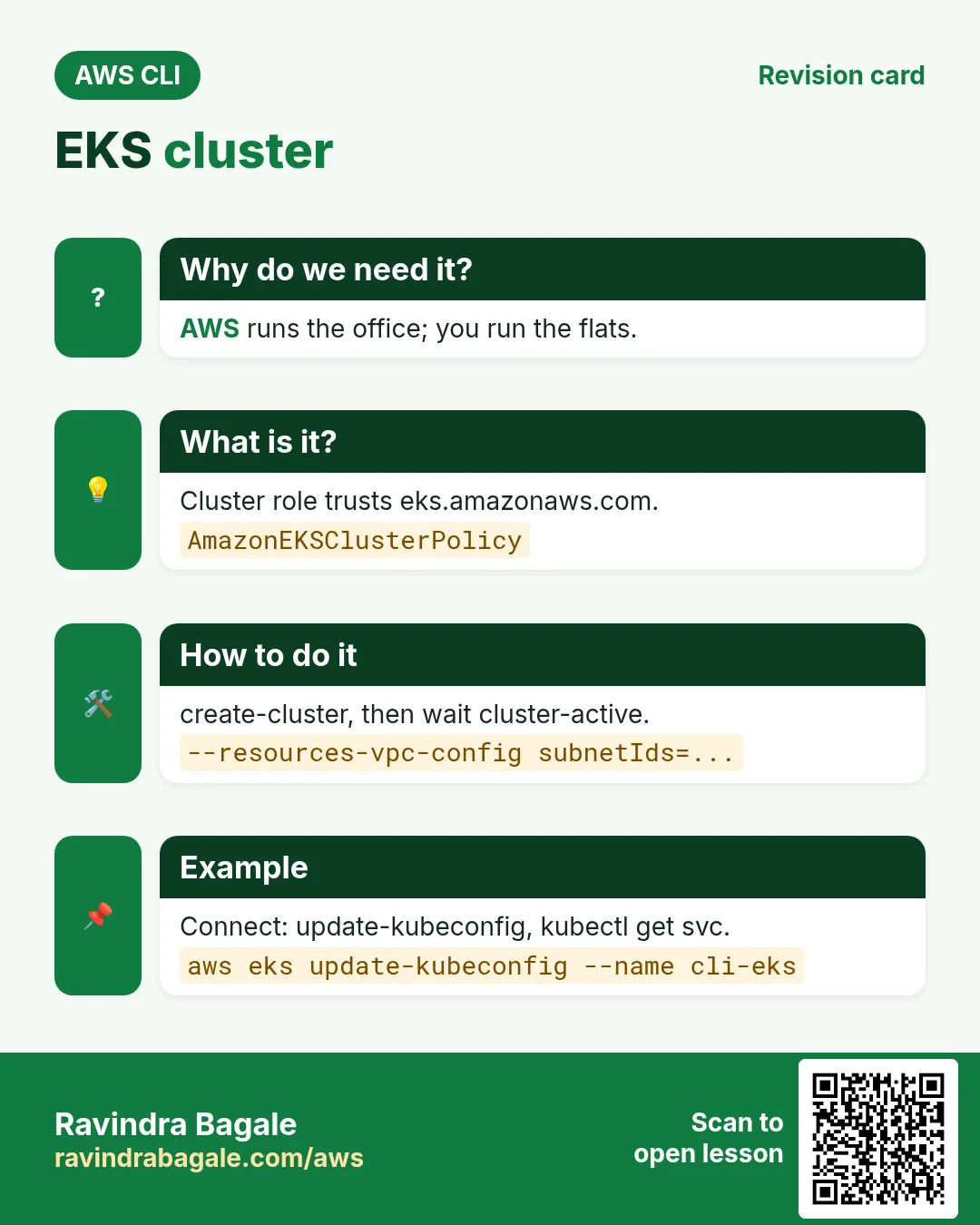
A society office decides who lives where and fixes problems, while flats are where people live. The EKS control plane is the office (AWS runs it); nodes are the flats where your pods live.
What is it?
aws eks creates and manages the cluster. Inside it you use kubectl. update-kubeconfig connects the two.
How to do it (step by step)
2. Roles
Why do we need this?
EKS and the worker nodes must call AWS for you: ENIs, load balancers, image pulls.
What is it?
The cluster role trusts eks.amazonaws.com with AmazonEKSClusterPolicy. The node role trusts ec2.amazonaws.com with worker, CNI and ECR read policies.
How to do it (step by step)
- Create the cluster role.
aws iam create-role --role-name cli-eks-cluster --assume-role-policy-document '{"Version":"2012-10-17","Statement":[{"Effect":"Allow","Principal":{"Service":"eks.amazonaws.com"},"Action":"sts:AssumeRole"}]}' --query Role.Arn --output text
aws iam attach-role-policy --role-name cli-eks-cluster --policy-arn arn:aws:iam::aws:policy/AmazonEKSClusterPolicy
Expected output:
arn:aws:iam::111122223333:role/cli-eks-cluster- Create the node role.
aws iam create-role --role-name cli-eks-node --assume-role-policy-document '{"Version":"2012-10-17","Statement":[{"Effect":"Allow","Principal":{"Service":"ec2.amazonaws.com"},"Action":"sts:AssumeRole"}]}' --query Role.Arn --output text
for p in AmazonEKSWorkerNodePolicy AmazonEKS_CNI_Policy AmazonEC2ContainerRegistryReadOnly; do aws iam attach-role-policy --role-name cli-eks-node --policy-arn arn:aws:iam::aws:policy/$p; done
Expected output:
arn:aws:iam::111122223333:role/cli-eks-node3. Create the cluster and connect
Why do we need this?
You want Kubernetes without running its masters yourself.
What is it?
create-cluster needs a version, role and at least two subnets in different AZs. update-kubeconfig writes ~/.kube/config.
How to do it (step by step)
- Create it and wait.
aws eks create-cluster --name cli-eks --kubernetes-version 1.31 --role-arn arn:aws:iam::111122223333:role/cli-eks-cluster --resources-vpc-config subnetIds=subnet-0aaa111,subnet-0bbb222 --access-config authenticationMode=API --query cluster.status --output text
aws eks wait cluster-active --name cli-eks
Expected output:
CREATING- Connect kubectl.
aws eks update-kubeconfig --name cli-eks --region ap-south-1
kubectl get svc
Expected output:
Added new context arn:aws:eks:ap-south-1:111122223333:cluster/cli-eks to /home/you/.kube/config
NAME         TYPE        CLUSTER-IP   PORT(S)
kubernetes   ClusterIP   10.100.0.1   443/TCP
4. Managed node group
Why do we need this?
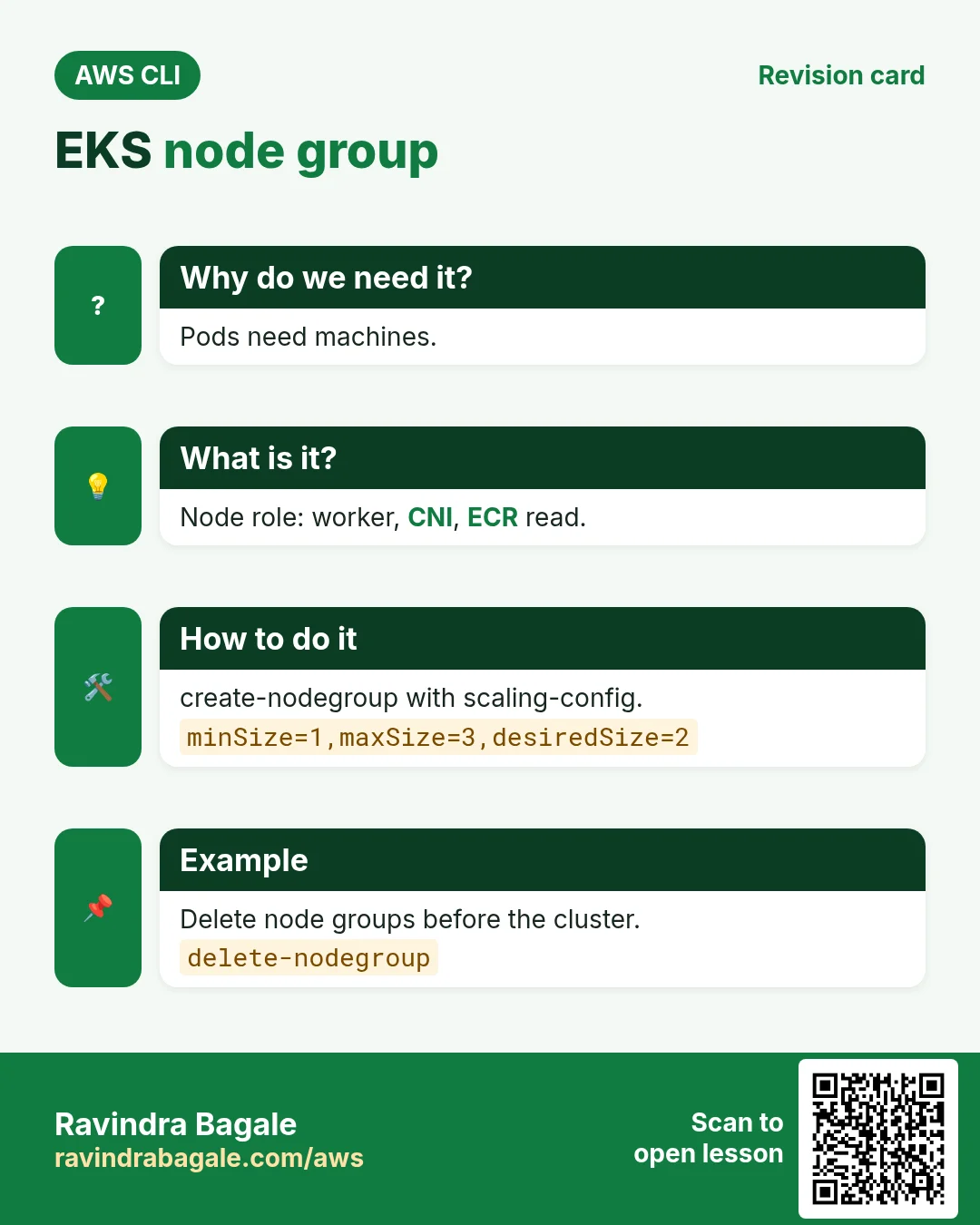
Pods need machines to run on.
What is it?
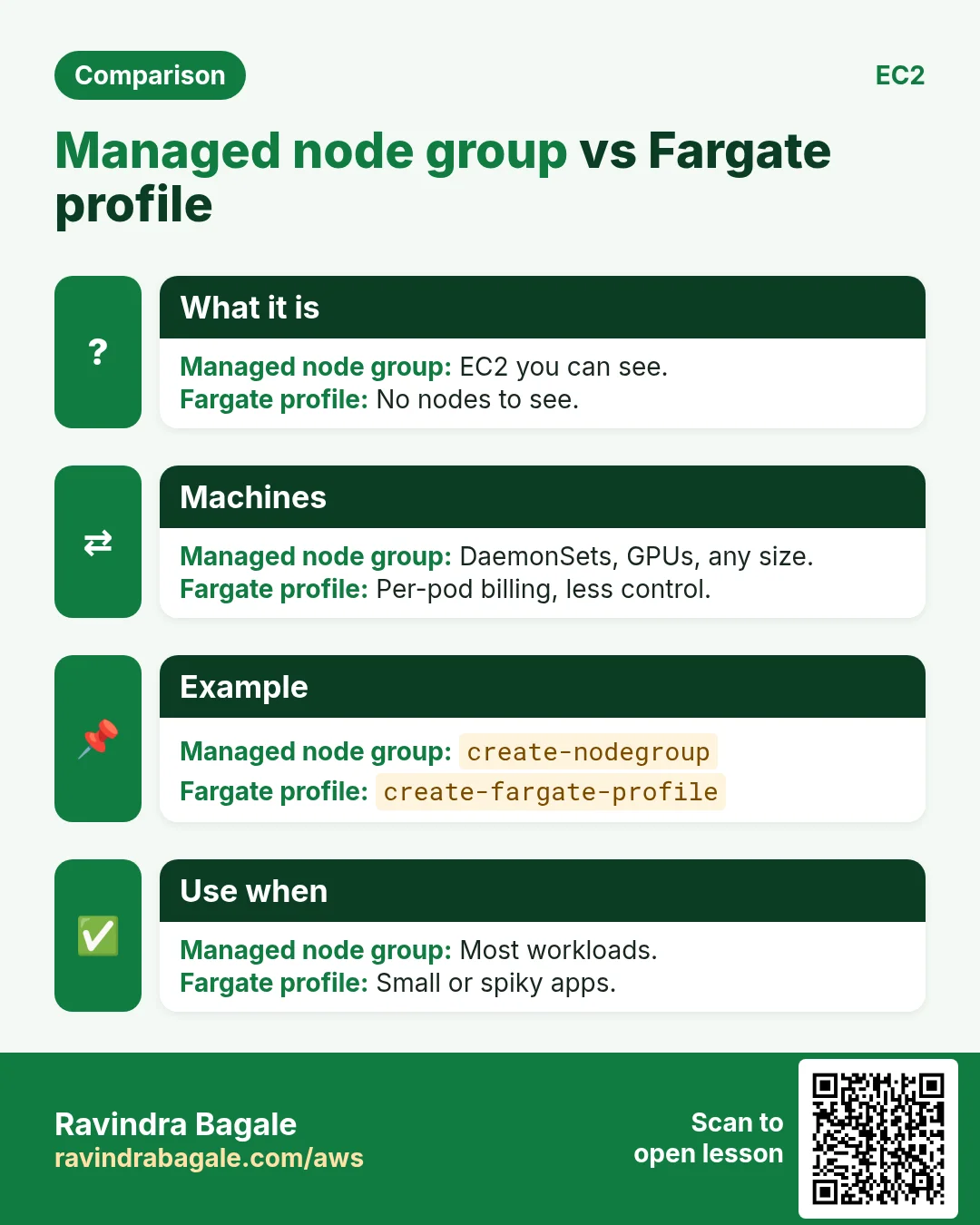
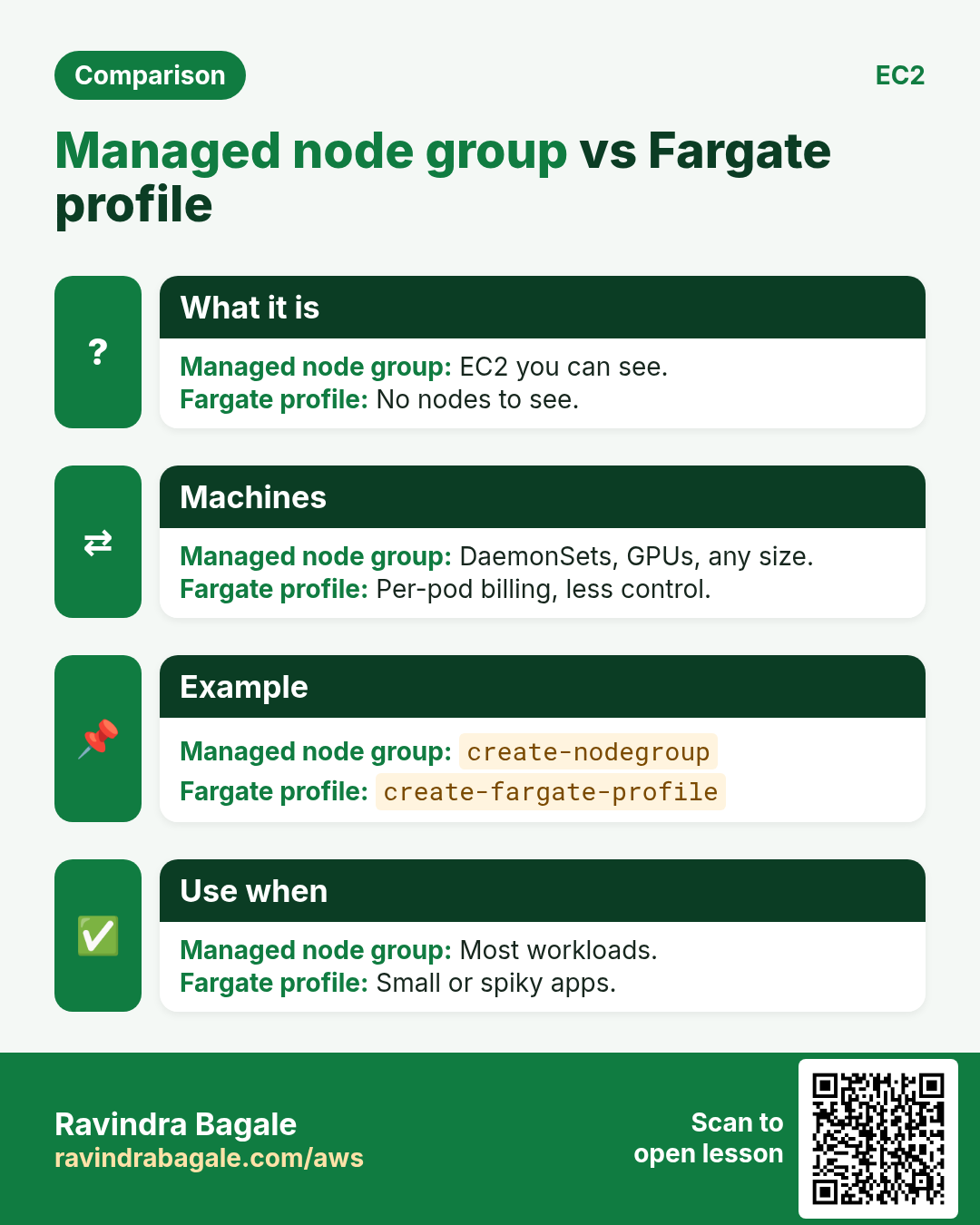
create-nodegroup starts EC2 instances in an Auto Scaling group that AWS patches and replaces. scaling-config sets min, max and desired.
How to do it (step by step)
- Create the node group.
aws eks create-nodegroup --cluster-name cli-eks --nodegroup-name ng1 --node-role arn:aws:iam::111122223333:role/cli-eks-node --subnets subnet-0aaa111 subnet-0bbb222 --instance-types t3.medium --scaling-config minSize=1,maxSize=3,desiredSize=2 --query nodegroup.status --output text
aws eks wait nodegroup-active --cluster-name cli-eks --nodegroup-name ng1
Expected output:
CREATING- See nodes.
kubectl get nodesExpected output:
NAME                                        STATUS   VERSION
ip-10-0-1-23.ap-south-1.compute.internal   Ready    v1.31.0-eks
ip-10-0-2-45.ap-south-1.compute.internal Ready v1.31.0-eks- Scale it.
aws eks update-nodegroup-config --cluster-name cli-eks --nodegroup-name ng1 --scaling-config desiredSize=3 --query update.status --output textExpected output:
InProgress5. Access, add-ons and upgrades
Why do we need this?
A teammate needs kubectl access, the cluster needs core add-ons and versions go out of support.
What is it?
Access entries map an IAM role to cluster permissions. Add-ons like vpc-cni and coredns are managed by AWS. update-cluster-version upgrades one minor version at a time.
How to do it (step by step)
- Give a role admin access.
aws eks create-access-entry --cluster-name cli-eks --principal-arn arn:aws:iam::111122223333:role/DevOps
aws eks associate-access-policy --cluster-name cli-eks --principal-arn arn:aws:iam::111122223333:role/DevOps --policy-arn arn:aws:eks::aws:cluster-access-policy/AmazonEKSClusterAdminPolicy --access-scope type=cluster --query associatedAccessPolicy.policyArn --output text
Expected output:
arn:aws:eks::aws:cluster-access-policy/AmazonEKSClusterAdminPolicy- List add-ons.
aws eks list-addons --cluster-name cli-eks --output textExpected output:
ADDONS  coredns
ADDONS  kube-proxy
ADDONS vpc-cni- Upgrade the control plane.
aws eks update-cluster-version --name cli-eks --kubernetes-version 1.32 --query update.status --output textExpected output:
InProgress6. Same action in Python, Node.js, Java, Go, .NET and PHP
Why do we need this?
Scripts start in the CLI. Apps call the same API through an SDK. Knowing both helps you move a tested command into real code.
What is it?
Each CLI command maps to one API call. For example aws eks describe-cluster --name cli-eks maps to the Describe cluster API.
How to do it (step by step)
Same action (Describe cluster) from code. Every SDK reads the same profile, region and credentials as the CLI.
| Stack | Code |
|---|---|
| Python (boto3) | boto3.client("eks").describe_cluster(name="cli-eks")["cluster"]["status"] |
| Node.js (v3) | await eks.send(new DescribeClusterCommand({name:"cli-eks"})); |
| Java (v2) | eks.describeCluster(r -> r.name("cli-eks")).cluster().status(); |
| Go (v2) | c.DescribeCluster(ctx, &eks.DescribeClusterInput{Name: aws.String("cli-eks")}) |
| .NET | await eks.DescribeClusterAsync(new DescribeClusterRequest{Name="cli-eks"}); |
| PHP | $eks->describeCluster(["name"=>"cli-eks"]); |
7. Clean up so nothing keeps costing
Why do we need this?
Lab resources left running cost money and can be a security risk.
What is it?
Delete in reverse order: children first, then parents.
How to do it (step by step)
- Delete the node group first.
aws eks delete-nodegroup --cluster-name cli-eks --nodegroup-name ng1
aws eks wait nodegroup-deleted --cluster-name cli-eks --nodegroup-name ng1
Expected output:
(no output means success)- Delete the cluster.
aws eks delete-cluster --name cli-eks --query cluster.status --output text
aws eks wait cluster-deleted --name cli-eks
Expected output:
DELETING- Delete the roles (detach policies first).
for r in cli-eks-cluster cli-eks-node; do for p in $(aws iam list-attached-role-policies --role-name $r --query "AttachedPolicies[].PolicyArn" --output text); do aws iam detach-role-policy --role-name $r --policy-arn $p; done; aws iam delete-role --role-name $r; doneExpected output:
(no output means success)- Verify.
aws eks list-clusters --query clusters --output textExpected output:
(no output means success)Ravindra Bagale's Tip
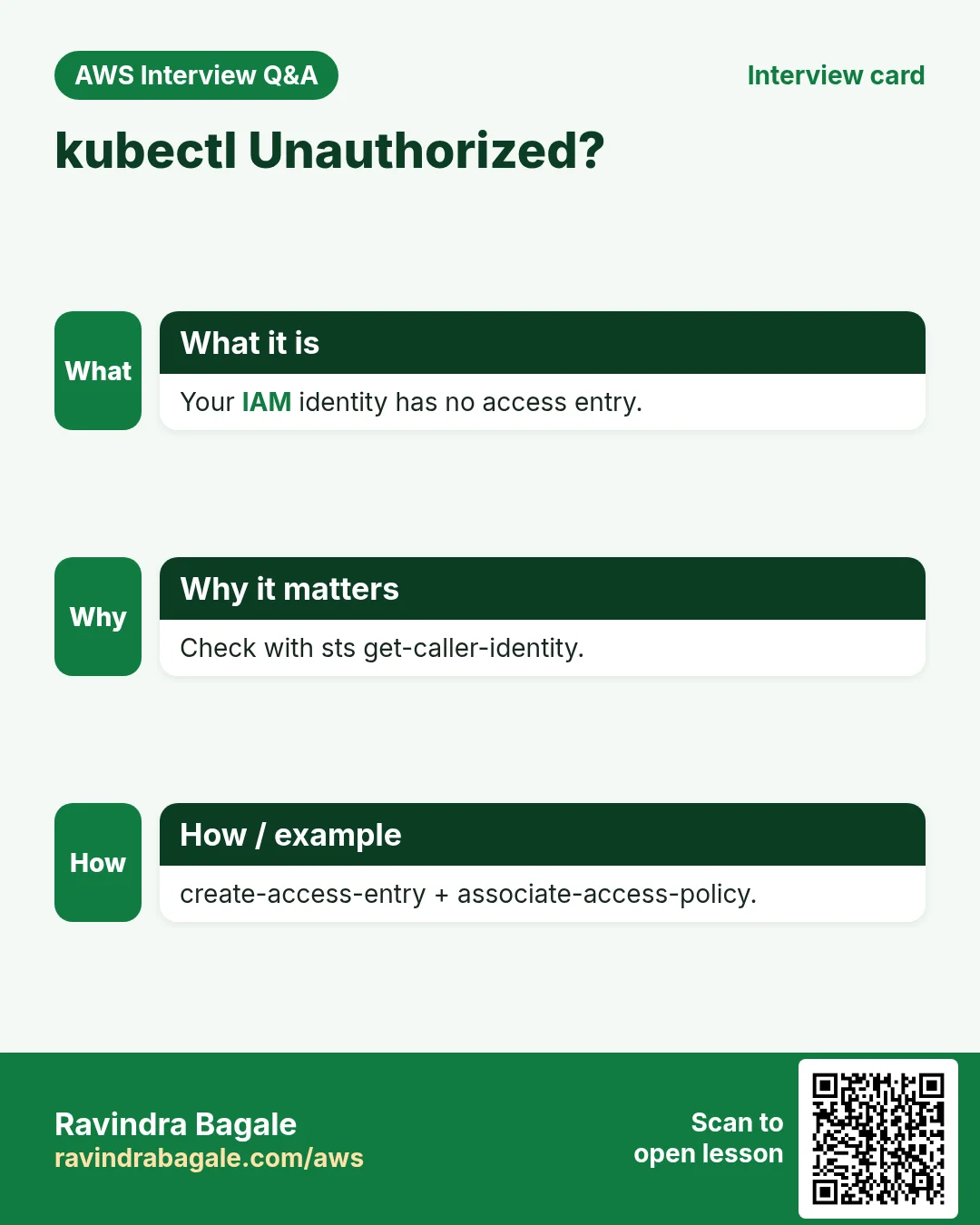
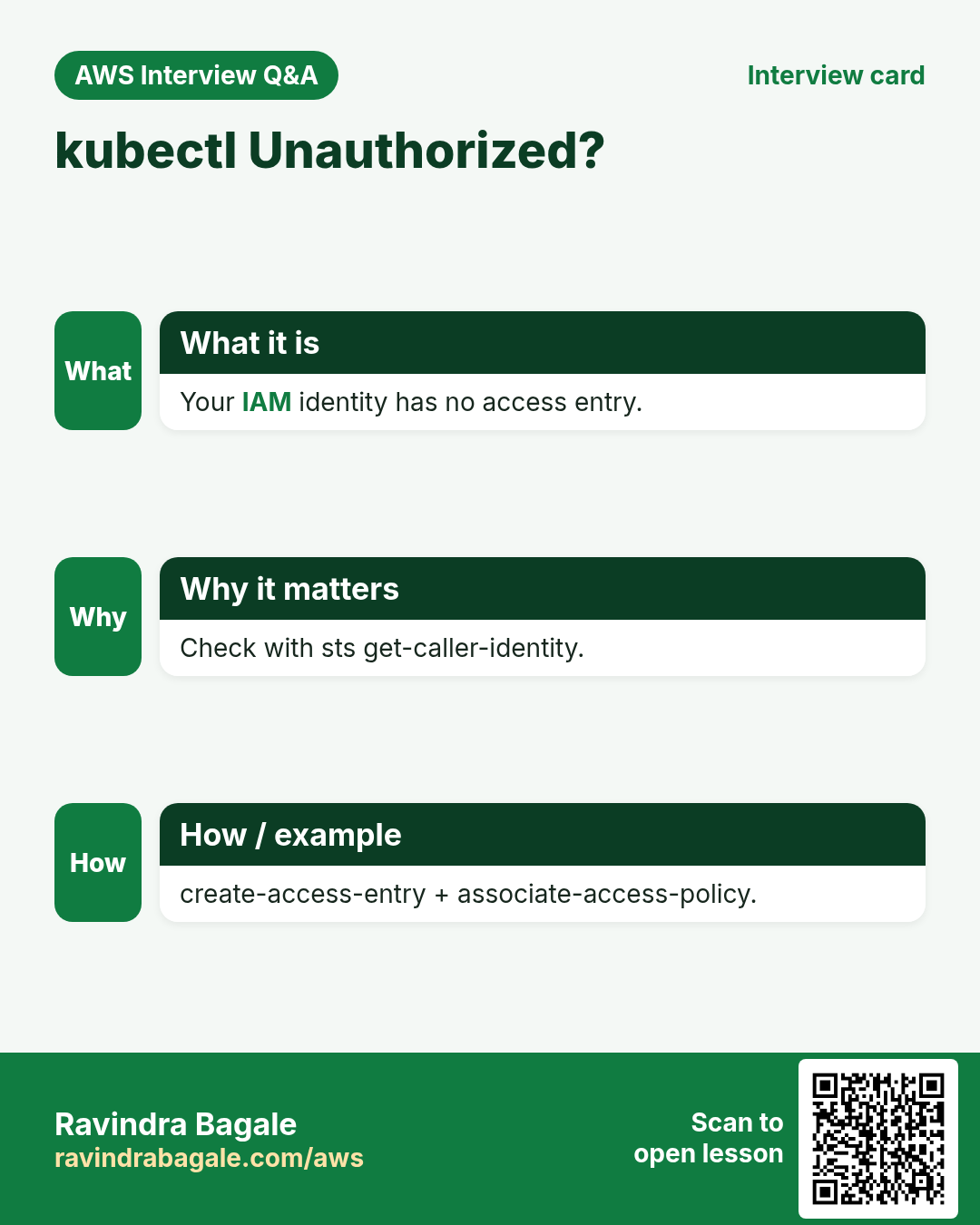
kubectl says "You must be logged in to the server (Unauthorized)" when your IAM identity has no access entry. Run aws sts get-caller-identity and add an access entry for that ARN.
8. Interview questions and answers
Q. What does AWS manage in EKS?
The control plane: API servers and etcd across AZs.
Q. What does update-kubeconfig do?
Adds a context to ~/.kube/config that gets tokens via aws eks get-token.
Q. Managed node group vs Fargate?
Node groups are EC2 you see and pay for; Fargate runs each pod serverless.
Q. How do you grant cluster access?
Access entries plus access policies (or the old aws-auth ConfigMap).
Q. Upgrade order?
Control plane first, then add-ons, then node groups, one minor version at a time.
Try at home
- Deploy nginx with kubectl and expose it with a LoadBalancer service.
- Scale the node group to 3 and back to 1.
In short
- Two roles.
- create-cluster + wait.
- update-kubeconfig.
- create-nodegroup.
- Delete nodegroup before cluster.
Practice Tasks
London Legal LLP is a law business in London. Oliver Hughes looks after its IT and cloud work. They count money in GBP and run their AWS resources in the eu-west-2 Region. In the tasks below you do real jobs for them using what this lesson teaches. All names, account IDs, IP addresses and numbers are made up for practice.
0 / 10
Easy Describe an EKS cluster
Why: Check the version, status and endpoint of the cluster.
What to do: Describe cluster londonlegal-eks.
- Read the task and decide which AWS service it is about.
- Write aws, then the service name, then the operation (the action word).
- Add each needed flag (--name) followed by its value from the task.
- Flags can be in any order. Click Check answer.
Easy How many addresses in a /16?
Why: Picking a VPC size needs this count.
What to do: London Legal LLP plans the VPC 10.49.0.0/16. How many IP addresses does it hold in total?
- Write down the numbers the task gives you.
- Work it out step by step on paper.
- Type only the final answer in the box.
- Click Check answer.
Easy Port for SSH
Why: Security group rules need the right port.
What to do: Which TCP port must the security group open for SSH?
- Write down the numbers the task gives you.
- Work it out step by step on paper.
- Type only the final answer in the box.
- Click Check answer.
Easy Show where you are
Why: Before you copy or delete anything, you must know which folder you are in.
What to do: Oliver Hughes logged in to the London Legal LLP server and is not sure which folder the terminal is in. Print the current folder path.
- Find the Linux command that does this job.
- Add the options (like -r or -h) the task needs.
- Add the file names, folders or users in the right order.
- Use sudo if the job changes system files or users. Click Check answer.
Medium Kubernetes Deployment
Why: A Deployment keeps the right number of pods running.
What to do: Write a Deployment named londonlegal-web with 3 replicas running image nginx:1.27.
- Start from the top-level keys the task names.
- Indent child keys with 2 spaces (no tabs).
- Fill in each property with the value from the task.
- Click Check answer. Key order does not matter.
Medium Connect kubectl to EKS
Why: update-kubeconfig writes the cluster details so kubectl can talk to it.
What to do: Update your kubeconfig for cluster londonlegal-eks in eu-west-2.
- Read the task and decide which AWS service it is about.
- Write aws, then the service name, then the operation (the action word).
- Add each needed flag (--name) followed by its value from the task.
- Flags can be in any order. Click Check answer.
Medium Kubernetes LoadBalancer Service
Why: A Service of type LoadBalancer gets an AWS load balancer.
What to do: Write a Service of type LoadBalancer selecting app: web, port 80 to targetPort 8080.
- Start from the top-level keys the task names.
- Indent child keys with 2 spaces (no tabs).
- Fill in each property with the value from the task.
- Click Check answer. Key order does not matter.
Medium Usable IPs in an AWS /24 subnet
Why: AWS keeps 5 addresses in every subnet.
What to do: How many addresses can London Legal LLP use for servers in subnet 10.49.1.0/24 on AWS?
- Write down the numbers the task gives you.
- Work it out step by step on paper.
- Type only the final answer in the box.
- Click Check answer.
Hard Create an EKS cluster
Why: The control plane needs a role and subnets to place its network interfaces.
What to do: Create cluster londonlegal-eks with role arn:aws:iam::114543297314:role/eksClusterRole and subnets subnet-0145432db314bb1,subnet-045432db314bb2.
- Read the task and decide which AWS service it is about.
- Write aws, then the service name, then the operation (the action word).
- Add each needed flag (--name) followed by its value from the task.
- Flags can be in any order. Click Check answer.
Hard Add a managed node group
Why: Node groups are the EC2 servers that run your pods.
What to do: Create node group ng-1 in cluster londonlegal-eks with role arn:aws:iam::114543297314:role/eksNodeRole, subnets subnet-0145432db314bb1 subnet-045432db314bb2, scaling minSize=1,maxSize=3,desiredSize=2.
- Read the task and decide which AWS service it is about.
- Write aws, then the service name, then the operation (the action word).
- Add each needed flag (--name) followed by its value from the task.
- Flags can be in any order. Click Check answer.
Revision, comparison and interview cards
Revise this lesson in a few minutes. Save the cards on your phone or download them as PNG files. The QR code on each card opens this lesson.
More cards: Ravi Sir's Cards.