AWS CLI S3 Commands: cp, sync and s3api Examples
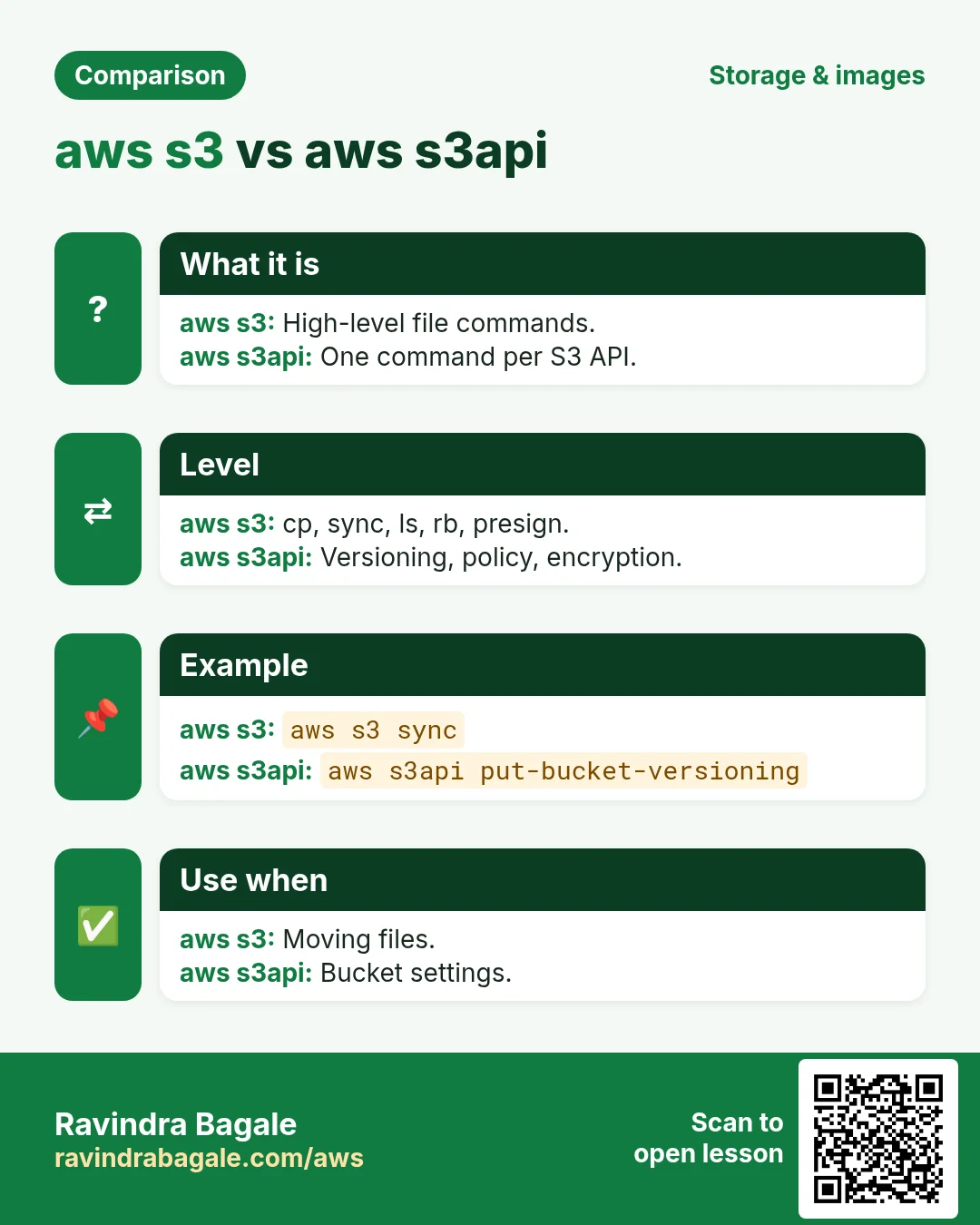
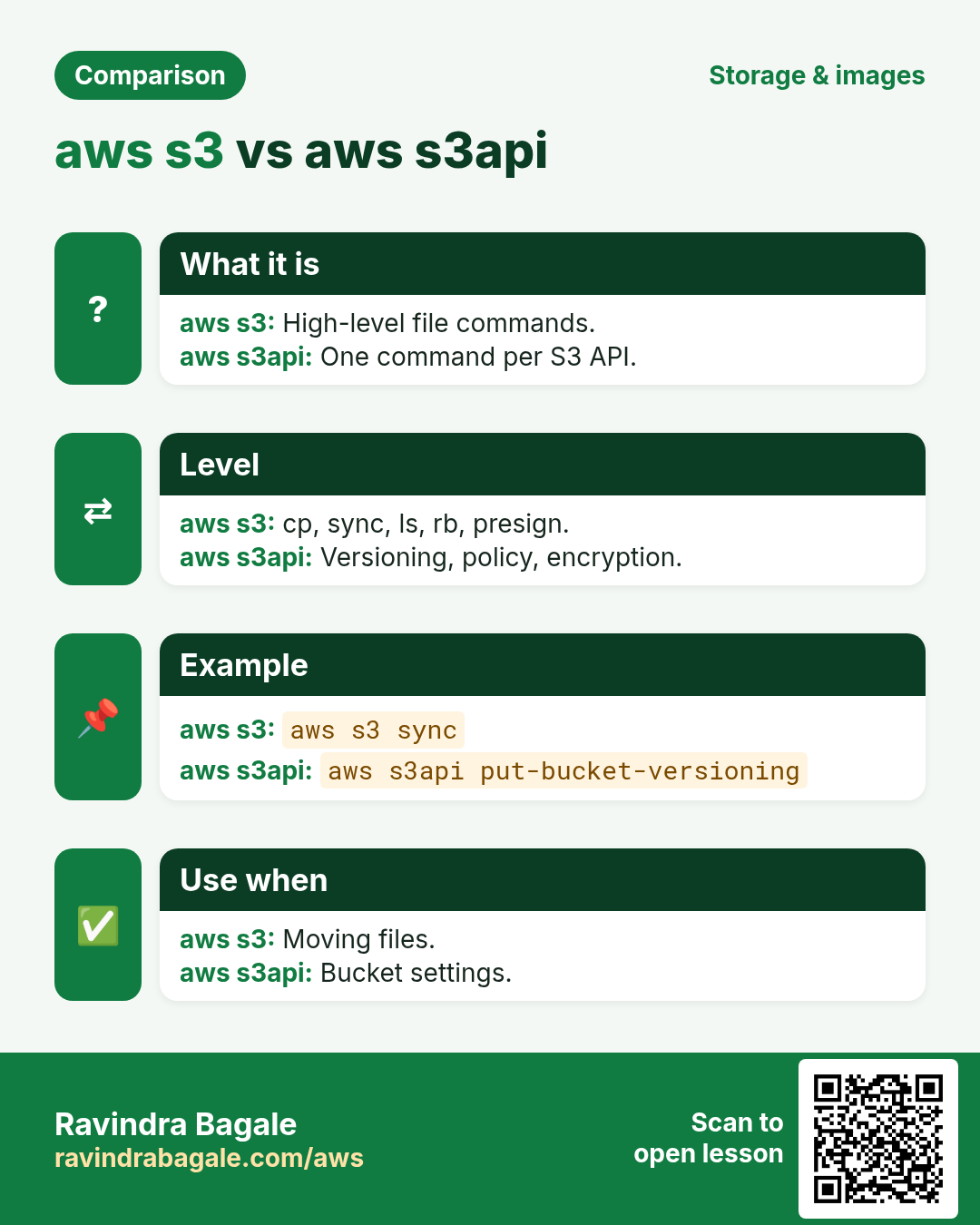
S3 has two command sets. aws s3 is easy, like copy and paste for files. aws s3api gives every API action. We use both.
What you'll learn in this chapter
- Make and remove buckets
- cp, mv, sync, ls, rm
- Versioning, encryption and public access block with s3api
- Presigned URLs
- Lifecycle rules
1. The big picture: s3 vs s3api
Why do we need this?
Think of a courier office. The front desk (aws s3) takes your parcel in one step. The back office (aws s3api) lets you set every detail on the form.
What is it?
aws s3 = high-level commands (cp, sync, ls, mb, rb, rm, mv, presign). aws s3api = low-level, one command per API (put-bucket-versioning, put-object, get-bucket-policy...).
How to do it (step by step)
2. Create and list buckets
Why do we need this?
Everything in S3 lives in a bucket.
What is it?
aws s3 mb s3://name makes a bucket in your region. aws s3 ls lists buckets or objects.
How to do it (step by step)
- Make a bucket.
B=ravi-cli-lab-$RANDOM
aws s3 mb s3://$B --region ap-south-1
Expected output:
make_bucket: ravi-cli-lab-12345- List buckets.
aws s3 lsExpected output:
2026-10-24 11:02:10 ravi-cli-lab-12345- Same with s3api (needs LocationConstraint outside us-east-1).
aws s3api create-bucket --bucket $B-2 --region ap-south-1 --create-bucket-configuration LocationConstraint=ap-south-1Expected output:
{ "Location": "http://ravi-cli-lab-12345-2.s3.amazonaws.com/" }- Verify the region.
aws s3api get-bucket-location --bucket $BExpected output:
{ "LocationConstraint": "ap-south-1" }3. Copy, move, sync and delete files
Why do we need this?
Uploading a website or backup folder is the most common S3 job.
What is it?
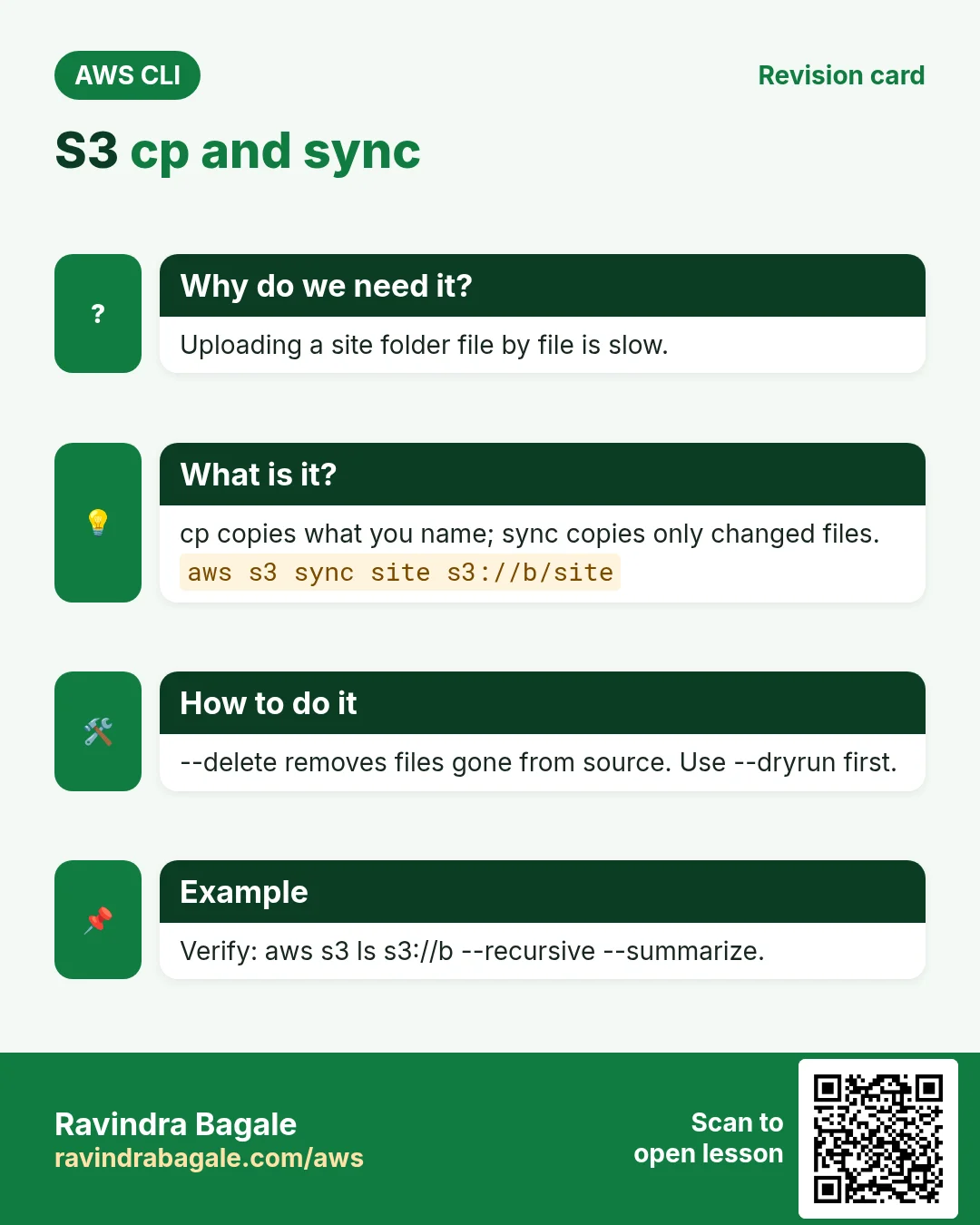
cp copies one file (or a folder with --recursive). sync copies only changed files. --delete also removes files gone from the source. --exclude/--include filter names.
How to do it (step by step)
- Upload a file.
echo hello > a.txt
aws s3 cp a.txt s3://$B/docs/a.txt
Expected output:
upload: ./a.txt to s3://ravi-cli-lab-12345/docs/a.txt- Read it back to the screen.
aws s3 cp s3://$B/docs/a.txt -Expected output:
hello- Sync a folder.
mkdir -p site && echo "<h1>Hi</h1>" > site/index.html
aws s3 sync site s3://$B/site --exclude "*.tmp"
Expected output:
upload: site/index.html to s3://ravi-cli-lab-12345/site/index.html- Run sync again: nothing to do.
aws s3 sync site s3://$B/siteExpected output:
(no output)- Preview a delete-sync.
aws s3 sync site s3://$B/site --delete --dryrunExpected output:
(dryrun) delete: s3://.../site/old.html- List recursively with sizes.
aws s3 ls s3://$B --recursive --human-readable --summarizeExpected output:
2026-10-24 11:05:01    6 Bytes docs/a.txt
Total Objects: 2
Total Size: 18 Bytes- Move and remove.
aws s3 mv s3://$B/docs/a.txt s3://$B/archive/a.txt
aws s3 rm s3://$B/archive/a.txt
Expected output:
move: s3://.../docs/a.txt to s3://.../archive/a.txt
delete: s3://.../archive/a.txt
4. Secure the bucket with s3api
Why do we need this?
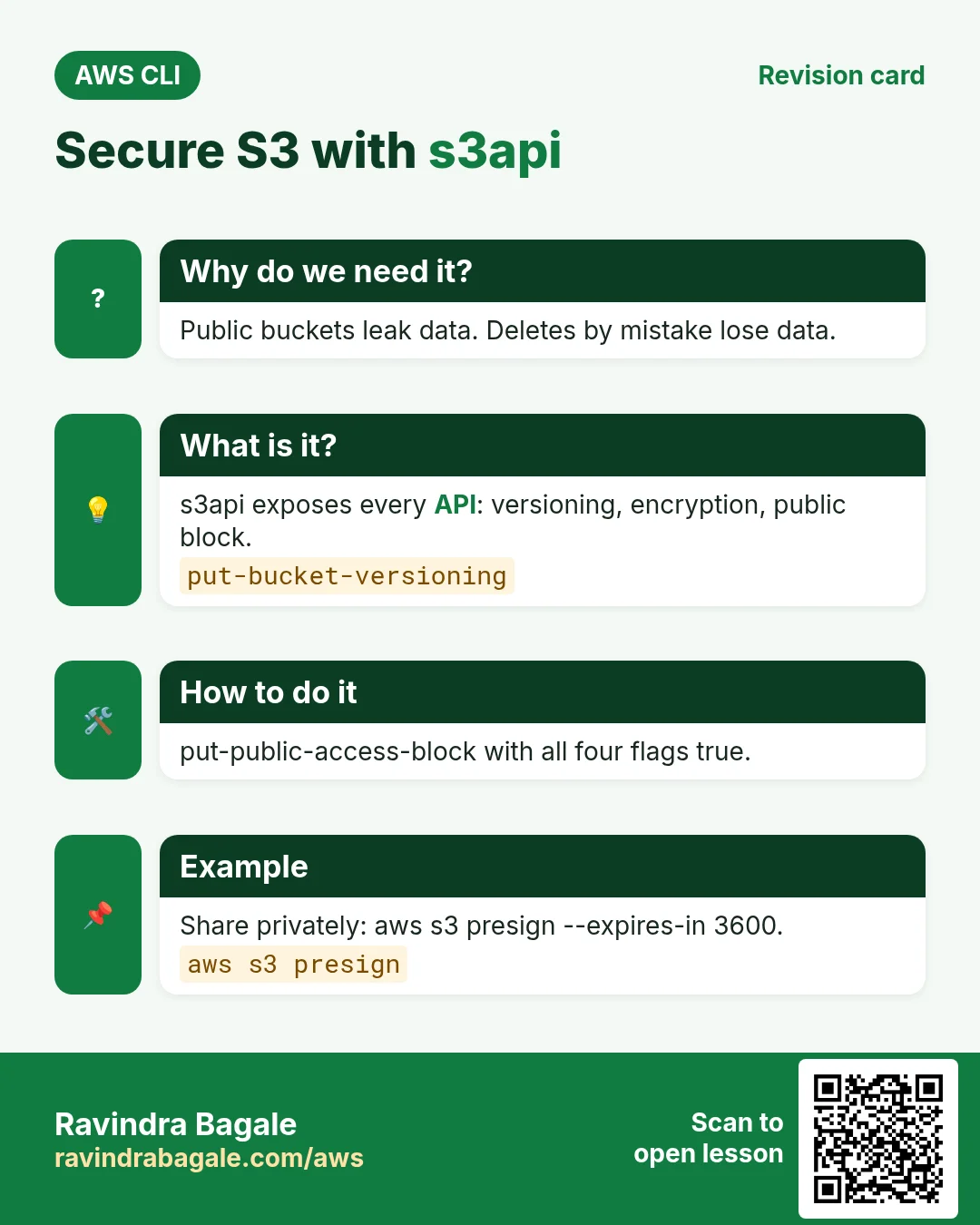
Most S3 leaks come from public buckets. Versioning saves you from accidental deletes.
What is it?
These settings have no aws s3 shortcut, so we use s3api.
How to do it (step by step)
- Block all public access.
aws s3api put-public-access-block --bucket $B --public-access-block-configuration BlockPublicAcls=true,IgnorePublicAcls=true,BlockPublicPolicy=true,RestrictPublicBuckets=trueExpected output:
(no output means success)- Turn on versioning.
aws s3api put-bucket-versioning --bucket $B --versioning-configuration Status=EnabledExpected output:
(no output means success)- Verify versioning.
aws s3api get-bucket-versioning --bucket $BExpected output:
{ "Status": "Enabled" }- Default encryption with SSE-S3.
aws s3api put-bucket-encryption --bucket $B --server-side-encryption-configuration '{"Rules":[{"ApplyServerSideEncryptionByDefault":{"SSEAlgorithm":"AES256"}}]}'Expected output:
(no output means success)- Check an object's metadata.
aws s3api head-object --bucket $B --key site/index.html --query "[ContentLength,ServerSideEncryption]"Expected output:
[ 12, "AES256" ]- List object versions.
aws s3api list-object-versions --bucket $B --prefix site/ --query "Versions[].[Key,VersionId,IsLatest]" --output textExpected output:
site/index.html 3HL4kqtJlcpXroDTDmJ... True5. Presigned URLs and lifecycle
Why do we need this?
Share one private file for one hour, and delete old logs automatically.
What is it?
aws s3 presign makes a signed link. put-bucket-lifecycle-configuration sets rules by prefix and age.
How to do it (step by step)
- Create a 1-hour link.
aws s3 presign s3://$B/site/index.html --expires-in 3600Expected output:
https://ravi-cli-lab-12345.s3.ap-south-1.amazonaws.com/site/index.html?X-Amz-Algorithm=...&X-Amz-Expires=3600...- Open it with curl.
curl -s "<paste URL>"Expected output:
<h1>Hi</h1>- Expire logs/ after 30 days.
aws s3api put-bucket-lifecycle-configuration --bucket $B --lifecycle-configuration '{"Rules":[{"ID":"logs30","Status":"Enabled","Filter":{"Prefix":"logs/"},"Expiration":{"Days":30}}]}'Expected output:
(no output means success)- Verify the rule.
aws s3api get-bucket-lifecycle-configuration --bucket $B --query "Rules[0].[ID,Expiration.Days]" --output textExpected output:
logs30 306. Same action in Python, Node.js, Java, Go, .NET and PHP
Why do we need this?
Scripts start in the CLI. Apps call the same API through an SDK. Knowing both helps you move a tested command into real code.
What is it?
Each CLI command maps to one API call. For example aws s3 cp a.txt s3://B/a.txt maps to the PutObject API.
How to do it (step by step)
Same action (PutObject) from code. Every SDK reads the same profile, region and credentials as the CLI.
| Stack | Code |
|---|---|
| Python (boto3) | boto3.client("s3").upload_file("a.txt", B, "a.txt") |
| Node.js (v3) | await s3.send(new PutObjectCommand({Bucket:B, Key:"a.txt", Body: fs.readFileSync("a.txt")})); |
| Java (v2) | s3.putObject(r -> r.bucket(B).key("a.txt"), RequestBody.fromFile(Paths.get("a.txt"))); |
| Go (v2) | f, _ := os.Open("a.txt"); c.PutObject(ctx, &s3.PutObjectInput{Bucket:&b, Key:aws.String("a.txt"), Body:f}) |
| .NET | await s3.PutObjectAsync(new PutObjectRequest{BucketName=B, Key="a.txt", FilePath="a.txt"}); |
| PHP | $s3->putObject(["Bucket"=>$b,"Key"=>"a.txt","SourceFile"=>"a.txt"]); |
7. Clean up so nothing keeps costing
Why do we need this?
Lab resources left running cost money and can be a security risk.
What is it?
Delete in reverse order: children first, then parents.
How to do it (step by step)
- Delete all objects and the bucket (non-versioned objects).
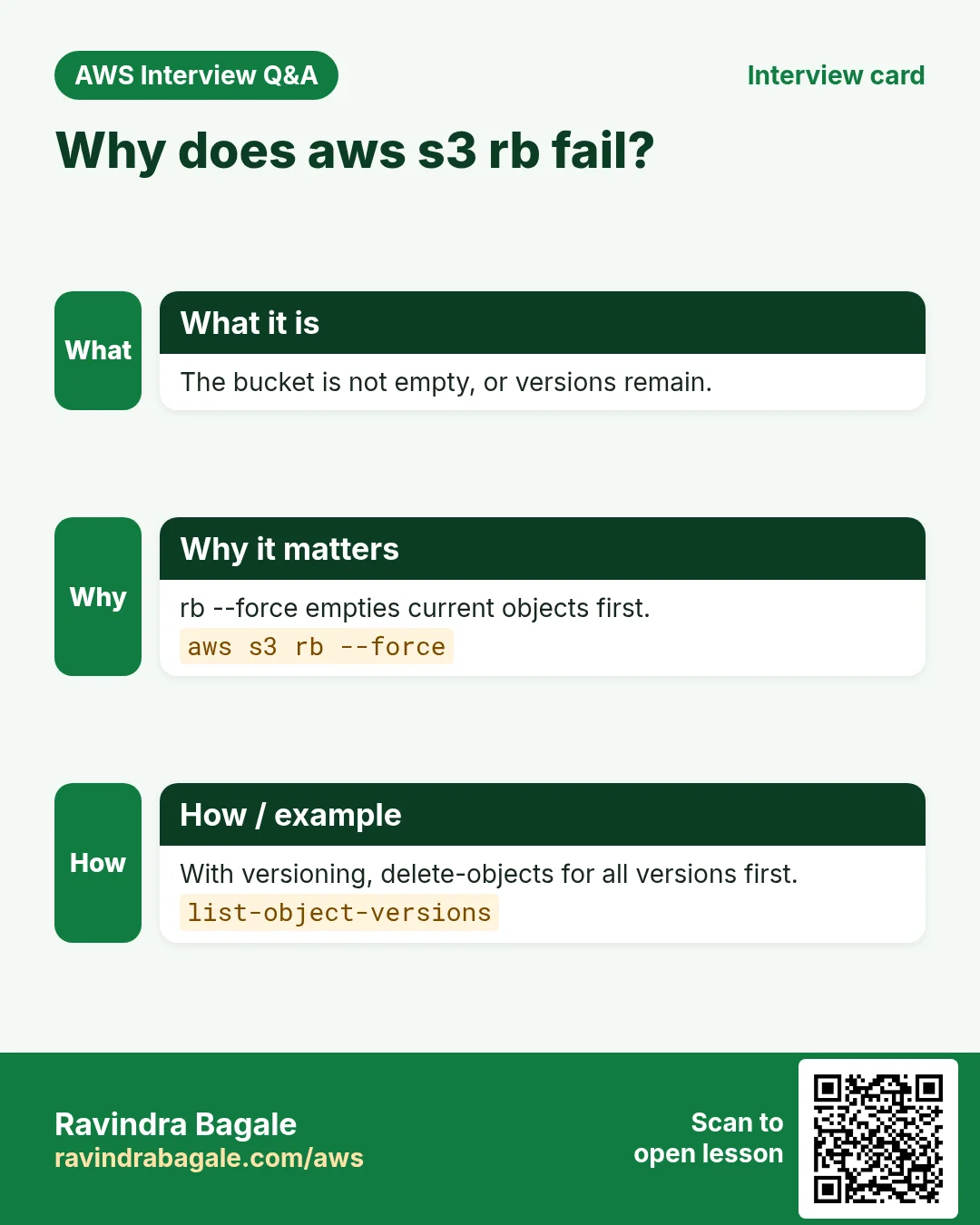
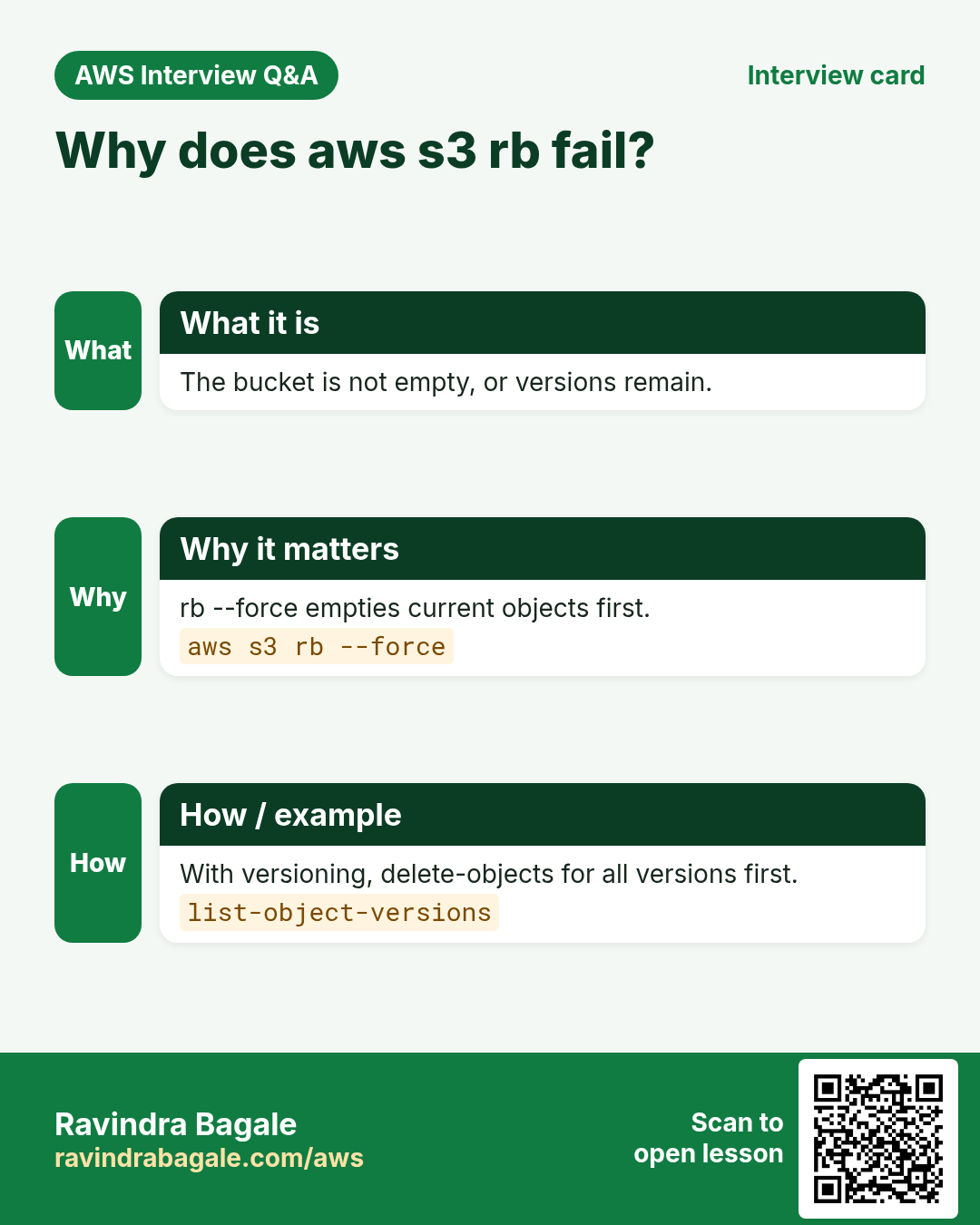
aws s3 rb s3://$B --force
aws s3 rb s3://$B-2
Expected output:
remove_bucket: ravi-cli-lab-12345- If versioning blocks it, delete versions first.
aws s3api delete-objects --bucket $B --delete "$(aws s3api list-object-versions --bucket $B --query '{Objects: Versions[].{Key:Key,VersionId:VersionId}}')"Expected output:
(no output means success)- Verify.
aws s3 ls | grep ravi-cli-lab || echo goneExpected output:
goneRavindra Bagale's Tip
Run sync --delete with --dryrun first, every time. It shows exactly what will be deleted.
8. Interview questions and answers
Q. aws s3 vs aws s3api?
s3 is high-level for files (cp, sync). s3api exposes every S3 API, like versioning and policies.
Q. cp vs sync?
cp copies what you name. sync copies only new or changed files.
Q. How do you share a private object for a short time?
aws s3 presign with --expires-in.
Q. Why does rb fail on a versioned bucket?
Old versions and delete markers still exist. Delete them first.
Q. How do you stop public exposure?
put-public-access-block with all four settings true.
Try at home
- Host a static site folder with sync and check it with a presigned URL.
- Add a lifecycle rule that moves backups/ to Glacier after 60 days.
In short
- mb, ls, cp, sync, rm, rb.
- s3api for versioning, encryption, public block.
- presign for short sharing.
- Lifecycle cleans old data.
- rb --force to clean up.
Practice Tasks
Paris Fashion Hub is a fashion business in Paris. Camille Laurent looks after its IT and cloud work. They count money in EUR and run their AWS resources in the eu-west-3 Region. In the tasks below you do real jobs for them using what this lesson teaches. All names, account IDs, IP addresses and numbers are made up for practice.
0 / 11
Easy Upload a file to S3
Why: aws s3 cp works like Linux cp, but one side is S3.
What to do: Upload report.pdf to s3://parisfashion-invoices-2026/reports/report.pdf.
- Read the task and decide which AWS service it is about.
- Write aws, then the service name, then the operation (the action word).
- Add each needed flag (--name) followed by its value from the task.
- Flags can be in any order. Click Check answer.
Easy List files in a bucket folder
Why: Check that the upload worked and see file sizes.
What to do: List the objects under s3://parisfashion-invoices-2026/reports/.
- Read the task and decide which AWS service it is about.
- Write aws, then the service name, then the operation (the action word).
- Add each needed flag (--name) followed by its value from the task.
- Flags can be in any order. Click Check answer.
Easy Create a bucket
Why: A bucket is the top-level container for your files in S3.
What to do: Create the bucket parisfashion-invoices-2026 in eu-west-3.
- Read the task and decide which AWS service it is about.
- Write aws, then the service name, then the operation (the action word).
- Add each needed flag (--name) followed by its value from the task.
- Flags can be in any order. Click Check answer.
Easy Delete one object
Why: Remove files you no longer need so you do not pay to store them.
What to do: Delete s3://parisfashion-invoices-2026/tmp/test.txt.
- Read the task and decide which AWS service it is about.
- Write aws, then the service name, then the operation (the action word).
- Add each needed flag (--name) followed by its value from the task.
- Flags can be in any order. Click Check answer.
Medium Read an object's metadata
Why: head-object shows size, type and version without downloading the file.
What to do: Show the metadata of key reels/v1.mp4 in bucket parisfashion-media.
- Read the task and decide which AWS service it is about.
- Write aws, then the service name, then the operation (the action word).
- Add each needed flag (--name) followed by its value from the task.
- Flags can be in any order. Click Check answer.
Medium Download a whole S3 folder
Why: With --recursive, cp copies every object under a prefix.
What to do: Download everything under s3://parisfashion-invoices-2026/2026/ into the local folder ./invoices.
- Read the task and decide which AWS service it is about.
- Write aws, then the service name, then the operation (the action word).
- Add each needed flag (--name) followed by its value from the task.
- Flags can be in any order. Click Check answer.
Medium Make a temporary download link
Why: A pre-signed URL shares one private file for a short time, without making the bucket public.
What to do: Create a pre-signed URL for s3://parisfashion-invoices-2026/inv-101.pdf that expires in 3600 seconds.
- Read the task and decide which AWS service it is about.
- Write aws, then the service name, then the operation (the action word).
- Add each needed flag (--name) followed by its value from the task.
- Flags can be in any order. Click Check answer.
Medium Sync a website folder to S3
Why: sync uploads only new or changed files and can remove deleted ones.
What to do: Sync the local folder ./site to s3://parisfashion-web/ and delete files in S3 that are no longer in ./site.
- Read the task and decide which AWS service it is about.
- Write aws, then the service name, then the operation (the action word).
- Add each needed flag (--name) followed by its value from the task.
- Flags can be in any order. Click Check answer.
Medium Attach a bucket policy from a file
Why: Long JSON is easier to keep in a file; file:// tells the CLI to read it.
What to do: Apply the bucket policy saved in policy.json to bucket parisfashion-web.
- Read the task and decide which AWS service it is about.
- Write aws, then the service name, then the operation (the action word).
- Add each needed flag (--name) followed by its value from the task.
- Flags can be in any order. Click Check answer.
Medium Upload to a cheaper storage class
Why: Rarely used files cost less in Standard-IA.
What to do: Upload archive-2025.zip to s3://parisfashion-archive/ using the STANDARD_IA storage class.
- Read the task and decide which AWS service it is about.
- Write aws, then the service name, then the operation (the action word).
- Add each needed flag (--name) followed by its value from the task.
- Flags can be in any order. Click Check answer.
Medium Turn on versioning
Why: Versioning keeps old copies, so an overwrite or delete can be undone.
What to do: Enable versioning on bucket parisfashion-invoices-2026.
- Read the task and decide which AWS service it is about.
- Write aws, then the service name, then the operation (the action word).
- Add each needed flag (--name) followed by its value from the task.
- Flags can be in any order. Click Check answer.
Revision, comparison and interview cards
Revise this lesson in a few minutes. Save the cards on your phone or download them as PNG files. The QR code on each card opens this lesson.
More cards: Ravi Sir's Cards.