Linux systemd and systemctl: Manage Services and Write Unit Files Step by Step
systemd is the first program Linux starts (PID 1). It starts every service, keeps them running, restarts them when they crash and stops them in the right order. systemctl is the remote control you use to talk to it. In this chapter you learn each systemctl command one by one, then write your own unit file so your app runs like a real service.
What you'll learn in this chapter
- Check a service with status, is-active and is-enabled
- Start, stop, restart and reload services
- Enable and disable services at boot, and mask them
- List units and find failed ones
- Write a .service unit file and use daemon-reload
- Use systemctl edit, cat, show, targets and systemd-analyze
1. An everyday example: the society watchman
Why do we need this?
In a Pune housing society, the watchman has a register. Each morning he opens the gate, switches on the water pump, then the lift. If the pump trips, he switches it on again. At night he switches things off in reverse order. The secretary gives him a written card for each machine: when to start it, what to do if it stops, and who it depends on.
What is it?
Watchman = systemd. Each machine = a service. The written card = the unit file. The order of switching on = dependencies (After=, Wants=). Switching on again after a trip = Restart=on-failure. You talking to the watchman = systemctl.
How to do it (step by step)
2. systemctl status: is my service OK?
Why do we need this?
When a website is down, the first question is: is the service running? status answers that and shows the last log lines.
What is it?
systemctl status NAME shows Loaded (where the unit file is and if it is enabled), Active (running, failed, inactive), the main PID, memory, the process tree and the last 10 log lines. --no-pager prints without less. -l shows full lines. -n 30 shows 30 log lines.
| Active state | Meaning |
|---|---|
| active (running) | Working now |
| active (exited) | One-shot job finished OK |
| inactive (dead) | Stopped |
| failed | Crashed or exited with error |
| activating | Starting, not ready yet |
How to do it (step by step)
- Check nginx.
systemctl status nginx --no-pagerOutput:
● nginx.service - The nginx HTTP and reverse proxy server
     Loaded: loaded (/usr/lib/systemd/system/nginx.service; enabled; preset: disabled)
     Active: active (running) since Sun 2026-10-25 09:10:02 IST; 3h ago
   Main PID: 1012 (nginx)
     Memory: 6.1M
What it means: Running for 3 hours, enabled at boot.
- A failed service.
systemctl status shop-api --no-pager -n 5Output:
     Active: failed (Result: exit-code) since Sun 2026-10-25 12:01:44 IST
    Process: 4410 ExecStart=/opt/shop/bin/api (code=exited, status=1/FAILURE)
Oct 25 12:01:44 web1 api[4410]: Error: cannot connect to DB at 10.0.0.9:5432
What it means: The last line tells you why.
- Full long lines.
systemctl status shop-api -l --no-pagerOutput:
(lines are not cut with ...)What it means: Use -l when the error is long.
3. is-active, is-enabled, is-failed: answers for scripts
Why do we need this?
Scripts and health checks need a simple yes or no, not a page of text.
What is it?
systemctl is-active NAME prints active or inactive and exits 0 only if active. is-enabled prints enabled, disabled, masked or static. is-failed exits 0 if failed. Add --quiet (-q) to print nothing and use only the exit code.
How to do it (step by step)
- Is it running?
systemctl is-active nginxOutput:
activeWhat it means: Exit code 0.
- Starts at boot?
systemctl is-enabled nginxOutput:
enabledWhat it means: disabled means you start it by hand.
- In a script.
systemctl is-active --quiet nginx || sudo systemctl restart nginxOutput:
(no output)What it means: Restarts only when it is down.
4. start, stop and restart
Why do we need this?
You stop a service for maintenance, start it again, or restart it after changing code or config.
What is it?
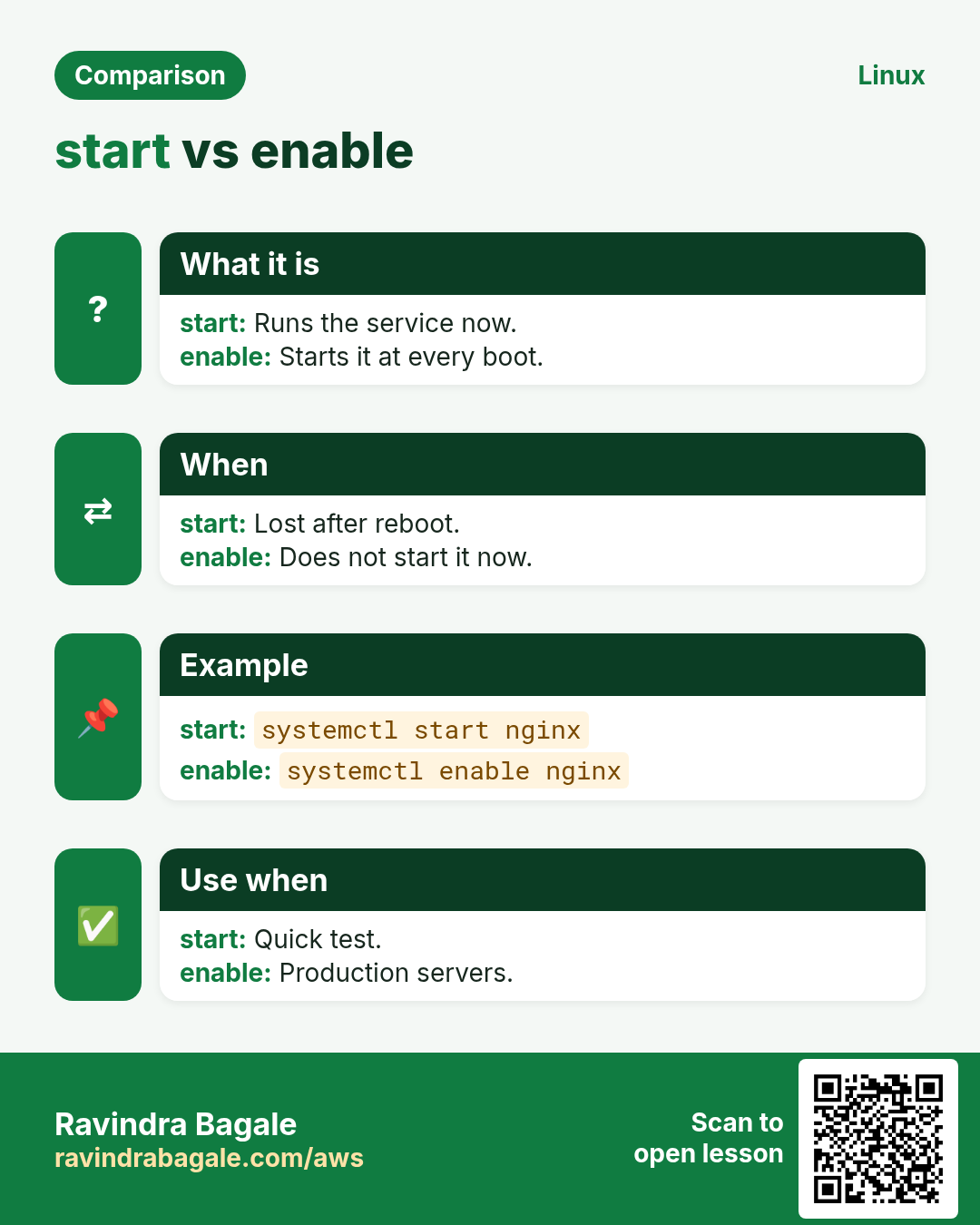
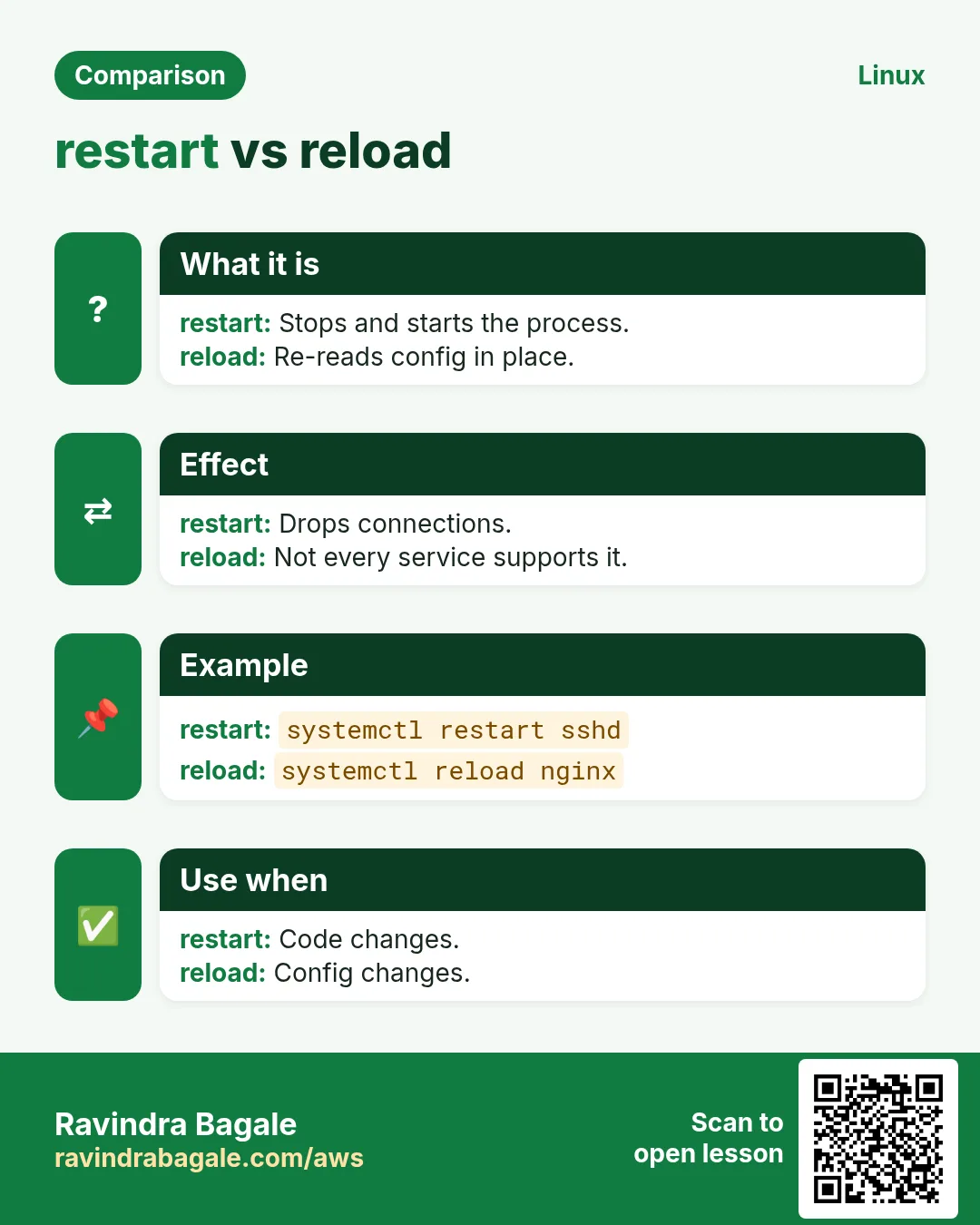
sudo systemctl start NAME starts it now. stop sends SIGTERM, waits (TimeoutStopSec, often 90 s), then SIGKILL. restart = stop then start, so there is a short downtime. try-restart restarts only if it is already running. These do not change boot behaviour. You can give several names at once.
How to do it (step by step)
- Stop for maintenance.
sudo systemctl stop shop-api && systemctl is-active shop-apiOutput:
inactiveWhat it means: Clients now get errors; plan this.
- Start again.
sudo systemctl start shop-api && systemctl is-active shop-apiOutput:
activeWhat it means: Running again.
- Restart after a code deploy.
sudo systemctl restart shop-apiOutput:
(no output)What it means: No output means success.
- Two at once.
sudo systemctl restart php-fpm nginxOutput:
(no output)What it means: Order: left to right.
5. reload and reload-or-restart
Why do we need this?
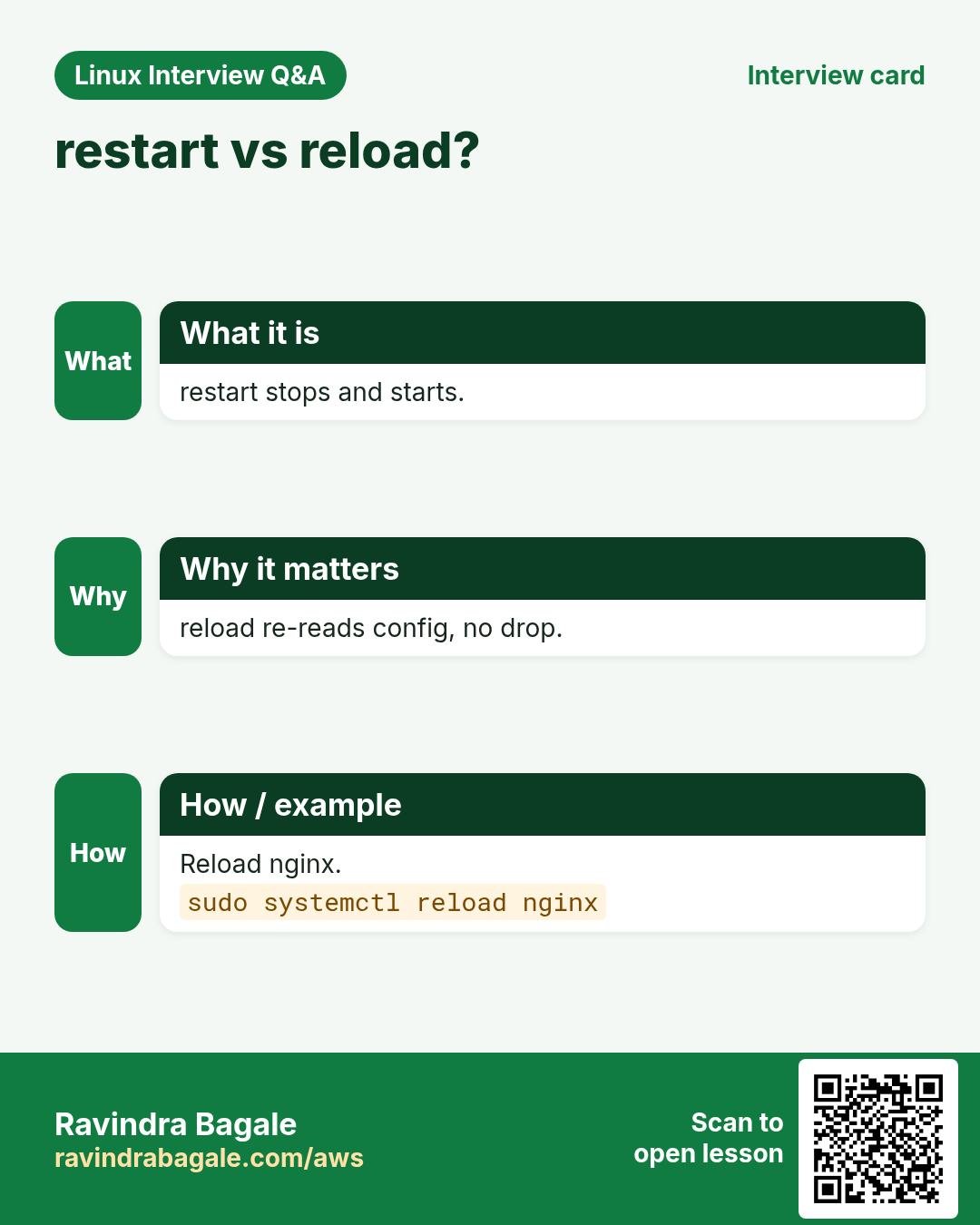
A restart drops live connections. A reload makes the service read its new config without stopping.
What is it?
sudo systemctl reload NAME runs the unit's ExecReload (often sends SIGHUP). Not every service supports it; then you see 'Job type reload is not applicable'. reload-or-restart reloads if possible, else restarts. Always test config first, for example nginx -t or sshd -t.
How to do it (step by step)
- Test, then reload nginx.
sudo nginx -t && sudo systemctl reload nginxOutput:
nginx: configuration file /etc/nginx/nginx.conf test is successfulWhat it means: No connection is dropped.
- A service without reload.
sudo systemctl reload shop-apiOutput:
Failed to reload shop-api.service: Job type reload is not applicable for unit shop-api.service.What it means: Use restart or add ExecReload=.
- Safe choice.
sudo systemctl reload-or-restart shop-apiOutput:
(no output)What it means: Works for both kinds.
6. enable, disable and --now
Why do we need this?
After a reboot, only enabled services come back. Many outages happen because someone started a service but never enabled it.
What is it?
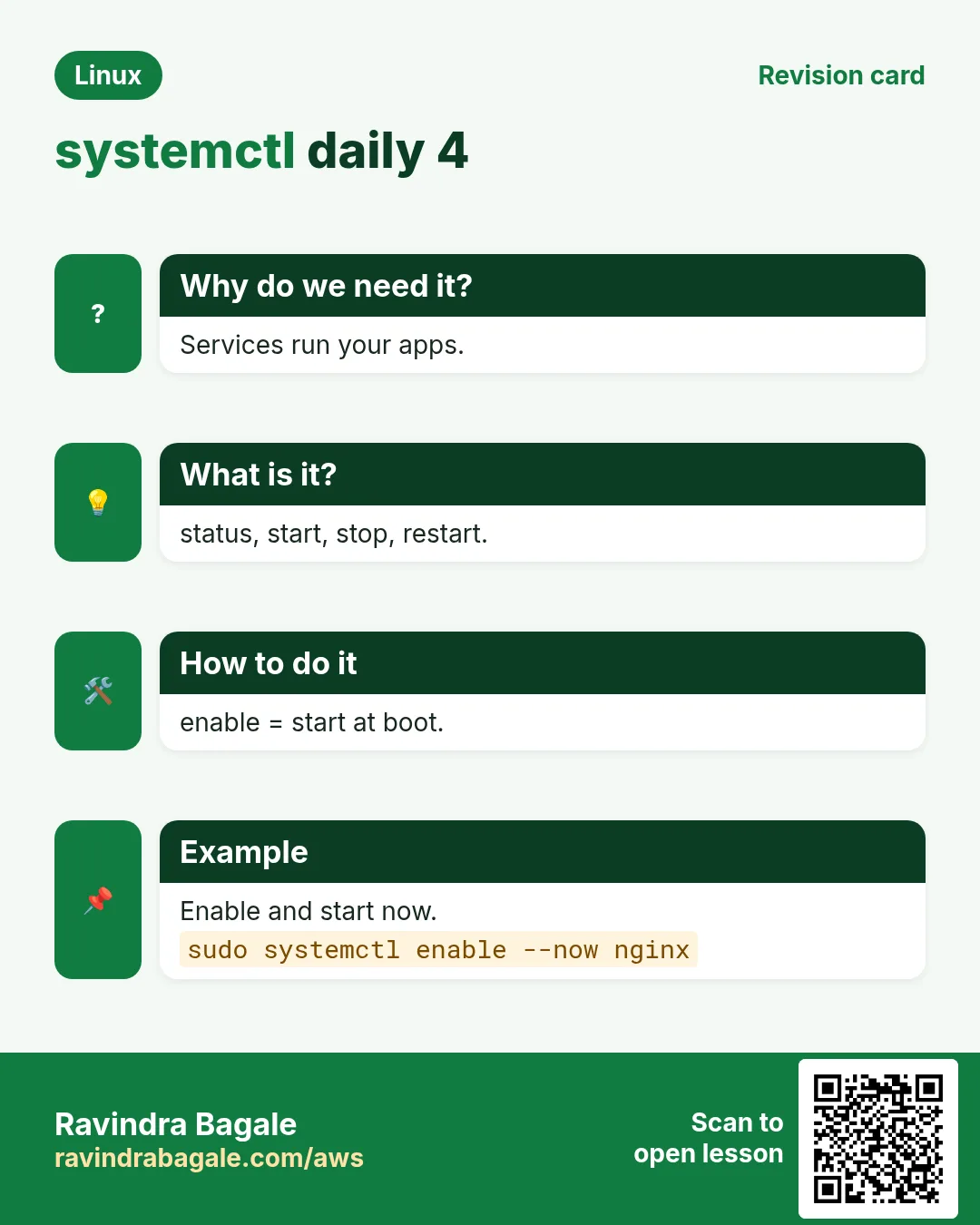
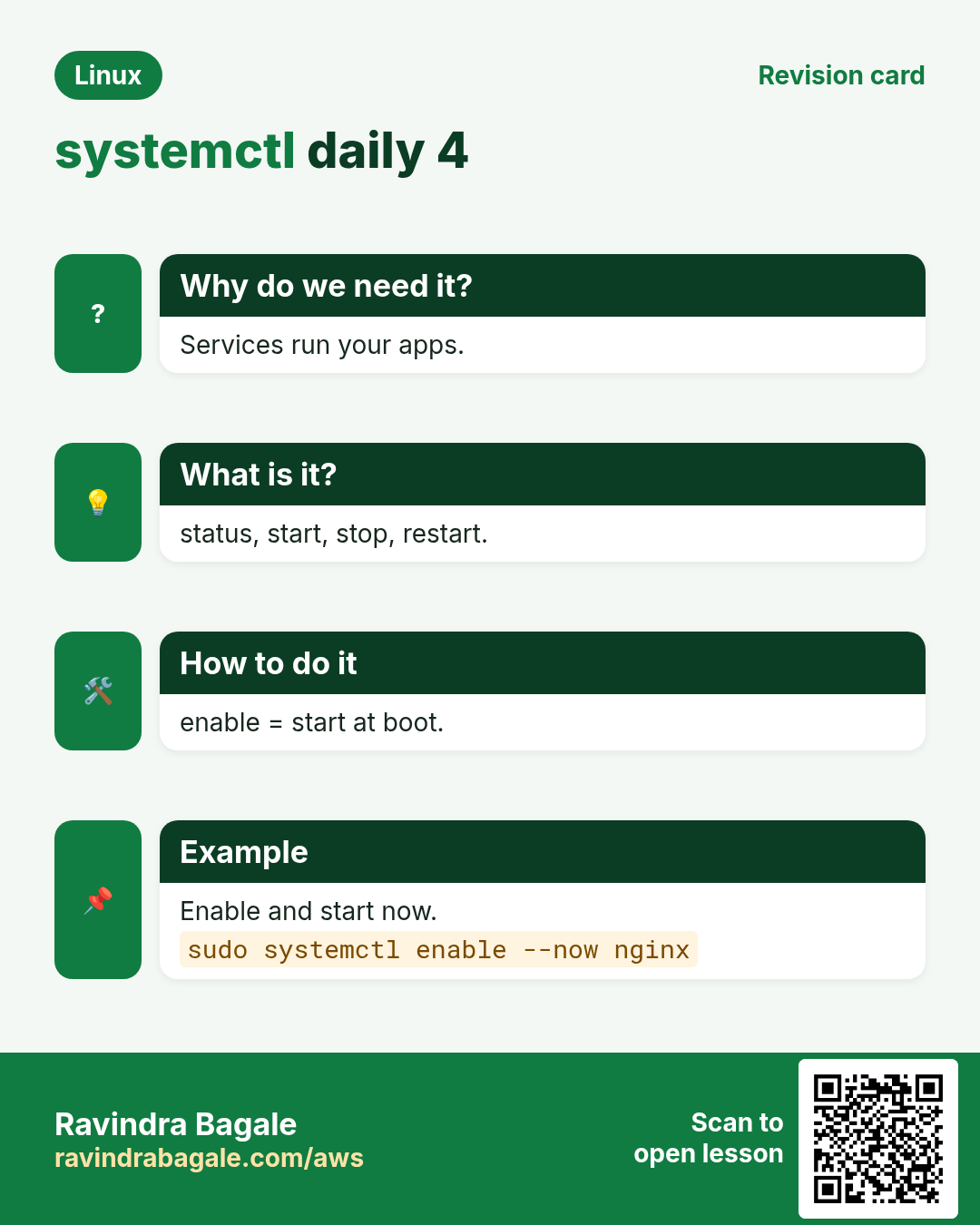
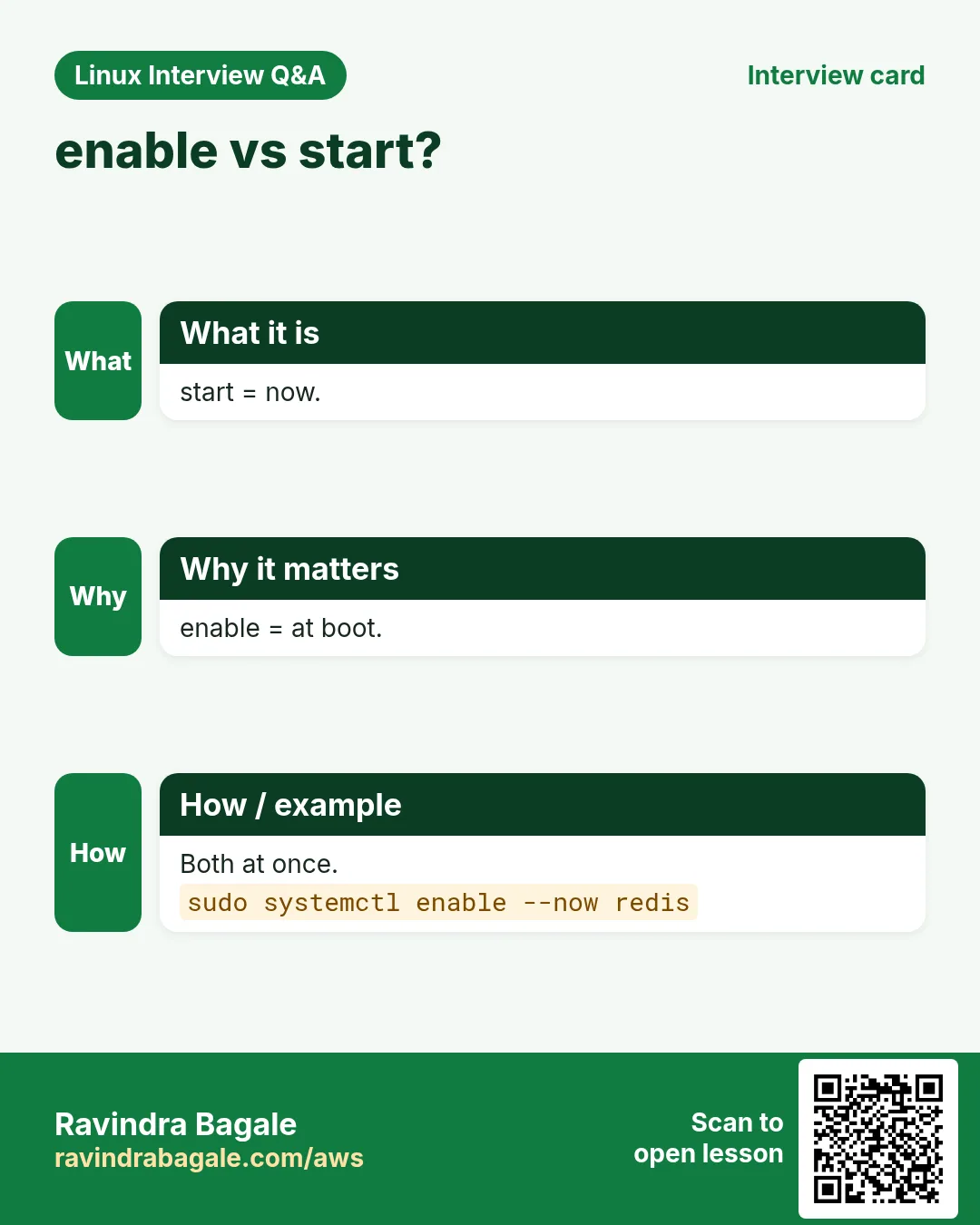
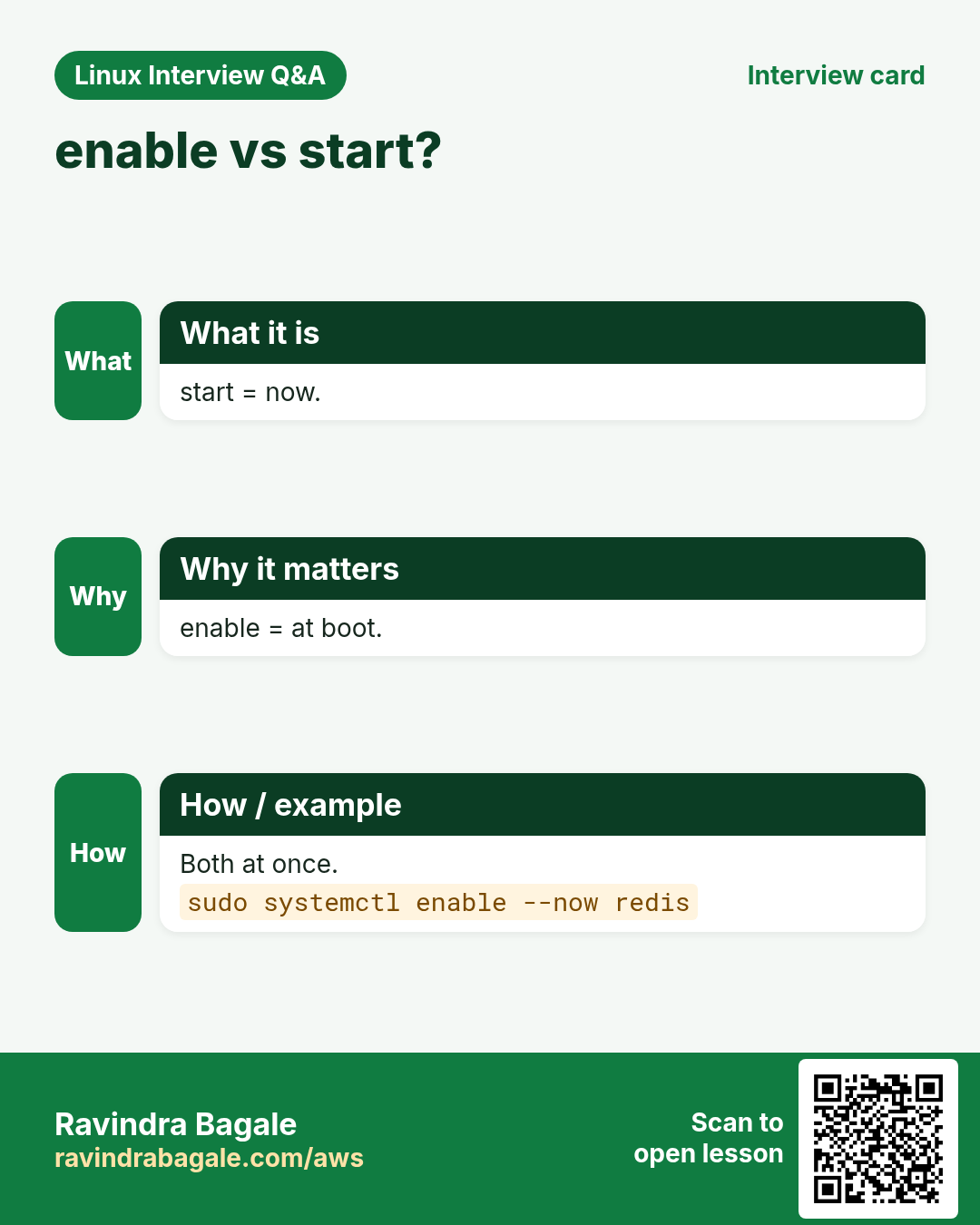
sudo systemctl enable NAME creates a link in the target's .wants folder so it starts at boot. disable removes it. enable --now also starts it; disable --now also stops it. A static unit cannot be enabled; another unit pulls it in.
How to do it (step by step)
- Enable and start in one go.
sudo systemctl enable --now nginxOutput:
Created symlink /etc/systemd/system/multi-user.target.wants/nginx.service → /usr/lib/systemd/system/nginx.service.What it means: The symlink is the whole trick.
- Stop and disable a service you do not need.
sudo systemctl disable --now cupsOutput:
Removed "/etc/systemd/system/multi-user.target.wants/cups.service".What it means: Smaller attack surface.
- Check after a change.
systemctl is-enabled nginx cupsOutput:
enabled
disabled
What it means: One line per unit.
7. mask and unmask: block a service completely
Why do we need this?
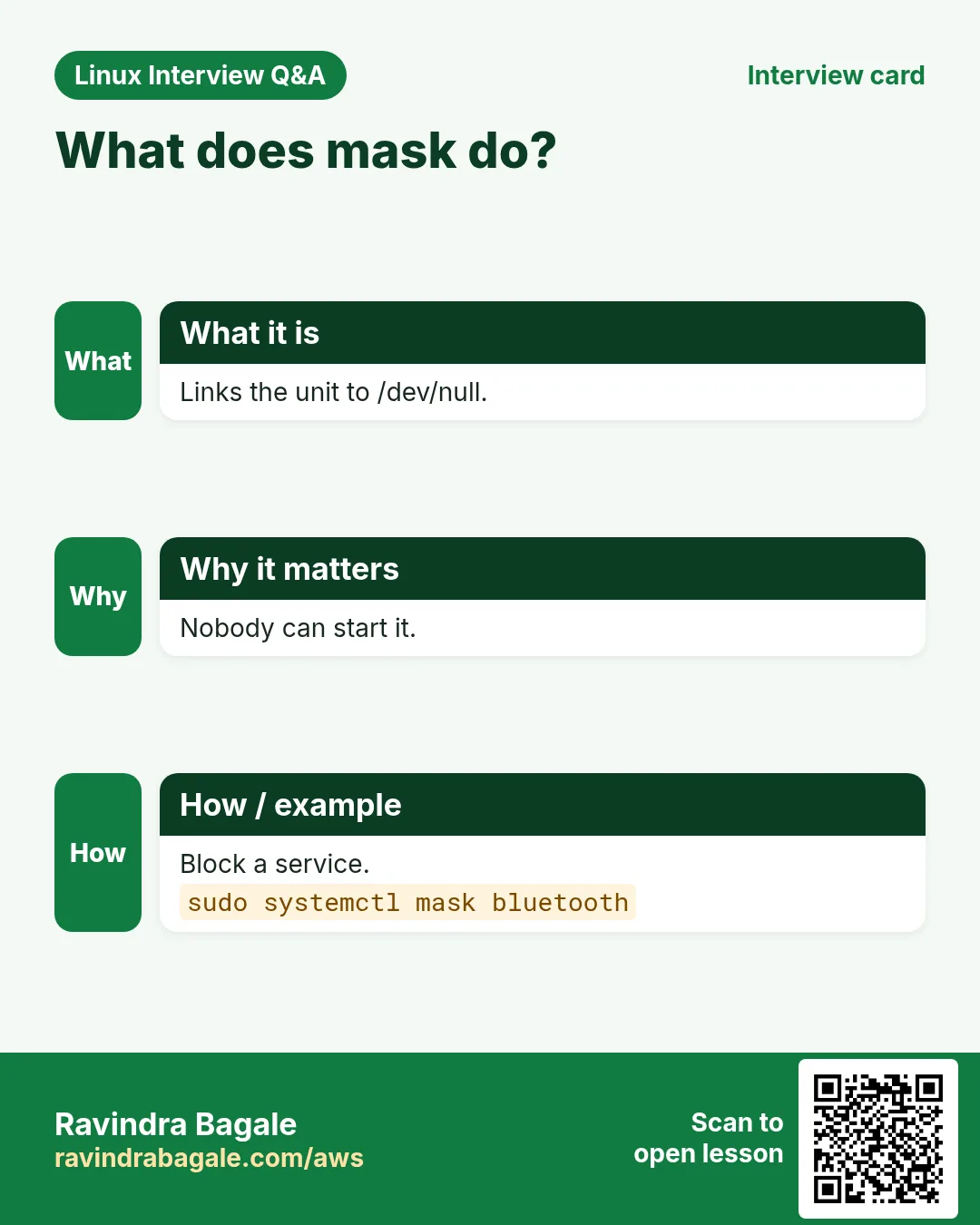
disable still lets someone or another unit start the service by hand. mask makes starting it impossible, which is useful for conflicting services like firewalld and iptables.
What is it?
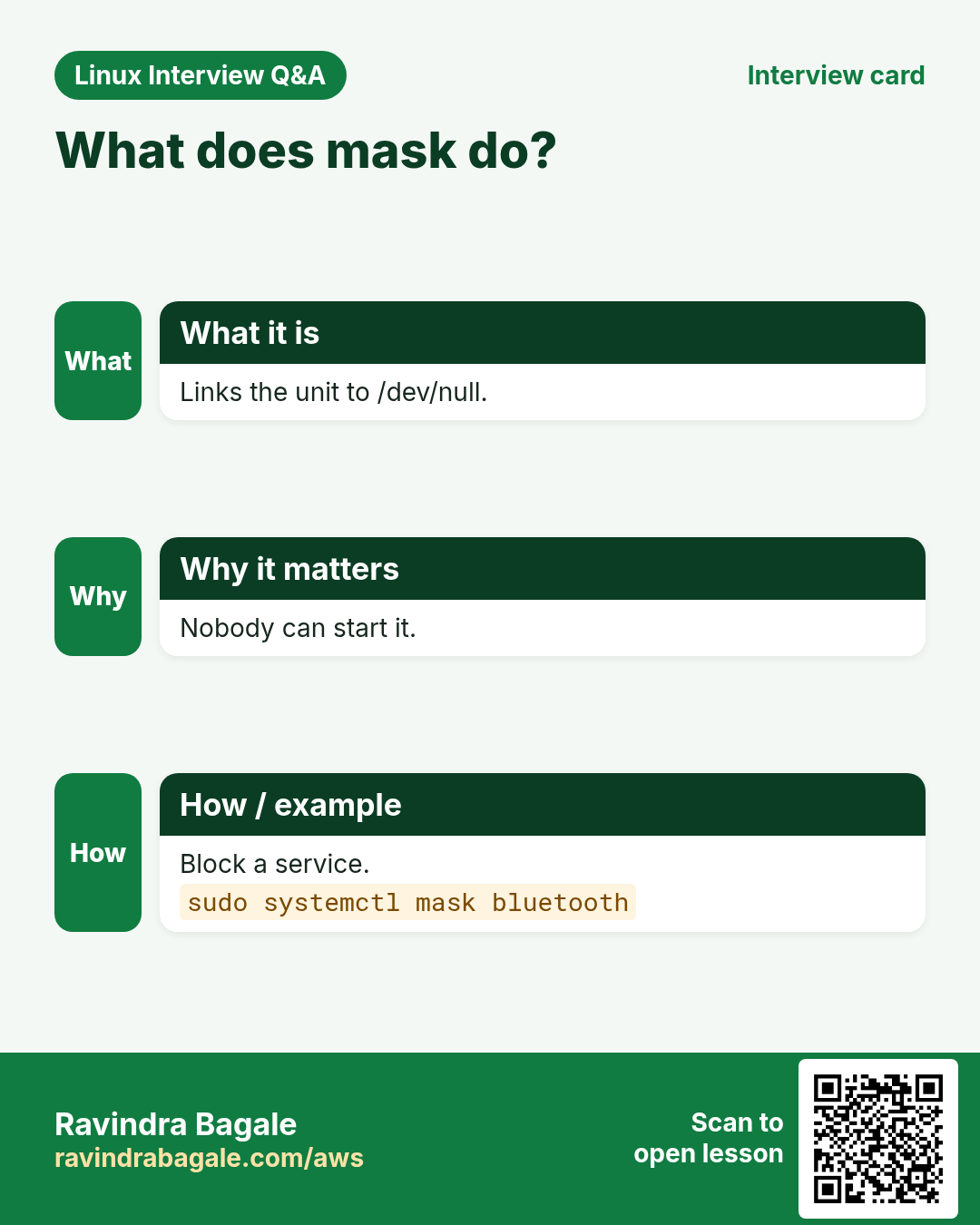
sudo systemctl mask NAME links the unit to /dev/null. Any start fails with 'Unit is masked'. unmask removes the link. Use --now with mask to also stop it.
How to do it (step by step)
- Block iptables.
sudo systemctl mask --now iptablesOutput:
Created symlink /etc/systemd/system/iptables.service → /dev/null.What it means: Now firewalld cannot fight with it.
- Try to start it.
sudo systemctl start iptablesOutput:
Failed to start iptables.service: Unit iptables.service is masked.What it means: Exactly what we wanted.
- Undo.
sudo systemctl unmask iptablesOutput:
Removed "/etc/systemd/system/iptables.service".What it means: Back to normal.
8. list-units, list-unit-files and --failed
Why do we need this?
After a reboot or an alert you want to see quickly what is running and what has failed.
What is it?
systemctl list-units --type=service shows loaded services and their state. --state=running filters. --failed (or systemctl --failed) shows only failed units. list-unit-files shows every installed unit and whether it is enabled. reset-failed clears the failed list.
How to do it (step by step)
- Running services.
systemctl list-units --type=service --state=running --no-pager | head -4Output:
  UNIT              LOAD   ACTIVE SUB     DESCRIPTION
  chronyd.service   loaded active running NTP client/server
  crond.service     loaded active running Command Scheduler
  nginx.service     loaded active running The nginx HTTP and reverse proxy server
What it means: Your list of what is live.
- Failed units.
systemctl --failed --no-pagerOutput:
  UNIT             LOAD   ACTIVE SUB    DESCRIPTION
● shop-api.service loaded failed failed Shop API

1 loaded units listed.
What it means: Check this after every reboot.
- Enabled at boot.
systemctl list-unit-files --type=service --state=enabled --no-pager | head -3Output:
UNIT FILE          STATE   PRESET
atd.service        enabled enabled
chronyd.service    enabled enabled
What it means: Audit what starts at boot.
9. A .service unit file, line by line
Why do we need this?
Running your app with nohup or inside tmux means no restart on crash and no start at boot. A unit file fixes both.
What is it?
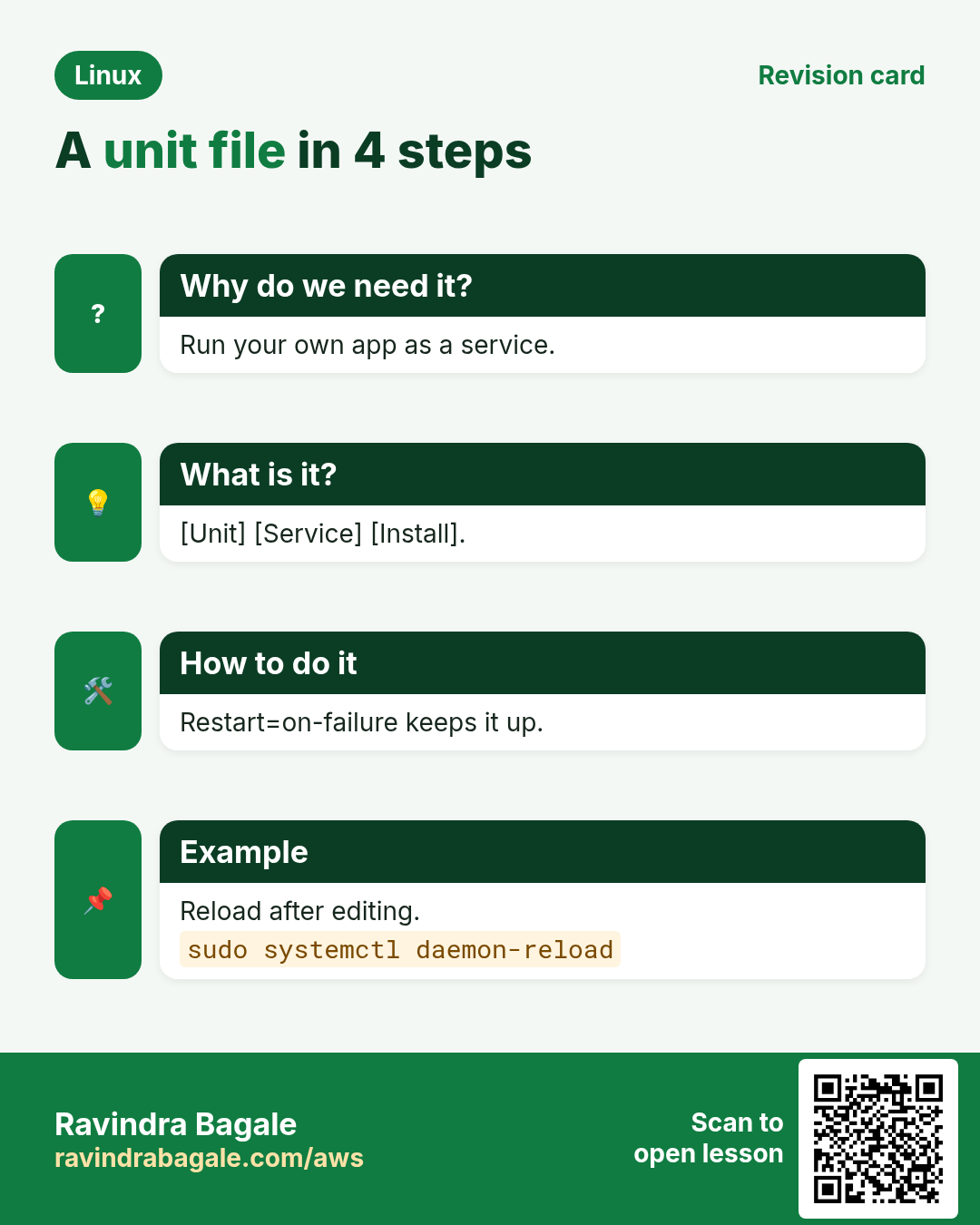
A unit file has three parts. [Unit]: Description, After= (order) and Wants=/Requires= (dependency). [Service]: ExecStart (full path), User, WorkingDirectory, Environment or EnvironmentFile, Restart=on-failure, RestartSec. [Install]: WantedBy=multi-user.target, used by enable. Put your own files in /etc/systemd/system/NAME.service.
| Key | What it does |
|---|---|
| ExecStart= | The command to run, full path |
| User= | Run as this user, not root |
| Restart=on-failure | Start again after a crash |
| After=network-online.target | Start after the network is up |
| EnvironmentFile= | Load KEY=value lines from a file |
| WantedBy=multi-user.target | Start at normal boot when enabled |
How to do it (step by step)
- Write the file.
sudo tee /etc/systemd/system/shop-api.service <<'X'
[Unit]
Description=Shop API
After=network-online.target
Wants=network-online.target

[Service]
User=shop
WorkingDirectory=/opt/shop
EnvironmentFile=/etc/shop/api.env
ExecStart=/usr/bin/node /opt/shop/server.js
Restart=on-failure
RestartSec=5

[Install]
WantedBy=multi-user.target
X
Output:
(the file text is echoed)What it means: A real, safe service in 15 lines.
- Check for mistakes.
systemd-analyze verify /etc/systemd/system/shop-api.serviceOutput:
(no output)What it means: No output means no errors.
- Load, enable and start.
sudo systemctl daemon-reload && sudo systemctl enable --now shop-apiOutput:
Created symlink /etc/systemd/system/multi-user.target.wants/shop-api.service → /etc/systemd/system/shop-api.service.What it means: Now it survives crashes and reboots.
10. daemon-reload: tell systemd about file changes
Why do we need this?
systemd keeps unit files in memory. If you edit a file and do not reload, it keeps using the old version.
What is it?
sudo systemctl daemon-reload re-reads all unit files. It does not restart services; do that next. systemctl status warns 'unit file changed on disk' when you forget.
How to do it (step by step)
- The warning you get.
systemctl status shop-api --no-pager | head -2Output:
Warning: The unit file, source configuration file or drop-ins of shop-api.service changed on disk. Run 'systemctl daemon-reload' to reload units.What it means: systemd is telling you exactly what to do.
- Reload and restart.
sudo systemctl daemon-reload && sudo systemctl restart shop-apiOutput:
(no output)What it means: The new settings are live.
11. systemctl cat, edit and drop-in overrides
Why do we need this?
If you edit a package's unit file in /usr/lib, the next update overwrites your change. Overrides survive updates.
What is it?
systemctl cat NAME shows the unit plus every drop-in. sudo systemctl edit NAME opens an editor and saves /etc/systemd/system/NAME.service.d/override.conf, then reloads for you. Put only the lines you change, under the right [Section]. To change ExecStart, first clear it with an empty ExecStart=. edit --full copies the whole file instead. systemctl revert NAME removes overrides.
How to do it (step by step)
- See what is really used.
systemctl cat nginx --no-pager | head -3Output:
# /usr/lib/systemd/system/nginx.service
[Unit]
Description=The nginx HTTP and reverse proxy server
What it means: The first line shows the file path.
- Raise the open-file limit.
sudo systemctl edit nginx
# add:
[Service]
LimitNOFILE=65535
Output:
(editor closes; systemd reloads)What it means: Saved as a drop-in.
- Confirm and apply.
systemctl show nginx -p LimitNOFILE && sudo systemctl restart nginxOutput:
LimitNOFILE=65535What it means: show prints one property.
- Undo all overrides.
sudo systemctl revert nginxOutput:
Removed "/etc/systemd/system/nginx.service.d/override.conf".What it means: Back to the package default.
12. systemctl show: exact properties
Why do we need this?
status is for people; show gives exact values for scripts and debugging, like restart counts and the main PID.
What is it?
systemctl show NAME prints every property as KEY=value. -p picks some (comma list). --value prints only the value. Useful ones: MainPID, ActiveState, NRestarts, ExecMainStatus, FragmentPath.
How to do it (step by step)
- How often did it crash?
systemctl show shop-api -p NRestarts,ActiveStateOutput:
NRestarts=4
ActiveState=active
What it means: 4 restarts: look at the logs.
- Only the PID.
systemctl show -p MainPID --value nginxOutput:
1012What it means: Good for scripts.
13. Targets: runlevels in systemd
Why do we need this?
Servers do not need a desktop. Targets decide what kind of system you boot into, and rescue mode helps when things break.
What is it?
A target is a group of units. multi-user.target = normal server with network, no GUI. graphical.target = with desktop. rescue.target = single user for repairs. get-default shows the current default; set-default changes it; isolate switches now.
How to do it (step by step)
- Current default.
systemctl get-defaultOutput:
multi-user.targetWhat it means: Normal for servers.
- Boot without GUI from now on.
sudo systemctl set-default multi-user.targetOutput:
Created symlink /etc/systemd/system/default.target → /usr/lib/systemd/system/multi-user.target.What it means: Saves RAM on servers.
- What a service depends on.
systemctl list-dependencies shop-api --no-pager | head -4Output:
shop-api.service
● ├─system.slice
● ├─network-online.target
● └─sysinit.target
What it means: Shows the order chain.
14. systemd-analyze: why is boot slow?
Why do we need this?
Slow boots delay auto-scaling and recovery. systemd-analyze shows which unit is to blame.
What is it?
systemd-analyze prints total boot time. blame lists units by start time. critical-chain shows the slow path. verify FILE checks a unit file for errors. calendar tests timer expressions (next chapter).
How to do it (step by step)
- Total time.
systemd-analyzeOutput:
Startup finished in 1.9s (kernel) + 14.2s (userspace) = 16.1sWhat it means: 14 s in userspace: dig in.
- Who is slow.
systemd-analyze blame --no-pager | head -3Output:
9.8s NetworkManager-wait-online.service
2.1s cloud-init.service
1.0s dnf-makecache.service
What it means: Waiting for network takes most time.
- The slow chain.
systemd-analyze critical-chain shop-api.serviceOutput:
shop-api.service +410ms
└─network-online.target @12.1s
What it means: It waited for the network.
15. Real examples from many industries
Why do we need this?
The same Linux skill shows up in every kind of company. Seeing it in many places helps you remember it.
What is it?
Each row is a made-up team. It shows who uses this and how.
How to do it (step by step)
| Team and city | How they use it | Command |
|---|---|---|
| Sneha, food delivery app, Pune | Runs the order API as a systemd service with auto restart | systemctl enable --now orders-api |
| Tom, bank, London | Uses overrides to raise limits without touching vendor files | systemctl edit postgresql |
| Aisha, hospital IT, Dubai | Checks failed units after every patch reboot | systemctl --failed |
| Kenji, game servers, Osaka | Reloads configs with zero downtime | systemctl reload haproxy |
| Maria, e-commerce, Mexico City | Masks a conflicting firewall service | systemctl mask iptables |
| Ravi, college lab, Nashik | Finds slow boot units on lab PCs | systemd-analyze blame |
16. Common errors and how to fix them
Why do we need this?
Everyone hits these errors. Knowing the cause saves hours.
What is it?
Read the exact message first. Then match it to a row below.
How to do it (step by step)
| Error you see | Why it happens | How to fix |
|---|---|---|
Failed to start shop-api.service: Unit shop-api.service not found. | No unit file with that name, or no daemon-reload | Check the file name and reload.sudo systemctl daemon-reload |
Warning: The unit file ... changed on disk. Run 'systemctl daemon-reload' | You edited a unit file | Reload, then restart.sudo systemctl daemon-reload && sudo systemctl restart shop-api |
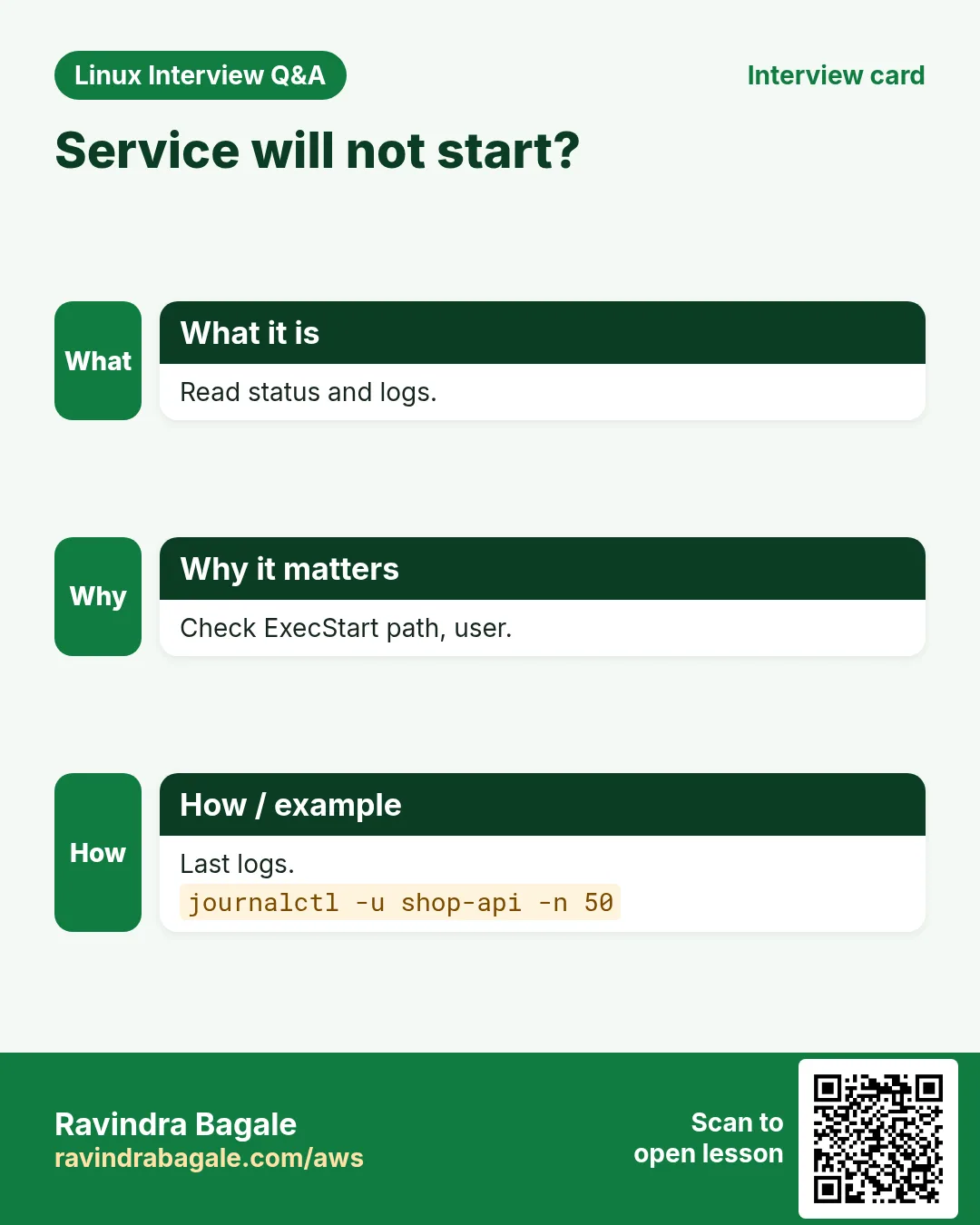
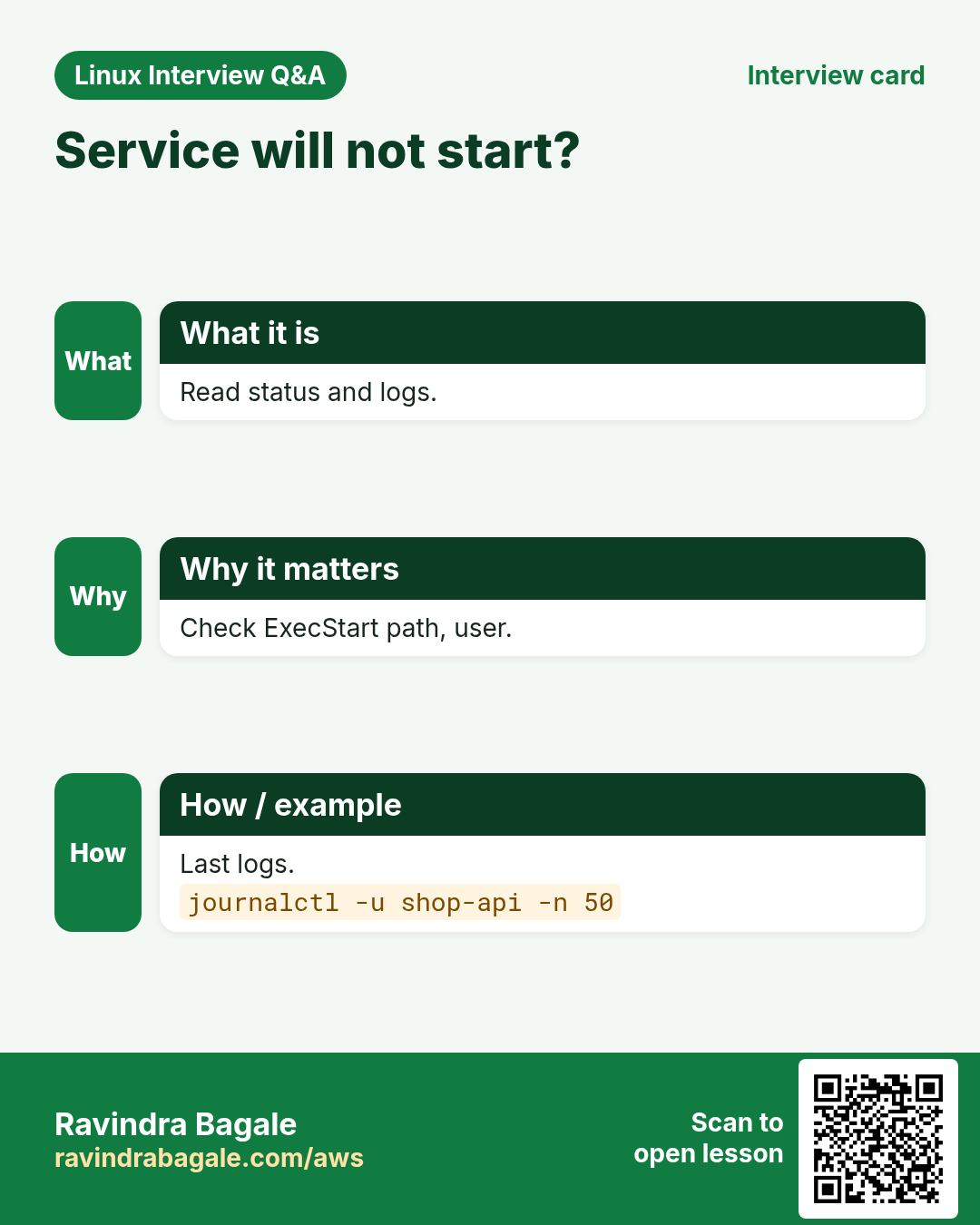
Job for shop-api.service failed because the control process exited with error code. | The program itself crashed on start | Read its logs.journalctl -u shop-api -n 50 --no-pager |
status=203/EXEC | ExecStart path wrong or not executable | Use a full path and chmod +x.ls -l /opt/shop/bin/api |
status=217/USER | User= does not exist | Create the user or fix the name.id shop |
status=200/CHDIR | WorkingDirectory missing | Create the folder or fix the path.ls -ld /opt/shop |
Start request repeated too quickly. | Crashed too often; StartLimitBurst hit | Fix the crash, then reset-failed.sudo systemctl reset-failed shop-api |
Failed to start iptables.service: Unit iptables.service is masked. | The unit is masked | Unmask if you really need it.sudo systemctl unmask iptables |
Failed to reload ...: Job type reload is not applicable | No ExecReload in the unit | Use restart or reload-or-restart.sudo systemctl reload-or-restart shop-api |
Service works by hand but not after reboot | Started but never enabled | Enable it.sudo systemctl enable shop-api |
17. Troubleshooting step by step
Why do we need this?
If a service is down, go from state, to logs, to the unit file, to the program itself.
What is it?
Go top to bottom. Stop at the first step that shows the problem.
How to do it (step by step)
- See its state.
systemctl status shop-api --no-pager -l- Read recent logs.
journalctl -u shop-api -n 50 --no-pager- Look at the real unit file.
systemctl cat shop-api- Verify the file.
systemd-analyze verify /etc/systemd/system/shop-api.service- Run the ExecStart command by hand as that user.
sudo -u shop /usr/bin/node /opt/shop/server.js- Reload, reset and start.
sudo systemctl daemon-reload && sudo systemctl reset-failed shop-api && sudo systemctl start shop-api18. Lab 1: Turn a script into a real service
Why do we need this?
Write a tiny web server script, run it as a systemd service, watch auto restart after a crash.
What is it?
A full hands-on lab. Run every step on a test Linux machine (an EC2 instance, a VM, or WSL).
How to do it (step by step)
- Create the app.
sudo mkdir -p /opt/hello && echo 'hello from systemd' | sudo tee /opt/hello/index.htmlOutput:
hello from systemd- Write the unit.
sudo tee /etc/systemd/system/hello.service <<'X'
[Unit]
Description=Hello web
After=network.target
[Service]
WorkingDirectory=/opt/hello
ExecStart=/usr/bin/python3 -m http.server 8088
Restart=on-failure
RestartSec=2
[Install]
WantedBy=multi-user.target
X
Output:
(file text)- Load and start.
sudo systemctl daemon-reload && sudo systemctl enable --now hello && curl -s localhost:8088Output:
hello from systemd- Crash it.
sudo kill -9 $(systemctl show -p MainPID --value hello); sleep 3; systemctl show -p NRestarts helloOutput:
NRestarts=1- Clean up.
sudo systemctl disable --now hello && sudo rm /etc/systemd/system/hello.service && sudo systemctl daemon-reloadOutput:
Removed "/etc/systemd/system/multi-user.target.wants/hello.service".19. Lab 2: Override, mask and boot analysis
Why do we need this?
Change a package service safely with an override, block a service with mask, and find slow boot units.
What is it?
A full hands-on lab. Run every step on a test Linux machine (an EC2 instance, a VM, or WSL).
How to do it (step by step)
- Add an override.
sudo mkdir -p /etc/systemd/system/crond.service.d && printf '[Service]\nNice=5\n' | sudo tee /etc/systemd/system/crond.service.d/nice.conf && sudo systemctl daemon-reloadOutput:
[Service]
Nice=5- Check it.
sudo systemctl restart crond && systemctl show -p Nice crondOutput:
Nice=5- Revert.
sudo systemctl revert crondOutput:
Removed "/etc/systemd/system/crond.service.d/nice.conf".- Mask and unmask.
sudo systemctl mask atd; sudo systemctl start atd; sudo systemctl unmask atdOutput:
Failed to start atd.service: Unit atd.service is masked.- Boot report.
systemd-analyze blame --no-pager | head -3Output:
9.8s NetworkManager-wait-online.serviceRavindra Bagale's Tip
Every time you change a unit file, say three words: daemon-reload, restart, status. And never edit files in /usr/lib/systemd/system; use systemctl edit so updates do not erase your change.
Ravindra Bagale's Tip – मराठी
Unit file बदलली की प्रत्येक वेळी तीन शब्द: daemon-reload, restart, status. आणि /usr/lib/systemd/system मधल्या files कधीच edit करू नका; systemctl edit वापरा म्हणजे updates बदल पुसणार नाहीत.
Ravindra Bagale's Tip – हिंदी
हर बार unit file बदलें तो तीन शब्द: daemon-reload, restart, status. और /usr/lib/systemd/system की files कभी edit न करें; systemctl edit इस्तेमाल करें ताकि updates आपका बदलाव न मिटाएं.
20. Frequently asked questions
Q. start vs enable?
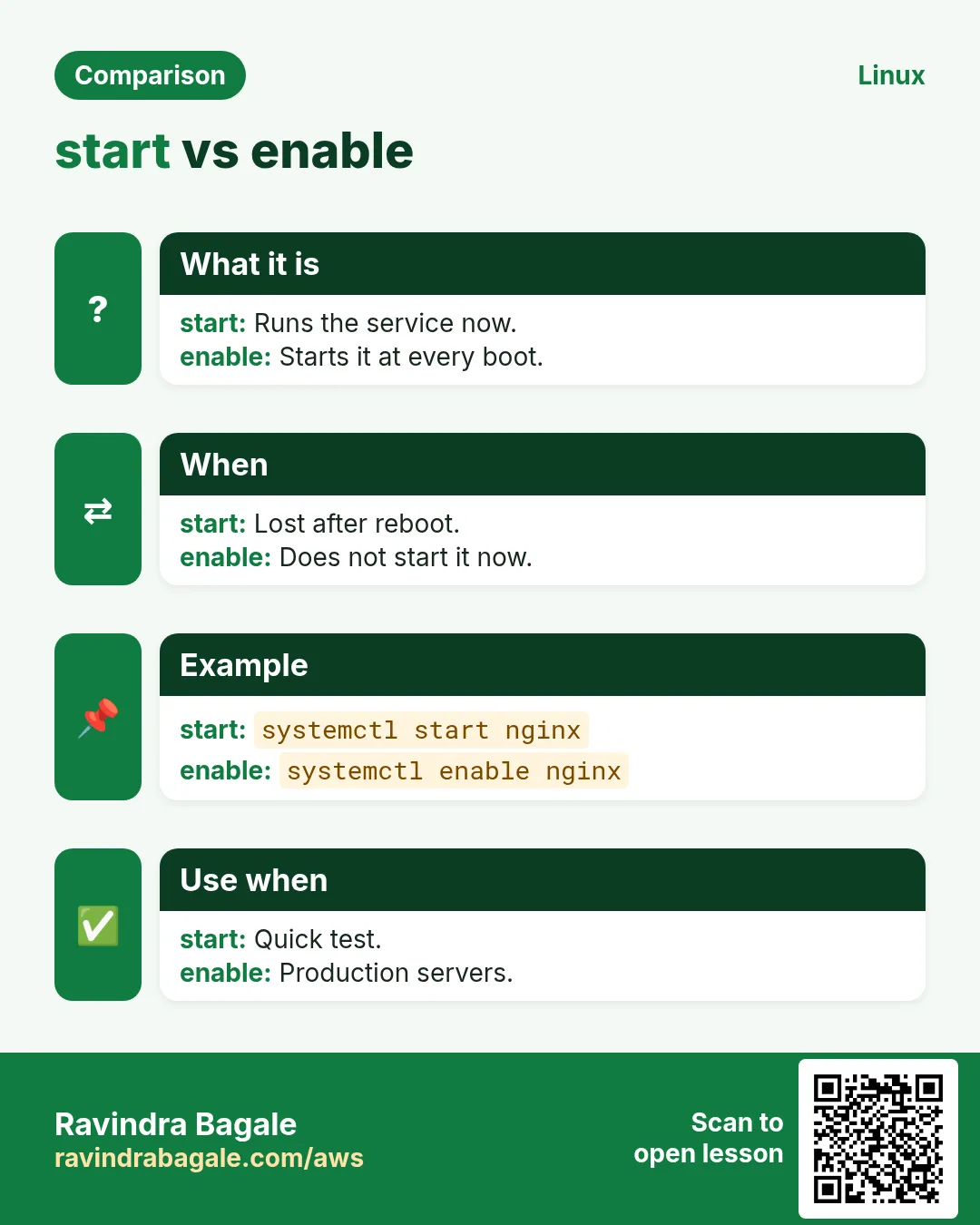
start runs it now; enable makes it start at boot. Use enable --now for both.
Q. restart vs reload?
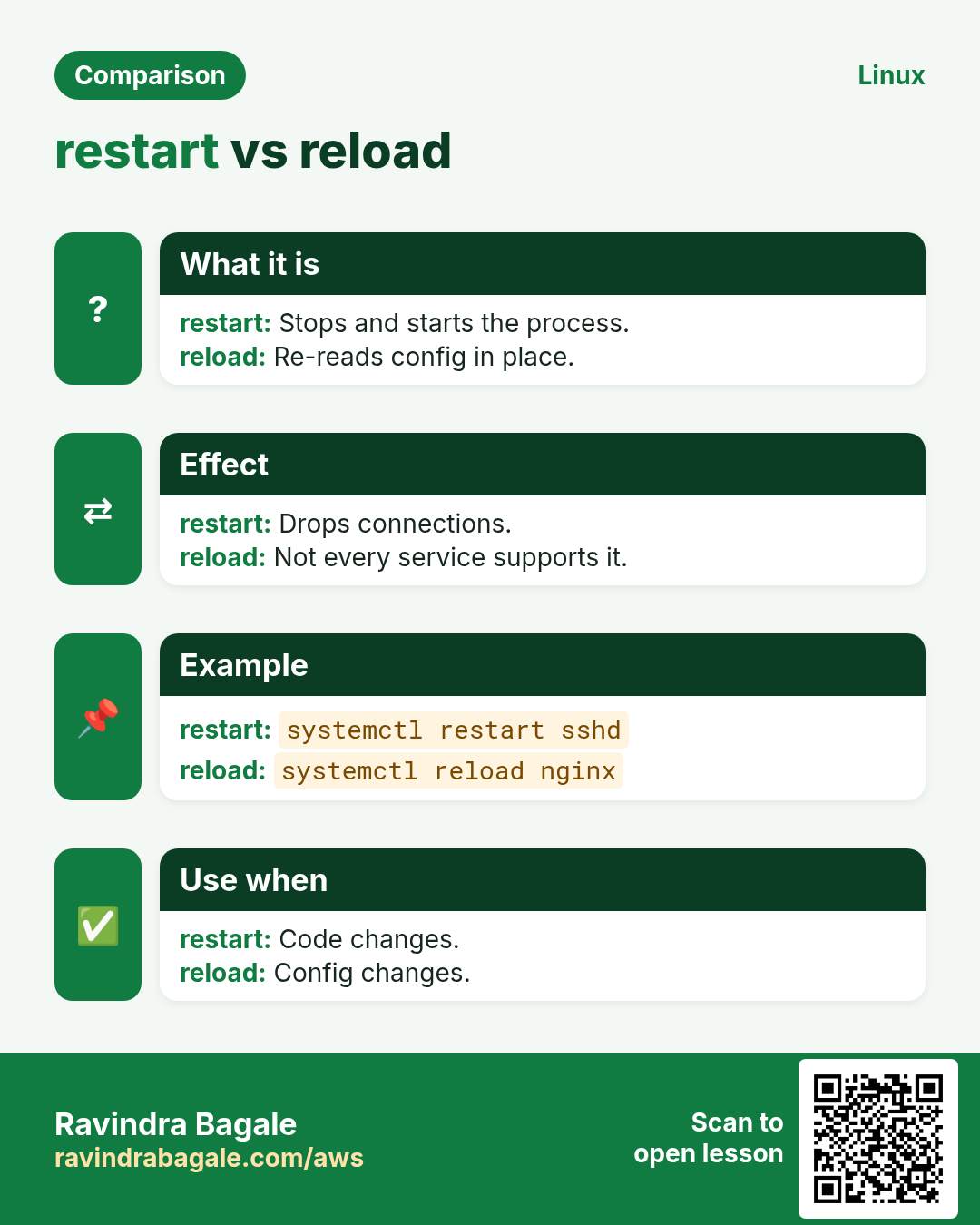
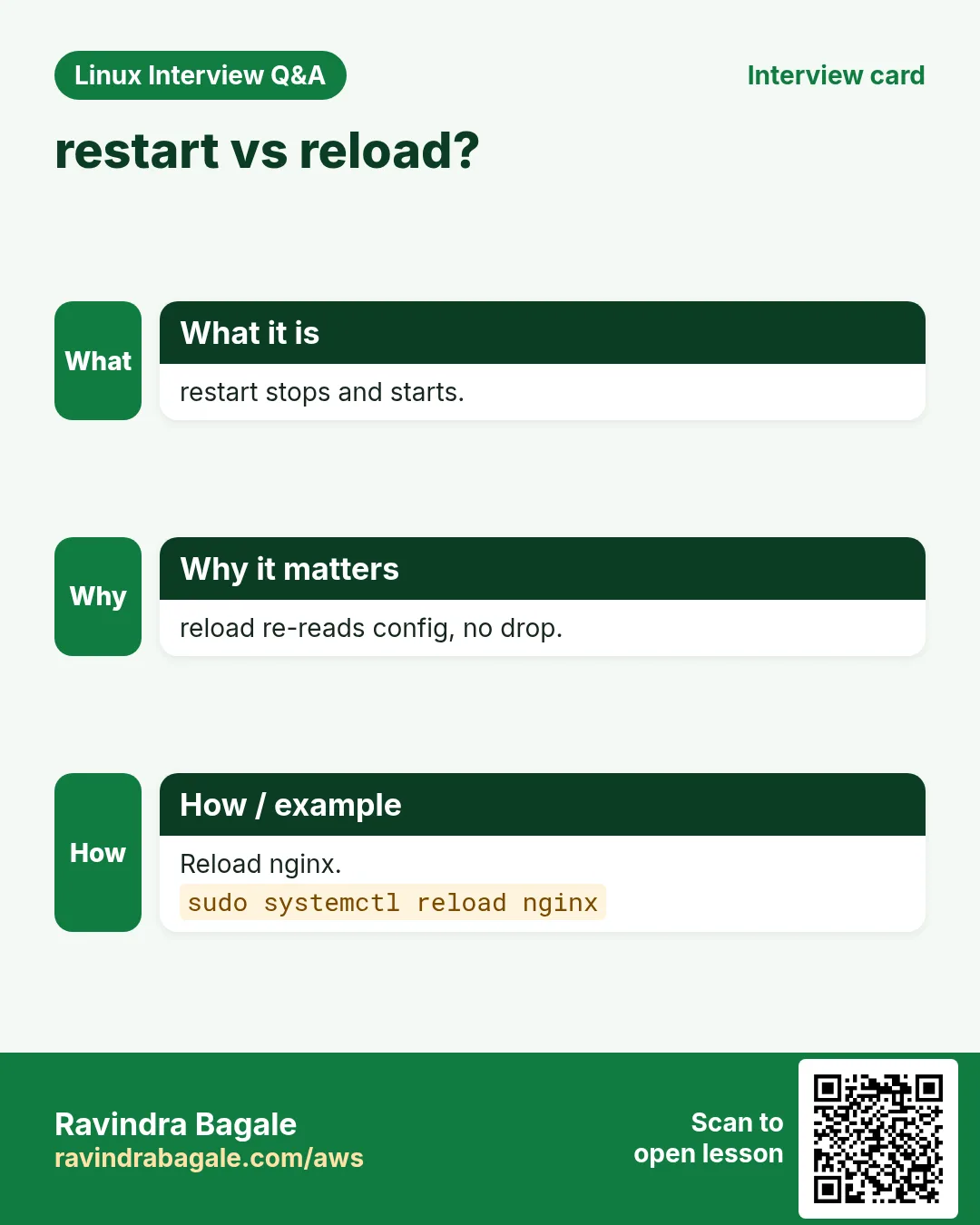
restart stops and starts (short downtime); reload re-reads config without stopping, if supported.
Q. Where do I put my own unit files?
/etc/systemd/system/NAME.service.
Q. Do I need daemon-reload after systemctl edit?
No, edit does it for you. After editing files by hand, yes.
Q. disable vs mask?
disable stops boot start; mask blocks every start.
Q. Why does my service run as root?
No User= line. Add User= and Group=.
Q. Is service nginx restart still OK?
Yes, it calls systemctl on systemd systems, but learn systemctl.
Q. Can a normal user run services?
Yes, user services with systemctl --user in ~/.config/systemd/user.
21. Interview questions and answers
Beginner level
Q. What is systemd?
The init system, PID 1, that starts and manages services.
Q. How do you check if nginx is running?
systemctl status nginx or systemctl is-active nginx.
Q. How do you make a service start at boot?
systemctl enable NAME.
Q. Where are logs of a service?
journalctl -u NAME.
Mid level level
Q. What is in a minimal unit file?
[Unit] Description, [Service] ExecStart, [Install] WantedBy.
Q. Why daemon-reload?
systemd caches unit files; reload makes it read changes.
Q. How do you change a vendor unit safely?
systemctl edit to create a drop-in override.
Q. After= vs Requires=?
After= is order only; Requires= is a hard dependency.
Senior level
Q. A service keeps hitting 'Start request repeated too quickly'. Approach?
Read journalctl -u, fix the crash cause, tune RestartSec and StartLimitIntervalSec/Burst, then reset-failed.
Q. How does systemd stop a service with child processes?
Sends KillSignal to the cgroup per KillMode, waits TimeoutStopSec, then SIGKILL.
Q. How do you harden a unit?
User=, NoNewPrivileges=yes, ProtectSystem=strict, PrivateTmp=yes, ReadWritePaths=; check with systemd-analyze security.
Q. Type=simple vs forking vs notify?
simple: ExecStart is the main process; forking: it forks and parent exits; notify: app tells systemd it is ready.
Try at home
- Write a unit file for any small script you have (or python3 -m http.server). Enable it, reboot the machine, and prove it came back.
- Pick a service such as crond. Add an override that sets Nice=10, check it with systemctl show, then revert it.
Practice Tasks
Maple Leaf Books is a bookselling business in Toronto. Emily Tremblay looks after its IT and cloud work. They count money in CAD and run their AWS resources in the ca-central-1 Region. In the tasks below you do real jobs for them using what this lesson teaches. All names, account IDs, IP addresses and numbers are made up for practice.
0 / 16
Easy Service status
Why: Services keep BIZ running.
What to do: Emily Tremblay at Maple Leaf Books checks the state of the nginx service.
- Find the Linux command that does this job.
- Add the options (like -r or -h) the task needs.
- Add the file names, folders or users in the right order.
- Use sudo if the job changes system files or users. Click Check answer.
Easy Start a service
Why: Services keep BIZ running.
What to do: Start the nginx service now.
- Find the Linux command that does this job.
- Add the options (like -r or -h) the task needs.
- Add the file names, folders or users in the right order.
- Use sudo if the job changes system files or users. Click Check answer.
Easy Stop a service
Why: Services keep BIZ running.
What to do: Stop the httpd service.
- Find the Linux command that does this job.
- Add the options (like -r or -h) the task needs.
- Add the file names, folders or users in the right order.
- Use sudo if the job changes system files or users. Click Check answer.
Easy Restart
Why: Services keep BIZ running.
What to do: Restart sshd after a config change.
- Find the Linux command that does this job.
- Add the options (like -r or -h) the task needs.
- Add the file names, folders or users in the right order.
- Use sudo if the job changes system files or users. Click Check answer.
Easy Start at boot
Why: Services keep BIZ running.
What to do: Make nginx start at every boot.
- Find the Linux command that does this job.
- Add the options (like -r or -h) the task needs.
- Add the file names, folders or users in the right order.
- Use sudo if the job changes system files or users. Click Check answer.
Easy Remove from boot
Why: Services keep BIZ running.
What to do: Stop cups from starting at boot.
- Find the Linux command that does this job.
- Add the options (like -r or -h) the task needs.
- Add the file names, folders or users in the right order.
- Use sudo if the job changes system files or users. Click Check answer.
Medium Reload without downtime
Why: Services keep BIZ running.
What to do: Make nginx re-read its config without dropping connections.
- Find the Linux command that does this job.
- Add the options (like -r or -h) the task needs.
- Add the file names, folders or users in the right order.
- Use sudo if the job changes system files or users. Click Check answer.
Medium Enable and start
Why: Services keep BIZ running.
What to do: Enable redis at boot and start it in one command.
- Find the Linux command that does this job.
- Add the options (like -r or -h) the task needs.
- Add the file names, folders or users in the right order.
- Use sudo if the job changes system files or users. Click Check answer.
Medium Script check
Why: Services keep BIZ running.
What to do: In a script, test whether docker is running (prints active/inactive).
- Find the Linux command that does this job.
- Add the options (like -r or -h) the task needs.
- Add the file names, folders or users in the right order.
- Use sudo if the job changes system files or users. Click Check answer.
Medium Failed units
Why: Services keep BIZ running.
What to do: List all units that failed.
- Find the Linux command that does this job.
- Add the options (like -r or -h) the task needs.
- Add the file names, folders or users in the right order.
- Use sudo if the job changes system files or users. Click Check answer.
Medium After editing a unit
Why: Services keep BIZ running.
What to do: You edited a unit file. Tell systemd to read unit files again.
- Find the Linux command that does this job.
- Add the options (like -r or -h) the task needs.
- Add the file names, folders or users in the right order.
- Use sudo if the job changes system files or users. Click Check answer.
Medium Show a unit file
Why: Services keep BIZ running.
What to do: Print the unit file of sshd with overrides.
- Find the Linux command that does this job.
- Add the options (like -r or -h) the task needs.
- Add the file names, folders or users in the right order.
- Use sudo if the job changes system files or users. Click Check answer.
Hard Block a service fully
Why: Services keep BIZ running.
What to do: Make sure bluetooth can never be started, even by hand.
- Find the Linux command that does this job.
- Add the options (like -r or -h) the task needs.
- Add the file names, folders or users in the right order.
- Use sudo if the job changes system files or users. Click Check answer.
Hard Override safely
Why: Services keep BIZ running.
What to do: Create a drop-in override for shop-api.
- Find the Linux command that does this job.
- Add the options (like -r or -h) the task needs.
- Add the file names, folders or users in the right order.
- Use sudo if the job changes system files or users. Click Check answer.
Hard Dependencies
Why: Services keep BIZ running.
What to do: Show what multi-user.target depends on.
- Find the Linux command that does this job.
- Add the options (like -r or -h) the task needs.
- Add the file names, folders or users in the right order.
- Use sudo if the job changes system files or users. Click Check answer.
Hard Default target
Why: Services keep BIZ running.
What to do: Show the default boot target.
- Find the Linux command that does this job.
- Add the options (like -r or -h) the task needs.
- Add the file names, folders or users in the right order.
- Use sudo if the job changes system files or users. Click Check answer.
22. Related chapters
- Linux Ops Refresh for DevOps
- Bash Scripting for Automation
- Linux grep and find Commands with Examples
- How to Set Up Passwordless SSH Between Linux Servers
In short
- status, is-active and is-enabled tell you the state.
- start, stop, restart act now; enable, disable act at boot.
- reload keeps connections; mask blocks every start.
- --failed and list-units show the big picture.
- Unit files: [Unit], [Service], [Install]; then daemon-reload.
- systemctl edit for overrides; systemd-analyze for boot time.
Revision, comparison and interview cards
Revise this lesson in a few minutes. Save the cards on your phone or download them as PNG files. The QR code on each card opens this lesson.
![A unit file in 4 steps. Run your own app as a service. [Unit] [Service] [Install]. Restart=on-failure keeps it up. Reload after editing.](../ravi-sirs-cards/cards/en/rev-lx4-unit.webp)
More cards: Ravi Sir's Cards.