Host a Python Flask App on AWS EC2 with Gunicorn and Nginx
Most apps on your phone do not download web pages. They ask a server for data and draw the screen themselves. That server side is an API, and Python with Flask is one of the simplest ways to build one. In this chapter you learn how an API differs from a website, set up Python, pip and a virtual environment on an Amazon Linux 2023 EC2 instance, write a small Flask app, and take it from the test server to a proper setup: gunicorn running it in the background, nginx in front as the reverse proxy, port 5000 closed, and a systemd service that starts it at boot and reloads it when the code changes.
What you'll learn in this class
- The difference between a website and an API, and how JSON carries data
- What hosting a Python app needs: python3, pip, a virtual environment, gunicorn and nginx
- Package managers: yum, pip, npm and composer
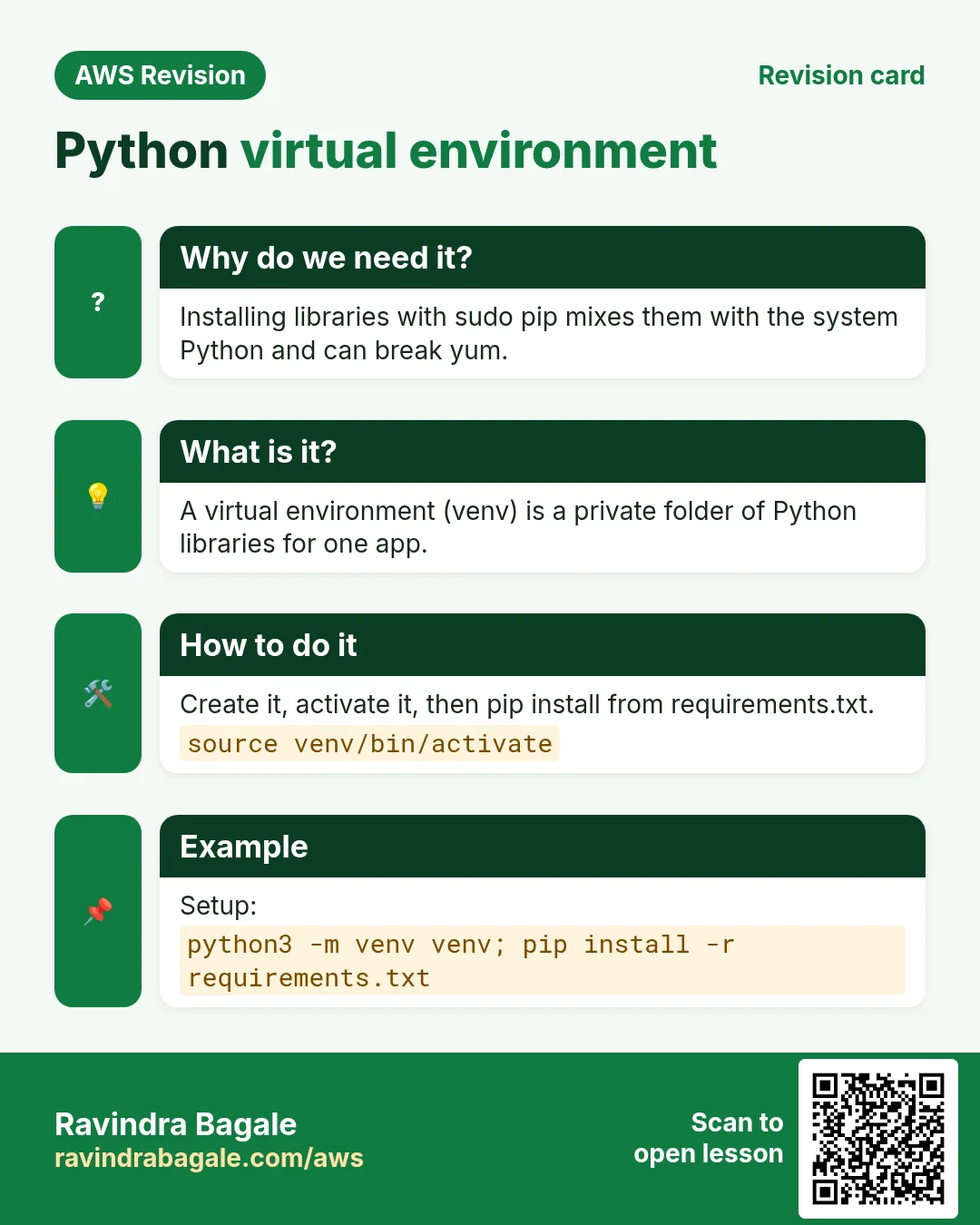
- Creating and activating a virtual environment, and why
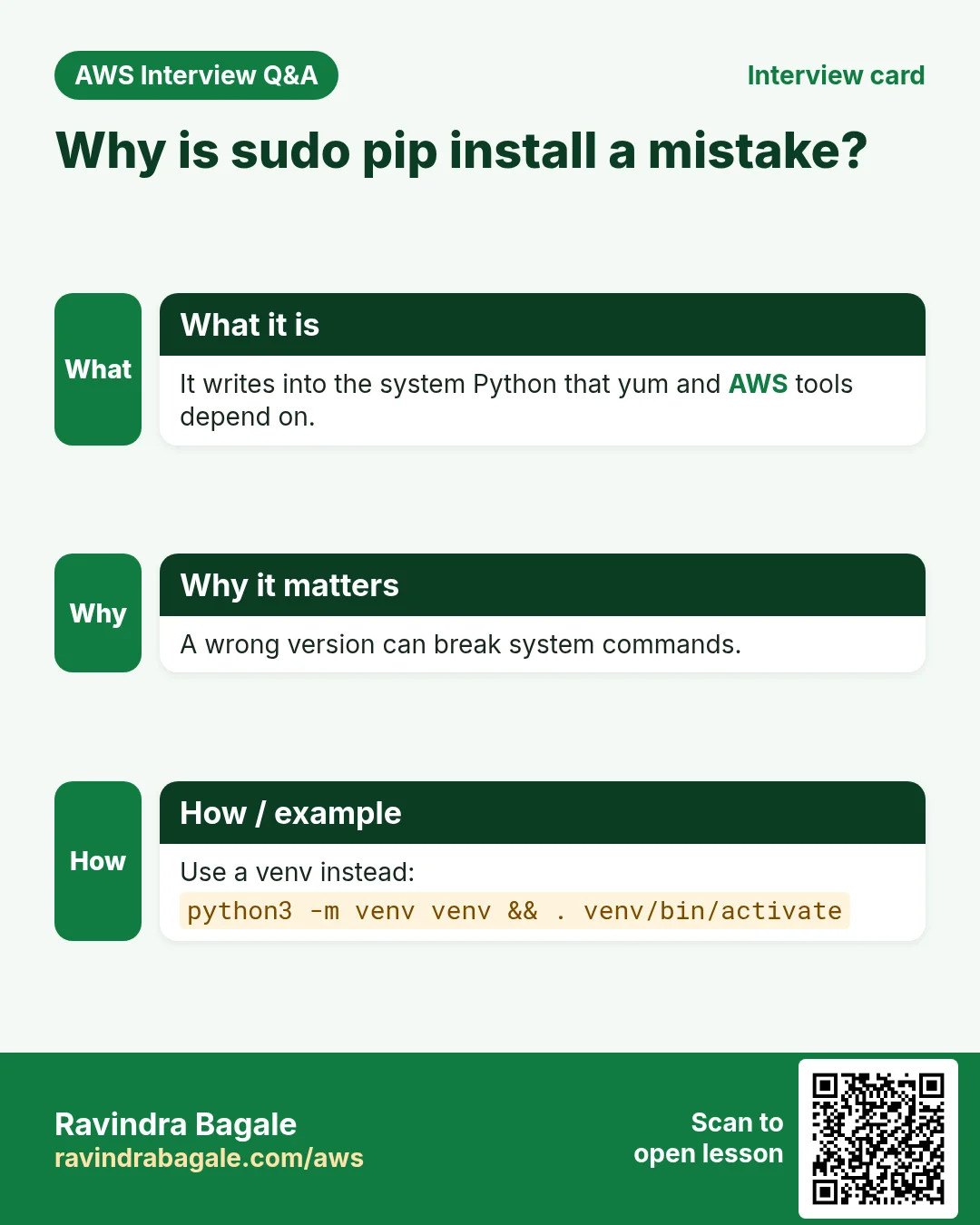
sudo pipis a mistake - Writing
requirements.txtand a two-route Flaskapp.py - Testing with the Flask development server and a temporary port 5000 rule
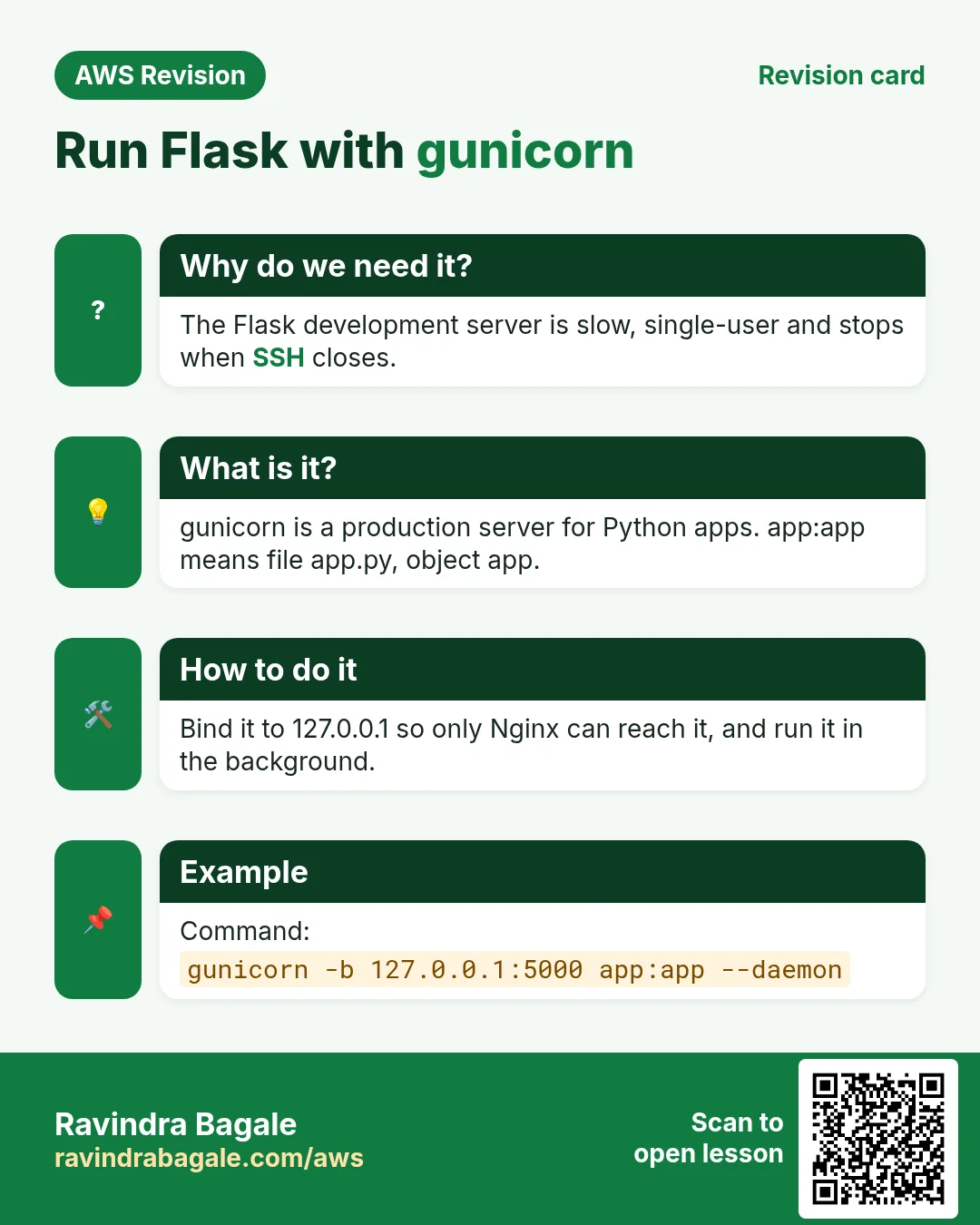
- Running the app in the background with gunicorn, and what
app:appmeans - nginx as the reverse proxy, its worker processes and
worker_connections - Binding gunicorn to
127.0.0.1and closing port 5000 - Adding a JSON API route and reloading gunicorn with
kill -HUP - A systemd service for gunicorn, and several sites on one nginx
- Fixing
502 Bad Gateway, the nginx welcome page andnginx -terrors
1. Website or API
Why: a web page built for a laptop screen does not fit an Android phone, an iPhone and a tablet at the same time. Modern apps solve this by asking the server only for data.
What:
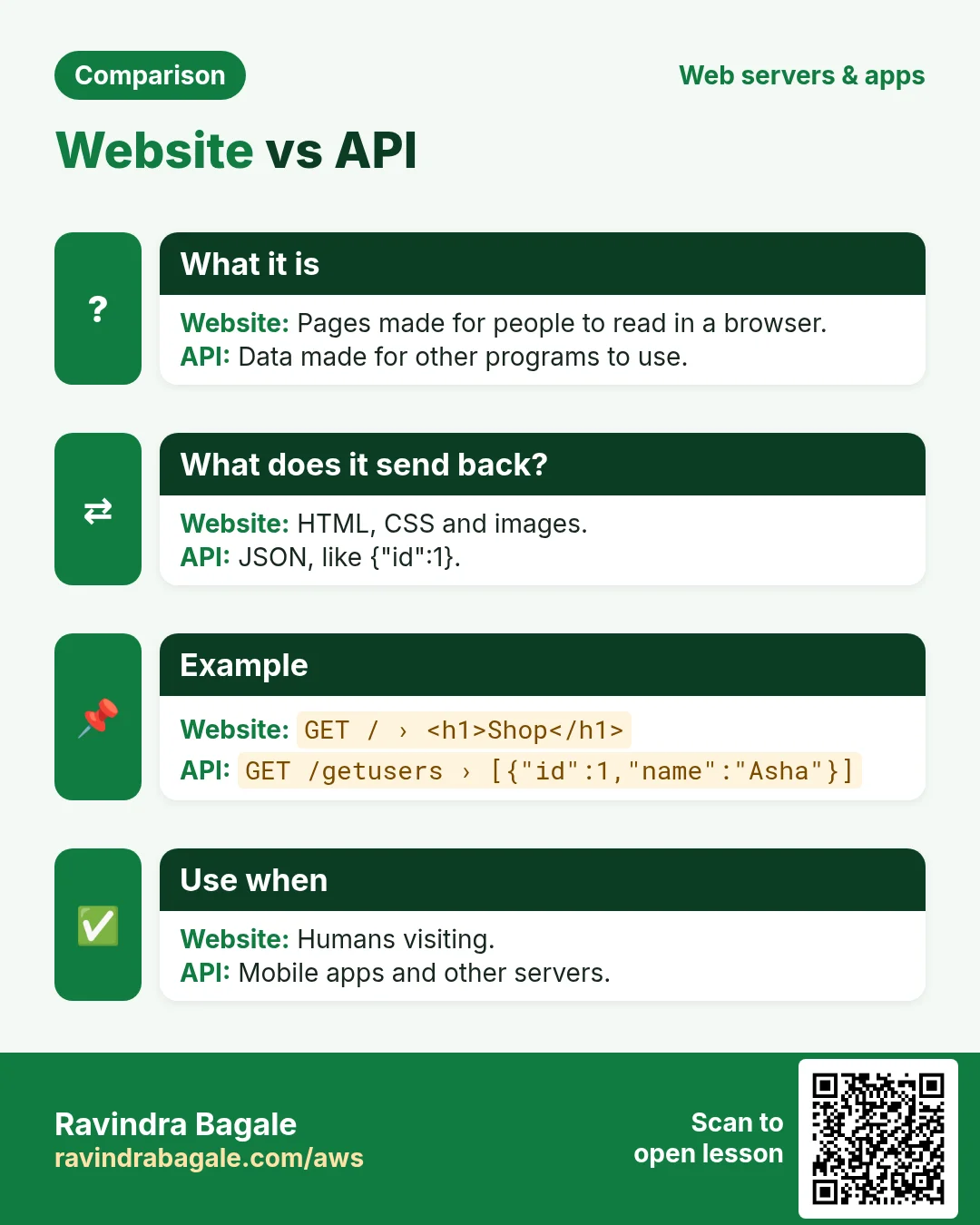
- A website answers with a whole HTML page: layout, text and images together. The browser just shows it.
- An API (Application Programming Interface) answers with data only. Each app, Android, iPhone or web, draws its own screen from that data.
- The data usually travels as JSON:
key: valuepairs inside curly braces{ }. Text values go in double quotes, numbers do not, and a comma separates the pairs.
Classroom line
If the server sends back a page, it's a website.
Class मधलं वाक्य
Server कडून response मध्ये page येत असेल, तर त्याला website म्हणायचं.
Classroom line – हिंदी
"Agar server se response mein page aa raha hai, toh usko website kahenge."
Classroom line
These days, servers send data.
Class मधलं वाक्य
आजकाल data येतो.
Classroom line – हिंदी
"Aajkal data aata hai."
Figure 1. A website sends a whole HTML page; an API sends only data as JSON, and every app, Android, iPhone or web, draws its own screen from it.
Worked example: one reel in a short-video app. The app asks the server for the next reel and gets:
{
  "username": "ravi",
  "profile_pic": "https://.../ravi.jpg",
  "caption": "on the top",
  "video_url": "https://.../reel42.mp4",
  "likes": 50
}
- The app shows
usernameandprofile_picat the top of the screen. - It plays
video_urlin the middle. - It writes
captionand thelikescount below the video.
Classroom line
JSON sits inside curly braces.
Class मधलं वाक्य
JSON curly brace च्या आत असतो.
Classroom line – हिंदी
"JSON curly brace ke andar hota hai."
Figure 2. One reel as JSON: the app knows the keys and puts username and profile_pic at the top, the video in the middle, and the caption and likes below it.
In the rest of this chapter you build a small API like this in Python and host it on EC2.
2. What hosting a Python app needs
Why: A Python app is a stack, not one program. Knowing the six pieces tells you what to install and, when the app is down, which piece to check.
What: six pieces, from the bottom up:
- python3, the language itself. Python 2 is retired; Python 3 changed enough that the two use different commands,
python2andpython3. Amazon Linux 2023 ships onlypython3. - pip, Python's package manager. It downloads libraries such as Flask.
- A virtual environment (venv), a folder that holds one app's libraries, separate from every other app.
- The app:
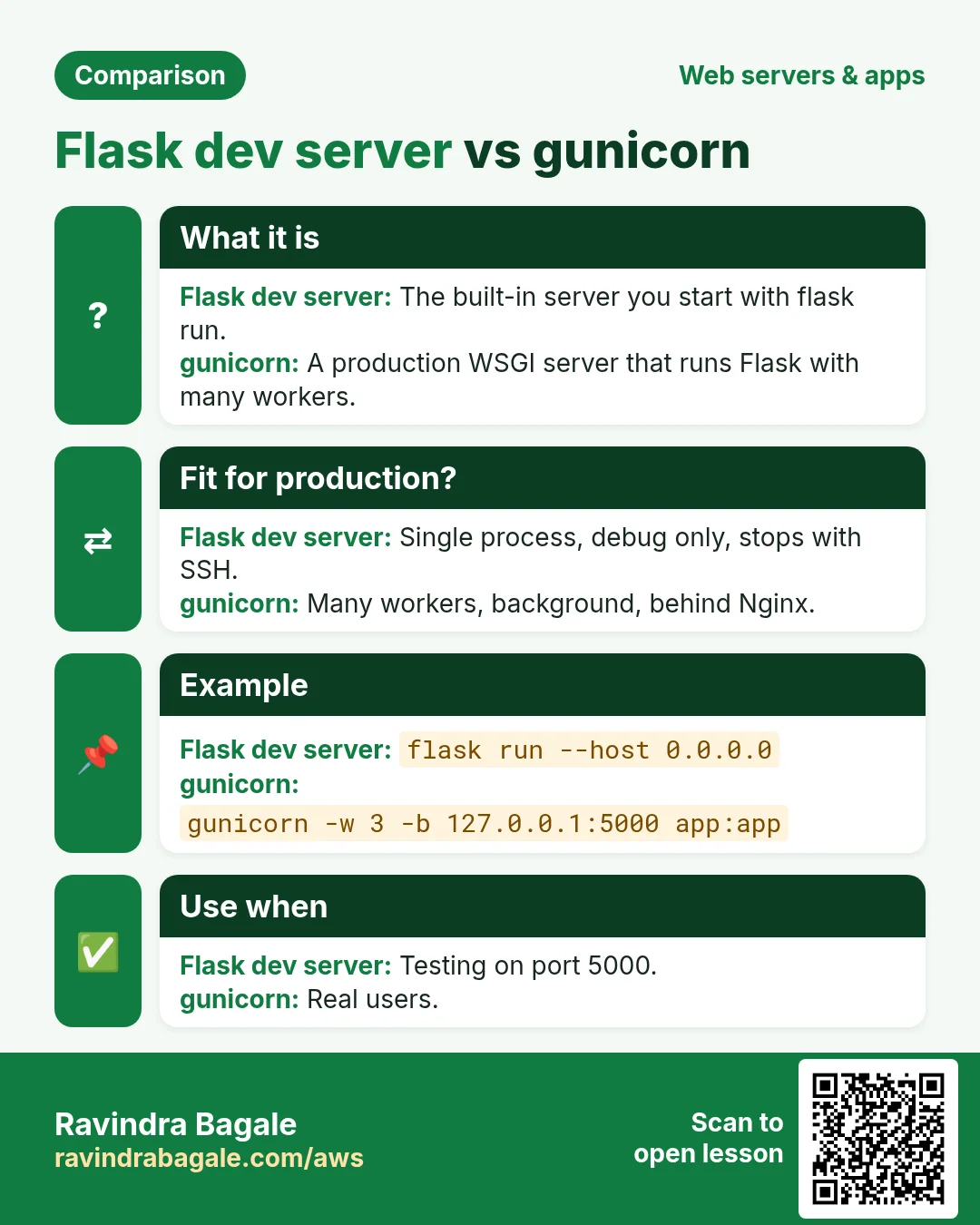
app.py, written with Flask, plusrequirements.txtthat lists the libraries it needs. - gunicorn, the production app server. It is a WSGI server: it runs Python web apps such as Flask and Django. For async frameworks such as FastAPI you would use an ASGI server such as uvicorn.
- nginx in front, on port 80, passing requests to gunicorn.
Package managers you will meet:
yum(ordnf) installs Linux packages on Amazon Linux:sudo yum install nginx -y.pipinstalls Python libraries:pip install flask.npminstalls Node.js libraries, andcomposerinstalls PHP libraries.
Python comes preinstalled on most Linux systems and on macOS; on Windows you install it yourself.
3. Launch the server and check Python
Why: Everything below runs on this server. Checking the Python version first avoids installing libraries that need a newer Python.
How:
- Launch an EC2 instance: Amazon Linux 2023,
t2.microort3.micro, your key pair, an 8 GiB gp3 disk, and a security group that allows SSH (22) from My IP and HTTP (80) from anywhere. -
Connect from your laptop:
ssh -i mykey.pem ec2-user@PUBLIC_IP -
Check Python and install pip:
python3 -V sudo yum install python3-pip -y pip3 -V -
python3 -Vprints a version such asPython 3.9.x. Typing justpythongivescommand not found, because the command ispython3.
Classroom line
First let's check whether Python is there.
Class मधलं वाक्य
"Aadhi check karuya python aahe ka nahi."
आधी check करूया python आहे का नाही.
Classroom line
First let's check whether Python is there.
Classroom line
Type just python and you get 'command not found'.
Class मधलं वाक्य
"Nusta python lihilat tar 'command not found' yeil."
नुसता python लिहिलात तर 'command not found' येईल.
Classroom line
Type just python and you get 'command not found'.
4. Create a virtual environment
Why: one server often runs several Python apps. App A may need Flask 3.1 and app B Django 4.2 with different versions of the same helper libraries. Installed together, they clash. The system Python is also used by the operating system and yum, so app libraries do not belong there.
What: a venv is a folder with its own python, its own pip and its own libraries. The venv module is built into python3; no extra package is needed.
How:
mkdir ~/pythonapp
cd ~/pythonapp
python3 -m venv myenv
ls
source myenv/bin/activate
lsnow shows a folder calledmyenv.- After
source, the prompt starts with(myenv). From now onpythonandpipmean the ones insidemyenv. deactivateleaves the venv.- Inside a venv, never use
sudo piporsudo python:sudoruns as root with root's PATH and skips the venv, so the libraries land in the system Python. - If
pip installsaysPermission denied, the folder was created withsudo. Give it back to your user, then runpip installwithoutsudo:sudo chown -R ec2-user:ec2-user ~/pythonapp
Classroom line
Run ls; you should see a folder called myenv.
Class मधलं वाक्य
"ls karun bagha, myenv navacha folder disla pahije."
ls करून बघा, myenv नावाचा folder दिसला पाहिजे.
Classroom line
Run ls; you should see a folder called myenv.
Classroom line
When the prompt looks like this, the venv is active.
Class मधलं वाक्य
"Asa aala mhanje virtual environment activate zala."
असं आलं म्हणजे virtual environment activate झालं.
Classroom line
When the prompt looks like this, the venv is active.
Figure 3. Each app gets its own venv folder with its own python, pip and libraries, so Flask in one app and Django in another never clash, and the system Python stays clean.
5. Write requirements.txt and app.py
Why: requirements.txt lets anyone install exactly the libraries the app needs with one command. app.py is the app itself.
How: inside ~/pythonapp, with the venv active:
-
nano requirements.txtand type two lines:Flask gunicorn -
nano app.pyand type:from flask import Flask app = Flask(__name__) @app.route('/') def home(): return 'Hello from Python on EC2' @app.route('/hi') def hi(): return 'Hi! This is the second page.' if __name__ == '__main__': app.run(host='0.0.0.0', port=5000)
What each part does:
app = Flask(__name__)creates the Flask app object, namedapp.@app.route('/')connects a URL path to the function below it./is the bare address with no page name;/hiishttp://ADDRESS/hi.- Python uses indentation to group code. The
returnlines must be indented the same way, with spaces; one extra space gives anIndentationError. host='0.0.0.0'accepts requests arriving on any of the server's addresses;port=5000is the port the test server listens on.
Classroom line
Python cares about spaces; one extra space and it won't run.
Class मधलं वाक्य
Python syntax space sensitive आहे. एक जरी जास्त space दिली तर run होणार नाही.
Classroom line – हिंदी
"Python syntax space sensitive hai. Ek bhi zyada space diya toh run nahi hoga."
Classroom line
Just "/" means only the IP, no page name.
Class मधलं वाक्य
URL मध्ये फक्त slash आहे म्हणजे फक्त IP टाकला, कुठल्या page चं नाव नाही.
Classroom line – हिंदी
"URL mein sirf slash hai matlab sirf IP dala, koi page ka naam nahi."
6. Install the libraries and test with the Flask server
Why: Running the app with Flask's own server first proves the code and libraries work, before gunicorn and nginx add more places for something to go wrong.
How:
-
Try to run the app before installing anything:
python3 app.pyIt fails with
ModuleNotFoundError: No module named 'flask'. The same error appears whenever the venv is not active. -
Install the libraries into the venv, and record the exact versions:
pip install -r requirements.txt
pip freeze > requirements.txt
pip freezewrites lines such asFlask==3.1.x, so the next server gets the same versions. -
Start the test server:
python3 app.pyIt prints
Running on http://127.0.0.1:5000and a warning: "This is a development server. Do not use it in a production deployment." The Flask server is for testing only. -
In the EC2 console, add a temporary inbound rule to the security group: Custom TCP, port 5000, source
0.0.0.0/0. - Open
http://PUBLIC_IP:5000andhttp://PUBLIC_IP:5000/hiin the browser. Plainhttp://PUBLIC_IPdoes not work yet, because nothing serves port 80. - The terminal is now busy: the server runs in the foreground. Press
Ctrl+Cand it stops, and the site goes down with it. Closing the SSH window stops it too.
Classroom line
It accepts requests on port 5000 from any IP in the world.
Class मधलं वाक्य
जगातल्या कुठल्याही IP वरून port 5000 वर request आली, तर accept करेल.
Classroom line – हिंदी
"Duniya ke kisi bhi IP se port 5000 pe request aaye, toh accept karega."
Classroom line
Foreground means I can't do anything else in this terminal.
Class मधलं वाक्य
Foreground म्हणजे, आत्ता मी दुसरं काम नाही करू शकत.
Classroom line – हिंदी
"Foreground ka matlab, abhi main dusra kaam nahi kar sakta."
Classroom line
Press Ctrl+C and the server stops.
Class मधलं वाक्य
"Control C kela tar server band padto."
Control C केलं तर server बंद पडतो.
Classroom line
Press Ctrl+C and the server stops.
Figure 4. Three ways to run the app: the Flask development server in the foreground for testing, gunicorn with --daemon in the background, and gunicorn as a systemd service that starts at boot, the proper way for a live app.
7. Run the app in the background with gunicorn
Why: a live app must keep running after you log out, and must handle many requests at once. gunicorn does both.
How: with the venv active, inside ~/pythonapp:
gunicorn --bind 0.0.0.0:5000 --workers 2 --daemon app:app
curl http://127.0.0.1:5000
curl http://127.0.0.1:5000/hi
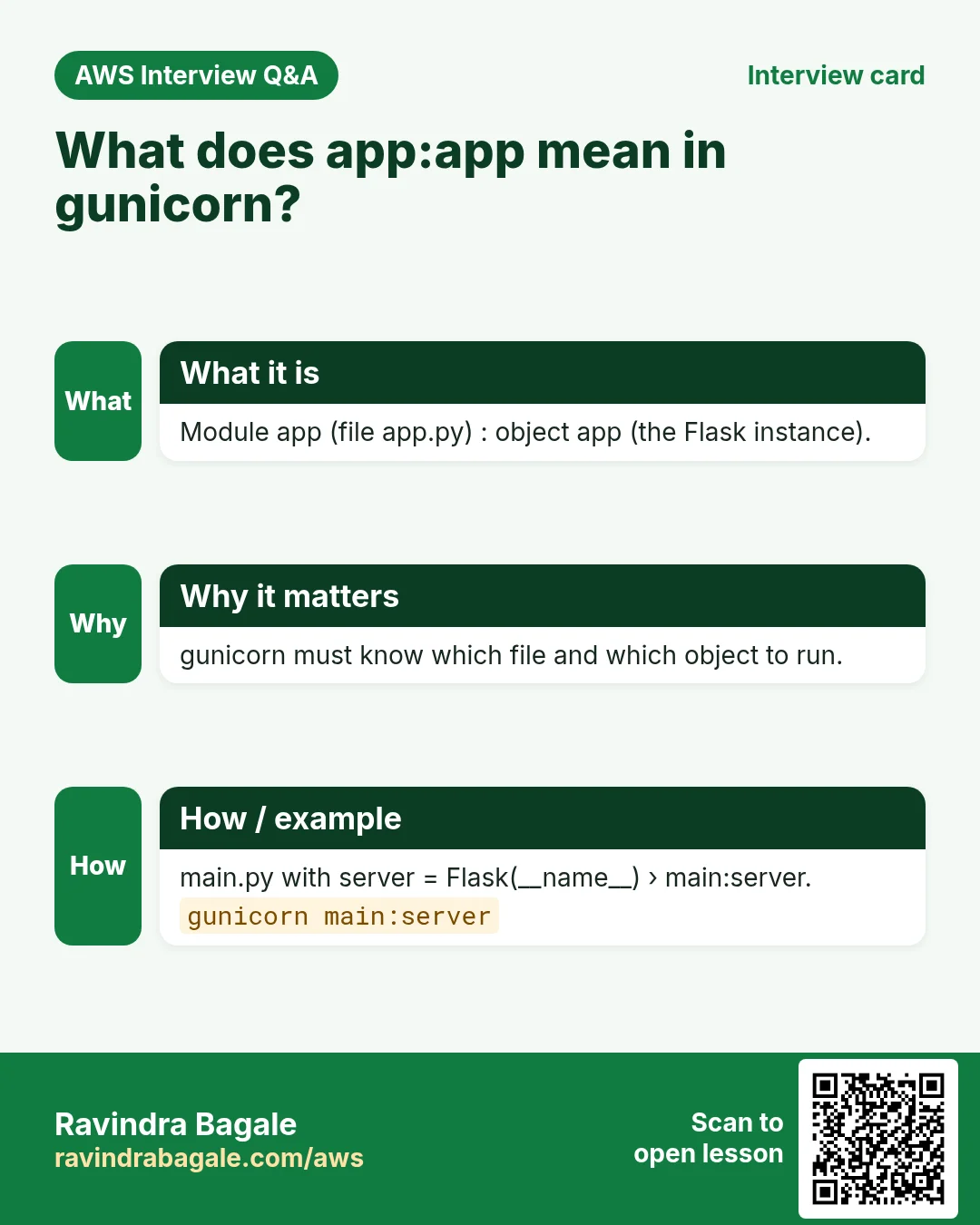
app:appmeans "the fileapp.py, the Flask object calledappinside it".--bindsets the address and port. Without it gunicorn listens on127.0.0.1:8000, its default.--workers 2starts two worker processes under one master process.--daemonruns it in the background: the prompt comes back, and the app keeps running after you log out.curltests the app from the server itself, without a browser.- If SSH disconnects, the venv is no longer active in the new session. Run
cd ~/pythonappandsource myenv/bin/activateagain before anypython,piporgunicorncommand.
Classroom line
--daemon means run in the background.
Class मधलं वाक्य
Dash dash daemon म्हणजे background मध्ये run करायचं.
Classroom line – हिंदी
"Dash dash daemon ka matlab background mein run karna."
Classroom line
Re-activating is a must after SSH reconnects.
Class मधलं वाक्य
"Activate karaycha compulsory aahe, SSH connection tutla asel tar."
Activate करायचं compulsory आहे, SSH connection तुटलं असेल तर.
Classroom line
Re-activating is a must after SSH reconnects.
8. Put nginx in front as the reverse proxy
Why: visitors should use plain http://ADDRESS on port 80 (and later 443 for HTTPS), not port 5000. nginx is built to face the internet: it handles thousands of connections, serves static files, and later terminates HTTPS.
What:
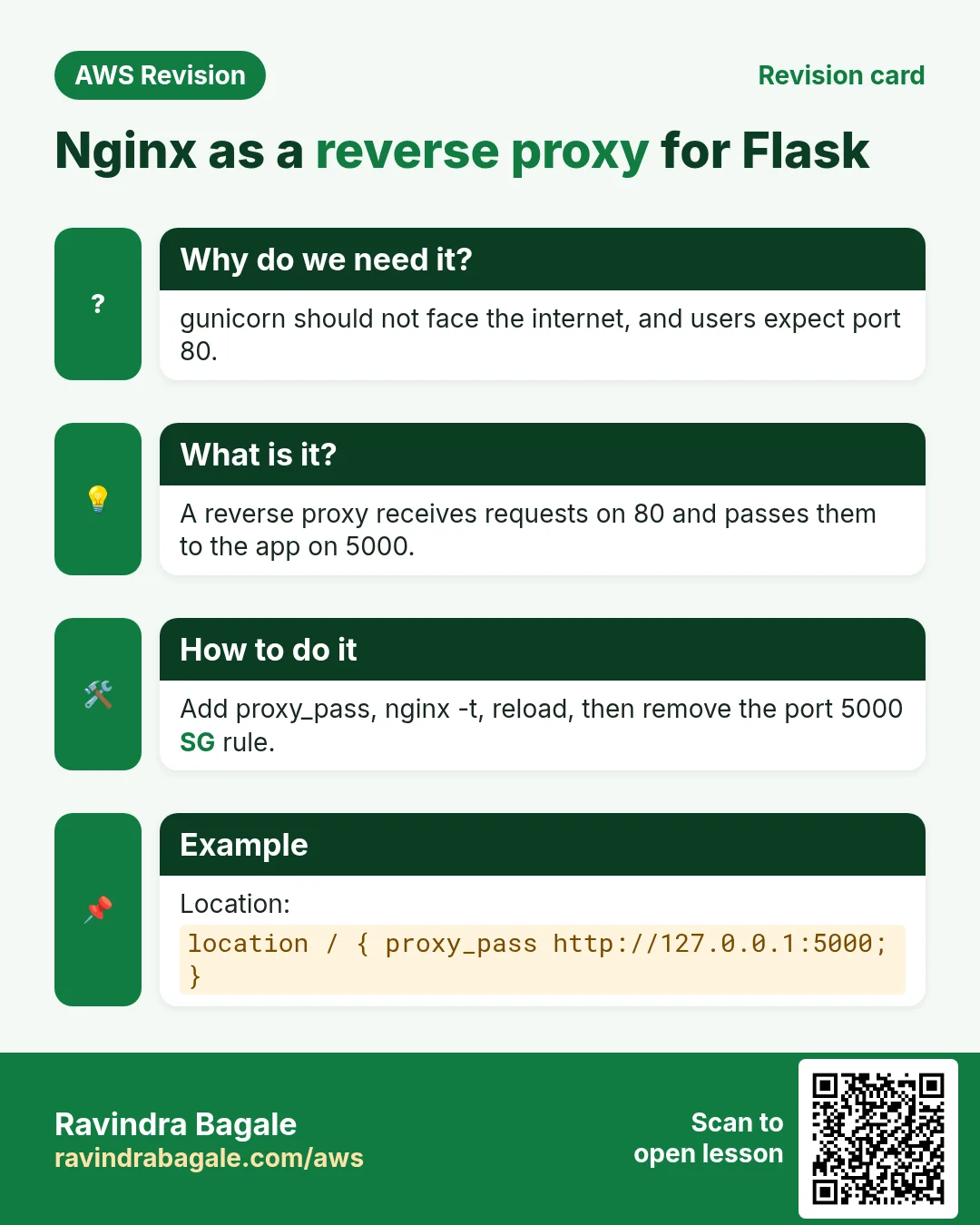
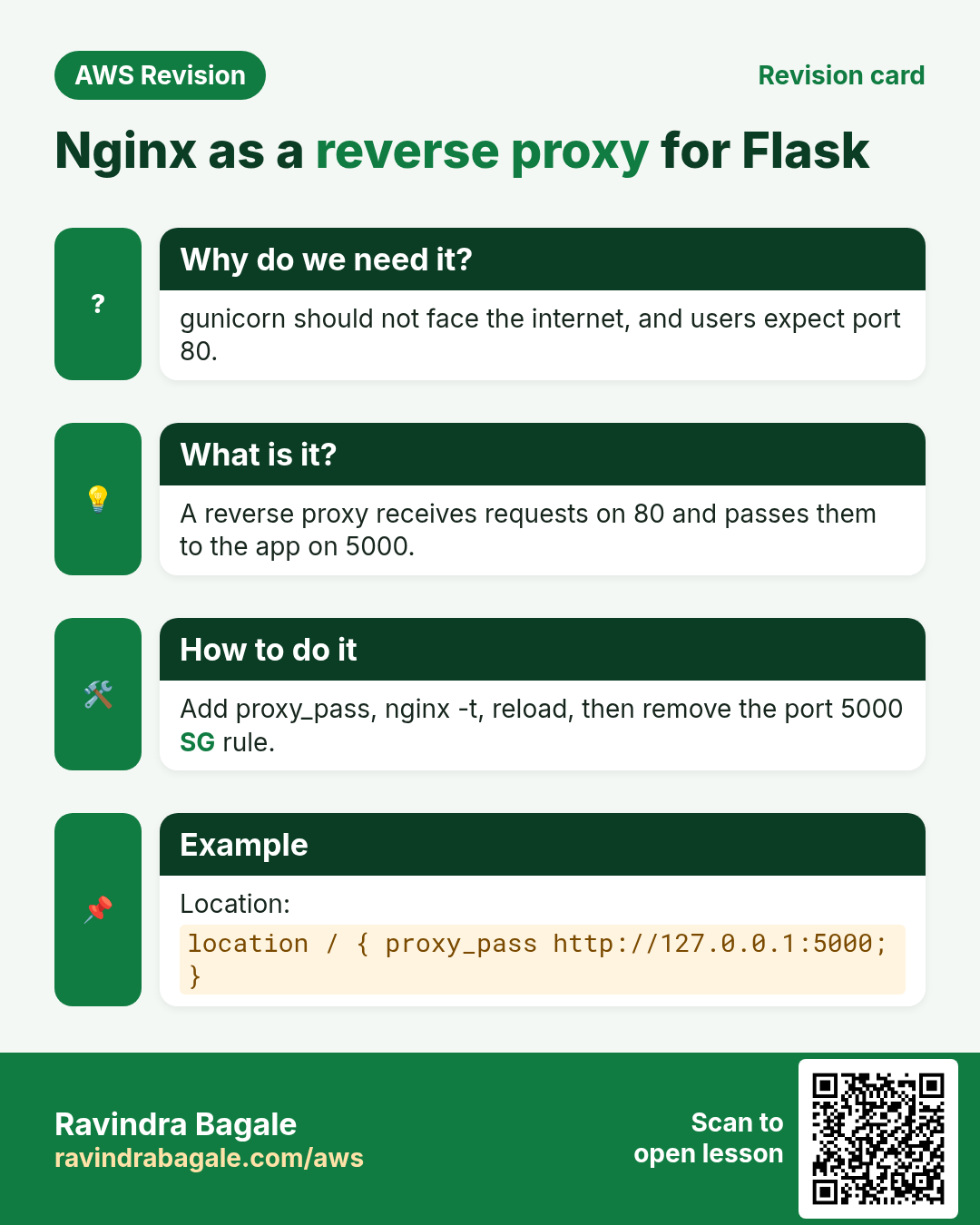
- nginx is a reverse proxy: like a front desk, it receives every request and passes app requests to gunicorn, the back office, with
proxy_pass. The visitor only ever talks to nginx. - nginx runs a few worker processes;
worker_processes autostarts one per CPU. Each worker runs an event loop that juggles many connections at once, up toworker_connections, which Amazon Linux'snginx.confsets to 1024.
Figure 5. nginx is the front desk: it receives every request on port 80 or 443, serves static files itself and passes app requests to gunicorn on 127.0.0.1:5000. Each nginx worker's event loop handles up to worker_connections connections, 1024 in Amazon Linux's nginx.conf.
How:
-
Install and start nginx:
sudo yum install nginx -y sudo service nginx start -
Open the config with
sudo nano /etc/nginx/nginx.conf. Inside the existingserver { ... }block, after therootline, add:location / { proxy_pass http://127.0.0.1:5000; proxy_set_header Host $host; proxy_set_header X-Real-IP $remote_addr; proxy_set_header X-Forwarded-For $proxy_add_x_forwarded_for; proxy_set_header X-Forwarded-Proto $scheme; } -
Every directive ends with
;and every{needs its}. Check the file, then reload:sudo nginx -t sudo service nginx reload -
nginx -tmust saysyntax is okandtest is successful. If it shows an error, nginx keeps running with the old config; fix the line it names and test again. - Open
http://PUBLIC_IPwithout a port: the Flask app answers through nginx.
Classroom line
Don't forget the semicolon here.
Class मधलं वाक्य
"Semicolon visru naka ithe."
Semicolon विसरू नका इथे.
Classroom line
Don't forget the semicolon here.
![A black terminal with nano open on nginx.conf: server {, listen 80;, listen [::]:80;, server_name _;, root /usr/share/nginx/html;, then location /{, proxy_pass http://localhost:5000; and a closing brace.](../../assets/img/aws/host-python-flask-app-on-ec2-with-gunicorn-and-nginx-01-nginx-conf-location-proxy-pass.webp)
Whiteboard: The default server block in nginx.conf with a location / block passing requests on to port 5000. Writing 127.0.0.1 instead of localhost avoids nginx trying the IPv6 address ::1 first.
The proxy_set_header lines pass the real visitor address and the original host name on to the app; without them every request seems to come from nginx itself.
Close port 5000: now that nginx is in front, nobody outside needs port 5000.
-
Stop the test gunicorn (section 9 shows how to find its PID) and start it bound to the server only:
gunicorn --bind 127.0.0.1:5000 --workers 2 --daemon app:app -
Delete the port 5000 rule from the security group. Keep 22 from My IP, 80, and 443 if you add HTTPS.
http://PUBLIC_IPstill works;http://PUBLIC_IP:5000no longer answers.
Figure 6. While testing, the security group has a temporary rule for port 5000; once nginx is in front, the 5000 rule is deleted and gunicorn binds 127.0.0.1:5000, so only nginx can reach it.
Figure 7. The browser reaches nginx on port 80; nginx passes the request to gunicorn on 127.0.0.1:5000; a gunicorn worker runs the Flask function, and the JSON goes back the same way.
9. Add an API route and reload gunicorn
Why: an API is just a route that returns data. Adding one shows the most common surprise with a background server: new code does nothing until the server reloads it.
How:
-
Add a route to
app.py, above theif __name__line:@app.route('/getusers') def get_users(): return {"username": "ravi", "likes": 50, "caption": "on the top"} -
Flask turns a returned dictionary into JSON and sets the
application/jsoncontent type. - Open
http://PUBLIC_IP/getusers: it shows 404 Not Found. gunicorn loadedapp.pywhen its workers started, and it is still running the old code. -
Find the gunicorn processes:
ps aux | grep gunicorn ps -ef | grep gunicorn -
ps auxlists every process:aall users,uuser-oriented columns,xprocesses without a terminal too.ps -efadds the parent PID column: the master is the gunicorn process whose parent is not another gunicorn; the workers are its children. -
Reload the code gracefully, using the master's PID:
kill -HUP 4101 -
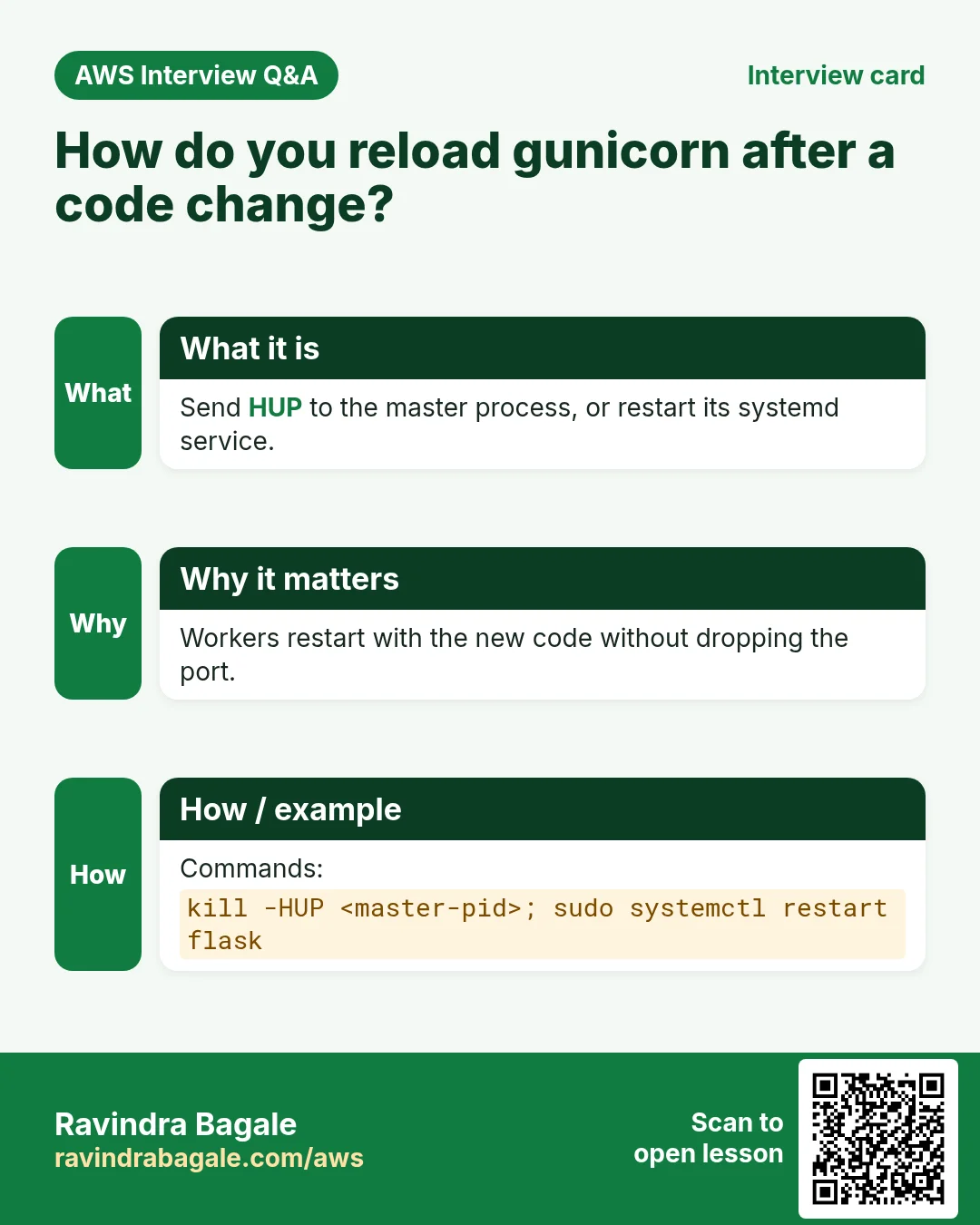
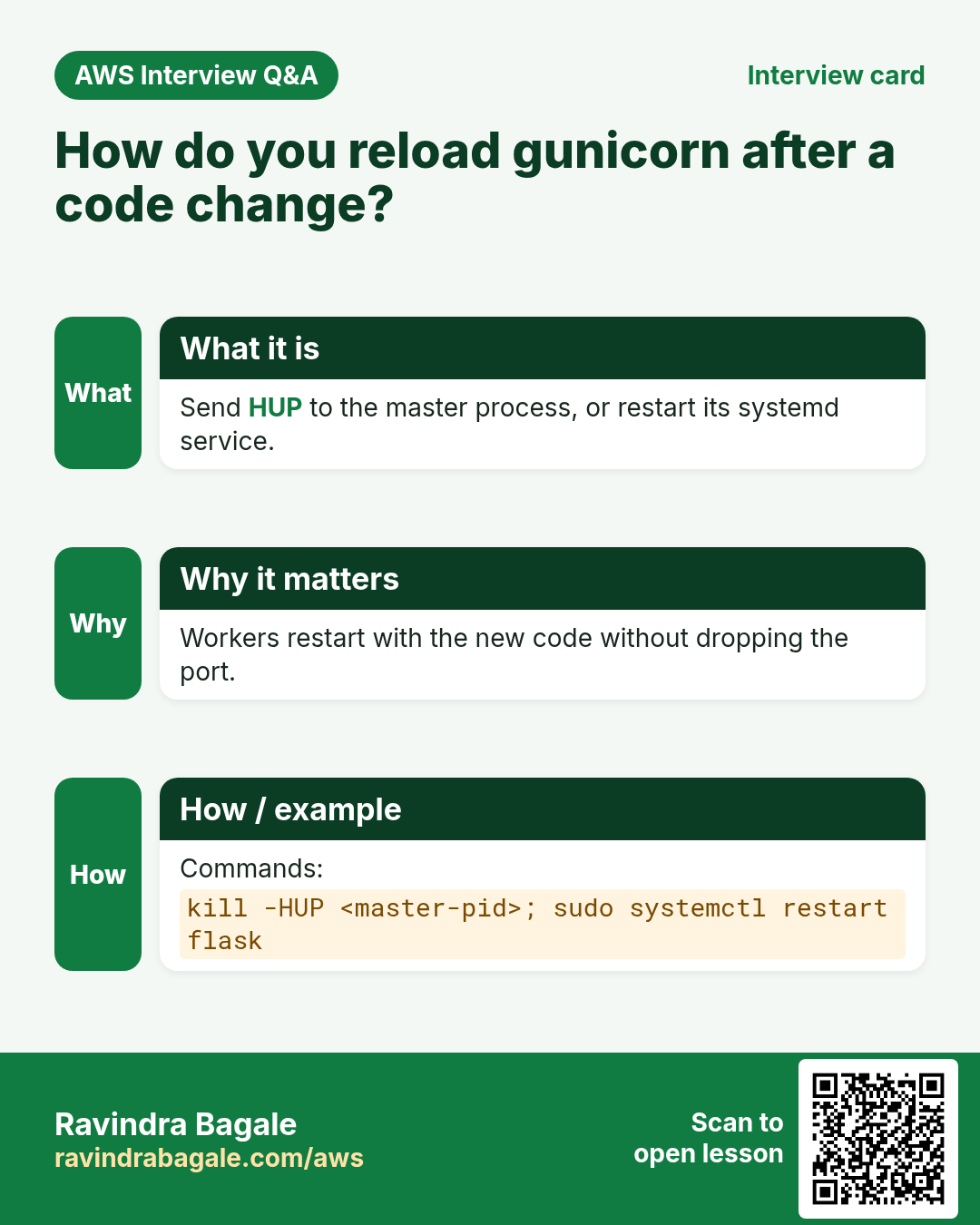
HUPmakes the master start new workers with the new code and stop the old ones after they finish their requests. Open/getusersagain: it returns{"caption":"on the top","likes":50,"username":"ravi"}. - To stop gunicorn, run
kill 4101(TERM): it shuts down cleanly. Usekill -9only if it is stuck.
Classroom line
Suppose you need a new API; what will you do?
Class मधलं वाक्य
"Samja tumhala navin API tayar karaycha aahe, tar kay karnar?"
समजा तुम्हाला नवीन API तयार करायचा आहे, तर काय करणार?
Classroom line
Suppose you need a new API; what will you do?
Classroom line
How to find it? Run ps aux.
Class मधलं वाक्य
"Kasa olkhaycha? ps aux command chalvaychi."
कसं ओळखायचं? ps aux command चालवायची.
Classroom line
How to find it? Run ps aux.

Whiteboard: The /getusers route answering with JSON. This app returned a ready-made JSON string; a returned dictionary comes back with its keys sorted, as in step 7.
Figure 8. A new route gives 404 because the running workers hold the old code; find the master PID with ps, send it HUP, and the new workers answer with the JSON.
10. Run gunicorn as a systemd service
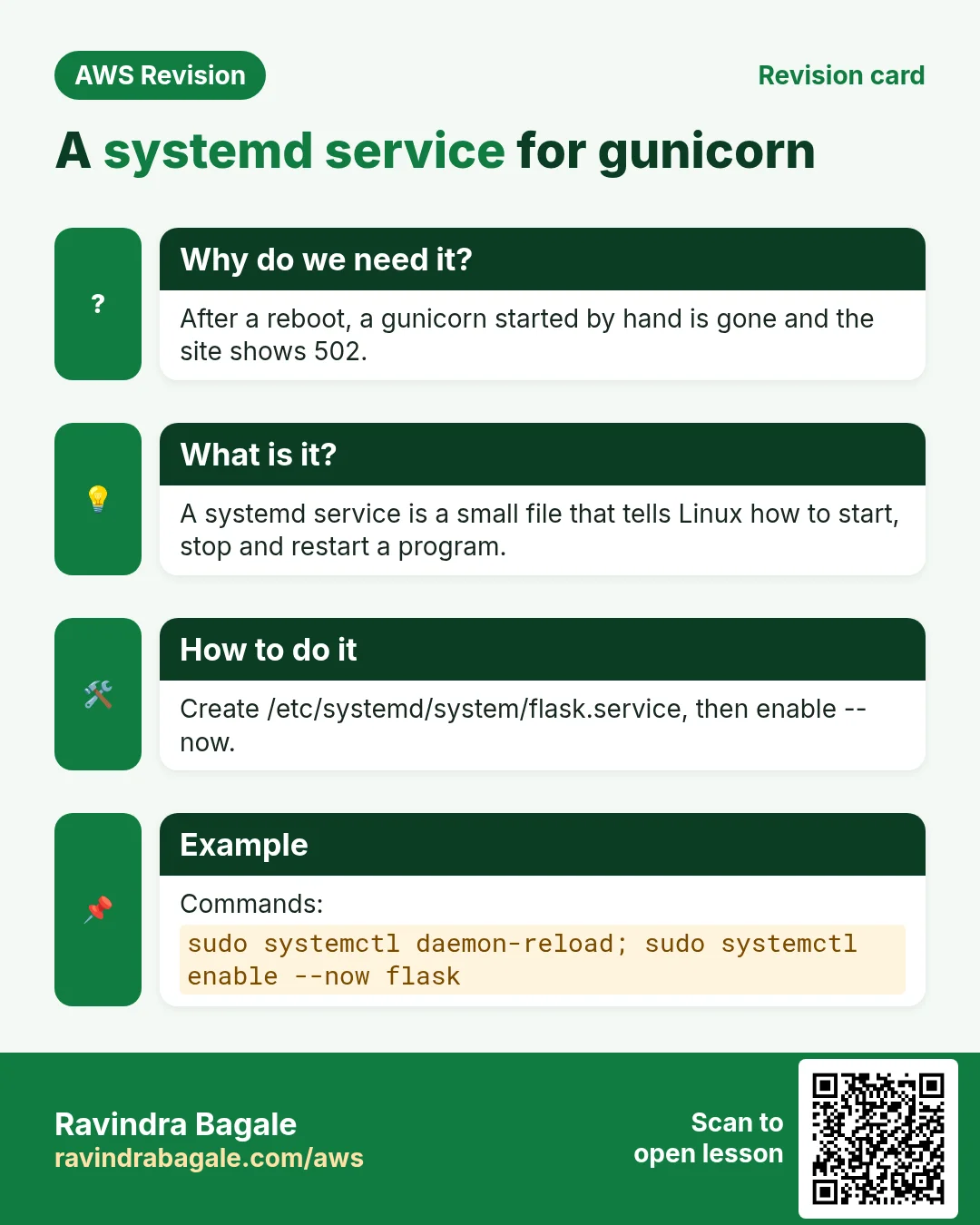
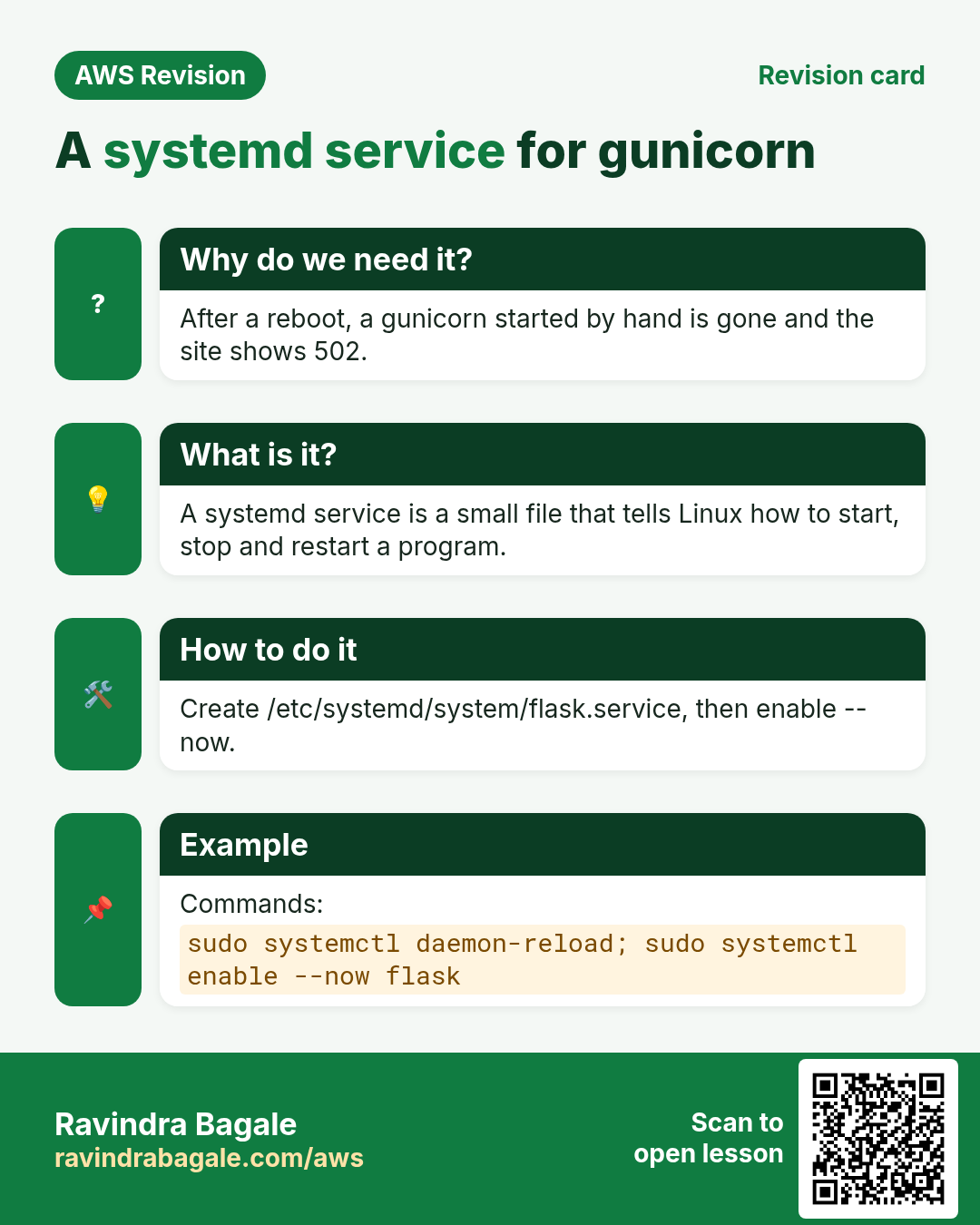
Why: a --daemon gunicorn does not start again after a reboot or a crash, and you must hunt for PIDs to manage it. A systemd service fixes all three. This is the proper way to run a live app.
How:
- Stop the
--daemongunicorn withkill <master PID>. -
Create the unit file with
sudo nano /etc/systemd/system/gunicorn.service:[Unit] Description=Gunicorn for pythonapp After=network.target [Service] User=ec2-user Group=ec2-user WorkingDirectory=/home/ec2-user/pythonapp ExecStart=/home/ec2-user/pythonapp/myenv/bin/gunicorn --workers 2 --bind 127.0.0.1:5000 app:app ExecReload=/bin/kill -s HUP $MAINPID Restart=on-failure [Install] WantedBy=multi-user.target -
ExecStartuses the full path to the venv's gunicorn, so noactivateis needed. There is no--daemon: systemd itself keeps it in the background. -
Load, enable at boot, and start it:
sudo systemctl daemon-reload sudo systemctl enable gunicorn sudo service gunicorn start sudo service gunicorn status -
After a code change:
sudo service gunicorn reload(the same HUP as section 9). After changing the unit file:sudo systemctl daemon-reload, thensudo service gunicorn restart. - Read its logs with
sudo journalctl -u gunicorn.
11. Several sites on one nginx
Why: One EC2 server can host several apps and sites. Separate server { } blocks keep them apart, so you don't pay for one server per site.
What: one nginx can serve many sites, each in its own server { } block.
- The first block in
/etc/nginx/nginx.confhasserver_name _;. The_is a catch-all name: this default block answers requests whose host name matches no other block, for example a bare IP. -
Add one block per site, each with its own
server_nameand its ownproxy_passorroot:server { listen 80; server_name api.example.com; location / { proxy_pass http://127.0.0.1:5000; } } -
A second Python app runs on another port, such as
127.0.0.1:5001, with its own venv and service. - Run
sudo nginx -tandsudo service nginx reloadafter each change.
12. When something goes wrong
python: command not found: usepython3.ModuleNotFoundError: No module named 'flask': activate the venv, thenpip install -r requirements.txt.Permission deniedduringpip install: the folder was made withsudo; runsudo chown -R ec2-user:ec2-user ~/pythonapp, thenpip installwithoutsudo.- Commands fail after SSH reconnects:
cd ~/pythonappandsource myenv/bin/activateagain. http://PUBLIC_IP:5000does not open while testing: checkhost='0.0.0.0'and the port 5000 rule in the security group.- The nginx welcome page instead of your app: the
location / { proxy_pass ...; }block is missing or outside the server block, or nginx was not reloaded. 502 Bad Gateway: nginx works but gunicorn does not answer. Start gunicorn, or fix the port inproxy_pass.nginx -tsaysunexpected end of file, expecting "}": a closing}is missing. Add it, runsudo nginx -t, then reload.nginx -tsaysinvalid number of arguments: a;is missing at the end of the line it names.- A new route gives 404: the old code is still loaded. Run
kill -HUP <master PID>orsudo service gunicorn reload.
Figure 9. Python app on EC2: what you see and what to check, from python3 and the venv to the security group, proxy_pass, 502, nginx -t messages and reloading gunicorn. The logs are in /var/log/nginx/error.log and in journalctl -u gunicorn.
Ravindra Bagale's Tip
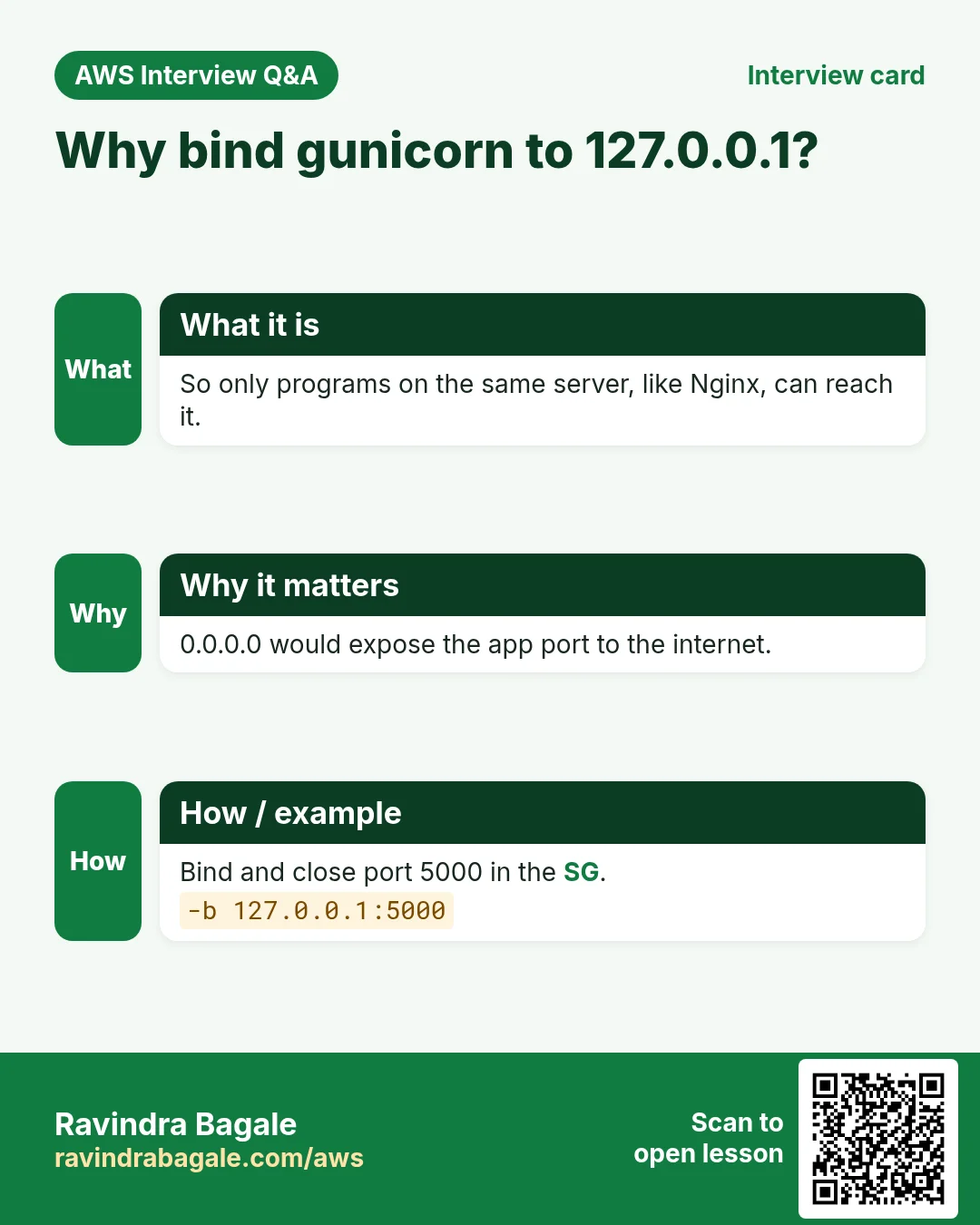
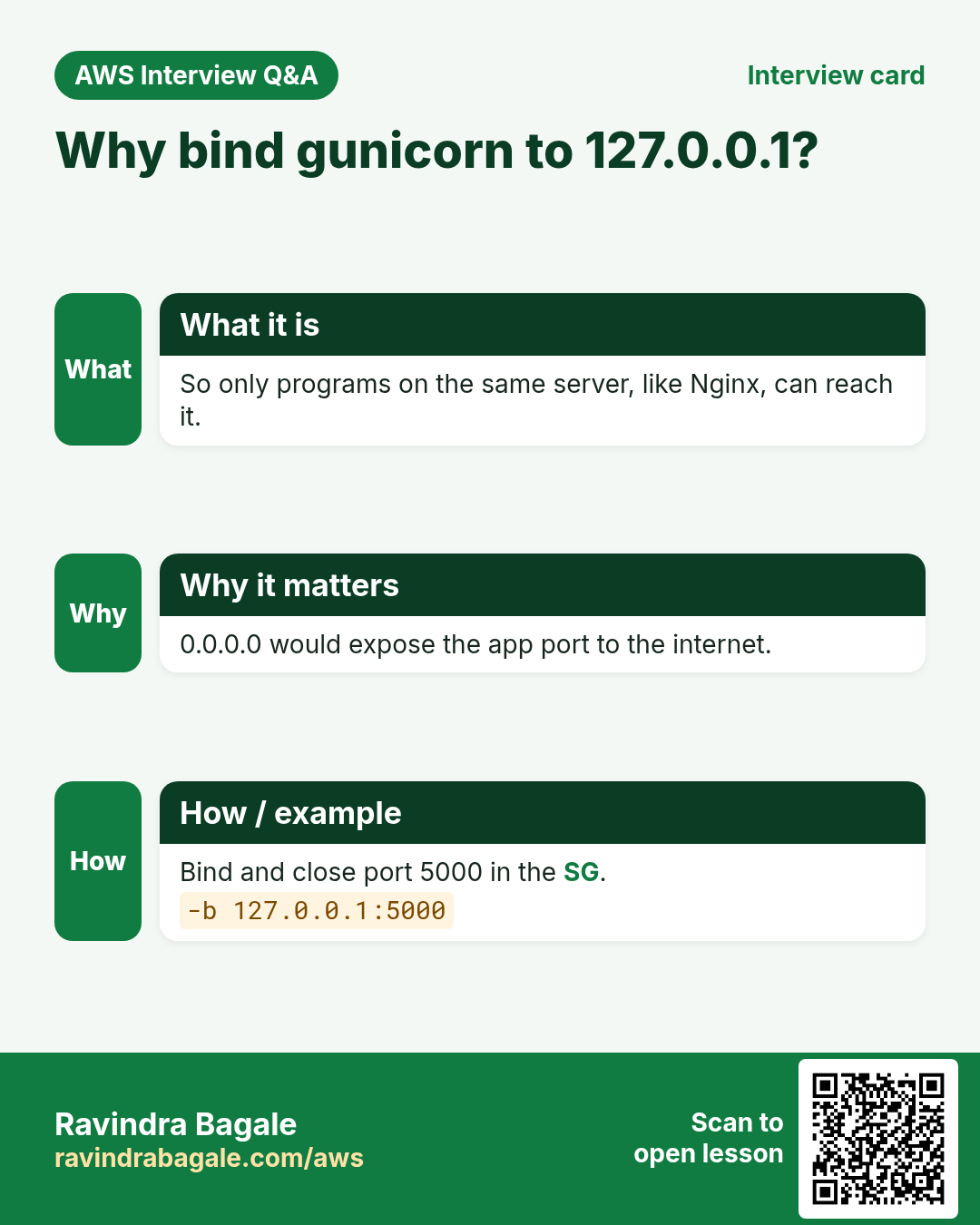
Keep three habits. Work inside a venv and never type sudo before pip. Run sudo nginx -t before every nginx reload, so a typo never takes the site down. And once nginx is in front, bind gunicorn to 127.0.0.1 and delete the port 5000 rule: the fewer ports open to the internet, the fewer ways in.
When you're done practising, stop the EC2 instance.
13. The whole class on one page
- A website returns whole HTML pages; an API returns data as JSON,
key: valuepairs in{ }, and each app draws its own screen. - Hosting Python needs python3, pip, a venv, the app, gunicorn (WSGI) and nginx. yum, pip, npm and composer are package managers.
- On Amazon Linux 2023:
python3 -V,sudo yum install python3-pip -y. The command ispython3, notpython. python3 -m venv myenv,source myenv/bin/activate, prompt(myenv). Neversudo pip; fixPermission deniedwithchown.requirements.txtlists the libraries;pip install -r requirements.txt;pip freezepins versions.- Flask:
@app.route('/'), indentation matters,app.run(host='0.0.0.0', port=5000). The Flask server is for testing only. gunicorn --bind 127.0.0.1:5000 --workers 2 --daemon app:app; without--bindit uses127.0.0.1:8000. Re-activate the venv after SSH reconnects.- nginx is the reverse proxy:
location / { proxy_pass http://127.0.0.1:5000; }, thensudo nginx -tandsudo service nginx reload. Workers with event loops,worker_connections 1024. - Behind nginx, close port 5000 in the security group.
- New code needs a reload:
ps aux | grep gunicorn,kill -HUP <master PID>;killstops it,kill -9only if stuck. - The proper way: a systemd unit with the venv's gunicorn,
systemctl enable,sudo service gunicorn start|reload|restart,journalctl -u gunicorn. server_name _;is the catch-all default block; add aserver { }block per site.
14. Hands-on lab: a Flask app behind gunicorn and nginx
Why this lab. This lab builds the stack from the bottom up and tests each layer with curl before adding the next: Python, the virtual environment, Flask, gunicorn, then nginx in front.
- Check Python and install pip
- Command:
python3 -V && sudo yum install python3-pip -y - You should see:
Python 3.x, thenComplete!. - Check:
pip3 -Vprints a version. - Why: Amazon Linux ships
python3but not pip. On this server the command ispython3, notpython.
- Command:
- Create the app folder and a virtual environment
- Command:
mkdir ~/pythonapp && cd ~/pythonapp && python3 -m venv myenv && source myenv/bin/activate - You should see: The prompt starts with
(myenv). - Check:
which python→/home/ec2-user/pythonapp/myenv/bin/python - Why: Each app gets its own libraries, so two apps needing different Flask versions don't clash.
- Command:
- Write requirements.txt and app.py
- Do:
nano requirements.txtwith the two linesFlaskandgunicorn;nano app.pywith the two-route app from section 5. - Check:
ls→app.py myenv requirements.txt - Why:
requirements.txtlets anyone install exactly these libraries with one command.
- Do:
- Install the libraries
- Command:
pip install -r requirements.txt - You should see: Download lines ending in
Successfully installed ... flask ... gunicorn .... - Check:
pip listshowsFlaskandgunicorn. - Why: Inside
(myenv)they install into this app only, and nosudois needed.
- Command:
- Run it with gunicorn in the background
- Command:
gunicorn --bind 127.0.0.1:5000 --workers 2 --daemon app:app - You should see: Nothing.
- Check:
curl http://127.0.0.1:5000→Hello from Python on EC2;curl http://127.0.0.1:5000/hi→Hi! This is the second page. - Why:
app:appmeans the objectappinapp.py.127.0.0.1keeps port 5000 private, so only nginx on the same server can reach it;--daemonkeeps it running after you log out.
- Command:
- Install nginx as the reverse proxy
- Command:
sudo yum install nginx -y - You should see:
Complete! - Check:
nginx -vprints a version. - Why: Visitors use port 80. nginx takes their requests there and passes them to gunicorn on 5000.
- Command:
- Add the proxy settings
- Do: In the
server { }block of/etc/nginx/nginx.conf, add thelocation / { proxy_pass http://127.0.0.1:5000; ... }block from section 8. - Check:
sudo nginx -t→syntax is okandtest is successful. - Why:
proxy_passis the line that forwards each request. Testing before starting catches a missing semicolon.
- Do: In the
- Start nginx and open the app
- Command:
sudo service nginx start && curl http://localhost - You should see:
Hello from Python on EC2 - Check: With HTTP allowed in the security group,
http://PUBLIC_IP/hishows the second page in a browser. - Why: The same answer on port 80 proves nginx forwards to gunicorn. Port 5000 never needs to be opened to the internet.
- Command:
- Make it survive a reboot
- Do: Create the
gunicornsystemd service from section 10, then runsudo systemctl daemon-reloadandsudo systemctl enable gunicorn. - Check: After a stop and start of the instance,
curl http://localhoststill answers (alsosudo systemctl enable nginx). - Why: A
--daemongunicorn does not come back after a reboot or a crash; systemd restarts it for you. Stop the--daemoncopy first so the two don't fight over port 5000.
- Do: Create the
15. Try at home
Try at home
Task 1: the app
- Launch an Amazon Linux 2023 instance, install pip, create
~/pythonappwith a venv, and writerequirements.txtandapp.py. - Run
python3 app.pyonce without the venv active and read the error. Then activate it, install, and open port 5000 temporarily.
Task 2: gunicorn and nginx
- Run the app with gunicorn in the background and test it with
curl. - Install nginx, add the
locationblock, runsudo nginx -t, reload, and open the site on port 80. - Remove one
;, runsudo nginx -t, and read the message. Put it back. - Bind gunicorn to
127.0.0.1:5000and delete the port 5000 rule.
Task 3: an API and a service
- Add
/getusers, see the 404, then reload gunicorn withkill -HUPand see the JSON. - Stop gunicorn and see the
502 Bad Gatewaypage. - Create the systemd unit, enable it, reboot the instance, and check that the app answers without you starting anything.
Recap
In short
- An API sends data as JSON instead of whole pages, so every app can draw its own screen.
- A venv keeps each app's libraries apart; create it with
python3 -m venv, and never usesudo pipinside it. - The Flask server is for testing; gunicorn runs the app for real, and
app:appnames the file and the object. - nginx in front is the reverse proxy; gunicorn binds
127.0.0.1:5000, and port 5000 stays closed. sudo nginx -tbefore every reload catches missing;and}.- New code needs
kill -HUPon the master orsudo service gunicorn reload; a systemd service starts gunicorn at boot and restarts it after a crash.
Practice Tasks
Cape Town Safaris is a tourism business in Cape Town. Thabo Nkosi looks after its IT and cloud work. They count money in ZAR and run their AWS resources in the af-south-1 Region. In the tasks below you do real jobs for them using what this lesson teaches. All names, account IDs, IP addresses and numbers are made up for practice.
0 / 12
Easy Restart a service after a change
Why: Config changes only apply after the service restarts or reloads.
What to do: Restart the nginx service.
- Find the Linux command that does this job.
- Add the options (like -r or -h) the task needs.
- Add the file names, folders or users in the right order.
- Use sudo if the job changes system files or users. Click Check answer.
Easy Check if a service is running
Why: When a site is down, first check whether the web server process is running.
What to do: Show the status of the httpd service.
- Find the Linux command that does this job.
- Add the options (like -r or -h) the task needs.
- Add the file names, folders or users in the right order.
- Use sudo if the job changes system files or users. Click Check answer.
Easy Install a package on Ubuntu
Why: Ubuntu uses apt. Package names differ: on Ubuntu Apache is apache2.
What to do: Install the apache2 package on Ubuntu without being asked to confirm.
- Find the Linux command that does this job.
- Add the options (like -r or -h) the task needs.
- Add the file names, folders or users in the right order.
- Use sudo if the job changes system files or users. Click Check answer.
Easy Install a package on Amazon Linux
Why: dnf is the package manager on Amazon Linux 2023. -y answers yes for you.
What to do: Install the httpd package on Amazon Linux 2023 without being asked to confirm.
- Find the Linux command that does this job.
- Add the options (like -r or -h) the task needs.
- Add the file names, folders or users in the right order.
- Use sudo if the job changes system files or users. Click Check answer.
Easy Test a website from the server
Why: curl shows whether the web server answers, even before DNS is ready.
What to do: Request http://localhost and show only the response headers.
- Find the Linux command that does this job.
- Add the options (like -r or -h) the task needs.
- Add the file names, folders or users in the right order.
- Use sudo if the job changes system files or users. Click Check answer.
Easy Download code from GitHub
Why: git clone copies the whole repository to the server, ready to deploy.
What to do: Clone https://github.com/capetownsafari/website.git into the current folder.
- Find the Linux command that does this job.
- Add the options (like -r or -h) the task needs.
- Add the file names, folders or users in the right order.
- Use sudo if the job changes system files or users. Click Check answer.
Medium Test the nginx config
Why: A test catches typos before a restart takes your site down.
What to do: Check the nginx configuration files for errors.
- Find the Linux command that does this job.
- Add the options (like -r or -h) the task needs.
- Add the file names, folders or users in the right order.
- Use sudo if the job changes system files or users. Click Check answer.
Medium Start a service now and at boot
Why: enable makes it start after reboot; --now also starts it right away.
What to do: Enable the nginx service and start it immediately, in one command.
- Find the Linux command that does this job.
- Add the options (like -r or -h) the task needs.
- Add the file names, folders or users in the right order.
- Use sudo if the job changes system files or users. Click Check answer.
Medium Open port 80 to the world
Why: Visitors can reach your website only if the security group allows HTTP.
What to do: Allow inbound TCP port 80 from 0.0.0.0/0 on security group sg-022b36ab6b244c3b2.
- Read the task and decide which AWS service it is about.
- Write aws, then the service name, then the operation (the action word).
- Add each needed flag (--name) followed by its value from the task.
- Flags can be in any order. Click Check answer.
Medium CloudFormation: web security group
Why: Opening only 443 keeps the server safer.
What to do: Template with an AWS::EC2::SecurityGroup that allows TCP 443 from 0.0.0.0/0. Add a GroupDescription.
- Start from the top-level keys the task names.
- Indent child keys with 2 spaces (no tabs).
- Fill in each property with the value from the task.
- Click Check answer. Key order does not matter.
Medium Create a security group
Why: A security group is the firewall around your instance.
What to do: Create a security group named capetownsafari-web-sg with description "Web servers" in vpc-0f3cafcf24deadbee.
- Read the task and decide which AWS service it is about.
- Write aws, then the service name, then the operation (the action word).
- Add each needed flag (--name) followed by its value from the task.
- Flags can be in any order. Click Check answer.
Hard Enable an nginx site on Ubuntu
Why: On Ubuntu, a site is enabled by a symbolic link from sites-available to sites-enabled.
What to do: Create a symbolic link to /etc/nginx/sites-available/capetownsafari inside /etc/nginx/sites-enabled/.
- Find the Linux command that does this job.
- Add the options (like -r or -h) the task needs.
- Add the file names, folders or users in the right order.
- Use sudo if the job changes system files or users. Click Check answer.
Revision, comparison and interview cards
Revise this lesson in a few minutes. Save the cards on your phone or download them as PNG files. The QR code on each card opens this lesson.
More cards: Ravi Sir's Cards.