Linux LVM Tutorial: pvcreate, vgcreate, lvcreate, lvextend, Snapshots and Resizing Explained
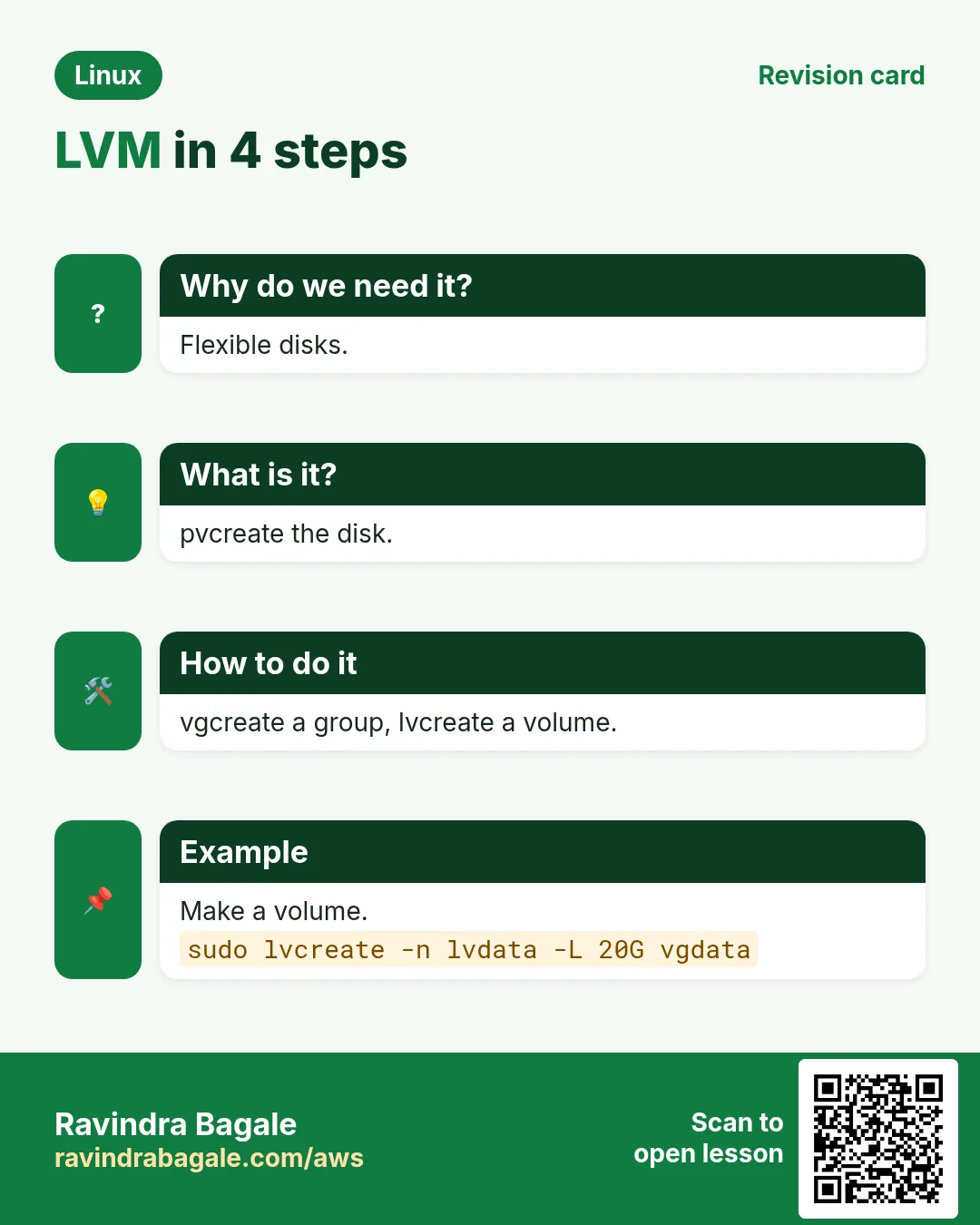
Plain partitions are hard to resize and cannot span disks. LVM (Logical Volume Manager) puts a flexible layer between disks and filesystems: you pool disks into a volume group and cut logical volumes of any size from it, grow them online, add new disks later, and take snapshots. This chapter covers pvcreate, vgcreate, lvcreate, lvextend, lvreduce, vgextend, pvmove, snapshots and thin pools, each with Why, What and How.
What you'll learn in this chapter
- Understand PV, VG, LV and extents
- Create PVs, VGs and LVs
- Grow an LV and its filesystem online
- Add disks and move data with vgextend and pvmove
- Take and restore snapshots
- Read pvs, vgs, lvs and fix common errors
1. An everyday example: a family money pool
Why do we need this?
Three brothers each put their savings into one joint account. From that account the family keeps separate envelopes: house, school fees, travel. If school fees need more, they move money from the joint account to that envelope. If a fourth brother joins, his money adds to the pool.
What is it?
Each brother's savings = physical volume (PV, a disk). Joint account = volume group (VG). Envelopes = logical volumes (LV). Moving money into an envelope = lvextend. Fourth brother = vgextend.
How to do it (step by step)
2. LVM words: PV, VG, LV, PE
Why do we need this?
Every LVM command and error uses these four words. Learn them once.
What is it?
PV: a disk or partition prepared for LVM. VG: a pool made of one or more PVs. LV: a slice of a VG that behaves like a partition (/dev/VG/LV or /dev/mapper/VG-LV). PE: physical extent, the small block size of the pool. Package: lvm2.
| Word | Meaning | Command |
|---|---|---|
| PV | Disk for LVM | pvcreate, pvs |
| VG | Pool of PVs | vgcreate, vgs |
| LV | Slice of a VG | lvcreate, lvs |
| PE | Allocation unit | vgdisplay |
How to do it (step by step)
- Install tools.
sudo dnf install -y lvm2 && lvm version | head -1Output:
LVM version: 2.03.23What it means: Ready.
- See existing LVM.
lsblkOutput:
nvme0n1 disk
├─nvme0n1p2 part
│ ├─rhel-root lvm /
│ └─rhel-swap lvm [SWAP]
What it means: Many RHEL installs use LVM already.
3. pvcreate and pvs: prepare disks
Why do we need this?
LVM must label a disk before it can use it.
What is it?
sudo pvcreate DEV [DEV...] writes the LVM label. pvs lists PVs with VG, size and free. pvdisplay DEV gives details. pvremove removes the label (only when the PV is not in a VG). Wipe old signatures first with wipefs -a if needed.
How to do it (step by step)
- Two disks.
sudo pvcreate /dev/nvme1n1 /dev/nvme2n1Output:
Physical volume "/dev/nvme1n1" successfully created.
Physical volume "/dev/nvme2n1" successfully created.
What it means: Labelled.
- List.
sudo pvsOutput:
PV           VG Fmt  Attr PSize   PFree
/dev/nvme1n1    lvm2 ---  100.00g 100.00g
/dev/nvme2n1    lvm2 ---  100.00g 100.00g
What it means: Not in a VG yet.
- Old signature.
sudo pvcreate /dev/nvme3n1Output:
WARNING: xfs signature detected on /dev/nvme3n1. Wipe it? [y/n]What it means: Check the disk is really free.
4. vgcreate and vgs: build the pool
Why do we need this?
The VG is the pool you will cut volumes from and grow later.
What is it?
sudo vgcreate NAME PV... creates it. vgs shows size, free, PV and LV count. vgdisplay NAME shows PE size and free PE. Choose clear names like vgdata or vg_db.
How to do it (step by step)
- Create.
sudo vgcreate vgdata /dev/nvme1n1 /dev/nvme2n1Output:
Volume group "vgdata" successfully createdWhat it means: 200G pool.
- Check.
sudo vgsOutput:
VG     #PV #LV #SN Attr   VSize   VFree
vgdata   2   0   0 wz--n- 199.99g 199.99g
What it means: All free.
- Details.
sudo vgdisplay vgdata | grep -E 'PE Size|Free PE'Output:
PE Size               4.00 MiB
Free  PE / Size       51198 / 199.99 GiB
What it means: Extents count.
5. lvcreate: make logical volumes
Why do we need this?
Apps need separate volumes (database, logs, uploads) so one cannot fill the other.
What is it?
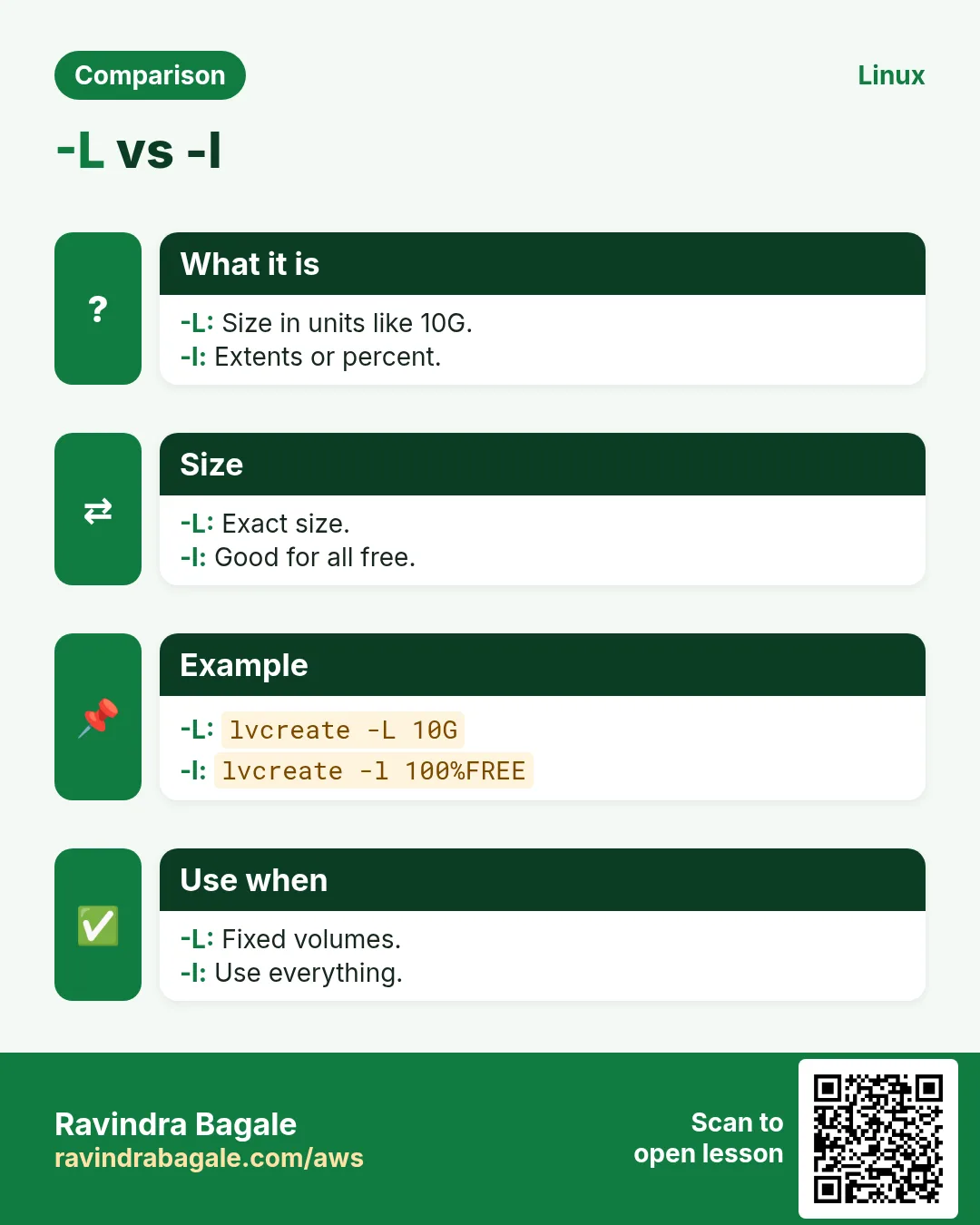
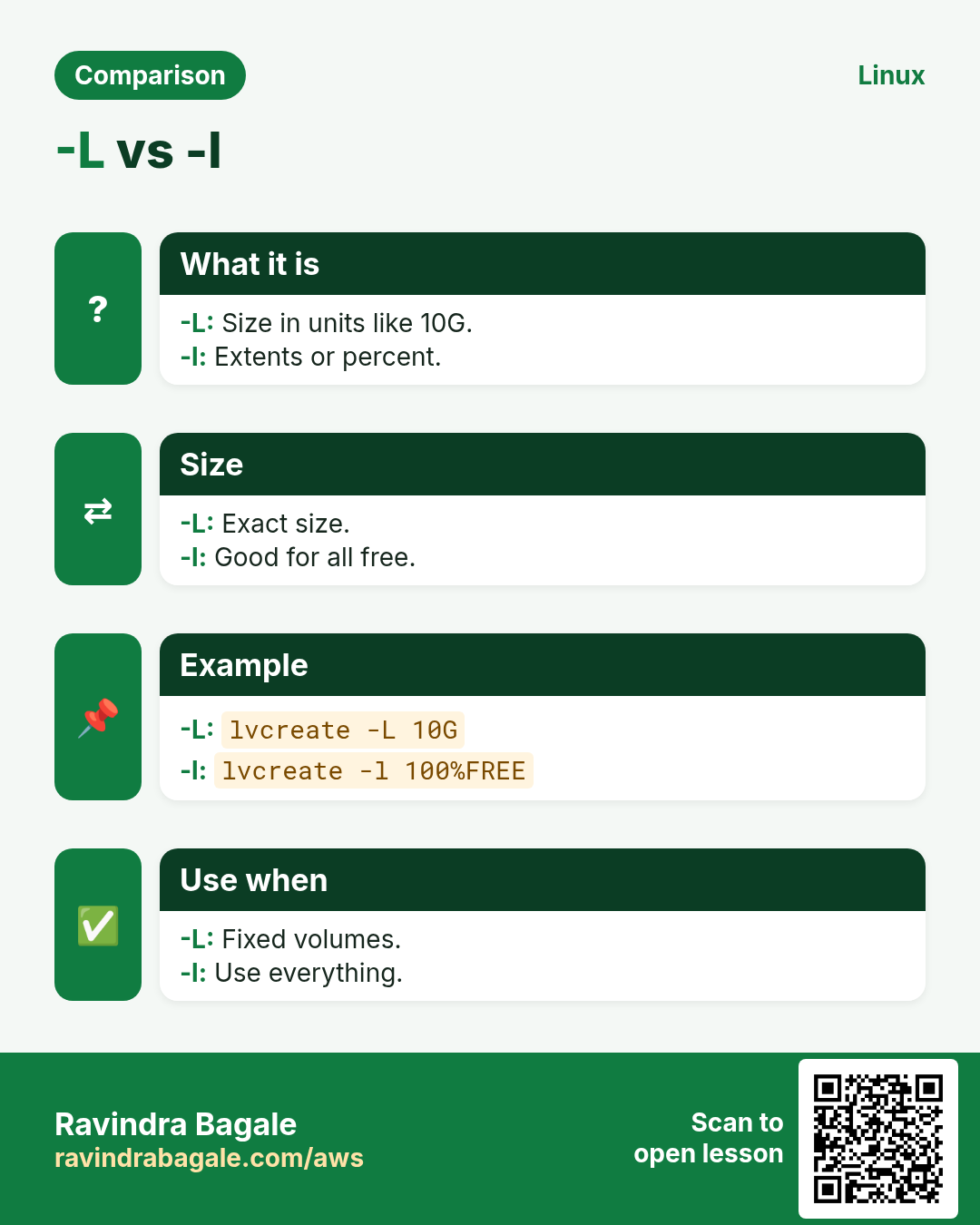
lvcreate -n NAME -L SIZE VG makes an LV of fixed size (50G). -l 100%FREE uses all free space; -l 50%VG half the VG. Then mkfs, mount and fstab using /dev/VG/LV or /dev/mapper/VG-LV (stable names).
How to do it (step by step)
- Fixed size.
sudo lvcreate -n lvdb -L 80G vgdataOutput:
Logical volume "lvdb" created.What it means: 80G for the database.
- Percent.
sudo lvcreate -n lvlogs -l 25%FREE vgdataOutput:
Logical volume "lvlogs" created.What it means: A quarter of what is left.
- Format and mount.
sudo mkfs.xfs /dev/vgdata/lvdb && sudo mkdir -p /var/lib/pgsql && sudo mount /dev/vgdata/lvdb /var/lib/pgsqlOutput:
meta-data=/dev/vgdata/lvdb ...What it means: Ready.
- fstab line.
echo '/dev/mapper/vgdata-lvdb /var/lib/pgsql xfs defaults 0 0' | sudo tee -a /etc/fstabOutput:
/dev/mapper/vgdata-lvdb /var/lib/pgsql xfs defaults 0 0What it means: LV paths are stable.
6. lvs, lvdisplay: read the volumes
Why do we need this?
To plan growth you must see sizes and free space at all three layers quickly.
What is it?
lvs lists LVs with VG, attributes and size. lvs -a -o +devices shows which PVs each LV uses. lvdisplay gives full detail. The attr column: o = open (mounted), s = snapshot, t = thin pool, V = thin volume.
How to do it (step by step)
- All three.
sudo pvs; sudo vgs; sudo lvsOutput:
... VFree 70.00g
LV     VG     Attr       LSize
lvdb   vgdata -wi-ao---- 80.00g
lvlogs vgdata -wi-ao---- 30.00g
What it means: 70G free in the pool.
- Where is it stored?
sudo lvs -o +devices vgdataOutput:
lvdb vgdata -wi-ao---- 80.00g /dev/nvme1n1(0)What it means: On the first disk.
7. lvextend -r: grow online
Why do we need this?
The database volume is 90% full at midnight. LVM lets you add space in seconds without downtime.
What is it?
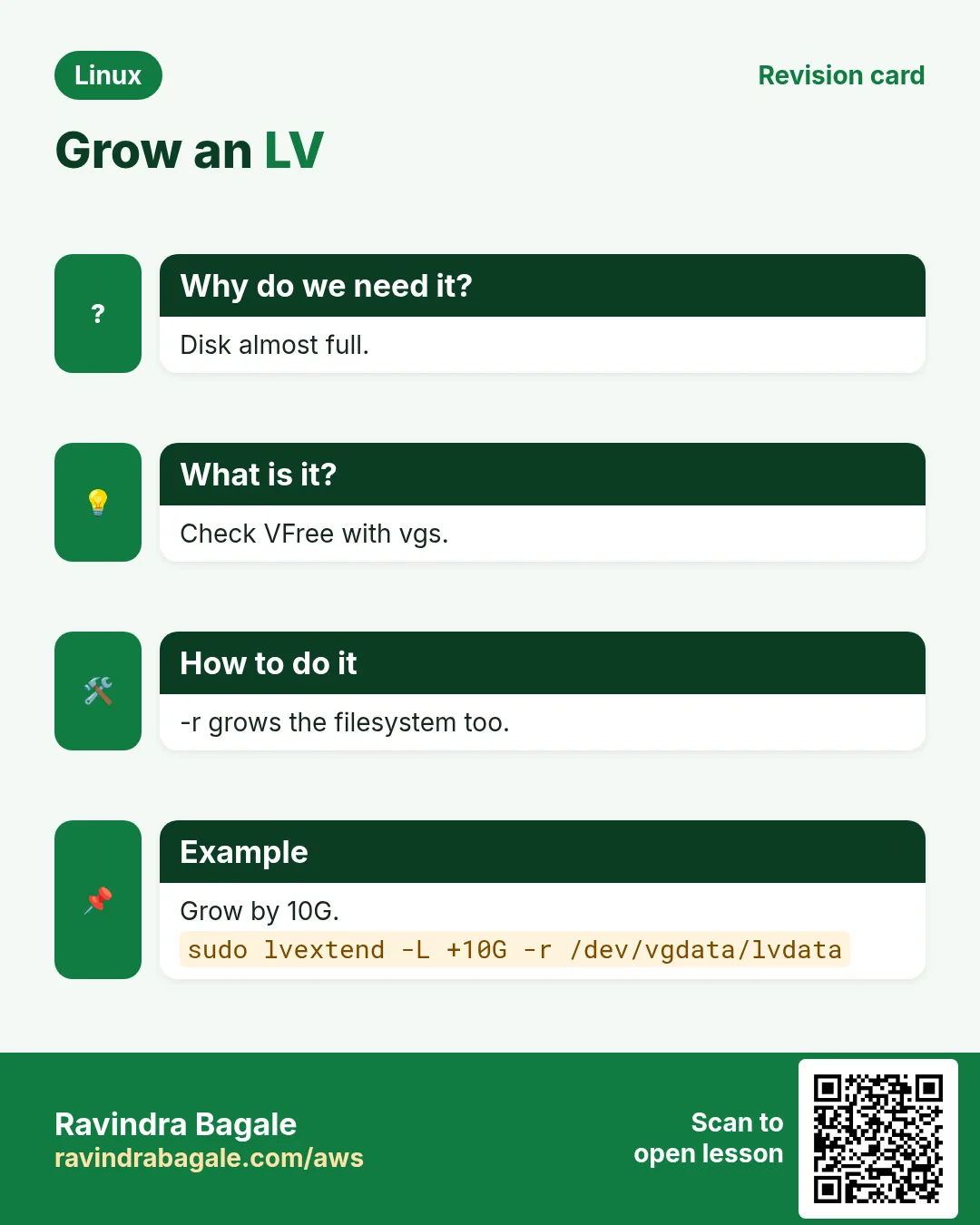
sudo lvextend -L +20G -r /dev/VG/LV adds 20G and (-r) resizes the filesystem too. -L 120G sets the total. -l +100%FREE takes all free space. Without -r run xfs_growfs MOUNT or resize2fs DEV yourself.
How to do it (step by step)
- Grow by 20G.
sudo lvextend -L +20G -r /dev/vgdata/lvdbOutput:
Size of logical volume vgdata/lvdb changed from 80.00 GiB to 100.00 GiB.
data blocks changed from 20971520 to 26214400
What it means: Filesystem grown too.
- Check.
df -h /var/lib/pgsqlOutput:
/dev/mapper/vgdata-lvdb 100G 72G 28G 73% /var/lib/pgsqlWhat it means: Space added live.
- Not enough space.
sudo lvextend -L +500G /dev/vgdata/lvdbOutput:
Insufficient free space: 128000 extents needed, but only 12799 availableWhat it means: Add a disk first.
8. vgextend: add a new disk to the pool
Why do we need this?
When the pool is empty you add another disk, and every LV in the VG can use it.
What is it?
pvcreate NEWDEV, then vgextend VG NEWDEV. vgs shows the extra free space. Now lvextend works. In the cloud, growing an existing PV is also possible: resize the volume, then pvresize DEV.
How to do it (step by step)
- Add a disk.
sudo pvcreate /dev/nvme3n1 && sudo vgextend vgdata /dev/nvme3n1Output:
Volume group "vgdata" successfully extendedWhat it means: Pool bigger.
- Grow an existing PV.
sudo pvresize /dev/nvme1n1 && sudo vgs vgdataOutput:
Physical volume "/dev/nvme1n1" changed
vgdata 3 2 0 wz--n- 349.99g 150.00g
What it means: After EBS resize.
9. pvmove and vgreduce: replace a disk live
Why do we need this?
A disk is slow or old. You want data on a new disk without stopping the app.
What is it?
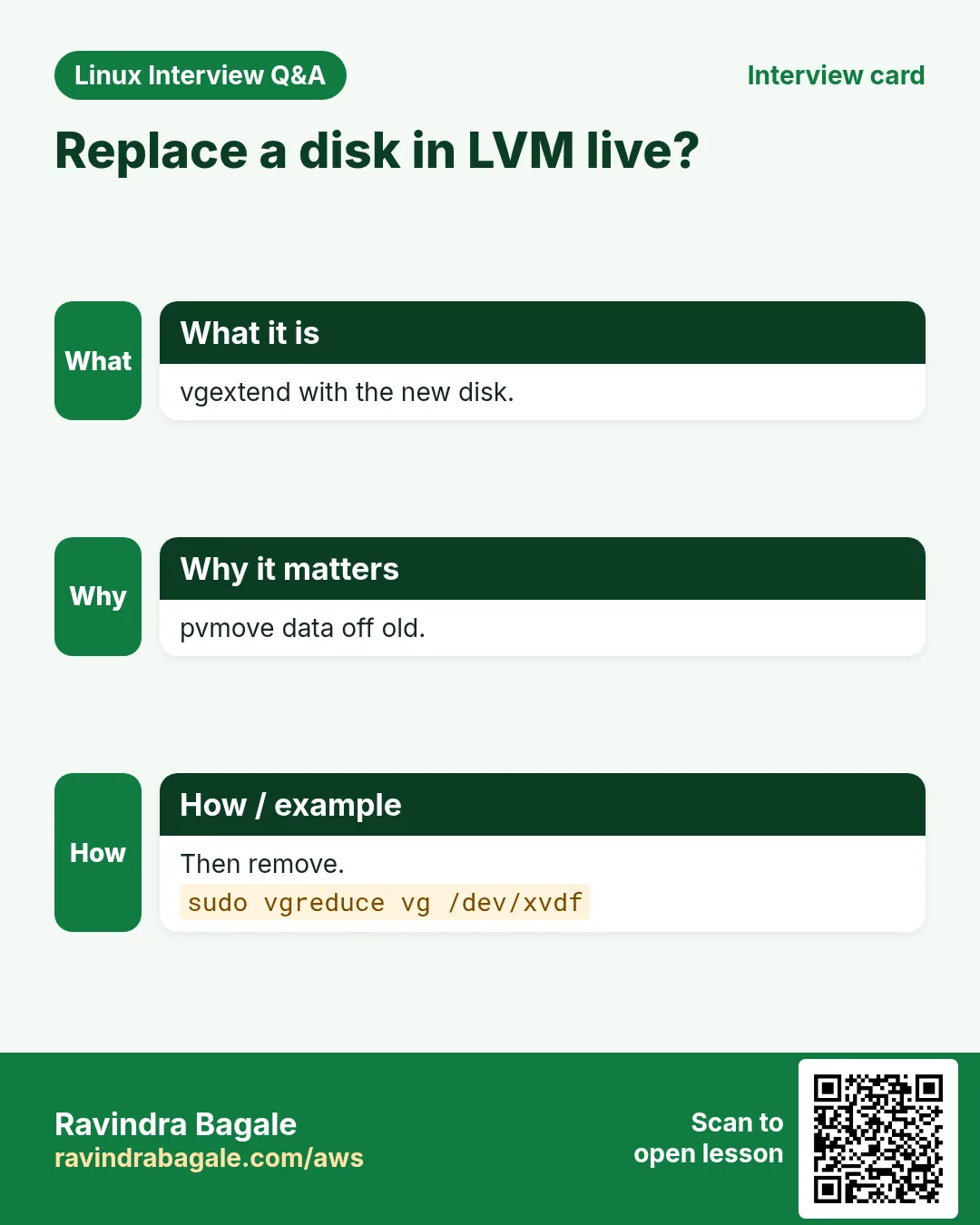
Add the new PV to the VG, then sudo pvmove OLDPV [NEWPV] moves all extents live. When done, vgreduce VG OLDPV removes it from the pool and pvremove OLDPV clears the label. Then detach the disk.
How to do it (step by step)
- Move.
sudo pvmove /dev/nvme1n1 /dev/nvme3n1Output:
/dev/nvme1n1: Moved: 25.00%
/dev/nvme1n1: Moved: 100.00%
What it means: Data moved online.
- Remove old disk.
sudo vgreduce vgdata /dev/nvme1n1 && sudo pvremove /dev/nvme1n1Output:
Removed "/dev/nvme1n1" from volume group "vgdata"
Labels on physical volume "/dev/nvme1n1" successfully wiped.
What it means: Safe to detach.
10. lvreduce: shrink (carefully)
Why do we need this?
Sometimes one LV got too much space. You can shrink ext4 (offline) but never xfs.
What is it?
For ext4: backup, umount, then sudo lvreduce -L 20G -r /dev/VG/LV (-r runs fsck and resize2fs first). Never lvreduce below the filesystem size without -r: data is destroyed. For xfs: make a new smaller LV, copy, switch.
How to do it (step by step)
- Shrink ext4.
sudo umount /srv/logs && sudo lvreduce -L 20G -r /dev/vgdata/lvlogsOutput:
fsck from util-linux
Resizing the filesystem on /dev/mapper/vgdata-lvlogs to 5242880 (4k) blocks.
Size of logical volume vgdata/lvlogs changed from 30.00 GiB to 20.00 GiB.
What it means: Safe order.
- xfs refuses.
sudo lvreduce -L 50G -r /dev/vgdata/lvdbOutput:
fsadm: Xfs filesystem shrinking is unsupported.What it means: Use copy-and-switch.
11. Snapshots: lvcreate -s
Why do we need this?
Before a risky upgrade, a snapshot lets you roll back in minutes or take a consistent backup.
What is it?
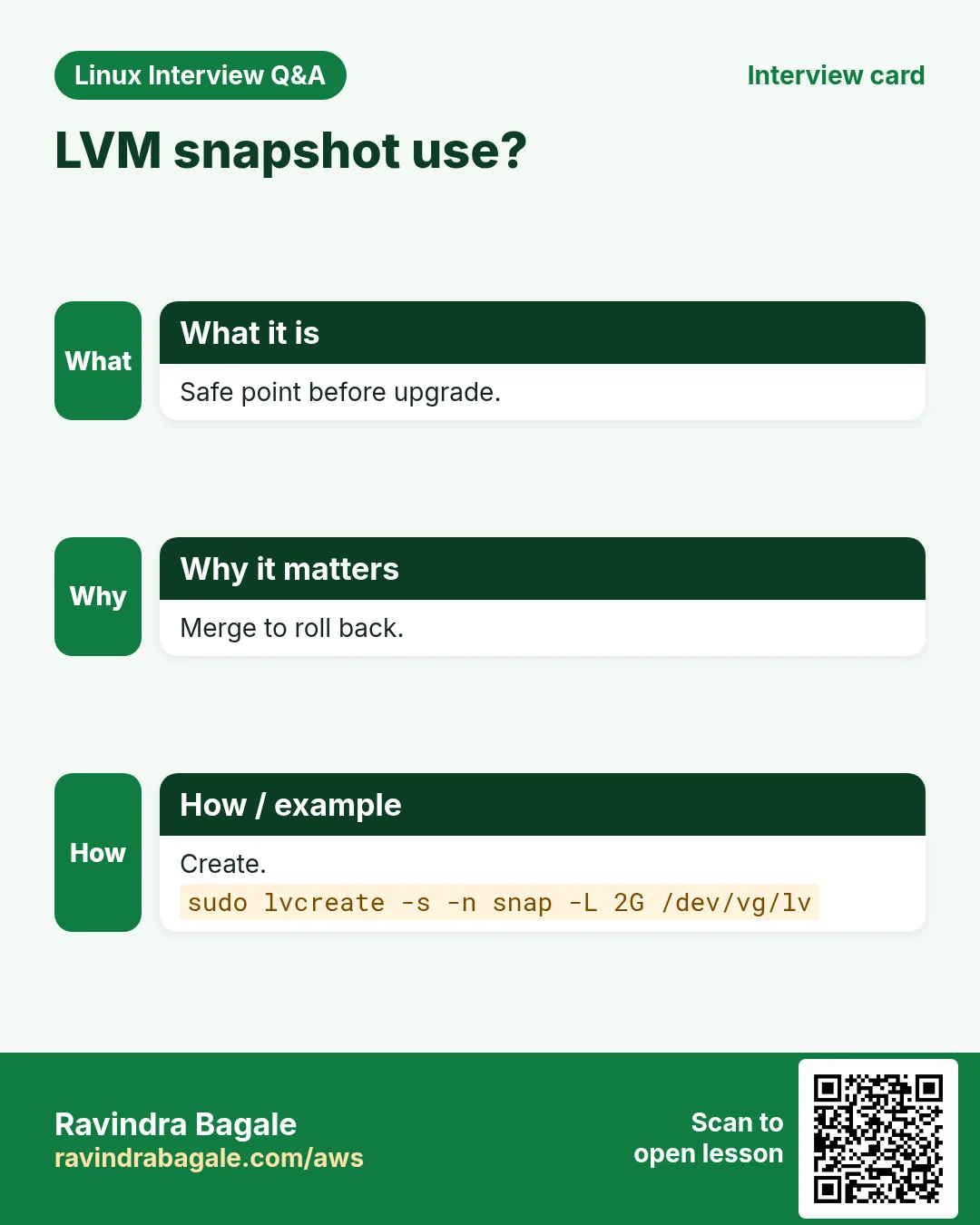
sudo lvcreate -s -n SNAP -L 5G /dev/VG/LV creates a copy-on-write snapshot; 5G is space for changes. If it fills to 100% it becomes invalid. Mount it read-only to back up. To roll back: lvconvert --merge /dev/VG/SNAP (applies on next activation). Remove with lvremove.
How to do it (step by step)
- Take a snapshot.
sudo lvcreate -s -n lvdb_pre -L 10G /dev/vgdata/lvdbOutput:
Logical volume "lvdb_pre" created.What it means: Before the upgrade.
- Watch usage.
sudo lvs vgdataOutput:
lvdb_pre vgdata swi-a-s--- 10.00g lvdb 3.12What it means: 3% of change space used.
- Backup from it (xfs needs nouuid).
sudo mount -o ro,nouuid /dev/vgdata/lvdb_pre /mnt/snap && sudo tar -czf /backup/db.tgz -C /mnt/snap .Output:
(no output)What it means: Consistent copy.
- Roll back.
sudo umount /var/lib/pgsql && sudo lvconvert --merge /dev/vgdata/lvdb_preOutput:
Merging of volume vgdata/lvdb_pre started.What it means: Back to before the upgrade.
12. Thin pools: overcommit space
Why do we need this?
Many test environments each want 100G but use only 10G. Thin volumes give big virtual sizes and use real space only when written.
What is it?
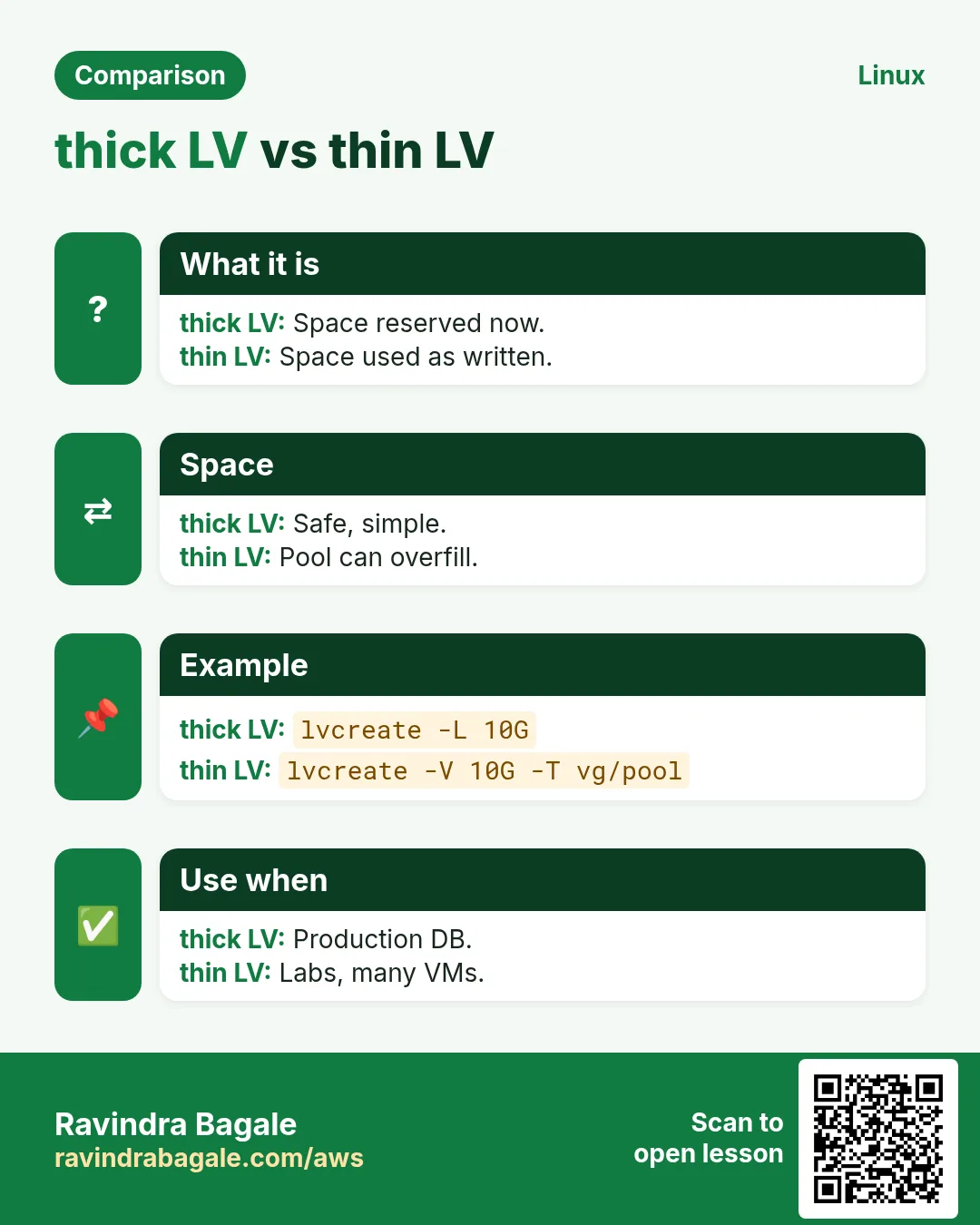
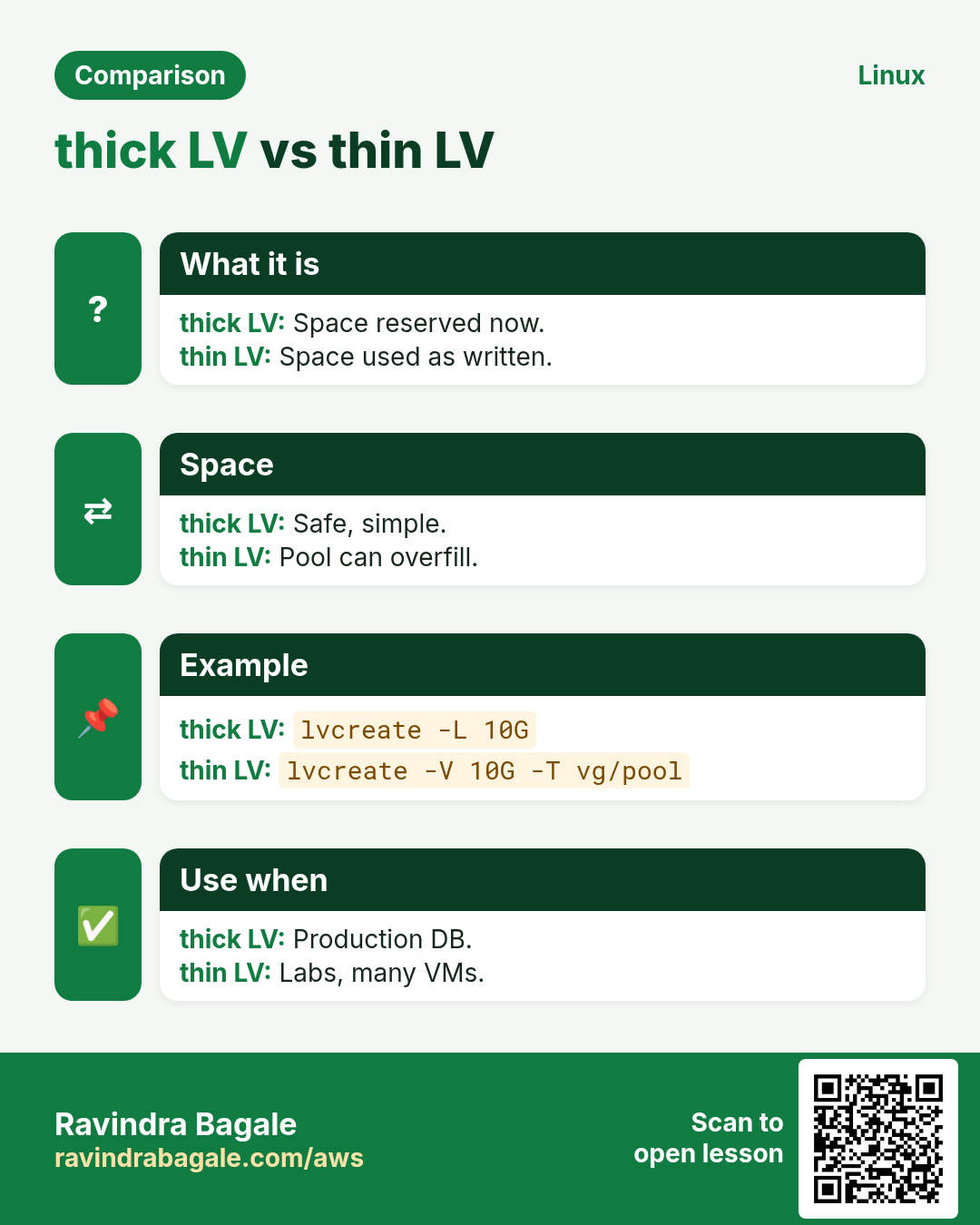
lvcreate --type thin-pool -L 100G -n tpool VG makes a pool. lvcreate -V 50G --thin -n tv1 VG/tpool makes a thin LV. Watch Data% in lvs: a full pool can freeze all thin volumes. Thin snapshots are fast and need no size.
How to do it (step by step)
- Pool and volume.
sudo lvcreate --type thin-pool -L 50G -n tpool vgdata && sudo lvcreate -V 100G --thin -n tvtest vgdata/tpoolOutput:
Logical volume "tpool" created.
WARNING: Sum of all thin volume sizes (100.00 GiB) exceeds the size of thin pool
What it means: Overcommitted on purpose.
- Watch it.
sudo lvs -o lv_name,lv_size,data_percent vgdataOutput:
tpool  50.00g 12.40
tvtest 100.00g 6.20
What it means: Real use 12%.
13. Real examples from many industries
Why do we need this?
The same Linux skill shows up in every kind of company. Seeing it in many places helps you remember it.
What is it?
Each row is a made-up team. It shows who uses this and how.
How to do it (step by step)
| Team and city | How they use it | Command |
|---|---|---|
| Nikhil, banking, Pune | Grows DB volumes online with -r | lvextend -L +20G -r /dev/vgdata/lvdb |
| Chloe, SaaS, Paris | Snapshots before upgrades | lvcreate -s -n pre -L 10G /dev/vg/lv |
| Ravi K., telecom, Chennai | Replaces disks with pvmove | pvmove /dev/sdb /dev/sdd |
| Ingrid, research, Stockholm | Thin pools for lab VMs | lvcreate --type thin-pool |
| Musa, retail, Lagos | Adds disks to VG in peak season | vgextend vgdata /dev/nvme3n1 |
| Snehal, hospital, Nagpur | Separate LVs for app, logs, uploads | lvcreate -n lvuploads -L 40G vgdata |
14. Common errors and how to fix them
Why do we need this?
Everyone hits these errors. Knowing the cause saves hours.
What is it?
Read the exact message first. Then match it to a row below.
How to do it (step by step)
| Error you see | Why it happens | How to fix |
|---|---|---|
Insufficient free space: N extents needed | VG has no room | vgextend or pvresize first.sudo vgs |
Device /dev/sdb excluded by a filter | Old signature or lvm.conf filter | wipefs the free disk or fix the filter.sudo wipefs -n /dev/sdb |
Can't open /dev/sdb exclusively. Mounted filesystem? | Disk in use | Use a free disk.lsblk -f |
df shows old size after lvextend | Forgot -r / no fs resize | Grow the filesystem.sudo xfs_growfs /var/lib/pgsql |
fsadm: Xfs filesystem shrinking is unsupported | xfs cannot shrink | Copy to a smaller LV.sudo lvcreate -n lvnew -L 50G vgdata |
Snapshot is invalid / 100% full | Change space ran out | Remove it; make larger next time.sudo lvremove vgdata/lvdb_pre |
Physical volume still in use | pvremove while in VG | vgreduce first (after pvmove).sudo vgreduce vgdata /dev/nvme1n1 |
Logical volume contains a filesystem in use | lvremove on mounted LV | Unmount first.sudo umount /srv/logs |
mount: wrong fs type ... duplicate UUID (xfs snapshot) | xfs snapshot has same UUID | Mount with nouuid.sudo mount -o ro,nouuid /dev/vg/snap /mnt/snap |
Thin pool Data% 100, I/O errors | Thin pool full | Extend the pool now.sudo lvextend -L +20G vgdata/tpool |
15. Troubleshooting step by step
Why do we need this?
Look at all three layers, then the filesystem.
What is it?
Go top to bottom. Stop at the first step that shows the problem.
How to do it (step by step)
- PVs.
sudo pvs- VG free.
sudo vgs- LVs and attrs.
sudo lvs -a -o +devices- Filesystem size.
df -h- Disk tree.
lsblk- LVM messages.
journalctl -b | grep -i lvm | tail16. Lab 1: Build LVM on loop devices
Why do we need this?
Create two fake disks, a VG and an LV, then grow it.
What is it?
A full hands-on lab. Run every step on a test Linux machine (an EC2 instance, a VM, or WSL).
How to do it (step by step)
- Fake disks.
for i in 1 2; do truncate -s 1G /tmp/pv$i.img; sudo losetup -f --show /tmp/pv$i.img; doneOutput:
/dev/loop1
/dev/loop2- PV and VG.
sudo pvcreate /dev/loop1 /dev/loop2 && sudo vgcreate vglab /dev/loop1 /dev/loop2Output:
Volume group "vglab" successfully created- LV and fs.
sudo lvcreate -n lv1 -L 500M vglab && sudo mkfs.ext4 -q /dev/vglab/lv1 && sudo mkdir -p /mnt/lv1 && sudo mount /dev/vglab/lv1 /mnt/lv1Output:
(no output)- Grow.
sudo lvextend -L +700M -r /dev/vglab/lv1 && df -h /mnt/lv1Output:
/dev/mapper/vglab-lv1 1.2G ...- Check layers.
sudo pvs; sudo vgs; sudo lvsOutput:
vglab ... lv1 1.17g17. Lab 2: Snapshot and roll back
Why do we need this?
Take a snapshot, break a file, and merge back.
What is it?
A full hands-on lab. Run every step on a test Linux machine (an EC2 instance, a VM, or WSL).
How to do it (step by step)
- Write a file.
echo good | sudo tee /mnt/lv1/app.confOutput:
good- Snapshot.
sudo lvcreate -s -n lv1snap -L 200M /dev/vglab/lv1Output:
Logical volume "lv1snap" created.- Break it.
echo broken | sudo tee /mnt/lv1/app.confOutput:
broken- Merge back.
sudo umount /mnt/lv1 && sudo lvconvert --merge /dev/vglab/lv1snap && sudo mount /dev/vglab/lv1 /mnt/lv1Output:
Merging of volume vglab/lv1snap started.- Check.
cat /mnt/lv1/app.confOutput:
goodRavindra Bagale's Tip
Always use lvextend with -r. It grows the logical volume and the filesystem in one step, so you never end up with a bigger volume but the same df size. For shrinking, -r also protects you by resizing the filesystem first.
Ravindra Bagale's Tip – मराठी
lvextend नेहमी -r सह वापरा. ते logical volume आणि filesystem एकाच step मधे वाढवतं, म्हणून volume मोठा पण df तोच असं कधी होत नाही. कमी करताना पण -r आधी filesystem resize करून वाचवतो.
Ravindra Bagale's Tip – हिंदी
lvextend हमेशा -r के साथ चलाइए. यह logical volume और filesystem एक ही step में बढ़ाता है, इसलिए volume बड़ा पर df वही, ऐसा कभी नहीं होता. घटाते समय भी -r पहले filesystem resize करके बचाता है.
18. Frequently asked questions
Q. Is LVM slower?
Overhead is tiny; flexibility is worth it.
Q. LV path: /dev/VG/LV or /dev/mapper?
Both point to the same device; use either in fstab.
Q. Can an LV span two disks?
Yes, that is a key feature (linear by default).
Q. Is a snapshot a backup?
No, it lives on the same disks; copy it elsewhere.
Q. Does LVM give redundancy?
Not by default; use RAID (chapter 32) or lvcreate --type raid1.
Q. Can I shrink xfs?
No.
Q. Should I partition before pvcreate?
Optional; whole disks are common in the cloud.
Q. What is 100%FREE?
All free extents in the VG.
19. Interview questions and answers
Beginner level
Q. What is a VG?
A pool of PVs.
Q. List LVs?
lvs.
Q. Create PV?
pvcreate DEV.
Q. Make a 10G LV?
lvcreate -n NAME -L 10G VG.
Mid level level
Q. Grow LV and fs together?
lvextend -L +N -r.
Q. Add disk to VG?
pvcreate then vgextend.
Q. Remove a disk live?
pvmove, vgreduce, pvremove.
Q. Why does a snapshot become invalid?
Its change space filled up.
Senior level
Q. Plan LVM for a DB server?
Separate LVs for data, WAL and logs, keep VG free space for snapshots and growth, monitor.
Q. Risk of thin provisioning?
Pool fills and all thin LVs stop; monitor Data% and autoextend.
Q. Migrate data to new SAN with no downtime?
Add new PVs, pvmove, vgreduce old.
Q. Snapshot vs cloud EBS snapshot?
LVM snapshot is local and short-lived; EBS snapshot is stored in S3 and durable.
Try at home
- Do Lab 1, then add a third loop disk with vgextend and grow the LV to use all free space.
- Write a one-page runbook: 'DB volume full at 2 AM' using LVM commands.
Practice Tasks
Ahmednagar Sugar Co-op is a sugar co-operative business in Ahilyanagar. Balasaheb Pawar looks after its IT and cloud work. They count money in INR and run their AWS resources in the ap-south-1 Region. In the tasks below you do real jobs for them using what this lesson teaches. All names, account IDs, IP addresses and numbers are made up for practice.
0 / 17
Easy Create a PV
Why: Flexible volumes avoid downtime.
What to do: Prepare /dev/xvdj for LVM.
- Find the Linux command that does this job.
- Add the options (like -r or -h) the task needs.
- Add the file names, folders or users in the right order.
- Use sudo if the job changes system files or users. Click Check answer.
Easy List PVs
Why: Flexible volumes avoid downtime.
What to do: Show the PV report for /dev/xvdj only.
- Find the Linux command that does this job.
- Add the options (like -r or -h) the task needs.
- Add the file names, folders or users in the right order.
- Use sudo if the job changes system files or users. Click Check answer.
Easy Create a VG
Why: Flexible volumes avoid downtime.
What to do: Create volume group vgweb from /dev/xvdj and /dev/xvdk.
- Find the Linux command that does this job.
- Add the options (like -r or -h) the task needs.
- Add the file names, folders or users in the right order.
- Use sudo if the job changes system files or users. Click Check answer.
Easy List VGs
Why: Flexible volumes avoid downtime.
What to do: Show the VG report for vgweb only.
- Find the Linux command that does this job.
- Add the options (like -r or -h) the task needs.
- Add the file names, folders or users in the right order.
- Use sudo if the job changes system files or users. Click Check answer.
Easy List LVs
Why: Flexible volumes avoid downtime.
What to do: List all LVs in vgweb, including hidden ones.
- Find the Linux command that does this job.
- Add the options (like -r or -h) the task needs.
- Add the file names, folders or users in the right order.
- Use sudo if the job changes system files or users. Click Check answer.
Medium Create a 30G LV
Why: Flexible volumes avoid downtime.
What to do: Create LV lvcache of 30G in vgweb.
- Find the Linux command that does this job.
- Add the options (like -r or -h) the task needs.
- Add the file names, folders or users in the right order.
- Use sudo if the job changes system files or users. Click Check answer.
Medium Use all free
Why: Flexible volumes avoid downtime.
What to do: Create LV lvrest in vgweb using all free space.
- Find the Linux command that does this job.
- Add the options (like -r or -h) the task needs.
- Add the file names, folders or users in the right order.
- Use sudo if the job changes system files or users. Click Check answer.
Medium LVs with devices
Why: Flexible volumes avoid downtime.
What to do: List LVs of vgweb with the devices they use.
- Find the Linux command that does this job.
- Add the options (like -r or -h) the task needs.
- Add the file names, folders or users in the right order.
- Use sudo if the job changes system files or users. Click Check answer.
Medium Add disk to VG
Why: Flexible volumes avoid downtime.
What to do: Add PV /dev/xvdl to vgweb.
- Find the Linux command that does this job.
- Add the options (like -r or -h) the task needs.
- Add the file names, folders or users in the right order.
- Use sudo if the job changes system files or users. Click Check answer.
Medium Grow a PV
Why: Flexible volumes avoid downtime.
What to do: After resizing the cloud volume, grow PV /dev/xvdj.
- Find the Linux command that does this job.
- Add the options (like -r or -h) the task needs.
- Add the file names, folders or users in the right order.
- Use sudo if the job changes system files or users. Click Check answer.
Medium Snapshot
Why: Flexible volumes avoid downtime.
What to do: Create a 4G snapshot named cache_snap of /dev/vgweb/lvcache.
- Find the Linux command that does this job.
- Add the options (like -r or -h) the task needs.
- Add the file names, folders or users in the right order.
- Use sudo if the job changes system files or users. Click Check answer.
Medium Remove LV
Why: Flexible volumes avoid downtime.
What to do: Delete LV vgweb/cache_snap.
- Find the Linux command that does this job.
- Add the options (like -r or -h) the task needs.
- Add the file names, folders or users in the right order.
- Use sudo if the job changes system files or users. Click Check answer.
Hard Grow with fs
Why: Flexible volumes avoid downtime.
What to do: Grow /dev/vgweb/lvcache by 15G and its filesystem in one step.
- Find the Linux command that does this job.
- Add the options (like -r or -h) the task needs.
- Add the file names, folders or users in the right order.
- Use sudo if the job changes system files or users. Click Check answer.
Hard Grow to all free
Why: Flexible volumes avoid downtime.
What to do: Grow /dev/vgweb/lvrest with all remaining free space and resize its filesystem.
- Find the Linux command that does this job.
- Add the options (like -r or -h) the task needs.
- Add the file names, folders or users in the right order.
- Use sudo if the job changes system files or users. Click Check answer.
Hard Move data off
Why: Flexible volumes avoid downtime.
What to do: Move all data from /dev/xvdj to /dev/xvdl.
- Find the Linux command that does this job.
- Add the options (like -r or -h) the task needs.
- Add the file names, folders or users in the right order.
- Use sudo if the job changes system files or users. Click Check answer.
Hard Remove PV from VG
Why: Flexible volumes avoid downtime.
What to do: Remove /dev/xvdj from vgweb.
- Find the Linux command that does this job.
- Add the options (like -r or -h) the task needs.
- Add the file names, folders or users in the right order.
- Use sudo if the job changes system files or users. Click Check answer.
Hard Roll back
Why: Flexible volumes avoid downtime.
What to do: Merge snapshot vgweb/cache_snap back into its origin.
- Find the Linux command that does this job.
- Add the options (like -r or -h) the task needs.
- Add the file names, folders or users in the right order.
- Use sudo if the job changes system files or users. Click Check answer.
20. Related chapters
- Linux Ops Refresh for DevOps
- Bash Scripting for Automation
- Linux grep and find Commands with Examples
- How to Set Up Passwordless SSH Between Linux Servers
In short
- PV, VG, LV, PE.
- pvcreate, vgcreate, lvcreate.
- pvs, vgs, lvs read the layers.
- lvextend -r grows online; vgextend adds disks.
- pvmove replaces disks live; lvreduce only for ext4.
- Snapshots and thin pools need monitoring.
Revision, comparison and interview cards
Revise this lesson in a few minutes. Save the cards on your phone or download them as PNG files. The QR code on each card opens this lesson.
More cards: Ravi Sir's Cards.