Shell Scripting Complete 5: Bash Loops with for, while, until, while read and IFS
Loops let a script repeat work: check fifty servers, resize a thousand photos, read every line of a CSV, or retry until a service comes up. This chapter covers for over lists and files, C-style for, while, until, break and continue, and the most important loop in real scripts: while IFS= read -r, which reads a file line by line and splits fields safely. You will also learn the pipe-subshell trap, process substitution, reading CSVs and running loops in parallel.
What you'll learn in this chapter
- Loop over lists, globs and ranges with for
- Use C-style for and while/until
- Control loops with break and continue
- Read files with while IFS= read -r
- Split CSV fields with IFS
- Avoid the pipe subshell trap
1. An everyday example: a teacher taking attendance
Why do we need this?
A teacher opens the register and goes name by name: read a name, call it, mark P or A, move to the next, stop at the end. If a student has left the school, she skips the name. If the bell rings she stops early. That is exactly a while-read loop with continue and break.
What is it?
Register = the input file. One name per line = one line per loop. Columns roll no, name, class = fields split by IFS. Skip a name = continue. Bell rings = break. End of register = read returns false.
How to do it (step by step)
2. for over a list
Why do we need this?
The simplest way to repeat the same command for a few known items: servers, users, environments.
What is it?
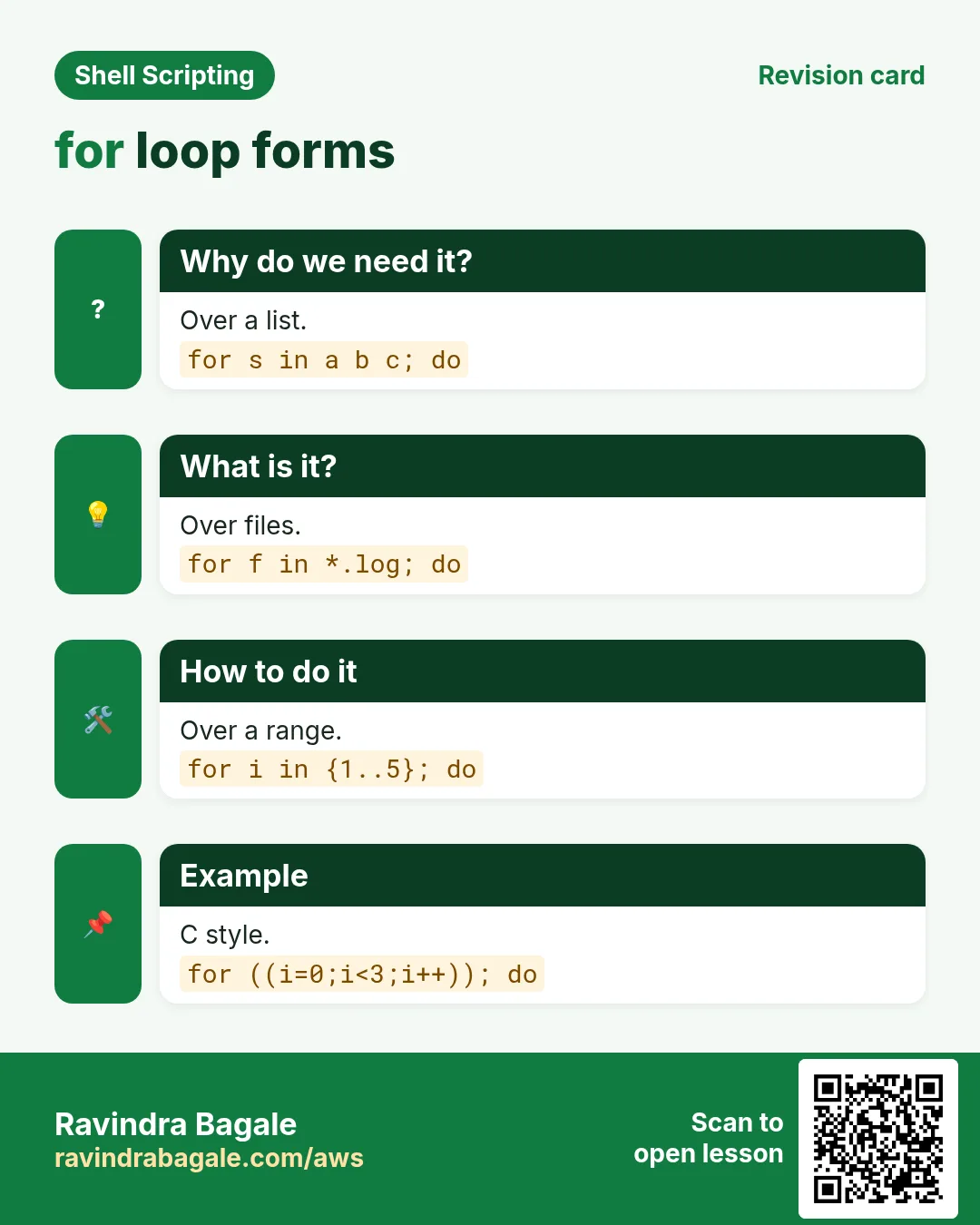
for name in item1 item2 item3; do ...; done. Each loop name holds the next item. The list can be words, "$@", a glob like *.csv, a brace range {1..5}, or $(command) (careful: splits on spaces).
How to do it (step by step)
- Words.
for env in dev stage prod; do echo "deploying to $env"; doneOutput:
deploying to dev
deploying to stage
deploying to prod
What it means: Three items, three runs.
- Brace range.
for i in {1..3}; do echo "day $i"; doneOutput:
day 1
day 2
day 3
What it means: {1..3} makes 1 2 3.
- Step and zero pad.
echo {01..10..3}Output:
01 04 07 10What it means: Start, end, step.
- Arguments.
set -- 'my file' other; for a in "$@"; do echo "[$a]"; doneOutput:
[my file]
[other]
What it means: "$@" keeps spaces.
3. for over files with globs
Why do we need this?
Bulk work on files is the most common loop: rename, compress, convert, upload.
What is it?
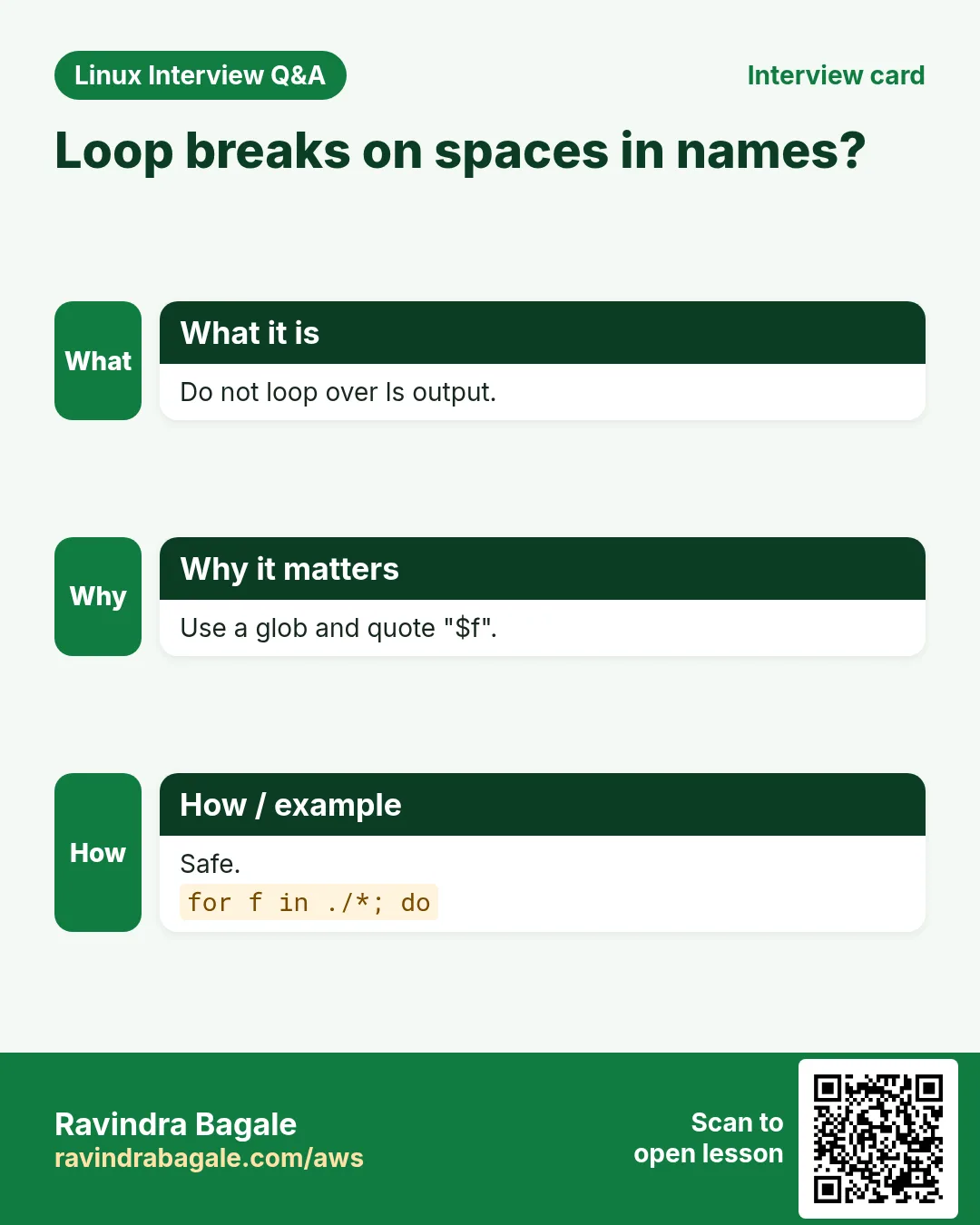
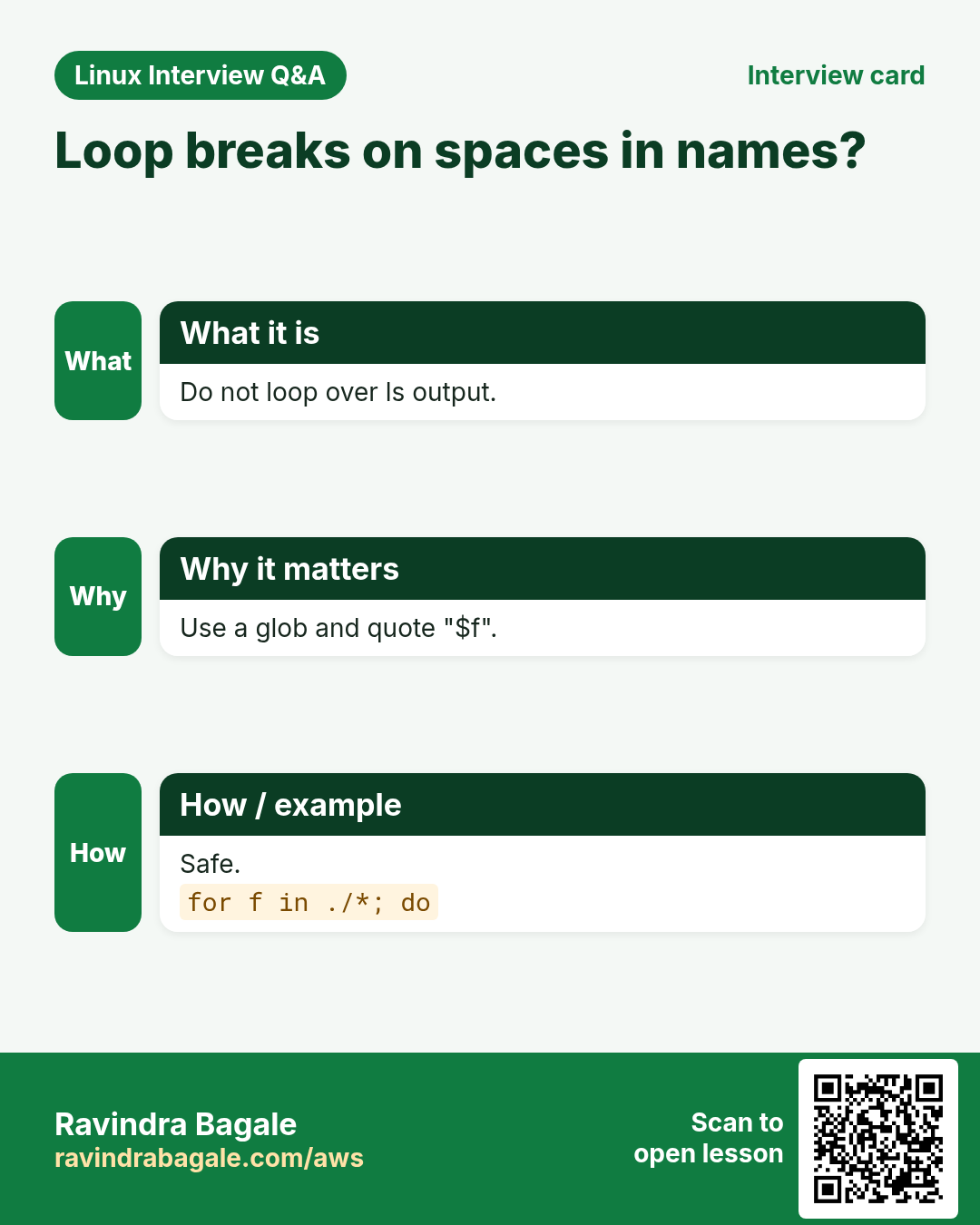
for f in *.log handles names with spaces correctly (do not use $(ls)). Quote "$f" inside. If nothing matches, bash keeps the pattern itself (*.log); add shopt -s nullglob so the loop simply runs zero times. For sub-folders use shopt -s globstar and **/*.log, or find.
How to do it (step by step)
- Compress logs.
for f in /tmp/demo/*.log; do gzip -k "$f" && echo "zipped $f"; doneOutput:
zipped /tmp/demo/app.log
zipped /tmp/demo/web server.log
What it means: The name with a space works.
- Nothing matches.
for f in /tmp/none/*.csv; do echo "got $f"; doneOutput:
got /tmp/none/*.csvWhat it means: The pattern itself came through.
- nullglob fixes it.
shopt -s nullglob; for f in /tmp/none/*.csv; do echo "got $f"; done; echo doneOutput:
doneWhat it means: Zero runs.
- Change extensions.
for f in *.jpeg; do mv -- "$f" "${f%.jpeg}.jpg"; done; lsOutput:
a.jpg b.jpgWhat it means: -- protects names starting with -.
4. C-style for and seq
Why do we need this?
When you need a counter with a variable end (for example $n retries), brace ranges do not work.
What is it?
for (( i=1; i<=n; i++ )); do ...; done works like C or Java: start, condition, step. {1..$n} does NOT work because braces expand before variables. seq 1 $n also works and supports decimals and -w for zero padding.
How to do it (step by step)
- Counter.
n=3; for (( i=1; i<=n; i++ )); do echo "try $i of $n"; doneOutput:
try 1 of 3
try 2 of 3
try 3 of 3
What it means: Variables work here.
- Braces fail.
n=3; echo {1..$n}Output:
{1..3}What it means: Not expanded.
- seq.
for i in $(seq -w 8 10); do echo "file_$i"; doneOutput:
file_08
file_09
file_10
What it means: -w pads to equal width.
- Count down.
for (( i=3; i>0; i-- )); do echo $i; sleep 1; done; echo goOutput:
3
2
1
go
What it means: i-- goes down.
5. while and until
Why do we need this?
Sometimes you do not know how many times to loop: wait until a port opens, retry until a download works.
What is it?
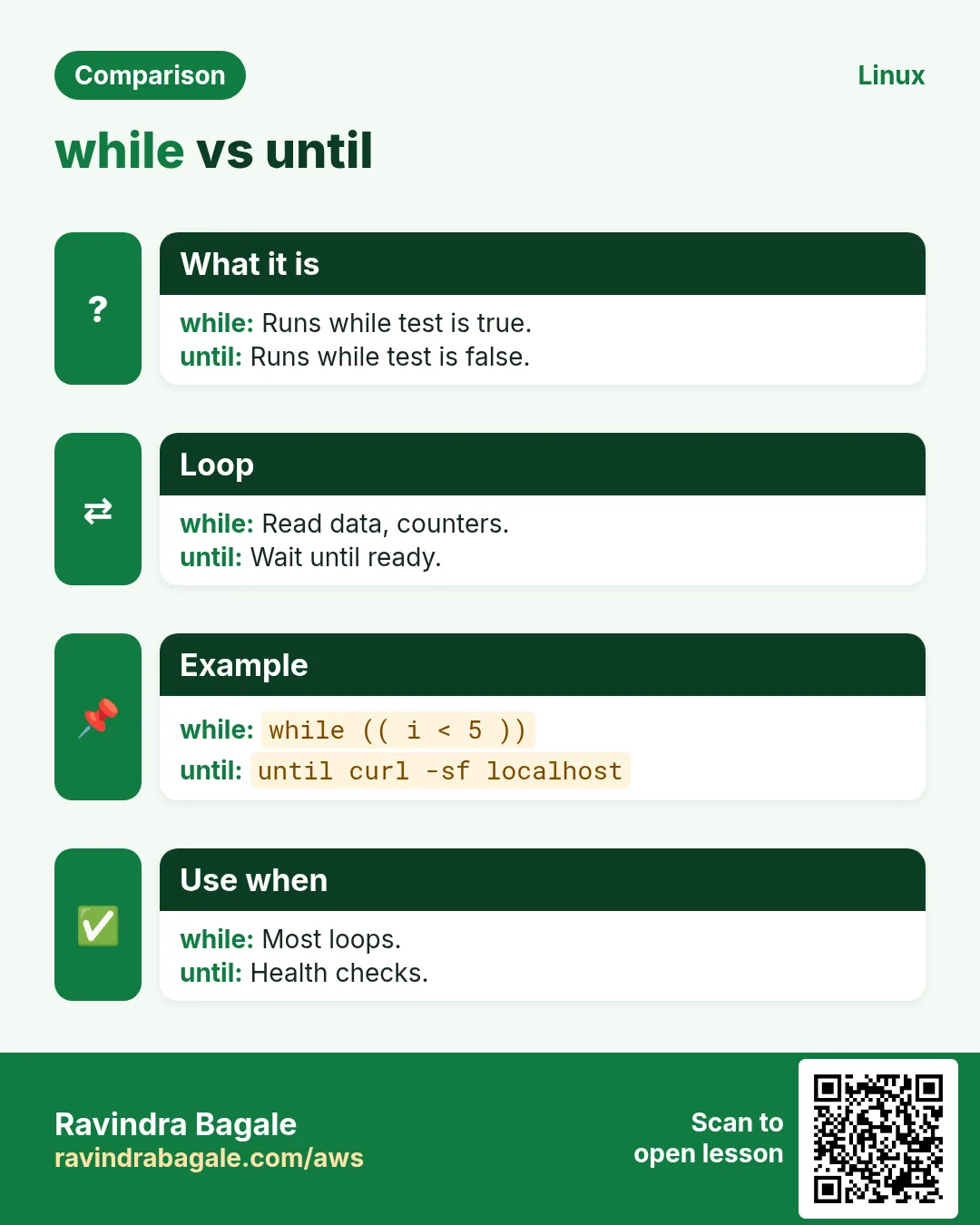
while COMMAND; do ...; done repeats while the command returns 0. until COMMAND repeats while it fails (until it works). Always have a way out: a counter or a timeout, so the loop cannot run forever. while true; do ...; done is an endless loop you leave with break.
How to do it (step by step)
- Wait for a port.
tries=0; until nc -z localhost 8080 || (( ++tries > 5 )); do echo "waiting ($tries)"; sleep 2; doneOutput:
waiting (1)
waiting (2)
What it means: Stops when the port opens or after 5 tries.
- While counter.
n=1; while (( n <= 3 )); do echo "round $n"; ((n++)); doneOutput:
round 1
round 2
round 3
What it means: Condition checked each time.
- Retry a download.
for i in 1 2 3; do curl -fsS -o /tmp/p.html https://example.com && break; echo "retry $i"; sleep 3; done; ls -l /tmp/p.htmlOutput:
-rw-r--r-- 1 asha asha 1256 Oct 25 /tmp/p.htmlWhat it means: break leaves on success.
- Watch a file grow.
while sleep 5; do wc -l < /var/log/syslog; doneOutput:
3410
3415
What it means: Ctrl+C to stop.
6. break and continue
Why do we need this?
Real data has bad rows to skip and moments to stop early.
What is it?
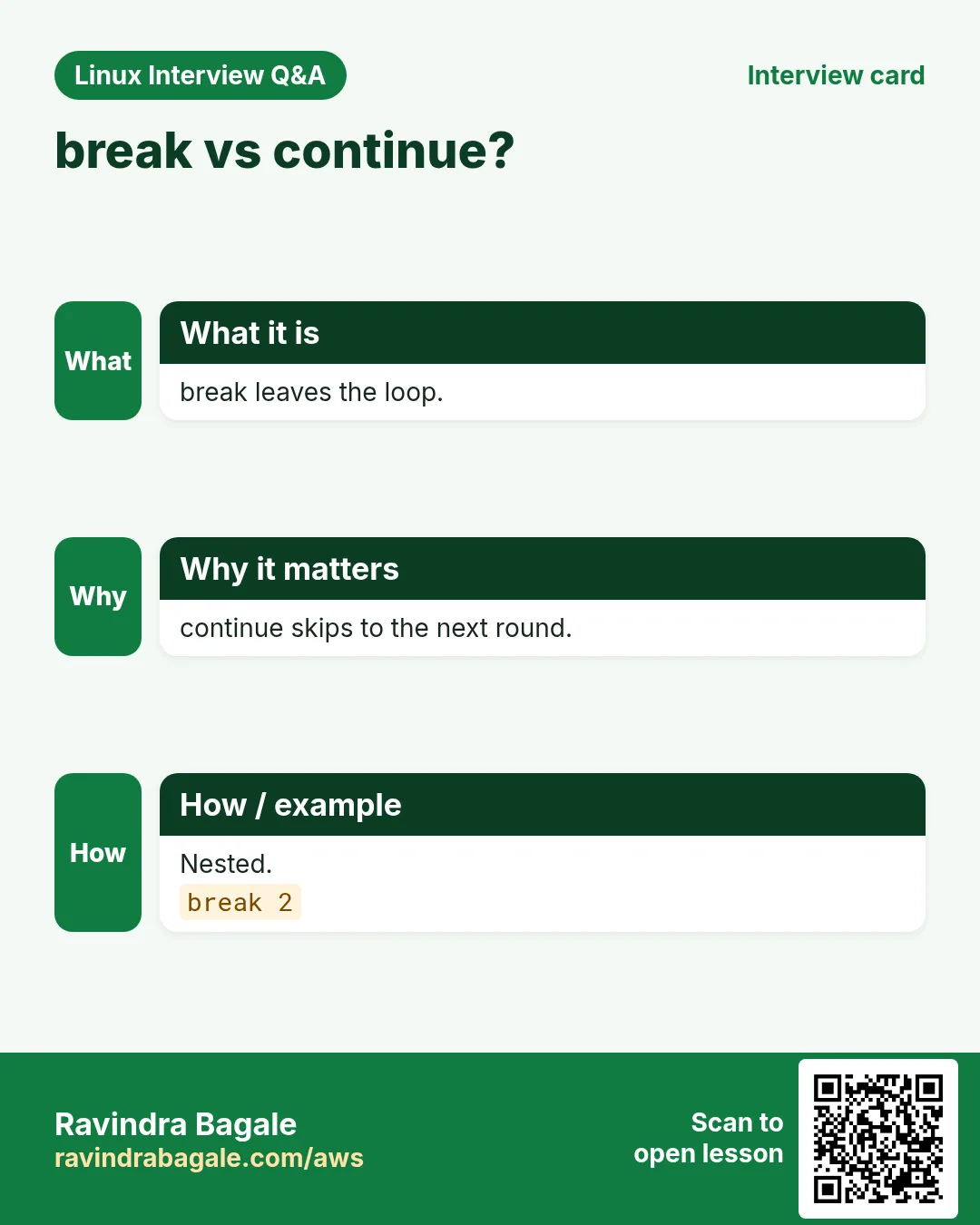
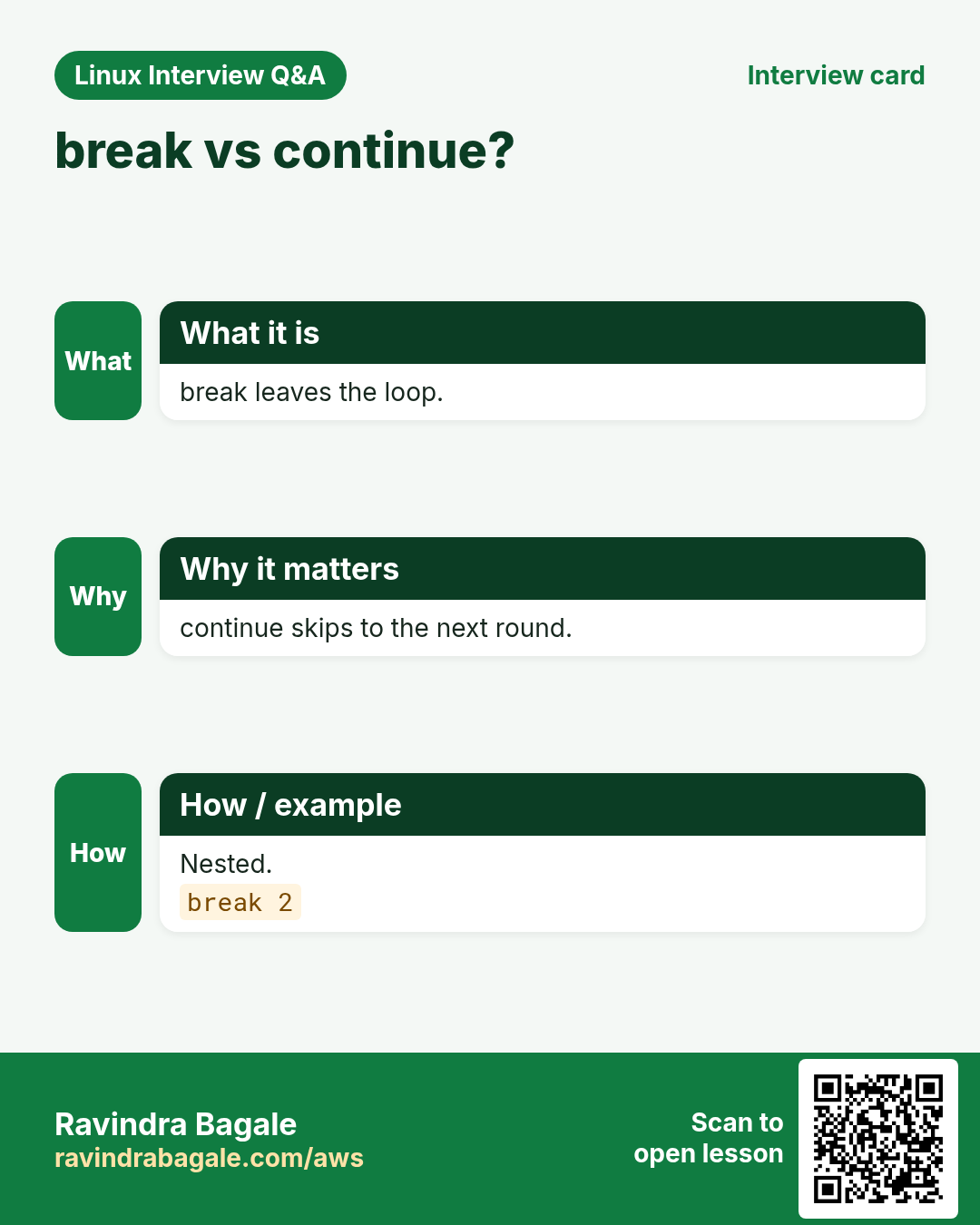
continue skips the rest of this round and starts the next. break leaves the loop completely. In nested loops break 2 and continue 2 act on the outer loop.
How to do it (step by step)
- Skip comments.
printf 'web1\n#old\nweb2\n' | while read -r h; do [[ $h == \#* ]] && continue; echo "ping $h"; doneOutput:
ping web1
ping web2
What it means: Lines starting with # are skipped.
- Stop at the first error.
for f in a.txt b.txt c.txt; do [[ -f $f ]] || { echo "missing $f, stopping"; break; }; echo "ok $f"; doneOutput:
ok a.txt
missing b.txt, stopping
What it means: break leaves the loop.
- Nested break 2.
for r in 1 2; do for c in a b; do [[ $c == b ]] && break 2; echo $r$c; done; doneOutput:
1aWhat it means: Both loops ended.
7. while IFS= read -r: read a file line by line
Why do we need this?
Host lists, user lists and exports are line-based files. This is the correct, safe way to process them. for line in $(cat file) splits on every space and is wrong.
What is it?
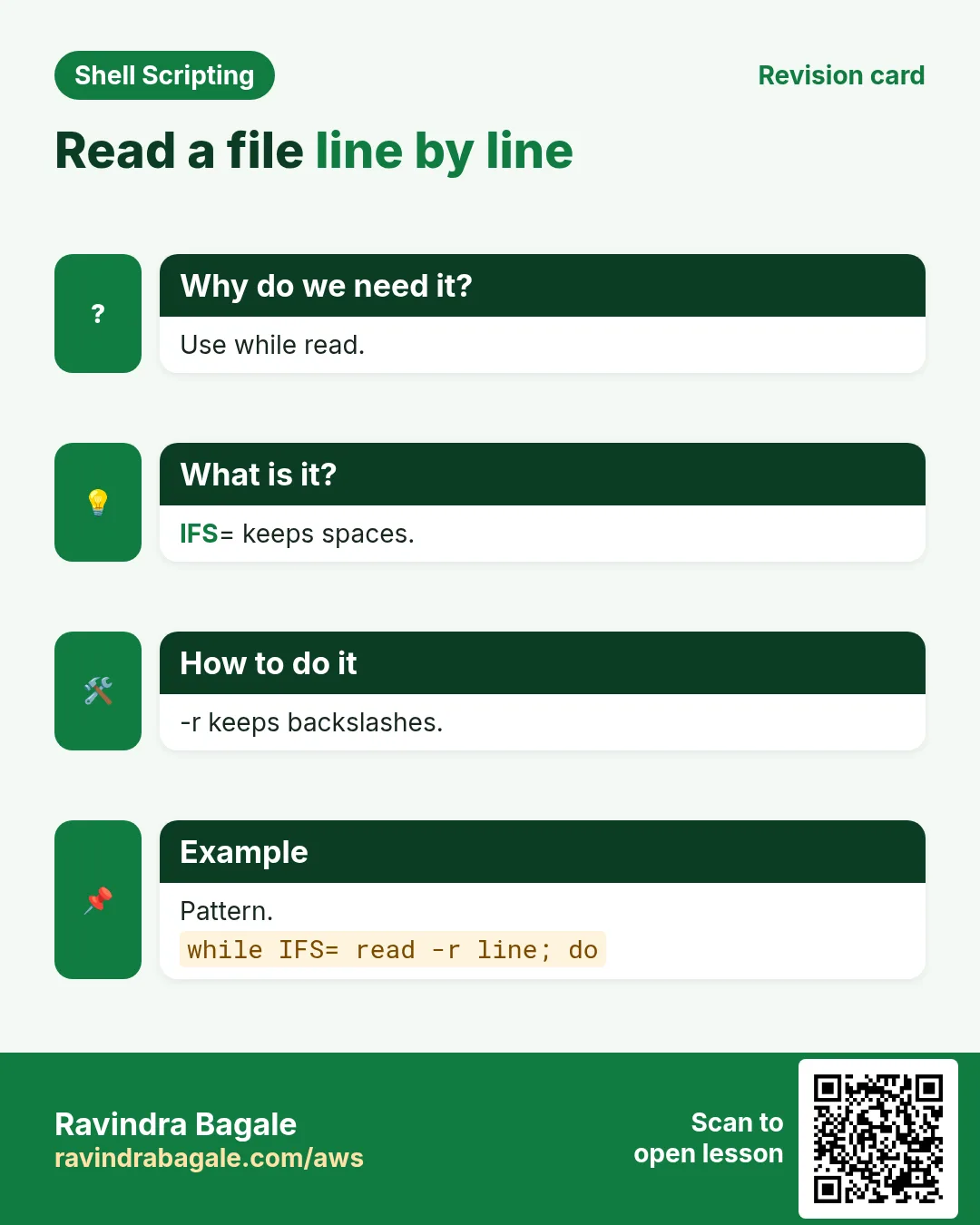
while IFS= read -r line; do ...; done < file. IFS= stops trimming of leading and trailing spaces. -r stops backslash processing. < file at the end feeds the loop. If the last line has no new line, add || [[ -n $line ]] so it is not lost. Use read -u 3 with 3< file when the body also reads from the keyboard or runs ssh.
How to do it (step by step)
- Basic.
printf ' indented line\nC:\\path\n' | tee demo.txt; while IFS= read -r line; do echo "[$line]"; done < demo.txtOutput:
[  indented line]
[C:\path]
What it means: Spaces and backslash kept.
- Wrong way.
for line in $(cat demo.txt); do echo "[$line]"; doneOutput:
[indented]
[line]
[C:\path]
What it means: Split on spaces.
- Last line without new line.
printf 'a\nb' | while IFS= read -r l || [[ -n $l ]]; do echo $l; doneOutput:
a
b
What it means: b is not lost.
- ssh eats stdin.
while read -r h; do ssh -n "$h" uptime; done < hosts.txtOutput:
web1: 10:00 up 3 days
web2: 10:00 up 9 days
What it means: -n stops ssh reading the list.
8. IFS: split fields (CSV, /etc/passwd)
Why do we need this?
Most data has columns separated by a comma, colon or tab. read can split them into named variables.
What is it?
IFS=, read -r a b c splits the line on commas into a, b and c. The last variable gets the rest of the line. Setting IFS before read changes it only for that read. Use IFS=: for /etc/passwd and IFS=$'\t' for tab files. For CSVs with quoted commas inside fields, use a real CSV tool (python, csvkit, mlr).
How to do it (step by step)
- CSV.
printf 'id,name,city\n1,Asha,Pune\n2,Rohit,Satara\n' | tee people.csv; tail -n +2 people.csv | while IFS=, read -r id name city; do echo "$name lives in $city"; doneOutput:
Asha lives in Pune
Rohit lives in Satara
What it means: tail -n +2 skips the header.
- passwd.
while IFS=: read -r user _ uid _ _ home shell; do (( uid >= 1000 && uid < 65000 )) && echo "$user $home"; done < /etc/passwdOutput:
asha /home/asha
rohit /home/rohit
What it means: _ throws away columns.
- Rest of the line.
IFS=: read -r a rest <<< 'one:two:three'; echo "$a | $rest"Output:
one | two:threeWhat it means: The last variable takes the rest.
- Tab separated.
printf 'sku\tqty\nA1\t5\n' | while IFS=$'\t' read -r s q; do echo "$s=$q"; doneOutput:
sku=qty
A1=5
What it means: $'\t' is a tab.
9. The pipe subshell trap and process substitution
Why do we need this?
A very common surprise: you count inside a loop fed by a pipe and the count is 0 afterwards.
What is it?
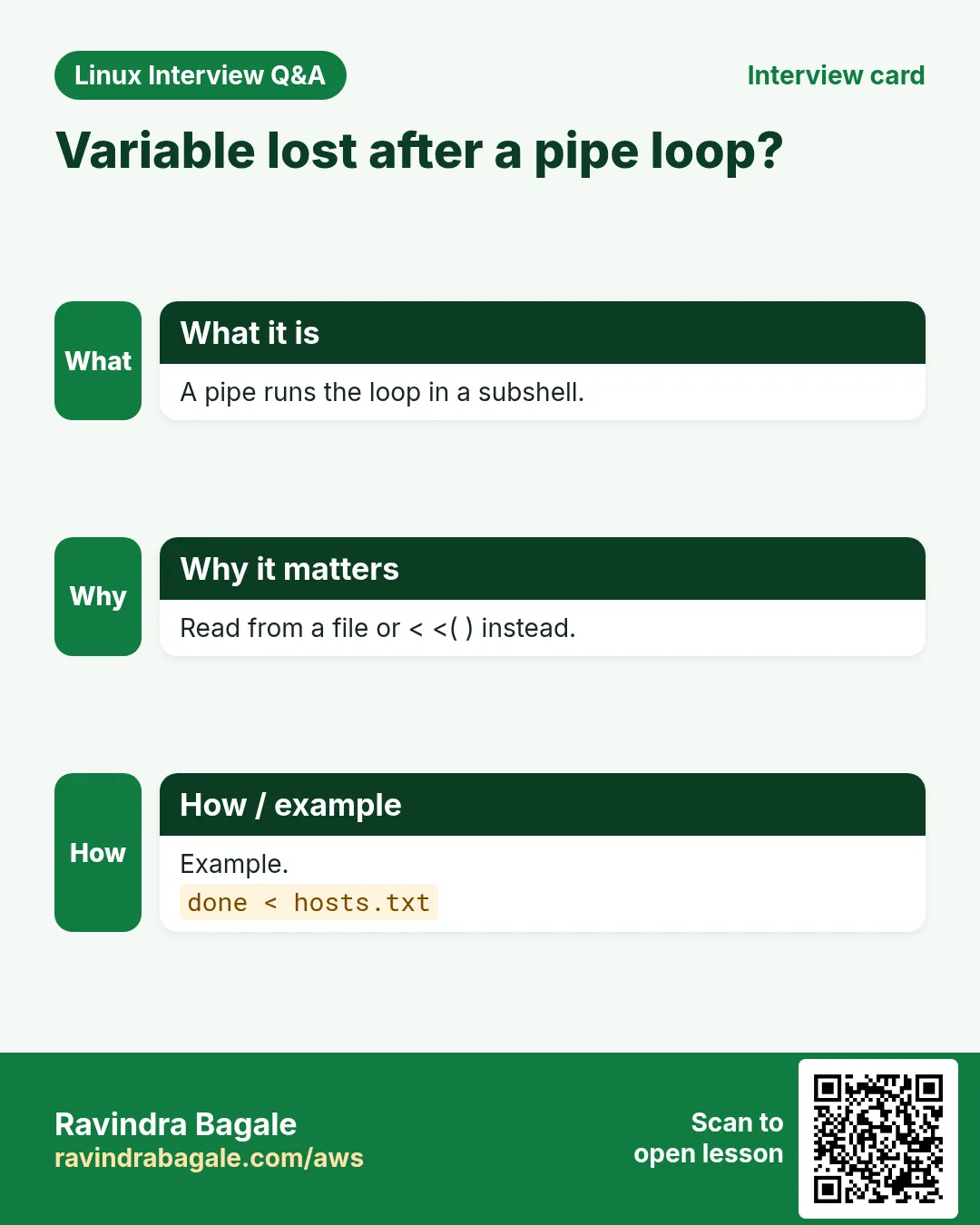
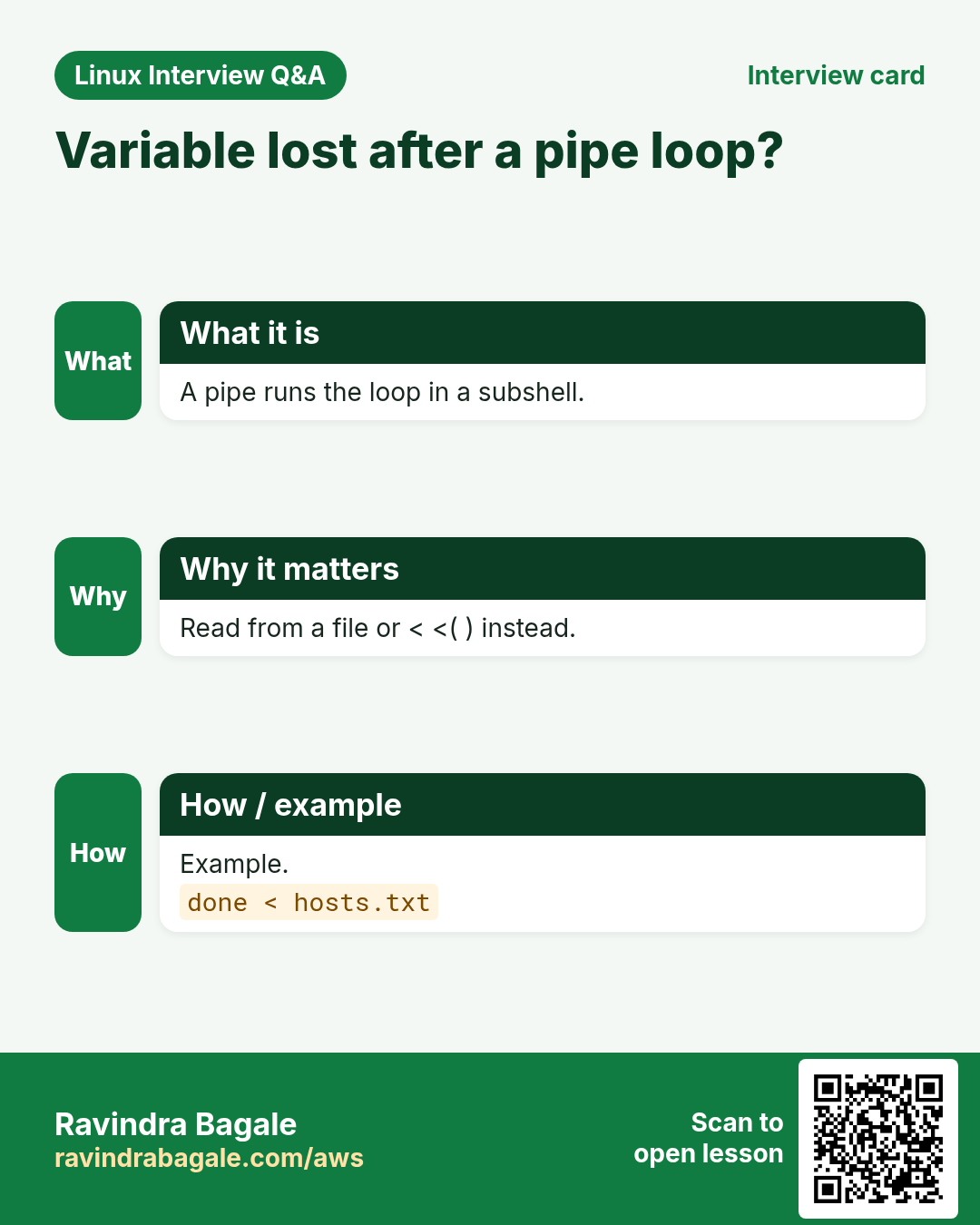
In cmd | while read ...; done the loop runs in a subshell, so variables set inside are lost after done. Fix 1: feed with < file. Fix 2: process substitution done < <(cmd). Fix 3: shopt -s lastpipe in scripts. Process substitution <(cmd) makes a command look like a file, also useful for diff <(a) <(b).
How to do it (step by step)
- The trap.
n=0; printf 'a\nb\nc\n' | while read -r x; do ((n++)); done; echo "count=$n"Output:
count=0What it means: The loop's n was in a subshell.
- Fixed.
n=0; while read -r x; do ((n++)); done < <(printf 'a\nb\nc\n'); echo "count=$n"Output:
count=3What it means: The loop now runs in the main shell.
- Compare two lists.
diff <(ls /etc | head -3) <(ls /etc | head -4)Output:
3a4
> apt
What it means: Each command acts like a file.
10. Speed: parallel loops, wait and xargs -P
Why do we need this?
Checking 200 servers one by one is slow. Running several at once can cut the time a lot.
What is it?
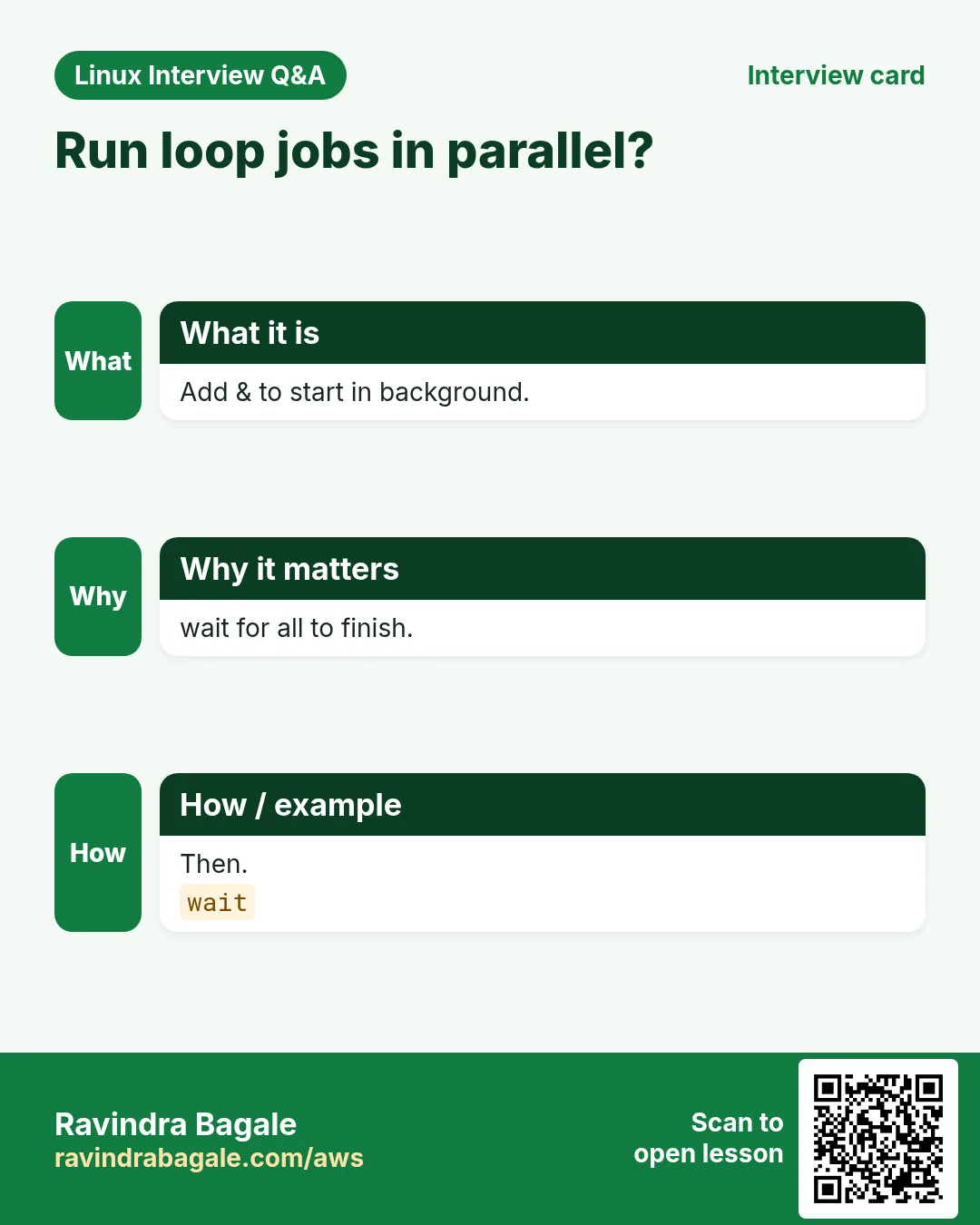
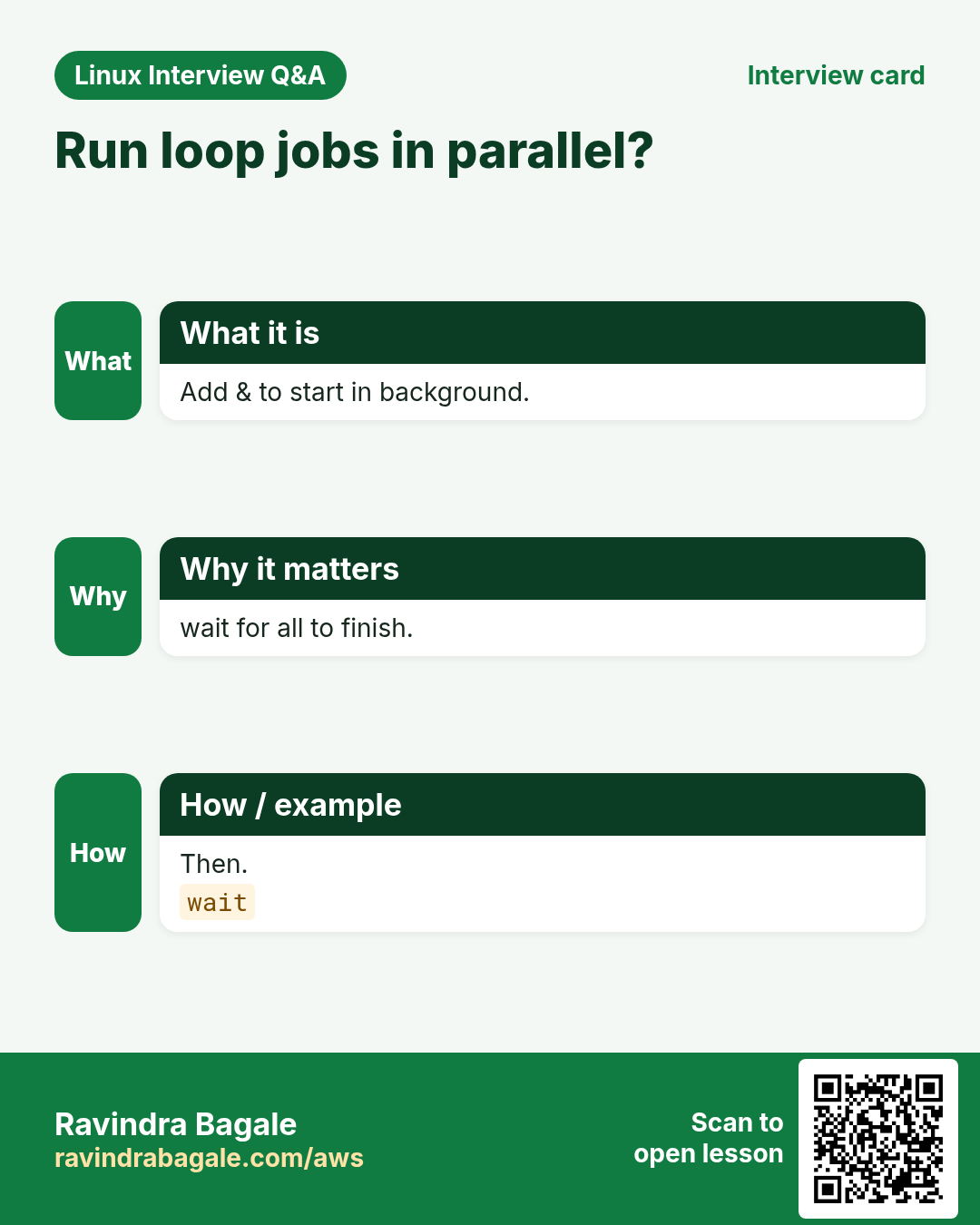
Put & after a command inside the loop to run it in the background, then wait after the loop for all of them. Limit how many run together, for example with xargs -P 8 or by waiting every N jobs. Write each job's output to its own file so lines do not mix.
How to do it (step by step)
- Background and wait.
for h in web1 web2 web3; do ( ping -c1 -W1 "$h" &>/dev/null && echo "$h up" || echo "$h down" ) & done; wait; echo all doneOutput:
web2 up
web1 up
web3 down
all done
What it means: Order changes; all finish before 'all done'.
- xargs -P.
printf '%s\n' web{1..6} | xargs -P 3 -I{} sh -c 'sleep 1; echo {} checked'Output:
web1 checked
web2 checked
web3 checked
web4 checked
web5 checked
web6 checked
What it means: Three at a time, about 2 seconds total.
- Time it.
time (for i in 1 2 3; do sleep 1 & done; wait)Output:
real 0m1.01sWhat it means: Three 1-second jobs in 1 second.
11. Real examples from many industries
Why do we need this?
The same Linux skill shows up in every kind of company. Seeing it in many places helps you remember it.
What is it?
Each row is a made-up team. It shows who uses this and how.
How to do it (step by step)
| Team and city | How they use it | Command |
|---|---|---|
| Shruti, edtech, Pune | Bulk-create student folders from CSV | while IFS=, read -r id name; do mkdir -p "$id"; done |
| Noah, SaaS, Toronto | Wait for DB before app start | until pg_isready; do sleep 2; done |
| Priya, ad tech, Bengaluru | Parallel health checks | xargs -P 10 |
| Hans, automotive, Munich | Rotate logs with a glob loop | for f in *.log; do gzip "$f"; done |
| Aisha, govt portal, Nairobi | Users from /etc/passwd | while IFS=: read -r u _ uid _ |
| Diego, retail, Madrid | Retry API calls | for i in {1..5}; do curl -f ... && break; done |
12. Common errors and how to fix them
Why do we need this?
Everyone hits these errors. Knowing the cause saves hours.
What is it?
Read the exact message first. Then match it to a row below.
How to do it (step by step)
| Error you see | Why it happens | How to fix |
|---|---|---|
Names with spaces split in the loop | for f in $(ls) used | Use a glob.for f in *; do |
Loop ran once with '*.csv' | No match and no nullglob | Enable nullglob.shopt -s nullglob |
{1..$n} printed literally | Braces before variables | Use C-style for or seq.for ((i=1;i<=n;i++)) |
Count is 0 after the loop | Pipe made a subshell | Use < <(cmd).done < <(cmd) |
Last line of the file skipped | No new line at end | Add || [[ -n $line ]].while IFS= read -r l || [[ -n $l ]] |
Loop stopped after the first host | ssh read the rest of stdin | Use ssh -n.ssh -n "$h" cmd |
Leading spaces removed | IFS not empty | Use IFS=.while IFS= read -r l |
Endless loop, CPU 100% | No sleep and no exit | Add sleep and a counter.sleep 2; (( ++t > 10 )) && break |
syntax error near unexpected token `done' | Missing do | Add do.for x in a; do echo $x; done |
13. Troubleshooting step by step
Why do we need this?
Make the loop show each value before acting on it.
What is it?
Go top to bottom. Stop at the first step that shows the problem.
How to do it (step by step)
- Show items.
for f in *.log; do printf '[%s]\n' "$f"; done- Count lines read.
wc -l < file- Find CR characters.
grep -c $'\r' file- Strip CR.
sed -i 's/\r$//' file- Trace one round.
bash -x s.sh 2>&1 | head -40- Lint.
shellcheck s.sh14. Lab 1: Users from a CSV
Why do we need this?
Read a CSV of new joiners with while IFS=, read -r, skip bad rows, and print the commands you would run.
What is it?
A full hands-on lab. Run every step on a test Linux machine (an EC2 instance, a VM, or WSL).
How to do it (step by step)
- Folder and data.
mkdir -p ~/lab41 && cd ~/lab41 && printf 'user,team,shell\nmeera,dev,bash\n#skip,me,bash\n,ops,bash\nkunal,ops,zsh\n' | tee joiners.csv- Loop.
n=0; while IFS=, read -r u team sh; do [[ $u == \#* || -z $u ]] && continue; echo "useradd -m -s /bin/$sh -G $team $u"; ((n++)); done < <(tail -n +2 joiners.csv); echo "total $n"Output:
useradd -m -s /bin/bash -G dev meera
useradd -m -s /bin/zsh -G ops kunal
total 2- Why total works.
echo 'process substitution kept the loop in this shell'Output:
process substitution kept the loop in this shell- Check for Windows line ends.
grep -c $'\r' joiners.csvOutput:
0- Count rows.
tail -n +2 joiners.csv | wc -lOutput:
4- Lint idea.
echo 'run shellcheck on your script'Output:
run shellcheck on your script15. Lab 2: Retry and parallel check
Why do we need this?
Write a retry loop with until, then check many hosts in parallel with wait.
What is it?
A full hands-on lab. Run every step on a test Linux machine (an EC2 instance, a VM, or WSL).
How to do it (step by step)
- Fake flaky command.
printf '#!/bin/bash\n(( RANDOM %% 3 == 0 ))\n' | tee flaky.sh && chmod +x flaky.sh- Retry.
t=0; until ./flaky.sh; do ((t++)); echo "failed $t"; (( t >= 10 )) && break; sleep 1; done; echo "finished after $t failures"Output:
failed 1
failed 2
finished after 2 failures- Hosts file.
printf 'localhost\n127.0.0.1\nno.such.host\n' | tee hosts.txt- Parallel.
while IFS= read -r h; do ( ping -c1 -W1 "$h" &>/dev/null && echo "$h up" || echo "$h down" ) & done < hosts.txt; waitOutput:
localhost up
127.0.0.1 up
no.such.host down- Time it.
time (while IFS= read -r h; do ping -c1 -W1 "$h" &>/dev/null & done < hosts.txt; wait)Output:
real 0m1.02s- xargs version.
xargs -P 3 -I{} ping -c1 -W1 {} < hosts.txt | grep -c 'bytes from'Output:
2Ravindra Bagale's Tip
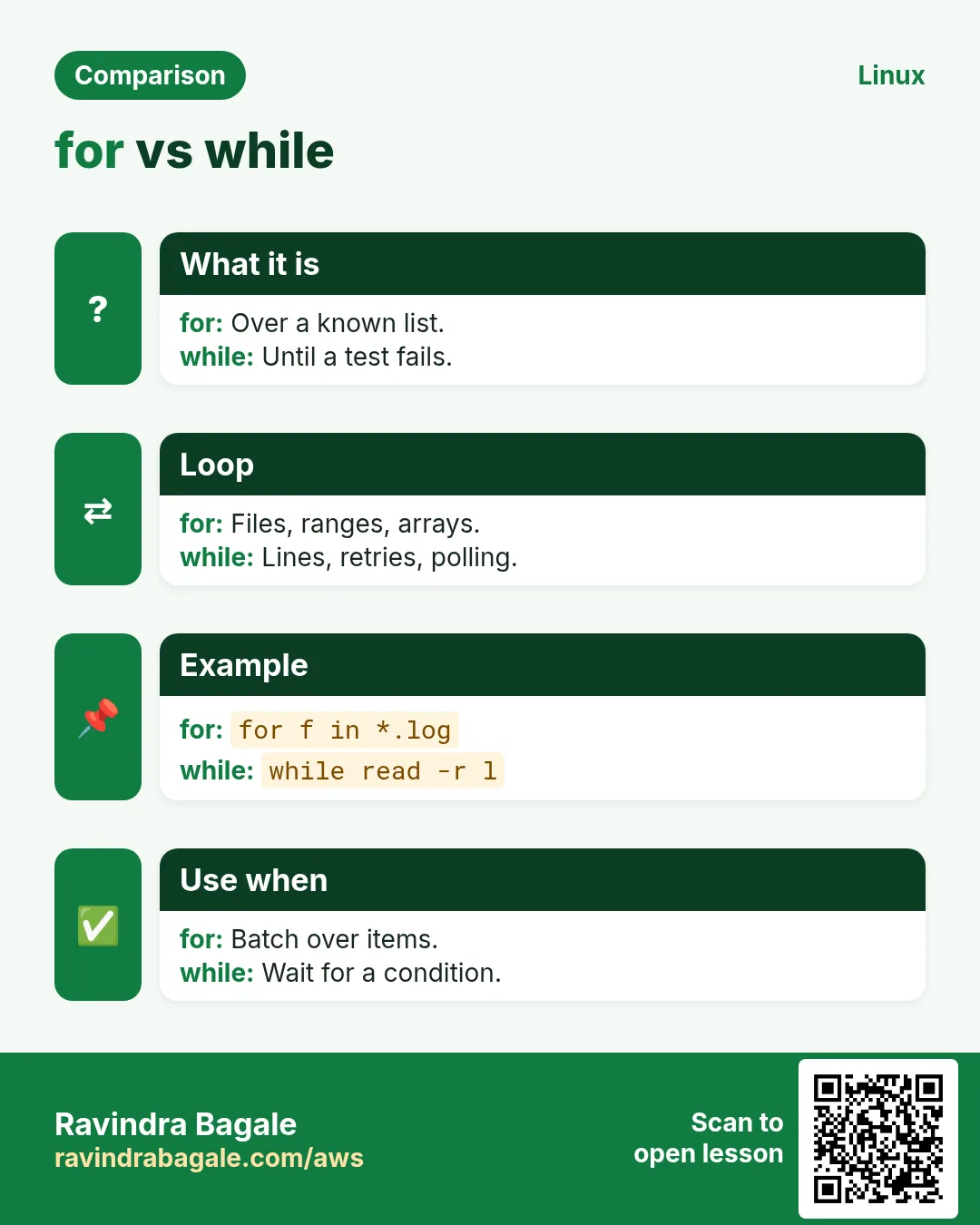
For files use while IFS= read -r line; do ...; done < file. Never use for line in $(cat file). If you need variables after the loop, feed it with < <(command) instead of a pipe.
Ravindra Bagale's Tip – मराठी
Files साठी while IFS= read -r line; do ...; done < file वापरा. कधीही for line in $(cat file) नको. Loop नंतर variables लागत असतील तर pipe ऐवजी < <(command) ने द्या.
Ravindra Bagale's Tip – हिंदी
Files के लिए while IFS= read -r line; do ...; done < file इस्तेमाल कीजिए. कभी भी for line in $(cat file) नहीं. Loop के बाद variables चाहिए तो pipe की जगह < <(command) से दीजिए.
16. Frequently asked questions
Q. for or while?
for for known lists, while for files and conditions.
Q. What does IFS= do?
Keeps leading/trailing spaces.
Q. Why -r?
Keeps backslashes.
Q. Loop over sub-folders?
globstar ** or find -print0 with read -d ''.
Q. Variables lost after loop?
Pipe subshell; use < <(cmd).
Q. Stop an endless loop?
Ctrl+C, and add a counter.
Q. Quoted commas in CSV?
Use a CSV tool.
Q. Limit parallel jobs?
xargs -P N or wait -n.
17. Interview questions and answers
Beginner level
Q. Loop 1 to 5?
for i in {1..5}.
Q. Skip one round?
continue.
Q. Leave a loop?
break.
Q. Loop over .txt files?
for f in *.txt.
Mid level level
Q. Read a file line by line?
while IFS= read -r l; do ...; done < f.
Q. until vs while?
until runs while the test fails.
Q. Split a CSV line?
IFS=, read -r a b c.
Q. Why not for in $(cat)?
Splits on spaces, globs.
Senior level
Q. Explain the pipe subshell problem.
Each pipe part is a subshell; use process substitution or lastpipe.
Q. Handle file names with new lines?
find -print0 | while IFS= read -r -d '' f.
Q. Run 500 checks fast but safely?
xargs -P with a limit, timeouts, per-job logs.
Q. Loop that must not hang?
Timeouts on commands and a max retry counter.
Try at home
- Write a loop that prints the size of every .conf file in /etc with du, skipping ones you cannot read.
- Read /etc/passwd with IFS=: and print users whose shell is /bin/bash.
Practice Tasks
Milan Furniture is a furniture business in Milan. Giulia Rossi looks after its IT and cloud work. They count money in EUR and run their AWS resources in the eu-south-1 Region. In the tasks below you do real jobs for them using what this lesson teaches. All names, account IDs, IP addresses and numbers are made up for practice.
0 / 21
Easy Loop a list
Why: BIZ runs the same job on hundreds of files and servers.
What to do: Loop over Pune Nashik Nagpur printing each as $c.
- Find the Linux command that does this job.
- Add the options (like -r or -h) the task needs.
- Add the file names, folders or users in the right order.
- Use sudo if the job changes system files or users. Click Check answer.
Easy Brace range
Why: BIZ runs the same job on hundreds of files and servers.
What to do: Print the numbers 1 to 7 with a for loop over a brace range, variable i.
- Find the Linux command that does this job.
- Add the options (like -r or -h) the task needs.
- Add the file names, folders or users in the right order.
- Use sudo if the job changes system files or users. Click Check answer.
Easy Loop files
Why: BIZ runs the same job on hundreds of files and servers.
What to do: Loop over *.pdf printing each file name quoted, variable f.
- Find the Linux command that does this job.
- Add the options (like -r or -h) the task needs.
- Add the file names, folders or users in the right order.
- Use sudo if the job changes system files or users. Click Check answer.
Easy Forever loop
Why: BIZ runs the same job on hundreds of files and servers.
What to do: Write a loop that prints the date every 60 seconds forever.
- Find the Linux command that does this job.
- Add the options (like -r or -h) the task needs.
- Add the file names, folders or users in the right order.
- Use sudo if the job changes system files or users. Click Check answer.
Easy Read lines
Why: BIZ runs the same job on hundreds of files and servers.
What to do: Read pincodes.txt line by line safely into line and print each.
- Find the Linux command that does this job.
- Add the options (like -r or -h) the task needs.
- Add the file names, folders or users in the right order.
- Use sudo if the job changes system files or users. Click Check answer.
Easy Wait for one job
Why: BIZ runs the same job on hundreds of files and servers.
What to do: Wait for the background job whose PID is in bgpid.
- Find the Linux command that does this job.
- Add the options (like -r or -h) the task needs.
- Add the file names, folders or users in the right order.
- Use sudo if the job changes system files or users. Click Check answer.
Medium C-style
Why: BIZ runs the same job on hundreds of files and servers.
What to do: Write a C-style for loop from 0 while less than 4, variable k, printing it.
- Find the Linux command that does this job.
- Add the options (like -r or -h) the task needs.
- Add the file names, folders or users in the right order.
- Use sudo if the job changes system files or users. Click Check answer.
Medium seq padded
Why: BIZ runs the same job on hundreds of files and servers.
What to do: Print 1 to 12 padded to equal width with seq.
- Find the Linux command that does this job.
- Add the options (like -r or -h) the task needs.
- Add the file names, folders or users in the right order.
- Use sudo if the job changes system files or users. Click Check answer.
Medium Turn nullglob off
Why: BIZ runs the same job on hundreds of files and servers.
What to do: Turn off the nullglob shell option.
- Find the Linux command that does this job.
- Add the options (like -r or -h) the task needs.
- Add the file names, folders or users in the right order.
- Use sudo if the job changes system files or users. Click Check answer.
Medium While counter
Why: BIZ runs the same job on hundreds of files and servers.
What to do: Write a while loop that runs while x is at most 3, printing x and incrementing it.
- Find the Linux command that does this job.
- Add the options (like -r or -h) the task needs.
- Add the file names, folders or users in the right order.
- Use sudo if the job changes system files or users. Click Check answer.
Medium Until port
Why: BIZ runs the same job on hundreds of files and servers.
What to do: Loop until port 5432 on localhost answers nc -z, sleeping 3 seconds each time.
- Find the Linux command that does this job.
- Add the options (like -r or -h) the task needs.
- Add the file names, folders or users in the right order.
- Use sudo if the job changes system files or users. Click Check answer.
Medium CSV fields
Why: BIZ runs the same job on hundreds of files and servers.
What to do: Read vendors.csv split on commas into id, name and gst, printing name.
- Find the Linux command that does this job.
- Add the options (like -r or -h) the task needs.
- Add the file names, folders or users in the right order.
- Use sudo if the job changes system files or users. Click Check answer.
Medium Colon fields
Why: BIZ runs the same job on hundreds of files and servers.
What to do: Read /etc/group split on colons into g, pw and gid, printing g and gid.
- Find the Linux command that does this job.
- Add the options (like -r or -h) the task needs.
- Add the file names, folders or users in the right order.
- Use sudo if the job changes system files or users. Click Check answer.
Medium Skip blank lines
Why: BIZ runs the same job on hundreds of files and servers.
What to do: Inside a read loop, skip to the next line when line is empty.
- Find the Linux command that does this job.
- Add the options (like -r or -h) the task needs.
- Add the file names, folders or users in the right order.
- Use sudo if the job changes system files or users. Click Check answer.
Medium Stop on STOP
Why: BIZ runs the same job on hundreds of files and servers.
What to do: Inside a loop, leave it when the variable w equals STOP.
- Find the Linux command that does this job.
- Add the options (like -r or -h) the task needs.
- Add the file names, folders or users in the right order.
- Use sudo if the job changes system files or users. Click Check answer.
Hard Hidden files in globs
Why: BIZ runs the same job on hundreds of files and servers.
What to do: Turn on the shell option that makes * also match names starting with a dot.
- Find the Linux command that does this job.
- Add the options (like -r or -h) the task needs.
- Add the file names, folders or users in the right order.
- Use sudo if the job changes system files or users. Click Check answer.
Hard Keep the count
Why: BIZ runs the same job on hundreds of files and servers.
What to do: Count lines of ls output into n so n survives the loop, using process substitution.
- Find the Linux command that does this job.
- Add the options (like -r or -h) the task needs.
- Add the file names, folders or users in the right order.
- Use sudo if the job changes system files or users. Click Check answer.
Hard lastpipe
Why: BIZ runs the same job on hundreds of files and servers.
What to do: Turn on the option that runs the last part of a pipe in the current shell.
- Find the Linux command that does this job.
- Add the options (like -r or -h) the task needs.
- Add the file names, folders or users in the right order.
- Use sudo if the job changes system files or users. Click Check answer.
Hard Leave three
Why: BIZ runs the same job on hundreds of files and servers.
What to do: Leave three nested loops at once.
- Find the Linux command that does this job.
- Add the options (like -r or -h) the task needs.
- Add the file names, folders or users in the right order.
- Use sudo if the job changes system files or users. Click Check answer.
Hard Four at a time
Why: BIZ runs the same job on hundreds of files and servers.
What to do: Ping each host in hosts.txt once, four in parallel, with xargs.
- Find the Linux command that does this job.
- Add the options (like -r or -h) the task needs.
- Add the file names, folders or users in the right order.
- Use sudo if the job changes system files or users. Click Check answer.
Hard Null-safe find loop
Why: BIZ runs the same job on hundreds of files and servers.
What to do: Loop over every .mp4 under media from find with null separators, printing each.
- Find the Linux command that does this job.
- Add the options (like -r or -h) the task needs.
- Add the file names, folders or users in the right order.
- Use sudo if the job changes system files or users. Click Check answer.
18. Related chapters
- Linux Ops Refresh for DevOps
- Bash Scripting for Automation
- Linux grep and find Commands with Examples
- How to Set Up Passwordless SSH Between Linux Servers
In short
- for walks lists, globs and ranges.
- for ((i=0;i
- while/until loop on a condition; always add an exit.
- continue skips, break leaves.
- while IFS= read -r line; do ...; done < file reads safely.
- Use < <(cmd) to keep variables after the loop.
Revision, comparison and interview cards
Revise this lesson in a few minutes. Save the cards on your phone or download them as PNG files. The QR code on each card opens this lesson.
More cards: Ravi Sir's Cards.