How to Create Public and Private Subnets in AWS VPC
A VPC on its own is just a big range of private IPs. To put web, app and database servers in it, you split it into subnets, decide which subnets can reach the internet, and tell the VPC where to send traffic. This chapter carves 10.0.0.0/16 into /20 subnets one after another in binary, shows why AWS refuses overlapping subnets, places one subnet in each Availability Zone, explains where a server's private IP comes from, lists the 5 IPs AWS keeps in every subnet, counts how many subnets fit, and then makes one subnet public with an internet gateway and route tables, while the others stay private. The CIDR basics are in the previous chapter, What Is AWS VPC and How to Calculate CIDR IP Ranges.
What you'll learn in this class
- Carving
/20subnets one after another, in binary - The shortcut:
/20blocks step by 16 - Why overlapping subnets are refused
- One subnet lives in one Availability Zone
- The default VPC and its default subnets
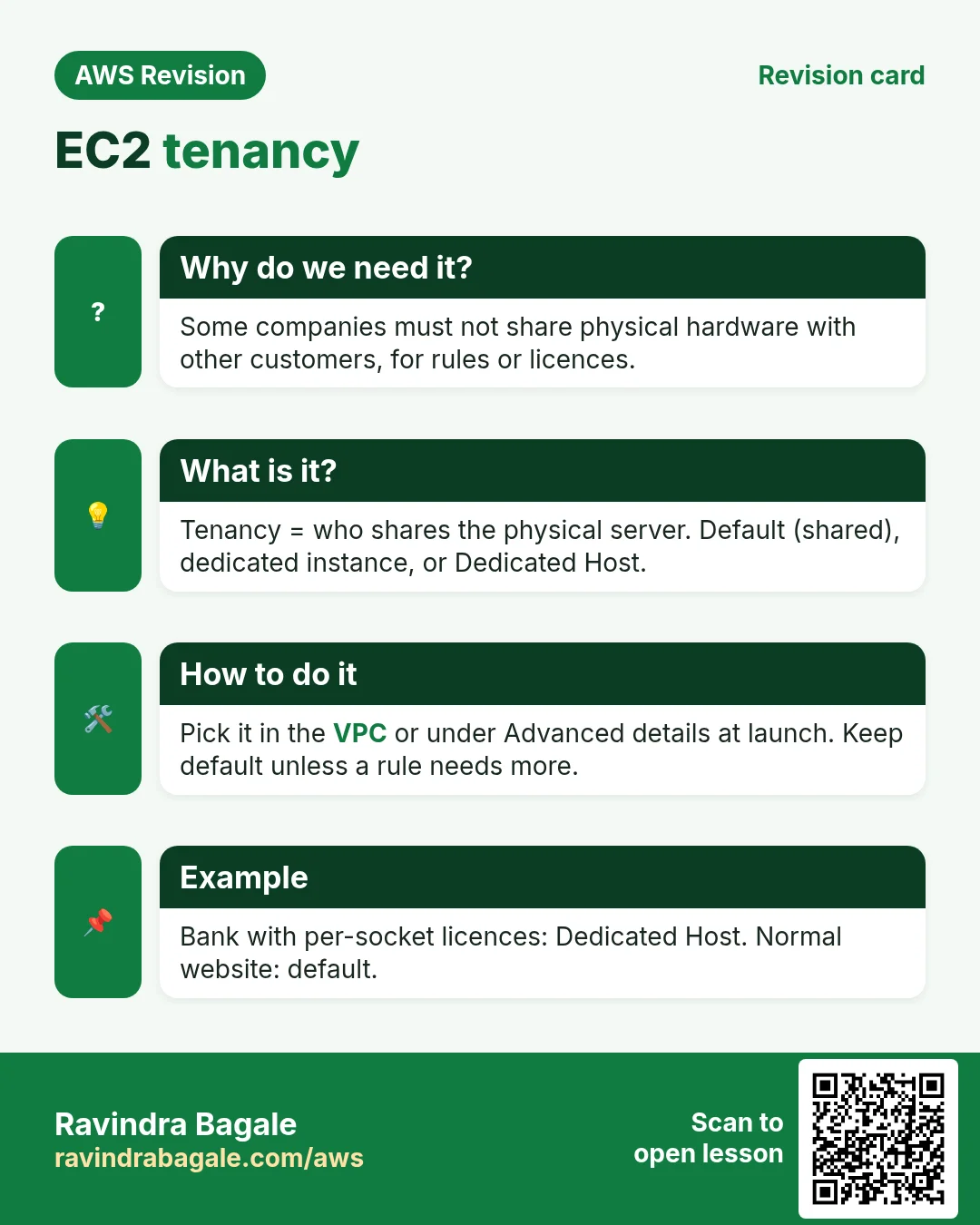
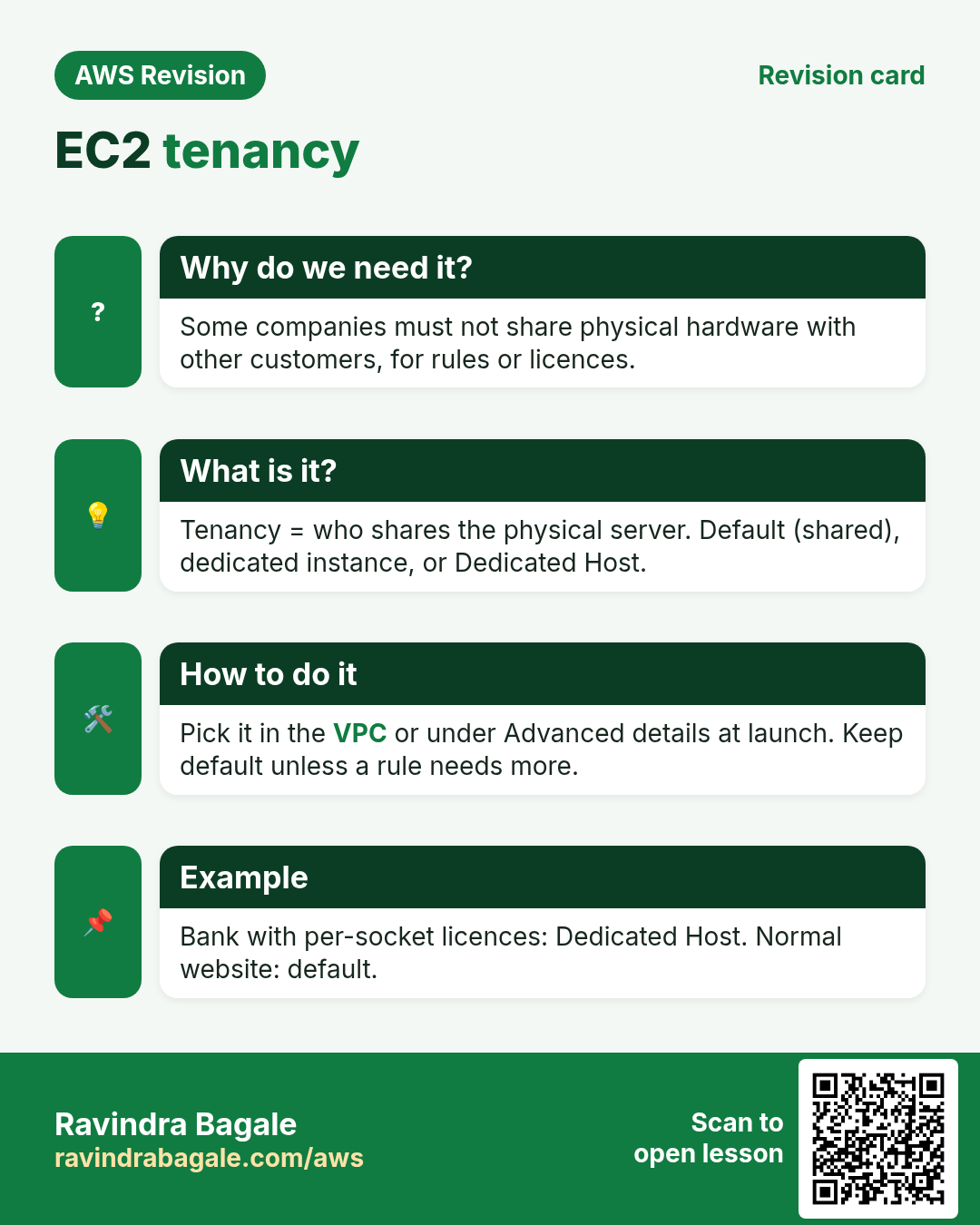
- Tenancy: default, dedicated instance and Dedicated Host
- Lab: a public IP is not enough without a route to the internet gateway
- Private IP ranges (RFC 1918), public IPs and DHCP
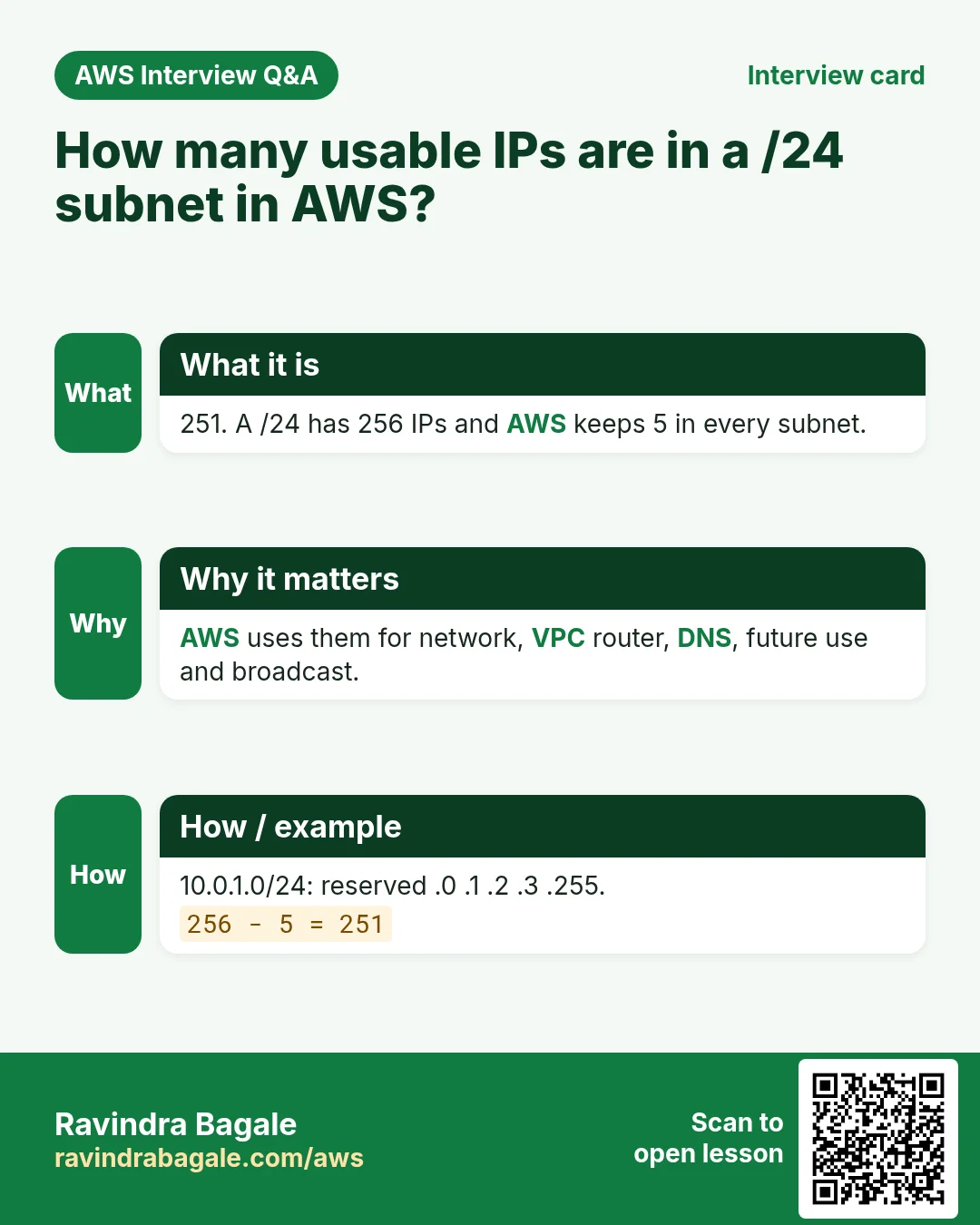
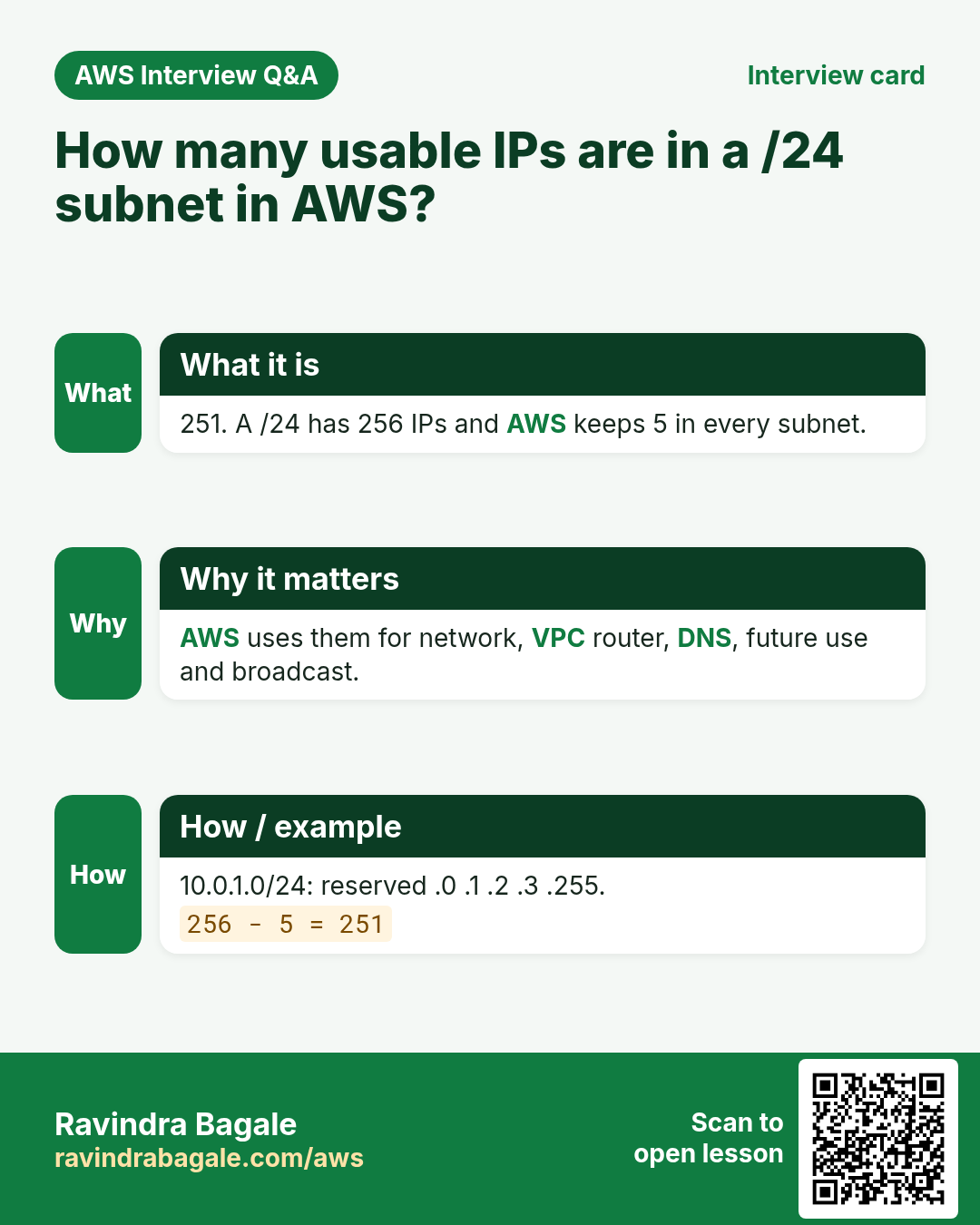
- The 5 IPs AWS keeps in every subnet
- Usable IPs, and how many subnets fit in a VPC
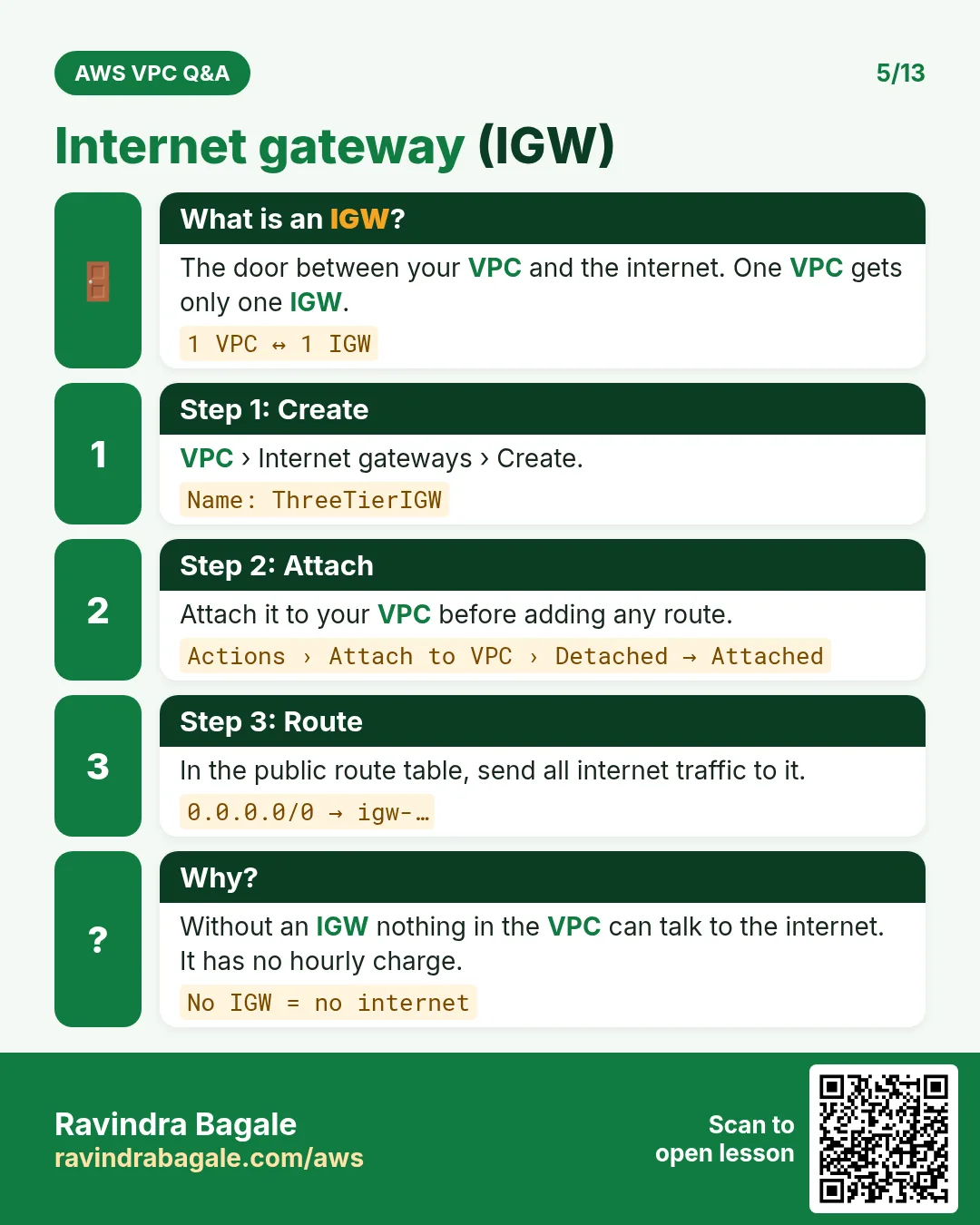
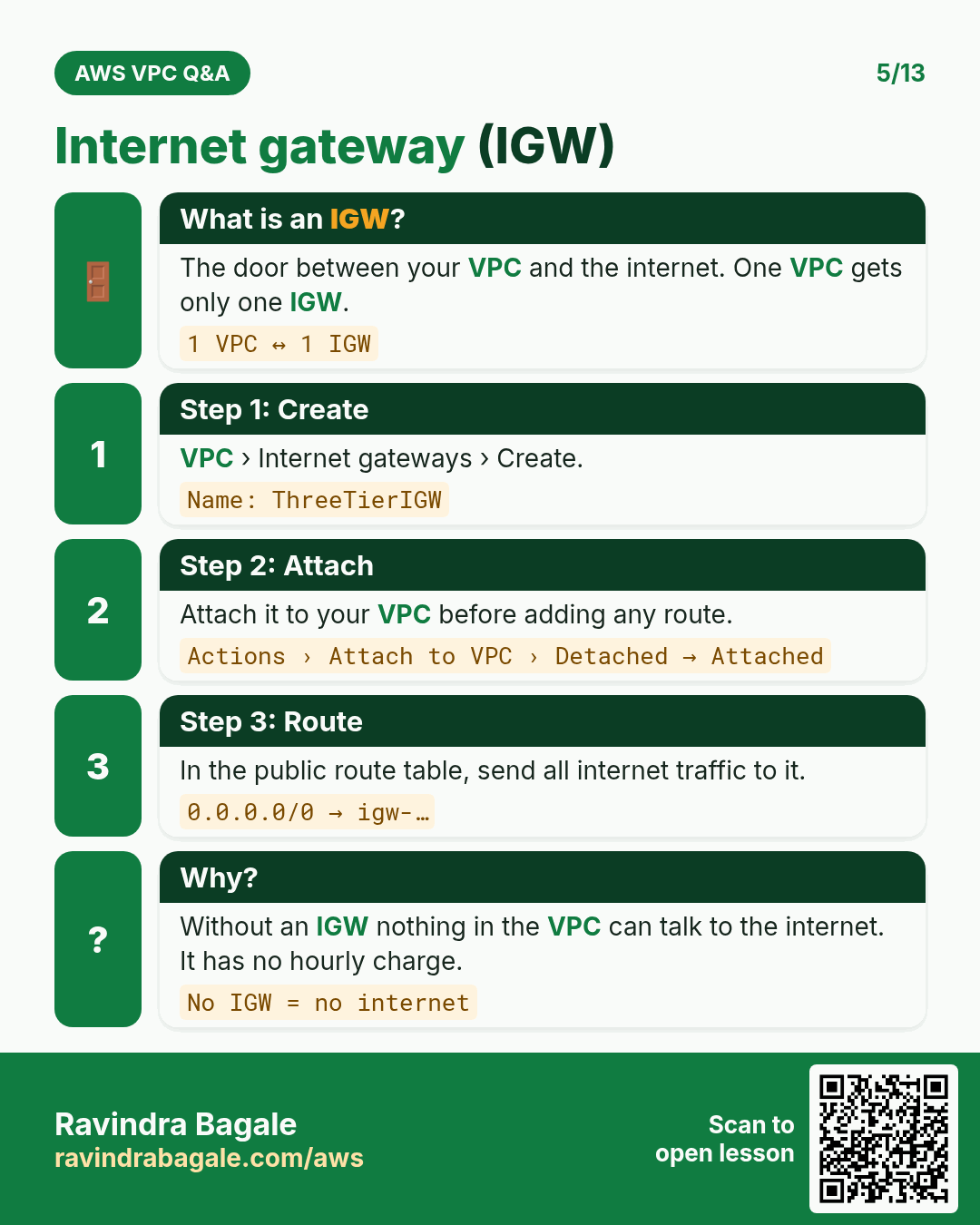
- Internet gateway: public vs private subnets
- Route tables: Destination and Target, and the main route table
- Building it in the console
1. Why the VPC needs subnets
Why: the three tiers need separate places in the VPC: the web servers must be reachable from the internet, the app and database servers must not. A subnet is a block of the VPC's range, and each subnet gets its own rules.
The plan for this chapter: VPC 10.0.0.0/16 (65,536 IPs, 10.0.0.0 to 10.0.255.255), split into /20 subnets of 4,096 IPs each. How /16 and /20 are counted is in Worked example: 10.0.0.0/20 and its last IP.
Classroom line
How do we decide? It's simple: look at the CIDR block.
Class मधलं वाक्य
कसं ठरवायचं? सोपं आहे, CIDR block बघावा लागेल.
Classroom line – हिंदी
"Kaise decide karte hai? Simple hai, CIDR block dekhna padega."
2. Subnet 1: 10.0.0.0/20
/20means the first 20 bits stay fixed in every IP of the subnet: two full octets and the first 4 bits of the 3rd octet.- The 3rd octet is 0 =
0000 0000. Set its 4 free bits to 1:0000 1111= 15. - Subnet 1 =
10.0.0.0to10.0.15.255, 4,096 IPs.
Classroom line
When I convert to binary, the first 20 bits stay fixed in every IP.
Class मधलं वाक्य
Binary मध्ये convert केलं की सुरुवातीचे 20 bits प्रत्येक IP मध्ये fix राहतील.
Classroom line – हिंदी
"Binary me convert karunga to starting se 20 bits sabhi IP ke andar fix rahenge."
3. Subnet 2: start at the last IP + 1
Rule: the next subnet starts right after the last IP of the previous one.
- Last IP of subnet 1:
10.0.15.255. Add 1: the 4th octet rolls over to 0 and the 3rd goes up by 1, so10.0.16.0. - Subnet 2 =
10.0.16.0/20. Now find its last IP. - Write the binary places by doubling eight times from 1: 1, 2, 4, 8, 16, 32, 64, 128. From the left: 128 64 32 16 8 4 2 1.
- Pick the places that add up to 16: only 16. So 16 =
0001 0000. - Keep the first 4 bits
0001, set the last 4 to 1:0001 1111= 16 + 8 + 4 + 2 + 1 = 31. - Subnet 2 =
10.0.16.0to10.0.31.255.
Classroom line
Keep doubling until you have done it eight times.
Class मधलं वाक्य
"Eight vela hoi paryant double double karat jaycha."
आठ वेळा होईपर्यंत double double करत जायचं.
Classroom line
Keep doubling until you have done it eight times.
Classroom line
From these, find the numbers whose sum gives this number.
Class मधलं वाक्य
यातून असे numbers शोधायचे ज्यांची बेरीज हा number होईल.
Classroom line – हिंदी
"Inme se aise number dhundhna hai jiska addition ye number hoga."
Figure 1. Animation: 10.0.15.255 + 1 = 10.0.16.0; 16 in binary is 0001 0000; keep the 4 fixed bits and set the 4 free bits to 1, 0001 1111 = 31; so subnet 2 is 10.0.16.0 to 10.0.31.255 and the next one starts at 10.0.32.0.
4. Subnet 3 and the shortcut
- Last IP of subnet 2 + 1:
10.0.31.255+ 1 =10.0.32.0. - 32 =
0010 0000. Keep0010, set the rest to 1:0010 1111= 32 + 8 + 4 + 2 + 1 = 47. - Subnet 3 =
10.0.32.0to10.0.47.255.
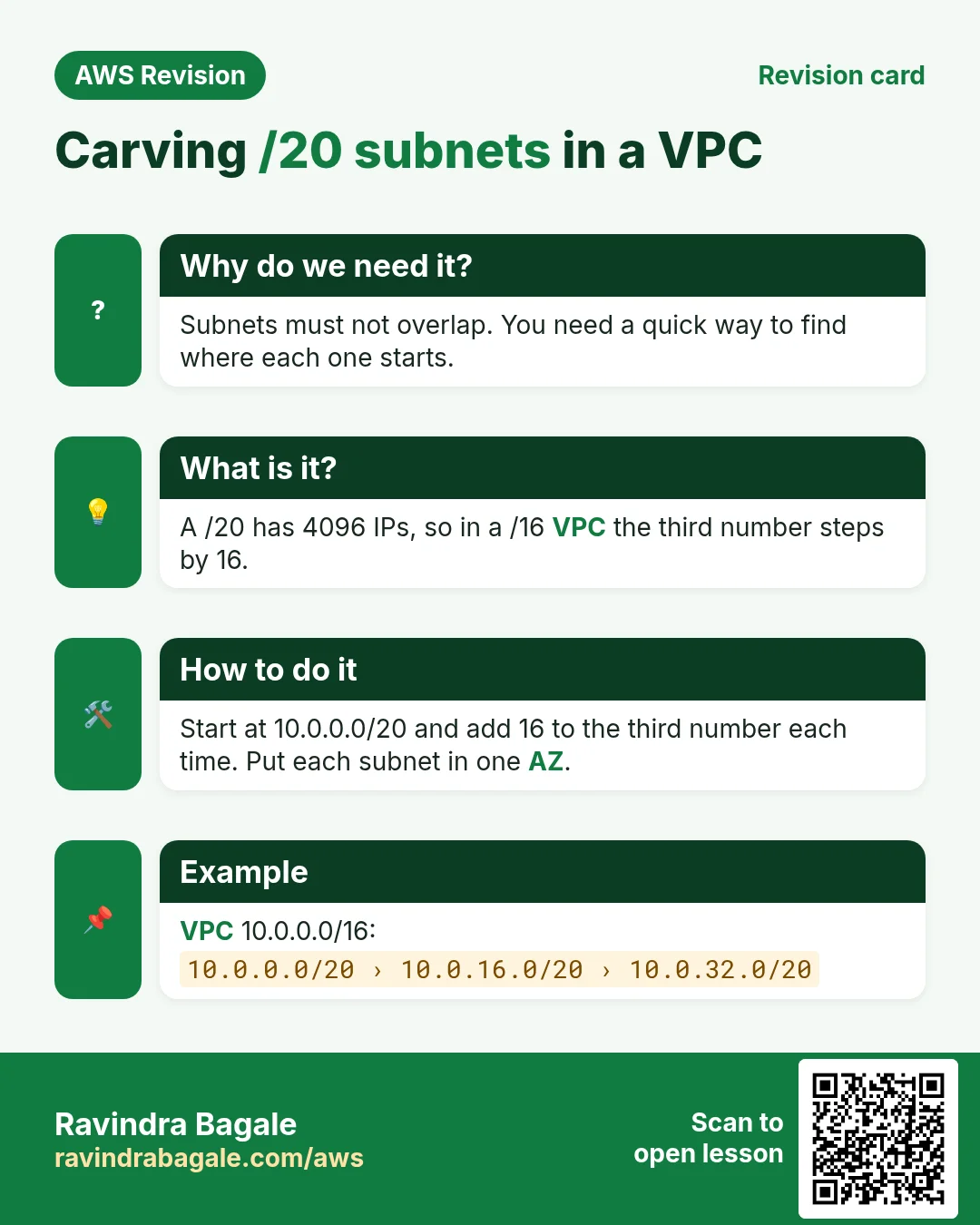
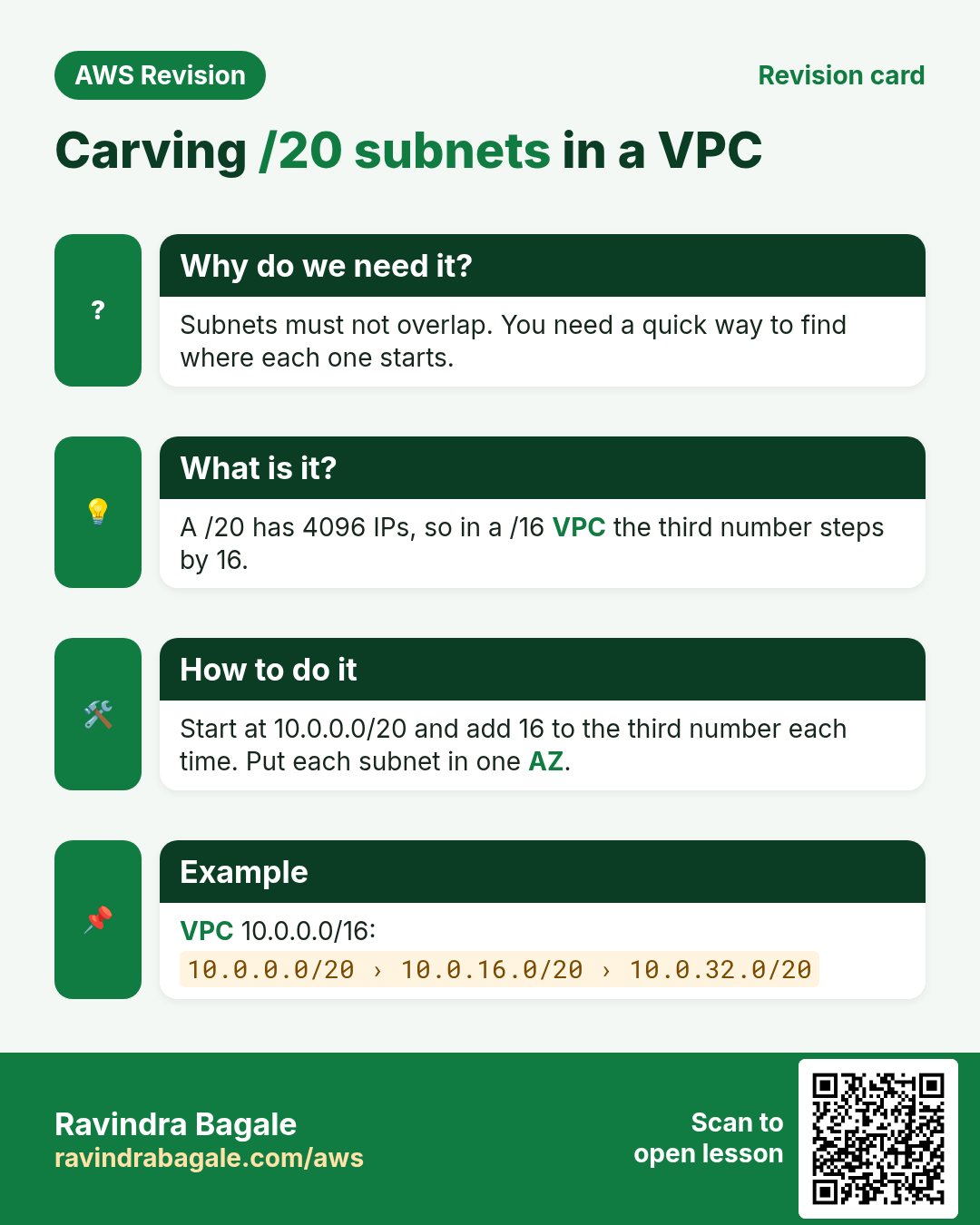
The shortcut: a /20 has 4 free bits in the 3rd octet, so each block covers 16 values of it. The blocks start at 0, 16, 32, 48, 64, and so on, and each ends 15 later.
| Subnet | CIDR | First IP | Last IP |
|---|---|---|---|
| 1 | 10.0.0.0/20 | 10.0.0.0 | 10.0.15.255 |
| 2 | 10.0.16.0/20 | 10.0.16.0 | 10.0.31.255 |
| 3 | 10.0.32.0/20 | 10.0.32.0 | 10.0.47.255 |
| 4 | 10.0.48.0/20 | 10.0.48.0 | 10.0.63.255 |
| 16 | 10.0.240.0/20 | 10.0.240.0 | 10.0.255.255 |
Classroom line
You must be able to do this; they ask it in interviews.
Class मधलं वाक्य
"Jamayla pahije ha, interview madhe vichartat."
हे जमायला पाहिजे, interview मध्ये विचारतात.
Classroom line
You must be able to do this; they ask it in interviews.
5. Overlapping subnets are refused
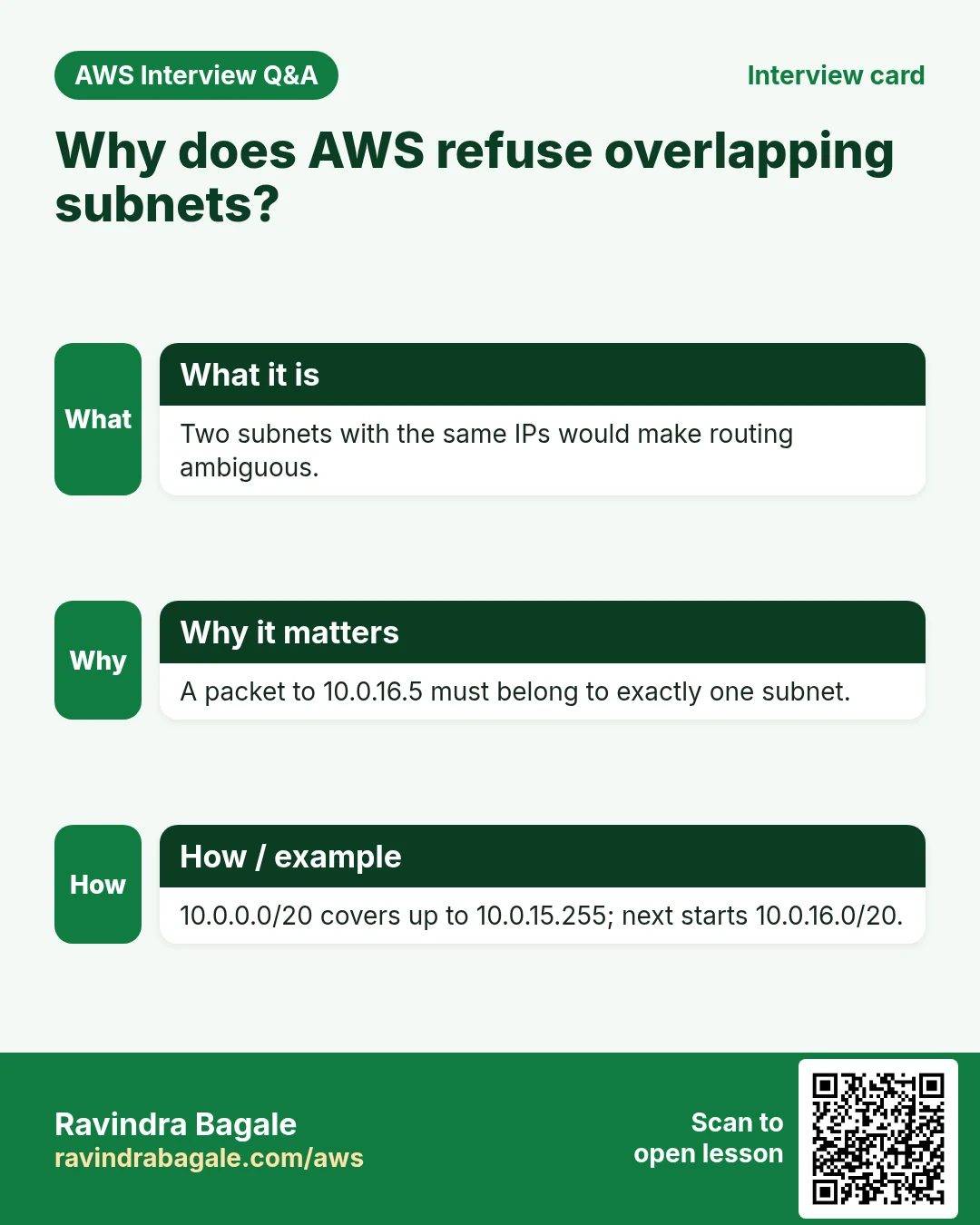
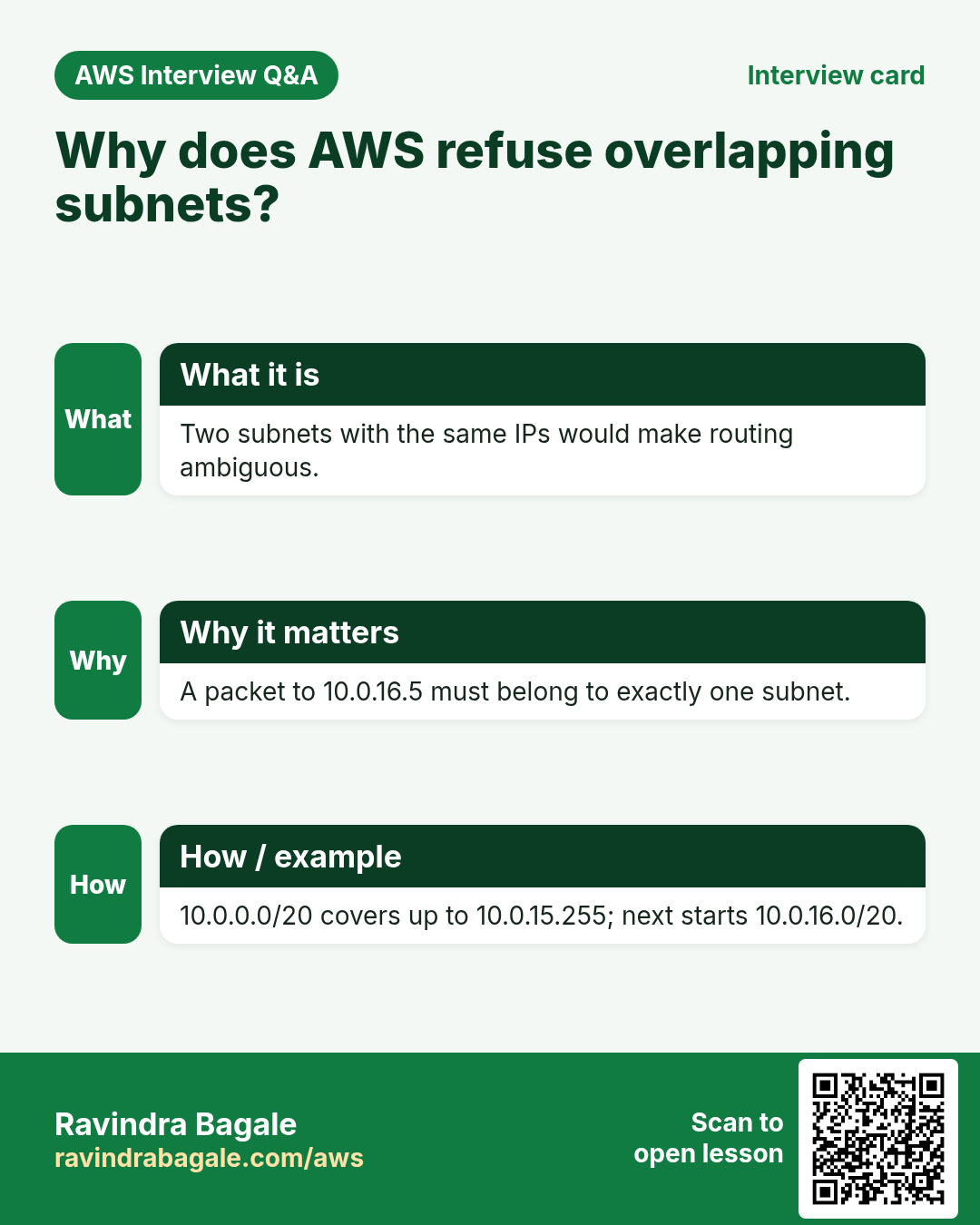
What: two subnets of one VPC can't share any IP. If you try to create 10.0.14.0/24 while 10.0.0.0/20 exists, AWS refuses it with a message that the CIDR conflicts with another subnet: 10.0.14.0 to 10.0.14.255 lies inside 10.0.0.0 to 10.0.15.255.
How to avoid it:
- Carve the subnets in order, each starting at the last IP + 1 of the one before.
- Don't leave gaps. A gap of odd-sized space between blocks is hard to use later, and those IPs are wasted.
- Keep a small table like the one above for every VPC you design.
Classroom line
You'll get an IP overlap error.
Class मधलं वाक्य
IP overlap चा error येईल.
Classroom line – हिंदी
"IP overlap ka error aayega."
Classroom line
The IPs in between got wasted, right?
Class मधलं वाक्य
मधले IPs वाया गेले ना.
Classroom line – हिंदी
"Beech ke IP waste ho gaye na."
Figure 2. Along the 3rd octet, 10.0.0.0/20 takes 0 to 15, 10.0.16.0/20 takes 16 to 31 and 10.0.32.0/20 takes 32 to 47. A new 10.0.14.0/24 lies inside the first block, so it is refused; the next free block is 10.0.48.0/20.
6. One subnet lives in one Availability Zone
What:
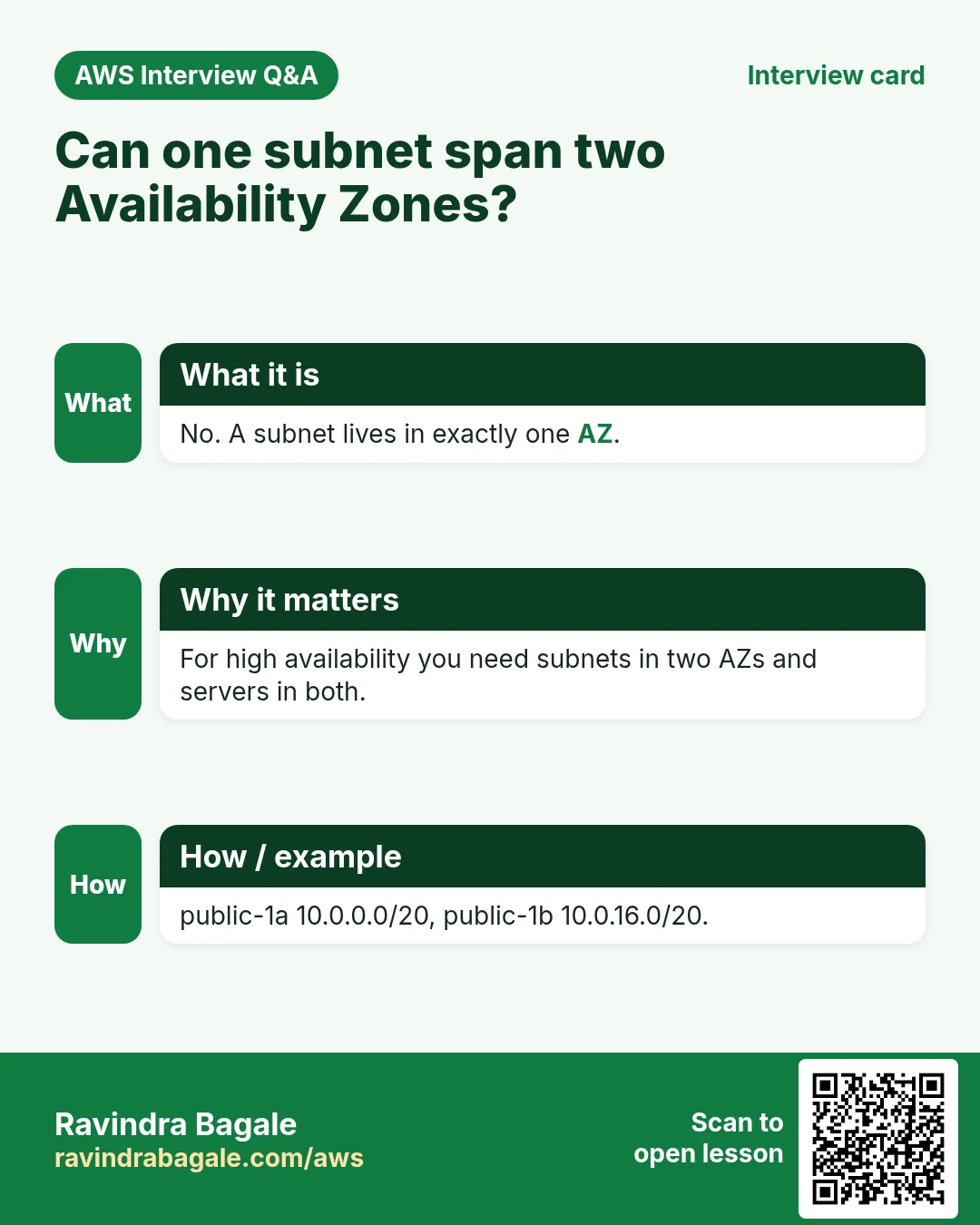
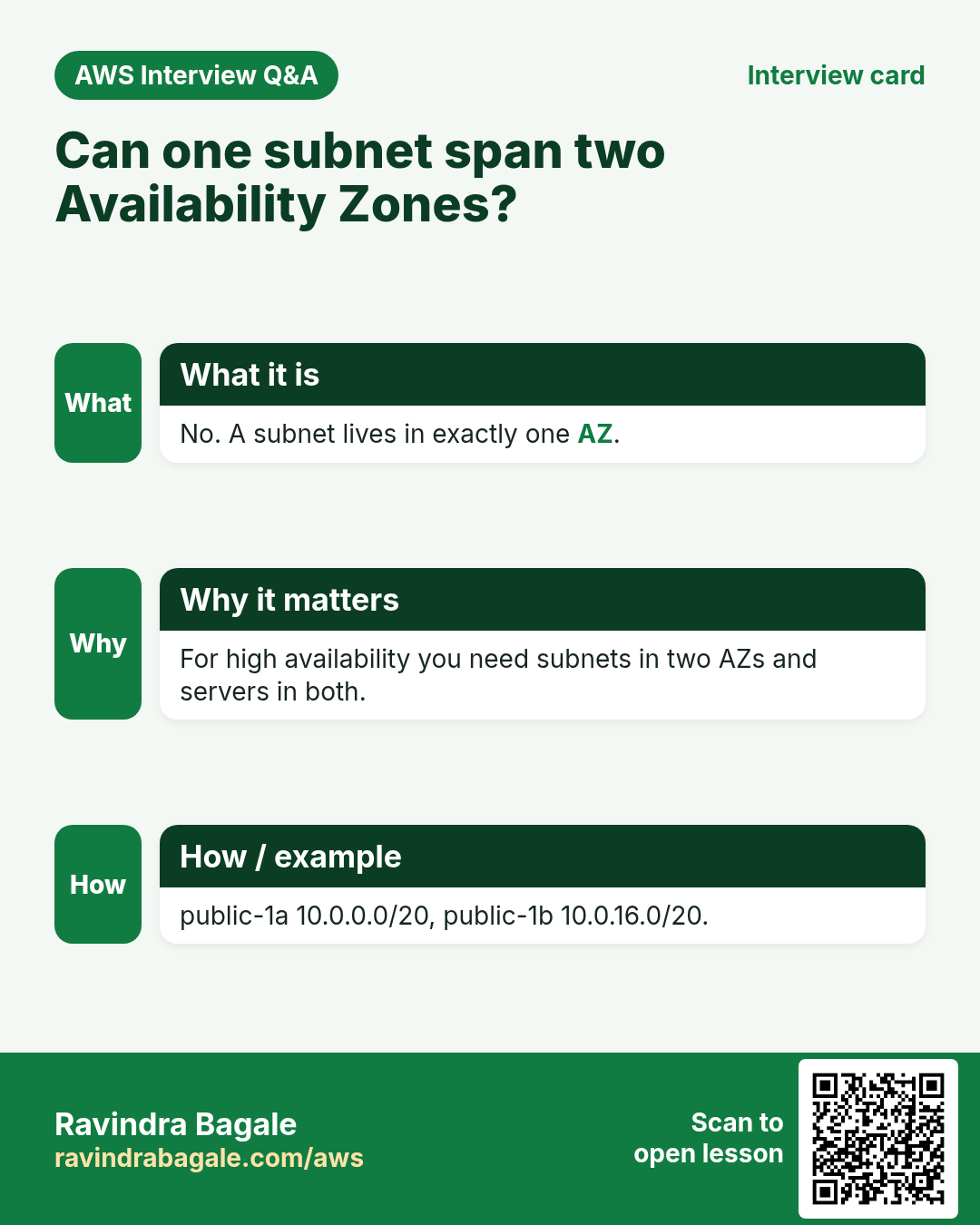
- The VPC covers the whole Region, but each subnet is in exactly one AZ. You choose the AZ when you create the subnet.
- A common layout:
10.0.0.0/20inap-south-1a,10.0.16.0/20inap-south-1b,10.0.32.0/20inap-south-1c. - A server is launched into a subnet, so the subnet decides its AZ. To spread servers over AZs, create subnets in each AZ.
- Each tier can have its own subnets: web subnets, app subnets and database subnets.
Figure 3. VPC 10.0.0.0/16 across Region ap-south-1, one subnet per AZ: 10.0.0.0/20 in 1a, 10.0.16.0/20 in 1b, 10.0.32.0/20 in 1c, each with its usable range for servers.
7. The default VPC and its subnets
What AWS made for you: every Region of your account has a default VPC 172.31.0.0/16, with one default /20 subnet in each AZ: 172.31.0.0/20, 172.31.16.0/20, 172.31.32.0/20, and so on.
- When you launch an instance and don't choose a subnet, AWS puts it in one of the default subnets.
- To control where it goes, open Network settings > Edit in the launch wizard and pick the VPC and the Subnet.
Why it exists: so that you can launch a server in the first minute, without designing a network. AWS builds the same network in every Region that is turned on in your account.
What is inside a default VPC:
- CIDR
172.31.0.0/16in every Region. - One default subnet per Availability Zone, each a
/20. A Region with 6 AZs, likeus-east-1, has 6 default subnets. - One internet gateway, already attached.
- A main route table with
0.0.0.0/0to that internet gateway, so all default subnets are public. - A main network ACL that allows everything, and a DHCP option set that hands each server its private IP.
- Regions launched after March 2019 (for example Cape Town or Hyderabad) are opt-in: they stay disabled, with nothing in them, until you enable them for your account.
Worked example: the default /20 subnets in us-east-1
- A
/20holds 2^(32−20) = 2^12 = 4,096 IPs, which is 16 values of the 3rd octet. - Subnet 1:
172.31.0.0/20(172.31.0.0to172.31.15.255). - Subnet 2:
172.31.16.0/20. - Subnet 3:
172.31.32.0/20. - Subnet 4:
172.31.48.0/20. - Subnet 5:
172.31.64.0/20. - Subnet 6:
172.31.80.0/20(ends at172.31.95.255). - Next free block for your own subnet:
172.31.96.0/20, then172.31.112.0/20. - Usable IPs in each: 4,096 − 5 = 4,091.
Tenancy: who else is on the same hardware
An Availability Zone is one or more data centers. A data center has racks, and a rack has physical servers (hosts). Your EC2 instance runs on one host.
- Default (shared) tenancy: your instance may run on a host that also runs other customers' instances. Each instance is isolated, and this is the cheapest option. Most workloads use it.
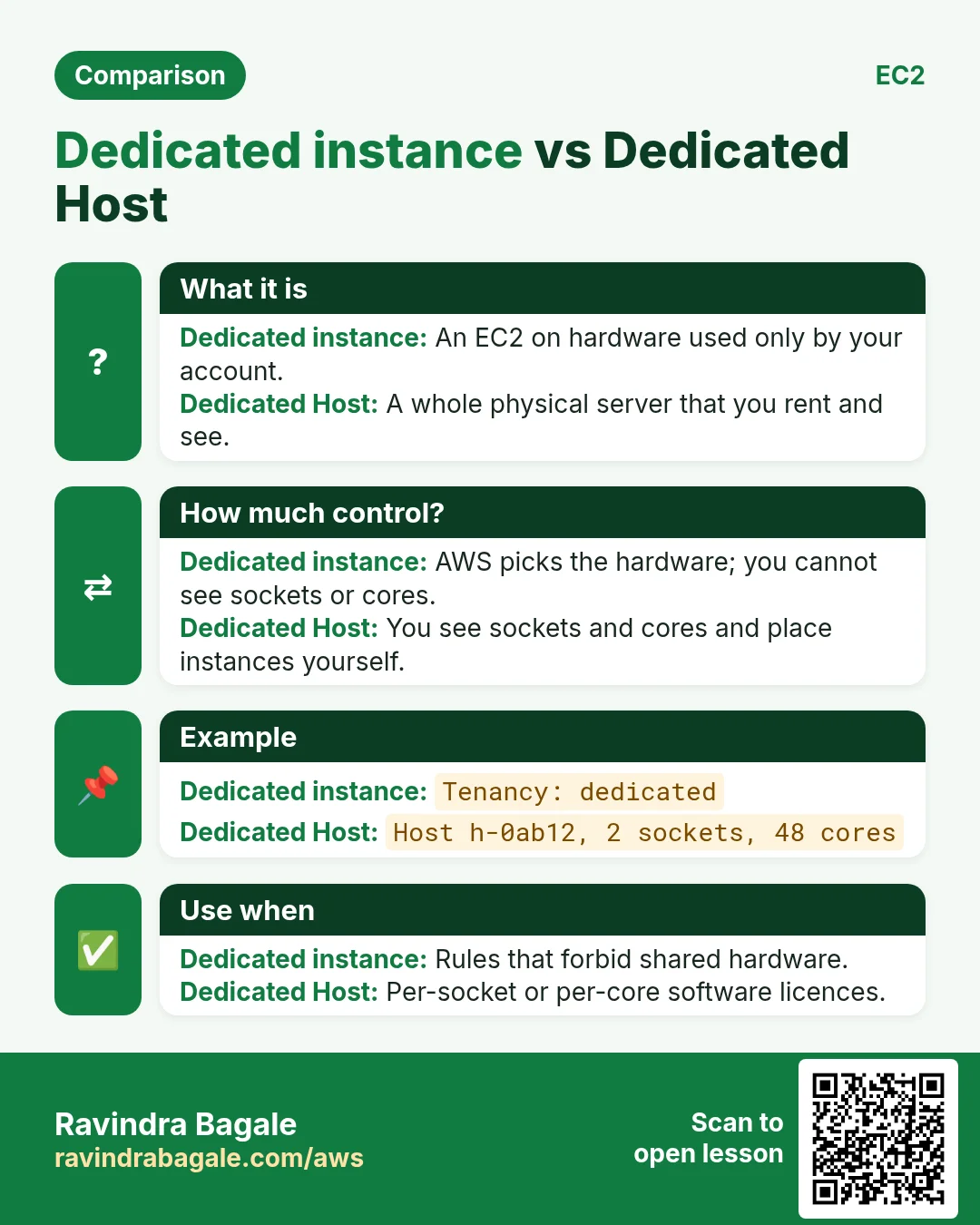
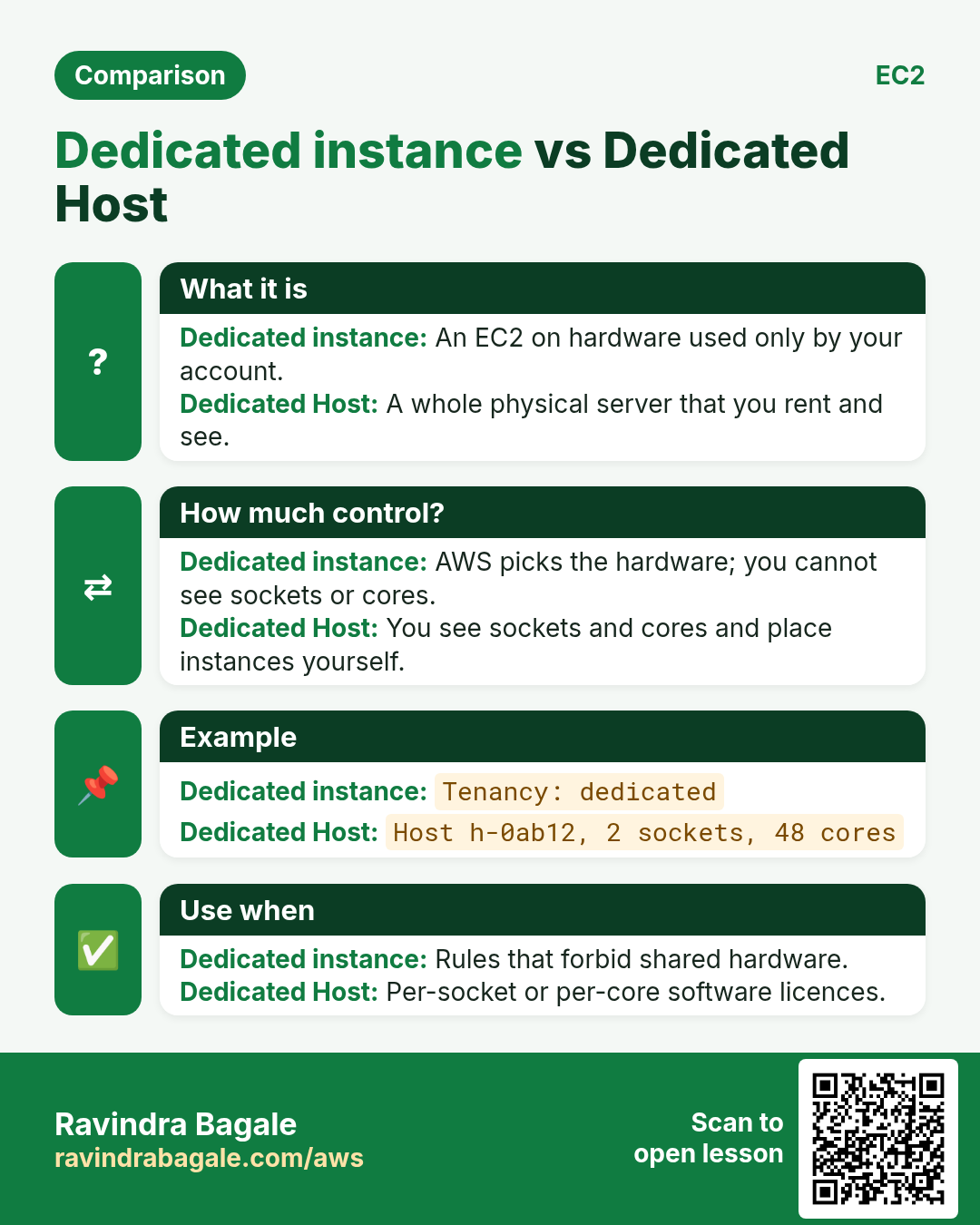
- Dedicated instance: your instances run on hardware used only by your account. Use it when a rule (compliance) says no sharing.
- Dedicated Host: one whole physical server is given to you, and you see and control it. Use it for software licences counted per physical server.
- Dedicated options cost more, so pick Default unless a rule asks otherwise.
8. Where a server's private IP comes from
- The private IP always comes from the range of the server's subnet. A server in
10.0.16.0/20gets an IP between10.0.16.4and10.0.31.254. - You don't type it. The VPC's DHCP service offers the instance one free address from the subnet, and the instance uses it. You can also choose a specific free IP from the range when you launch.
- Who hands out addresses at home is in Who hands out IP addresses.
9. Private and public IPs
Private IP ranges (RFC 1918): these three ranges are kept for private networks and are never used on the internet. Use them for VPCs.
| Range | CIDR | Size |
|---|---|---|
| 10.0.0.0 to 10.255.255.255 | 10.0.0.0/8 | 16,777,216 |
| 172.16.0.0 to 172.31.255.255 | 172.16.0.0/12 | 1,048,576 |
| 192.168.0.0 to 192.168.255.255 | 192.168.0.0/16 | 65,536 |
Public IPs are owned by internet providers and clouds. In AWS a server gets one from the EC2 public IP pool (auto-assigned) or as an Elastic IP (What an Elastic IP is). AWS charges for every public IPv4 address by the hour, so only the servers that must be reached from the internet get one.
Classroom line
You don't get them for free; there are charges.
Class मधलं वाक्य
फुकट मिळत नाहीत, charges लागतात.
Classroom line – हिंदी
"Focat me nahi milte hai, charges lagte hai."
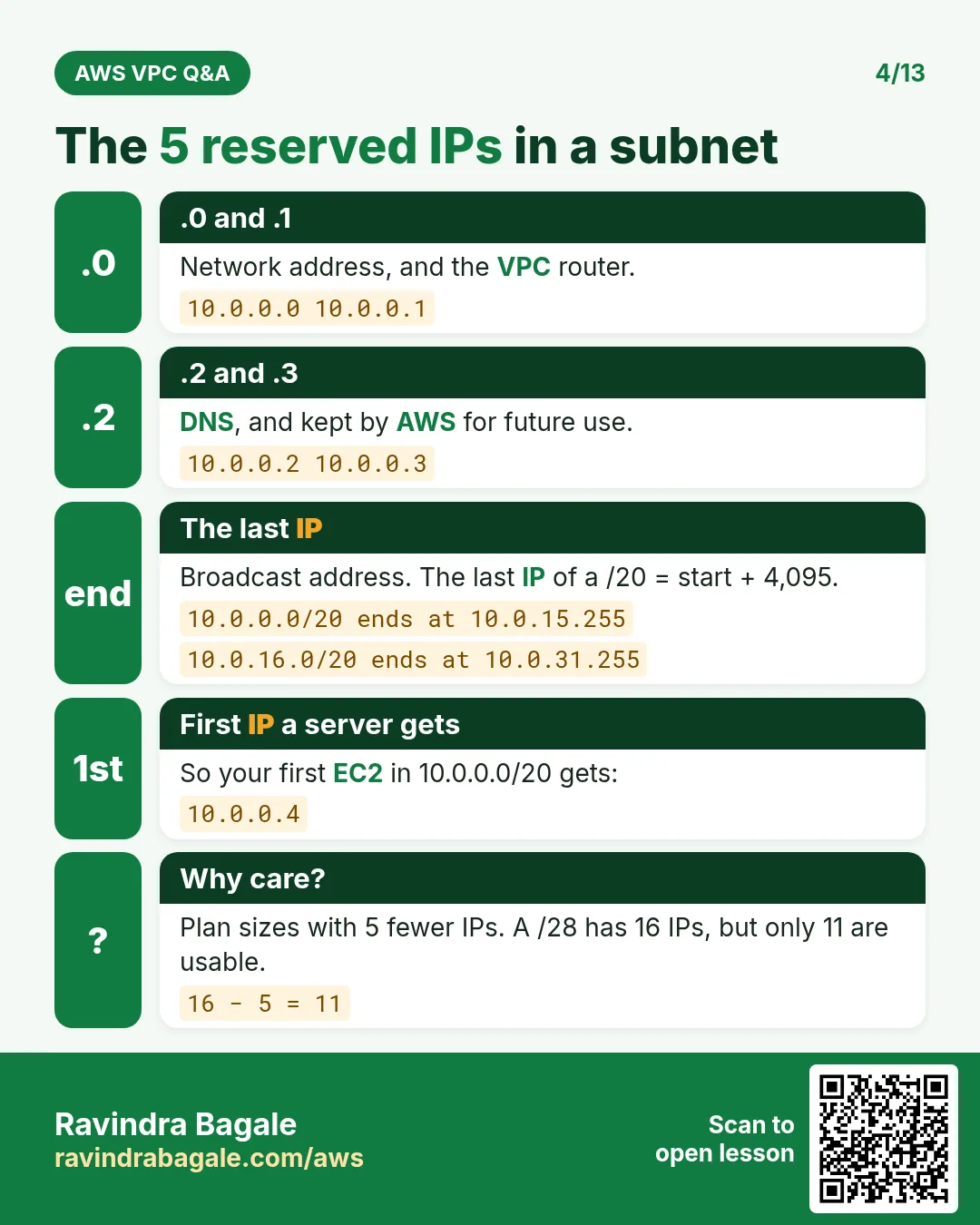
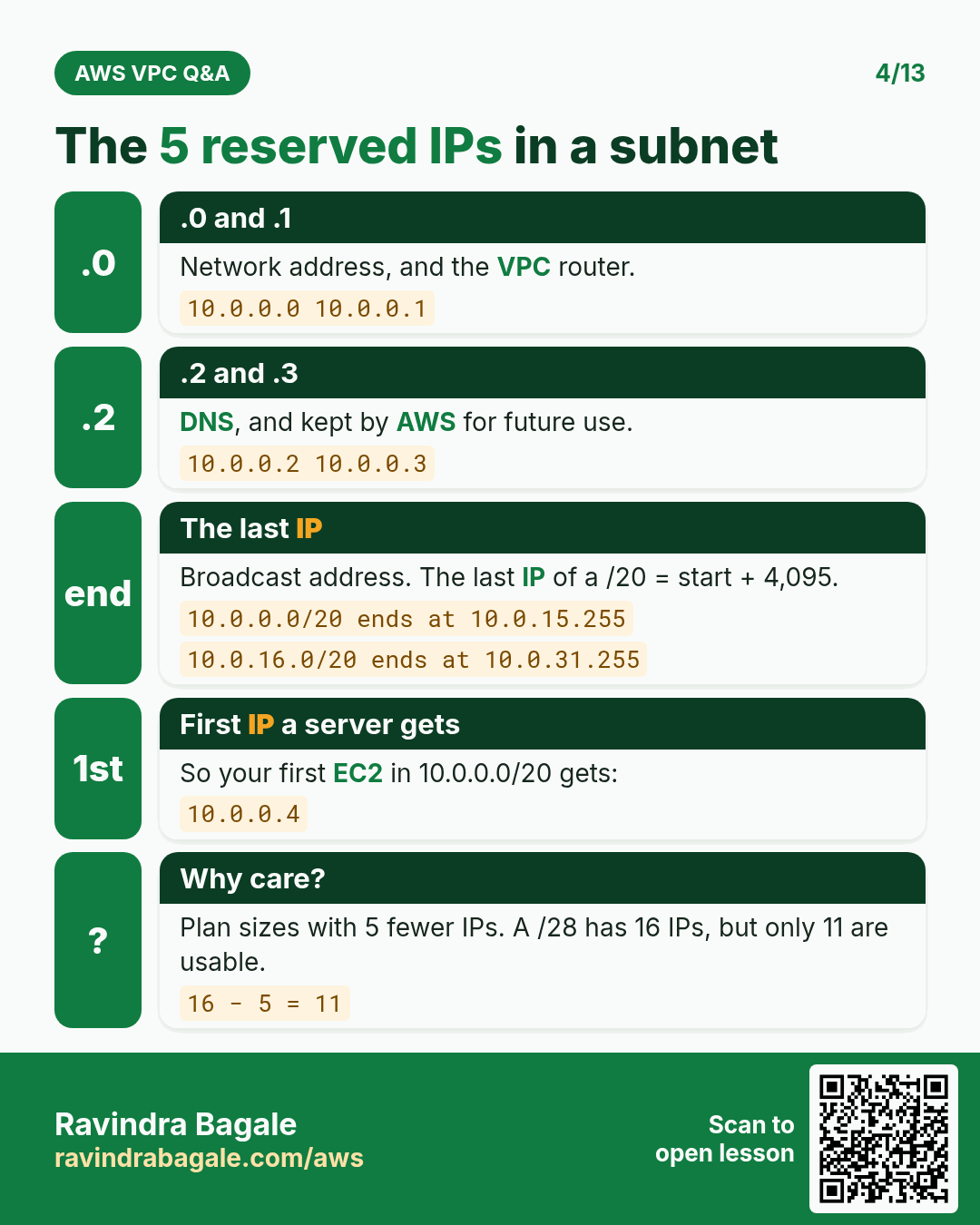
10. The 5 IPs AWS keeps in every subnet
Example: subnet 10.0.32.0/20 (10.0.32.0 to 10.0.47.255):
10.0.32.0: the network address.10.0.32.1: the VPC router.10.0.32.2: the Amazon DNS server.10.0.32.3: kept by AWS for future use.10.0.47.255: the last IP. AWS keeps it because a VPC doesn't support broadcast.
So the first server can get 10.0.32.4, and the last usable IP is 10.0.47.254.
Classroom line
Now five IPs of this one go away.
Class मधलं वाक्य
आता याचे पाच IPs जातील.
Classroom line – हिंदी
"Abhi iske paanch IP waste ho jayenge."
Figure 4. In 10.0.32.0/20, AWS keeps 10.0.32.0 (network), 10.0.32.1 (VPC router), 10.0.32.2 (Amazon DNS), 10.0.32.3 (future use) and 10.0.47.255 (last IP). Usable: 10.0.32.4 to 10.0.47.254, 4,096 − 5 = 4,091.
11. Usable IPs and how many subnets fit
Usable IPs = total − 5:
| Subnet | Total | Usable |
|---|---|---|
| /16 | 65,536 | 65,531 |
| /20 | 4,096 | 4,091 |
| /24 | 256 | 251 |
| /28 | 16 | 11 |
/16 is the largest and /28 the smallest block AWS allows, for a VPC and for a subnet. A VPC that needs more can get extra CIDR blocks later.
How many subnets fit in a /16 VPC: divide the sizes, or use 2 to the power (subnet prefix − 16).
/20: 65,536 ÷ 4,096 = 16 (2 to the power 4)./22: 65,536 ÷ 1,024 = 64 (2 to the power 6)./24: 65,536 ÷ 256 = 256 (2 to the power 8).
Classroom line
How many subnets can I create inside this VPC?
Class मधलं वाक्य
या VPC मध्ये मी किती subnets बनवू शकतो?
Classroom line – हिंदी
"Is VPC ke andar kitne subnets create kar sakta hu?"
An architect's design for Mumbai:
- VPC
172.31.0.0/16inap-south-1. 172.31.0.0/20inap-south-1a,172.31.16.0/20inap-south-1b,172.31.32.0/20inap-south-1c.- 4,091 usable IPs in each, and 13 more
/20blocks free for later.
Classroom line
Who are we? We are the architects.
Class मधलं वाक्य
"Aapan kon aahot? Aapan architect aahot."
आपण कोण आहोत? आपण architect आहोत.
Classroom line
Who are we? We are the architects.
12. Internet gateway: public and private subnets
Why: a new VPC has no way to the internet at all. In a 3-tier app only the web tier gets public IPs; the app and database tiers stay private.
What:
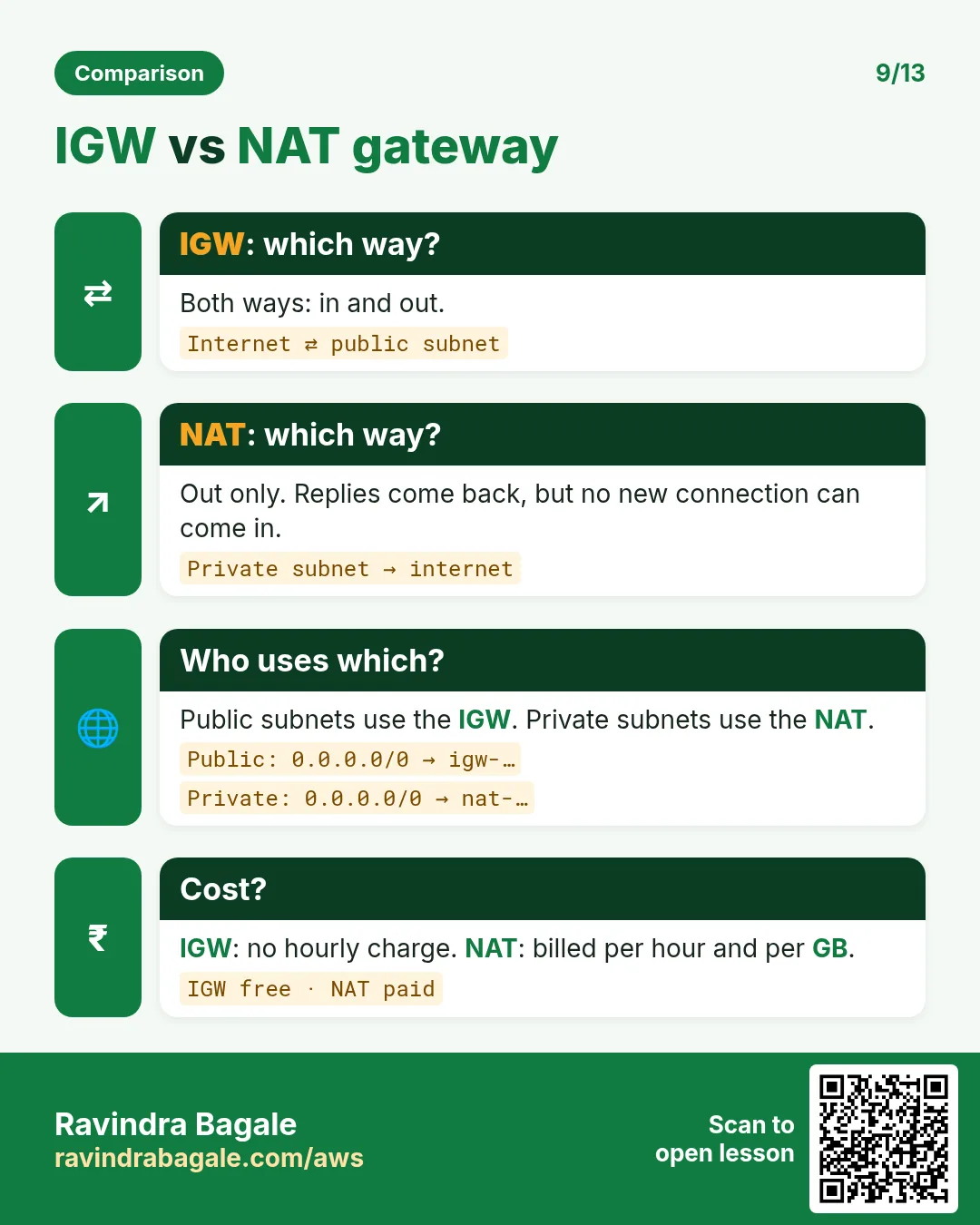
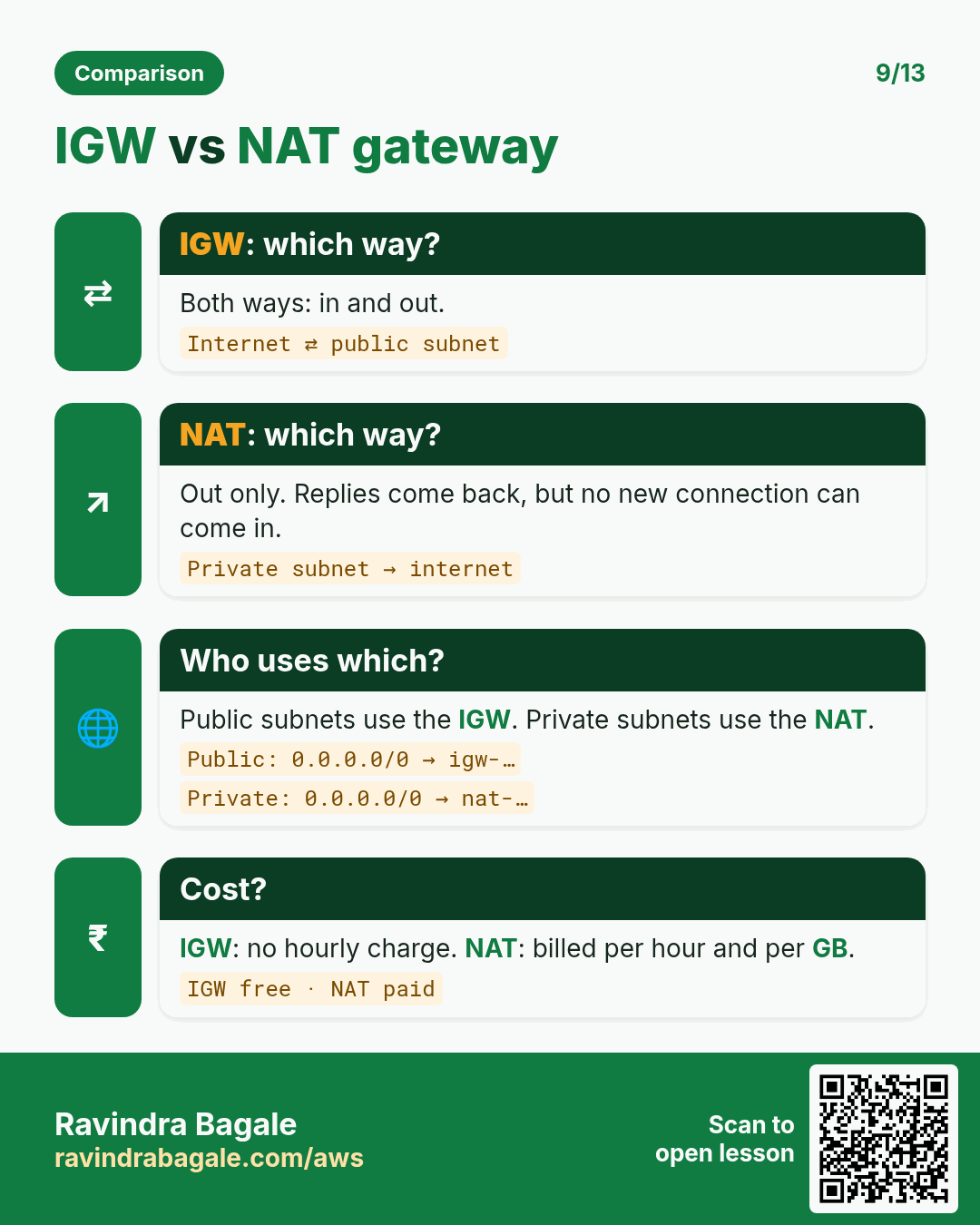
- An internet gateway (IGW) connects a VPC to the internet. A VPC can have one internet gateway attached.
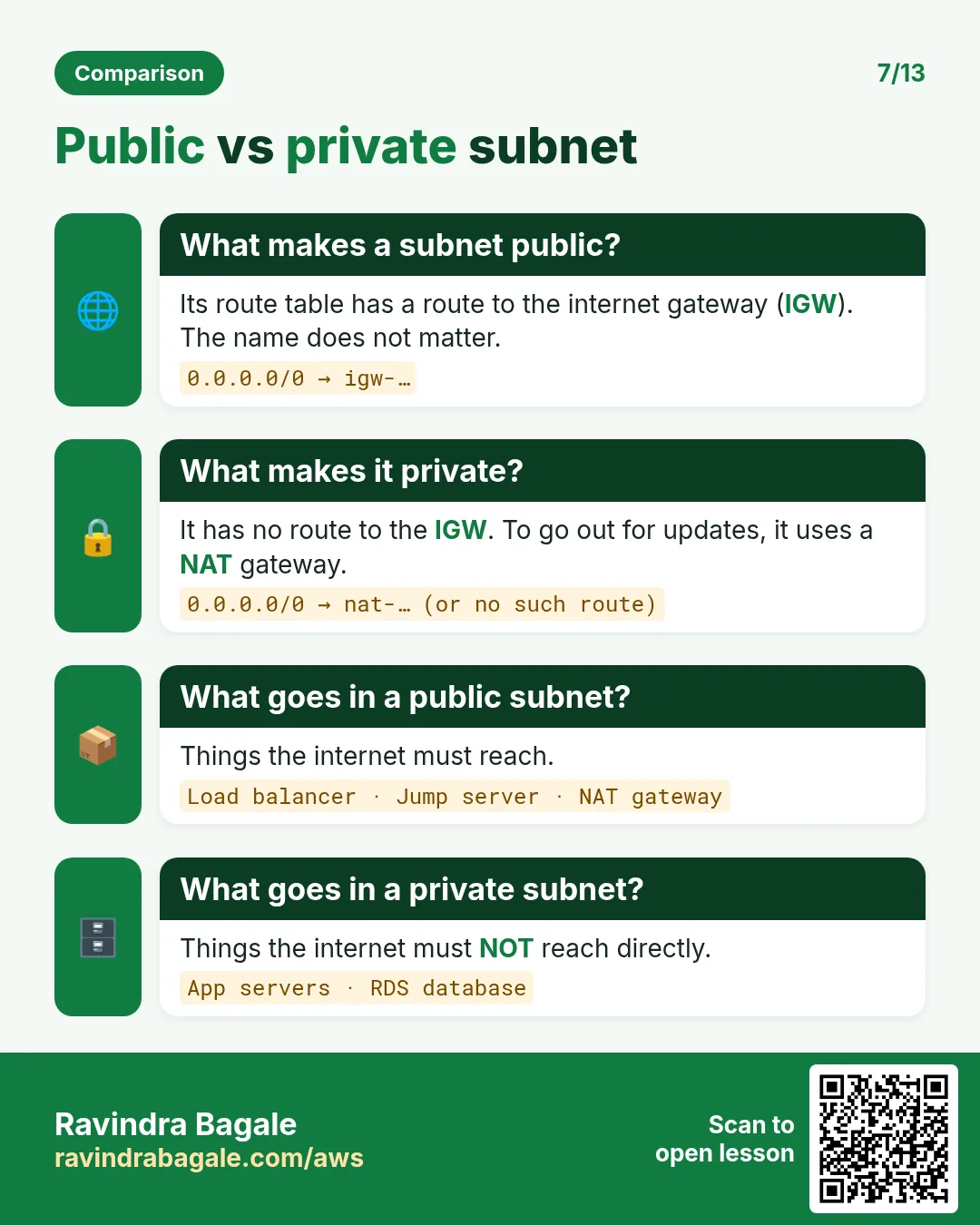
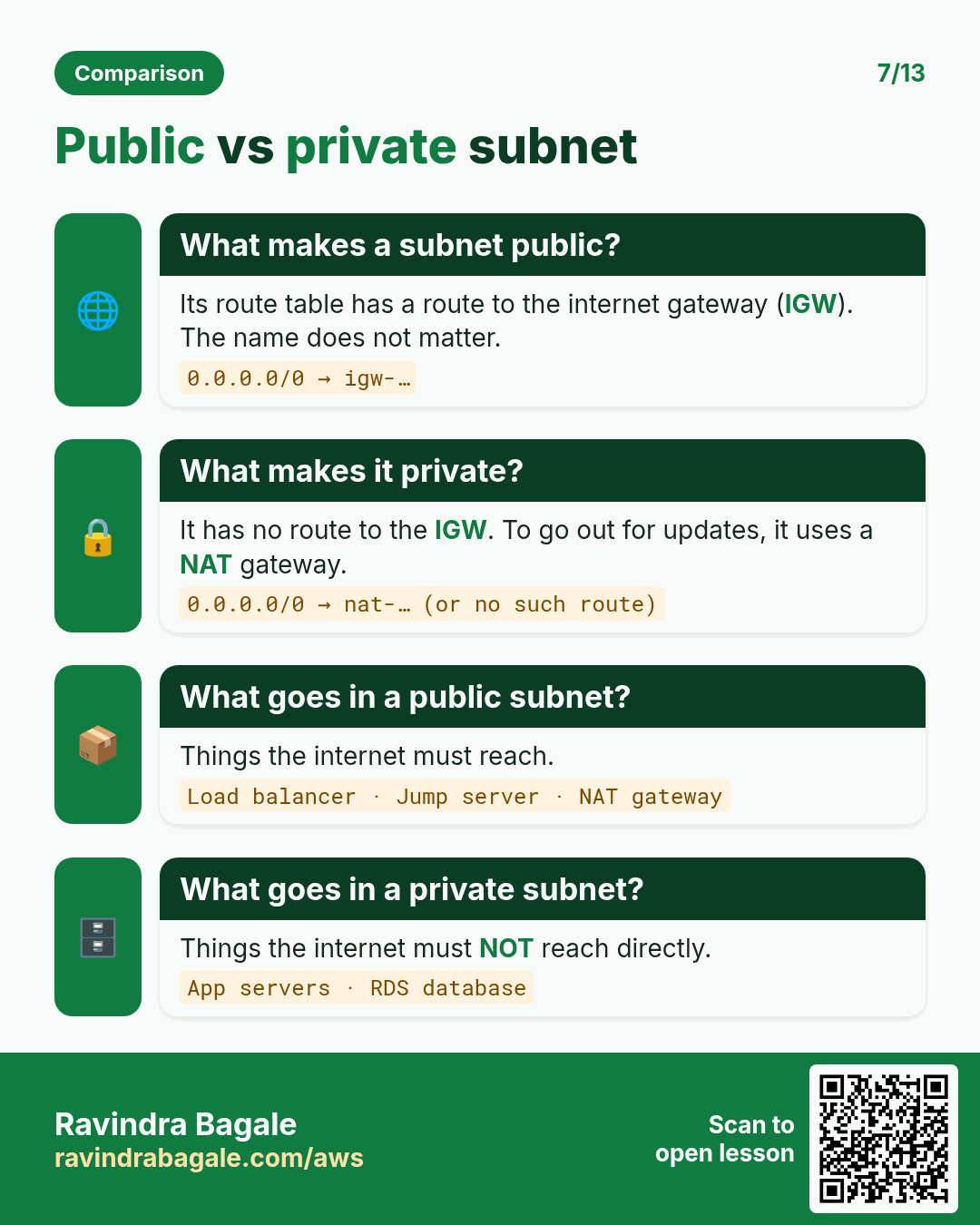
- A subnet is public if its route table sends
0.0.0.0/0to the internet gateway. Otherwise it is private. - So "public" and "private" are not settings of the subnet itself: the route table decides.
Classroom line
Each VPC gets one internet gateway: think of one internet cable going to that VPC's router.
Class मधलं वाक्य
प्रत्येक VPC ला एक internet gateway, म्हणजे एक internet ची cable त्या VPC च्या router कडे जाते.
Classroom line – हिंदी
"Har ek VPC ko ek internet gateway, matlab ek internet ka cable us VPC ke router ko ja raha hai."
13. Route tables: Destination and Target
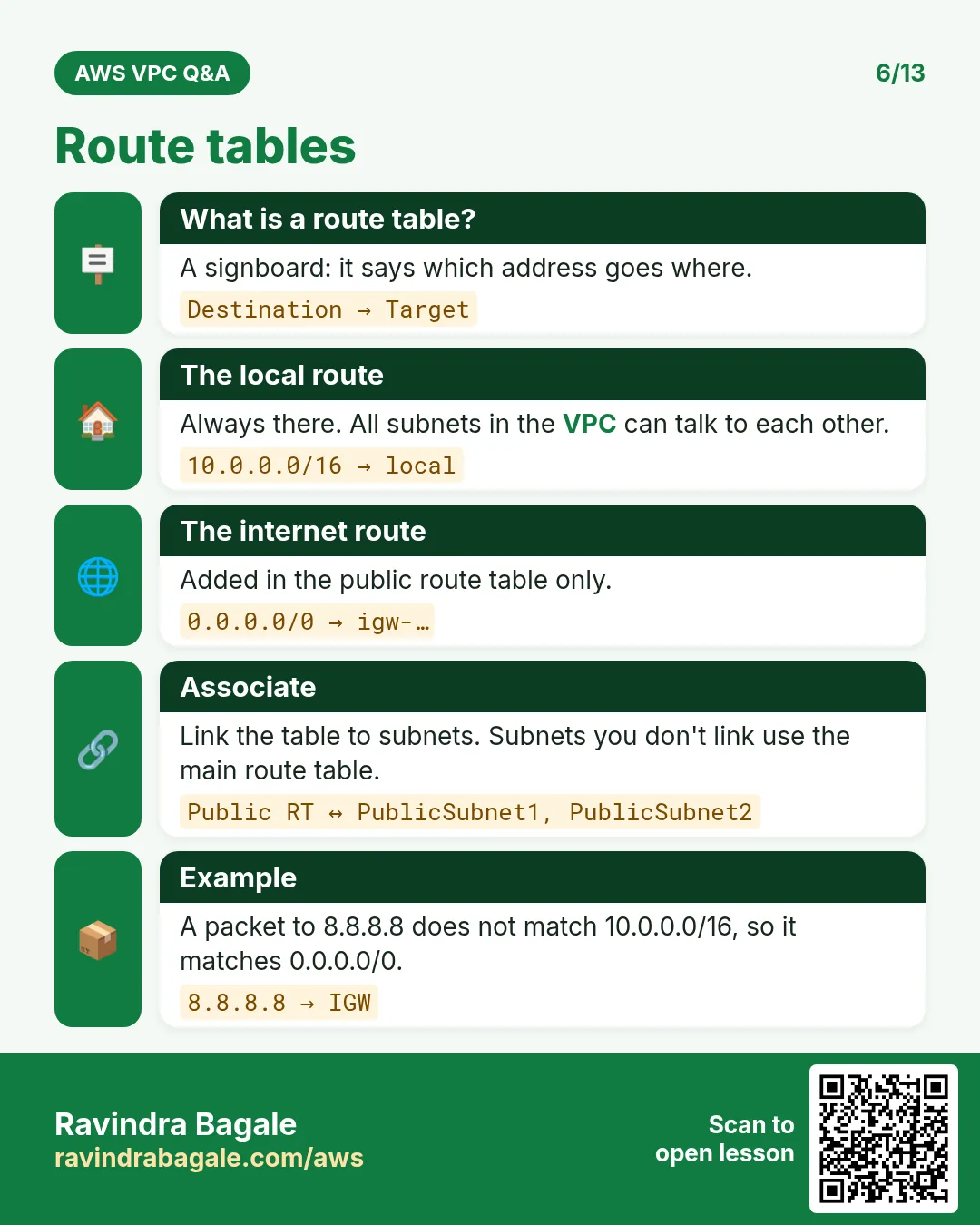
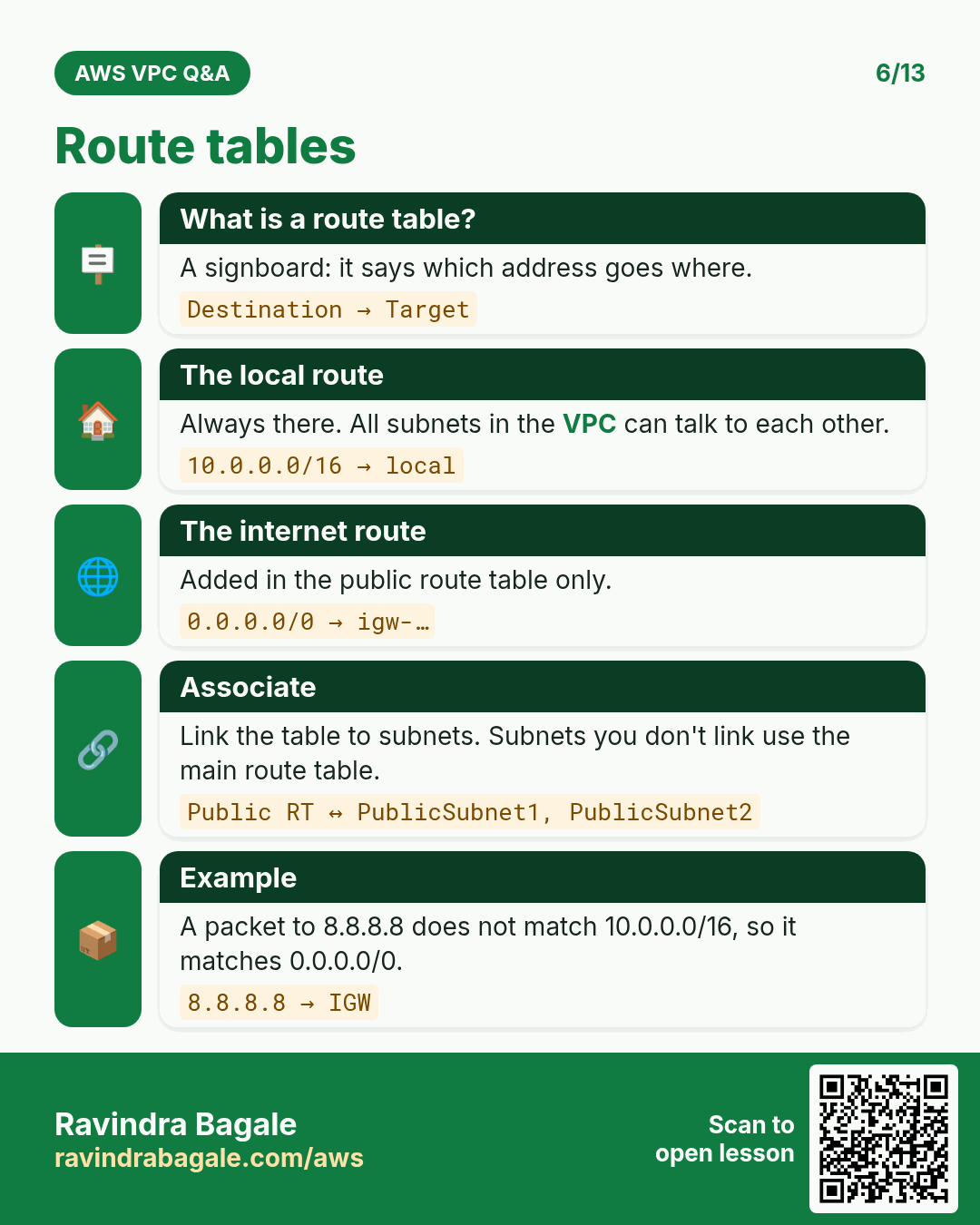
What: a route table is a list of routes. Each route has two columns:
- Destination: the IP range the traffic is going to, as a CIDR.
- Target: where to send that traffic.
The public route table:
| Destination | Target |
|---|---|
| 10.0.0.0/16 | local |
| 0.0.0.0/0 | igw-0abc (the internet gateway) |
The private route table:
| Destination | Target |
|---|---|
| 10.0.0.0/16 | local |
- The
localroute is in every route table and can't be removed: all subnets of the VPC can talk to each other. - When several routes match, the most specific one wins: traffic to
10.0.16.7matches both rows of the public table, and10.0.0.0/16(a/16is more specific than/0) sends it locally. - Traffic for the internet matches only
0.0.0.0/0. In the private table nothing matches, so it isn't sent.
Figure 5. Animation: the public subnet's route table has 0.0.0.0/0 to the internet gateway, so internet traffic leaves through it; the private subnet's route table has only the local route, so internet traffic has nowhere to go.
14. The main route table
What: every VPC has a main route table. Any subnet that you have not explicitly associated with another route table uses the main one automatically.
- Default VPC: its main route table has
0.0.0.0/0to the internet gateway, so every default subnet is public. - A new custom VPC: its main route table has only the
localroute, so every new subnet starts private. - Good practice: keep the main route table private. Create a separate public route table and associate only the web subnets with it. Then a subnet that someone forgets to associate stays private, not public.
Classroom line
There's one route table that spreads like a virus: the main route table.
Class मधलं वाक्य
एक असा route table असतो जो virus सारखा पसरतो: main route table.
Classroom line – हिंदी
"Ek aisa route table hota hai jo virus ki tarah hota hai: main route table."
Figure 6. In the default VPC the main route table sends 0.0.0.0/0 to the internet gateway, so every default subnet is public. In a custom VPC keep the main route table private (local only) and associate only the web subnet with your own public route table.
15. Build it in the console
Part A: subnets (in the VPC 10.0.0.0/16 from the previous chapter)
- VPC > Subnets > Create subnet. Pick the VPC ID of
my-vpc. - Subnet name
web-a, Availability Zoneap-south-1a, IPv4 subnet CIDR block10.0.0.0/20. - Add new subnet:
app-b,ap-south-1b,10.0.16.0/20. - Add new subnet:
db-c,ap-south-1c,10.0.32.0/20. - Create subnet. Each shows Available IPv4 addresses 4091.
Part B: internet gateway
- Internet gateways > Create internet gateway, name
my-igw, Create. - Actions > Attach to VPC, pick
my-vpc, Attach internet gateway.
Part C: public route table
- Route tables > Create route table, name
public-rt, VPCmy-vpc, Create. - Routes > Edit routes > Add route: Destination
0.0.0.0/0, Target Internet Gatewaymy-igw. Save changes. - Subnet associations > Edit subnet associations: tick
web-aonly. Save associations. - Select
web-a, Actions > Edit subnet settings, tick Enable auto-assign public IPv4 address, Save, so servers launched there get a public IP.
app-b and db-c stay on the main route table: private.
Part D: lab in the default VPC: a public IP is not enough
Why: many people think a server with a public IP is reachable from the internet. This lab shows that the route table decides.
- VPC > Subnets > Create subnet in the default VPC:
DefaultVpcPublicSubnet,us-east-1a,172.31.96.0/20. - Add new subnet:
DefaultVpcPvtSubnet,us-east-1b,172.31.112.0/20. Create subnet. - Both new subnets attach to the main route table automatically, and in the default VPC that table is public.
- Route tables > Create route table:
CustomPvtRouteTablein the default VPC. It has only thelocalroute. - Subnet associations: associate
DefaultVpcPvtSubnetwithCustomPvtRouteTable.DefaultVpcPublicSubnetstays on the main route table. - Launch a t2.micro Amazon Linux 2023 instance
public ec2inDefaultVpcPublicSubnetwith Auto-assign public IP enabled and a security group that allows SSH (22) and HTTP (80). - Connect:
ssh -i key.pem ec2-user@<public-ip>. - Install and start Nginx:
sudo yum install nginx -y
sudo service nginx start
- Put a page in
/usr/share/nginx/html/and openhttp://<public-ip>/in the browser: it loads. - Launch a second instance
pvt ec2inDefaultVpcPvtSubnet, and on purpose enable Auto-assign public IP here too, with the same security group. - Try
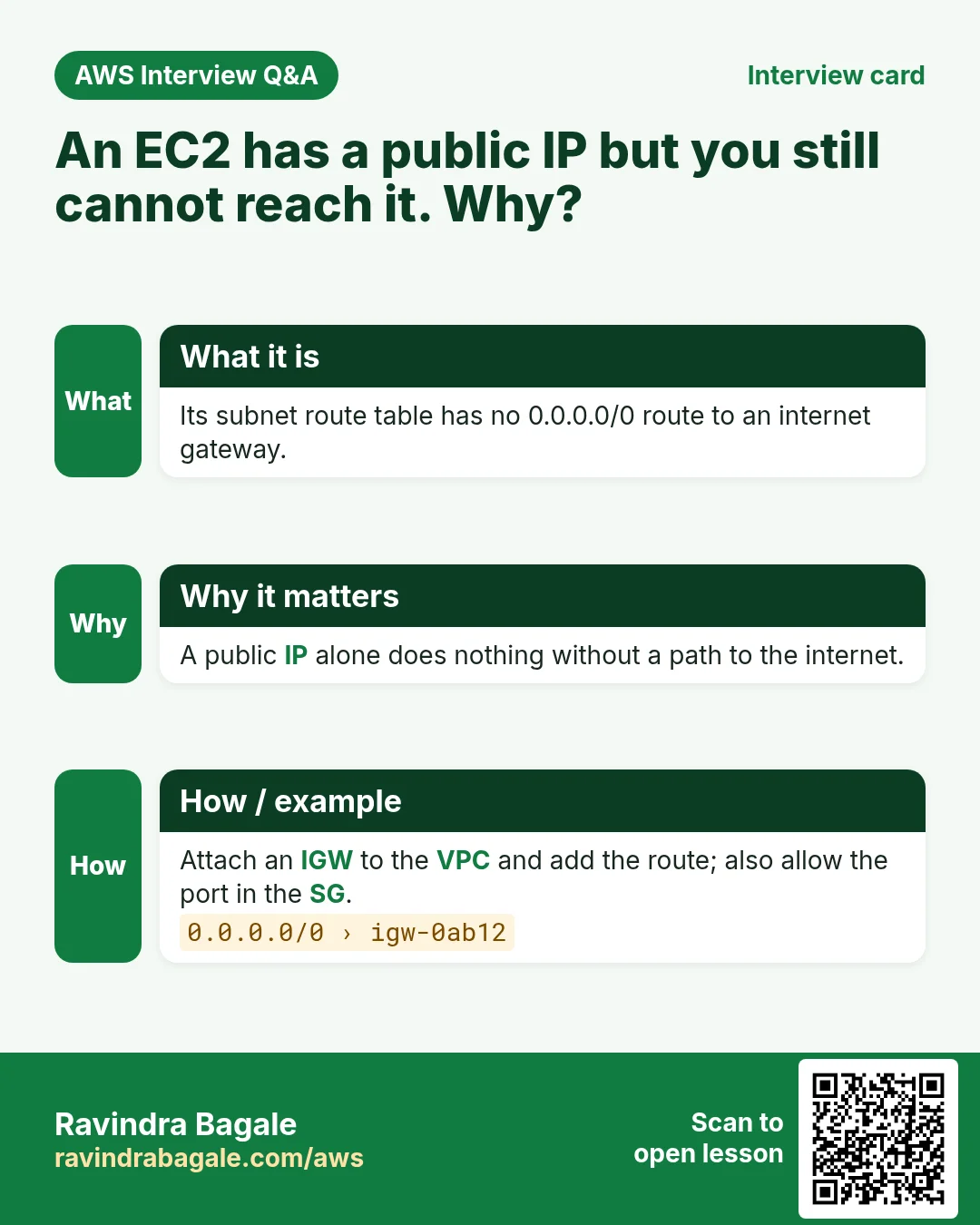
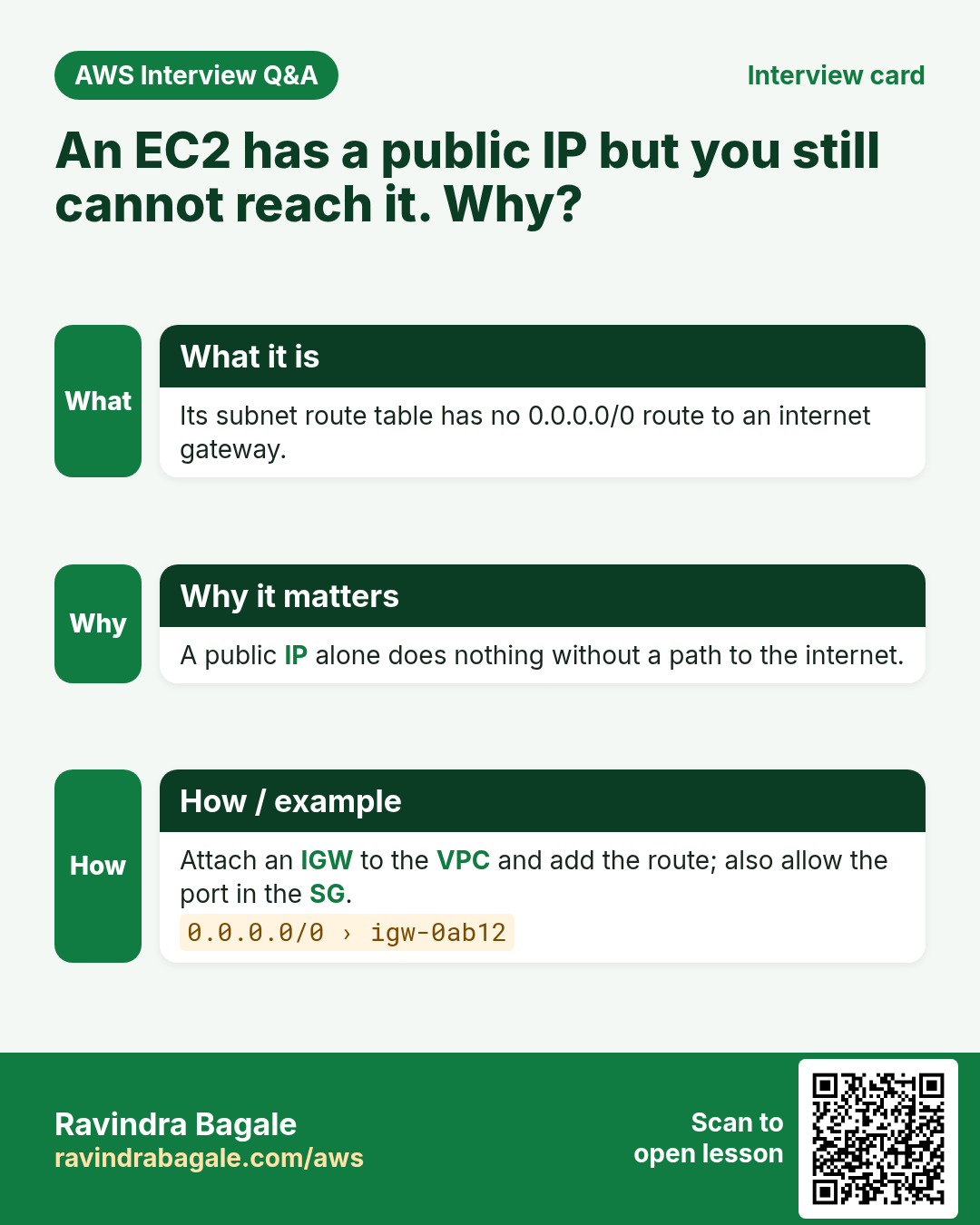
ssh -i key.pem ec2-user@<its-public-ip>: it times out. The server has a public IP, but its subnet's route table has no route to the internet gateway, so replies never leave the VPC. - Add a route to
CustomPvtRouteTable: Destination0.0.0.0/0, Target the default VPC's internet gateway. SSH now works, and after installing Nginx the page loads. - Remove that route again: the page stops loading.
Result: a public IP gives a server an address on the internet. The route 0.0.0.0/0 → igw gives it a way out. It needs both.
Classroom line
As soon as you create a new subnet, the main route table attaches to it automatically.
Class मधलं वाक्य
तुम्ही नवीन subnet बनवताच, main route table आपोआप त्या subnet ला attach होतो.
Classroom line – हिंदी
"Jaise hi aap naya subnet create karoge, us subnet ko main route table automatically jaake attach ho jata hai."
Classroom line
Until there is a route to the internet gateway, your request will never reach that server.
Class मधलं वाक्य
जोपर्यंत internet gateway चा route नाही, तोपर्यंत तुमची request त्या server पर्यंत पोहोचणारच नाही.
Classroom line – हिंदी
"Jab tak internet gateway ka route nahi hai, aapka request us server tak jayega hi nahi."
16. When something goes wrong
- "conflicts with another subnet": the new CIDR overlaps an existing subnet. Take the next free block from your table.
- The CIDR is refused as outside the VPC: the subnet must lie inside the VPC's range, for example
10.0.x.xin10.0.0.0/16. - A server in the "public" subnet can't be reached: check that it has a public IP, that the subnet's route table has
0.0.0.0/0to the IGW, that the IGW is attached, and that the security group allows the port. - A subnet you meant to be private is public: it is associated with the public route table, or the main route table has an IGW route. Fix the association.
- You can't create more servers in a subnet: it ran out of usable IPs; remember the 5 that AWS keeps.
Ravindra Bagale's Tip
Before you open the console, write the plan on paper: one row per subnet with its name, AZ, CIDR, first and last IP, and public or private. Then the overlap error never comes, and when someone asks why a server is public, the answer is one line in your table: which route table its subnet uses.
17. The whole class on one page
- A subnet is a block of the VPC's range;
/20subnets of10.0.0.0/16start at 0, 16, 32 ... in the 3rd octet. - Next subnet = last IP + 1. Binary: 16 =
0001 0000→0001 1111= 31; 32 =0010 0000→0010 1111= 47. - Overlapping subnets are refused ("conflicts with another subnet"); carve in order with no gaps.
- Each subnet is in exactly one AZ; the default VPC
172.31.0.0/16has a default/20in each AZ. - A server's private IP comes from its subnet, handed out by DHCP. Private ranges:
10.0.0.0/8,172.16.0.0/12,192.168.0.0/16. Public IPv4 addresses are charged. - AWS keeps 5 IPs per subnet: network, VPC router, DNS, future use, last. Usable = total − 5:
/204,091,/24251,/2811. - A
/16holds 16 ×/20, 64 ×/22, 256 ×/24. - One internet gateway per VPC. Public subnet = route table with
0.0.0.0/0→ IGW; private = no such route. - Route table columns: Destination (CIDR), Target (
local,igw-...). - Subnets without an explicit association use the main route table; keep it private in a custom VPC.
18. Try at home
Try at home
Task 1: on paper
- Write the first five
/20subnets of10.0.0.0/16with first and last IPs. Check the 5th:10.0.64.0to10.0.79.255. - Split
10.0.0.0/16into/22subnets: write the first three. How many fit?
Task 2: in the console
- In your practice VPC, create
web-a,app-banddb-cas in section 15. - Try to create
10.0.14.0/24and read the error. - Attach an internet gateway, create
public-rt, and associate onlyweb-a.
Task 3: prove it
- Launch a small instance in
web-aand one inapp-b. Which one gets a public IP? Can you SSH to each from your laptop? - Clean up: terminate the instances, delete the subnets, detach and delete the IGW, delete the route table and the VPC.
Recap
In short
- Carve subnets in order: the next one starts at the last IP + 1, and
/20blocks step by 16. - Subnets can't overlap, and each lives in one AZ.
- AWS keeps 5 IPs in every subnet, so a
/20has 4,091 usable. - A subnet is public only when its route table sends
0.0.0.0/0to the internet gateway. - Route tables read Destination then Target;
localconnects the whole VPC. - Keep the main route table private and give web subnets their own public route table.
Practice Tasks
Hyderabad Biryani Hub is a cloud kitchen business in Hyderabad. Syed Imran looks after its IT and cloud work. They count money in INR and run their AWS resources in the ap-south-2 Region. In the tasks below you do real jobs for them using what this lesson teaches. All names, account IDs, IP addresses and numbers are made up for practice.
0 / 12
Easy How many addresses in a /16?
Why: Picking a VPC size needs this count.
What to do: Hyderabad Biryani Hub plans the VPC 10.152.0.0/16. How many IP addresses does it hold in total?
- Write down the numbers the task gives you.
- Work it out step by step on paper.
- Type only the final answer in the box.
- Click Check answer.
Easy Create a VPC
Why: A VPC is your own private network in AWS. Everything else lives inside it.
What to do: Create a VPC with the CIDR block 10.3.0.0/16.
- Read the task and decide which AWS service it is about.
- Write aws, then the service name, then the operation (the action word).
- Add each needed flag (--name) followed by its value from the task.
- Flags can be in any order. Click Check answer.
Easy Create an internet gateway
Why: Without an internet gateway, nothing in the VPC can reach the internet.
What to do: Create a new internet gateway.
- Read the task and decide which AWS service it is about.
- Write aws, then the service name, then the operation (the action word).
- Add each needed flag (--name) followed by its value from the task.
- Flags can be in any order. Click Check answer.
Medium Create a subnet in one AZ
Why: Subnets split the VPC range and each one lives in exactly one AZ.
What to do: In vpc-0300e2a3f3deadbee, create subnet 10.3.1.0/24 in ap-south-2a.
- Read the task and decide which AWS service it is about.
- Write aws, then the service name, then the operation (the action word).
- Add each needed flag (--name) followed by its value from the task.
- Flags can be in any order. Click Check answer.
Medium Find the VPC router address
Why: AWS reserves base+1 for the router.
What to do: Which address does AWS reserve for the VPC router in subnet 10.152.4.0/24?
- Write down the numbers the task gives you.
- Work it out step by step on paper.
- Type only the final answer in the box.
- Click Check answer.
Medium Usable IPs in an AWS /24 subnet
Why: AWS keeps 5 addresses in every subnet.
What to do: How many addresses can Hyderabad Biryani Hub use for servers in subnet 10.152.1.0/24 on AWS?
- Write down the numbers the task gives you.
- Work it out step by step on paper.
- Type only the final answer in the box.
- Click Check answer.
Medium Add the internet route
Why: A subnet is "public" only when its route table sends 0.0.0.0/0 to an internet gateway.
What to do: In route table rtb-030300d2b3c3bb22, send all internet traffic (0.0.0.0/0) to igw-00300d2b3c3aa11.
- Read the task and decide which AWS service it is about.
- Write aws, then the service name, then the operation (the action word).
- Add each needed flag (--name) followed by its value from the task.
- Flags can be in any order. Click Check answer.
Medium Link a subnet to a route table
Why: Until you associate it, a subnet uses the main route table.
What to do: Associate subnet subnet-030300d2b3c3bb1 with route table rtb-030300d2b3c3bb22.
- Read the task and decide which AWS service it is about.
- Write aws, then the service name, then the operation (the action word).
- Add each needed flag (--name) followed by its value from the task.
- Flags can be in any order. Click Check answer.
Medium Attach the internet gateway
Why: A gateway does nothing until it is attached to a VPC.
What to do: Attach igw-00300d2b3c3aa11 to vpc-0300e2a3f3deadbee.
- Read the task and decide which AWS service it is about.
- Write aws, then the service name, then the operation (the action word).
- Add each needed flag (--name) followed by its value from the task.
- Flags can be in any order. Click Check answer.
Medium First usable IP for a server
Why: The first 4 addresses are reserved by AWS.
What to do: What is the first IP address a server can get in 10.152.20.0/24 on AWS?
- Write down the numbers the task gives you.
- Work it out step by step on paper.
- Type only the final answer in the box.
- Click Check answer.
Hard Pick the smallest prefix
Why: Right-sizing saves address space.
What to do: A subnet must hold 100 servers on AWS. What is the largest prefix number (smallest subnet) that fits? Answer like /25.
- Write down the numbers the task gives you.
- Work it out step by step on paper.
- Type only the final answer in the box.
- Click Check answer.
Hard Split a /24 into two
Why: Public and private subnets often split one block.
What to do: Split 10.152.8.0/24 into two equal subnets. Write both CIDRs separated by a comma.
- Write down the numbers the task gives you.
- Work it out step by step on paper.
- Type only the final answer in the box.
- Click Check answer.
Quick revision cards
Revise this chapter in two minutes. Save the cards on your phone or download them as PNG files. The QR code on each card opens its lesson.
More cards: Ravi Sir's Cards: AWS VPC and Subnets.