Shell Scripting Complete 4: if, else, test, [[ ]], (( )) and case Explained Simply
Scripts need to make decisions: is the disk full, does the file exist, did the command work, which environment are we in? This chapter teaches if, elif and else, the test command and [ ], the safer bash [[ ]], number and string comparisons, file tests, regex matching with =~, && and || shortcuts, (( )) for numbers, and case for menus and many choices.
What you'll learn in this chapter
- Write if / elif / else
- Know that if checks an exit code
- Compare numbers and strings correctly
- Use file tests -f -d -r -s
- Prefer [[ ]] and use =~
- Use case for many choices
1. An everyday example: a traffic signal
Why do we need this?
At a signal you decide: if red, stop; else if yellow, slow down; else go. A traffic police officer at a big junction does the same with many roads: case road 1, case road 2, case road 3. Scripts decide in the same way, using tests that answer yes or no.
What is it?
Light colour = the value. Checking the colour = test or [[ ]]. Stop/slow/go = if, elif, else. Junction with many roads = case. Yes/no answer = exit code 0 or non-zero.
How to do it (step by step)
2. if, then, elif, else, fi
Why do we need this?
Without decisions a script does the same thing even when something has gone wrong.
What is it?
if COMMAND; then ...; elif COMMAND; then ...; else ...; fi. If runs any command and checks its exit code: 0 is true. So you can write if grep -q x file; then. The ; before then can be a new line instead. Indent the body by two or four spaces.
How to do it (step by step)
- Command as the test.
if ping -c1 -W1 8.8.8.8 &>/dev/null; then echo online; else echo offline; fiOutput:
onlineWhat it means: ping returned 0.
- Three branches.
hour=$(date +%H); if [ $hour -lt 12 ]; then echo 'Good morning'; elif [ $hour -lt 17 ]; then echo 'Good afternoon'; else echo 'Good evening'; fiOutput:
Good eveningWhat it means: Only the first true branch runs.
- grep -q.
if grep -q '^asha:' /etc/passwd; then echo 'user exists'; fiOutput:
user existsWhat it means: -q prints nothing, only the exit code matters.
- Negate.
if ! systemctl is-active -q nginx; then echo 'nginx is down'; fiOutput:
nginx is downWhat it means: ! flips true and false.
3. test and [ ]: numbers
Why do we need this?
Disk percent, error counts and retry numbers need comparisons.
What is it?
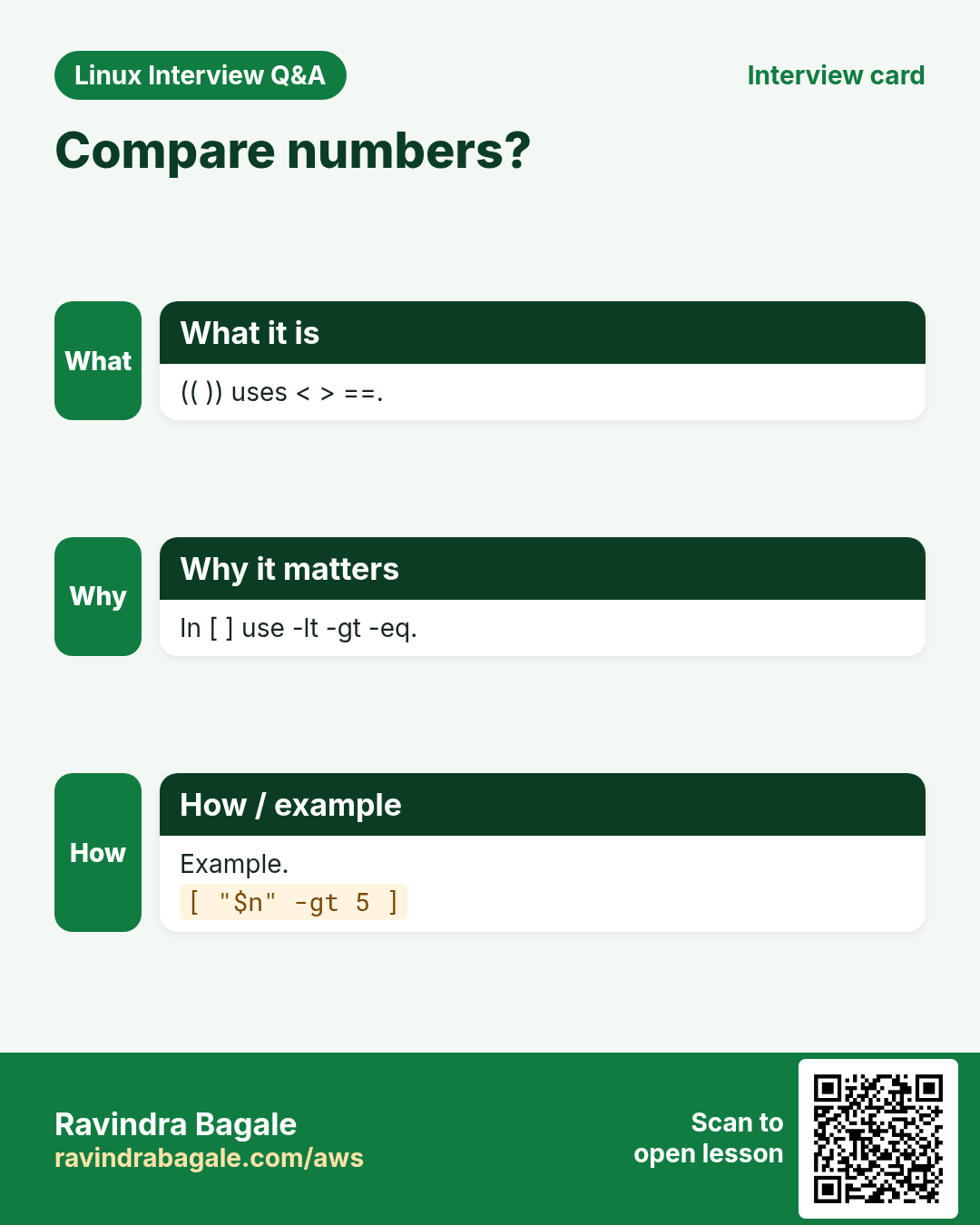
[ is the test command; the closing ] is required and spaces inside are required: [ $a -gt 5 ]. Number operators are words: -eq equal, -ne not equal, -lt less, -le less or equal, -gt greater, -ge greater or equal. Do not use < or > inside [ ] for numbers: they mean redirection there.
| Operator | Means |
|---|---|
| -eq | equal |
| -ne | not equal |
| -lt / -le | less / less or equal |
| -gt / -ge | greater / greater or equal |
How to do it (step by step)
- Disk alert.
use=$(df --output=pcent / | tail -1 | tr -dc 0-9); if [ "$use" -ge 90 ]; then echo "ALERT $use%"; else echo "ok $use%"; fiOutput:
ok 41%What it means: tr -dc 0-9 keeps only the digits.
- Spaces matter.
[$use -ge 90]Output:
bash: [41: command not foundWhat it means: [ must be a separate word.
- test is the same.
test 5 -gt 3 && echo yesOutput:
yesWhat it means: [ ] is just another way to write test.
- Empty variable trap.
x=; [ $x -eq 1 ]Output:
bash: [: -eq: unary operator expectedWhat it means: Quote it or give a default.
4. String tests: =, !=, -z, -n
Why do we need this?
Checking environment names, answers and empty values is everyday work.
What is it?
[ "$a" = "$b" ] equal, != not equal. -z "$a" true if empty, -n "$a" true if not empty. Always quote variables inside [ ] or an empty value breaks the test. Inside [[ ]] (next section) == also works and quoting is less critical.
How to do it (step by step)
- Equal.
env=prod; if [ "$env" = prod ]; then echo 'careful: production'; fiOutput:
careful: productionWhat it means: Strings compared exactly.
- Empty check.
name=''; [ -z "$name" ] && echo 'name is empty'Output:
name is emptyWhat it means: -z means zero length.
- Not empty.
[ -n "$HOME" ] && echo "home set: $HOME"Output:
home set: /home/ashaWhat it means: -n means non-zero length.
- Case matters.
[ Prod = prod ] || echo differentOutput:
differentWhat it means: Compare ${v,,} to ignore case.
5. File tests: -e -f -d -r -w -x -s
Why do we need this?
Before reading, copying or deleting you should know the file is there and is the right type.
What is it?
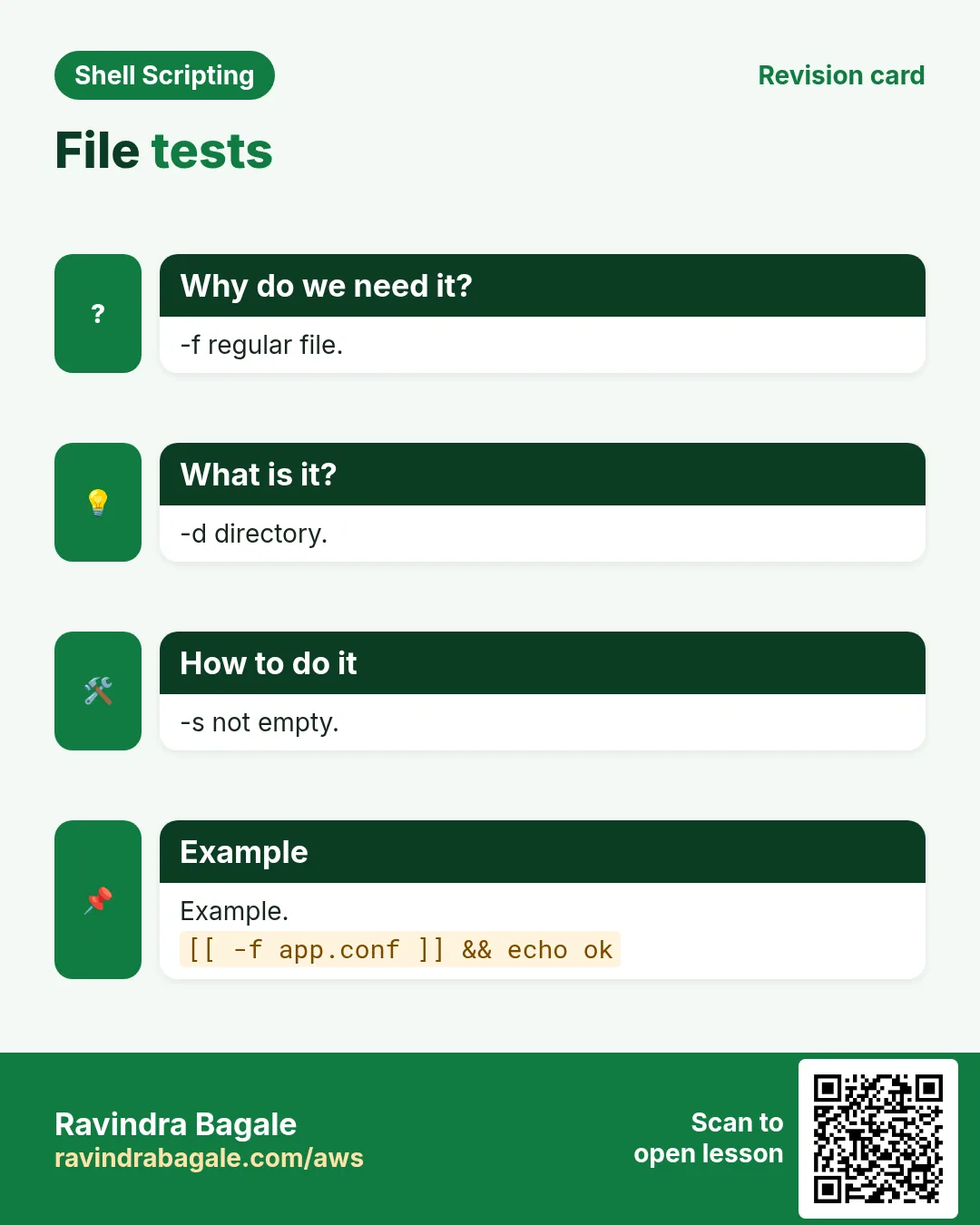
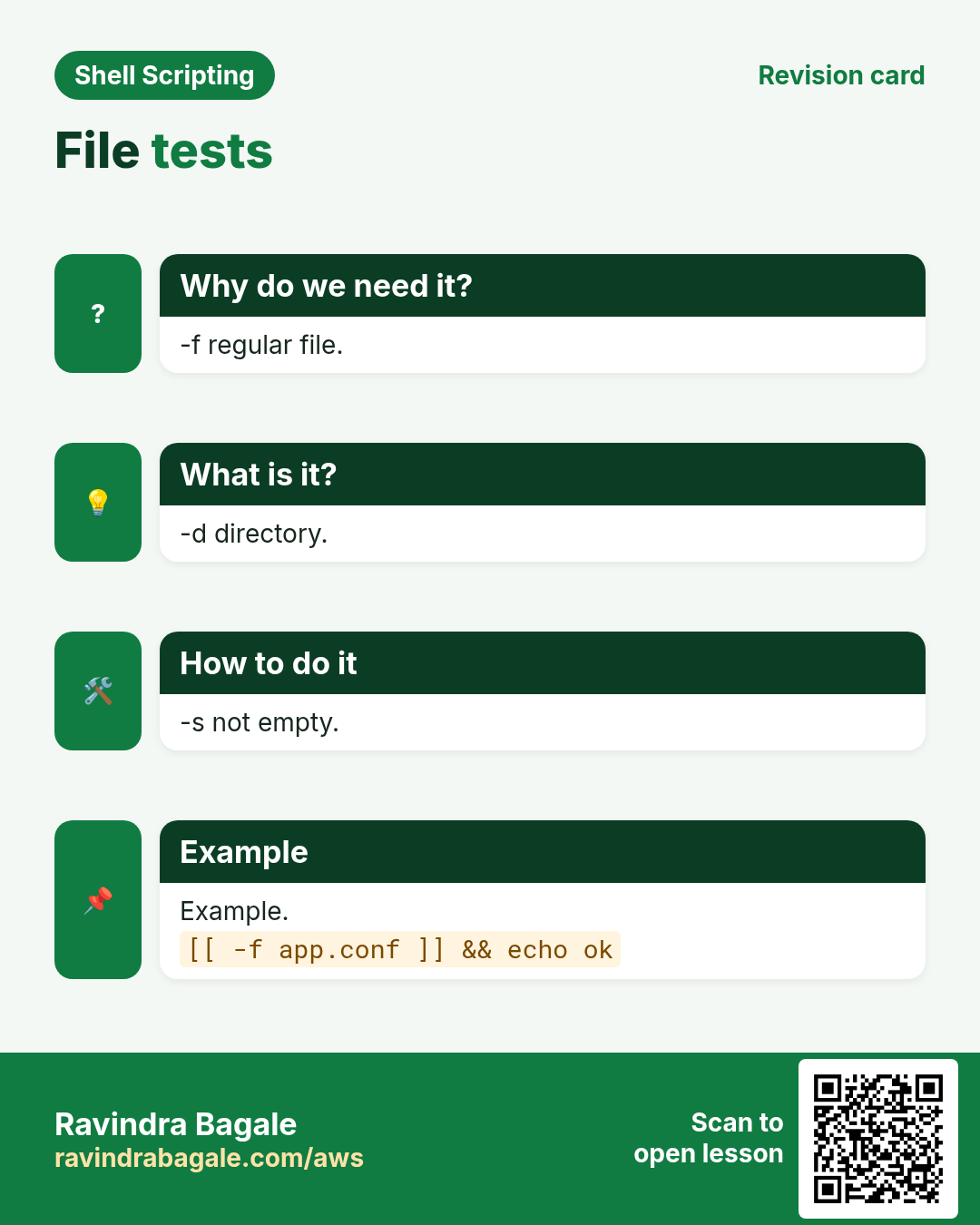
-e exists. -f regular file. -d directory. -L symlink. -r readable, -w writable, -x executable by you. -s exists and is not empty. a -nt b means a is newer than b; -ot older.
| Test | True when |
|---|---|
| -e | exists |
| -f | regular file |
| -d | directory |
| -s | size > 0 |
| -r/-w/-x | you can read/write/run |
| -nt | newer than |
How to do it (step by step)
- Config exists?
conf=/etc/ssh/sshd_config; if [ -f "$conf" ]; then echo found; else echo missing; fiOutput:
foundWhat it means: A regular file.
- Make a folder if missing.
[ -d /tmp/reports ] || mkdir -p /tmp/reports; ls -d /tmp/reportsOutput:
/tmp/reportsWhat it means: || runs only when the test fails.
- Empty file.
: > /tmp/e.txt; [ -s /tmp/e.txt ] || echo 'file is empty'Output:
file is emptyWhat it means: -s needs at least one byte.
- Newer.
[ /etc/hosts -nt /etc/hostname ] && echo 'hosts changed later'Output:
hosts changed laterWhat it means: Compares modification times.
6. [[ ]]: the safer bash test
Why do we need this?
[ ] has traps with empty values and special characters. [[ ]] is built into bash and avoids most of them.
What is it?
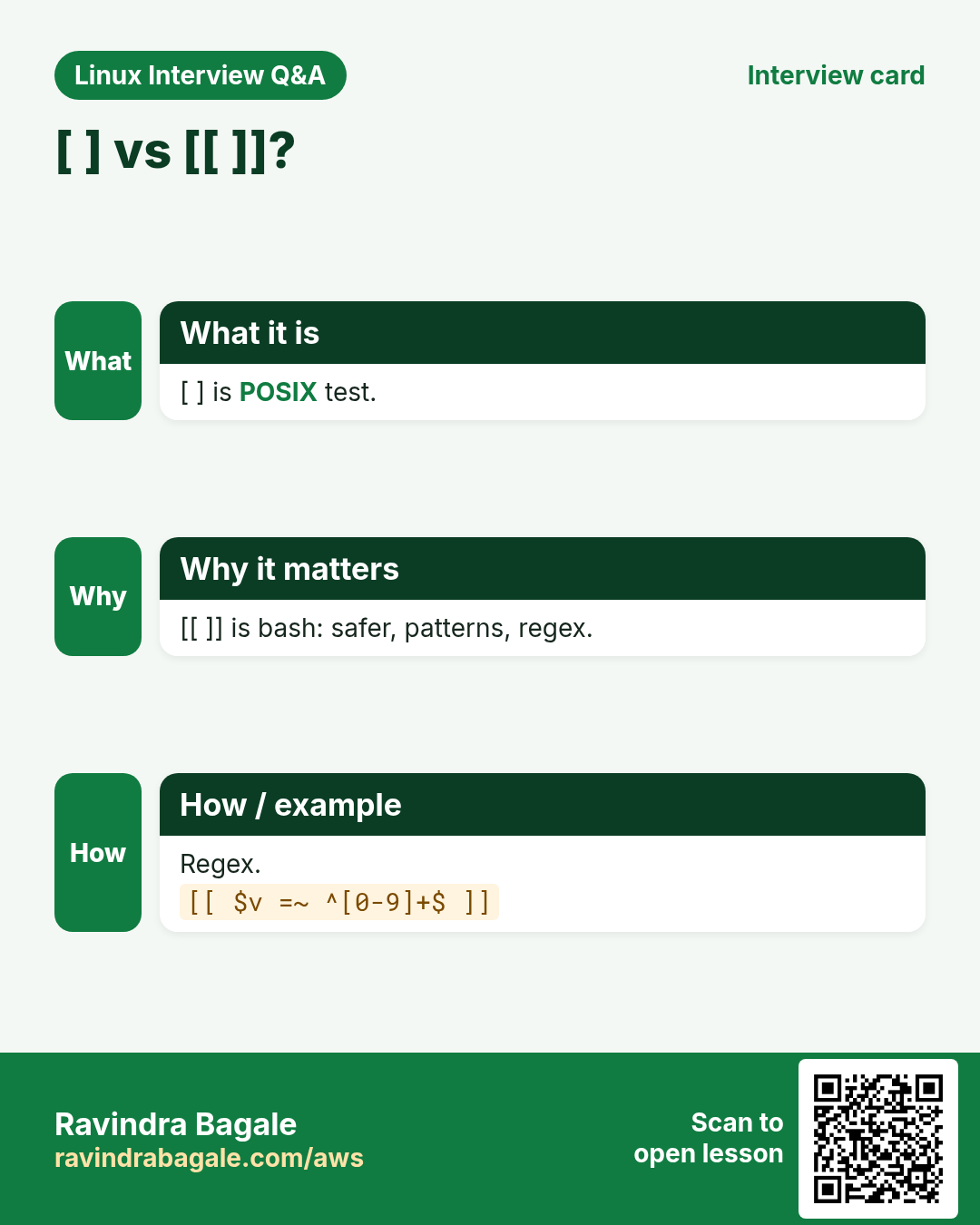
[[ ]] does not split words or expand globs on variables, so an empty $x is safe. It supports && and || inside, == with patterns ([[ $f == *.log ]]), < and > for string order, and =~ for regex. It works in bash, not in plain sh. In bash scripts, use [[ ]] for strings and files and (( )) for numbers.
| Feature | [ ] | [[ ]] |
|---|---|---|
| empty var unquoted | breaks | safe |
| && || inside | no (use -a -o) | yes |
| pattern == | no | yes |
| regex =~ | no | yes |
| POSIX sh | yes | no |
How to do it (step by step)
- Pattern.
f=app-2026.log; [[ $f == *.log ]] && echo 'a log file'Output:
a log fileWhat it means: * is a pattern here, not a file list.
- Two conditions.
age=25; city=Pune; [[ $age -ge 18 && $city == Pune ]] && echo 'can vote in Pune'Output:
can vote in PuneWhat it means: && works inside.
- Empty is safe.
x=; [[ $x == yes ]] || echo 'not yes'Output:
not yesWhat it means: No error with an empty value.
- String order.
[[ apple < banana ]] && echo 'apple comes first'Output:
apple comes firstWhat it means: < compares alphabetically.
7. Regex with =~ and BASH_REMATCH
Why do we need this?
Validating an email, a version number or an IP needs a pattern, not just equality.
What is it?
[[ $s =~ regex ]] is true when the regex matches. Do not quote the regex (quotes make it literal); store it in a variable if it has spaces. Groups in ( ) are saved in the BASH_REMATCH array: ${BASH_REMATCH[1]} is the first group.
How to do it (step by step)
- Indian PIN code.
pin=411045; [[ $pin =~ ^[1-9][0-9]{5}$ ]] && echo 'valid PIN'Output:
valid PINWhat it means: Six digits, not starting with 0.
- Extract the version.
v='nginx/1.24.0'; [[ $v =~ ([0-9]+)\.([0-9]+) ]] && echo "major=${BASH_REMATCH[1]} minor=${BASH_REMATCH[2]}"Output:
major=1 minor=24What it means: Groups are saved.
- Regex in a variable.
re='^[a-z]+@[a-z]+\.[a-z]+$'; [[ ravi@shop.in =~ $re ]] && echo 'looks like email'Output:
looks like emailWhat it means: Unquoted $re is used as a regex.
8. && and || shortcuts, and (( )) for numbers
Why do we need this?
Short checks read better on one line, and number checks are easier with normal maths signs.
What is it?
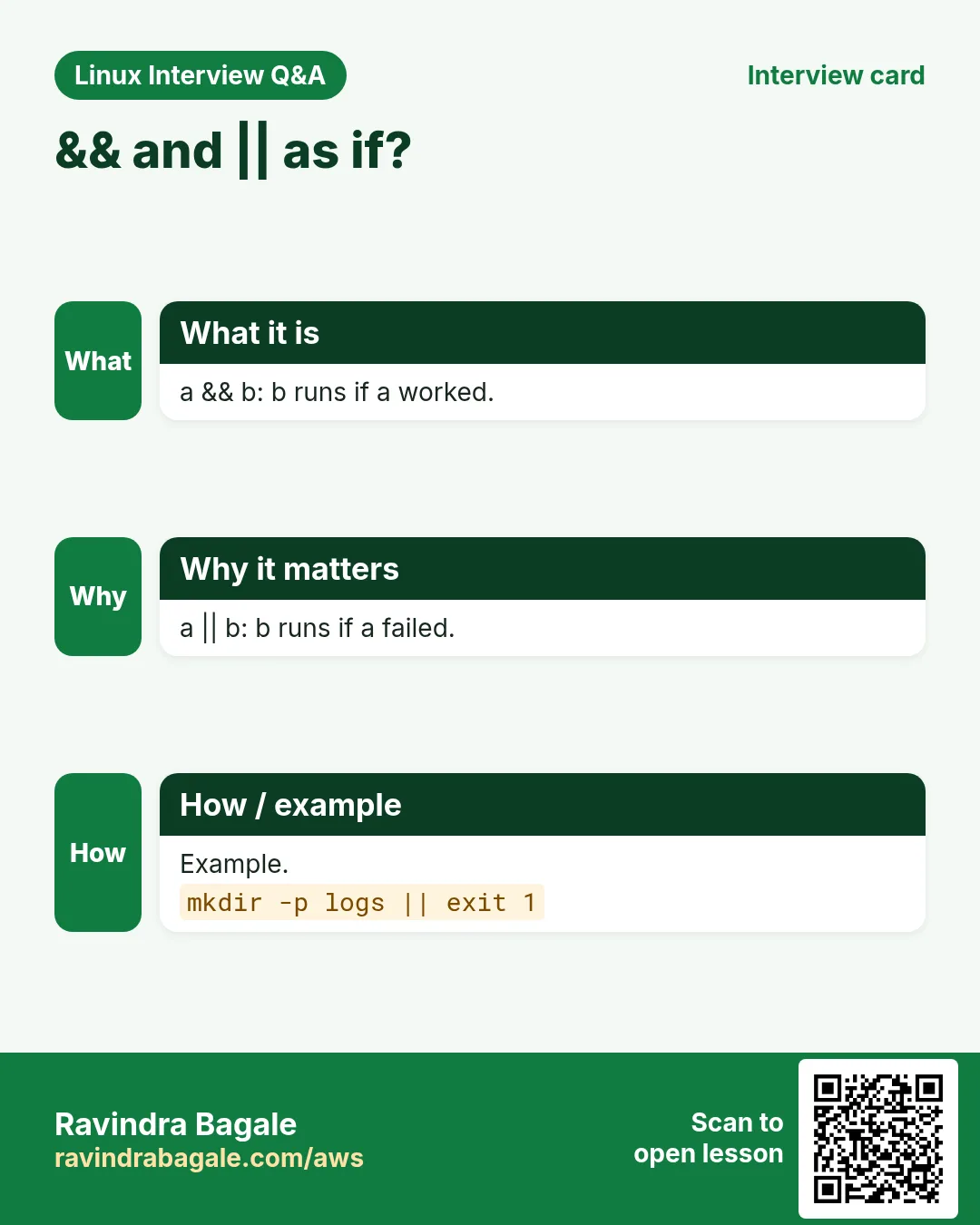
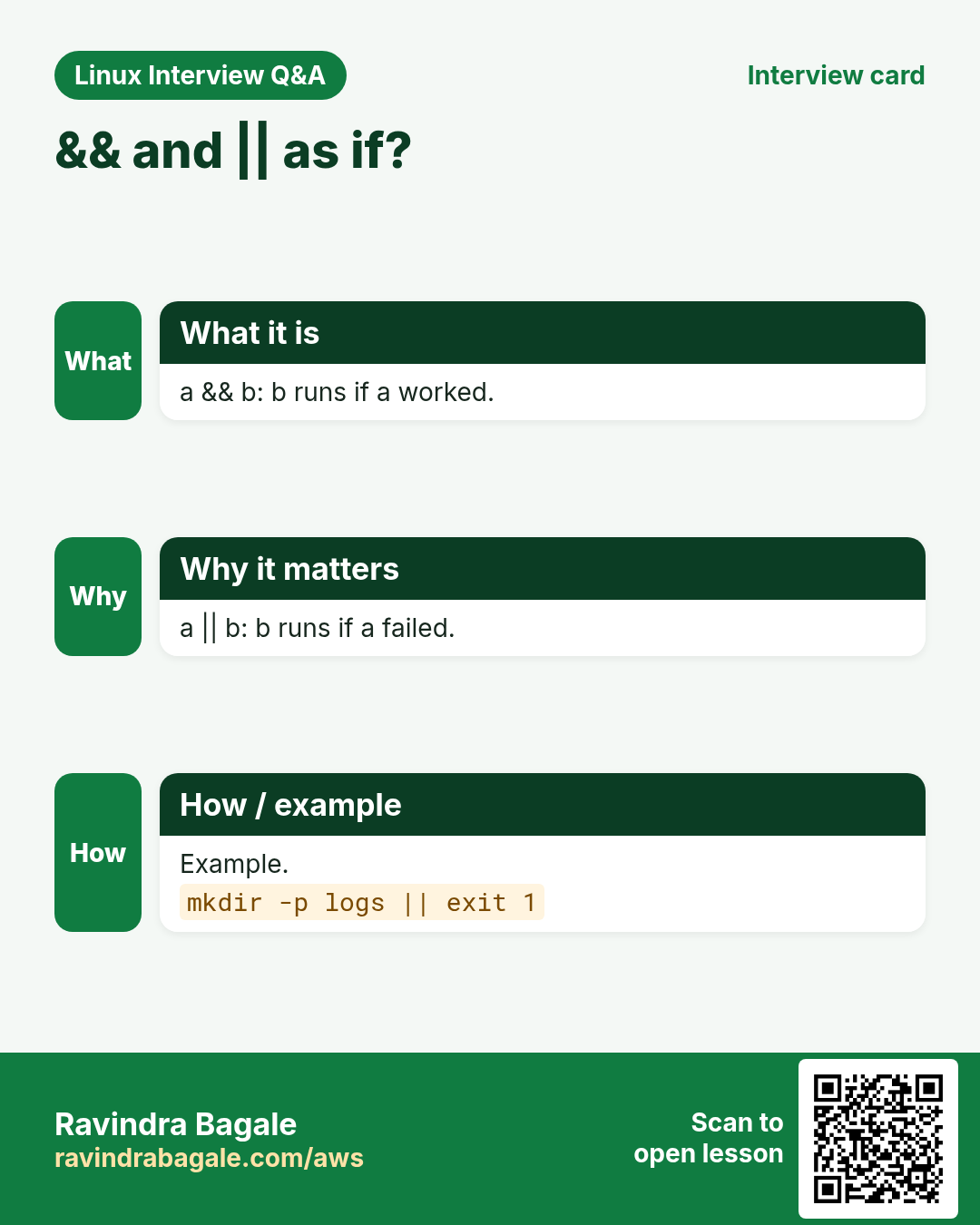
a && b runs b only if a worked. a || b runs b only if a failed. Be careful with a && b || c: c also runs if b fails, so use a full if when b can fail. (( expr )) is true when the result is not 0, and you can use < > == != with numbers: (( count > 10 )).
How to do it (step by step)
- Run only if it worked.
mkdir -p /tmp/deploy && cd /tmp/deploy && pwdOutput:
/tmp/deployWhat it means: Stops at the first failure.
- Fallback.
cd /no/such/dir 2>/dev/null || echo 'could not cd, stopping'Output:
could not cd, stoppingWhat it means: || handles the failure.
- Numbers the easy way.
errors=12; if (( errors > 10 )); then echo 'too many errors'; fiOutput:
too many errorsWhat it means: No -gt needed.
- Even or odd.
n=7; (( n % 2 == 0 )) && echo even || echo oddOutput:
oddWhat it means: % is remainder.
9. case: many choices in a clean way
Why do we need this?
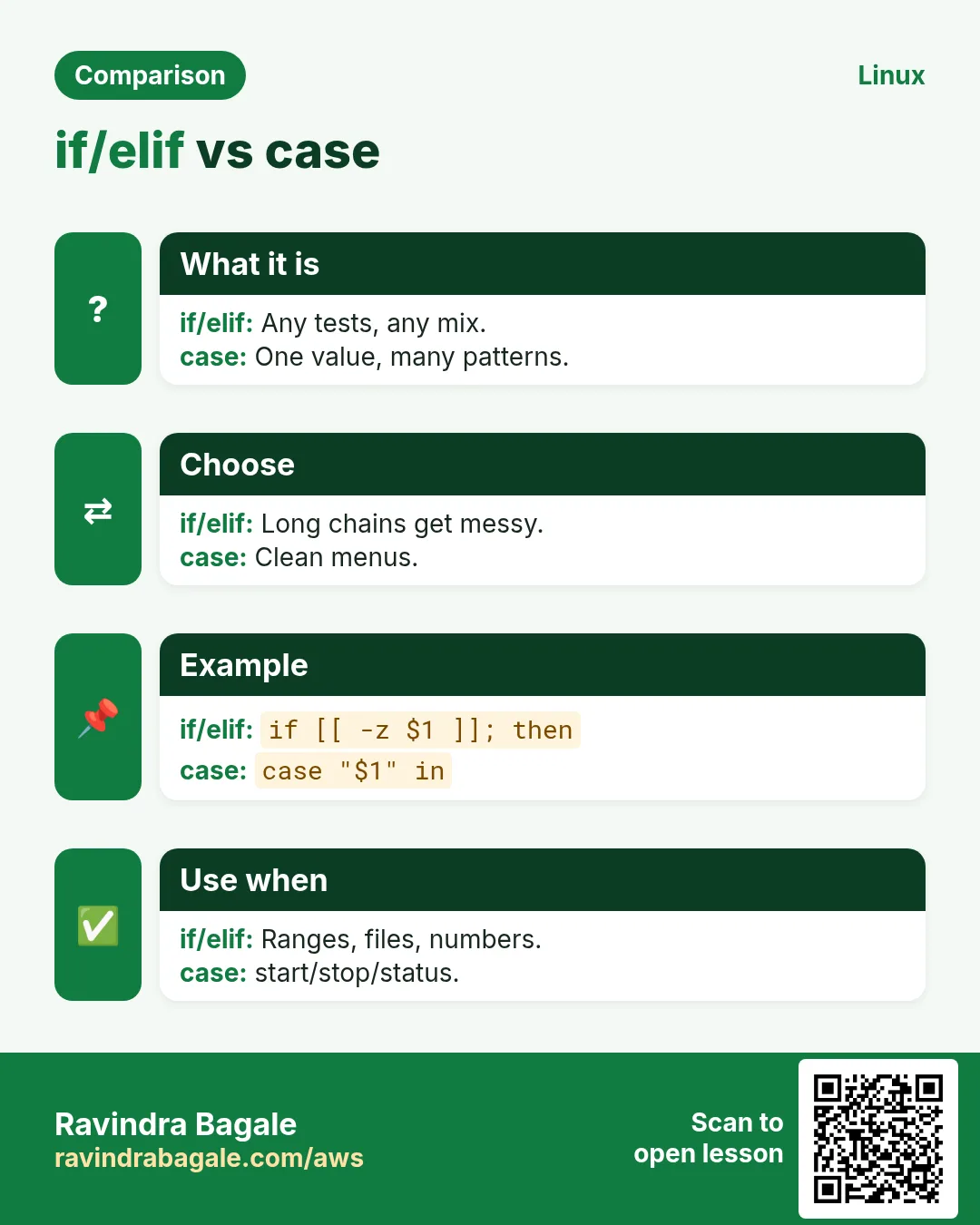
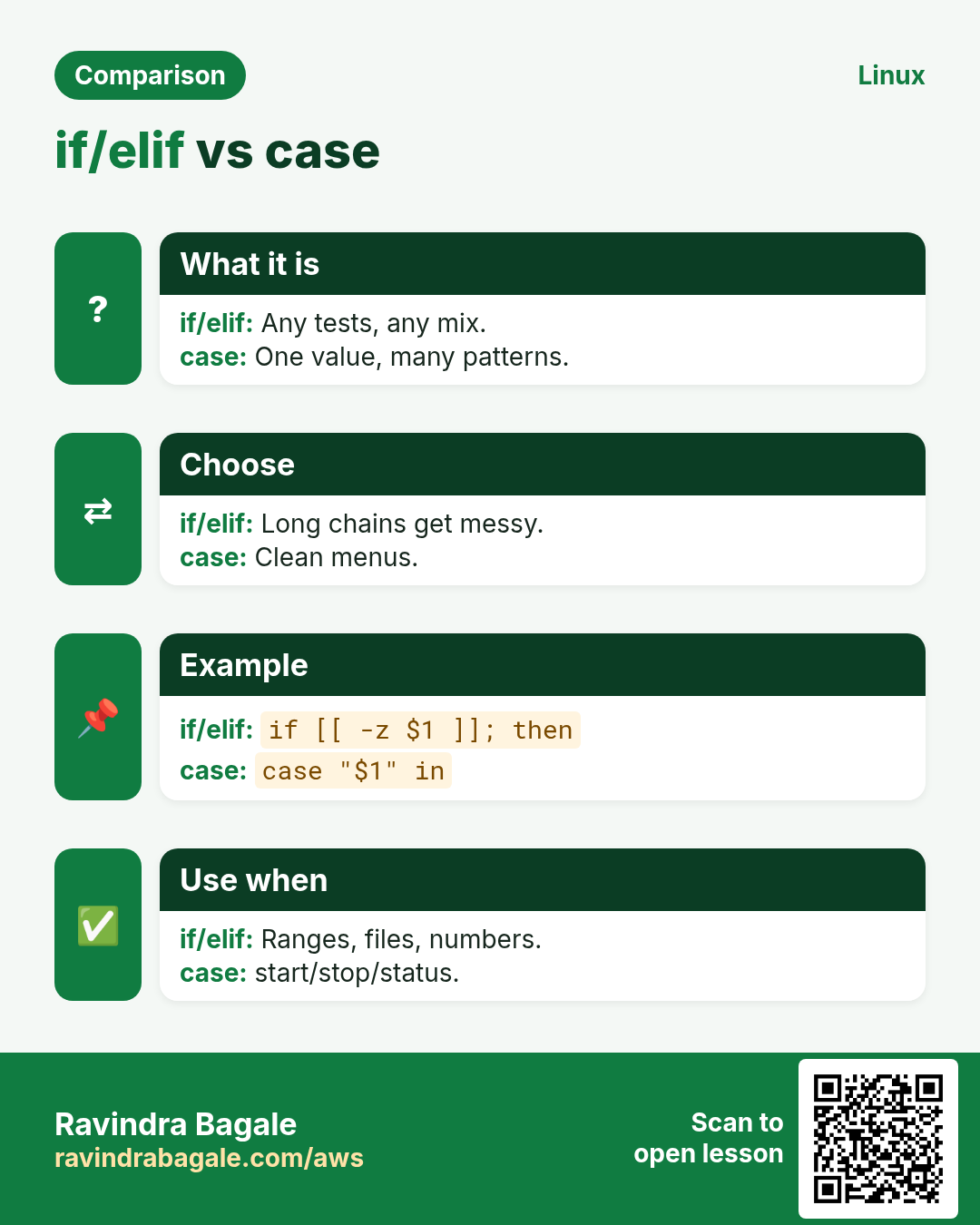
A chain of ten elifs comparing the same variable is hard to read. case is cleaner and supports patterns.
What is it?
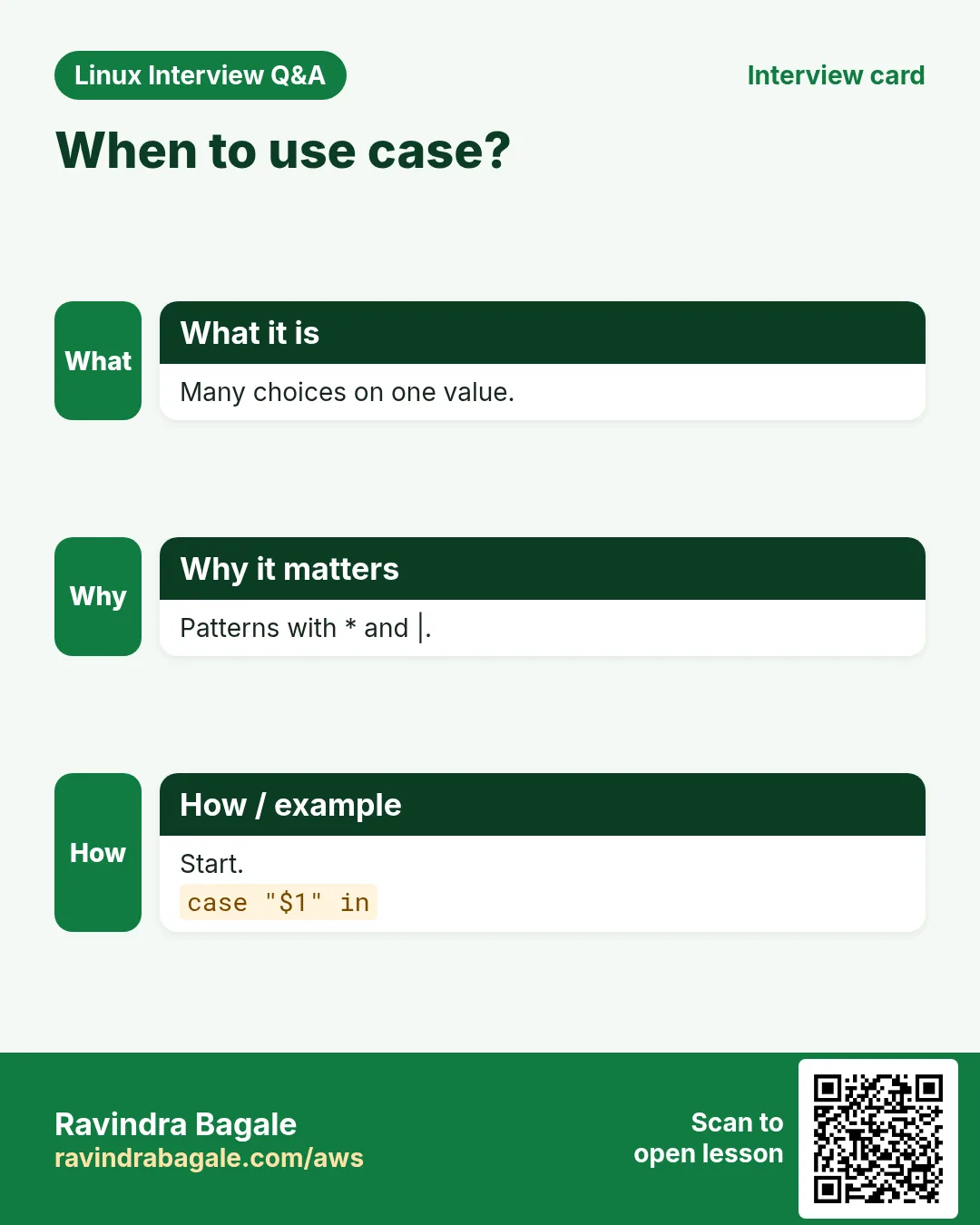
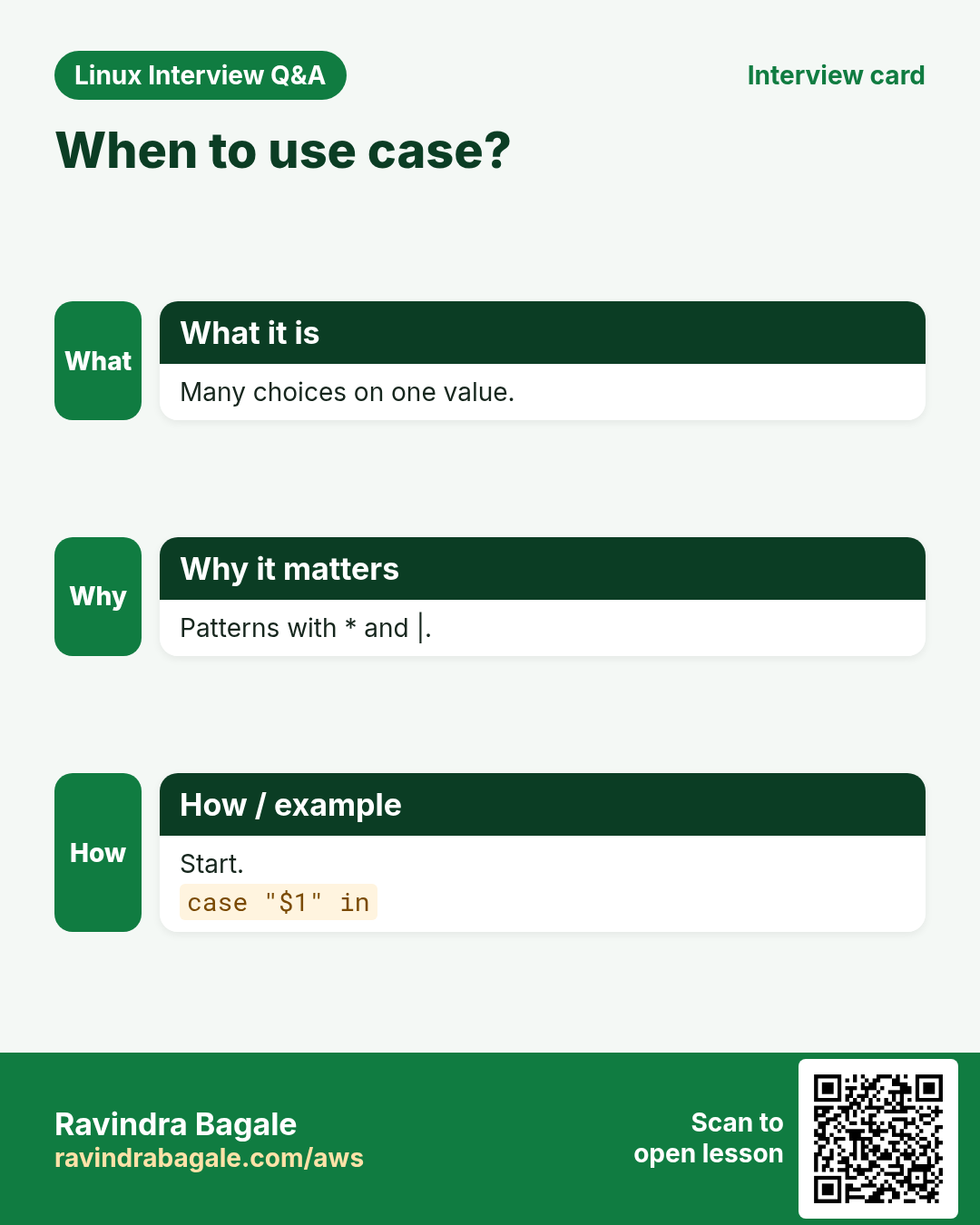
case $x in pattern1) ...;; pattern2|pattern3) ...;; *) default;; esac. Patterns are globs: *.jpg, [yY]*, start|begin. ;; ends each branch. The first match wins, so put *) last. Very common for start/stop/status menus and for file types.
How to do it (step by step)
- Service menu.
act=restart; case $act in start) echo starting;; stop) echo stopping;; restart|reload) echo 'stop then start';; *) echo "usage: start|stop|restart";; esacOutput:
stop then startWhat it means: | gives two names to one branch.
- By extension.
f=photo.JPG; case ${f,,} in *.jpg|*.png) echo image;; *.pdf) echo document;; *) echo other;; esacOutput:
imageWhat it means: ${f,,} makes it lower case first.
- Yes/no.
ans=Yes; case $ans in [yY]*) echo ok;; *) echo no;; esacOutput:
okWhat it means: [yY]* matches y, Y, yes, Yes.
- Weekday.
case $(date +%u) in 6|7) echo weekend;; *) echo 'work day';; esacOutput:
weekendWhat it means: date +%u gives 1-7.
10. Real examples from many industries
Why do we need this?
The same Linux skill shows up in every kind of company. Seeing it in many places helps you remember it.
What is it?
Each row is a made-up team. It shows who uses this and how.
How to do it (step by step)
| Team and city | How they use it | Command |
|---|---|---|
| Sneha, hospital, Pune | Alert when disk >= 90 | (( use >= 90 )) |
| Liam, bank, Sydney | Stop if not on prod host | [[ $(hostname) == prod-* ]] |
| Yuki, gaming, Tokyo | Version check with =~ | [[ $v =~ ^2\. ]] |
| Fatima, telecom, Dubai | start/stop menu with case | case $1 in start) |
| Lucas, logistics, São Paulo | Skip empty CSV files | [ -s "$f" ] || continue |
| Anil, manufacturing, Aurangabad | Restart only if down | systemctl is-active -q x || systemctl restart x |
11. Common errors and how to fix them
Why do we need this?
Everyone hits these errors. Knowing the cause saves hours.
What is it?
Read the exact message first. Then match it to a row below.
How to do it (step by step)
| Error you see | Why it happens | How to fix |
|---|---|---|
[: missing `]' | No space before ] | Add spaces inside brackets.[ "$a" = b ] |
[41: command not found | No space after [ | Write [ $x ...[ "$x" -gt 5 ] |
unary operator expected | Empty unquoted variable | Quote or use [[ ]].[[ $x -eq 1 ]] |
integer expression expected | Text used with -gt | Check it is a number.[[ $x =~ ^[0-9]+$ ]] |
A file named 5 appeared | Used > in [ ] for numbers | Use -gt or (( )).(( a > 5 )) |
syntax error near unexpected token `fi' | Missing then | Add then.if x; then y; fi |
syntax error near unexpected token `)' in case | Missing ;; or in | End each branch with ;;.case $a in x) y;; esac |
Regex never matches | Regex was quoted | Remove quotes or use a variable.[[ $s =~ $re ]] |
[[: not found | Script run with sh | Use bash or #!/bin/bash.bash s.sh |
12. Troubleshooting step by step
Why do we need this?
Print the values being compared, then run the test alone and look at $?.
What is it?
Go top to bottom. Stop at the first step that shows the problem.
How to do it (step by step)
- See the values.
echo "[$a] [$b]"- Test alone.
[[ $a == $b ]]; echo $?- Trace.
bash -x s.sh- Lint.
shellcheck s.sh- Which shell?
head -1 s.sh- Hidden \r from Windows.
cat -A s.sh | grep -m3 '\^M'13. Lab 1: A health check with if and file tests
Why do we need this?
Write health.sh that checks disk, a config file and a service, and prints OK/WARN/FAIL lines.
What is it?
A full hands-on lab. Run every step on a test Linux machine (an EC2 instance, a VM, or WSL).
How to do it (step by step)
- Folder.
mkdir -p ~/lab40 && cd ~/lab40- Disk part.
use=$(df --output=pcent / | tail -1 | tr -dc 0-9); if (( use >= 90 )); then echo "FAIL disk $use%"; elif (( use >= 75 )); then echo "WARN disk $use%"; else echo "OK disk $use%"; fiOutput:
OK disk 41%- Config part.
f=/etc/ssh/sshd_config; [[ -r $f ]] && echo "OK $f readable" || echo "FAIL $f"Output:
OK /etc/ssh/sshd_config readable- Service part.
if systemctl is-active -q sshd; then echo 'OK sshd'; else echo 'FAIL sshd'; fiOutput:
OK sshd- Empty log check.
touch app.log; [[ -s app.log ]] || echo 'WARN app.log is empty'Output:
WARN app.log is empty- Exit code.
bash -c 'exit 0'; echo $?Output:
014. Lab 2: A case-based service tool
Why do we need this?
Build svc.sh start|stop|status|-h for a fake service, with pattern matching and a usage message.
What is it?
A full hands-on lab. Run every step on a test Linux machine (an EC2 instance, a VM, or WSL).
How to do it (step by step)
- Write.
printf '#!/bin/bash\ncase ${1:-} in\n start) touch /tmp/svc.pid; echo started;;\n stop) rm -f /tmp/svc.pid; echo stopped;;\n status) [[ -e /tmp/svc.pid ]] && echo running || echo stopped;;\n -h|--help|"") echo "usage: $0 start|stop|status";;\n *) echo "unknown: $1" >&2; exit 2;;\nesac\n' | tee svc.sh && chmod +x svc.sh- Start.
./svc.sh start; ./svc.sh statusOutput:
started
running- Stop.
./svc.sh stop; ./svc.sh statusOutput:
stopped
stopped- Help.
./svc.shOutput:
usage: ./svc.sh start|stop|status- Bad input.
./svc.sh boom; echo $?Output:
unknown: boom
2- Lint it.
shellcheck svc.sh && echo cleanOutput:
cleanRavindra Bagale's Tip
In bash scripts use [[ ]] for strings and files, (( )) for numbers, and case when you compare one value against many choices. Remember: if only looks at an exit code, so any command can be a test.
Ravindra Bagale's Tip – मराठी
Bash scripts मधे strings आणि files साठी [[ ]], numbers साठी (( )), आणि एक value अनेक choices शी compare करताना case. लक्षात ठेवा: if फक्त exit code बघतो, म्हणून कोणतीही command test असू शकते.
Ravindra Bagale's Tip – हिंदी
Bash scripts में strings और files के लिए [[ ]], numbers के लिए (( )), और एक value को कई choices से compare करते समय case. याद रखिए: if सिर्फ exit code देखता है, इसलिए कोई भी command test हो सकती है.
15. Frequently asked questions
Q. [ ] or [[ ]]?
[[ ]] in bash; [ ] for POSIX sh.
Q. Why spaces inside brackets?
[ is a command; its args need spaces.
Q. = or ==?
Both in [[ ]]; = in [ ].
Q. How to test 'not'?
Put ! before the test.
Q. Can case use regex?
No, only glob patterns.
Q. Is (( 0 )) true?
No; 0 is false there.
Q. Compare decimals?
Use awk or bc.
Q. What is ;;& in case?
Continues testing next patterns (bash 4).
16. Interview questions and answers
Beginner level
Q. Number greater than?
-gt or (( > )).
Q. File exists?
-e or -f.
Q. String empty?
-z.
Q. End an if?
fi.
Mid level level
Q. [ ] vs [[ ]]?
[[ ]] is safer, supports patterns, regex, && ||.
Q. When case over if?
Many choices on one value.
Q. Danger of a && b || c?
c runs if b fails too.
Q. Get regex groups?
BASH_REMATCH.
Senior level
Q. Why does if grep work?
if checks exit codes; grep returns 0 on match.
Q. Write portable tests?
Use [ ] with quoted vars and = only.
Q. Validate an IPv4 roughly?
=~ ^([0-9]{1,3}\.){3}[0-9]{1,3}$ plus range checks.
Q. Guard against running on prod?
[[ $(hostname) == prod* ]] && read confirmation.
Try at home
- Write grade.sh that takes marks (0-100) and prints A/B/C/Fail with if/elif. Reject bad input.
- Write ftype.sh that uses case to say image, video, document or other for each argument.
Practice Tasks
Amravati Agro Market is a agriculture business in Amravati. Anjali Thakre looks after its IT and cloud work. They count money in INR and run their AWS resources in the ap-south-1 Region. In the tasks below you do real jobs for them using what this lesson teaches. All names, account IDs, IP addresses and numbers are made up for practice.
0 / 21
Easy At least 80
Why: BIZ scripts must decide before they act.
What to do: Test with [ ] that the variable cpu is greater than or equal to 80.
- Find the Linux command that does this job.
- Add the options (like -r or -h) the task needs.
- Add the file names, folders or users in the right order.
- Use sudo if the job changes system files or users. Click Check answer.
Easy Not equal number
Why: BIZ scripts must decide before they act.
What to do: Test that the variable rc is not equal to 0 with [ ].
- Find the Linux command that does this job.
- Add the options (like -r or -h) the task needs.
- Add the file names, folders or users in the right order.
- Use sudo if the job changes system files or users. Click Check answer.
Easy Less than 5
Why: BIZ scripts must decide before they act.
What to do: Test with (( )) that tries is less than 5.
- Find the Linux command that does this job.
- Add the options (like -r or -h) the task needs.
- Add the file names, folders or users in the right order.
- Use sudo if the job changes system files or users. Click Check answer.
Easy Empty?
Why: BIZ scripts must decide before they act.
What to do: Test with [ ] that the variable reply is empty.
- Find the Linux command that does this job.
- Add the options (like -r or -h) the task needs.
- Add the file names, folders or users in the right order.
- Use sudo if the job changes system files or users. Click Check answer.
Easy Not empty
Why: BIZ scripts must decide before they act.
What to do: Test with [[ ]] that the variable sku is not empty.
- Find the Linux command that does this job.
- Add the options (like -r or -h) the task needs.
- Add the file names, folders or users in the right order.
- Use sudo if the job changes system files or users. Click Check answer.
Easy String equal
Why: BIZ scripts must decide before they act.
What to do: Test with [ ] that the variable tier equals gold.
- Find the Linux command that does this job.
- Add the options (like -r or -h) the task needs.
- Add the file names, folders or users in the right order.
- Use sudo if the job changes system files or users. Click Check answer.
Easy Is a folder
Why: BIZ scripts must decide before they act.
What to do: Test that /srv/invoices is a directory.
- Find the Linux command that does this job.
- Add the options (like -r or -h) the task needs.
- Add the file names, folders or users in the right order.
- Use sudo if the job changes system files or users. Click Check answer.
Easy Is a file
Why: BIZ scripts must decide before they act.
What to do: Test that /etc/nginx/nginx.conf is a regular file.
- Find the Linux command that does this job.
- Add the options (like -r or -h) the task needs.
- Add the file names, folders or users in the right order.
- Use sudo if the job changes system files or users. Click Check answer.
Easy Empty answer
Why: BIZ scripts must decide before they act.
What to do: Using [[ ]] and &&, print empty when the variable ans has zero length.
- Find the Linux command that does this job.
- Add the options (like -r or -h) the task needs.
- Add the file names, folders or users in the right order.
- Use sudo if the job changes system files or users. Click Check answer.
Medium Executable
Why: BIZ scripts must decide before they act.
What to do: Test that /usr/local/bin/sync-erp is executable by you.
- Find the Linux command that does this job.
- Add the options (like -r or -h) the task needs.
- Add the file names, folders or users in the right order.
- Use sudo if the job changes system files or users. Click Check answer.
Medium Not empty file
Why: BIZ scripts must decide before they act.
What to do: Test that orders.json exists and is not empty.
- Find the Linux command that does this job.
- Add the options (like -r or -h) the task needs.
- Add the file names, folders or users in the right order.
- Use sudo if the job changes system files or users. Click Check answer.
Medium Writable folder
Why: BIZ scripts must decide before they act.
What to do: Test that /var/backups is writable, else print "no write".
- Find the Linux command that does this job.
- Add the options (like -r or -h) the task needs.
- Add the file names, folders or users in the right order.
- Use sudo if the job changes system files or users. Click Check answer.
Medium Pattern match
Why: BIZ scripts must decide before they act.
What to do: Test with [[ ]] that the variable img ends in .webp.
- Find the Linux command that does this job.
- Add the options (like -r or -h) the task needs.
- Add the file names, folders or users in the right order.
- Use sudo if the job changes system files or users. Click Check answer.
Medium Two conditions
Why: BIZ scripts must decide before they act.
What to do: In one [[ ]] test that age is at least 21 and city is Nagpur.
- Find the Linux command that does this job.
- Add the options (like -r or -h) the task needs.
- Add the file names, folders or users in the right order.
- Use sudo if the job changes system files or users. Click Check answer.
Medium If grep
Why: BIZ scripts must decide before they act.
What to do: Write an if that checks quietly whether /etc/group has a line starting with docker: and prints yes.
- Find the Linux command that does this job.
- Add the options (like -r or -h) the task needs.
- Add the file names, folders or users in the right order.
- Use sudo if the job changes system files or users. Click Check answer.
Medium Not active
Why: BIZ scripts must decide before they act.
What to do: Print "redis down" if the redis service is not active, quietly using systemctl.
- Find the Linux command that does this job.
- Add the options (like -r or -h) the task needs.
- Add the file names, folders or users in the right order.
- Use sudo if the job changes system files or users. Click Check answer.
Medium Odd
Why: BIZ scripts must decide before they act.
What to do: Use (( )) and && to print odd when n leaves remainder 1 on division by 2.
- Find the Linux command that does this job.
- Add the options (like -r or -h) the task needs.
- Add the file names, folders or users in the right order.
- Use sudo if the job changes system files or users. Click Check answer.
Medium case on second
Why: BIZ scripts must decide before they act.
What to do: Start a case statement on the second argument.
- Find the Linux command that does this job.
- Add the options (like -r or -h) the task needs.
- Add the file names, folders or users in the right order.
- Use sudo if the job changes system files or users. Click Check answer.
Hard Newer file
Why: BIZ scripts must decide before they act.
What to do: Test that build.tar is newer than src.tar.
- Find the Linux command that does this job.
- Add the options (like -r or -h) the task needs.
- Add the file names, folders or users in the right order.
- Use sudo if the job changes system files or users. Click Check answer.
Hard Regex
Why: BIZ scripts must decide before they act.
What to do: Test with =~ that the variable gstin starts with two digits.
- Find the Linux command that does this job.
- Add the options (like -r or -h) the task needs.
- Add the file names, folders or users in the right order.
- Use sudo if the job changes system files or users. Click Check answer.
Hard Starts with n
Why: BIZ scripts must decide before they act.
What to do: Using [[ ]] with a bracket pattern, print skip when ans starts with n or N.
- Find the Linux command that does this job.
- Add the options (like -r or -h) the task needs.
- Add the file names, folders or users in the right order.
- Use sudo if the job changes system files or users. Click Check answer.
17. Related chapters
- Linux Ops Refresh for DevOps
- Bash Scripting for Automation
- Linux grep and find Commands with Examples
- How to Set Up Passwordless SSH Between Linux Servers
In short
- if checks an exit code; 0 is true.
- [ ] needs spaces and quoted vars.
- -eq -lt -gt for numbers; = != -z -n for strings.
- -f -d -s -r -w -x for files.
- [[ ]] adds patterns, regex and && ||.
- case handles many choices with patterns.
Revision, comparison and interview cards
Revise this lesson in a few minutes. Save the cards on your phone or download them as PNG files. The QR code on each card opens this lesson.
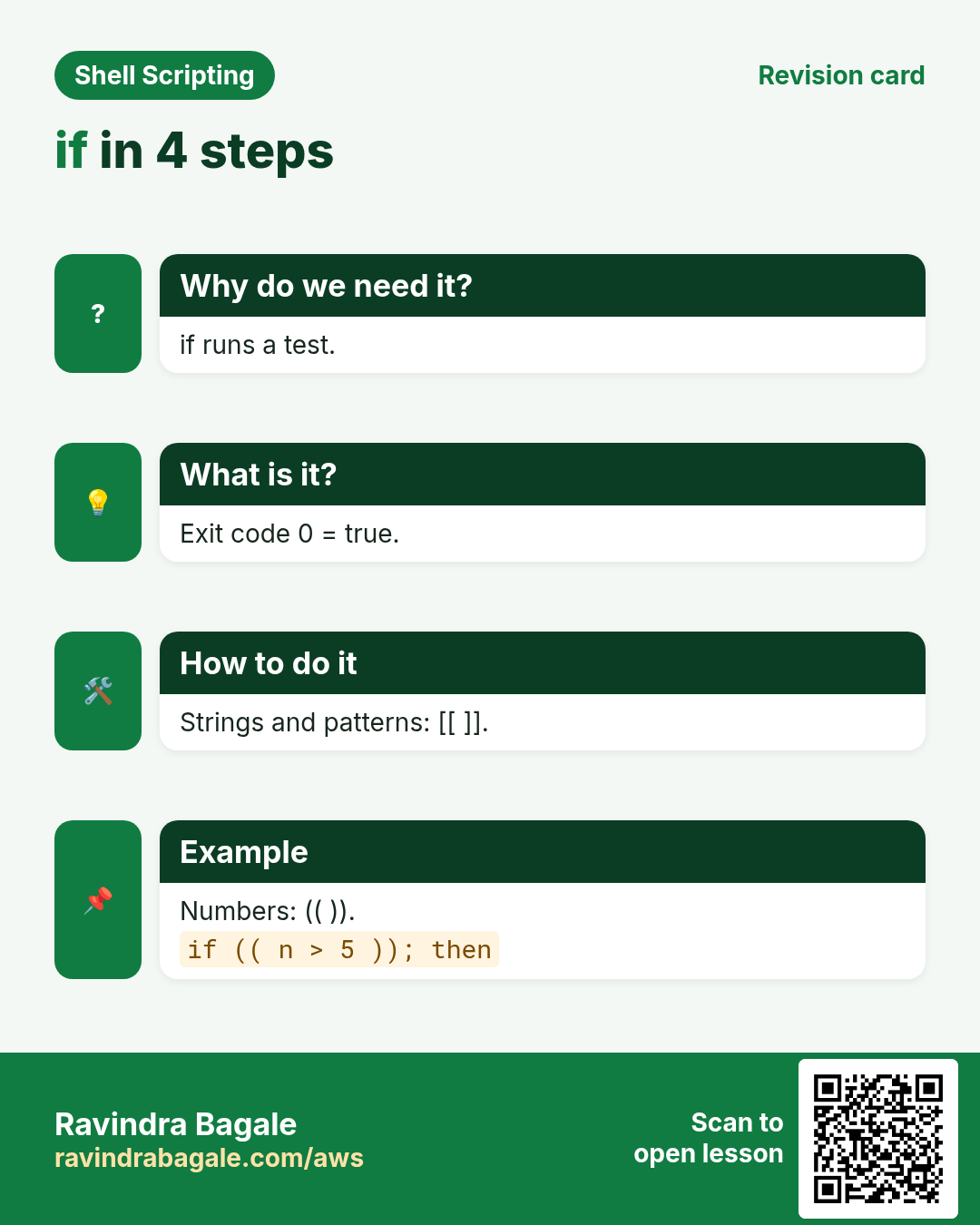
![if in 4 steps. if runs a test. Exit code 0 = true. Strings and patterns: [[ ]]. Numbers: (( )).](../ravi-sirs-cards/cards/en/rev-lx7-if.webp)
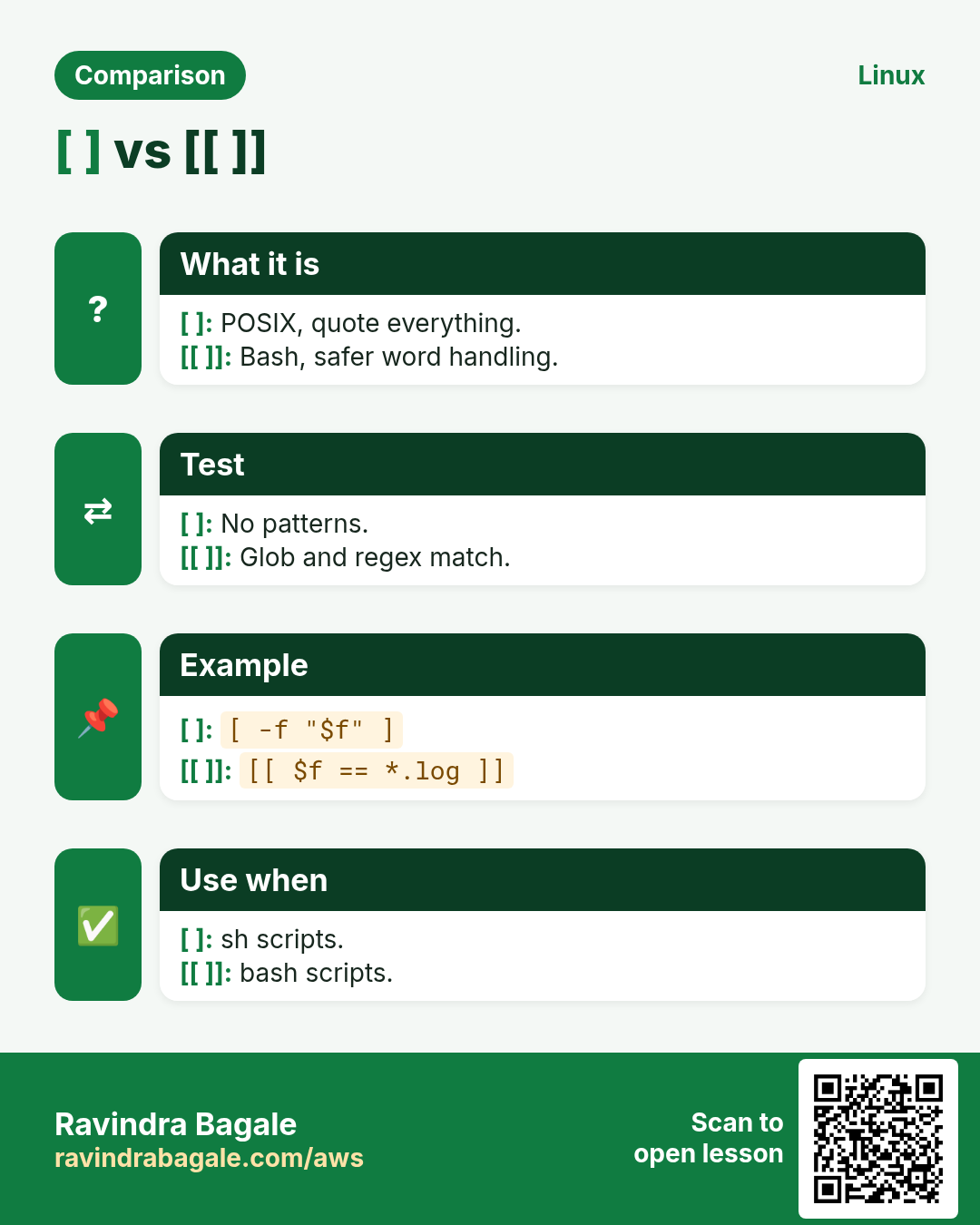
![[ ] vs [[ ]]. POSIX, quote everything. / Bash, safer word handling.](../ravi-sirs-cards/cards/en/cmp-lx7-test-vs-dbl.webp)
![[ ] vs [[ ]]?. [ ] is POSIX test. [[ ]] is bash: safer, patterns, regex. Regex.](../ravi-sirs-cards/cards/en/int-lx7-int-brackets.webp)
![Compare numbers?. (( )) uses < > ==. In [ ] use -lt -gt -eq. Example.](../ravi-sirs-cards/cards/en/int-lx7-int-numcmp.webp)
More cards: Ravi Sir's Cards.