AWS CLI ECS and ECR Commands: Push an Image and Run Containers
We ship containers: store an image in ECR, push it with docker, then run it on ECS Fargate as a task and as a service.
What you'll learn in this chapter
- Create an ECR repository
- Log in and push an image
- Create a Fargate cluster
- Register a task definition
- Run a service and update it
1. The big picture: tiffin service
Why do we need this?
A tiffin kitchen packs the same box every day. The box is the image, ECR is the store room for boxes and ECS is the delivery team that keeps the right number of boxes going out.
What is it?
Images live in aws ecr. Running is in aws ecs: create-cluster, register-task-definition, run-task, create-service, update-service.
How to do it (step by step)
2. ECR repository and push
Why do we need this?
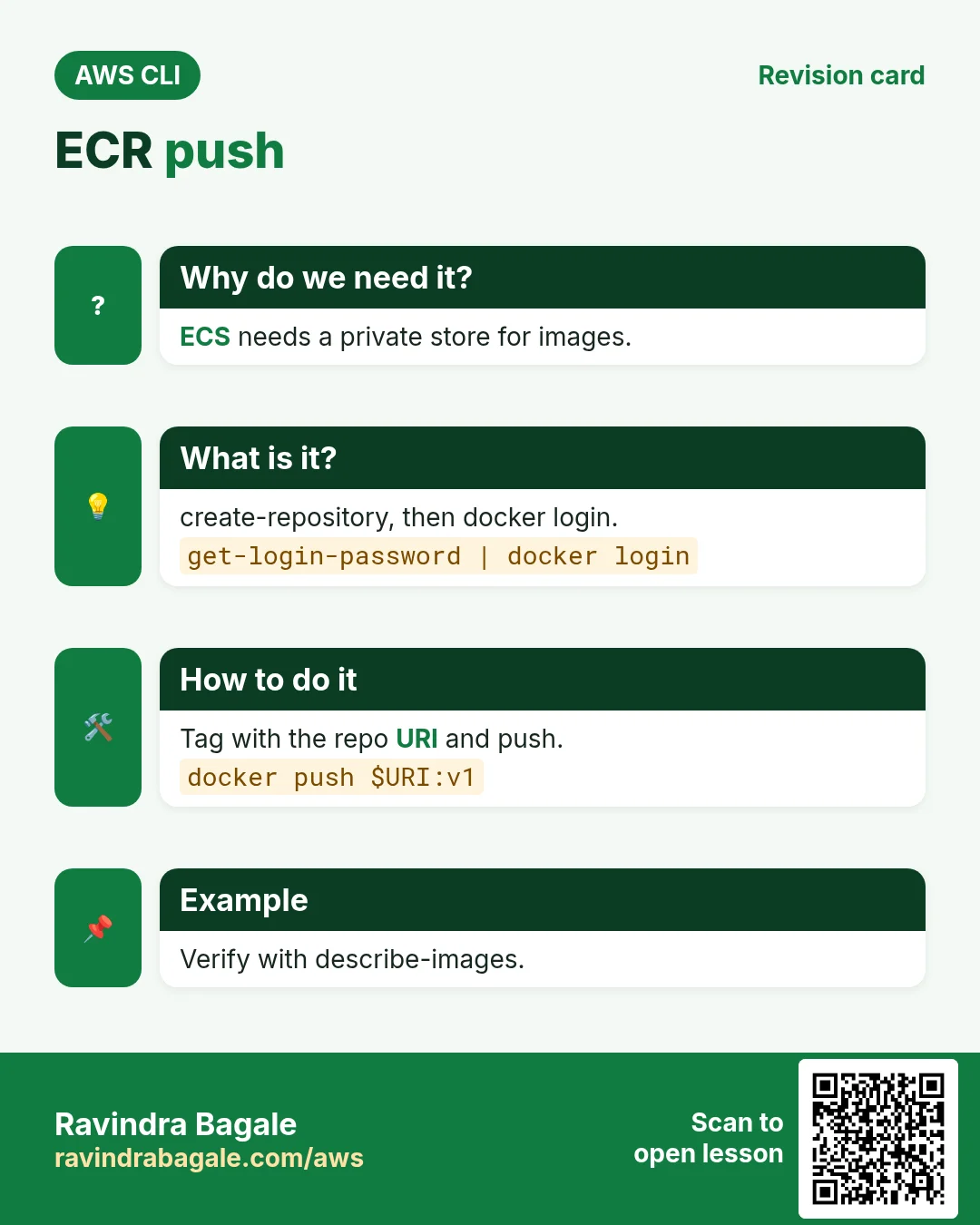
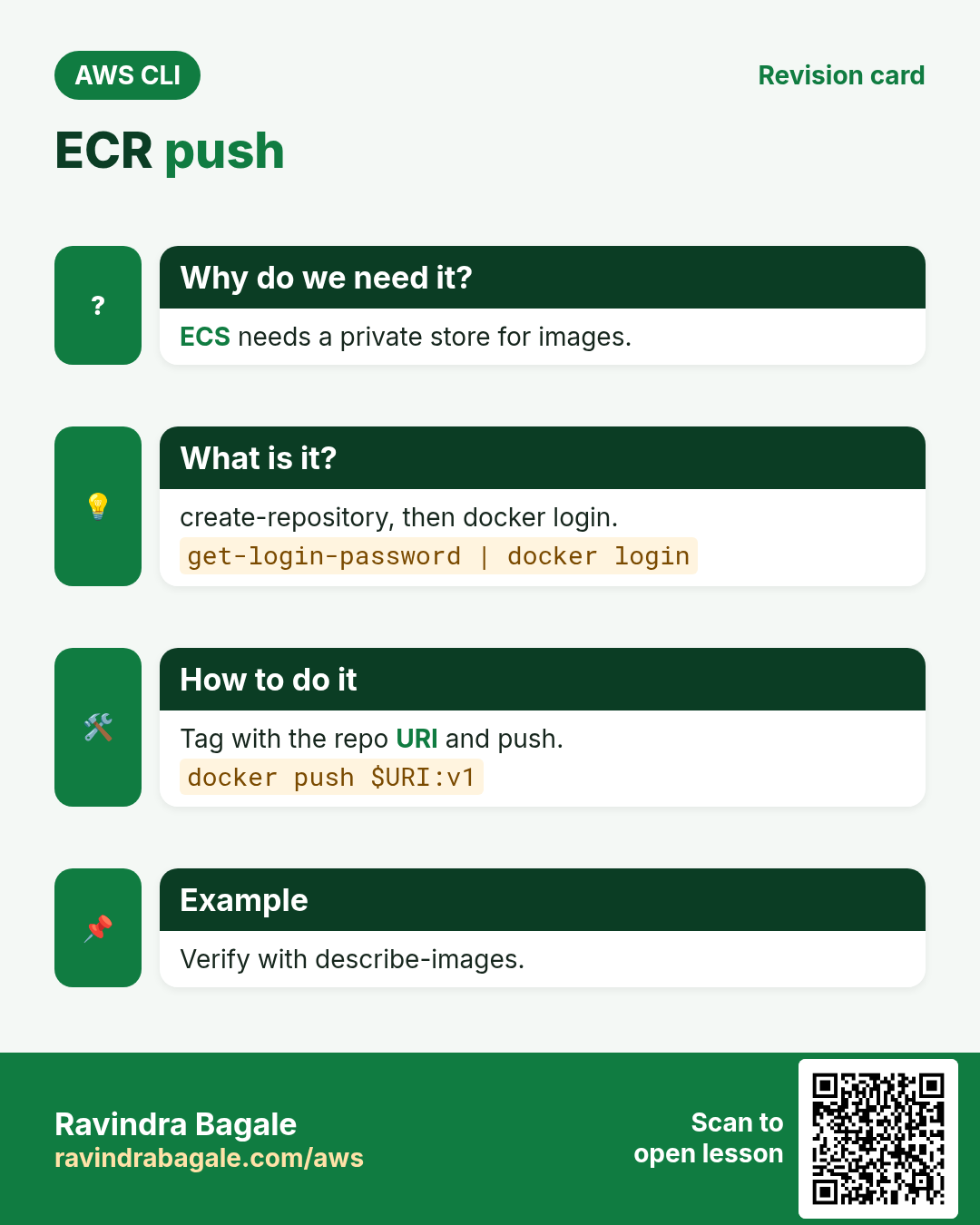
ECS needs a private, nearby place to pull your image from.
What is it?
create-repository makes the repo. get-login-password gives a 12-hour token for docker login. Then tag with the repo URI and push.
How to do it (step by step)
- Create the repo.
URI=$(aws ecr create-repository --repository-name cli-web --image-scanning-configuration scanOnPush=true --query repository.repositoryUri --output text)
echo $URI
Expected output:
111122223333.dkr.ecr.ap-south-1.amazonaws.com/cli-web- Log in docker.
aws ecr get-login-password | docker login --username AWS --password-stdin ${URI%/*}Expected output:
Login Succeeded- Build, tag and push.
docker build -t cli-web .
docker tag cli-web:latest $URI:v1
docker push $URI:v1
Expected output:
v1: digest: sha256:9f8e... size: 1570- Verify the image.
aws ecr describe-images --repository-name cli-web --query "imageDetails[].imageTags" --output textExpected output:
v13. Cluster and task definition
Why do we need this?
ECS must know which image, how much CPU and memory, and which port.
What is it?
A cluster is a logical group. A task definition is the recipe: image, cpu, memory, ports, logs and an execution role to pull from ECR.
How to do it (step by step)
- Create the cluster.
aws ecs create-cluster --cluster-name cli-cluster --query cluster.status --output textExpected output:
ACTIVE- Write and register the task definition.
cat > td.json <<J
{"family":"cli-web","requiresCompatibilities":["FARGATE"],"networkMode":"awsvpc","cpu":"256","memory":"512",
 "executionRoleArn":"arn:aws:iam::111122223333:role/ecsTaskExecutionRole",
 "containerDefinitions":[{"name":"web","image":"111122223333.dkr.ecr.ap-south-1.amazonaws.com/cli-web:v1","portMappings":[{"containerPort":80}],
  "logConfiguration":{"logDriver":"awslogs","options":{"awslogs-group":"/ecs/cli-web","awslogs-region":"ap-south-1","awslogs-stream-prefix":"web","awslogs-create-group":"true"}}}]}
J
aws ecs register-task-definition --cli-input-json file://td.json --query taskDefinition.taskDefinitionArn --output text
Expected output:
arn:aws:ecs:ap-south-1:111122223333:task-definition/cli-web:14. Run a task and a service
Why do we need this?
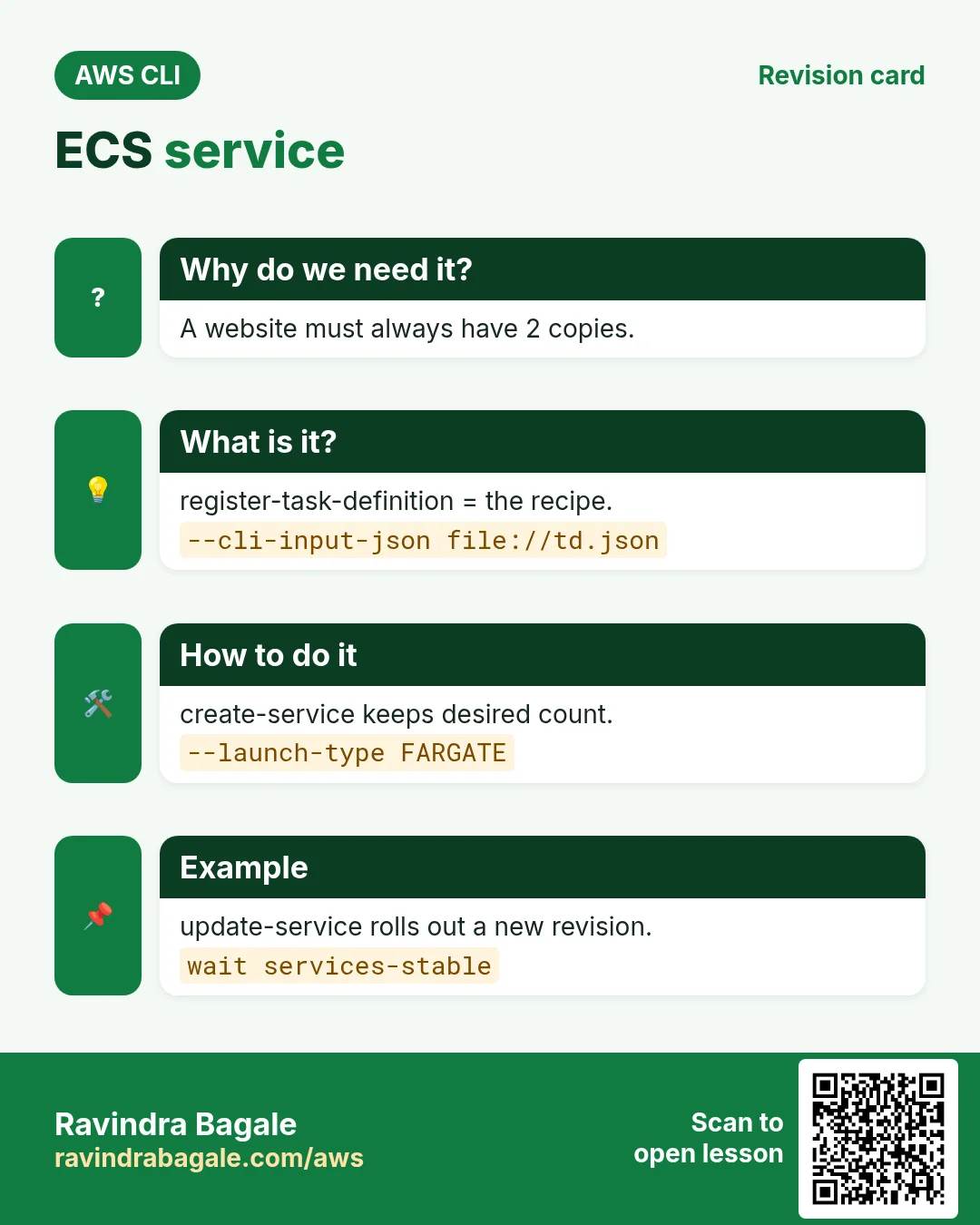
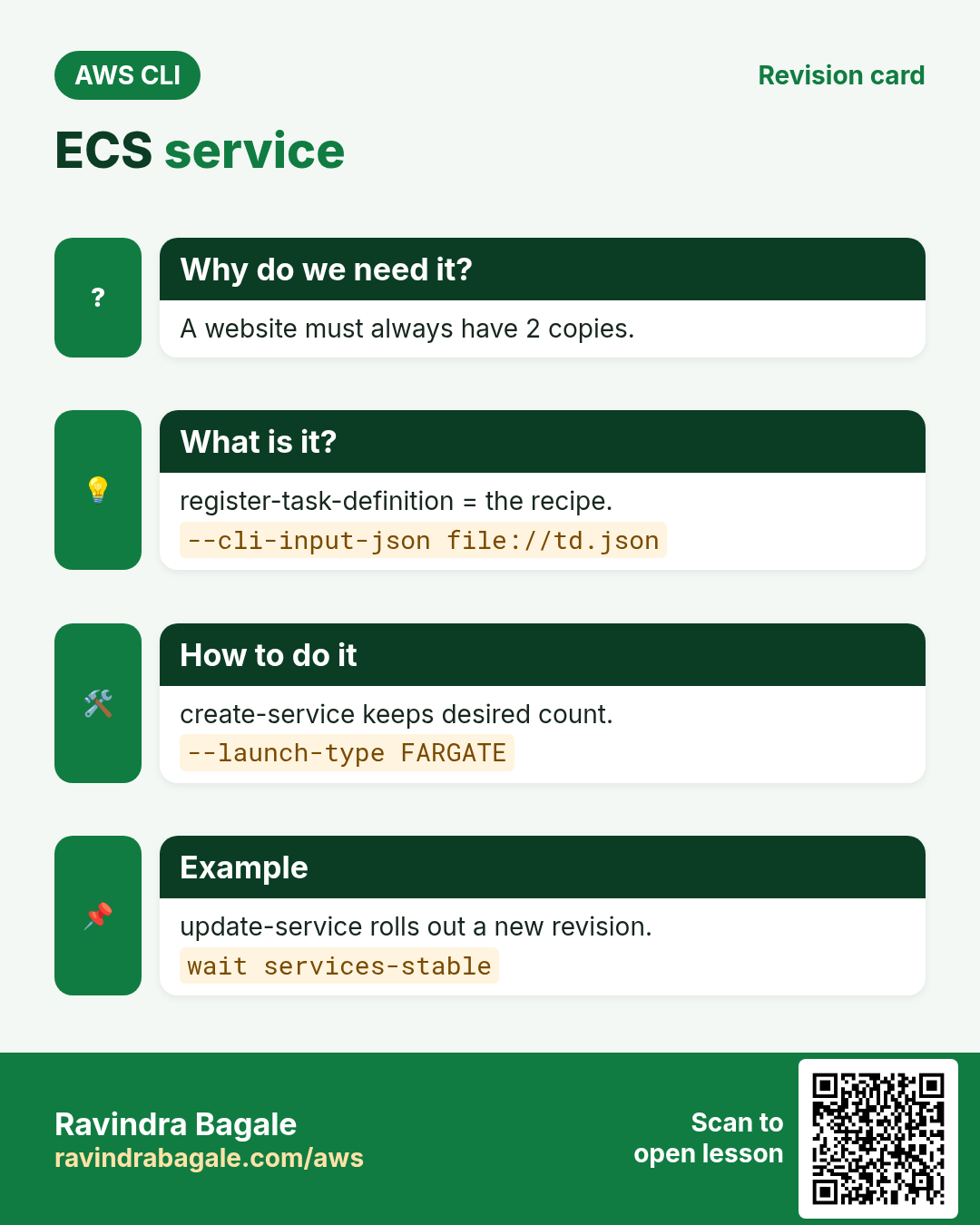
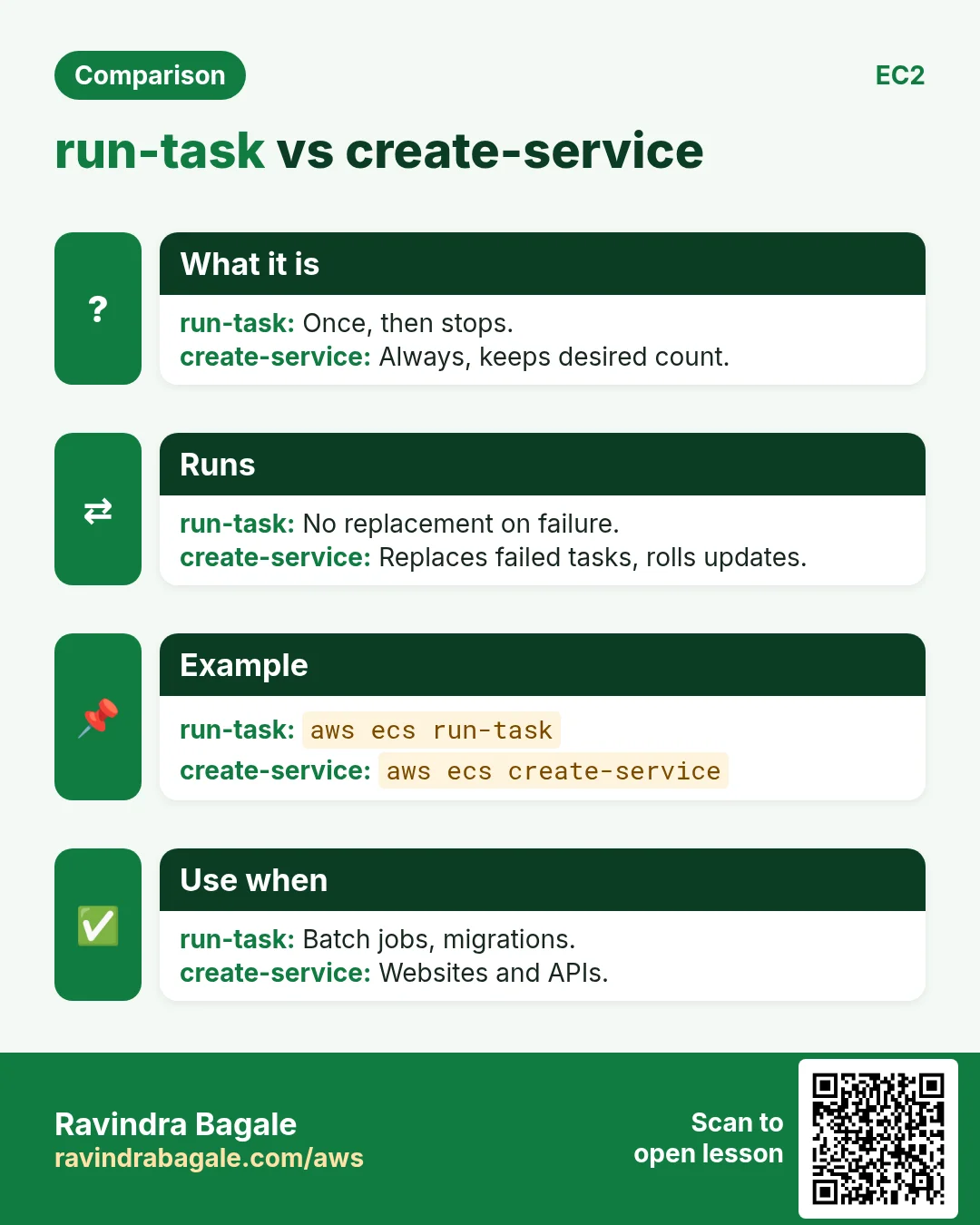
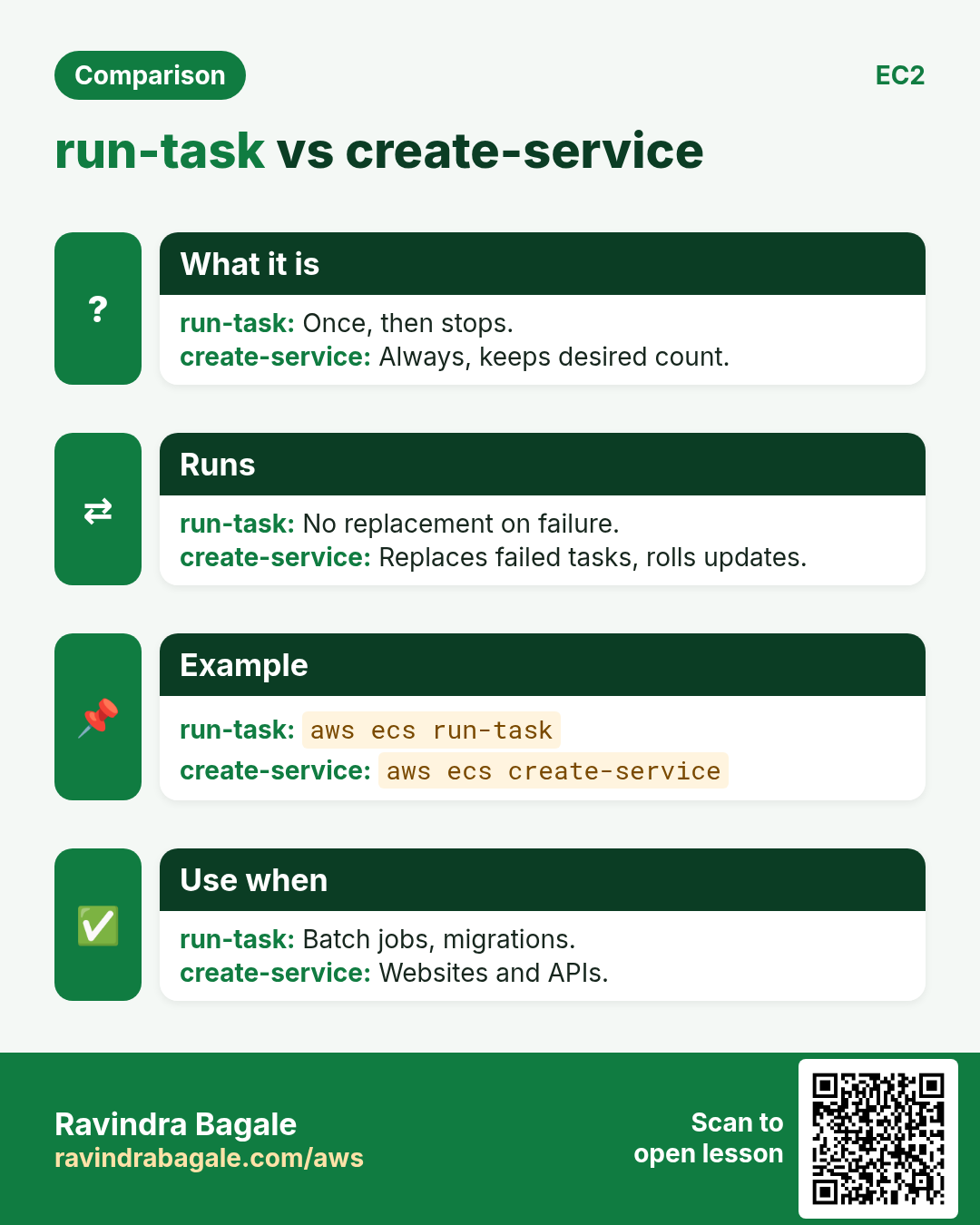
A one-off job runs once; a website must always have 2 copies running.
What is it?
run-task starts tasks once. create-service keeps desiredCount tasks alive and replaces failed ones. Fargate needs subnets and a security group.
How to do it (step by step)
- Create a service.
NET="awsvpcConfiguration={subnets=[subnet-0aaa111,subnet-0bbb222],securityGroups=[sg-0ccc333],assignPublicIp=ENABLED}"
aws ecs create-service --cluster cli-cluster --service-name web --task-definition cli-web:1 --desired-count 2 --launch-type FARGATE --network-configuration "$NET" --query service.status --output text
aws ecs wait services-stable --cluster cli-cluster --services web
Expected output:
ACTIVE- Check running tasks.
aws ecs describe-services --cluster cli-cluster --services web --query "services[0].[desiredCount,runningCount]" --output textExpected output:
2 2- Run a one-off task.
aws ecs run-task --cluster cli-cluster --task-definition cli-web:1 --launch-type FARGATE --network-configuration "$NET" --query "tasks[0].lastStatus" --output textExpected output:
PROVISIONING5. Update, scale, exec and logs
Why do we need this?
You pushed v2 and want zero-downtime rollout, or you need to look inside a container.
What is it?
update-service with a new task definition does a rolling deploy. --desired-count scales. execute-command opens a shell (needs enableExecuteCommand).
How to do it (step by step)
- Roll out revision 2 and scale to 3.
aws ecs update-service --cluster cli-cluster --service web --task-definition cli-web:2 --desired-count 3 --query "service.deployments[0].rolloutState" --output textExpected output:
IN_PROGRESS- Read container logs.
aws logs tail /ecs/cli-web --since 15mExpected output:
web/web/4b5c... 10.0.1.23 - - "GET / HTTP/1.1" 200- Open a shell inside.
aws ecs execute-command --cluster cli-cluster --task 4b5c6d7e --container web --interactive --command "/bin/sh"Expected output:
Starting session with SessionId: ...
#
6. Same action in Python, Node.js, Java, Go, .NET and PHP
Why do we need this?
Scripts start in the CLI. Apps call the same API through an SDK. Knowing both helps you move a tested command into real code.
What is it?
Each CLI command maps to one API call. For example aws ecs list-services --cluster cli-cluster maps to the List services API.
How to do it (step by step)
Same action (List services) from code. Every SDK reads the same profile, region and credentials as the CLI.
| Stack | Code |
|---|---|
| Python (boto3) | boto3.client("ecs").list_services(cluster="cli-cluster")["serviceArns"] |
| Node.js (v3) | await ecs.send(new ListServicesCommand({cluster:"cli-cluster"})); |
| Java (v2) | ecs.listServices(r -> r.cluster("cli-cluster")).serviceArns(); |
| Go (v2) | c.ListServices(ctx, &ecs.ListServicesInput{Cluster: aws.String("cli-cluster")}) |
| .NET | await ecs.ListServicesAsync(new ListServicesRequest{Cluster="cli-cluster"}); |
| PHP | $ecs->listServices(["cluster"=>"cli-cluster"]); |
7. Clean up so nothing keeps costing
Why do we need this?
Lab resources left running cost money and can be a security risk.
What is it?
Delete in reverse order: children first, then parents.
How to do it (step by step)
- Scale to zero and delete the service.
aws ecs delete-service --cluster cli-cluster --service web --force --query service.status --output textExpected output:
DRAINING- Delete the cluster.
aws ecs wait services-inactive --cluster cli-cluster --services web
aws ecs delete-cluster --cluster cli-cluster --query cluster.status --output text
Expected output:
INACTIVE- Delete the repo and logs.
aws ecr delete-repository --repository-name cli-web --force --query repository.repositoryName --output text
aws logs delete-log-group --log-group-name /ecs/cli-web
Expected output:
cli-web- Verify.
aws ecs list-clusters --query "clusterArns[?contains(@,'cli-cluster')]"Expected output:
[]Ravindra Bagale's Tip
A task stuck in PENDING then STOPPED with "CannotPullContainerError" means no route to ECR: give a public IP or a NAT, and check the execution role.
8. Interview questions and answers
Q. Task vs service?
A task is one running copy. A service keeps a desired number running and can sit behind a load balancer.
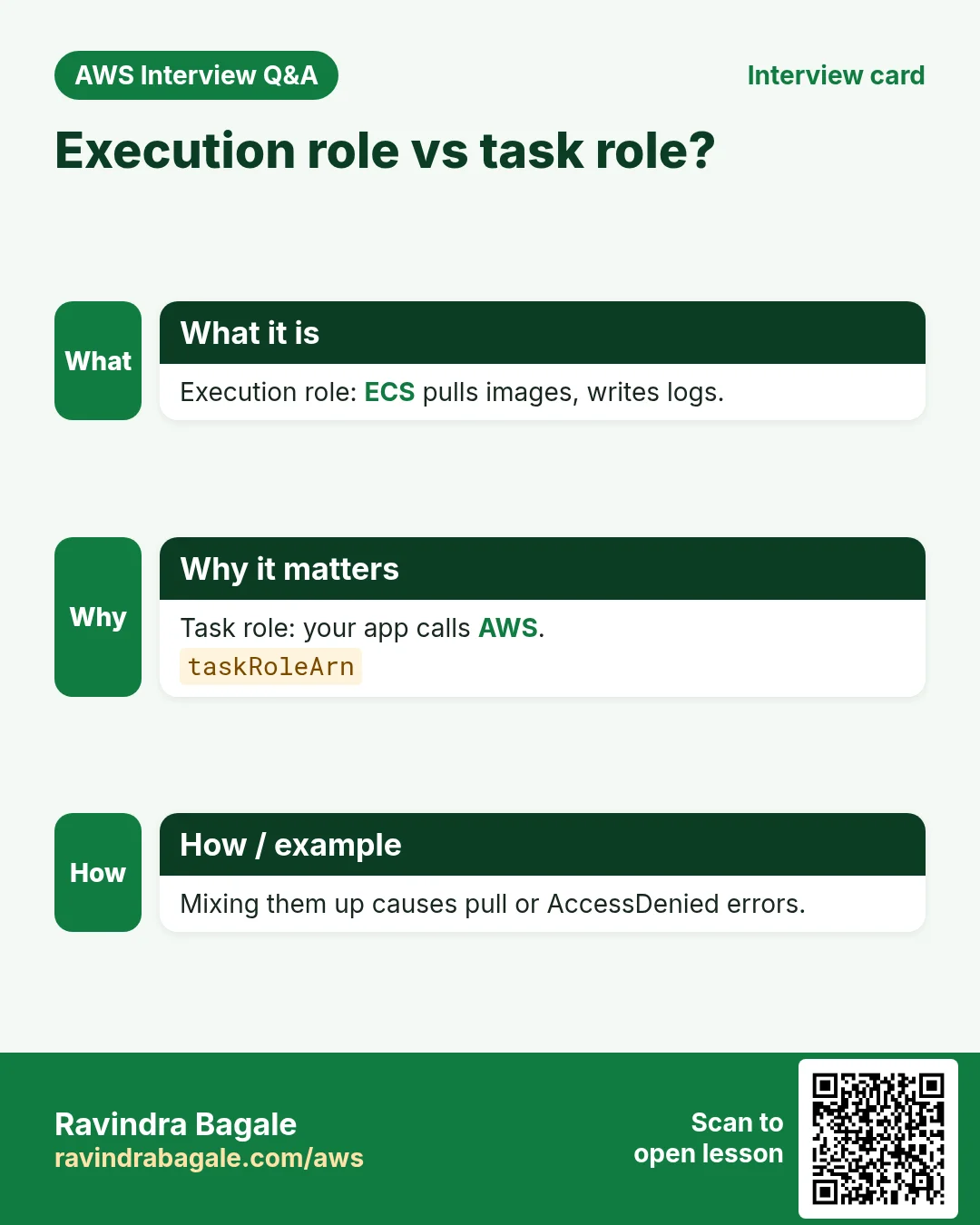
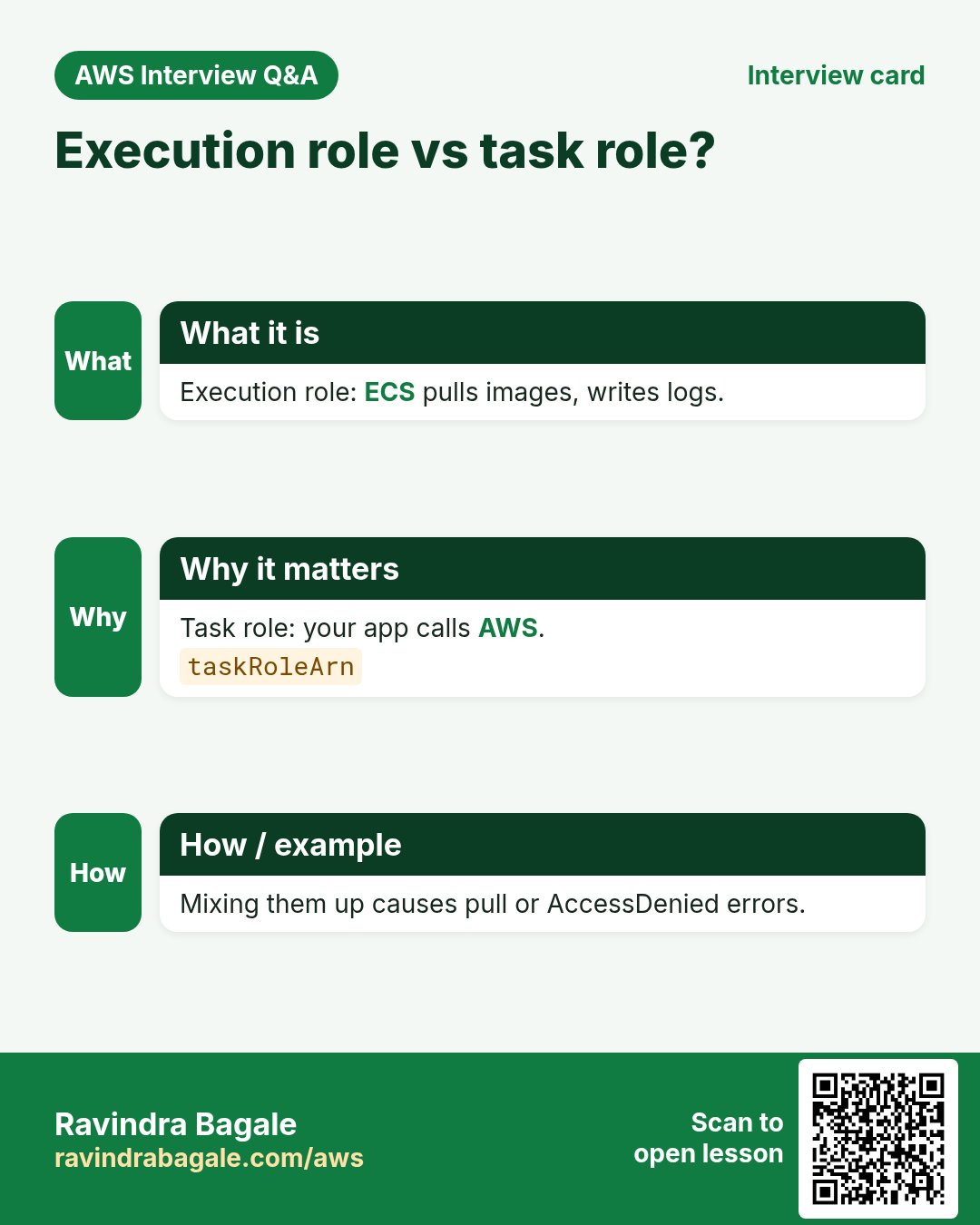
Q. Execution role vs task role?
Execution role lets ECS pull images and write logs. Task role is what your app code uses to call AWS.
Q. Fargate vs EC2 launch type?
Fargate is serverless per task. EC2 runs tasks on instances you manage.
Q. How to do a rolling update?
Register a new revision and update-service with it.
Q. How does docker log in to ECR?
aws ecr get-login-password piped to docker login --password-stdin.
Try at home
- Push v1 and v2 of a small nginx image and roll the service from v1 to v2.
- Run a one-off task that prints the date and read its log.
In short
- ECR create-repository.
- get-login-password | docker login.
- Task definition = recipe.
- Service keeps desired count.
- update-service rolls.
Practice Tasks
Vidarbha Cotton Mills is a textiles business in Nagpur. Ganesh Wankhede looks after its IT and cloud work. They count money in INR and run their AWS resources in the ap-south-1 Region. In the tasks below you do real jobs for them using what this lesson teaches. All names, account IDs, IP addresses and numbers are made up for practice.
0 / 10
Easy Create an ECS cluster
Why: A cluster is the logical home for your services and tasks.
What to do: Create an ECS cluster named vidarbhacotton-cluster.
- Read the task and decide which AWS service it is about.
- Write aws, then the service name, then the operation (the action word).
- Add each needed flag (--name) followed by its value from the task.
- Flags can be in any order. Click Check answer.
Easy Create an ECR repository
Why: ECR stores your Docker images privately inside AWS.
What to do: Create an ECR repository named vidarbhacotton/web.
- Read the task and decide which AWS service it is about.
- Write aws, then the service name, then the operation (the action word).
- Add each needed flag (--name) followed by its value from the task.
- Flags can be in any order. Click Check answer.
Easy List running tasks
Why: See which tasks are running in a cluster.
What to do: List the tasks in cluster vidarbhacotton-cluster.
- Read the task and decide which AWS service it is about.
- Write aws, then the service name, then the operation (the action word).
- Add each needed flag (--name) followed by its value from the task.
- Flags can be in any order. Click Check answer.
Medium Register a task definition
Why: The task definition says which image, CPU, memory and ports a container uses.
What to do: Register the task definition in taskdef.json.
- Read the task and decide which AWS service it is about.
- Write aws, then the service name, then the operation (the action word).
- Add each needed flag (--name) followed by its value from the task.
- Flags can be in any order. Click Check answer.
Medium Pull images from one repository
Why: CI or servers should pull only the images they run.
What to do: Allow ecr:BatchGetImage and ecr:GetDownloadUrlForLayer on arn:aws:ecr:ap-south-1:108737854657:repository/vidarbhacotton/web, plus ecr:GetAuthorizationToken on *.
- Start with { "Version": "2012-10-17", "Statement": [ ... ] }.
- In each statement write Effect, Action and Resource.
- Give only what the task needs (least privilege).
- Use double quotes and commas correctly. Click Check answer.
Medium Scale a service
Why: Change desired count to run more copies of the container.
What to do: Set service web in cluster vidarbhacotton-cluster to 4 tasks.
- Read the task and decide which AWS service it is about.
- Write aws, then the service name, then the operation (the action word).
- Add each needed flag (--name) followed by its value from the task.
- Flags can be in any order. Click Check answer.
Medium Trust policy for an ECS task role
Why: The trust policy says WHO may take the role.
What to do: Write a trust policy that lets ecs-tasks.amazonaws.com assume the role.
- Start with { "Version": "2012-10-17", "Statement": [ ... ] }.
- In each statement write Effect, Action and Resource.
- Give only what the task needs (least privilege).
- Use double quotes and commas correctly. Click Check answer.
Medium Redeploy a service
Why: force-new-deployment restarts tasks so they pull the latest image.
What to do: Force a new deployment of service web in cluster vidarbhacotton-cluster.
- Read the task and decide which AWS service it is about.
- Write aws, then the service name, then the operation (the action word).
- Add each needed flag (--name) followed by its value from the task.
- Flags can be in any order. Click Check answer.
Medium Get the ECR login password
Why: Docker needs a short-lived password before it can push to ECR.
What to do: Get the ECR login password for ap-south-1.
- Read the task and decide which AWS service it is about.
- Write aws, then the service name, then the operation (the action word).
- Add each needed flag (--name) followed by its value from the task.
- Flags can be in any order. Click Check answer.
Hard Create a Fargate service
Why: A service keeps the desired number of tasks running and replaces failed ones.
What to do: In cluster vidarbhacotton-cluster, create service web using task definition vidarbhacotton-web:1, 2 tasks, launch type FARGATE, network config from net.json.
- Read the task and decide which AWS service it is about.
- Write aws, then the service name, then the operation (the action word).
- Add each needed flag (--name) followed by its value from the task.
- Flags can be in any order. Click Check answer.
Revision, comparison and interview cards
Revise this lesson in a few minutes. Save the cards on your phone or download them as PNG files. The QR code on each card opens this lesson.
More cards: Ravi Sir's Cards.