How to Access a Private EC2 with a Bastion Host and NAT Gateway
The previous chapter ended with a puzzle, Puzzle: PHP on a private server: the app server has no public IP and no route to the internet, so you can't SSH to it and sudo yum install php -y can't download anything. This chapter solves both halves. First you reach the private server through a bastion host (jump server), with the key staying on your laptop. Then you give the private server a one-way door to the internet with a NAT gateway, so it can download packages while nobody outside can reach it. Finally you copy the whole layout into a second Availability Zone, so one AZ going down doesn't take the application with it.
What you'll learn in this class
- Why an AMI alone doesn't solve the puzzle
- What a bastion host (jump server) is
- SSH through a bastion without copying the key
- Security groups for the bastion and the private server
- Why
yumstill fails, and why copying packages by hand doesn't work - What a NAT gateway does: out yes, in no
- The private route table with a NAT gateway
- Creating the NAT gateway in the console
- What it costs
- High availability: the same layout in two AZs
1. The two problems
The app server sits in the private subnet 10.0.16.0/20, for example at 10.0.16.7.
- No public IP: your laptop can't SSH to it.
- No route to the internet: its route table has only
10.0.0.0/16→local, sosudo yum install php -ycan't reach the package repos.
The server must stay private. So we need a way in for you, and a way out for the server, without opening a way in for everyone else.
2. Idea 1: build it public, copy it as an AMI
- Launch a server in the public subnet.
sudo yum install php -yworks there, because it has internet.- Make an AMI of it (What an AMI is).
- Launch the private app server from that AMI. It starts with PHP already installed.
Why it isn't enough: it works for the first setup only. The day php-fpm stops or you need to read a log on the private server, you still have no way to log in.
Classroom line
If some error comes up on it, how will you resolve it then?
Class मधलं वाक्य
त्याच्यात काही error आला, तर मग तुम्ही तो कसा resolve करणार?
Classroom line – हिंदी
"Usme kuch error aaya toh, fir aap usko kaise resolve karoge?"
Figure 1. Install PHP on a public dev server, make an AMI, launch the private server from it: PHP is there for the first setup, but later you can't log in to read logs or fix php-fpm.
3. The bastion host (jump server)
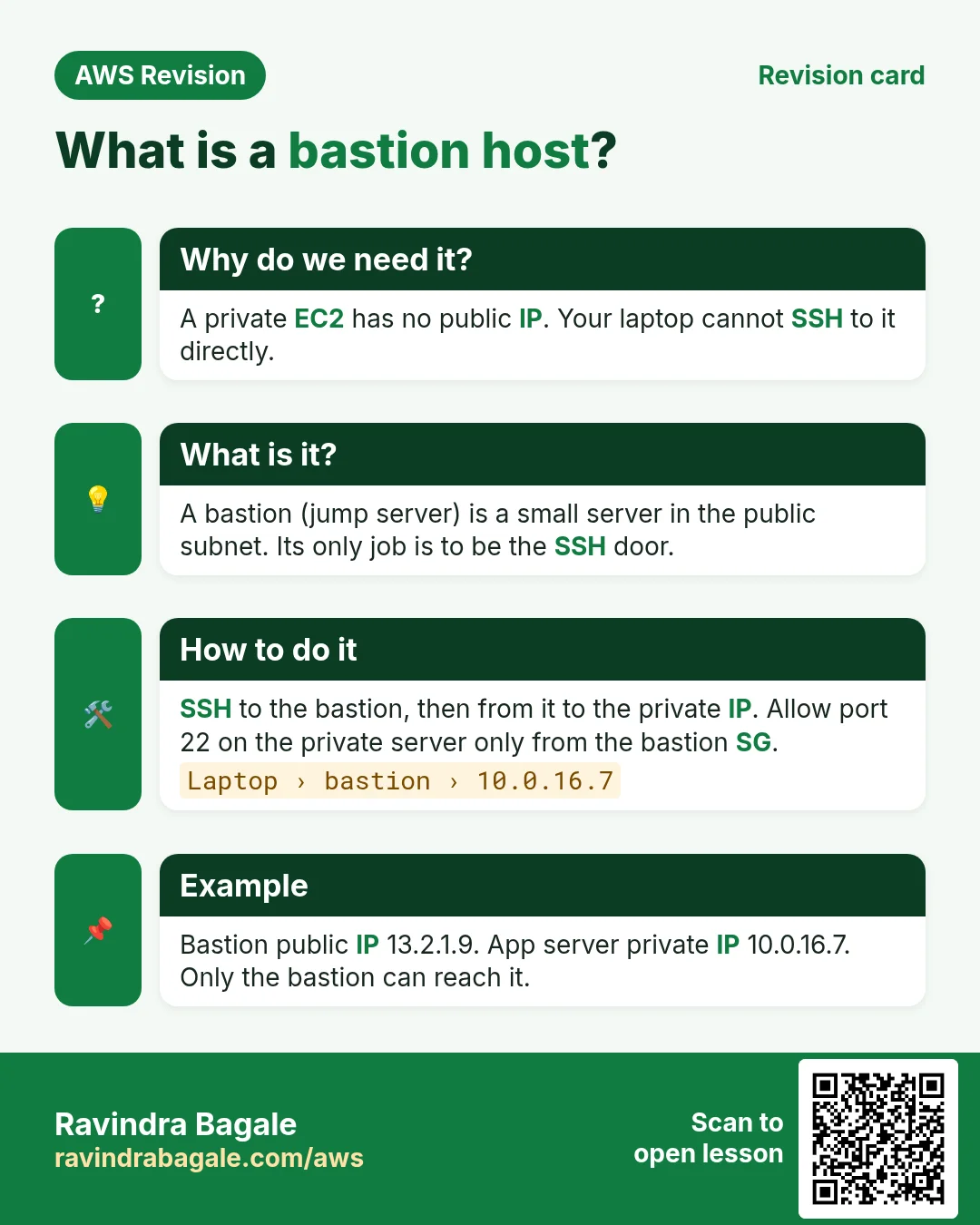
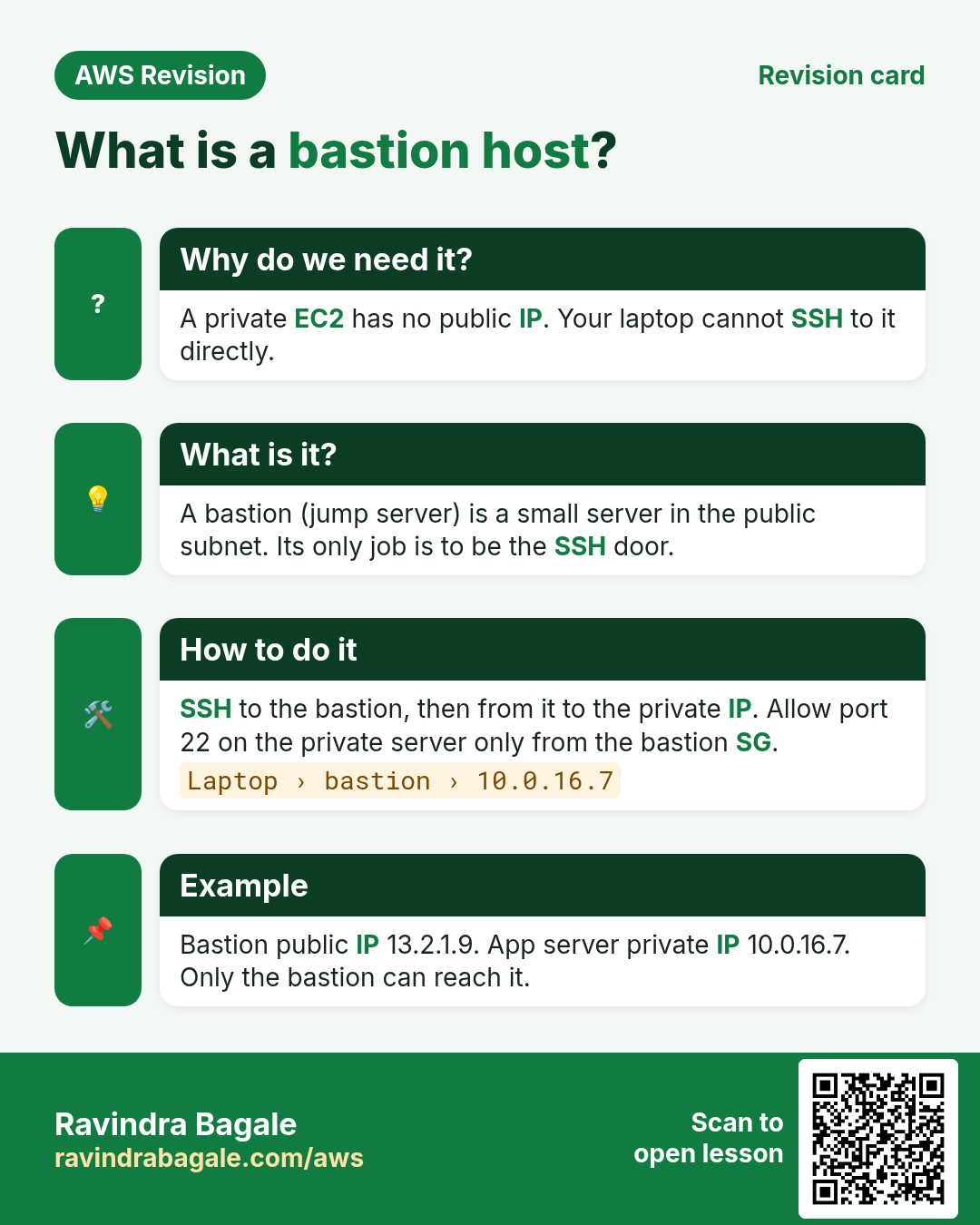
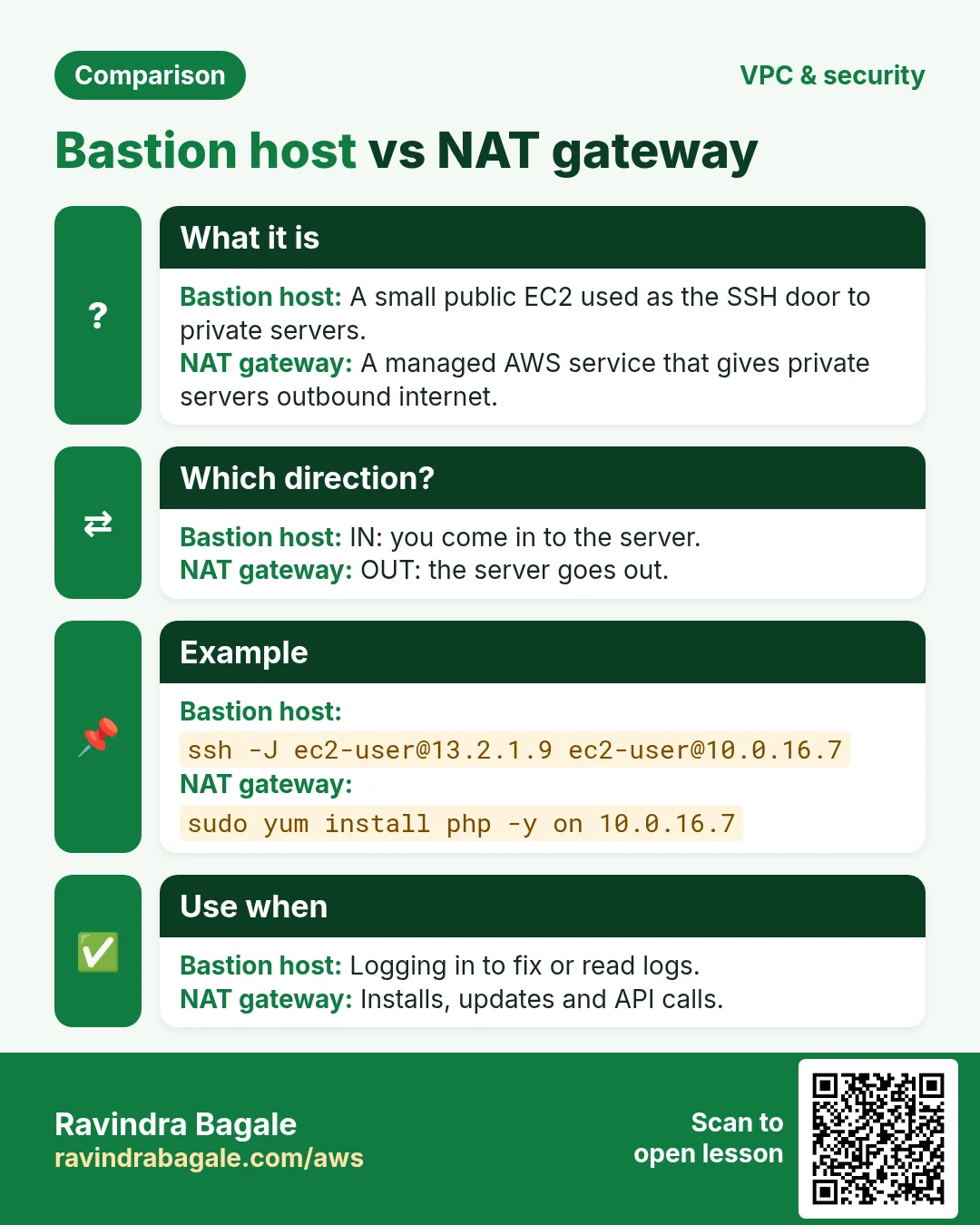
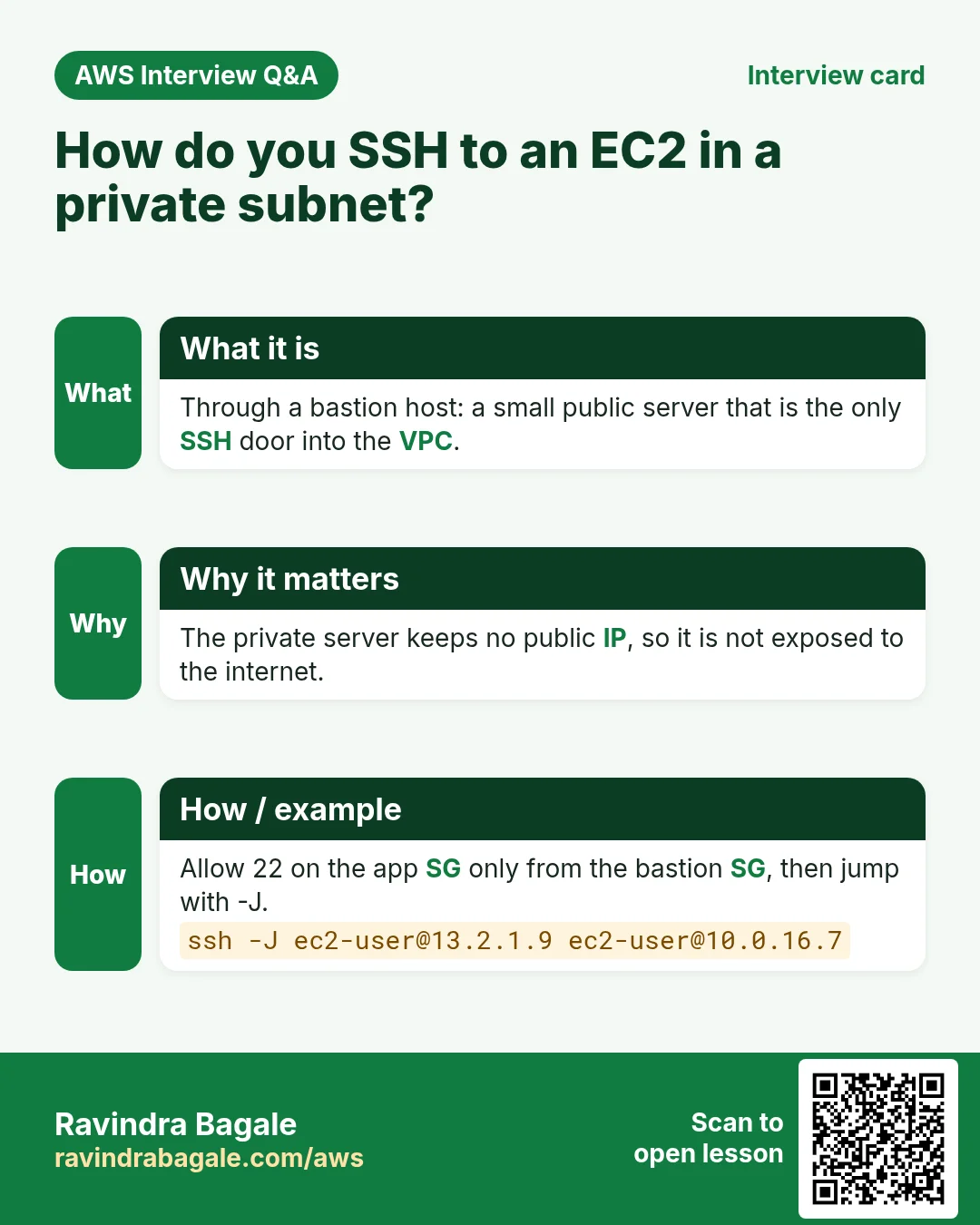
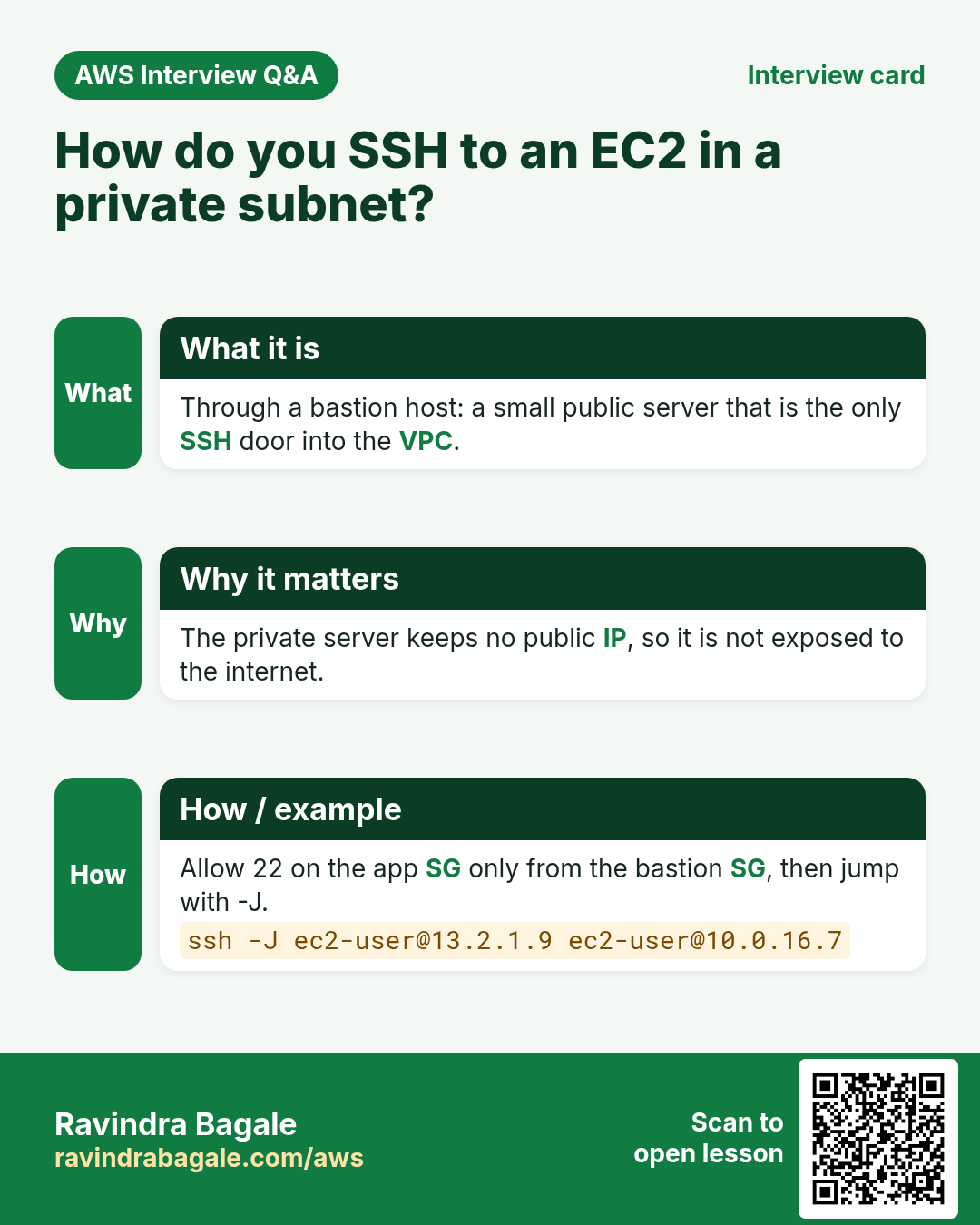
What: a small server in the public subnet whose only job is to be the door for SSH. You SSH to it, and from it to the private server. The word comes from castles: a bastion is the strong point of the wall that faces attackers, so it is the one place you guard hardest.
- Laptop → SSH → bastion (public IP).
- Bastion → SSH → app server (private IP
10.0.16.7).
The private server still has no public IP. The bastion reaches it over the local route, because both are in the same VPC.
Classroom line
Using one server to get to another server is what we call a jump server.
Class मधलं वाक्य
एका server चा वापर करून दुसऱ्या server वर जाणं, याला आपण jump server म्हणतो.
Classroom line – हिंदी
"Ek server ka use karke dusre server pe jaana, isko hum log jump server kehte hain."
In our setup the public web server can act as the bastion. In production the bastion is a separate small server that runs nothing else.
4. SSH through the bastion without copying the key
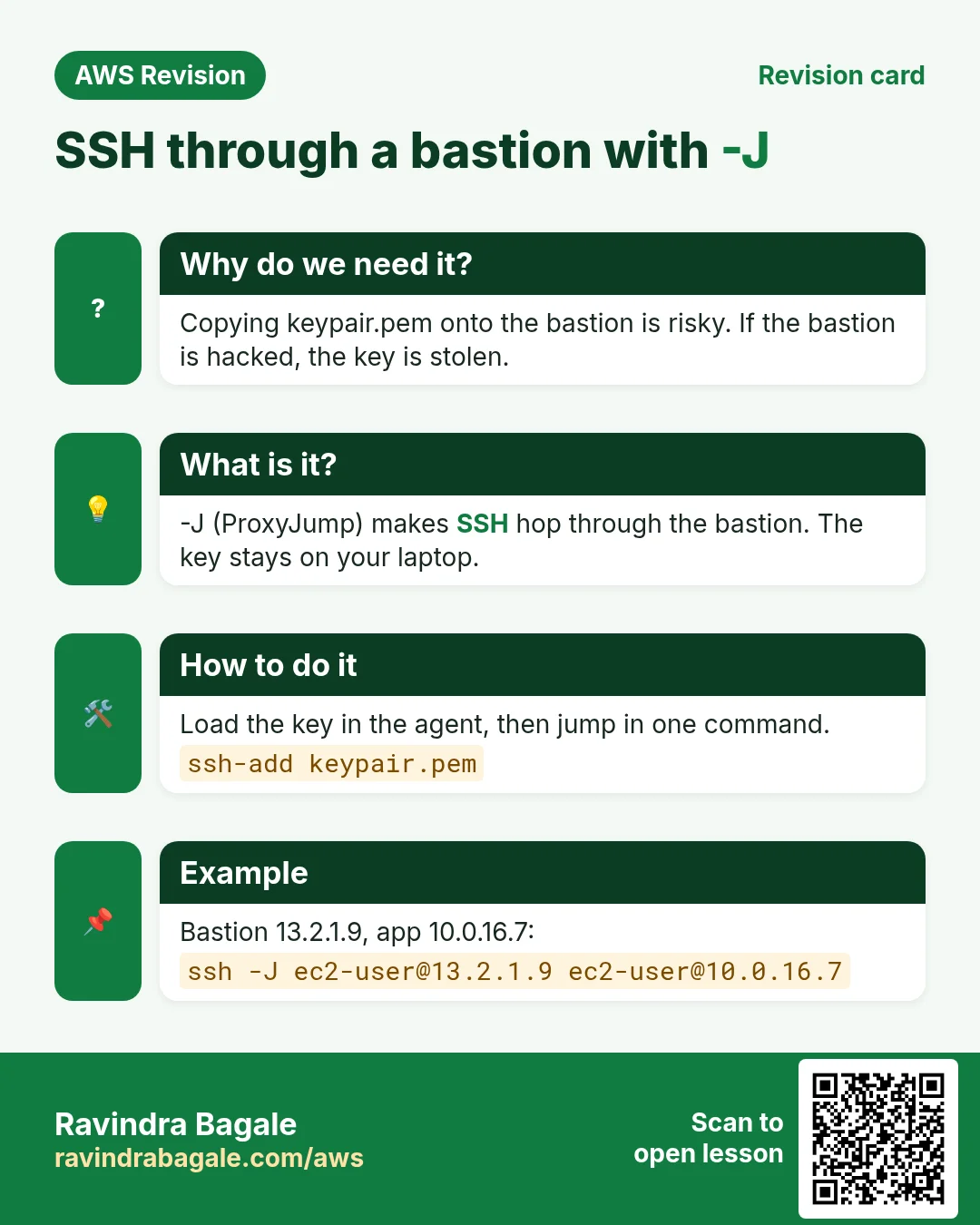
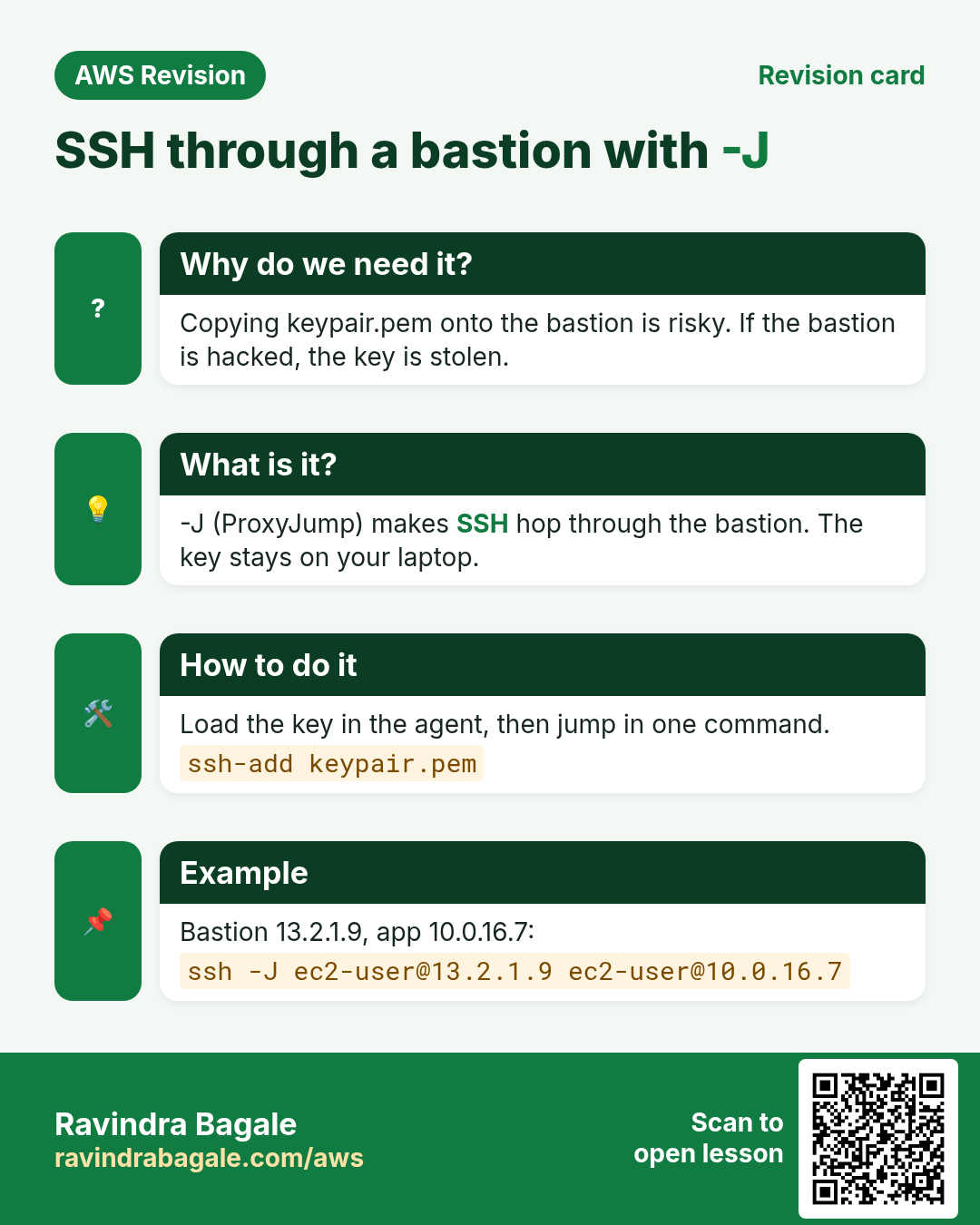
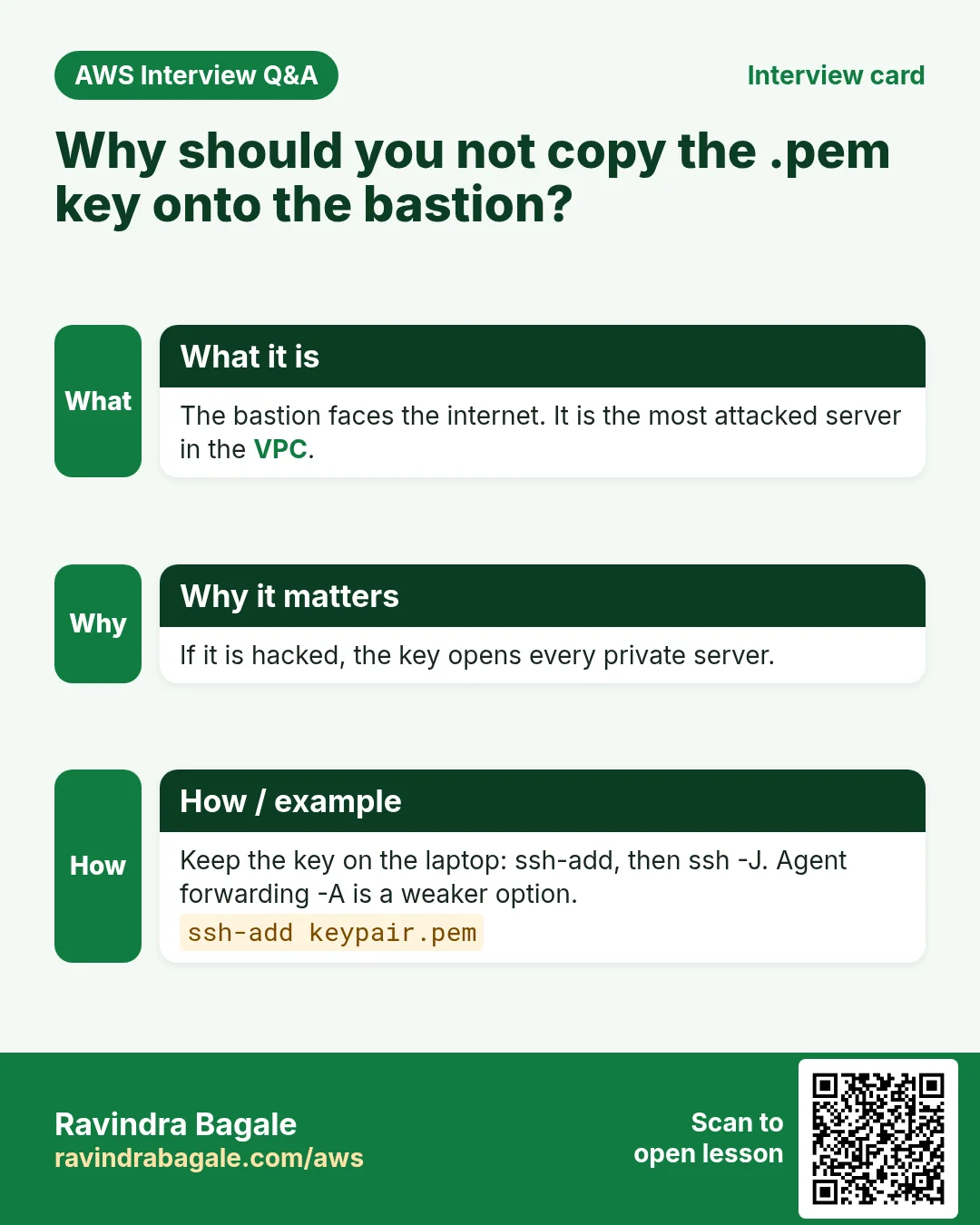
Never copy keypair.pem onto the bastion. The bastion faces the internet; if someone breaks into it, they would take the key to every server. The key stays on your laptop.
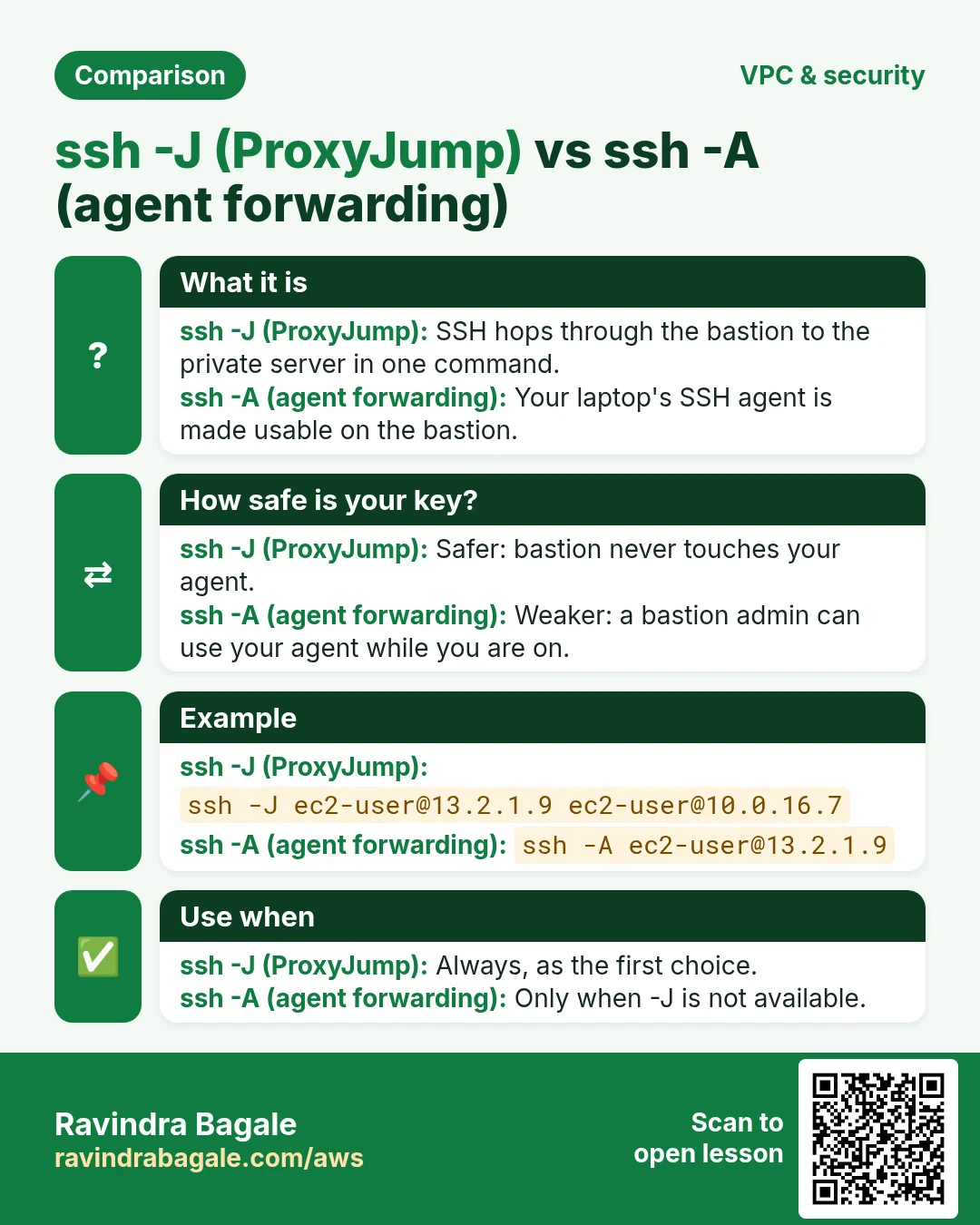
Way 1: one command with -J (ProxyJump) (Linux, macOS, or Windows PowerShell with OpenSSH)
- Load the key into your SSH agent:
ssh-add keypair.pem. If it says it can't connect to the agent, start one first:eval "$(ssh-agent -s)"on Linux. -
Jump in one command:
ssh -J ec2-user@<bastion-public-ip> ec2-user@10.0.16.7 -
SSH connects to the bastion, and through it to
10.0.16.7. Both logins use the key from your laptop's agent.
Way 2: a shortcut in ~/.ssh/config on your laptop:
Host bastion
    HostName <bastion-public-ip>
    User ec2-user
    IdentityFile ~/keypair.pem
Host app
    HostName 10.0.16.7
    User ec2-user
    IdentityFile ~/keypair.pem
    ProxyJump bastion
Now ssh app is enough.
Way 3: hop by hand with agent forwarding
ssh-add keypair.pemssh -A ec2-user@<bastion-public-ip>(-Aforwards your agent; nothing is copied).- On the bastion:
ssh ec2-user@10.0.16.7.
Prefer -J: with -A, an admin of the bastion could use your agent while you are logged in. The basics of the ssh command are in Building the SSH command piece by piece.
Security groups:
- Bastion SG: inbound SSH 22 from My IP only.
- App server SG: inbound SSH 22 with source = bastion SG only (plus HTTP 80 from the web SG, as before).
Without SSH at all: AWS Systems Manager Session Manager opens a shell on the server from the console, with no port 22 and no bastion; it needs the SSM agent and an IAM role on the server.
Figure 2. Animation: the laptop keeps the key (ssh-add); ssh -A to the bastion (22 from My IP only), then ssh to 10.0.16.7 (22 from the bastion SG only); or both hops at once with ssh -J.
5. You're in, but yum still fails
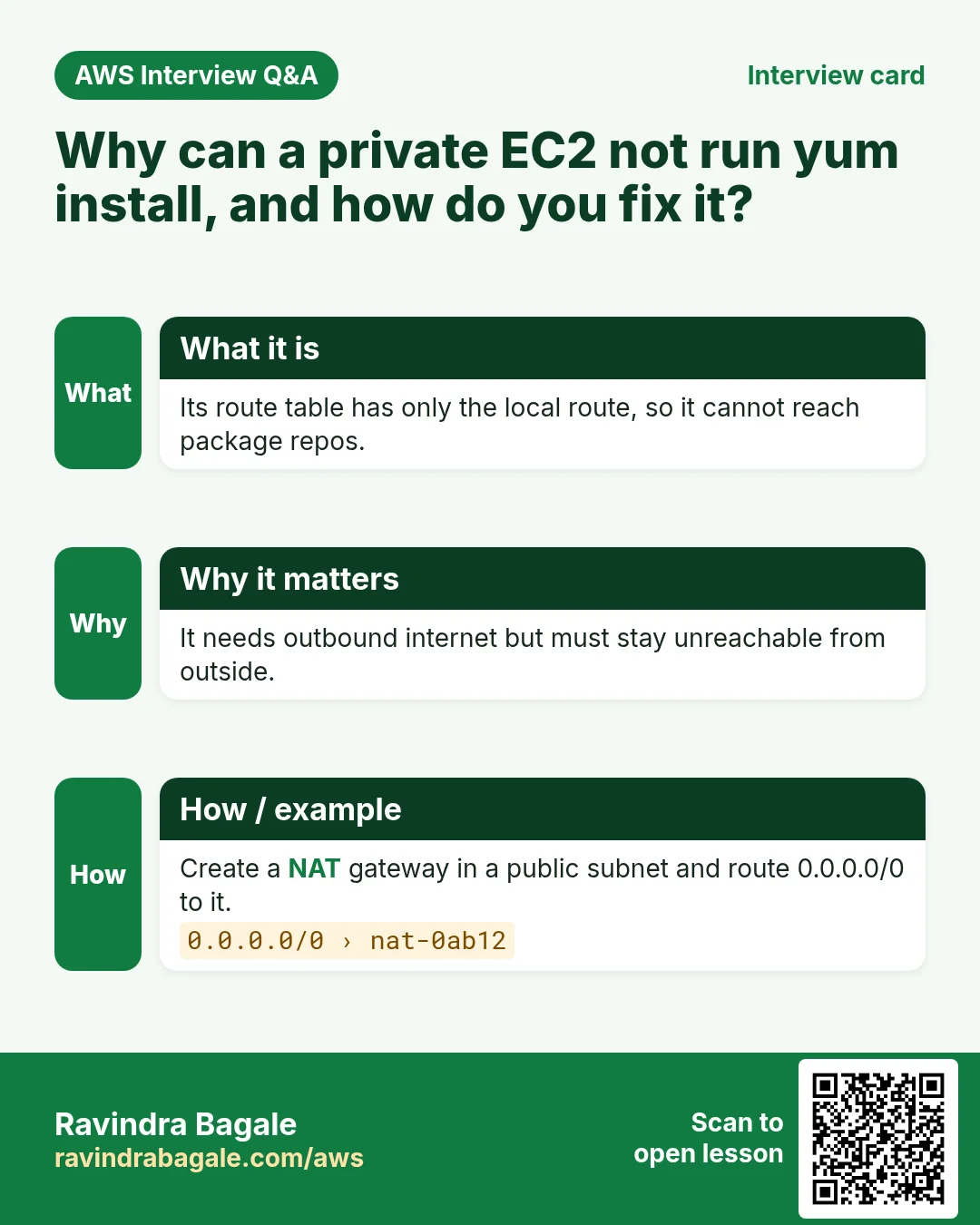
On the app server, run sudo yum install php -y. It waits and then fails with a timeout. The reason hasn't changed: the private route table has no route to the internet.
Why not download the package on the laptop and copy it? A package is not one file:
- The program goes to
/usr/bin, settings to/etc, logs to/var/log, extensions to/usr/lib64. - It needs other packages (dependencies), which need others again.
yumdownloads all of them and puts each file in its place. By hand you will miss something.
Classroom line
All of these together make one piece of software.
Class मधलं वाक्य
"He sagle milun ek software banta."
हे सगळे मिळून एक software बनतं.
Classroom line
All of these together make one piece of software.
Figure 3. One php package spreads files over /usr/bin, /etc, /etc/php-fpm.d, /var/log and /usr/lib64, and pulls in dependencies such as php-common and php-cli. yum has to download it.
What we need: the server stays private, but it can start connections out to the internet.
Classroom line
We don't want to make it public; it will stay private, and it still needs internet.
Class मधलं वाक्य
त्याला public करायचं नाही, private च राहील, तरीही internet पाहिजे.
Classroom line – हिंदी
"Na usko public banana hai, private hi rahega, fir bhi internet chahiye."
6. The idea: an office extension phone
Think of a desk phone in an office.
- Your extension has no direct number. Nobody outside can dial it.
- You can still dial out. The call leaves through the office exchange, which has one outside number.
- The person you called answers, and the reply comes back to your desk.
- If an outsider wants to start a call to your extension, there is no number to dial.
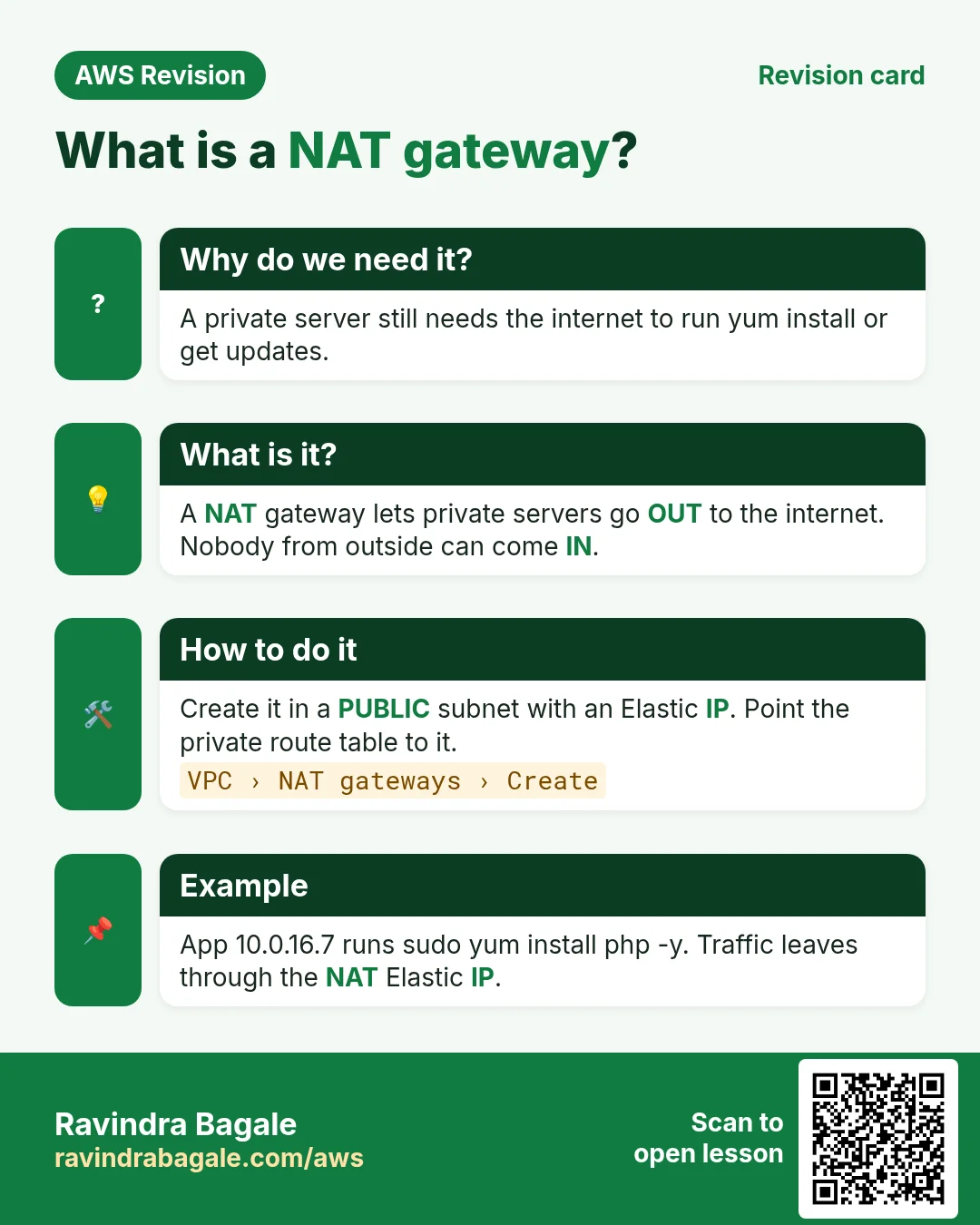
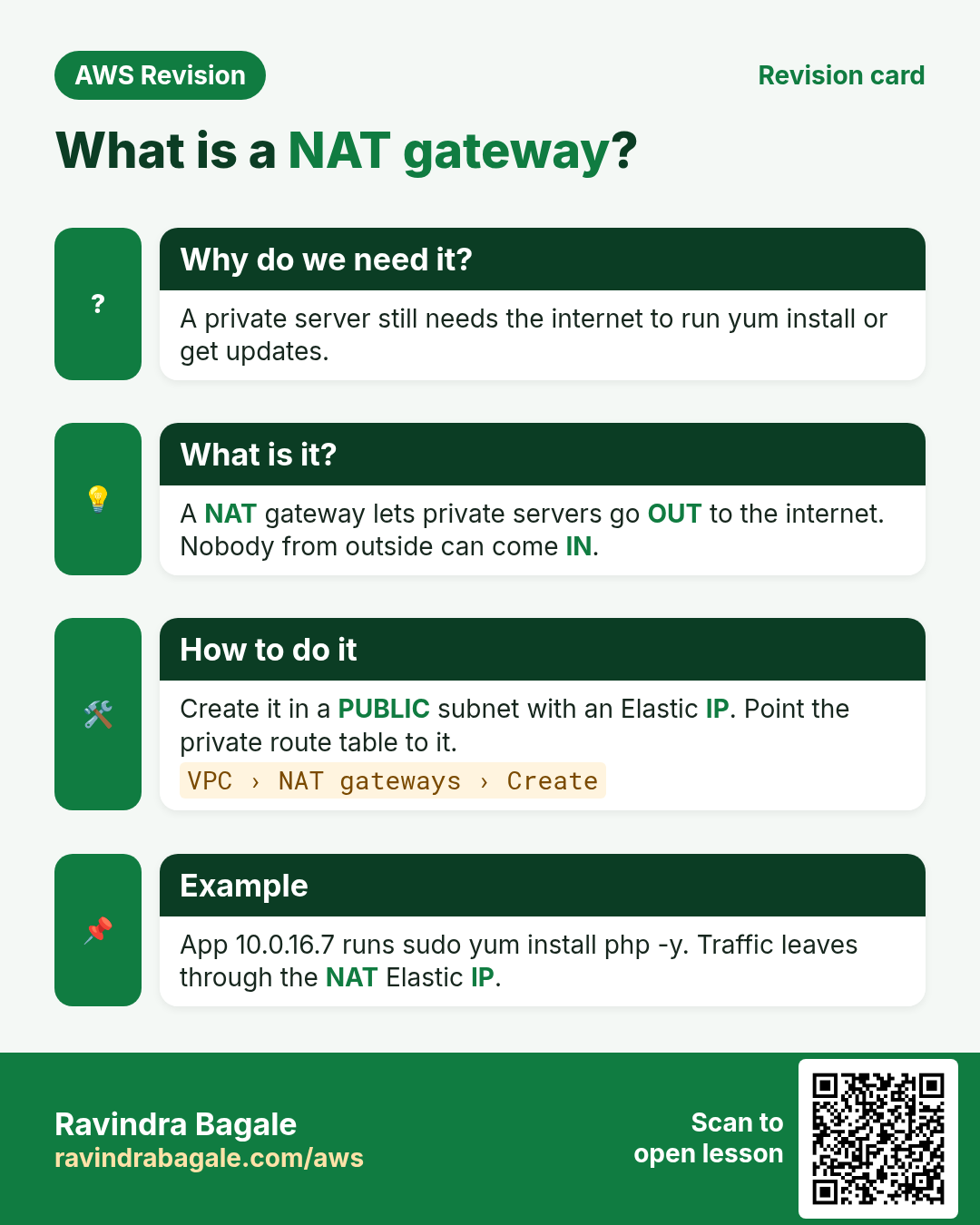
A NAT gateway is that exchange for private servers.
Figure 4. Your extension (private server) dials out through the office exchange (NAT gateway) with its one outside number (Elastic IP); the reply comes back, but outsiders can't call your extension.
7. What a NAT gateway does
NAT = Network Address Translation.
- You create the NAT gateway in a public subnet and give it an Elastic IP.
- The private server sends a request to the internet. Its route table sends it to the NAT gateway.
- The NAT gateway replaces the private source IP (
10.0.16.7) with its Elastic IP and sends it out through the internet gateway. - The reply comes back to the Elastic IP. The NAT gateway remembers the connection and hands the reply to
10.0.16.7. - A connection started from the internet towards the NAT gateway is dropped. Nobody can reach the private server through it.
So the private server never needs a public IP of its own.
It is a managed service: AWS runs it and scales it; it is not an EC2 instance you look after, and it has no security group (the NACL of its subnet still applies). The do-it-yourself option is a NAT instance, an EC2 server you configure and patch yourself.
Classroom line
If you need internet in a private subnet, what do you have to do? You have to use a NAT gateway.
Class मधलं वाक्य
"Private subnet madhe internet pahije asel tar kay karava lagel? NAT gateway vaparava lagel."
Private subnet मध्ये internet पाहिजे असेल तर काय करावं लागेल? NAT gateway वापरावा लागेल.
Classroom line
If you need internet in a private subnet, what do you have to do? You have to use a NAT gateway.
Figure 5. Animation: the request leaves 10.0.16.7, the NAT gateway swaps in its Elastic IP and sends it through the IGW; the reply comes back to 10.0.16.7; a connection started from the internet is dropped.
8. The route tables
- Public route table (web, bastion, NAT gateway):
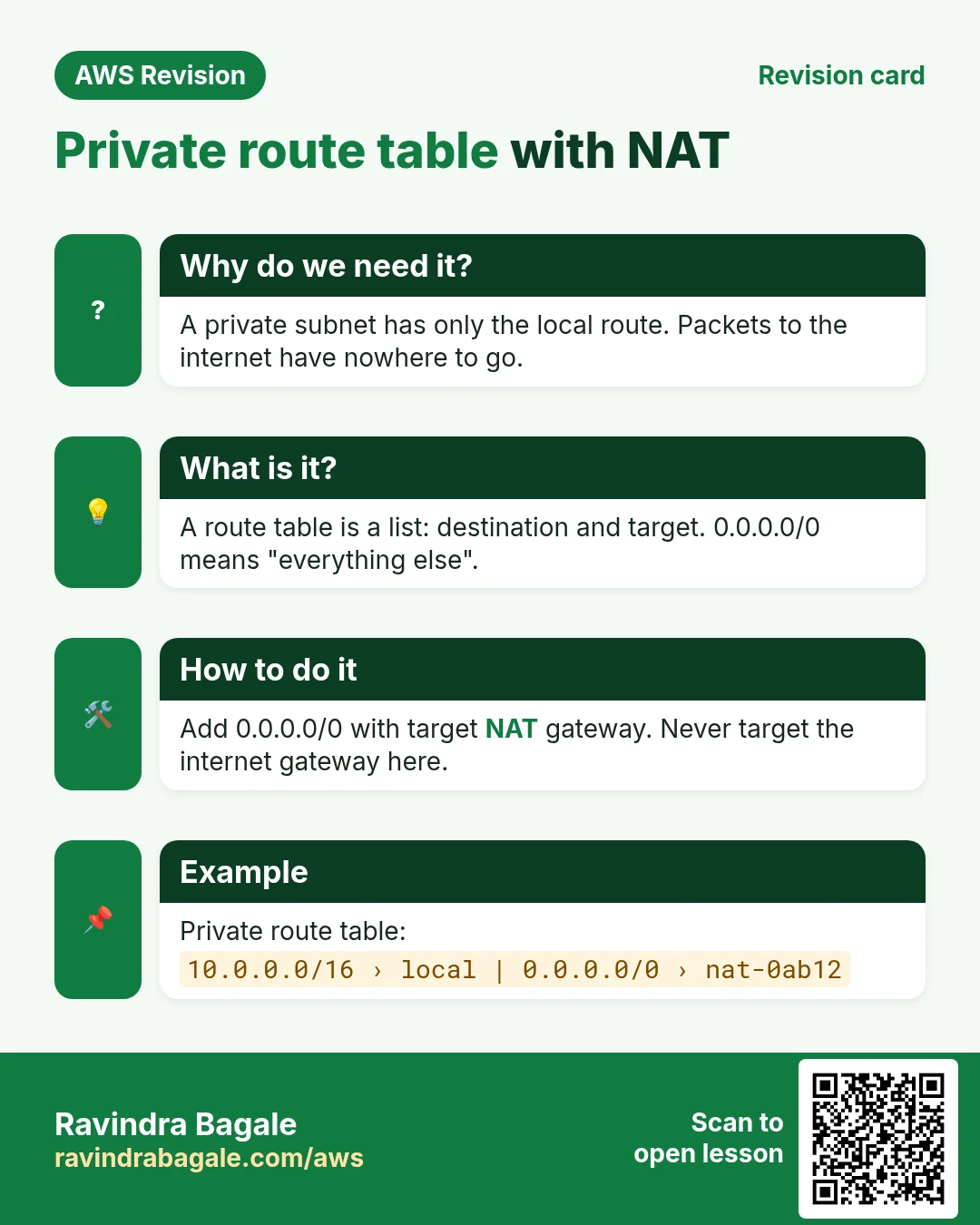
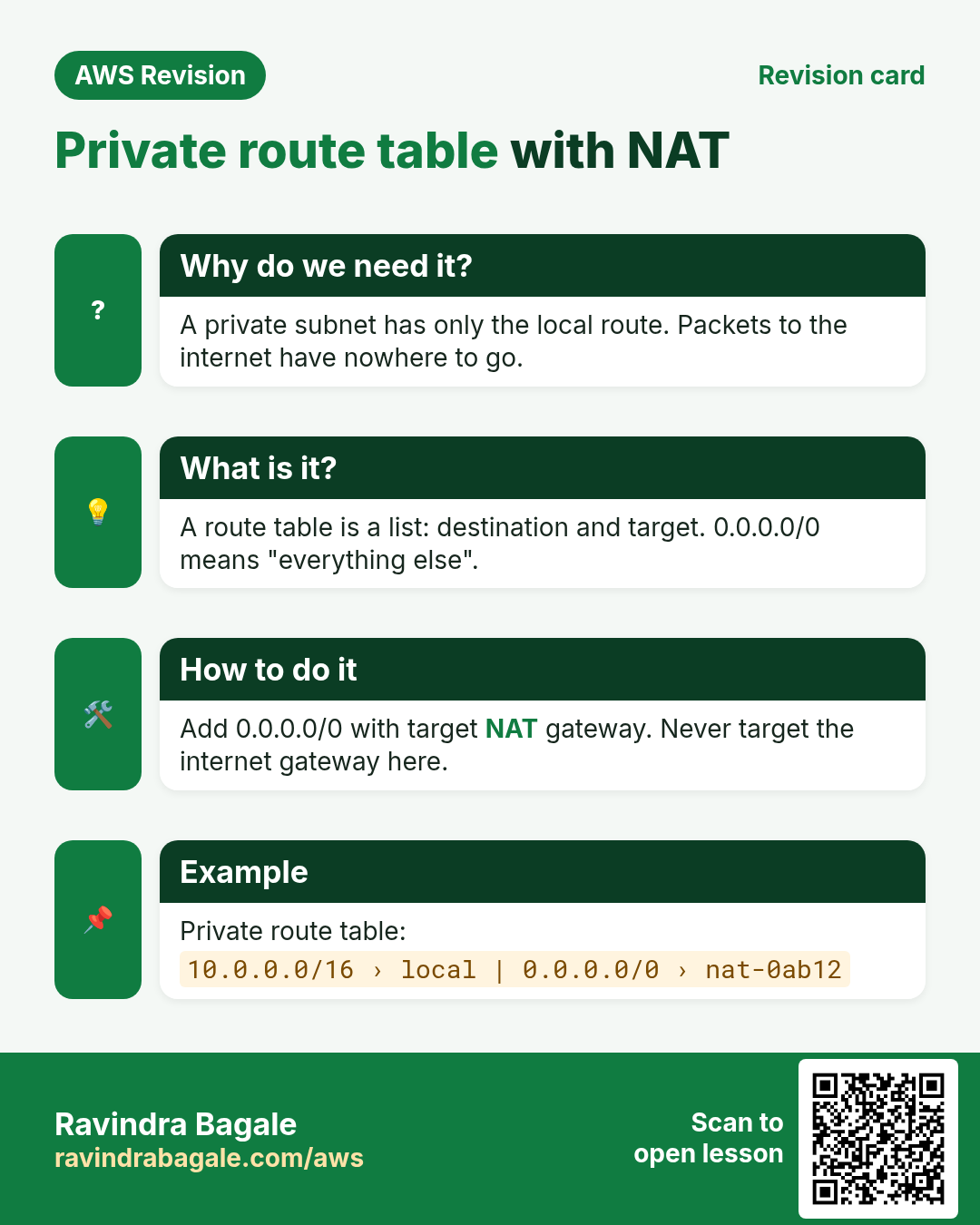
10.0.0.0/16→local,0.0.0.0/0→igw-.... Unchanged. - Private route table (app, DB):
10.0.0.0/16→local, and add0.0.0.0/0→nat-....
Worked example: the app server sends two packets.
- To the DB at
10.0.32.10: both routes match,10.0.0.0/16is more specific than0.0.0.0/0, so it stayslocal. - To a package repo on the internet: only
0.0.0.0/0matches, so it goes to the NAT gateway.
Remember: the NAT gateway itself sits in the public subnet, because it needs the public route table to reach the internet gateway.
Figure 6. Public route table unchanged (0.0.0.0/0 to igw-...). Private route table gets 0.0.0.0/0 to nat-...; traffic to 10.0.x.x still matches the more specific local route.
9. Create it in the console
Part A: the NAT gateway
- VPC > NAT gateways > Create NAT gateway.
- Name
my-nat. Subnet: the public subnetweb-a. - Connectivity type: Public.
- Elastic IP allocation ID: click Allocate Elastic IP.
- Create NAT gateway. Wait until State shows Available.
Part B: the private route
- Route tables, select the route table of
app-banddb-c(in our VPC, the main route table). - Routes > Edit routes > Add route: Destination
0.0.0.0/0, Target NAT Gatewaymy-nat. Save changes.
Part C: install on the private servers (log in through the bastion with ssh -J)
-
App server:
sudo yum install nginx php php-fpm php-mysqlnd -y sudo service php-fpm start sudo service nginx start -
DB server:
sudo yum install mariadb105-server -y sudo service mariadb start -
The downloads now work, and both servers still have no public IP. The setup from the previous chapter, One public server: send .php to the app server, can now be finished.
More on this design in Bastion host (jump server) and NAT gateway.
10. What it costs
- A NAT gateway is charged per hour while it exists, and per GB of data it processes.
- Its Elastic IP is a public IPv4 address, which is also charged by the hour.
- After the lab: delete the NAT gateway, wait until it shows Deleted, then Elastic IPs > Release the address. Remove the
0.0.0.0/0→ NAT route too, or it shows as a blackhole.
11. High availability: two AZs
So far each tier lives in one AZ.
Classroom line
What if this very zone goes down?
Class मधलं वाक्य
जर हाच zone down झाला तर?
Classroom line – हिंदी
"Agar yahi zone down ho gaya to?"
If that AZ has an outage, the tier in it is gone, and the whole application is down. High availability means copying the layout into a second AZ:
ap-south-1a: web10.0.0.0/20, app10.0.16.0/20, DB10.0.32.0/20.ap-south-1b: web10.0.48.0/20, app10.0.64.0/20, DB10.0.80.0/20.- Six subnets in total, still inside
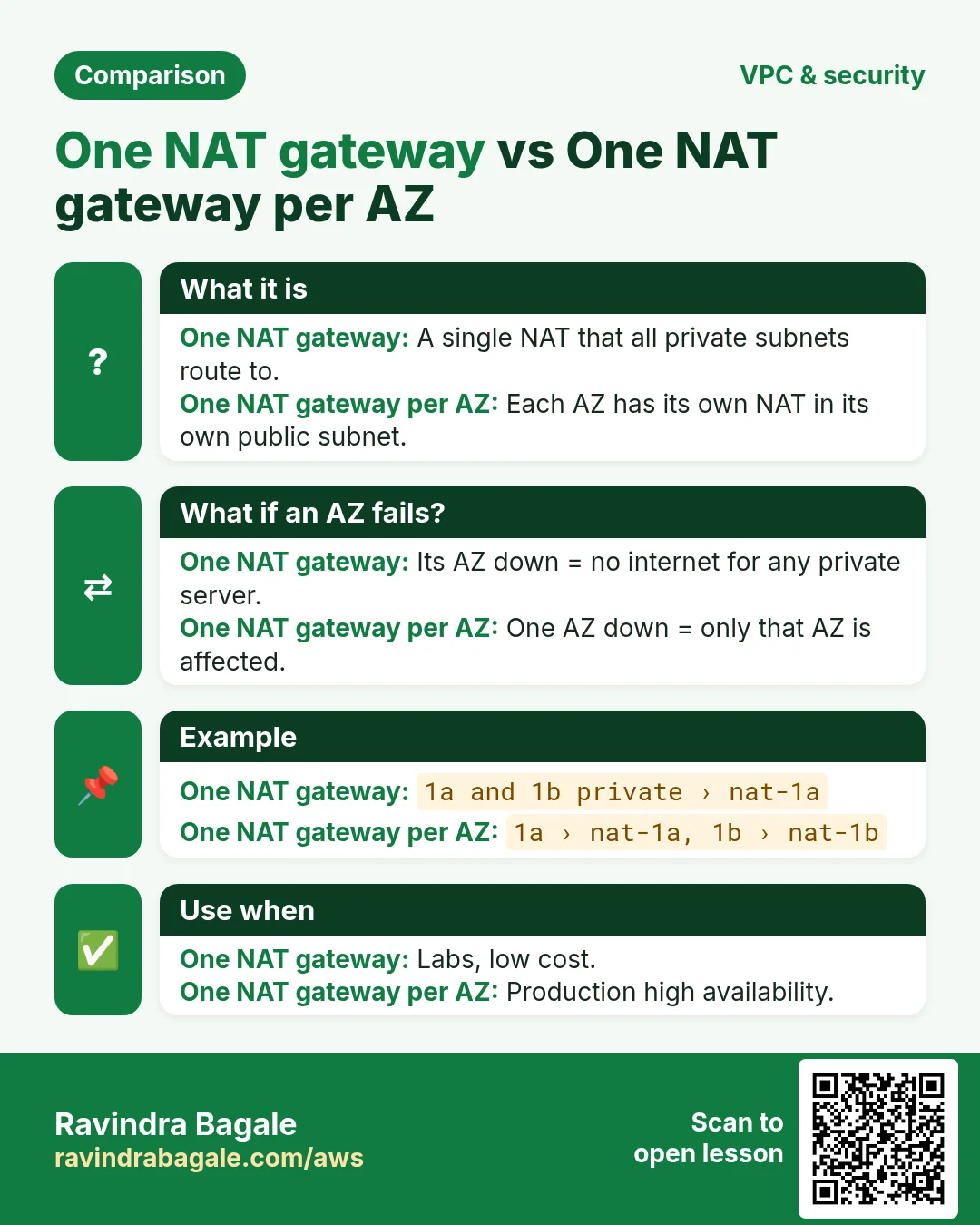
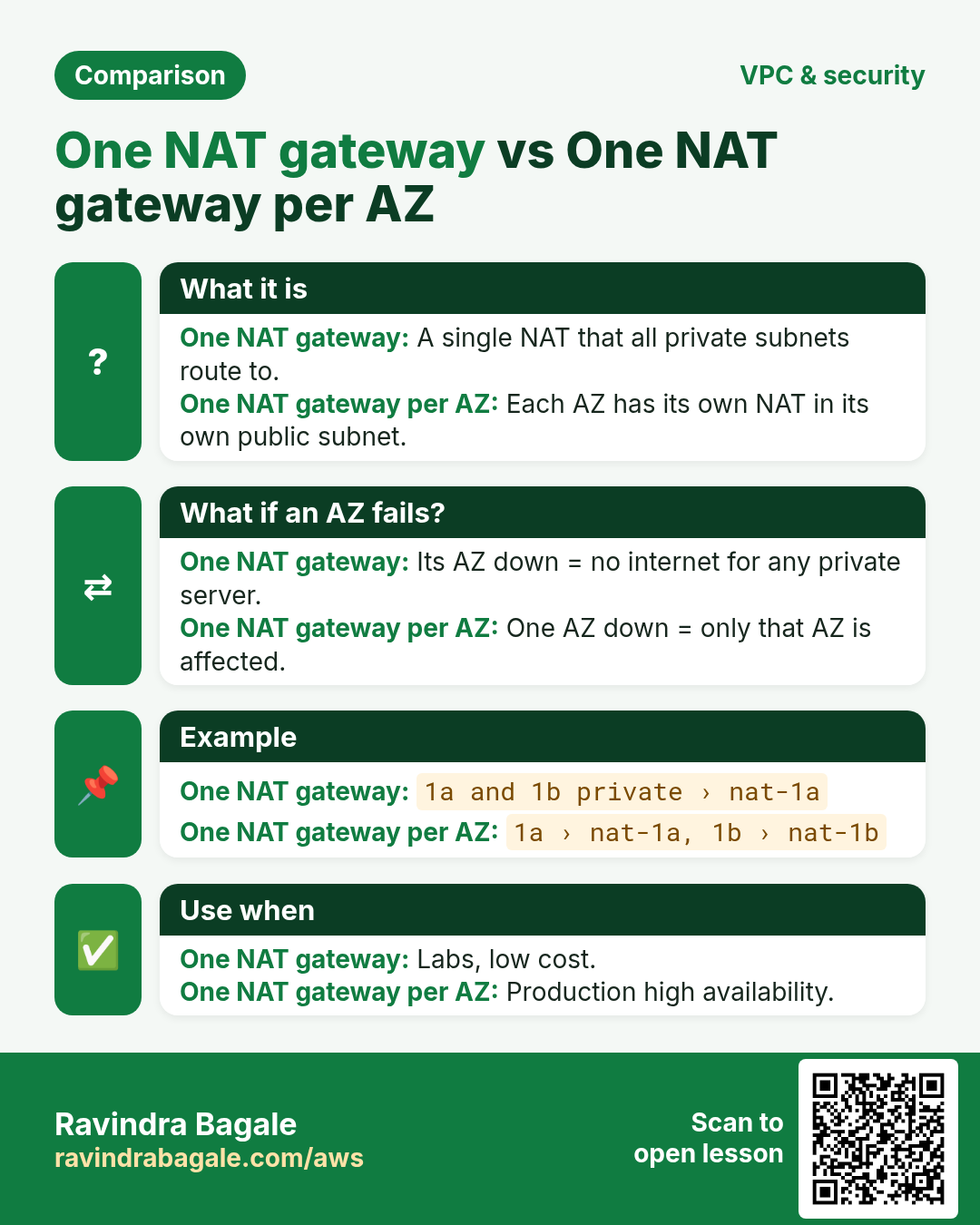
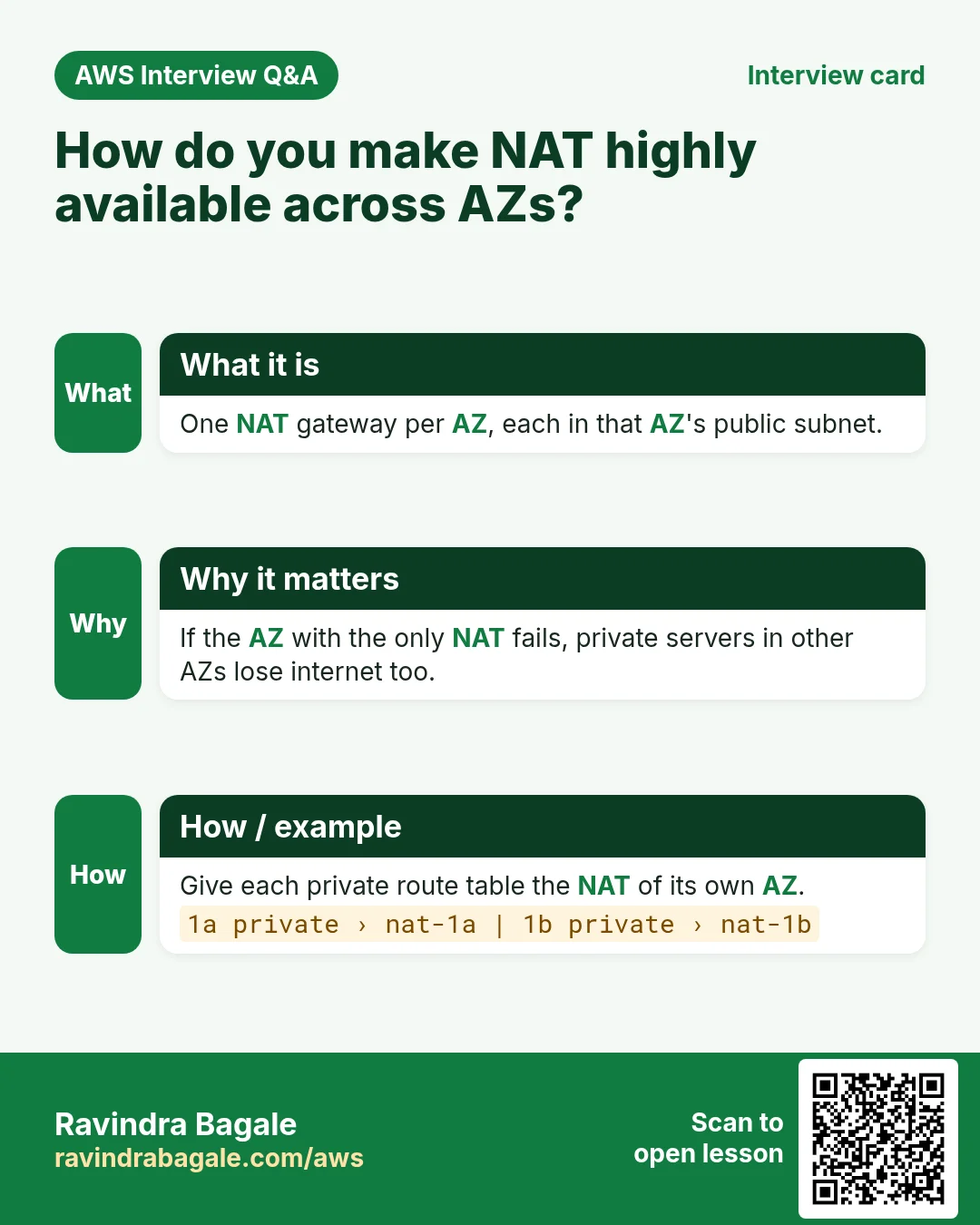
10.0.0.0/16. - One NAT gateway in each AZ's public subnet. Each AZ's private subnets use a private route table that points
0.0.0.0/0to the NAT gateway in the same AZ, so one AZ failing doesn't cut the other off.
How traffic is spread across the two web servers is the job of a load balancer, in Load balancing.
Figure 7. The same web, app and DB subnets in ap-south-1a (10.0.0.0/20, 10.0.16.0/20, 10.0.32.0/20) and ap-south-1b (10.0.48.0/20, 10.0.64.0/20, 10.0.80.0/20), with a NAT gateway in each AZ.
12. When something goes wrong
ssh -Jasks for a password or says "Permission denied (publickey)": the key isn't in the agent. Runssh-add keypair.pem, check withssh-add -l.- The hop to
10.0.16.7times out: the app server's SG must allow 22 from the bastion's SG, and you must use the private IP. yumstill times out on the private server: the private route table has no0.0.0.0/0→ NAT route, or the NAT gateway is in a private subnet, or it isn't Available yet.- The NAT gateway is in the right subnet but nothing goes out: the public subnet's route table must send
0.0.0.0/0to the internet gateway. - A route shows "Blackhole": its NAT gateway was deleted. Remove the route or point it to a new NAT gateway.
- An unexpected bill: a NAT gateway or an unattached Elastic IP left running.
Ravindra Bagale's Tip
Keep the bastion boring: smallest instance type, SSH from your own IP only, nothing else installed, and the key never on it. Use ssh -J or a ProxyJump entry so you never type two hops. And treat the NAT gateway like a meter that is always running: build it for the lab, test, then delete it and release its Elastic IP the same day.
13. The whole class on one page
- A private server has two problems: no way in (no public IP) and no way out (no internet route).
- An AMI from a public server helps once, but you still can't log in later.
- Bastion host: a small public server you SSH through. Bastion SG: 22 from My IP. Private SG: 22 from the bastion SG.
- Keep the key on the laptop:
ssh-add keypair.pem, thenssh -J ec2-user@<bastion-public-ip> ec2-user@10.0.16.7orProxyJumpin~/.ssh/config. Never copy the.pemto the bastion. - Session Manager is the no-SSH option.
- Packages spread files over many folders and need dependencies, so
yummust download them. - NAT gateway: in a public subnet with an Elastic IP; private servers go out, connections from outside are dropped. AWS-managed, no security group.
- Private route table:
0.0.0.0/0→nat-...; public route table keeps0.0.0.0/0→igw-.... - Charged per hour and per GB; delete it and release the Elastic IP after the lab.
- High availability: the same subnets in two AZs, one NAT gateway per AZ.
14. Try at home
Try at home
Task 1: on paper
- Draw the VPC with a bastion, an app server and a DB server. Write the inbound SSH rule of each security group.
- Write both route tables after adding a NAT gateway. For
10.0.32.10and for an internet address, write which route matches.
Task 2: in the console
- Using the VPC from the previous chapter, add
ssh-addand reach the app server withssh -J. - Run
sudo yum install php -yand watch it time out. - Create
my-natinweb-a, add the route, and run it again.
Task 3: prove it and clean up
- From the app server run
curl ifconfig.me. It prints the NAT gateway's Elastic IP, not a private IP. - Delete the NAT gateway, release its Elastic IP, and remove the blackhole route.
Recap
In short
- A bastion host is the one guarded door for SSH into private servers.
- The key stays on your laptop:
ssh-addandssh -J. - A NAT gateway lets private servers go out to the internet; nothing from outside comes in.
- Put the NAT gateway in a public subnet and point the private route table's
0.0.0.0/0at it. - It costs money every hour: delete it after the lab.
- For high availability, repeat the subnets and the NAT gateway in a second AZ.
Practice Tasks
Vidarbha Cotton Mills is a textiles business in Nagpur. Ganesh Wankhede looks after its IT and cloud work. They count money in INR and run their AWS resources in the ap-south-1 Region. In the tasks below you do real jobs for them using what this lesson teaches. All names, account IDs, IP addresses and numbers are made up for practice.
0 / 12
Easy Create a route table
Why: A route table decides where traffic from a subnet goes.
What to do: Create a route table in vpc-0a3af54c5adeadbee.
- Read the task and decide which AWS service it is about.
- Write aws, then the service name, then the operation (the action word).
- Add each needed flag (--name) followed by its value from the task.
- Flags can be in any order. Click Check answer.
Easy Protect an SSH key file
Why: SSH refuses to use a key file that other users can read.
What to do: Make vidarbhacotton-key.pem readable only by its owner and nobody else (no write).
- Find the Linux command that does this job.
- Add the options (like -r or -h) the task needs.
- Add the file names, folders or users in the right order.
- Use sudo if the job changes system files or users. Click Check answer.
Easy Connect to an EC2 server
Why: SSH with a key file is the standard way to log in to a Linux EC2 instance.
What to do: Log in to the server 13.180.20.5 as ec2-user using the key vidarbhacotton-key.pem.
- Find the Linux command that does this job.
- Add the options (like -r or -h) the task needs.
- Add the file names, folders or users in the right order.
- Use sudo if the job changes system files or users. Click Check answer.
Easy Port for SSH
Why: Security group rules need the right port.
What to do: Which TCP port must the security group open for SSH?
- Write down the numbers the task gives you.
- Work it out step by step on paper.
- Type only the final answer in the box.
- Click Check answer.
Medium Link a subnet to a route table
Why: Until you associate it, a subnet uses the main route table.
What to do: Associate subnet subnet-00cb3bc54a5bbb1 with route table rtb-00cb3bc54a5bbb22.
- Read the task and decide which AWS service it is about.
- Write aws, then the service name, then the operation (the action word).
- Add each needed flag (--name) followed by its value from the task.
- Flags can be in any order. Click Check answer.
Medium Add the internet route
Why: A subnet is "public" only when its route table sends 0.0.0.0/0 to an internet gateway.
What to do: In route table rtb-00cb3bc54a5bbb22, send all internet traffic (0.0.0.0/0) to igw-0cb3bc54a5baa11.
- Read the task and decide which AWS service it is about.
- Write aws, then the service name, then the operation (the action word).
- Add each needed flag (--name) followed by its value from the task.
- Flags can be in any order. Click Check answer.
Medium Copy your public key to another server
Why: After this, you can SSH to that server without a password.
What to do: Copy your public key to user ec2-user on 10.0.5.25.
- Find the Linux command that does this job.
- Add the options (like -r or -h) the task needs.
- Add the file names, folders or users in the right order.
- Use sudo if the job changes system files or users. Click Check answer.
Medium Create an SSH key pair
Why: Passwordless SSH between servers needs a key pair on the first server.
What to do: Create a new SSH key pair of type ed25519.
- Find the Linux command that does this job.
- Add the options (like -r or -h) the task needs.
- Add the file names, folders or users in the right order.
- Use sudo if the job changes system files or users. Click Check answer.
Medium Upload a file to the server
Why: scp copies files over SSH, so it uses the same key and user.
What to do: Upload index.html from your laptop to /home/ec2-user/ on 13.180.20.5 using vidarbhacotton-key.pem.
- Find the Linux command that does this job.
- Add the options (like -r or -h) the task needs.
- Add the file names, folders or users in the right order.
- Use sudo if the job changes system files or users. Click Check answer.
Hard Create a NAT gateway
Why: Private servers use a NAT gateway (in a public subnet) to download updates.
What to do: Create a NAT gateway in public subnet subnet-00cb3bc54a5bbb1 using Elastic IP allocation eipalloc-0cb3bc54a5bdd44.
- Read the task and decide which AWS service it is about.
- Write aws, then the service name, then the operation (the action word).
- Add each needed flag (--name) followed by its value from the task.
- Flags can be in any order. Click Check answer.
Hard Route private traffic through NAT
Why: The private route table must send 0.0.0.0/0 to the NAT gateway, not the internet gateway.
What to do: In private route table rtb-00cb3bc54a5bbb22, send 0.0.0.0/0 to NAT gateway nat-0b3bc54a5bcc33.
- Read the task and decide which AWS service it is about.
- Write aws, then the service name, then the operation (the action word).
- Add each needed flag (--name) followed by its value from the task.
- Flags can be in any order. Click Check answer.
Hard Allow SSH only from the office
Why: Opening SSH to everyone invites attacks. Allow only your office IP (/32).
What to do: On sg-00ba3ab5465a4c3b2, allow inbound TCP port 22 only from the office IP 49.36.5.10.
- Read the task and decide which AWS service it is about.
- Write aws, then the service name, then the operation (the action word).
- Add each needed flag (--name) followed by its value from the task.
- Flags can be in any order. Click Check answer.
Revision, comparison and interview cards
Revise this lesson in a few minutes. Save the cards on your phone or download them as PNG files. The QR code on each card opens this lesson.
More cards: Ravi Sir's Cards.