How to Access S3 from a Private EC2 Instance with a VPC Gateway Endpoint (No NAT)
In What Is Amazon S3? we used S3 from the console and CloudShell. Real app servers sit in private subnets with no public IP. This chapter shows where S3 lives compared to your VPC, how a private server reaches it through a NAT gateway and why that costs money, and the better way: a free S3 gateway endpoint. We also compare it with the paid interface endpoint, write an endpoint policy, and build the whole thing in a lab with no NAT.
What you'll learn in this chapter
- Why S3 is outside your VPC and what that means
- Private EC2 to S3 through NAT, with the cost math
- Gateway endpoint (free) vs interface endpoint (paid)
- Endpoint policies that limit which buckets are reachable
- A full lab: private EC2 reaches S3 with no NAT
1. A courier story
Your office is inside a gated society with no main-road gate (a private subnet). The bank (S3) is outside, in the city.
Way 1: send every paper through a paid courier at the society gate (NAT gateway). It works, but every trip and every kilo costs money.
Way 2: the bank opens a free private lane straight into your society (gateway endpoint). Papers never touch the public road, and nobody charges per kilo.
2. Where S3 lives compared to your VPC
Why do we need this?
If you think S3 is inside your VPC, you will not understand why a private server cannot reach it.
What is it?
S3 is a regional public service. Its endpoint, like s3.ap-south-1.amazonaws.com, resolves to public IP addresses owned by AWS. Your VPC is your private network. To reach a public service, a server needs a path out: an internet gateway with a public IP, a NAT gateway, or a VPC endpoint.
| Server | Path to S3 | Cost |
|---|---|---|
| Public subnet, public IP | Internet gateway | Free path; data in the same Region is free |
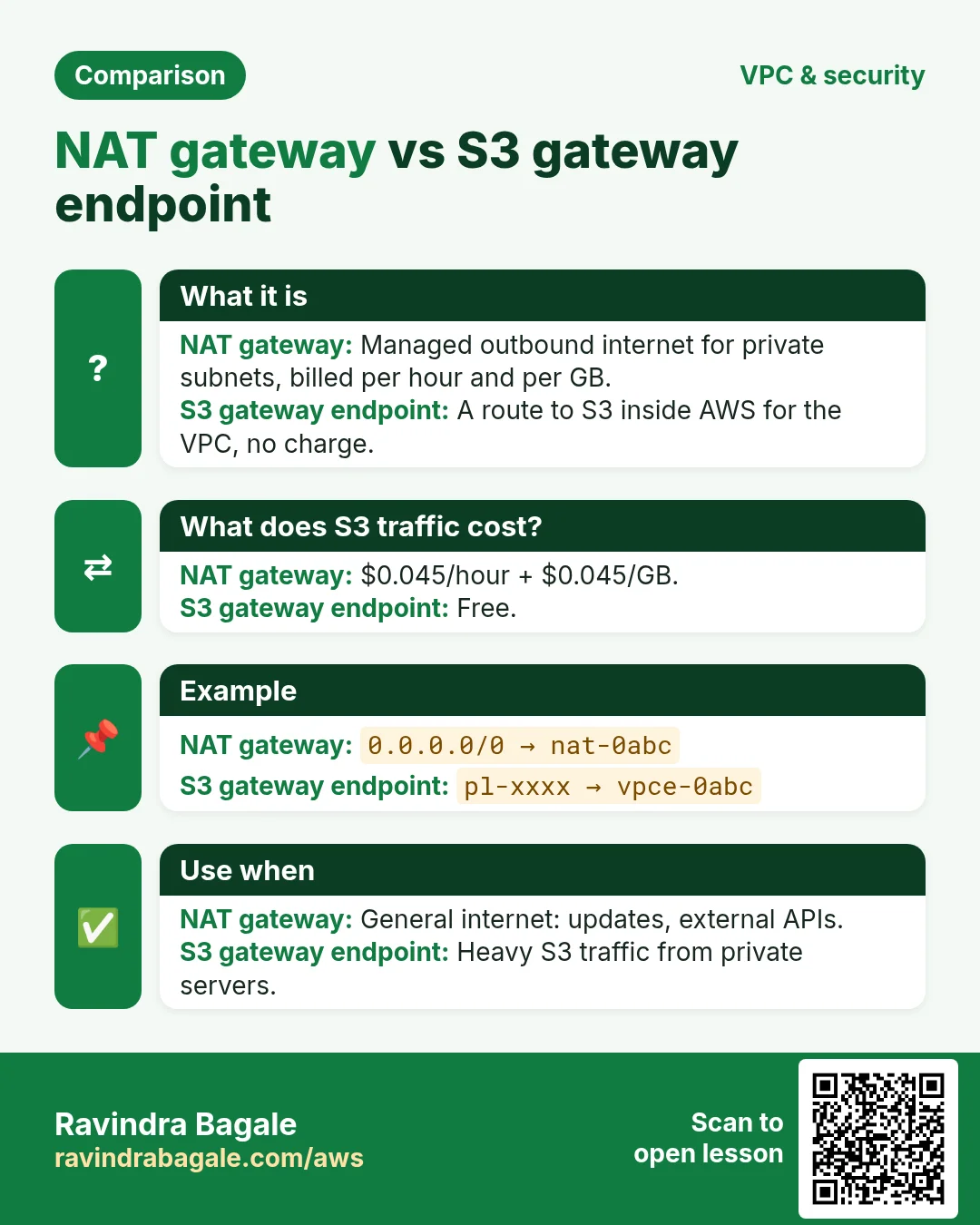
| Private subnet, NAT | NAT gateway → internet gateway | NAT hourly + per-GB processing |
| Private subnet, gateway endpoint | Route table entry to S3 prefix list | Free |
| Private subnet, interface endpoint | ENI with a private IP (PrivateLink) | Hourly per AZ + per GB |
3. Private EC2 to S3 through a NAT gateway
Why do we need this?
Most VPCs already have a NAT gateway for updates, so S3 traffic often goes there by default. You must know what it costs.
What is it?
A NAT gateway lets private servers go out to the internet. Each GB that passes through it is charged. In us-east-1 it is about $0.045 per hour plus $0.045 per GB processed.
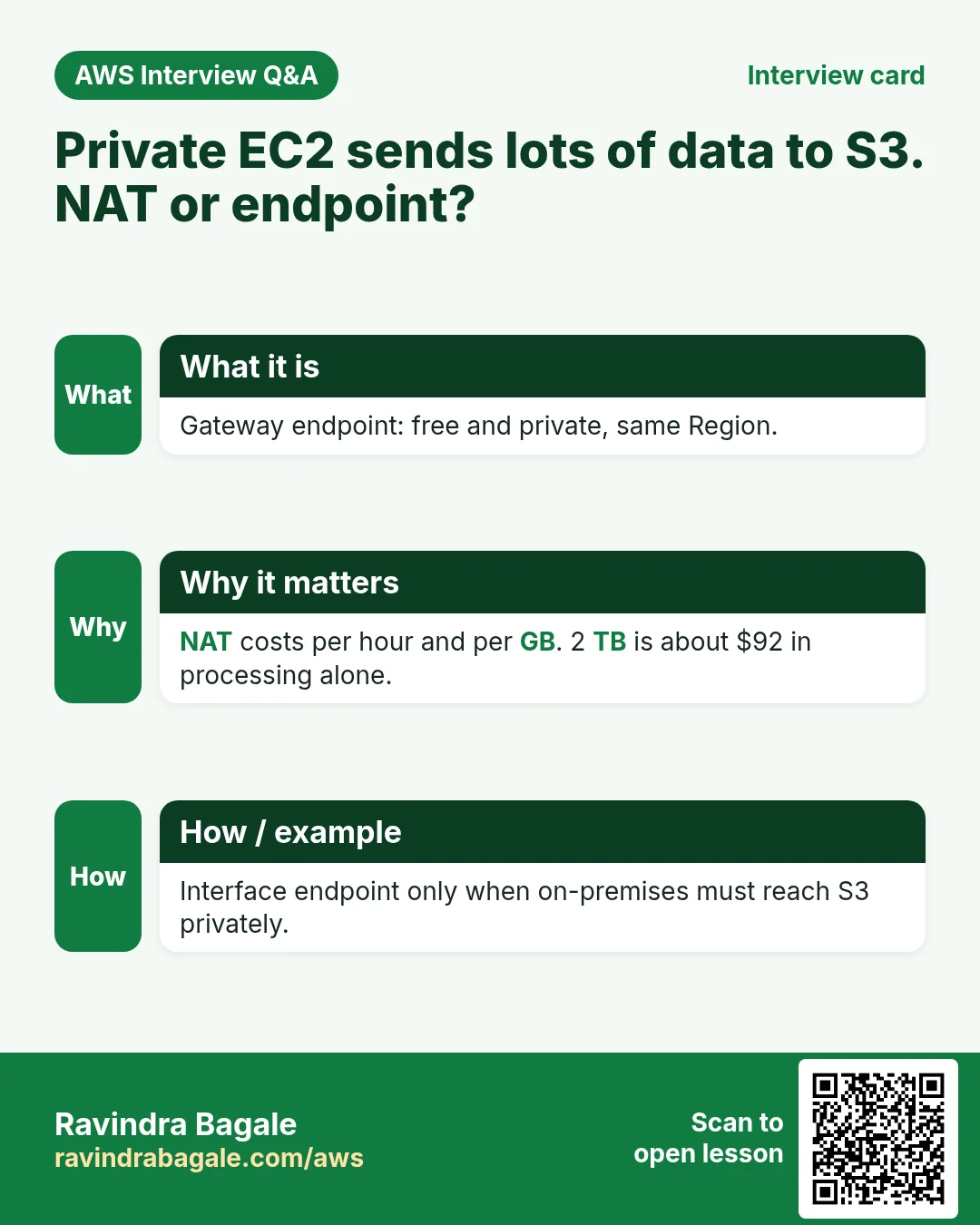
Worked cost: nightly backups upload 2 TB a month to S3. Through NAT: 2,048 GB × $0.045 = about $92 a month, on top of the NAT hourly fee. Through a gateway endpoint: $0.
4. VPC endpoints: gateway vs interface
Why do we need this?
An endpoint gives private servers a private path to AWS services without NAT or a public IP. S3 offers two kinds, and picking the right one matters for cost.
What is it?
| Point | Gateway endpoint | Interface endpoint |
|---|---|---|
| Services | Only S3 and DynamoDB | S3 and 100+ other services |
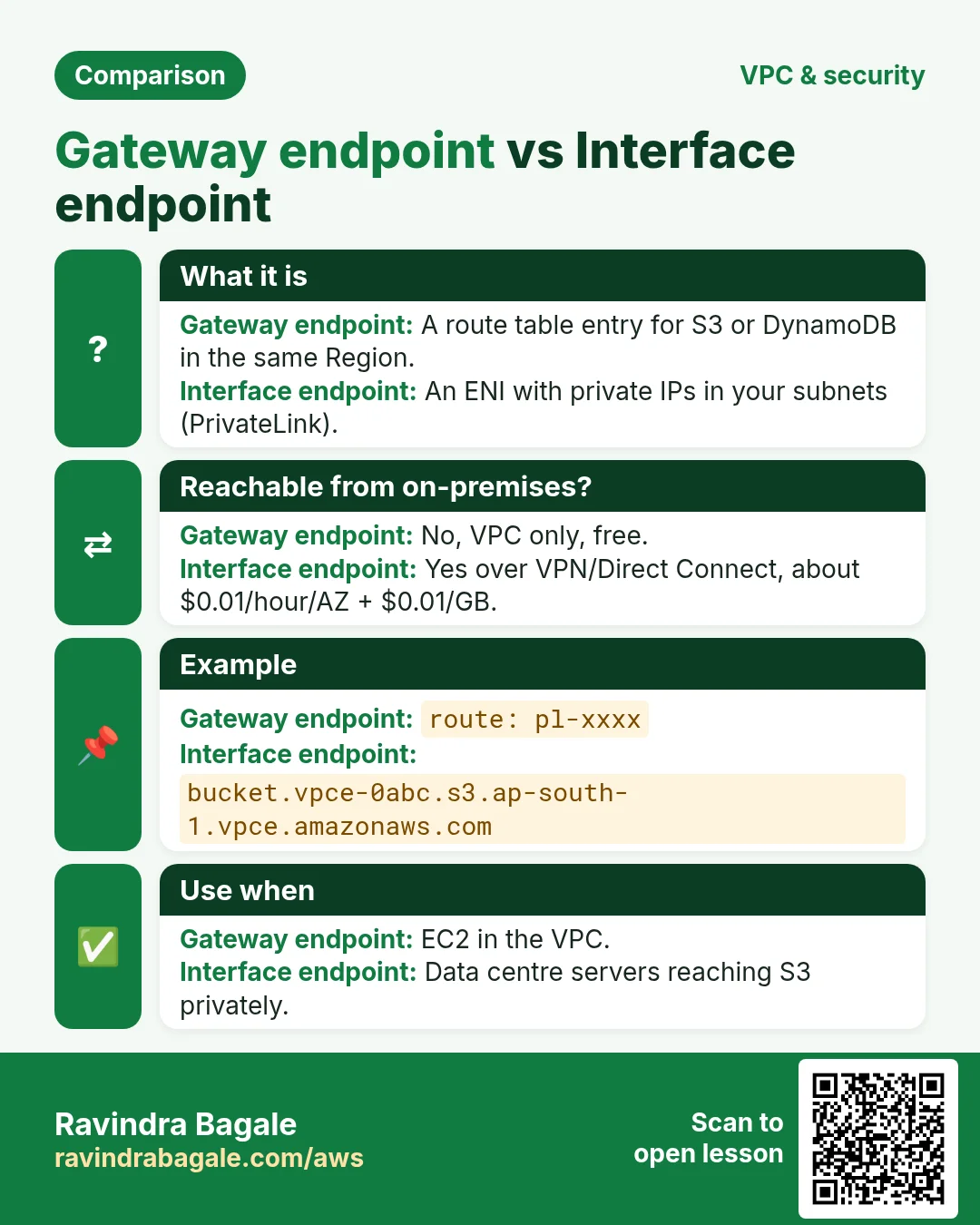
| How it works | Adds a route to the S3 prefix list (pl-…) in chosen route tables | Creates an ENI with a private IP in each chosen subnet (PrivateLink) |
| Price | Free | ~$0.01/hour per AZ + ~$0.01/GB |
| Reach from on-premises or peered VPC | No | Yes (over VPN, Direct Connect, peering) |
| Same Region only | Yes | Yes (cross-Region needs extra setup) |
| Security group | Not used | Yes, on the ENI |
Ravindra Bagale's Tip
For EC2 inside the VPC, start with the free gateway endpoint. Choose an interface endpoint only when traffic comes from on-premises or another network that cannot use your route tables.
5. Endpoint policies
Why do we need this?
A gateway endpoint by default allows access to every S3 bucket in the Region, even other people's buckets. A stolen server could copy your data to an attacker's bucket.
What is it?
An endpoint policy is a JSON resource policy on the endpoint. It is a gate: requests through the endpoint must be allowed by the endpoint policy AND by IAM and the bucket policy.
{
  "Version": "2012-10-17",
  "Statement": [{
    "Sid": "OnlyOurBuckets",
    "Effect": "Allow",
    "Principal": "*",
    "Action": ["s3:GetObject","s3:PutObject","s3:ListBucket"],
    "Resource": [
      "arn:aws:s3:::reels-app-media",
      "arn:aws:s3:::reels-app-media/*"
    ]
  }]
}
Why each part: Principal "*" because the endpoint does not know users; IAM still checks them. Resource lists only our bucket, so any other bucket is denied. Add the Amazon Linux repo bucket arn:aws:s3:::al2023-repos-ap-south-1-de612dc2/* if servers run dnf through the endpoint.
The other side: a bucket policy can require that requests come through your endpoint with the condition aws:SourceVpce. The security chapter shows that example.
6. Using S3 from a private server in many stacks
Why do we need this?
With a gateway endpoint, apps need no code change. They keep calling the normal regional S3 endpoint; the route table does the rest. Only the Region must be correct.
What is it?
| Stack | Set the Region so traffic stays in ap-south-1 |
|---|---|
| AWS CLI | aws configure set region ap-south-1 |
| Node.js | new S3Client({ region: "ap-south-1" }) |
| Python boto3 | boto3.client("s3", region_name="ap-south-1") |
| Java | S3Client.builder().region(Region.AP_SOUTH_1).build() |
| PHP | new S3Client(['region'=>'ap-south-1','version'=>'latest']) |
| .NET | new AmazonS3Client(RegionEndpoint.APSouth1) |
| Go | config.LoadDefaultConfig(ctx, config.WithRegion("ap-south-1")) |
| nginx / Apache | Cron job: aws s3 sync s3://site-assets /var/www/html/assets |
| MySQL | mysqldump shop | gzip | aws s3 cp - s3://db-backups/shop-$(date +%F).sql.gz |
Ravindra Bagale's Tip
If the Region is wrong (for example us-east-1), the request tries the internet path and hangs on a private server. A gateway endpoint only works for buckets in the same Region as the VPC.
7. Lab: private EC2 reaches S3 through a gateway endpoint with no NAT
Why do we need this?
You will prove three things: without a path the private server cannot reach S3; after adding the gateway endpoint it can; and the endpoint policy can block other buckets.
How to do it (step by step)
Part A: network
- Region ap-south-1. VPC console › Create VPC › VPC and more. Why: the wizard makes subnets and route tables for us.
- Name tag auto-generation:
s3lab. IPv4 CIDR:10.20.0.0/16. - Number of AZs: 1. Public subnets: 1. Private subnets: 1. Why: the smallest setup that shows the idea.
- NAT gateways: None. VPC endpoints: None. Why: we want no path first, then add the endpoint by hand.
- Click Create VPC. Expected: VPC, 2 subnets, 2 route tables, 1 internet gateway.
Part B: bucket and IAM role
- Create bucket
yourname-s3lab-privatein ap-south-1 (defaults). Uploadhello.txtwith textfrom S3. - IAM › Roles › Create role › Trusted entity AWS service › Use case EC2.
- Permissions: AmazonS3ReadOnlyAccess. Name:
s3lab-ec2-role. Why: the server gets temporary credentials, no keys on disk.
Part C: two servers
- Launch
s3lab-bastion: Amazon Linux 2023, t3.micro, VPC s3lab, public subnet, auto-assign public IP Enable, SG allows SSH 22 from My IP. - Launch
s3lab-private: same AMI, private subnet, public IP Disable, SG allows SSH 22 from the bastion SG, IAM instance profiles3lab-ec2-role. - From your laptop:
ssh-add key.pemthenssh -J ec2-user@BASTION_IP ec2-user@10.20.x.x. Why: the key stays on the laptop.
Part D: test with no path
aws configure set region ap-south-1
aws s3 ls s3://yourname-s3lab-private --cli-connect-timeout 5
# Connect timeout on endpoint URL: "https://yourname-s3lab-private.s3.ap-south-1.amazonaws.com/..."
Why it fails: the private route table has only 10.20.0.0/16 → local. There is no route to S3.
Part E: add the gateway endpoint
- VPC › Endpoints › Create endpoint. Name
s3lab-s3-gw. Type AWS services. - Search
s3, pickcom.amazonaws.ap-south-1.s3with Type Gateway. Why: the Interface one costs money. - VPC
s3lab-vpc. Route tables: tick only the private route table. Why: only that subnet needs the private path. - Policy: Full access for now. Click Create endpoint. Expected: status Available.
- Open the private route table › Routes. Expected: a new route
pl-78a54011 (com.amazonaws.ap-south-1.s3) → vpce-…. The prefix list ID may differ in your account; check it under Managed prefix lists.
aws s3 ls s3://yourname-s3lab-private
# 2026-10-22 11:20:44   8 hello.txt
aws s3 cp s3://yourname-s3lab-private/hello.txt -
# from S3
curl -s --max-time 5 https://www.google.com || echo "no internet (good)"
# no internet (good)
Verification: S3 works, the general internet does not. The server is still private.
Part F: limit it with an endpoint policy
- Endpoints ›
s3lab-s3-gw› Policy › Edit policy › Custom. Paste the policy from the endpoint policy section, with your bucket name. Save. - On the private server, list your bucket: it works. List any other bucket you own:
An error occurred (AccessDenied). Why: the endpoint now allows only one bucket.
Cleanup
- Terminate both instances.
- Delete the endpoint
s3lab-s3-gw. - Empty and delete the bucket:
aws s3 rb s3://yourname-s3lab-private --force(from CloudShell). - Delete the VPC
s3lab-vpc(this removes its subnets, route tables and internet gateway). Delete the roles3lab-ec2-role.
8. Interview questions
Q. Is S3 inside your VPC?
No. S3 is a regional public service. A VPC reaches it through an internet gateway, a NAT gateway or a VPC endpoint.
Q. Gateway endpoint vs interface endpoint for S3?
Gateway: free, route table entry, only from inside the VPC. Interface: an ENI with a private IP, paid per hour and GB, reachable from on-premises and peered networks.
Q. Why move S3 traffic off the NAT gateway?
NAT charges per GB processed. A gateway endpoint carries the same traffic for free.
Q. What does an endpoint policy do?
It limits which actions and buckets can be used through the endpoint, on top of IAM and bucket policies.
Q. A private server with a gateway endpoint still times out on S3. Why?
Usually a wrong Region (bucket in another Region), or the endpoint is not associated with that subnet's route table.
Try at home
- Repeat the lab, then add a second private route table and see that its subnet cannot reach S3 until you tick it in the endpoint.
- Work out the monthly NAT cost of uploading 500 GB of logs, and compare it with a gateway endpoint.
- Write an endpoint policy that allows only s3:GetObject on one prefix.
In short
- S3 is outside the VPC; private servers need a path.
- NAT works but charges per GB.
- Gateway endpoint: free route to S3 in the same Region.
- Interface endpoint: paid ENI, for on-premises and peered networks.
- Endpoint policy limits which buckets are reachable.
Practice Tasks
Latur Coaching Classes is a coaching business in Latur. Pooja Jadhav looks after its IT and cloud work. They count money in INR and run their AWS resources in the ap-south-1 Region. In the tasks below you do real jobs for them using what this lesson teaches. All names, account IDs, IP addresses and numbers are made up for practice.
0 / 12
Easy How many addresses in a /16?
Why: Picking a VPC size needs this count.
What to do: Latur Coaching Classes plans the VPC 10.56.0.0/16. How many IP addresses does it hold in total?
- Write down the numbers the task gives you.
- Work it out step by step on paper.
- Type only the final answer in the box.
- Click Check answer.
Easy Create a VPC
Why: A VPC is your own private network in AWS. Everything else lives inside it.
What to do: Create a VPC with the CIDR block 10.2.0.0/16.
- Read the task and decide which AWS service it is about.
- Write aws, then the service name, then the operation (the action word).
- Add each needed flag (--name) followed by its value from the task.
- Flags can be in any order. Click Check answer.
Easy Create an internet gateway
Why: Without an internet gateway, nothing in the VPC can reach the internet.
What to do: Create a new internet gateway.
- Read the task and decide which AWS service it is about.
- Write aws, then the service name, then the operation (the action word).
- Add each needed flag (--name) followed by its value from the task.
- Flags can be in any order. Click Check answer.
Medium Create a subnet in one AZ
Why: Subnets split the VPC range and each one lives in exactly one AZ.
What to do: In vpc-0ccc135aa5deadbee, create subnet 10.2.1.0/24 in ap-south-1a.
- Read the task and decide which AWS service it is about.
- Write aws, then the service name, then the operation (the action word).
- Add each needed flag (--name) followed by its value from the task.
- Flags can be in any order. Click Check answer.
Medium Add the internet route
Why: A subnet is "public" only when its route table sends 0.0.0.0/0 to an internet gateway.
What to do: In route table rtb-023aaa135bb5bb22, send all internet traffic (0.0.0.0/0) to igw-03aaa135bb5aa11.
- Read the task and decide which AWS service it is about.
- Write aws, then the service name, then the operation (the action word).
- Add each needed flag (--name) followed by its value from the task.
- Flags can be in any order. Click Check answer.
Medium Find the VPC router address
Why: AWS reserves base+1 for the router.
What to do: Which address does AWS reserve for the VPC router in subnet 10.56.4.0/24?
- Write down the numbers the task gives you.
- Work it out step by step on paper.
- Type only the final answer in the box.
- Click Check answer.
Medium Usable IPs in an AWS /24 subnet
Why: AWS keeps 5 addresses in every subnet.
What to do: How many addresses can Latur Coaching Classes use for servers in subnet 10.56.1.0/24 on AWS?
- Write down the numbers the task gives you.
- Work it out step by step on paper.
- Type only the final answer in the box.
- Click Check answer.
Medium Link a subnet to a route table
Why: Until you associate it, a subnet uses the main route table.
What to do: Associate subnet subnet-023aaa135bb5bb1 with route table rtb-023aaa135bb5bb22.
- Read the task and decide which AWS service it is about.
- Write aws, then the service name, then the operation (the action word).
- Add each needed flag (--name) followed by its value from the task.
- Flags can be in any order. Click Check answer.
Medium Attach the internet gateway
Why: A gateway does nothing until it is attached to a VPC.
What to do: Attach igw-03aaa135bb5aa11 to vpc-0ccc135aa5deadbee.
- Read the task and decide which AWS service it is about.
- Write aws, then the service name, then the operation (the action word).
- Add each needed flag (--name) followed by its value from the task.
- Flags can be in any order. Click Check answer.
Medium First usable IP for a server
Why: The first 4 addresses are reserved by AWS.
What to do: What is the first IP address a server can get in 10.56.20.0/24 on AWS?
- Write down the numbers the task gives you.
- Work it out step by step on paper.
- Type only the final answer in the box.
- Click Check answer.
Hard Pick the smallest prefix
Why: Right-sizing saves address space.
What to do: A subnet must hold 100 servers on AWS. What is the largest prefix number (smallest subnet) that fits? Answer like /25.
- Write down the numbers the task gives you.
- Work it out step by step on paper.
- Type only the final answer in the box.
- Click Check answer.
Hard Split a /24 into two
Why: Public and private subnets often split one block.
What to do: Split 10.56.8.0/24 into two equal subnets. Write both CIDRs separated by a comma.
- Write down the numbers the task gives you.
- Work it out step by step on paper.
- Type only the final answer in the box.
- Click Check answer.
Revision, comparison and interview cards
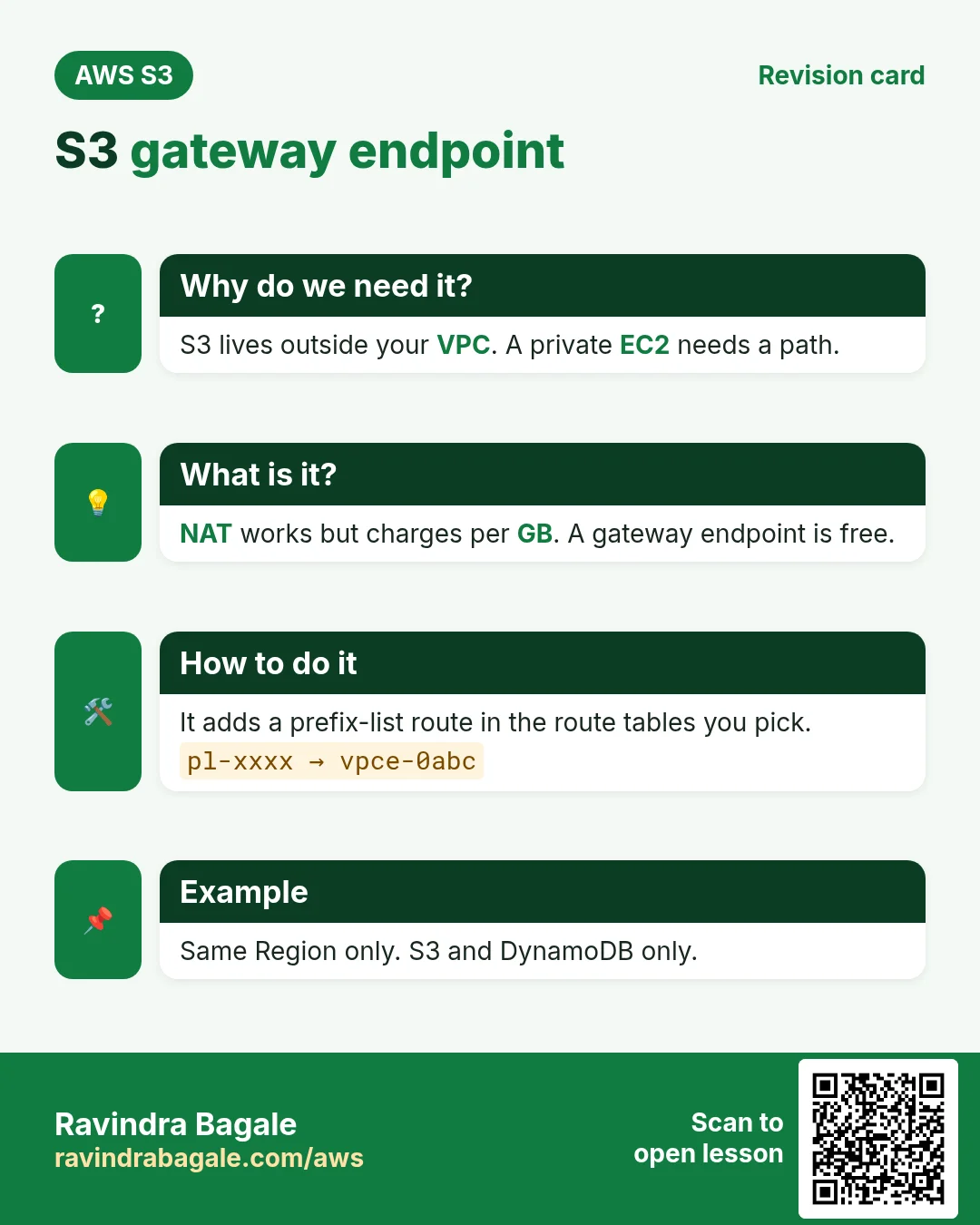
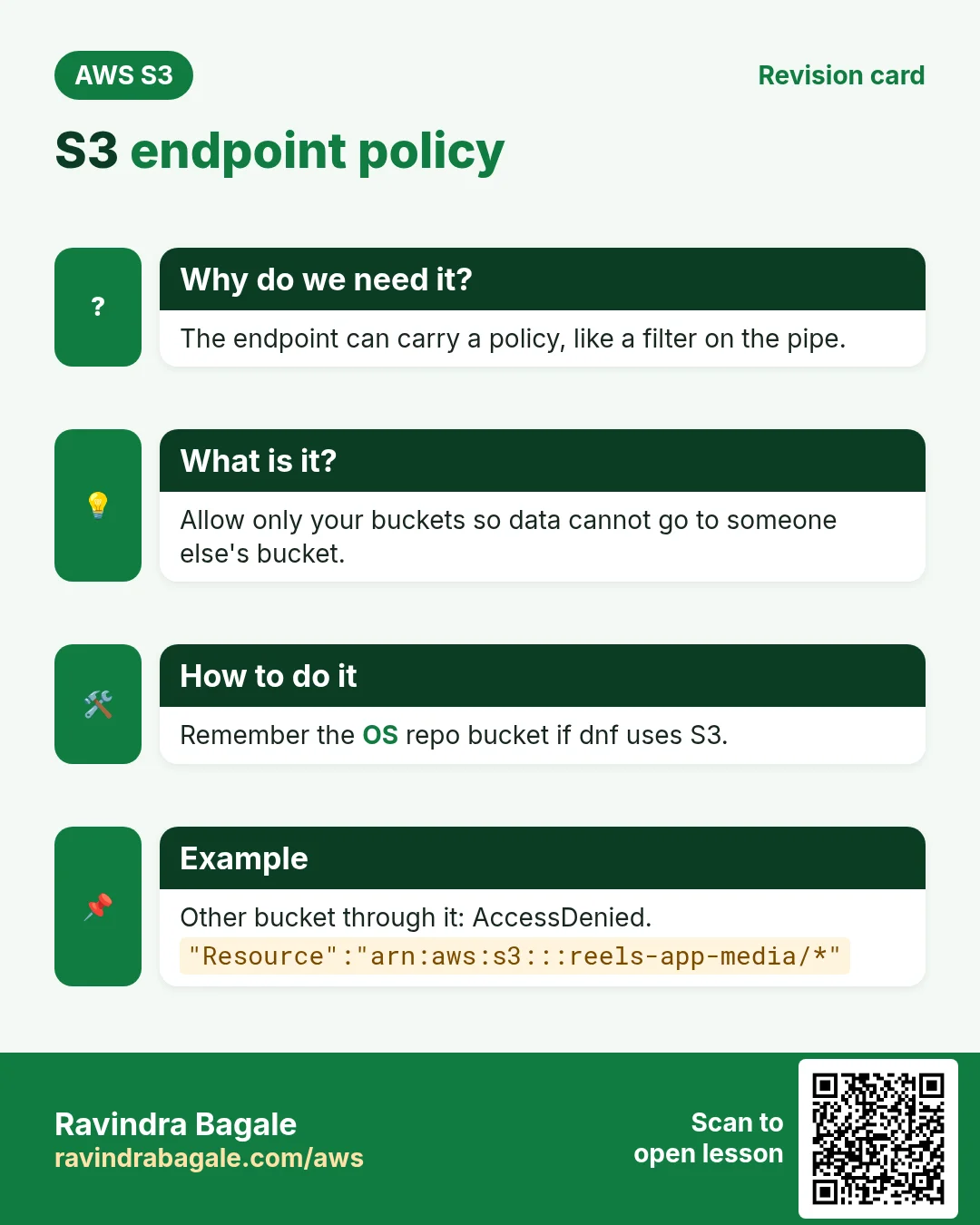
Revise this lesson in a few minutes. Save the cards on your phone or download them as PNG files. The QR code on each card opens this lesson.
More cards: Ravi Sir's Cards.