AWS IAM Roles: 10 Practical Examples Step by Step
An IAM role is like a hotel key card. Reception gives it for your stay. It opens only your room and the gym. When you check out, it stops working. Your code gets the same kind of card from AWS.
What you'll learn in this chapter
- 10 real IAM role examples, simplest first
- Trust policy and permissions policy for each one
- Console clicks, CLI check and expected output
- Why code needs no access keys when a role is attached
- Common errors and how to fix them
1. Everyday example first
Why do we need this?
Think of an office visitor badge in Hinjewadi, Pune.
Security does not give a visitor the master key. They give a badge for one floor, for one day.
In AWS, long-lived access keys are the master key. A role is the visitor badge.
What is it?
Every role has two parts. Remember them for all 10 examples below.
- Trust policy — who may wear the badge (EC2, Lambda, another account, GitHub).
- Permissions policy — which doors the badge opens (S3 read, DynamoDB write).
All examples use region ap-south-1 (Mumbai). Replace 111111111111 with your account id.
2. Example 1: EC2 reads an S3 bucket
Why do we need this?
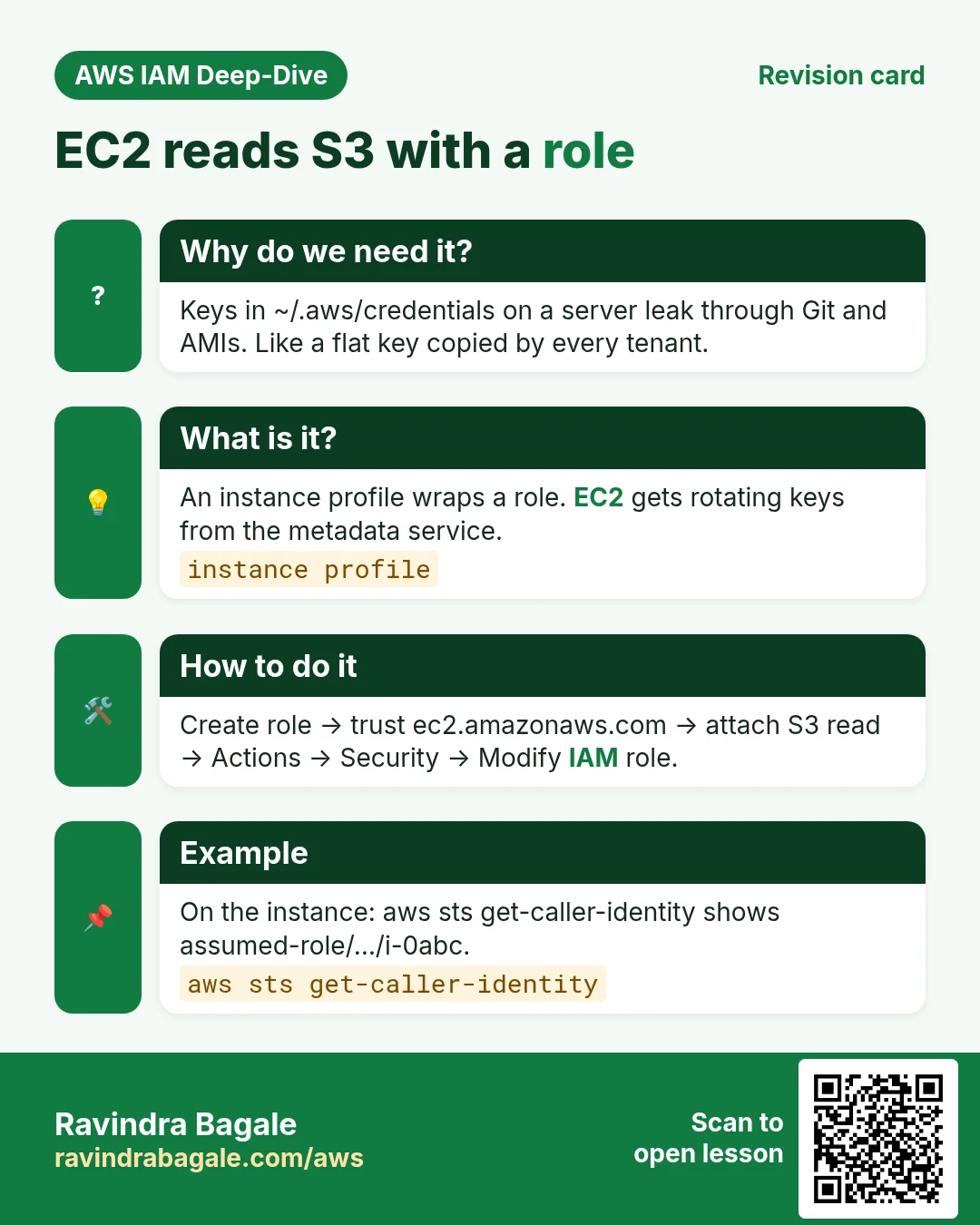
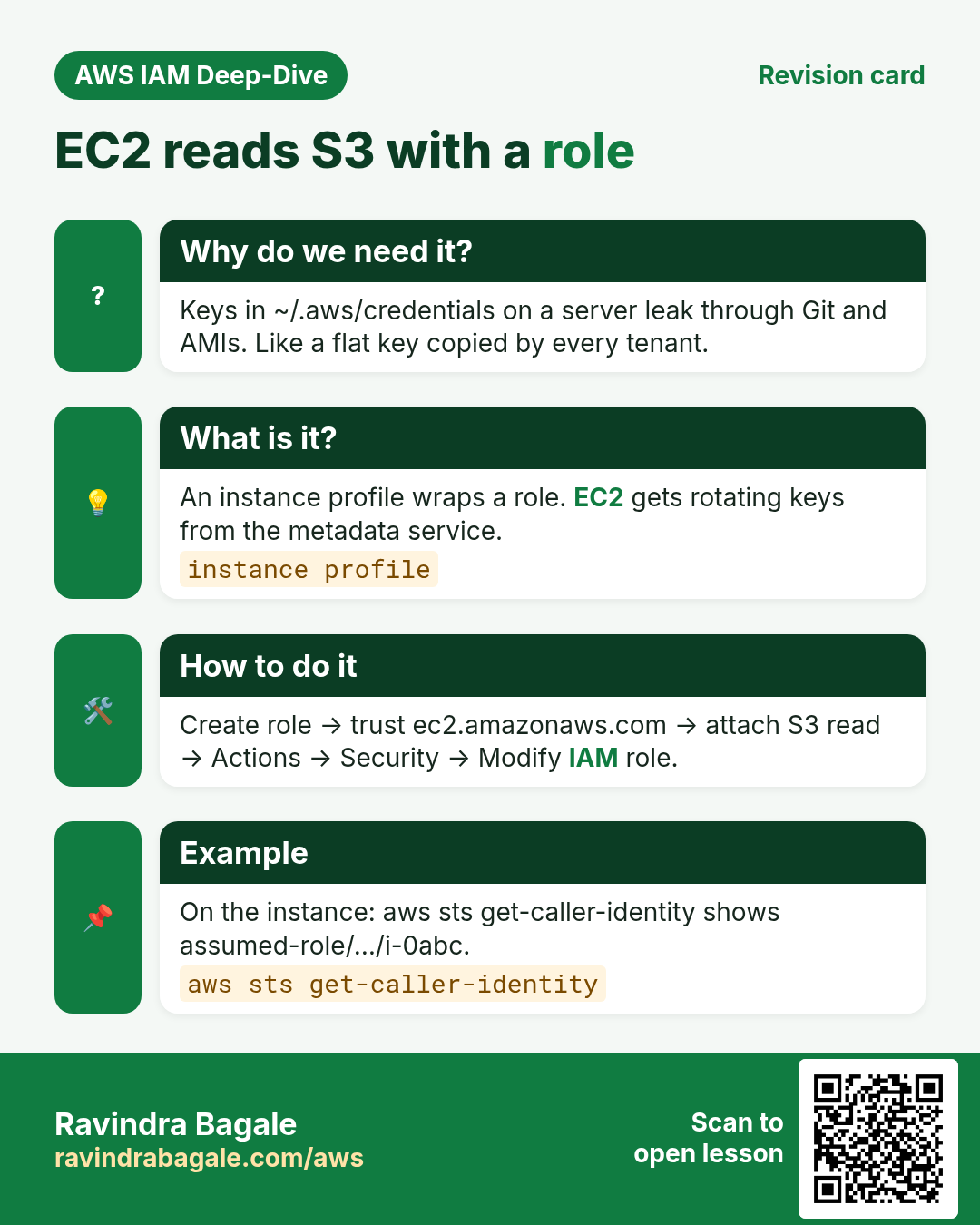
Your app on EC2 must read files from S3. Beginners copy access keys into ~/.aws/credentials. Anyone who gets into the server gets the keys.
What is it?
An instance profile is a box that carries a role to EC2. The instance gets fresh temporary keys from the metadata service. No keys on disk.
Trust policy (who can use the role):
{
  "Version": "2012-10-17",
  "Statement": [{
    "Effect": "Allow",
    "Principal": { "Service": "ec2.amazonaws.com" },
    "Action": "sts:AssumeRole"
  }]
}
Permissions policy (what the role can do):
{
  "Version": "2012-10-17",
  "Statement": [{
    "Effect": "Allow",
    "Action": ["s3:GetObject", "s3:ListBucket"],
    "Resource": [
      "arn:aws:s3:::ravi-app-files",
      "arn:aws:s3:::ravi-app-files/*"
    ]
  }]
}
How to do it (step by step)
- IAM → Roles → Create role.
- Trusted entity: AWS service → Use case EC2 → Next.
- Create the permissions policy above as
ec2-s3-read-raviand select it. - Role name:
ec2-s3-read-role→ Create role. - EC2 → select instance → Actions → Security → Modify IAM role → pick the role → Update.
Verify with CLI:
# run on the EC2 instance
aws sts get-caller-identity
aws s3 ls s3://ravi-app-files/ --region ap-south-1
Expected output:
"Arn": "arn:aws:sts::111111111111:assumed-role/ec2-s3-read-role/i-0abc123..."
2026-10-24 10:00:00   1024 report.csv
What breaks without it
Without the role you get Unable to locate credentials. Then people paste keys, and keys leak.
3. Example 2: Lambda writes to DynamoDB
Why do we need this?
An order API Lambda must save orders. It must not delete the whole table.
What is it?
The execution role is the role Lambda wears every time it runs.
Trust policy (who can use the role):
{
  "Version": "2012-10-17",
  "Statement": [{
    "Effect": "Allow",
    "Principal": { "Service": "lambda.amazonaws.com" },
    "Action": "sts:AssumeRole"
  }]
}
Permissions policy (what the role can do):
{
  "Version": "2012-10-17",
  "Statement": [{
    "Effect": "Allow",
    "Action": ["dynamodb:PutItem", "dynamodb:GetItem"],
    "Resource": "arn:aws:dynamodb:ap-south-1:111111111111:table/Orders"
  }]
}
How to do it (step by step)
- IAM → Roles → Create role → AWS service → Lambda.
- Attach the policy above (name
lambda-orders-write) andAWSLambdaBasicExecutionRole. - Role name:
orders-lambda-role. - Lambda → your function → Configuration → Permissions → Edit → choose this role → Save.
Verify with CLI:
aws lambda invoke --function-name orders-api \
  --payload '{"id":"o1"}' --cli-binary-format raw-in-base64-out \
  out.json --region ap-south-1
aws dynamodb get-item --table-name Orders \
  --key '{"id":{"S":"o1"}}' --region ap-south-1
Expected output:
{ "StatusCode": 200 }
{ "Item": { "id": { "S": "o1" } } }
What breaks without it
Without PutItem you see AccessDeniedException ... not authorized to perform: dynamodb:PutItem in the logs.
4. Example 3: Lambda writes CloudWatch Logs
Why do we need this?
Your print() or console.log() lines must reach CloudWatch. Otherwise you debug blind.
What is it?
AWSLambdaBasicExecutionRole is an AWS managed policy. It allows only log group and log stream writes.
Trust policy (who can use the role):
{
  "Version": "2012-10-17",
  "Statement": [{
    "Effect": "Allow",
    "Principal": { "Service": "lambda.amazonaws.com" },
    "Action": "sts:AssumeRole"
  }]
}
Permissions policy (what the role can do):
{
  "Version": "2012-10-17",
  "Statement": [{
    "Effect": "Allow",
    "Action": [
      "logs:CreateLogGroup",
      "logs:CreateLogStream",
      "logs:PutLogEvents"
    ],
    "Resource": "*"
  }]
}
How to do it (step by step)
- Lambda → Create function → leave Create a new role with basic Lambda permissions selected.
- Create function. AWS makes a role like
my-fn-role-abc123. - Click Test once.
- Monitor → View CloudWatch logs.
Verify with CLI:
aws logs describe-log-groups \
  --log-group-name-prefix /aws/lambda/my-fn --region ap-south-1
Expected output:
"logGroupName": "/aws/lambda/my-fn"What breaks without it
Without it the function still runs, but no log group appears. You see nothing when it fails.
5. Example 4: EC2 sends logs and metrics with the CloudWatch agent
Why do we need this?
Default EC2 metrics do not show memory or disk use. The CloudWatch agent sends them, plus app log files.
What is it?
Attach the AWS managed policy CloudWatchAgentServerPolicy to an EC2 role.
Trust policy (who can use the role):
{
  "Version": "2012-10-17",
  "Statement": [{
    "Effect": "Allow",
    "Principal": { "Service": "ec2.amazonaws.com" },
    "Action": "sts:AssumeRole"
  }]
}
Permissions policy (what the role can do):
{
  "Version": "2012-10-17",
  "Statement": [{
    "Effect": "Allow",
    "Action": [
      "cloudwatch:PutMetricData",
      "logs:CreateLogStream",
      "logs:PutLogEvents",
      "logs:DescribeLogStreams",
      "ec2:DescribeTags"
    ],
    "Resource": "*"
  }]
}
// short view of CloudWatchAgentServerPolicy
How to do it (step by step)
- IAM → Roles → Create role → AWS service → EC2.
- Attach
CloudWatchAgentServerPolicy. Name itec2-cw-agent-role. - Attach the role to the instance (Actions → Security → Modify IAM role).
- On the instance:
sudo yum install -y amazon-cloudwatch-agent. - Run the wizard:
sudo /opt/aws/amazon-cloudwatch-agent/bin/amazon-cloudwatch-agent-config-wizard, then start the agent.
Verify with CLI:
aws cloudwatch list-metrics --namespace CWAgent --region ap-south-1Expected output:
"MetricName": "mem_used_percent"What breaks without it
Without the role the agent log shows AccessDenied or NoCredentialProviders. No memory graph.
6. Example 5: ECS Fargate task role vs task execution role
Why do we need this?
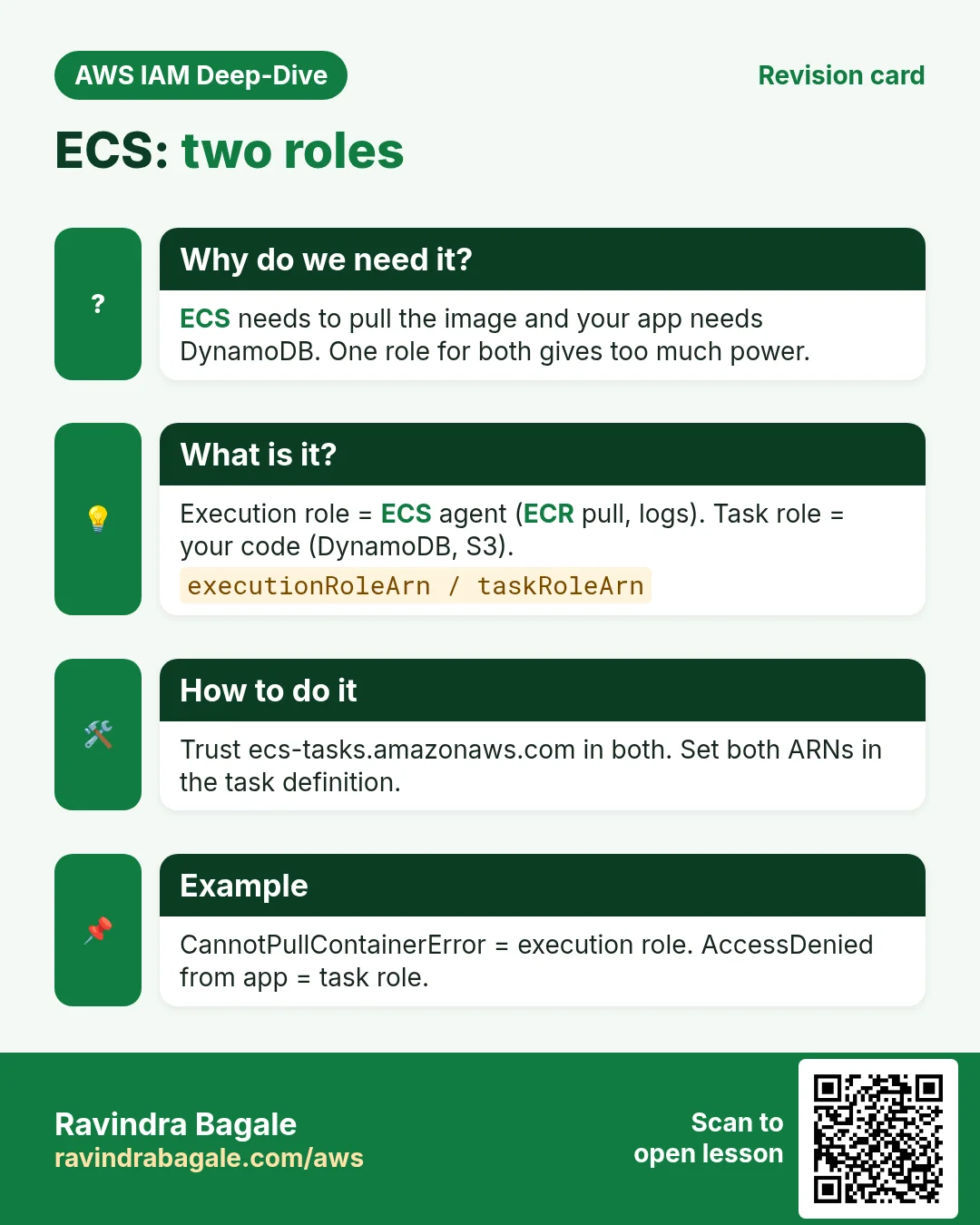
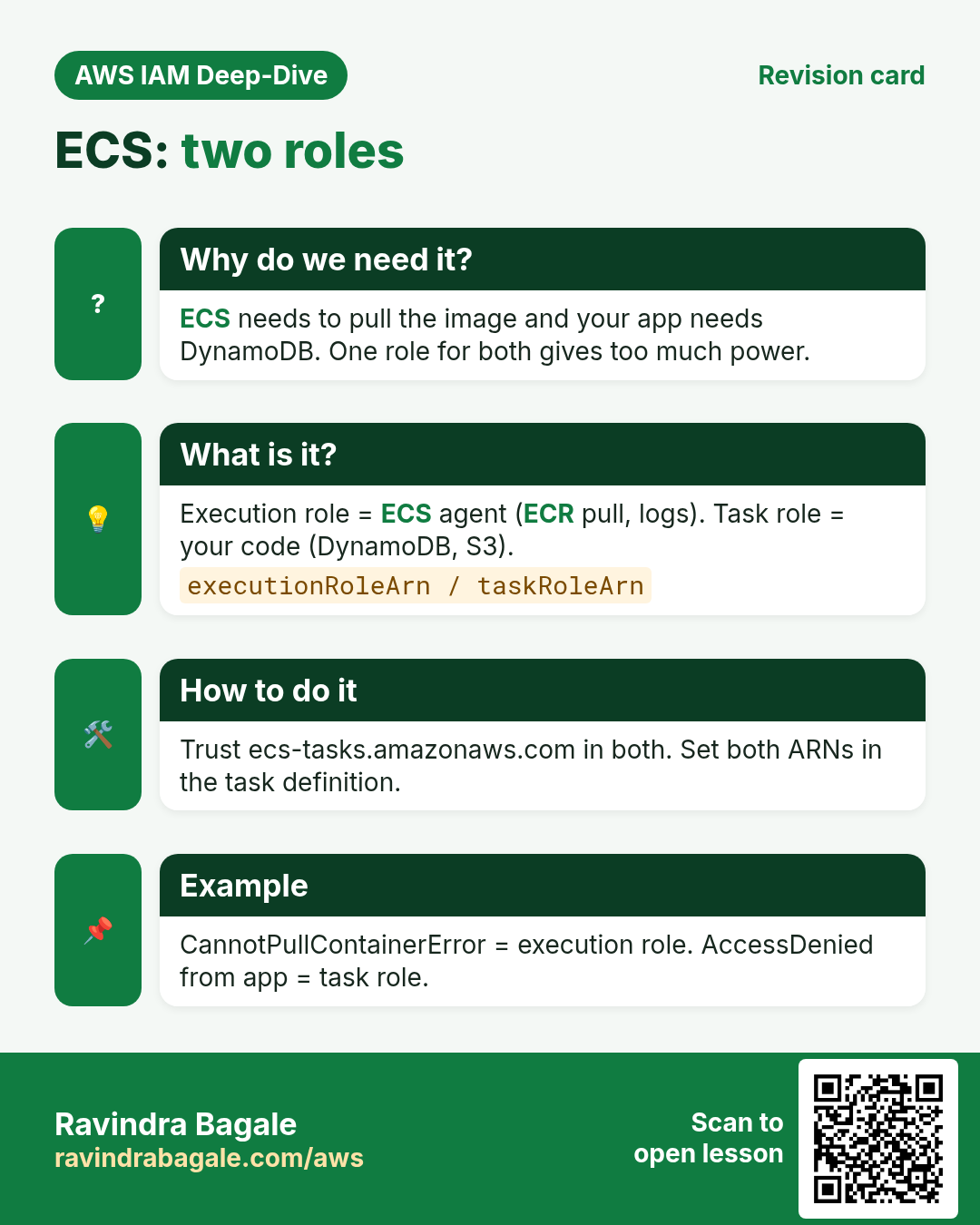
Fargate has two roles. Mixing them up is the top ECS interview trap.
What is it?
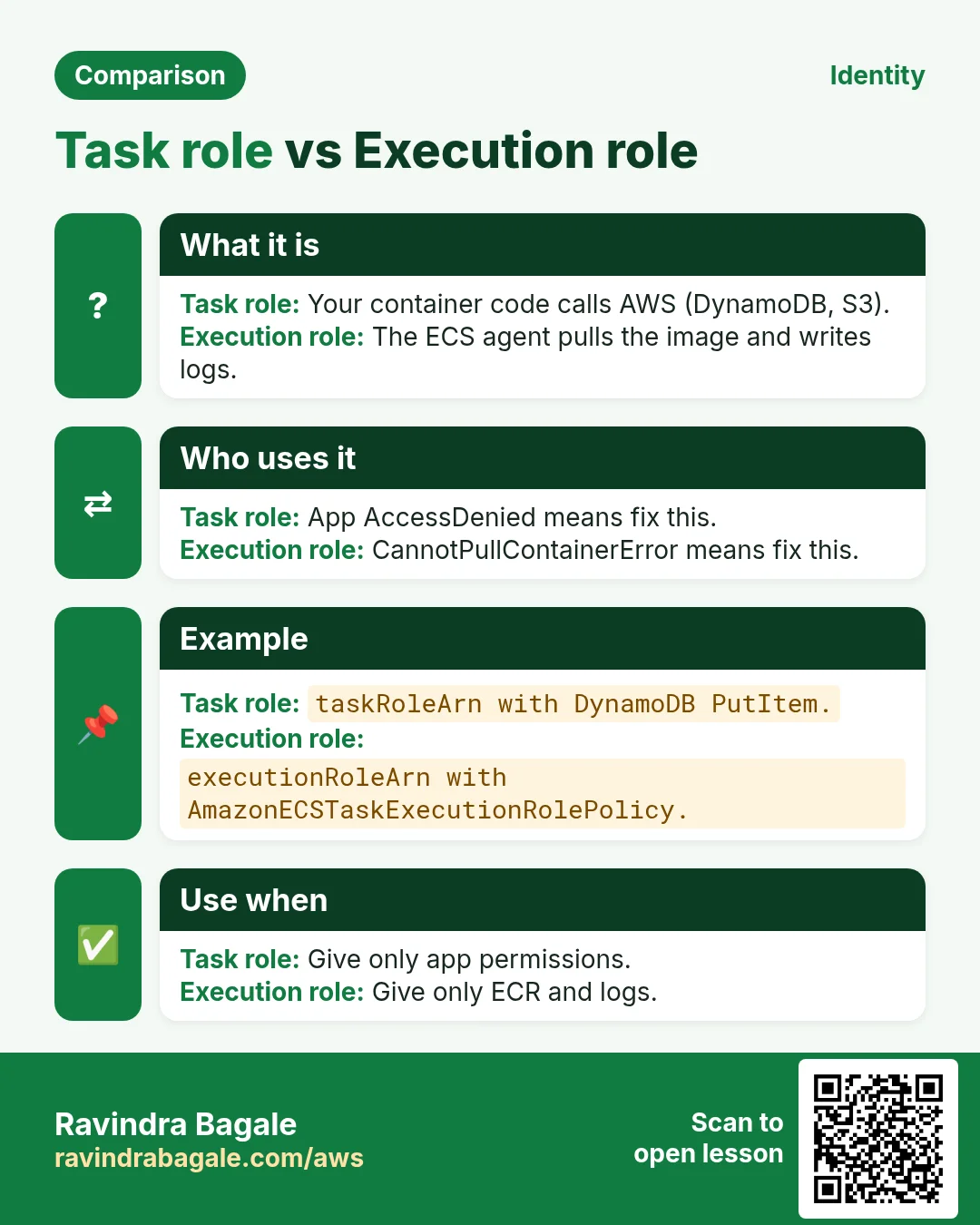
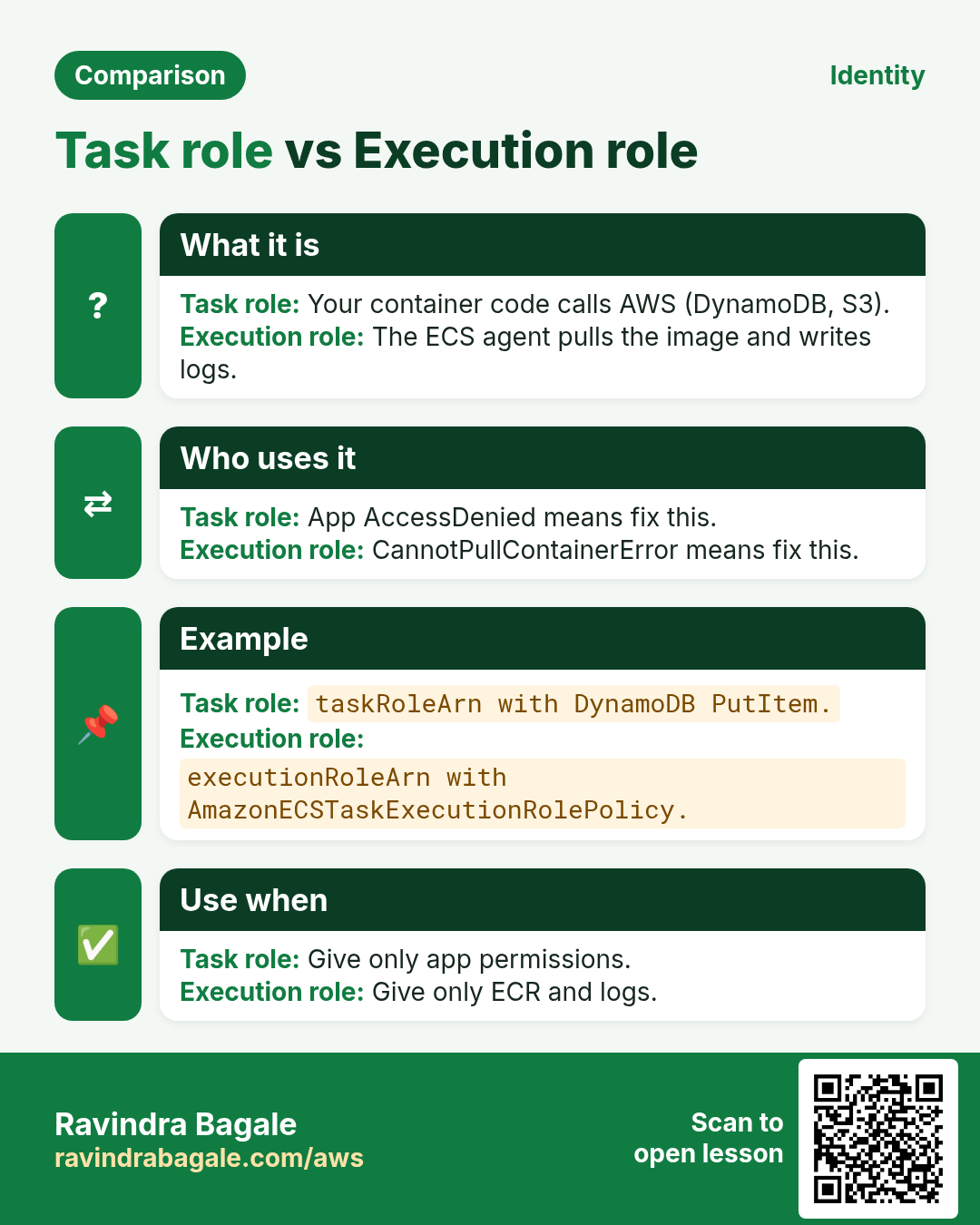
The task execution role is for ECS itself: pull the image from ECR, write container logs. The task role is for your app code: call S3, DynamoDB, SQS.
Trust policy (who can use the role):
{
  "Version": "2012-10-17",
  "Statement": [{
    "Effect": "Allow",
    "Principal": { "Service": "ecs-tasks.amazonaws.com" },
    "Action": "sts:AssumeRole"
  }]
}
// same trust for both roles
Permissions policy (what the role can do):
// task execution role: attach AWS managed
//   AmazonECSTaskExecutionRolePolicy
// task role (your app):
{
  "Version": "2012-10-17",
  "Statement": [{
    "Effect": "Allow",
    "Action": "s3:GetObject",
    "Resource": "arn:aws:s3:::ravi-app-files/*"
  }]
}
How to do it (step by step)
- IAM → Create role → AWS service → Elastic Container Service Task.
- Role 1: attach
AmazonECSTaskExecutionRolePolicy. NameecsTaskExecutionRole. - Role 2: attach your S3 read policy. Name
orders-task-role. - ECS → Task definitions → Create → set Task execution role = role 1 and Task role = role 2.
Verify with CLI:
aws ecs describe-task-definition --task-definition orders \
  --query "taskDefinition.[taskRoleArn,executionRoleArn]" \
  --region ap-south-1
Expected output:
[ "arn:aws:iam::111111111111:role/orders-task-role",
  "arn:aws:iam::111111111111:role/ecsTaskExecutionRole" ]
What breaks without it
No execution role: task stops with CannotPullContainerError or no logs. No task role: the app gets AccessDenied on S3.
7. Example 6: Cross-account access (account A assumes a role in account B)
Why do we need this?
Your company has a dev account (A, 111111111111) and a prod account (B, 222222222222). A tester in A must read logs in B. Do not create a user in B.
What is it?
Create a role in B that trusts account A. A user in A calls sts assume-role and gets temporary keys for B.
Trust policy (who can use the role):
// in account B (222222222222)
{
  "Version": "2012-10-17",
  "Statement": [{
    "Effect": "Allow",
    "Principal": { "AWS": "arn:aws:iam::111111111111:root" },
    "Action": "sts:AssumeRole",
    "Condition": { "StringEquals": { "sts:ExternalId": "ravi-2026" } }
  }]
}
Permissions policy (what the role can do):
// in account B: role permissions
// attach AWS managed CloudWatchLogsReadOnlyAccess
// in account A: user/group permission to assume
{
  "Version": "2012-10-17",
  "Statement": [{
    "Effect": "Allow",
    "Action": "sts:AssumeRole",
    "Resource": "arn:aws:iam::222222222222:role/prod-log-reader"
  }]
}
How to do it (step by step)
- Sign in to account B → IAM → Create role → AWS account → Another AWS account → enter
111111111111. - Tick Require external ID →
ravi-2026. - Attach
CloudWatchLogsReadOnlyAccess. Nameprod-log-reader. - In account A, attach the assume policy above to the tester group.
Verify with CLI:
aws sts assume-role \
  --role-arn arn:aws:iam::222222222222:role/prod-log-reader \
  --role-session-name ravi-tester --external-id ravi-2026
# export the 3 values, then:
aws sts get-caller-identity
Expected output:
"Account": "222222222222",
"Arn": "arn:aws:sts::222222222222:assumed-role/prod-log-reader/ravi-tester"
What breaks without it
Without the trust in B, A gets AccessDenied ... not authorized to perform: sts:AssumeRole. Without a role, teams share prod user keys.
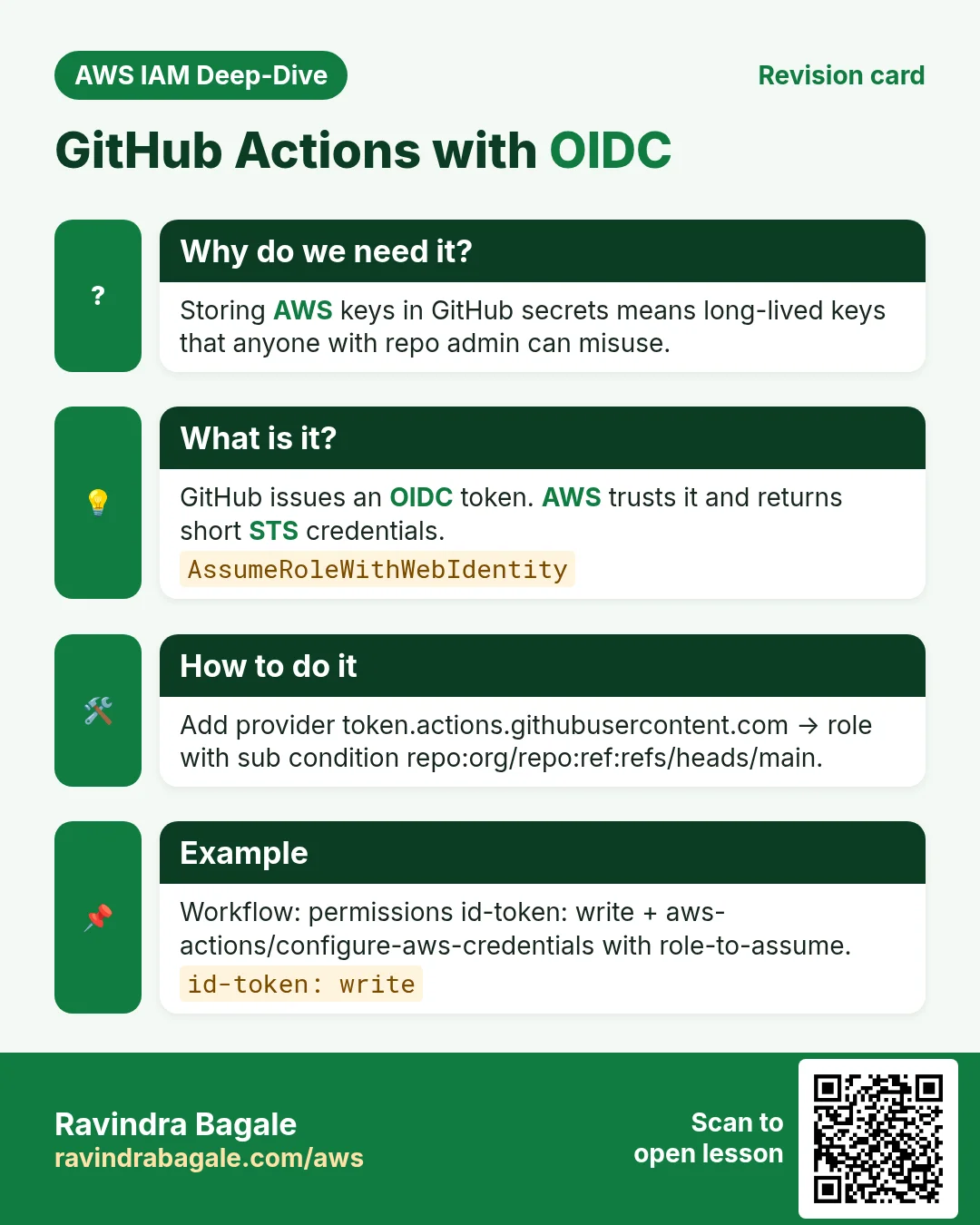
8. Example 7: GitHub Actions deploys to AWS with an OIDC role
Why do we need this?
Storing AWS_ACCESS_KEY_ID in GitHub secrets is risky. Keys never expire and can leak from logs or forks.
What is it?
GitHub gives each workflow run a signed OIDC token. AWS trusts GitHub as an identity provider and swaps the token for temporary keys.
Trust policy (who can use the role):
{
  "Version": "2012-10-17",
  "Statement": [{
    "Effect": "Allow",
    "Principal": {
      "Federated": "arn:aws:iam::111111111111:oidc-provider/token.actions.githubusercontent.com"
    },
    "Action": "sts:AssumeRoleWithWebIdentity",
    "Condition": {
      "StringEquals": {
        "token.actions.githubusercontent.com:aud": "sts.amazonaws.com"
      },
      "StringLike": {
        "token.actions.githubusercontent.com:sub": "repo:ravindrabagale/site:ref:refs/heads/main"
      }
    }
  }]
}
Permissions policy (what the role can do):
{
  "Version": "2012-10-17",
  "Statement": [{
    "Effect": "Allow",
    "Action": ["s3:PutObject", "s3:ListBucket"],
    "Resource": [
      "arn:aws:s3:::ravi-site-bucket",
      "arn:aws:s3:::ravi-site-bucket/*"
    ]
  }]
}
How to do it (step by step)
- IAM → Identity providers → Add provider → OpenID Connect.
- Provider URL
https://token.actions.githubusercontent.com, audiencests.amazonaws.com→ Add. - IAM → Create role → Web identity → pick this provider → enter your GitHub org, repo and branch.
- Attach the S3 deploy policy. Name
github-deploy-role. - In the workflow add
permissions: id-token: writeand stepaws-actions/configure-aws-credentialswithrole-to-assumeandaws-region: ap-south-1.
Verify with CLI:
# workflow step
- run: aws sts get-caller-identity
Expected output:
"Arn": "arn:aws:sts::111111111111:assumed-role/github-deploy-role/GitHubActions"What breaks without it
Without id-token: write you get Credentials could not be loaded. With a wrong sub you get Not authorized to perform sts:AssumeRoleWithWebIdentity.
9. Example 8: Developer read-only role with Switch role
Why do we need this?
A developer needs to look at prod, not change it. Giving them a full user in prod is too much.
What is it?
A ReadOnlyAccess role. The developer clicks Switch role in the console. MFA is required in the trust.
Trust policy (who can use the role):
{
  "Version": "2012-10-17",
  "Statement": [{
    "Effect": "Allow",
    "Principal": { "AWS": "arn:aws:iam::111111111111:user/priya" },
    "Action": "sts:AssumeRole",
    "Condition": { "Bool": { "aws:MultiFactorAuthPresent": "true" } }
  }]
}
Permissions policy (what the role can do):
// attach AWS managed policy: ReadOnlyAccessHow to do it (step by step)
- IAM → Create role → AWS account → This account (or another) → tick Require MFA.
- Attach
ReadOnlyAccess. Namedev-readonly. - Developer signs in with MFA → top-right account menu → Switch role.
- Enter account id, role
dev-readonly, a display name and colour → Switch Role.
Verify with CLI:
# CLI profile in ~/.aws/config
[profile ro]
role_arn = arn:aws:iam::111111111111:role/dev-readonly
source_profile = default
mfa_serial = arn:aws:iam::111111111111:mfa/priya

aws ec2 describe-instances --profile ro --region ap-south-1
aws ec2 stop-instances --instance-ids i-0abc --profile ro
Expected output:
Enter MFA code for arn:aws:iam::111111111111:mfa/priya:
{ "Reservations": [ ... ] }
An error occurred (UnauthorizedOperation) ... stop-instances
What breaks without it
Without the role, people get full rights “just to look”. One wrong click can stop prod.
10. Example 9: Service-linked role (Auto Scaling and ELB)
Why do we need this?
Auto Scaling must launch and stop EC2 for you. ELB must register targets. They need permission in your account.
What is it?
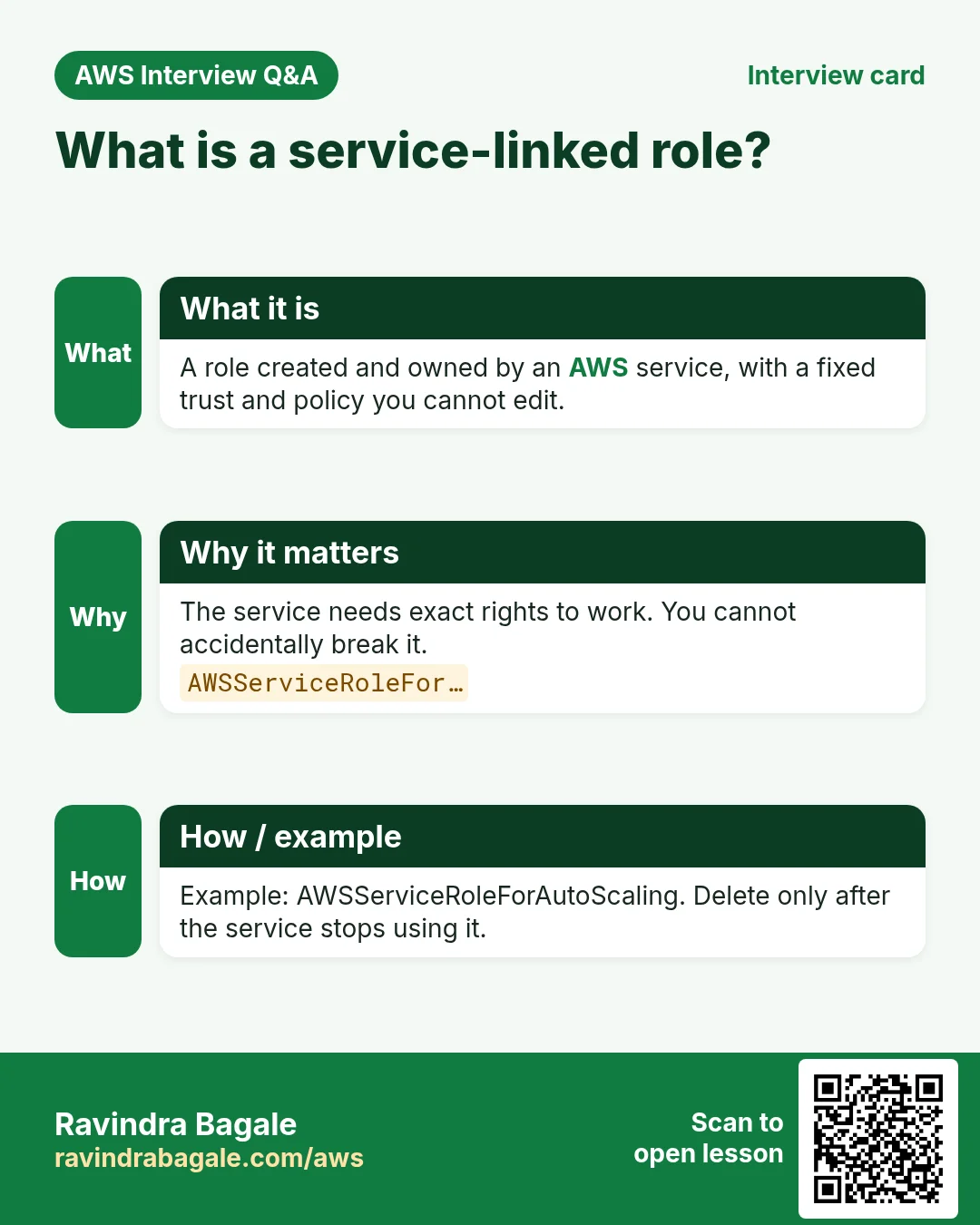
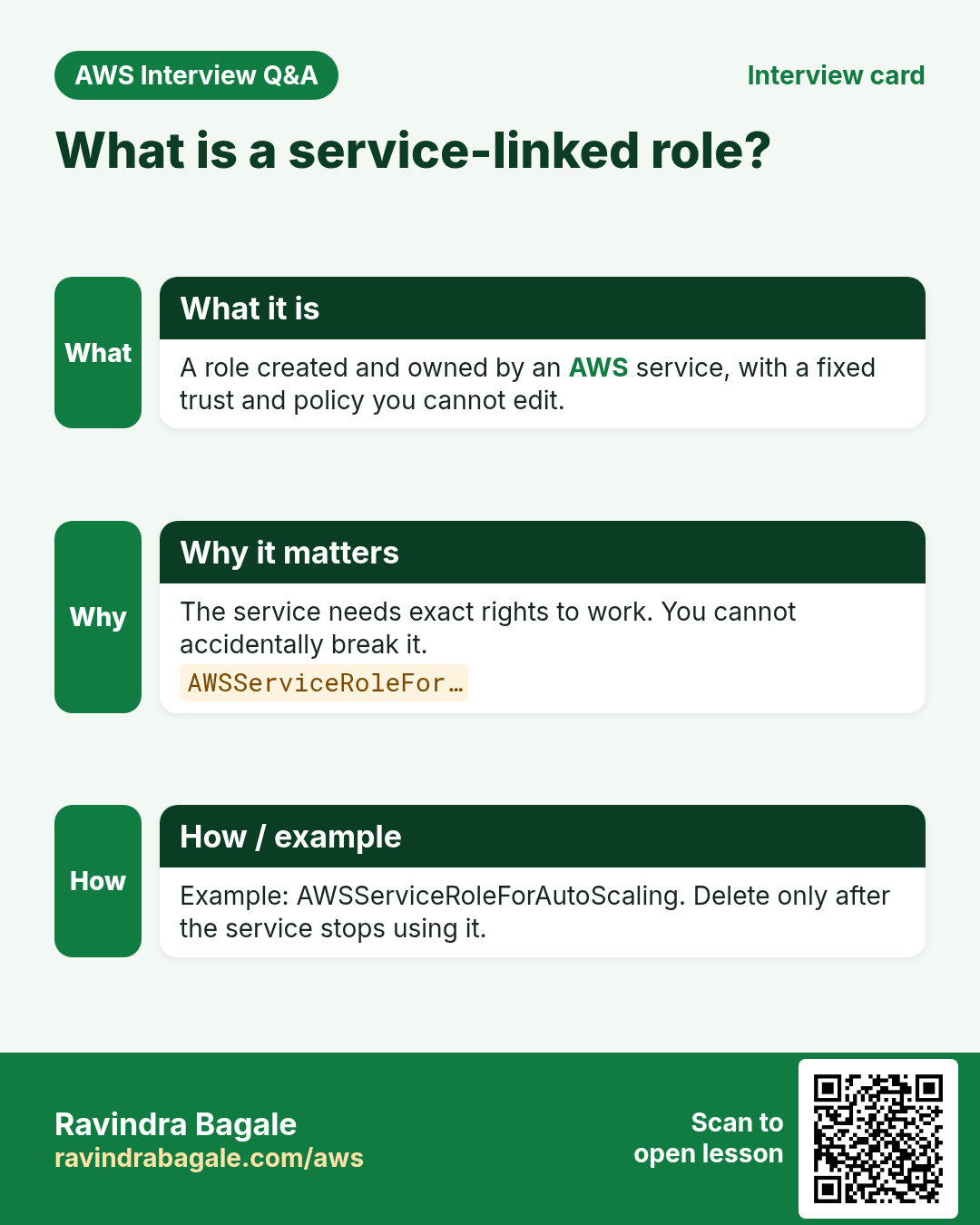
A service-linked role is created and owned by the AWS service. Its name starts with AWSServiceRoleFor. You cannot edit its permissions.
Trust policy (who can use the role):
{
  "Version": "2012-10-17",
  "Statement": [{
    "Effect": "Allow",
    "Principal": { "Service": "autoscaling.amazonaws.com" },
    "Action": "sts:AssumeRole"
  }]
}
// AWS writes this for you
Permissions policy (what the role can do):
// AWS managed, locked:
// AutoScalingServiceRolePolicy
// You only read it. You do not edit it.
How to do it (step by step)
- Create your first Auto Scaling group or load balancer. AWS creates the role on its own.
- IAM → Roles → search
AWSServiceRoleFor. - Open
AWSServiceRoleForAutoScaling→ read Trust relationships and Permissions. - Do not delete it while any Auto Scaling group exists.
Verify with CLI:
aws iam get-role --role-name AWSServiceRoleForAutoScaling \
  --query "Role.[Path,Arn]"
Expected output:
[ "/aws-service-role/autoscaling.amazonaws.com/",
  "arn:aws:iam::111111111111:role/aws-service-role/autoscaling.amazonaws.com/AWSServiceRoleForAutoScaling" ]
What breaks without it
If you force-delete it, scaling fails. You see errors like service-linked role not found until AWS recreates it.
11. Example 10: EC2 reads Secrets Manager and SSM Parameter Store
Why do we need this?
Your app needs a DB password. Hard-coding it in .env or Git is a classic leak.
What is it?
Store the password in Secrets Manager (or a SecureString parameter). The EC2 role reads only that one secret.
Trust policy (who can use the role):
{
  "Version": "2012-10-17",
  "Statement": [{
    "Effect": "Allow",
    "Principal": { "Service": "ec2.amazonaws.com" },
    "Action": "sts:AssumeRole"
  }]
}
Permissions policy (what the role can do):
{
  "Version": "2012-10-17",
  "Statement": [
    { "Effect": "Allow",
      "Action": "secretsmanager:GetSecretValue",
      "Resource": "arn:aws:secretsmanager:ap-south-1:111111111111:secret:prod/db-*" },
    { "Effect": "Allow",
      "Action": "ssm:GetParameter",
      "Resource": "arn:aws:ssm:ap-south-1:111111111111:parameter/app/db_host" }
  ]
}
How to do it (step by step)
- Secrets Manager → Store a new secret → Other type → key
password→ nameprod/db. - Systems Manager → Parameter Store → Create →
/app/db_host. - Add the policy above to your EC2 role (inline or customer managed).
- Attach the role to the instance.
Verify with CLI:
aws secretsmanager get-secret-value --secret-id prod/db \
  --query SecretString --output text --region ap-south-1
aws ssm get-parameter --name /app/db_host \
  --query Parameter.Value --output text --region ap-south-1
Expected output:
{"password":"..."}
mydb.abc123.ap-south-1.rds.amazonaws.com
What breaks without it
Without the policy you get AccessDeniedException ... secretsmanager:GetSecretValue. If the secret uses your own KMS key, also allow kms:Decrypt.
12. Code needs no keys when a role is attached
Why do we need this?
Students ask: “Where do I put the key in my code?” The answer is: nowhere.
What is it?
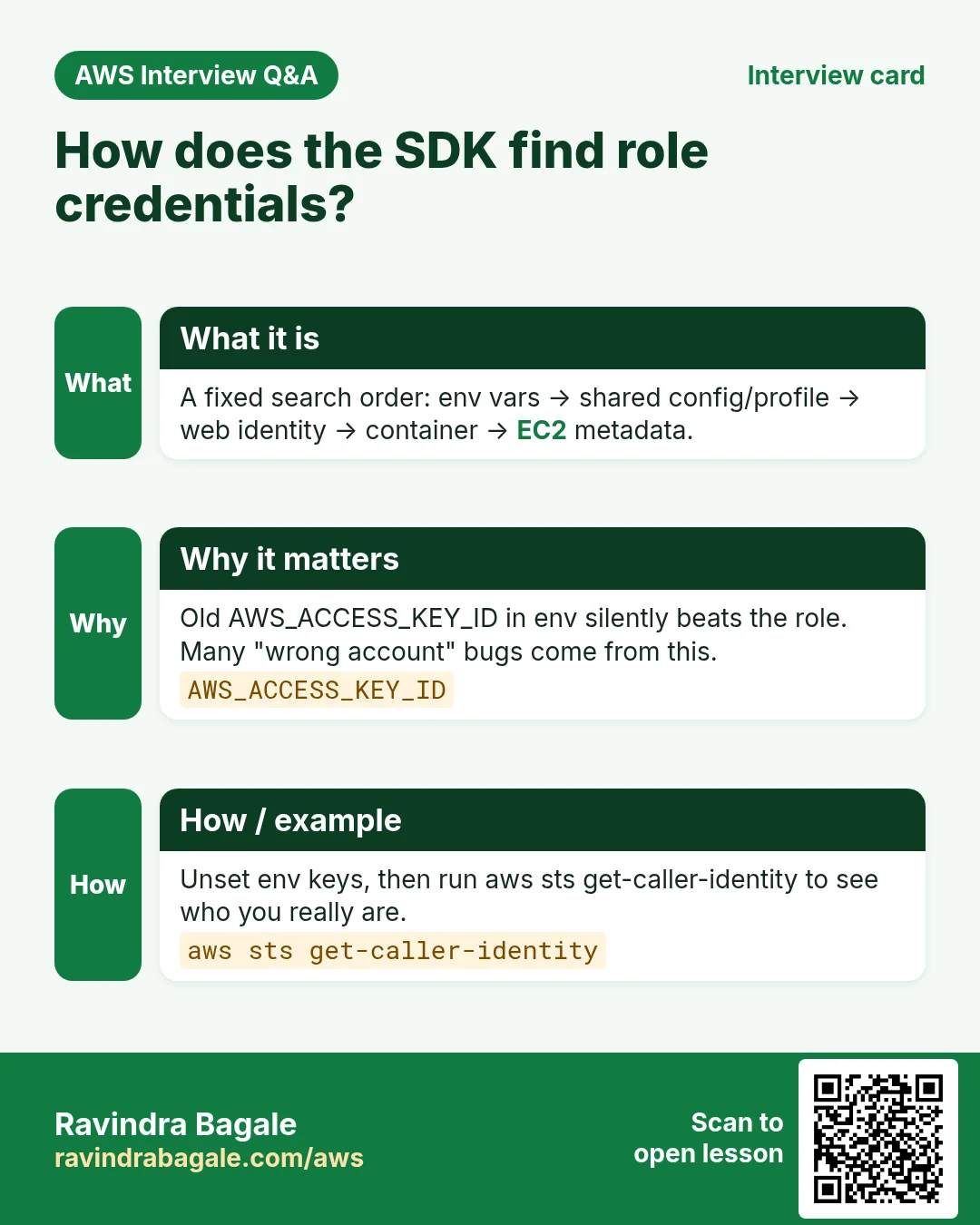
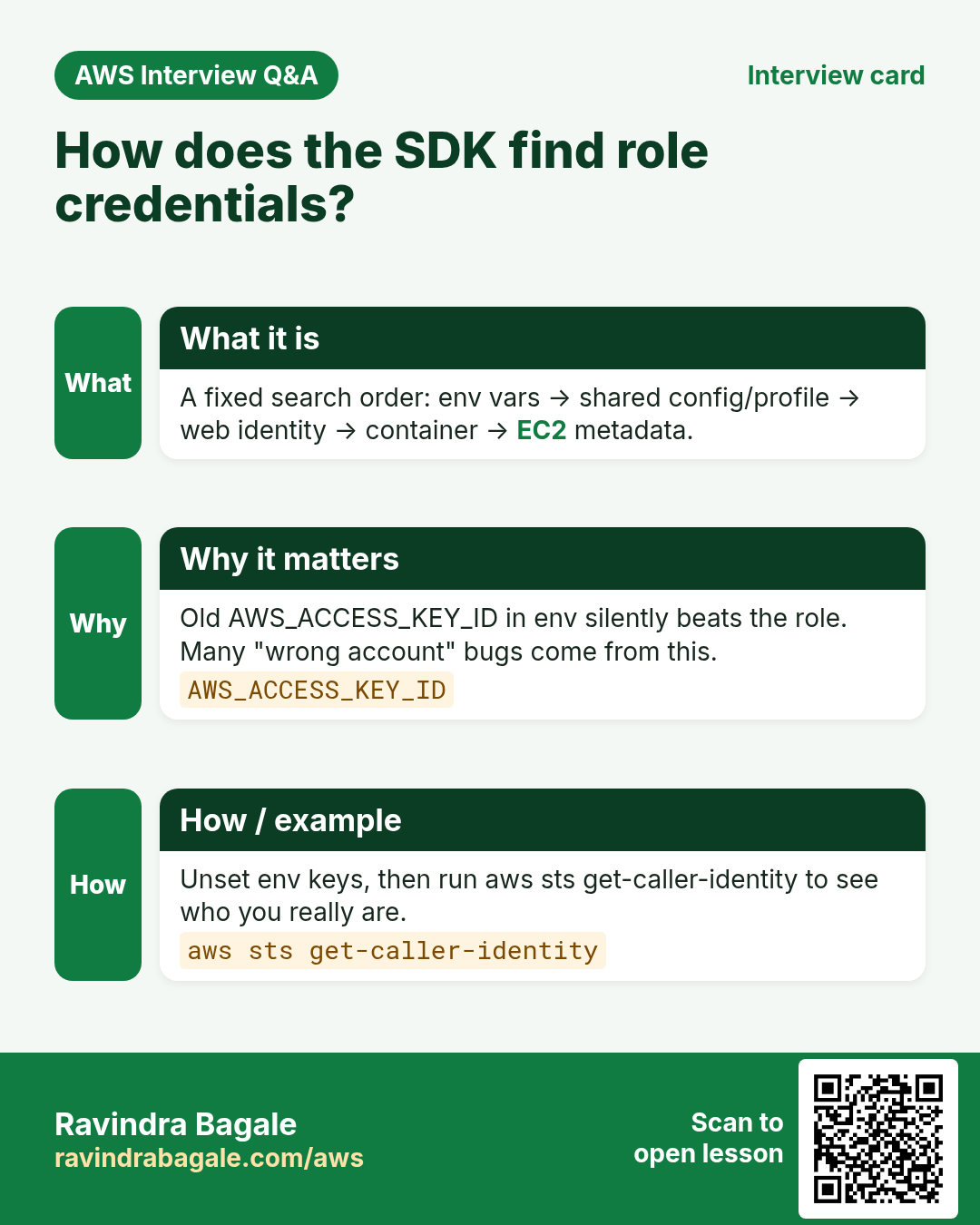
Every AWS SDK follows the default credential chain. It finds the role keys from EC2 metadata, Lambda or ECS by itself.
How to do it (step by step)
Python (boto3)
import boto3
s3 = boto3.client("s3", region_name="ap-south-1")   # no keys
print(s3.list_objects_v2(Bucket="ravi-app-files")["KeyCount"])
Node.js (SDK v3)
import { S3Client, ListObjectsV2Command } from "@aws-sdk/client-s3";
const s3 = new S3Client({ region: "ap-south-1" }); // no keys
const r = await s3.send(new ListObjectsV2Command({ Bucket: "ravi-app-files" }));
console.log(r.KeyCount);
Java (SDK v2)
S3Client s3 = S3Client.builder()
    .region(Region.AP_SOUTH_1)       // no keys
    .build();
System.out.println(s3.listObjectsV2(r -> r.bucket("ravi-app-files")).keyCount());
AWS CLI
aws s3 ls s3://ravi-app-files/ --region ap-south-1
# no aws configure needed on EC2 / Lambda / ECS with a role
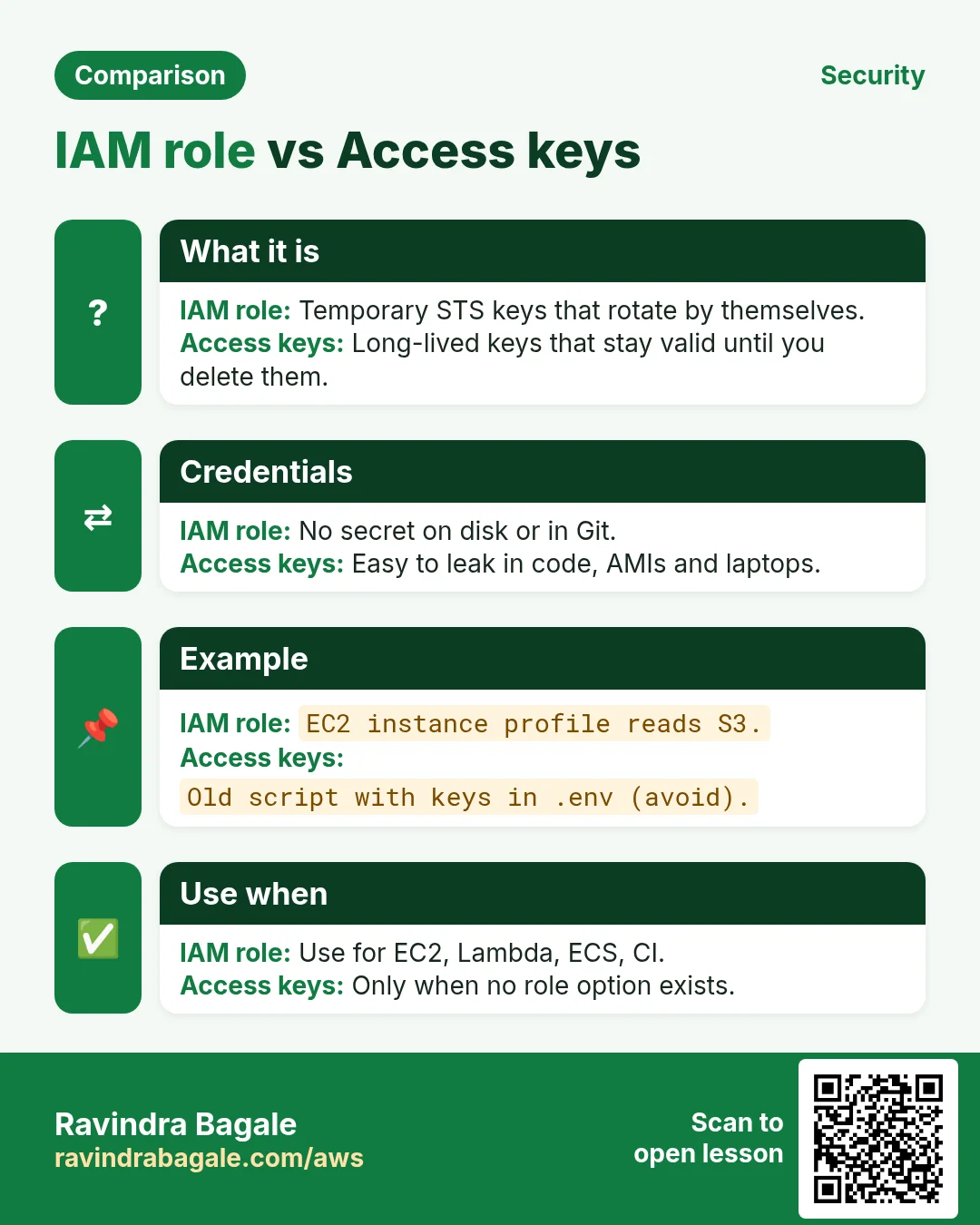
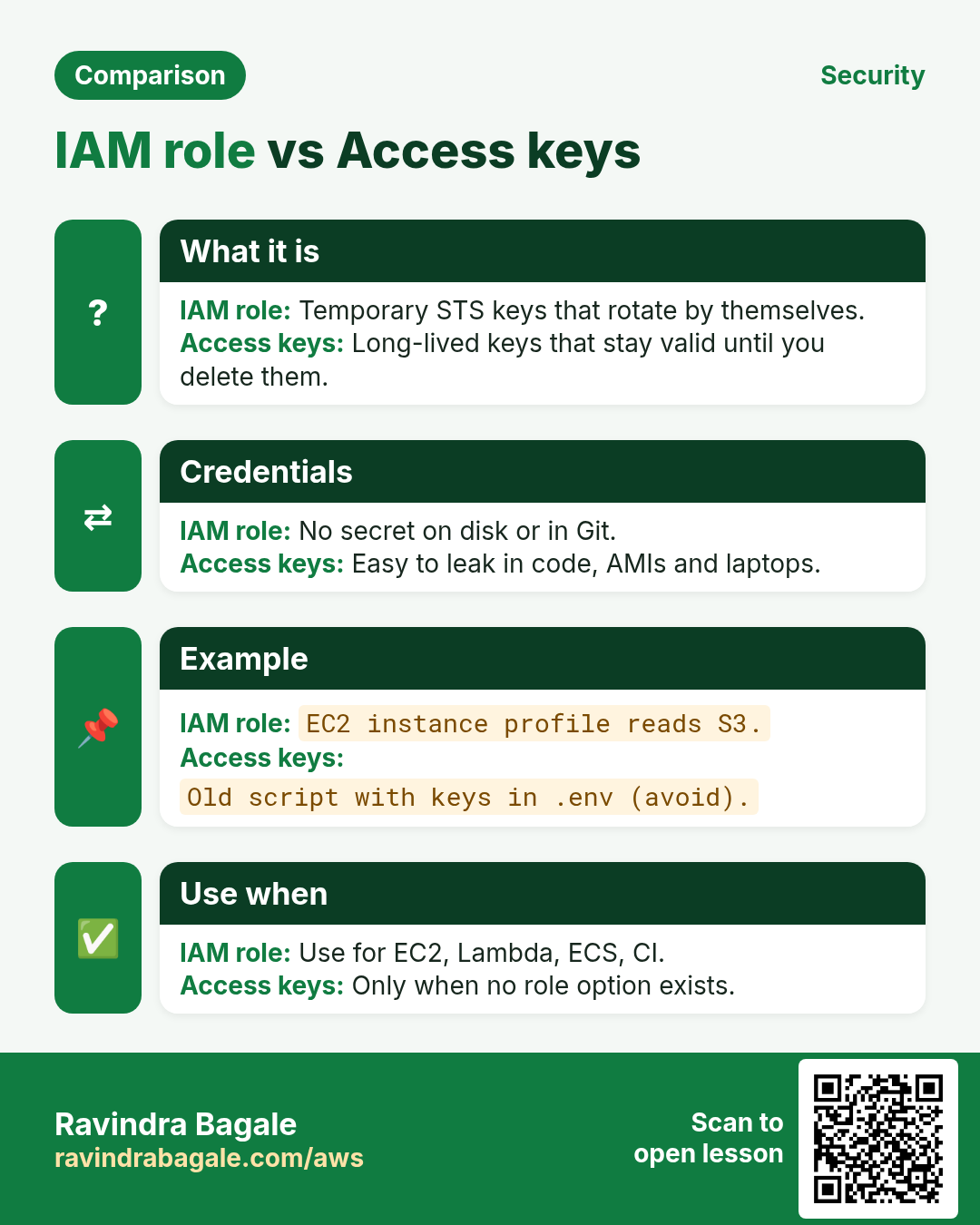
13. Role vs access keys
| Point | Role | Access keys |
|---|---|---|
| Lifetime | Minutes to hours, auto-rotated | Until you delete them |
| Stored where | Nowhere; fetched at run time | Files, .env, CI secrets |
| Leak risk | Low; expires soon | High |
| Best for | EC2, Lambda, ECS, CI, cross-account | Old tools that cannot assume roles |
14. Common errors and fixes
| Error | Cause | Fix |
|---|---|---|
AccessDenied on an API call | Permissions policy lacks the action or resource ARN | Add the exact action and ARN; test with IAM Policy Simulator |
not authorized to perform: sts:AssumeRole | Trust policy missing the caller, or caller lacks assume permission | Fix both sides: trust Principal and caller policy |
| Role not in EC2 dropdown | Wrong principal, e.g. lambda instead of ec2 | Set ec2.amazonaws.com in trust |
Unable to locate credentials | No role attached to the instance | Modify IAM role on the instance |
InvalidClientTokenId | Forgot AWS_SESSION_TOKEN after assume-role | Export all three values |
15. Cleanup
- Detach roles from EC2 instances and stop or terminate lab instances.
- Delete lab Lambda functions, ECS task definitions and log groups.
- IAM → Roles → delete each lab role you created (not the
AWSServiceRoleFor…ones). - Delete customer managed lab policies.
- Remove the GitHub OIDC provider if you do not need it.
- Delete the lab secret (choose 7-day recovery) and parameter.
Ravindra Bagale's Tip
Start every new project by asking: “Which role will run this?” If the answer is “my access key”, stop and make a role.
16. Interview angles
Q. How does EC2 get role credentials?
Through an instance profile. The instance metadata service gives temporary keys that rotate.
Q. Task role vs task execution role?
Execution role lets ECS pull images and write logs. Task role is what your app code uses.
Q. How does GitHub Actions deploy without keys?
OIDC. The workflow token is swapped via AssumeRoleWithWebIdentity for temporary keys.
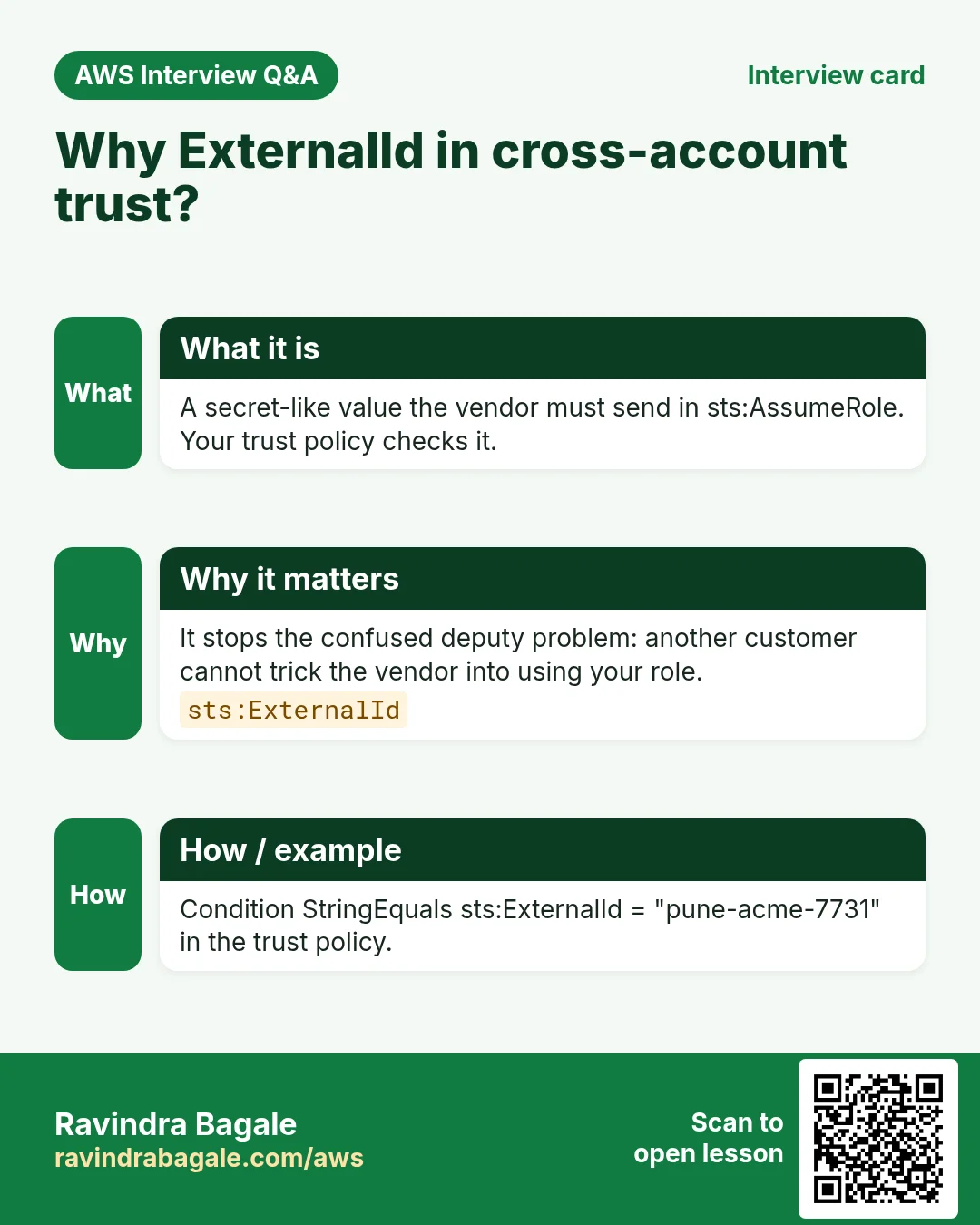
Q. Why ExternalId in cross-account?
It stops a third party from tricking you into assuming the wrong role (confused deputy).
Q. Can you edit a service-linked role?
No. AWS owns its permissions. Do not delete it while the service uses it.
Q. Where does code find role keys?
The SDK default credential chain. No keys in code.
Try at home
- Do Example 1 with a free-tier EC2 and one small S3 bucket.
- Remove
s3:ListBucketand see the exact error. - Find all
AWSServiceRoleForroles in your account and read one trust policy.
In short
- Role = trust (who) + permissions (what).
- EC2 uses an instance profile; Lambda uses an execution role.
- ECS has two roles: execution and task.
- Cross-account and GitHub use AssumeRole and OIDC, no stored keys.
- SDKs find role keys alone; never put keys in code.
Practice Tasks
São Paulo Coffee is a coffee trading business in São Paulo. Ana Souza looks after its IT and cloud work. They count money in BRL and run their AWS resources in the sa-east-1 Region. In the tasks below you do real jobs for them using what this lesson teaches. All names, account IDs, IP addresses and numbers are made up for practice.
0 / 12
Medium Trust policy for an EC2 role
Why: The trust policy says WHO may take the role.
What to do: Write a trust policy that lets ec2.amazonaws.com assume the role.
- Start with { "Version": "2012-10-17", "Statement": [ ... ] }.
- In each statement write Effect, Action and Resource.
- Give only what the task needs (least privilege).
- Use double quotes and commas correctly. Click Check answer.
Medium Trust policy for a Lambda role
Why: The trust policy says WHO may take the role.
What to do: Write a trust policy that lets lambda.amazonaws.com assume the role.
- Start with { "Version": "2012-10-17", "Statement": [ ... ] }.
- In each statement write Effect, Action and Resource.
- Give only what the task needs (least privilege).
- Use double quotes and commas correctly. Click Check answer.
Medium Attach a policy to a role
Why: The role needs permissions: attach a policy to say what it may do.
What to do: Attach arn:aws:iam::aws:policy/AmazonS3ReadOnlyAccess to role spcoffee-ec2-role.
- Read the task and decide which AWS service it is about.
- Write aws, then the service name, then the operation (the action word).
- Add each needed flag (--name) followed by its value from the task.
- Flags can be in any order. Click Check answer.
Medium Let a function write logs
Why: Without these actions, Lambda logs never appear in CloudWatch.
What to do: Allow logs:CreateLogGroup, logs:CreateLogStream, logs:PutLogEvents on arn:aws:logs:*:*:* only.
- Start with { "Version": "2012-10-17", "Statement": [ ... ] }.
- In each statement write Effect, Action and Resource.
- Give only what the task needs (least privilege).
- Use double quotes and commas correctly. Click Check answer.
Medium Assume a role
Why: AssumeRole gives you short-lived keys for another role, often in another account.
What to do: Assume role arn:aws:iam::117860693118:role/Auditor with session name ana-audit.
- Read the task and decide which AWS service it is about.
- Write aws, then the service name, then the operation (the action word).
- Add each needed flag (--name) followed by its value from the task.
- Flags can be in any order. Click Check answer.
Medium Trust policy for an ECS task role
Why: The trust policy says WHO may take the role.
What to do: Write a trust policy that lets ecs-tasks.amazonaws.com assume the role.
- Start with { "Version": "2012-10-17", "Statement": [ ... ] }.
- In each statement write Effect, Action and Resource.
- Give only what the task needs (least privilege).
- Use double quotes and commas correctly. Click Check answer.
Hard Let another account assume a role
Why: Cross-account roles are safer than sharing access keys.
What to do: Write a trust policy that lets account 111122223333 assume this role.
- Start with { "Version": "2012-10-17", "Statement": [ ... ] }.
- In each statement write Effect, Action and Resource.
- Give only what the task needs (least privilege).
- Use double quotes and commas correctly. Click Check answer.
Hard Allow PassRole for one role
Why: To launch EC2 with a role, the user needs iam:PassRole on that role.
What to do: Allow iam:PassRole on arn:aws:iam::117860693118:role/spcoffee-ec2-role only.
- Start with { "Version": "2012-10-17", "Statement": [ ... ] }.
- In each statement write Effect, Action and Resource.
- Give only what the task needs (least privilege).
- Use double quotes and commas correctly. Click Check answer.
Hard Put the role in the instance profile
Why: The profile is empty until you add the role to it.
What to do: Add role spcoffee-ec2-role to instance profile spcoffee-ec2-profile.
- Read the task and decide which AWS service it is about.
- Write aws, then the service name, then the operation (the action word).
- Add each needed flag (--name) followed by its value from the task.
- Flags can be in any order. Click Check answer.
Hard Create an instance profile
Why: EC2 uses a role through an instance profile, a small wrapper around the role.
What to do: Create an instance profile named spcoffee-ec2-profile.
- Read the task and decide which AWS service it is about.
- Write aws, then the service name, then the operation (the action word).
- Add each needed flag (--name) followed by its value from the task.
- Flags can be in any order. Click Check answer.
Hard Create a role with a trust policy
Why: A role is an identity that services or people "assume". The trust policy says who may assume it.
What to do: Create a role named spcoffee-ec2-role using the trust policy in trust.json.
- Read the task and decide which AWS service it is about.
- Write aws, then the service name, then the operation (the action word).
- Add each needed flag (--name) followed by its value from the task.
- Flags can be in any order. Click Check answer.
Hard Give a running EC2 its role
Why: With the profile attached, apps on the server get temporary keys automatically.
What to do: Associate instance profile spcoffee-ec2-profile with instance i-0c113da0acb111a2b.
- Read the task and decide which AWS service it is about.
- Write aws, then the service name, then the operation (the action word).
- Add each needed flag (--name) followed by its value from the task.
- Flags can be in any order. Click Check answer.
Revision, comparison and interview cards
Revise this lesson in a few minutes. Save the cards on your phone or download them as PNG files. The QR code on each card opens this lesson.
More cards: Ravi Sir's Cards.