How to Install and Configure AWS CLI v2: Profiles, SSO and Regions
The AWS CLI lets you control AWS by typing short commands. In this chapter you install it, log in safely and learn how it picks your account and region.
What you'll learn in this chapter
- Install AWS CLI v2 on Linux, macOS and Windows
- Create profiles with aws configure
- Log in with IAM Identity Center (aws sso login)
- Understand credentials precedence
- Set and override regions
1. The big picture: what is the AWS CLI?
Why do we need this?
Think of a TV remote. You can walk to the TV and press buttons (the Console). Or you can use the remote from the sofa (the CLI). The remote is faster and you can repeat the same button press every day.
What is it?
The AWS CLI is one program called aws. You type aws <service> <action> --options. It turns that into an AWS API call, signs it with your keys and prints the reply.
How to do it (step by step)
2. Install AWS CLI v2
Why do we need this?
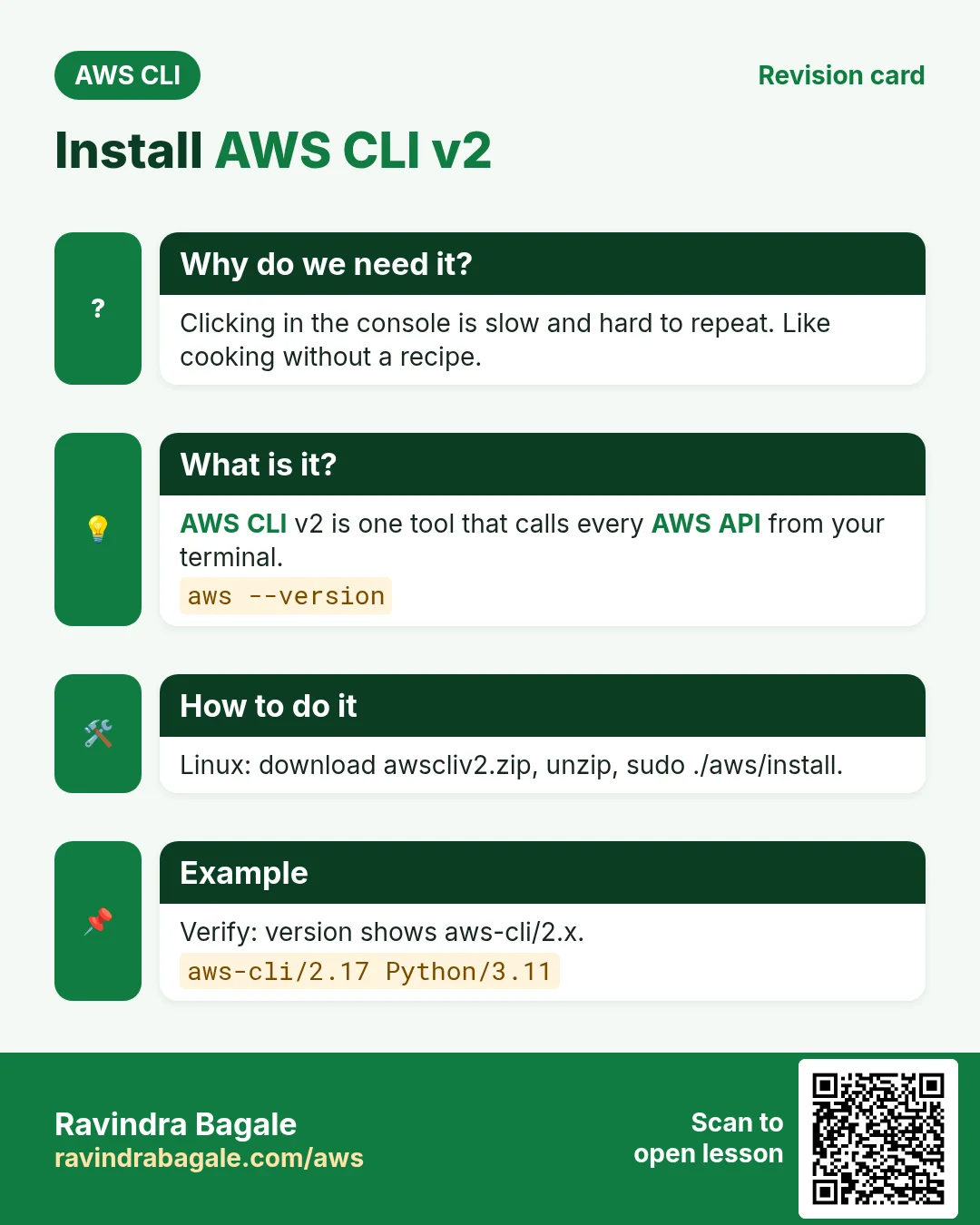
Without the CLI on your machine you cannot run any command. Version 1 is old. Version 2 adds SSO login and better output.
What is it?
AWS ships v2 as one installer with its own Python inside. You do not need pip. AWS CloudShell already has it.
How to do it (step by step)
- Linux (x86_64): download, unzip and install.
curl "https://awscli.amazonaws.com/awscli-exe-linux-x86_64.zip" -o awscliv2.zip
unzip -q awscliv2.zip
sudo ./aws/install
Expected output:
You can now run: /usr/local/bin/aws --version- macOS: download the pkg and install it.
curl "https://awscli.amazonaws.com/AWSCLIV2.pkg" -o AWSCLIV2.pkg
sudo installer -pkg AWSCLIV2.pkg -target /
Expected output:
installer: The install was successful.- Windows (PowerShell as admin): run the MSI.
msiexec.exe /i https://awscli.amazonaws.com/AWSCLIV2.msiExpected output:
(no output means success)- Verify the install.
aws --versionExpected output:
aws-cli/2.x.x Python/3.x.x Linux/... exe/x86_64- Turn on auto-complete in bash (optional).
complete -C '/usr/local/bin/aws_completer' aws
aws ec2 desc<TAB>
Expected output:
aws ec2 describe-3. Configure a profile with access keys
Why do we need this?
The CLI must know who you are and which region to use. Without that, every call fails with "Unable to locate credentials".
What is it?
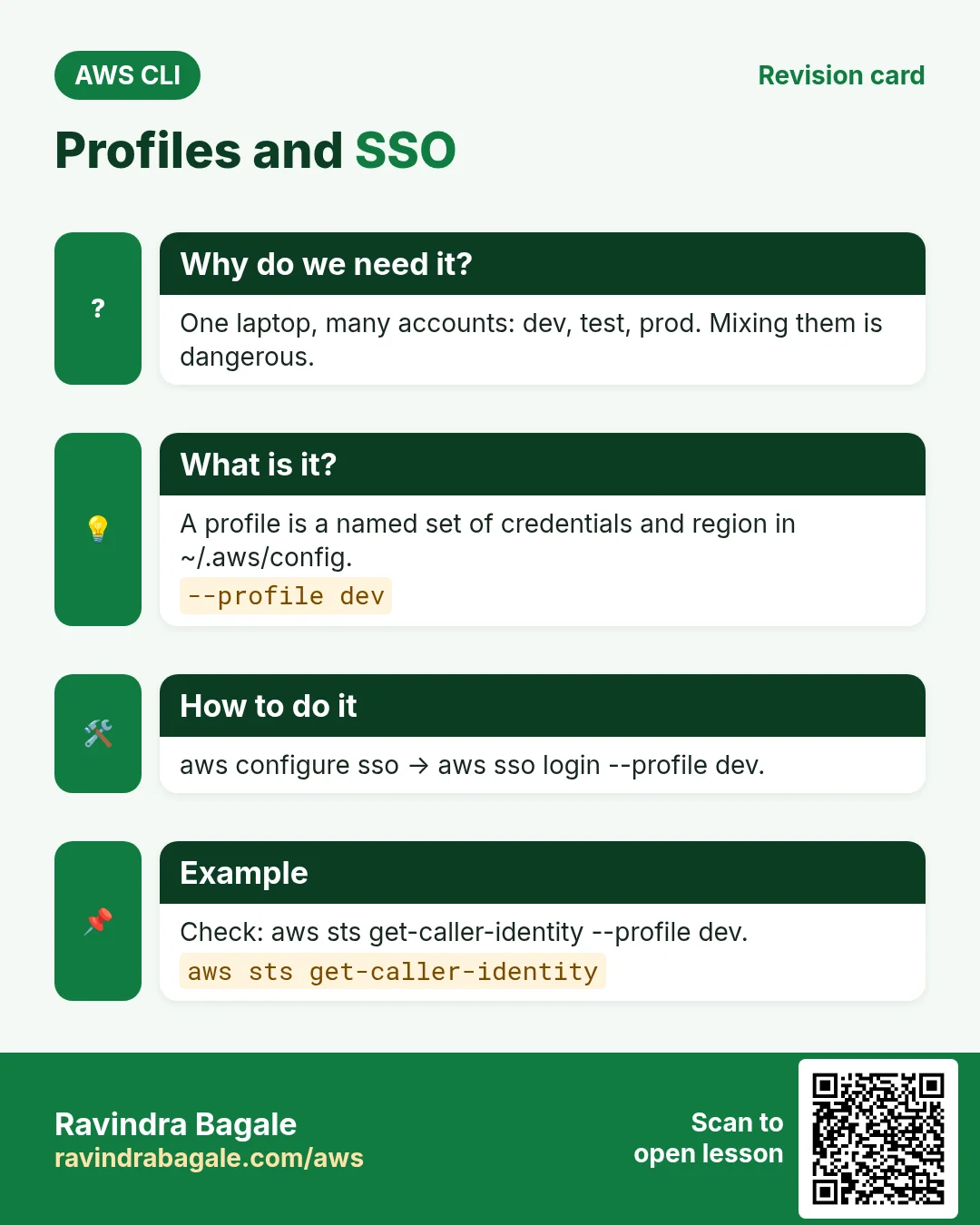
A profile is a named set of settings. They live in two files: ~/.aws/credentials (keys) and ~/.aws/config (region, output). The profile named default is used when you do not say --profile.
How to do it (step by step)
- Create the default profile. Use keys of a lab IAM user only.
aws configureExpected output:
AWS Access Key ID [None]: AKIA...
AWS Secret Access Key [None]: ****
Default region name [None]: ap-south-1
Default output format [None]: json- Create a second named profile.
aws configure --profile devExpected output:
(no output means success)- See the files that were written.
cat ~/.aws/configExpected output:
[default]
region = ap-south-1
output = json
[profile dev]
region = ap-south-1- List all profiles.
aws configure list-profilesExpected output:
default
dev- Check what the CLI will use right now.
aws configure list --profile devExpected output:
      Name      Value          Type    Location
   profile        dev        manual   --profile
access_key ****ABCD shared-credentials-file
region ap-south-1 config-file ~/.aws/config- Verify you are logged in.
aws sts get-caller-identity --profile devExpected output:
{
  "UserId": "AIDA...",
  "Account": "111122223333",
  "Arn": "arn:aws:iam::111122223333:user/dev-user"
}
4. Log in with IAM Identity Center (aws sso login)
Why do we need this?
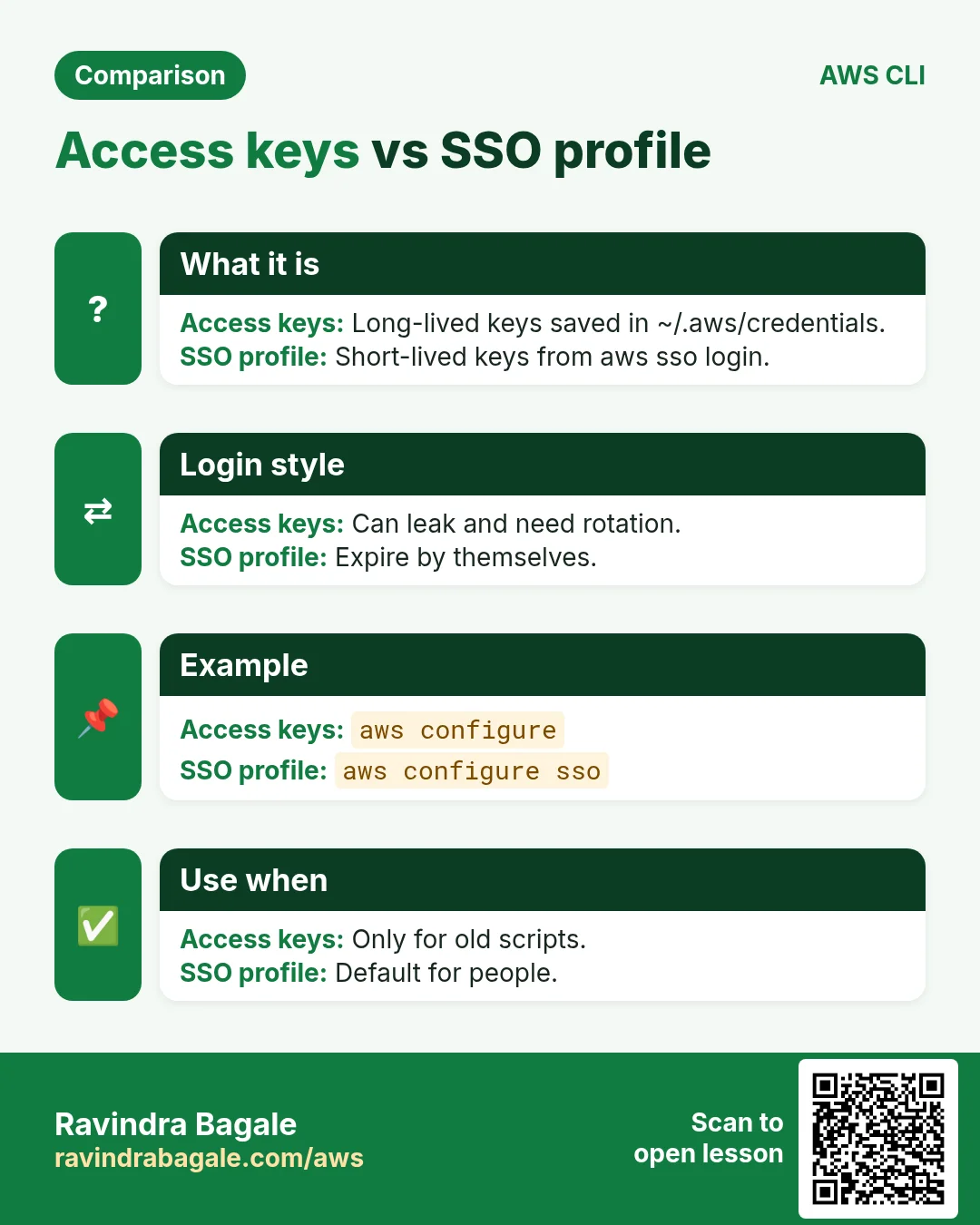
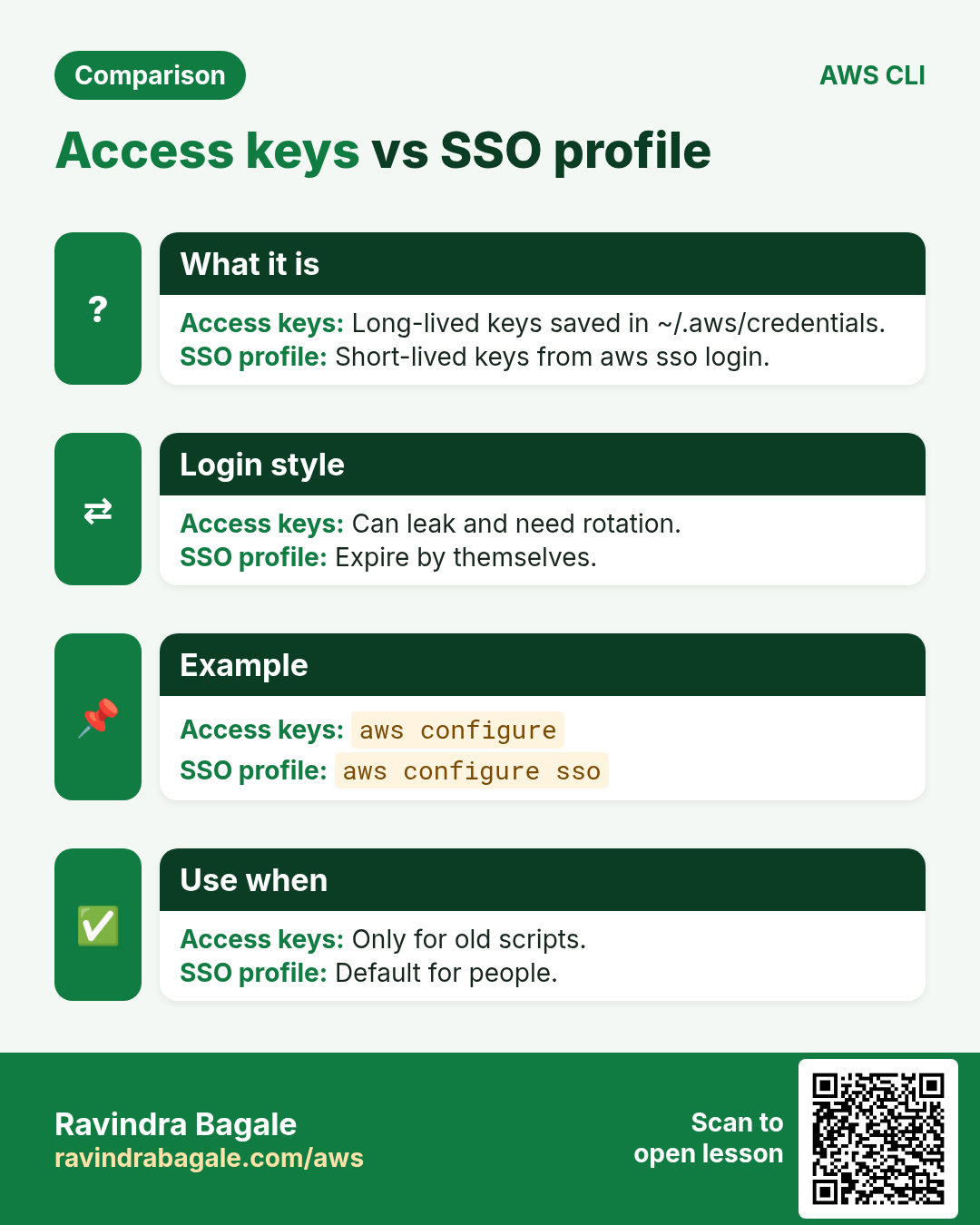
Long-lived access keys on a laptop can leak. SSO gives short-lived keys that expire by themselves.
What is it?
aws configure sso saves an SSO session and a profile. aws sso login opens a browser, you approve, and the CLI caches temporary keys.
How to do it (step by step)
- Start the SSO wizard. Use your portal URL.
aws configure ssoExpected output:
SSO session name: my-sso
SSO start URL: https://d-xxxx.awsapps.com/start
SSO region: ap-south-1
There are 2 AWS accounts available to you.
CLI default client Region: ap-south-1
CLI profile name: sso-dev- Log in (later days too).
aws sso login --profile sso-devExpected output:
Attempting to automatically open the SSO authorization page...
Successfully logged into Start URL: https://d-xxxx.awsapps.com/start- Verify the identity is a role, not a user.
aws sts get-caller-identity --profile sso-devExpected output:
"Arn": "arn:aws:sts::111122223333:assumed-role/AWSReservedSSO_Dev_abc/ravi"- Log out when done.
aws sso logoutExpected output:
(no output means success)5. Credentials precedence: who wins?
Why do we need this?
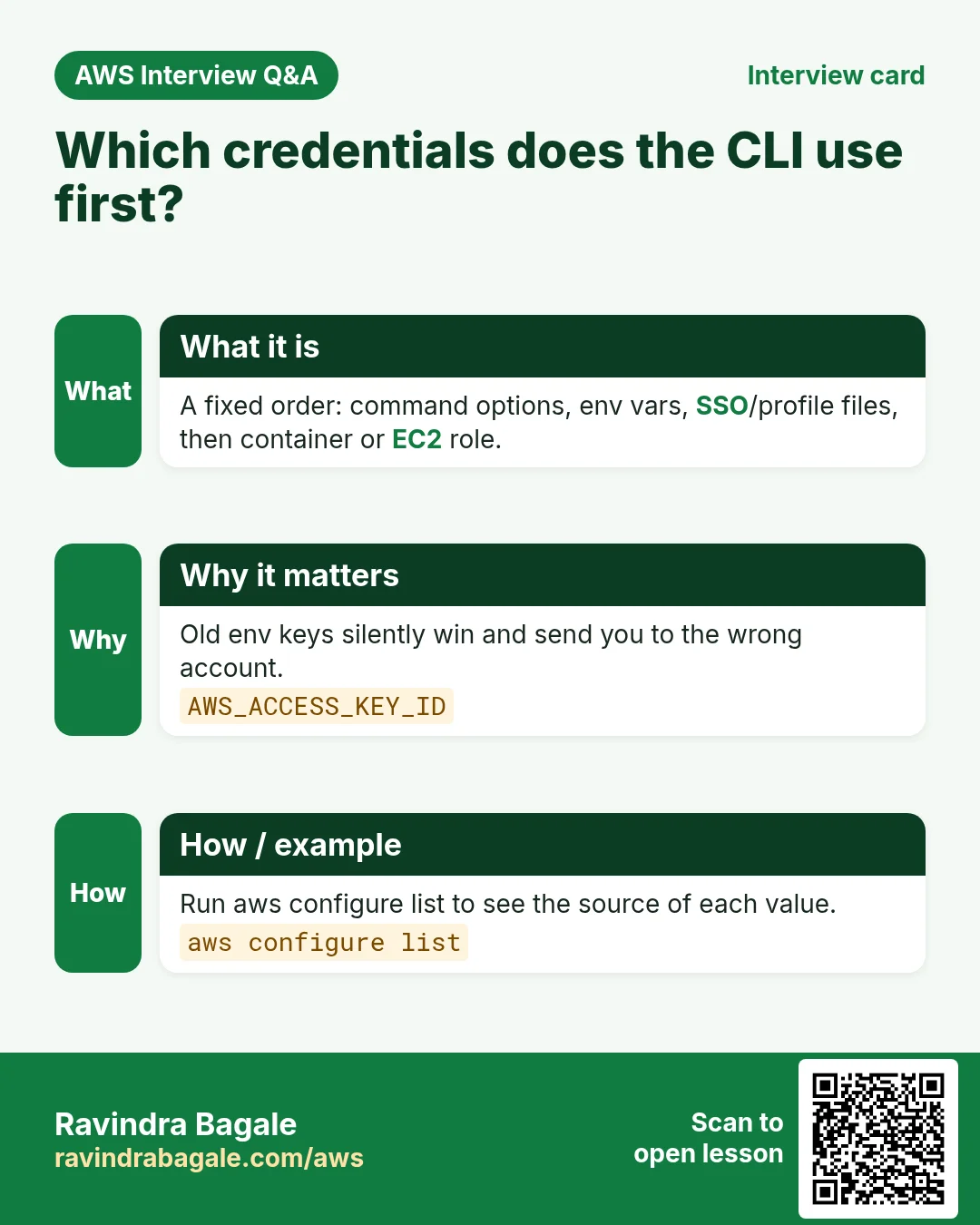
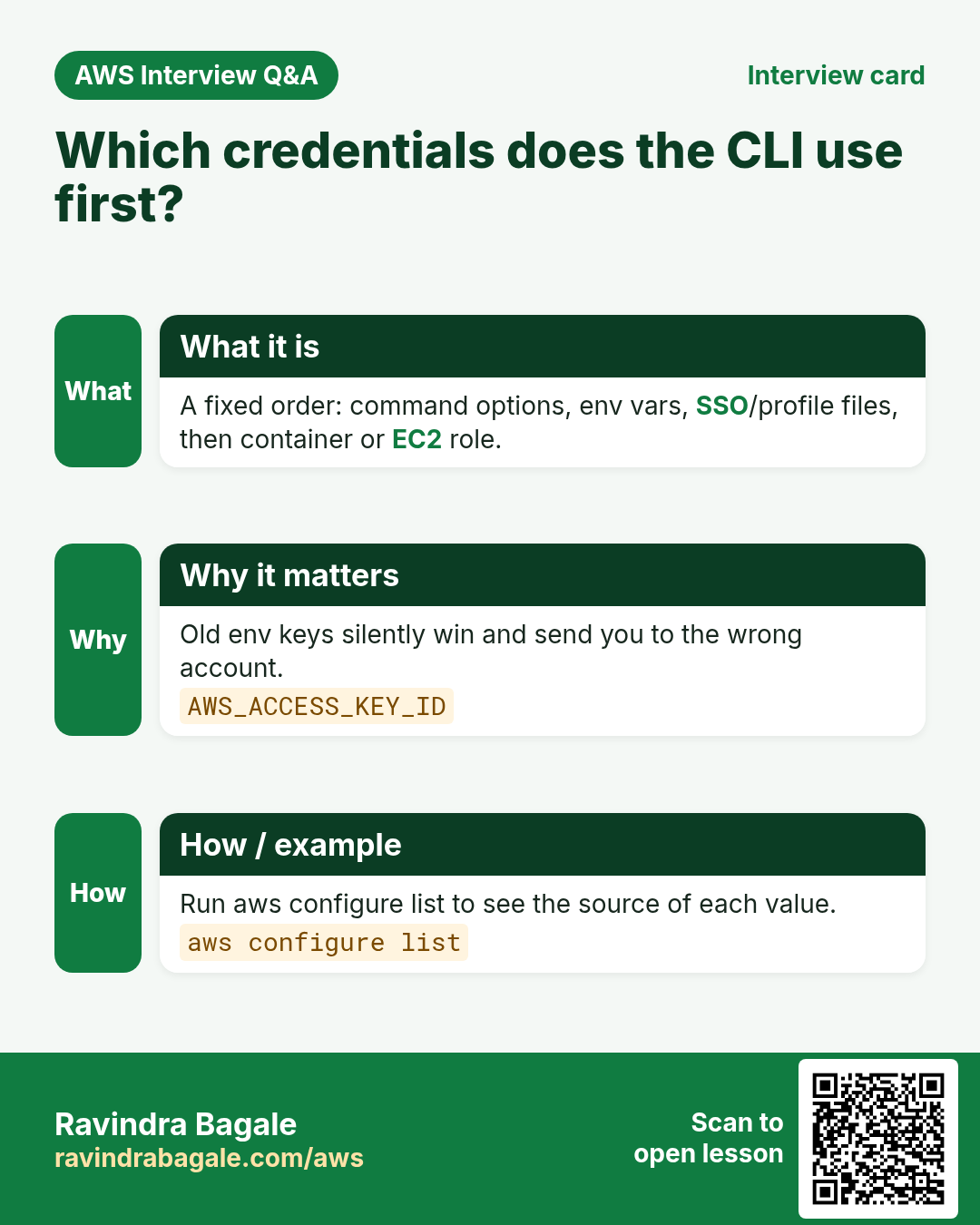
Many "wrong account" mistakes happen because an old environment variable silently wins over your profile.
What is it?
The CLI checks sources in a fixed order and stops at the first one it finds.
| Order | Source | Example |
|---|---|---|
| 1 | Command line options | --profile dev, --region |
| 2 | Environment variables | AWS_ACCESS_KEY_ID, AWS_PROFILE |
| 3 | Web identity token | AWS_WEB_IDENTITY_TOKEN_FILE (EKS, GitHub OIDC) |
| 4 | Shared files | ~/.aws/credentials, ~/.aws/config (incl. SSO) |
| 5 | Container credentials | ECS task role |
| 6 | EC2 instance metadata | Instance profile role |
How to do it (step by step)
- See if env keys are set.
env | grep ^AWS_Expected output:
AWS_ACCESS_KEY_ID=AKIA...OLD- Remove them.
unset AWS_ACCESS_KEY_ID AWS_SECRET_ACCESS_KEY AWS_SESSION_TOKENExpected output:
(no output means success)- Pick a profile for the whole shell.
export AWS_PROFILE=devExpected output:
(no output means success)- Verify who you are now.
aws sts get-caller-identity --query Arn --output textExpected output:
arn:aws:iam::111122223333:user/dev-user6. Regions: set, override and list
Why do we need this?
Resources live in one region. If the CLI looks in the wrong region, it says "nothing found" even though your server is running.
What is it?
Region order: --region flag, then AWS_REGION / AWS_DEFAULT_REGION, then the profile region.
How to do it (step by step)
- Show the region in use.
aws configure get regionExpected output:
ap-south-1- Run one command in another region.
aws ec2 describe-instances --region us-east-1 --query "length(Reservations)"Expected output:
0- Change the profile default.
aws configure set region ap-south-1 --profile devExpected output:
(no output means success)- List regions enabled for your account.
aws ec2 describe-regions --query "Regions[].RegionName" --output textExpected output:
ap-south-1 eu-north-1 us-east-1 ...7. Same action in Python, Node.js, Java, Go, .NET and PHP
Why do we need this?
Scripts start in the CLI. Apps call the same API through an SDK. Knowing both helps you move a tested command into real code.
What is it?
Each CLI command maps to one API call. For example aws sts get-caller-identity maps to the GetCallerIdentity API.
How to do it (step by step)
Same action (GetCallerIdentity) from code. Every SDK reads the same profile, region and credentials as the CLI.
| Stack | Code |
|---|---|
| Python (boto3) | import boto3 |
| Node.js (v3) | import { STSClient, GetCallerIdentityCommand } from "@aws-sdk/client-sts"; |
| Java (v2) | StsClient sts = StsClient.create(); |
| Go (v2) | cfg, _ := config.LoadDefaultConfig(ctx, config.WithSharedConfigProfile("dev")) |
| .NET | var sts = new AmazonSecurityTokenServiceClient(); |
| PHP | $sts = new Aws\Sts\StsClient(["region"=>"ap-south-1","version"=>"latest","profile"=>"dev"]); |
8. Clean up so nothing keeps costing
Why do we need this?
Lab resources left running cost money and can be a security risk.
What is it?
Delete in reverse order: children first, then parents.
How to do it (step by step)
- Delete lab access keys you created for the IAM user.
aws iam list-access-keys --user-name dev-user
aws iam delete-access-key --user-name dev-user --access-key-id AKIA...
Expected output:
(no output means success)- Remove the profile lines from ~/.aws/credentials if you no longer need them.
nano ~/.aws/credentialsExpected output:
(no output means success)Ravindra Bagale's Tip
Make aws sts get-caller-identity your first command every day. It tells you the account and the identity before you change anything.
9. Interview questions and answers
Q. What files does aws configure write?
~/.aws/credentials for keys and ~/.aws/config for region, output and SSO settings.
Q. Env vars or profile: which wins?
Environment variables win over the shared files. Command line options win over both.
Q. Why prefer aws sso login?
It gives short-lived role credentials. No long-lived keys sit on the laptop.
Q. How do you run one command in another region?
Add --region us-east-1 to that command only.
Q. What does "Unable to locate credentials" mean?
No source in the chain had keys. Run aws configure or aws sso login.
Try at home
- Install the CLI, create two profiles and print the Arn of each with get-caller-identity.
- Set a wrong AWS_ACCESS_KEY_ID in env and see the error. Then unset it.
In short
- aws --version proves the install.
- Profiles live in ~/.aws/config and ~/.aws/credentials.
- aws sso login gives short-lived keys.
- Flags beat env vars, env vars beat files.
- Always check region and identity first.
Practice Tasks
Konkan Cashews is a food export business in Ratnagiri. Prakash Sawant looks after its IT and cloud work. They count money in INR and run their AWS resources in the ap-south-1 Region. In the tasks below you do real jobs for them using what this lesson teaches. All names, account IDs, IP addresses and numbers are made up for practice.
0 / 12
Easy Configure a named profile
Why: Profiles keep keys for different accounts apart.
What to do: Start the interactive setup for a profile named konkancashew-prod.
- Read the task and decide which AWS service it is about.
- Write aws, then the service name, then the operation (the action word).
- Add each needed flag (--name) followed by its value from the task.
- Flags can be in any order. Click Check answer.
Easy Check who you are logged in as
Why: Always confirm the account and identity before running changes.
What to do: Show the account ID and ARN of the identity your CLI is using.
- Read the task and decide which AWS service it is about.
- Write aws, then the service name, then the operation (the action word).
- Add each needed flag (--name) followed by its value from the task.
- Flags can be in any order. Click Check answer.
Medium List Identity Center instances
Why: You need the instance ARN and identity store ID for SSO admin commands.
What to do: List the IAM Identity Center instances.
- Read the task and decide which AWS service it is about.
- Write aws, then the service name, then the operation (the action word).
- Add each needed flag (--name) followed by its value from the task.
- Flags can be in any order. Click Check answer.
Medium Log in with SSO
Why: SSO gives short-lived keys, so no long-term access keys sit on your laptop.
What to do: Log in with IAM Identity Center for profile konkancashew-dev.
- Read the task and decide which AWS service it is about.
- Write aws, then the service name, then the operation (the action word).
- Add each needed flag (--name) followed by its value from the task.
- Flags can be in any order. Click Check answer.
Medium Set the default Region of a profile
Why: Setting region in the profile saves typing --region every time.
What to do: Set region to ap-south-1 for profile konkancashew-prod using aws configure set.
- Read the task and decide which AWS service it is about.
- Write aws, then the service name, then the operation (the action word).
- Add each needed flag (--name) followed by its value from the task.
- Flags can be in any order. Click Check answer.
Medium Create access keys for a user
Why: Access keys let a user run the AWS CLI. Store them safely and rotate them.
What to do: Create an access key for user prakash.
- Read the task and decide which AWS service it is about.
- Write aws, then the service name, then the operation (the action word).
- Add each needed flag (--name) followed by its value from the task.
- Flags can be in any order. Click Check answer.
Medium Show output as a table
Why: --output table is easy to read on screen.
What to do: List all S3 buckets using s3api and show the result as a table.
- Read the task and decide which AWS service it is about.
- Write aws, then the service name, then the operation (the action word).
- Add each needed flag (--name) followed by its value from the task.
- Flags can be in any order. Click Check answer.
Medium Limit how many items come back
Why: --max-items stops a huge listing after the first N results.
What to do: List objects in bucket konkancashew-logs with s3api, returning at most 50 items.
- Read the task and decide which AWS service it is about.
- Write aws, then the service name, then the operation (the action word).
- Add each needed flag (--name) followed by its value from the task.
- Flags can be in any order. Click Check answer.
Hard Create a permission set
Why: A permission set is a role template that Identity Center creates in each account.
What to do: Create permission set ReadOnly-konkancashew in instance arn:aws:sso:::instance/ssoins-1234567890abcdef with session duration PT8H.
- Read the task and decide which AWS service it is about.
- Write aws, then the service name, then the operation (the action word).
- Add each needed flag (--name) followed by its value from the task.
- Flags can be in any order. Click Check answer.
Hard Show only running instances
Why: Filters ask AWS to send only what you need, which is faster than sorting by eye.
What to do: Describe only instances whose state is running.
- Read the task and decide which AWS service it is about.
- Write aws, then the service name, then the operation (the action word).
- Add each needed flag (--name) followed by its value from the task.
- Flags can be in any order. Click Check answer.
Hard Pick fields with --query
Why: JMESPath --query prints just what you need, ready for scripts.
What to do: Describe instances but print only the instance IDs, using the query Reservations[].Instances[].InstanceId and text output.
- Read the task and decide which AWS service it is about.
- Write aws, then the service name, then the operation (the action word).
- Add each needed flag (--name) followed by its value from the task.
- Flags can be in any order. Click Check answer.
Hard Wait until an instance is running
Why: Waiters pause your script until AWS reports the state you need.
What to do: Wait until instance i-015d0ab1ab3011a2b is running.
- Read the task and decide which AWS service it is about.
- Write aws, then the service name, then the operation (the action word).
- Add each needed flag (--name) followed by its value from the task.
- Flags can be in any order. Click Check answer.
Revision, comparison and interview cards
Revise this lesson in a few minutes. Save the cards on your phone or download them as PNG files. The QR code on each card opens this lesson.
More cards: Ravi Sir's Cards.