Linux sed Command Tutorial: Find and Replace, Delete Lines and Edit Files In Place
sed is the stream editor. It reads text line by line, changes it with simple commands and prints the result, without opening an editor. You use it to find and replace, delete lines, print a range, add lines and edit config files from scripts on hundreds of servers.
What you'll learn in this chapter
- Find and replace with s///
- Edit files in place safely with -i and backups
- Pick lines with addresses and ranges
- Delete, print, insert, append and change lines
- Use -E groups and back-references
- Run many commands and safe config edits
1. An everyday example: fixing a wedding card list
Why do we need this?
Anil typed 300 guest names for wedding cards. Later he found: 'Pune' was typed as 'Poona' everywhere, he must delete every line marked 'cancelled', print only guests 50 to 80 for his sister, add 'Shri' before some names, and he wants a backup of the original list in case he makes a mistake.
What is it?
Replace Poona with Pune = sed 's/Poona/Pune/g'. Delete cancelled = sed '/cancelled/d'. Guests 50-80 = sed -n '50,80p'. Add Shri = sed 's/^/Shri /'. Backup = sed -i.bak.
How to do it (step by step)
2. Find and replace with s///
Why do we need this?
Changing a hostname, version or path across a file by hand is slow and error-prone.
What is it?
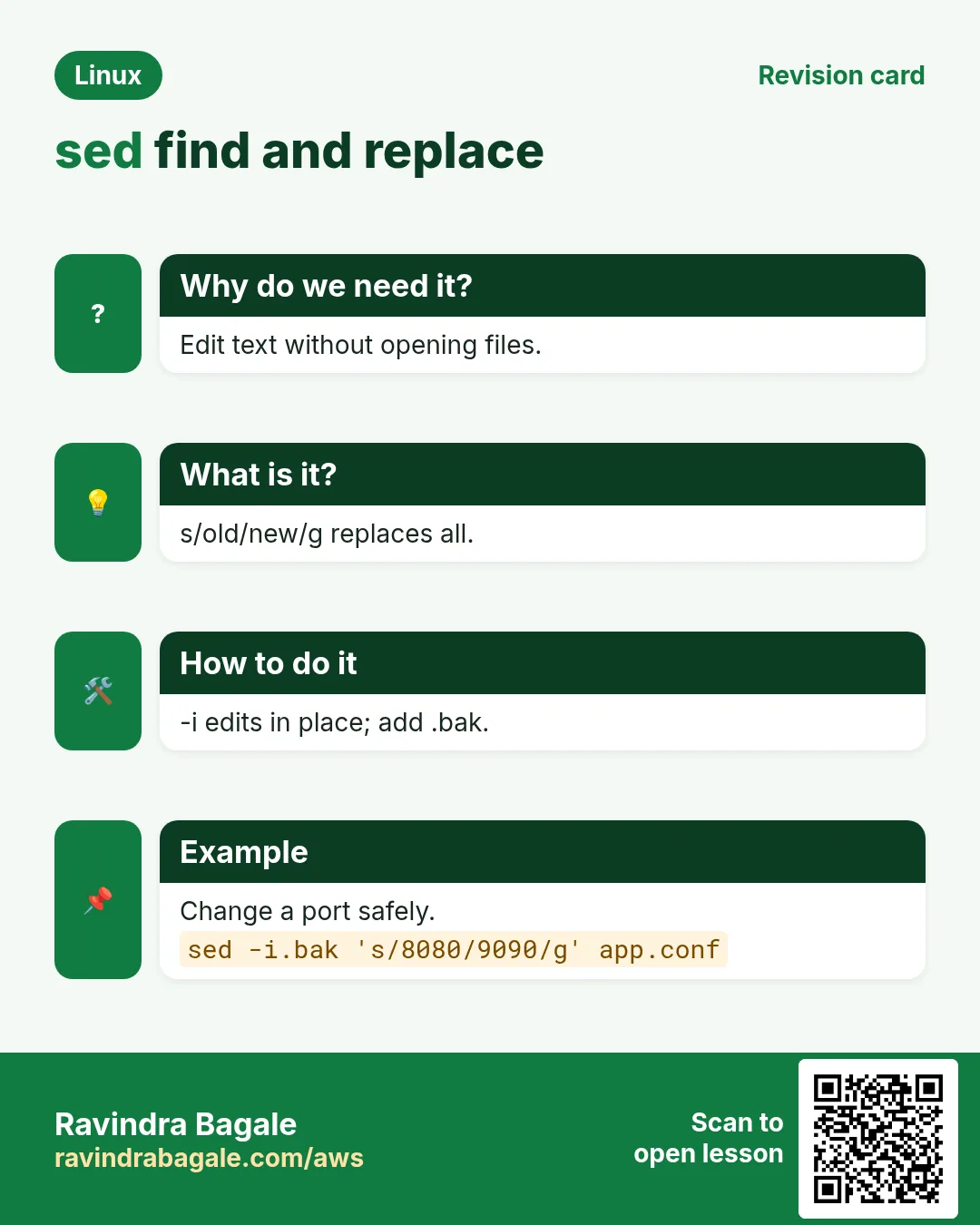
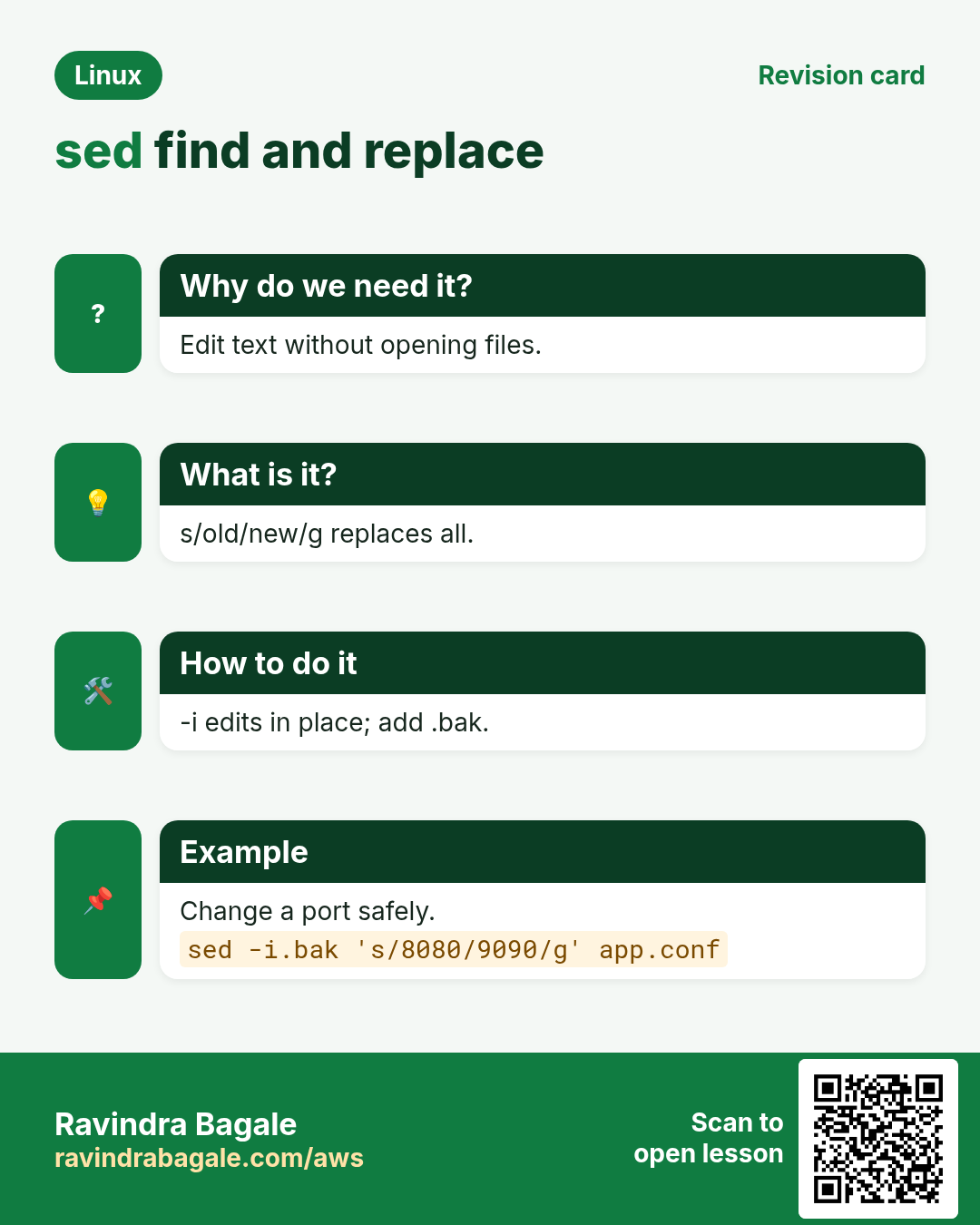
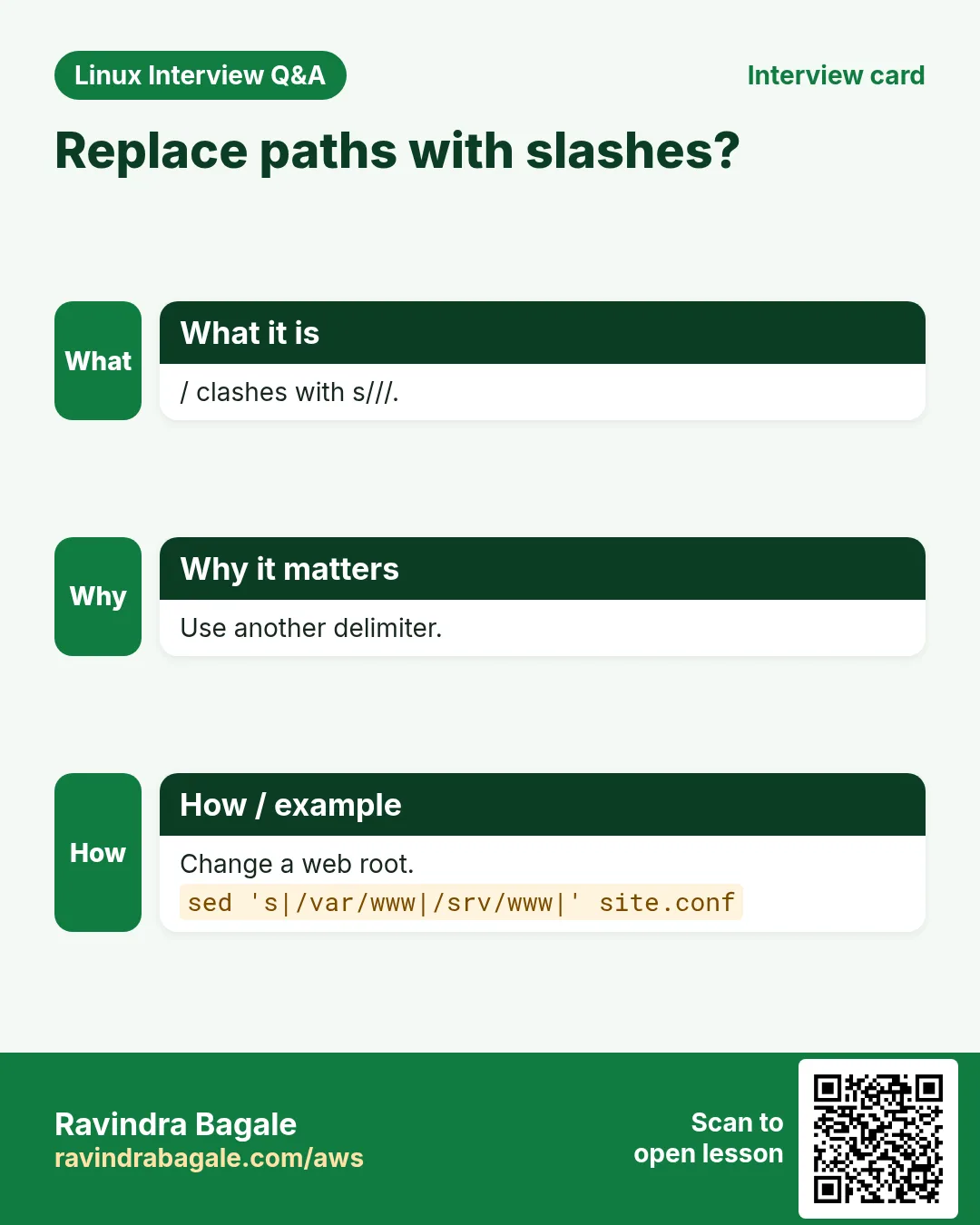
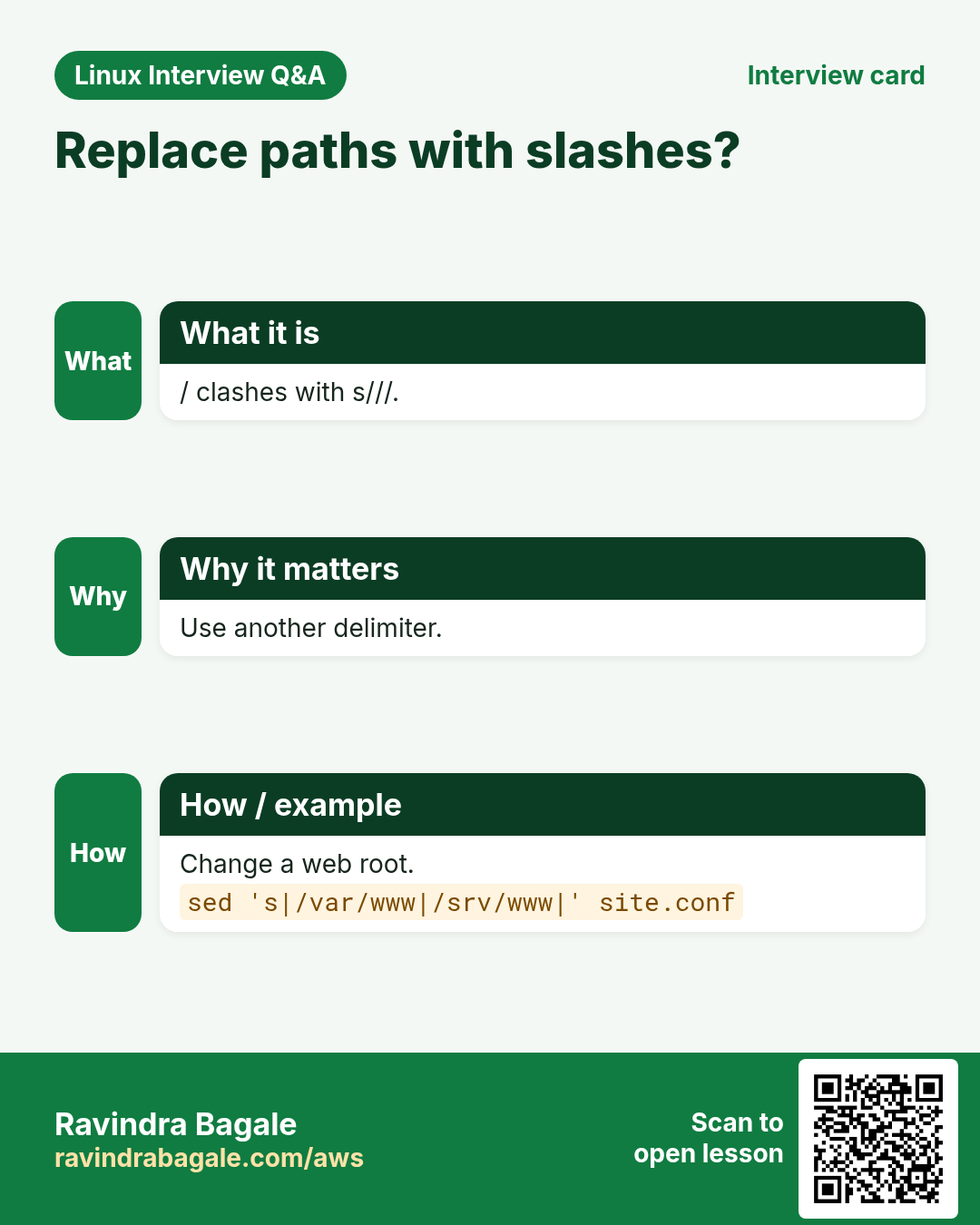
sed 's/old/new/' replaces the first match on each line. Flags: g all matches, i ignore case (GNU), 2 only the 2nd match, p print the changed line. Any character can be the separator: s#/old/path#/new/path# avoids escaping slashes. & in the replacement means 'the whole match'. Use double quotes only when you want a shell variable inside.
| Form | Does |
|---|---|
| s/a/b/ | First a on each line |
| s/a/b/g | Every a |
| s/a/b/2 | Only the 2nd a |
| s/a/b/gi | Every a, any case |
| s#/x#/y# | Other separator |
| s/.*/[&]/ | & = whole match |
How to do it (step by step)
- Replace the first match per line.
echo 'Poona to Poona' | sed 's/Poona/Pune/'Output:
Pune to PoonaWhat it means: Only the first one changed.
- Replace all.
echo 'Poona to Poona' | sed 's/Poona/Pune/g'Output:
Pune to PuneWhat it means: g = global.
- Change a path with another separator.
echo 'root /var/www/old;' | sed 's#/var/www/old#/srv/shop#'Output:
root /srv/shop;What it means: No need to escape every /.
- Use a shell variable.
V=2.4.1; sed "s/^version=.*/version=$V/" app.iniOutput:
name=shop
version=2.4.1
What it means: Double quotes let $V expand.
- Wrap each match with &.
echo 'order 8812 and 8813' | sed -E 's/[0-9]+/#&/g'Output:
order #8812 and #8813What it means: & puts the matched number back.
- Only print lines that changed.
sed -n 's/ERROR/E!/p' app.log | head -2Output:
10:12:44 E! payment timeout
10:15:02 E! db refused
What it means: -n stops normal printing; p prints changed ones.
- Remove trailing spaces and Windows CR.
sed -i 's/[[:space:]]*$//' deploy.sh && cat -A deploy.sh | head -1Output:
#!/bin/bash$What it means: [[:space:]] also covers \r.
3. Edit files in place with -i (and keep a backup)
Why do we need this?
Scripts and automation must change real files, not just print. One wrong sed -i can break a server, so backups matter.
What is it?
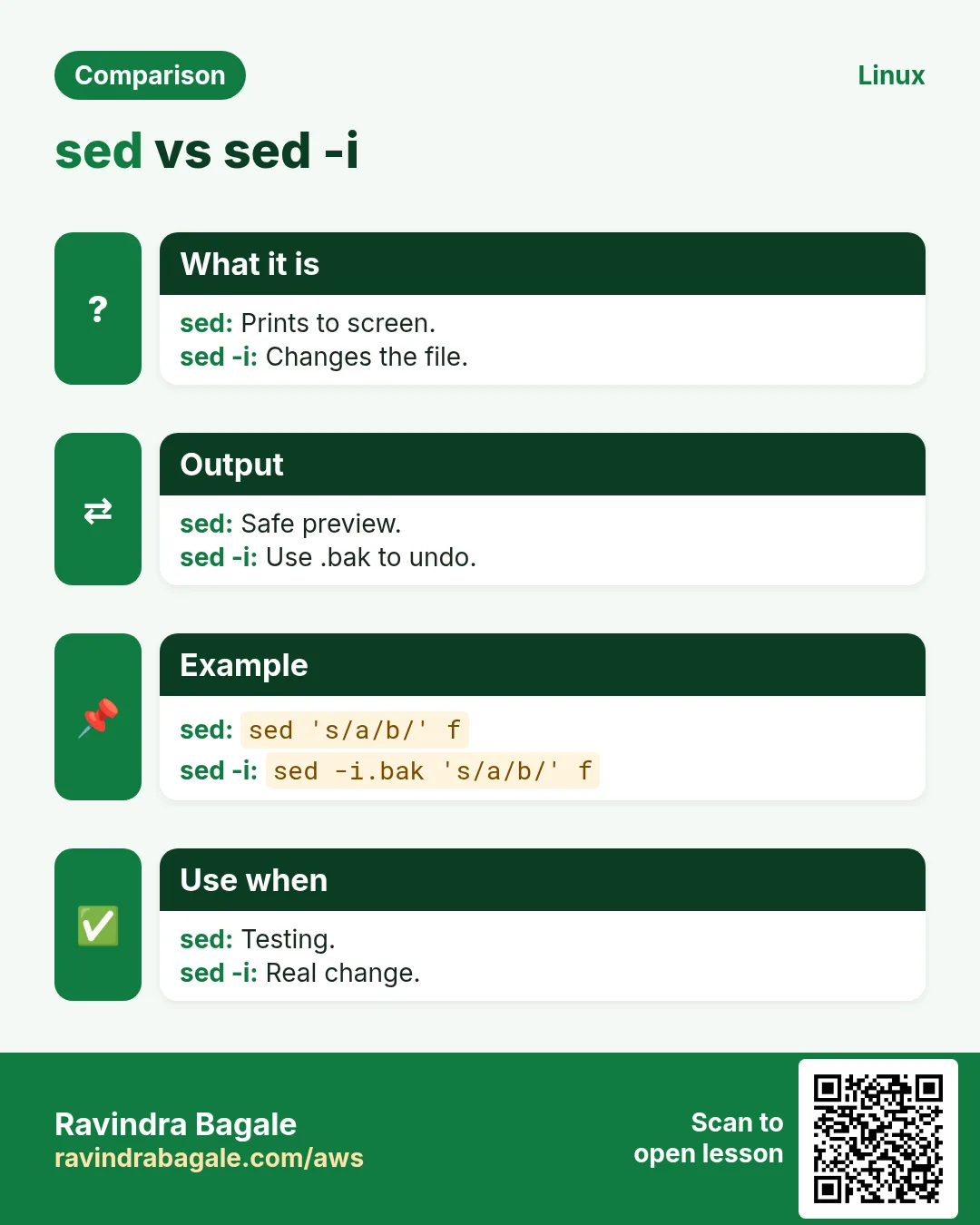
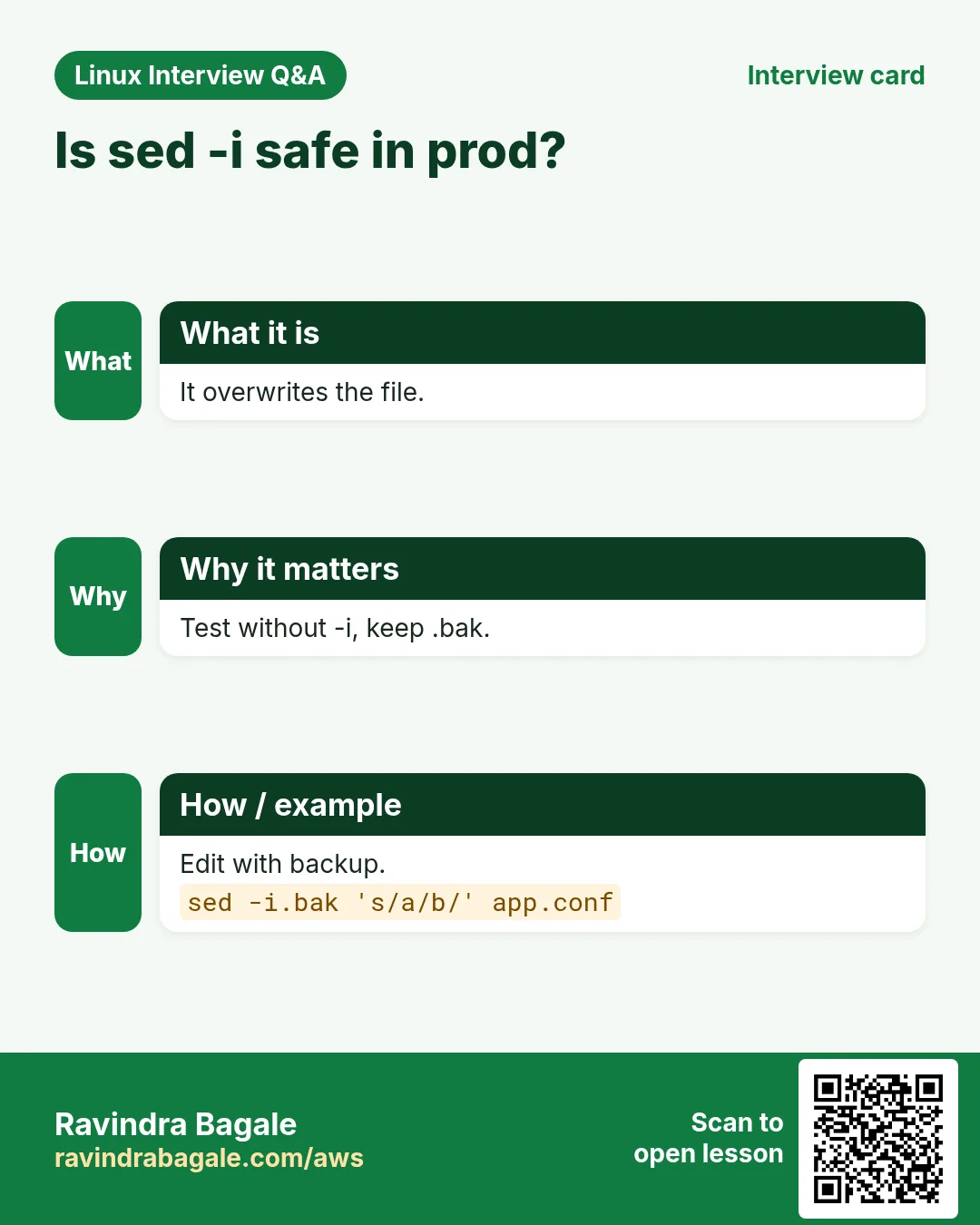
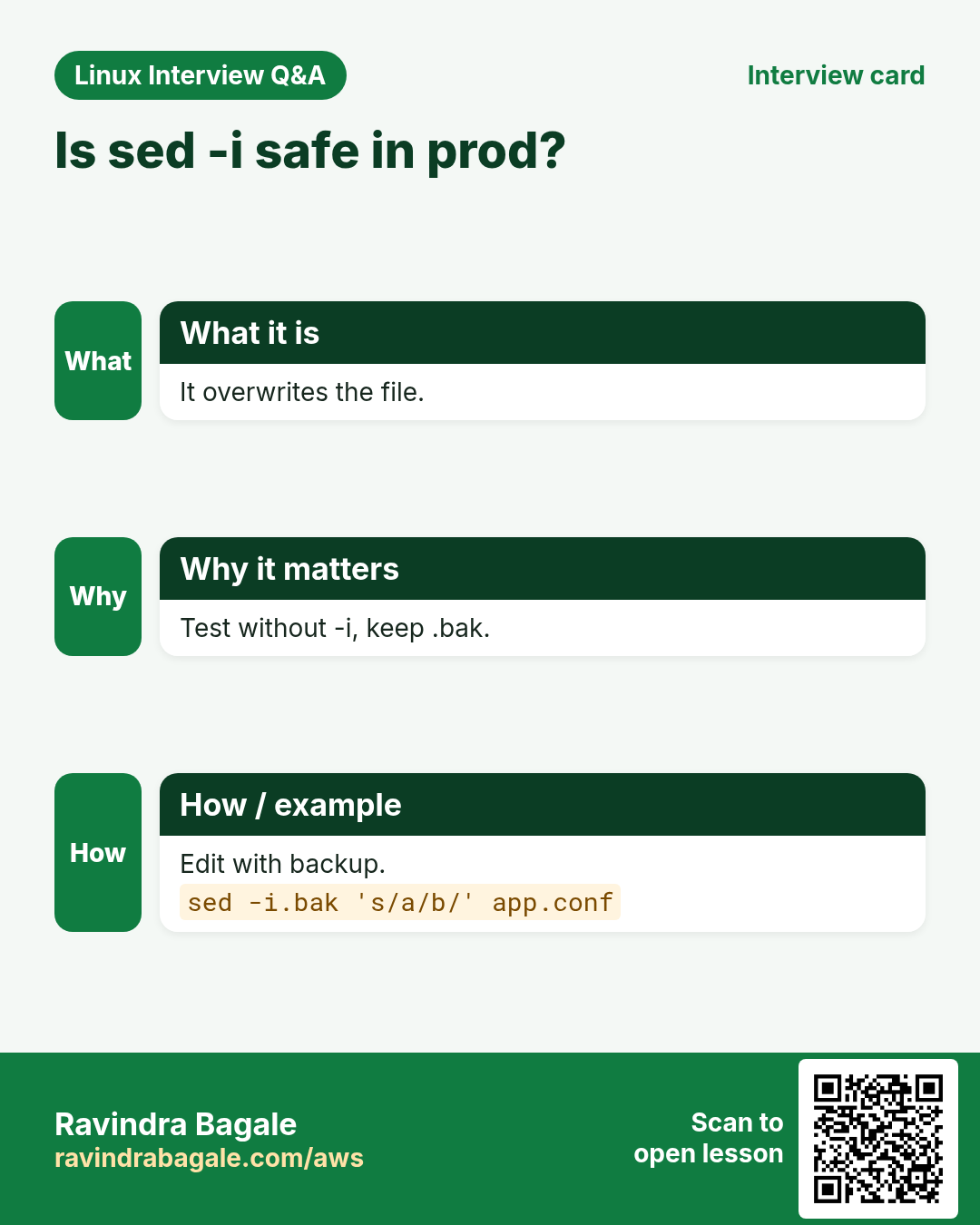
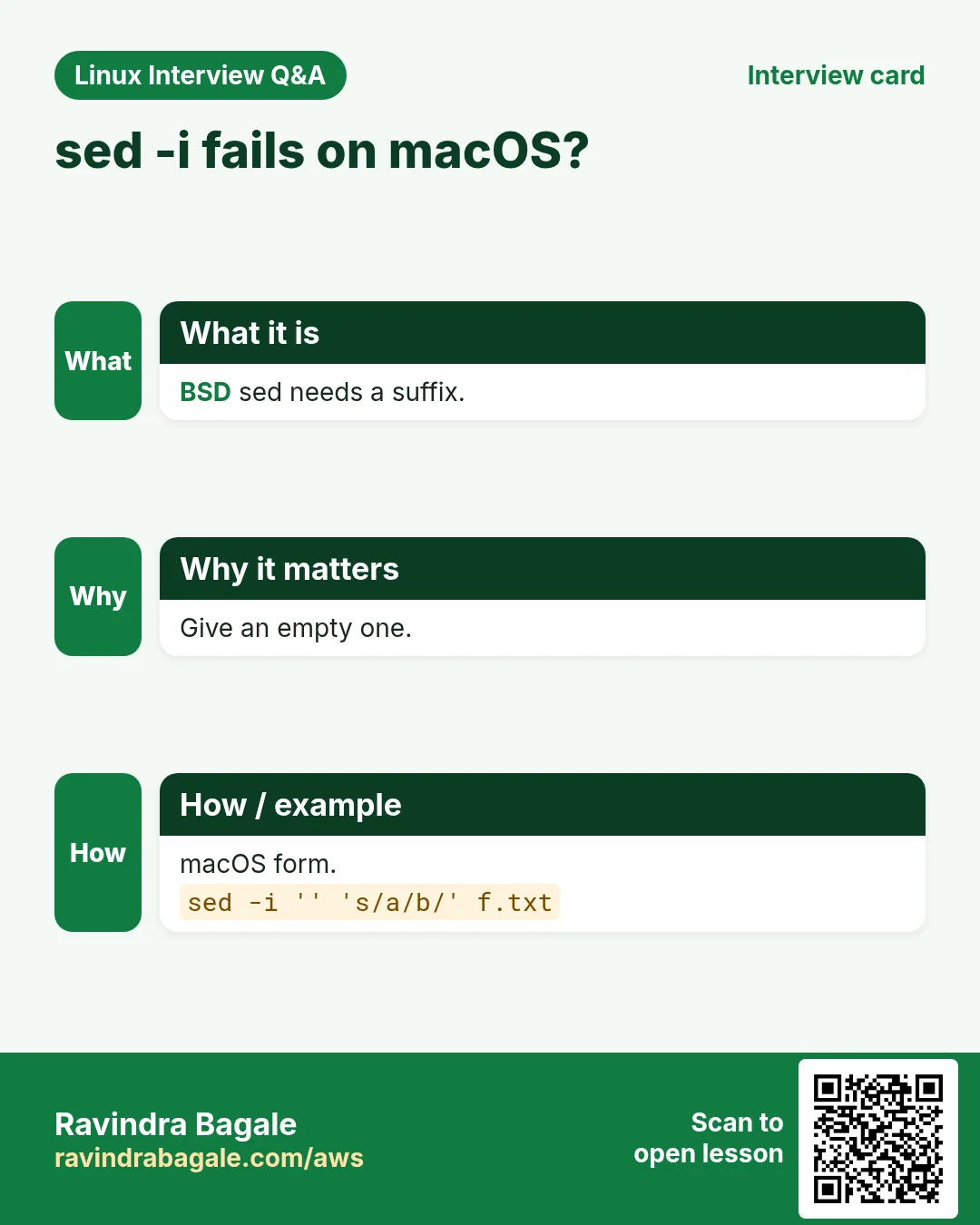
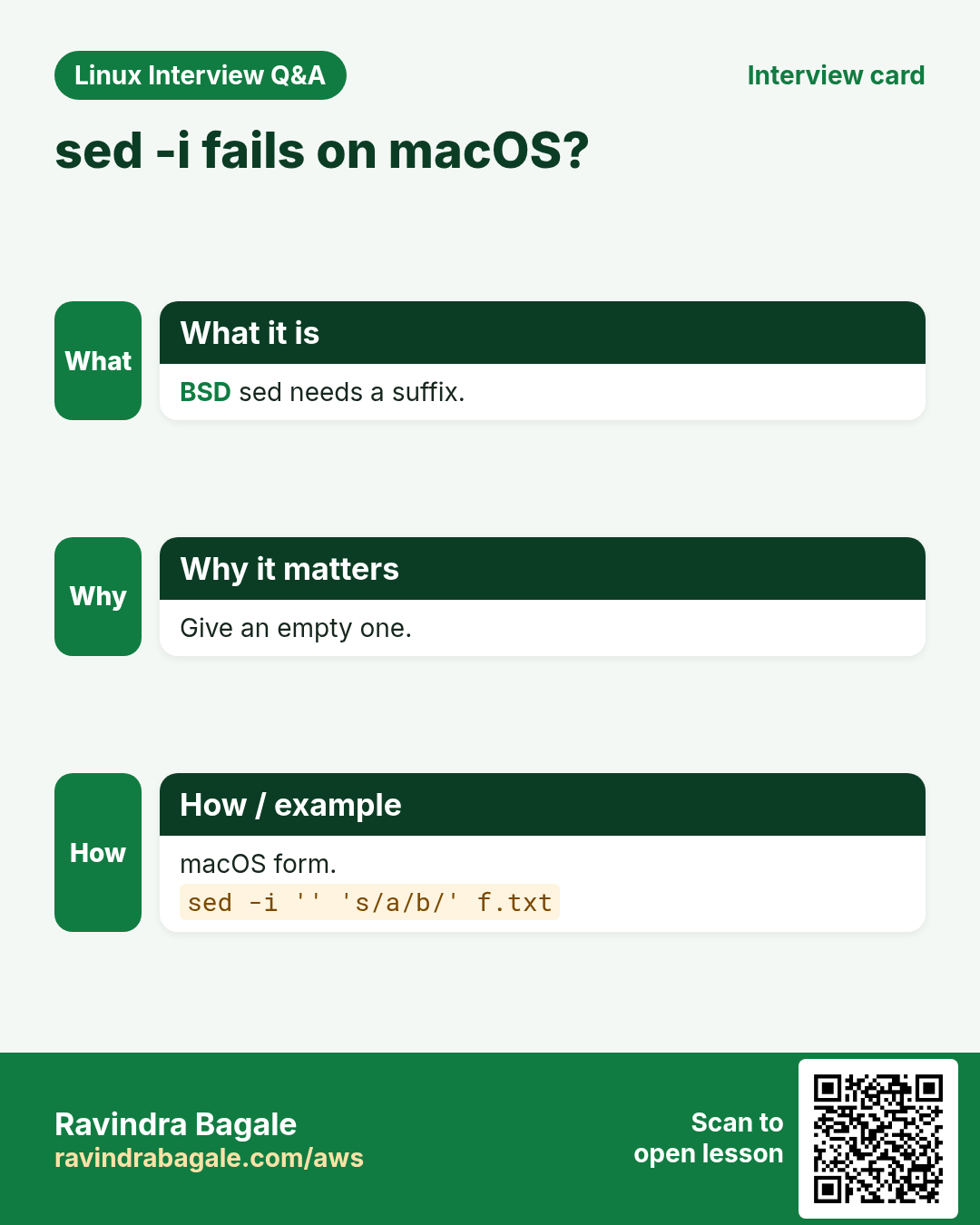
sed -i edits the file. sed -i.bak keeps the original as file.bak. On macOS (BSD sed) you must write sed -i '' for no backup. Always dry-run first without -i, or show a diff: sed 's/a/b/' f | diff f -. -i replaces the file, so it can change owner or break symlinks; use --follow-symlinks when the target is a link.
How to do it (step by step)
- Dry run first.
sed 's/^Port 22$/Port 2222/' /etc/ssh/sshd_config | diff /etc/ssh/sshd_config -Output:
17c17
< Port 22
---
> Port 2222
What it means: Shows exactly what will change.
- Edit with a backup.
sudo sed -i.bak 's/^Port 22$/Port 2222/' /etc/ssh/sshd_config && ls /etc/ssh/sshd_config*Output:
/etc/ssh/sshd_config /etc/ssh/sshd_config.bakWhat it means: The original is safe in .bak.
- Validate before restart.
sudo sshd -t && sudo systemctl reload sshdOutput:
(no output)What it means: Never restart SSH without testing the config.
- Edit many files at once.
sed -i 's/old-db.local/db.prod.local/g' config/*.yml && grep -l db.prod.local config/*.ymlOutput:
config/app.yml
config/worker.yml
What it means: Every .yml file is updated.
- Restore from backup.
sudo mv /etc/ssh/sshd_config.bak /etc/ssh/sshd_configOutput:
(no output)What it means: Undo is one move.
4. Addresses: choose which lines
Why do we need this?
Often you want to change only line 5, only lines in a section, or only lines that contain a word.
What is it?
Put an address before a command. N a line number, $ the last line, /re/ lines matching a regex, N,M a range, /start/,/end/ a regex range, N~S every S-th line from N (GNU), addr! all lines except addr. Example: sed '/^\[db\]/,/^\[/s/host=.*/host=10.0.0.9/' edits host only inside the [db] section.
| Address | Selects |
|---|---|
| 5 | Line 5 |
| $ | Last line |
| 2,8 | Lines 2 to 8 |
| /ERROR/ | Lines with ERROR |
| /start/,/end/ | From start to end match |
| 1~2 | Odd lines |
| /^#/! | Lines NOT starting with # |
How to do it (step by step)
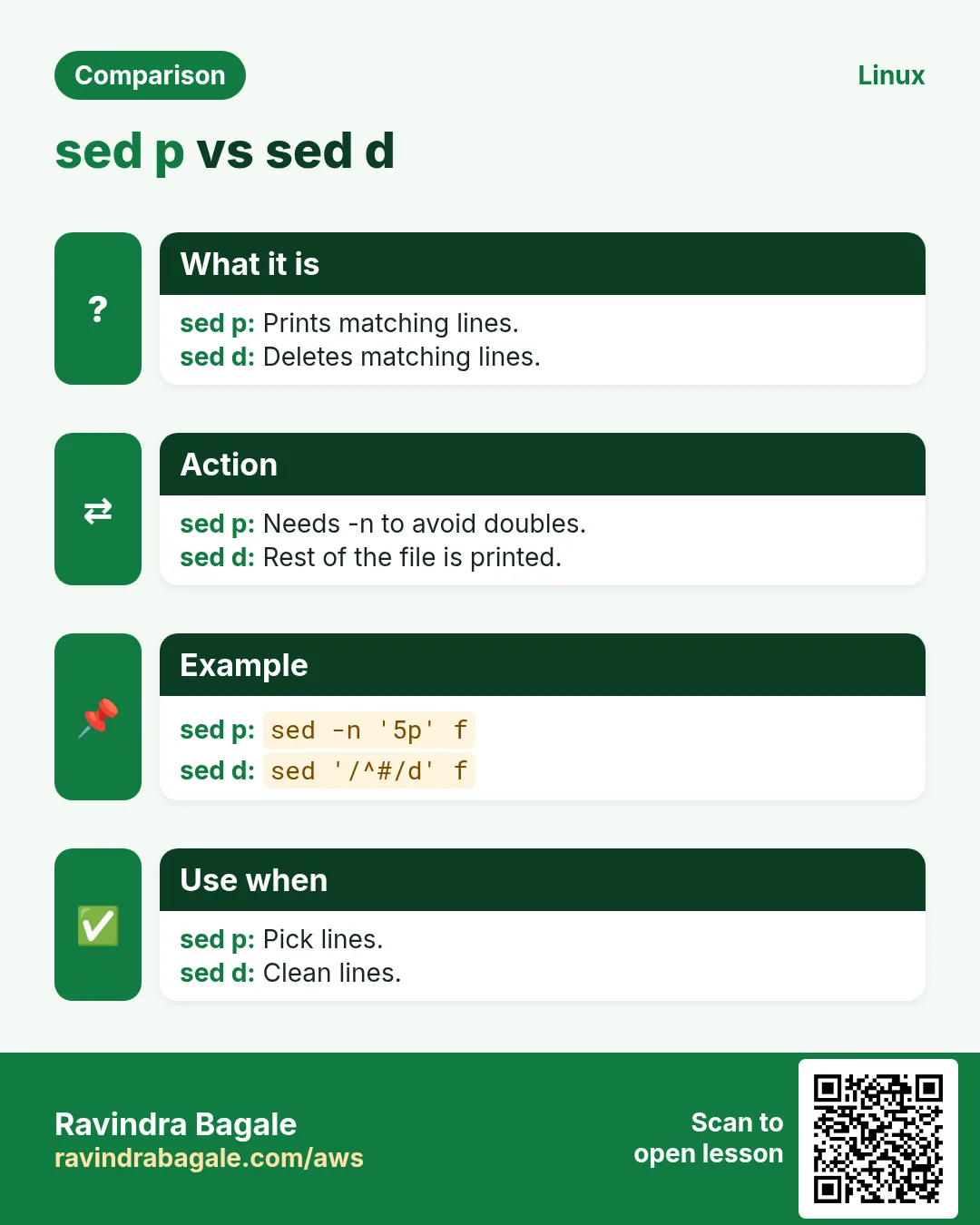
- Print lines 20 to 25.
sed -n '20,25p' app.logOutput:
(6 lines)What it means: -n plus p prints only the range.
- Print the last line.
sed -n '$p' app.logOutput:
10:59:59 INFO shutdownWhat it means: $ is the last line.
- Change only inside a section.
sed '/^\[db\]/,/^\[/s/^host=.*/host=10.0.0.9/' app.iniOutput:
[web]
host=0.0.0.0
[db]
host=10.0.0.9
What it means: The web host is untouched.
- Logs between two times.
sed -n '/^10:00/,/^10:05/p' app.log | head -3Output:
10:00:01 INFO start
10:00:02 GET /
10:01:10 GET /cart
What it means: A regex range is great for time windows.
- Replace on every line except comments.
sed '/^#/!s/8080/9090/' app.confOutput:
# default 8080
port=9090
What it means: ! negates the address.
- Every 2nd line.
seq 1 6 | sed -n '0~2p'Output:
2
4
6
What it means: first~step (GNU sed).
5. Delete, print, insert, append and change lines
Why do we need this?
Besides replace, you need to remove lines, add a new setting after a line, or replace a whole line.
What is it?
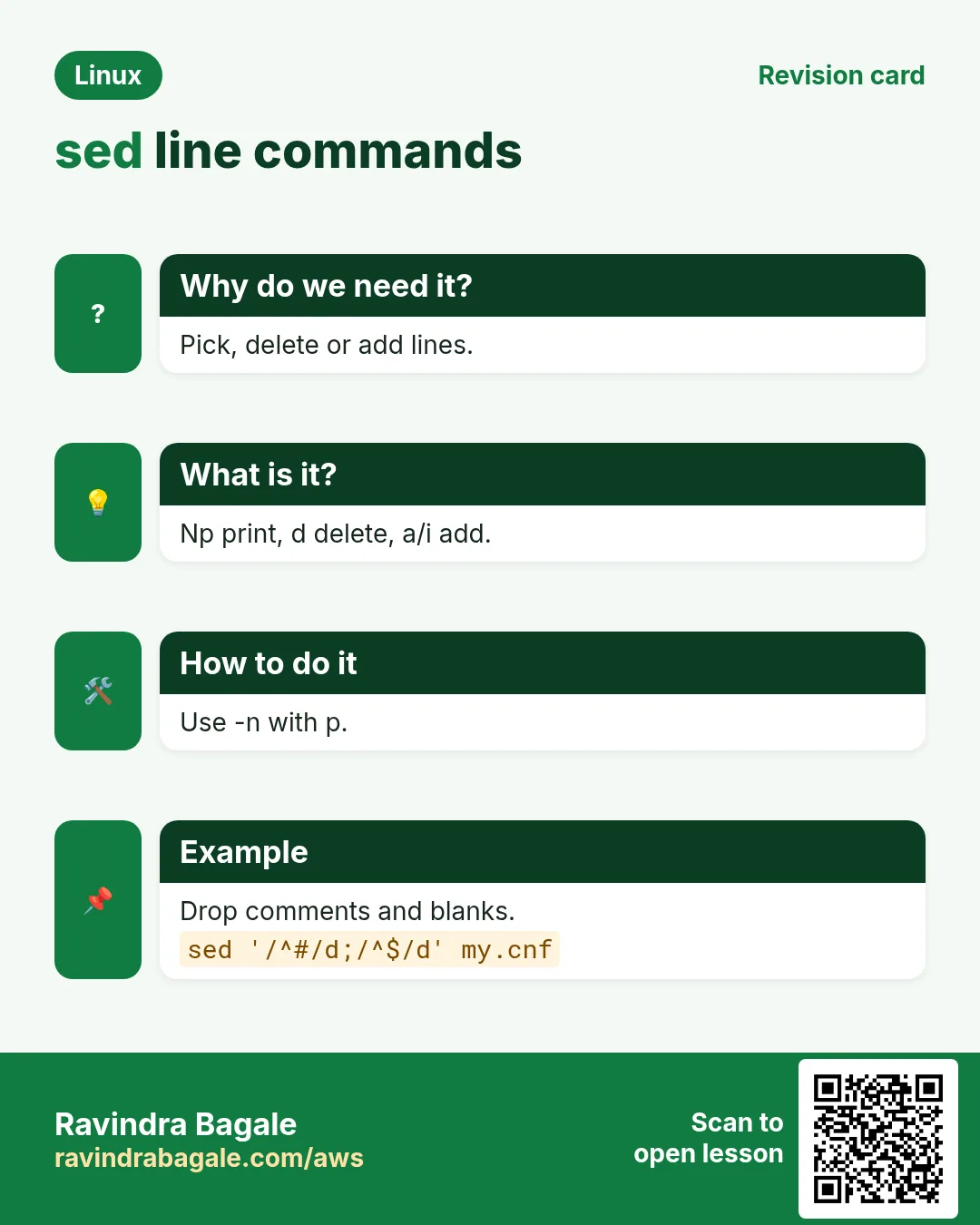
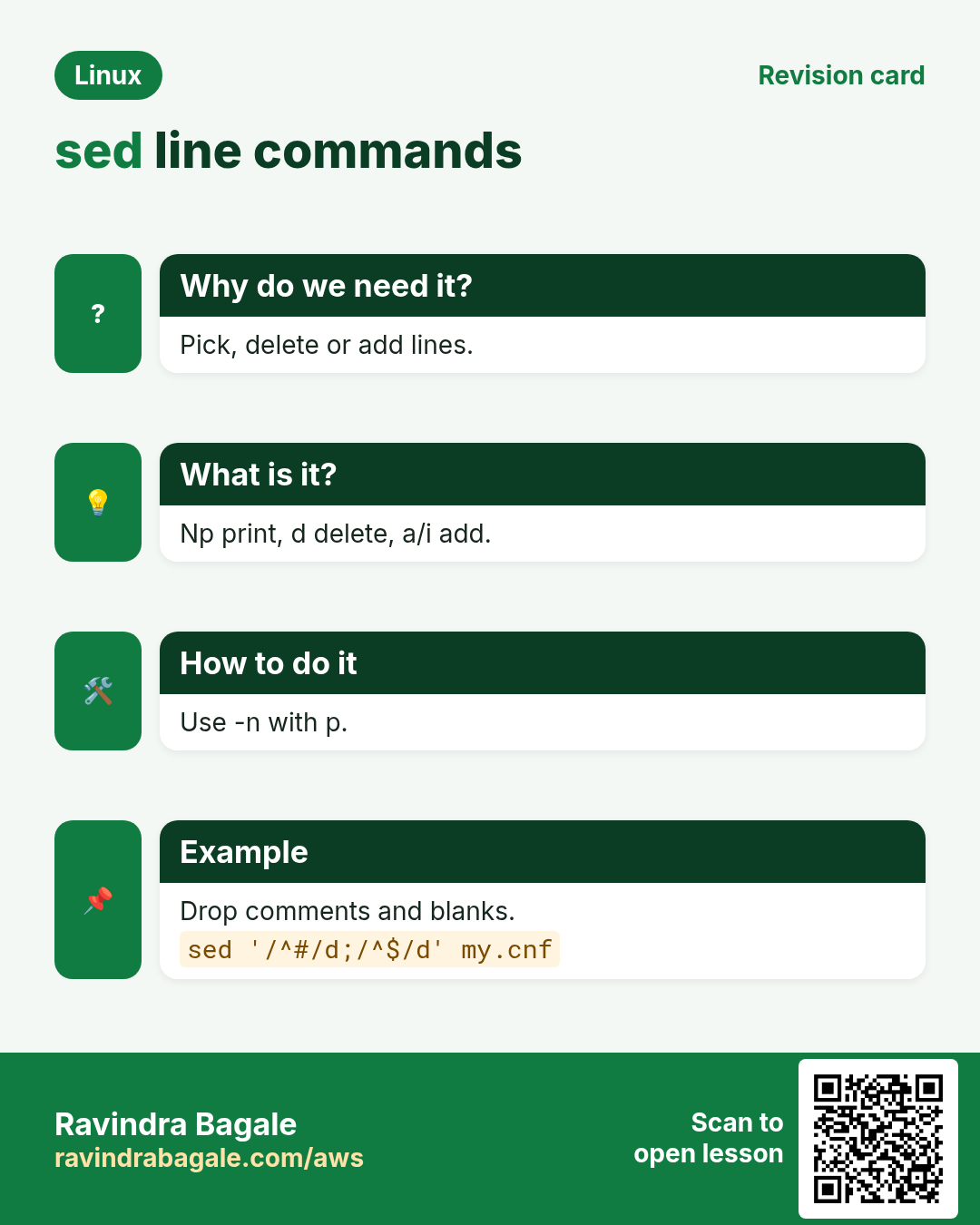
d deletes, p prints, i\ text inserts before, a\ text appends after, c\ text changes the whole line, = prints the line number, q quits (stop early, great for big files), r file reads a file in, w file writes matching lines out. GNU sed allows the one-line forms: '3i text', '/re/a text'.
How to do it (step by step)
- Delete comments and blank lines.
sed '/^#/d; /^$/d' nginx.conf | head -3Output:
user nginx;
worker_processes auto;
error_log /var/log/nginx/error.log;
What it means: Two commands separated by ;.
- Delete the first line (header).
sed '1d' sales.csv | head -2Output:
2026-10-01,Pune,4500
2026-10-01,Nashik,3200
What it means: Same as tail -n +2.
- Insert a line before line 1.
sed '1i # Managed by Ansible - do not edit' app.conf | head -2Output:
# Managed by Ansible - do not edit
port=8080
What it means: i inserts before.
- Append a setting after a match.
sed '/^\[mysqld\]/a max_connections=500' my.cnfOutput:
[mysqld]
max_connections=500
datadir=/var/lib/mysql
What it means: a adds after the matched line.
- Change a whole line.
sed '/^SELINUX=/c SELINUX=permissive' /etc/selinux/config | grep ^SELINUX=Output:
SELINUX=permissiveWhat it means: c replaces the full line, whatever it was.
- Stop early on a huge file.
sed '10q' huge.log | wc -lOutput:
10What it means: q quits after line 10. Like head, but inside sed.
- Write matching lines to another file.
sed -n '/ERROR/w errors.txt' app.log && wc -l errors.txtOutput:
27 errors.txtWhat it means: w saves matches without a pipe.
6. Extended regex, groups and back-references
Why do we need this?
You need to swap parts, reformat dates or keep part of a match while changing the rest.
What is it?
sed -E enables extended regex (+ ? {} | ( ) without backslashes). ( ) captures a group, and \1 \2 put the groups back in the replacement. GNU sed also has \U uppercase, \L lowercase and \E end case change in the replacement.
How to do it (step by step)
- Swap first and last name.
echo 'Bagale Ravindra' | sed -E 's/(\w+) (\w+)/\2 \1/'Output:
Ravindra BagaleWhat it means: \1 is the first group, \2 the second.
- Reformat a date.
echo '2026-10-25' | sed -E 's/([0-9]{4})-([0-9]{2})-([0-9]{2})/\3\/\2\/\1/'Output:
25/10/2026What it means: Three groups, written back in a new order.
- Mask card numbers in logs.
echo 'card=4111111111111111 ok' | sed -E 's/([0-9]{4})[0-9]{8}([0-9]{4})/\1********\2/'Output:
card=4111********1111 okWhat it means: Keeps first and last 4 digits.
- Uppercase a key name.
echo 'db_host=10.0.0.9' | sed -E 's/^([a-z_]+)=/\U\1\E=/'Output:
DB_HOST=10.0.0.9What it means: \U ... \E (GNU sed).
- Pull a value out.
sed -nE 's/.*version="([^"]+)".*/\1/p' package.xmlOutput:
3.2.0What it means: Print only the captured version.
7. Many commands, scripts and safe habits
Why do we need this?
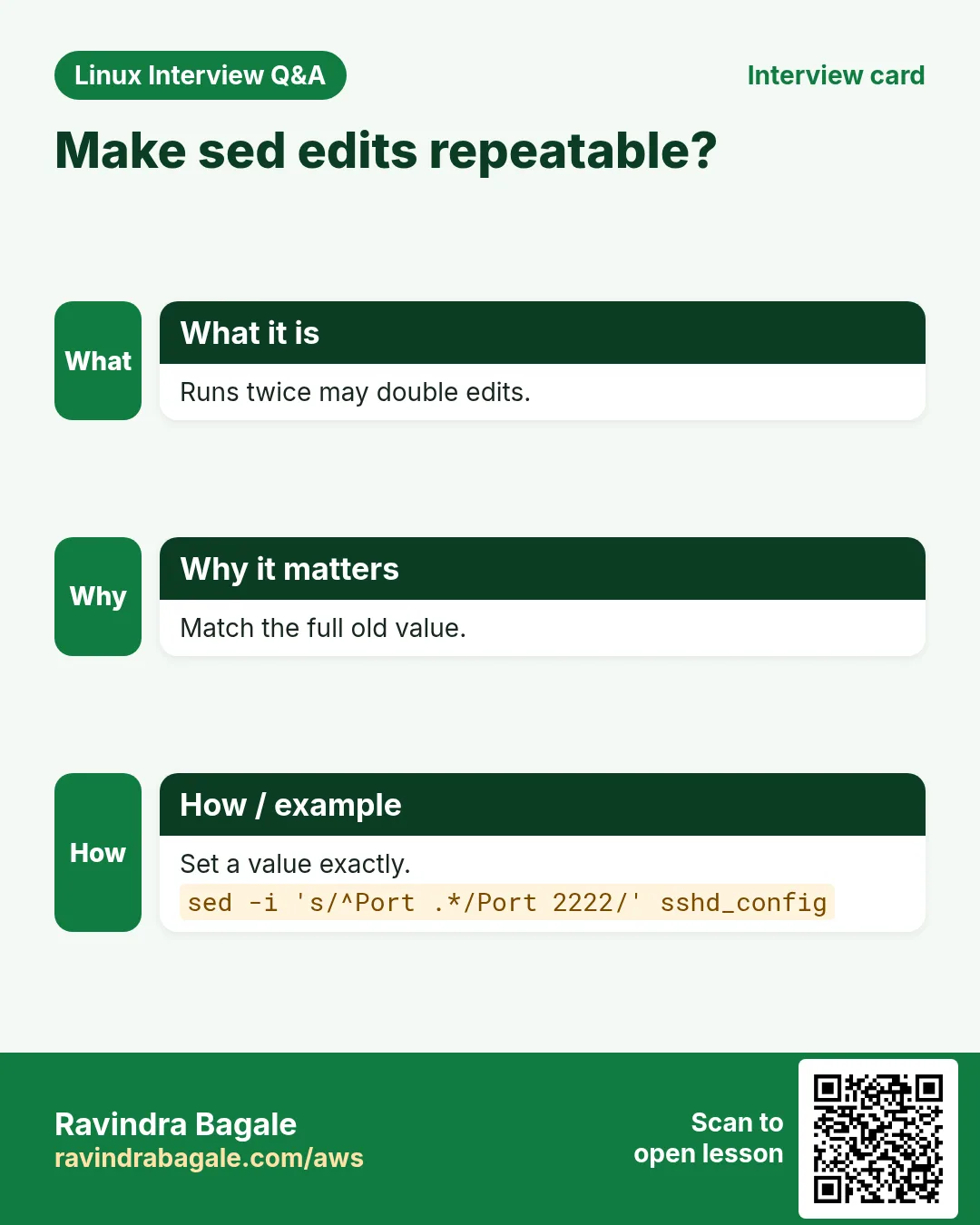
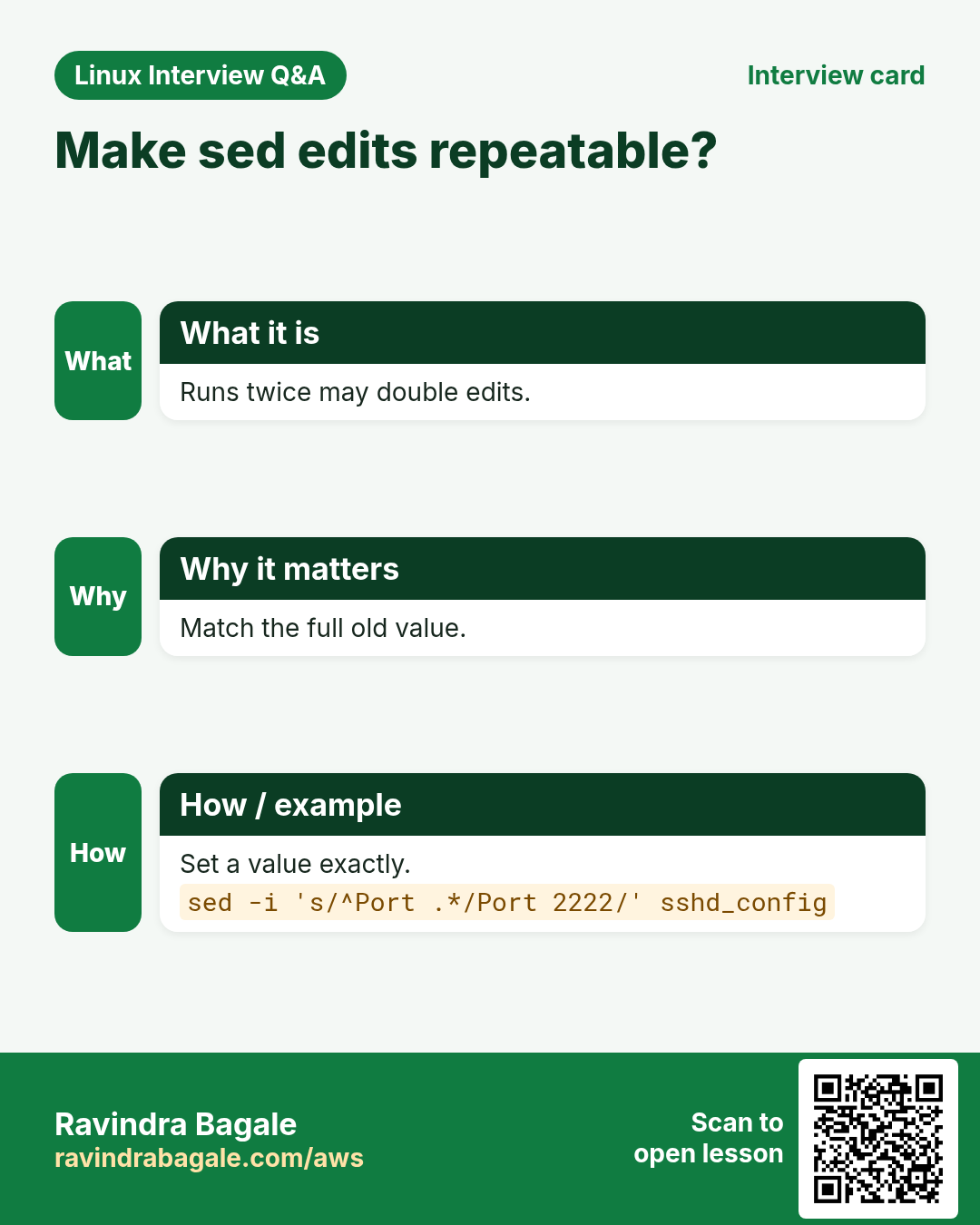
Real edits need several steps in one pass, and must be safe to run again and again (idempotent).
What is it?
Join commands with ; or -e, or use { } to group commands under one address. Save long edits in a file and run sed -f edits.sed. To make edits idempotent, match the full current line (^key=.*) so a second run changes nothing. For structured files (JSON, YAML, XML) prefer jq, yq or xmlstarlet; for big configs prefer Ansible lineinfile.
How to do it (step by step)
- Two edits in one run.
sed -e 's/dev/prod/' -e '/debug/d' app.confOutput:
env=prod
port=8080
What it means: -e can repeat.
- Group commands under one address.
sed '/^\[db\]/,/^\[/{s/^user=.*/user=app/; s/^port=.*/port=5432/}' app.ini | sed -n '/\[db\]/,$p'Output:
[db]
user=app
port=5432
What it means: { } applies both only inside [db].
- A sed script file.
printf 's/Poona/Pune/g\n/cancelled/d\n' > fix.sed && sed -f fix.sed guests.txt | wc -lOutput:
288What it means: 12 cancelled lines removed and the city fixed.
- Idempotent set-or-add.
grep -q '^MaxAuthTries' /etc/ssh/sshd_config && sudo sed -i 's/^MaxAuthTries.*/MaxAuthTries 3/' /etc/ssh/sshd_config || echo 'MaxAuthTries 3' | sudo tee -a /etc/ssh/sshd_configOutput:
(no output, or MaxAuthTries 3)What it means: Runs safely many times.
- Number every line (= command).
sed -n '/ERROR/=' app.log | head -3Output:
57
90
131
What it means: = prints the line number of each match.
8. Real examples from many industries
Why do we need this?
The same Linux skill shows up in every kind of company. Seeing it in many places helps you remember it.
What is it?
Each row is a made-up team. It shows who uses this and how.
How to do it (step by step)
| Team and city | How they use it | Command |
|---|---|---|
| Sanjay, Infra automation, Pune | Hardens SSH on 400 servers with backups | sed -i.bak 's/^#\?PermitRootLogin.*/PermitRootLogin no/' /etc/ssh/sshd_config |
| Elena, CI team, Warsaw | Bumps the version in files during release | sed -i "s/^version=.*/version=$TAG/" gradle.properties |
| Tunde, fintech, Lagos | Masks card numbers before shipping logs | sed -E 's/[0-9]{12}([0-9]{4})/XXXX\1/g' |
| Ayesha, analytics, Karachi | Cleans CSV exports: strips header and CR | sed '1d; s/\r$//' export.csv |
| Liam, SRE, Dublin | Pulls a 5-minute window from a big log | sed -n '/^10:00/,/^10:05/p' app.log |
| Neha, Docker builds, Bengaluru | Switches apt mirrors in a Dockerfile RUN step | sed -i 's#http://archive#http://in.archive#g' /etc/apt/sources.list |
9. Common errors and how to fix them
Why do we need this?
Everyone hits these errors. Knowing the cause saves hours.
What is it?
Read the exact message first. Then match it to a row below.
How to do it (step by step)
| Error you see | Why it happens | How to fix |
|---|---|---|
sed: -e expression #1, char 9: unterminated `s' command | Missing a / or the separator appears inside the text | Count separators or use another one like #.sed 's#/a/b#/c/d#' f |
sed: -e expression #1, char 5: unknown option to `s' | A / inside a path ends the command early | Use # or | as separator.sed 's|/var/www|/srv|' f |
sed: can't read file.txt: No such file or directory | Wrong file name or path | Check with ls.ls -l file.txt |
sed: couldn't open temporary file ./sedXyz: Permission denied | -i needs write permission on the folder | Use sudo or edit where you can write.sudo sed -i 's/a/b/' /etc/app.conf |
sed: 1: "file": invalid command code f (macOS) | BSD sed -i needs a suffix argument | Use -i '' on macOS, or install gnu-sed.sed -i '' 's/a/b/' file |
Variable not replaced: shows $V literally | Single quotes stop the shell expanding $V | Use double quotes around the expression.sed "s/x/$V/" f |
Replacement broke because the value has / or & | / and & are special in the replacement | Escape them or use another separator.sed "s|x|${V//&/\\&}|" f |
sed: invalid reference \1 on `s' command's RHS | You used \1 without a ( ) group (or forgot -E) | Add -E with ( ) or use \( \) in basic mode.sed -E 's/(a)b/\1/' f |
Symlinked config replaced by a plain file after -i | -i writes a new file instead of the link | Use --follow-symlinks.sed -i --follow-symlinks 's/a/b/' link.conf |
sed changed nothing | Pattern does not match (case, spaces, \r) | Test with grep first, check cat -A.grep -n 'Port' f | cat -A |
10. Troubleshooting step by step
Why do we need this?
When a sed edit does not do what you expect, test it in small steps without -i.
What is it?
Go top to bottom. Stop at the first step that shows the problem.
How to do it (step by step)
- Confirm the line exists and see hidden characters.
grep -n '^Port' /etc/ssh/sshd_config | cat -A- Run without -i and diff the result.
sed 's/^Port 22/Port 2222/' /etc/ssh/sshd_config | diff /etc/ssh/sshd_config -- Check which sed you have.
sed --version | head -1- Check quotes: print the final expression.
echo "s/^version=.*/version=$V/"- After -i, check the file and its owner.
ls -l /etc/ssh/sshd_config*- Validate the service config before reload.
sudo sshd -t; sudo nginx -t11. Lab 1: Clean up a guest list
Why do we need this?
Practise replace, delete, print ranges and backups on a safe file.
What is it?
A full hands-on lab. Run every step on a test Linux machine (an EC2 instance, a VM, or WSL).
How to do it (step by step)
- Create the list.
mkdir -p ~/lab10 && cd ~/lab10 && for i in $(seq 1 100); do echo "$i,Guest$i,Poona$([ $((i%10)) -eq 0 ] && echo ',cancelled')"; done > guests.txt; head -2 guests.txtOutput:
1,Guest1,Poona
2,Guest2,Poona- Fix the city (dry run).
sed 's/Poona/Pune/g' guests.txt | head -2Output:
1,Guest1,Pune
2,Guest2,Pune- Apply with a backup.
sed -i.bak 's/Poona/Pune/g' guests.txt && ls guests*Output:
guests.txt guests.txt.bak- Delete cancelled guests.
sed -i '/cancelled/d' guests.txt && wc -l < guests.txtOutput:
90- Print guests 50 to 52.
sed -n '50,52p' guests.txtOutput:
55,Guest55,Pune
56,Guest56,Pune
57,Guest57,Pune- Add a title line at the top.
sed -i '1i id,name,city' guests.txt && head -1 guests.txtOutput:
id,name,city12. Lab 2: Safe, repeatable config edits
Why do we need this?
Edit an ini file by section, make the edit idempotent and roll back.
What is it?
A full hands-on lab. Run every step on a test Linux machine (an EC2 instance, a VM, or WSL).
How to do it (step by step)
- Create an ini file.
cd ~/lab10 && printf '[web]\nhost=0.0.0.0\nport=80\n[db]\nhost=localhost\nport=3306\n' > app.iniOutput:
(no output)- Change only the db host.
sed -i.orig '/^\[db\]/,/^\[/s/^host=.*/host=10.0.0.9/' app.ini && cat app.iniOutput:
[web]
host=0.0.0.0
port=80
[db]
host=10.0.0.9
port=3306- Run it again: nothing changes.
sed '/^\[db\]/,/^\[/s/^host=.*/host=10.0.0.9/' app.ini | diff app.ini - && echo idempotentOutput:
idempotent- Append a setting under [db].
sed -i '/^\[db\]/a pool=20' app.ini && sed -n '/\[db\]/,$p' app.iniOutput:
[db]
pool=20
host=10.0.0.9
port=3306- Roll back.
mv app.ini.orig app.ini && grep host app.iniOutput:
host=0.0.0.0
host=localhostRavindra Bagale's Tip
Never run sed -i on a production config without first running the same command without -i (or piping it into diff), and always keep a backup with -i.bak. Then validate (nginx -t, sshd -t) before you reload.
Ravindra Bagale's Tip – मराठी
Production config वर sed -i चालवायच्या आधी तोच command -i शिवाय (किंवा diff मधे pipe करून) चालवा, आणि नेहमी -i.bak ने backup ठेवा. मग reload आधी validate (nginx -t, sshd -t).
Ravindra Bagale's Tip – हिंदी
Production config पर sed -i चलाने से पहले वही command बिना -i के (या diff में pipe करके) चलाएं, और हमेशा -i.bak से backup रखें. फिर reload से पहले validate (nginx -t, sshd -t) करें.
13. Frequently asked questions
Q. Does sed change my file?
Only with -i. Otherwise it prints the result and the file stays the same.
Q. What does the g at the end mean?
Global: replace every match on the line, not just the first.
Q. Why use # instead of /?
When the text has slashes (paths, URLs), another separator avoids escaping.
Q. sed or awk?
sed for line edits and replace. awk for columns, maths and reports.
Q. Can sed edit JSON or YAML?
It can for simple lines, but it is risky. Use jq or yq for structured data.
Q. Why does sed -i fail on macOS?
BSD sed needs a backup suffix: sed -i '' 's/a/b/' file.
Q. How do I print one line, say line 42?
sed -n '42p' file.
Q. How do I delete the last line?
sed '$d' file.
14. Interview questions and answers
Beginner level
Q. How do you replace all 'foo' with 'bar' in a file and save it?
sed -i 's/foo/bar/g' file (add .bak for a backup).
Q. How do you print lines 10 to 20?
sed -n '10,20p' file.
Q. How do you delete blank lines?
sed '/^$/d' file.
Q. What does -n do in sed?
Stops automatic printing, so only p prints.
Mid level level
Q. Replace only on lines that contain 'prod'.
sed '/prod/s/a/b/g' file.
Q. Add a line after a match.
sed '/^\[mysqld\]/a max_connections=500' my.cnf.
Q. Swap two words with groups.
sed -E 's/(\w+) (\w+)/\2 \1/'.
Q. How do you use a shell variable in sed?
Use double quotes: sed "s/x/$V/"; watch for / and & in the value.
Senior level
Q. Why is sed -i not truly in-place and why does it matter?
It writes a temp file and renames it: new inode, may reset ownership/SELinux context, breaks hard links and replaces symlinks (unless --follow-symlinks). Open file handles still see the old file.
Q. How do you make a sed config change idempotent in automation?
Match the full current line (^key=.*) and replace it, add only if missing (grep -q || echo >>), or use Ansible lineinfile/blockinfile.
Q. Extract a time window from a 20 GB log fast.
sed -n '/^10:00/,/^10:05/{p;/^10:05/q}' stops at the end; or awk with time compare; LC_ALL=C helps.
Q. Safely insert a value that may contain / and &.
Escape it first: esc=$(printf '%s' "$V" | sed 's/[&/\]/\\&/g'); then sed "s/x/$esc/". Or use a different tool (envsubst, templates).
Try at home
- Write 10 lines of a shopping list. Use sed to change 'kg' to 'KG', delete lines with 'chips', and print only lines 3 to 6.
- Copy /etc/hosts to your home folder and practise sed -i.bak on the copy, then compare with diff.
Practice Tasks
Amravati Agro Market is a agriculture business in Amravati. Anjali Thakre looks after its IT and cloud work. They count money in INR and run their AWS resources in the ap-south-1 Region. In the tasks below you do real jobs for them using what this lesson teaches. All names, account IDs, IP addresses and numbers are made up for practice.
0 / 16
Easy Replace first match
Why: Fix a typo in output.
What to do: Print notes.txt with the first 'colour' on each line replaced by 'color'. Use s/colour/color/ in quotes.
- Find the Linux command that does this job.
- Add the options (like -r or -h) the task needs.
- Add the file names, folders or users in the right order.
- Use sudo if the job changes system files or users. Click Check answer.
Easy Replace all matches
Why: Every http must become https.
What to do: Print links.txt replacing every http: with https: on every line.
- Find the Linux command that does this job.
- Add the options (like -r or -h) the task needs.
- Add the file names, folders or users in the right order.
- Use sudo if the job changes system files or users. Click Check answer.
Easy Print one line
Why: See only line 5.
What to do: Print only line 5 of data.txt with sed.
- Find the Linux command that does this job.
- Add the options (like -r or -h) the task needs.
- Add the file names, folders or users in the right order.
- Use sudo if the job changes system files or users. Click Check answer.
Easy Delete blank lines
Why: Clean output.
What to do: Print list.txt without empty lines using sed and the pattern ^$.
- Find the Linux command that does this job.
- Add the options (like -r or -h) the task needs.
- Add the file names, folders or users in the right order.
- Use sudo if the job changes system files or users. Click Check answer.
Easy Drop the header
Why: CSV header breaks sums.
What to do: Print leads.csv without its first line using sed.
- Find the Linux command that does this job.
- Add the options (like -r or -h) the task needs.
- Add the file names, folders or users in the right order.
- Use sudo if the job changes system files or users. Click Check answer.
Easy Global flag
Why: Replace every match on a line.
What to do: Which single letter at the end of s/a/b/ replaces all matches on a line?
- Write down the numbers the task gives you.
- Work it out step by step on paper.
- Type only the final answer in the box.
- Click Check answer.
Medium Edit a file in place
Why: Change the port in the real file.
What to do: Change every 8080 to 9090 directly inside app.conf.
- Find the Linux command that does this job.
- Add the options (like -r or -h) the task needs.
- Add the file names, folders or users in the right order.
- Use sudo if the job changes system files or users. Click Check answer.
Medium In place with a backup
Why: Undo is easy with a .bak.
What to do: Replace every DEBUG with INFO inside log.conf, keeping a backup log.conf.bak.
- Find the Linux command that does this job.
- Add the options (like -r or -h) the task needs.
- Add the file names, folders or users in the right order.
- Use sudo if the job changes system files or users. Click Check answer.
Medium Print a line range
Why: Read part of a big file.
What to do: Print lines 10 to 20 of app.log with sed.
- Find the Linux command that does this job.
- Add the options (like -r or -h) the task needs.
- Add the file names, folders or users in the right order.
- Use sudo if the job changes system files or users. Click Check answer.
Medium Delete comment lines
Why: Show only active config.
What to do: Print my.cnf without lines starting with #.
- Find the Linux command that does this job.
- Add the options (like -r or -h) the task needs.
- Add the file names, folders or users in the right order.
- Use sudo if the job changes system files or users. Click Check answer.
Medium Stop after 3 lines
Why: Fast on huge files.
What to do: Print the first 3 lines of big.log with sed and quit.
- Find the Linux command that does this job.
- Add the options (like -r or -h) the task needs.
- Add the file names, folders or users in the right order.
- Use sudo if the job changes system files or users. Click Check answer.
Medium Different delimiter for paths
Why: Slashes in paths clash with s///.
What to do: Replace /var/www with /srv/www in site.conf, printing the result. Use | as the delimiter.
- Find the Linux command that does this job.
- Add the options (like -r or -h) the task needs.
- Add the file names, folders or users in the right order.
- Use sudo if the job changes system files or users. Click Check answer.
Hard Append a line after a match
Why: Add a setting under its section.
What to do: In php.ini (in place), add the line max_execution_time = 60 after the line matching ^\[PHP\].
- Find the Linux command that does this job.
- Add the options (like -r or -h) the task needs.
- Add the file names, folders or users in the right order.
- Use sudo if the job changes system files or users. Click Check answer.
Hard Swap with groups
Why: Turn "Last, First" into "First Last".
What to do: Using -E, print names.txt changing 'Patil, Asha' style lines to 'Asha Patil'. Pattern: s/([^,]+), (.+)/\2 \1/.
- Find the Linux command that does this job.
- Add the options (like -r or -h) the task needs.
- Add the file names, folders or users in the right order.
- Use sudo if the job changes system files or users. Click Check answer.
Hard Two edits in one run
Why: One pass is faster and safer.
What to do: In one sed command with two -e options, print app.env with dev replaced by prod and then 8080 replaced by 80 (first match each).
- Find the Linux command that does this job.
- Add the options (like -r or -h) the task needs.
- Add the file names, folders or users in the right order.
- Use sudo if the job changes system files or users. Click Check answer.
Hard Write matches to a file
Why: Split errors out.
What to do: Using sed -n, write lines of api.log that contain TIMEOUT into timeouts.txt.
- Find the Linux command that does this job.
- Add the options (like -r or -h) the task needs.
- Add the file names, folders or users in the right order.
- Use sudo if the job changes system files or users. Click Check answer.
15. Related chapters
- Linux Ops Refresh for DevOps
- Bash Scripting for Automation
- Linux grep and find Commands with Examples
- How to Set Up Passwordless SSH Between Linux Servers
In short
- s/old/new/g replaces; any separator works.
- -i edits; -i.bak keeps a backup; dry-run first.
- Addresses: N, $, /re/, N,M, /a/,/b/, !.
- d p i a c q = w are the line commands.
- -E with ( ) and \1 for reordering.
- Make edits idempotent and validate configs.
Revision, comparison and interview cards
Revise this lesson in a few minutes. Save the cards on your phone or download them as PNG files. The QR code on each card opens this lesson.
More cards: Ravi Sir's Cards.