What Is Amazon S3? S3 vs EBS vs EFS, Storage Classes and Pricing Explained
How to Add, Format and Mount an EBS Volume on EC2 gave a server its own disk. That disk is great for the OS and a database. But photos, videos, backups and logs need a different home. This chapter explains why that home is Amazon S3. We compare S3 with EBS and EFS, learn buckets, objects and keys, understand durability and availability, see every storage class with prices, and finish with a full console and CLI lab.
What you'll learn in this chapter
- Why EBS and EFS are the wrong place for millions of user files
- What S3 is: bucket, object, key, prefix, Region
- Durability (11 nines) vs availability, in plain words
- Every storage class with a price table, and why S3 is cheap
- Upload code in Node, Python, Java, PHP, .NET and Go
- A full lab: bucket, upload, aws s3 cp, ls, sync, cleanup
1. A photo-app story
Priya builds a small photo-sharing app. She puts it on one EC2 server with a 20 GB EBS disk. Users upload photos into /var/www/uploads.
The app becomes popular. In two months the disk is full. She adds a second server behind a load balancer. Now half the photos are on server 1 and half on server 2. Users see broken images.
She needs one place that every server can reach, that never fills up, that can serve a photo over a URL, and that charges only for what is stored. That place is Amazon S3.
2. The limits of EBS for user files
Why do we need this?
EBS is the disk we already know. Before we leave it, we must see exactly where it hurts, so the choice of S3 makes sense.
What is it?
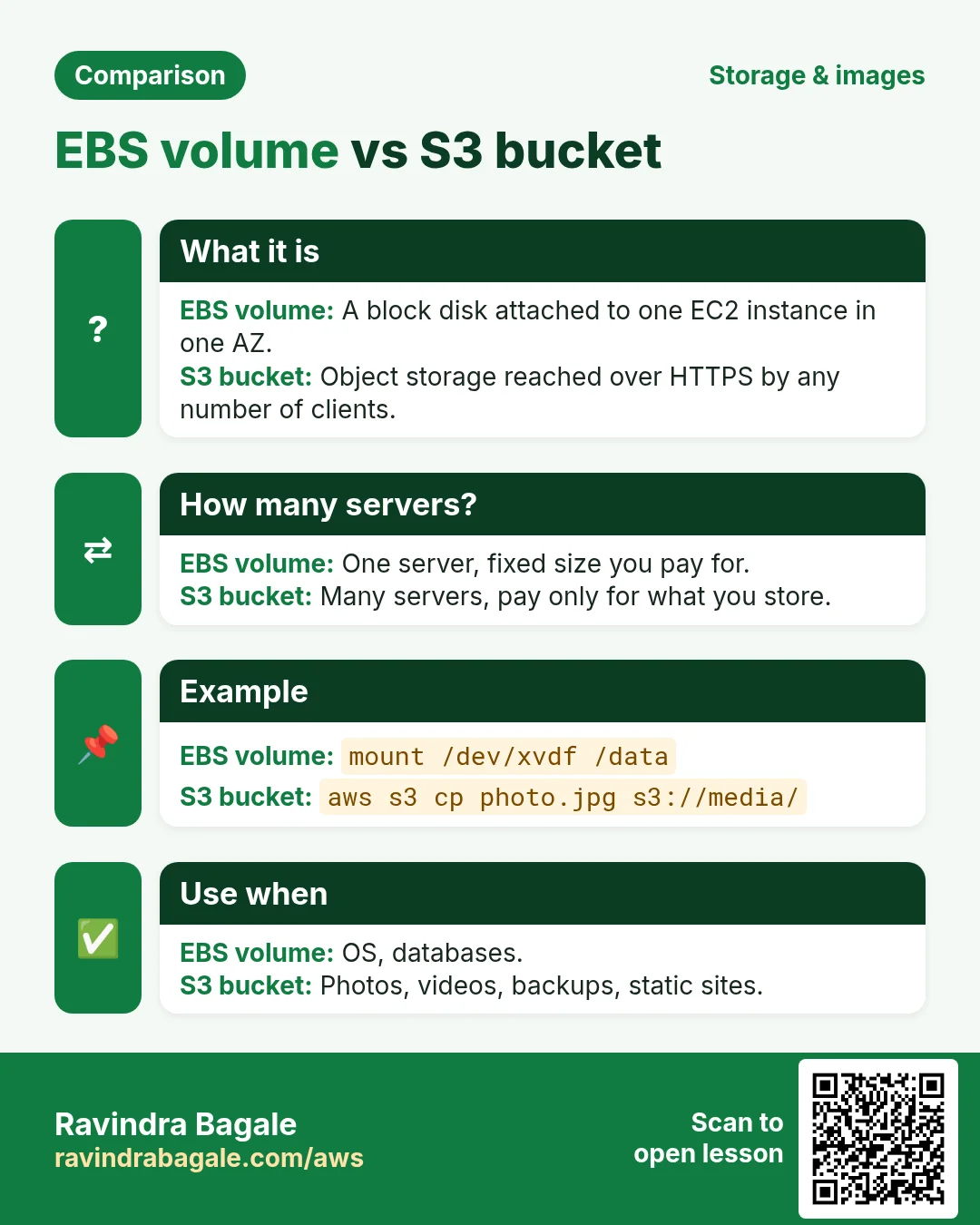
- One Availability Zone. A volume lives in one AZ. If that AZ has trouble, the data is stuck there.
- One instance at a time. A normal volume attaches to one EC2. Only io1/io2 Multi-Attach can join up to 16 Nitro instances in the same AZ, and the app must handle shared writes.
- Fixed size you provision. You choose 20 GB or 500 GB up front.
- You pay for what you provision, not what you use. A 500 GB volume with 50 GB of files is billed for 500 GB.
- Not reachable over HTTP. A browser cannot open a file on EBS. A server must read it and send it.
- Scaling by hand. When it fills, you modify the volume, then run growpart and xfs_growfs.
3. The limits of EFS for user files
Why do we need this?
EFS fixes the "one server" problem: many servers can mount it. So why not use EFS for photos? Because it has its own costs and limits.
What is it?
Amazon EFS (Elastic File System) is a shared network folder (NFS) that grows by itself.
- Linux and NFS only. Windows servers cannot mount EFS (Windows uses FSx).
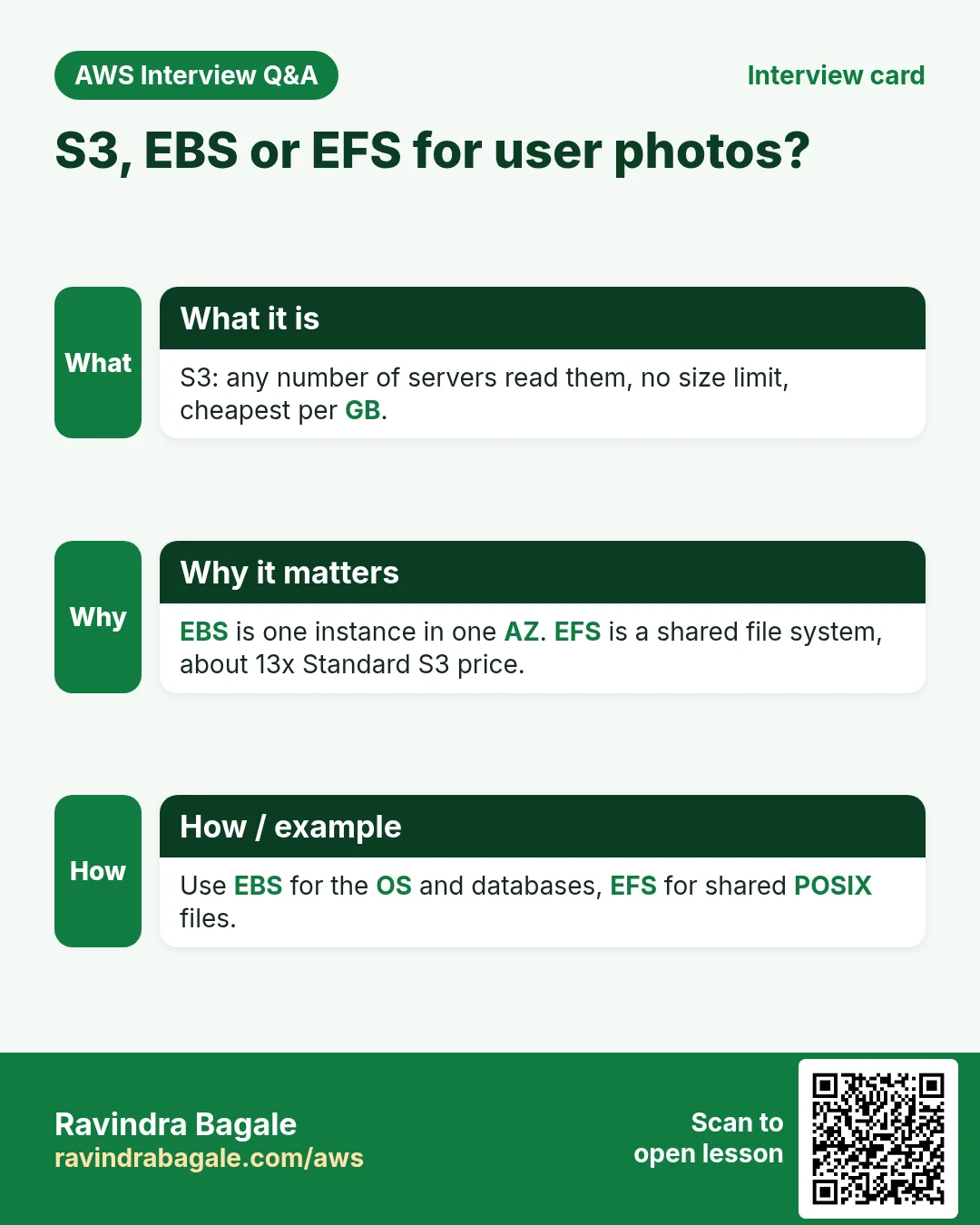
- Higher price per GB. EFS Standard is about $0.30 per GB-month in us-east-1, more than ten times S3 Standard.
- Inside the VPC. You need a mount target in each AZ and NFS port 2049 open in security groups.
- Network latency. Every read goes over the network, slower than a local EBS disk for small files.
- Not for public web delivery. Like EBS, a browser cannot open an EFS file by URL.
4. S3 vs EBS vs EFS: which one when?
Why do we need this?
Each storage type is best at one job. Picking the right one saves money and work.
What is it?
| Point | EBS | EFS | S3 |
|---|---|---|---|
| Type | Block disk | Shared file system (NFS) | Object storage |
| Reach | 1 EC2 (Multi-Attach io2: up to 16, same AZ) | Many Linux servers in the VPC | Anything with HTTPS and permission |
| Scope | One AZ | Regional (many AZs) | Regional (3+ AZs) |
| Size | Fixed, you provision | Grows by itself | Unlimited |
| Billing | Provisioned GB | Used GB | Used GB + requests |
| Price (us-east-1) | gp3 ~$0.08/GB | ~$0.30/GB | Standard ~$0.023/GB |
| Open by URL | No | No | Yes |
| Best for | OS, databases | Shared app folders | Photos, videos, backups, logs, static sites |
Ravindra Bagale's Tip
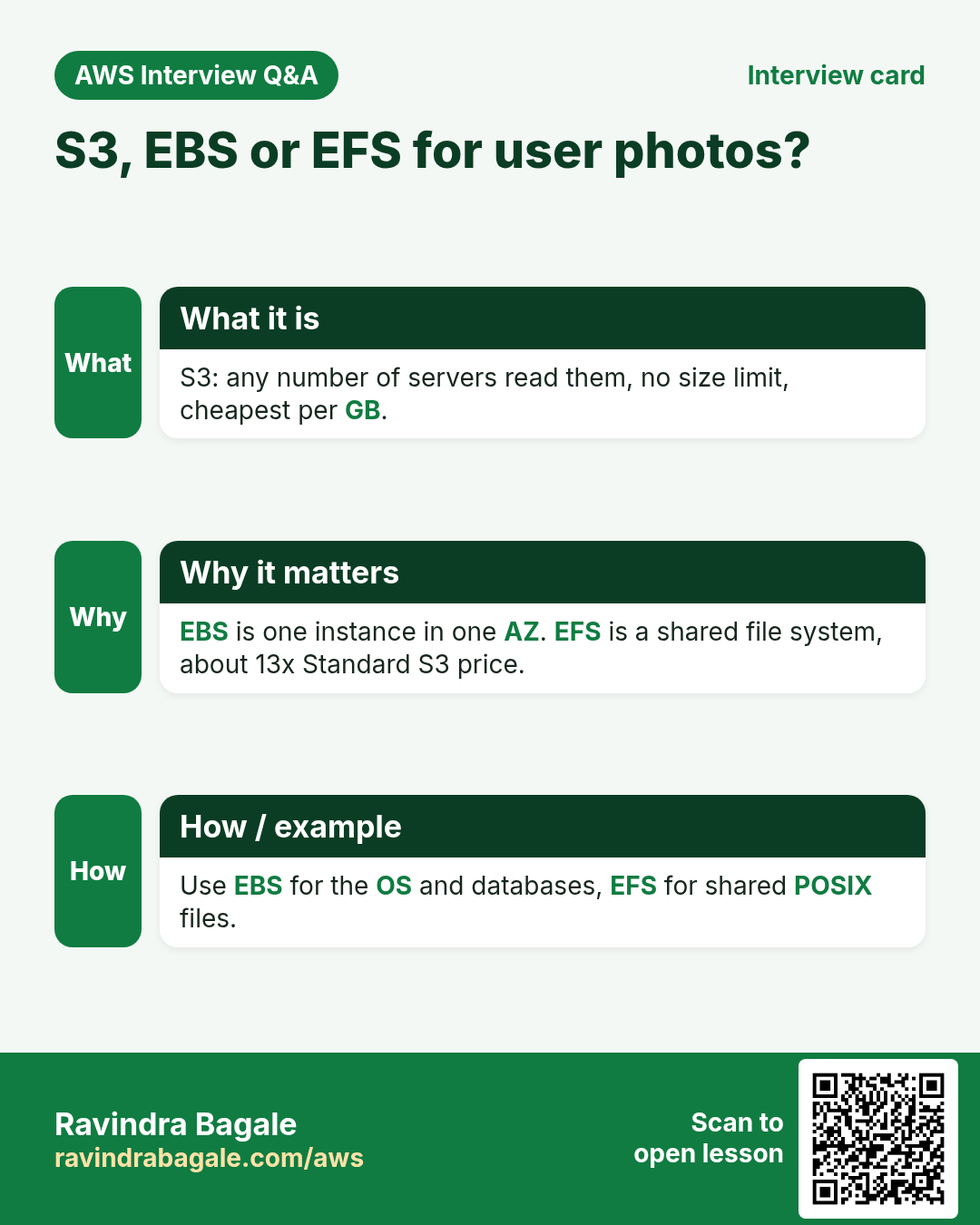
Simple rule: if a program needs a disk, use EBS. If many Linux servers need the same folder, use EFS. If users or apps need files over the internet, or you just need cheap safe storage, use S3.
5. What is Amazon S3? Buckets, objects, keys and prefixes
Why do we need this?
Every S3 command uses these words. If you know them, every later chapter becomes easy.
What is it?
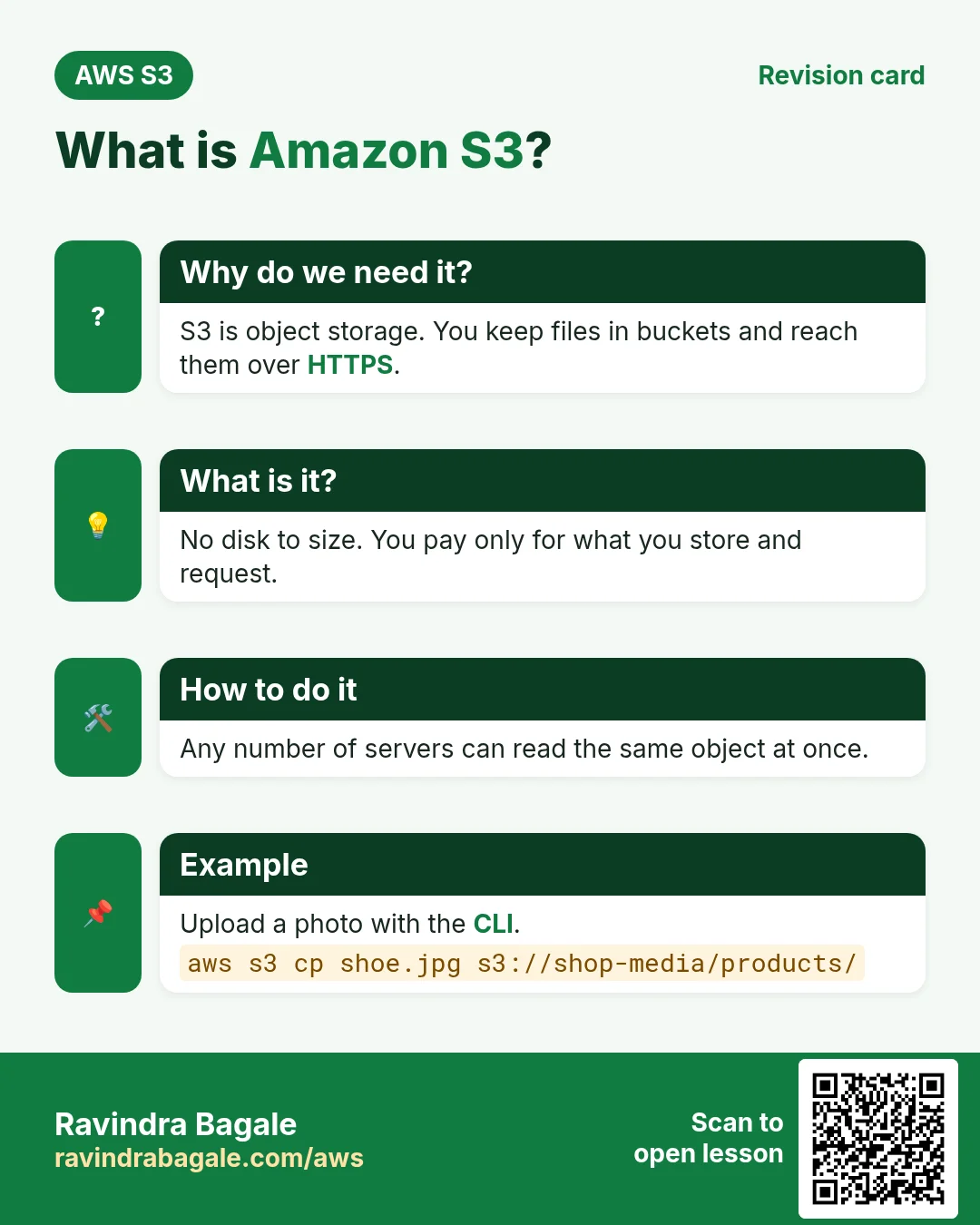
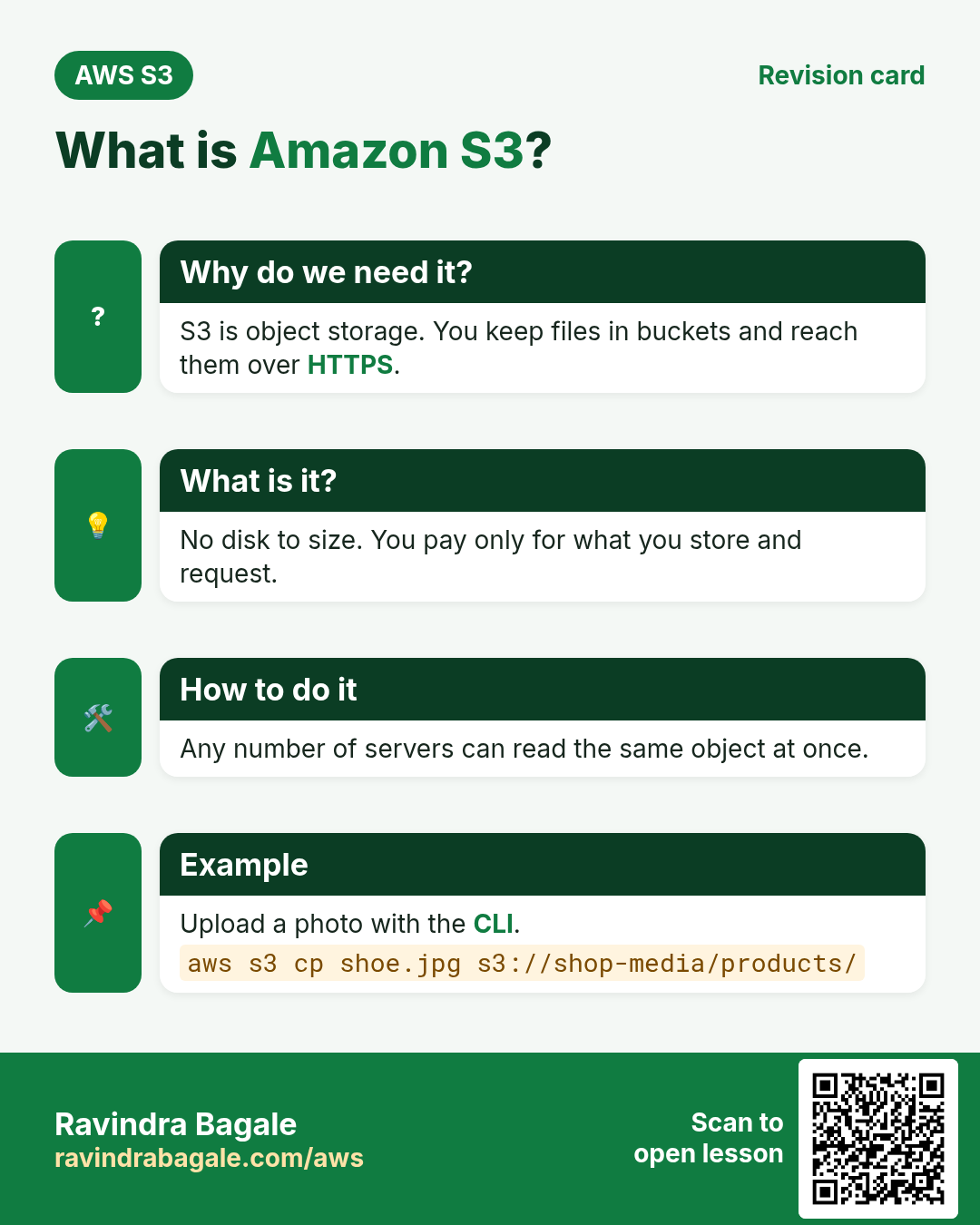
Amazon S3 (Simple Storage Service) stores files as objects inside buckets. Think of a bucket as a big locker room and each object as a parcel with a label.
| Word | Meaning | Example |
|---|---|---|
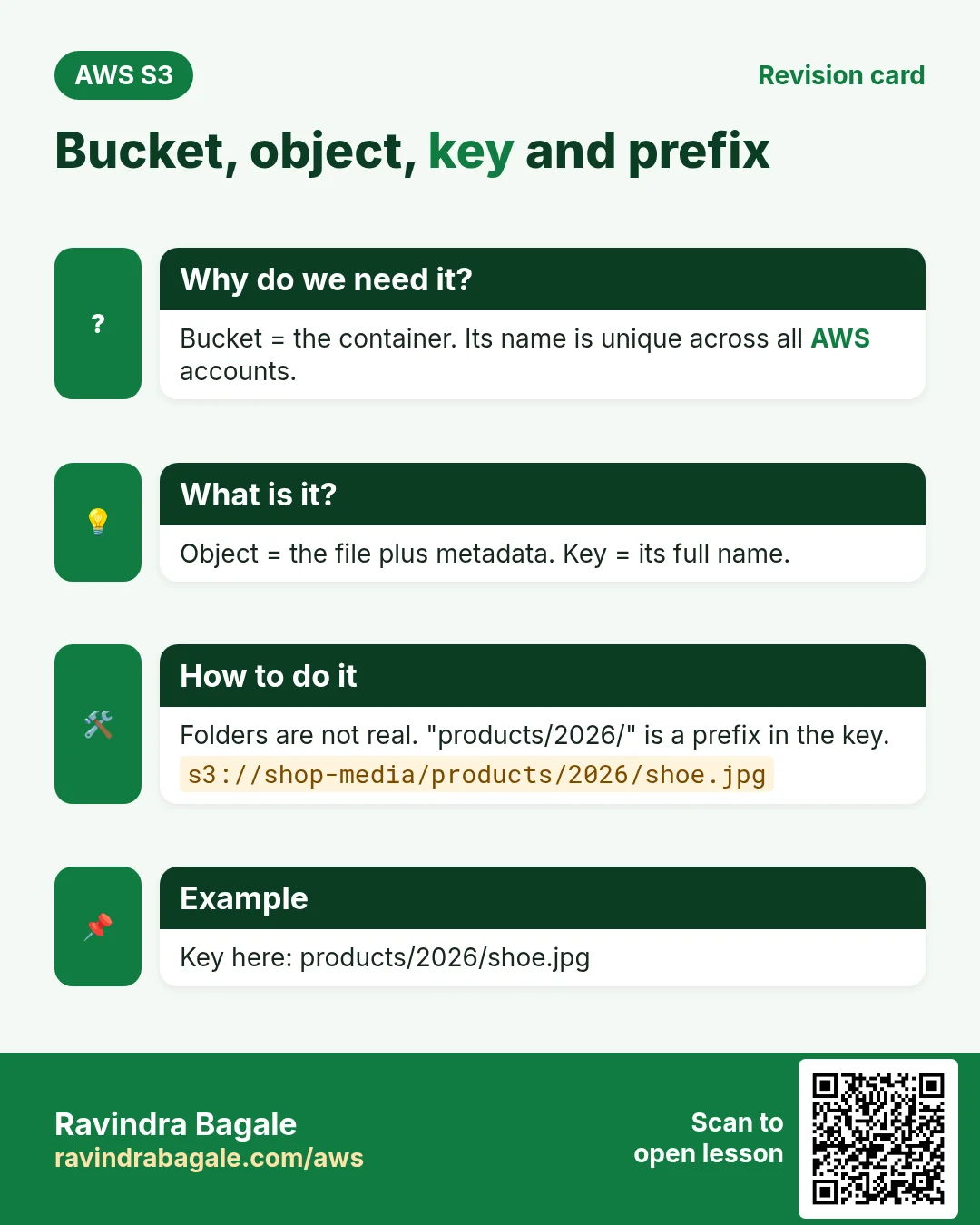
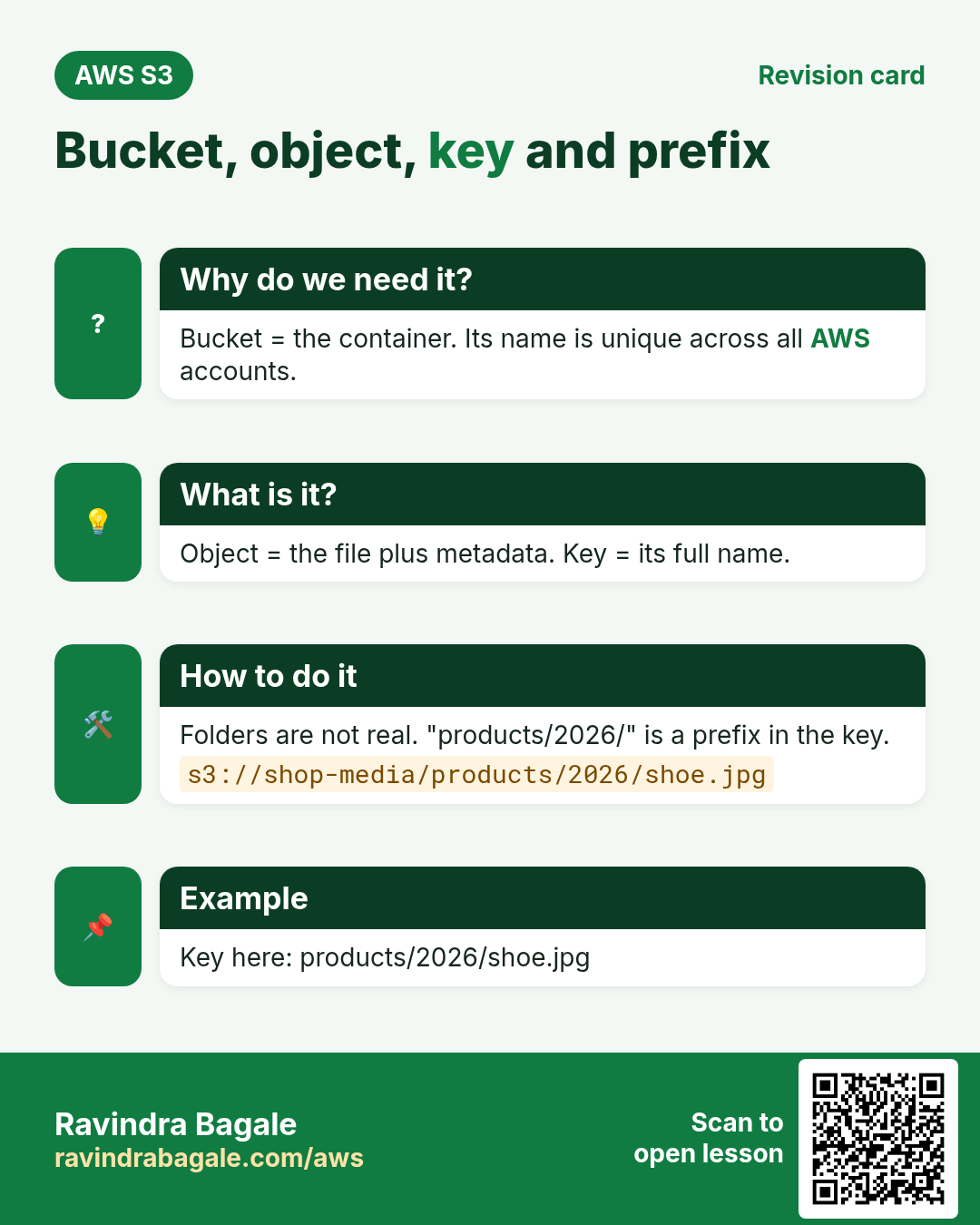
| Bucket | A container for objects. Name is unique across all AWS accounts. | priya-photos-2026 |
| Object | One file plus its metadata (type, size, date). | beach.jpg, 2.4 MB |
| Key | The full name of the object inside the bucket. | users/42/beach.jpg |
| Prefix | The front part of a key. The console shows it like a folder. | users/42/ |
| Region | The Region where the bucket and its data live. | ap-south-1 (Mumbai) |
| URL | Address of an object over HTTPS. | https://priya-photos-2026.s3.ap-south-1.amazonaws.com/users/42/beach.jpg |
- No real folders. S3 is flat.
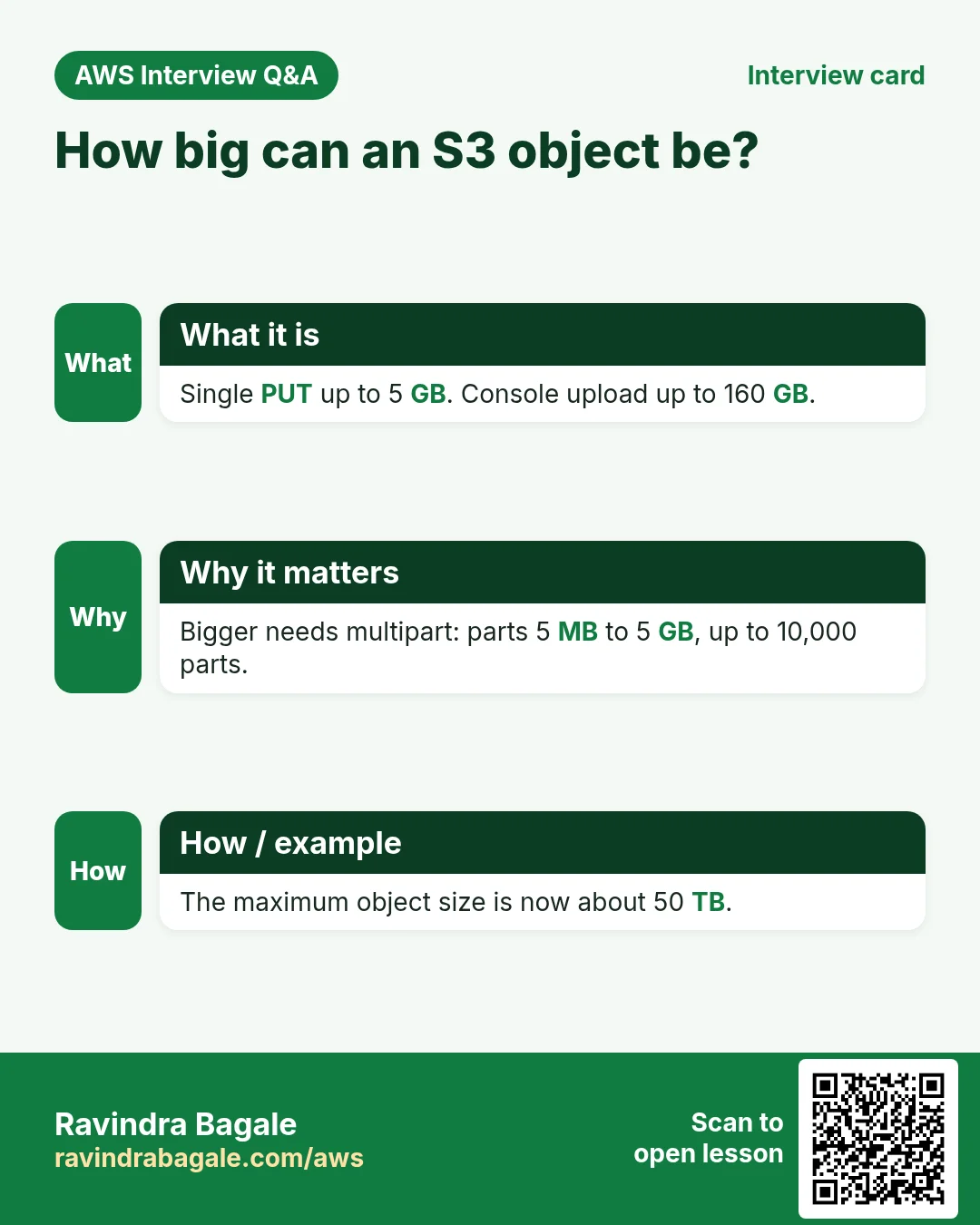
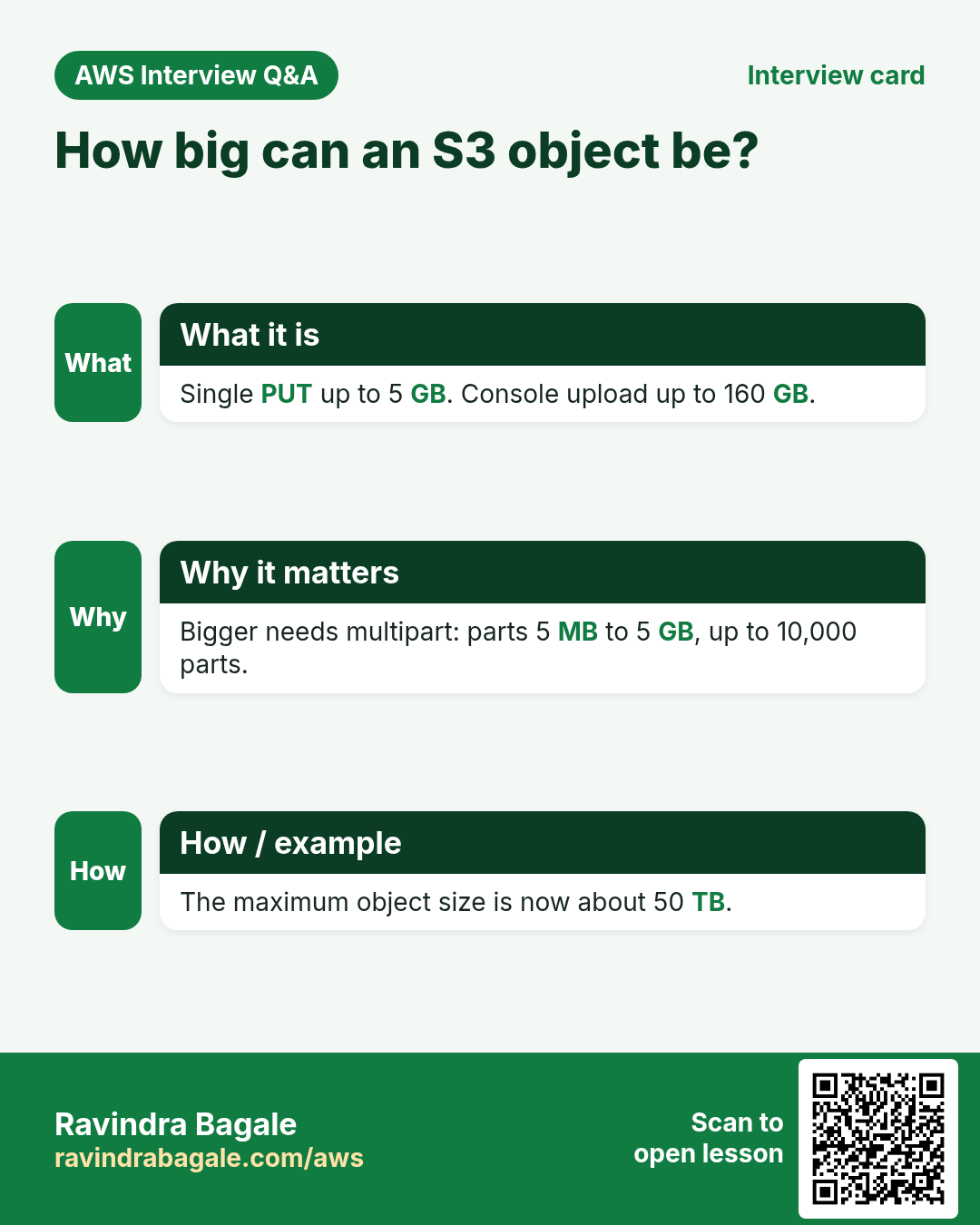
users/42/beach.jpgis one key; the slash only looks like a folder. - Unlimited total storage. One object can be up to about 50 TB (48.8 TiB). AWS raised this from 5 TB in late 2025. The console uploads up to 160 GB, and one PUT up to 5 GB; bigger files use multipart upload.
- Bucket names: 3 to 63 characters, lowercase letters, numbers, dots and hyphens. An account can create 10,000 general purpose buckets by default.
- Strong consistency. Right after you upload or overwrite, every read gets the new data.
6. Durability vs availability
Why do we need this?
AWS uses both words on every storage page. People mix them up and choose the wrong class.
What is it?
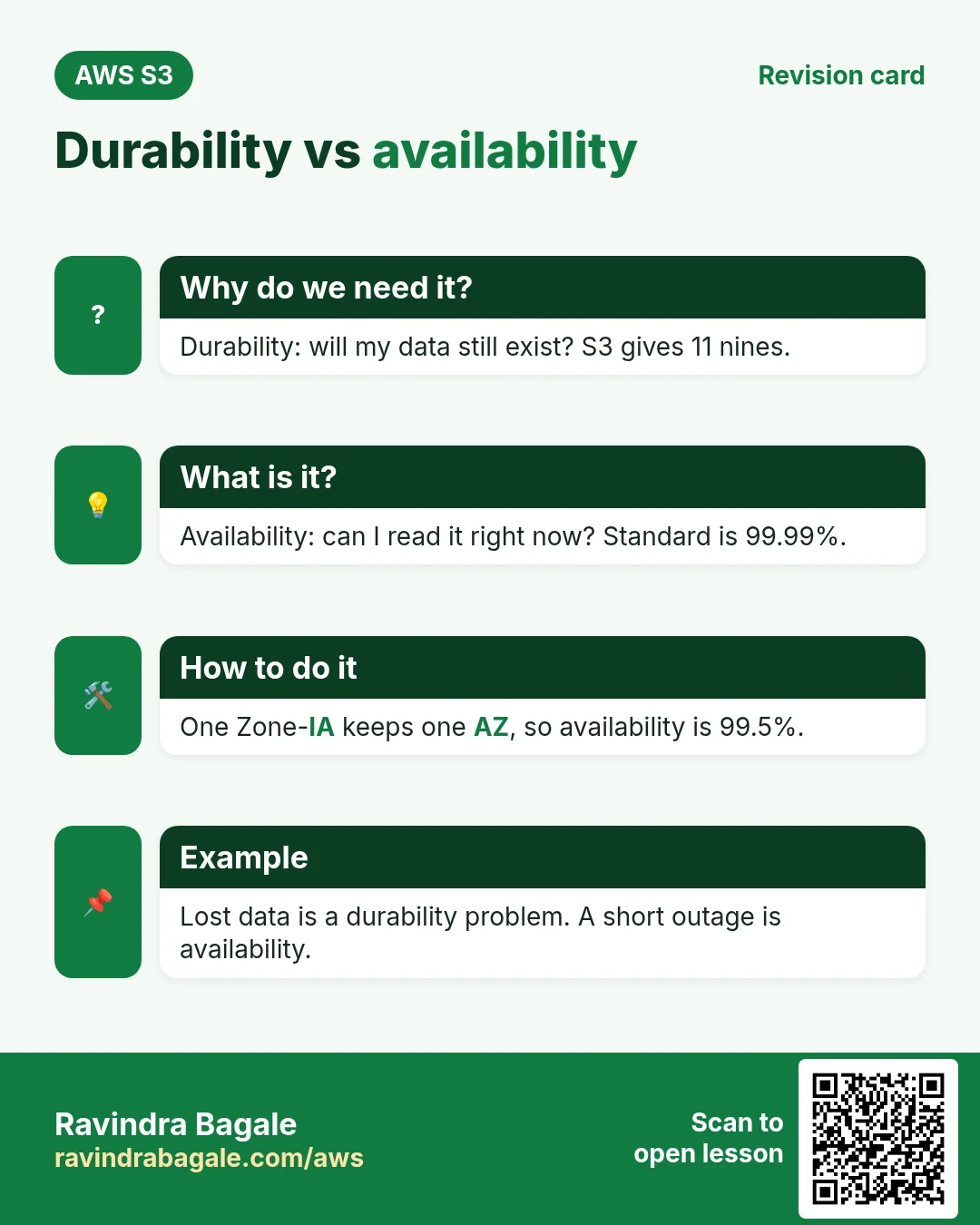
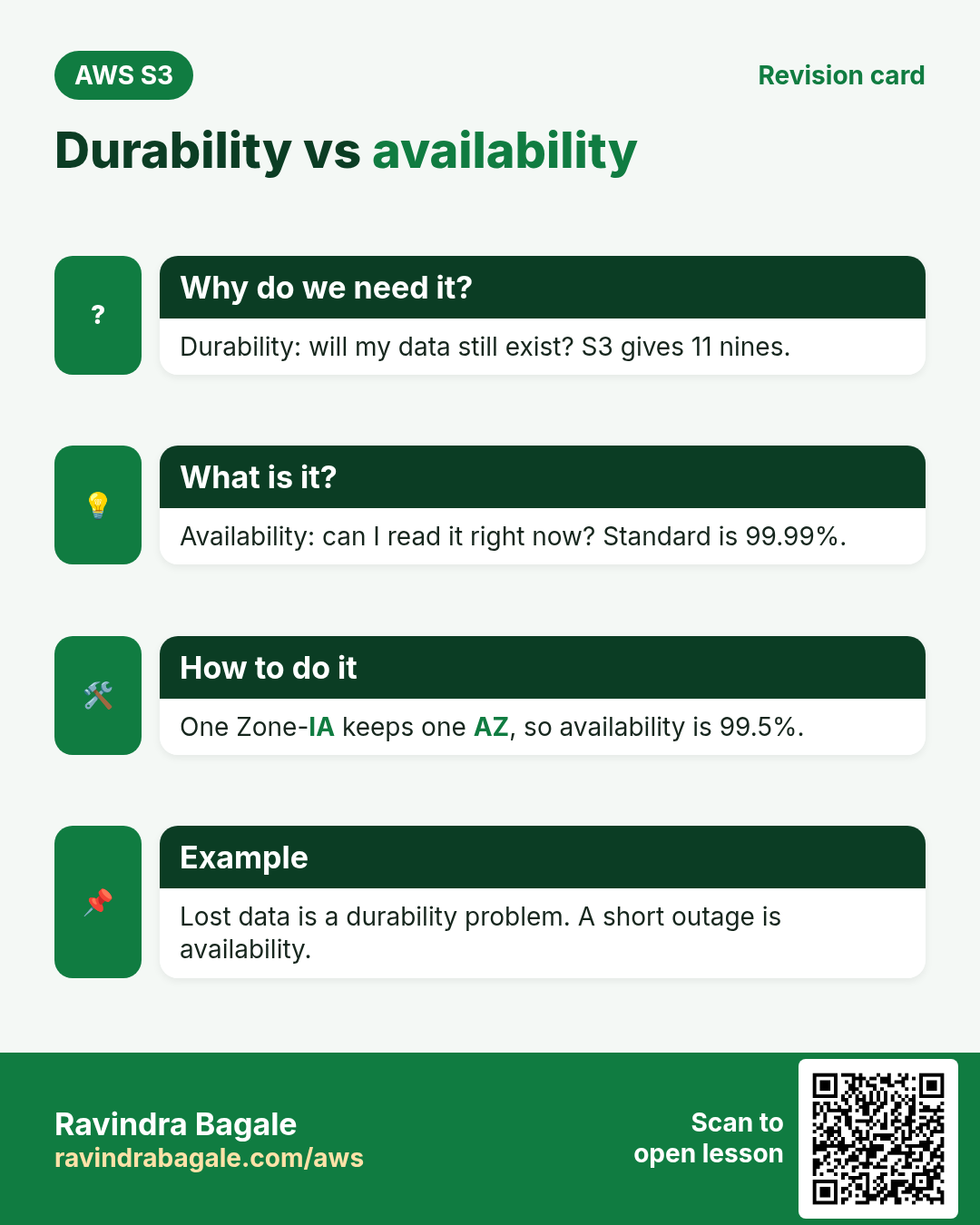
- Durability = will my file still exist? S3 is designed for 99.999999999% (11 nines). Store 10 million objects and you may lose one in about 10,000 years.
- Availability = can I read it right now? S3 Standard is designed for 99.99%, about 53 minutes of possible trouble in a year.
Example: a bank locker. Durability says your gold is never lost. Availability says the bank is open when you visit. A closed bank does not mean lost gold.
S3 gets this durability by keeping copies across at least three AZs (except One Zone classes) and checking them all the time.
7. S3 storage classes and prices
Why do we need this?
Not every file is opened every day. Old invoices and last year's logs are rarely read. Paying the top price for them wastes money.
What is it?
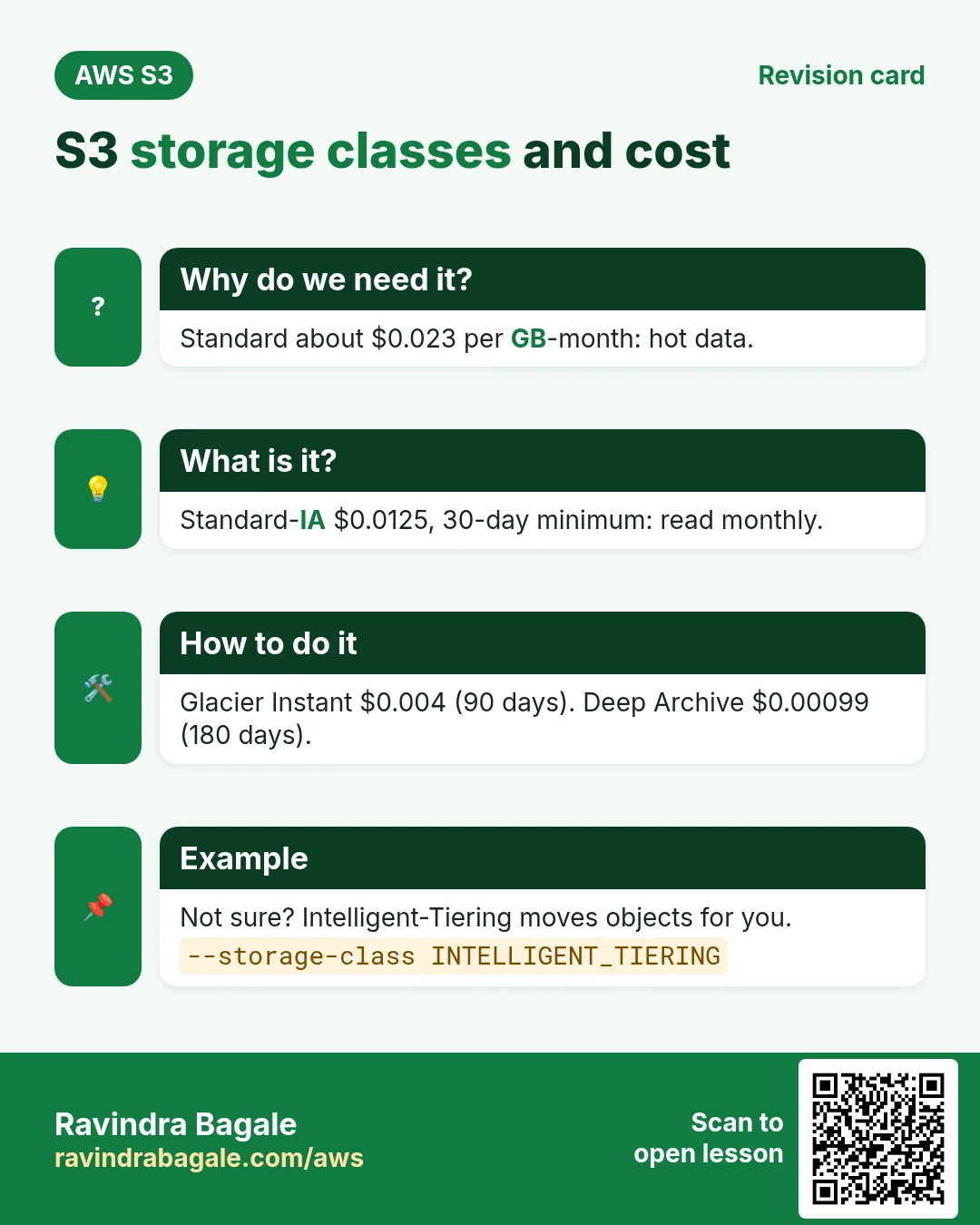
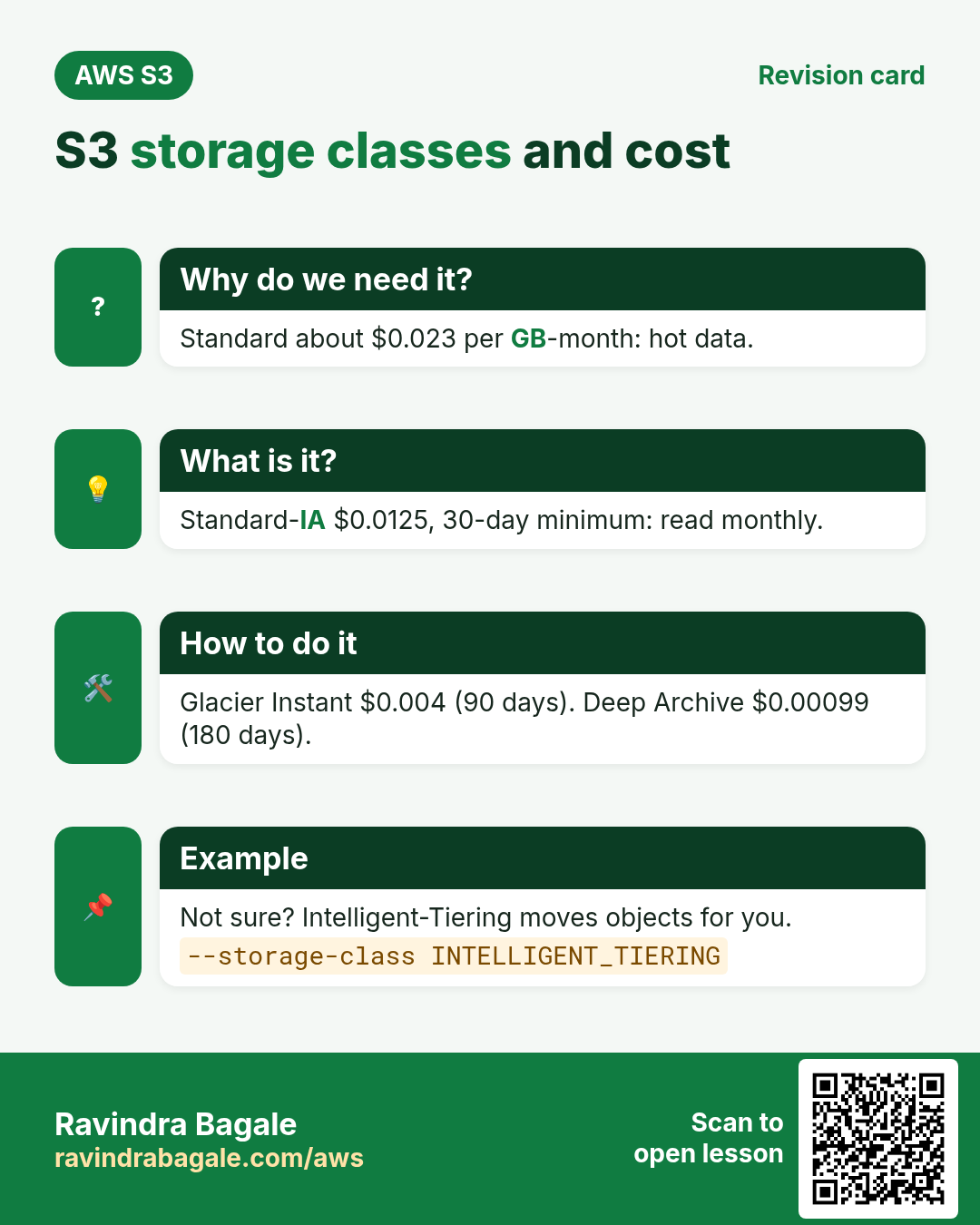
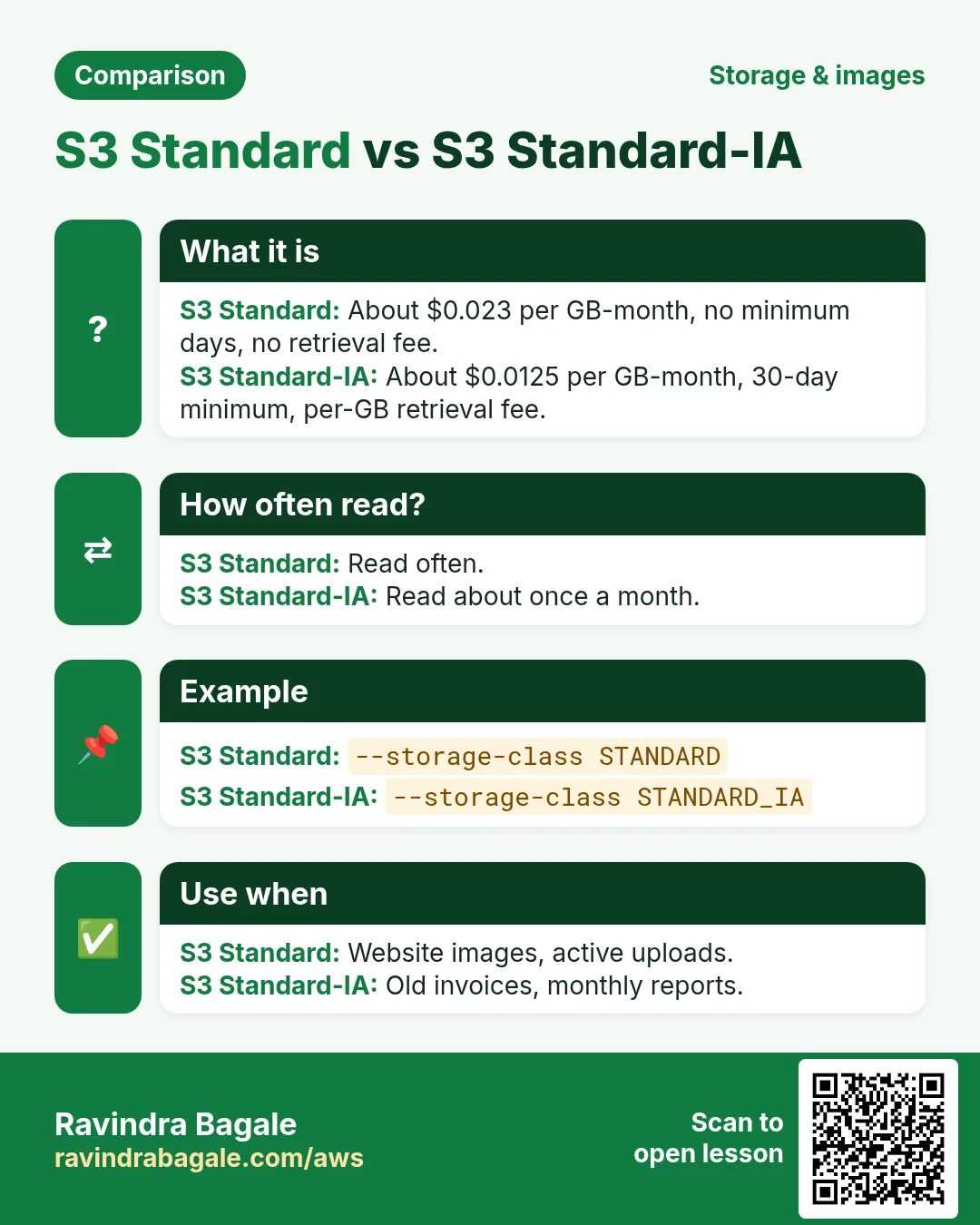
A storage class is a price plan for an object. Cheaper classes charge more to read and keep objects for a minimum time. Prices below are approximate for us-east-1 per GB-month; Mumbai is a little higher. Always check the S3 pricing page.
| Class | Price/GB-month | Availability | Min days | First byte | Use for |
|---|---|---|---|---|---|
| S3 Standard | $0.023 | 99.99% | — | ms | Active app files |
| S3 Intelligent-Tiering | $0.023 → $0.0125 → $0.004 + small monitoring fee | 99.9% | — | ms | Unknown or changing access |
| S3 Express One Zone | ~$0.11 | 99.95% | — | single-digit ms | Very fast, one AZ |
| S3 Standard-IA | $0.0125 | 99.9% | 30 | ms | Backups read monthly |
| S3 One Zone-IA | $0.01 | 99.5% | 30 | ms | Re-creatable copies |
| S3 Glacier Instant Retrieval | $0.004 | 99.9% | 90 | ms | Archives read a few times a year |
| S3 Glacier Flexible Retrieval | $0.0036 | 99.99% | 90 | minutes to 12 hours | Old backups |
| S3 Glacier Deep Archive | $0.00099 | 99.99% | 180 | within 12 hours (48 h bulk) | Legal records kept 7 years |
IA and Glacier Instant classes also have a minimum billable object size of 128 KB and a retrieval charge per GB.
Why S3 is economical: a worked example
- Priya has 1 TB (1,024 GB) of photos. On S3 Standard: 1,024 × $0.023 = about $23.55 per month.
- The same space as a provisioned gp3 EBS volume: 1,024 × $0.08 = about $81.92, even if half of it is empty.
- On EFS Standard: 1,024 × $0.30 = about $307.
- Photos older than a year move to Glacier Deep Archive by a lifecycle rule: 1,024 × $0.00099 = about $1.01.
Three reasons S3 is cheap: you pay only per GB used and per request, you move cold data to cheaper classes (tiering), and lifecycle rules do that move automatically.
8. Upload a file from many stacks
Why do we need this?
Your app talks to S3 through an SDK, not through the console. Every language has one, and they all do the same PutObject call.
What is it?
| Stack | Upload one file to s3://priya-photos-2026/users/42/beach.jpg |
|---|---|
| AWS CLI | aws s3 cp beach.jpg s3://priya-photos-2026/users/42/ |
| Node.js (SDK v3) | await s3.send(new PutObjectCommand({Bucket:"priya-photos-2026",Key:"users/42/beach.jpg",Body:fs.readFileSync("beach.jpg")})) |
| Python (boto3) | boto3.client("s3").upload_file("beach.jpg","priya-photos-2026","users/42/beach.jpg") |
| Java (SDK v2) | s3.putObject(PutObjectRequest.builder().bucket(b).key(k).build(), RequestBody.fromFile(Paths.get("beach.jpg"))); |
| PHP (SDK v3) | $s3->putObject(['Bucket'=>$b,'Key'=>$k,'SourceFile'=>'beach.jpg']); |
| .NET (C#) | await s3.PutObjectAsync(new PutObjectRequest{BucketName=b,Key=k,FilePath="beach.jpg"}); |
| Go (SDK v2) | client.PutObject(ctx,&s3.PutObjectInput{Bucket:&b,Key:&k,Body:f}) |
| nginx / Apache | No SDK. Pull static files with aws s3 sync s3://site/ /var/www/html/ |
| MySQL | Back up a dump: mysqldump shop | gzip | aws s3 cp - s3://backups/shop.sql.gz |
Ravindra Bagale's Tip
On EC2 never paste access keys into code. Attach an IAM role to the instance; every SDK picks up its temporary credentials by itself.
9. Worked examples, simplest first
- Copy one file.
aws s3 cp notes.txt s3://priya-photos-2026/→ keynotes.txt. - Copy into a prefix.
aws s3 cp beach.jpg s3://priya-photos-2026/users/42/→ keyusers/42/beach.jpg. - Copy a folder.
aws s3 cp ./site s3://priya-photos-2026/site/ --recursiveuploads every file. - Sync only changes.
aws s3 sync ./site s3://priya-photos-2026/site/uploads new or changed files only. Run it twice; the second run uploads nothing. - Choose a cheaper class.
aws s3 cp old.zip s3://priya-photos-2026/archive/ --storage-class GLACIER_IR.
10. Lab: create a bucket and use it from the console and CLI
Why do we need this?
Reading is not enough. You will create a bucket, upload, list, sync and clean up, and see every result yourself.
How to do it (step by step)
Part A: console
- Sign in to the AWS console. Top right, choose Region Asia Pacific (Mumbai) ap-south-1. Why: the bucket lives in this Region.
- Search S3 and open it. Click Create bucket.
- Bucket type: General purpose. Why: normal buckets; directory buckets are for Express One Zone.
- Bucket name:
yourname-s3-lab-2026(lowercase, unique). Why: names are global; add your name so it is free. - Object Ownership: keep ACLs disabled (recommended). Why: permissions come only from policies, simpler and safer.
- Block Public Access: keep Block all public access ticked. Why: nothing becomes public by mistake.
- Bucket Versioning: Disable for this lab. Why: we learn versioning in a later chapter.
- Default encryption: SSE-S3, Bucket Key enabled. Why: every object is encrypted at rest at no extra cost.
- Click Create bucket. Expected: a green banner "Successfully created bucket".
- Open the bucket. Click Create folder, name
photos. Why: creates the prefixphotos/. - Open
photos/, click Upload › Add files, pick any small image, click Upload. Expected: "Upload succeeded". - Click the object. Copy the Object URL and open it in a new tab. Expected: AccessDenied XML. Why: the bucket is private, which is what we want.
- Click Open at the top of the object page. Expected: the image opens. Why: the console gives you a short-lived signed link.
Part B: AWS CLI (CloudShell or an EC2 with an S3 role)
- Open CloudShell from the console top bar. Why: CLI and your login are ready, no keys needed.
- List buckets:
aws s3 ls
# 2026-10-22 10:30:12 yourname-s3-lab-2026- Make two test files and upload one:
mkdir site && echo "<h1>Hello S3</h1>" > site/index.html && echo "v1" > site/about.txt
aws s3 cp site/index.html s3://yourname-s3-lab-2026/site/
# upload: site/index.html to s3://yourname-s3-lab-2026/site/index.html- Sync the whole folder:
aws s3 sync site s3://yourname-s3-lab-2026/site/
# upload: site/about.txt to s3://yourname-s3-lab-2026/site/about.txt
aws s3 sync site s3://yourname-s3-lab-2026/site/
# (no output: nothing changed)- Verify with ls (recursive, human sizes):
aws s3 ls s3://yourname-s3-lab-2026 --recursive --human-readable --summarize
# 2026-10-22 10:41:03   18 Bytes site/index.html
# 2026-10-22 10:41:20    3 Bytes site/about.txt
# Total Objects: 3- See the storage class and encryption of one object:
aws s3api head-object --bucket yourname-s3-lab-2026 --key site/index.html
# "ServerSideEncryption": "AES256", "ContentLength": 18 ...- Download it back:
aws s3 cp s3://yourname-s3-lab-2026/site/index.html check.html && cat check.html. Expected:<h1>Hello S3</h1>.
Cleanup
- Delete all objects:
aws s3 rm s3://yourname-s3-lab-2026 --recursive. - Delete the bucket:
aws s3 rb s3://yourname-s3-lab-2026. Expected:remove_bucket: yourname-s3-lab-2026. Why: a bucket must be empty before it can be deleted.
11. Interview questions
Q. Why use S3 instead of EBS for user uploads?
EBS is one AZ, attached to one instance, fixed size and not reachable by URL. S3 is shared, unlimited, regional, pay per use and serves files over HTTPS.
Q. What is the difference between durability and availability?
Durability is the chance the object is not lost (11 nines). Availability is the chance you can read it right now (99.99% for Standard).
Q. Does S3 have folders?
No. It is flat. A key like users/42/a.jpg only looks like a folder; users/42/ is a prefix.
Q. When would you use Standard-IA instead of Standard?
For data read rarely but needed fast, like monthly backups. It is cheaper per GB but has a retrieval fee and a 30-day minimum.
Q. What is the difference between aws s3 cp and aws s3 sync?
cp copies what you name every time. sync compares and copies only new or changed files.
Try at home
- Create a bucket, upload 20 files with sync, change one file, sync again and count how many uploaded.
- Upload one file with --storage-class STANDARD_IA and check its class with head-object.
- Work out the monthly cost of 500 GB in Standard, Standard-IA and Deep Archive.
In short
- EBS = one disk for one server; EFS = shared Linux folder; S3 = unlimited object storage over HTTPS.
- Bucket holds objects; key is the full name; prefix looks like a folder.
- Durability 11 nines = data not lost; availability = can read now.
- Storage classes trade price for read speed and minimum days.
- cp copies, sync copies only changes, rm and rb clean up.
Practice Tasks
São Paulo Coffee is a coffee trading business in São Paulo. Ana Souza looks after its IT and cloud work. They count money in BRL and run their AWS resources in the sa-east-1 Region. In the tasks below you do real jobs for them using what this lesson teaches. All names, account IDs, IP addresses and numbers are made up for practice.
0 / 12
Easy Upload a file to S3
Why: aws s3 cp works like Linux cp, but one side is S3.
What to do: Upload report.pdf to s3://spcoffee-invoices-2026/reports/report.pdf.
- Read the task and decide which AWS service it is about.
- Write aws, then the service name, then the operation (the action word).
- Add each needed flag (--name) followed by its value from the task.
- Flags can be in any order. Click Check answer.
Easy List files in a bucket folder
Why: Check that the upload worked and see file sizes.
What to do: List the objects under s3://spcoffee-invoices-2026/reports/.
- Read the task and decide which AWS service it is about.
- Write aws, then the service name, then the operation (the action word).
- Add each needed flag (--name) followed by its value from the task.
- Flags can be in any order. Click Check answer.
Easy Create a bucket
Why: A bucket is the top-level container for your files in S3.
What to do: Create the bucket spcoffee-invoices-2026 in sa-east-1.
- Read the task and decide which AWS service it is about.
- Write aws, then the service name, then the operation (the action word).
- Add each needed flag (--name) followed by its value from the task.
- Flags can be in any order. Click Check answer.
Easy CloudFormation: a versioned bucket
Why: Infrastructure as code makes setups repeatable.
What to do: Write a CloudFormation YAML template with one S3 bucket named spcoffee-docs that has versioning Enabled.
- Start from the top-level keys the task names.
- Indent child keys with 2 spaces (no tabs).
- Fill in each property with the value from the task.
- Click Check answer. Key order does not matter.
Medium Storage cost
Why: Storage is billed per GB-month.
What to do: 500 GB in S3 Standard at USD 0.023 per GB-month. Monthly cost in USD?
- Write down the numbers the task gives you.
- Work it out step by step on paper.
- Type only the final answer in the box.
- Click Check answer.
Medium Sync a website folder to S3
Why: sync uploads only new or changed files and can remove deleted ones.
What to do: Sync the local folder ./site to s3://spcoffee-web/ and delete files in S3 that are no longer in ./site.
- Read the task and decide which AWS service it is about.
- Write aws, then the service name, then the operation (the action word).
- Add each needed flag (--name) followed by its value from the task.
- Flags can be in any order. Click Check answer.
Medium Upload to a cheaper storage class
Why: Rarely used files cost less in Standard-IA.
What to do: Upload archive-2025.zip to s3://spcoffee-archive/ using the STANDARD_IA storage class.
- Read the task and decide which AWS service it is about.
- Write aws, then the service name, then the operation (the action word).
- Add each needed flag (--name) followed by its value from the task.
- Flags can be in any order. Click Check answer.
Medium Bucket policy for a public website
Why: A static website bucket must let everyone read its files.
What to do: Write a bucket policy that lets anyone (*) do s3:GetObject on every object in spcoffee-site.
- Start with { "Version": "2012-10-17", "Statement": [ ... ] }.
- In each statement write Effect, Action and Resource.
- Give only what the task needs (least privilege).
- Use double quotes and commas correctly. Click Check answer.
Medium Upload-only to one folder
Why: Field staff can drop files but cannot read or delete anything.
What to do: Allow s3:PutObject only under the prefix uploads/ in bucket spcoffee-data.
- Start with { "Version": "2012-10-17", "Statement": [ ... ] }.
- In each statement write Effect, Action and Resource.
- Give only what the task needs (least privilege).
- Use double quotes and commas correctly. Click Check answer.
Hard S3 lifecycle rule (JSON)
Why: Old files move to cheaper storage automatically.
What to do: Write lifecycle JSON: one Enabled rule, prefix logs/, transition to GLACIER after 90 days.
- Start from the top-level keys the task names.
- Indent child keys with 2 spaces (no tabs).
- Fill in each property with the value from the task.
- Click Check answer. Key order does not matter.
Hard Lambda GB-seconds
Why: Lambda bills memory × time.
What to do: 1,000,000 invocations, 512 MB memory, 200 ms each. How many GB-seconds?
- Write down the numbers the task gives you.
- Work it out step by step on paper.
- Type only the final answer in the box.
- Click Check answer.
Hard Deny requests without HTTPS
Why: aws:SecureTransport false means plain HTTP; deny it to protect data in transit.
What to do: Bucket policy: deny s3:* for everyone (*) on spcoffee-data and its objects when aws:SecureTransport is false.
- Start with { "Version": "2012-10-17", "Statement": [ ... ] }.
- In each statement write Effect, Action and Resource.
- Give only what the task needs (least privilege).
- Use double quotes and commas correctly. Click Check answer.
Revision, comparison and interview cards
Revise this lesson in a few minutes. Save the cards on your phone or download them as PNG files. The QR code on each card opens this lesson.
More cards: Ravi Sir's Cards.