Project: Build an Order Workflow with Step Functions, Lambda, DynamoDB and SNS (Source Code)
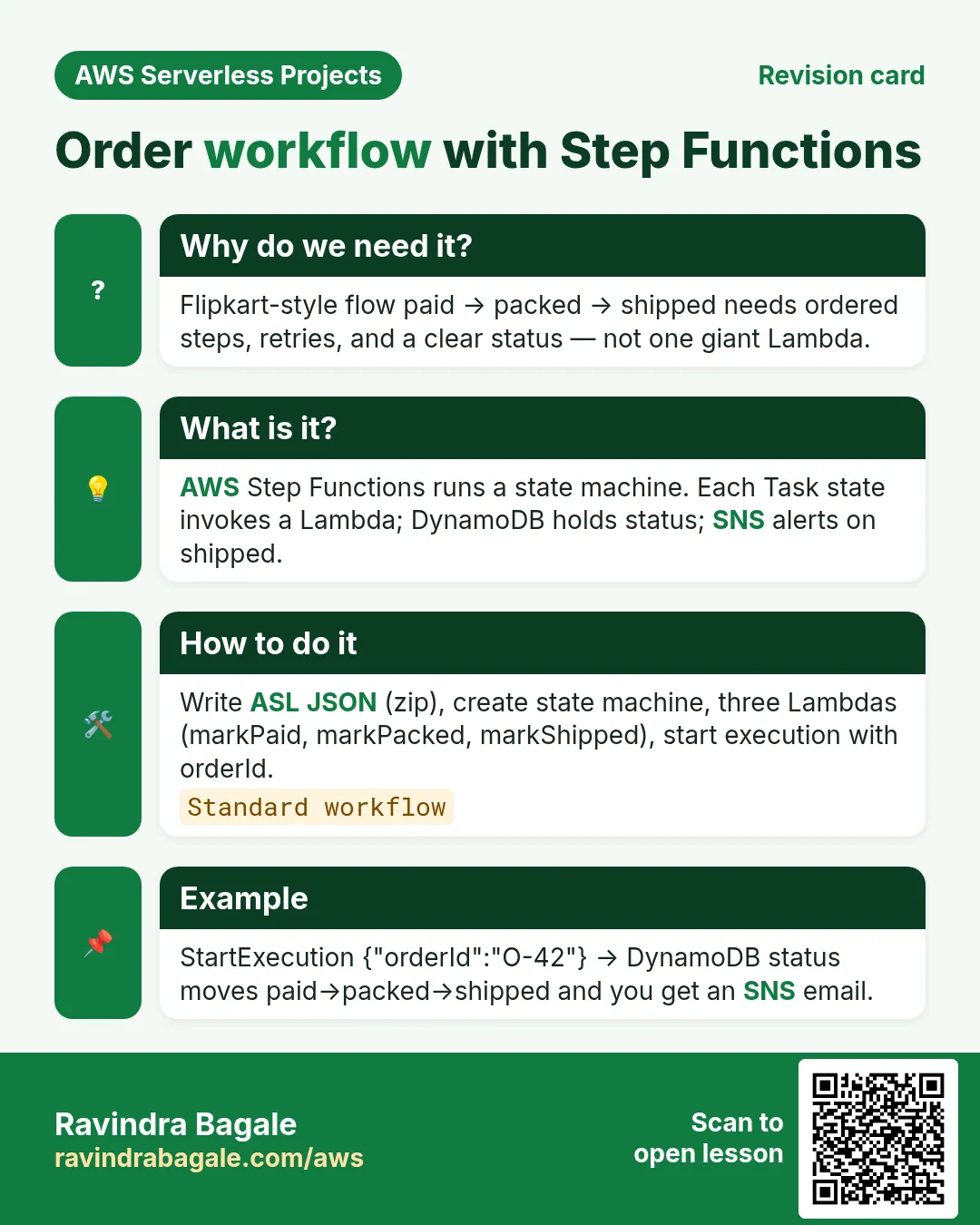
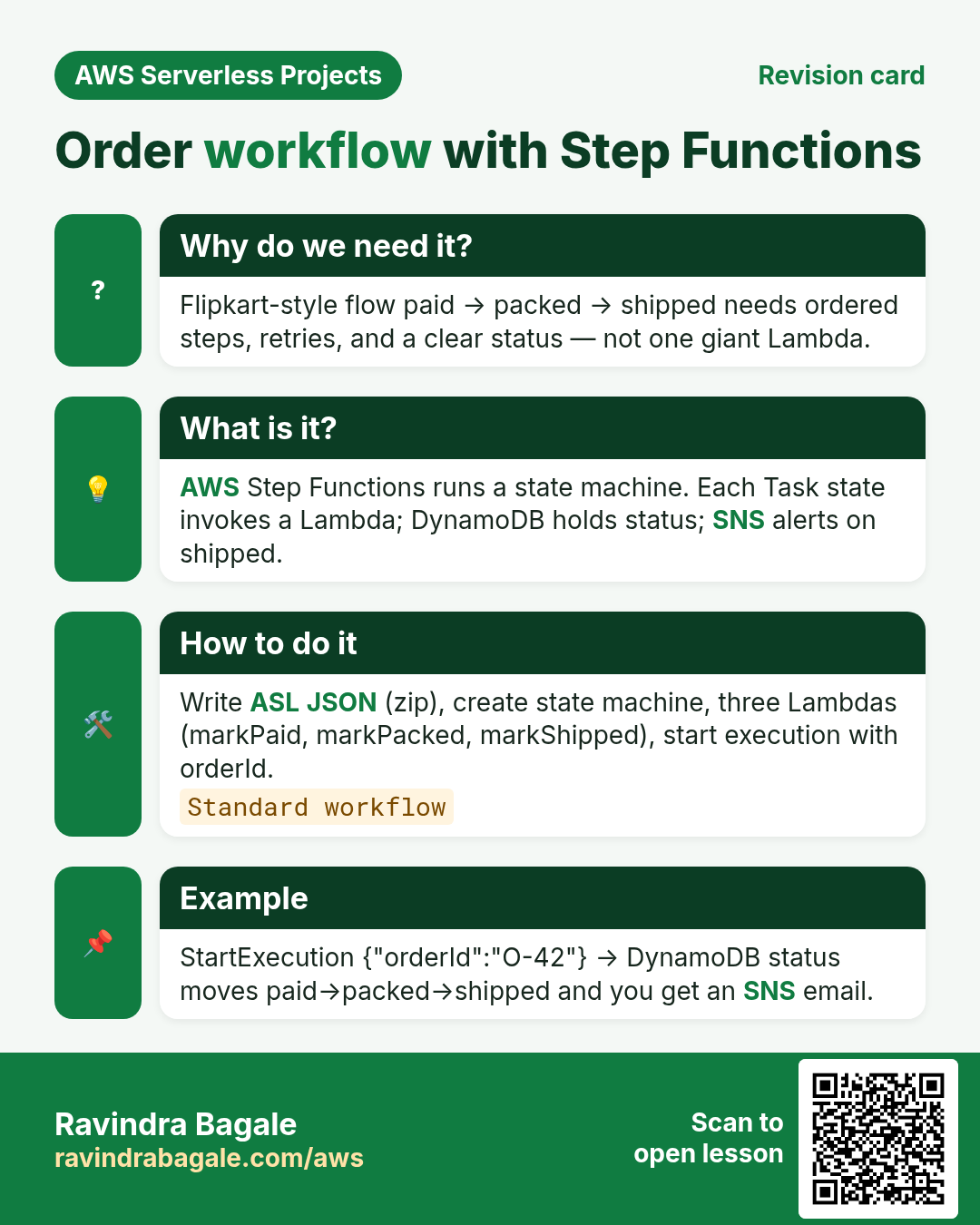
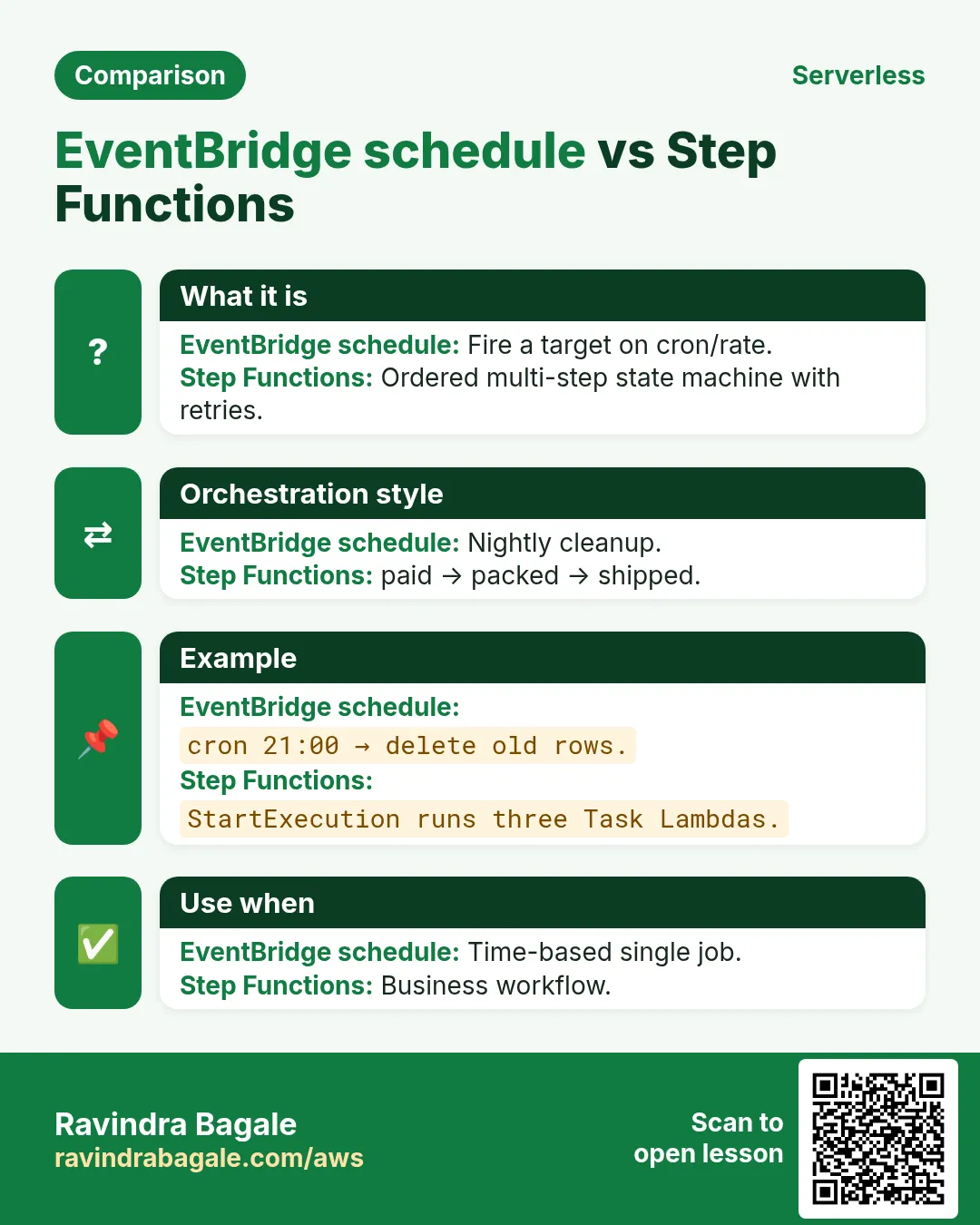
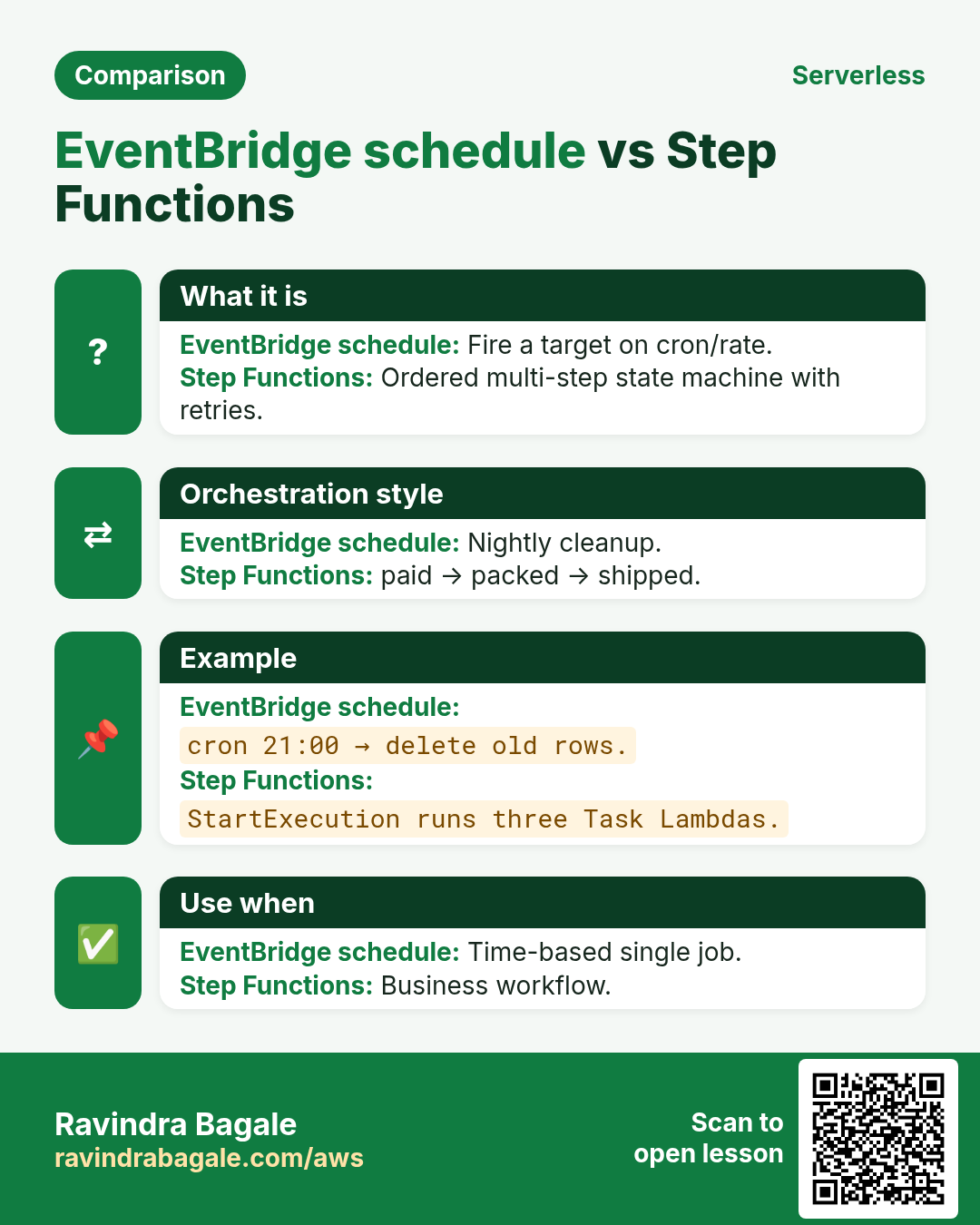
Flipkart order flow: paid → packed → shipped. Step Functions runs each Lambda step in order, updates DynamoDB, then SNS alerts you. ASL definition is in the zip.
What you'll learn in this chapter
- Write a linear state machine
- Wire task Lambdas + DynamoDB
- SNS on completion
- Start execution and cleanup
1. Everyday example
Why do we need this?
If you chain Lambdas with raw invoke, failures and retries get messy. Step Functions shows every step, retries, and the input/output path.
What is it?
State machine: MarkPaid → MarkPacked → MarkShipped → Notify. Each task Lambda sets status on orderId. Notify publishes SNS.
Download: order-workflow.zip — ASL + four Lambdas.
2. Lab
How to do it (step by step)
A. Table + SNS + Lambdas
- Table
yourname-workflow, PKorderId. - SNS topic
yourname-order-status+ email confirm. - Deploy mark_paid, mark_packed, mark_shipped, notify with shared role (DynamoDB + sns:Publish). Env TABLE_NAME / TOPIC_ARN.
B. State machine
- Step Functions → Create state machine → Standard. Paste ASL from zip with real Lambda ARNs.
- IAM role for Step Functions to invoke those Lambdas (console can create it).
- Start execution with input
{"orderId":"lab-1","sku":"TEE-1"}. - Watch Graph view go green. Check DynamoDB status=shipped and email.
{
  "orderId": "lab-1",
  "sku": "TEE-1"
}
Cleanup
- Delete state machine. Delete Lambdas. Delete table, topic, roles.
- Old executions remain in history briefly — fine for lab.
3. Interview
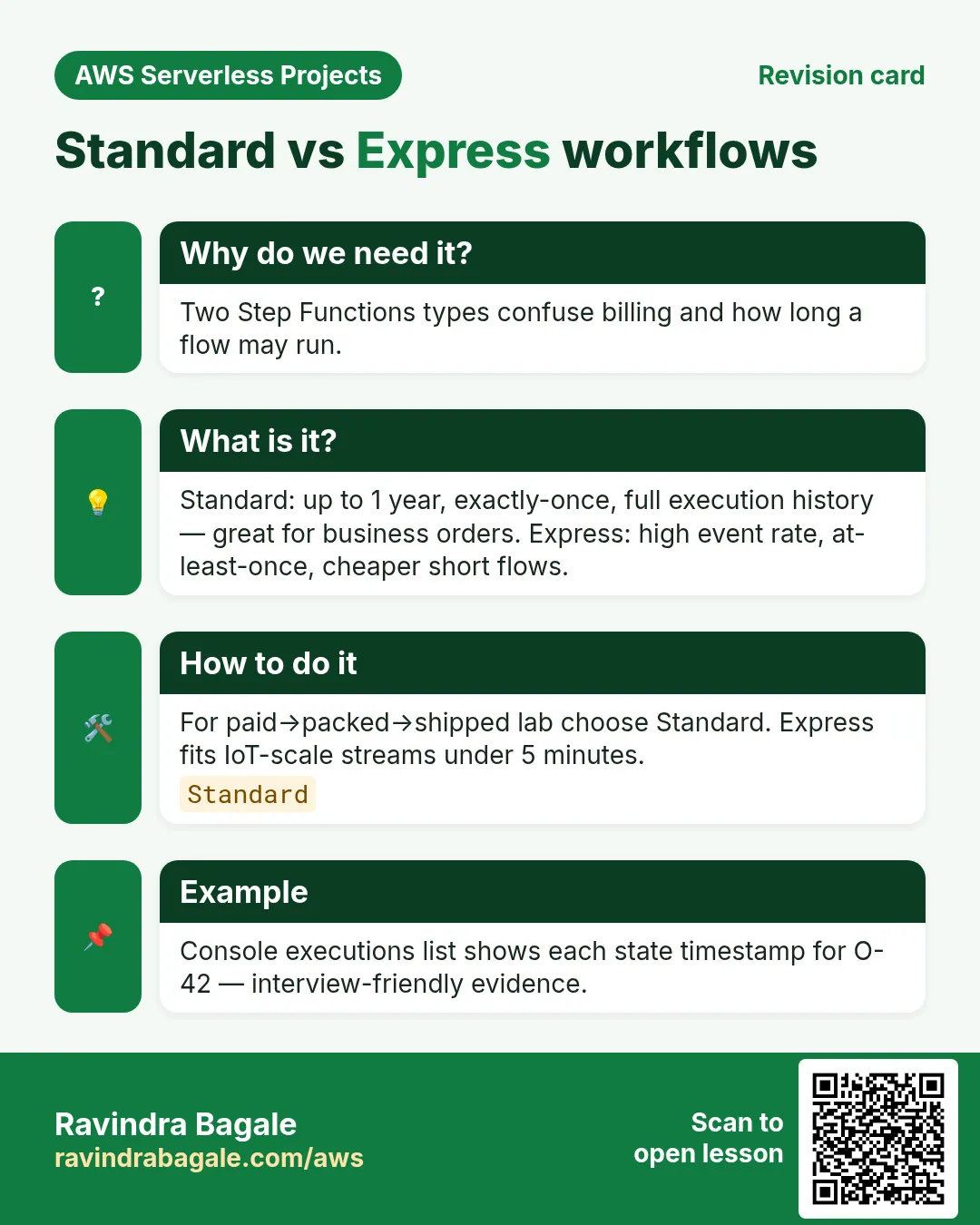
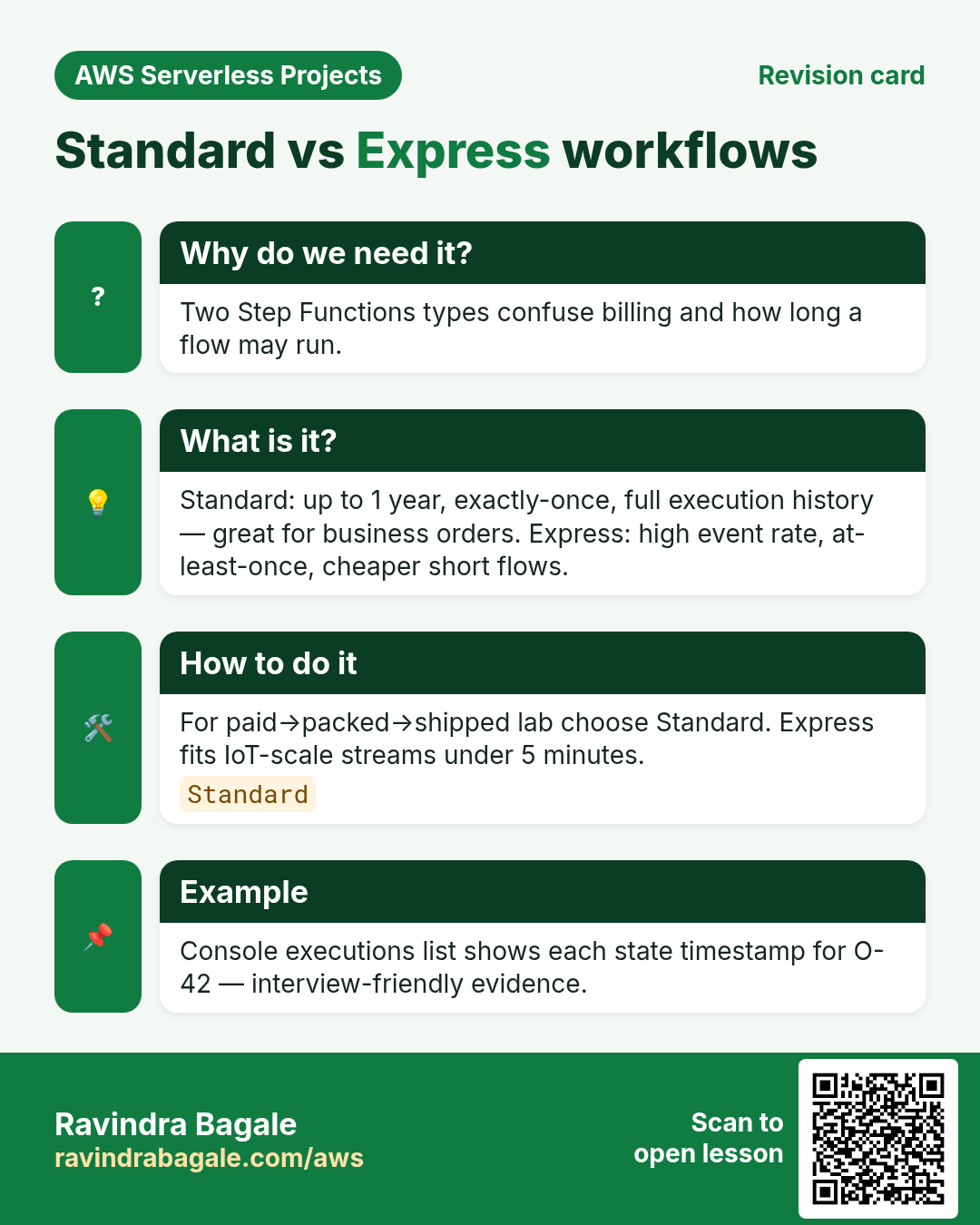
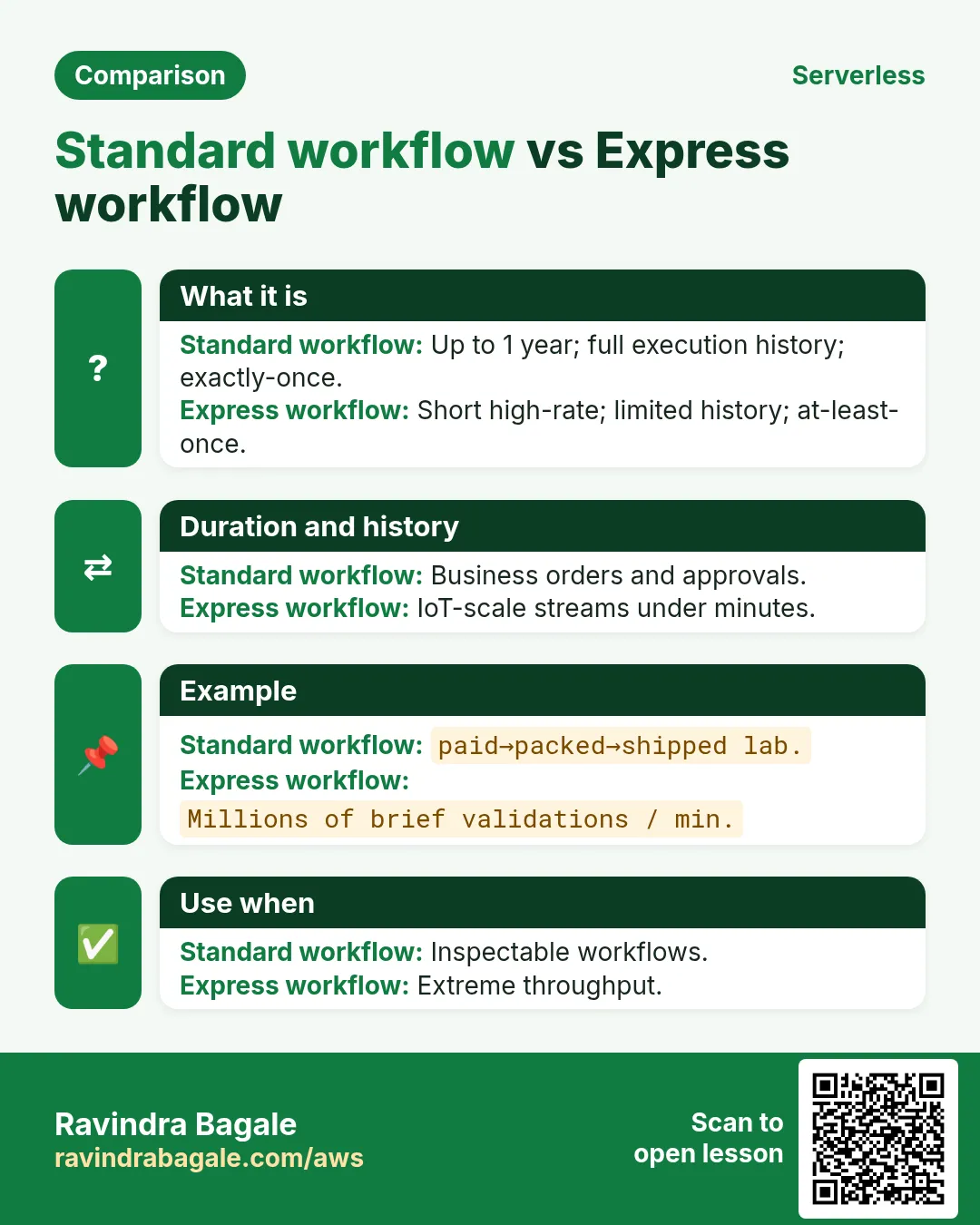
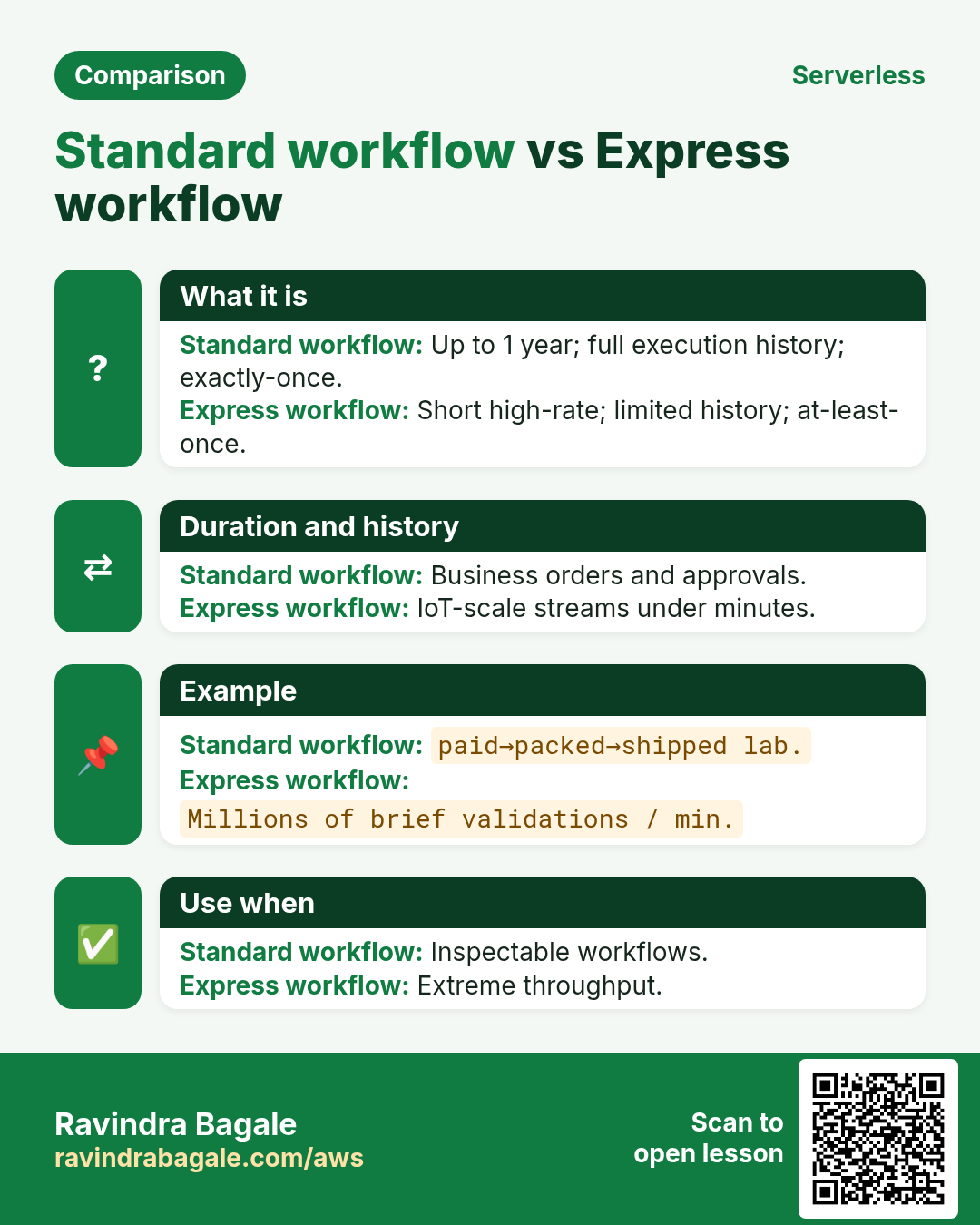
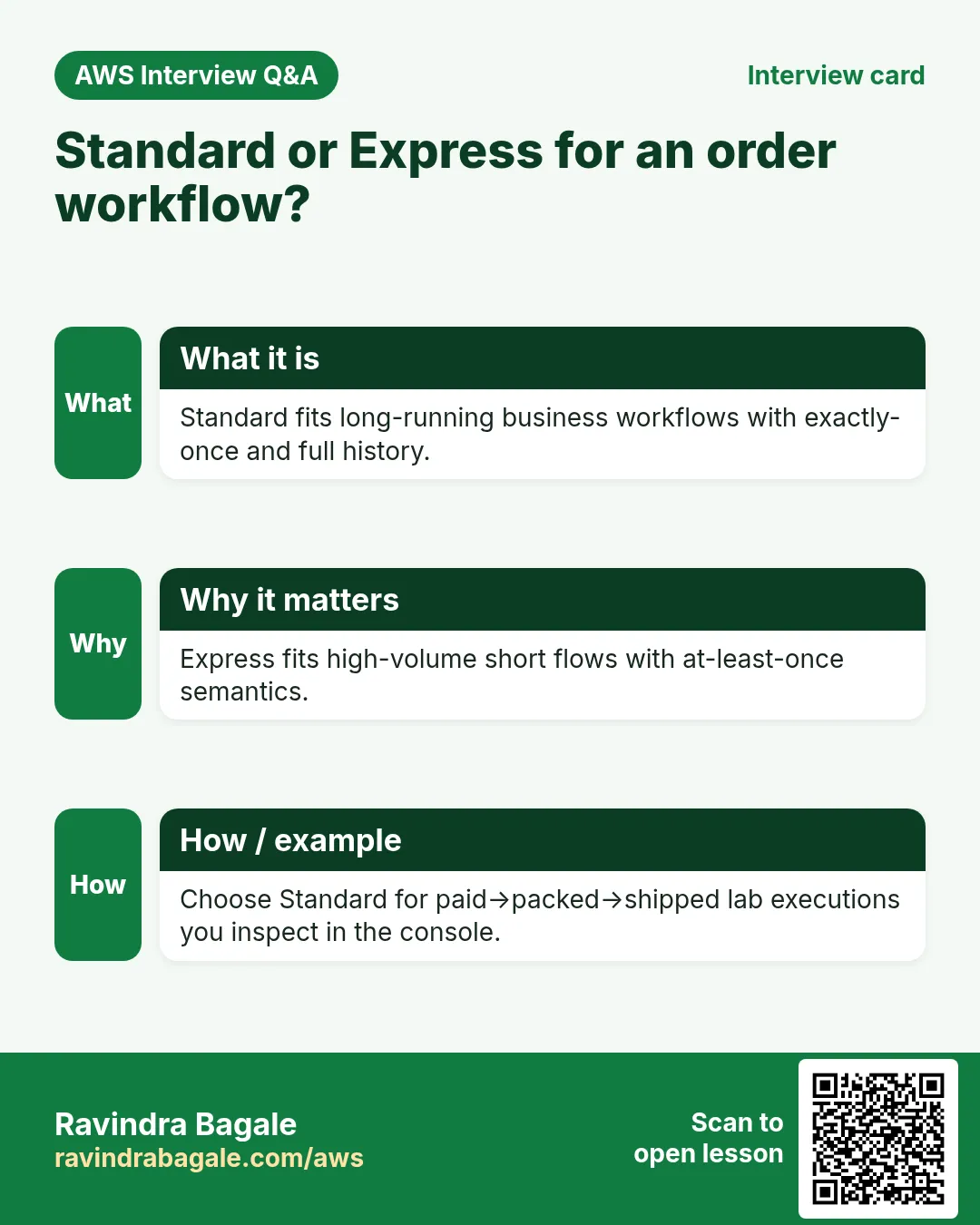
Q. Standard vs Express?
Standard for long audit workflows; Express for high-volume short flows.
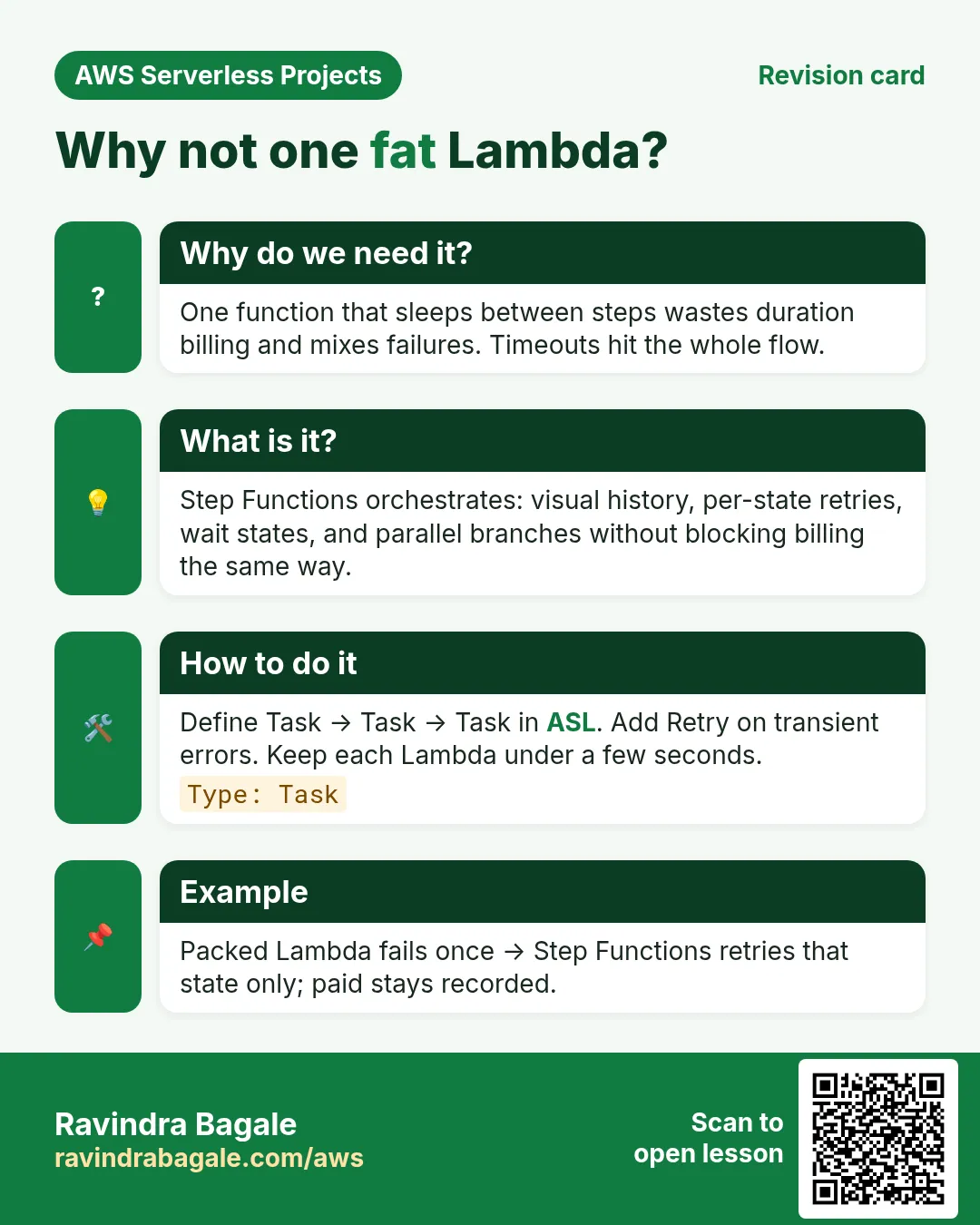
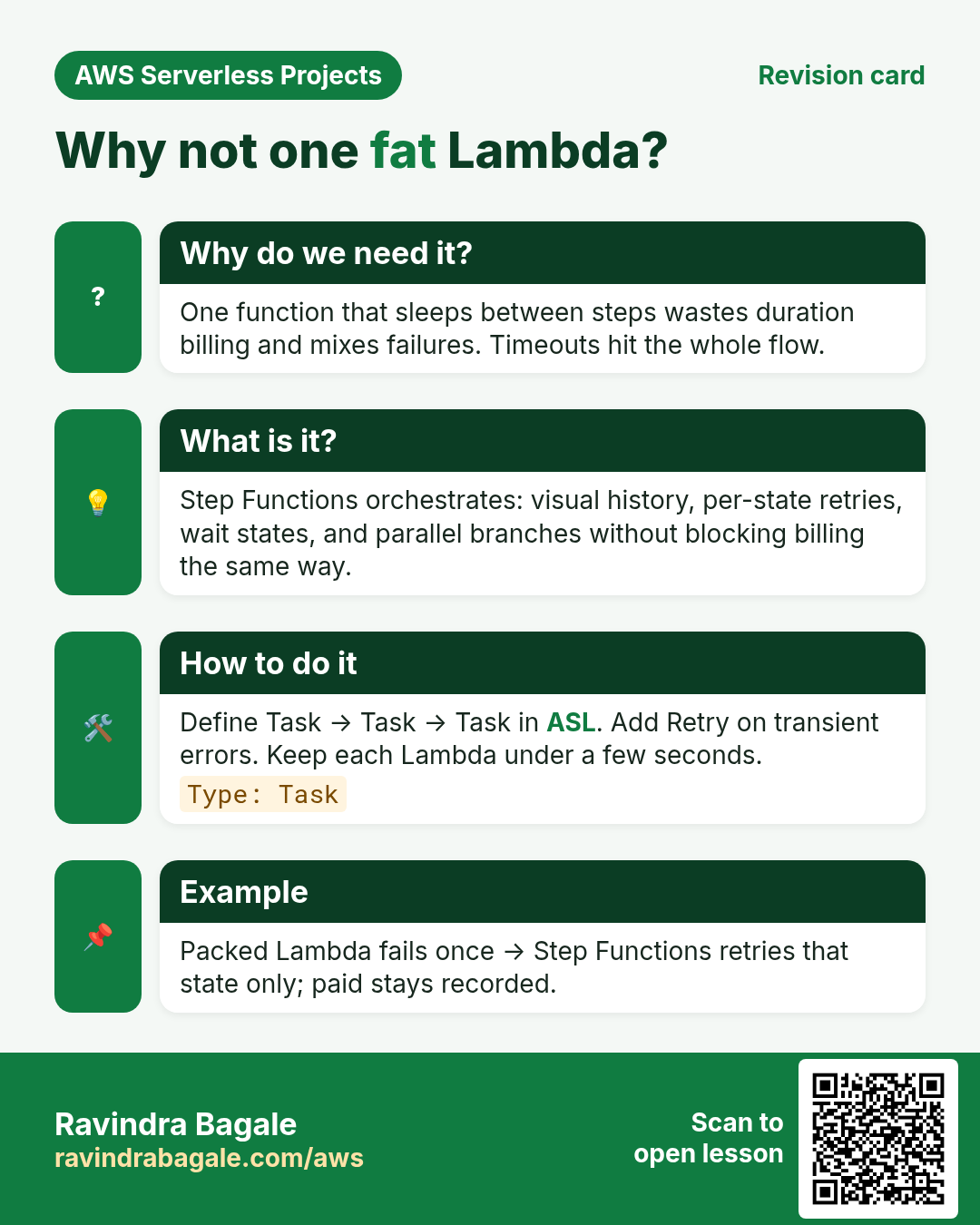
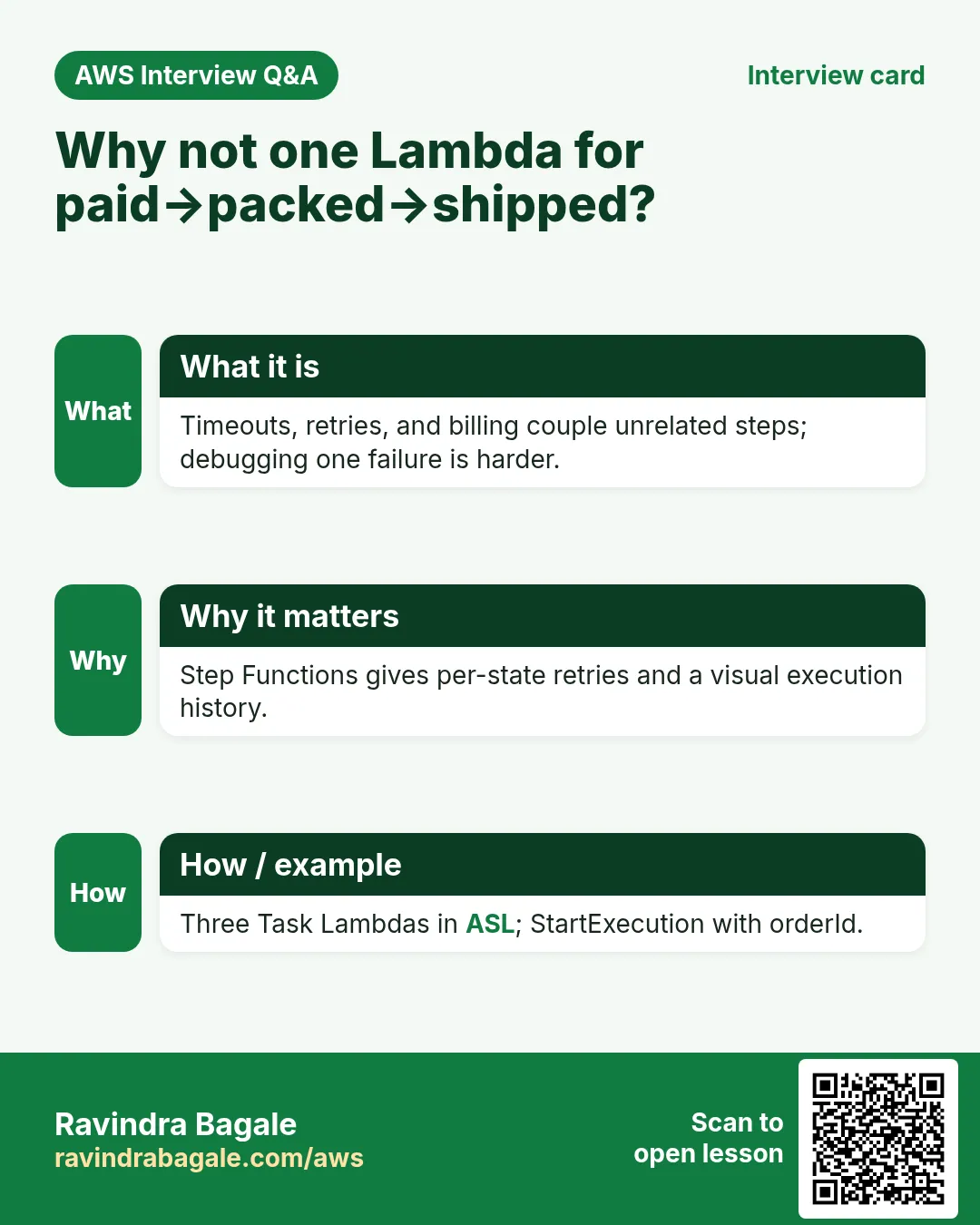
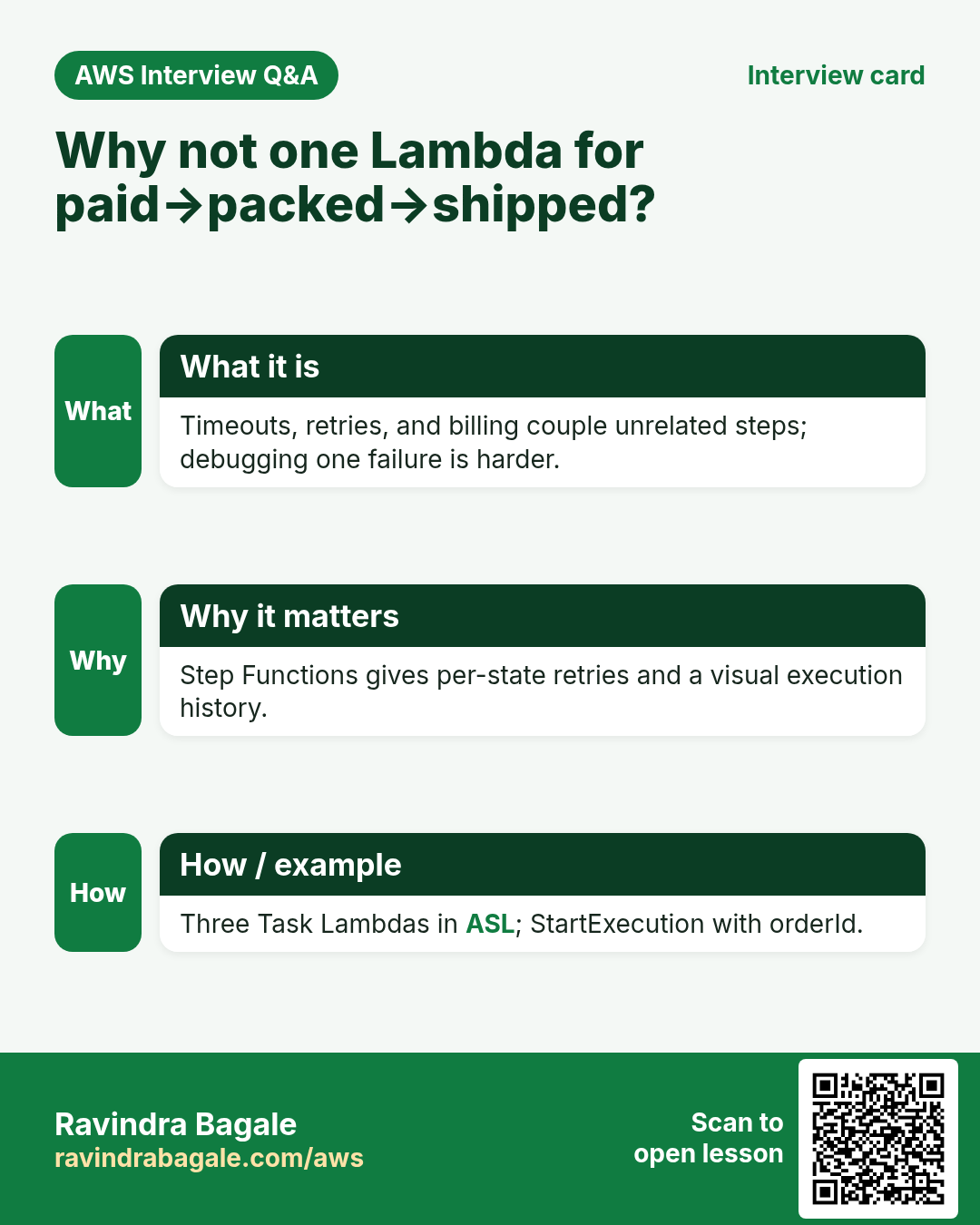
Q. Why not one fat Lambda?
Visible steps, per-state retry, easier ops.
Q. Callback patterns?
Task tokens for human approval — next level after this lab.
Q. Input passing?
Each state returns event; next state receives it.
Q. Cleanup?
State machine + Lambdas + table + topic.
Try at home
- Add a Fail state if sku missing with Choice.
- Add retry on MarkPacked with maxAttempts 2.
In short
- Step Functions orchestrates Lambda tasks.
- DynamoDB holds order status.
- SNS announces the end.
- Clean up state machines too.
Practice Tasks
Amravati Agro Market is a agriculture business in Amravati. Anjali Thakre looks after its IT and cloud work. They count money in INR and run their AWS resources in the ap-south-1 Region. In the tasks below you do real jobs for them using what this lesson teaches. All names, account IDs, IP addresses and numbers are made up for practice.
0 / 12
Easy List functions
Why: See which functions exist in this Region.
What to do: List the Lambda functions in ap-south-1.
- Read the task and decide which AWS service it is about.
- Write aws, then the service name, then the operation (the action word).
- Add each needed flag (--name) followed by its value from the task.
- Flags can be in any order. Click Check answer.
Medium Invoke a function
Why: Invoke runs the function now and saves its answer in a file.
What to do: Invoke amravatiagro-orders-fn and save the response to out.json.
- Read the task and decide which AWS service it is about.
- Write aws, then the service name, then the operation (the action word).
- Add each needed flag (--name) followed by its value from the task.
- Flags can be in any order. Click Check answer.
Medium Trust policy for a Lambda role
Why: The trust policy says WHO may take the role.
What to do: Write a trust policy that lets lambda.amazonaws.com assume the role.
- Start with { "Version": "2012-10-17", "Statement": [ ... ] }.
- In each statement write Effect, Action and Resource.
- Give only what the task needs (least privilege).
- Use double quotes and commas correctly. Click Check answer.
Medium Put an item
Why: DynamoDB JSON shows the type of each value: S for string, N for number.
What to do: Put an item into amravatiagro-orders with orderId "o-101" (string) and amount 2500 (number).
- Read the task and decide which AWS service it is about.
- Write aws, then the service name, then the operation (the action word).
- Add each needed flag (--name) followed by its value from the task.
- Flags can be in any order. Click Check answer.
Medium Change timeout and memory
Why: More memory also gives more CPU; timeout stops runaway runs.
What to do: Set amravatiagro-orders-fn to timeout 30 seconds and memory 512 MB.
- Read the task and decide which AWS service it is about.
- Write aws, then the service name, then the operation (the action word).
- Add each needed flag (--name) followed by its value from the task.
- Flags can be in any order. Click Check answer.
Medium Let a function write logs
Why: Without these actions, Lambda logs never appear in CloudWatch.
What to do: Allow logs:CreateLogGroup, logs:CreateLogStream, logs:PutLogEvents on arn:aws:logs:*:*:* only.
- Start with { "Version": "2012-10-17", "Statement": [ ... ] }.
- In each statement write Effect, Action and Resource.
- Give only what the task needs (least privilege).
- Use double quotes and commas correctly. Click Check answer.
Hard Create a Lambda function
Why: Lambda needs the code zip, a runtime, a handler name and an execution role.
What to do: Create function amravatiagro-orders-fn: runtime python3.12, handler app.handler, role arn:aws:iam::120348739971:role/lambda-basic, code in function.zip.
- Read the task and decide which AWS service it is about.
- Write aws, then the service name, then the operation (the action word).
- Add each needed flag (--name) followed by its value from the task.
- Flags can be in any order. Click Check answer.
Hard Set environment variables
Why: Keep settings like table names out of the code.
What to do: Set the environment variable TABLE=amravatiagro-orders on amravatiagro-orders-fn.
- Read the task and decide which AWS service it is about.
- Write aws, then the service name, then the operation (the action word).
- Add each needed flag (--name) followed by its value from the task.
- Flags can be in any order. Click Check answer.
Hard Invoke with a JSON payload
Why: In CLI v2, raw JSON needs --cli-binary-format raw-in-base64-out.
What to do: Invoke amravatiagro-orders-fn with payload {"orderId":"o-101"} (raw JSON) and save the reply in out.json.
- Read the task and decide which AWS service it is about.
- Write aws, then the service name, then the operation (the action word).
- Add each needed flag (--name) followed by its value from the task.
- Flags can be in any order. Click Check answer.
Hard Lambda GB-seconds
Why: Lambda bills memory × time.
What to do: 1,000,000 invocations, 512 MB memory, 200 ms each. How many GB-seconds?
- Write down the numbers the task gives you.
- Work it out step by step on paper.
- Type only the final answer in the box.
- Click Check answer.
Hard Connect an SQS queue to Lambda
Why: An event source mapping makes Lambda poll the queue and process messages in batches.
What to do: Create an event source mapping from queue arn:aws:sqs:ap-south-1:120348739971:amravatiagro-orders to amravatiagro-orders-fn with batch size 10.
- Read the task and decide which AWS service it is about.
- Write aws, then the service name, then the operation (the action word).
- Add each needed flag (--name) followed by its value from the task.
- Flags can be in any order. Click Check answer.
Hard Let S3 call your function
Why: A resource-based permission is needed before S3 can invoke the function.
What to do: Add permission statement s3invoke to amravatiagro-orders-fn so s3.amazonaws.com can call lambda:InvokeFunction from bucket arn:aws:s3:::amravatiagro-uploads.
- Read the task and decide which AWS service it is about.
- Write aws, then the service name, then the operation (the action word).
- Add each needed flag (--name) followed by its value from the task.
- Flags can be in any order. Click Check answer.
Revision, comparison and interview cards
Revise this lesson in a few minutes. Save the cards on your phone or download them as PNG files. The QR code on each card opens this lesson.
More cards: Ravi Sir's Cards.