CloudFront Security: OAC vs OAI, Signed URLs and Signed Cookies
In CloudFront Cache Behaviors, TTL and Invalidation we controlled what is cached. Now we control who can get it. This chapter covers OAC vs the legacy OAI (with bucket policies), signed URLs vs signed cookies, key groups and expiry, geo restriction, and an introduction to AWS WAF. The lab plays a private video only through a signed URL that expires in 5 minutes, with code in Node.js, Python and PHP. For S3 pre-signed URLs see S3 Bucket Policy Examples; CloudFront signed URLs are a different thing.
What you'll learn in this chapter
- OAC vs OAI and the bucket policy for each
- Signed URLs vs signed cookies, canned vs custom policy
- Key groups, public and private keys, expiry
- Geo restriction and an AWS WAF introduction
- Lab: a 5-minute signed video link in three languages
1. A story: the cinema ticket
A cinema has one door (CloudFront) and a projection room (S3). Two rules keep it fair. First, the projection room only opens for the cinema staff, never for the street. Second, the door lets you in only with a ticket for this show, and the ticket is useless after the show starts.
Rule one is OAC. Rule two is a signed URL or signed cookie.
2. OAC vs OAI
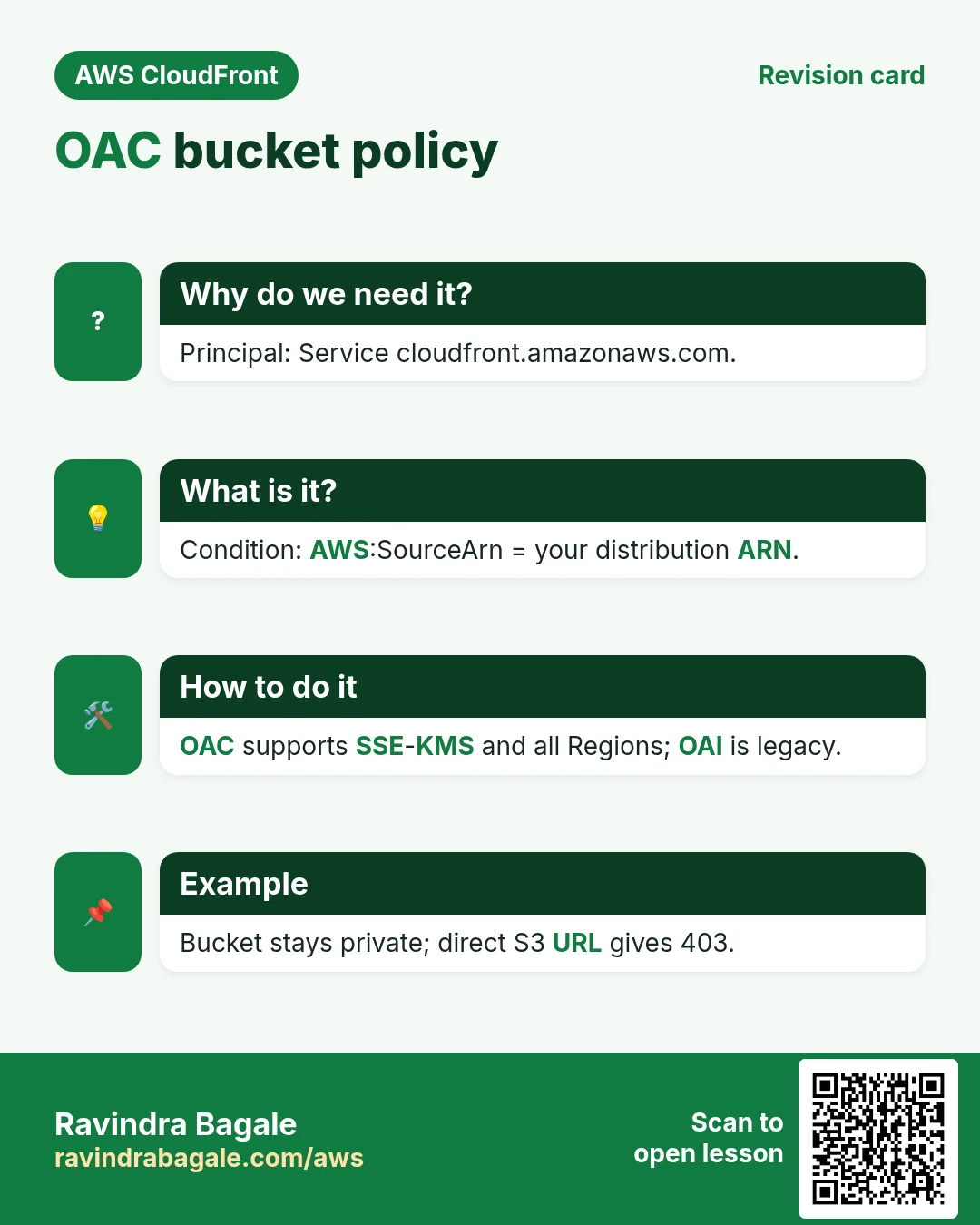
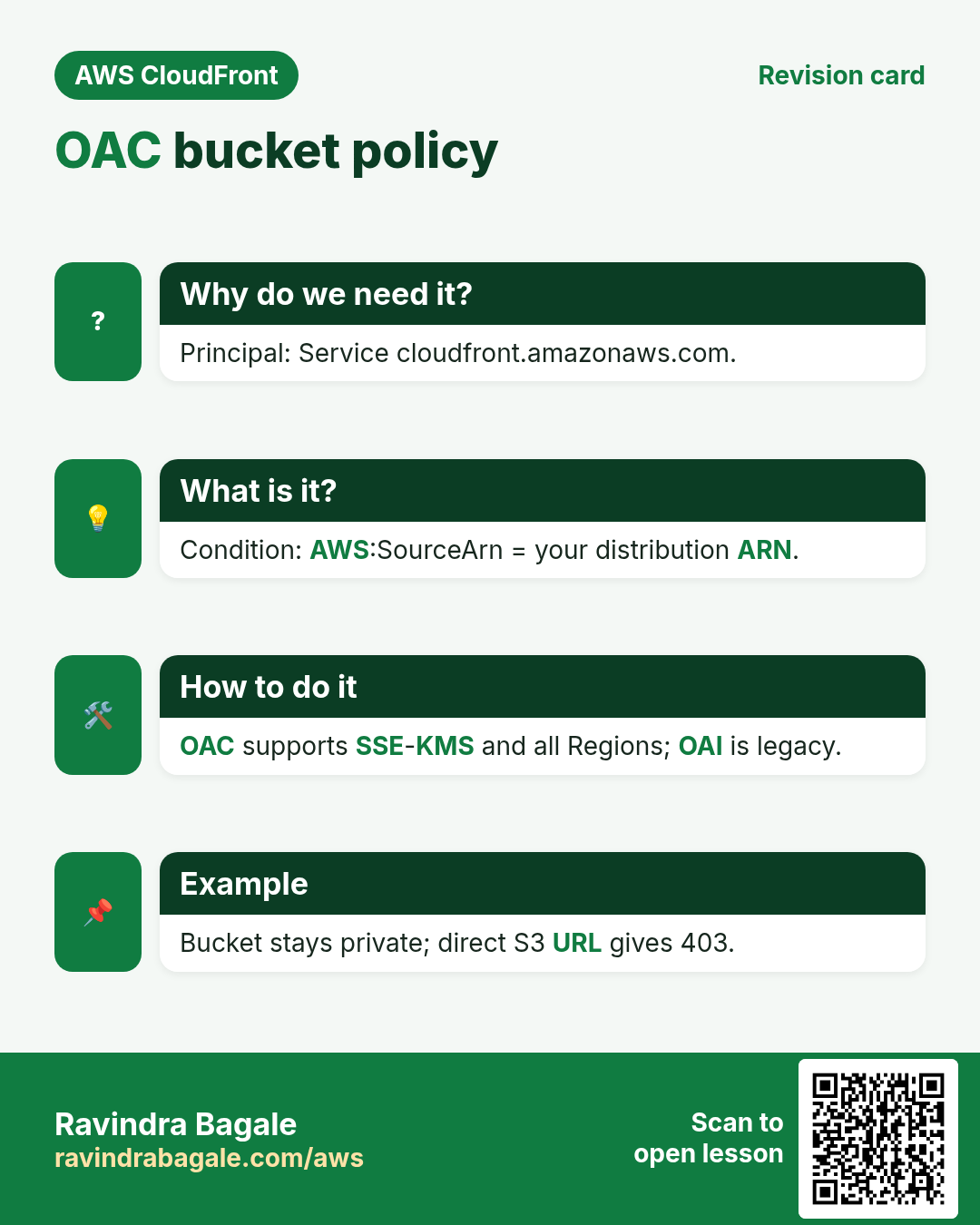
Why do we need this?
If the bucket is public, anyone can skip CloudFront, its signed URLs and its WAF, and download straight from S3.
What is it?
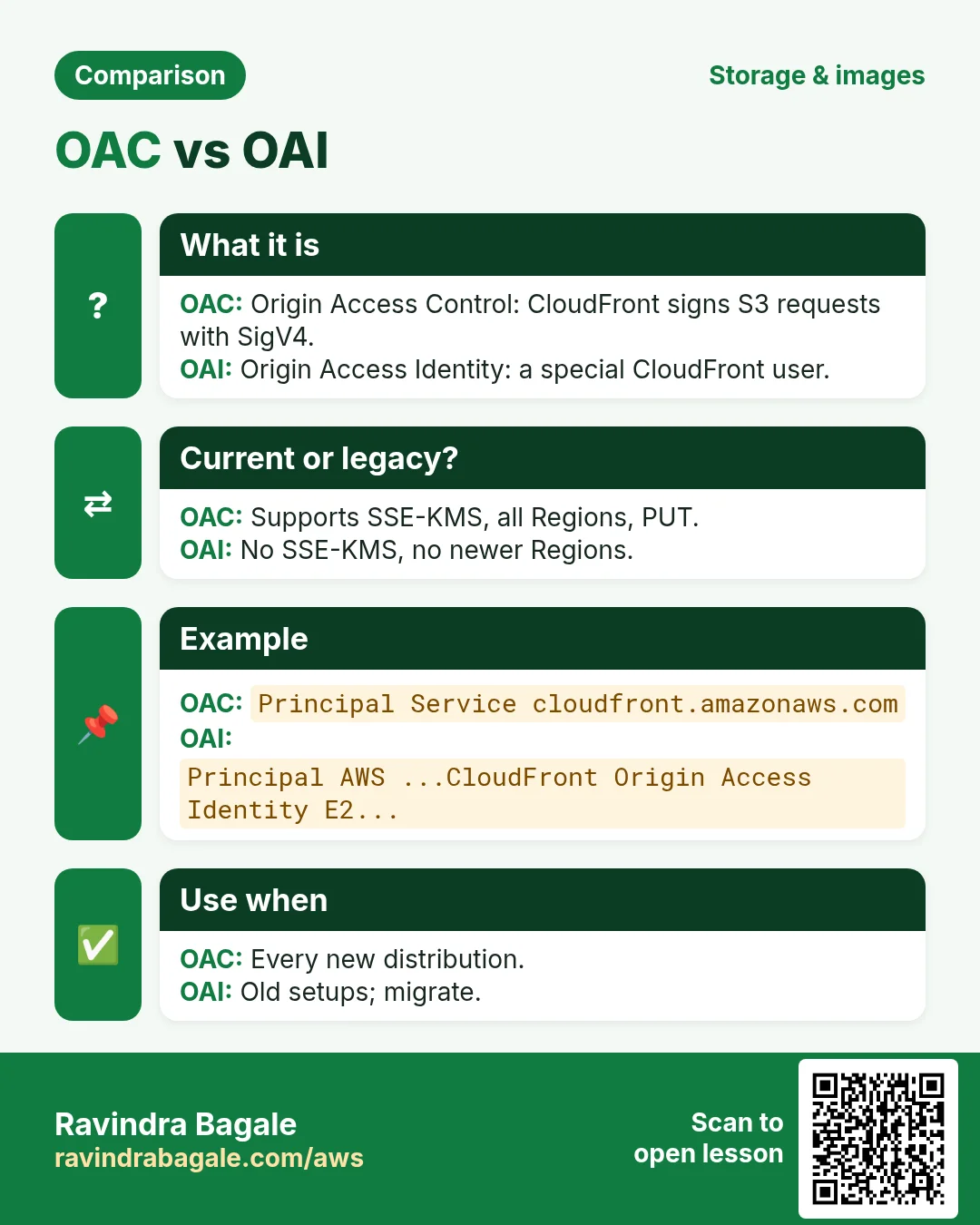
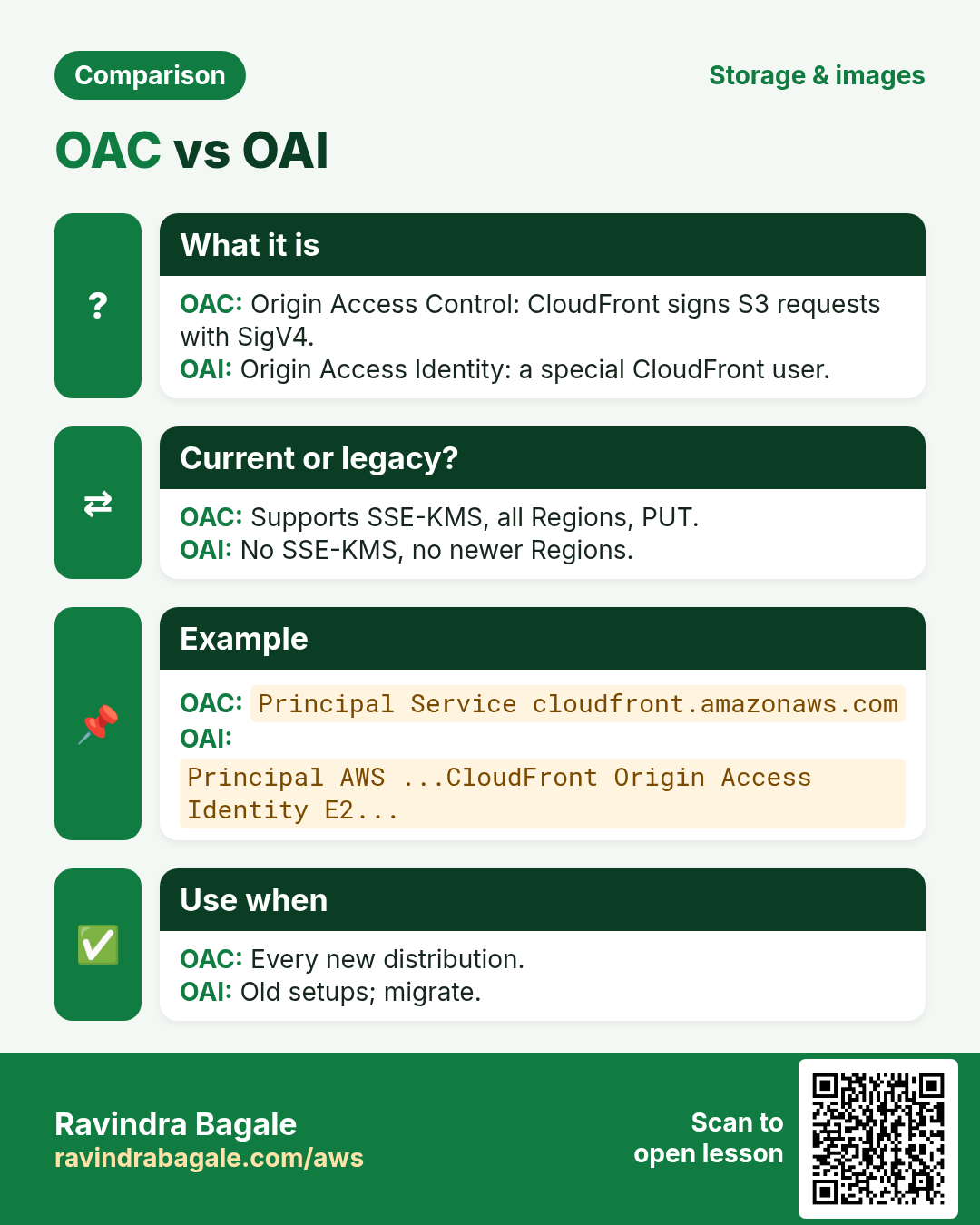
| Point | OAC (Origin Access Control) | OAI (Origin Access Identity) |
|---|---|---|
| Status | Current, recommended | Legacy; still works, migrate when you can |
| SSE-KMS encrypted objects | Supported | Not supported |
| PUT/POST/DELETE to S3 | Supported | Limited |
| Newer Regions (opt-in, after Dec 2022) | Supported | Not supported |
| Bucket policy Principal | Service cloudfront.amazonaws.com + AWS:SourceArn of the distribution | A special CloudFront OAI user |
OAC bucket policy
{"Version":"2012-10-17","Statement":[{"Sid":"AllowCloudFrontOAC","Effect":"Allow",
 "Principal":{"Service":"cloudfront.amazonaws.com"},
 "Action":"s3:GetObject","Resource":"arn:aws:s3:::course-videos/*",
 "Condition":{"StringEquals":{"AWS:SourceArn":"arn:aws:cloudfront::111122223333:distribution/E1ABCDEF2GHIJ"}}}]}
Why the condition: without it, any CloudFront distribution in any account could read your bucket. If objects use SSE-KMS, also allow cloudfront.amazonaws.com to call kms:Decrypt in the key policy with the same SourceArn condition.
OAI bucket policy (legacy, for reading old setups)
{"Version":"2012-10-17","Statement":[{"Effect":"Allow",
 "Principal":{"AWS":"arn:aws:iam::cloudfront:user/CloudFront Origin Access Identity E2QWRUHAPOMQZL"},
 "Action":"s3:GetObject","Resource":"arn:aws:s3:::course-videos/*"}]}
Migrating: create an OAC, add the OAC statement to the bucket policy, switch the origin to the OAC, test, then remove the OAI statement.
3. Signed URLs and signed cookies
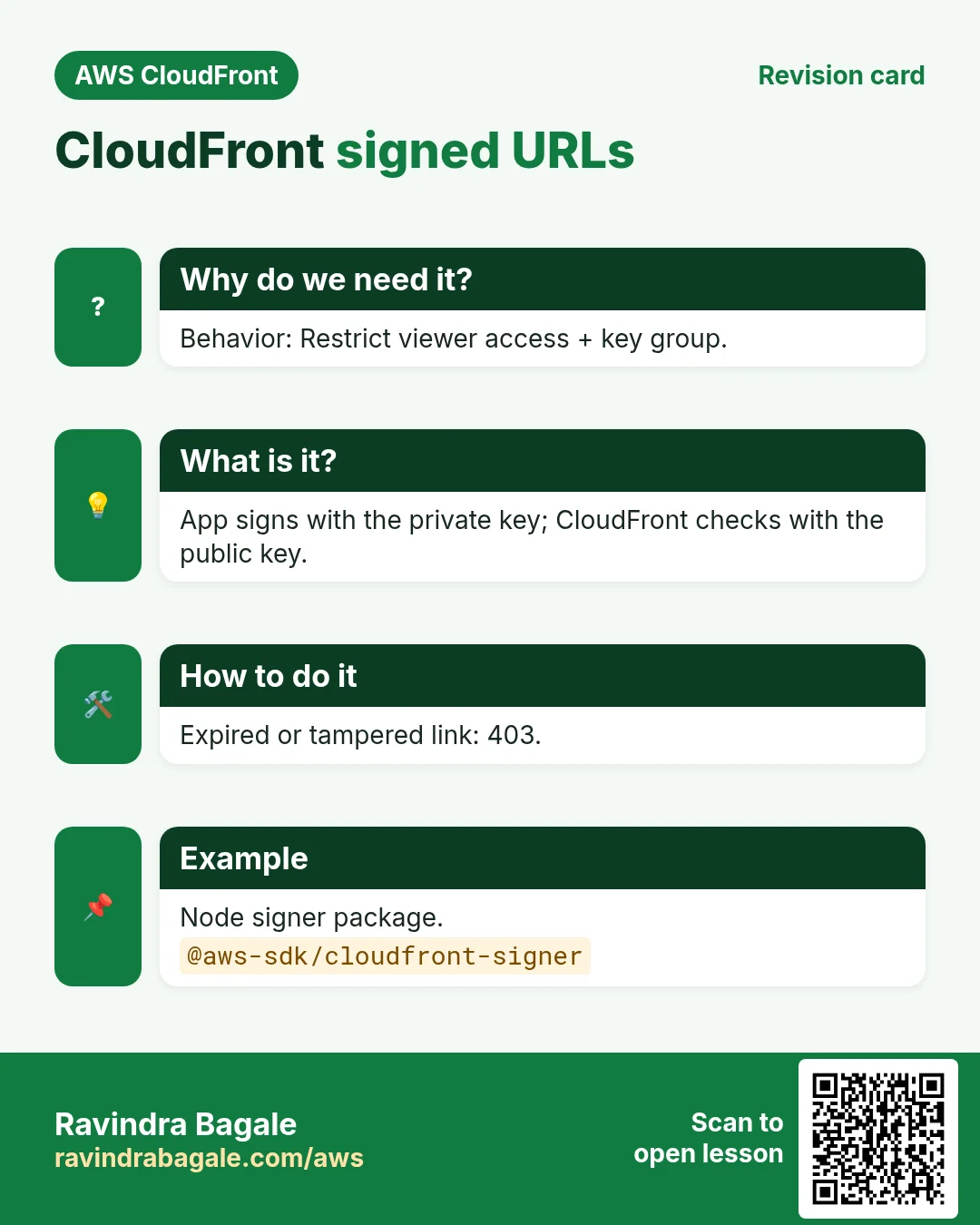
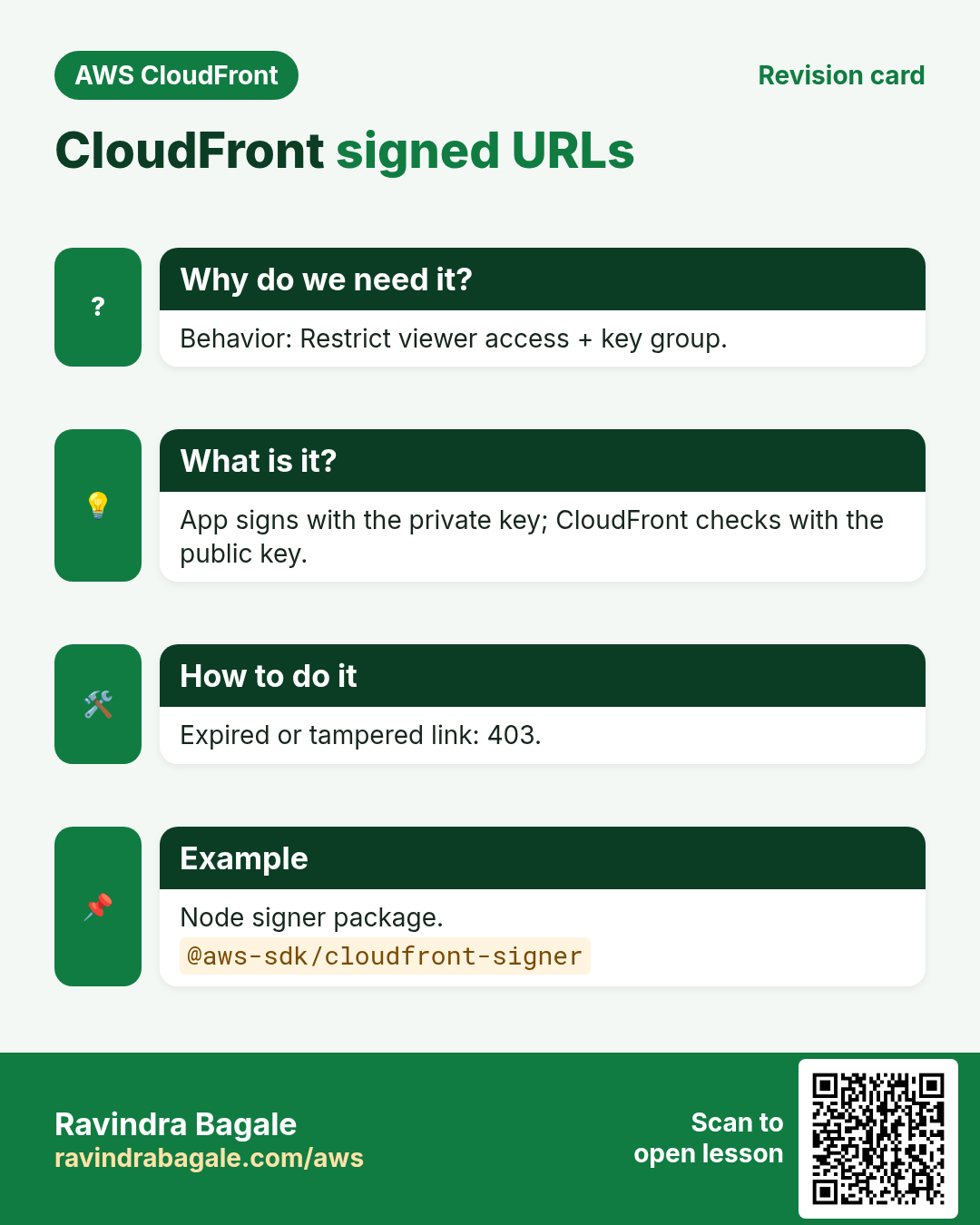
Why do we need this?
OAC hides the bucket, but the CloudFront URL itself is still open. For paid or private content each viewer needs a personal, expiring permission.
What is it?
You mark a cache behavior as Restrict viewer access: Yes and attach a key group. Your app signs URLs or cookies with the matching private key. CloudFront checks the signature with the public key and the expiry. No valid signature = 403.
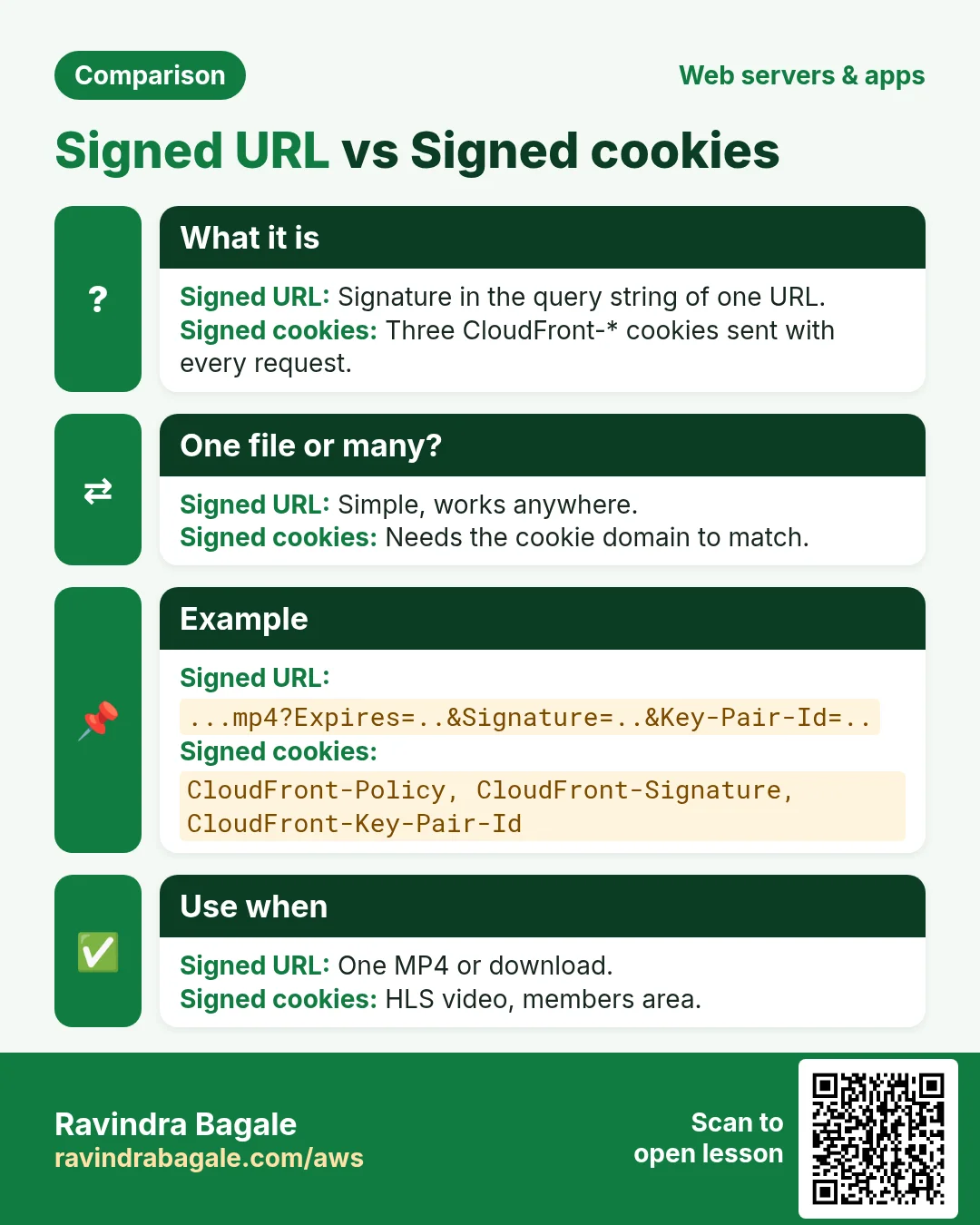
| Point | Signed URL | Signed cookies |
|---|---|---|
| Covers | One file | Many files, e.g. /course/42/* |
| Looks like | ...mp4?Expires=...&Signature=...&Key-Pair-Id=K2JC... | Cookies CloudFront-Policy (or CloudFront-Expires), CloudFront-Signature, CloudFront-Key-Pair-Id |
| Best for | One download, one MP4 | HLS video (hundreds of .ts segments), a whole members area |
| Needs | Nothing else | Cookies sent to your CloudFront domain (use a custom domain on the same parent as your site) |
| Policy type | Can set | Use |
|---|---|---|
| Canned | Expiry only, one exact URL | Short URLs, most cases |
| Custom | Start time, expiry, IP range, wildcard resource | Signed cookies for a folder, IP-locked links |
4. Key groups
- Create an RSA 2048 key pair yourself:
openssl genrsa -out private_key.pem 2048andopenssl rsa -pubout -in private_key.pem -out public_key.pem. - Upload only the public key to CloudFront › Key management › Public keys. You get an ID like
K2JCJMDEHXQW5F. - Put it in a key group and attach the group to the behavior. Rotation: add a new key to the group, switch the app, remove the old key.
- Keep the private key in AWS Secrets Manager or SSM Parameter Store, never in Git. Key groups replace the old root-account "CloudFront key pairs".
- Expiry: short for video (5 to 60 minutes). A signed URL is checked when the request starts, so a long download that began before expiry can finish.
5. Geo restriction and AWS WAF
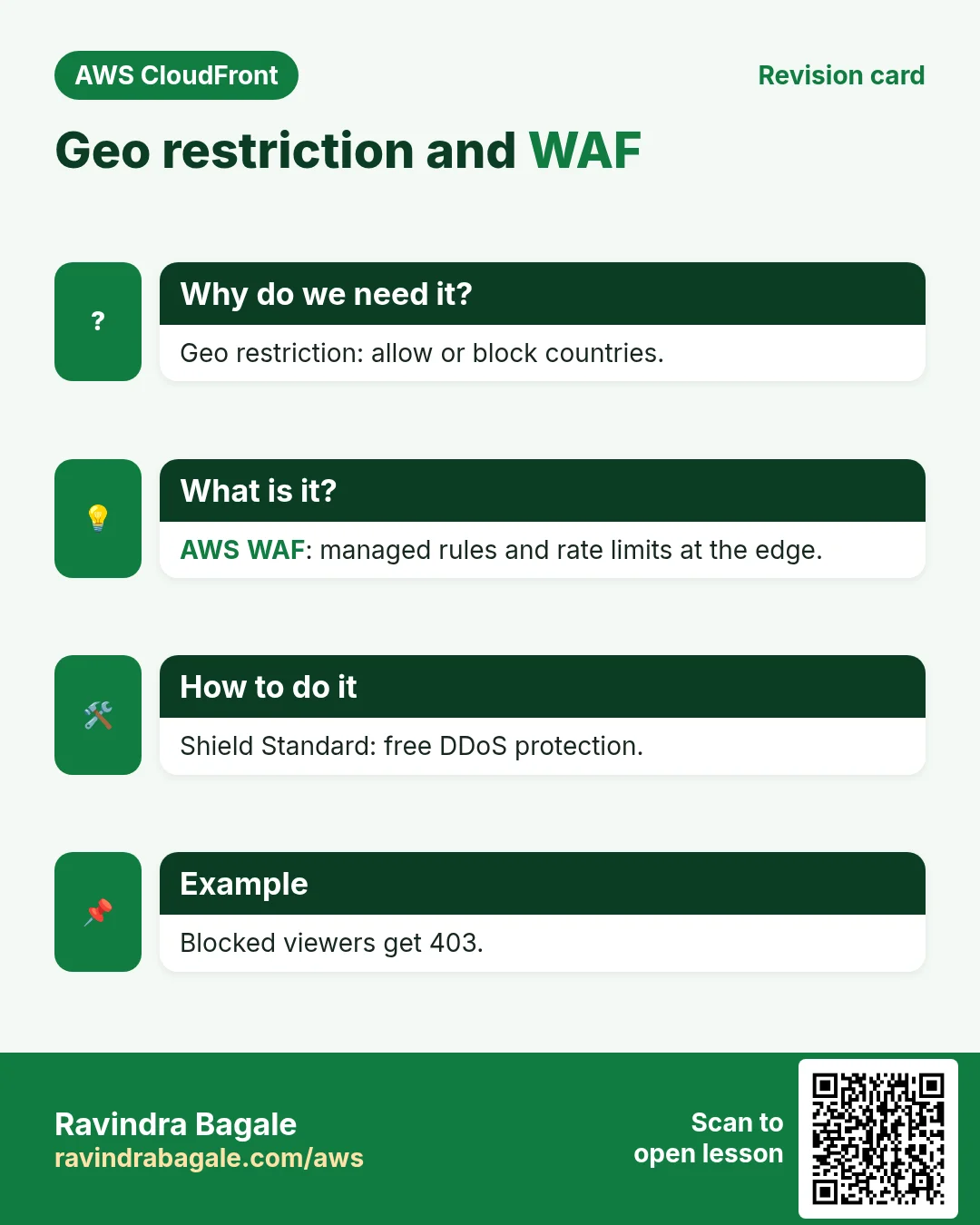
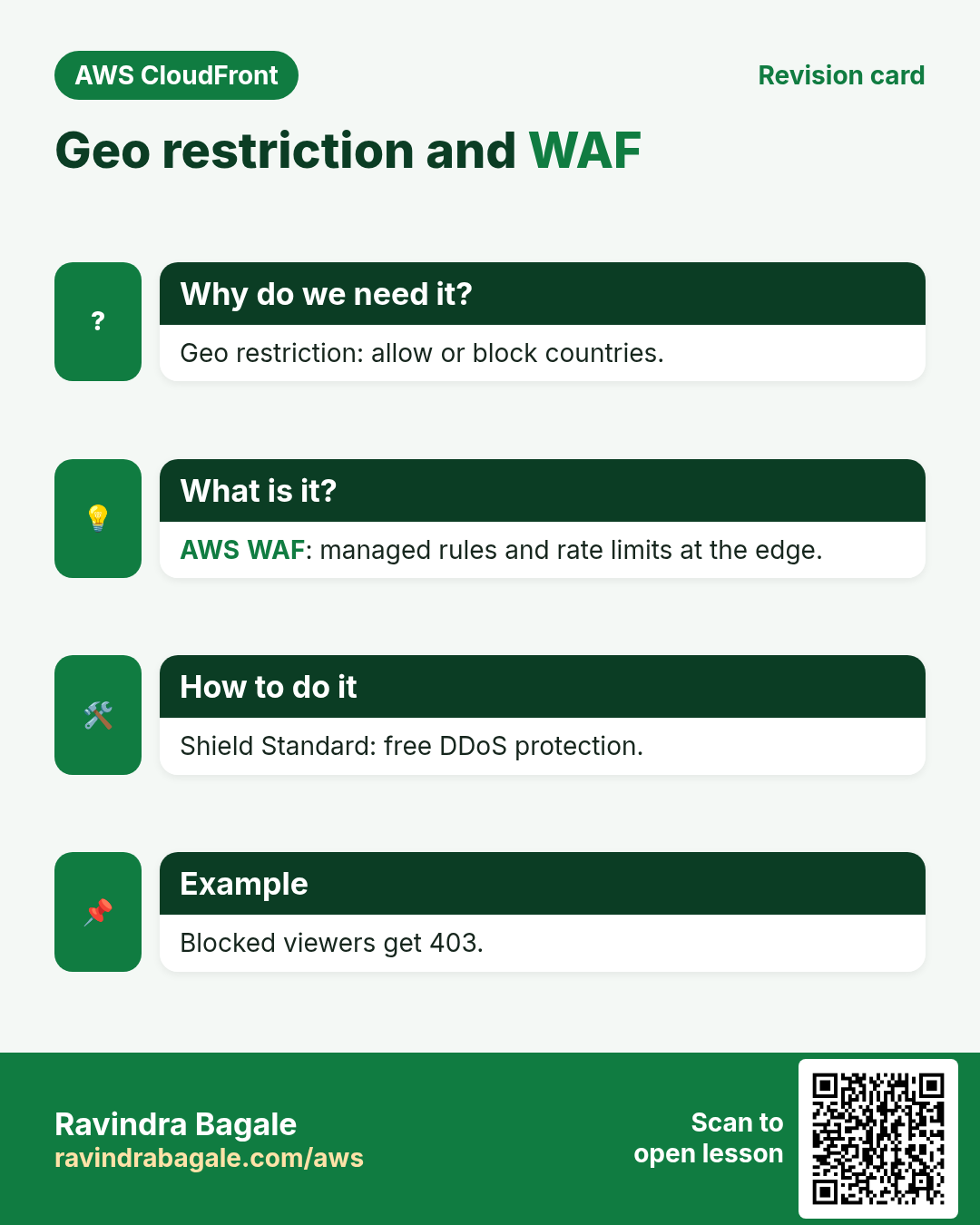
- Geo restriction (Security tab): an allow list or block list of countries. Blocked viewers get 403. Why: licensing ("India only") or legal rules. CloudFront uses a GeoIP database, so it is about 99.8% accurate, and VPNs can get around it.
- AWS WAF: a web ACL attached to the distribution. Start with AWS managed rule groups (Core rule set, Known bad inputs, SQL database) and a rate-based rule such as 2,000 requests per 5 minutes per IP. Why: blocks SQL injection, bad bots and floods at the edge, before your origin.
- AWS Shield Standard protects every distribution from common network DDoS attacks at no extra cost.
6. Signing code in three languages
// Node.js  -  npm i @aws-sdk/cloudfront-signer
const { getSignedUrl } = require('@aws-sdk/cloudfront-signer');
const fs = require('fs');
const url = getSignedUrl({
  url: 'https://dXXXX.cloudfront.net/private/intro.mp4',
  keyPairId: 'K2JCJMDEHXQW5F',                     // public key ID
  privateKey: fs.readFileSync('private_key.pem', 'utf8'),
  dateLessThan: new Date(Date.now() + 5 * 60 * 1000).toISOString()  // 5 minutes
});
console.log(url);
# Python - pip install botocore cryptography
import datetime
from botocore.signers import CloudFrontSigner
from cryptography.hazmat.primitives import hashes, serialization
from cryptography.hazmat.primitives.asymmetric import padding
KEY = serialization.load_pem_private_key(open("private_key.pem", "rb").read(), password=None)
def rsa_signer(message):
return KEY.sign(message, padding.PKCS1v15(), hashes.SHA1()) # CloudFront uses RSA-SHA1
signer = CloudFrontSigner("K2JCJMDEHXQW5F", rsa_signer)
expires = datetime.datetime.now(datetime.timezone.utc) + datetime.timedelta(minutes=5)
print(signer.generate_presigned_url("https://dXXXX.cloudfront.net/private/intro.mp4", date_less_than=expires))<?php // PHP - composer require aws/aws-sdk-php
require 'vendor/autoload.php';
$cf = new Aws\CloudFront\CloudFrontClient(['region' => 'us-east-1', 'version' => '2020-05-31']);
echo $cf->getSignedUrl([
'url' => 'https://dXXXX.cloudfront.net/private/intro.mp4',
'expires' => time() + 300,
'private_key' => __DIR__ . '/private_key.pem',
'key_pair_id' => 'K2JCJMDEHXQW5F',
]);Signed cookies in Node use getSignedCookies({url, keyPairId, privateKey, policy}) with a custom policy whose Resource is https://dXXXX.cloudfront.net/course/42/*; set the three returned cookies with Domain, Secure and HttpOnly.
7. Lab: a private video with a 5-minute signed URL
How to do it (step by step)
- Bucket
yourname-cf-secure(private). Upload a short MP4:aws s3 cp intro.mp4 s3://yourname-cf-secure/private/intro.mp4. Also uploadfree/preview.mp4. - In CloudShell:
openssl genrsa -out private_key.pem 2048 && openssl rsa -pubout -in private_key.pem -out public_key.pem. - CloudFront › Public keys › Create: name
lab-key, paste public_key.pem. Copy the ID. - Key groups › Create: name
lab-kg, select lab-key. - Create distribution: origin = the bucket REST endpoint with a new OAC, default behavior CachingOptimized, Redirect HTTP to HTTPS. Apply the bucket policy CloudFront shows.
- Behaviors › Create: path
/private/*, same origin, Restrict viewer access: Yes, Trusted key groups = lab-kg. Save and wait for deploy. - Free file:
curl -sI https://dXXXX.cloudfront.net/free/preview.mp4 | head -1. Expected:HTTP/2 200. - Private file, no signature:
curl -sI https://dXXXX.cloudfront.net/private/intro.mp4 | head -1. Expected:HTTP/2 403(MissingKey). - Sign it with the Node, Python or PHP code above (your domain and key ID).
curl -sI "SIGNED_URL" | head -1. Expected: 200. Open it in a browser: the video plays. - Tamper test: change one letter of Signature. Expected: 403 (Access denied).
- Wait 6 minutes and run the original signed URL again. Expected: 403 with "Access denied" because Expires has passed.
- Bypass test:
curl -sI https://yourname-cf-secure.s3.ap-south-1.amazonaws.com/private/intro.mp4 | head -1. Expected: 403 (OAC keeps the bucket private). - Optional geo test: Security › CloudFront geographic restrictions › Block list › India. After deploy, the free file returns 403 from an Indian IP. Remove the block afterwards.
Cleanup
- Disable and delete the distribution. Then delete key group lab-kg, public key lab-key and the OAC (in that order; in-use items cannot be deleted).
aws s3 rb s3://yourname-cf-secure --force;shred -u private_key.pem.
8. Interview questions
Q. OAC or OAI for a new distribution?
OAC. It supports SSE-KMS, all Regions and write methods; OAI is legacy.
Q. Why add AWS:SourceArn to the OAC bucket policy?
So only your distribution, not any CloudFront distribution, can read the bucket.
Q. Signed URL or signed cookies for HLS video?
Signed cookies: one permission covers the playlist and all segments.
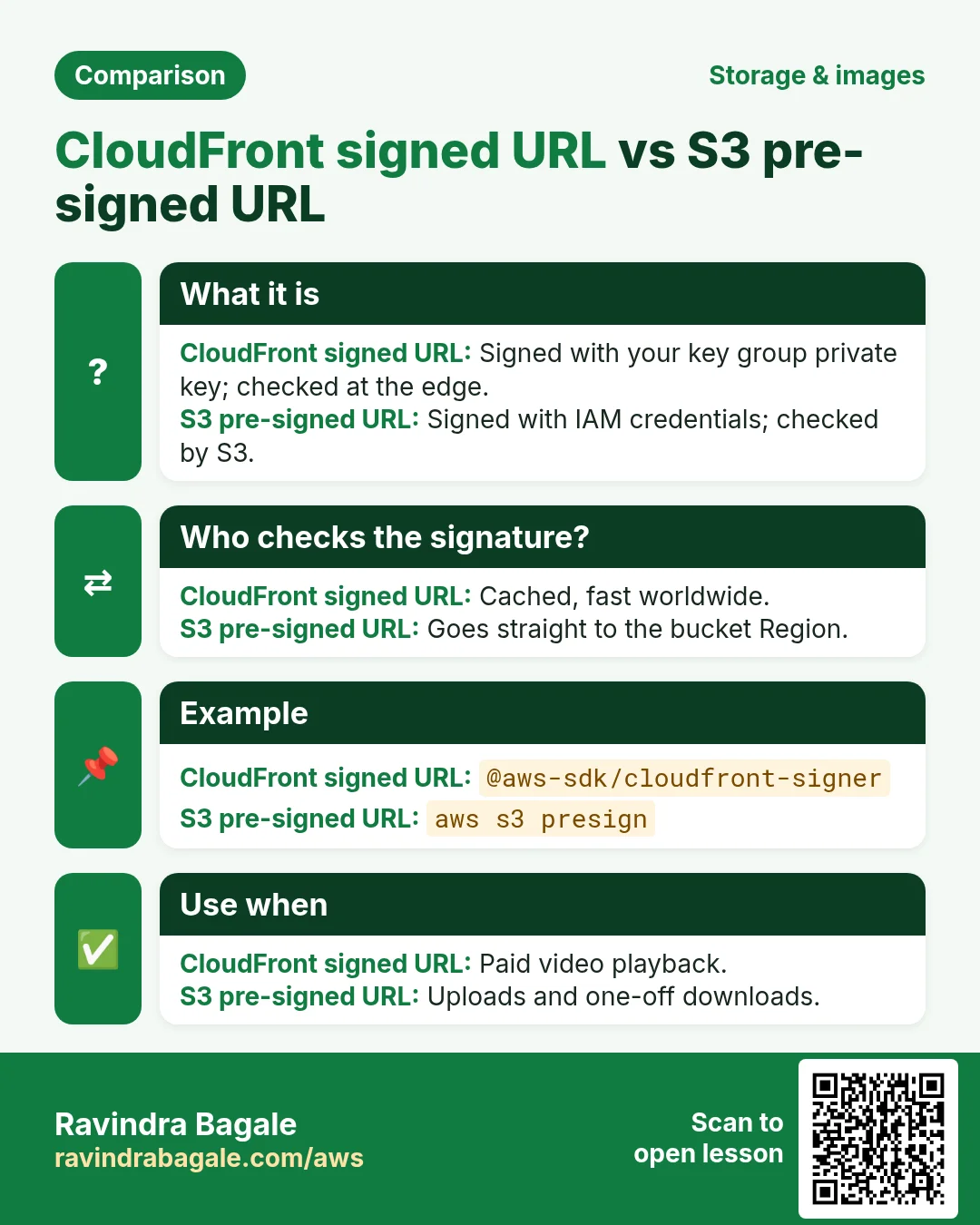
Q. CloudFront signed URL vs S3 pre-signed URL?
CloudFront signs with your key group key and serves from the edge cache; S3 pre-signed uses IAM credentials and goes straight to S3.
Q. How do you block a country?
Geo restriction block list in the distribution, or a WAF geo match rule for finer control.
Try at home
- Switch the lab to signed cookies for /private/* and play two files with one cookie set.
- Make a custom-policy URL locked to your own IP and test it from another network.
In short
- OAC keeps the bucket private; OAI is legacy.
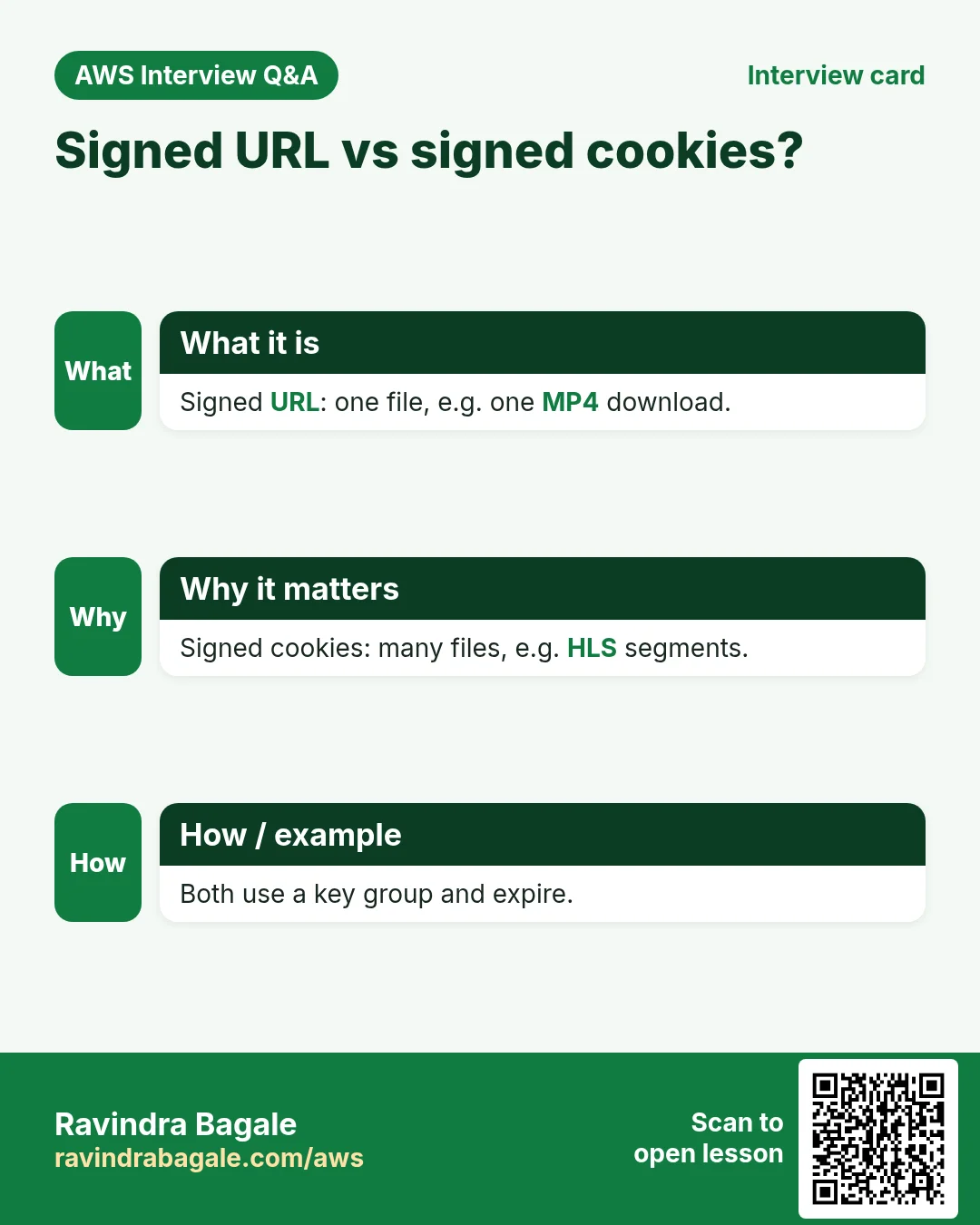
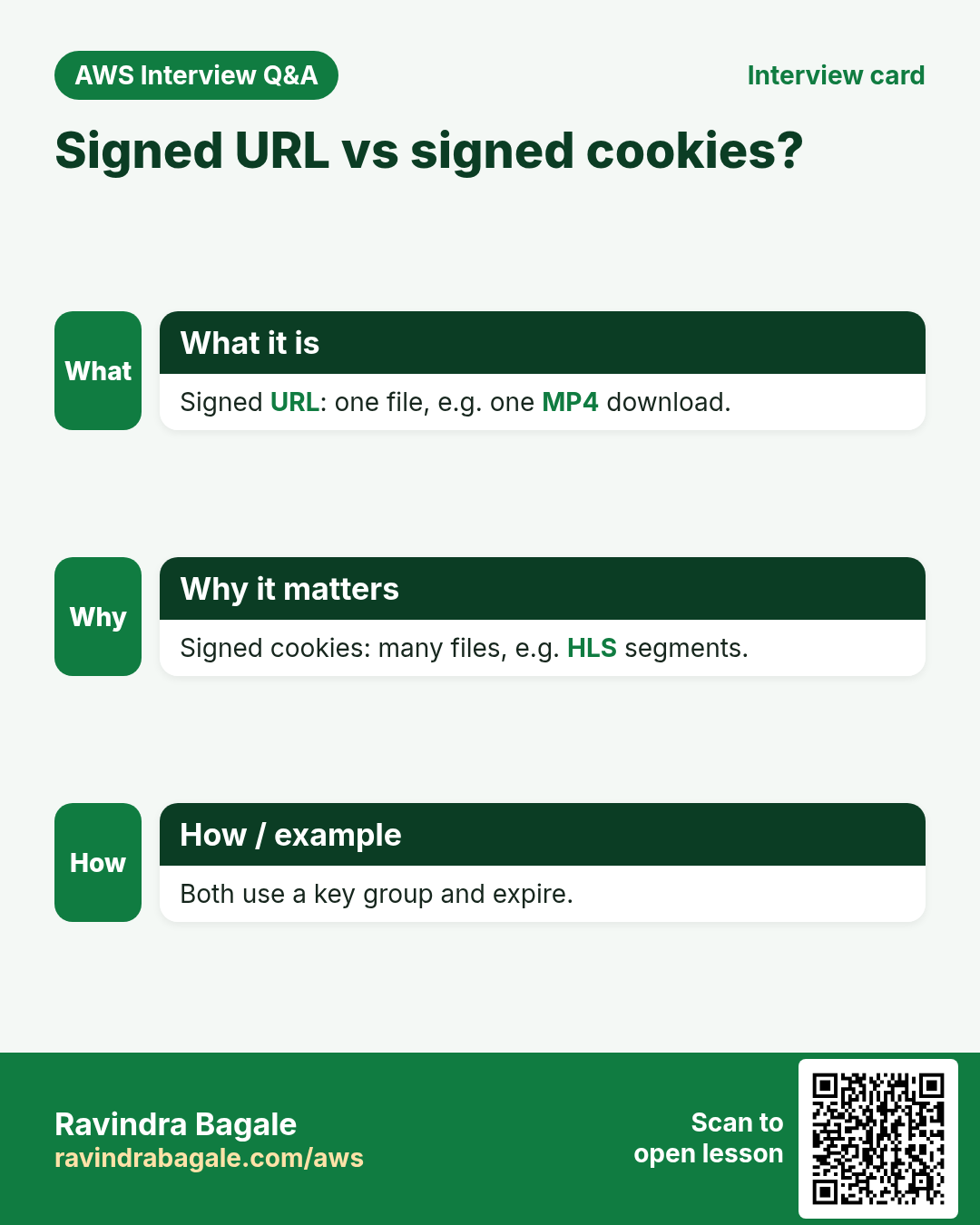
- Signed URL = one file; signed cookies = many files.
- Key groups hold public keys; your app keeps the private key secret.
- Short expiry for paid content; expired or tampered = 403.
- Geo restriction for countries, WAF for attacks, Shield Standard free.
Practice Tasks
Konkan Cashews is a food export business in Ratnagiri. Prakash Sawant looks after its IT and cloud work. They count money in INR and run their AWS resources in the ap-south-1 Region. In the tasks below you do real jobs for them using what this lesson teaches. All names, account IDs, IP addresses and numbers are made up for practice.
0 / 10
Easy List distributions
Why: Find the distribution ID and domain name.
What to do: List all CloudFront distributions.
- Read the task and decide which AWS service it is about.
- Write aws, then the service name, then the operation (the action word).
- Add each needed flag (--name) followed by its value from the task.
- Flags can be in any order. Click Check answer.
Easy How many addresses in a /16?
Why: Picking a VPC size needs this count.
What to do: Konkan Cashews plans the VPC 10.168.0.0/16. How many IP addresses does it hold in total?
- Write down the numbers the task gives you.
- Work it out step by step on paper.
- Type only the final answer in the box.
- Click Check answer.
Easy Port for SSH
Why: Security group rules need the right port.
What to do: Which TCP port must the security group open for SSH?
- Write down the numbers the task gives you.
- Work it out step by step on paper.
- Type only the final answer in the box.
- Click Check answer.
Medium Clear the CloudFront cache
Why: After a deploy, invalidate so visitors get the new files now, not after the TTL.
What to do: Invalidate all paths (/*) on distribution E2QWRUHAPOMQZL.
- Read the task and decide which AWS service it is about.
- Write aws, then the service name, then the operation (the action word).
- Add each needed flag (--name) followed by its value from the task.
- Flags can be in any order. Click Check answer.
Hard Create a distribution from a config file
Why: The full config (origins, behaviors, certificate) is easiest to keep in JSON.
What to do: Create a CloudFront distribution from dist.json.
- Read the task and decide which AWS service it is about.
- Write aws, then the service name, then the operation (the action word).
- Add each needed flag (--name) followed by its value from the task.
- Flags can be in any order. Click Check answer.
Hard Invalidate two paths
Why: Invalidating only what changed is cheaper and faster.
What to do: On E2QWRUHAPOMQZL, invalidate /index.html and /css/site.css.
- Read the task and decide which AWS service it is about.
- Write aws, then the service name, then the operation (the action word).
- Add each needed flag (--name) followed by its value from the task.
- Flags can be in any order. Click Check answer.
Hard Bucket policy for CloudFront OAC
Why: With OAC, only your CloudFront distribution may read the private bucket.
What to do: Allow the service cloudfront.amazonaws.com to s3:GetObject on konkancashew-site/*, only when aws:SourceArn equals arn:aws:cloudfront::103761760951:distribution/E2QWRUHAPOMQZL.
- Start with { "Version": "2012-10-17", "Statement": [ ... ] }.
- In each statement write Effect, Action and Resource.
- Give only what the task needs (least privilege).
- Use double quotes and commas correctly. Click Check answer.
Hard Create an Origin Access Control
Why: OAC lets only CloudFront read your private S3 bucket.
What to do: Create an origin access control from oac.json.
- Read the task and decide which AWS service it is about.
- Write aws, then the service name, then the operation (the action word).
- Add each needed flag (--name) followed by its value from the task.
- Flags can be in any order. Click Check answer.
Hard Request a free certificate for CloudFront
Why: CloudFront only uses ACM certificates from us-east-1. DNS validation renews automatically.
What to do: Request a certificate for konkancashews.com and www.konkancashews.com with DNS validation, in us-east-1.
- Read the task and decide which AWS service it is about.
- Write aws, then the service name, then the operation (the action word).
- Add each needed flag (--name) followed by its value from the task.
- Flags can be in any order. Click Check answer.
Hard Make a CloudFront signed URL
Why: Signed URLs let only paying users watch a video, for a limited time.
What to do: Sign https://d111.cloudfront.net/course/intro.mp4 with key pair ID K2JCJMDEHXQW5F, private key private_key.pem, expiring 2026-12-31.
- Read the task and decide which AWS service it is about.
- Write aws, then the service name, then the operation (the action word).
- Add each needed flag (--name) followed by its value from the task.
- Flags can be in any order. Click Check answer.
Revision, comparison and interview cards
Revise this lesson in a few minutes. Save the cards on your phone or download them as PNG files. The QR code on each card opens this lesson.
More cards: Ravi Sir's Cards.