AWS IAM Policies: JSON, Managed, Inline and Conditions Explained
An IAM policy is a JSON rule sheet: Allow or Deny which actions on which resources, sometimes only when a Condition is true. Managed policies are reusable; inline policies stick to one identity.
What you'll learn in this chapter
- Policy JSON skeleton
- Effect, Action, Resource
- Condition keys idea
- AWS managed vs customer vs inline
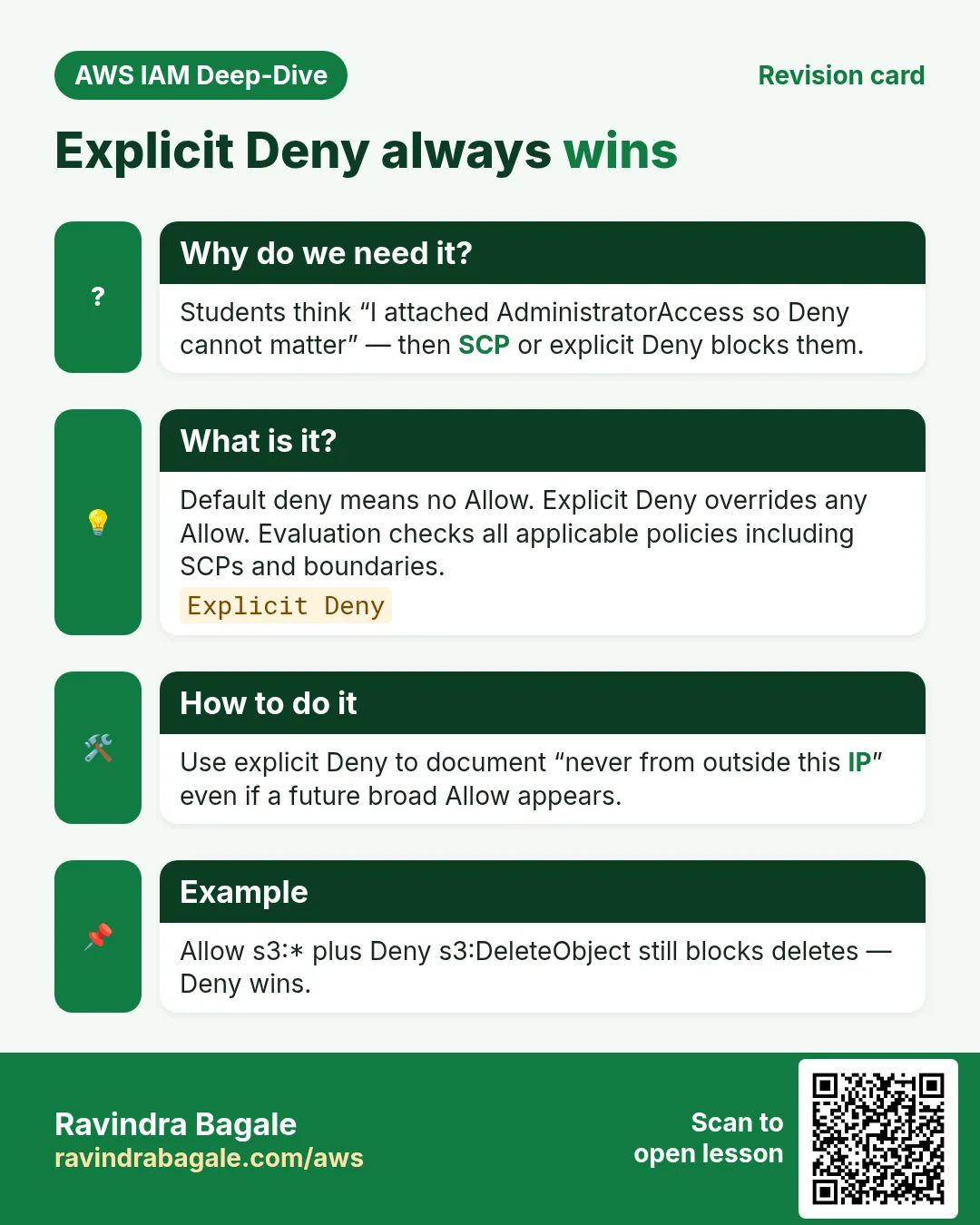
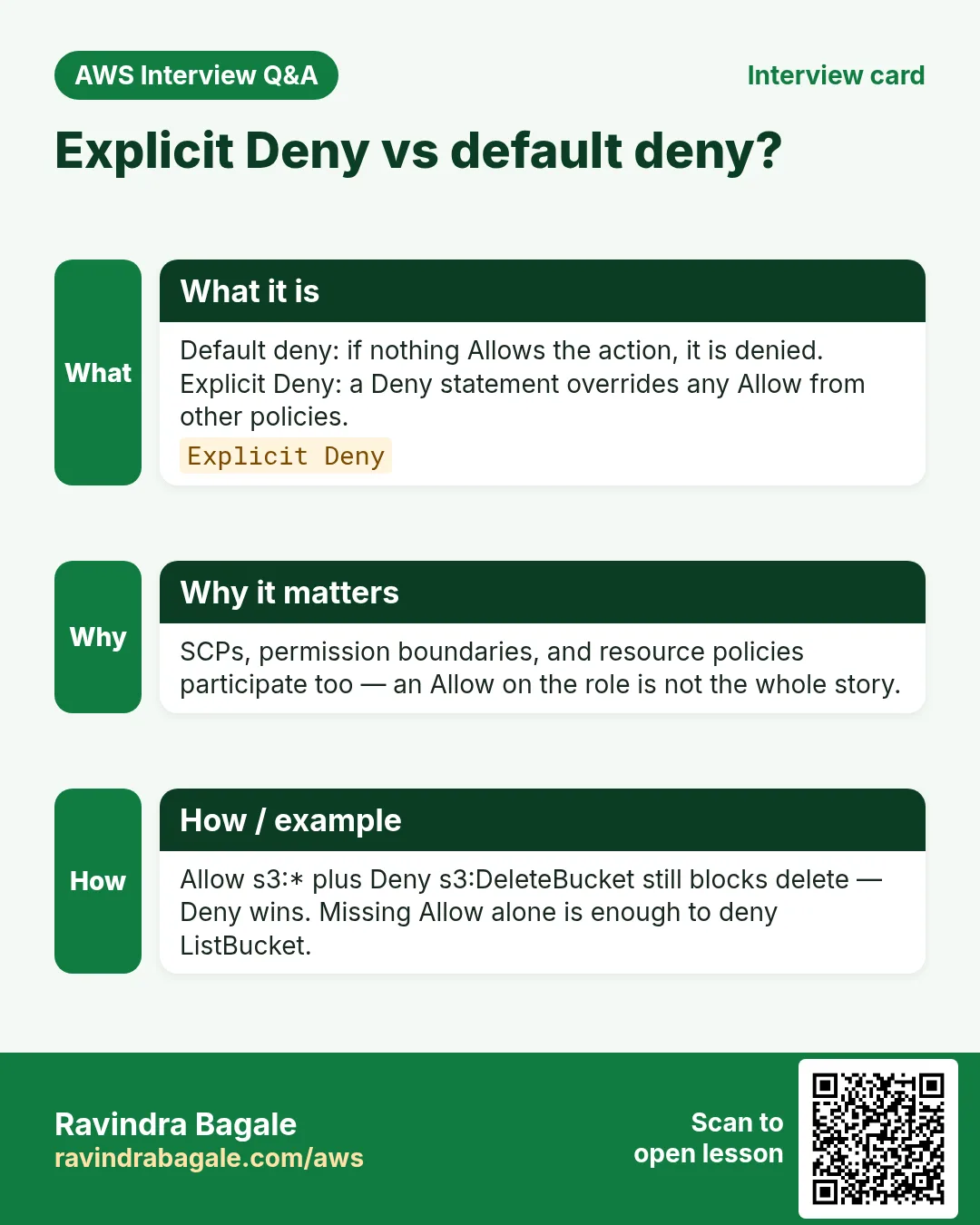
- Explicit Deny wins
1. Everyday example first
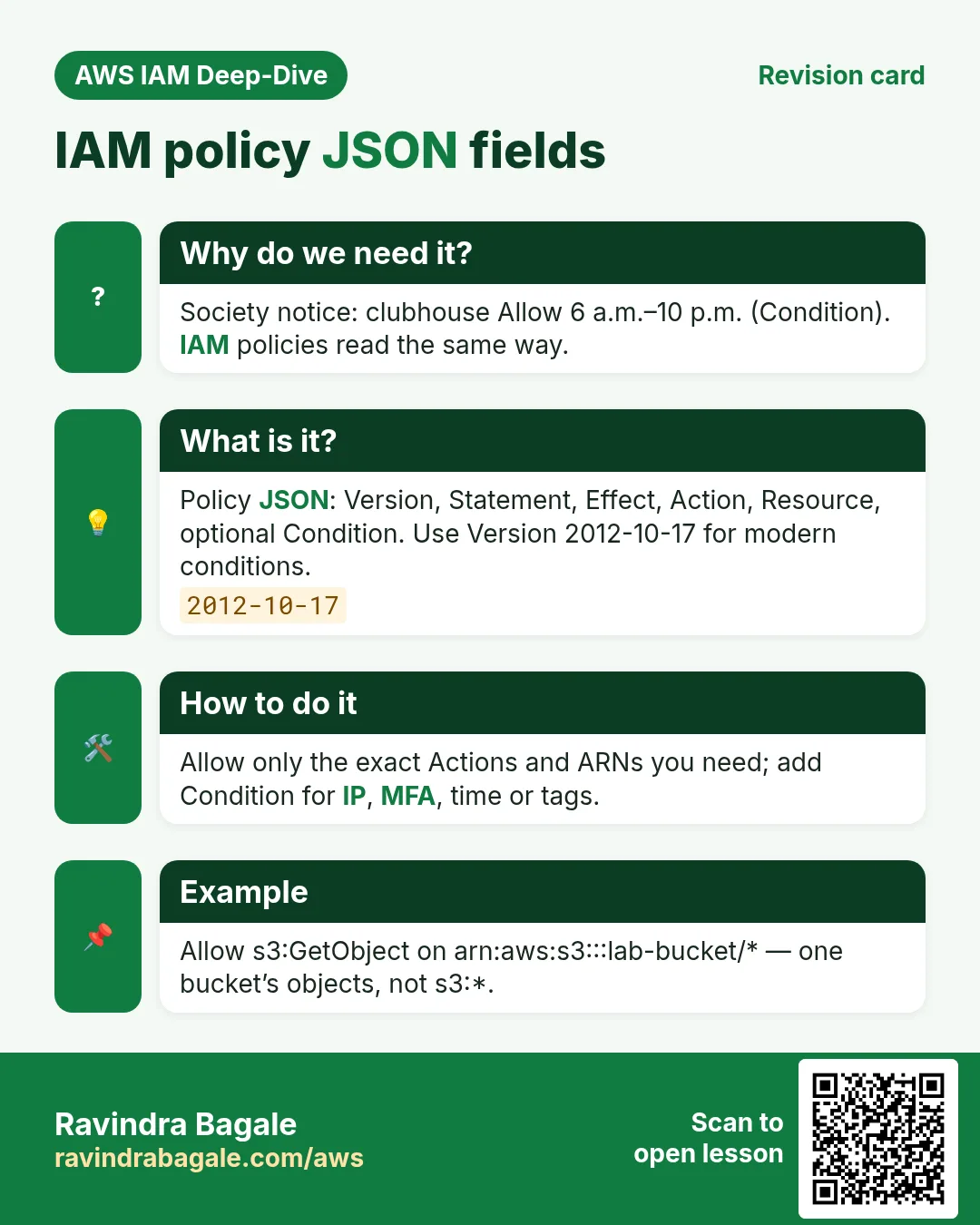
Why do we need this?
A housing society notice: “Residents may use the clubhouse (Allow) from 6 a.m. to 10 p.m. (Condition). Guests are Deny after 10.” IAM policies read the same way.
What is it?
IAM identity-based policies attach to users, groups or roles. Resource-based policies (bucket policy, role trust) sit on the resource. Both use similar JSON.
{
  "Version": "2012-10-17",
  "Statement": [{
    "Sid": "ReadOneBucket",
    "Effect": "Allow",
    "Action": ["s3:GetObject", "s3:ListBucket"],
    "Resource": [
      "arn:aws:s3:::lab-bucket",
      "arn:aws:s3:::lab-bucket/*"
    ],
    "Condition": {
      "IpAddress": { "aws:SourceIp": "203.0.113.10/32" }
    }
  }]
}
2. Each field
| Field | Meaning |
|---|---|
| Version | Use "2012-10-17" |
| Statement | Array of rules |
| Sid | Optional human label |
| Effect | Allow or Deny |
| Action | API names: s3:GetObject, ec2:StartInstances, * |
| Resource | ARNs the action applies to |
| Condition | Optional extra checks (IP, MFA, tags, time) |
3. Managed vs inline
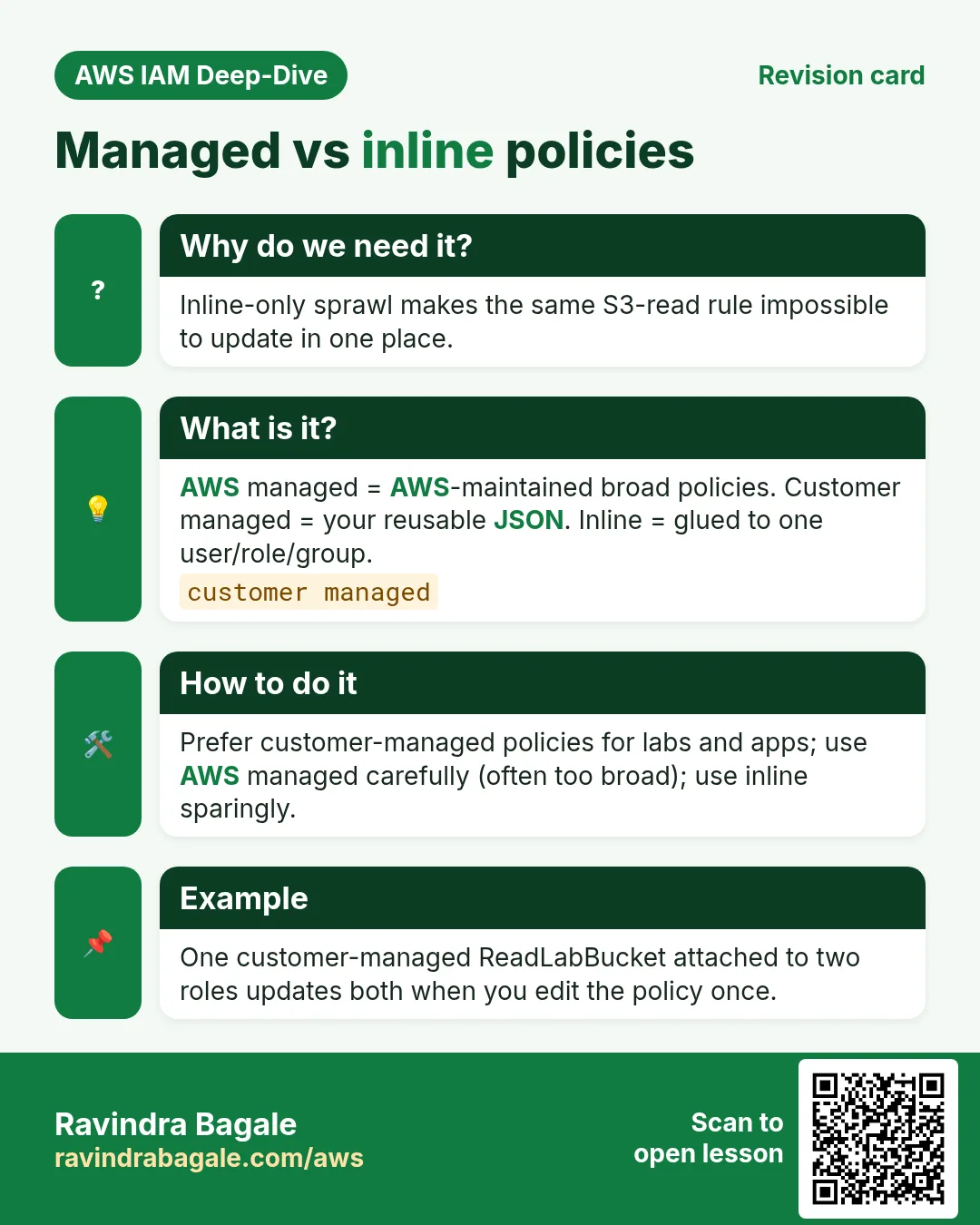
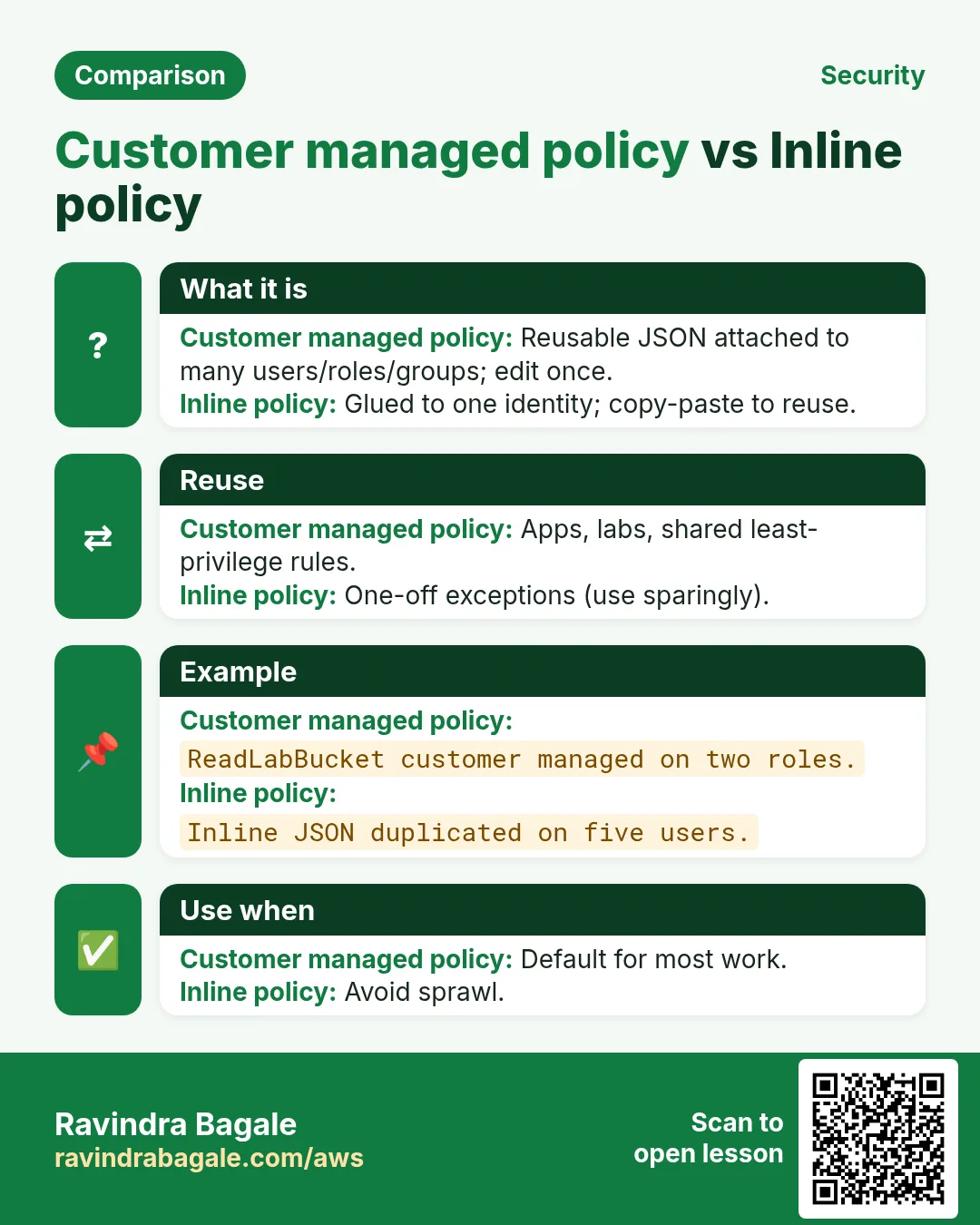
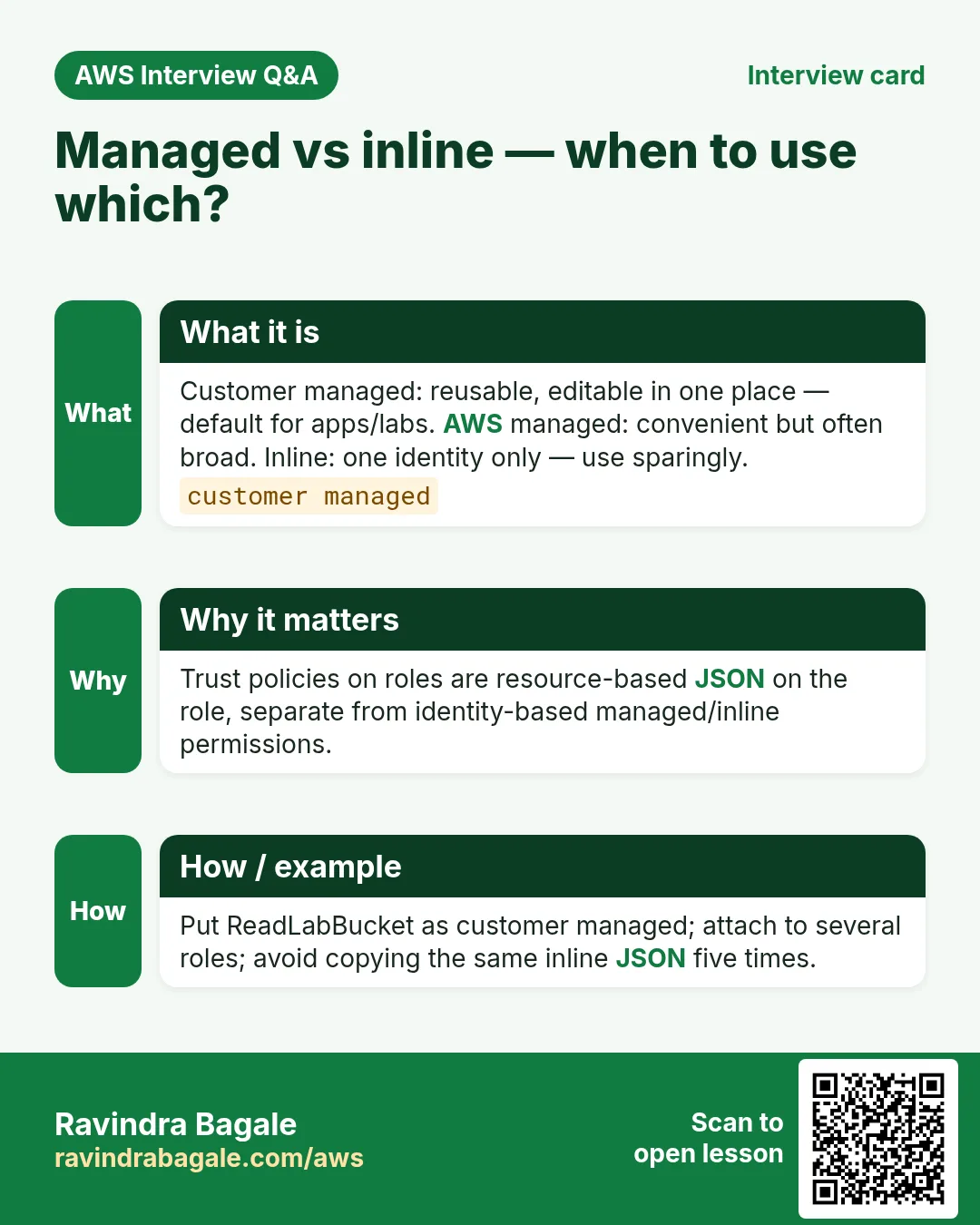
- AWS managed — AWS writes/updates (e.g. ReadOnlyAccess). Fast, often broad.
- Customer managed — you write once, attach to many roles. Best for least privilege.
- Inline — embedded in one user/role. Hard to reuse; use sparingly.
4. Evaluation mental model
- Start from deny by default (no Allow → no access).
- Any matching Allow opens the door.
- Any matching explicit Deny closes it again — Deny wins.
- SCPs, boundaries, session policies can also restrict.
Ravindra Bagale's Tip
Action on the wrong Resource ARN is a classic bug: ListBucket needs the bucket ARN; GetObject needs object ARNs (…/*).
5. Useful Condition keys
aws:SourceIp— only from office/VPN CIDR.aws:MultiFactorAuthPresent— sensitive actions need MFA.aws:RequestedRegion— lock to ap-south-1 for labs.aws:ResourceTag/…/aws:PrincipalTag/…— attribute-based access.
6. Interview angles
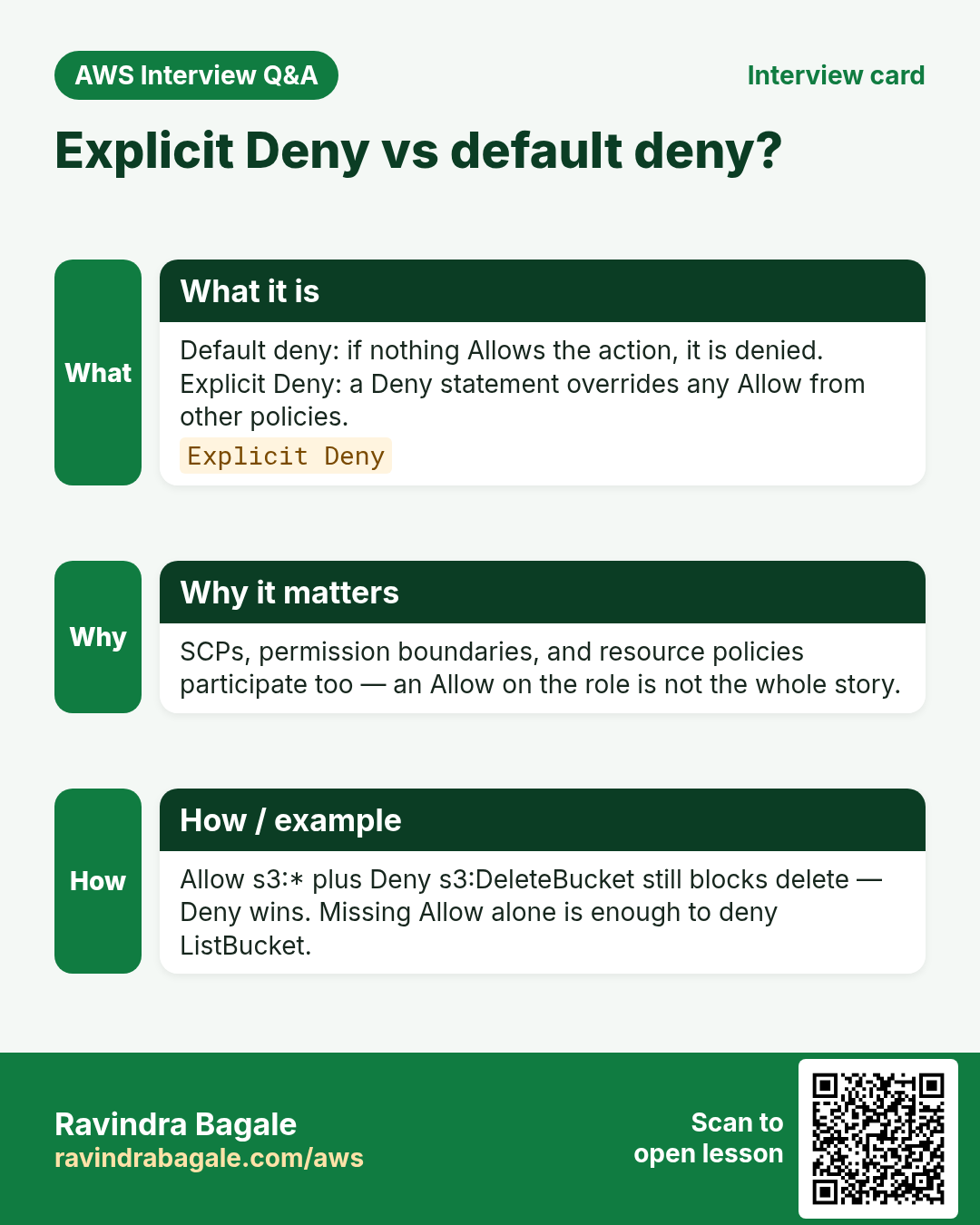
Q. Explicit Deny vs default deny?
Default = no Allow; Explicit Deny overrides Allows.
Q. Why Version 2012-10-17?
Enables modern policy features/conditions.
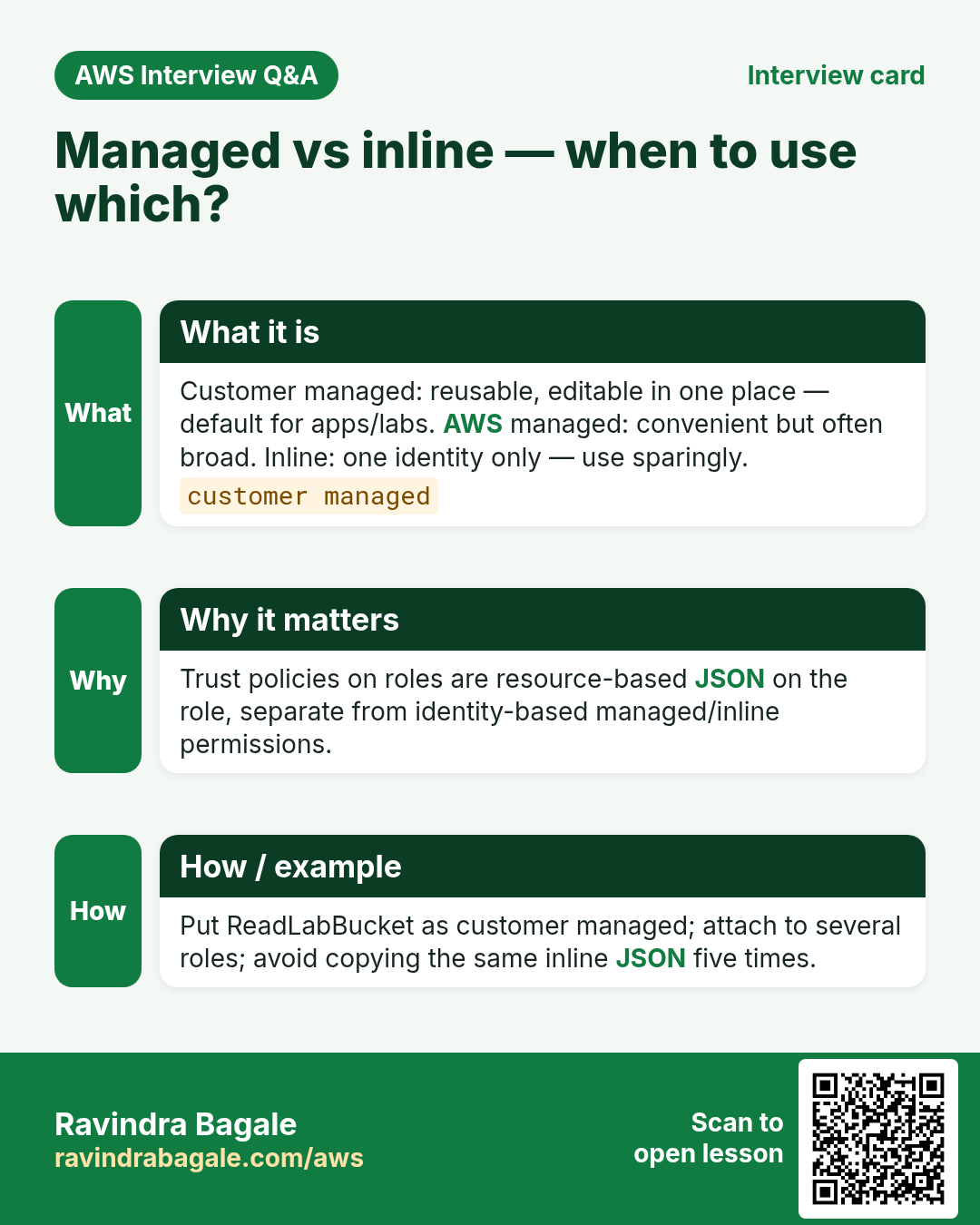
Q. Managed vs inline?
Managed reusable; inline one identity.
Q. Trust policy is which type?
Resource-based policy on the role.
Q. Condition optional?
Yes — but powerful for least privilege.
Try at home
- Copy the sample policy and change the IP to yours; read it aloud as Allow/Action/Resource/Condition.
- Next: write and test a real Condition policy in the console.
In short
- Policy JSON: Effect, Action, Resource, optional Condition.
- Customer managed beats broad AWS managed for labs.
- Explicit Deny always wins.
- Right ARN shape matters.
Practice Tasks
Bengaluru HealthTech is a health technology business in Bengaluru. Arjun Rao looks after its IT and cloud work. They count money in INR and run their AWS resources in the ap-south-1 Region. In the tasks below you do real jobs for them using what this lesson teaches. All names, account IDs, IP addresses and numbers are made up for practice.
0 / 12
Easy Read-only access to one bucket
Why: Least privilege: give only the actions and the bucket the job needs.
What to do: Write an identity policy that lets the user read objects (s3:GetObject) only in bucket blrhealthtech-data.
- Start with { "Version": "2012-10-17", "Statement": [ ... ] }.
- In each statement write Effect, Action and Resource.
- Give only what the task needs (least privilege).
- Use double quotes and commas correctly. Click Check answer.
Medium Lambda access to one table
Why: The function only needs to read and write items in its own table.
What to do: Allow dynamodb:GetItem, dynamodb:PutItem, dynamodb:Query on arn:aws:dynamodb:ap-south-1:125324833677:table/blrhealthtech-orders only.
- Start with { "Version": "2012-10-17", "Statement": [ ... ] }.
- In each statement write Effect, Action and Resource.
- Give only what the task needs (least privilege).
- Use double quotes and commas correctly. Click Check answer.
Medium Start and stop servers only
Why: The night operator may start and stop servers but not terminate them.
What to do: Allow ec2:StartInstances and ec2:StopInstances on all instances in account 125324833677, Region ap-south-1. Also allow ec2:DescribeInstances on *.
- Start with { "Version": "2012-10-17", "Statement": [ ... ] }.
- In each statement write Effect, Action and Resource.
- Give only what the task needs (least privilege).
- Use double quotes and commas correctly. Click Check answer.
Medium List and read one bucket
Why: ListBucket works on the bucket ARN; GetObject works on object ARNs.
What to do: Allow s3:ListBucket on bucket blrhealthtech-data and s3:GetObject on all its objects. Nothing else.
- Start with { "Version": "2012-10-17", "Statement": [ ... ] }.
- In each statement write Effect, Action and Resource.
- Give only what the task needs (least privilege).
- Use double quotes and commas correctly. Click Check answer.
Medium Upload-only to one folder
Why: Field staff can drop files but cannot read or delete anything.
What to do: Allow s3:PutObject only under the prefix uploads/ in bucket blrhealthtech-data.
- Start with { "Version": "2012-10-17", "Statement": [ ... ] }.
- In each statement write Effect, Action and Resource.
- Give only what the task needs (least privilege).
- Use double quotes and commas correctly. Click Check answer.
Medium Attach a managed policy to a group
Why: AWS managed policies are ready-made and kept up to date by AWS.
What to do: Attach the AWS managed policy arn:aws:iam::aws:policy/ReadOnlyAccess to the group Auditors.
- Read the task and decide which AWS service it is about.
- Write aws, then the service name, then the operation (the action word).
- Add each needed flag (--name) followed by its value from the task.
- Flags can be in any order. Click Check answer.
Medium Create a customer managed policy
Why: Your own managed policy can be reused on many users, groups and roles.
What to do: Create a policy named blrhealthtech-s3-read from the document in policy.json.
- Read the task and decide which AWS service it is about.
- Write aws, then the service name, then the operation (the action word).
- Add each needed flag (--name) followed by its value from the task.
- Flags can be in any order. Click Check answer.
Hard Deny access from outside the office
Why: An explicit Deny with aws:SourceIp blocks keys used from anywhere else.
What to do: Write one Deny statement: deny all actions (*) on all resources (*) when the source IP is NOT in 203.0.113.0/24.
- Start with { "Version": "2012-10-17", "Statement": [ ... ] }.
- In each statement write Effect, Action and Resource.
- Give only what the task needs (least privilege).
- Use double quotes and commas correctly. Click Check answer.
Hard Allow only on tagged servers
Why: Tag conditions let one team control only its own servers.
What to do: Allow ec2:StopInstances on any instance (*) only when the instance tag Team equals blrhealthtech.
- Start with { "Version": "2012-10-17", "Statement": [ ... ] }.
- In each statement write Effect, Action and Resource.
- Give only what the task needs (least privilege).
- Use double quotes and commas correctly. Click Check answer.
Hard Test a policy before using it
Why: The policy simulator tells you if an action would be allowed, without doing it.
What to do: Check whether user arn:aws:iam::125324833677:user/arjun may call s3:GetObject.
- Read the task and decide which AWS service it is about.
- Write aws, then the service name, then the operation (the action word).
- Add each needed flag (--name) followed by its value from the task.
- Flags can be in any order. Click Check answer.
Hard Require MFA to delete
Why: Risky actions should need MFA, so a stolen password is not enough.
What to do: Deny s3:DeleteObject on arn:aws:s3:::blrhealthtech-data/* when MFA is not present (aws:MultiFactorAuthPresent is false).
- Start with { "Version": "2012-10-17", "Statement": [ ... ] }.
- In each statement write Effect, Action and Resource.
- Give only what the task needs (least privilege).
- Use double quotes and commas correctly. Click Check answer.
Hard Block other Regions (SCP style)
Why: Data rules (like keeping data in one country) are enforced with aws:RequestedRegion.
What to do: Deny ec2:* on * when aws:RequestedRegion is not ap-south-1.
- Start with { "Version": "2012-10-17", "Statement": [ ... ] }.
- In each statement write Effect, Action and Resource.
- Give only what the task needs (least privilege).
- Use double quotes and commas correctly. Click Check answer.
Revision, comparison and interview cards
Revise this lesson in a few minutes. Save the cards on your phone or download them as PNG files. The QR code on each card opens this lesson.
More cards: Ravi Sir's Cards.