AWS CLI EBS and AMI Commands: Volumes, Snapshots and Images
We manage server disks from the terminal: create and attach EBS volumes, grow them, take snapshots, and turn a server into a reusable AMI image.
What you'll learn in this chapter
- Create, attach and detach an EBS volume
- Resize a volume without downtime
- Take, copy and restore snapshots
- Create, share and deregister AMIs
- Clean up disks and images
1. The big picture: disks and photos of disks
Why do we need this?
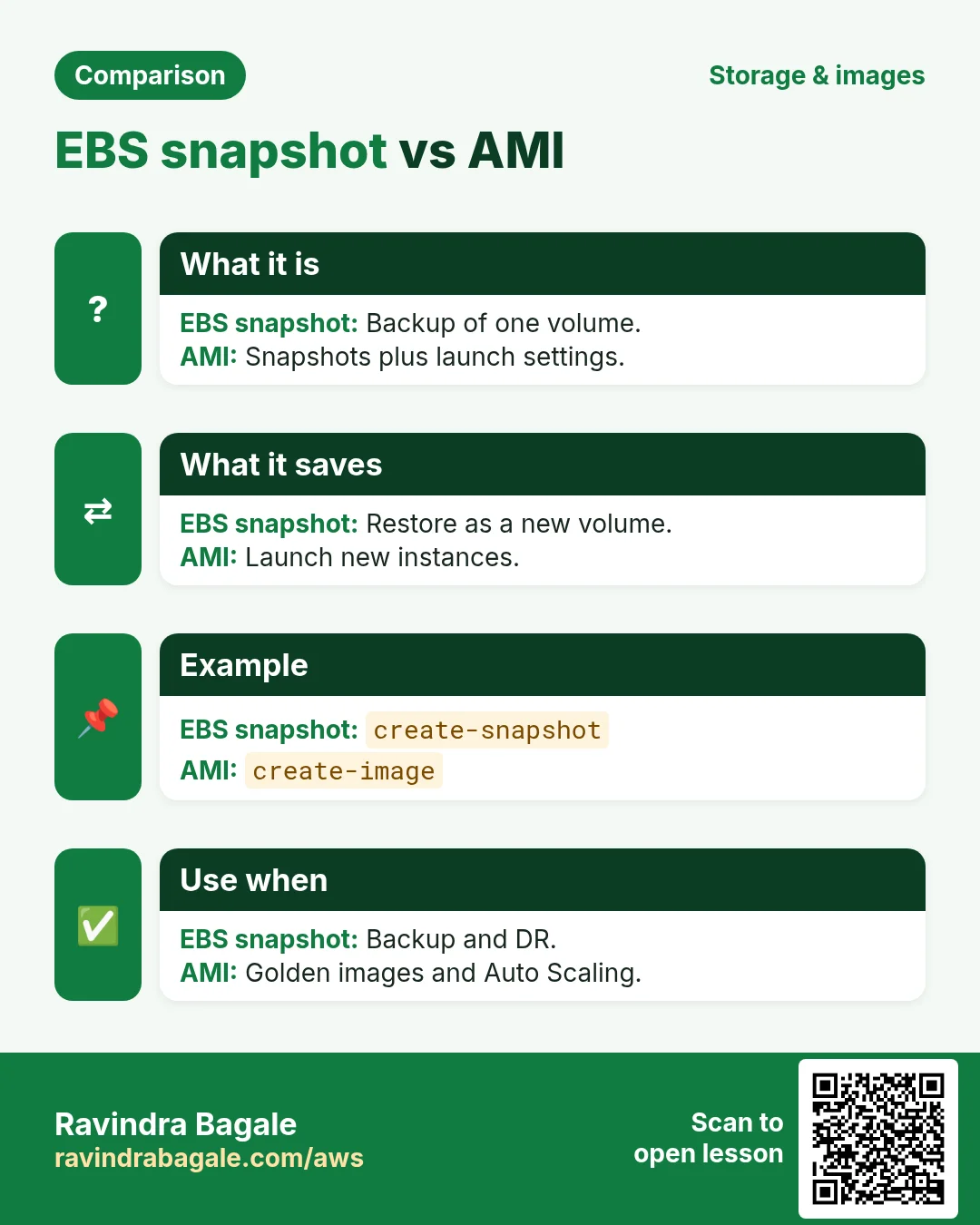
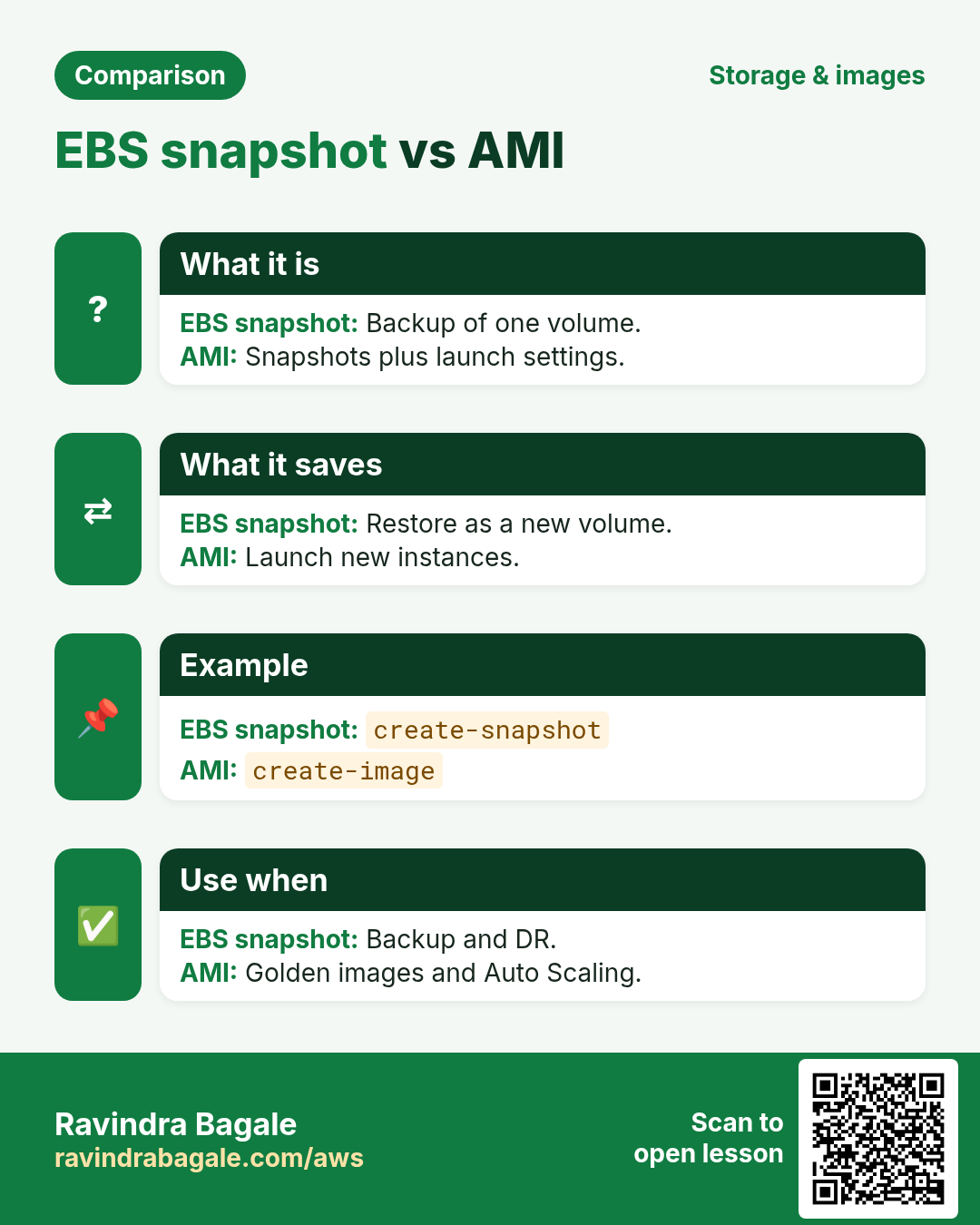
A pen drive (EBS volume) plugs into one laptop. A photo copy of it (snapshot) is kept safe in a locker. A ready-made laptop image (AMI) lets you set up new laptops in minutes.
What is it?
All of these are in aws ec2: create-volume, attach-volume, modify-volume, create-snapshot, copy-snapshot, create-image, deregister-image.
How to do it (step by step)
2. Create and attach an EBS volume
Why do we need this?
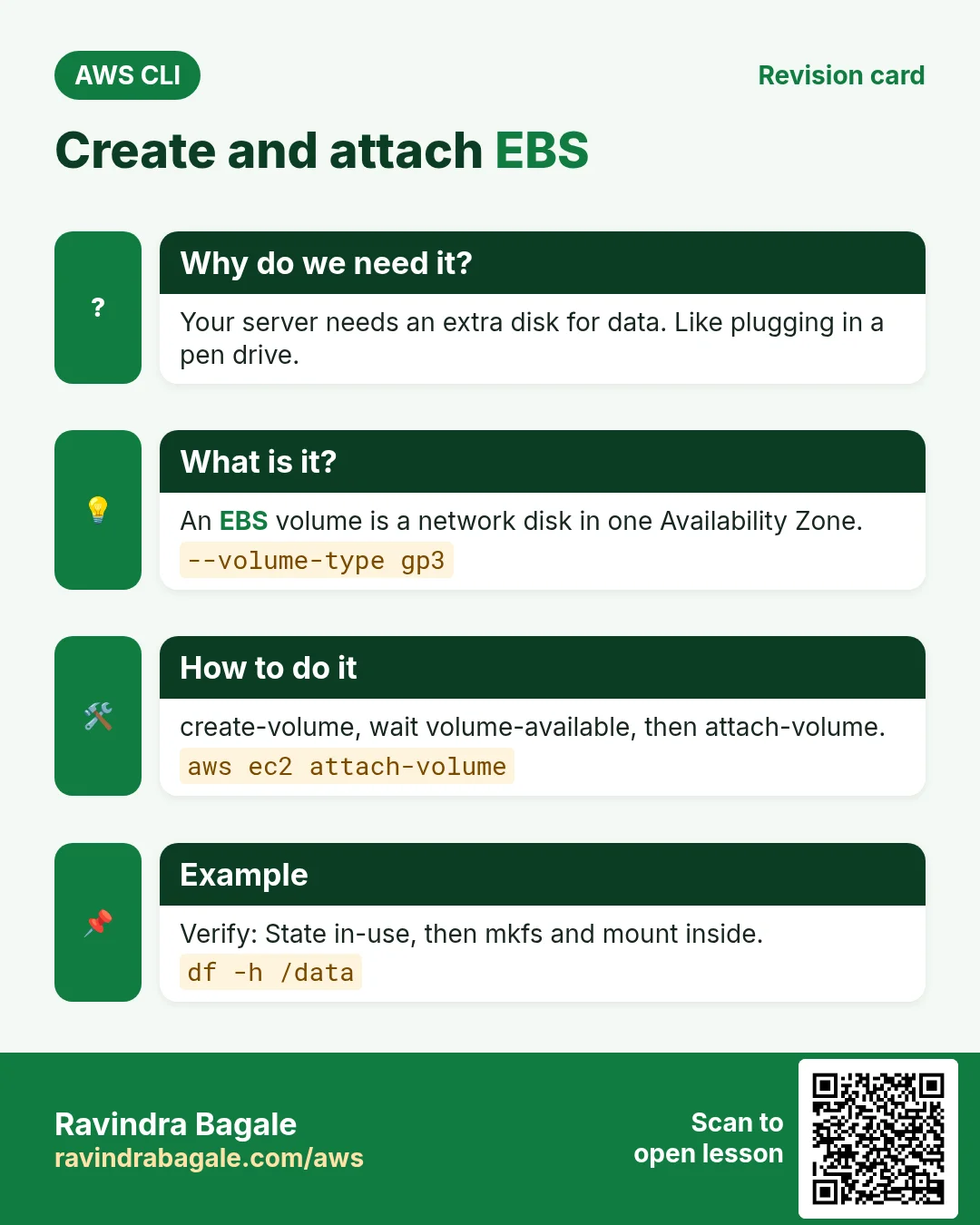
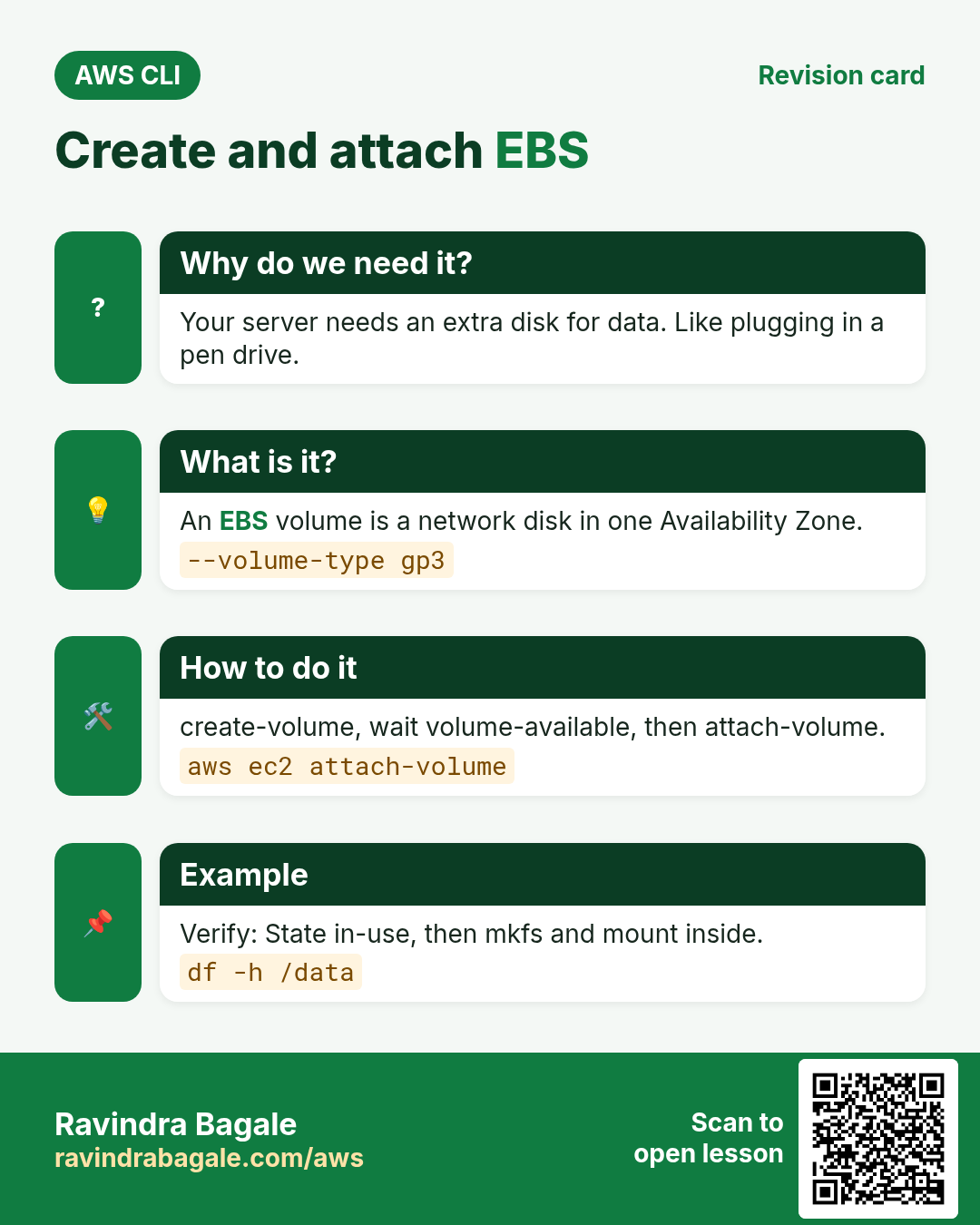
Your server needs more disk for data, apart from the root disk.
What is it?
An EBS volume is a network disk in one Availability Zone. gp3 is the default general purpose type.
How to do it (step by step)
- Create a 10 GiB gp3 volume.
VOL=$(aws ec2 create-volume --availability-zone ap-south-1a --size 10 --volume-type gp3 --tag-specifications "ResourceType=volume,Tags=[{Key=Name,Value=cli-data}]" --query VolumeId --output text)
aws ec2 wait volume-available --volume-ids $VOL && echo $VOL
Expected output:
vol-0a1b2c3d4e5f60718- Attach it to your instance.
aws ec2 attach-volume --volume-id $VOL --instance-id $IID --device /dev/sdf --query State --output textExpected output:
attaching- Verify.
aws ec2 describe-volumes --volume-ids $VOL --query "Volumes[0].[State,Attachments[0].State,Size]" --output textExpected output:
in-use attached 10- On the server, format and mount it.
lsblk
sudo mkfs -t xfs /dev/nvme1n1
sudo mkdir /data && sudo mount /dev/nvme1n1 /data
df -h /data
Expected output:
/dev/nvme1n1 10G 104M 9.9G 2% /data3. Resize a volume
Why do we need this?
The disk is getting full. You do not want to stop the server.
What is it?
modify-volume grows size or changes type and IOPS live. Then you grow the file system inside the server. You cannot shrink a volume.
How to do it (step by step)
- Grow to 20 GiB.
aws ec2 modify-volume --volume-id $VOL --size 20 --query VolumeModification.ModificationState --output textExpected output:
modifying- Watch progress.
aws ec2 describe-volumes-modifications --volume-ids $VOL --query "VolumesModifications[0].[ModificationState,Progress]" --output textExpected output:
optimizing 45- Grow the file system and verify.
sudo xfs_growfs /data
df -h /data
Expected output:
/dev/nvme1n1 20G 180M 20G 1% /data4. Snapshots: backup, copy and restore
Why do we need this?
Disks fail and people delete files by mistake. You need a point-in-time copy.
What is it?
A snapshot is an incremental backup of a volume stored in S3 by AWS. You can copy it to another region and create a new volume from it.
How to do it (step by step)
- Take a snapshot.
SNAP=$(aws ec2 create-snapshot --volume-id $VOL --description "cli-data backup" --query SnapshotId --output text)
aws ec2 wait snapshot-completed --snapshot-ids $SNAP && echo $SNAP
Expected output:
snap-0abc1234def567890- Copy it to another region for DR.
aws ec2 copy-snapshot --region ap-southeast-1 --source-region ap-south-1 --source-snapshot-id $SNAP --description dr-copyExpected output:
{ "SnapshotId": "snap-0fed..." }- Restore as a new volume.
aws ec2 create-volume --availability-zone ap-south-1b --snapshot-id $SNAP --volume-type gp3 --query "[VolumeId,State]" --output textExpected output:
vol-0new... creating5. Create and share an AMI
Why do we need this?
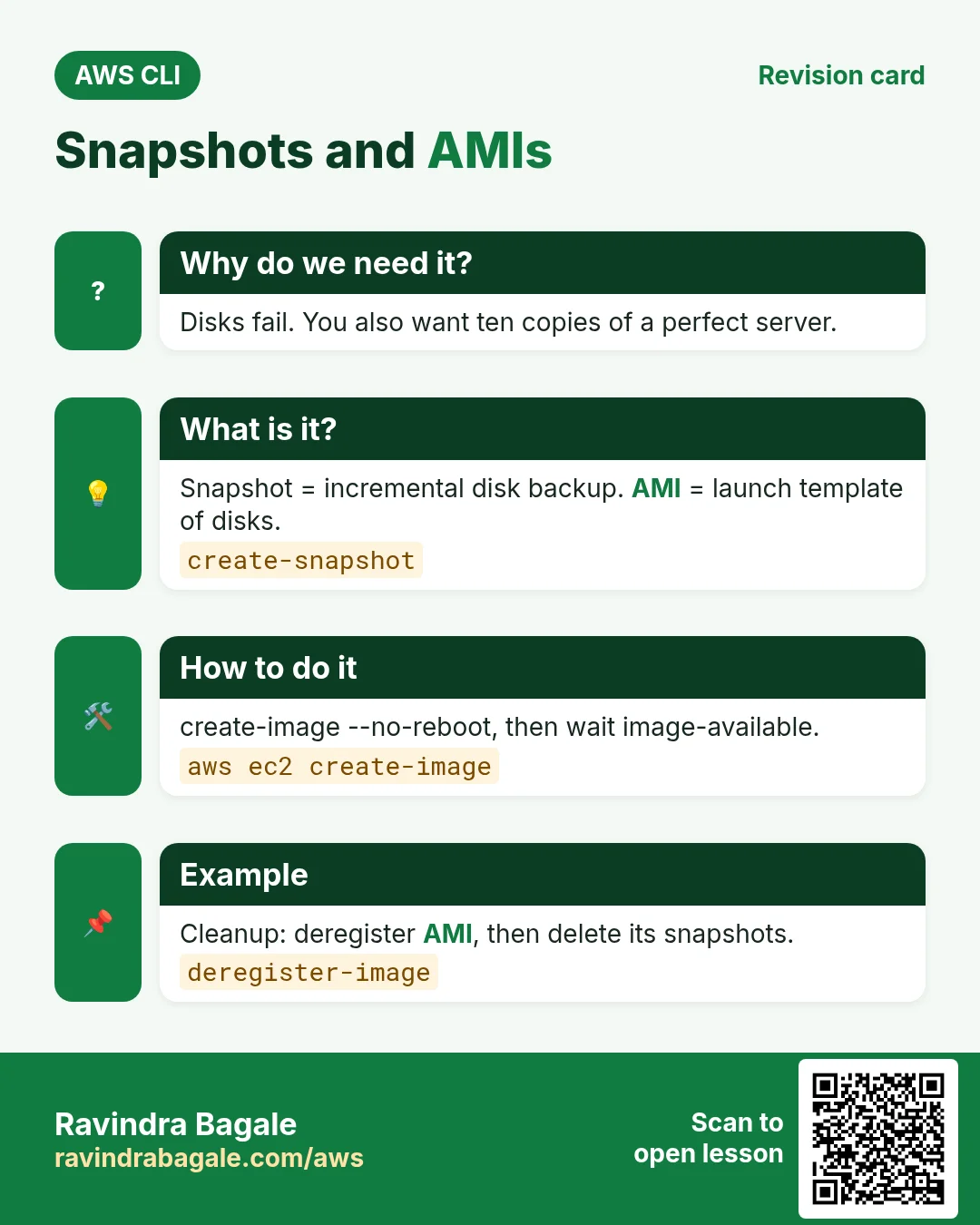
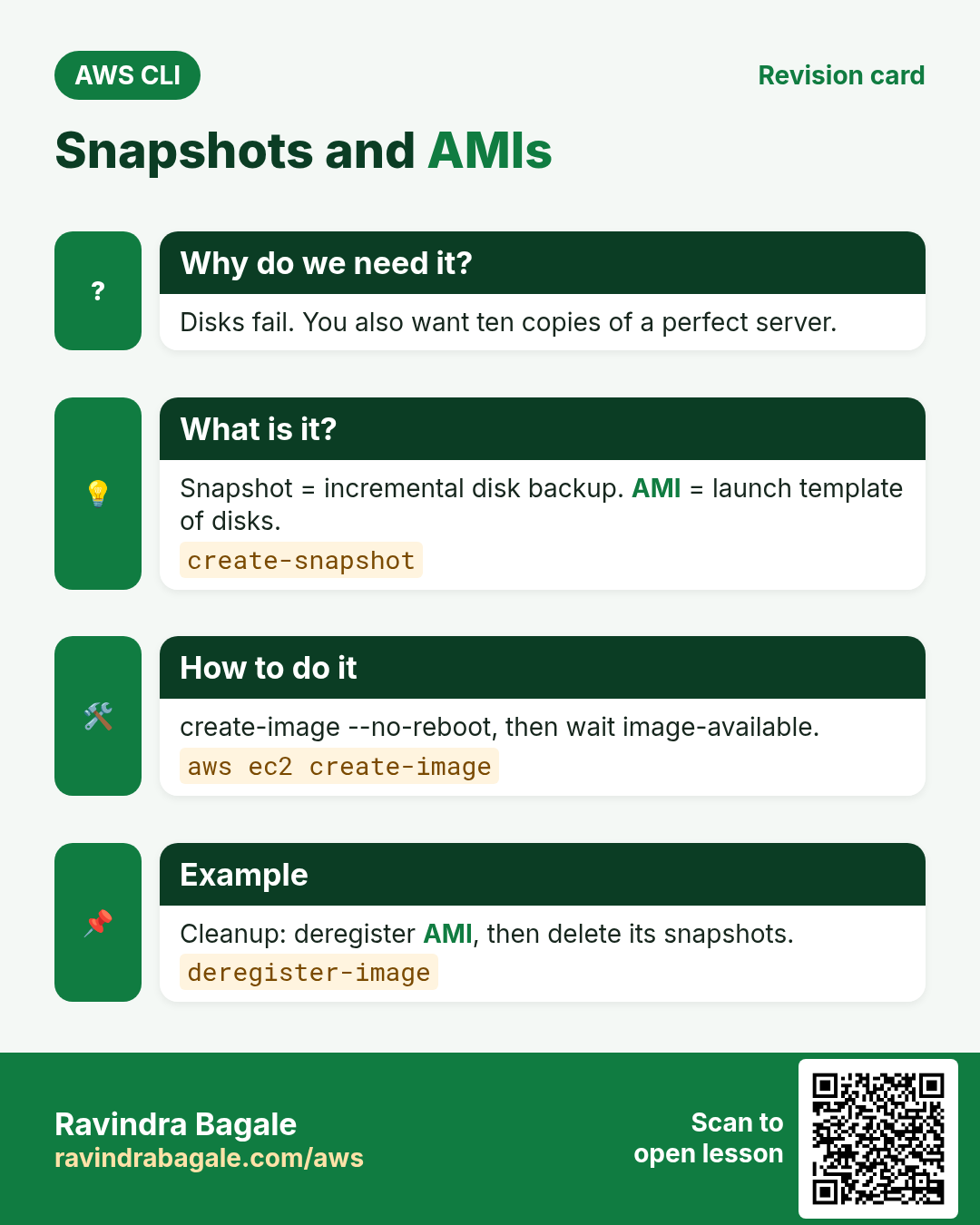
You set up a server perfectly. Now you want ten more just like it.
What is it?
An AMI is a template: snapshots of all disks plus launch settings. Auto Scaling and run-instances use it.
How to do it (step by step)
- Create an image without reboot.
AMI=$(aws ec2 create-image --instance-id $IID --name cli-web-v1 --no-reboot --query ImageId --output text)
aws ec2 wait image-available --image-ids $AMI && echo $AMI
Expected output:
ami-0abc1234def567890- Share with another account.
aws ec2 modify-image-attribute --image-id $AMI --launch-permission "Add=[{UserId=111122223333}]"Expected output:
(no output means success)- Verify your images.
aws ec2 describe-images --owners self --query "Images[].[ImageId,Name,State]" --output tableExpected output:
| ami-0abc... | cli-web-v1 | available |6. Same action in Python, Node.js, Java, Go, .NET and PHP
Why do we need this?
Scripts start in the CLI. Apps call the same API through an SDK. Knowing both helps you move a tested command into real code.
What is it?
Each CLI command maps to one API call. For example aws ec2 create-snapshot --volume-id vol-123 maps to the CreateSnapshot API.
How to do it (step by step)
Same action (CreateSnapshot) from code. Every SDK reads the same profile, region and credentials as the CLI.
| Stack | Code |
|---|---|
| Python (boto3) | boto3.client("ec2").create_snapshot(VolumeId="vol-123")["SnapshotId"] |
| Node.js (v3) | await ec2.send(new CreateSnapshotCommand({VolumeId:"vol-123"})); |
| Java (v2) | ec2.createSnapshot(r -> r.volumeId("vol-123")).snapshotId(); |
| Go (v2) | c.CreateSnapshot(ctx, &ec2.CreateSnapshotInput{VolumeId: aws.String("vol-123")}) |
| .NET | await ec2.CreateSnapshotAsync(new CreateSnapshotRequest{VolumeId="vol-123"}); |
| PHP | $ec2->createSnapshot(["VolumeId"=>"vol-123"]); |
7. Clean up so nothing keeps costing
Why do we need this?
Lab resources left running cost money and can be a security risk.
What is it?
Delete in reverse order: children first, then parents.
How to do it (step by step)
- Deregister the AMI, then delete its snapshots.
SN=$(aws ec2 describe-images --image-ids $AMI --query "Images[0].BlockDeviceMappings[].Ebs.SnapshotId" --output text)
aws ec2 deregister-image --image-id $AMI
for s in $SN; do aws ec2 delete-snapshot --snapshot-id $s; done
Expected output:
(no output means success)- Unmount, detach and delete the volume.
sudo umount /data
aws ec2 detach-volume --volume-id $VOL
aws ec2 wait volume-available --volume-ids $VOL
aws ec2 delete-volume --volume-id $VOL
Expected output:
(no output means success)- Delete the backup snapshot.
aws ec2 delete-snapshot --snapshot-id $SNAPExpected output:
(no output means success)- Verify nothing is left.
aws ec2 describe-volumes --filters Name=tag:Name,Values=cli-data --query "length(Volumes)"Expected output:
0Ravindra Bagale's Tip
Snapshots of deleted volumes still cost money. Run describe-snapshots --owner-ids self every month and delete old ones, or use Data Lifecycle Manager.
8. Interview questions and answers
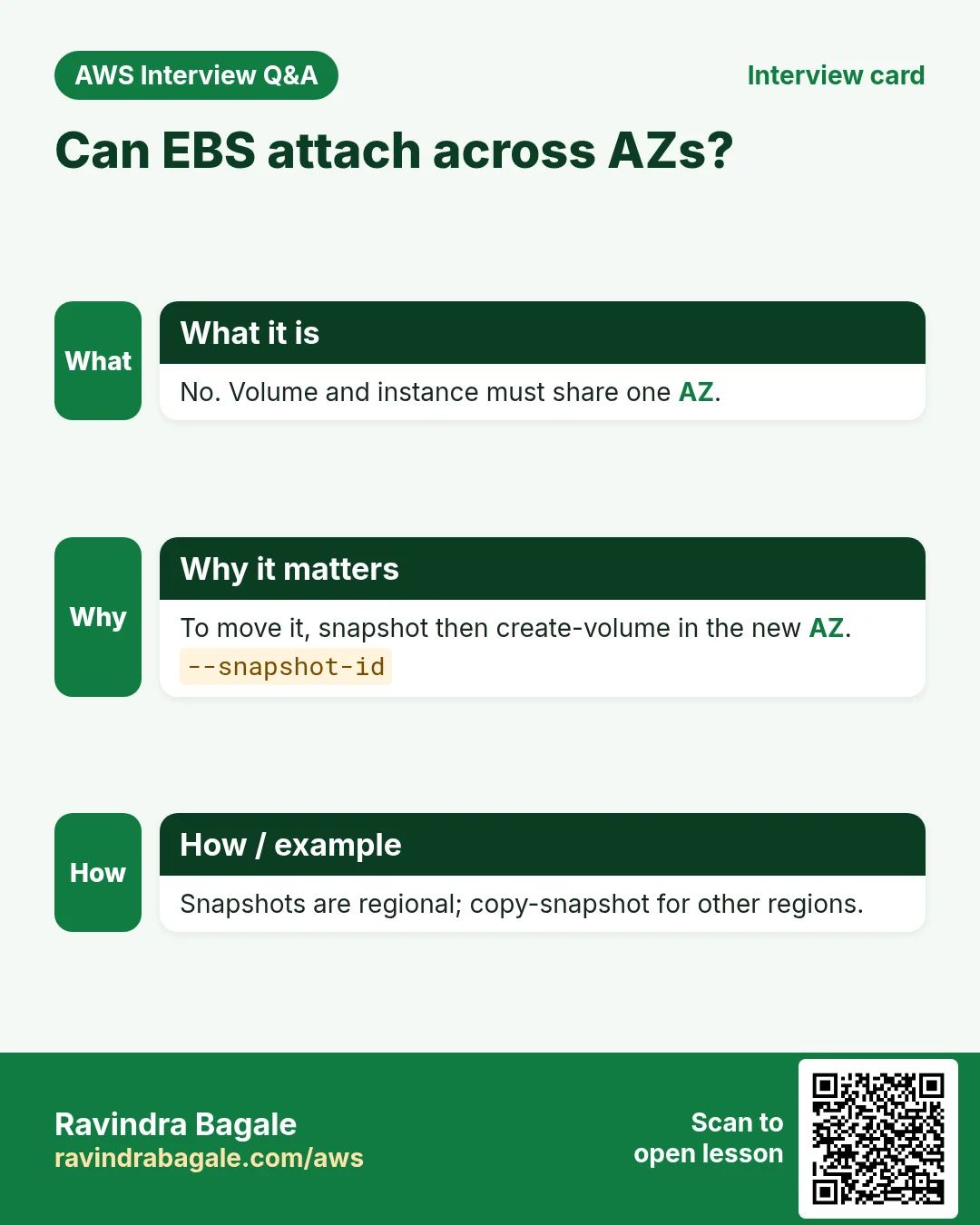
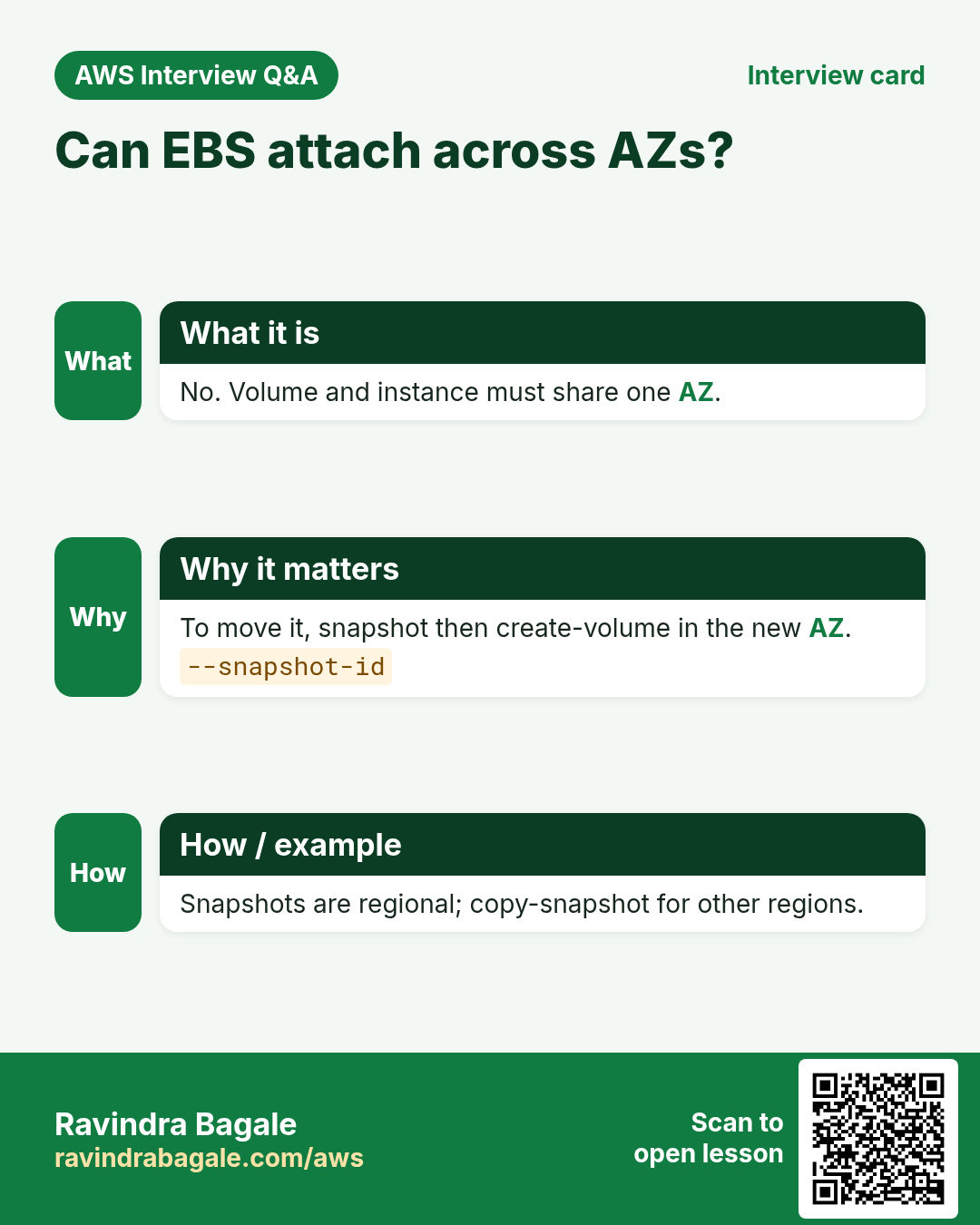
Q. Can an EBS volume attach to an instance in another AZ?
No. Volume and instance must be in the same AZ. Use a snapshot to move it.
Q. How do you grow a disk without downtime?
modify-volume, then grow the file system with xfs_growfs or resize2fs.
Q. Are snapshots full copies?
The first is full. Later ones store only changed blocks.
Q. What is in an AMI?
Disk snapshots, architecture, and block device mappings used at launch.
Q. Why --no-reboot can be risky?
Data in memory may not be flushed, so the image may be inconsistent.
Try at home
- Attach a 5 GiB volume, write a file, snapshot it, restore to a new volume and read the file back.
- Create an AMI and launch a second instance from it.
In short
- create-volume, attach-volume.
- modify-volume grows live.
- Snapshots are incremental.
- create-image makes an AMI.
- Deregister AMI, then delete snapshots.
Practice Tasks
Texas Solar Co is a solar energy business in Austin. Carlos Ramirez looks after its IT and cloud work. They count money in USD and run their AWS resources in the us-east-2 Region. In the tasks below you do real jobs for them using what this lesson teaches. All names, account IDs, IP addresses and numbers are made up for practice.
0 / 12
Easy Detach a volume
Why: To move a disk to a rescue server, detach it first.
What to do: Detach volume vol-01225c01510cfdeed.
- Read the task and decide which AWS service it is about.
- Write aws, then the service name, then the operation (the action word).
- Add each needed flag (--name) followed by its value from the task.
- Flags can be in any order. Click Check answer.
Easy Snapshot an EBS volume
Why: A snapshot is a point-in-time backup of one disk, kept in S3 by AWS.
What to do: Create a snapshot of volume vol-01225c01510cfdeed with description "nightly texassolar".
- Read the task and decide which AWS service it is about.
- Write aws, then the service name, then the operation (the action word).
- Add each needed flag (--name) followed by its value from the task.
- Flags can be in any order. Click Check answer.
Easy Check free disk space
Why: If a disk is 100% full, apps and databases stop working.
What to do: Show free and used space of all mounted disks in human-readable units.
- Find the Linux command that does this job.
- Add the options (like -r or -h) the task needs.
- Add the file names, folders or users in the right order.
- Use sudo if the job changes system files or users. Click Check answer.
Easy List the disks
Why: After you attach an EBS volume, lsblk shows its device name.
What to do: List all block devices (disks and partitions) on the server.
- Find the Linux command that does this job.
- Add the options (like -r or -h) the task needs.
- Add the file names, folders or users in the right order.
- Use sudo if the job changes system files or users. Click Check answer.
Medium Delete an old AMI
Why: Old AMIs and their snapshots cost money every month.
What to do: Deregister the image ami-0111aad201d10abcd.
- Read the task and decide which AWS service it is about.
- Write aws, then the service name, then the operation (the action word).
- Add each needed flag (--name) followed by its value from the task.
- Flags can be in any order. Click Check answer.
Medium List your own AMIs
Why: Only images you own matter when you clean up old AMIs.
What to do: List only the AMIs owned by your own account.
- Read the task and decide which AWS service it is about.
- Write aws, then the service name, then the operation (the action word).
- Add each needed flag (--name) followed by its value from the task.
- Flags can be in any order. Click Check answer.
Medium Attach a volume to an instance
Why: A volume must be attached (same AZ) before the server can see it.
What to do: Attach volume vol-01225c01510cfdeed to instance i-001510d5221111a2b as device /dev/sdf.
- Read the task and decide which AWS service it is about.
- Write aws, then the service name, then the operation (the action word).
- Add each needed flag (--name) followed by its value from the task.
- Flags can be in any order. Click Check answer.
Medium Create a new EBS volume
Why: Extra data disks keep app data apart from the root disk.
What to do: Create a 20 GiB gp3 volume in Availability Zone us-east-2a.
- Read the task and decide which AWS service it is about.
- Write aws, then the service name, then the operation (the action word).
- Add each needed flag (--name) followed by its value from the task.
- Flags can be in any order. Click Check answer.
Medium Create an AMI from a server
Why: An AMI is a full server image. Launch identical copies from it any time.
What to do: Create an AMI named texassolar-web-v1 from instance i-001510d5221111a2b.
- Read the task and decide which AWS service it is about.
- Write aws, then the service name, then the operation (the action word).
- Add each needed flag (--name) followed by its value from the task.
- Flags can be in any order. Click Check answer.
Medium Format a new disk
Why: A new EBS volume is empty. It needs a file system before you can store files.
What to do: Format /dev/xvdf with the xfs file system.
- Find the Linux command that does this job.
- Add the options (like -r or -h) the task needs.
- Add the file names, folders or users in the right order.
- Use sudo if the job changes system files or users. Click Check answer.
Hard Copy a snapshot to another Region
Why: A copy in another Region protects you if a whole Region has a problem.
What to do: Copy snapshot snap-025f01510beef5 from us-east-2 into us-west-2 (run the command in us-west-2).
- Read the task and decide which AWS service it is about.
- Write aws, then the service name, then the operation (the action word).
- Add each needed flag (--name) followed by its value from the task.
- Flags can be in any order. Click Check answer.
Hard Grow a volume without downtime
Why: EBS volumes can grow while in use. Afterwards you grow the file system too.
What to do: Increase volume vol-01225c01510cfdeed to 50 GiB.
- Read the task and decide which AWS service it is about.
- Write aws, then the service name, then the operation (the action word).
- Add each needed flag (--name) followed by its value from the task.
- Flags can be in any order. Click Check answer.
Revision, comparison and interview cards
Revise this lesson in a few minutes. Save the cards on your phone or download them as PNG files. The QR code on each card opens this lesson.
More cards: Ravi Sir's Cards.