Shell Scripting Complete 14: 30 Real-World Bash Scripts for Ops, DevOps and Data Teams
This chapter puts everything from Shell Scripting Complete 1 to 13 to work. You get 30 real-world scripts used by ops, DevOps, data and support teams: backups and cleanup, disk, CPU and memory checks, website and SSL monitoring, log reports, user and SSH audits, deploy helpers, file processing, database dumps, and small daily tools. Each script is short, uses set -euo pipefail where it matters, quotes its variables, and is explained in very easy English with Pune-style Marathi. Copy them, change the paths, and test on a non-production machine first.
What you'll learn in this chapter
- Back up, rotate and clean files safely
- Monitor disk, memory, CPU, services, URLs and SSL
- Build log and user reports
- Write deploy and rollback helpers
- Process CSV and bulk files
- Reuse a standard script template
1. An everyday example: a toolbox at home
Why do we need this?
Every Pune home has a small toolbox: a screwdriver, a tester, tape, a spanner. You do not buy a new tool each time a tap leaks; you reach for the one you already have. These 30 scripts are your toolbox. When the disk fills, a site goes down or a report is due, you pick the right script, change two lines and use it.
What is it?
Toolbox = this script collection. Each tool = one script. Checking the tool before use = bash -n and shellcheck. Safety gloves = set -euo pipefail, quotes and a dry run. Putting tools back = trap cleanup and logs.
How to do it (step by step)
2. The template every script starts from
Why do we need this?
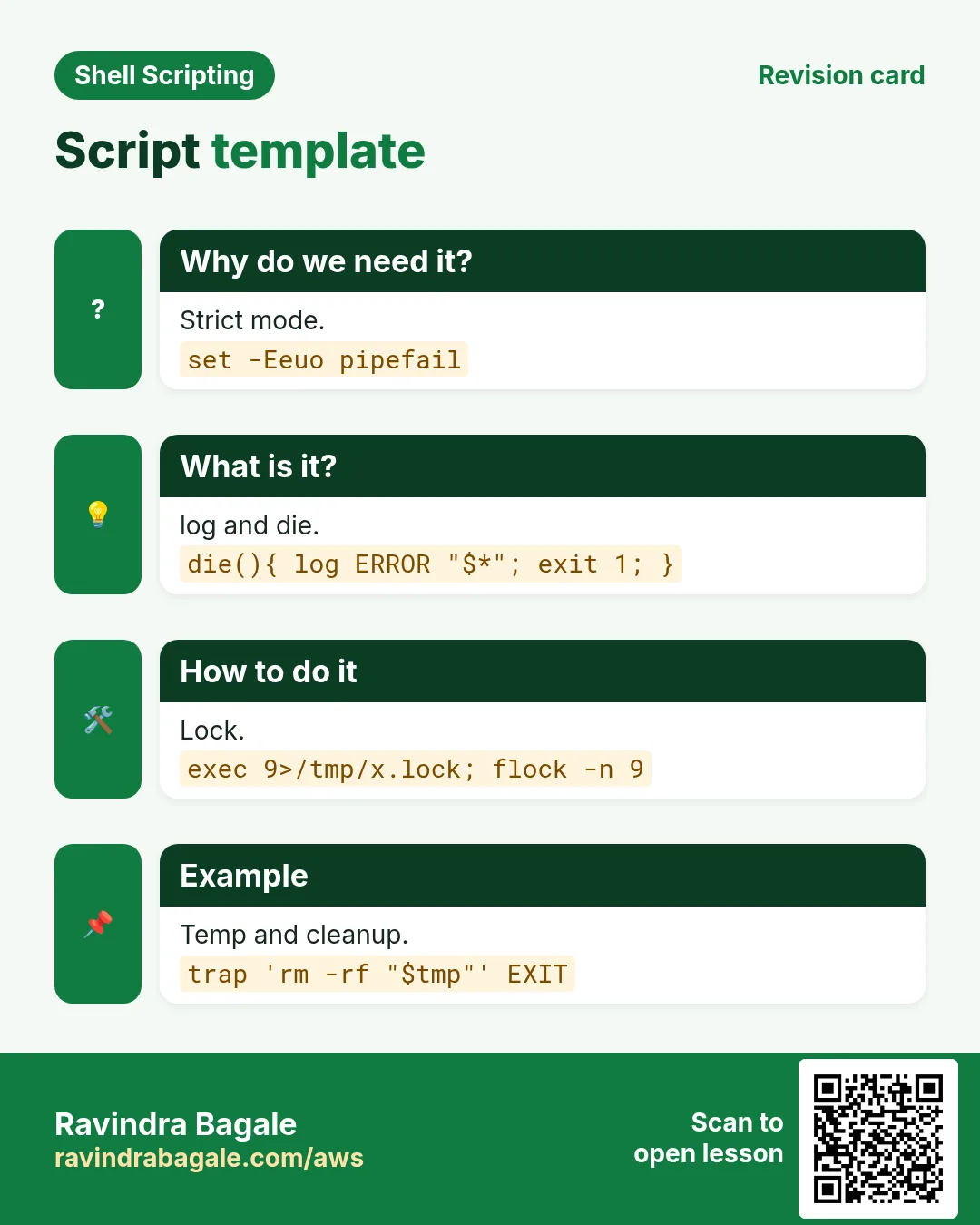
Same header, logging and cleanup in every script makes them easy to read and safe to run.
What is it?
Script 1 is a template: strict mode, a log function, die, a usage line, a temp folder with trap cleanup, and a flock guard. All other scripts in this chapter are shorter because they assume these parts.
How to do it (step by step)
- Script 1: template.sh.
#!/usr/bin/env bash
set -Eeuo pipefail
log(){ printf '%(%F %T)T [%s] %s\n' -1 "$1" "${*:2}" >&2; }
die(){ log ERROR "$*"; exit 1; }
(( $# >= 1 )) || { echo "usage: ${0##*/} TARGET" >&2; exit 2; }
exec 9>"/tmp/${0##*/}.lock"; flock -n 9 || die 'already running'
tmp=$(mktemp -d); trap 'rm -rf "$tmp"' EXIT
trap 'log ERROR "line $LINENO: $BASH_COMMAND"' ERR
log INFO "start target=$1"
Output:
2026-10-25 12:00:00 [INFO] start target=web1What it means: Copy this first.
3. Backup and cleanup (scripts 2-6)
Why do we need this?
Lost data and full disks are the two most common emergencies.
What is it?
These scripts make dated archives, keep only the last N, delete old files with a dry run first, rotate logs and sync folders to another server.
How to do it (step by step)
- Script 2: dated backup.
src=${1:?folder}; dst=/backup
f="$dst/${src##*/}-$(date +%F_%H%M).tgz"
tar czf "$f" -C "${src%/*}" "${src##*/}" && echo "saved $f $(du -h "$f" | cut -f1)"
Output:
saved /backup/www-2026-10-25_0200.tgz 412MWhat it means: Name has date and time.
- Script 3: keep last 7.
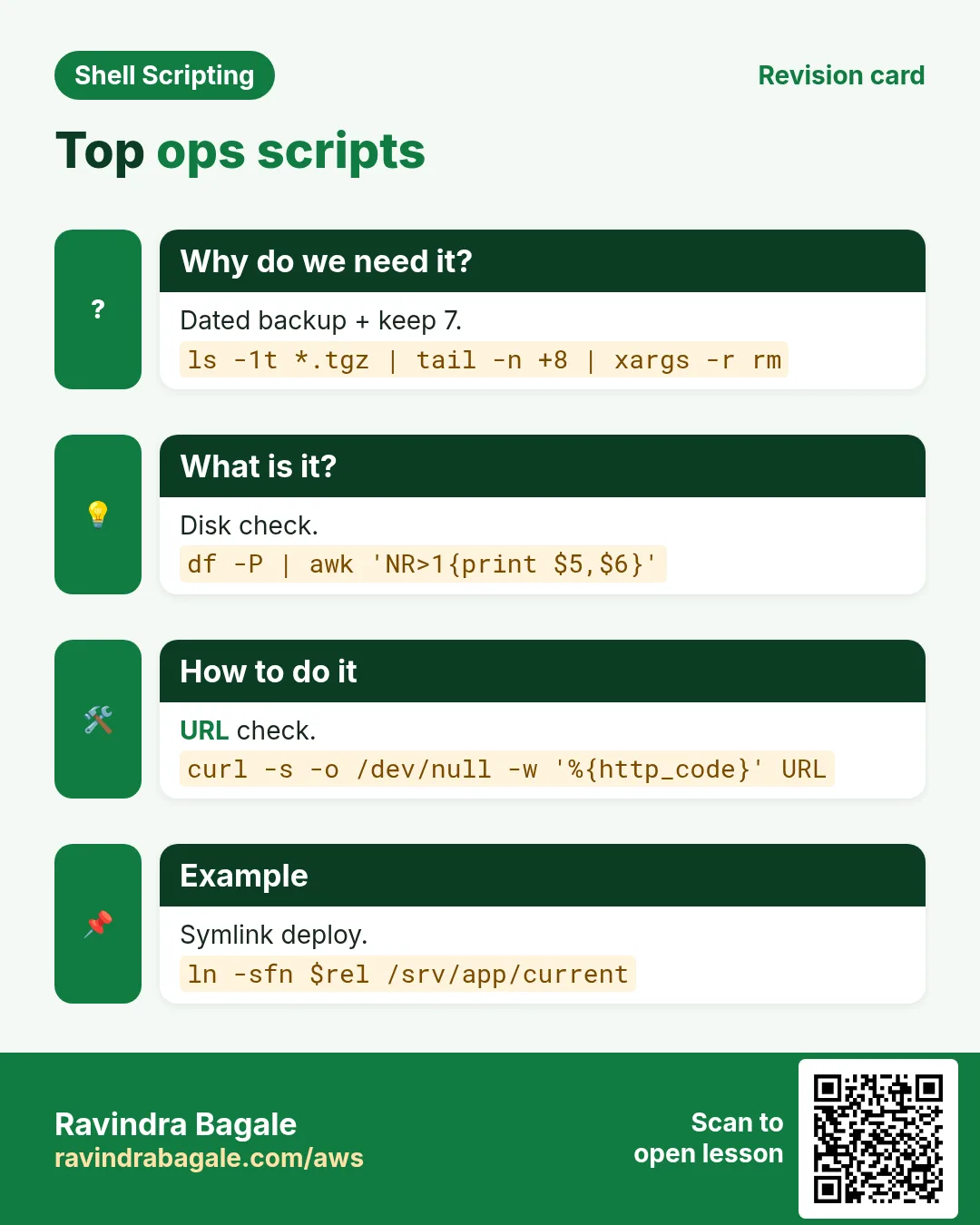
ls -1t /backup/www-*.tgz | tail -n +8 | xargs -r rm -v --Output:
removed '/backup/www-2026-10-17_0200.tgz'What it means: Oldest removed.
- Script 4: delete old with dry run.
dir=${1:?}; days=${2:-30}; mode=${3:-dry}
if [[ $mode == run ]]; then find "$dir" -type f -mtime +"$days" -delete -print; else find "$dir" -type f -mtime +"$days" -print; fi | wc -l
Output:
148What it means: Run with 'run' only after checking.
- Script 5: rotate a log.
l=/var/log/app/app.log
cp "$l" "$l.$(date +%F)" && : > "$l" && gzip "$l.$(date +%F)"; ls /var/log/app
Output:
app.log app.log.2026-10-25.gzWhat it means: Copy, empty, compress.
- Script 6: sync to backup server.
rsync -az --delete --exclude '*.tmp' /srv/data/ backup@10.0.2.9:/vault/data/ && echo syncedOutput:
syncedWhat it means: Only changes travel.
4. Health checks (scripts 7-12)
Why do we need this?
Finding a problem before users call you is the main job of monitoring.
What is it?
Each check prints a clear line and exits 1 when something is wrong, so cron, a timer or a monitor can alert.
How to do it (step by step)
- Script 7: all disks.
rc=0; while read -r use mnt; do use=${use%\%}; (( use > 85 )) && { echo "FULL $mnt ${use}%"; rc=1; }; done < <(df -P -x tmpfs -x devtmpfs | awk 'NR>1{print $5, $6}'); exit $rcOutput:
FULL /var 91%What it means: Every mount checked.
- Script 8: memory.
avail=$(awk '/MemAvailable/{print int($2/1024)}' /proc/meminfo); (( avail < 300 )) && { echo "LOW MEM ${avail}MB"; exit 1; }; echo "mem ok ${avail}MB"Output:
mem ok 1840MBWhat it means: MemAvailable is the right number.
- Script 9: load vs CPUs.
read -r l1 _ < /proc/loadavg; c=$(nproc); (( $(echo "$l1 > $c" | bc) )) && echo "HIGH load $l1 on $c cpus" || echo "load ok $l1"Output:
load ok 0.42What it means: Load above CPU count is busy.
- Script 10: services up.
for s in nginx sshd crond; do systemctl is-active --quiet "$s" || { echo "DOWN $s"; sudo systemctl restart "$s"; }; doneOutput:
DOWN nginxWhat it means: Restart if down.
- Script 11: URL check.
while read -r u; do code=$(curl -s -o /dev/null -w '%{http_code} %{time_total}' --max-time 10 "$u"); echo "$u $code"; done < urls.txtOutput:
https://shop.example.in 200 0.31
https://api.example.in/health 503 0.05
What it means: Status and time.
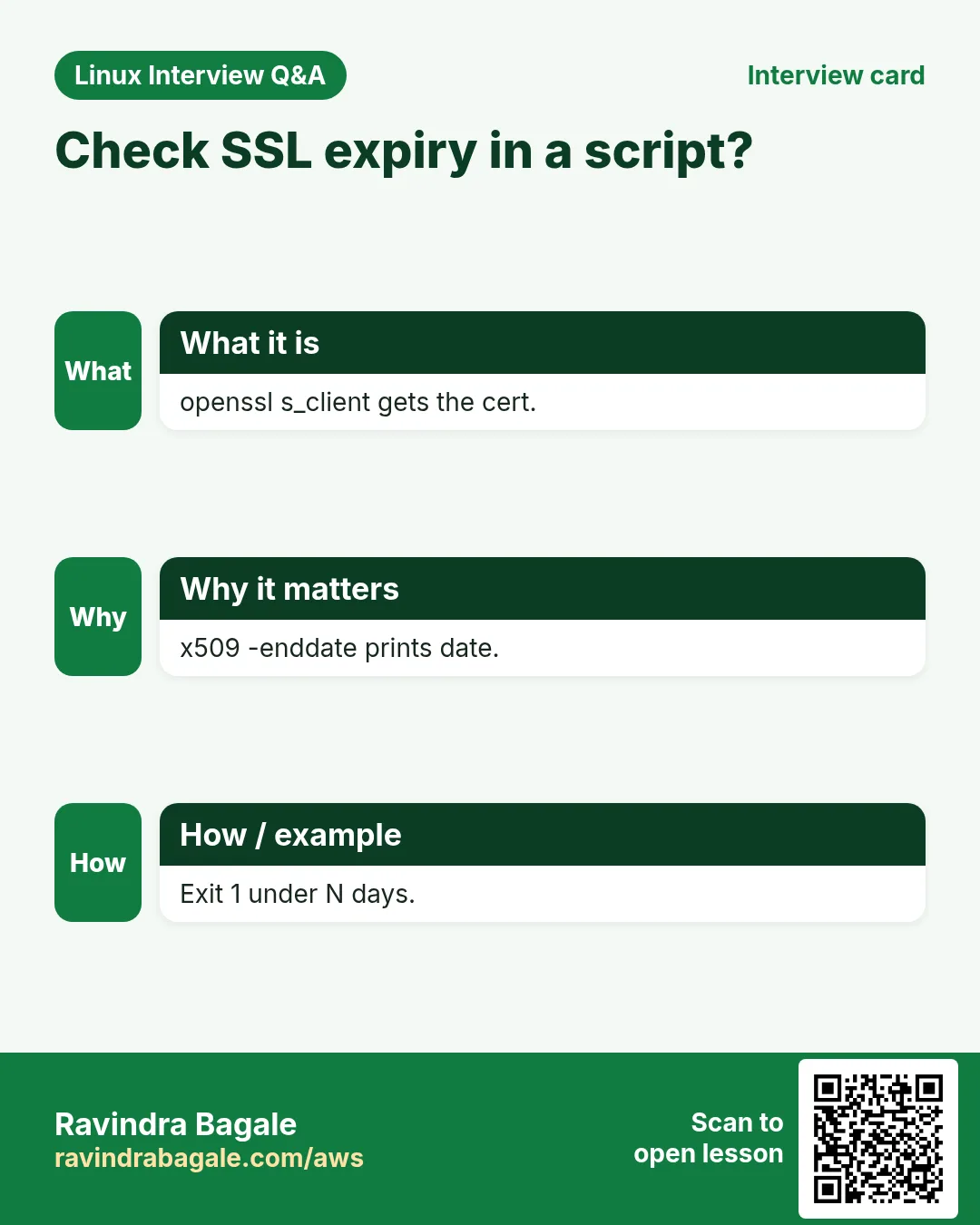
- Script 12: SSL expiry.
h=${1:?host}; end=$(echo | openssl s_client -servername "$h" -connect "$h:443" 2>/dev/null | openssl x509 -noout -enddate | cut -d= -f2)
days=$(( ( $(date -d "$end" +%s) - $(date +%s) ) / 86400 )); echo "$h $days days"; (( days > 15 ))
Output:
shop.example.in 54 daysWhat it means: Exit 1 when under 15 days.
5. Log reports (scripts 13-16)
Why do we need this?
Managers ask 'how many errors today' and 'who is hitting us'; logs have the answer.
What is it?
These use grep, awk, sort and uniq to count, rank and summarise web and app logs, and to watch a log live for a keyword.
How to do it (step by step)
- Script 13: top IPs and URLs.
log=${1:-/var/log/nginx/access.log}
echo 'Top IPs'; awk '{print $1}' "$log" | sort | uniq -c | sort -rn | head -5
echo 'Top URLs'; awk '{print $7}' "$log" | sort | uniq -c | sort -rn | head -5
Output:
Top IPs
    540 49.36.12.8
Top URLs
    902 /
What it means: Two rankings.
- Script 14: status code summary.
awk '{c[$9]++} END{for(k in c) printf "%s %d\n", k, c[k]}' /var/log/nginx/access.log | sortOutput:
200 8812
404 120
500 7
What it means: How healthy today.
- Script 15: errors per hour.
grep ' ERROR ' app.log | awk '{print substr($2,1,2)":00"}' | sort | uniq -cOutput:
     3 09:00
    41 10:00
What it means: Spike at 10.
- Script 16: watch and alert.
tail -Fn0 /var/log/app/app.log | while read -r line; do [[ $line == *'OutOfMemory'* ]] && logger -t oomwatch -p user.err "$line"; doneWhat it means: Runs forever; use a service.
6. Users and security (scripts 17-20)
Why do we need this?
Audits ask who can log in, who failed to log in, and which files are open to everyone.
What is it?
These scripts list real users, count failed SSH logins by IP, create users from a CSV, and find world-writable files.
How to do it (step by step)
- Script 17: human users.
awk -F: '$3>=1000 && $7 !~ /nologin|false/ {print $1, $6, $7}' /etc/passwdOutput:
ec2-user /home/ec2-user /bin/bash
asha /home/asha /bin/bash
What it means: UID 1000+ with a shell.
- Script 18: failed SSH by IP.
journalctl -u sshd --since today | grep -oP 'Failed password .* from \K[0-9.]+' | sort | uniq -c | sort -rn | headOutput:
    212 185.220.101.4
     18 45.95.147.2
What it means: Attackers ranked.
- Script 19: users from CSV.
while IFS=, read -r user group; do [[ $user == user ]] && continue; id "$user" &>/dev/null || sudo useradd -m -G "$group" "$user" && echo "ok $user"; done < new-users.csvOutput:
ok rahul
ok meera
What it means: Skips header and existing.
- Script 20: world-writable files.
sudo find / -xdev -type f -perm -0002 ! -path '/proc/*' -print 2>/dev/null | headOutput:
/opt/app/conf/db.ymlWhat it means: Fix with chmod o-w.
7. Deploy helpers (scripts 21-24)
Why do we need this?
A repeatable deploy with a quick rollback beats a careful manual one every time.
What is it?
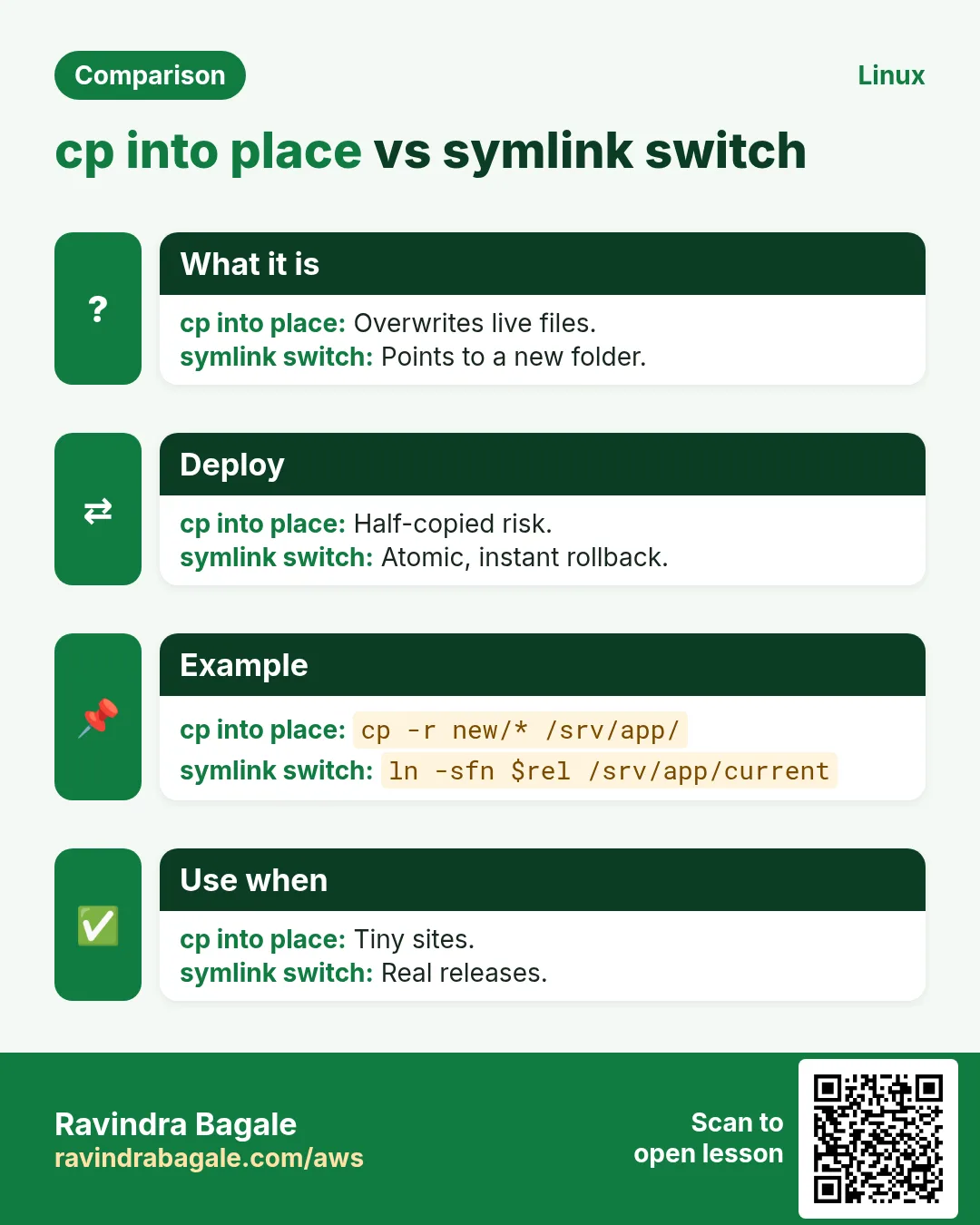
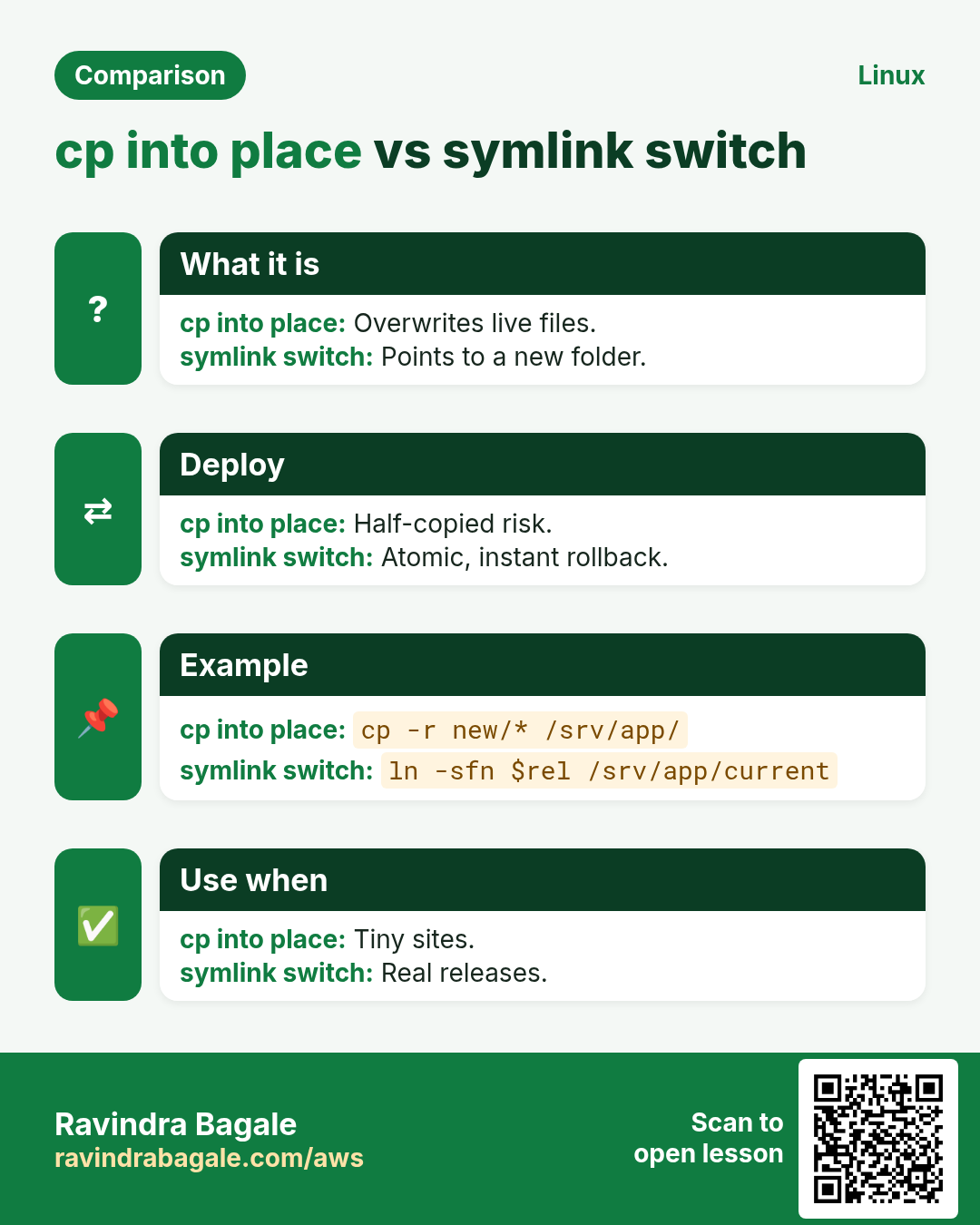
Release folders with a current symlink give instant rollback. A health check after switch decides to keep or roll back. A parallel command runner and a wait-for-port helper finish the set.
How to do it (step by step)
- Script 21: symlink deploy.
rel=/srv/app/releases/$(date +%Y%m%d%H%M); mkdir -p "$rel"
tar xzf app.tgz -C "$rel"
ln -sfn "$rel" /srv/app/current && sudo systemctl reload app && echo "live $rel"
Output:
live /srv/app/releases/202610251230What it means: Atomic switch.
- Script 22: rollback.
prev=$(ls -1d /srv/app/releases/* | sort | tail -2 | head -1); ln -sfn "$prev" /srv/app/current && sudo systemctl reload app && echo "rolled back to $prev"Output:
rolled back to /srv/app/releases/202610241100What it means: Previous release.
- Script 23: run on many hosts.
cmd=${1:?command}; while read -r h; do ssh -o ConnectTimeout=5 "$h" "$cmd" 2>&1 | sed "s/^/[$h] /" & done < hosts.txt; waitOutput:
[web1] active
[web2] active
What it means: Prefixed output.
- Script 24: wait for port.
h=${1:?}; p=${2:?}; for i in {1..30}; do (echo > "/dev/tcp/$h/$p") 2>/dev/null && { echo "$h:$p open"; exit 0; }; sleep 2; done; echo "$h:$p closed"; exit 1Output:
db1:5432 openWhat it means: No nc needed.
8. Files and data (scripts 25-28)
Why do we need this?
Teams get CSVs, images and dumps every day that need the same small processing.
What is it?
These scripts total a CSV column by key, find duplicate files by checksum, bulk rename safely, and dump a database with a dated, compressed name.
How to do it (step by step)
- Script 25: CSV totals by city.
awk -F, 'NR>1{s[$2]+=$3} END{for(c in s) printf "%-10s %10.2f\n", c, s[c]}' sales.csv | sort -k2 -nrOutput:
Pune         184500.00
Nagpur        92010.50
What it means: Sum by key.
- Script 26: duplicate files.
find "${1:-.}" -type f -exec md5sum {} + | sort | awk '$1==p{print $2} {p=$1}'Output:
./photos/IMG_0012 (1).jpgWhat it means: Same checksum, extra copy.
- Script 27: safe bulk rename.
for f in *' '*; do n=${f// /_}; [[ -e $n ]] && { echo "skip $f"; continue; }; mv -- "$f" "$n"; doneOutput:
skip Q3 report.pdfWhat it means: Never overwrites.
- Script 28: database dump.
f=/backup/shop-$(date +%F).sql.gz; mysqldump --single-transaction shop | gzip > "$f" && echo "dump $(du -h "$f" | cut -f1)"Output:
dump 88MWhat it means: pipefail catches dump errors.
9. Small daily tools (scripts 29-30)
Why do we need this?
A one-command server summary and a quick menu save many small minutes every day.
What is it?
Script 29 prints a server report card. Script 30 is a menu with select and case that wraps other scripts for support staff who do not know the commands.
How to do it (step by step)
- Script 29: server report card.
printf '%-10s %s\n' Host "$(hostname)" Uptime "$(uptime -p)" Load "$(cut -d' ' -f1-3 /proc/loadavg)" Mem "$(free -h | awk '/Mem/{print $3"/"$2}')" Disk "$(df -h / | awk 'NR==2{print $5}')" IP "$(hostname -I | cut -d' ' -f1)"Output:
Host       ip-10-0-1-5
Uptime     up 9 days, 3 hours
Load       0.12 0.20 0.18
Mem        1.1Gi/3.8Gi
Disk       41%
IP         10.0.1.5
What it means: One look summary.
- Script 30: support menu.
PS3='Choose: '
select o in 'Disk check' 'Restart nginx' 'Last errors' Quit; do
  case $REPLY in
    1) df -h ;;
    2) sudo systemctl restart nginx && echo restarted ;;
    3) journalctl -p err -n 20 --no-pager ;;
    4) break ;;
  esac
done
Output:
1) Disk check
2) Restart nginx
3) Last errors
4) Quit
Choose: 2
restarted
What it means: Safe actions only.
10. Real examples from many industries
Why do we need this?
The same Linux skill shows up in every kind of company. Seeing it in many places helps you remember it.
What is it?
Each row is a made-up team. It shows who uses this and how.
How to do it (step by step)
| Team and city | How they use it | Command |
|---|---|---|
| Rutuja, co-op bank, Pune | Script 2 + 3 nightly for core files | tar czf "$f" ... |
| James, university, Cambridge | Script 18 weekly SSH audit | grep -oP 'Failed password .* from \K[0-9.]+' |
| Sakura, retail, Osaka | Script 12 SSL expiry for 40 shops | openssl x509 -noout -enddate |
| Omar, airline, Dubai | Script 21/22 release and rollback | ln -sfn "$rel" /srv/app/current |
| Camila, fintech, Mexico City | Script 28 dump with pipefail | mysqldump --single-transaction shop | gzip |
| Ganesh, textile mill, Ichalkaranji | Script 29 report card for shop-floor PCs | uptime -p |
11. Common errors and how to fix them
Why do we need this?
Everyone hits these errors. Knowing the cause saves hours.
What is it?
Read the exact message first. Then match it to a row below.
How to do it (step by step)
| Error you see | Why it happens | How to fix |
|---|---|---|
rm deleted the wrong files | Empty variable in path | Use ${dir:?} and a dry run.find "${dir:?}" -mtime +30 -print |
tar: Removing leading '/' | Absolute paths | Use -C to set the base.tar czf f.tgz -C /srv www |
xargs: rm: missing operand | Empty list | Add -r.xargs -r rm -- |
curl: (28) Operation timed out | Host slow or blocked | Set --max-time and report.curl --max-time 10 -s -o /dev/null -w '%{http_code}' URL |
date: invalid date | Locale or format of SSL date | Use LC_ALL=C.LC_ALL=C date -d "$end" +%s |
ssh: connect to host port 22: Connection timed out | Host down or firewall | Add ConnectTimeout and skip.ssh -o ConnectTimeout=5 h |
mysqldump: Got error: 1045 Access denied | No credentials | Use ~/.my.cnf with mode 600.chmod 600 ~/.my.cnf |
Dump file is tiny but script said ok | No pipefail | Enable pipefail.set -o pipefail |
useradd: group does not exist | CSV group missing | Create group first.sudo groupadd devs |
12. Troubleshooting step by step
Why do we need this?
When a borrowed script fails, check its assumptions before its logic.
What is it?
Go top to bottom. Stop at the first step that shows the problem.
How to do it (step by step)
- Paths exist?
ls -ld /backup /srv/app- Tools installed?
command -v rsync bc openssl mysqldump- Permissions?
id; sudo -l- Lint.
shellcheck script.sh- Trace.
PS4='+ ${LINENO}: ' bash -x script.sh- Logs.
journalctl -t script -n 5013. Lab 1: Backup with retention and a report
Why do we need this?
Combine scripts 2, 3 and 29 into one nightly job that backs up a folder, keeps 3 copies and prints a summary.
What is it?
A full hands-on lab. Run every step on a test Linux machine (an EC2 instance, a VM, or WSL).
How to do it (step by step)
- Test data.
mkdir -p ~/lab50/www ~/lab50/backup && echo hi > ~/lab50/www/index.html- Script.
cat > ~/lab50/nightly.sh <<'X'
#!/usr/bin/env bash
set -euo pipefail
src=$HOME/lab50/www; dst=$HOME/lab50/backup
f="$dst/www-$(date +%F_%H%M%S).tgz"
tar czf "$f" -C "${src%/*}" "${src##*/}"
ls -1t "$dst"/www-*.tgz | tail -n +4 | xargs -r rm --
printf 'saved %s, copies %d, disk %s\n' "${f##*/}" "$(ls "$dst" | wc -l)" "$(df -h / | awk 'NR==2{print $5}')"
X
chmod +x ~/lab50/nightly.sh && shellcheck ~/lab50/nightly.sh && echo lint-ok
Output:
lint-ok- Run 5 times.
for i in 1 2 3 4 5; do ~/lab50/nightly.sh; sleep 1; doneOutput:
saved www-2026-10-25_123001.tgz, copies 1, disk 41%
...
saved www-2026-10-25_123005.tgz, copies 3, disk 41%- Only 3 kept.
ls ~/lab50/backup | wc -lOutput:
3- Clean.
rm -r ~/lab5014. Lab 2: Health check bundle with exit codes
Why do we need this?
Run scripts 7, 8 and 11 from one runner that collects results and exits 1 if any check fails, ready for a timer.
What is it?
A full hands-on lab. Run every step on a test Linux machine (an EC2 instance, a VM, or WSL).
How to do it (step by step)
- Checks folder.
mkdir -p ~/checks && cd ~/checks && printf 'https://example.com\n' > urls.txt- Two checks.
printf '#!/usr/bin/env bash\navail=$(awk "/MemAvailable/{print int(\\$2/1024)}" /proc/meminfo); echo "mem ${avail}MB"; (( avail > 300 ))\n' > mem.sh
printf '#!/usr/bin/env bash\nwhile read -r u; do c=$(curl -s -o /dev/null -w %%{http_code} --max-time 10 "$u"); echo "$u $c"; [[ $c == 200 ]] || exit 1; done < urls.txt\n' > url.sh
chmod +x *.sh- Runner.
cat > run-all.sh <<'X'
#!/usr/bin/env bash
rc=0
for c in ./mem.sh ./url.sh; do if out=$("$c" 2>&1); then echo "PASS $c: $out"; else echo "FAIL $c: $out"; rc=1; fi; done
exit $rc
X
chmod +x run-all.sh- Run.
./run-all.sh; echo rc=$?Output:
PASS ./mem.sh: mem 1840MB
PASS ./url.sh: https://example.com 200
rc=0- Break one.
echo https://example.com/nope-404 >> urls.txt; ./run-all.sh; echo rc=$?Output:
PASS ./mem.sh: mem 1840MB
FAIL ./url.sh: https://example.com 200
https://example.com/nope-404 404
rc=1- Clean.
cd ~ && rm -r ~/checksRavindra Bagale's Tip
Treat these 30 scripts as a starting kit, not finished products. Keep them in a git repo, run ShellCheck on every change, add a dry-run mode to anything that deletes or changes data, and schedule only after a few clean manual runs.
Ravindra Bagale's Tip – मराठी
या 30 scripts म्हणजे starting kit, तयार products नाहीत. त्या git repo मधे ठेवा, प्रत्येक बदलावर ShellCheck चालवा, delete किंवा data बदलणाऱ्या प्रत्येक गोष्टीला dry-run mode जोडा, आणि काही clean manual runs नंतरच schedule करा.
Ravindra Bagale's Tip – हिंदी
इन 30 scripts को starting kit मानिए, तैयार products नहीं. इन्हें git repo में रखिए, हर बदलाव पर ShellCheck चलाइए, delete या data बदलने वाली हर चीज़ में dry-run mode जोड़िए, और कुछ clean manual runs के बाद ही schedule कीजिए.
15. Frequently asked questions
Q. Can I use these in production?
Yes, after testing and changing paths.
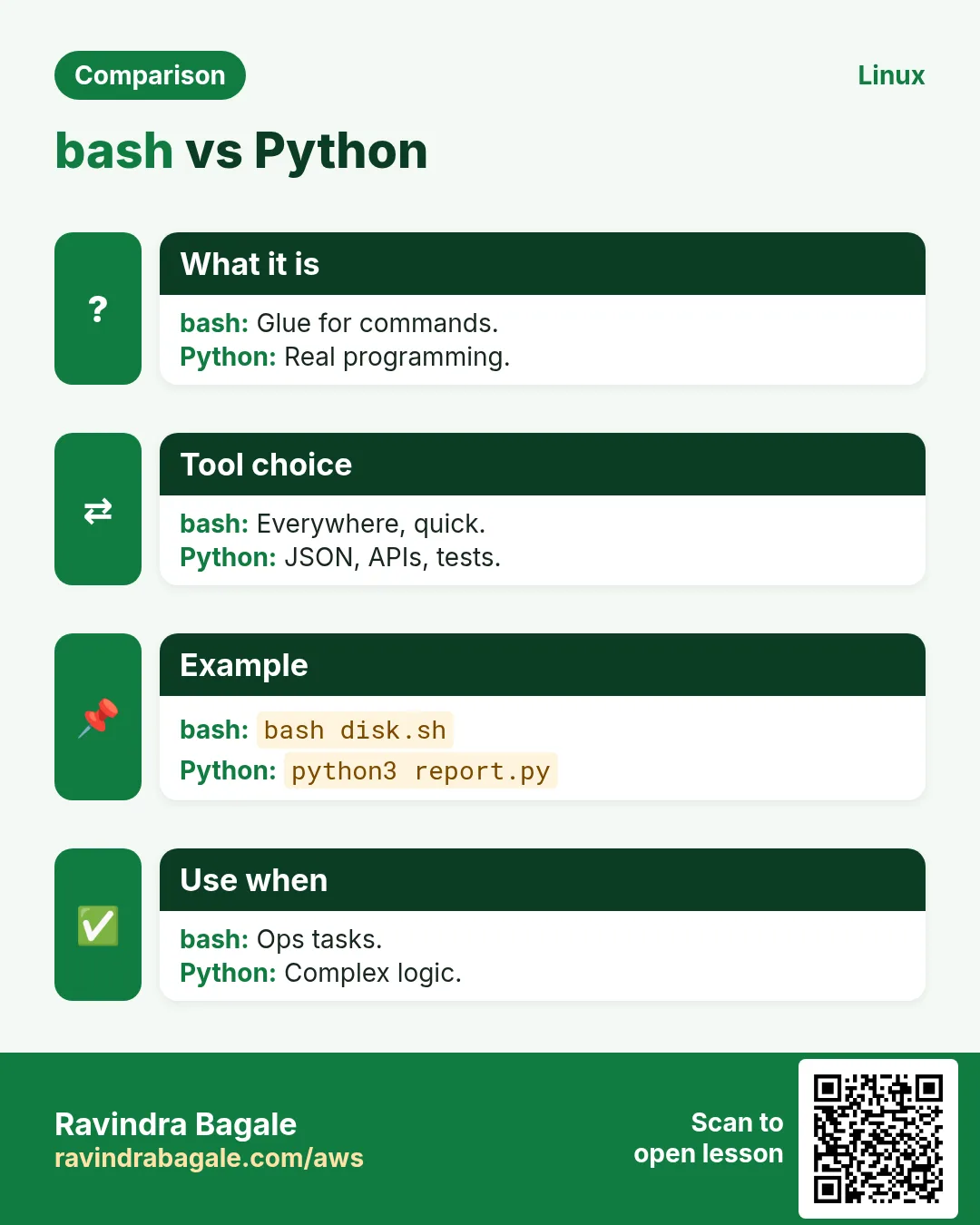
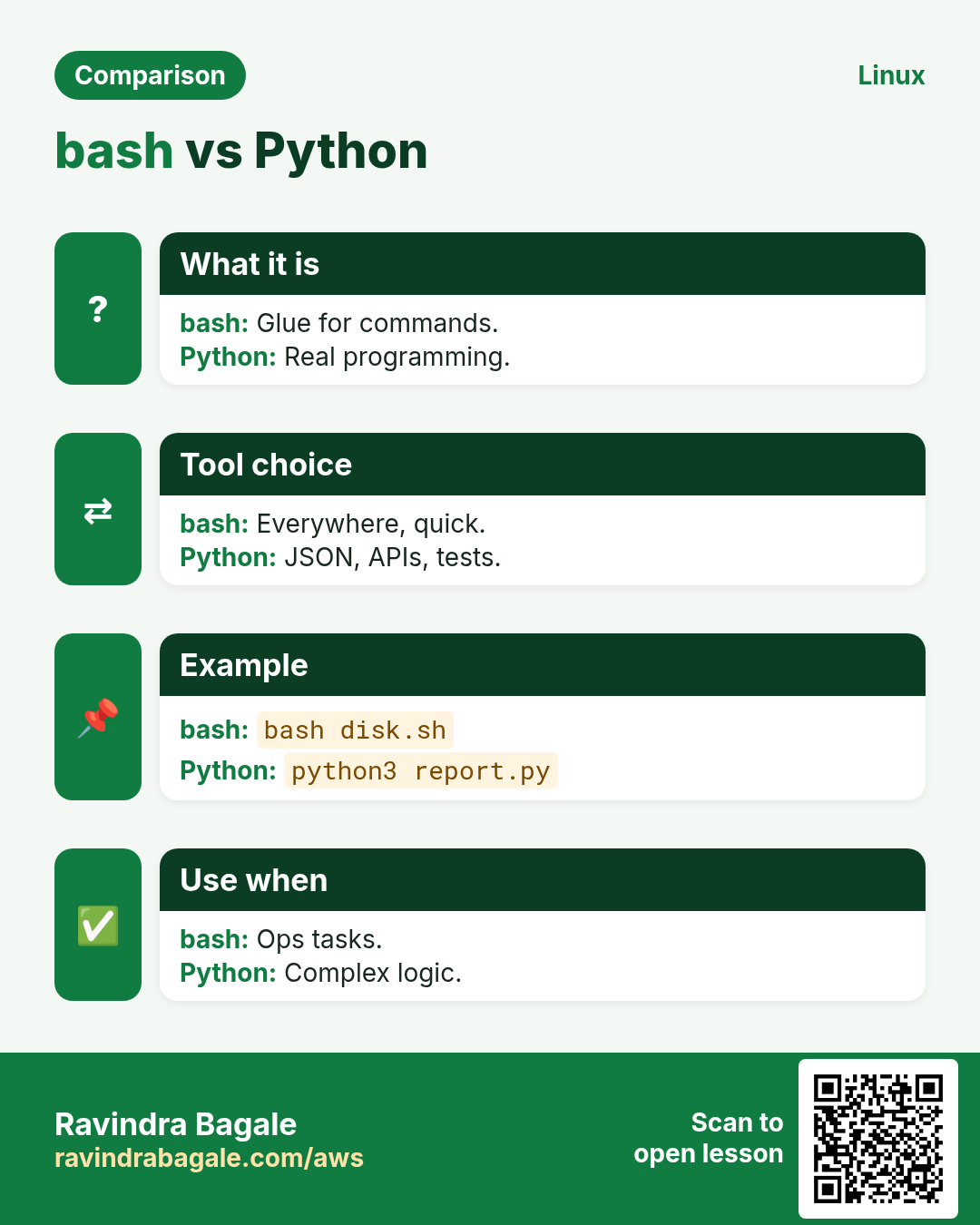
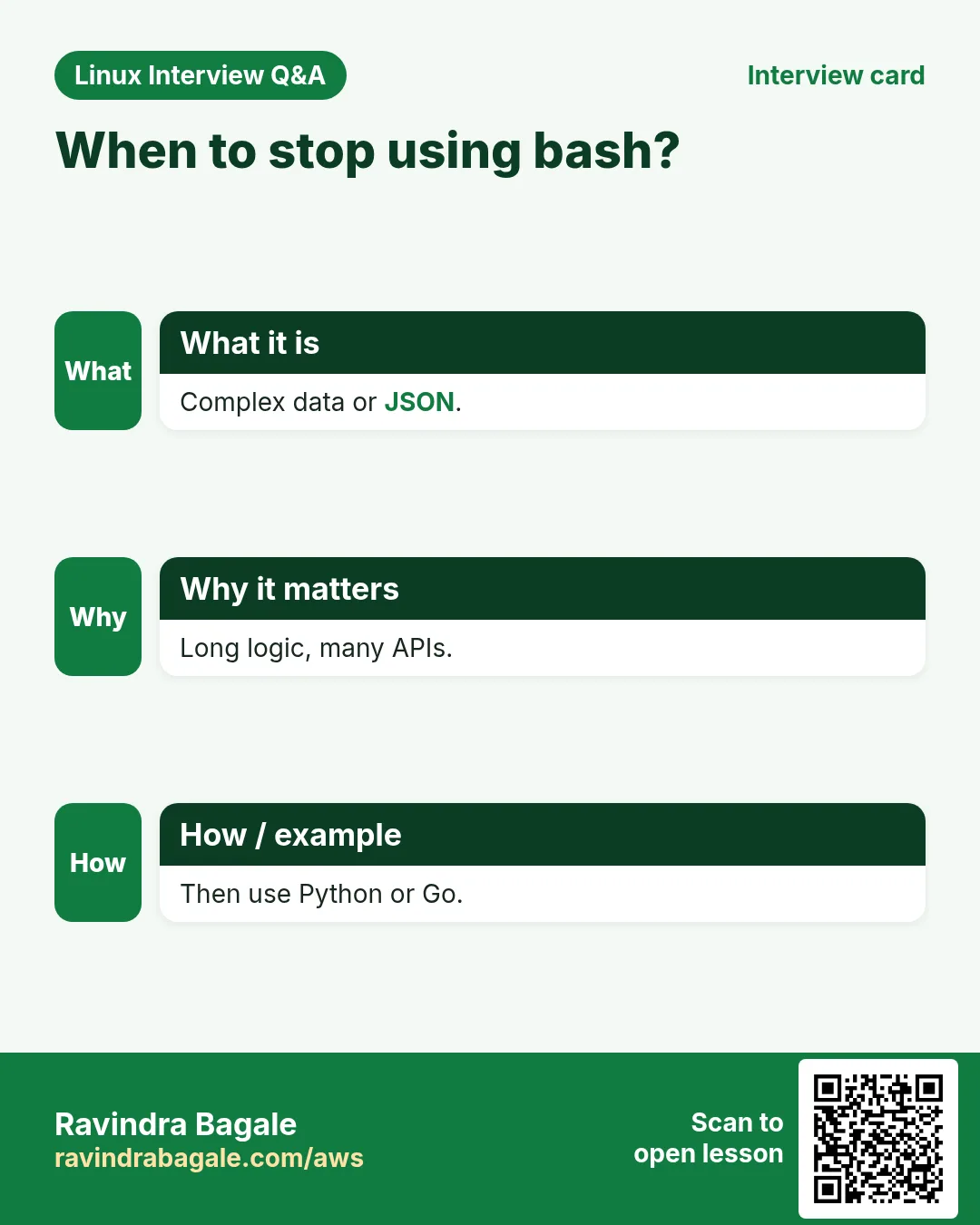
Q. Python instead?
Use Python for complex logic or APIs.
Q. Where to keep them?
A git repo and /usr/local/bin.
Q. Secrets?
Env files with mode 600 or a vault.
Q. Mac compatible?
Mostly; date and stat flags differ.
Q. Alerting?
Exit 1 plus a monitor or OnFailure.
Q. Why /dev/tcp?
Bash built-in port test.
Q. Testing scripts?
bats-core for unit tests.
16. Interview questions and answers
Beginner level
Q. Dated file name?
$(date +%F) in the name.
Q. Keep last 7 backups?
ls -t | tail -n +8 | xargs -r rm.
Q. Check a URL?
curl -w '%{http_code}'.
Q. List human users?
awk on /etc/passwd UID 1000+.
Mid level level
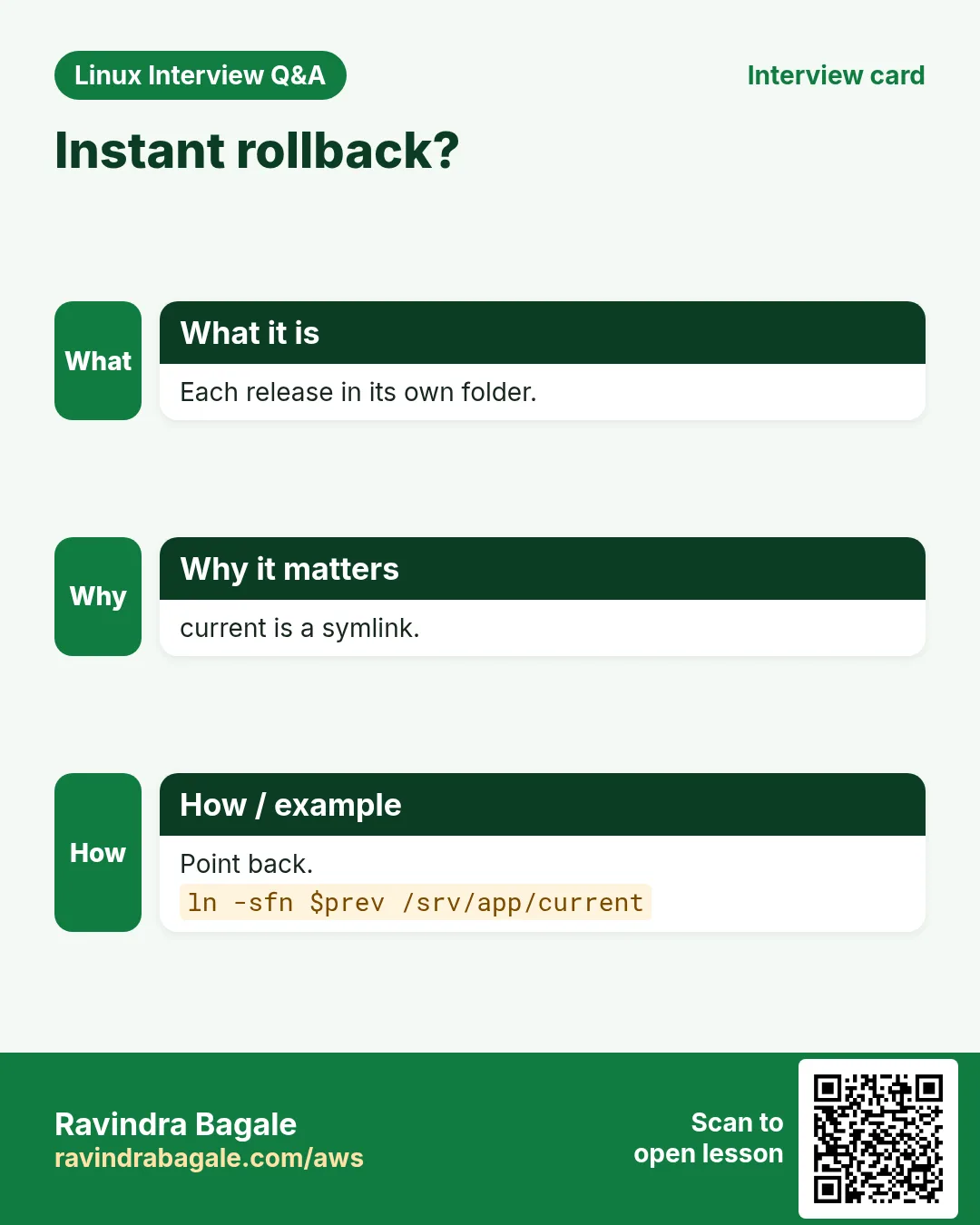
Q. Instant rollback?
Release folders plus symlink.
Q. SSL days left?
openssl x509 -enddate and date maths.
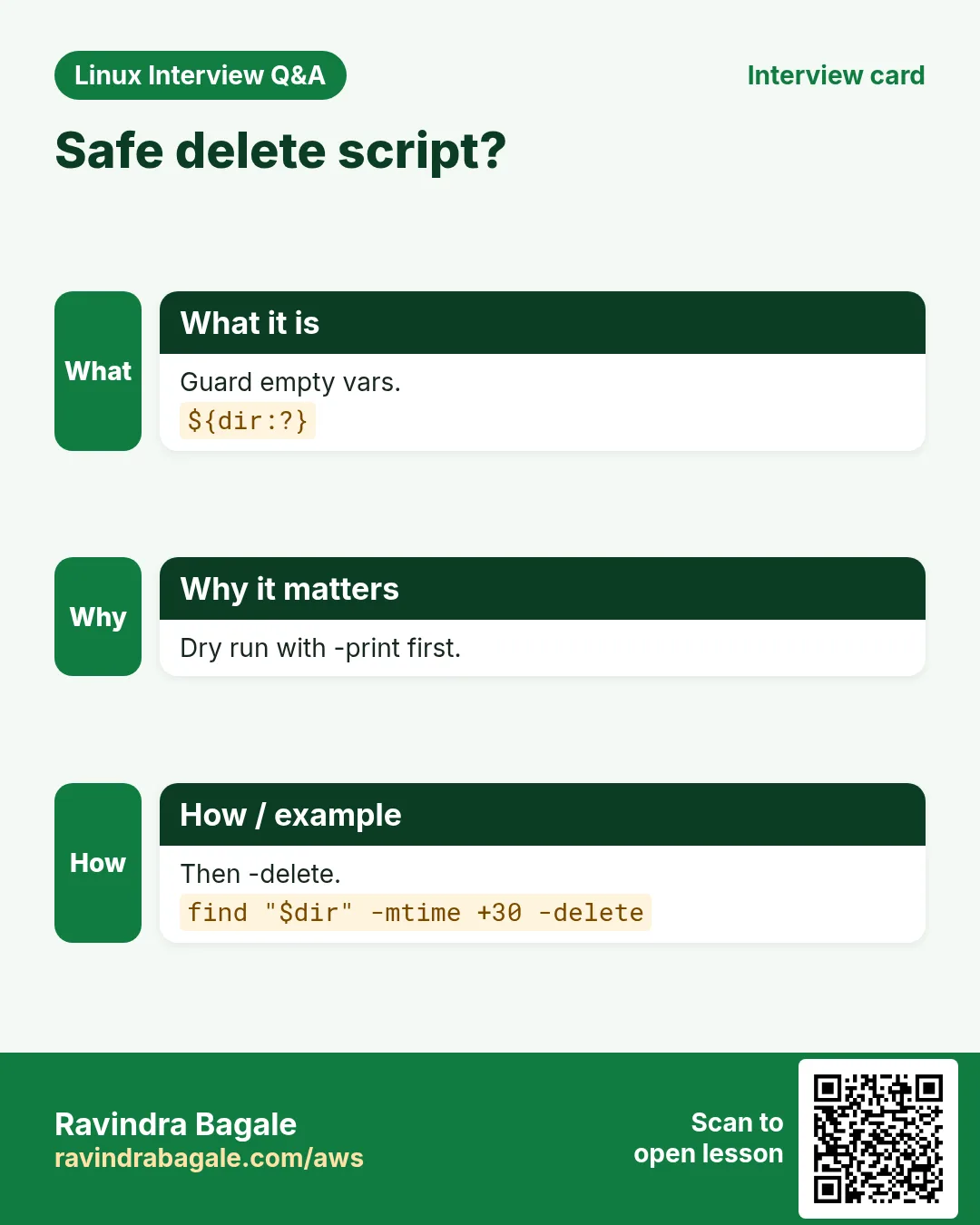
Q. Safe delete?
Dry run, ${dir:?}, -print first.
Q. Run on many hosts?
ssh in background, wait.
Senior level
Q. Make scripts team-safe?
Template, lint in CI, code review, logging.
Q. When stop using bash?
Complex data, APIs, long logic.
Q. Monitor scripts' health?
Exit codes to timers, journald, alerts.
Q. Avoid partial deploys?
Extract to new folder, then atomic symlink.
Try at home
- Pick five scripts from this chapter, put them in a git repo with the template header, and make all of them pass ShellCheck.
- Schedule script 29 with a systemd timer every morning at 9 and read its output in journalctl.
Practice Tasks
Nairobi Ride is a transport business in Nairobi. Wanjiru Kamau looks after its IT and cloud work. They count money in KES and run their AWS resources in the af-south-1 Region. In the tasks below you do real jobs for them using what this lesson teaches. All names, account IDs, IP addresses and numbers are made up for practice.
0 / 21
Easy Backup folder
Why: BIZ reuses a kit of proven scripts.
What to do: Wanjiru Kamau at Nairobi Ride backs up folder www into www.tgz with gzip.
- Find the Linux command that does this job.
- Add the options (like -r or -h) the task needs.
- Add the file names, folders or users in the right order.
- Use sudo if the job changes system files or users. Click Check answer.
Easy List archive
Why: BIZ reuses a kit of proven scripts.
What to do: List the files inside www.tgz without extracting.
- Find the Linux command that does this job.
- Add the options (like -r or -h) the task needs.
- Add the file names, folders or users in the right order.
- Use sudo if the job changes system files or users. Click Check answer.
Easy Disk usage
Why: BIZ reuses a kit of proven scripts.
What to do: Show disk usage in human sizes along with filesystem type.
- Find the Linux command that does this job.
- Add the options (like -r or -h) the task needs.
- Add the file names, folders or users in the right order.
- Use sudo if the job changes system files or users. Click Check answer.
Easy Memory
Why: BIZ reuses a kit of proven scripts.
What to do: Show memory usage in megabytes.
- Find the Linux command that does this job.
- Add the options (like -r or -h) the task needs.
- Add the file names, folders or users in the right order.
- Use sudo if the job changes system files or users. Click Check answer.
Easy CPU count
Why: BIZ reuses a kit of proven scripts.
What to do: Print the number of all installed CPUs, even ones not available to this process.
- Find the Linux command that does this job.
- Add the options (like -r or -h) the task needs.
- Add the file names, folders or users in the right order.
- Use sudo if the job changes system files or users. Click Check answer.
Easy Service active
Why: BIZ reuses a kit of proven scripts.
What to do: Check quietly if nginx is active.
- Find the Linux command that does this job.
- Add the options (like -r or -h) the task needs.
- Add the file names, folders or users in the right order.
- Use sudo if the job changes system files or users. Click Check answer.
Easy Read link
Why: BIZ reuses a kit of proven scripts.
What to do: Print where /srv/app/current points.
- Find the Linux command that does this job.
- Add the options (like -r or -h) the task needs.
- Add the file names, folders or users in the right order.
- Use sudo if the job changes system files or users. Click Check answer.
Easy Uptime
Why: BIZ reuses a kit of proven scripts.
What to do: Show the date and time since the server has been up.
- Find the Linux command that does this job.
- Add the options (like -r or -h) the task needs.
- Add the file names, folders or users in the right order.
- Use sudo if the job changes system files or users. Click Check answer.
Easy Server IP
Why: BIZ reuses a kit of proven scripts.
What to do: Print the full domain name of this host using hostname.
- Find the Linux command that does this job.
- Add the options (like -r or -h) the task needs.
- Add the file names, folders or users in the right order.
- Use sudo if the job changes system files or users. Click Check answer.
Medium Sync folder
Why: BIZ reuses a kit of proven scripts.
What to do: Sync /srv/data/ to backup@10.0.2.9:/vault/data/ in archive mode with compression.
- Find the Linux command that does this job.
- Add the options (like -r or -h) the task needs.
- Add the file names, folders or users in the right order.
- Use sudo if the job changes system files or users. Click Check answer.
Medium Old files list
Why: BIZ reuses a kit of proven scripts.
What to do: List files under /var/tmp older than 30 days without deleting.
- Find the Linux command that does this job.
- Add the options (like -r or -h) the task needs.
- Add the file names, folders or users in the right order.
- Use sudo if the job changes system files or users. Click Check answer.
Medium Biggest folders
Why: BIZ reuses a kit of proven scripts.
What to do: Show the 5 biggest items in /var/log by size.
- Find the Linux command that does this job.
- Add the options (like -r or -h) the task needs.
- Add the file names, folders or users in the right order.
- Use sudo if the job changes system files or users. Click Check answer.
Medium HTTP code
Why: BIZ reuses a kit of proven scripts.
What to do: Print only the HTTP status code of https://example.com with curl.
- Find the Linux command that does this job.
- Add the options (like -r or -h) the task needs.
- Add the file names, folders or users in the right order.
- Use sudo if the job changes system files or users. Click Check answer.
Medium Top IPs
Why: BIZ reuses a kit of proven scripts.
What to do: Print the 5 most frequent first fields of access.log.
- Find the Linux command that does this job.
- Add the options (like -r or -h) the task needs.
- Add the file names, folders or users in the right order.
- Use sudo if the job changes system files or users. Click Check answer.
Medium Human users
Why: BIZ reuses a kit of proven scripts.
What to do: Print user names that have UID 0 from /etc/passwd with awk.
- Find the Linux command that does this job.
- Add the options (like -r or -h) the task needs.
- Add the file names, folders or users in the right order.
- Use sudo if the job changes system files or users. Click Check answer.
Medium Switch release
Why: BIZ reuses a kit of proven scripts.
What to do: Point symlink /srv/app/current to /srv/app/releases/r42 replacing the old link.
- Find the Linux command that does this job.
- Add the options (like -r or -h) the task needs.
- Add the file names, folders or users in the right order.
- Use sudo if the job changes system files or users. Click Check answer.
Medium Checksums
Why: BIZ reuses a kit of proven scripts.
What to do: Print md5 checksums of all .jpg files in this folder.
- Find the Linux command that does this job.
- Add the options (like -r or -h) the task needs.
- Add the file names, folders or users in the right order.
- Use sudo if the job changes system files or users. Click Check answer.
Hard SSL end date
Why: BIZ reuses a kit of proven scripts.
What to do: Print the expiry date of the certificate in cert.pem.
- Find the Linux command that does this job.
- Add the options (like -r or -h) the task needs.
- Add the file names, folders or users in the right order.
- Use sudo if the job changes system files or users. Click Check answer.
Hard World-writable
Why: BIZ reuses a kit of proven scripts.
What to do: Find regular files under /opt that anyone can write.
- Find the Linux command that does this job.
- Add the options (like -r or -h) the task needs.
- Add the file names, folders or users in the right order.
- Use sudo if the job changes system files or users. Click Check answer.
Hard CSV totals
Why: BIZ reuses a kit of proven scripts.
What to do: Sum column 3 of sales.csv skipping the header line with tail and awk.
- Find the Linux command that does this job.
- Add the options (like -r or -h) the task needs.
- Add the file names, folders or users in the right order.
- Use sudo if the job changes system files or users. Click Check answer.
Hard Menu
Why: BIZ reuses a kit of proven scripts.
What to do: Start a select menu with options start and stop into variable opt, echoing the choice.
- Find the Linux command that does this job.
- Add the options (like -r or -h) the task needs.
- Add the file names, folders or users in the right order.
- Use sudo if the job changes system files or users. Click Check answer.
17. Related chapters
- Linux Ops Refresh for DevOps
- Bash Scripting for Automation
- Linux grep and find Commands with Examples
- How to Set Up Passwordless SSH Between Linux Servers
In short
- Start from the template.
- Backups: date, retention, rsync.
- Checks exit 1 on problems.
- Logs: awk, sort, uniq.
- Deploy with symlink and rollback.
- Lint, dry run, then schedule.
Revision, comparison and interview cards
Revise this lesson in a few minutes. Save the cards on your phone or download them as PNG files. The QR code on each card opens this lesson.
More cards: Ravi Sir's Cards.