S3 Bucket Policy Examples: Block Public Access, ACLs, Pre-Signed URLs and Encryption
In How to Access S3 from a Private EC2 Instance we gave a server a private path to S3. Now we decide who may do what with the data. This chapter covers Block Public Access, IAM policies vs bucket policies, Object Ownership and ACLs, seven bucket policy examples you can copy, pre-signed URLs for temporary sharing, and encryption with SSE-S3 and SSE-KMS. A lab ties it together.
What you'll learn in this chapter
- Why S3 data leaks happen, and how Block Public Access stops them
- IAM policy vs bucket policy: who is checked where
- Object Ownership: ACLs disabled vs enabled
- Seven bucket policy JSON examples
- Pre-signed URLs in six languages
- SSE-S3 vs SSE-KMS encryption
1. A data-leak story
A company keeps customer ID cards in a bucket. A developer makes the bucket public "just for a test" and forgets. Weeks later, a security researcher finds 50,000 ID cards open to the whole internet. The news calls it a breach.
S3 was not hacked. A setting was wrong. Everything in this chapter is about making the right setting the easy one.
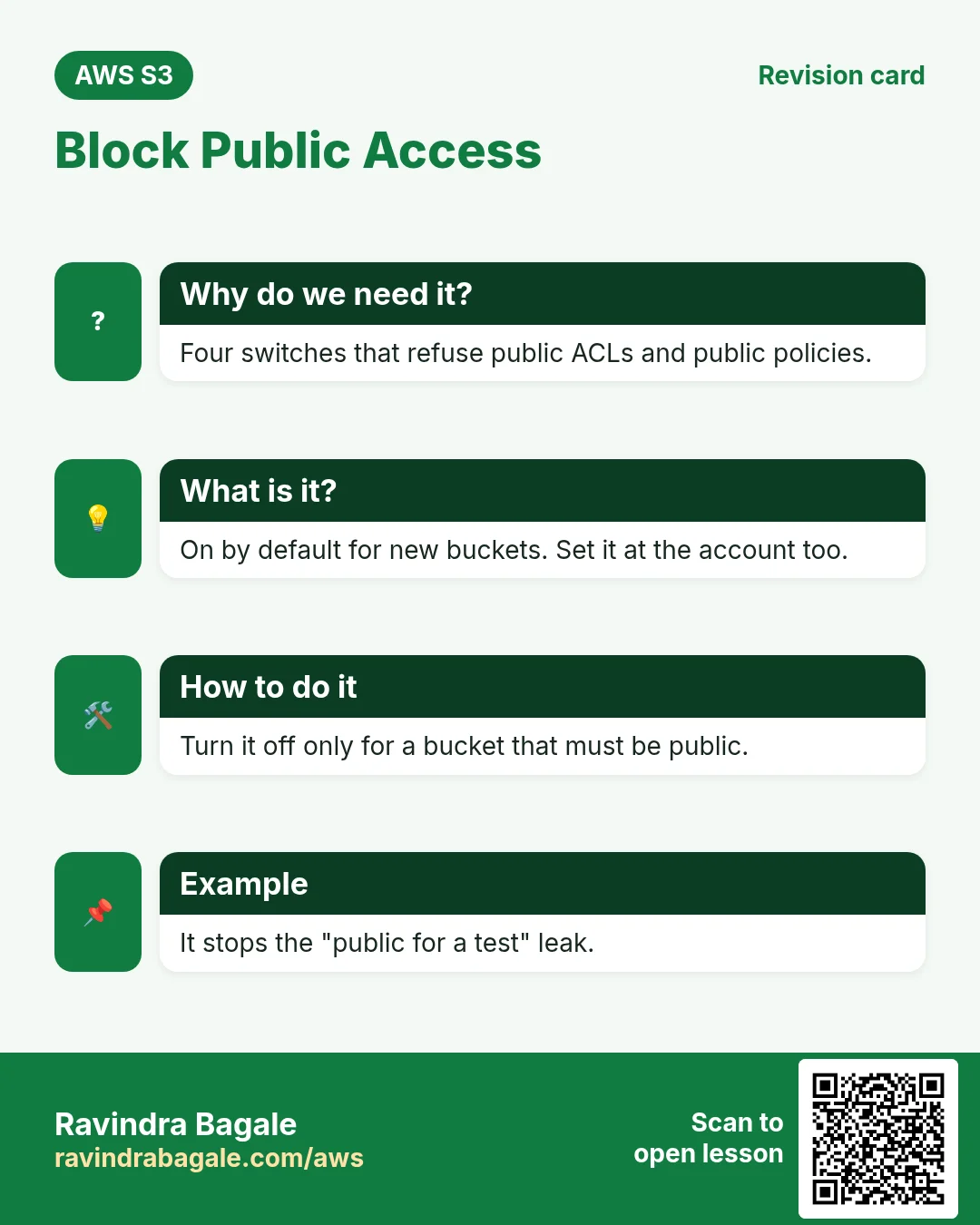
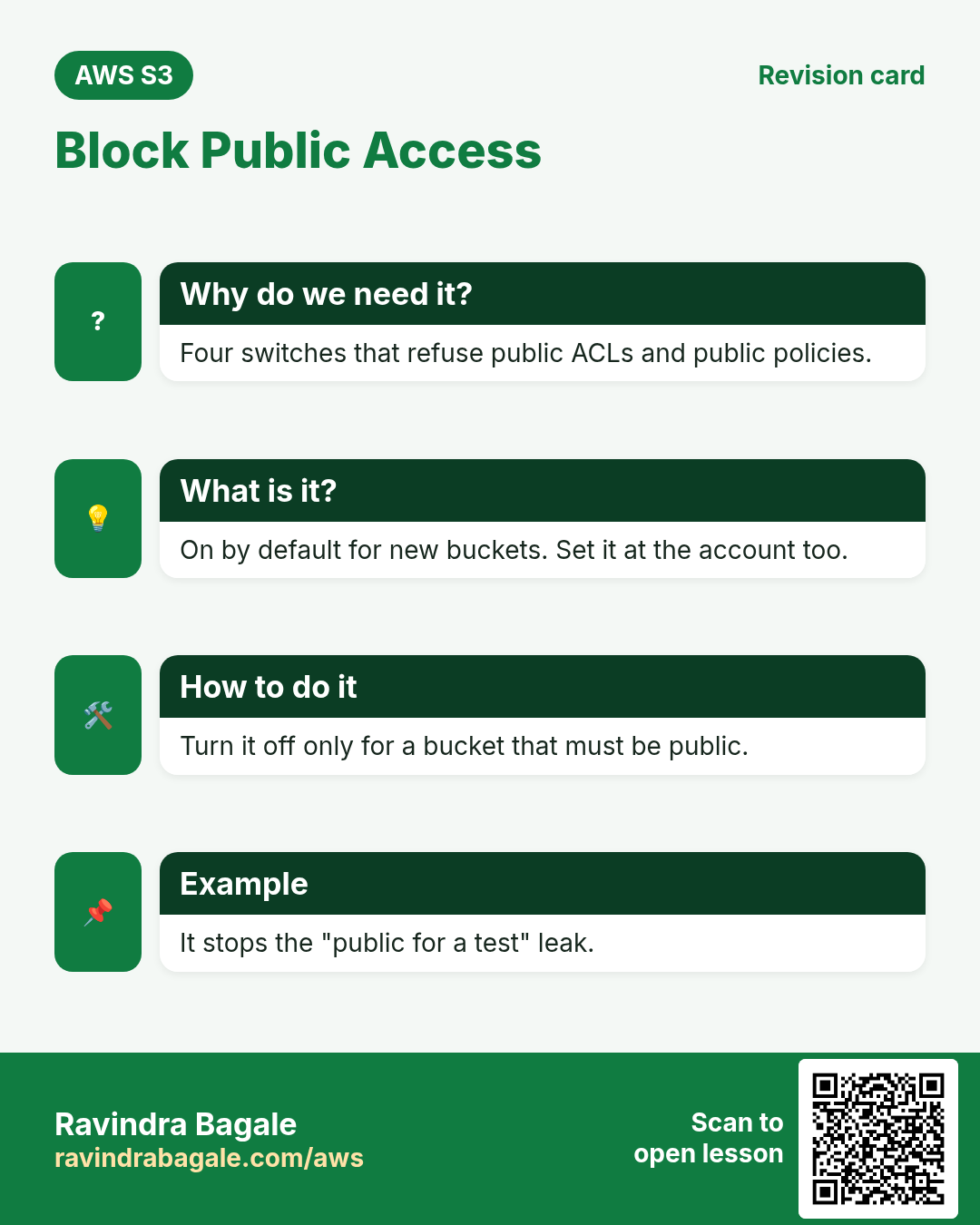
2. Block Public Access
Why do we need this?
One wrong policy or ACL can make data public. A safety switch above all policies stops that mistake.
What is it?
Block Public Access (BPA) is four switches at the account or bucket level. When on, S3 refuses any policy or ACL that would make data public. New buckets have all four on by default.
| Switch | What it blocks |
|---|---|
| BlockPublicAcls | New public ACLs |
| IgnorePublicAcls | Existing public ACLs (ignored) |
| BlockPublicPolicy | New bucket policies that grant public access |
| RestrictPublicBuckets | Public and cross-account access through an existing public policy |
Ravindra Bagale's Tip
Keep BPA on at the account level. Turn it off only on the one bucket that truly must be public, such as a website bucket without CloudFront.
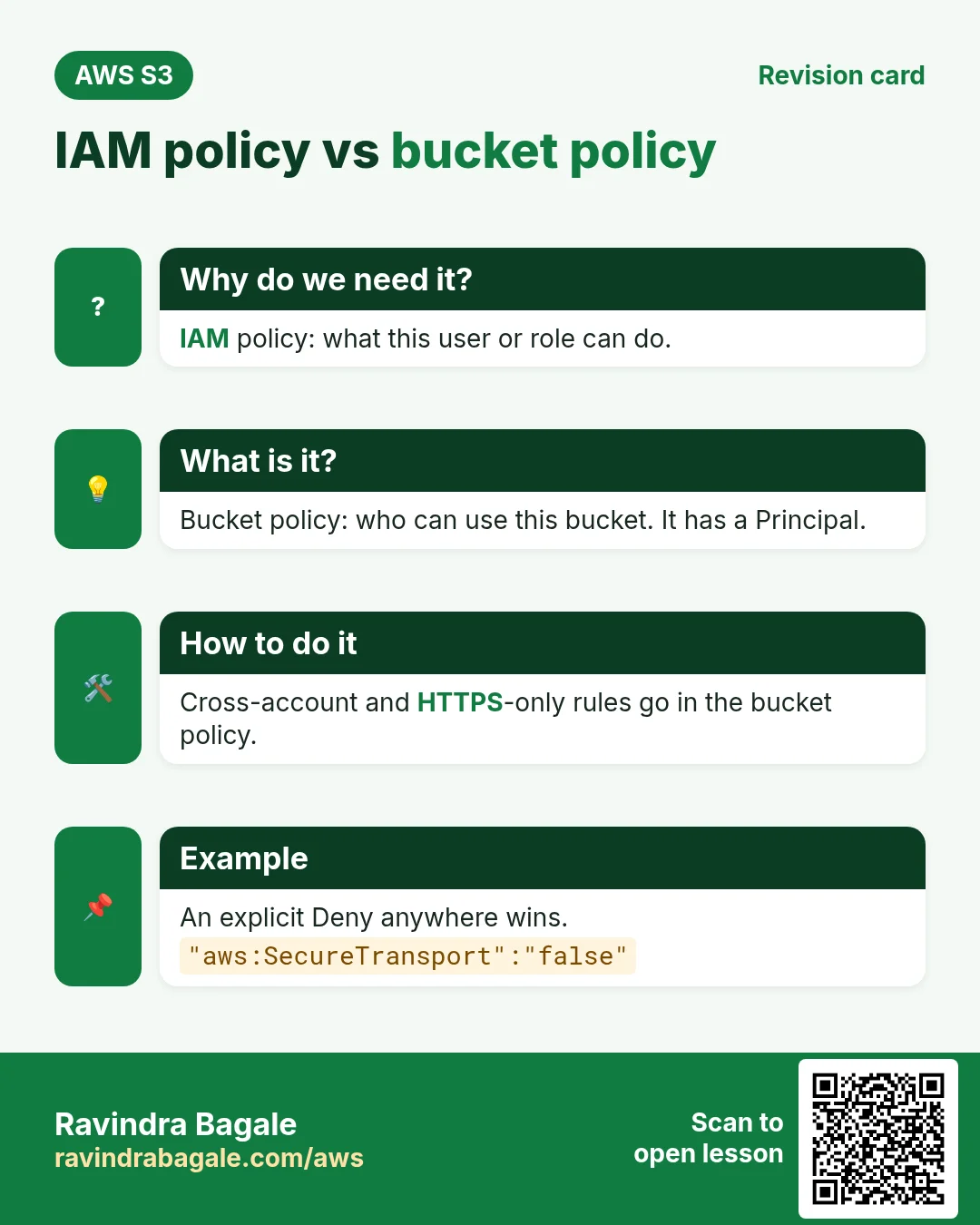
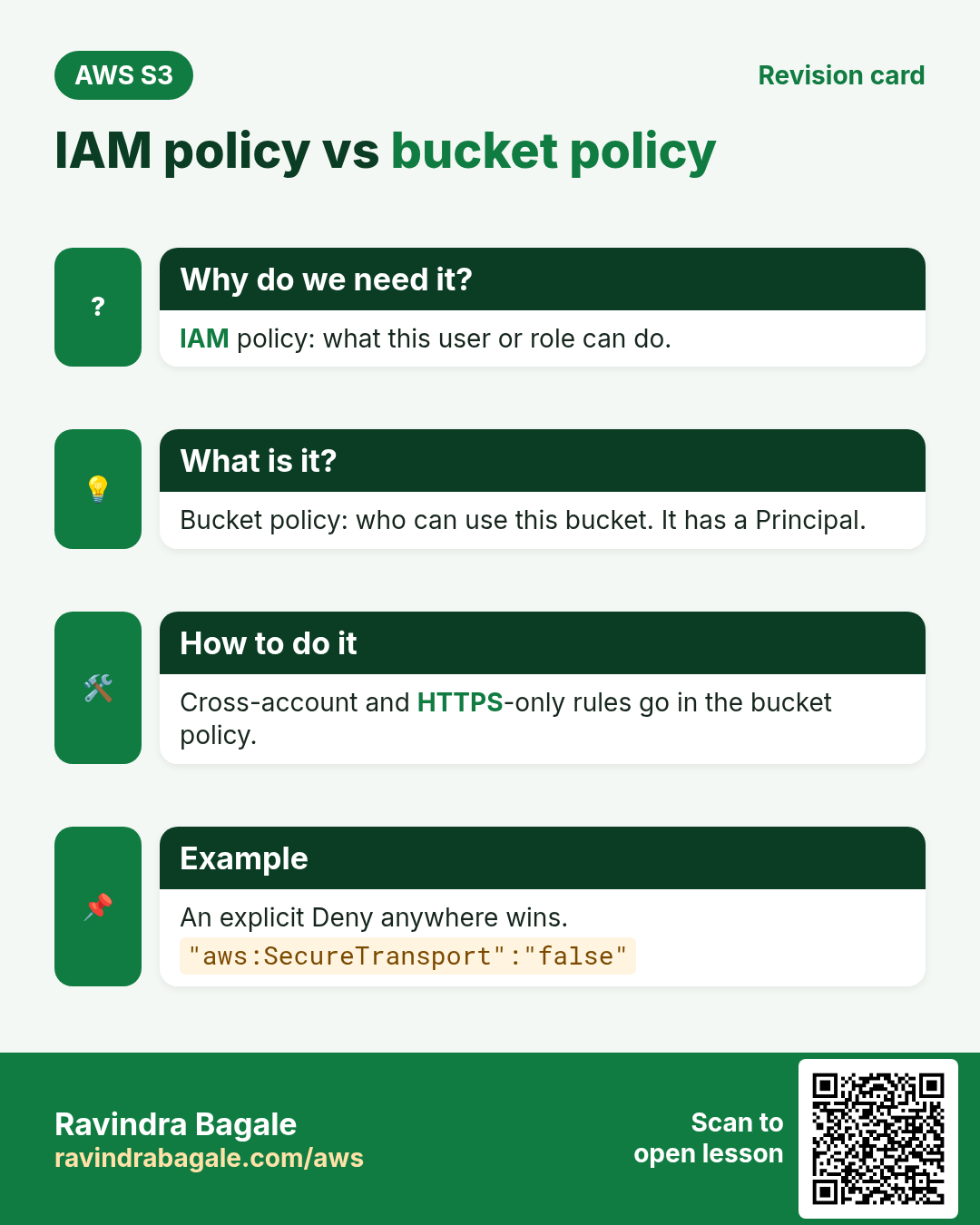
3. IAM policy vs bucket policy
Why do we need this?
S3 checks permissions in two places. If you do not know both, you will grant too much or debug for hours.
What is it?
| Point | IAM policy | Bucket policy |
|---|---|---|
| Attached to | A user, group or role | The bucket |
| Answers | What can THIS identity do? | Who can use THIS bucket? |
| Has Principal | No | Yes |
| Cross-account / public | No | Yes |
| Example | Role app-role may PutObject on reels-app-media/* | Deny any request not using HTTPS |
Rule: inside one account, an Allow in either place is enough, unless something says Deny. An explicit Deny anywhere always wins.
4. Object Ownership and ACLs
Why do we need this?
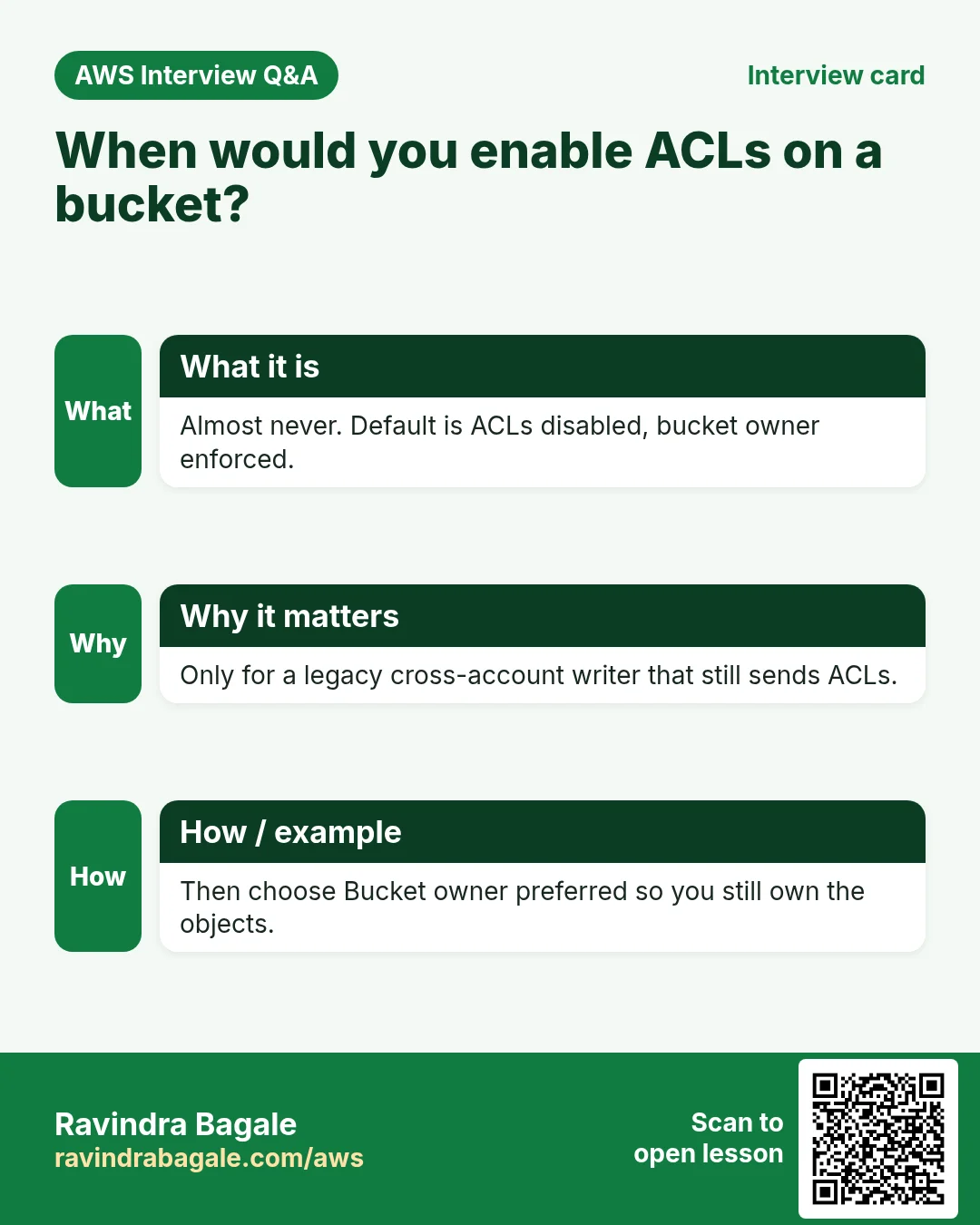
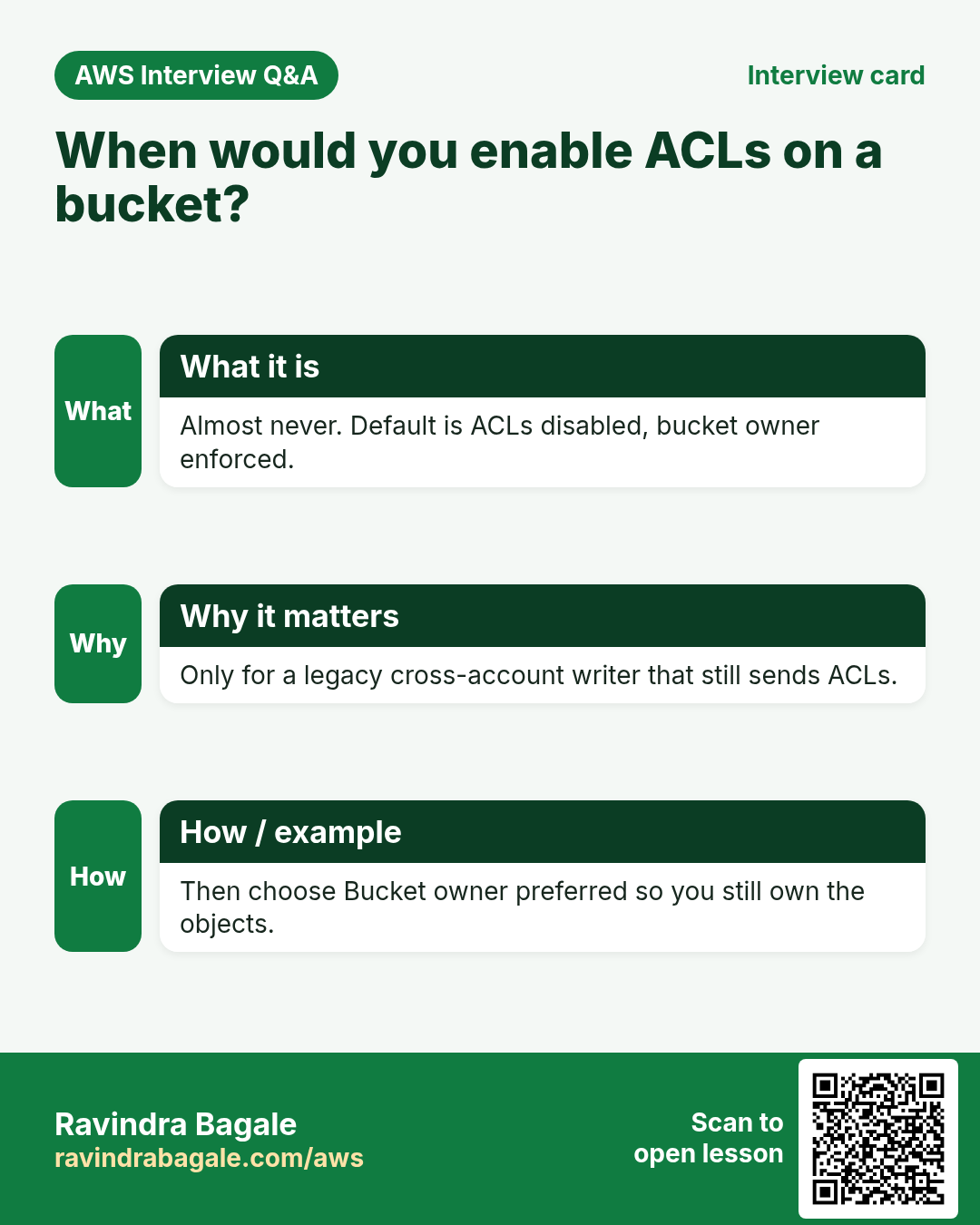
ACLs are an old, per-object permission system. When another account uploads into your bucket, ACLs can make that account the owner of the object, and you cannot read your own bucket's files.
What is it?
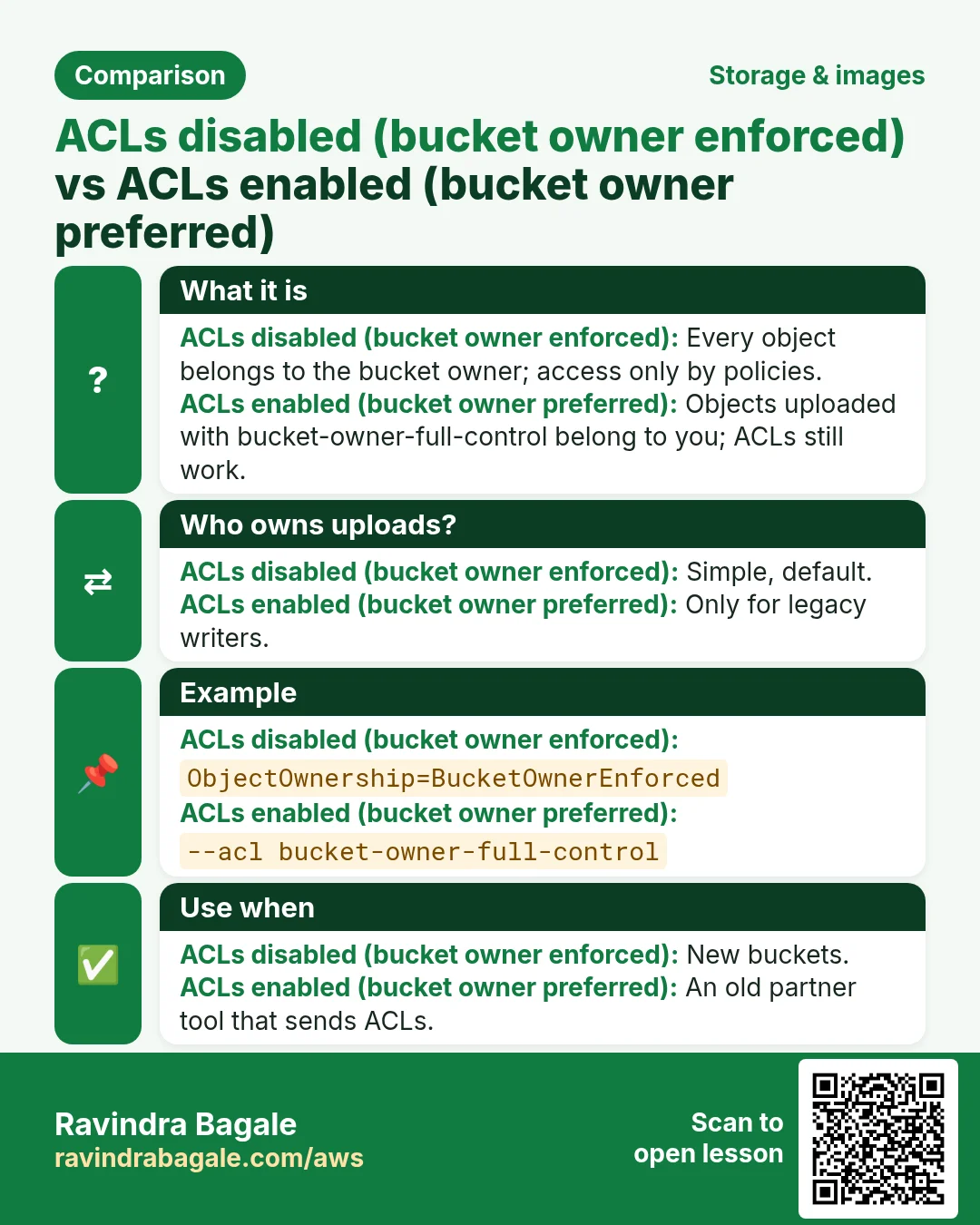
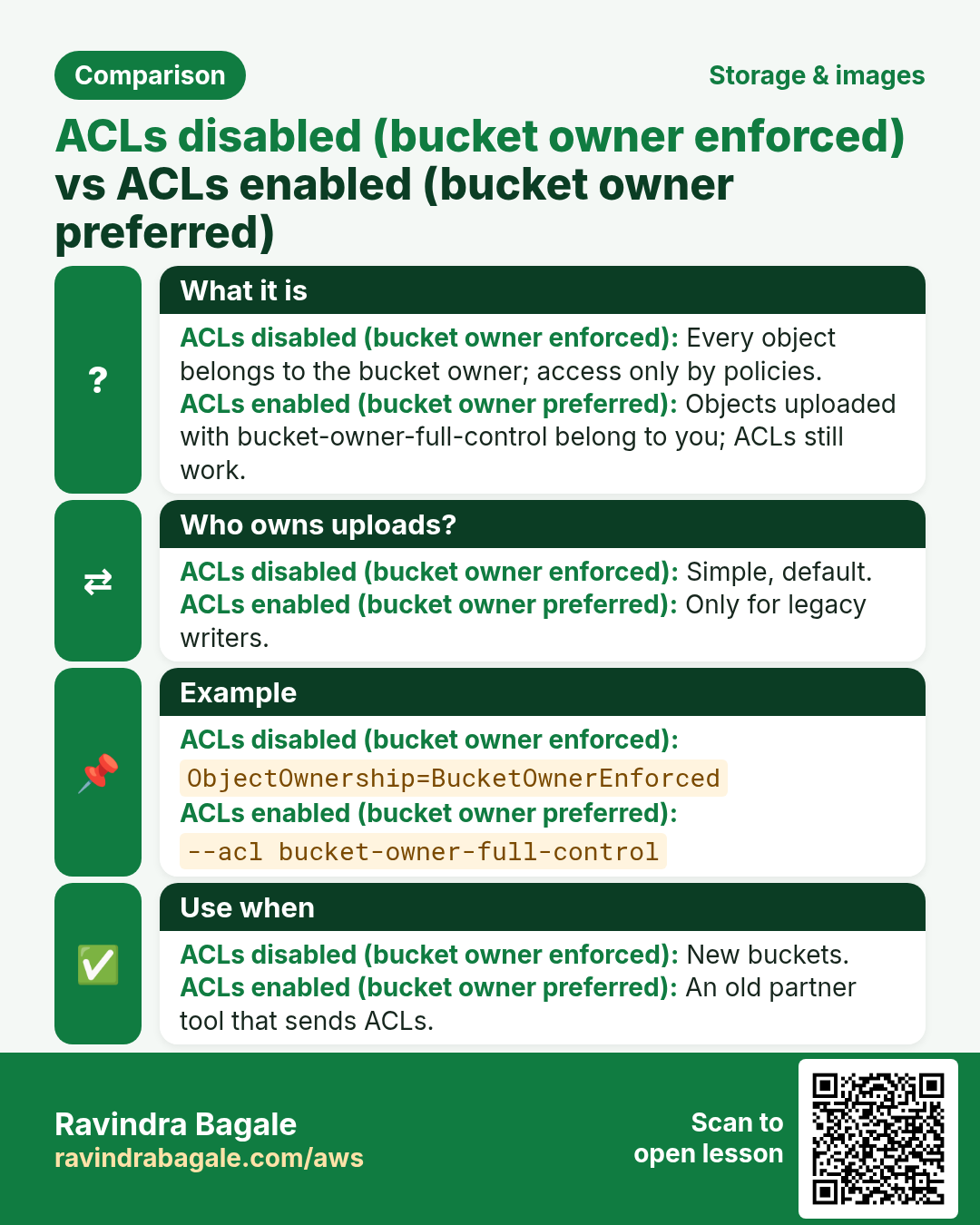
| Setting | Meaning | When |
|---|---|---|
| ACLs disabled: Bucket owner enforced (default) | Your account owns every object. ACLs are ignored. Only policies control access. | Almost always |
| ACLs enabled: Bucket owner preferred | You own uploads that carry the bucket-owner-full-control ACL. | Legacy cross-account writers that still send ACLs |
| ACLs enabled: Object writer | The uploading account owns the object. | Rare: the writer must keep ownership |
Example: an old log-shipping tool in a partner account uploads with --acl bucket-owner-full-control. With "Bucket owner preferred" you still own those logs. With the default "Bucket owner enforced" the ACL is ignored and you own them anyway, so most teams keep the default.
5. Seven bucket policy examples
Why do we need this?
Most S3 security is written as bucket policy JSON. Learn the shape once, then copy and change these examples.
What is it?
Every statement has Effect (Allow/Deny), Principal (who), Action (what), Resource (which bucket or objects) and an optional Condition (when). arn:aws:s3:::bucket is the bucket; arn:aws:s3:::bucket/* is every object.
1. Public read for a website (BPA must be off on this bucket)
{"Version":"2012-10-17","Statement":[{"Sid":"PublicRead","Effect":"Allow","Principal":"*",
 "Action":"s3:GetObject","Resource":"arn:aws:s3:::my-site-bucket/*"}]}
2. Allow one IAM role to read and write
{"Version":"2012-10-17","Statement":[{"Sid":"AppRole","Effect":"Allow",
 "Principal":{"AWS":"arn:aws:iam::111122223333:role/reels-ec2-role"},
 "Action":["s3:GetObject","s3:PutObject"],"Resource":"arn:aws:s3:::reels-app-media/*"}]}
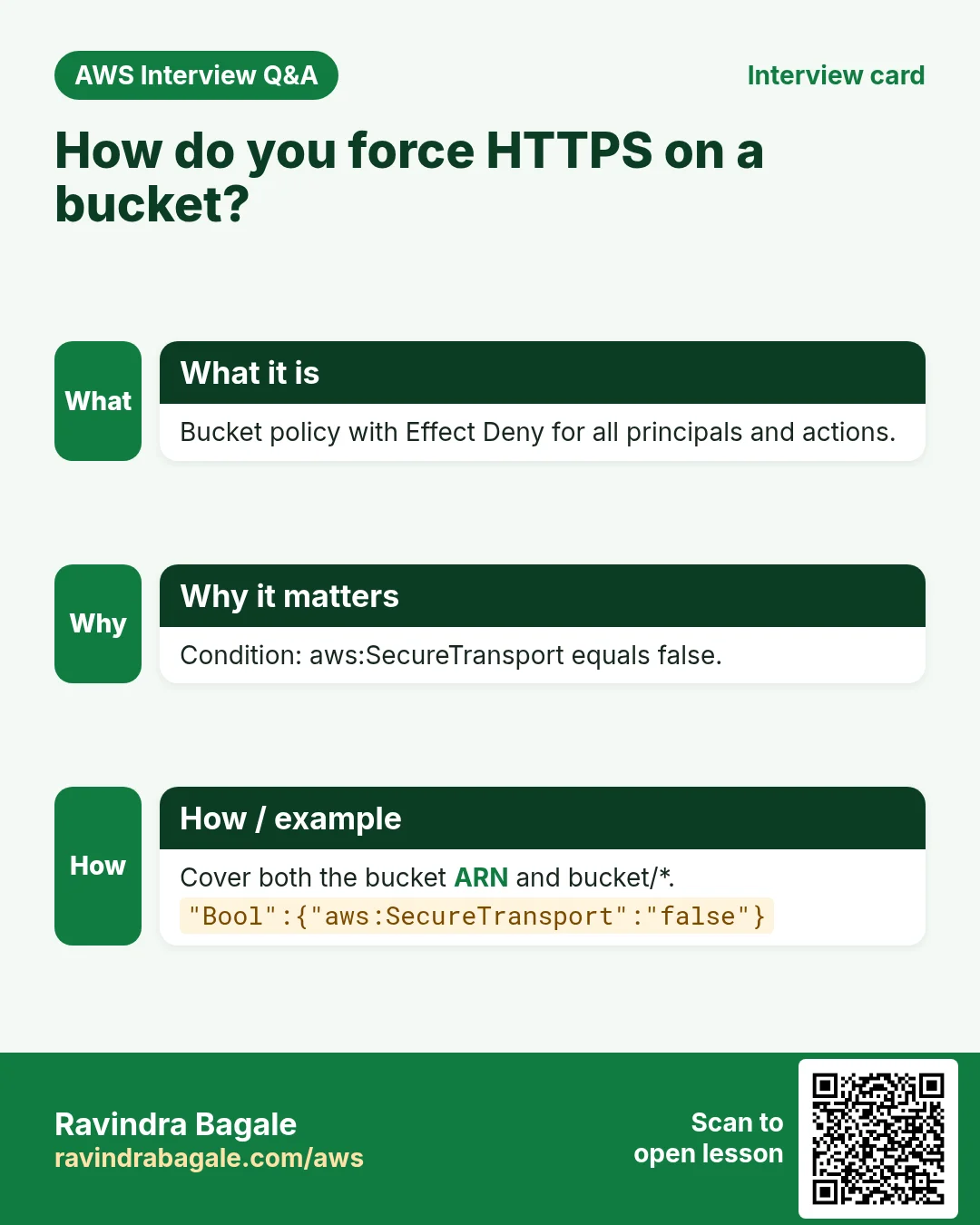
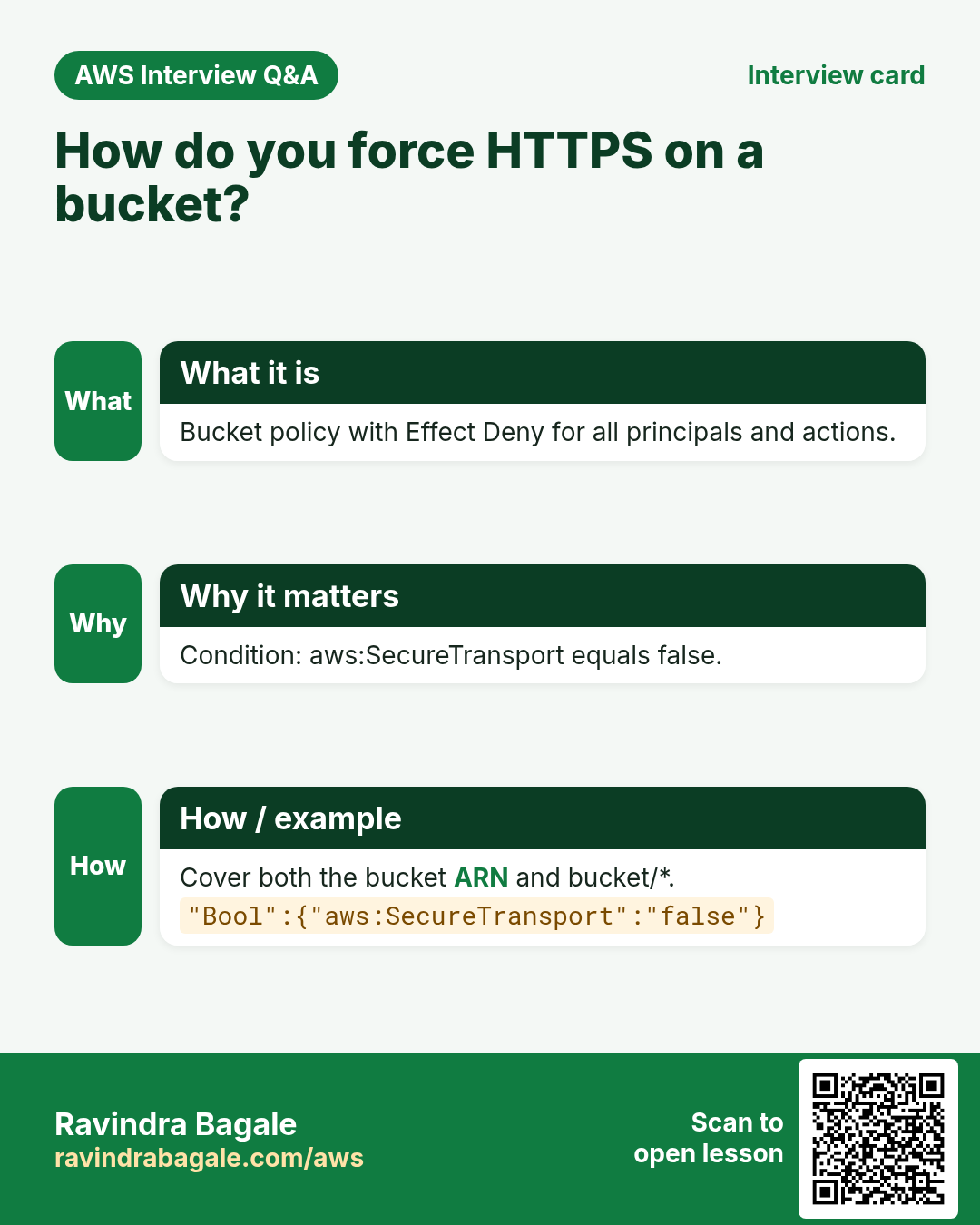
3. Deny any request that is not HTTPS
{"Version":"2012-10-17","Statement":[{"Sid":"HttpsOnly","Effect":"Deny","Principal":"*","Action":"s3:*",
 "Resource":["arn:aws:s3:::reels-app-media","arn:aws:s3:::reels-app-media/*"],
 "Condition":{"Bool":{"aws:SecureTransport":"false"}}}]}
4. Only through our VPC endpoint
{"Version":"2012-10-17","Statement":[{"Sid":"OnlyFromVpce","Effect":"Deny","Principal":"*","Action":"s3:*",
 "Resource":["arn:aws:s3:::reels-app-media","arn:aws:s3:::reels-app-media/*"],
 "Condition":{"StringNotEquals":{"aws:SourceVpce":"vpce-0abc12345def67890"}}}]}
Careful: this also blocks you in the console. Add an exception for an admin role with aws:PrincipalArn before you save it.
5. Only from an office IP range
{"Version":"2012-10-17","Statement":[{"Sid":"OfficeOnly","Effect":"Deny","Principal":"*","Action":"s3:*",
 "Resource":["arn:aws:s3:::finance-reports","arn:aws:s3:::finance-reports/*"],
 "Condition":{"NotIpAddress":{"aws:SourceIp":"203.0.113.0/24"}}}]}
aws:SourceIp sees public IPs only. Traffic through a VPC endpoint has no public source IP, so use aws:SourceVpce for that.
6. Cross-account read for a partner account
{"Version":"2012-10-17","Statement":[{"Sid":"PartnerRead","Effect":"Allow",
 "Principal":{"AWS":"arn:aws:iam::444455556666:root"},
 "Action":["s3:ListBucket","s3:GetObject"],
 "Resource":["arn:aws:s3:::shared-reports","arn:aws:s3:::shared-reports/*"]}]}
The partner must also give its own users an IAM policy for these actions. Both sides must allow.
7. Deny uploads that are not encrypted with KMS
{"Version":"2012-10-17","Statement":[{"Sid":"KmsOnly","Effect":"Deny","Principal":"*","Action":"s3:PutObject",
 "Resource":"arn:aws:s3:::secure-docs/*",
 "Condition":{"StringNotEquals":{"s3:x-amz-server-side-encryption":"aws:kms"}}}]}
Since January 2023 every new object is encrypted with SSE-S3 by default. Use this policy when the rule is "must be KMS", not just "must be encrypted". Setting default encryption to SSE-KMS on the bucket is the simpler way.
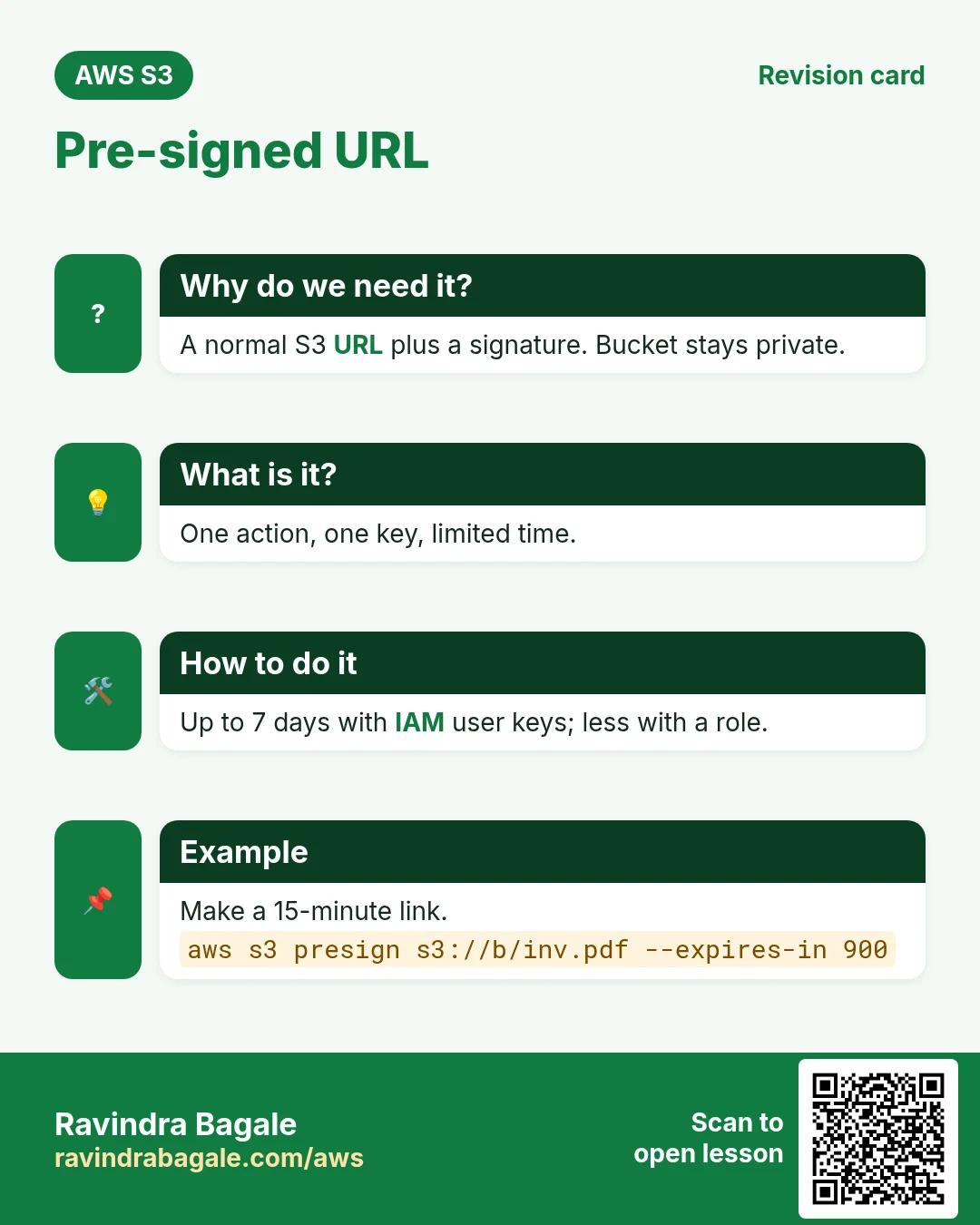
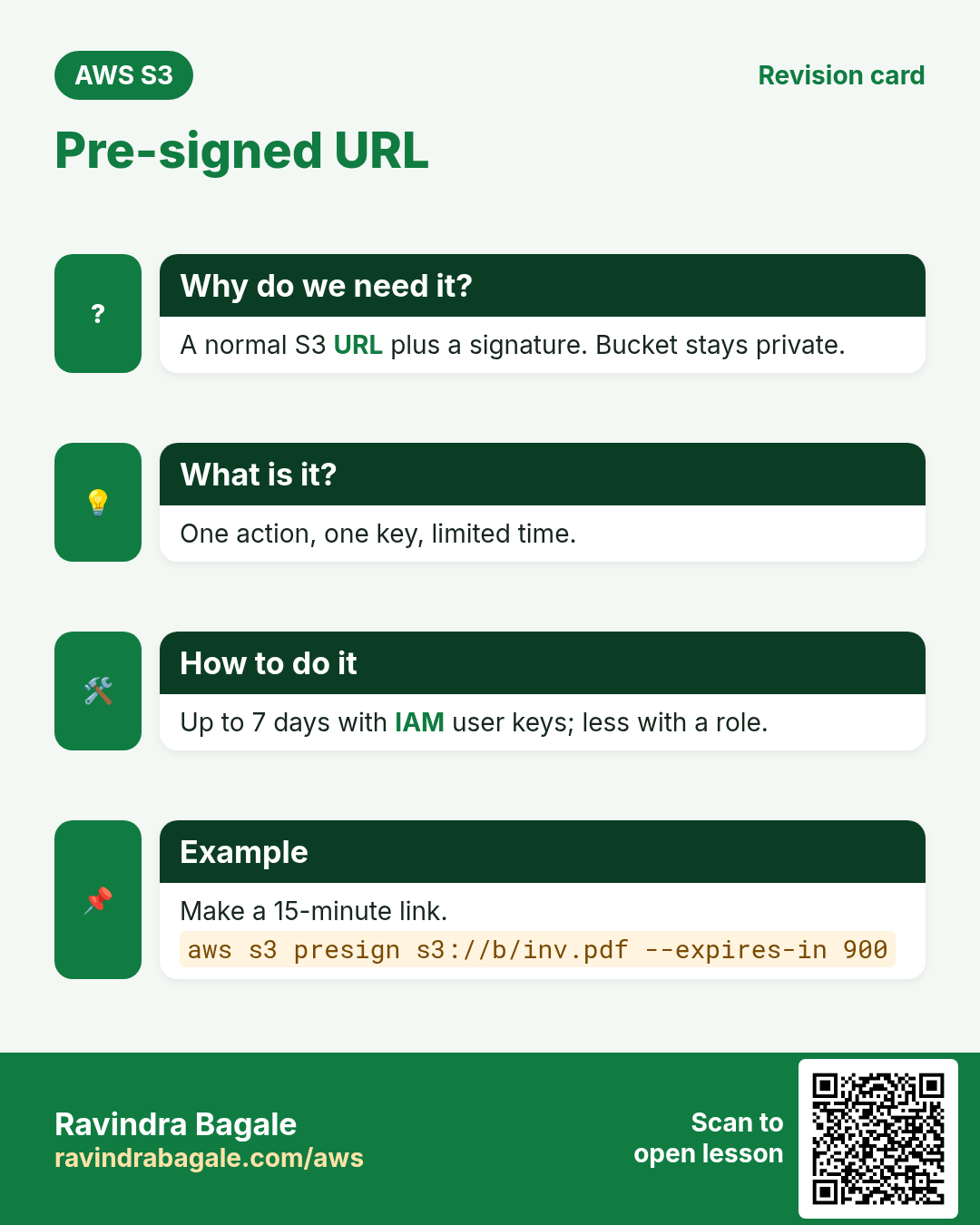
6. Pre-signed URLs
Why do we need this?
A user should download their own invoice or upload a video, but the bucket must stay private and the user must never get AWS keys.
What is it?
A pre-signed URL is a normal S3 URL plus a signature made with your app's credentials. Anyone with the link can do that one action (GET or PUT) on that one key until it expires. With an IAM user it can last up to 7 days; with a role (EC2) it ends when the role's temporary credentials expire, often within hours.
| Stack | Make a GET link valid for 15 minutes |
|---|---|
| AWS CLI | aws s3 presign s3://reels-app-media/v/42.mp4 --expires-in 900 |
| Node.js | await getSignedUrl(s3, new GetObjectCommand({Bucket:b,Key:k}), {expiresIn:900}) |
| Python boto3 | s3.generate_presigned_url("get_object", Params={"Bucket":b,"Key":k}, ExpiresIn=900) |
| Java | presigner.presignGetObject(r -> r.signatureDuration(Duration.ofMinutes(15)).getObjectRequest(g -> g.bucket(b).key(k))) |
| PHP | $s3->createPresignedRequest($s3->getCommand('GetObject',['Bucket'=>$b,'Key'=>$k]),'+15 minutes') |
| .NET | s3.GetPreSignedURL(new GetPreSignedUrlRequest{BucketName=b,Key=k,Expires=DateTime.UtcNow.AddMinutes(15)}) |
| Go | presign.PresignGetObject(ctx,&s3.GetObjectInput{Bucket:&b,Key:&k},s3.WithPresignExpires(15*time.Minute)) |
The link only works if the signer is allowed to do the action. If the role loses s3:GetObject, every link it made stops working.
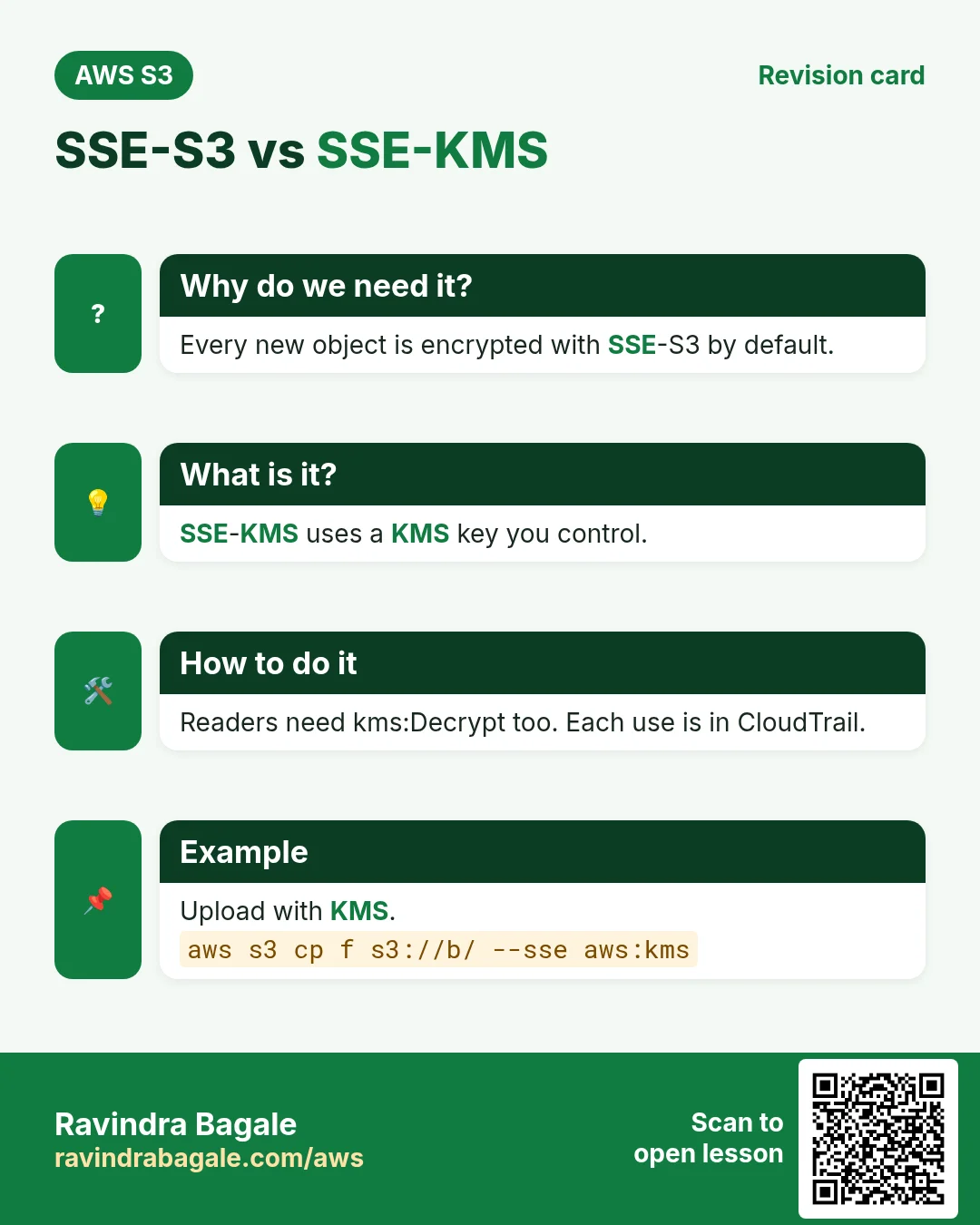
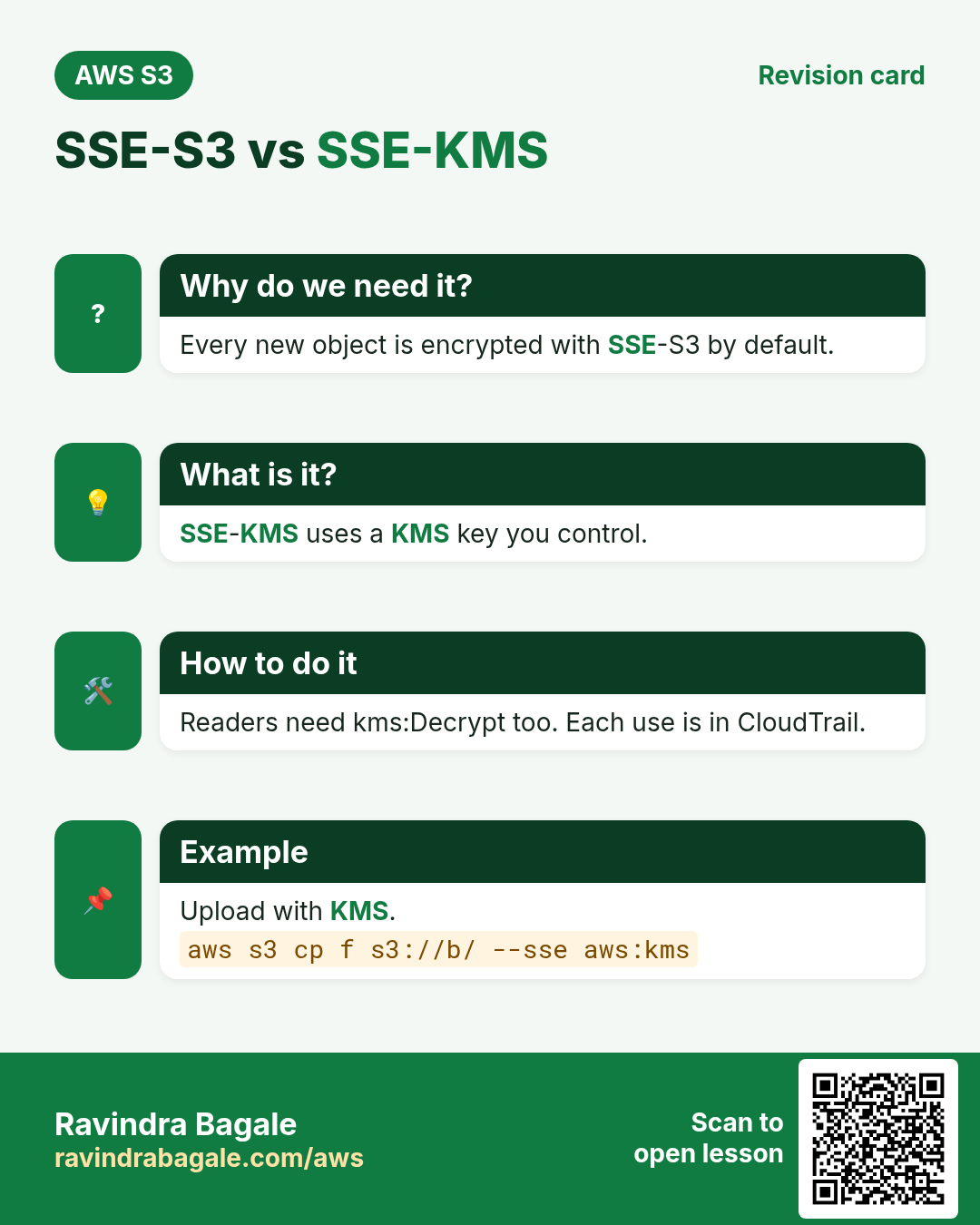
7. Encryption: SSE-S3 vs SSE-KMS
Why do we need this?
If someone ever got the physical disks, encrypted data is useless to them. Some laws also require you to control and audit the key.
What is it?
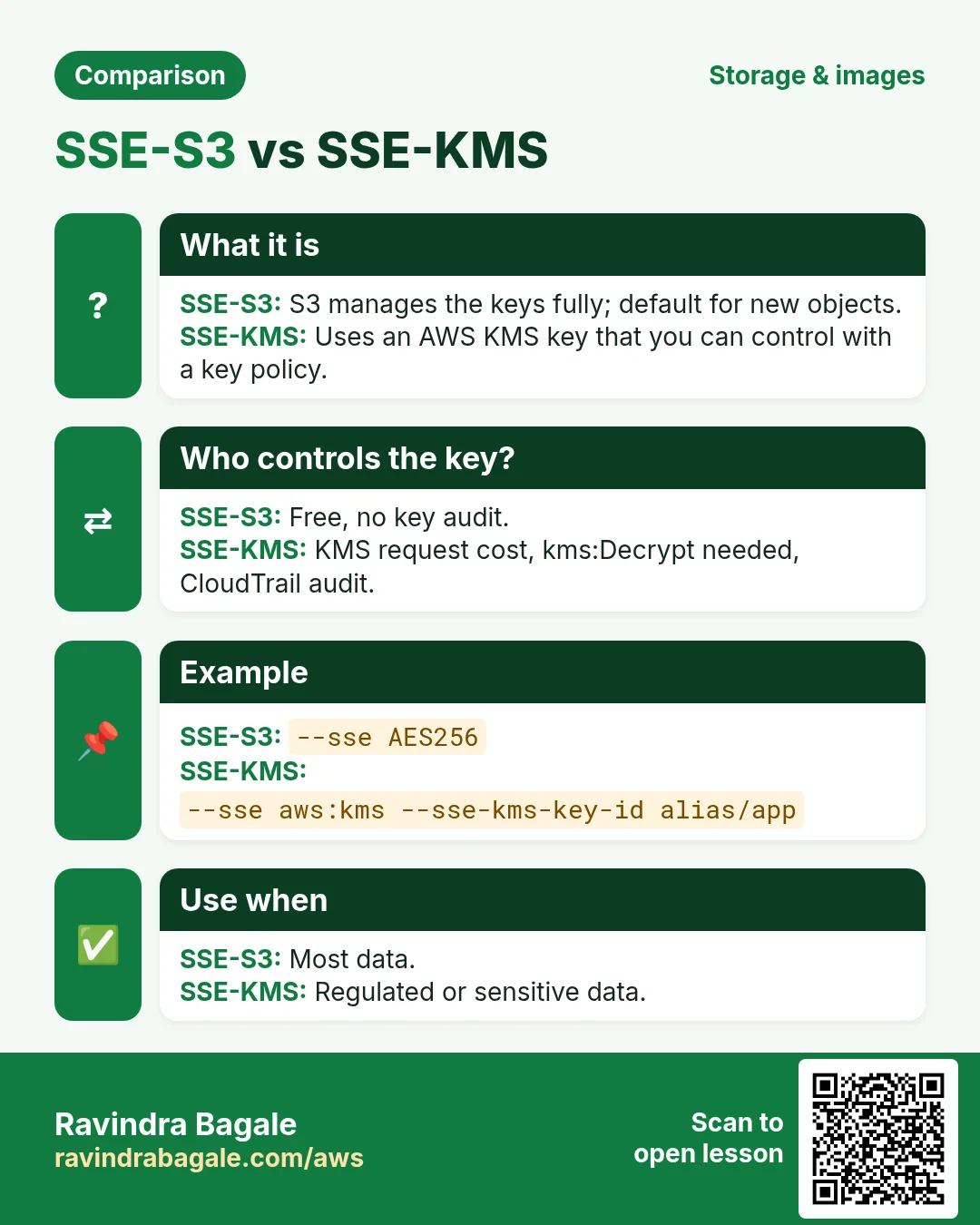
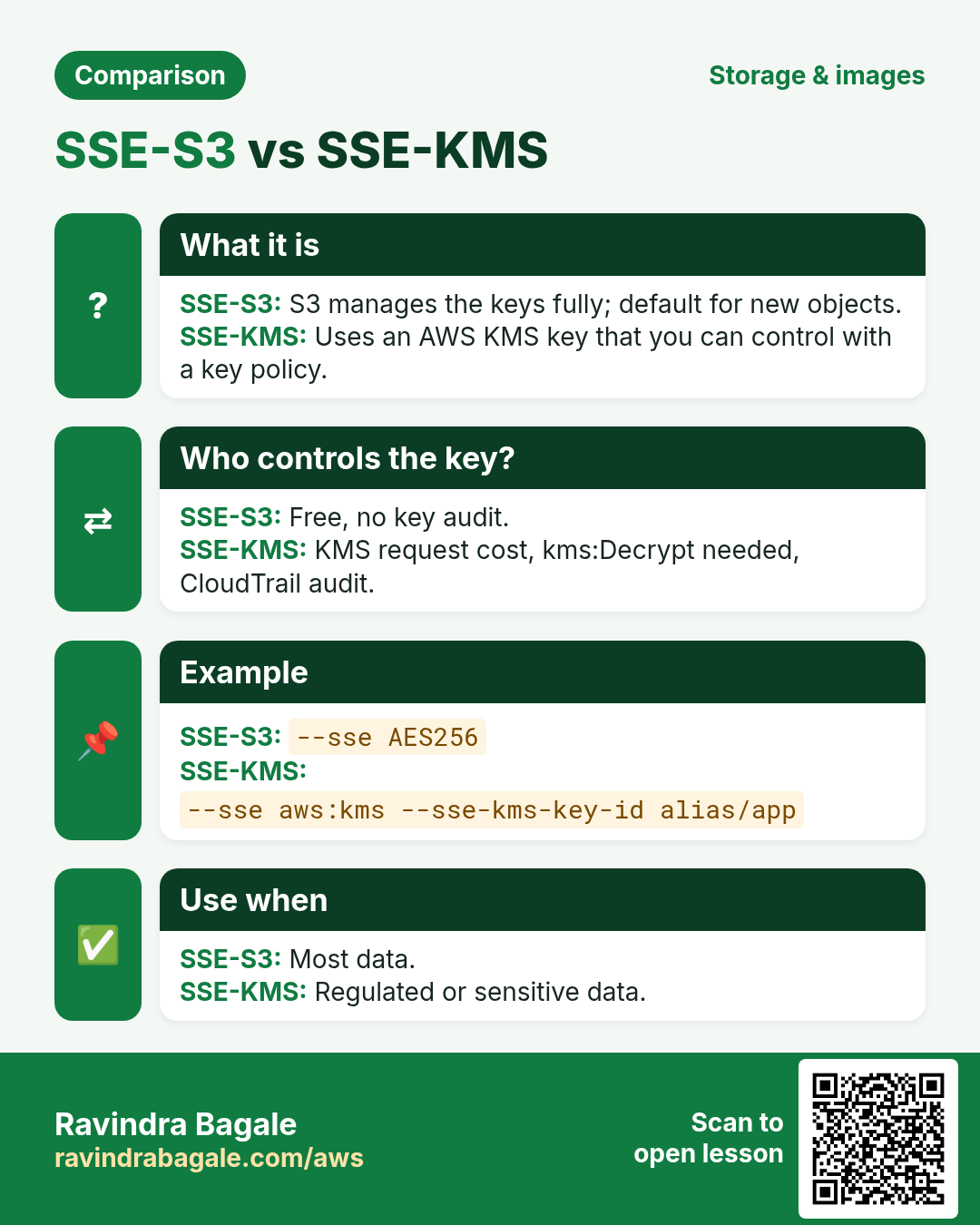
| Point | SSE-S3 | SSE-KMS |
|---|---|---|
| Key managed by | S3, fully | AWS KMS (AWS managed or your customer managed key) |
| Cost | Free | KMS request charges (lower with Bucket Key) |
| Who can decrypt | Anyone with s3:GetObject | Needs s3:GetObject AND kms:Decrypt |
| Audit | No key log | Every key use in CloudTrail |
| Use for | Most data (default) | Regulated or sensitive data |
Also: DSSE-KMS adds two layers for strict rules, and SSE-C means you send your own key with each request. In transit, use HTTPS (example 3 enforces it).
8. Lab: private bucket, HTTPS-only policy, role access, pre-signed link and KMS
Why do we need this?
You will see a private object refuse a normal link, open with a pre-signed link, refuse plain HTTP, and use a KMS key.
How to do it (step by step)
- Region ap-south-1. Create bucket
yourname-sec-lab: ACLs disabled, Block all public access on, default encryption SSE-S3. - In CloudShell:
echo "invoice 1001" > inv.txt && aws s3 cp inv.txt s3://yourname-sec-lab/invoices/. - Try the plain URL:
curl -s https://yourname-sec-lab.s3.ap-south-1.amazonaws.com/invoices/inv.txt. Expected:<Code>AccessDenied</Code>. - Make a pre-signed link:
U=$(aws s3 presign s3://yourname-sec-lab/invoices/inv.txt --expires-in 300 --region ap-south-1)thencurl -s "$U". Expected:invoice 1001. - Bucket › Permissions › Bucket policy › Edit. Paste example 3 (HTTPS only) with your bucket name. Save. Why: plain HTTP is now refused for everyone.
- Test HTTP:
curl -s "${U/https/http}". Expected: AccessDenied. HTTPS link still works. - KMS › Customer managed keys › Create key: Symmetric, Encrypt and decrypt, alias
sec-lab-key, key admin and user = your admin role. - Upload with KMS:
aws s3 cp inv.txt s3://yourname-sec-lab/kms/inv.txt --sse aws:kms --sse-kms-key-id alias/sec-lab-key. - Verify:
aws s3api head-object --bucket yourname-sec-lab --key kms/inv.txt. Expected:"ServerSideEncryption": "aws:kms"and the key ARN. - CloudTrail › Event history, filter Event source
kms.amazonaws.com. Expected: aGenerateDataKeyevent. Why: KMS use is audited.
Cleanup
aws s3 rb s3://yourname-sec-lab --force.- KMS › the key › Key actions › Schedule key deletion, 7 days. Why: keys cost about $1 a month and cannot be deleted instantly.
9. Interview questions
Q. What does Block Public Access do?
Four switches that make S3 refuse public ACLs and public bucket policies, at account or bucket level. On by default for new buckets.
Q. IAM policy or bucket policy for cross-account access?
A bucket policy, because it has a Principal. The other account must also allow its users with IAM.
Q. Why are ACLs disabled by default?
So the bucket owner owns every object and access comes only from policies, which is simpler to audit.
Q. How do you force HTTPS on a bucket?
A Deny statement with Condition aws:SecureTransport = false.
Q. How long can a pre-signed URL last?
Up to 7 days with IAM user credentials; with role credentials only until those temporary credentials expire.
Q. SSE-S3 vs SSE-KMS?
SSE-S3 is free and fully managed by S3. SSE-KMS uses a KMS key, needs kms:Decrypt to read, and logs every use in CloudTrail.
Try at home
- Write a bucket policy that allows GetObject only on the prefix public/ and test it with curl.
- Make a pre-signed PUT URL with boto3 and upload a file to it with curl -X PUT --upload-file.
- Remove kms:Decrypt from a test role and see the read fail.
In short
- Block Public Access is the safety switch; keep it on.
- IAM = what an identity can do; bucket policy = who can use the bucket.
- Explicit Deny always wins.
- ACLs disabled (bucket owner enforced) is the default and the best choice.
- Pre-signed URLs share one object for a short time without keys.
- SSE-S3 by default; SSE-KMS when you must control and audit the key.
Practice Tasks
Jakarta Batik is a handicrafts business in Jakarta. Siti Rahmawati looks after its IT and cloud work. They count money in IDR and run their AWS resources in the ap-southeast-3 Region. In the tasks below you do real jobs for them using what this lesson teaches. All names, account IDs, IP addresses and numbers are made up for practice.
0 / 12
Easy Read-only access to one bucket
Why: Least privilege: give only the actions and the bucket the job needs.
What to do: Write an identity policy that lets the user read objects (s3:GetObject) only in bucket jakartabatik-data.
- Start with { "Version": "2012-10-17", "Statement": [ ... ] }.
- In each statement write Effect, Action and Resource.
- Give only what the task needs (least privilege).
- Use double quotes and commas correctly. Click Check answer.
Easy CloudFormation: a versioned bucket
Why: Infrastructure as code makes setups repeatable.
What to do: Write a CloudFormation YAML template with one S3 bucket named jakartabatik-docs that has versioning Enabled.
- Start from the top-level keys the task names.
- Indent child keys with 2 spaces (no tabs).
- Fill in each property with the value from the task.
- Click Check answer. Key order does not matter.
Medium Make a temporary download link
Why: A pre-signed URL shares one private file for a short time, without making the bucket public.
What to do: Create a pre-signed URL for s3://jakartabatik-invoices-2026/inv-101.pdf that expires in 3600 seconds.
- Read the task and decide which AWS service it is about.
- Write aws, then the service name, then the operation (the action word).
- Add each needed flag (--name) followed by its value from the task.
- Flags can be in any order. Click Check answer.
Medium Bucket policy for a public website
Why: A static website bucket must let everyone read its files.
What to do: Write a bucket policy that lets anyone (*) do s3:GetObject on every object in jakartabatik-site.
- Start with { "Version": "2012-10-17", "Statement": [ ... ] }.
- In each statement write Effect, Action and Resource.
- Give only what the task needs (least privilege).
- Use double quotes and commas correctly. Click Check answer.
Medium Upload-only to one folder
Why: Field staff can drop files but cannot read or delete anything.
What to do: Allow s3:PutObject only under the prefix uploads/ in bucket jakartabatik-data.
- Start with { "Version": "2012-10-17", "Statement": [ ... ] }.
- In each statement write Effect, Action and Resource.
- Give only what the task needs (least privilege).
- Use double quotes and commas correctly. Click Check answer.
Medium Attach a bucket policy from a file
Why: Long JSON is easier to keep in a file; file:// tells the CLI to read it.
What to do: Apply the bucket policy saved in policy.json to bucket jakartabatik-web.
- Read the task and decide which AWS service it is about.
- Write aws, then the service name, then the operation (the action word).
- Add each needed flag (--name) followed by its value from the task.
- Flags can be in any order. Click Check answer.
Medium List and read one bucket
Why: ListBucket works on the bucket ARN; GetObject works on object ARNs.
What to do: Allow s3:ListBucket on bucket jakartabatik-data and s3:GetObject on all its objects. Nothing else.
- Start with { "Version": "2012-10-17", "Statement": [ ... ] }.
- In each statement write Effect, Action and Resource.
- Give only what the task needs (least privilege).
- Use double quotes and commas correctly. Click Check answer.
Medium Storage cost
Why: Storage is billed per GB-month.
What to do: 500 GB in S3 Standard at USD 0.023 per GB-month. Monthly cost in USD?
- Write down the numbers the task gives you.
- Work it out step by step on paper.
- Type only the final answer in the box.
- Click Check answer.
Hard Deny requests without HTTPS
Why: aws:SecureTransport false means plain HTTP; deny it to protect data in transit.
What to do: Bucket policy: deny s3:* for everyone (*) on jakartabatik-data and its objects when aws:SecureTransport is false.
- Start with { "Version": "2012-10-17", "Statement": [ ... ] }.
- In each statement write Effect, Action and Resource.
- Give only what the task needs (least privilege).
- Use double quotes and commas correctly. Click Check answer.
Hard Bucket policy for CloudFront OAC
Why: With OAC, only your CloudFront distribution may read the private bucket.
What to do: Allow the service cloudfront.amazonaws.com to s3:GetObject on jakartabatik-site/*, only when aws:SourceArn equals arn:aws:cloudfront::129471578432:distribution/E2QWRUHAPOMQZL.
- Start with { "Version": "2012-10-17", "Statement": [ ... ] }.
- In each statement write Effect, Action and Resource.
- Give only what the task needs (least privilege).
- Use double quotes and commas correctly. Click Check answer.
Hard Default encryption with KMS
Why: Default encryption makes sure every new object is encrypted, even if the uploader forgets.
What to do: Apply the encryption settings in enc.json to bucket jakartabatik-hr-docs.
- Read the task and decide which AWS service it is about.
- Write aws, then the service name, then the operation (the action word).
- Add each needed flag (--name) followed by its value from the task.
- Flags can be in any order. Click Check answer.
Hard Block all public access
Why: Block Public Access is the safety switch that stops accidental public buckets.
What to do: Turn on all four Block Public Access settings for bucket jakartabatik-hr-docs.
- Read the task and decide which AWS service it is about.
- Write aws, then the service name, then the operation (the action word).
- Add each needed flag (--name) followed by its value from the task.
- Flags can be in any order. Click Check answer.
Revision, comparison and interview cards
Revise this lesson in a few minutes. Save the cards on your phone or download them as PNG files. The QR code on each card opens this lesson.
More cards: Ravi Sir's Cards.