Linux Commands A-Z Part 1: alias, apt, awk, bc, cat, chattr and More with Examples
This is Part 1 of the Linux Commands A-Z reference. It covers every command from alias to chown. Each command gets its own section: why you need it, what it is, a table of the options you will really use, and step-by-step examples with the command, the output you will see and what that output means. Commands already explained in depth in earlier chapters (cd, chmod, chown and cat with redirects) are linked, not repeated. awk gets a full deep dive with twelve worked examples.
What you'll learn in this chapter
- Use alias, apropos and man -k to work faster and find commands
- Install and patch software with apt and schedule one-time jobs with at
- Process columns, sums and group-by reports with awk
- Encode data and do decimal maths with base64 and bc
- Manage jobs, disks and compression with bg, blkid, bzip2 and bunzip2
- Control password ageing, file attributes and groups with chage, chattr and chgrp
1. An everyday example: the tool box at a Pune garage
Why do we need this?
Ganesh runs a two-wheeler garage near Swargate. His tool box has a drawer for every tool, labelled A to Z. When a new mechanic joins, Ganesh does not explain everything at once. He opens one drawer, shows why the tool is needed, what it is, the settings that matter, and then fixes a real bike with it while the new mechanic watches.
What is it?
Each Linux command is one drawer. Why is the job it solves. What is the tool itself. The options table is the settings. The step-by-step examples are the real bike being fixed, with the output you should see.
How to do it (step by step)
2. How to use this A-Z part
Why do we need this?
A reference is useful only if you can find the command fast and trust the examples.
What is it?
Commands are in alphabetical order. Each has an anchor like #cmd-awk, so you can bookmark or share one command. The A-Z index page lists all 183 commands with links.
| Section | What you get |
|---|---|
| Why | The real problem this command solves |
| What | How it works in plain words |
| Options | The options used in real jobs |
| Steps | Command, output and meaning |
How to do it (step by step)
- Open the help for any command.
awk --help | head -3Output:
Usage: awk [POSIX or GNU style options] -f progfile [--] file ...What it means: --help is quick; man is complete.
- Search the manual inside man.
man awk # then type /NF and press nWhat it means: Inside man, /word searches and q quits.
3. man, --help and type: check before you trust
Why do we need this?
Versions differ between Ubuntu, RHEL and macOS. Checking the local manual avoids surprises.
What is it?
man shows the manual, --help prints a short summary, and type tells you whether a name is a builtin, an alias or a file.
How to do it (step by step)
- Is it a builtin or a program?
type bg alias atOutput:
bg is a shell builtin
alias is a shell builtin
at is /usr/bin/at
What it means: Builtins are documented in help, programs in man.
- Read help for a builtin.
help bg | head -2Output:
bg: bg [job_spec ...]
    Move jobs to the background.
What it means: help is the man page for bash builtins.
4. alias: Make a short name for a long command
alias in depth: short names, listing and removing
Why do we need this?
You type the same long commands every day, like ls -lah or a long ssh line. An alias turns them into a short word, so you type less and make fewer typing mistakes.
What is it?
alias is a shell builtin. It maps a name to a piece of command text. The shell swaps the name for the text before running it. An alias lives only in the current shell unless you save it in ~/.bashrc.
Common options
| Option | What it does |
|---|---|
alias | List all aliases defined now. |
alias ll='ls -lah' | Create an alias called ll. |
alias ll | Show one alias. |
unalias ll | Remove one alias. |
unalias -a | Remove all aliases in this shell. |
\ls | Run the real command, skipping the alias. |
How to do it (step by step)
- Create an alias for a long listing.
alias ll='ls -lah'What it means: Nothing is printed. From now on, ll runs ls -lah.
- Check what it points to.
alias llOutput:
alias ll='ls -lah'What it means: The shell shows the stored text.
- Find out how the shell sees the name.
type llOutput:
ll is aliased to `ls -lah'What it means: type confirms ll is an alias, not a file on disk.
- Make it permanent.
echo "alias ll='ls -lah'" >> ~/.bashrc && source ~/.bashrcWhat it means: The alias is saved and loaded in every new shell.
- Add a safety alias for rm.
alias rm='rm -i'What it means: Now rm asks before deleting each file. Many RHEL root accounts ship with this.
- Remove it again.
unalias rmWhat it means: rm is back to normal in this shell.
Practise this in the tasks below: Practice tasks
Real use: A support engineer at a Hinjewadi IT park sets alias k=kubectl and alias prodssh to save hundreds of keystrokes a day.
5. apropos: Search man pages by keyword
apropos in depth: find a command when you forget its name
Why do we need this?
You know what you want to do, like "compress" or "partition", but not the command name. apropos searches the man page summaries for that word.
What is it?
apropos is the same as man -k. It reads the man page database (built by mandb) and prints each matching page with its section number and one-line summary.
Common options
| Option | What it does |
|---|---|
apropos word | Search names and summaries for word. |
apropos -e word | Exact word match only. |
apropos -s 8 word | Only section 8 (admin commands). |
apropos -a w1 w2 | Pages matching all the words. |
man -k word | Same as apropos. |
mandb | Rebuild the database (as root). |
How to do it (step by step)
- Search for compression tools.
apropos compressOutput:
bzip2 (1)  - a block-sorting file compressor
gzip (1)   - compress or expand files
xz (1)     - Compress or decompress .xz and .lzma files
What it means: Each line is a command, its man section, and what it does.
- Only admin commands about partitions.
apropos -s 8 partitionOutput:
fdisk (8)  - manipulate disk partition table
parted (8) - a partition manipulation program
What it means: Section 8 holds system admin commands.
- If you get "nothing appropriate", build the database.
sudo mandbOutput:
Processing manual pages under /usr/share/man...What it means: On fresh cloud images the database is often empty.
- Combine two words.
apropos -a copy fileOutput:
cp (1) - copy files and directoriesWhat it means: -a means all words must match.
Practise this in the tasks below: Practice tasks
Real use: A fresher in a Baner startup uses apropos user to discover useradd, usermod and userdel on day one.
6. apt: Install packages on Debian and Ubuntu
apt in depth: update, install, remove and search on Ubuntu
Why do we need this?
Ubuntu and Debian servers run a lot of the cloud. You need to install software, apply security fixes and remove old packages safely.
What is it?
apt is the friendly front end to the Debian package system (dpkg). It downloads .deb packages from repositories listed in /etc/apt/sources.list and /etc/apt/sources.list.d/, and also pulls in dependencies.
Common options
| Option | What it does |
|---|---|
apt update | Refresh the package lists (does not upgrade). |
apt upgrade | Upgrade installed packages. |
apt install pkg | Install a package. |
apt install -y pkg | Install without the yes/no question. |
apt remove pkg | Remove, keep config files. |
apt purge pkg | Remove with config files. |
apt autoremove | Remove unused dependencies. |
apt search word | Search packages. |
apt show pkg | Details of a package. |
apt list --installed | List installed packages. |
How to do it (step by step)
- Refresh lists first.
sudo apt updateOutput:
Hit:1 http://archive.ubuntu.com/ubuntu jammy InRelease
...
12 packages can be upgraded.
What it means: apt now knows the latest versions. Nothing is installed yet.
- Install nginx.
sudo apt install -y nginxOutput:
Setting up nginx (1.18.0-6ubuntu14) ...What it means: nginx and its dependencies are installed and the service starts.
- Check what version you got.
apt show nginx | head -3Output:
Package: nginx
Version: 1.18.0-6ubuntu14
Priority: optional
What it means: apt show reads package details.
- Apply all security and bug fixes.
sudo apt upgrade -yOutput:
12 upgraded, 0 newly installed, 0 to removeWhat it means: Installed packages move to the latest versions.
- Clean unused packages.
sudo apt autoremove -yOutput:
Removing linux-image-5.15.0-91-generic ...What it means: Old kernels and orphan libraries are removed to free disk.
Practise this in the tasks below: Practice tasks
Real use: A Kharadi fintech patches 40 Ubuntu servers every Tuesday with apt update and apt upgrade in a maintenance window.
7. at: Run a command once at a later time
at in depth: run a job once, later
Why do we need this?
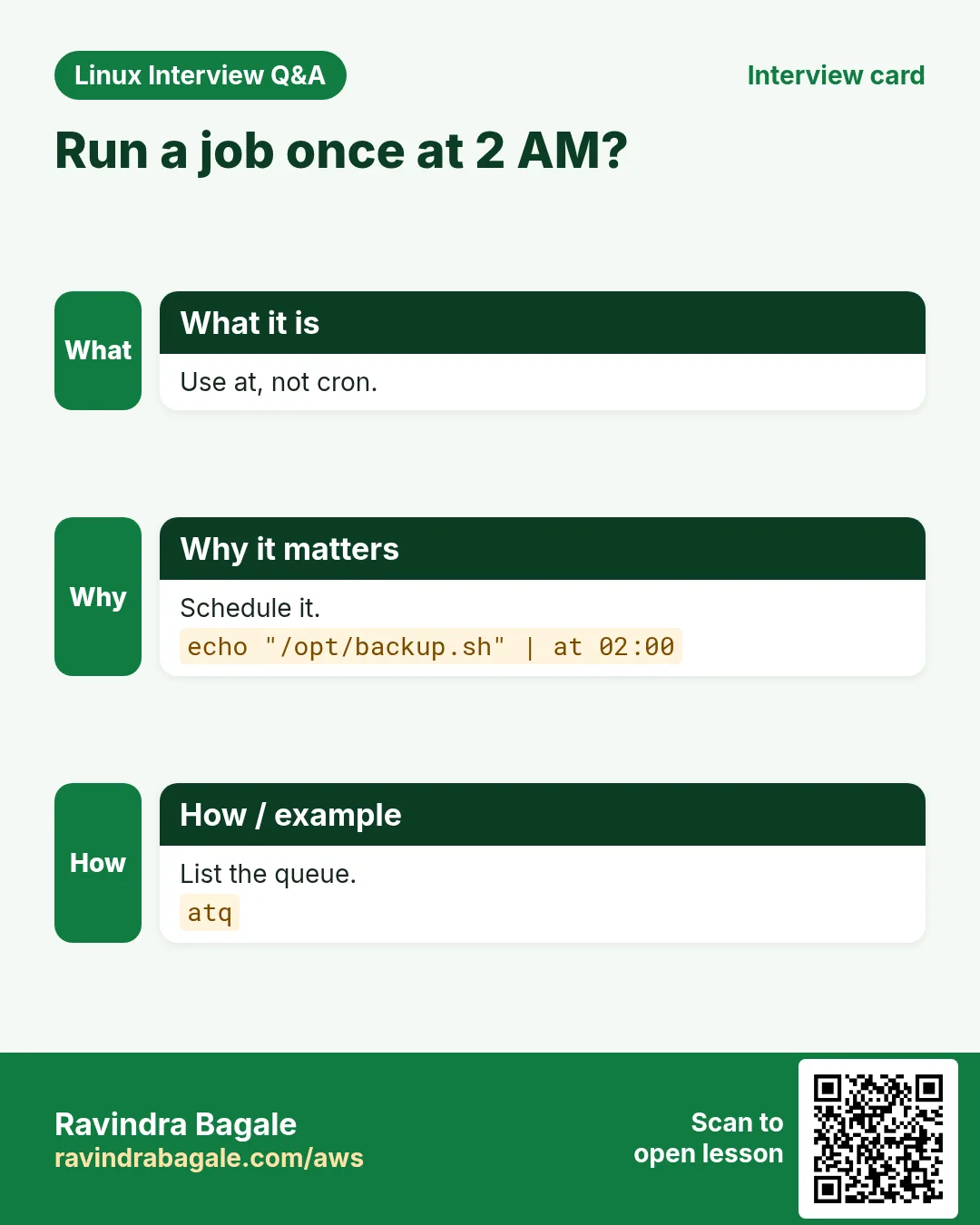
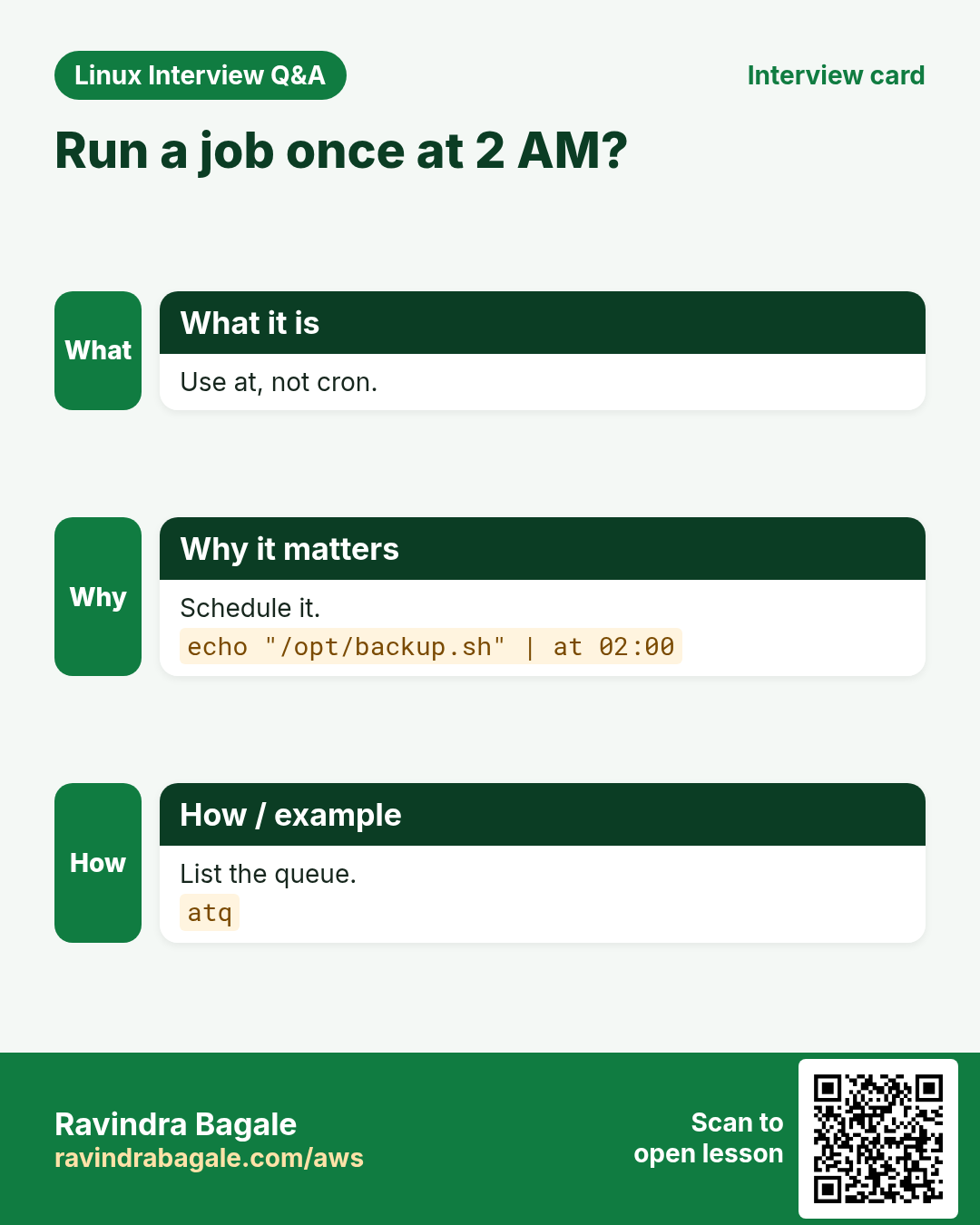
Sometimes you need a task to run once at a set time, like a restart at 2 AM or removing temporary access tomorrow. cron is for repeating jobs; at is for one-time jobs.
What is it?
at reads commands from your keyboard or a file and queues them. The atd service runs them at the given time. Output is mailed to the user, so redirect it to a file if there is no mail.
Common options
| Option | What it does |
|---|---|
at 02:00 | Run at 2 AM (today or tomorrow). |
at now + 30 minutes | Run in 30 minutes. |
at -f job.sh 18:00 | Read commands from a file. |
atq | List queued jobs. |
atrm 3 | Remove job number 3. |
at -c 3 | Show the full job script. |
How to do it (step by step)
- Make sure atd runs.
sudo systemctl enable --now atdWhat it means: The at daemon is running and starts at boot.
- Queue a one-time job.
echo 'systemctl restart nginx' | sudo at 02:00Output:
job 4 at Tue Oct 27 02:00:00 2026What it means: The job gets number 4 and the run time.
- See the queue.
sudo atqOutput:
4 Tue Oct 27 02:00:00 2026 a rootWhat it means: Job 4 waits in queue a for user root.
- Cancel it.
sudo atrm 4What it means: Job 4 is gone. atq shows nothing.
- Give temporary access that removes itself.
echo 'gpasswd -d vendor wheel' | sudo at now + 4 hoursOutput:
job 5 at Mon Oct 26 05:10:00 2026What it means: After four hours the vendor loses sudo rights automatically.
Practise this in the tasks below: Practice tasks
Real use: A hospital IT team in Deccan schedules a one-time database restart at 3 AM with at, so no doctor is disturbed.
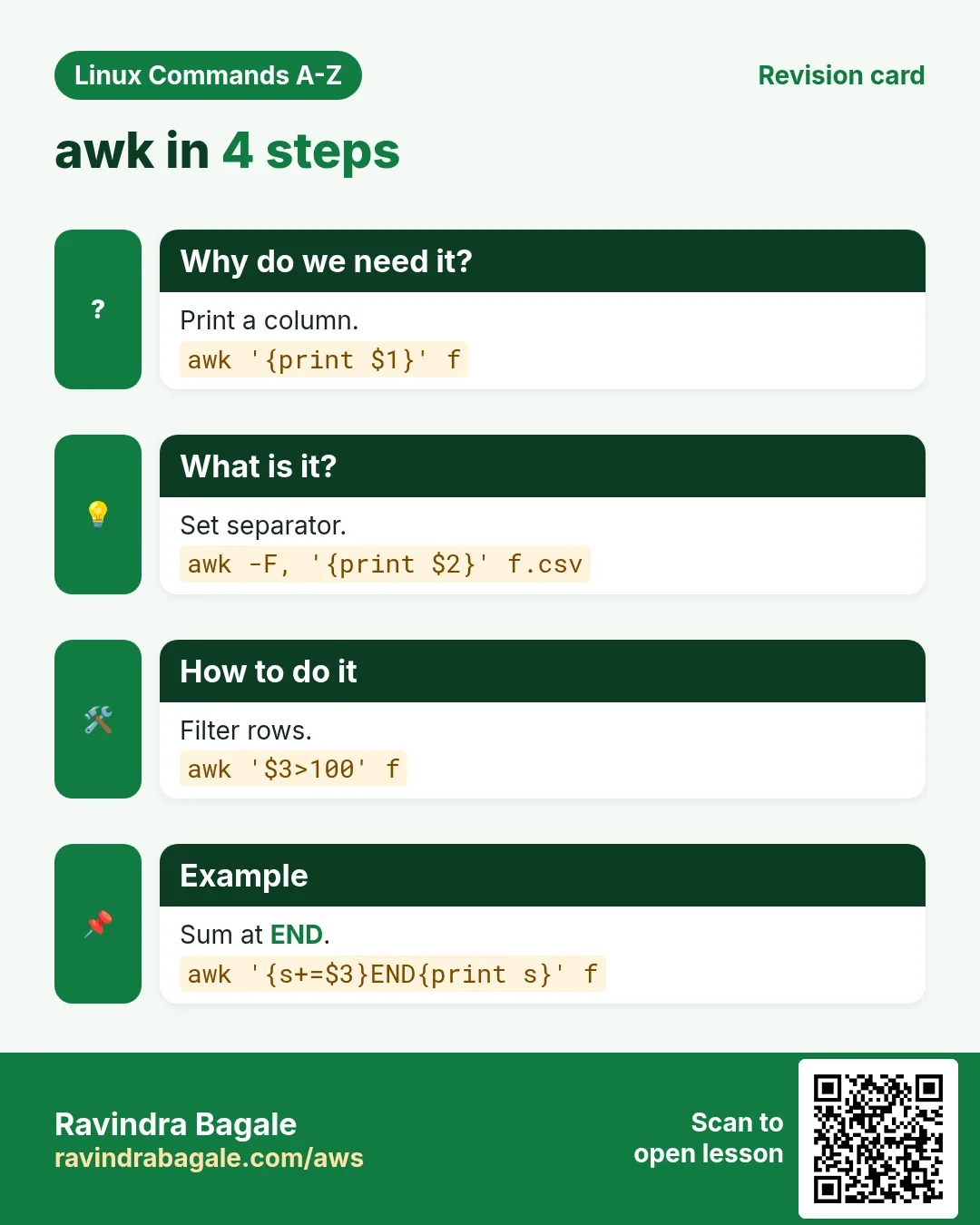
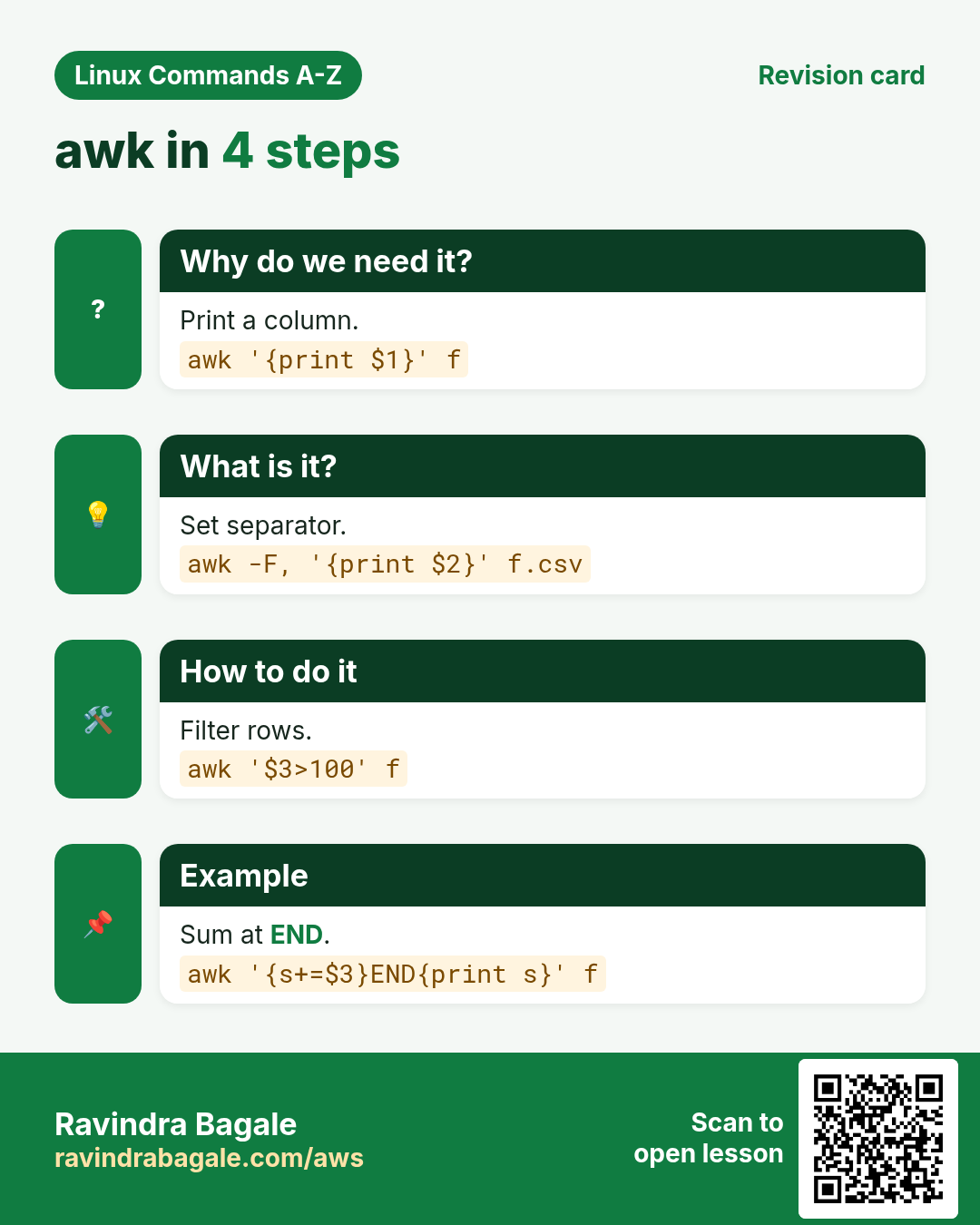
8. awk: Work with columns, sums and reports in text
awk deep dive: fields, patterns, sums, groups and reports
Why do we need this?
Logs, CSV files and command outputs are all text in columns. awk lets you pick columns, filter rows, add up numbers and print reports in one line, without opening Excel or writing a Python script. It is one of the most asked commands in Linux interviews.
What is it?
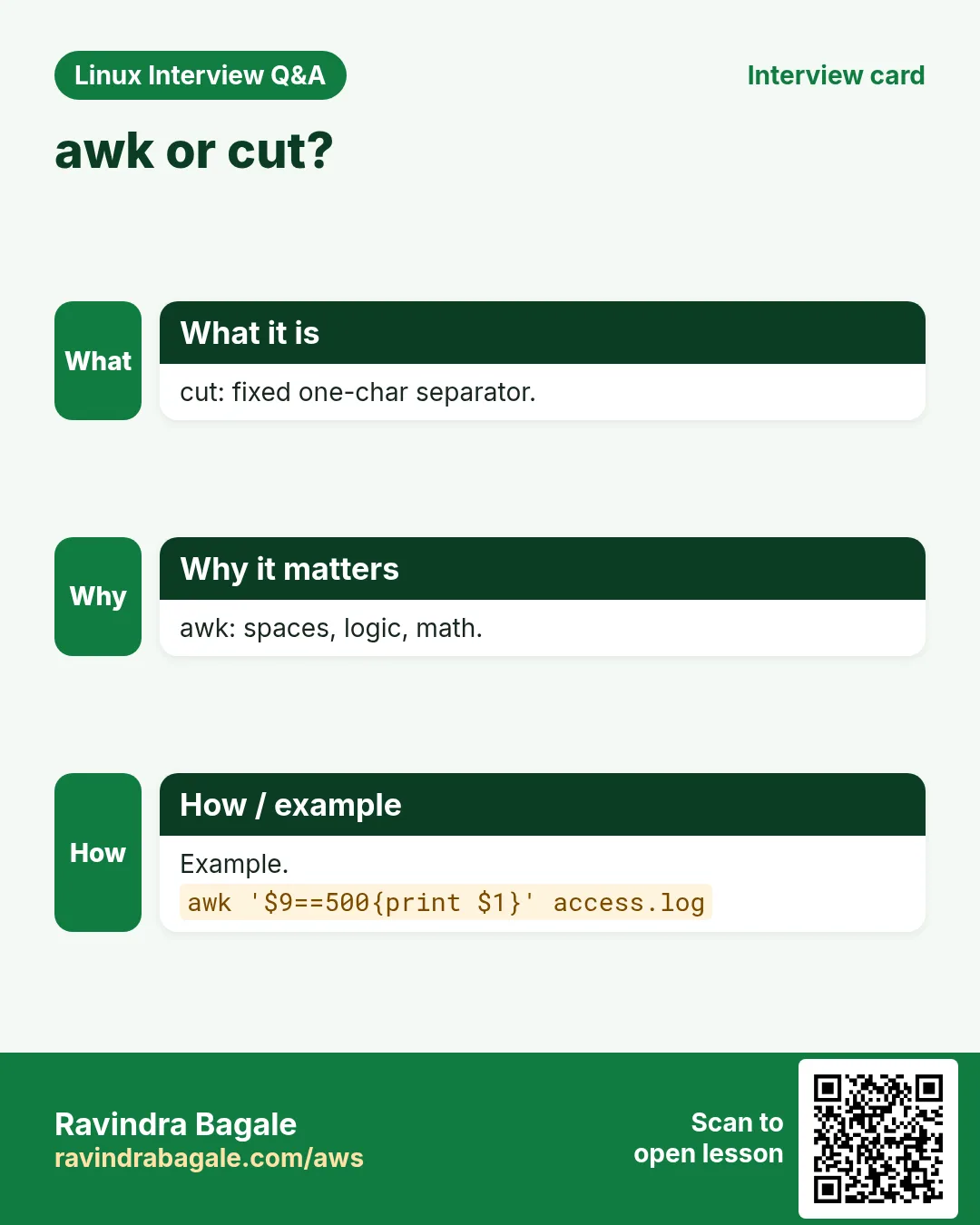
awk is a small programming language for text. It reads input line by line. Each line is a record ($0). It splits the line into fields $1, $2 ... using spaces by default, or the separator you set with -F. A program is pattern { action }. If the pattern matches, the action runs. BEGIN runs before the first line and END after the last. NR is the line number, NF the number of fields.
Common options
| Option | What it does |
|---|---|
awk '{print $1}' | Print the first field of each line. |
awk -F: '{print $1}' | Use : as the field separator. |
awk -F, -v OFS=, '...' | Set input and output separators for CSV. |
awk '$3 > 100' | Print lines where field 3 is above 100. |
awk '/ERROR/' | Print lines matching a regex. |
awk 'NR==5' | Print line 5 only. |
awk '{print NF}' | Print the number of fields. |
awk '{print $NF}' | Print the last field. |
awk '{s+=$2} END{print s}' | Sum a column. |
awk '{c[$1]++} END{for(k in c) print k,c[k]}' | Count by key (group by). |
awk -v t=80 '$5+0>t' | Pass a shell value into awk. |
awk 'BEGIN{printf "%.2f\n", 10/3}' | Decimal maths and formatted print. |
awk '!seen[$0]++' | Remove duplicate lines, keep order. |
awk -f report.awk file | Run a program from a file. |
How to do it (step by step)
- Print user names from /etc/passwd.
awk -F: '{print $1}' /etc/passwd | head -3Output:
root
bin
daemon
What it means: -F: splits on colons. $1 is the user name.
- Print name and shell, but only for real login users.
awk -F: '$3>=1000 {print $1, $7}' /etc/passwdOutput:
arjun /bin/bash
priya /bin/bash
What it means: $3 is the UID. Normal users start at 1000 on most distros.
- Find filesystems above 80 percent.
df -h | awk 'NR>1 && $5+0>80 {print $6, $5}'Output:
/var 91%What it means: NR>1 skips the header. $5+0 turns 91% into the number 91.
- Count requests per IP in a web log.
awk '{c[$1]++} END{for(ip in c) print c[ip], ip}' access.log | sort -rn | head -3Output:
812 10.0.4.17
310 10.0.4.22
95 10.0.9.3
What it means: c is an array keyed by IP. END prints the totals; sort ranks them.
- Total and average of a CSV column.
awk -F, 'NR>1 {s+=$3; n++} END{printf "total=%d avg=%.2f\n", s, s/n}' sales.csvOutput:
total=48200 avg=1606.67What it means: Skip the header, add column 3, count rows, then print with printf.
- Sum sales per city (group by).
awk -F, 'NR>1 {t[$2]+=$3} END{for(k in t) print k, t[k]}' sales.csvOutput:
Pune 21000
Nashik 9800
Nagpur 17400
What it means: t[city] keeps a running sum for each city.
- Print the last field of each line.
echo 'a b c d' | awk '{print $NF, NF}'Output:
d 4What it means: $NF is the last field; NF alone is the count.
- Lines between two markers.
awk '/BEGIN CERT/,/END CERT/' bundle.pem | wc -lOutput:
30What it means: A range pattern prints from the first match to the second.
- Pass a shell variable safely.
limit=500; awk -v l="$limit" '$2>l' orders.txtOutput:
ORD-9 750
ORD-14 1200
What it means: -v sets an awk variable. Do not glue shell variables inside the quotes.
- Remove duplicate lines but keep the first one in order.
awk '!seen[$0]++' emails.txtOutput:
a@x.com
b@y.com
What it means: seen counts each line. Only the first time (0, which is false, then !) prints.
- Change a CSV column and keep commas.
awk -F, -v OFS=, 'NR>1 {$3=$3*1.18} 1' sales.csv | head -2Output:
date,city,amount
2026-10-01,Pune,1180
What it means: OFS keeps commas in output. The lone 1 means print every line.
- Slow requests from a log with response time in the last field.
awk '$NF>2.0 {print $7, $NF}' access.log | head -2Output:
/api/report 3.41
/api/export 2.77
What it means: Numbers compare as numbers, so 3.41 > 2.0 works.
Practise this in the tasks below: Practice tasks
Real use: A Pune e-commerce ops team runs one awk line every morning to count 5xx errors per API path from nginx logs, and a CA firm in Sadashiv Peth totals GST columns from CSV exports with awk.
9. base64: Encode or decode data as base64 text
base64 in depth: encode, decode and Kubernetes secrets
Why do we need this?
Some systems only accept plain text, like JSON, YAML, email or HTTP headers. base64 turns any bytes into safe text and back. You see it in Kubernetes secrets, basic auth and certificates.
What is it?
base64 is encoding, not encryption. Anyone can decode it. It uses 64 safe characters (A-Z, a-z, 0-9, + and /) and = for padding. Output grows by about one third.
Common options
| Option | What it does |
|---|---|
base64 file | Encode a file. |
base64 -d | Decode. |
base64 -w 0 | No line wrapping (one long line). |
echo -n text | base64 | Encode text without a newline. |
base64 -i | Ignore garbage when decoding. |
How to do it (step by step)
- Encode a password for a Kubernetes secret.
echo -n 'Pune@2026' | base64Output:
UHVuZUAyMDI2What it means: -n stops echo adding a newline, which would change the result.
- Decode it back.
echo 'UHVuZUAyMDI2' | base64 -dOutput:
Pune@2026What it means: -d decodes. This is why base64 is not security.
- Encode a small file on one line.
base64 -w 0 logo.png | head -c 40Output:
iVBORw0KGgoAAAANSUhEUgAAAEAAAABACAYAAACWhat it means: -w 0 gives one line, easy to paste into JSON.
- Read a secret from a cluster.
kubectl get secret db -o jsonpath='{.data.password}' | base64 -dOutput:
S3cret!What it means: Kubernetes stores secret values in base64.
Practise this in the tasks below: Practice tasks
Real use: A Magarpatta DevOps engineer decodes Kubernetes secrets with base64 -d while debugging a login failure.
10. basename: Get the file name from a path
basename in depth: file name from a path
Why do we need this?
Scripts often get a full path but need only the file name, for example to name a backup or a log line.
What is it?
basename removes everything up to the last slash. It can also remove a suffix like .log. It does not check if the file exists; it works on the text only.
Common options
| Option | What it does |
|---|---|
basename PATH | Print the last part. |
basename PATH .ext | Also remove the suffix. |
basename -s .ext a b | Remove suffix from many paths. |
basename -a p1 p2 | Handle many paths. |
${p##*/} | Pure bash way, no new process. |
How to do it (step by step)
- Get the file name.
basename /var/log/nginx/access.logOutput:
access.logWhat it means: Everything before the last slash is gone.
- Drop the extension too.
basename /var/log/nginx/access.log .logOutput:
accessWhat it means: The second argument is the suffix to cut.
- Many files at once.
basename -s .csv /data/jan.csv /data/feb.csvOutput:
jan
feb
What it means: -s works on every path given.
- Use it in a backup script.
f=/srv/app/config.yml; cp "$f" "/backup/$(basename "$f").$(date +%F)"What it means: The copy is named config.yml.2026-10-26.
Practise this in the tasks below: Practice tasks
Real use: A media company in Aundh renames thousands of uploaded videos using basename in a loop.
11. bc: Calculator with decimals
bc in depth: decimal maths in the shell
Why do we need this?
Bash maths $(( )) works only with whole numbers. For GST, percentages, averages or disk sizes you need decimals. bc gives exact decimal maths.
What is it?
bc is an arbitrary-precision calculator language. It reads expressions from input. scale sets the number of decimal places. -l loads the maths library and sets scale to 20.
Common options
| Option | What it does |
|---|---|
echo '5/2' | bc | Whole number result (scale 0). |
echo 'scale=2; 5/2' | bc | Two decimal places. |
bc -l | Maths library, sqrt, s(), l(). |
echo '2^10' | bc | Power. |
echo 'obase=2; 10' | bc | Convert to binary. |
echo '1.5 > 1.2' | bc | Compare: prints 1 for true. |
How to do it (step by step)
- See why bash is not enough.
echo $((10/3))Output:
3What it means: The decimals are lost.
- Do it with bc.
echo 'scale=3; 10/3' | bcOutput:
3.333What it means: scale=3 keeps three decimals.
- Add 18 percent GST.
echo 'scale=2; 1499*1.18' | bcOutput:
1768.82What it means: Exact money maths.
- Compare decimals in a script.
load=2.75; if (( $(echo "$load > 2.0" | bc) )); then echo high; fiOutput:
highWhat it means: bc prints 1 or 0, which bash (( )) can test.
- Convert a number to binary.
echo 'obase=2; 192' | bcOutput:
11000000What it means: Handy for subnet masks.
Practise this in the tasks below: Practice tasks
Real use: A billing script at a Chakan auto-parts supplier uses bc to add GST to every invoice line.
12. bg: Resume a stopped job in the background
bg in depth: continue a stopped job in the background
Why do we need this?
You started a long copy and forgot the &. Instead of killing it and starting again, you can pause it and push it to the background.
What is it?
bg is a shell builtin for job control. Ctrl+Z sends SIGTSTP and stops the foreground job. bg sends SIGCONT and lets it run in the background. The job still belongs to your shell.
Common options
| Option | What it does |
|---|---|
Ctrl+Z | Stop the foreground job. |
bg | Resume the last stopped job in background. |
bg %2 | Resume job 2. |
jobs -l | List jobs with PIDs. |
disown %1 | Detach job 1 from the shell. |
How to do it (step by step)
- Start a long job without &.
rsync -a /data/ /backup/data/What it means: The terminal is busy.
- Pause it.
Ctrl+ZOutput:
[1]+ Stopped rsync -a /data/ /backup/data/What it means: Job 1 is stopped, not killed.
- Send it to the background.
bgOutput:
[1]+ rsync -a /data/ /backup/data/ &What it means: It runs again, and you get the prompt back.
- Check it.
jobs -lOutput:
[1]+ 41822 Running rsync -a /data/ /backup/data/ &What it means: Running in background with PID 41822.
- Keep it alive after logout.
disown %1What it means: The shell will not send it SIGHUP when you log out.
Practise this in the tasks below: Practice tasks
Real use: An admin at a Pimpri plant pauses a long log compression with Ctrl+Z, runs bg, and checks a live alert in the same SSH session.
13. blkid: Show UUID and type of disks and partitions
blkid in depth: UUIDs and filesystem types
Why do we need this?
Device names like /dev/sdb can change after a reboot or when you add disks. /etc/fstab should use UUIDs. blkid tells you the UUID and type of each partition.
What is it?
blkid reads the metadata of block devices and prints attributes like UUID, TYPE (xfs, ext4, swap, LVM2_member), LABEL and PARTUUID. Run it as root for full, fresh results.
Common options
| Option | What it does |
|---|---|
blkid | All devices. |
blkid /dev/sdb1 | One device. |
blkid -s UUID -o value DEV | Only the UUID value. |
blkid -t TYPE=xfs | Devices with a given type. |
blkid -o list | Table output (older versions). |
lsblk -f | Similar view as a tree. |
How to do it (step by step)
- List all.
sudo blkidOutput:
/dev/nvme0n1p1: UUID="9c1e..." TYPE="xfs"
/dev/nvme1n1: UUID="4a7d..." TYPE="ext4"
What it means: Each device with its UUID and filesystem type.
- Get only the UUID for fstab.
sudo blkid -s UUID -o value /dev/nvme1n1Output:
4a7d6f2b-1c3e-4d8a-9b0f-2e5c7a1d3f60What it means: Clean value, ready to paste.
- Write the fstab line.
echo "UUID=$(sudo blkid -s UUID -o value /dev/nvme1n1) /data ext4 defaults,nofail 0 2" | sudo tee -a /etc/fstabOutput:
UUID=4a7d... /data ext4 defaults,nofail 0 2What it means: nofail stops a boot failure if the disk is missing.
- Find all swap areas.
sudo blkid -t TYPE=swapOutput:
/dev/vdb2: UUID="e2f..." TYPE="swap"What it means: Filters by type.
Practise this in the tasks below: Practice tasks
Real use: A cloud team in Viman Nagar adds an EBS volume and uses blkid to put its UUID in fstab so the mount survives reboots.
14. bunzip2: Uncompress .bz2 files
bunzip2 in depth: unpack .bz2 files
Why do we need this?
Old log archives, source code and data dumps often come as .bz2. You need to open them safely, sometimes keeping the original.
What is it?
bunzip2 is the same as bzip2 -d. It replaces file.bz2 with the uncompressed file unless you ask it to keep the original.
Common options
| Option | What it does |
|---|---|
bunzip2 f.bz2 | Uncompress and remove the .bz2. |
bunzip2 -k f.bz2 | Keep the .bz2. |
bunzip2 -c f.bz2 | Write to standard output. |
bunzip2 -t f.bz2 | Test the file only. |
bzcat f.bz2 | Read without unpacking. |
tar xjf a.tar.bz2 | Extract a .tar.bz2. |
How to do it (step by step)
- Test before opening.
bunzip2 -tv dump.sql.bz2Output:
dump.sql.bz2: okWhat it means: The archive is not corrupt.
- Unpack and keep the original.
bunzip2 -k dump.sql.bz2 && ls dump.sql*Output:
dump.sql dump.sql.bz2What it means: Both files now exist.
- Read the first lines without unpacking.
bzcat app-2025.log.bz2 | head -2Output:
2025-01-01 00:00:01 INFO start
2025-01-01 00:00:02 INFO ready
What it means: Handy for big archives.
- Extract a tar.bz2.
tar xjf source.tar.bz2 && lsOutput:
source source.tar.bz2What it means: j tells tar to use bzip2.
Practise this in the tasks below: Practice tasks
Real use: A research lab at a Pashan institute unpacks .bz2 genome data with bunzip2 -k so the original stays for checksums.
15. bzip2: Compress files with bzip2
bzip2 in depth: compress with better ratio than gzip
Why do we need this?
Disk and bandwidth cost money. bzip2 makes text files like logs and SQL dumps much smaller, usually smaller than gzip, at the cost of more CPU time.
What is it?
bzip2 compresses one file at a time and adds .bz2. It removes the original by default. Levels -1 to -9 control block size; -9 is the default. For folders, use tar with j.
Common options
| Option | What it does |
|---|---|
bzip2 f | Compress f to f.bz2. |
bzip2 -k f | Keep the original. |
bzip2 -d f.bz2 | Decompress. |
bzip2 -9 f | Best compression. |
bzip2 -v f | Show ratio. |
tar cjf a.tar.bz2 dir | Archive a folder with bzip2. |
How to do it (step by step)
- Compress a log and keep it.
bzip2 -kv app.logOutput:
app.log: 9.812:1, 0.815 bits/byte, 89.81% savedWhat it means: The file is about ten times smaller.
- Compare sizes.
ls -lh app.log app.log.bz2Output:
-rw-r--r-- 1 arjun arjun 120M app.log
-rw-r--r-- 1 arjun arjun  13M app.log.bz2
What it means: 120 MB became 13 MB.
- Archive a folder.
tar cjf reports.tar.bz2 reports/ && ls -lh reports.tar.bz2Output:
-rw-r--r-- 1 arjun arjun 2.1M reports.tar.bz2What it means: c create, j bzip2, f file name.
- Decompress it later.
bzip2 -d app.log.bz2What it means: app.log is back (an error appears if app.log still exists).
Practise this in the tasks below: Practice tasks
Real use: A telecom billing team in Yerawada keeps a year of CDR files as .bz2 to save storage.
16. cal: Show a calendar
cal in depth: quick calendars in the terminal
Why do we need this?
When planning maintenance windows or cron schedules, you need to know which date is a Sunday or the last day of a month, without leaving the server.
What is it?
cal prints a calendar of the current month by default. You can ask for a month, a year or three months around today. On some systems it is ncal or comes from util-linux.
Common options
| Option | What it does |
|---|---|
cal | This month. |
cal 2027 | Whole year. |
cal 2 2027 | February 2027. |
cal -3 | Previous, current and next month. |
cal -m | Weeks start on Monday. |
cal -j | Day of year numbers. |
How to do it (step by step)
- This month.
calOutput:
    October 2026
Su Mo Tu We Th Fr Sa
             1  2  3
...
25 26 27 28 29 30 31
What it means: Today is highlighted on most terminals.
- Plan a Sunday window.
cal 11 2026Output:
   November 2026
Su Mo Tu We Th Fr Sa
 1  2  3  4  5  6  7
What it means: Sundays are the first column.
- Monday-first view.
cal -m 11 2026Output:
   November 2026
Mo Tu We Th Fr Sa Su
                   1
What it means: Matches the Indian office week.
- Three months together.
cal -3What it means: Good for release planning.
Practise this in the tasks below: Practice tasks
Real use: A school ERP admin in Kothrud checks cal before scheduling exam-week server freezes.
17. cat: Print and join files
cat in depth: print, number, join and spot hidden characters
Why do we need this?
cat is the fastest way to see a small file, join parts into one file, or check for hidden Windows line endings that break scripts.
What is it?
cat means concatenate. It reads files in order and writes them to standard output. With no file it reads the keyboard. For big files use less. Writing with > and >> is covered in the redirect section linked below.
Common options
| Option | What it does |
|---|---|
cat f | Print a file. |
cat a b | Print a then b. |
cat -n f | Number all lines. |
cat -b f | Number non-empty lines. |
cat -A f | Show tabs (^I), line ends ($) and ^M. |
cat -s f | Squeeze repeated blank lines. |
tac f | Print lines in reverse. |
How to do it (step by step)
- Show a config with line numbers.
cat -n /etc/hostnameOutput:
1 web01What it means: Line numbers help when someone says "check line 12".
- Find Windows line endings.
cat -A deploy.sh | head -2Output:
#!/bin/bash^M$
echo start^M$
What it means: ^M before $ means CRLF. Bash will fail with $'\r': command not found.
- Join split parts.
cat backup.part* > backup.tar && ls -lh backup.tarOutput:
-rw-r--r-- 1 arjun arjun 3.0G backup.tarWhat it means: Parts join in name order.
- Reverse a log to see newest first.
tac app.log | head -1Output:
2026-10-26 00:50:12 INFO doneWhat it means: tac is cat backwards.
Practise this in the tasks below: Practice tasks
Real use: A bank support desk in Camp uses cat -A to find a hidden tab that broke a payment config file.
18. chage: Set password ageing rules
chage in depth: password expiry and account ageing
Why do we need this?
Audits (ISO 27001, PCI, RBI rules for banks) ask that passwords expire and that contractor accounts end on a date. chage sets these rules per user.
What is it?
chage changes the ageing fields in /etc/shadow: last change, minimum and maximum days, warning days, inactive days and account expiry. Defaults for new users come from /etc/login.defs.
Common options
| Option | What it does |
|---|---|
chage -l user | List the rules. |
chage -M 90 user | Max 90 days between changes. |
chage -m 1 user | Min 1 day between changes. |
chage -W 7 user | Warn 7 days before. |
chage -E 2026-12-31 user | Account expires on a date. |
chage -d 0 user | Force change at next login. |
chage -I 10 user | Lock 10 days after expiry. |
How to do it (step by step)
- See the current rules.
sudo chage -l priyaOutput:
Last password change			: Oct 20, 2026
Password expires			: never
Account expires				: never
What it means: No expiry is set yet.
- Set a 90-day policy with a 7-day warning.
sudo chage -M 90 -W 7 priyaWhat it means: Priya must change her password every 90 days.
- End a contractor account.
sudo chage -E 2026-12-31 vendor1What it means: After that date, vendor1 cannot log in.
- Force a new password at first login.
sudo chage -d 0 newjoinWhat it means: The user must set their own password when they log in.
- Check again.
sudo chage -l vendor1 | grep AccountOutput:
Account expires : Dec 31, 2026What it means: The rule is saved in /etc/shadow.
Practise this in the tasks below: Practice tasks
Real use: A cooperative bank in Shivajinagar sets chage -E on every vendor account to pass its RBI IT audit.
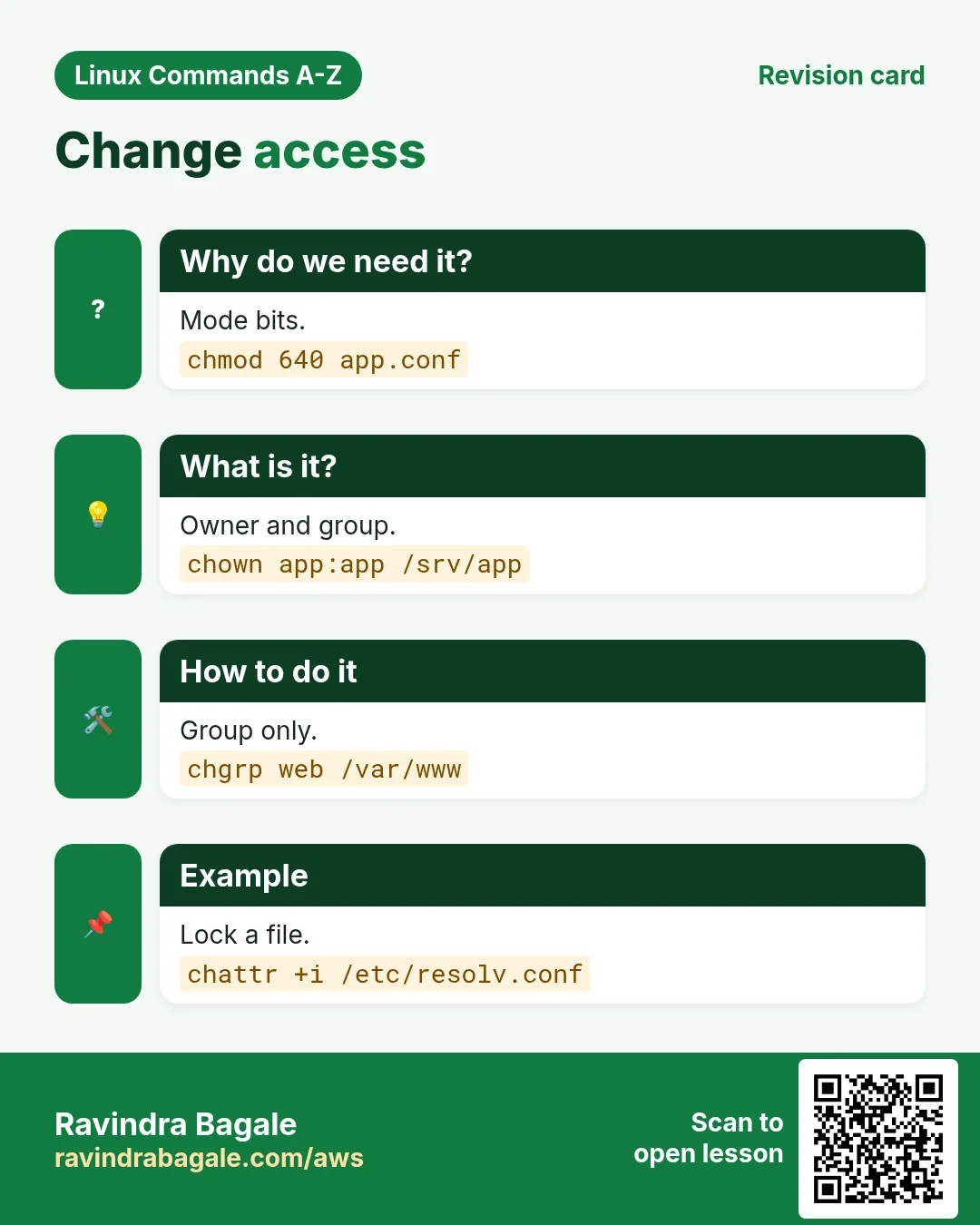
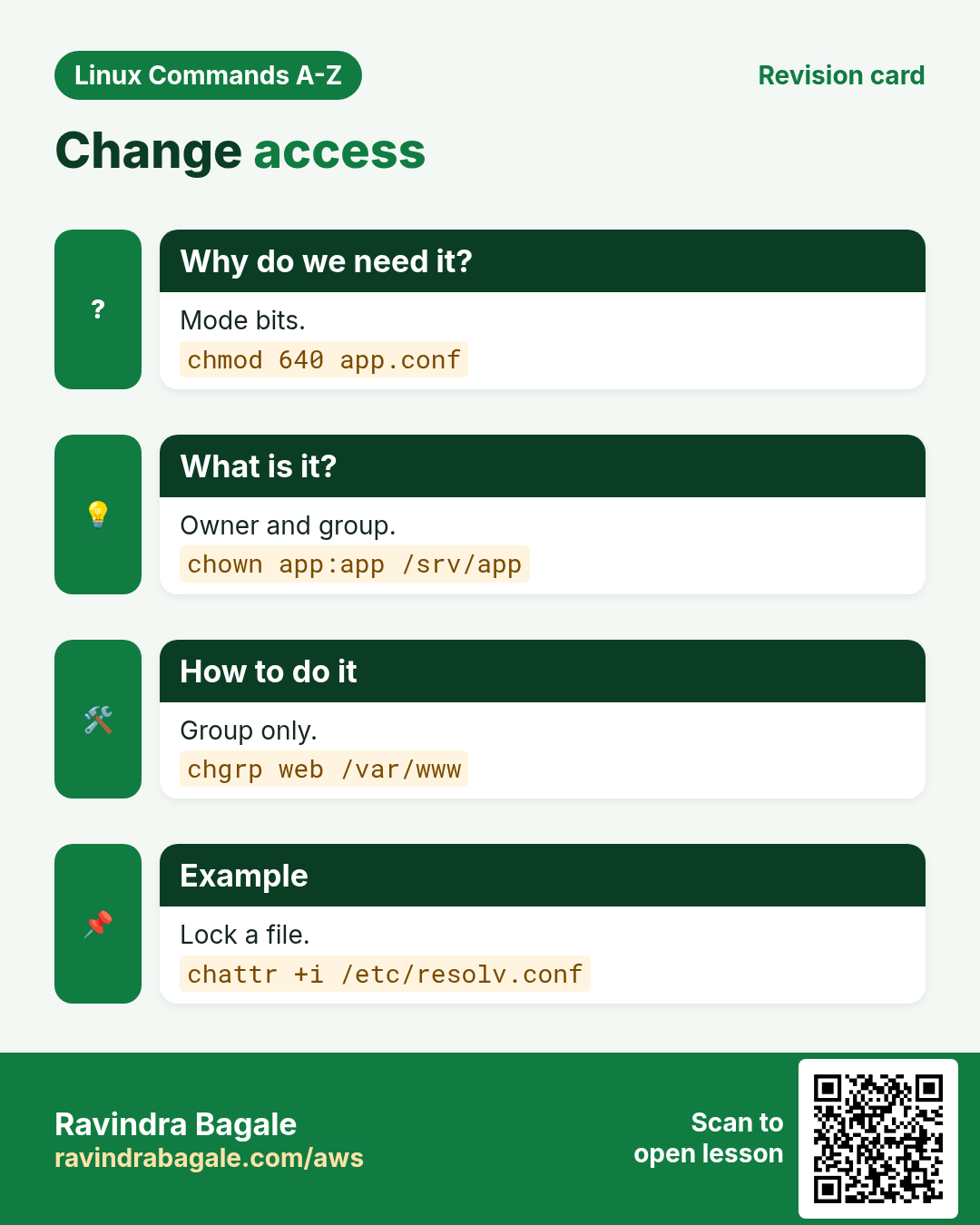
19. chattr: Set special file attributes like immutable
chattr in depth: immutable and append-only files
Why do we need this?
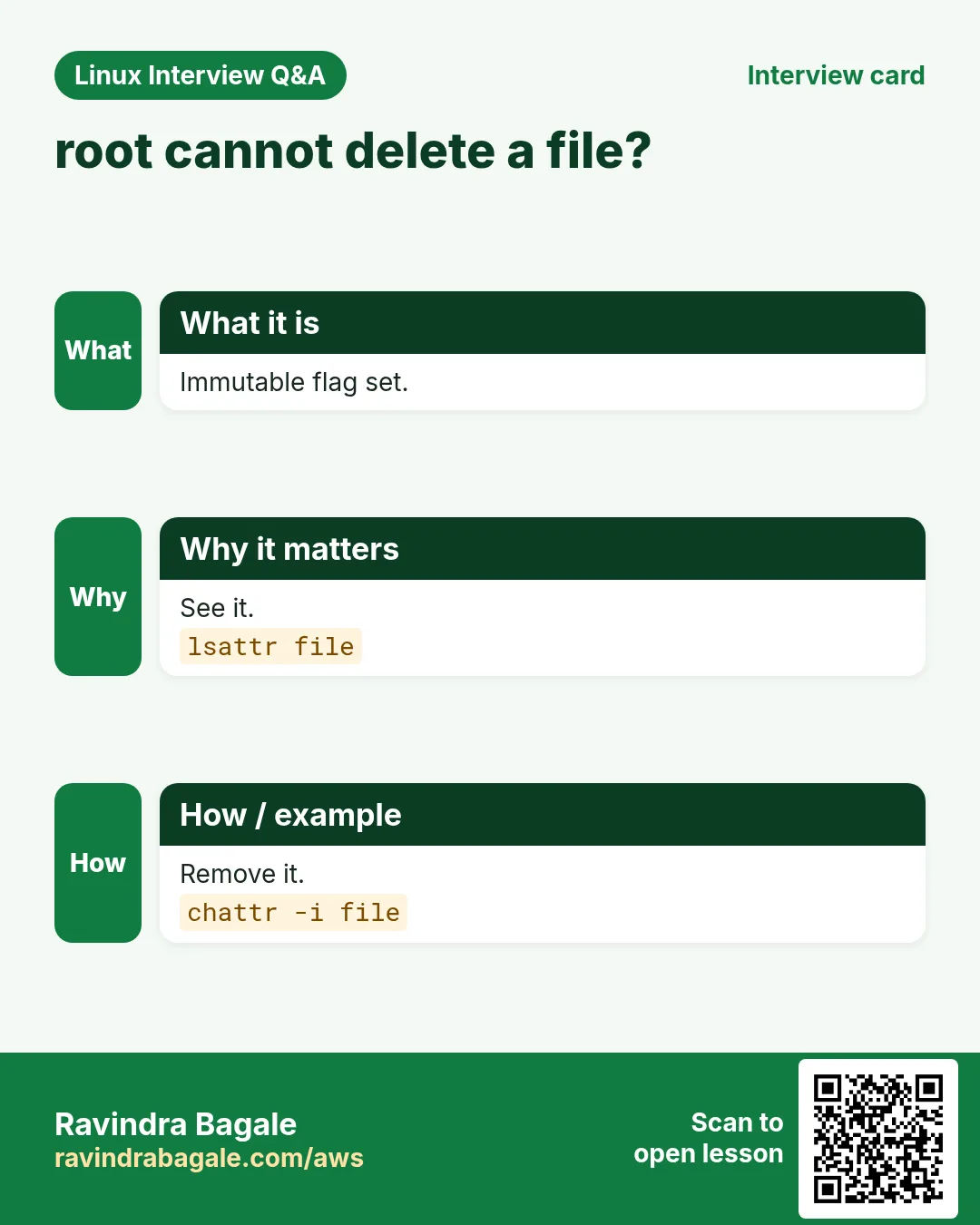
Even root can delete files by mistake, and attackers love to edit logs or /etc/resolv.conf. chattr can lock a file so nobody, not even root, can change or delete it until the lock is removed.
What is it?
chattr sets filesystem attributes on ext4 and xfs. +i makes a file immutable. +a allows only appending, good for logs. lsattr shows the attributes. Only root can set i and a.
Common options
| Option | What it does |
|---|---|
chattr +i f | Make immutable. |
chattr -i f | Remove immutable. |
chattr +a f | Append only. |
chattr -R +i dir | Apply recursively. |
lsattr f | Show attributes. |
lsattr -d dir | Attributes of the folder itself. |
How to do it (step by step)
- Lock DNS settings.
sudo chattr +i /etc/resolv.confWhat it means: Now nothing can overwrite this file.
- Check.
lsattr /etc/resolv.confOutput:
----i---------e------- /etc/resolv.confWhat it means: The i flag is set. e is normal on ext4 (extents).
- Try to delete as root.
sudo rm /etc/resolv.confOutput:
rm: cannot remove '/etc/resolv.conf': Operation not permittedWhat it means: Even root is blocked.
- Unlock when you really need to edit.
sudo chattr -i /etc/resolv.confWhat it means: Normal again.
- Make an audit log append-only.
sudo chattr +a /var/log/app-audit.log && echo 'x' | sudo tee /var/log/app-audit.logOutput:
tee: /var/log/app-audit.log: Operation not permittedWhat it means: Overwrite fails; appending with tee -a still works.
Practise this in the tasks below: Practice tasks
Real use: A payment gateway team in Baner sets chattr +a on audit logs so nobody can quietly rewrite history.
20. chgrp: Change the group of a file
chgrp in depth: change only the group
Why do we need this?
Shared folders for a team need the right group, so every member can work with the files. chgrp changes the group without touching the owner.
What is it?
chgrp sets the group owner of files and folders. A normal user can change the group only to a group they belong to. -R works through a whole tree. chown :group does the same job.
Common options
| Option | What it does |
|---|---|
chgrp grp f | Set group of f. |
chgrp -R grp dir | Recursive. |
chgrp -v grp f | Verbose. |
chgrp -c grp f | Report only changes. |
chgrp --reference=a b | Copy the group of a to b. |
chgrp -h grp link | Change a symlink itself. |
How to do it (step by step)
- Make a team folder.
sudo mkdir /srv/finance && sudo groupadd financeWhat it means: A folder and a group exist.
- Give it to the group.
sudo chgrp -R finance /srv/financeWhat it means: Every file inside now has group finance.
- Check.
ls -ld /srv/financeOutput:
drwxr-xr-x. 2 root finance 6 Oct 26 01:10 /srv/financeWhat it means: Owner stays root, group is finance.
- Allow group writing and keep the group on new files.
sudo chmod 2775 /srv/financeWhat it means: The 2 (setgid) makes new files inherit the finance group.
- See only what changed.
sudo chgrp -c finance /srv/finance/*Output:
changed group of '/srv/finance/q3.xlsx' from root to financeWhat it means: -c prints only real changes.
Practise this in the tasks below: Practice tasks
Real use: An accounts team at a Hadapsar manufacturing firm shares month-end files through a folder set with chgrp and setgid.
21. Commands in this range already covered in depth
Why do we need this?
These commands already have a full why, what and how section in an earlier chapter. Repeating them here would only make the page longer.
What is it?
Each link opens the exact section with options, examples and output.
How to do it (step by step)
cd: Change the current folder: cd ~, cd - and cd ..chmod: Change permissions: numeric vs symbolicchown: Change owner and group: user:group and -Rcat-redirect: cat with > and >>: overwrite vs append
22. Real examples from many industries
Why do we need this?
The same Linux skill shows up in every kind of company. Seeing it in many places helps you remember it.
What is it?
Each row is a made-up team. It shows who uses this and how.
How to do it (step by step)
| Team and city | How they use it | Command |
|---|---|---|
| Sneha, SaaS support, Hinjewadi | Uses alias k=kubectl and awk to count errors per tenant | awk '{c[$4]++} END{for(t in c) print t,c[t]}' app.log |
| Rahul, bank IT, Shivajinagar | Sets chage expiry on vendor accounts for audit | chage -E 2026-12-31 vendor1 |
| Meera, hospital IT, Erandwane | Schedules one-time DB restarts with at | echo 'systemctl restart postgresql' | at 03:00 |
| Imran, cloud ops, Viman Nagar | Puts EBS UUIDs into fstab with blkid | blkid -s UUID -o value /dev/nvme1n1 |
| Pooja, CA firm, Sadashiv Peth | Adds GST with bc in billing scripts | echo 'scale=2; 2500*1.18' | bc |
| Kunal, payments, Baner | Protects audit logs with chattr +a | chattr +a /var/log/pay-audit.log |
23. Common errors and how to fix them
Why do we need this?
Everyone hits these errors. Knowing the cause saves hours.
What is it?
Read the exact message first. Then match it to a row below.
How to do it (step by step)
| Error you see | Why it happens | How to fix |
|---|---|---|
alias: ll: not found | Alias was set in another shell or not saved | Add it to ~/.bashrc and source it.source ~/.bashrc |
nothing appropriate. | The man database is empty | Build it once as root.mandb |
E: Unable to locate package nginx | Package lists are old | Refresh the lists first.apt update |
Can't open /var/run/atd.pid to signal atd. No atd running? | atd service is stopped | Start and enable it.systemctl enable --now atd |
awk: cmd. line:1: unexpected newline or end of string | Quotes or braces not closed | Wrap the program in single quotes and close every brace.awk '{print $1}' f |
base64: invalid input | Text has extra characters or a missing padding | Strip spaces or use -i.base64 -di |
(standard_in) 1: syntax error | bc got shell text like 5% or a comma | Pass plain numbers only.echo '5*1.05' | bc |
bash: bg: no current job | Nothing is stopped in this shell | Stop a job with Ctrl+Z first.jobs -l |
rm: cannot remove 'x': Operation not permitted (as root) | The file has the immutable attribute | Check and remove the attribute.lsattr x; chattr -i x |
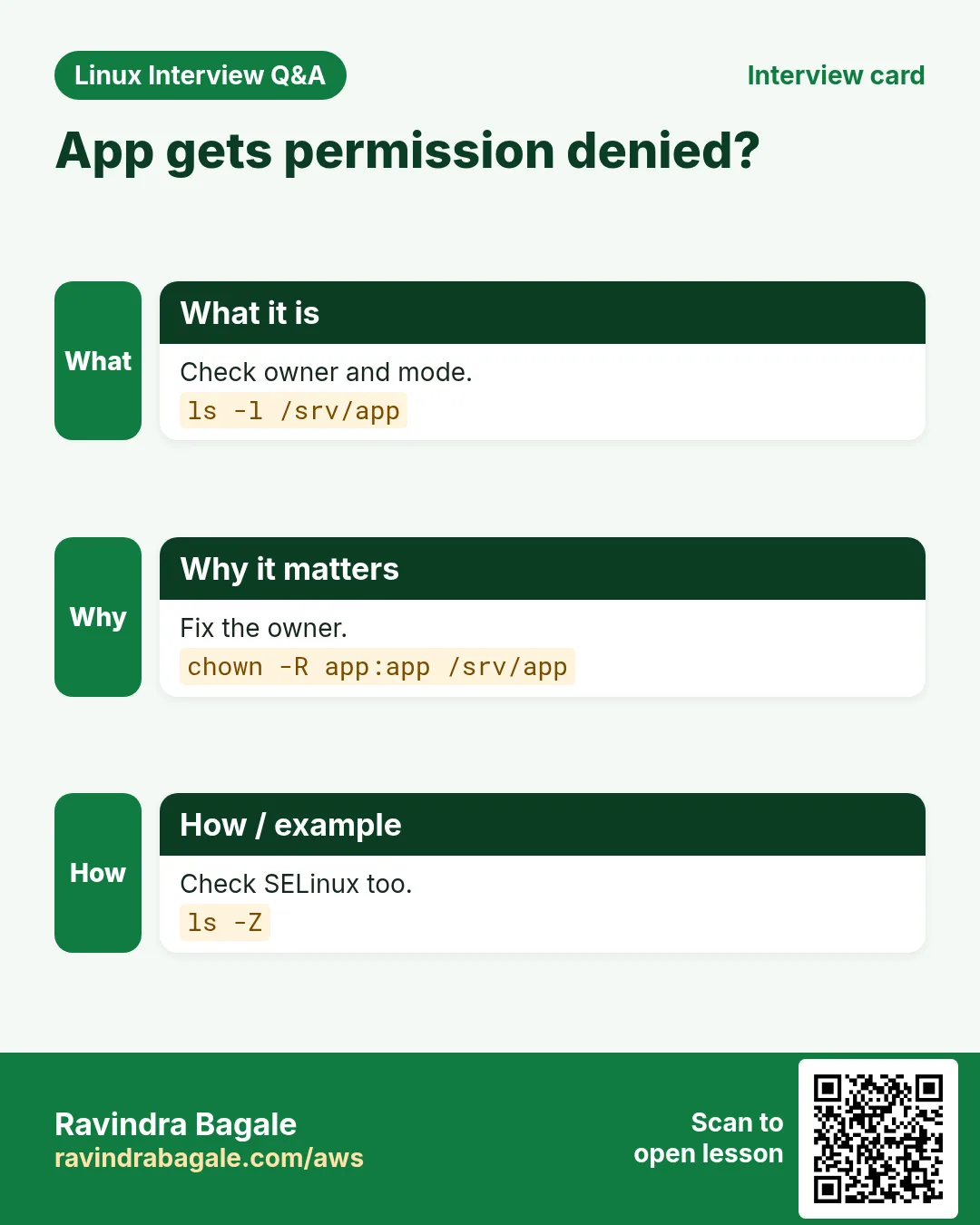
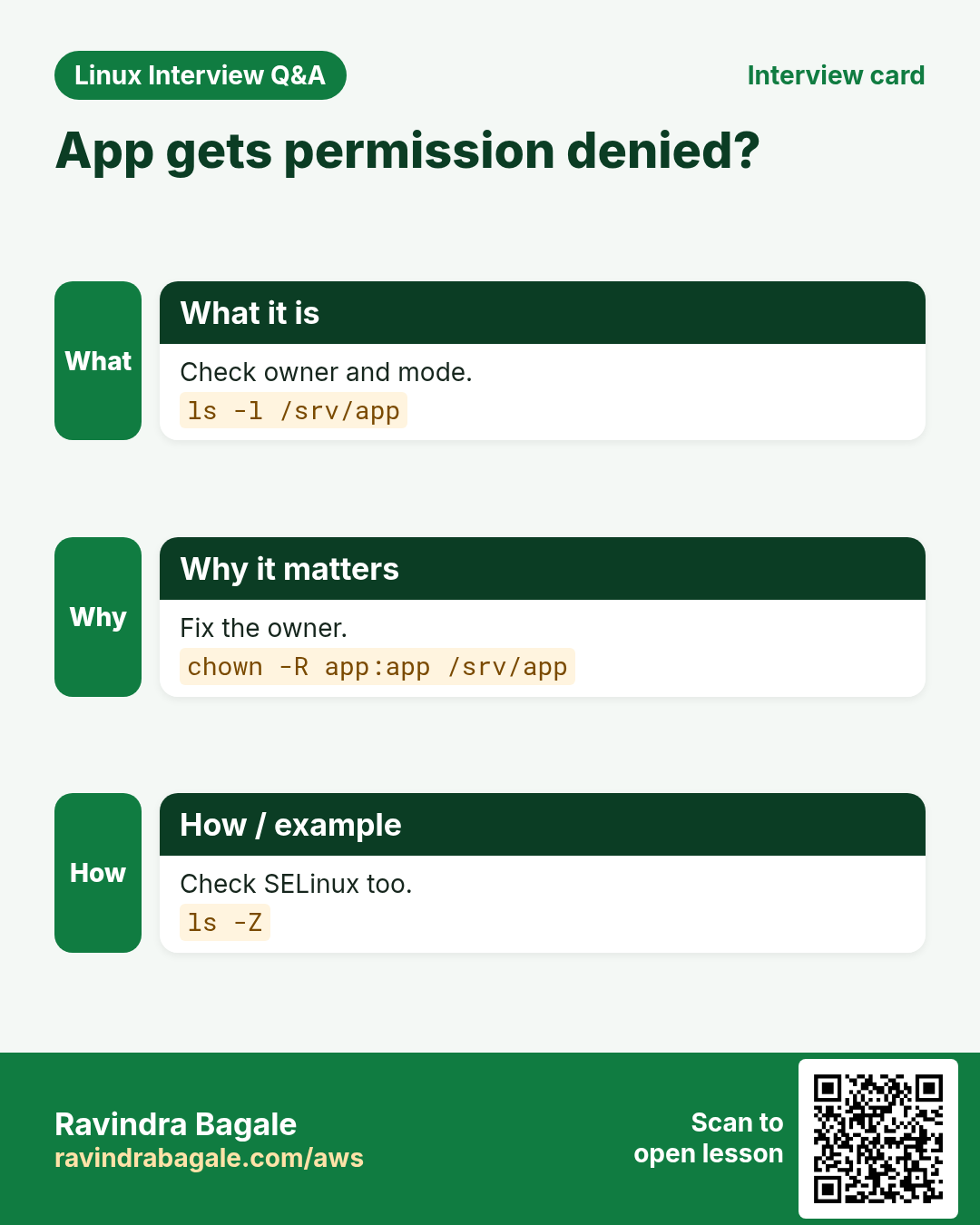
chgrp: changing group of 'f': Operation not permitted | You are not in that group and not root | Use sudo or join the group.sudo chgrp finance f |
24. Troubleshooting step by step
Why do we need this?
When a command from this part does not behave as shown, check these in order.
What is it?
Go top to bottom. Stop at the first step that shows the problem.
How to do it (step by step)
- Is the command installed and which one runs?
type -a awk- Which version is it?
awk --version | head -1- Is a needed service running (atd)?
systemctl is-active atd- Do you have permission?
id; sudo -l | head -3- Are there hidden characters in the input?
cat -A input.txt | head -3- Read the manual for the exact option.
man chage25. Lab 1: Build a sales report with awk, bc and column
Why do we need this?
Create a small CSV and produce a city-wise report with totals and GST, nicely formatted.
What is it?
A full hands-on lab. Run every step on a test Linux machine (an EC2 instance, a VM, or WSL).
How to do it (step by step)
- Create the CSV.
printf 'date,city,amount\n2026-10-01,Pune,1000\n2026-10-01,Nashik,450\n2026-10-02,Pune,700\n' > s.csv- Total per city.
awk -F, 'NR>1{t[$2]+=$3} END{for(c in t) print c, t[c]}' s.csvOutput:
Pune 1700
Nashik 450- Grand total.
awk -F, 'NR>1{s+=$3} END{print s}' s.csvOutput:
2150- Add 18% GST with bc.
echo 'scale=2; 2150*1.18' | bcOutput:
2537.00- Format as a table.
awk -F, 'NR>1{t[$2]+=$3} END{for(c in t) print c, t[c]}' s.csv | column -tOutput:
Pune    1700
Nashik 450- Save a dated copy with bzip2.
cp s.csv "s-$(date +%F).csv" && bzip2 -k s-*.csv && ls s-*Output:
s-2026-10-26.csv s-2026-10-26.csv.bz226. Lab 2: Secure a contractor account and a config file
Why do we need this?
Create a contractor user with an end date, a team group folder, a locked config and a one-time cleanup job.
What is it?
A full hands-on lab. Run every step on a test Linux machine (an EC2 instance, a VM, or WSL).
How to do it (step by step)
- Create the user and group.
sudo useradd vendor9 && sudo groupadd ops9- Set the account end date.
sudo chage -E 2026-12-31 vendor9 && sudo chage -l vendor9 | grep AccountOutput:
Account expires : Dec 31, 2026- Make a group folder.
sudo mkdir /srv/ops9 && sudo chgrp ops9 /srv/ops9 && sudo chmod 2770 /srv/ops9 && ls -ld /srv/ops9Output:
drwxrws---. 2 root ops9 6 Oct 26 /srv/ops9- Lock a config.
sudo cp /etc/hosts /srv/ops9/hosts.ref && sudo chattr +i /srv/ops9/hosts.ref && lsattr /srv/ops9/hosts.refOutput:
----i---------e------- /srv/ops9/hosts.ref- Queue a cleanup in 2 hours.
echo 'chattr -i /srv/ops9/hosts.ref' | sudo at now + 2 hoursOutput:
job 7 at ...- Check the queue.
sudo atqOutput:
7 Mon Oct 26 03:40:00 2026 a rootRavindra Bagale's Tip
Do not try to memorise all 183 commands. Learn one drawer at a time: run every example in this part on a test machine, then close the page and do the practice tasks from memory. awk alone can replace many small Python scripts in daily ops work, so spend extra time on it.
Ravindra Bagale's Tip – मराठी
सगळ्या 183 commands पाठ करायचा प्रयत्न करू नका. एका वेळी एक drawer शिका: या part मधला प्रत्येक example test machine वर चालवा, मग page बंद करून practice tasks आठवणीने करा. फक्त awk सुद्धा रोजच्या ops कामातल्या बऱ्याच छोट्या Python scripts ची जागा घेऊ शकतो, म्हणून त्यावर जास्त वेळ द्या.
Ravindra Bagale's Tip – हिंदी
सभी 183 commands रटने की कोशिश मत कीजिए। एक बार में एक drawer सीखिए: इस part का हर example test machine पर चलाइए, फिर page बंद करके practice tasks याद से कीजिए। अकेला awk भी रोज़ के ops काम की कई छोटी Python scripts की जगह ले सकता है, इसलिए उस पर ज़्यादा समय दीजिए।
27. Frequently asked questions
Q. Why are cd, chmod and chown not explained here?
They already have full sections with options and examples in earlier chapters. The links take you straight there.
Q. Is awk still worth learning when Python exists?
Yes. For one-line column work on servers, awk is faster to write and is installed everywhere.
Q. apt or dnf: which should I learn?
Both. apt for Ubuntu and Debian, dnf for RHEL, Rocky and Amazon Linux 2023. dnf is in Part 2.
Q. Is base64 safe for passwords?
No. It is encoding, not encryption. Anyone can decode it.
Q. at or cron?
at for one time, cron or systemd timers for repeating jobs.
Q. Can chattr +i stop root?
It stops changes until root removes the flag with chattr -i. It is a safety lock, not full protection.
Q. Why does bc print no decimals?
The default scale is 0. Set scale=2 or use bc -l.
Q. Where is the full list of commands?
On the Linux Commands A-Z Index page, linked under Related chapters.
28. Interview questions and answers
Beginner level
Q. What does alias do?
It gives a short name to a longer command in the shell.
Q. How do you find a command if you forget its name?
apropos keyword or man -k keyword.
Q. apt update vs apt upgrade?
update refreshes lists; upgrade installs newer versions.
Q. How do you print the first column with awk?
awk '{print $1}' file.
Mid level level
Q. How do you sum a column in awk?
awk '{s+=$3} END{print s}' file.
Q. Why use blkid for fstab?
UUIDs do not change when device names change.
Q. How do you force a password change at next login?
chage -d 0 user.
Q. What does chattr +a do?
Allows only appending, good for logs.
Senior level
Q. Group by and count in one pass without sort?
awk '{c[$1]++} END{for(k in c) print k,c[k]}' uses an associative array.
Q. How would you give a vendor time-limited sudo?
Add to the group, then at now + N hours removes them; also chage -E as a backstop.
Q. Why is awk -v better than gluing shell vars into the program?
It avoids quoting bugs and code injection from data.
Try at home
- Make three aliases you will really use and save them in ~/.bashrc.
- Download any public CSV and use awk to get the total and the top 3 rows by one column.
- On a test VM, set chattr +i on a copy of /etc/hosts and try to edit it as root.
Practice Tasks
Vidarbha Cotton Mills is a textiles business in Nagpur. Ganesh Wankhede looks after its IT and cloud work. They count money in INR and run their AWS resources in the ap-south-1 Region. In the tasks below you do real jobs for them using what this lesson teaches. All names, account IDs, IP addresses and numbers are made up for practice.
0 / 23
Easy Remove an alias
Why: BIZ runs Linux servers and uses commands from alias to chown daily.
What to do: Remove the alias named gs from this shell.
- Find the Linux command that does this job.
- Add the options (like -r or -h) the task needs.
- Add the file names, folders or users in the right order.
- Use sudo if the job changes system files or users. Click Check answer.
Easy Alias with safety
Why: BIZ runs Linux servers and uses commands from alias to chown daily.
What to do: Make an alias mvi that runs mv in interactive mode.
- Find the Linux command that does this job.
- Add the options (like -r or -h) the task needs.
- Add the file names, folders or users in the right order.
- Use sudo if the job changes system files or users. Click Check answer.
Easy Delete an at job
Why: BIZ runs Linux servers and uses commands from alias to chown daily.
What to do: Delete queued at job number 12.
- Find the Linux command that does this job.
- Add the options (like -r or -h) the task needs.
- Add the file names, folders or users in the right order.
- Use sudo if the job changes system files or users. Click Check answer.
Easy Encode a file
Why: BIZ runs Linux servers and uses commands from alias to chown daily.
What to do: Base64-encode cert.pem without line wrapping.
- Find the Linux command that does this job.
- Add the options (like -r or -h) the task needs.
- Add the file names, folders or users in the right order.
- Use sudo if the job changes system files or users. Click Check answer.
Easy Strip a suffix
Why: BIZ runs Linux servers and uses commands from alias to chown daily.
What to do: Print the name of /srv/app/run.py without .py.
- Find the Linux command that does this job.
- Add the options (like -r or -h) the task needs.
- Add the file names, folders or users in the right order.
- Use sudo if the job changes system files or users. Click Check answer.
Easy Background job 2
Why: BIZ runs Linux servers and uses commands from alias to chown daily.
What to do: Resume stopped job number 3 in the background.
- Find the Linux command that does this job.
- Add the options (like -r or -h) the task needs.
- Add the file names, folders or users in the right order.
- Use sudo if the job changes system files or users. Click Check answer.
Easy Calendar of a year
Why: BIZ runs Linux servers and uses commands from alias to chown daily.
What to do: Show the full calendar for 2028.
- Find the Linux command that does this job.
- Add the options (like -r or -h) the task needs.
- Add the file names, folders or users in the right order.
- Use sudo if the job changes system files or users. Click Check answer.
Easy Number lines
Why: BIZ runs Linux servers and uses commands from alias to chown daily.
What to do: Show build.log with line numbers on non-blank lines only.
- Find the Linux command that does this job.
- Add the options (like -r or -h) the task needs.
- Add the file names, folders or users in the right order.
- Use sudo if the job changes system files or users. Click Check answer.
Medium Purge a package
Why: BIZ runs Linux servers and uses commands from alias to chown daily.
What to do: Remove the package apache2 and its config files without asking.
- Find the Linux command that does this job.
- Add the options (like -r or -h) the task needs.
- Add the file names, folders or users in the right order.
- Use sudo if the job changes system files or users. Click Check answer.
Medium Candidate version
Why: BIZ runs Linux servers and uses commands from alias to chown daily.
What to do: Show installed and candidate versions of openssl from apt.
- Find the Linux command that does this job.
- Add the options (like -r or -h) the task needs.
- Add the file names, folders or users in the right order.
- Use sudo if the job changes system files or users. Click Check answer.
Medium See an at job
Why: BIZ runs Linux servers and uses commands from alias to chown daily.
What to do: Print the full script of at job 12.
- Find the Linux command that does this job.
- Add the options (like -r or -h) the task needs.
- Add the file names, folders or users in the right order.
- Use sudo if the job changes system files or users. Click Check answer.
Medium Last field
Why: BIZ runs Linux servers and uses commands from alias to chown daily.
What to do: Print the last field of every line of hosts.txt with awk.
- Find the Linux command that does this job.
- Add the options (like -r or -h) the task needs.
- Add the file names, folders or users in the right order.
- Use sudo if the job changes system files or users. Click Check answer.
Medium Square root
Why: BIZ runs Linux servers and uses commands from alias to chown daily.
What to do: Print the square root of 2 to 4 decimal places with bc.
- Find the Linux command that does this job.
- Add the options (like -r or -h) the task needs.
- Add the file names, folders or users in the right order.
- Use sudo if the job changes system files or users. Click Check answer.
Medium Find by label
Why: BIZ runs Linux servers and uses commands from alias to chown daily.
What to do: Find the device that has the filesystem label DATA.
- Find the Linux command that does this job.
- Add the options (like -r or -h) the task needs.
- Add the file names, folders or users in the right order.
- Use sudo if the job changes system files or users. Click Check answer.
Medium Test archive
Why: BIZ runs Linux servers and uses commands from alias to chown daily.
What to do: Test the integrity of logs.bz2 without extracting.
- Find the Linux command that does this job.
- Add the options (like -r or -h) the task needs.
- Add the file names, folders or users in the right order.
- Use sudo if the job changes system files or users. Click Check answer.
Medium Read without extracting
Why: BIZ runs Linux servers and uses commands from alias to chown daily.
What to do: Print the contents of logs.bz2 to the screen without creating a file.
- Find the Linux command that does this job.
- Add the options (like -r or -h) the task needs.
- Add the file names, folders or users in the right order.
- Use sudo if the job changes system files or users. Click Check answer.
Medium Max password days
Why: BIZ runs Linux servers and uses commands from alias to chown daily.
What to do: Set the maximum password age of user ravi to 60 days.
- Find the Linux command that does this job.
- Add the options (like -r or -h) the task needs.
- Add the file names, folders or users in the right order.
- Use sudo if the job changes system files or users. Click Check answer.
Medium Group recursively
Why: BIZ runs Linux servers and uses commands from alias to chown daily.
What to do: Change the group of /srv/web and everything inside to www.
- Find the Linux command that does this job.
- Add the options (like -r or -h) the task needs.
- Add the file names, folders or users in the right order.
- Use sudo if the job changes system files or users. Click Check answer.
Hard Blank lines
Why: BIZ runs Linux servers and uses commands from alias to chown daily.
What to do: Print line numbers of blank lines in app.log with awk using the field count.
- Find the Linux command that does this job.
- Add the options (like -r or -h) the task needs.
- Add the file names, folders or users in the right order.
- Use sudo if the job changes system files or users. Click Check answer.
Hard CSV to TSV
Why: BIZ runs Linux servers and uses commands from alias to chown daily.
What to do: Convert data.csv from commas to tabs with awk, rebuilding each record.
- Find the Linux command that does this job.
- Add the options (like -r or -h) the task needs.
- Add the file names, folders or users in the right order.
- Use sudo if the job changes system files or users. Click Check answer.
Hard Minimum value
Why: BIZ runs Linux servers and uses commands from alias to chown daily.
What to do: Print the smallest value in column 2 of lat.txt with awk, starting from the first line.
- Find the Linux command that does this job.
- Add the options (like -r or -h) the task needs.
- Add the file names, folders or users in the right order.
- Use sudo if the job changes system files or users. Click Check answer.
Hard Decimal to binary
Why: BIZ runs Linux servers and uses commands from alias to chown daily.
What to do: Convert 200 to binary with bc.
- Find the Linux command that does this job.
- Add the options (like -r or -h) the task needs.
- Add the file names, folders or users in the right order.
- Use sudo if the job changes system files or users. Click Check answer.
Hard Append only
Why: BIZ runs Linux servers and uses commands from alias to chown daily.
What to do: Make audit.log append-only.
- Find the Linux command that does this job.
- Add the options (like -r or -h) the task needs.
- Add the file names, folders or users in the right order.
- Use sudo if the job changes system files or users. Click Check answer.
29. Related chapters
- Linux Commands A-Z Index
- Linux Ops Refresh for DevOps
- Bash Scripting for Automation
- Linux grep and find Commands with Examples
- How to Set Up Passwordless SSH Between Linux Servers
In short
- Every command: why, what, options, steps.
- apropos finds commands by keyword.
- awk: -F, $N, NR, NF, END, arrays.
- base64 is not encryption; bc does decimals.
- blkid gives UUIDs for fstab.
- chage, chattr and chgrp tighten security.
Revision, comparison and interview cards
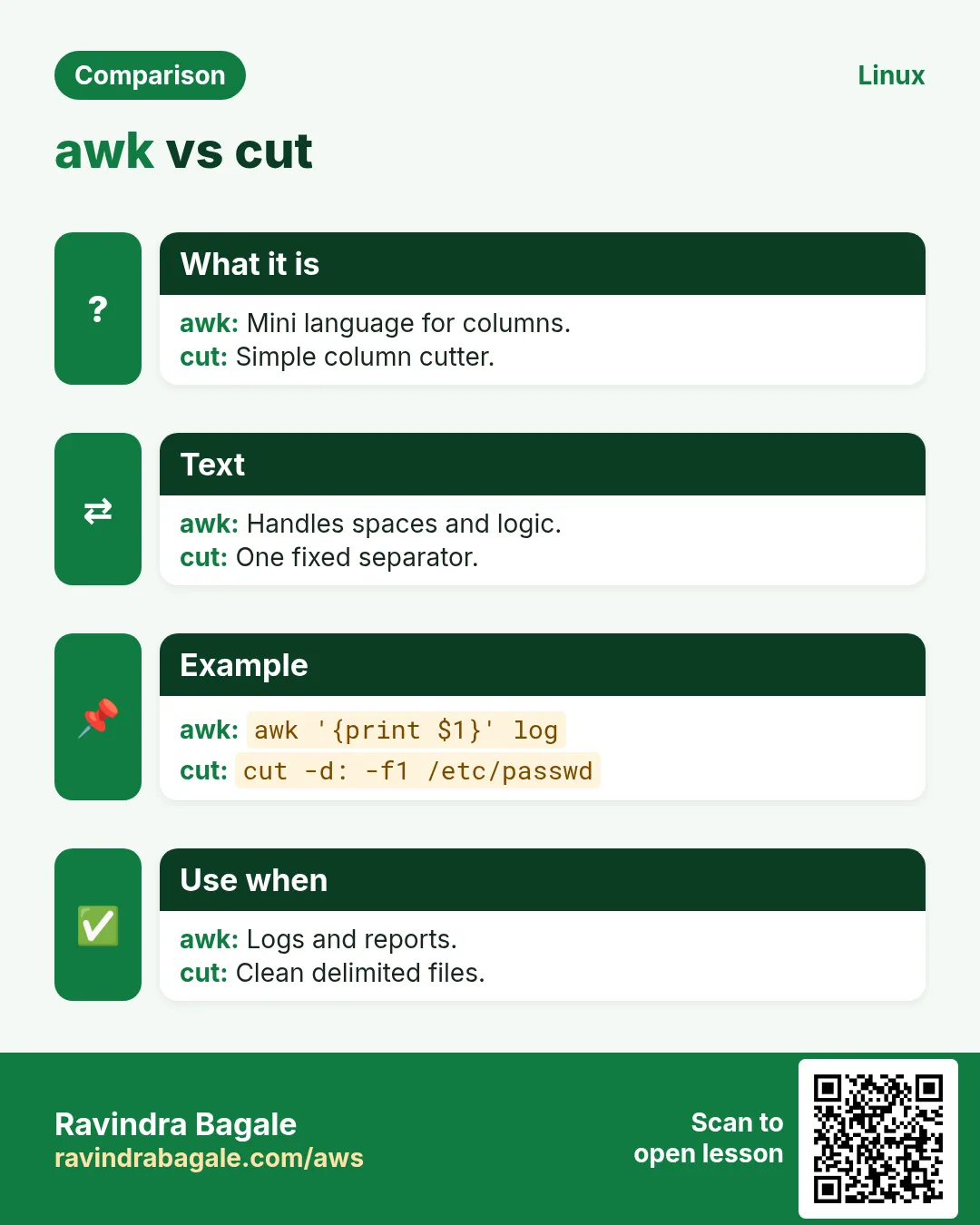
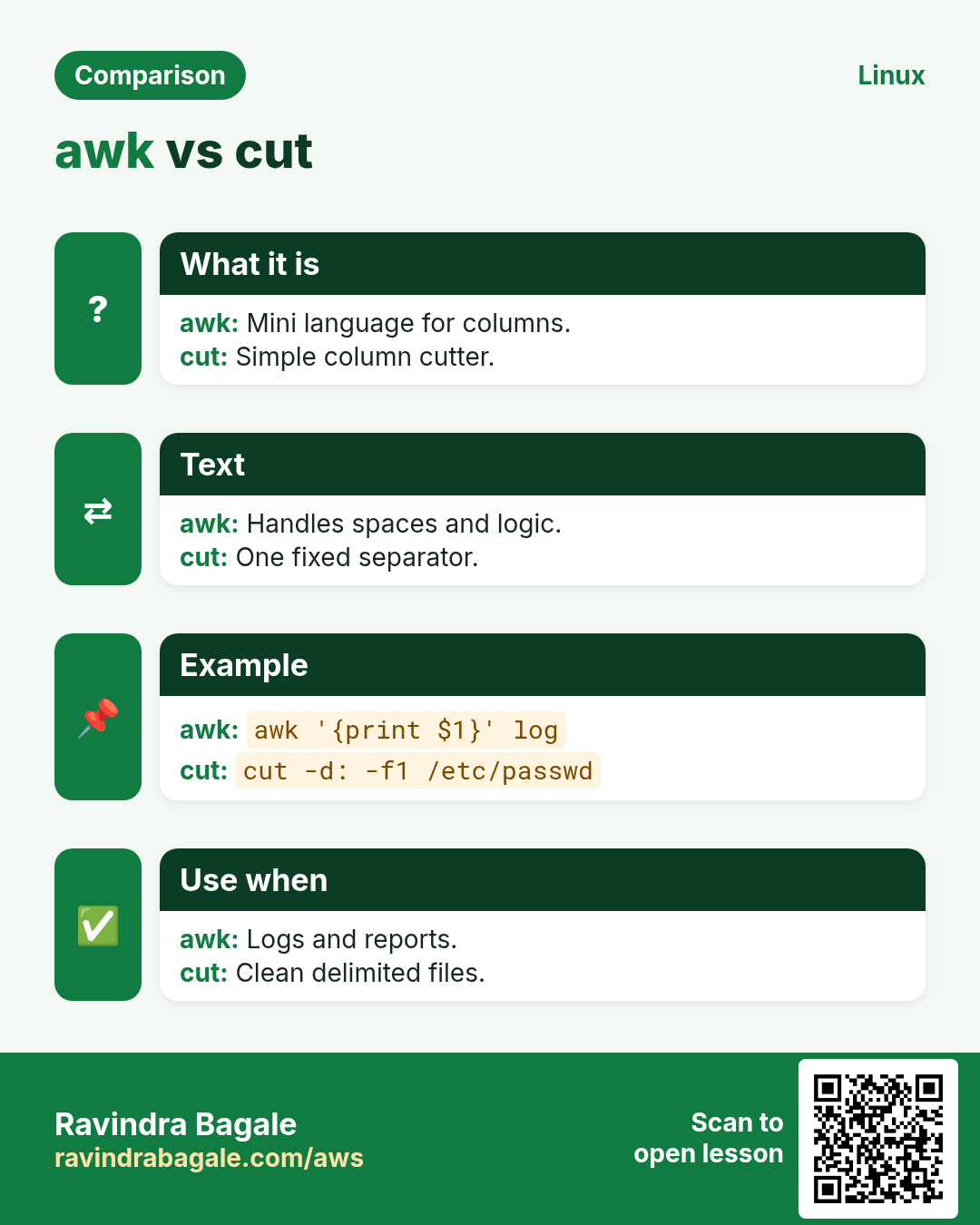
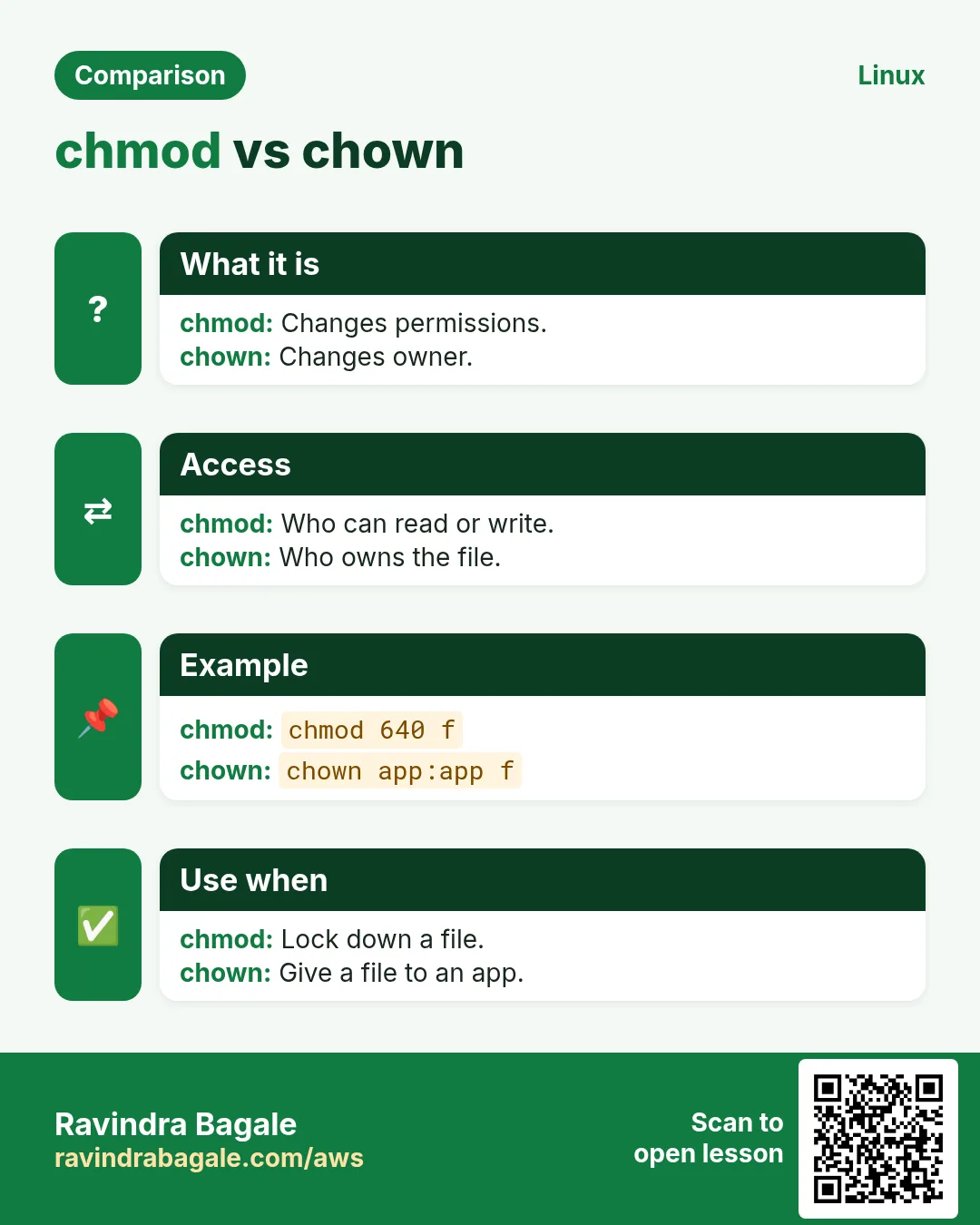
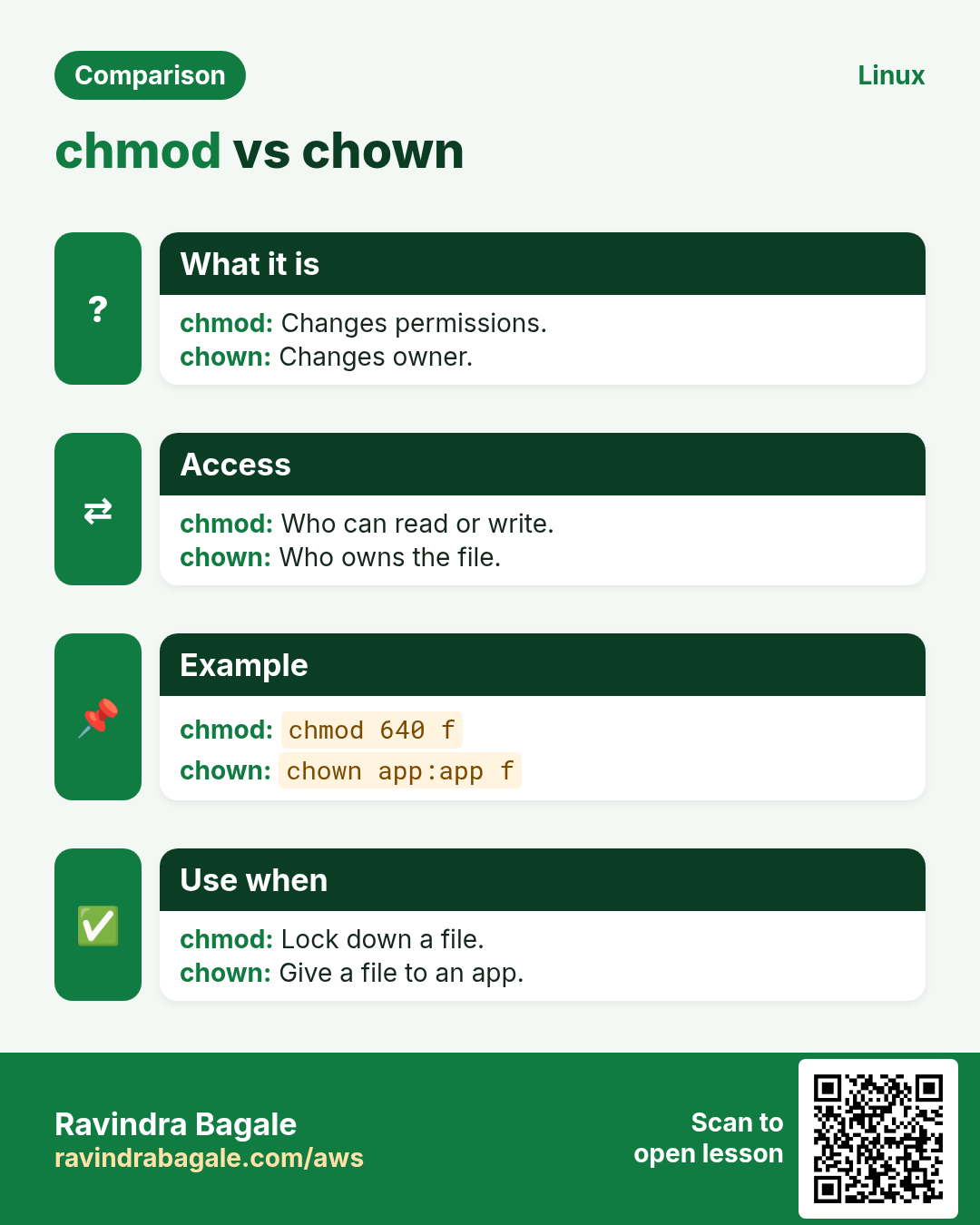
Revise this lesson in a few minutes. Save the cards on your phone or download them as PNG files. The QR code on each card opens this lesson.
More cards: Ravi Sir's Cards.