AWS CLI CloudWatch Commands: Metrics, Alarms and Logs
We watch our systems: read metrics, push our own numbers, raise alarms, keep logs and search them with Logs Insights.
What you'll learn in this chapter
- List and read metrics
- Put a custom metric
- Create an alarm
- Manage log groups and retention
- Tail and query logs
1. The big picture: a car dashboard
Why do we need this?
A car dashboard shows speed and fuel, and a warning light turns on when something is wrong. CloudWatch metrics are the gauges, alarms are the warning lights and logs are the trip diary.
What is it?
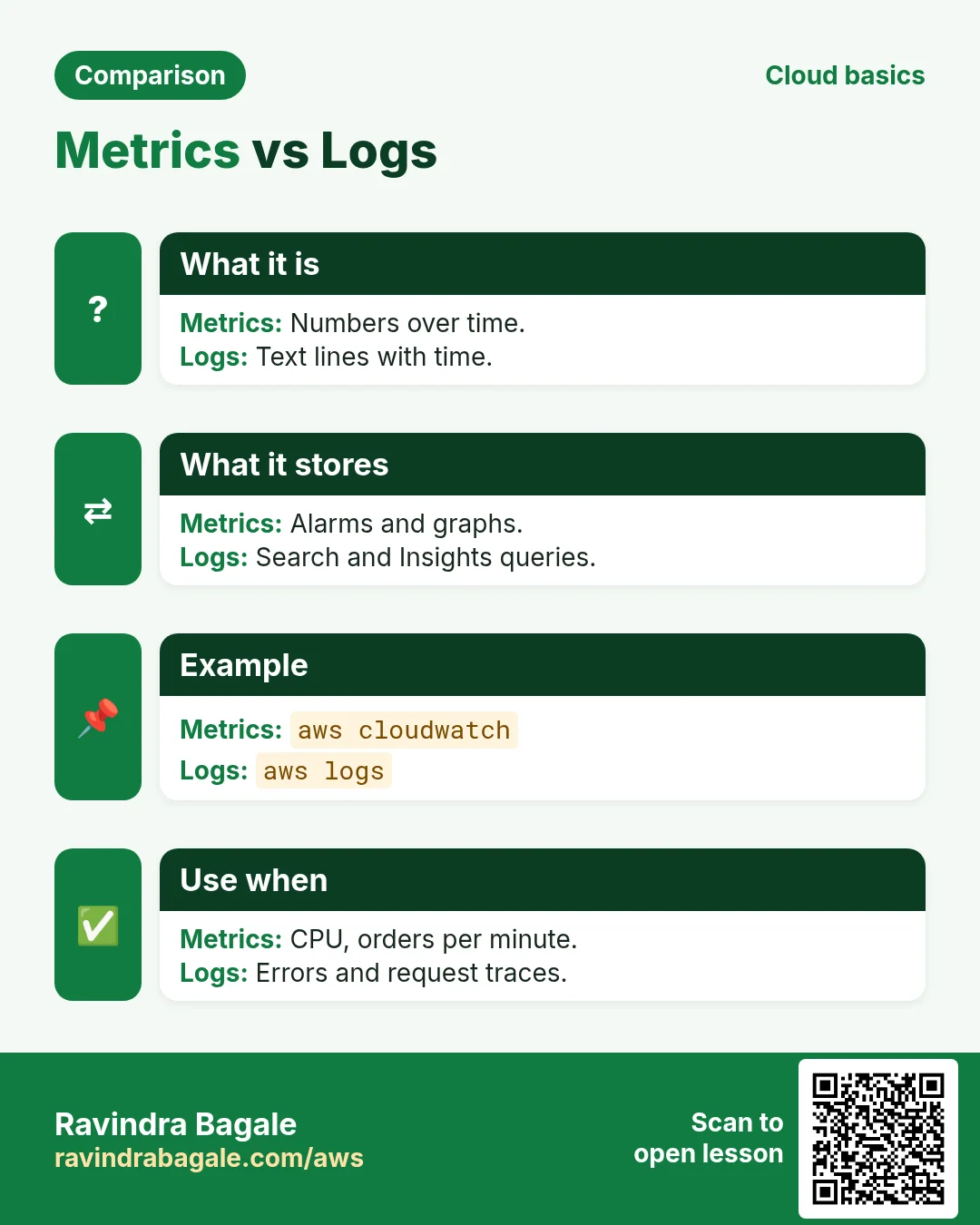
Metrics and alarms are in aws cloudwatch. Logs are in aws logs.
How to do it (step by step)
2. Find and read metrics
Why do we need this?
You want to know how busy a server was in the last hour.
What is it?
Each metric has a namespace (AWS/EC2), a name (CPUUtilization) and dimensions (InstanceId). get-metric-statistics returns numbers per period.
How to do it (step by step)
- List EC2 CPU metrics.
aws cloudwatch list-metrics --namespace AWS/EC2 --metric-name CPUUtilization --query "Metrics[].Dimensions[0].Value" --output textExpected output:
i-0abc123def4567890- Average CPU for one hour.
aws cloudwatch get-metric-statistics --namespace AWS/EC2 --metric-name CPUUtilization --dimensions Name=InstanceId,Value=i-0abc123def4567890 --start-time $(date -u -d "-1 hour" +%FT%TZ) --end-time $(date -u +%FT%TZ) --period 300 --statistics Average --query "Datapoints[].Average" --output textExpected output:
2.1 1.9 3.4 2.23. Custom metrics
Why do we need this?
AWS does not know your business numbers, like orders per minute.
What is it?
put-metric-data sends your own value to your own namespace. Then it works like any metric.
How to do it (step by step)
- Send a value.
aws cloudwatch put-metric-data --namespace MyApp --metric-name Orders --value 42 --unit CountExpected output:
(no output means success)- Verify it exists.
aws cloudwatch list-metrics --namespace MyApp --query "Metrics[].MetricName" --output textExpected output:
Orders4. Alarms
Why do we need this?
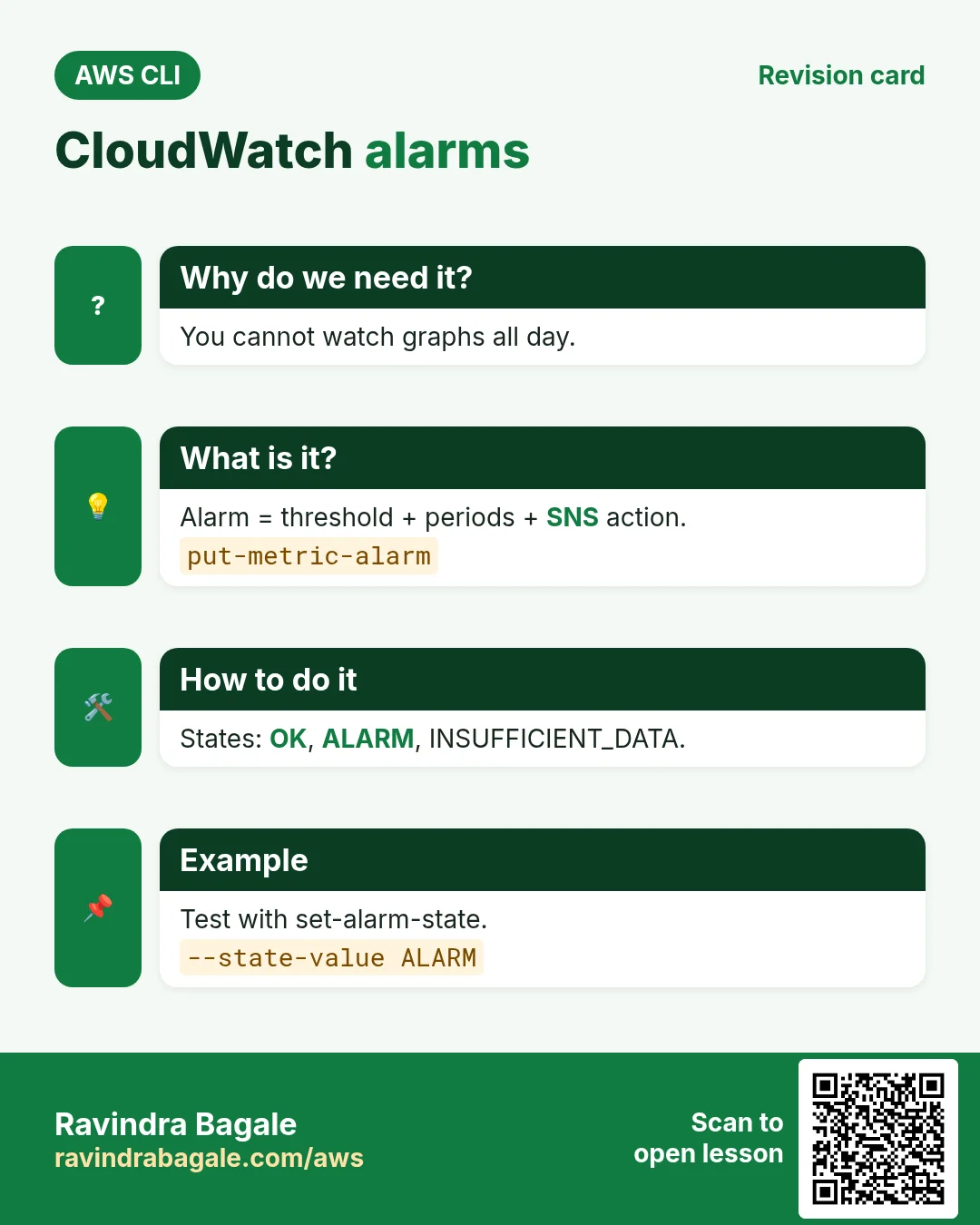
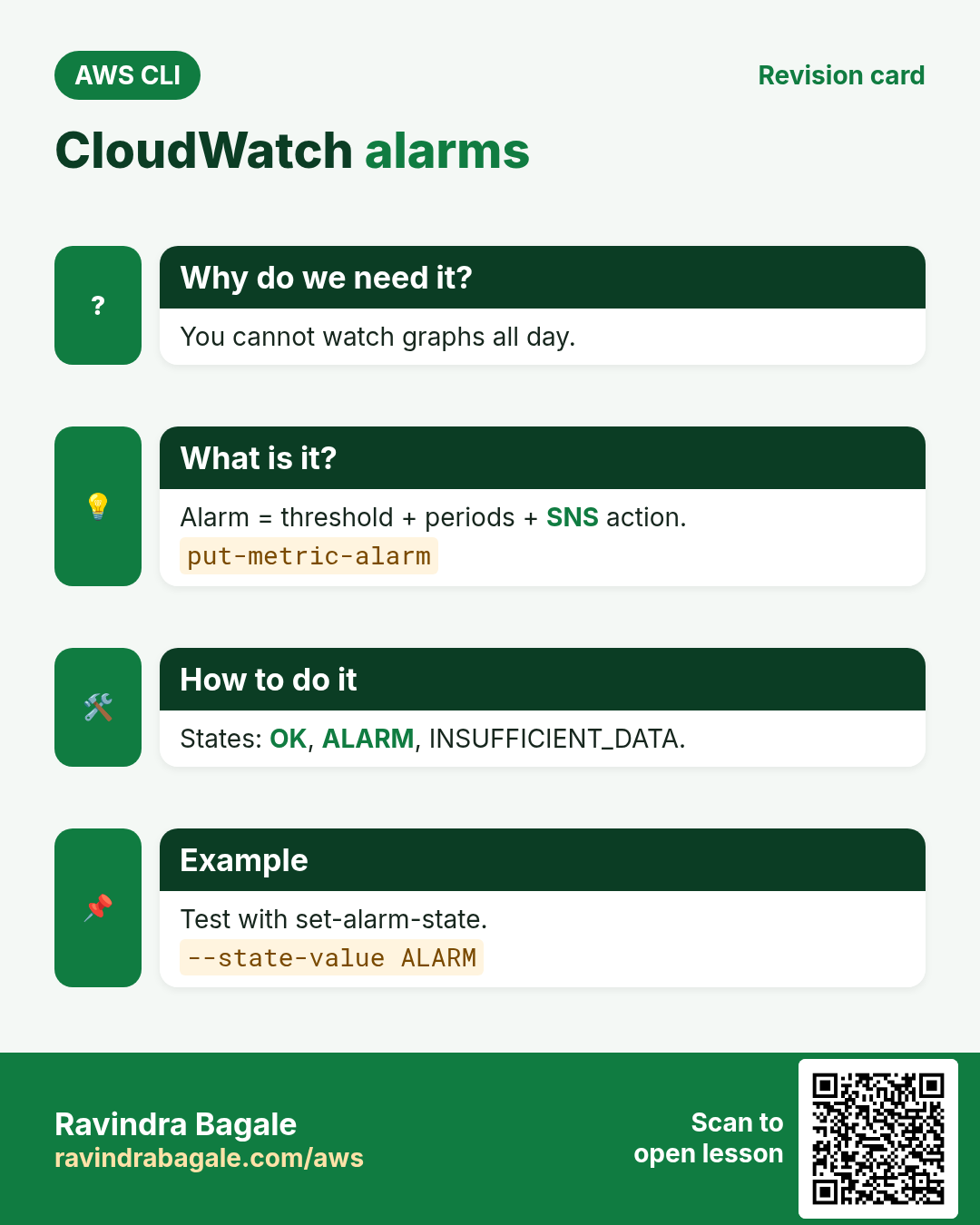
You cannot watch graphs all day. You want a message when CPU stays high.
What is it?
put-metric-alarm sets a threshold, periods and an action like an SNS topic. States are OK, ALARM and INSUFFICIENT_DATA.
How to do it (step by step)
- Create an alarm.
aws cloudwatch put-metric-alarm --alarm-name cli-high-cpu --namespace AWS/EC2 --metric-name CPUUtilization --dimensions Name=InstanceId,Value=i-0abc123def4567890 --statistic Average --period 300 --evaluation-periods 2 --threshold 80 --comparison-operator GreaterThanThreshold --alarm-actions arn:aws:sns:ap-south-1:111122223333:cli-alertsExpected output:
(no output means success)- Test it by forcing the state.
aws cloudwatch set-alarm-state --alarm-name cli-high-cpu --state-value ALARM --state-reason "test"
aws cloudwatch describe-alarms --alarm-names cli-high-cpu --query "MetricAlarms[0].StateValue" --output text
Expected output:
ALARM5. Logs: groups, retention, tail and Insights
Why do we need this?
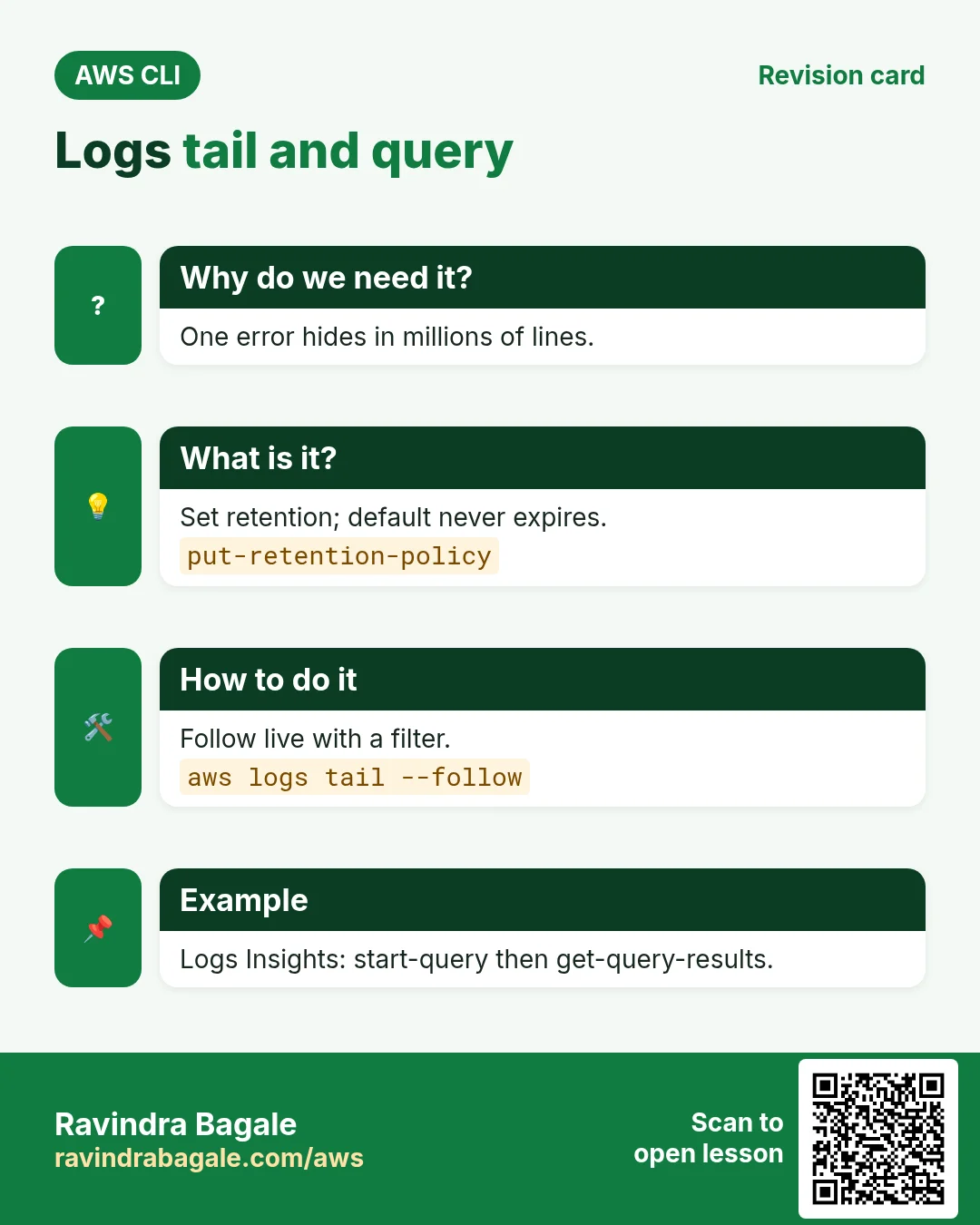
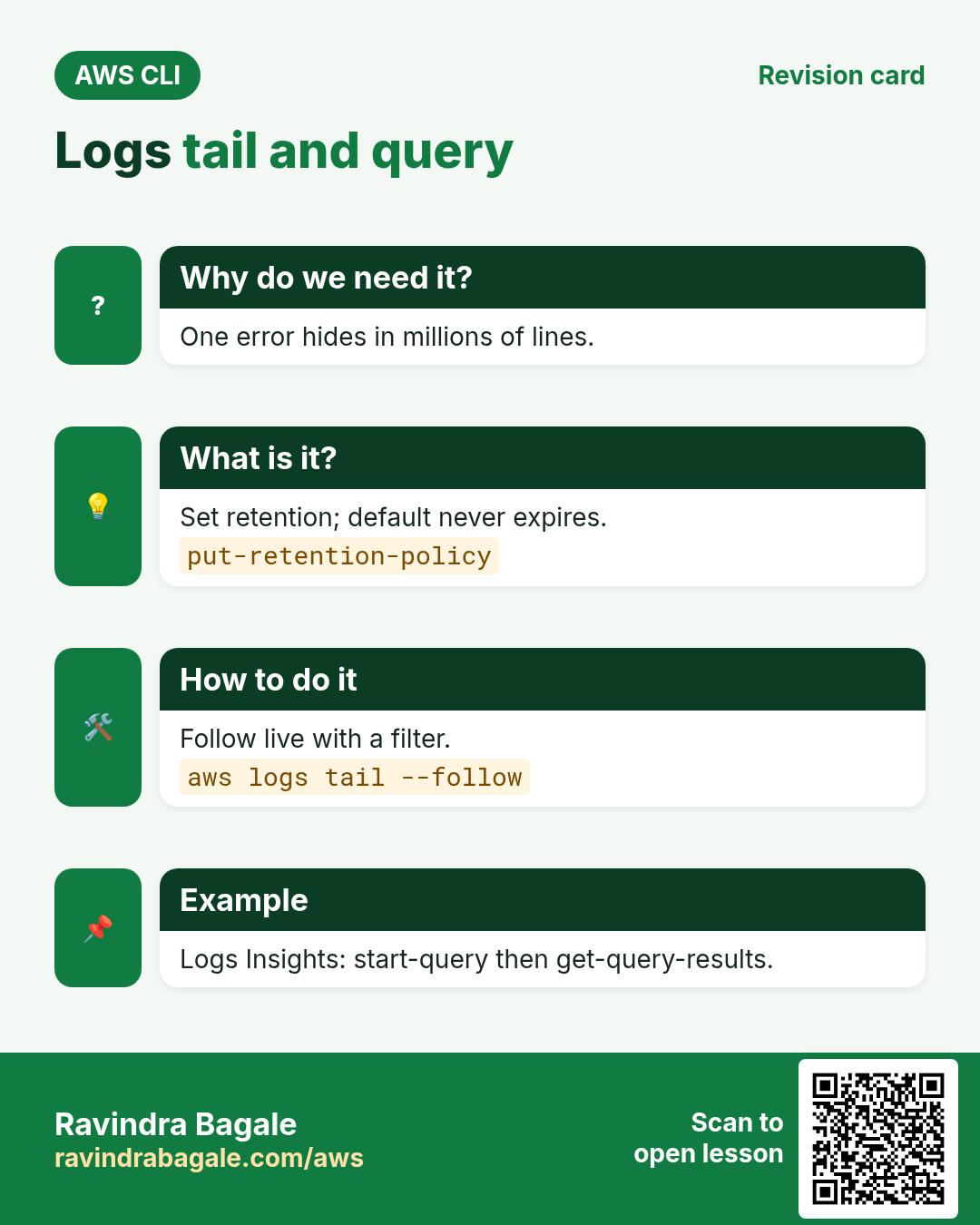
Logs kept forever cost money, and you need to find one error among millions of lines.
What is it?
A log group holds streams. put-retention-policy deletes old data. tail follows live. start-query runs a Logs Insights query.
How to do it (step by step)
- Create a group and set 14-day retention.
aws logs create-log-group --log-group-name /cli/app
aws logs put-retention-policy --log-group-name /cli/app --retention-in-days 14
aws logs describe-log-groups --log-group-name-prefix /cli --query "logGroups[].[logGroupName,retentionInDays]" --output text
Expected output:
/cli/app 14- Write a log line.
aws logs create-log-stream --log-group-name /cli/app --log-stream-name s1
aws logs put-log-events --log-group-name /cli/app --log-stream-name s1 --log-events timestamp=$(date +%s000),message="ERROR payment failed"
Expected output:
{"nextSequenceToken": "..."}- Follow and filter.
aws logs tail /cli/app --since 1h --filter-pattern ERRORExpected output:
2026-10-24T06:00:01 s1 ERROR payment failed- Run an Insights query.
Q=$(aws logs start-query --log-group-name /cli/app --start-time $(date -d "-1 hour" +%s) --end-time $(date +%s) --query-string "fields @message | filter @message like /ERROR/ | limit 5" --query queryId --output text)
sleep 3; aws logs get-query-results --query-id $Q --query status
Expected output:
"Complete"6. Same action in Python, Node.js, Java, Go, .NET and PHP
Why do we need this?
Scripts start in the CLI. Apps call the same API through an SDK. Knowing both helps you move a tested command into real code.
What is it?
Each CLI command maps to one API call. For example aws cloudwatch put-metric-data --namespace MyApp --metric-name Orders --value 42 maps to the Put metric API.
How to do it (step by step)
Same action (Put metric) from code. Every SDK reads the same profile, region and credentials as the CLI.
| Stack | Code |
|---|---|
| Python (boto3) | boto3.client("cloudwatch").put_metric_data(Namespace="MyApp",MetricData=[{"MetricName":"Orders","Value":42}]) |
| Node.js (v3) | await cw.send(new PutMetricDataCommand({Namespace:"MyApp",MetricData:[{MetricName:"Orders",Value:42}]})); |
| Java (v2) | cw.putMetricData(r -> r.namespace("MyApp").metricData(MetricDatum.builder().metricName("Orders").value(42.0).build())); |
| Go (v2) | c.PutMetricData(ctx, &cloudwatch.PutMetricDataInput{Namespace: aws.String("MyApp"), MetricData: []types.MetricDatum{{MetricName: aws.String("Orders"), Value: aws.Float64(42)}}}) |
| .NET | await cw.PutMetricDataAsync(new PutMetricDataRequest{Namespace="MyApp",MetricData=new(){new MetricDatum{MetricName="Orders",Value=42}}}); |
| PHP | $cw->putMetricData(["Namespace"=>"MyApp","MetricData"=>[["MetricName"=>"Orders","Value"=>42]]]); |
7. Clean up so nothing keeps costing
Why do we need this?
Lab resources left running cost money and can be a security risk.
What is it?
Delete in reverse order: children first, then parents.
How to do it (step by step)
- Delete the alarm.
aws cloudwatch delete-alarms --alarm-names cli-high-cpuExpected output:
(no output means success)- Delete the log group.
aws logs delete-log-group --log-group-name /cli/appExpected output:
(no output means success)- Verify.
aws cloudwatch describe-alarms --alarm-names cli-high-cpu --query "MetricAlarms" --output textExpected output:
(no output means success)- Custom metrics cannot be deleted; they expire after 15 months with no data. Check what is left.
aws cloudwatch list-metrics --namespace MyApp --query "length(Metrics)"Expected output:
1Ravindra Bagale's Tip
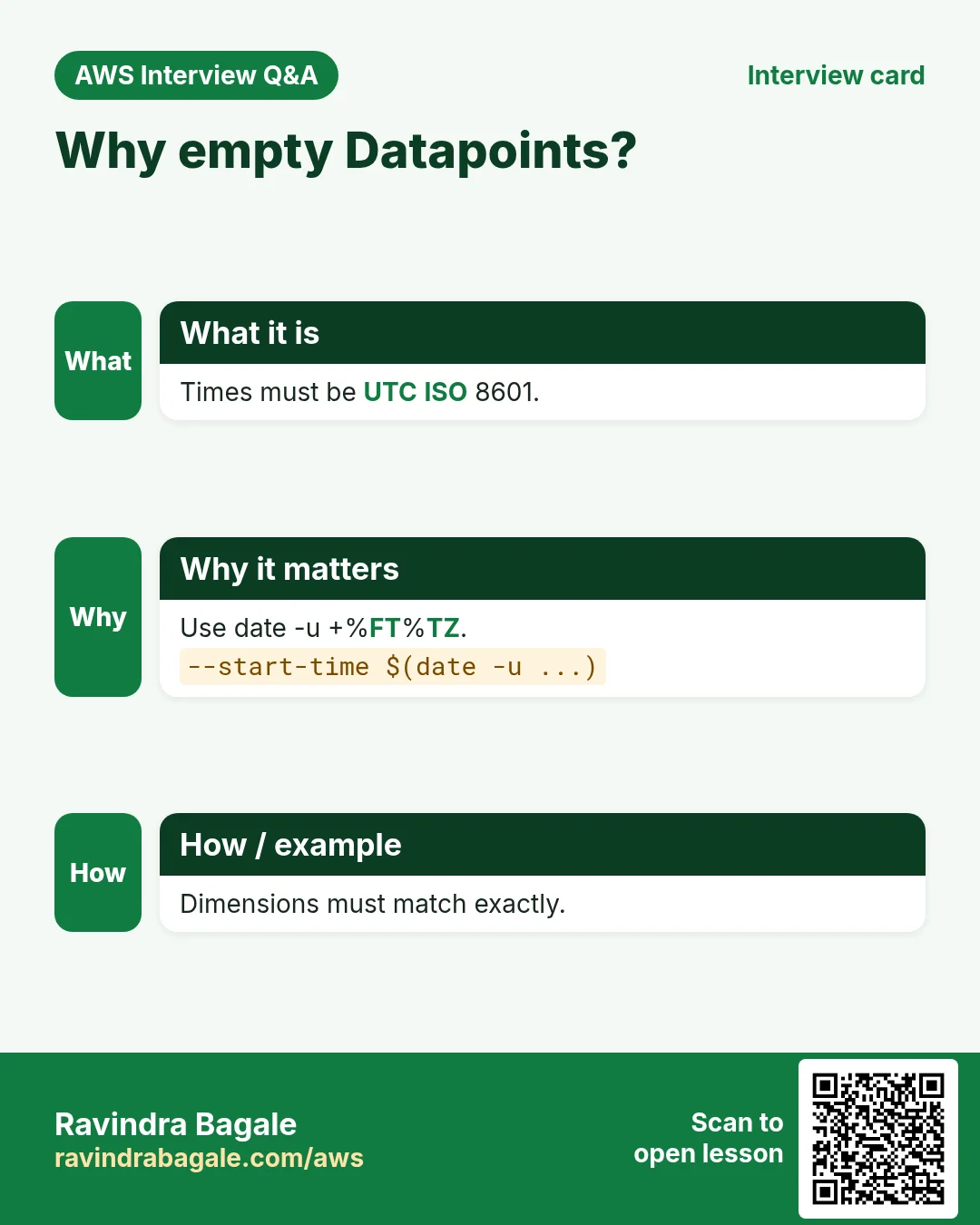
get-metric-statistics needs UTC times in ISO format. Use date -u +%FT%TZ, or you get empty Datapoints.
8. Interview questions and answers
Q. Namespace, metric, dimension?
Namespace groups metrics (AWS/EC2), metric is the measure, dimension filters it (InstanceId).
Q. Alarm states?
OK, ALARM and INSUFFICIENT_DATA.
Q. How to test an alarm action?
set-alarm-state to force ALARM.
Q. Why retention?
Default is never expire; retention cuts cost.
Q. What is Logs Insights?
A query language over log groups to filter, stats and sort logs.
Try at home
- Push a custom metric every minute for 5 minutes and draw its average.
- Create an alarm on it and force it into ALARM.
In short
- cloudwatch = metrics, alarms.
- logs = log groups.
- UTC times.
- set-alarm-state to test.
- Set retention.
Practice Tasks
Kolhapuri Chappal Co is a footwear business in Kolhapur. Sachin Mane looks after its IT and cloud work. They count money in INR and run their AWS resources in the ap-south-1 Region. In the tasks below you do real jobs for them using what this lesson teaches. All names, account IDs, IP addresses and numbers are made up for practice.
0 / 12
Easy List metrics in a namespace
Why: See which metrics AWS already collects for a service.
What to do: List the metrics in the AWS/EC2 namespace.
- Read the task and decide which AWS service it is about.
- Write aws, then the service name, then the operation (the action word).
- Add each needed flag (--name) followed by its value from the task.
- Flags can be in any order. Click Check answer.
Easy Create an SNS topic
Why: A topic is a channel: publish once, every subscriber gets it.
What to do: Create topic kolhapurichappal-alerts.
- Read the task and decide which AWS service it is about.
- Write aws, then the service name, then the operation (the action word).
- Add each needed flag (--name) followed by its value from the task.
- Flags can be in any order. Click Check answer.
Easy List alarms that are firing
Why: In an incident, first see which alarms are in ALARM state.
What to do: Describe only the alarms whose state is ALARM.
- Read the task and decide which AWS service it is about.
- Write aws, then the service name, then the operation (the action word).
- Add each needed flag (--name) followed by its value from the task.
- Flags can be in any order. Click Check answer.
Easy Reboot an instance
Why: A reboot keeps the same disks and IPs, unlike stop/start which may change the public IP.
What to do: Reboot the instance i-0da02400dac111a2b.
- Read the task and decide which AWS service it is about.
- Write aws, then the service name, then the operation (the action word).
- Add each needed flag (--name) followed by its value from the task.
- Flags can be in any order. Click Check answer.
Easy Publish to one topic
Why: An alerting app only needs to publish.
What to do: Allow sns:Publish on arn:aws:sns:ap-south-1:118690042069:kolhapurichappal-alerts only.
- Start with { "Version": "2012-10-17", "Statement": [ ... ] }.
- In each statement write Effect, Action and Resource.
- Give only what the task needs (least privilege).
- Use double quotes and commas correctly. Click Check answer.
Medium Publish a custom metric
Why: Custom metrics let you graph and alarm on business numbers, like orders per minute.
What to do: Publish metric OrdersPlaced with value 9 in namespace KolhapuriChappalCo/Shop.
- Read the task and decide which AWS service it is about.
- Write aws, then the service name, then the operation (the action word).
- Add each needed flag (--name) followed by its value from the task.
- Flags can be in any order. Click Check answer.
Medium Subscribe an email
Why: Email subscribers must click the confirm link before they receive messages.
What to do: Subscribe ops@kolhapurichappal.in by email to arn:aws:sns:ap-south-1:118690042069:kolhapurichappal-alerts.
- Read the task and decide which AWS service it is about.
- Write aws, then the service name, then the operation (the action word).
- Add each needed flag (--name) followed by its value from the task.
- Flags can be in any order. Click Check answer.
Medium Check target health
Why: If targets are unhealthy the site shows 502/503 errors.
What to do: Show the health of the targets in arn:aws:elasticloadbalancing:ap-south-1:118690042069:targetgroup/kolhapurichappal-tg/6d0ecf831eec9f09.
- Read the task and decide which AWS service it is about.
- Write aws, then the service name, then the operation (the action word).
- Add each needed flag (--name) followed by its value from the task.
- Flags can be in any order. Click Check answer.
Medium Let a function write logs
Why: Without these actions, Lambda logs never appear in CloudWatch.
What to do: Allow logs:CreateLogGroup, logs:CreateLogStream, logs:PutLogEvents on arn:aws:logs:*:*:* only.
- Start with { "Version": "2012-10-17", "Statement": [ ... ] }.
- In each statement write Effect, Action and Resource.
- Give only what the task needs (least privilege).
- Use double quotes and commas correctly. Click Check answer.
Medium Kubernetes LoadBalancer Service
Why: A Service of type LoadBalancer gets an AWS load balancer.
What to do: Write a Service of type LoadBalancer selecting app: web, port 80 to targetPort 8080.
- Start from the top-level keys the task names.
- Indent child keys with 2 spaces (no tabs).
- Fill in each property with the value from the task.
- Click Check answer. Key order does not matter.
Hard Create a CPU alarm
Why: An alarm watches a metric and notifies you before users notice a problem.
What to do: Create alarm kolhapurichappal-cpu-high: AWS/EC2 CPUUtilization, Average over 300 seconds, 1 evaluation period, GreaterThanThreshold 80, for InstanceId=i-0da02400dac111a2b, notify arn:aws:sns:ap-south-1:118690042069:kolhapurichappal-alerts.
- Read the task and decide which AWS service it is about.
- Write aws, then the service name, then the operation (the action word).
- Add each needed flag (--name) followed by its value from the task.
- Flags can be in any order. Click Check answer.
Hard Auto-recover an instance with an alarm
Why: A recover action moves the instance to healthy hardware when the system check fails.
What to do: Create alarm kolhapurichappal-recover on AWS/EC2 StatusCheckFailed_System, Maximum over 60 s, 2 periods, GreaterThanOrEqualToThreshold 1, InstanceId=i-0da02400dac111a2b, action arn:aws:automate:ap-south-1:ec2:recover.
- Read the task and decide which AWS service it is about.
- Write aws, then the service name, then the operation (the action word).
- Add each needed flag (--name) followed by its value from the task.
- Flags can be in any order. Click Check answer.
Revision, comparison and interview cards
Revise this lesson in a few minutes. Save the cards on your phone or download them as PNG files. The QR code on each card opens this lesson.
More cards: Ravi Sir's Cards.